
7 Sanctions Advisor - Digital Assets and Banking Cover Letter Templates with Example
This guide helps you create a focused Sanctions Advisor - Digital Assets and Banking cover letter, with seven layouts to compare as you choose how to present your fit.
What Makes a Great Sanctions Advisor - Digital Assets and Banking Cover Letter in 2026
A strong letter connects sanctions judgment to the role’s work across digital assets, banking, and enterprise controls. A clear opening states your interest and the value you can bring.
Use specific evidence, such as investigation decisions, screening improvements, or product guidance. Link that evidence to the employer’s needs and explain your interest in its sanctions responsibilities.
The featured Sanctions Advisor - Digital Assets and Banking example follows a focused progression from role interest to relevant evidence and a direct close, which you can adapt while choosing a presentation that fits the employer and communication context.
#1 Simple One Column Format Cover Letter Example
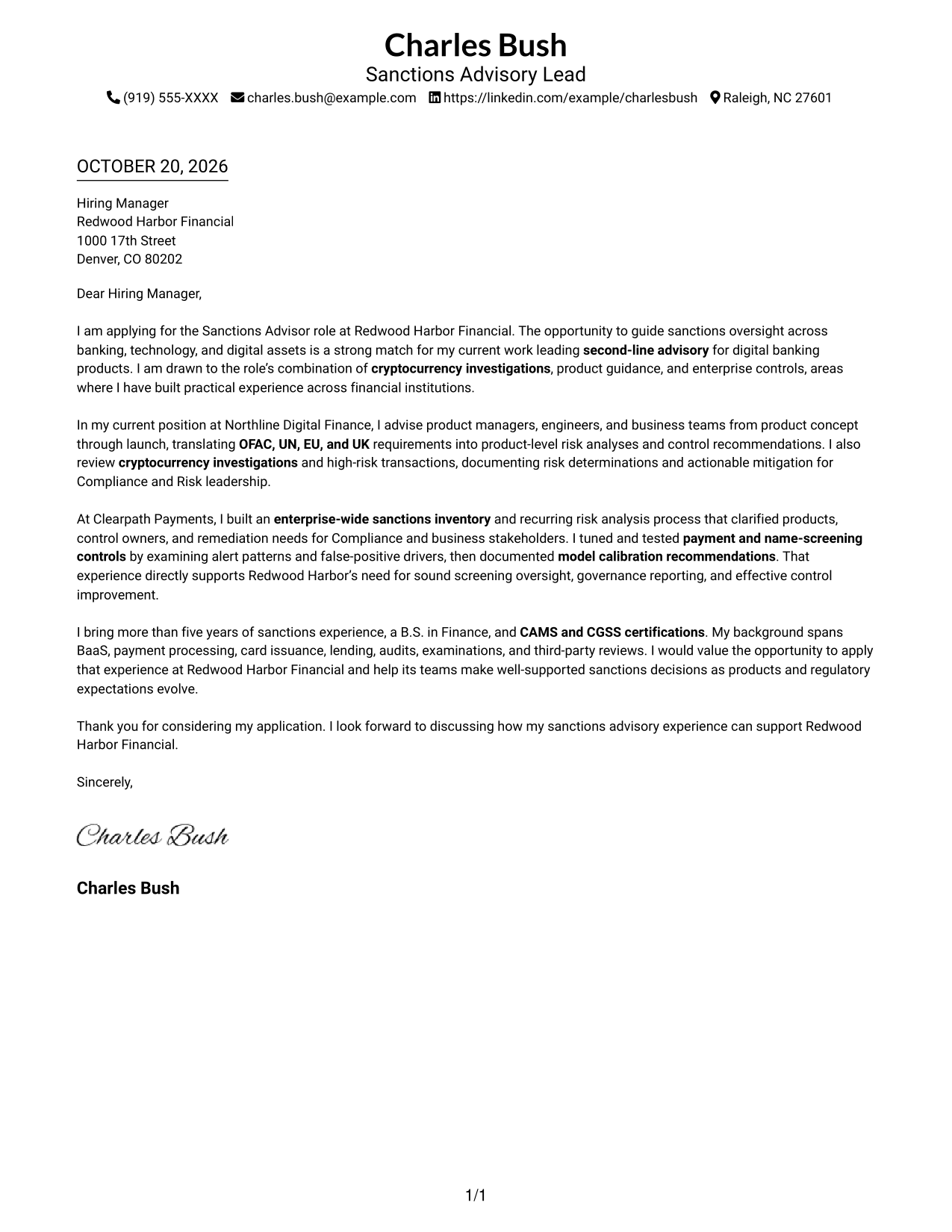
The Simple One Column Format places sender details in the header above one continuous letter body, giving the message a direct reading path.
Why This Format Works
- The header keeps sender details visible without adding a second body column.
- One continuous column lets reviewers follow the letter from greeting through closing.
- Paragraph-based reading keeps motivation and evidence within a single message.
Best For
- One-column reading preference
- Header-based contact details
- Paragraph-led application letters
- Photo-free correspondence
- Unheaded letter narratives
#2 Two Column Format Cover Letter Example
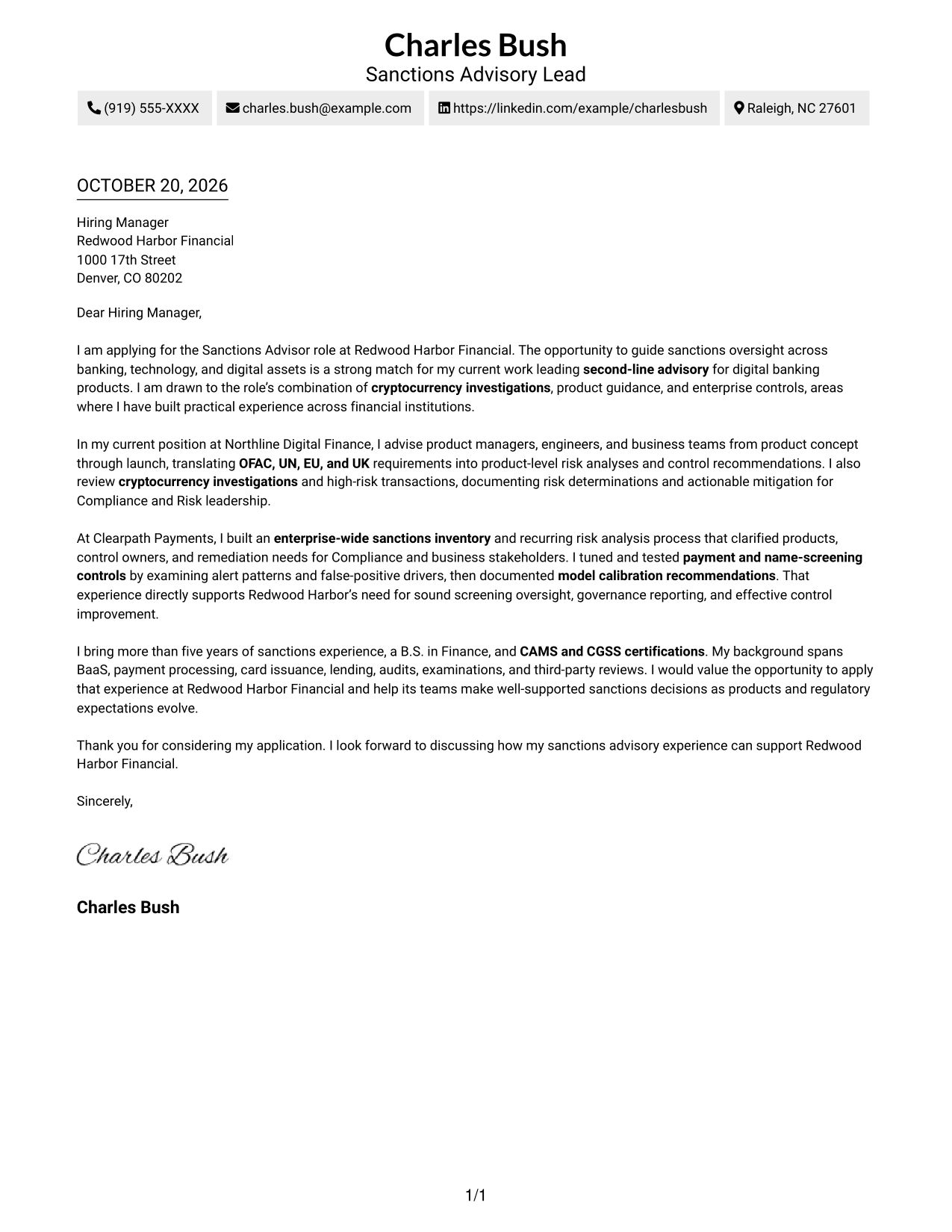
The Two Column Format places contact details in a sidebar beside one continuous letter body, keeping contact information distinct from the message.
Why This Format Works
- Contact details sit in a sidebar, separate from the continuous letter body.
- The single body column lets reviewers follow the message from opening to close.
- Two clear areas distinguish contact information from the application message.
Best For
- Sidebar contact access
- Single-column letter reading
- Two-area page organization
- Multi-paragraph applications
- Contact details beside letter text
#3 Photo Header Two Column Format Cover Letter Example
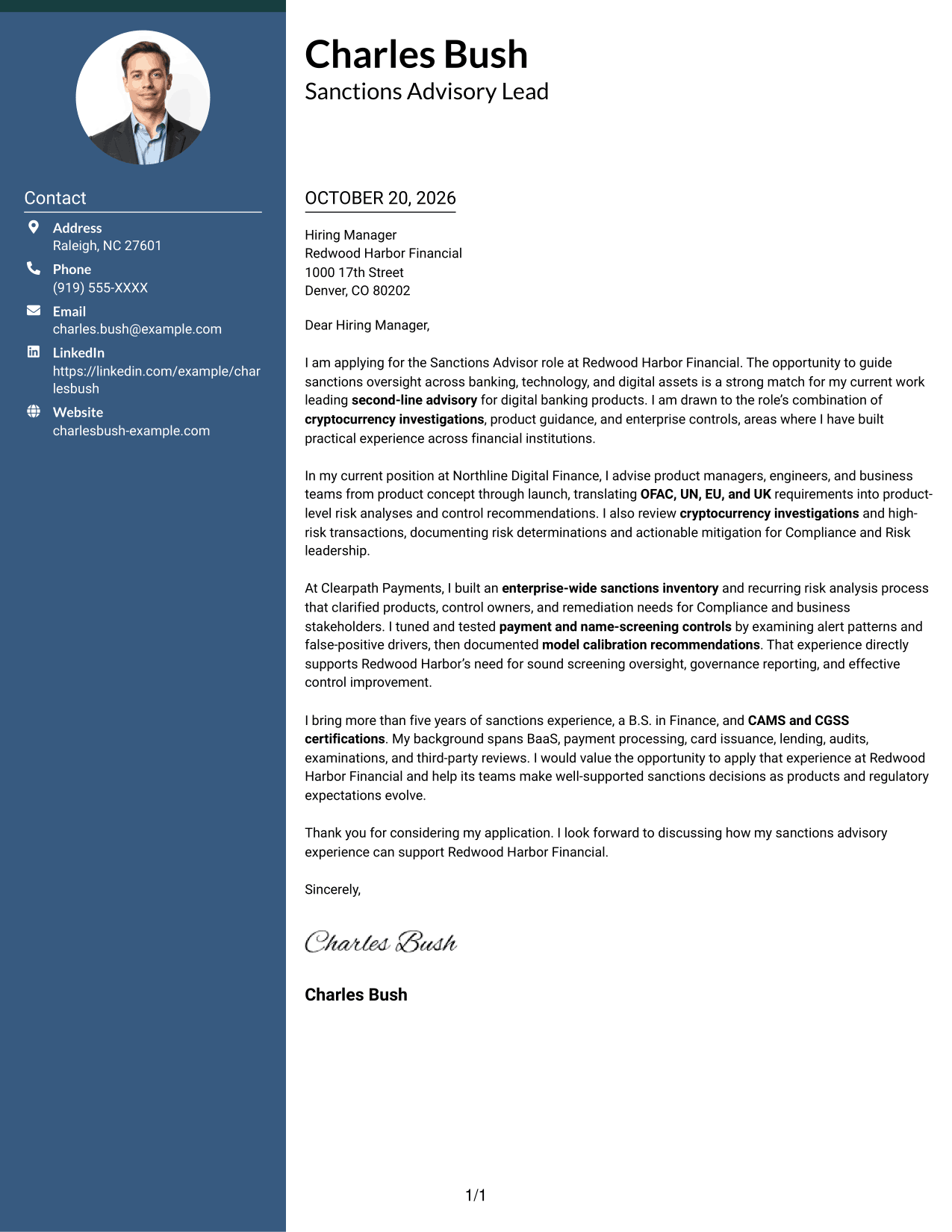
The Photo Header Two Column Format pairs a photo with a contact sidebar and one continuous letter body, adding a personal visual element while keeping the message intact.
Why This Format Works
- Contact details remain in a sidebar while the photo adds a separate visual element.
- One body column preserves a single reading path through the full letter.
- The photo is a visual choice and does not divide the letter's argument.
Best For
- Portrait-inclusive application letters
- Contact details beside letter text
- Single-column message reading
- Continuous paragraph arguments
- Two-column page preference
#4 One Column Format with Photo Cover Letter Example
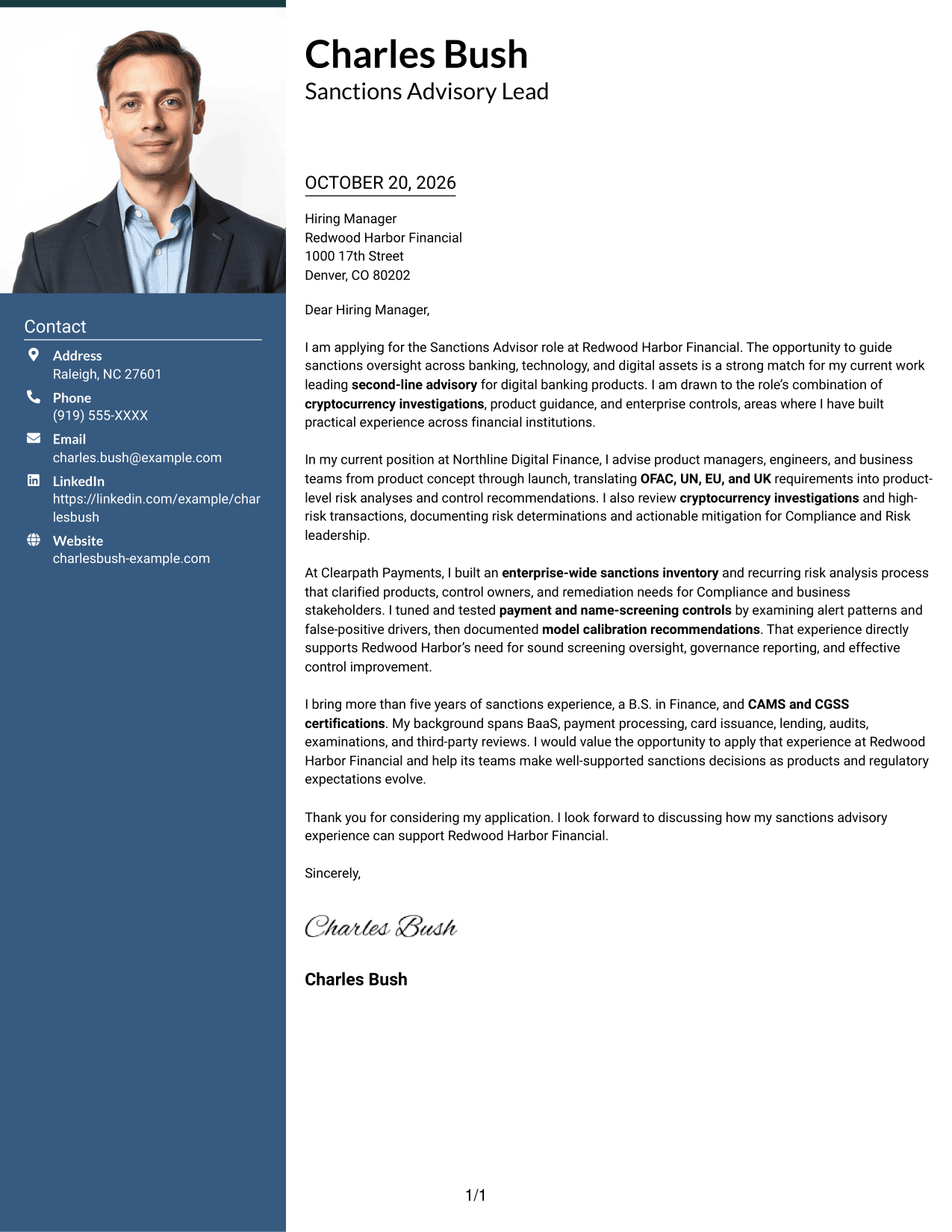
The One Column Format with Photo keeps the letter in one continuous column and includes a photo, pairing a direct reading path with a personal visual element.
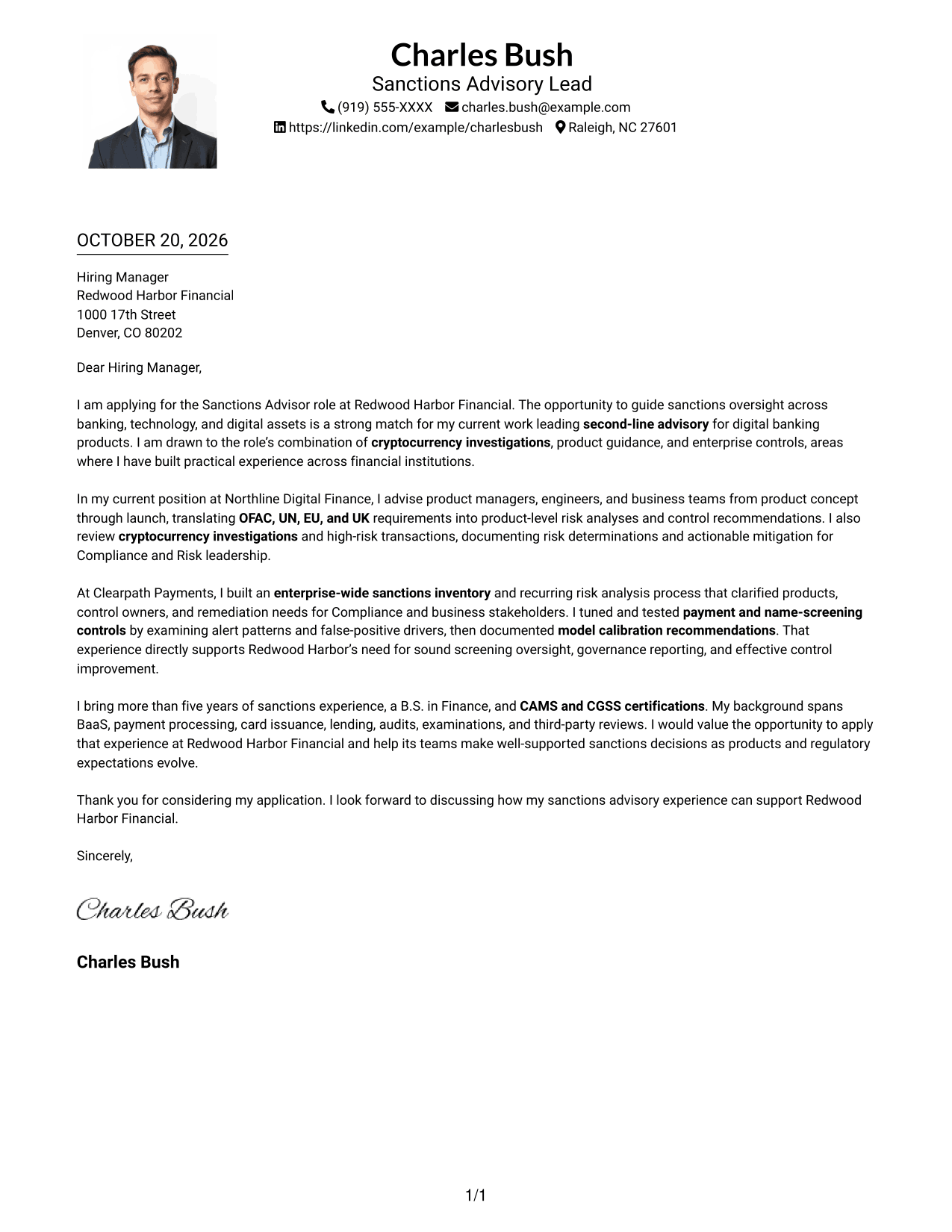
Why This Format Works
- The photo adds a personal visual element while the message stays in one column.
- Sender details in the header remain easy to find before the letter begins.
- Continuous paragraphs let reviewers follow the message without moving between body areas.
Best For
- Portrait-inclusive correspondence
- Single-column letter reading
- Header-based contact details
- Unheaded letter narratives
- Letters without a contact sidebar
#5 Simple Two Column Format Cover Letter Example
The Simple Two Column Format places a contact sidebar beside one continuous letter body, making contact details available without dividing the written message.
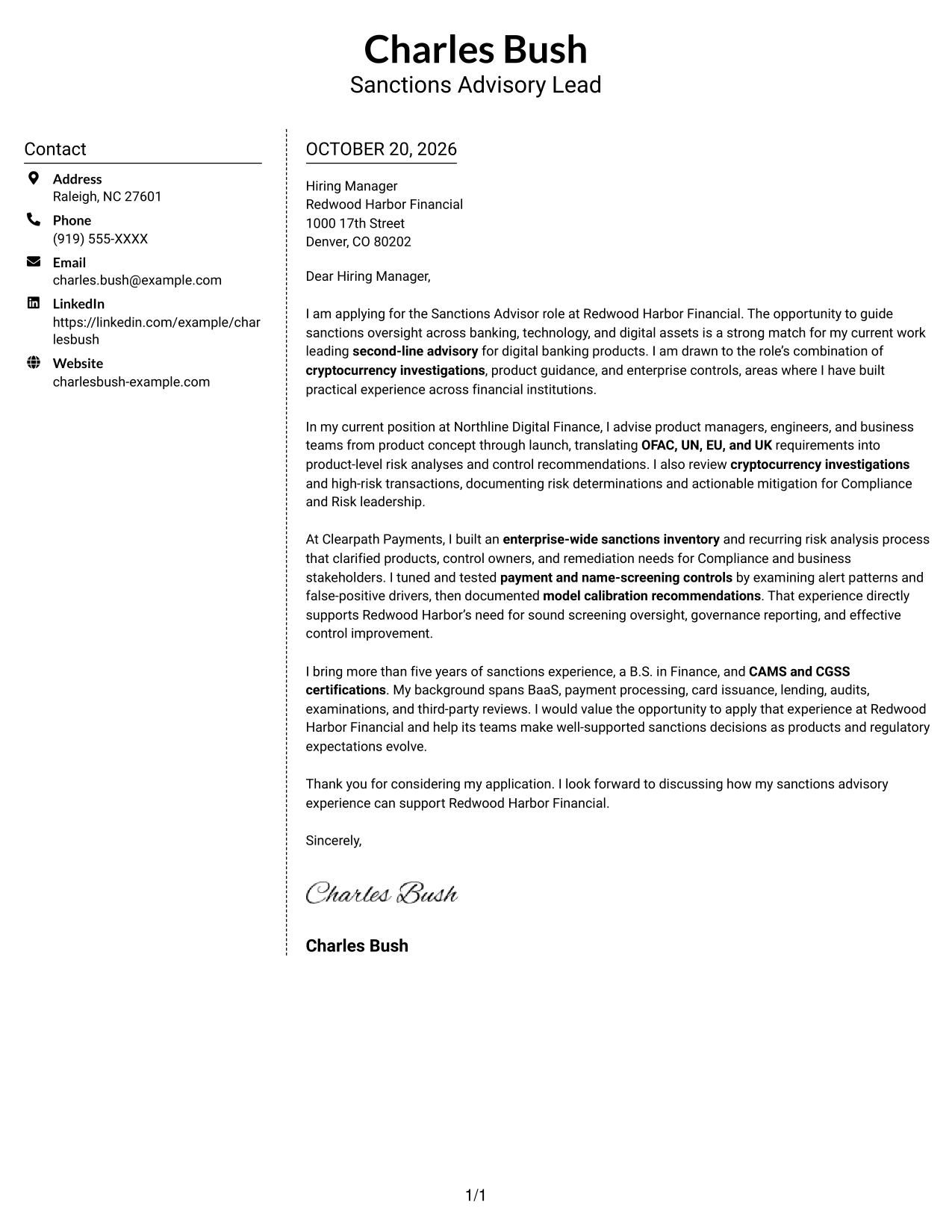
Why This Format Works
- Contact details occupy a sidebar, leaving the letter body as one continuous message.
- Reviewers can follow the application argument in a single body column.
- The photo-free presentation suits readers who prefer a text-centered application letter.
Best For
- Sidebar contact access
- Continuous letter paragraphs
- Photo-free application materials
- Single-column message reading
- Text-centered correspondence
#6 Modern Icon Format Cover Letter Example
The Modern Icon Format uses two columns, with icons serving as contact cues or header accents so readers can locate contact details without dividing the letter body.
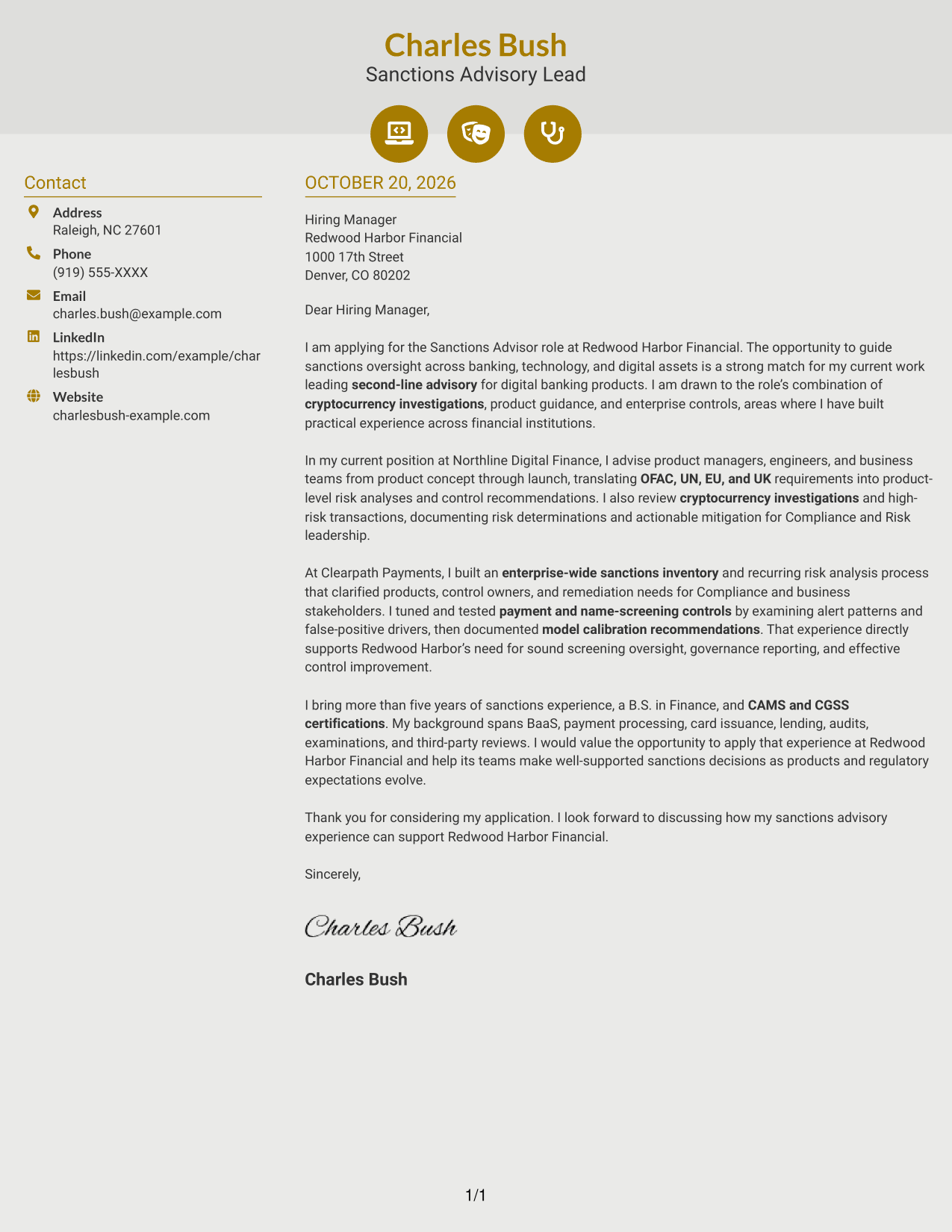
Why This Format Works
- Icons act as contact cues or header accents, not labels for letter paragraphs.
- Contact details in the sidebar remain distinct from the continuous message.
- One body column keeps the letter's argument together from start to finish.
Best For
- Icon-led contact cues
- Sidebar contact details
- One-column letter text
- Continuous message flow
- Decorative header accents
#7 Creative Two Tone Format Cover Letter Example
The Creative Two Tone Format places a contact sidebar beside a single letter body, keeping contact details apart from the message and its continuous paragraphs.
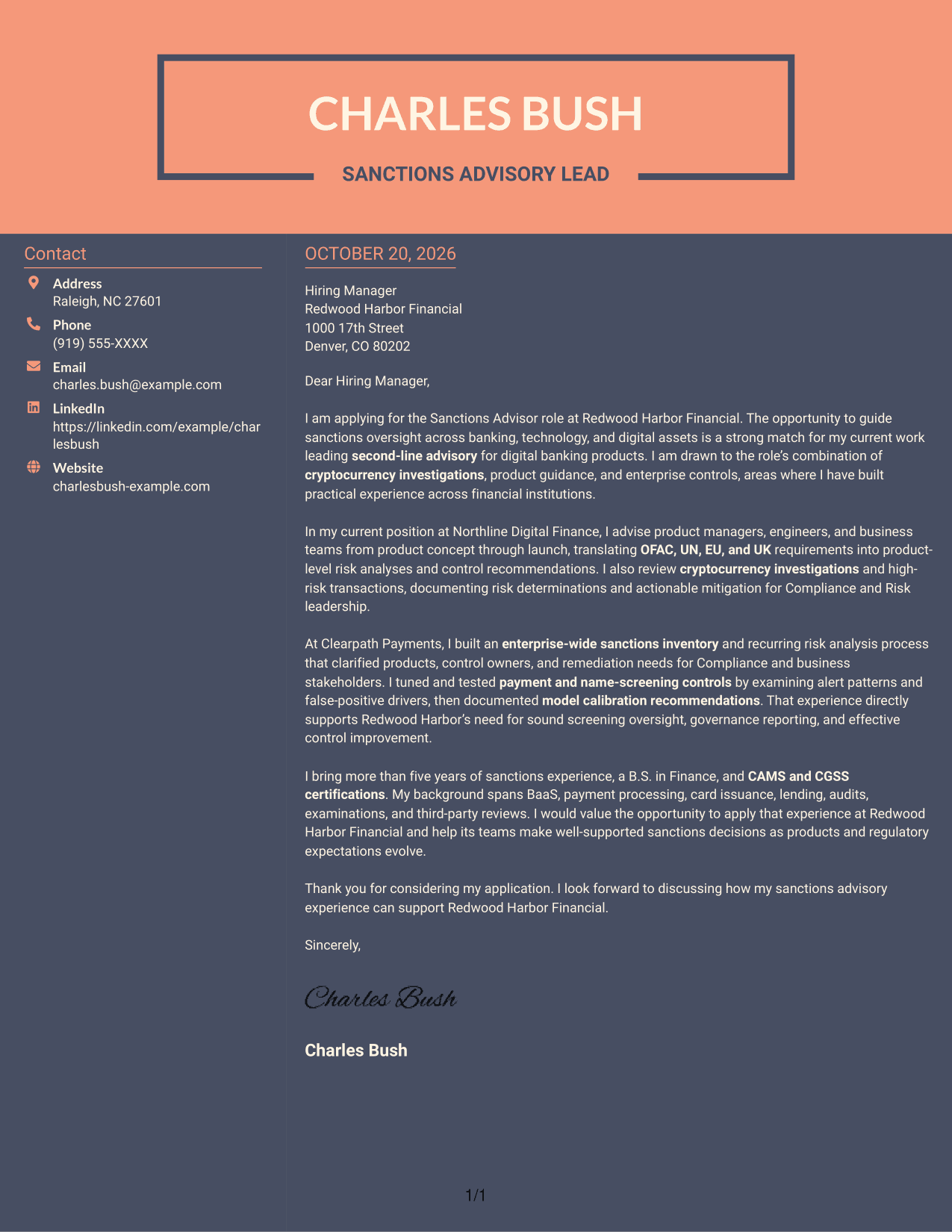
Why This Format Works
- Contact details sit apart from the letter, leaving its paragraphs together in one body.
- Reviewers can follow the message in a single column from opening to close.
- The photo-free presentation suits readers who prefer a text-led application letter.
Best For
- Separate contact and letter areas
- Single-column letter reading
- Photo-free correspondence
- Paragraph-based applications
- Text-led presentation preference
See Also
- 7 Sanctions Advisor - Digital Assets and Banking Resume Templates with Example
- 7 Assistant Service Advisor Resume Templates with Example
- 33 College Financial Advisor Intern Resume Templates with Example 2026 (ATS-Optimized)
- 7 Environmental Health & Safety Advisor - Distribution Center Safety Resume Templates with Example
- 7 Graduate Academic Advisor Resume Templates with Example
- 7 Lead Customer Service Specialist - Condition Monitoring Advisor Resume Templates with Example
- 7 Occupational Safety Advisor - Construction Safety Consultant Resume Templates with Example
- 7 Partner AI Solution Consultant Advisor - oCFO Resume Templates with Example
- 30+ College Financial Advisor Intern Cover Letter Templates with Example 2026
- 7 Environmental Health & Safety Advisor - Distribution Center Safety Cover Letter Templates with Example
Frequently Asked Questions
What should a Sanctions Advisor - Digital Assets and Banking cover letter emphasize?
Show how your experience supports second-line oversight, digital asset investigations, product guidance, and practical sanctions controls. Connect your examples to the needs listed in the job posting.
How can I make my sanctions cover letter easy to read?
Use short paragraphs with clear purposes. State your interest, give focused evidence of your judgment and communication, then close with a direct statement of interest.
Which cover letter presentation works for this role?
Choose a clean, readable layout that suits the employer and the communication context. The image previews let you compare presentations, and the editor links open an example to customize.
What evidence can support a sanctions advisor cover letter?
Relevant examples may include documenting high-risk transaction decisions, advising product teams, improving screening controls, or preparing governance and examination materials. Use only evidence that reflects your own work.
How should I show interest in the employer?
Refer to specific responsibilities or business areas in the job posting, such as sanctions oversight for digital assets and banking. Add a company detail only when it is accurate and genuinely relevant to your interest.




