7 SAP Manufacturing Execution Systems - MES - Manager - Consulting Resume Templates with Example
This guide shows you how to build a SAP Manufacturing Execution Systems - MES - Manager - Consulting resume that is clear, focused, and easy to review. You will learn how to organize strong evidence and compare seven professional layouts.
Give the most space to manufacturing integration leadership, plant deployments, testing, cutover, and cross-functional delivery. Use clear sections for experience, skills, projects, education, and certifications, then support them with terms such as SAP S/4HANA, SAP Digital Manufacturing, PP, QM, Integration Suite, BTP, APIs, OData, IDocs, MES, traceability, and root-cause analysis.
Strong bullet points should show what you led, designed, coordinated, tested, standardized, or resolved. Keep wording direct so recruiters and applicant tracking systems can connect your experience with the role's manufacturing, integration, quality, deployment, and consulting needs.
What Makes a Great SAP Manufacturing Execution Systems - MES - Manager - Consulting Resume in 2026
A strong resume for this role is easy to scan and shows leadership across SAP manufacturing integration, MES delivery, plant rollout, testing, and production support.
Use exact, relevant keywords such as SAP S/4HANA, SAP Digital Manufacturing, PP, QM, Integration Suite, BTP, APIs, OData, IDocs, cutover, hypercare, traceability, and root-cause analysis.
The examples shown below are intentionally detailed to demonstrate a range of experiences, skills, accomplishments and relevant keywords. We prefer detailed resumes as they provide more context to the hiring managers and also help the ATS systems identify relevant qualifications and score your resume better for a match. But the length of a resume is an individual choice. If you want a one page resume, just keep the most relevant experience and information for the job. Note: Resume examples are for educational purposes only. Use only information that accurately reflects your experience and qualifications. References to real organizations do not imply affiliation or endorsement.
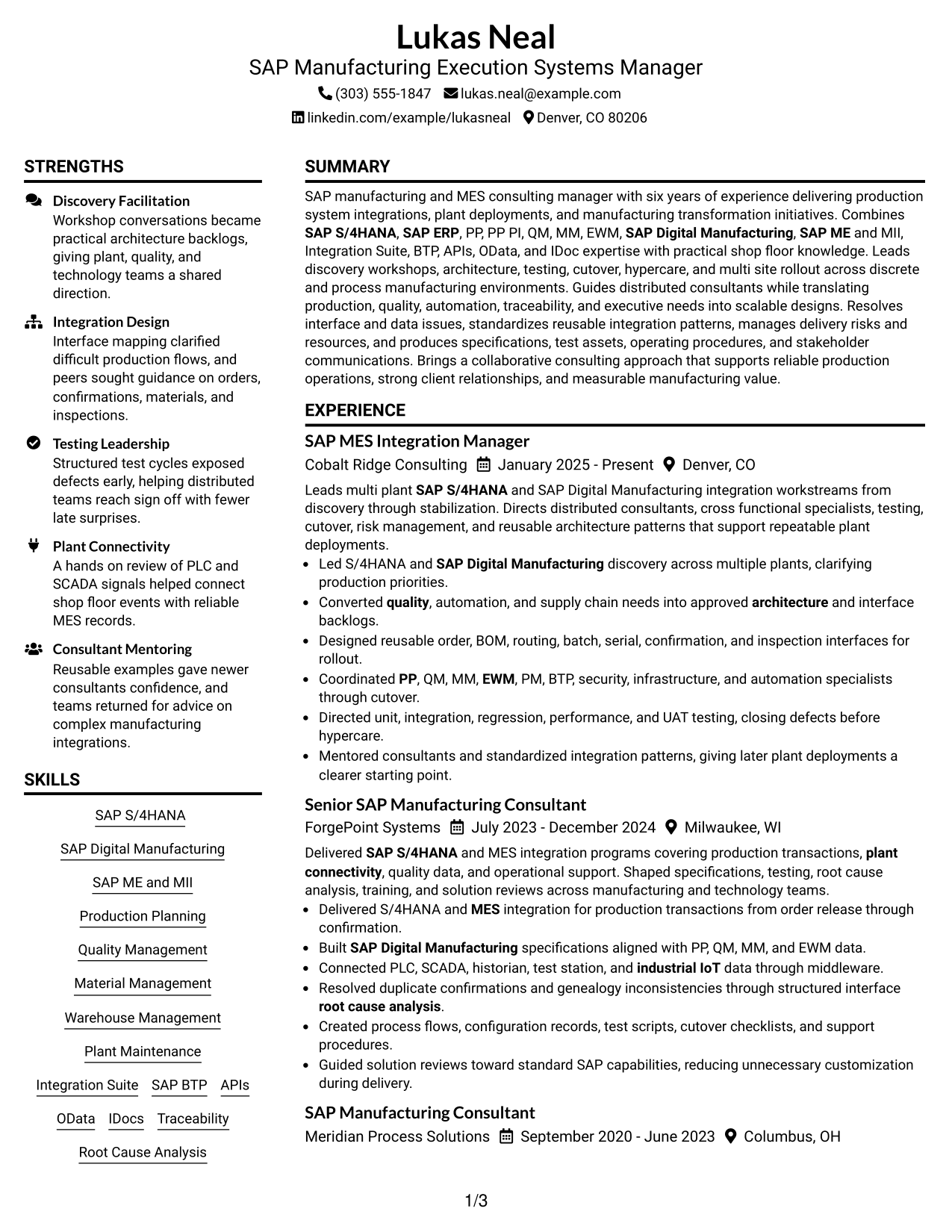
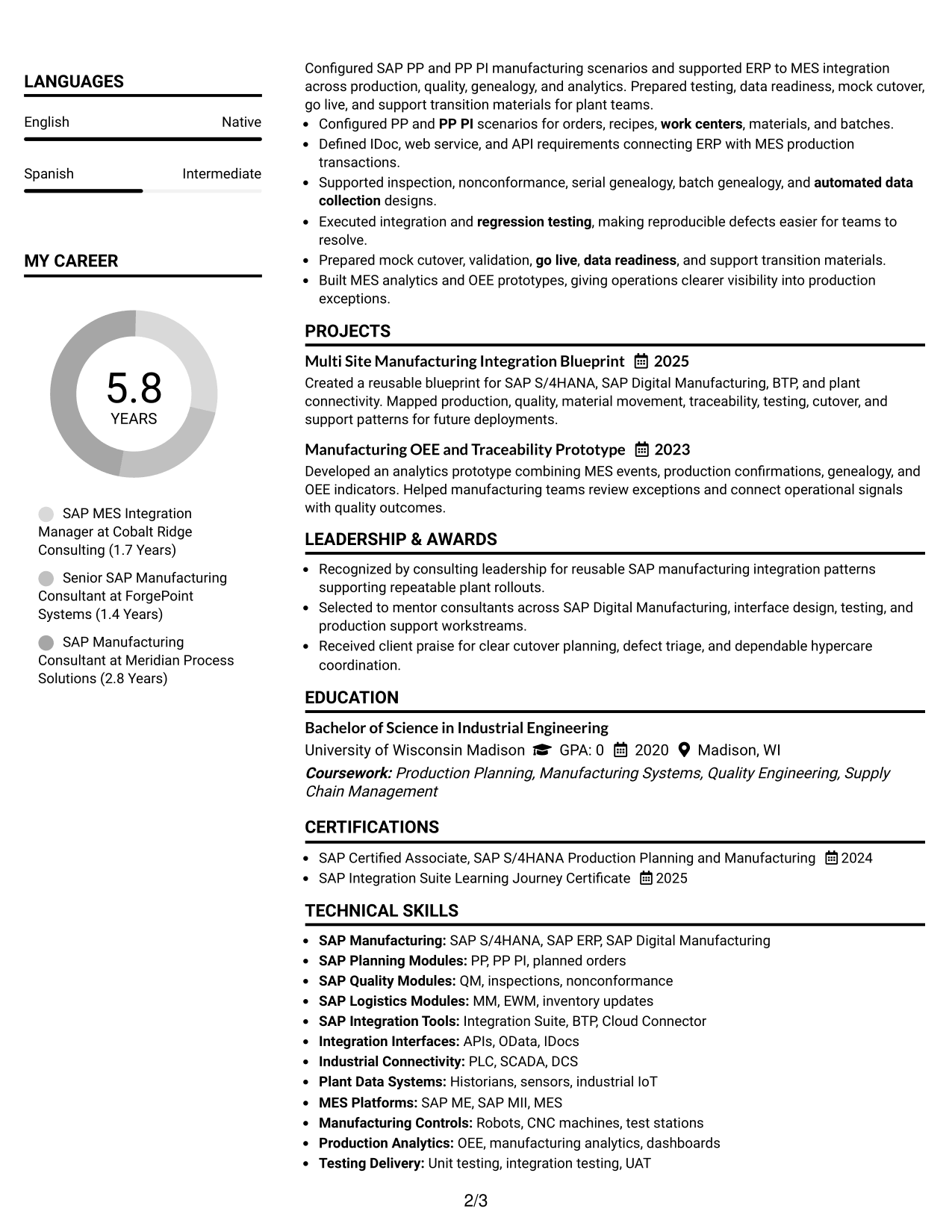
#1 Plain Two Column Format Resume Example
The Plain Two Column Format separates supporting details from the main career story, helping recruiters scan dense resume content quickly.
Resume Snapshot
- Six years of progressive SAP manufacturing and MES consulting experience
- Current SAP MES Integration Manager leading multi-plant integration workstreams
- Bachelor of Science in Industrial Engineering
- SAP S/4HANA Production Planning and Integration Suite credentials
Why This Format Works
- Two columns separate detailed experience from compact skills and credentials.
- Clear section boundaries help recruiters follow career progression without losing context.
- Balanced space keeps achievements visible while supporting education and certification details.
Best For
- Detailed consulting career histories
- Broad technical skill sets
- Readers comparing experience and credentials
- Resumes with multiple supporting sections
- Fast review of complex evidence
Resume Keywords
- SAP S/4HANA
- SAP Digital Manufacturing
- SAP ME
- SAP MII
- MES
- PP
- PP-PI
- QM
- MM
- EWM
- PM
- SAP Integration Suite
- BTP
- APIs
- OData
- IDocs
- plant connectivity
- traceability
- testing
- cutover
- hypercare
- root-cause analysis
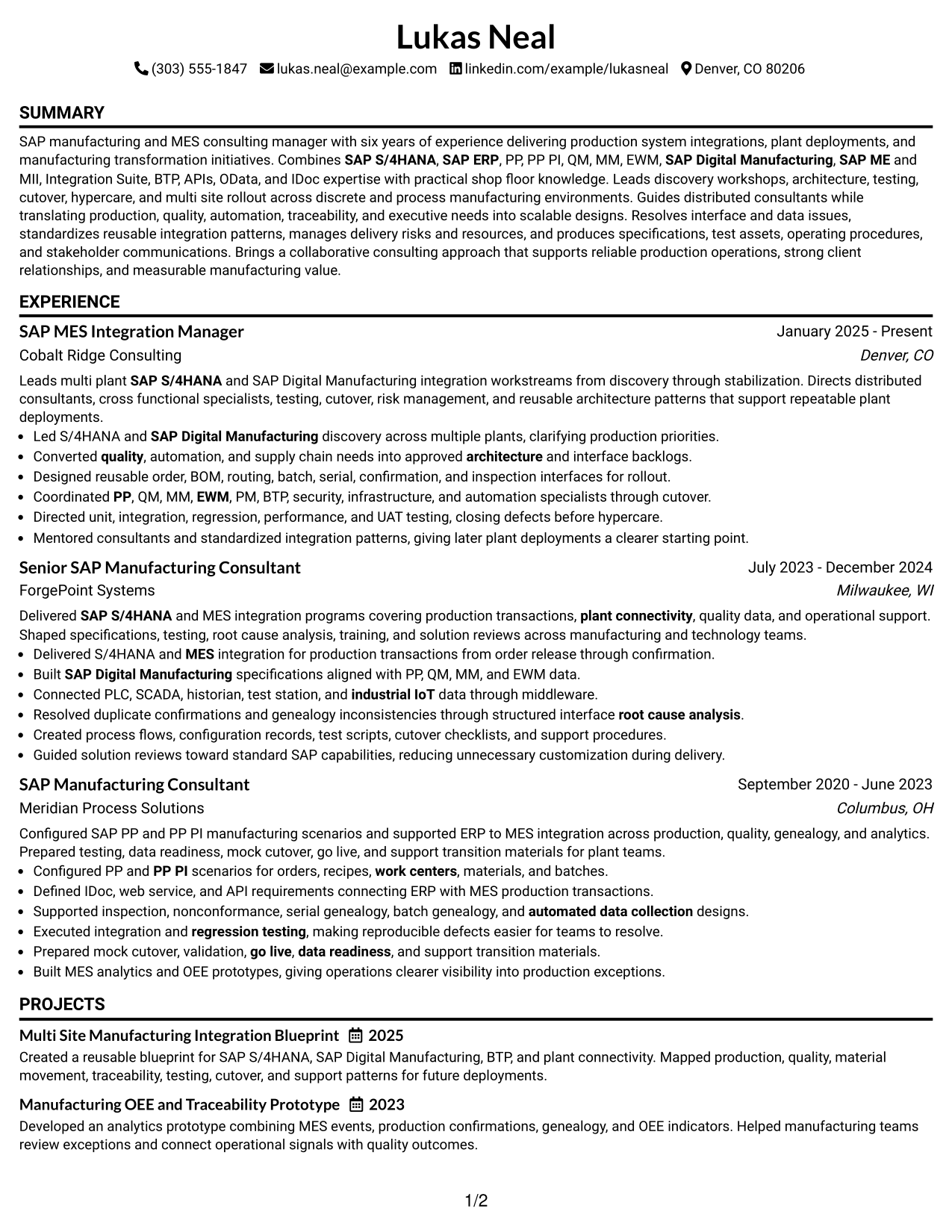
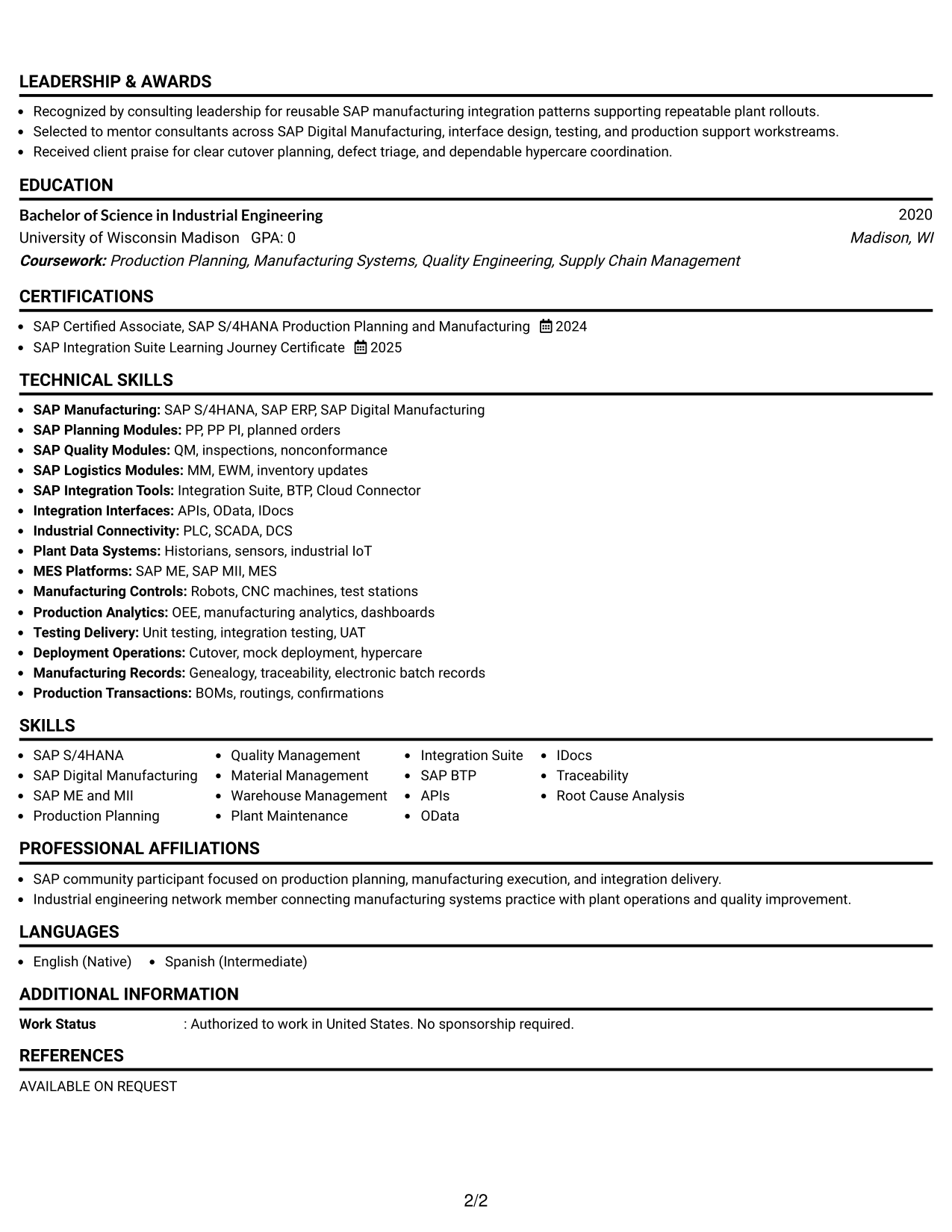
#2 Simple One Column Format Resume Example
The Simple One Column Format gives recruiters one direct reading path through the resume, with each section following in clear order.
Why This Format Works
- One-column reading keeps experience and achievements in a simple sequence.
- Full-width sections give career history room for clear supporting detail.
- Straightforward ordering makes education and credentials easy to find after experience.
Best For
- Linear career storytelling
- Text-heavy experience sections
- Applications favoring simple structure
- Readers who prefer one reading path
- Easy section-by-section review
#3 Clean Two Column Sidebar Format Resume Example
The Clean Two Column Sidebar Format keeps compact supporting sections beside the main content, so recruiters can scan both without breaking the experience flow.
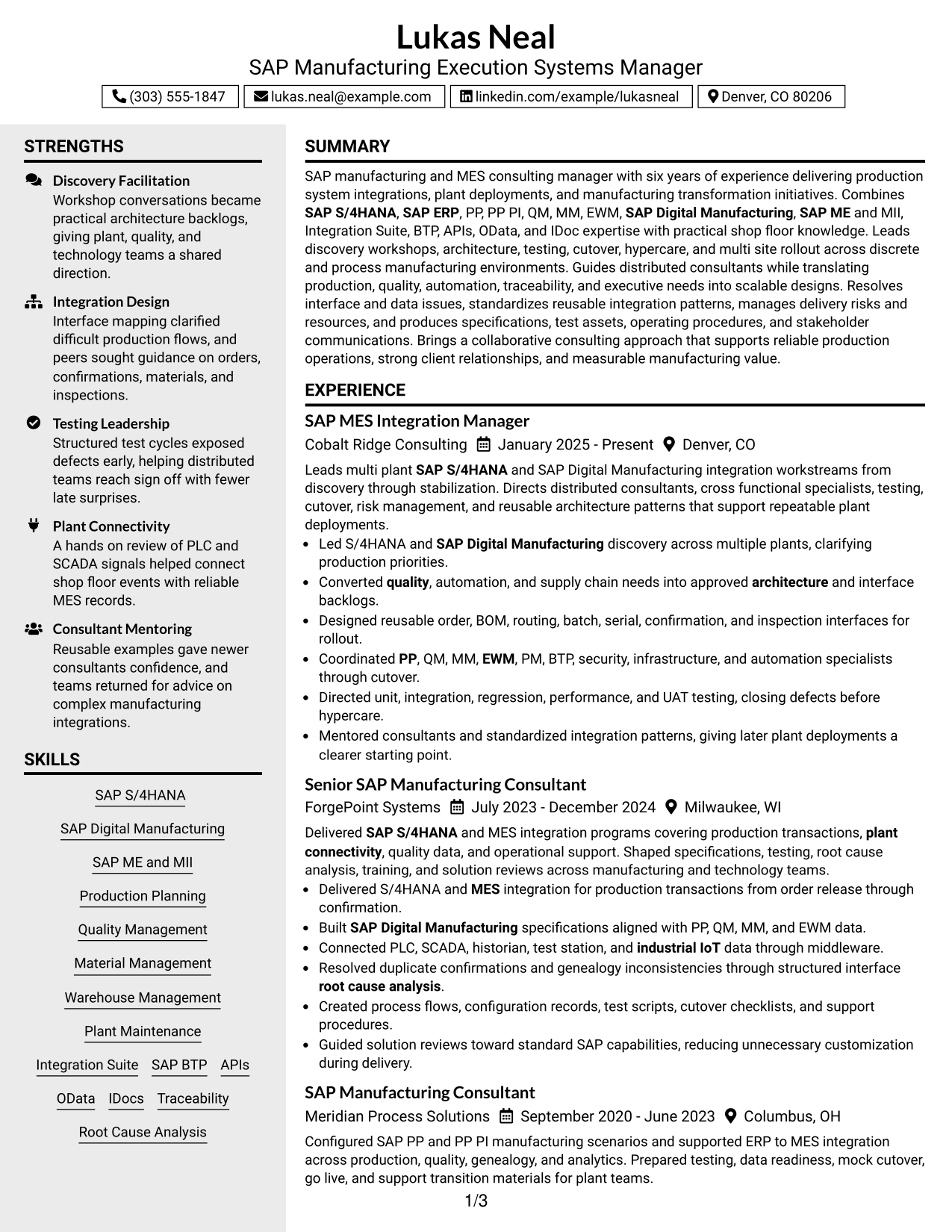
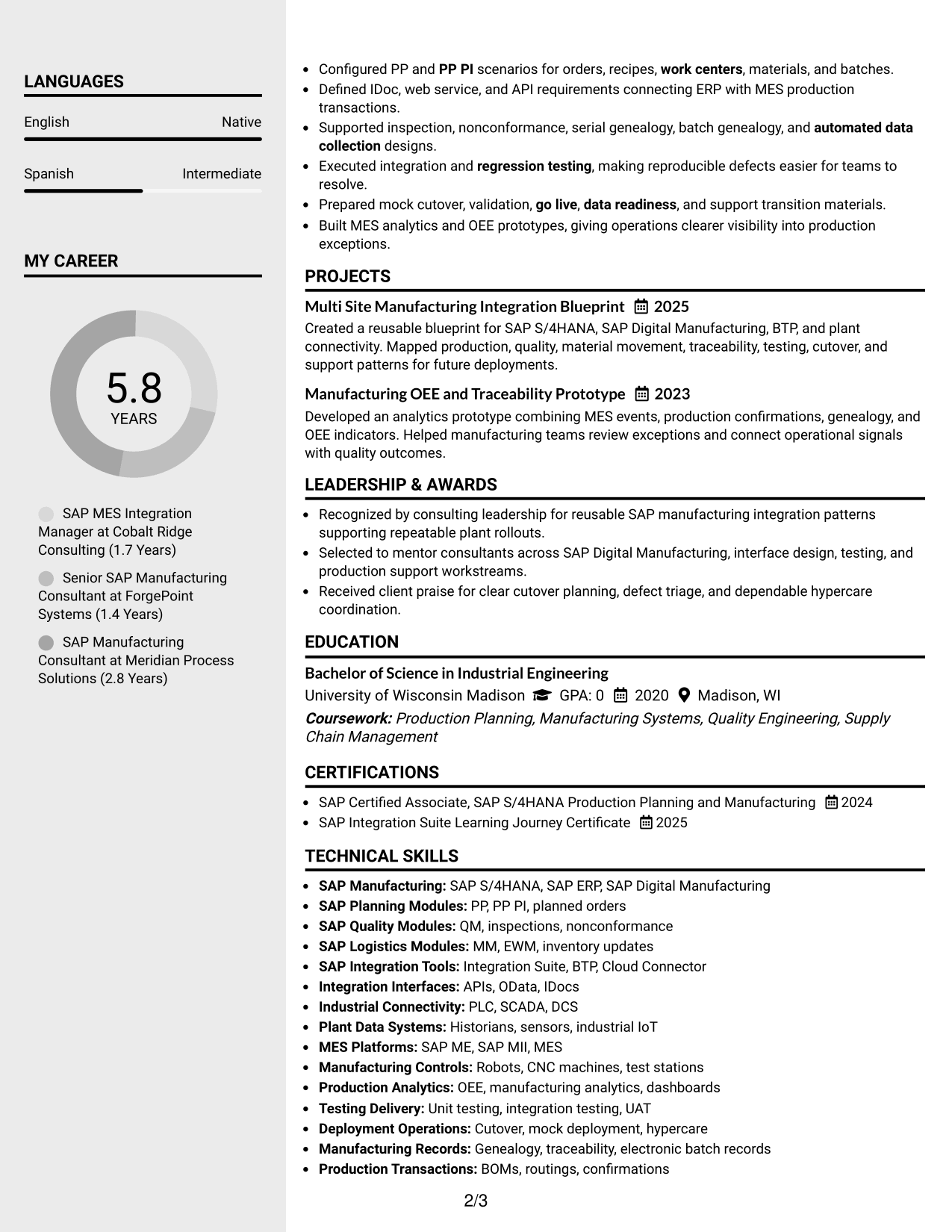
Why This Format Works
- Sidebar organization keeps skills visible beside a fuller experience narrative.
- Main-column space supports career progression and achievement detail without crowding.
- Separated supporting sections make education and credentials easier to locate.
Best For
- Skill-rich professional resumes
- Career histories needing a clear main column
- Compact education and credential sections
- Readers checking supporting qualifications quickly
- Balanced detail across primary and secondary content
#4 Two Column Format Resume Example
The Two Column Format divides the resume into parallel content areas, helping recruiters compare career evidence with supporting qualifications at a glance.
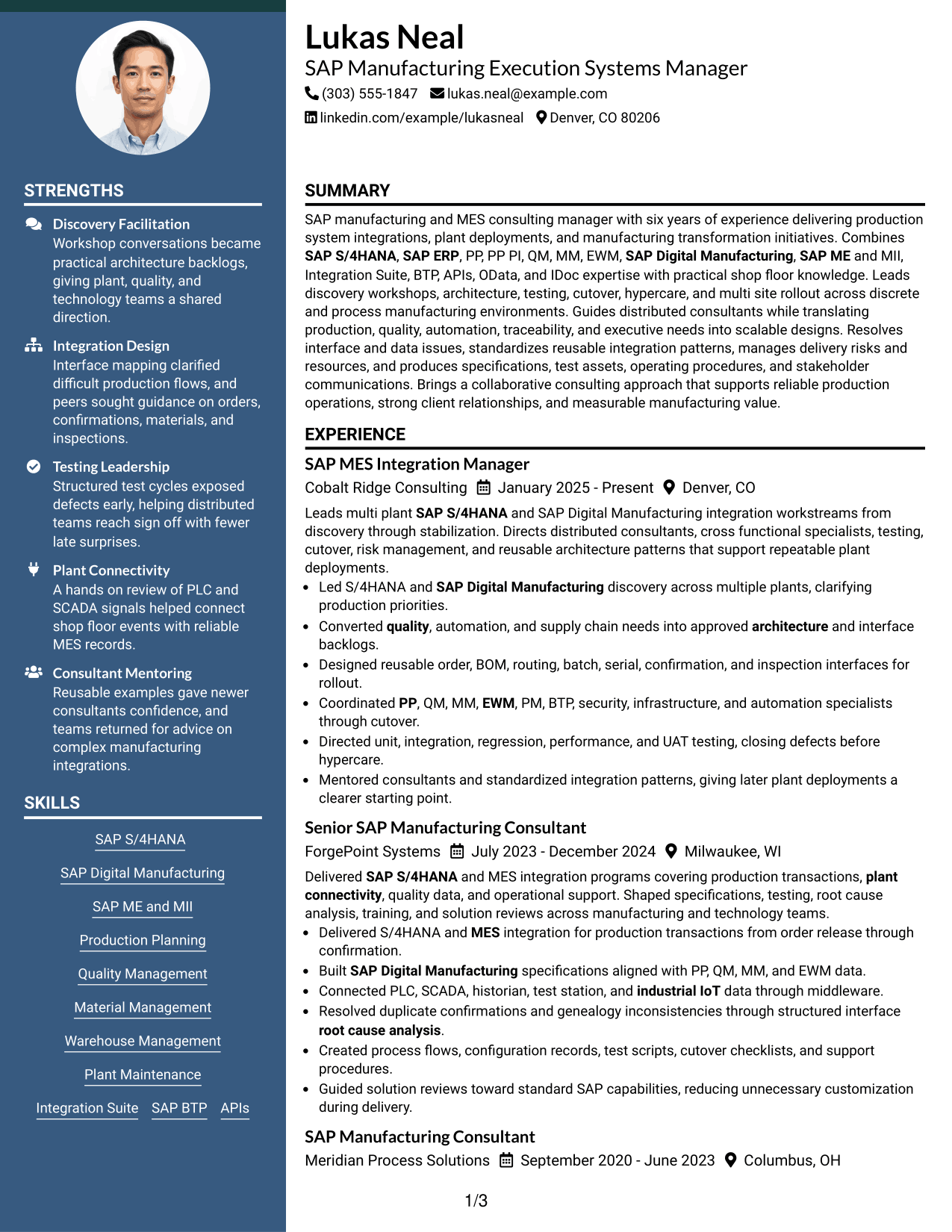
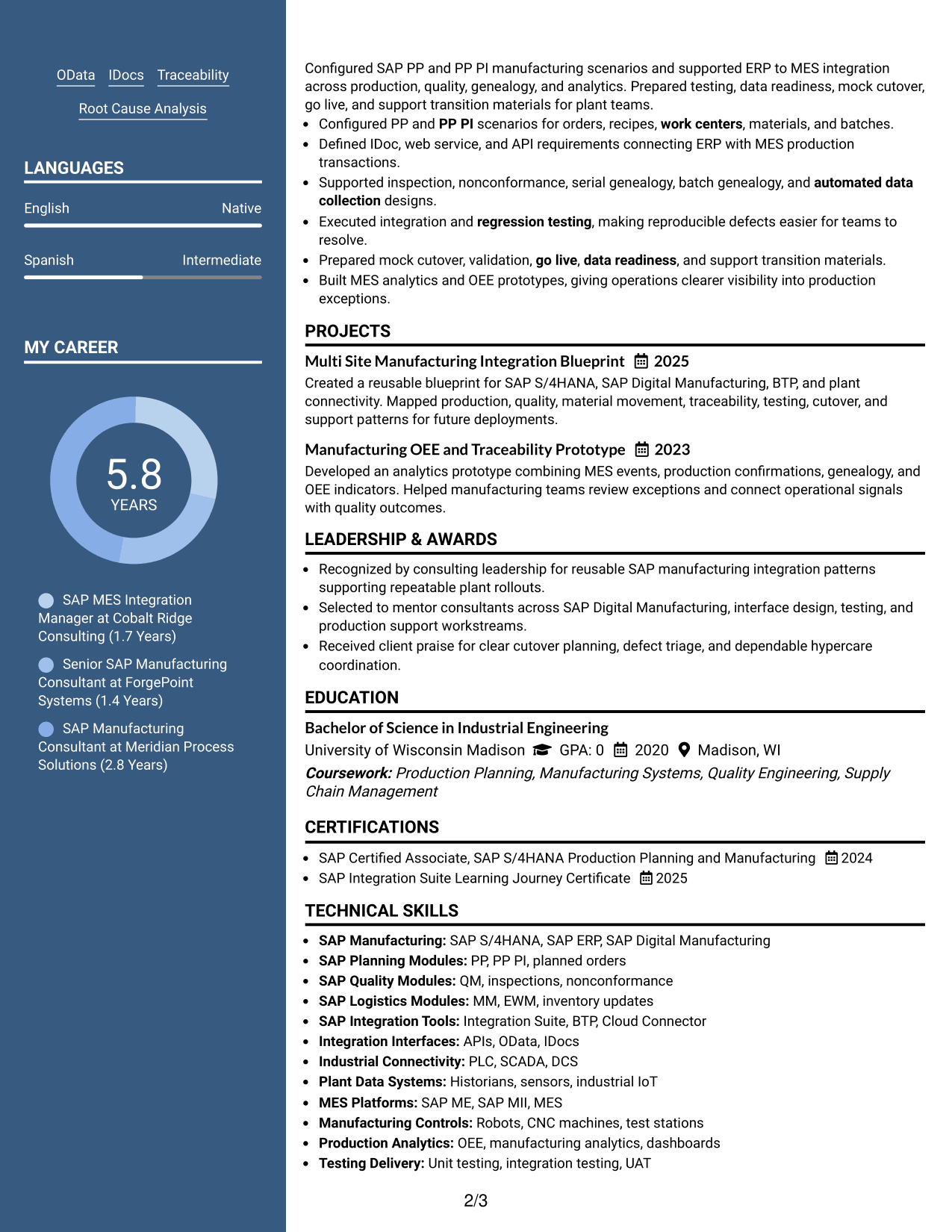
Why This Format Works
- Parallel columns let experience and supporting qualifications share visual attention.
- Section separation reduces long uninterrupted blocks in a content-rich resume.
- Consistent grouping helps recruiters connect achievements with broader professional background.
Best For
- Resumes with several content categories
- Professionals balancing depth and scanability
- Side-by-side qualification review
- Applications with substantial supporting information
- Structured comparison of career evidence
#5 Photo Header Two Column Format Resume Example
The Photo Header Two Column Format pairs a visible identity header with two organized body columns, while recruiters scan the resume's sections below.
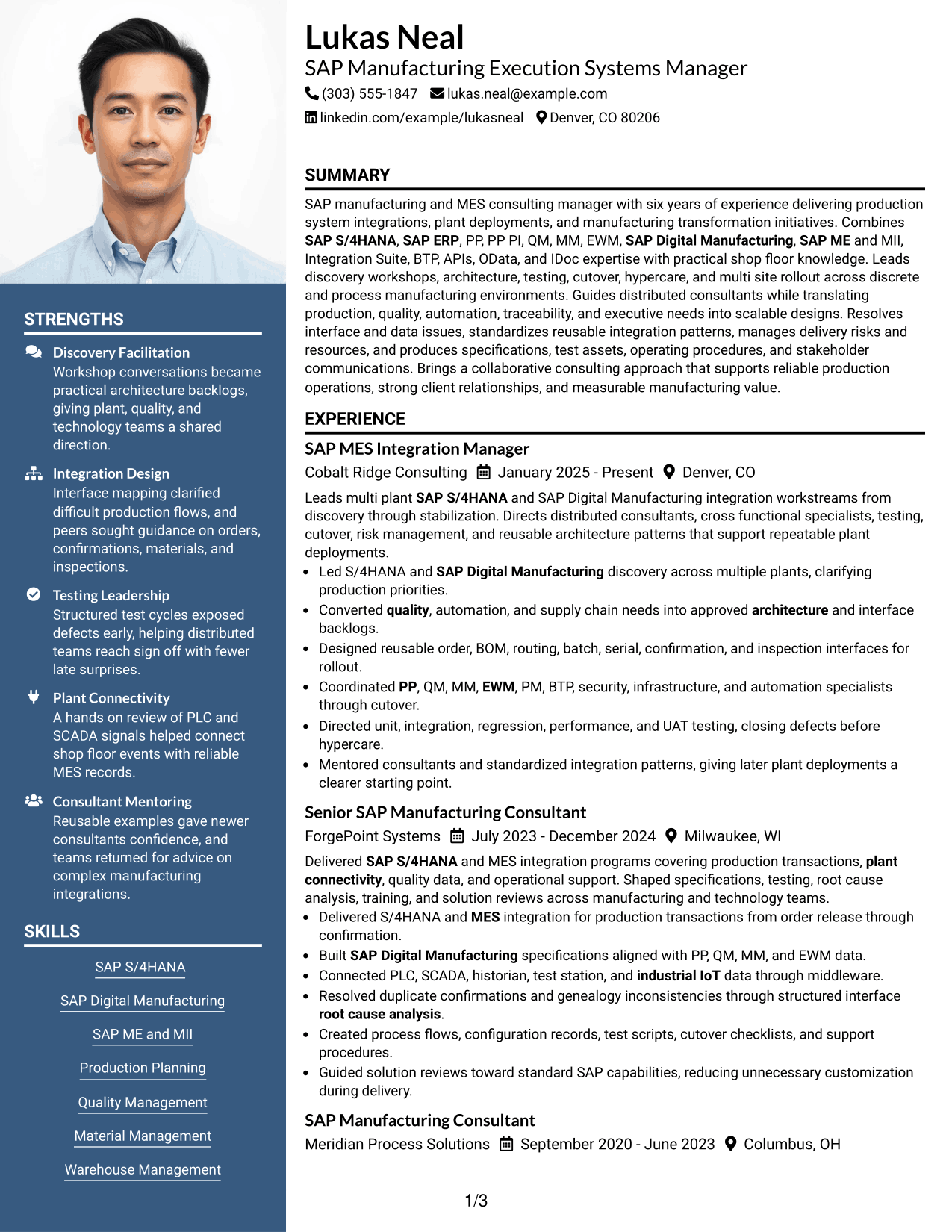
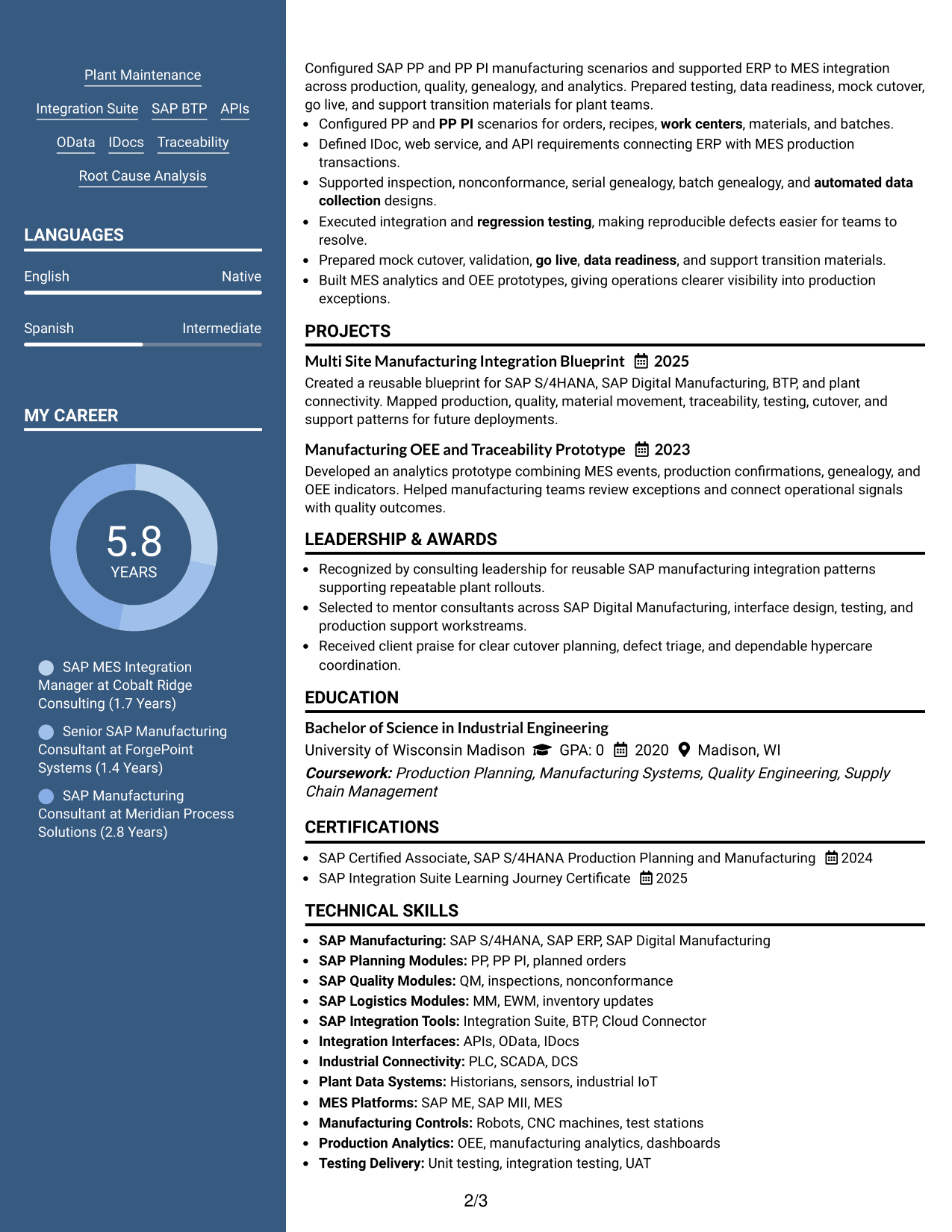
Why This Format Works
- Two body columns keep experience separate from compact supporting sections.
- Distinct header creates a clear starting point before the detailed career content.
- Organized section blocks help reviewers find skills, education, and credentials quickly.
Best For
- Regions where resume photos are customary
- Applicants wanting a strong visual header
- Content needing two-column organization
- Readers moving between experience and supporting sections
- Resumes with clear identity presentation
#6 Colored Two Column Format Resume Example
The Colored Two Column Format uses color to mark section areas while two columns help recruiters move between detailed experience and concise supporting content.
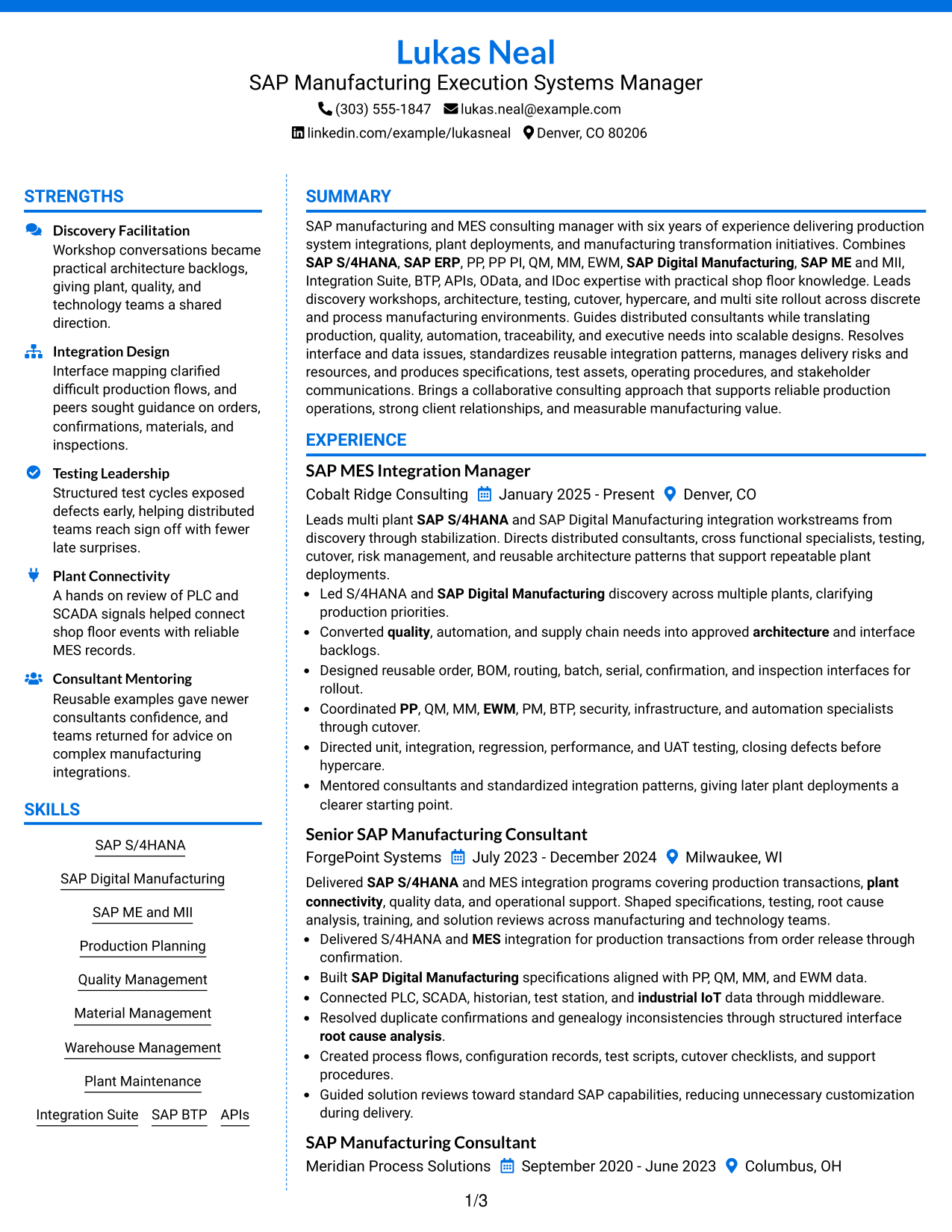
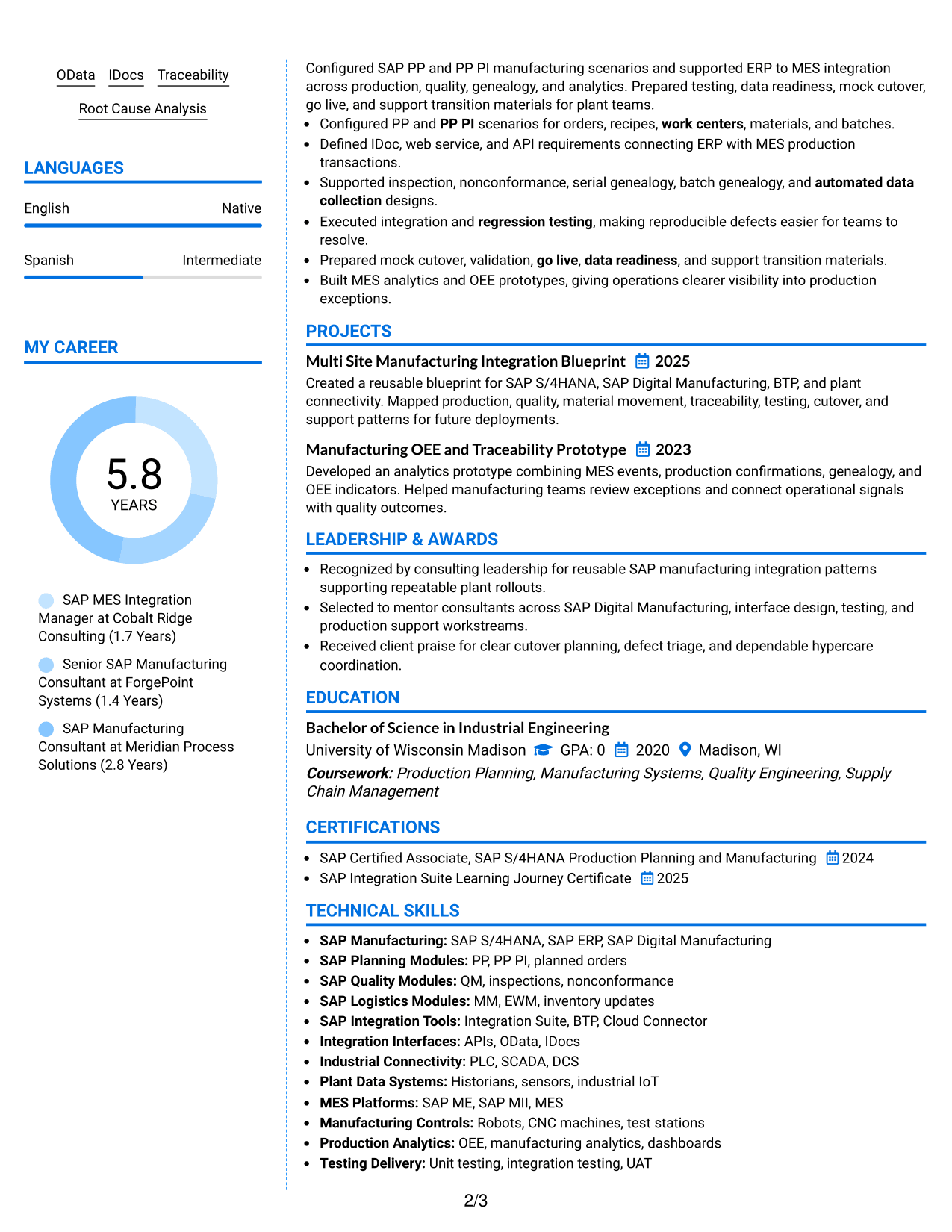
Why This Format Works
- Color cues make section changes easier to notice during a quick review.
- Two-column organization gives experience and secondary content distinct reading areas.
- Visible grouping helps achievements, skills, and credentials stay clearly separated.
Best For
- Readers who benefit from stronger section cues
- Resumes with dense supporting information
- Applications allowing restrained visual color
- Professionals organizing varied evidence types
- Quick navigation across major resume sections
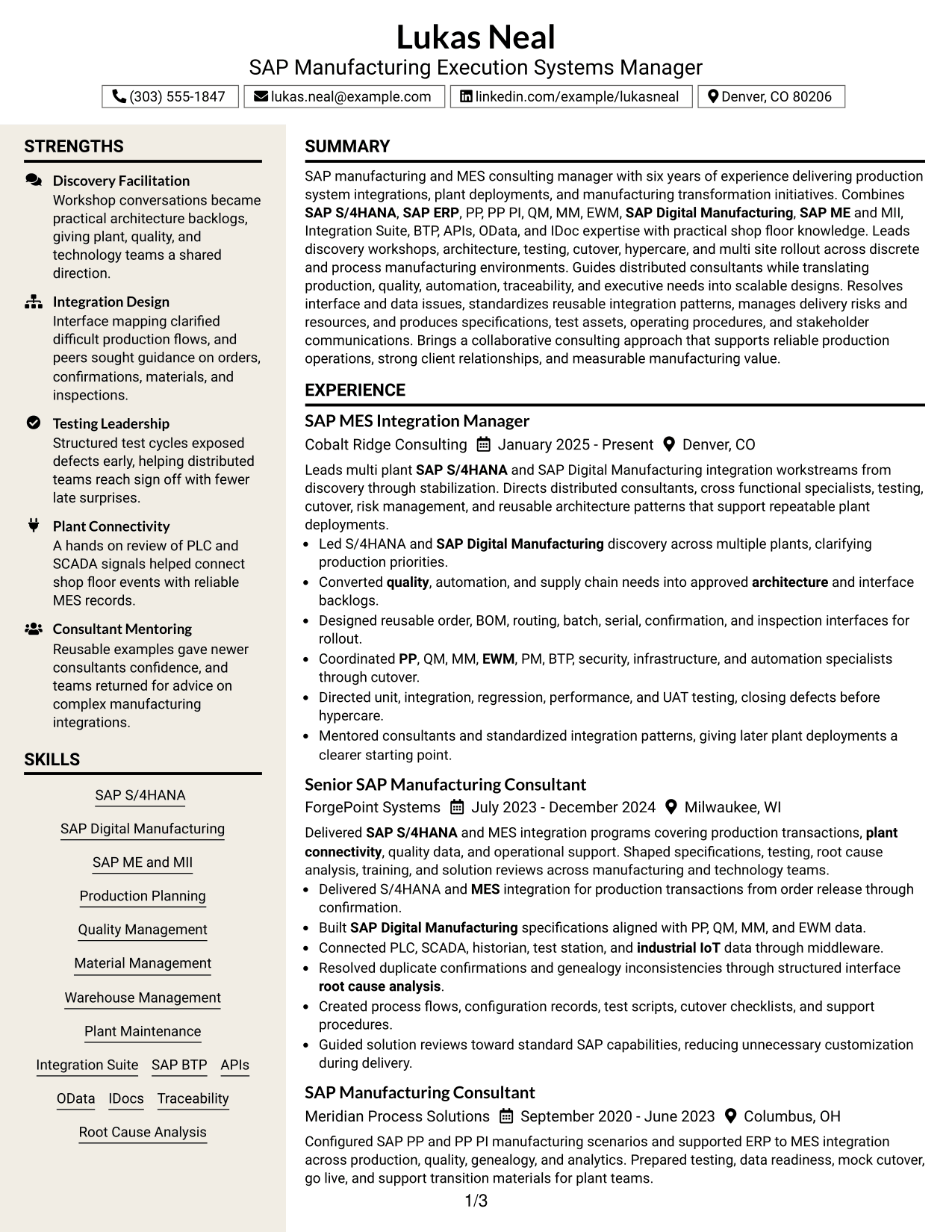
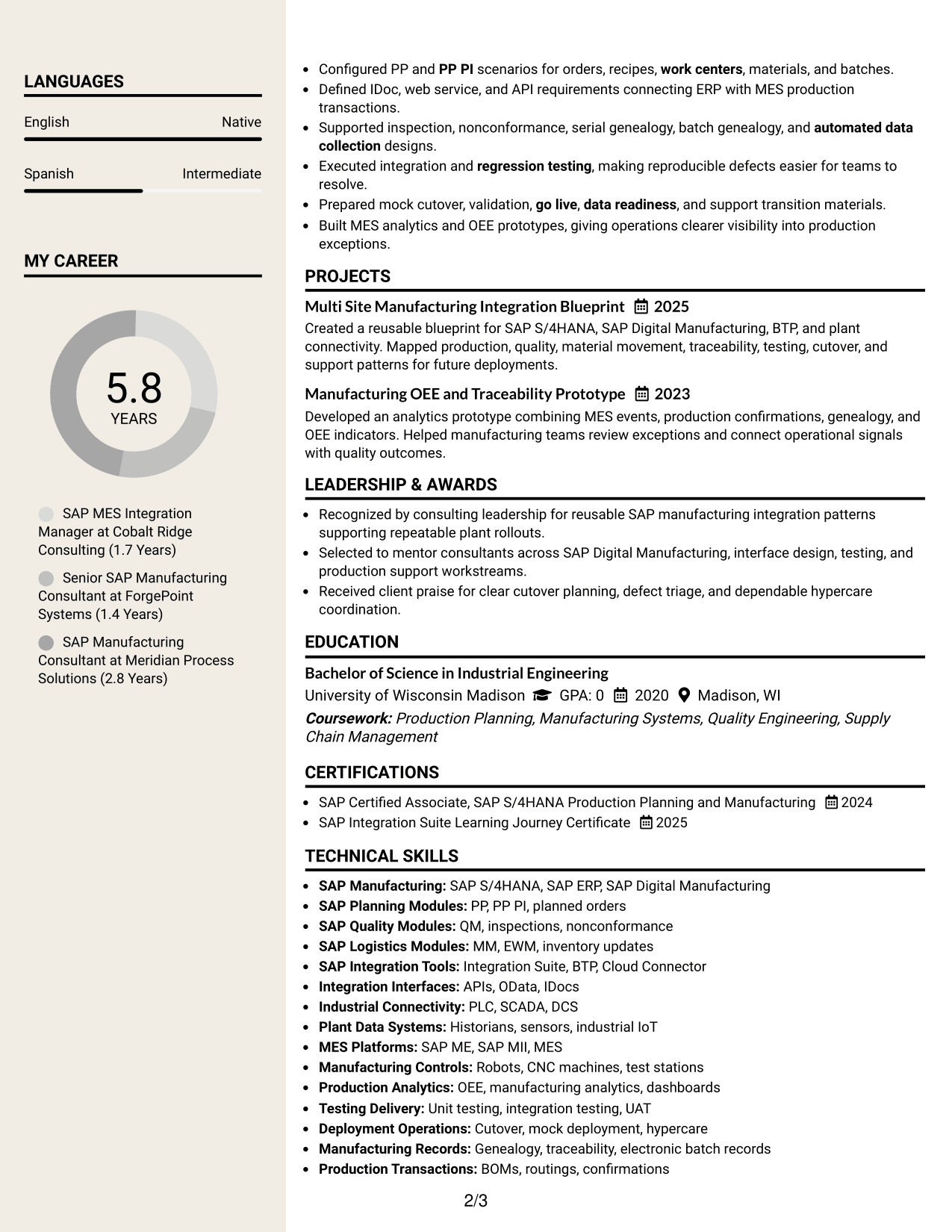
#7 Stylish Two Column Designer Format Resume Example
The Stylish Two Column Designer Format uses stronger visual styling with two body columns, giving recruiters clear routes through primary and supporting resume sections.
Why This Format Works
- Two-column structure keeps detailed experience distinct from shorter supporting sections.
- Stronger visual separation helps recruiters recognize major content groups quickly.
- Defined section blocks give achievements, education, and credentials their own space.
Best For
- Applications that allow more visual styling
- Resumes needing clear content grouping
- Professionals with several supporting sections
- Readers scanning distinct information blocks
- Career evidence presented with stronger visual separation
Why Build Your SAP Manufacturing Execution Systems - MES - Manager - Consulting Resume with ResumeInMinutes
ResumeInMinutes helps you turn complex manufacturing integration work into clear resume sections, focused bullet points, and role-specific keywords that are easier to tailor for each application.
- Professional resume layouts
- ATS-friendly section structure
- Role-specific keyword guidance
- Clear experience and project organization
- Free PDF resume previews
- Fast resume customization
You can keep technical depth while making leadership, delivery scope, manufacturing knowledge, and client-facing work easy to find. This helps you tailor the same core resume without losing important SAP and MES evidence.
See Also
- 33 Principal Manufacturing Engineer - Manufacturing Execution Systems Resume Templates with Example 2026 (ATS-Optimized)
- 7 Manufacturing Engineer Manager - Systems, Electronics & Test Fixtures Resume Templates with Example
- 33 System Integration Lead - Manufacturing Test Systems Resume Templates with Example
- 33 SAP NS2 Landscape Automation Expert - SAP Operations Automation Resume Templates with Example 2026 (ATS-Optimized)
- 33 Senior Program Manager - Execution Support Resume Templates with Example 2026 (ATS-Optimized)
- 33 Advanced Manufacturing Automation Engineer - Mechatronics Resume Templates with Example 2026 (ATS-Optimized)
- 33 Advanced Manufacturing Engineering Intern, Process & Equipment Resume Templates with Example 2026 (ATS-Optimized)
- 33 Automation Manufacturing Engineer Intern Resume Templates with Example 2026 (ATS-Optimized)
- 30+ Senior Program Manager - Execution Support Cover Letter Templates with Example 2026
- 30+ Advanced Manufacturing Automation Engineer - Mechatronics Cover Letter Templates with Example 2026
Frequently Asked Questions
Are these SAP Manufacturing Execution Systems - MES - Manager - Consulting resume templates ATS-friendly?
Yes. The layouts use clear resume sections and readable headings. You should still tailor keywords to each posting and keep important terms in standard text fields.
Are these different resumes?
No. This guide shows one SAP Manufacturing Execution Systems - MES - Manager - Consulting resume in different visual formats so you can compare how the same content is organized.
What should this resume include?
Include a focused summary, SAP and MES skills, consulting experience, plant deployment work, testing and cutover leadership, projects, education, certifications, and clear evidence of cross-functional delivery.
Can I download the resume templates as PDFs?
Yes. Each design includes a free PDF preview so you can review the layout before choosing a format for your application.
Which resume style works well for this role?
A clear one-column format is easy to follow, while a well-organized two-column format can separate skills and credentials from detailed experience. Choose the layout that keeps your strongest evidence easy to scan.
How should I show SAP and MES leadership?
Use experience bullets that show discovery, architecture, integration, testing, cutover, hypercare, risk management, mentoring, and multi-site rollout. State the action first, then explain the scope or result.
Should I include a photo on my resume?
For most U.S. applications, a no-photo resume is usually the safer choice. Use a photo only when local practice or the application context clearly supports it.
Can I customize these resume templates?
Yes. You can adjust resume text, section order, design, and PDF layout to match the SAP Manufacturing Execution Systems - MES - Manager - Consulting role you are targeting.