
7 Scheduling Consultant - Construction CPM Scheduling Cover Letter Templates with Example
This practical guide to a Scheduling Consultant - Construction CPM Scheduling cover letter offers seven layouts to help you present your role fit with clarity.
What Makes a Great Scheduling Consultant - Construction CPM Scheduling Cover Letter in 2026
A strong letter connects CPM scheduling work to the needs of construction teams, from schedule updates and baseline review to commissioning and turnover. A focused opening makes your interest in the role clear.
Use relevant evidence, such as Primavera P6 scheduling, field coordination, reporting, or delay analysis, to show how you can contribute. Link that evidence to the employer’s project work and explain your interest in supporting informed delivery decisions.
The featured application moves from role interest to scheduling evidence, team coordination, and a clear closing; adapt this focused progression while choosing a presentation that suits the employer and communication context.
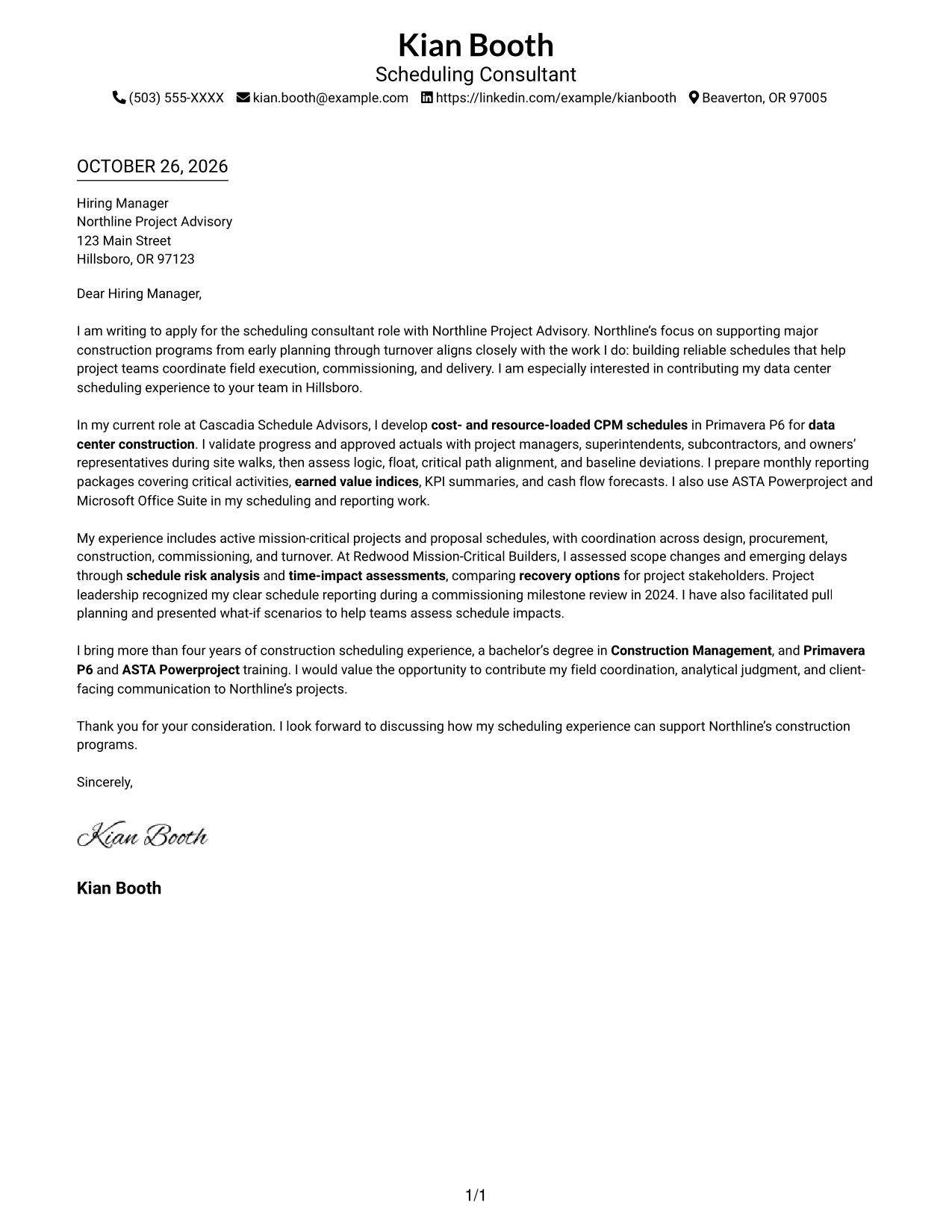
#1 Simple One Column Format Cover Letter Example
Simple One Column Format keeps sender details in the header and the letter in one direct reading path, making the message easy to follow from start to finish.
Why This Format Works
- Sender details stay together in the header, apart from the letter paragraphs.
- Unheaded paragraphs move naturally from interest to supporting evidence and closing.
- Without a photo, the page keeps its visual focus on written communication.
Best For
- Direct top-to-bottom reading
- A single letter body
- Header-based contact details
- Photo-free applications
- A straightforward page structure
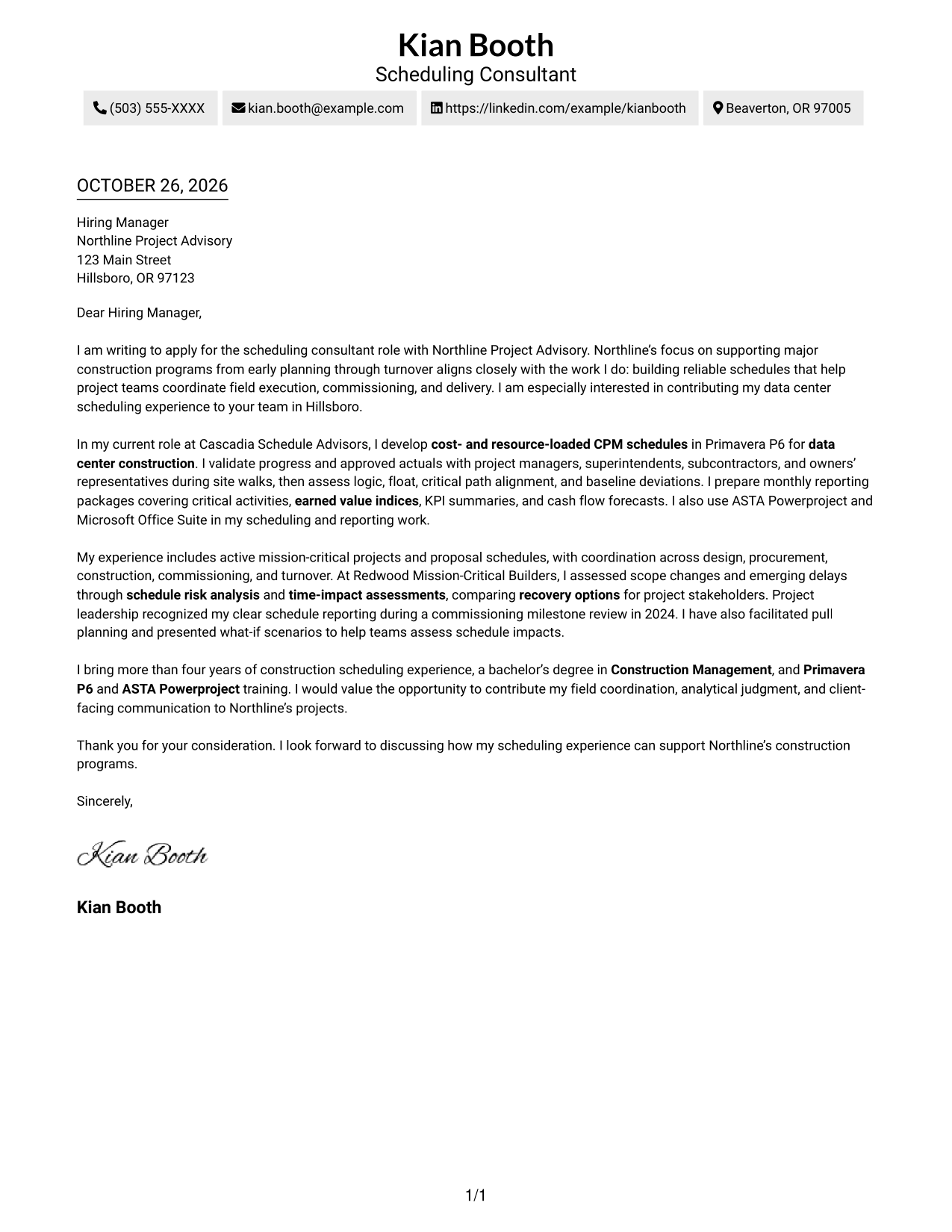
#2 Two Column Format Cover Letter Example
Two Column Format places a contact sidebar beside one continuous letter body, giving contact details their own space while keeping the message together.
Why This Format Works
- The sidebar keeps contact details distinct from the letter's paragraphs.
- One uninterrupted body lets readers follow the message without section breaks.
- The two-column reading order gives contact information a clear place beside the letter.
Best For
- Contact details beside the letter
- A continuous letter argument
- Separate contact and message areas
- Quick access to sender information
- Photo-free two-column documents
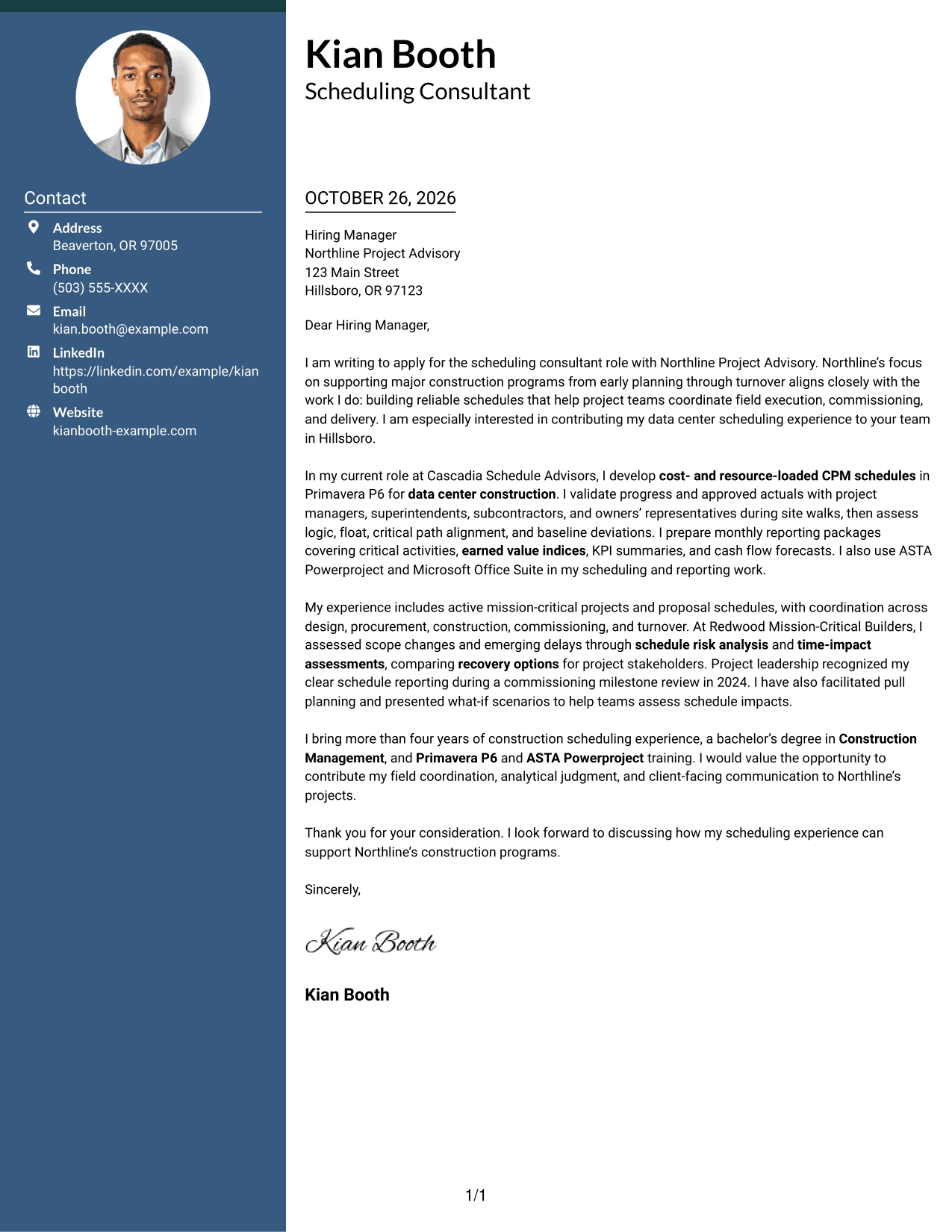
#3 Photo Header Two Column Format Cover Letter Example
Photo Header Two Column Format includes a photo with a contact sidebar beside one continuous letter body, keeping the contact details and message in distinct areas.
Why This Format Works
- Contact details have a separate place alongside the letter body.
- The continuous paragraphs keep the full message together from opening to close.
- A photo offers a visible identity cue for readers who prefer photo-inclusive documents.
Best For
- Photo-inclusive applications
- Contact details beside the message
- A continuous letter body
- Distinct contact and message areas
- A visible identity cue
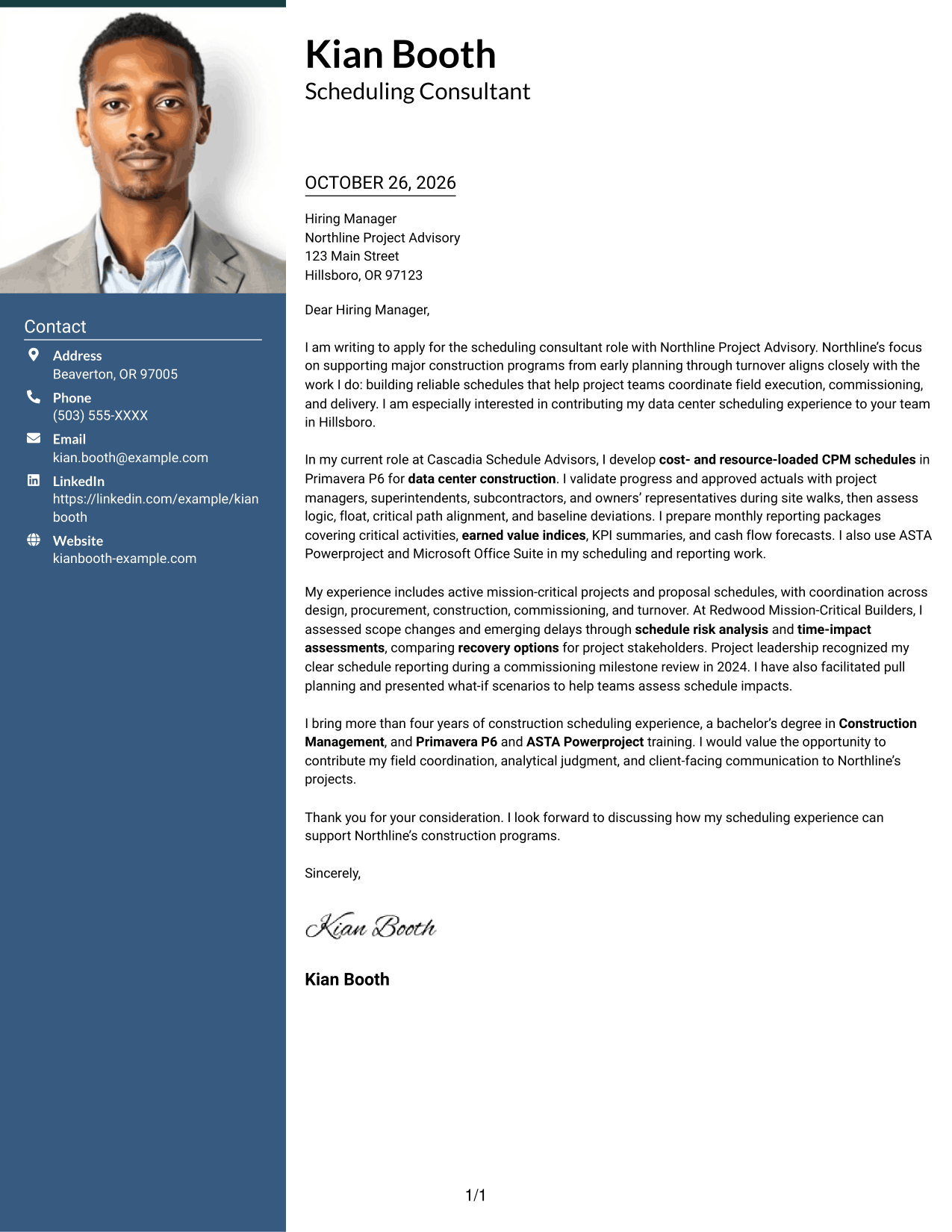
#4 One Column Format with Photo Cover Letter Example
One Column Format with Photo pairs a photo with a single letter column, offering a unified reading path for the message.
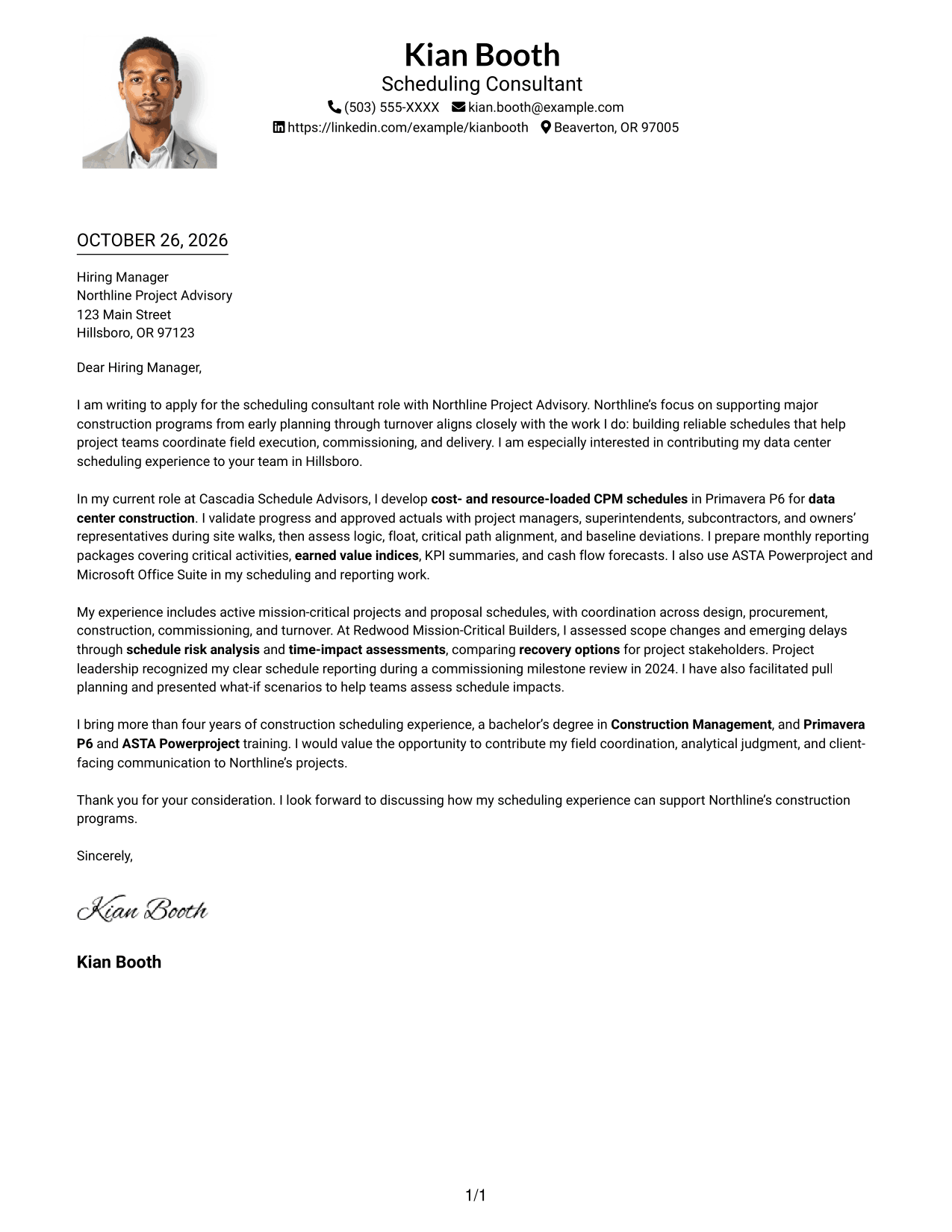
Why This Format Works
- The single column keeps the letter paragraphs in one reading sequence.
- Sender details remain in the header rather than beside the body.
- A photo adds a visual identity cue without dividing the letter text.
Best For
- Photo-inclusive letter formats
- One-column reading order
- A unified letter body
- Header-based sender details
- A visible identity cue
#5 Simple Two Column Format Cover Letter Example
Simple Two Column Format sets a contact sidebar beside the continuous letter body, so the sender details remain separate from the message.
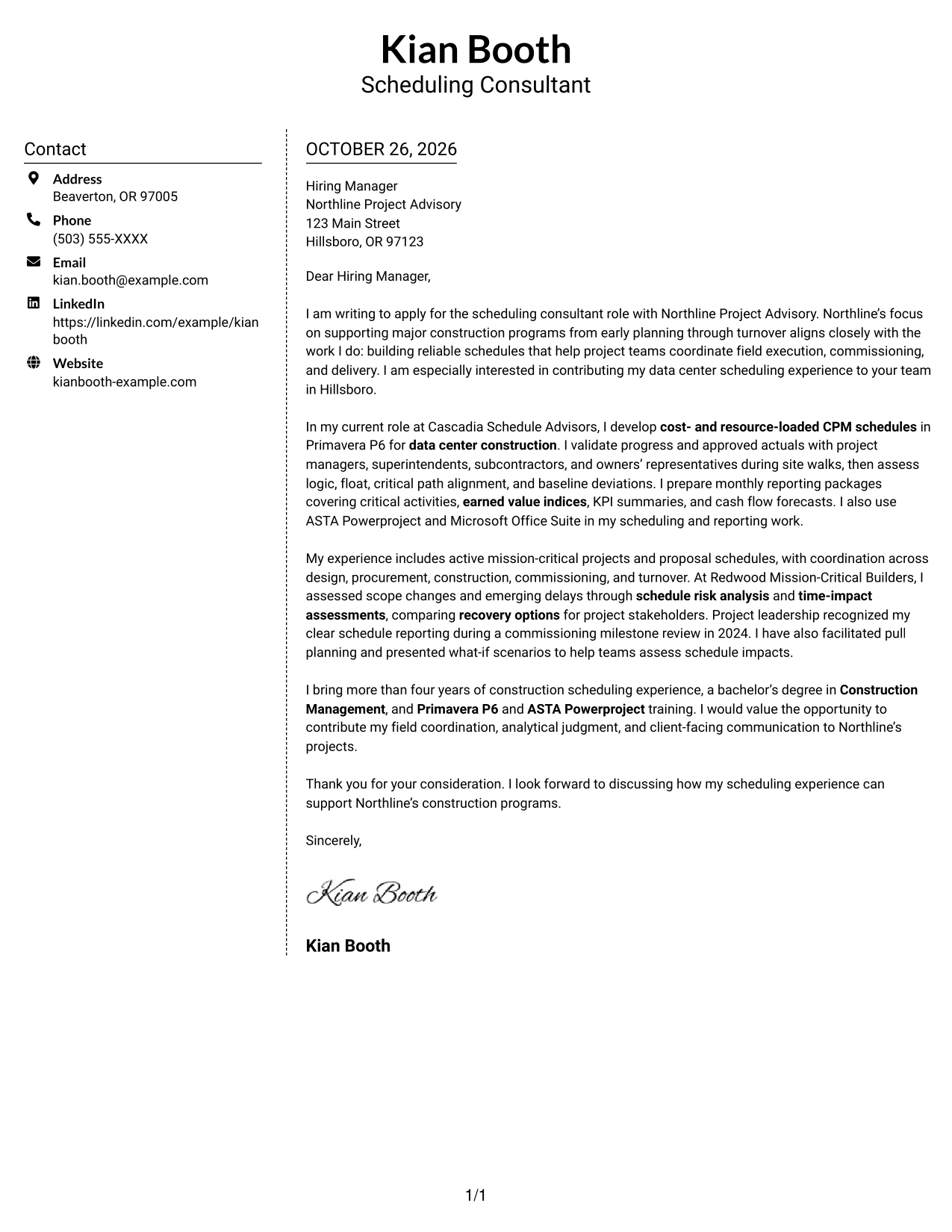
Why This Format Works
- Contact details sit apart from the paragraphs that carry the letter's message.
- The letter body stays continuous, keeping its opening, evidence, and closing together.
- The two-column arrangement provides a clear reading order for contact details and text.
Best For
- A separate contact sidebar
- A continuous letter message
- Clear contact and text areas
- Quick reference to sender details
- Photo-free applications
#6 Modern Icon Format Cover Letter Example
Modern Icon Format uses two columns, with a contact sidebar beside one continuous letter body; icons serve as contact cues or header accents.
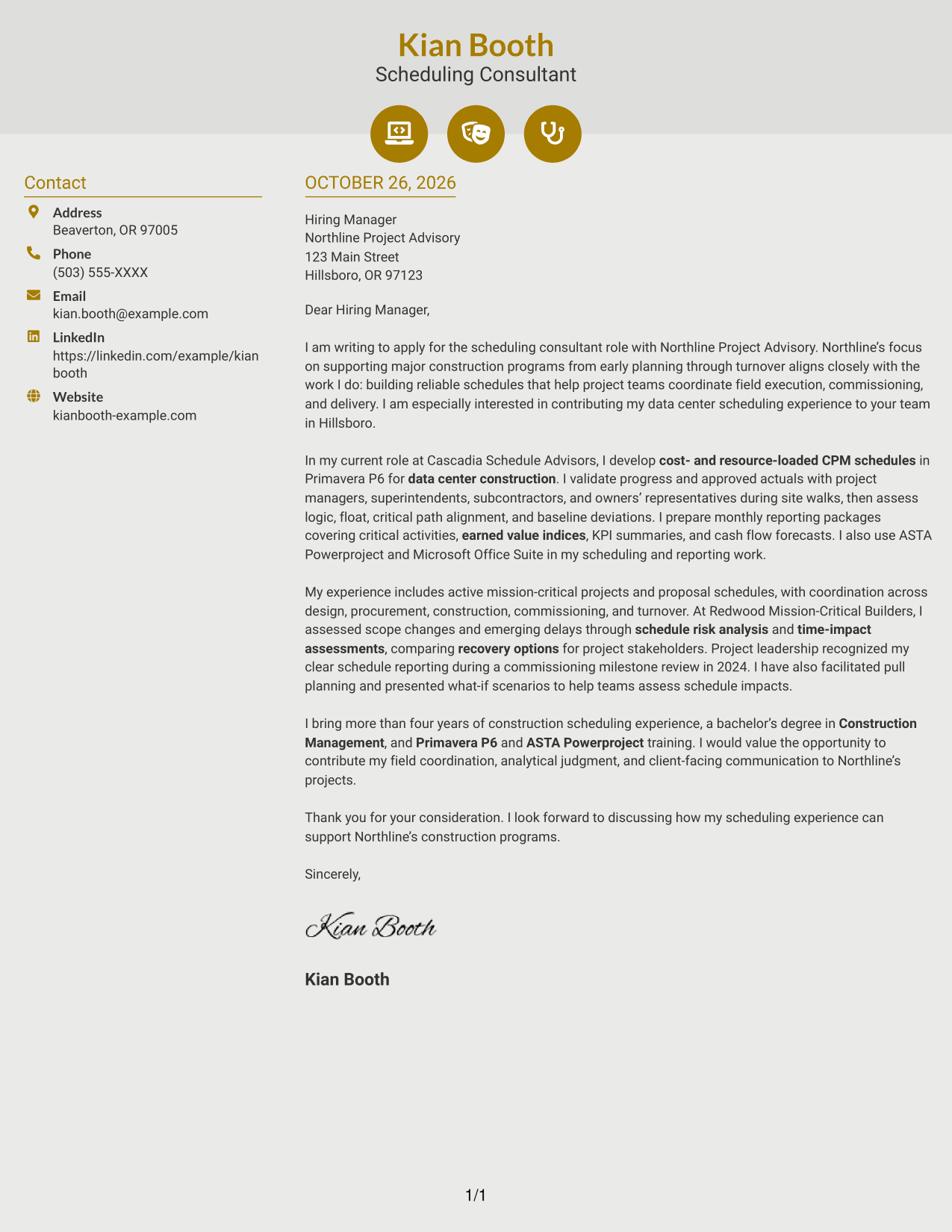
Why This Format Works
- Icons help identify contact details without labeling the letter's argument.
- The sidebar keeps sender information separate from the continuous body.
- Readers can follow the letter's message without breaks for section headings.
Best For
- Icon-marked contact details
- A separate contact sidebar
- A continuous letter body
- Header accents with a clear purpose
- Photo-free two-column documents
#7 Creative Two Tone Format Cover Letter Example
Creative Two Tone Format places a contact sidebar beside one continuous letter body, giving contact details and the letter message separate areas.
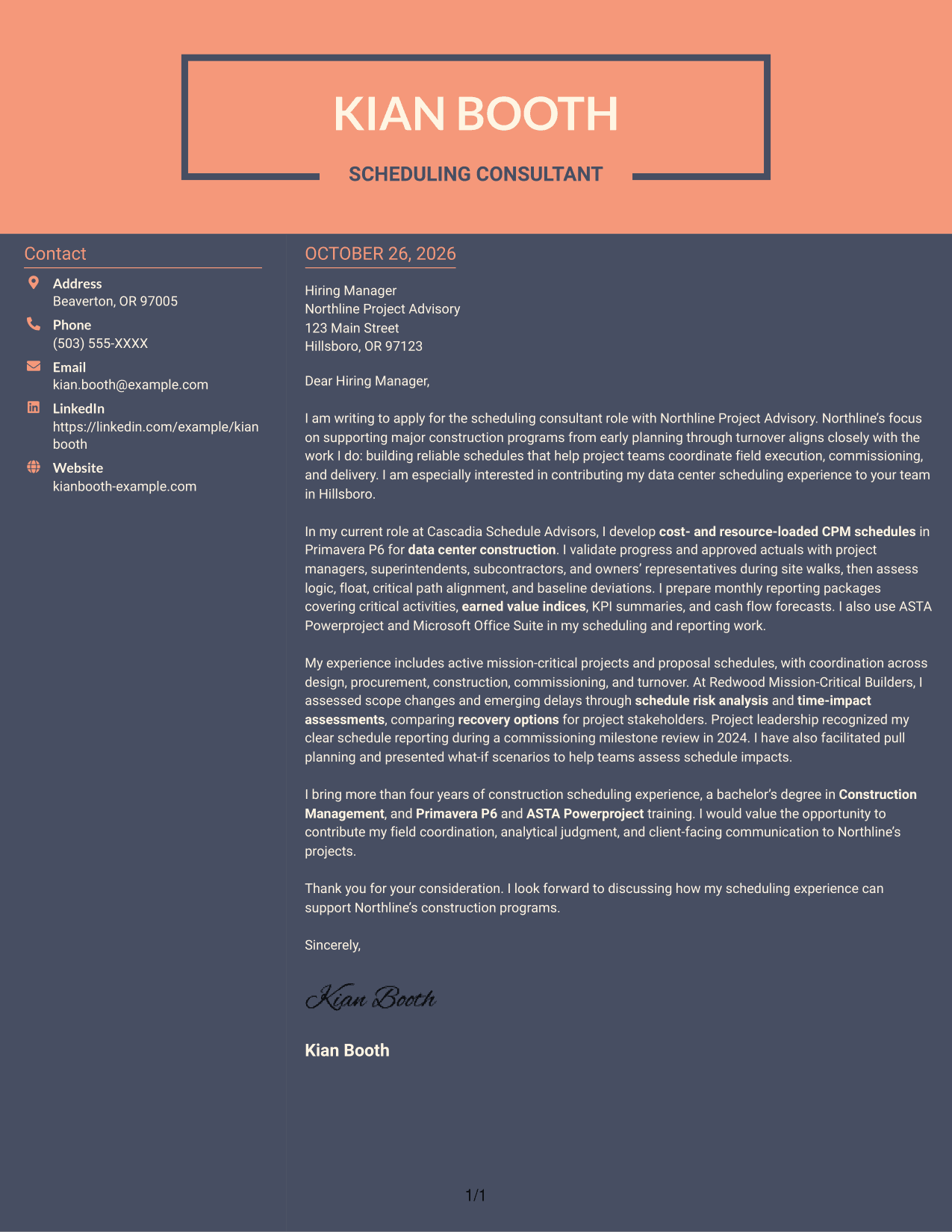
Why This Format Works
- The sidebar gives sender details a distinct place next to the letter.
- One continuous body keeps the message together from opening through closing.
- With no photo, the page centers its visual content on text and contact details.
Best For
- Contact information beside the message
- A continuous letter body
- Separate contact and text areas
- Photo-free document preferences
- A two-column reading order
See Also
- 7 Scheduling Consultant - Construction CPM Scheduling Resume Templates with Example
- 7 Occupational Safety Advisor - Construction Safety Consultant Resume Templates with Example
- 33 AI Engineer Consultant Resume Templates with Example 2026 (ATS-Optimized)
- 7 Business Architecture Consultant - Enterprise Information Management Resume Templates with Example
- 33 Business Processes Chief Consultant - Regulated Manufacturing Resume Templates with Example
- 7 Change Management and Adoption Consultant Resume Templates with Example
- 7 Clinical Data Audit Consultant Resume Templates with Example
- 7 Compliance Consultant Healthcare Resume Templates with Example
- 30+ AI Engineer Consultant Cover Letter Templates with Example 2026
- 7 Business Architecture Consultant - Enterprise Information Management Cover Letter Templates with Example
Frequently Asked Questions
What should the opening paragraph say for this scheduling consultant role?
State the role you are applying for and give a clear reason for your interest. Connect that interest to the work of building reliable construction schedules and supporting project delivery.
What experience should I highlight in the body of the letter?
Choose evidence that matches the role, such as CPM schedule development, Primavera P6 updates, baseline reviews, field coordination, or reporting. Explain how your work helped teams understand schedule status or make decisions.
How can I explain schedule analysis in a clear way?
Briefly describe the issue you reviewed, such as a logic concern, delay, or change in scope, and explain how your analysis helped compare possible responses. Use plain language and include only details you can support.
How can I show that I work well with construction teams?
Give a concise example of coordinating updates or discussing schedules with project managers, superintendents, subcontractors, or owners’ representatives. Mention field walks, pull planning, or client reporting when relevant to your experience.
How should I close a Scheduling Consultant - Construction CPM Scheduling cover letter?
Restate your interest and briefly connect your scheduling experience to the role. Thank the reader for their time and express interest in discussing your fit.




