
7 School Operations Support Assistant - Office Support Cover Letter Templates with Example
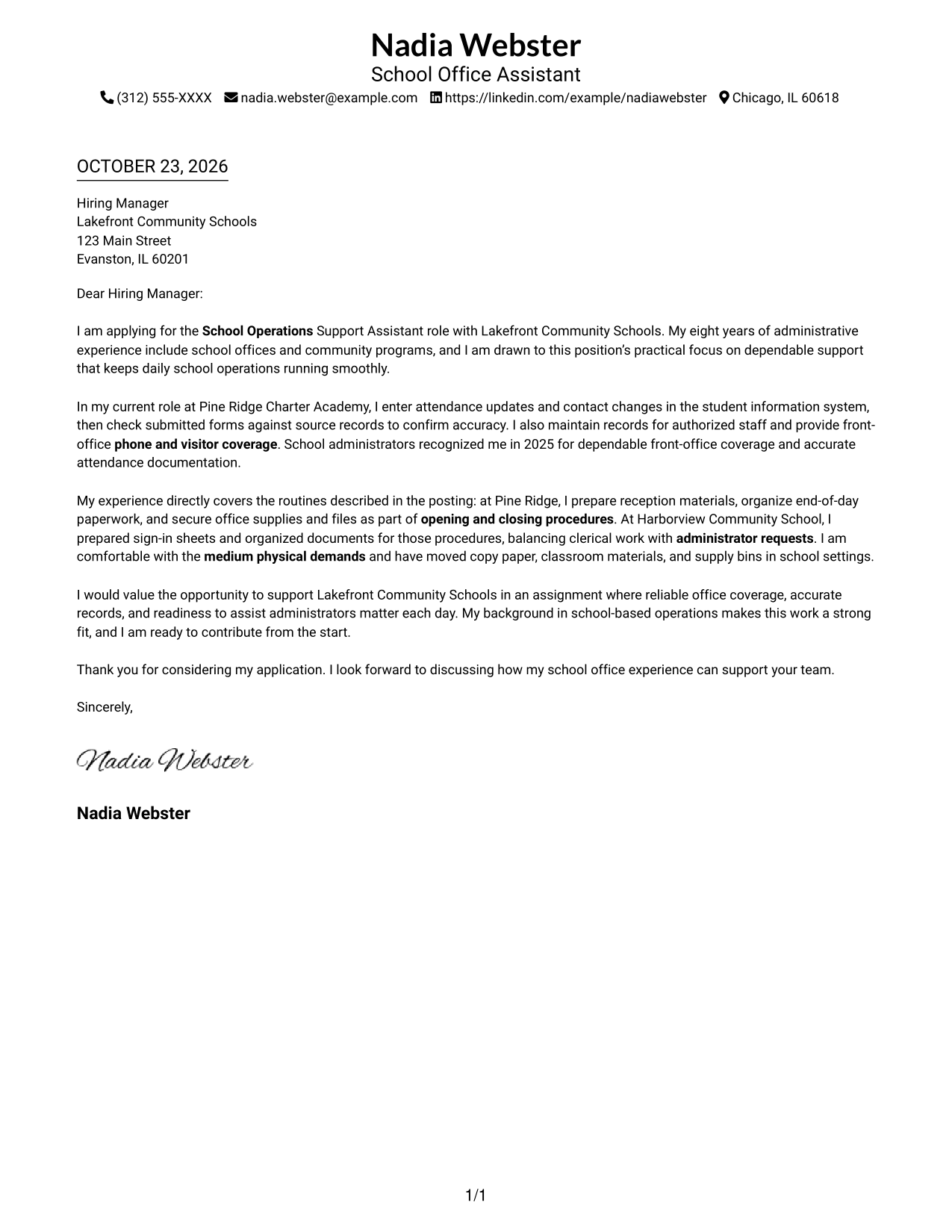
This practical guide to a School Operations Support Assistant - Office Support cover letter presents 7 layouts to help you explain your fit for school office work.
What Makes a Great School Operations Support Assistant - Office Support Cover Letter in 2026
A strong letter opens with clear interest in supporting school operations, then connects office support experience to the role. A focused close shows readiness to assist administrators with daily needs.
Use specific examples of accurate recordkeeping, phone and visitor coverage, and opening or closing routines. Link those details to the employer's needs, and address physical duties honestly when relevant.
The featured example moves from interest in school operations to specific office support evidence and a clear close, a focused progression you can adapt while choosing a presentation that suits the employer and communication context.
#1 Simple One Column Format Cover Letter Example
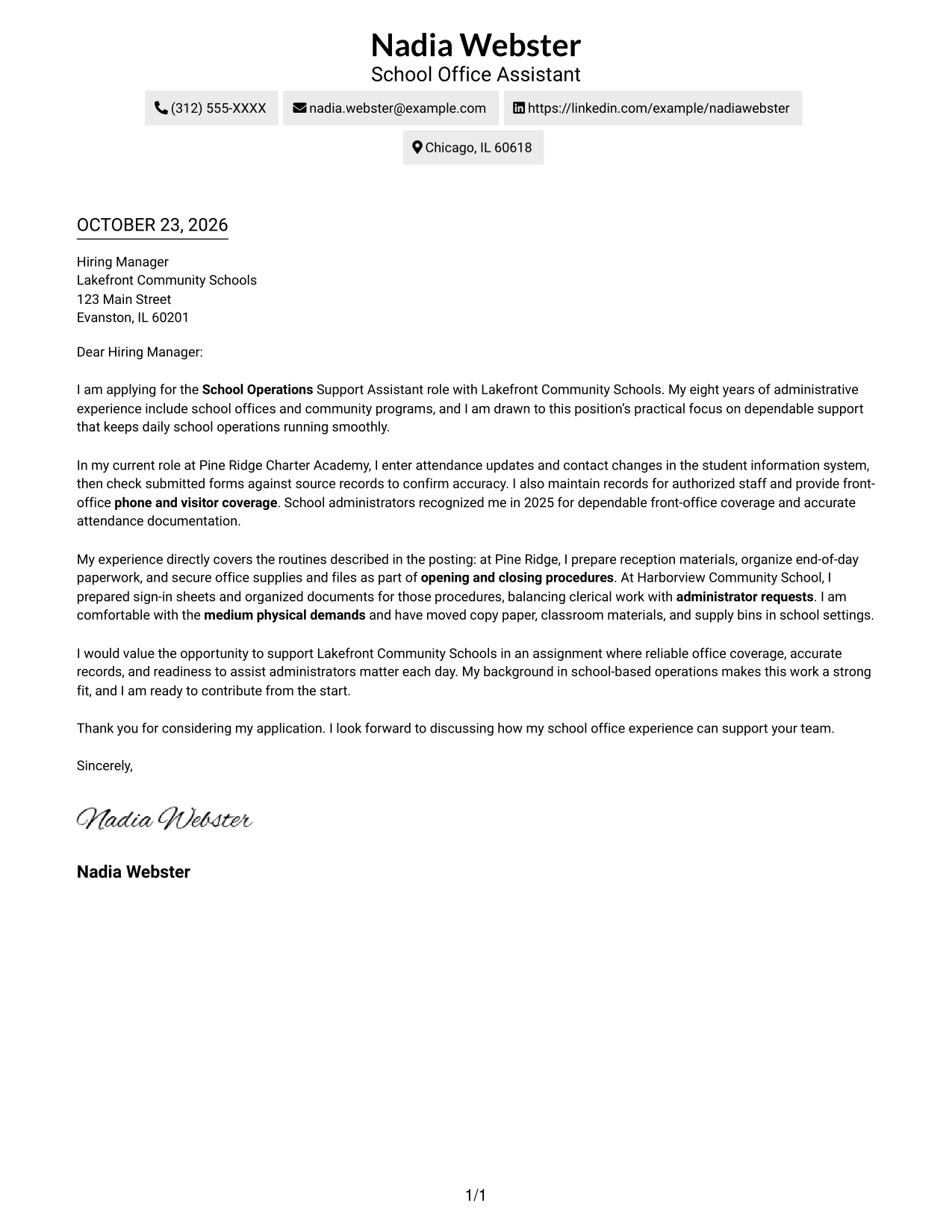
The Simple One Column Format places sender details in the header above one continuous letter body, a good choice for readers who prefer a direct reading path.
Why This Format Works
- Sender details remain in the header, apart from the letter's message.
- The single-column body carries the opening, evidence, and closing in sequence.
- Without body headings, the paragraphs retain a natural letter tone.
Best For
- Single-column letter reading
- Sender details in the header
- Continuous paragraph-based messages
- Letters without body headings
- Direct application correspondence
#2 Two Column Format Cover Letter Example
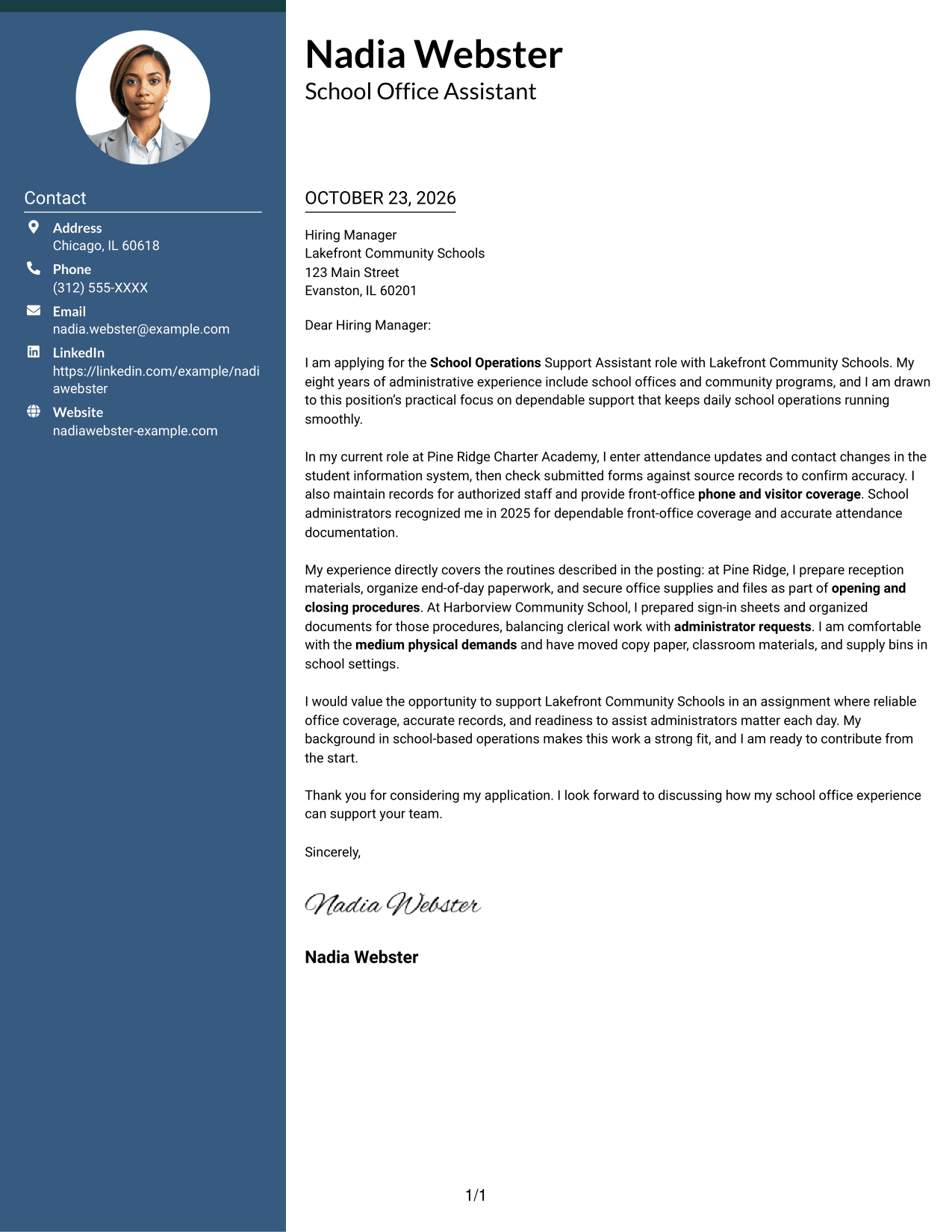
The Two Column Format sets a contact sidebar beside one continuous letter body, giving readers a clear place to find contact information without dividing the message.
Why This Format Works
- The contact sidebar keeps sender information apart from the letter's persuasive paragraphs.
- The single body column lets motivation, evidence, and closing follow one reading path.
- The body has no argument labels, keeping the letter's tone personal and direct.
Best For
- Sidebar contact presentation
- Continuous letter paragraphs
- Body text without headings
- School-office applications
- Multi-channel sender details
#3 Photo Header Two Column Format Cover Letter Example
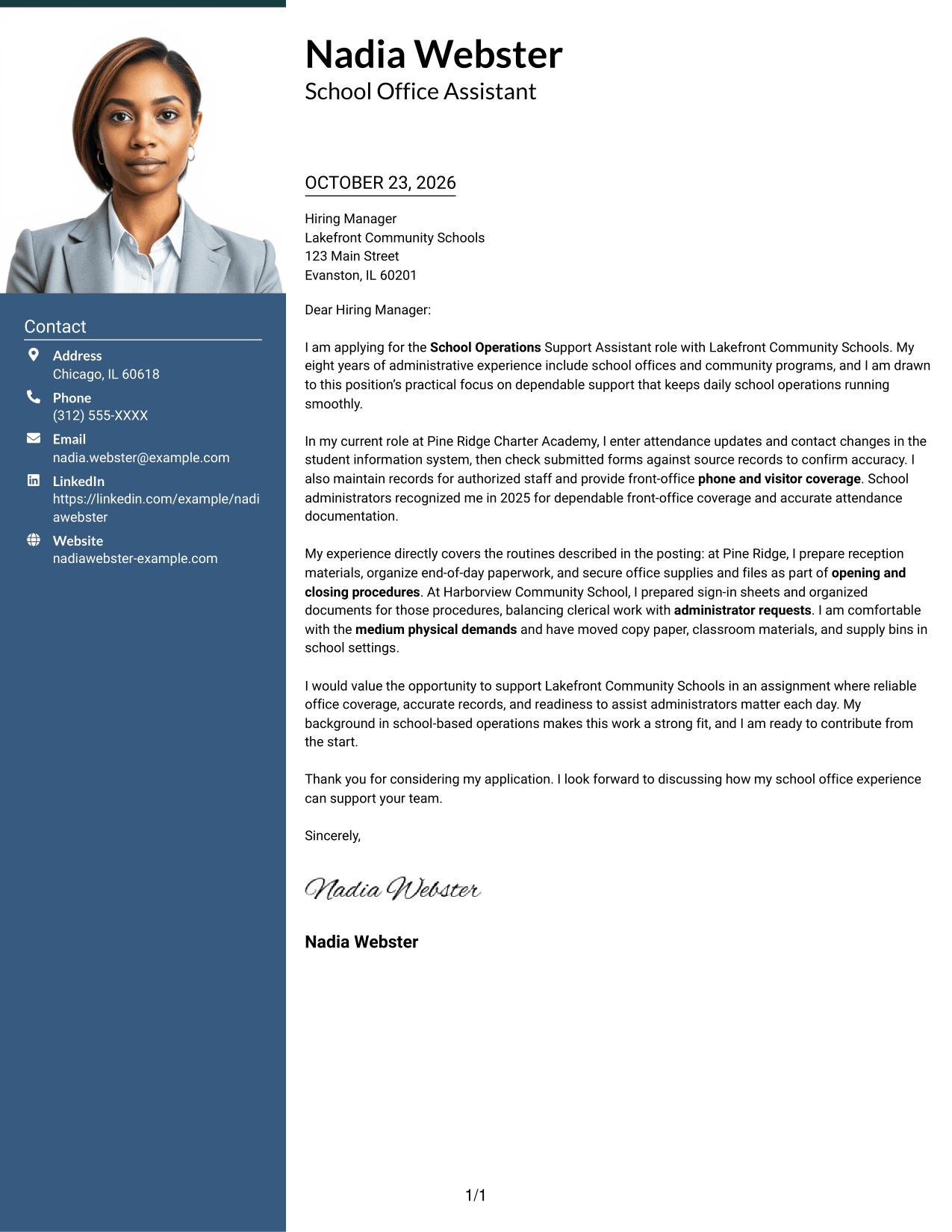
The Photo Header Two Column Format combines a photo, contact sidebar, and one continuous letter body, a practical choice when the preferred presentation includes a photo.
Why This Format Works
- The sidebar gives sender details a distinct place beside the letter body.
- One body column keeps the opening, supporting evidence, and closing in sequence.
- The photo adds a visible personal element without changing the letter's reading order.
Best For
- Photo-inclusive letter presentation
- Sidebar-based contact details
- Single-column message reading
- Continuous prose without body headings
- Applications with a visual identity preference
#4 One Column Format with Photo Cover Letter Example
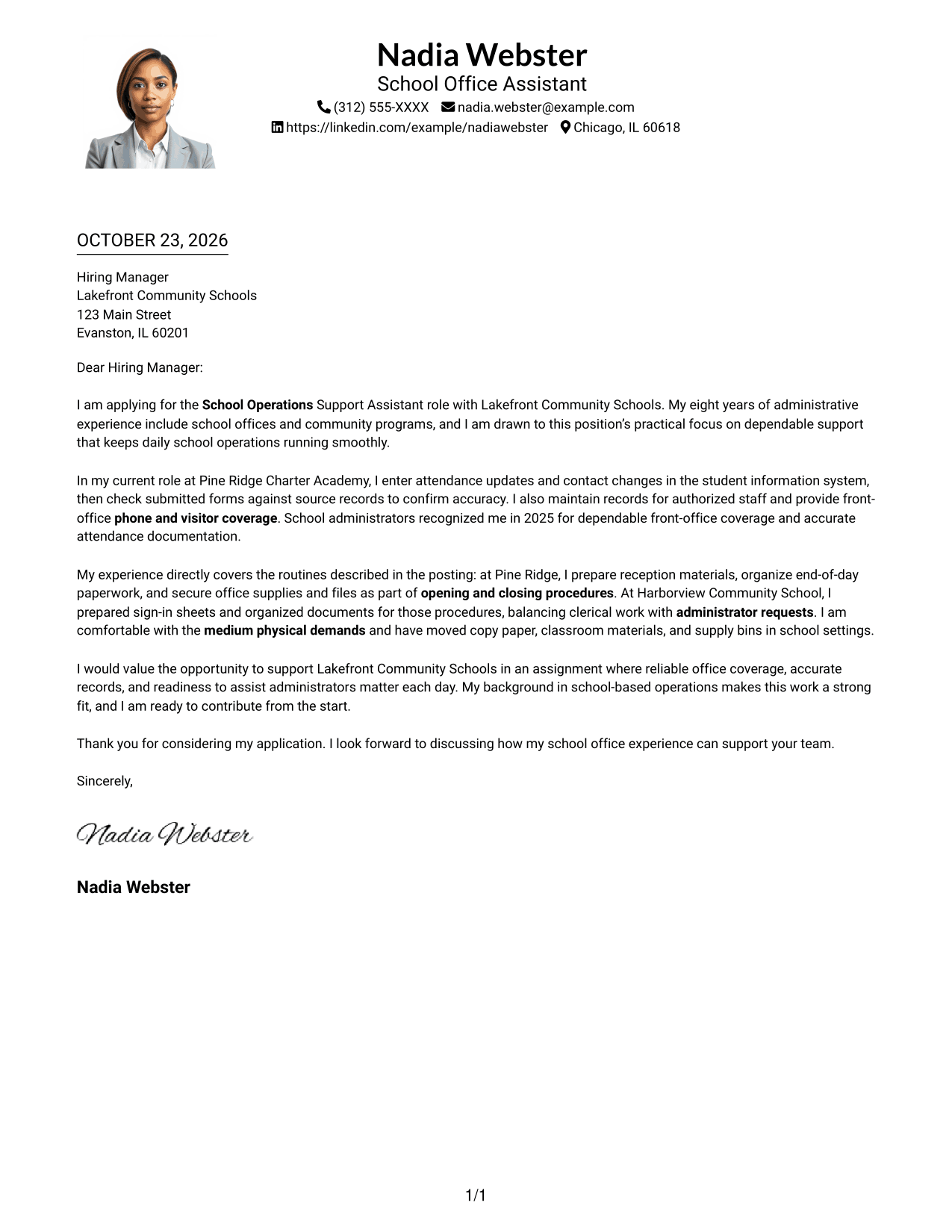
The One Column Format with Photo keeps sender details in the header and the letter in one continuous column, with a photo for readers who prefer that visual element.
Why This Format Works
- Header contact details stay apart from the paragraphs that make the case.
- One body column carries the opening, evidence, and closing in reading order.
- The photo offers a visual choice without breaking the letter's continuous prose.
Best For
- One-column letter layouts
- Photo-inclusive documents
- Header-based contact information
- Letters with continuous paragraphs
- Body text without section headings
#5 Simple Two Column Format Cover Letter Example
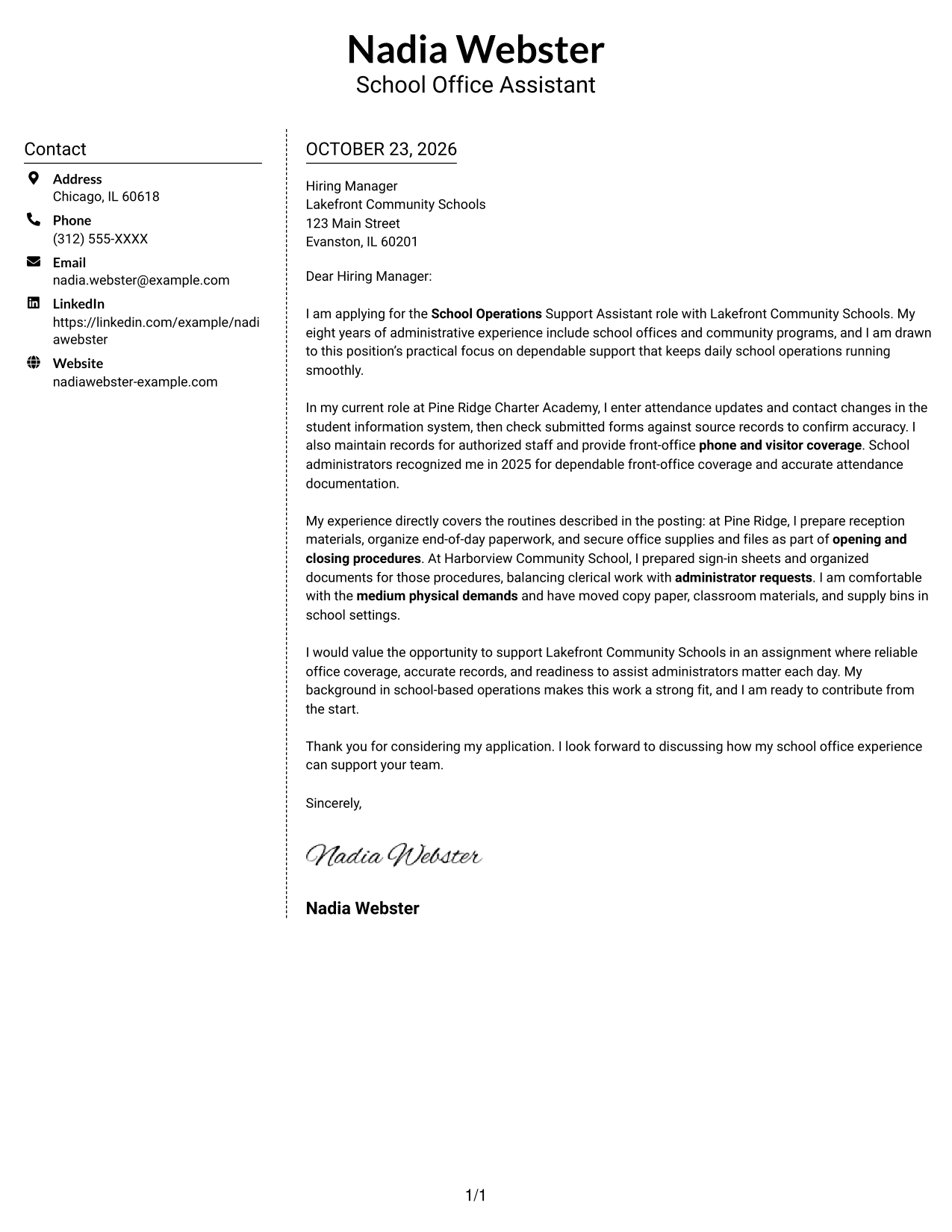
The Simple Two Column Format places contact details in a sidebar beside one continuous letter body, suiting readers who want a clear distinction between contact information and the message.
Why This Format Works
- Contact information has its own sidebar, separate from the letter's main message.
- The letter's paragraphs remain together in one column from opening to close.
- With no body headings, the message reads as a connected personal letter.
Best For
- Sidebar contact organization
- A single-column letter body
- Letters without body headings
- Contact details apart from the message
- School operations applications
#6 Modern Icon Format Cover Letter Example
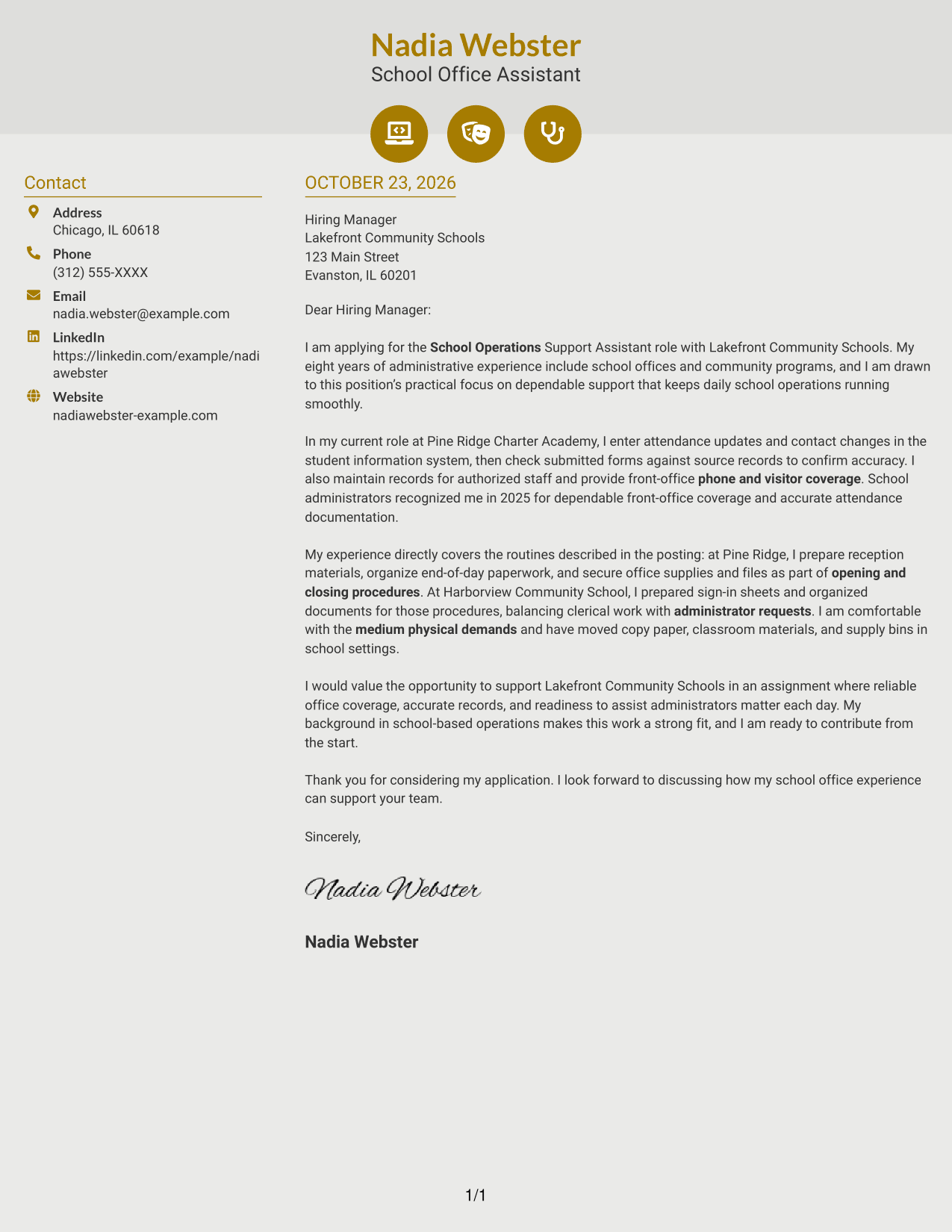
The Modern Icon Format uses two columns, with contact cues and decorative header accents beside one continuous letter body, helping readers locate sender details without labeling the letter's argument.
Why This Format Works
- Contact icons act as cues for sender details, not for letter arguments.
- The sidebar separates contact information while the message stays in one body column.
- The opening, evidence, and closing remain part of a continuous letter.
Best For
- Icon-cued contact details
- Two-column page organization
- Continuous letter-body reading
- Messages without argument labels
- School-office correspondence
#7 Creative Two Tone Format Cover Letter Example
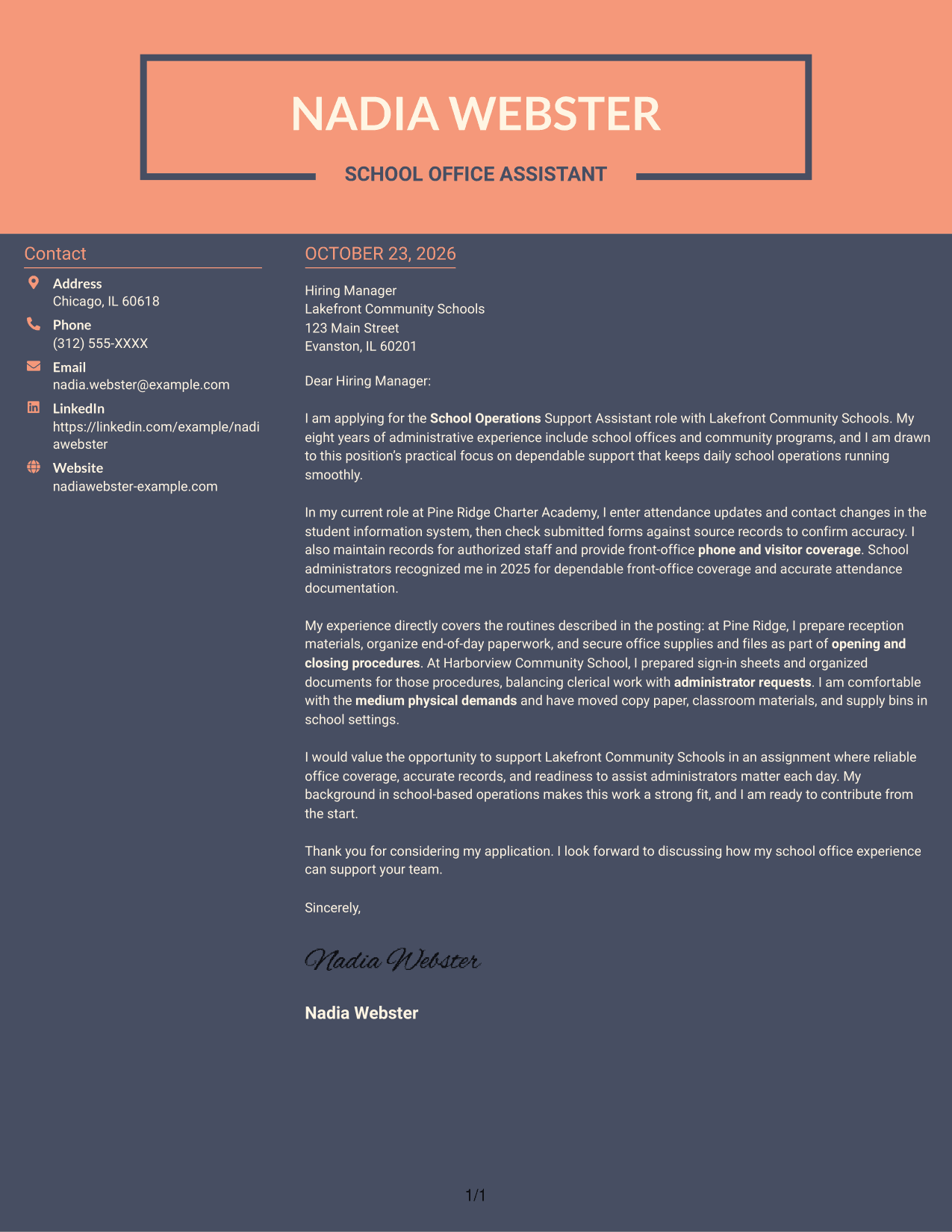
The Creative Two Tone Format sets a contact sidebar beside one continuous letter body, a useful layout when readers want contact information clearly apart from the message.
Why This Format Works
- The sidebar gives contact details a separate place from the letter's paragraphs.
- The body column keeps motivation, supporting evidence, and closing in one sequence.
- Without section headings, the message remains a direct letter rather than a set of labeled parts.
Best For
- Two-column contact layouts
- Continuous letter paragraphs
- Unlabeled letter-body prose
- Contact information beside the message
- Seasonal school-office applications
See Also
- 7 School Operations Support Assistant - Office Support Resume Templates with Example
- 7 Administrative Assistant - Executive and Office Support Resume Templates with Example
- 7 Administrative Support Assistant - Executive Office Support Resume Templates with Example
- 7 Clinical Receptionist/Office Assistant - Nursing Clinical Support Resume Templates with Example
- 7 Office Assistant 3 - Community Corrections Support Resume Templates with Example
- 7 Administrative Assistant VI - Executive-Level Administrative Support Resume Templates with Example
- 7 Administrative Support Assistant III Resume Templates with Example
- 7 Certified Nursing Assistant/Medication Aide - Assisted Living and Memory Support Resume Templates with Example
- 7 Certified Nursing Assistant/Medication Aide - Assisted Living and Memory Support Cover Letter Templates with Example
- 7 Laboratory Assistant - Instructional Laboratory Support Cover Letter Templates with Example
Frequently Asked Questions
What should this cover letter emphasize?
Show how your office support experience matches school routines. Examples may include accurate attendance records, filing, phone coverage, visitor assistance, and support for opening and closing procedures.
How can I show that I am a good fit for the role?
Choose a specific example that shows reliability, care with records, or a clear response to an administrator's request. Explain how your actions helped keep the office organized and responsive.
How should I address the physical demands?
If it reflects your experience, mention relevant work such as moving copy paper, classroom materials, or supply bins. Keep the statement accurate and connect it briefly to the stated demands.
Should I name Lakefront Community Schools in my letter?
Yes. Name the school system and explain your genuine interest in supporting its school operations. Avoid claims about the organization that you cannot verify.
Should I include a photo on my cover letter?
For applications in the United States, a photo is usually not needed. A clear, easy-to-read letter is a suitable choice for school office support work.




