
7 Scientific Research Grant Assistant Resume Templates with Example
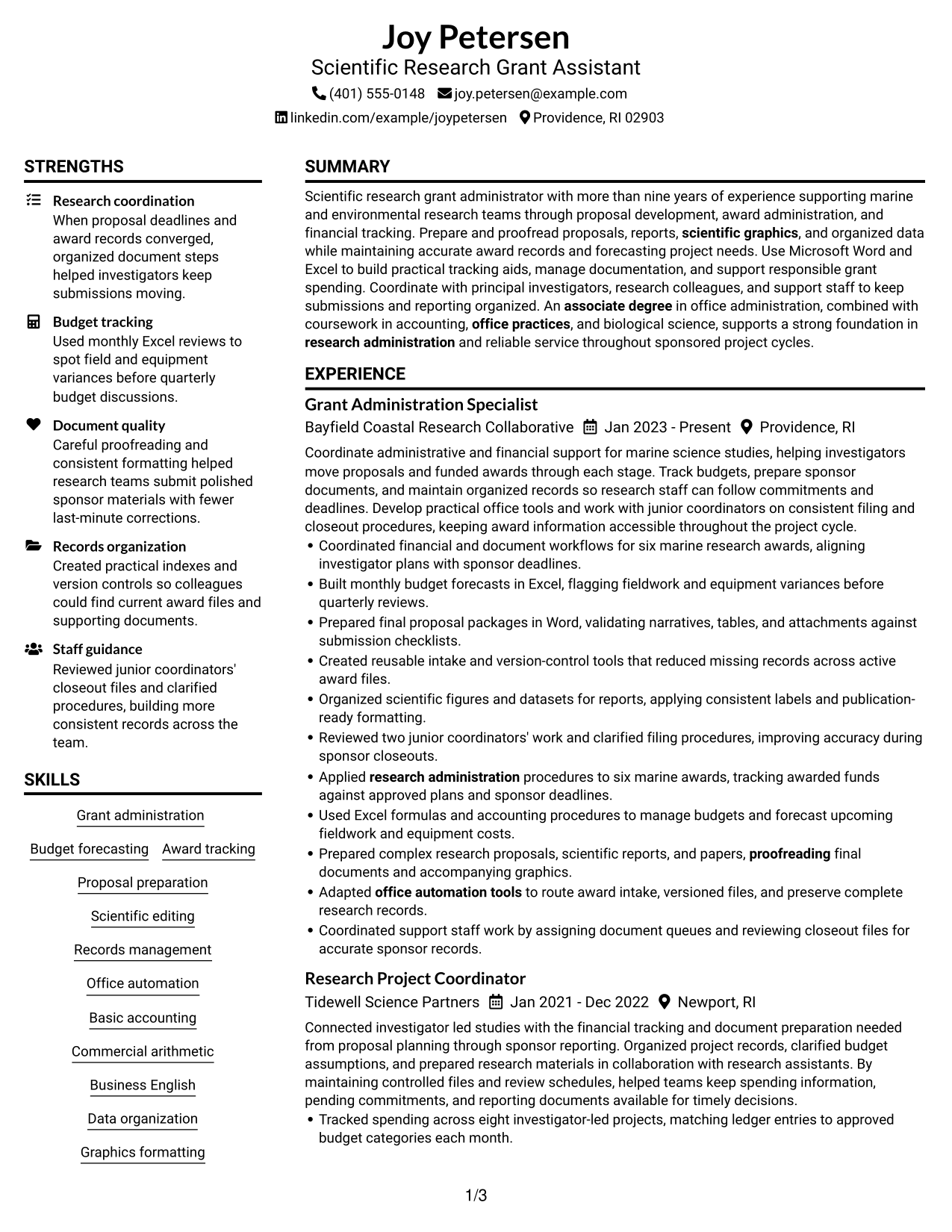
This guide helps you build a clear Scientific Research Grant Assistant resume that shows how you support proposals, awards, and research teams. You will learn how to organize relevant evidence, choose resume sections, and present results so reviewers can find key details quickly.
A strong resume for this role connects research administration with careful financial and document support. Clear bullets can show proposal preparation, budget tracking, scientific report editing, records management, and coordination with investigators and support staff.
The example is presented in 7 layouts, with notes to help you compare page structure and choose a clear option for your Scientific Research Grant Assistant resume.
What Makes a Great Scientific Research Grant Assistant Resume in 2026
A strong resume puts proposal support, award tracking, budget forecasting, and scientific document preparation in clear sections. Short bullets help reviewers see accuracy, coordination, and results.
Use terms such as research administration, basic accounting, office automation, records management, and scientific graphics when they match your background. Support those terms with examples of budget reviews, document checks, and organized research files.
The examples shown below are intentionally detailed to demonstrate a range of experiences, skills, accomplishments and relevant keywords. We prefer detailed resumes as they provide more context to the hiring managers and also help the ATS systems identify relevant qualifications and score your resume better for a match. But the length of a resume is an individual choice. If you want a one page resume, just keep the most relevant experience and information for the job. Note: Resume examples are for educational purposes only. Use only information that accurately reflects your experience and qualifications. References to real organizations do not imply affiliation or endorsement.
#1 Plain Two Column Format Resume Example
The Plain Two Column Format uses side-by-side content areas to help reviewers find key resume sections while keeping the reading order clear.
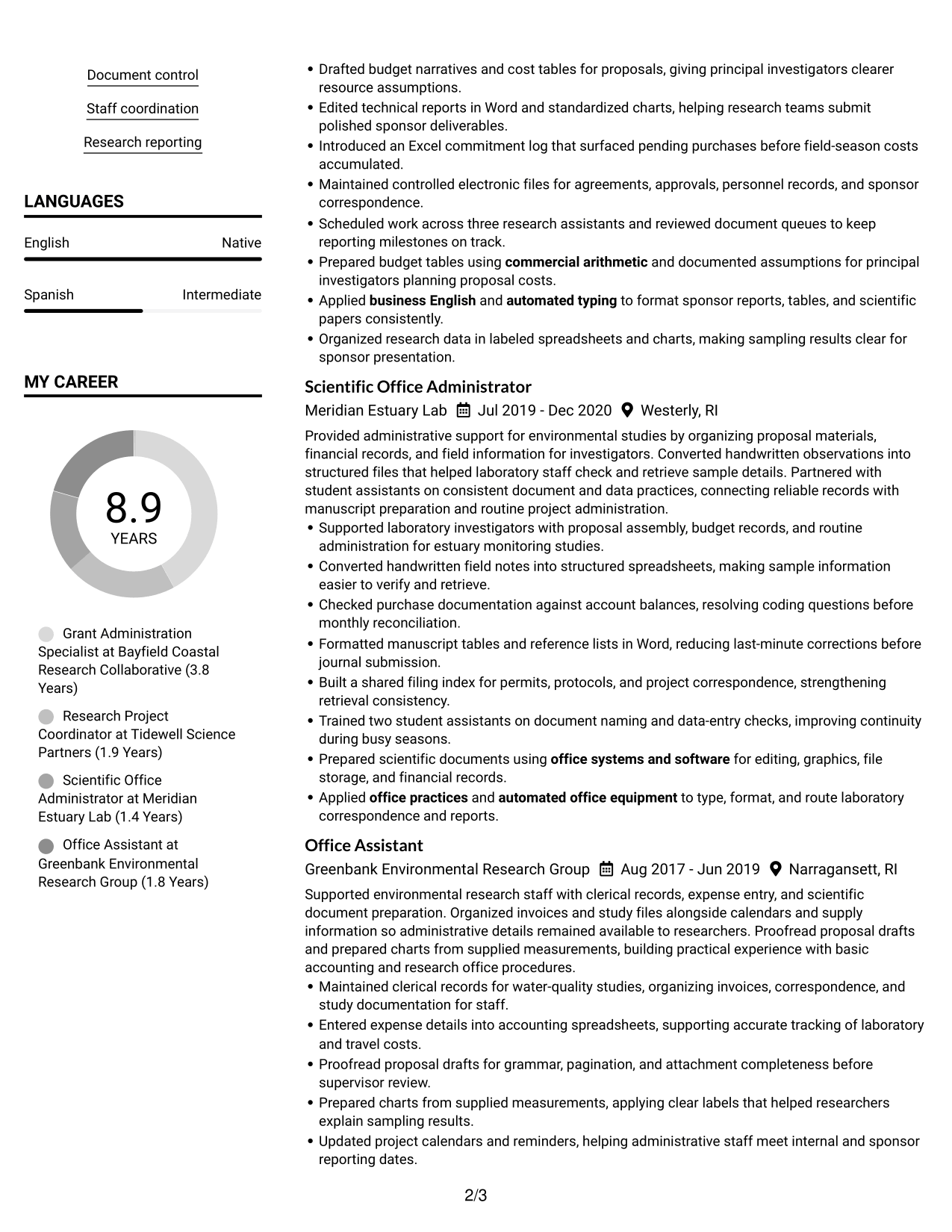
Resume Snapshot
- More than nine years supporting research administration
- Associate of Applied Science in Office Administration
- Microsoft Office Specialist: Excel Associate, 2022
- Experience with proposals, awards, budgets, and research reports
Why This Format Works
- Separate columns help reviewers locate skills and experience while following the section order.
- Clear gaps between content groups give education and credentials distinct scan points.
- Side-by-side organization keeps project details and career history easy to review.
Best For
- Fast scanning across resume sections
- Related details shown side by side
- A mix of experience and project work
- Clear separation of supporting qualifications
- Compact organization for detailed records
Resume Keywords
- research administration
- Grant administration
- Budget forecasting
- Basic accounting
- proofreading
- scientific graphics
- Records management
- office automation tools
- office systems and software
- automated typing
- Commercial arithmetic
- Business English
- office practices
- automated office equipment
- associate degree
#2 Simple One Column Format Resume Example
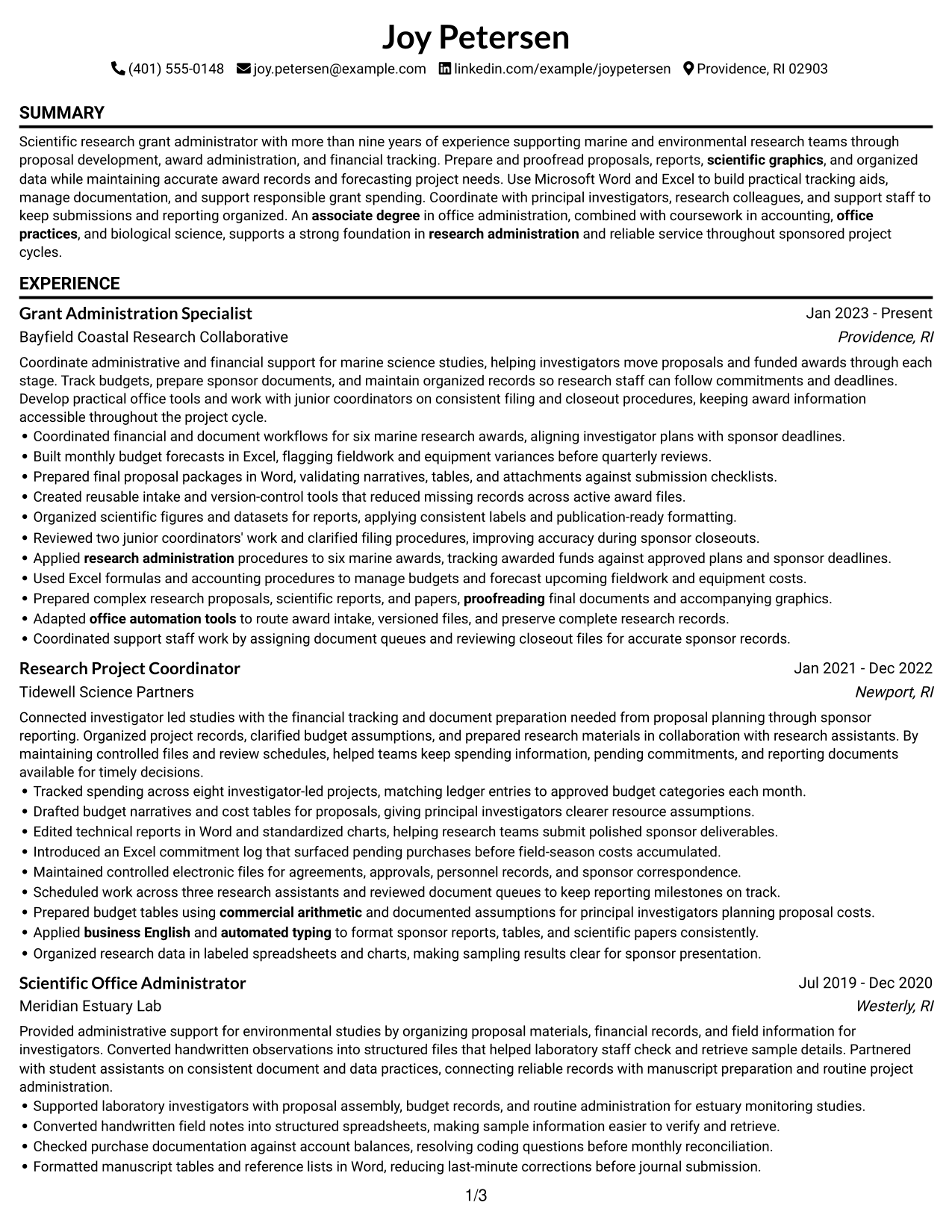
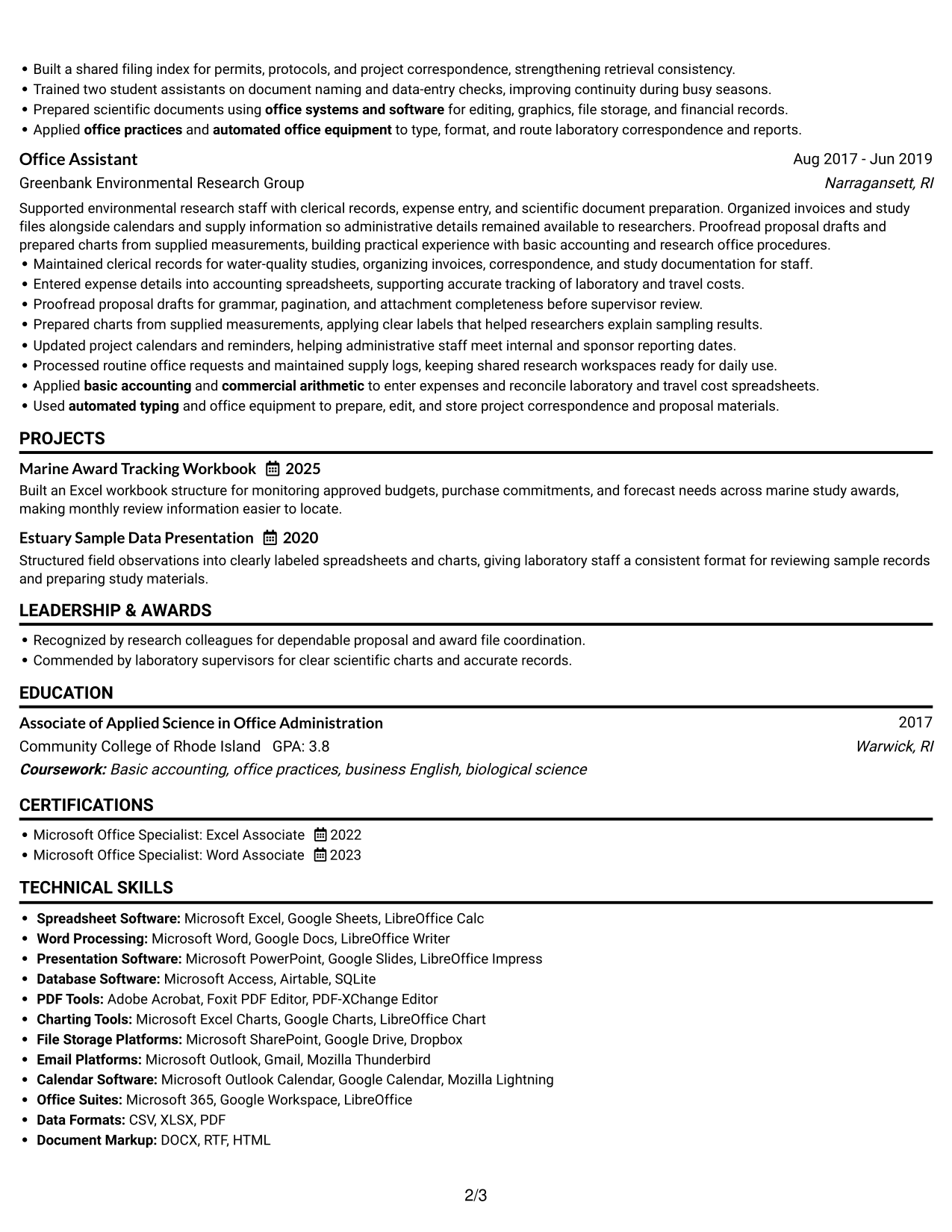
The Simple One Column Format presents sections in one continuous path, giving reviewers a direct way to follow experience and supporting details.
Why This Format Works
- One reading path helps reviewers follow experience from current work through earlier roles.
- Full-width sections give proposal work and budget results room for clear bullet points.
- A steady vertical order makes education, projects, and certifications easy to locate.
Best For
- A direct top-to-bottom review
- Detailed experience bullets
- ATS-friendly section order
- Longer role descriptions
- Education and projects in sequence
#3 Clean Two Column Sidebar Format Resume Example
The Clean Two Column Sidebar Format uses a clear boundary between the sidebar and main content to make resume sections easier to navigate.
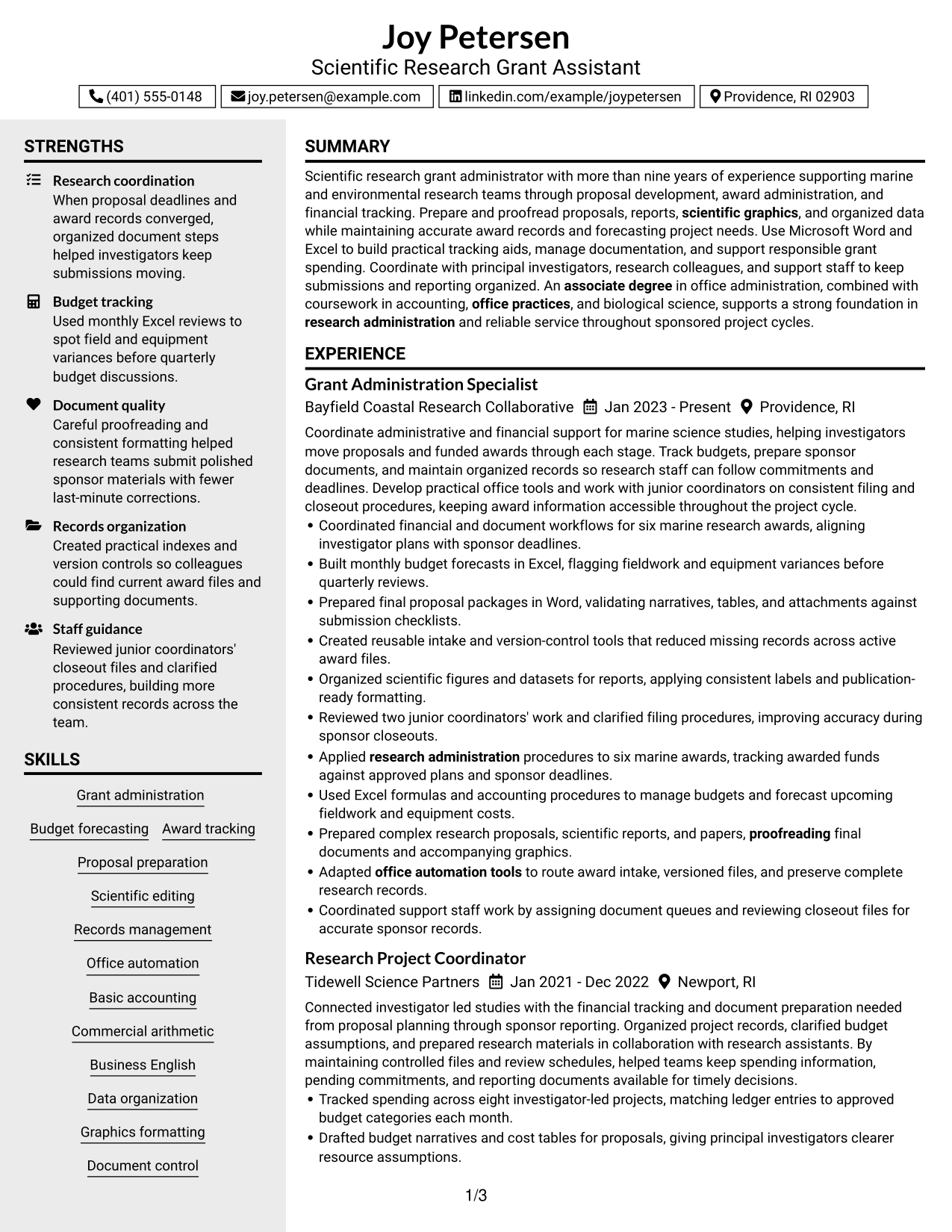
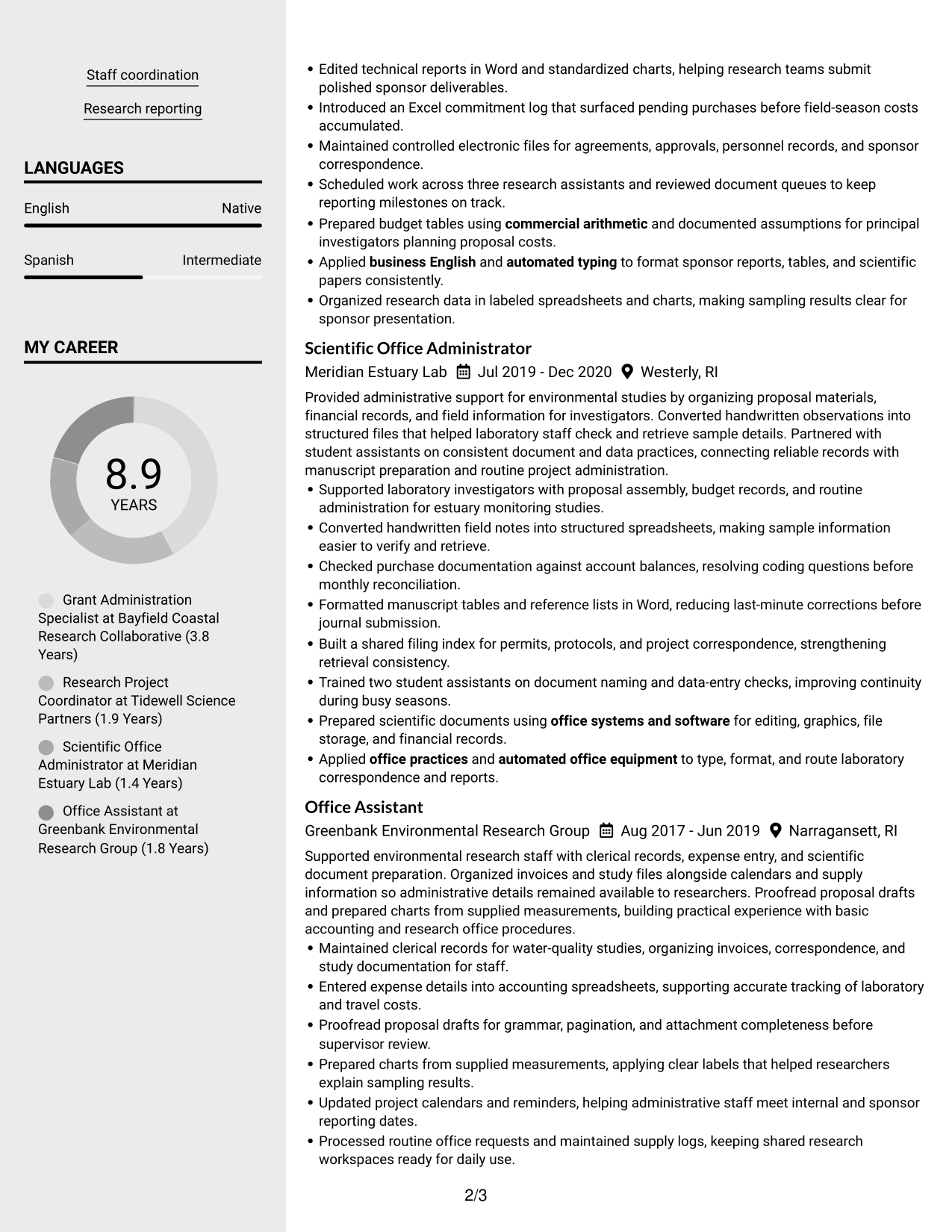
Why This Format Works
- A distinct sidebar route helps reviewers find supporting sections apart from career history.
- The main content area gives experience a clear sequence from role to role.
- Separate content zones keep education and project details easy to scan.
Best For
- Quick access to supporting sections
- A clear main career-history area
- Resume content with distinct section types
- Projects alongside work experience
- Readers who scan by section
#4 Two Column Format Resume Example
The Two Column Format sets resume information in parallel areas, giving reviewers more than one clear route through experience and qualifications.
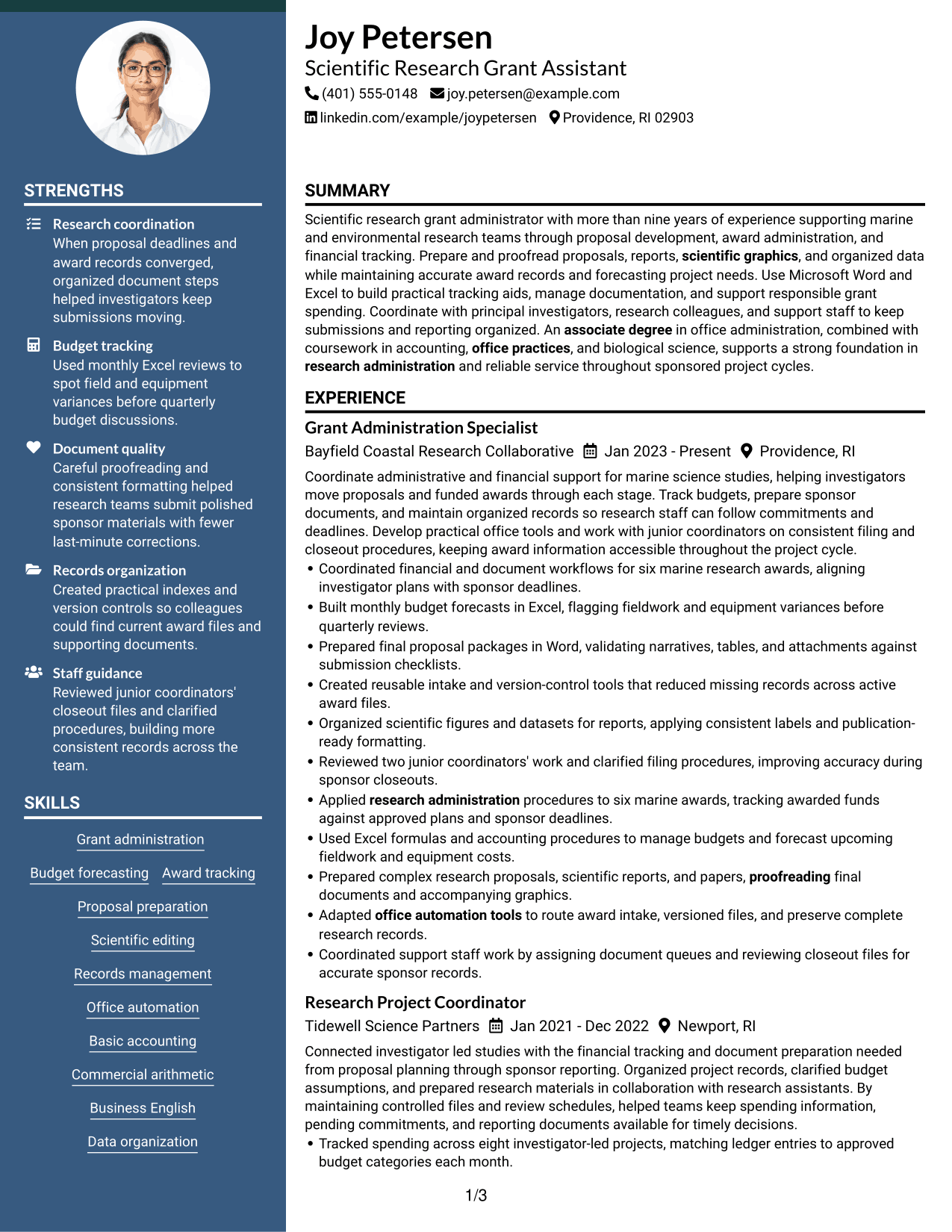
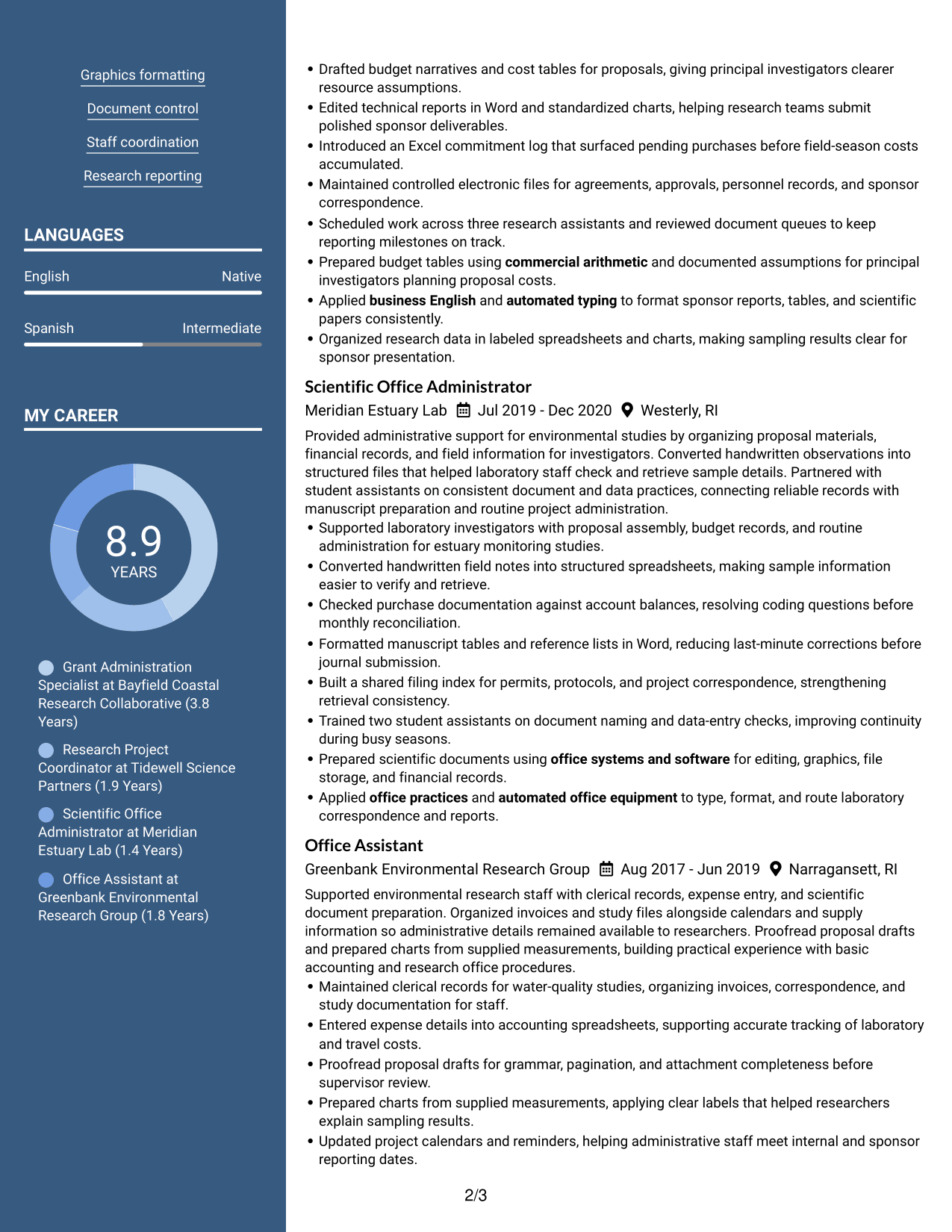
Why This Format Works
- Parallel columns help reviewers compare career history with supporting qualifications at a glance.
- Side-by-side sections keep education and project details visible during a quick scan.
- Clear column boundaries help skills and experience remain distinct.
Best For
- Side-by-side information review
- Experience paired with supporting details
- Separate views of skills and education
- Project details with career history
- Readers comparing resume sections
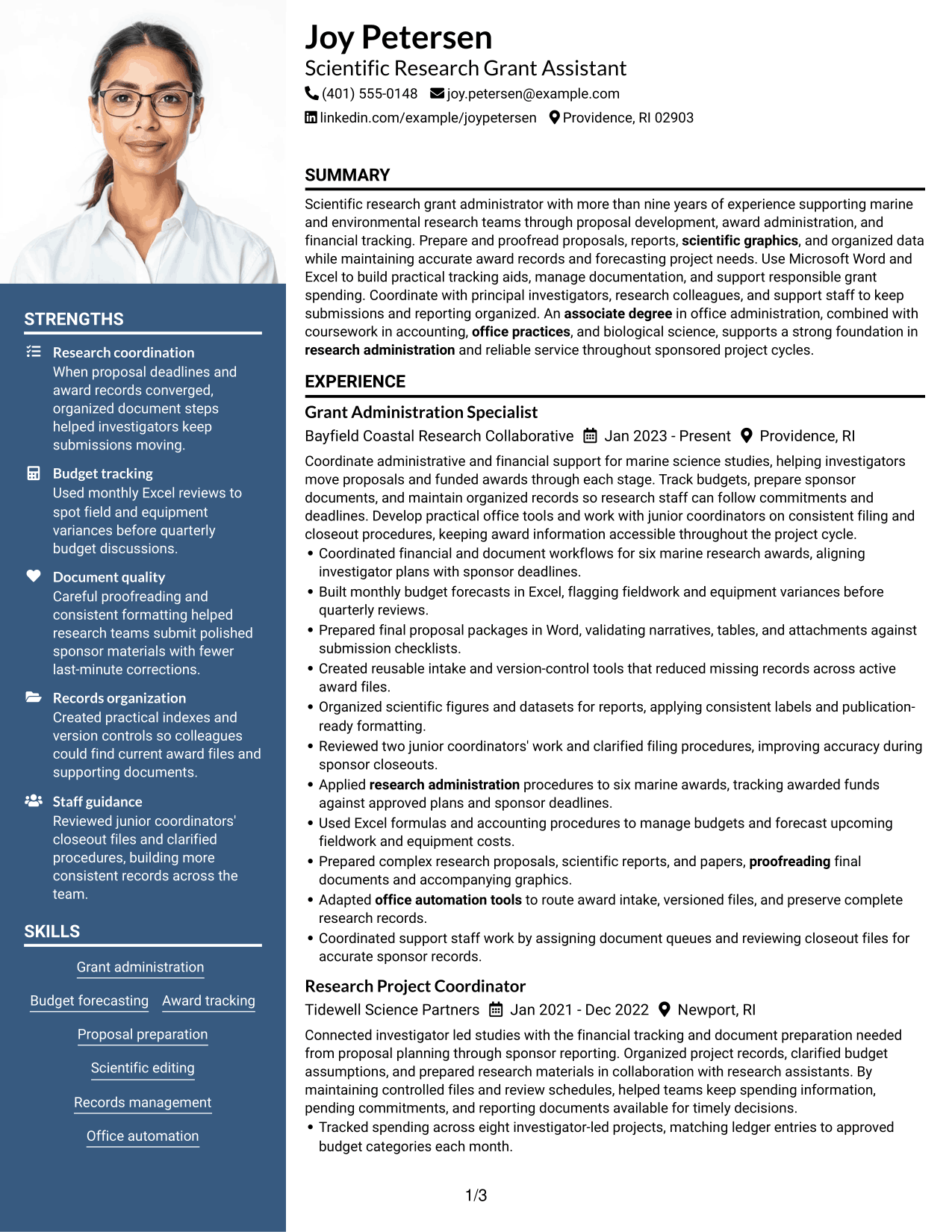
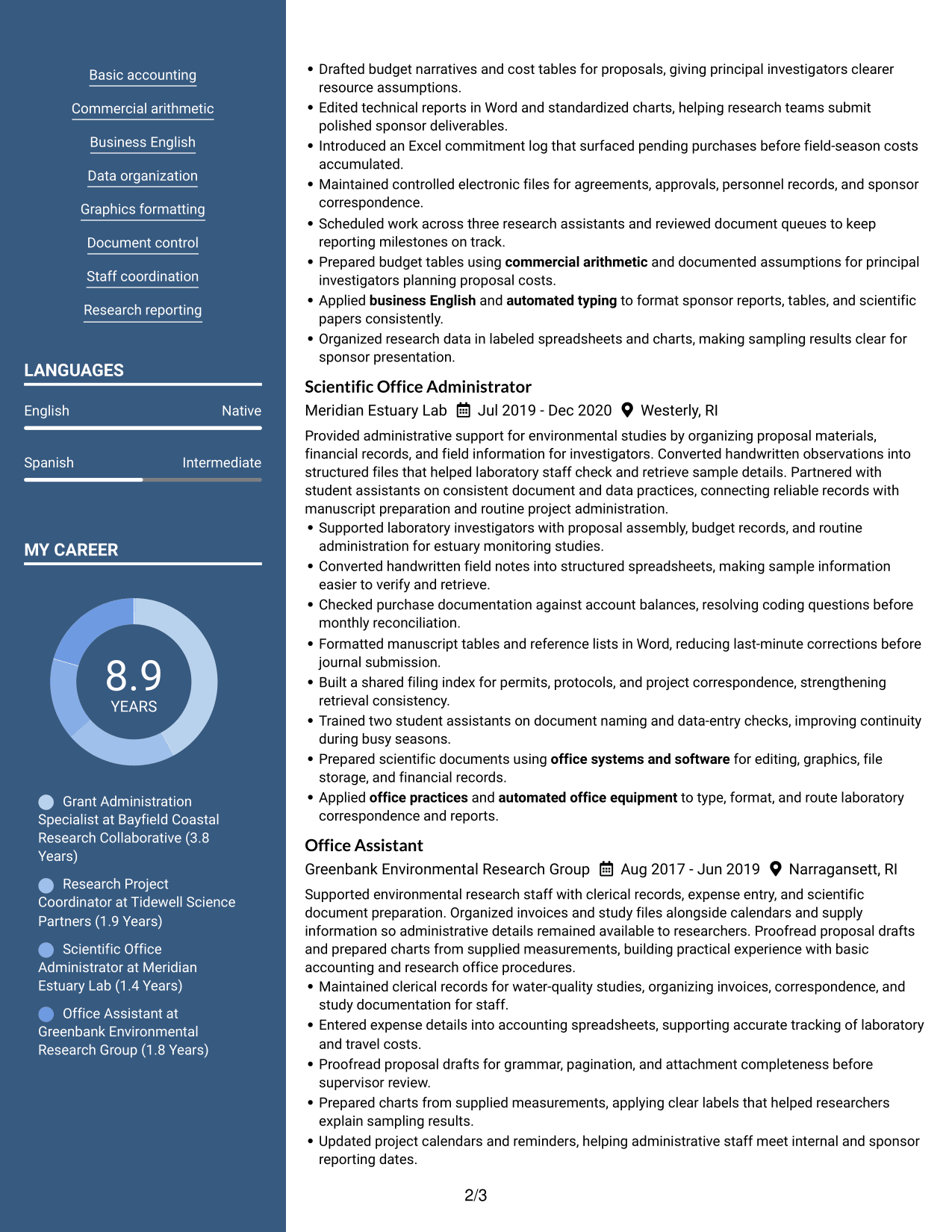
#5 Photo Header Two Column Format Resume Example
The Photo Header Two Column Format places a photo in the header and keeps the resume body in two areas, so reviewers can distinguish the header from the content.
Why This Format Works
- The photo header stays apart from the two-column body, keeping experience and supporting sections organized.
- Two body columns give skills and education distinct scan paths from career history.
- Section divisions help reviewers move between achievements, projects, and credentials.
Best For
- Photo-header resume presentation
- Two-column reading paths
- Separate career and supporting sections
- Experience with project details
- A clear distinction between header and body
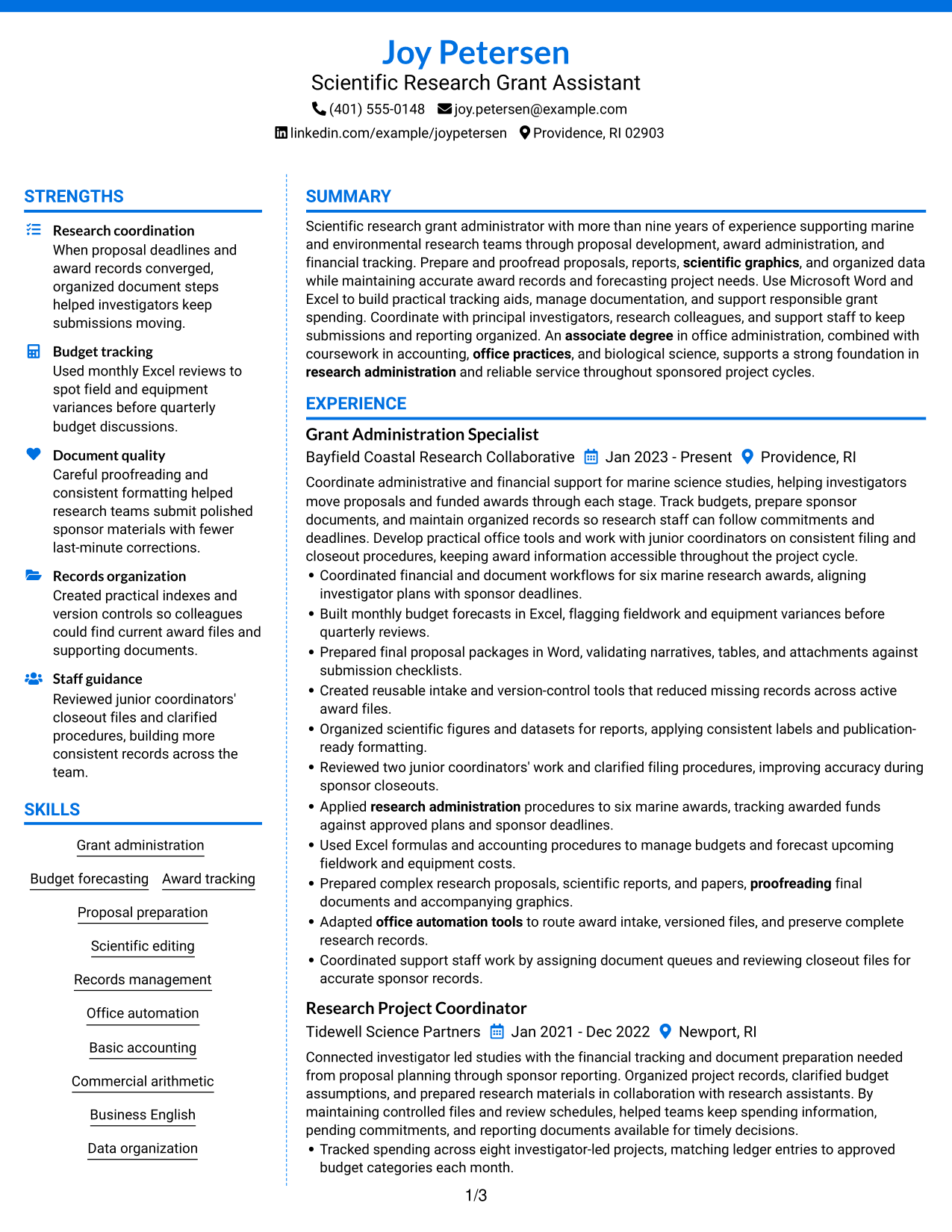
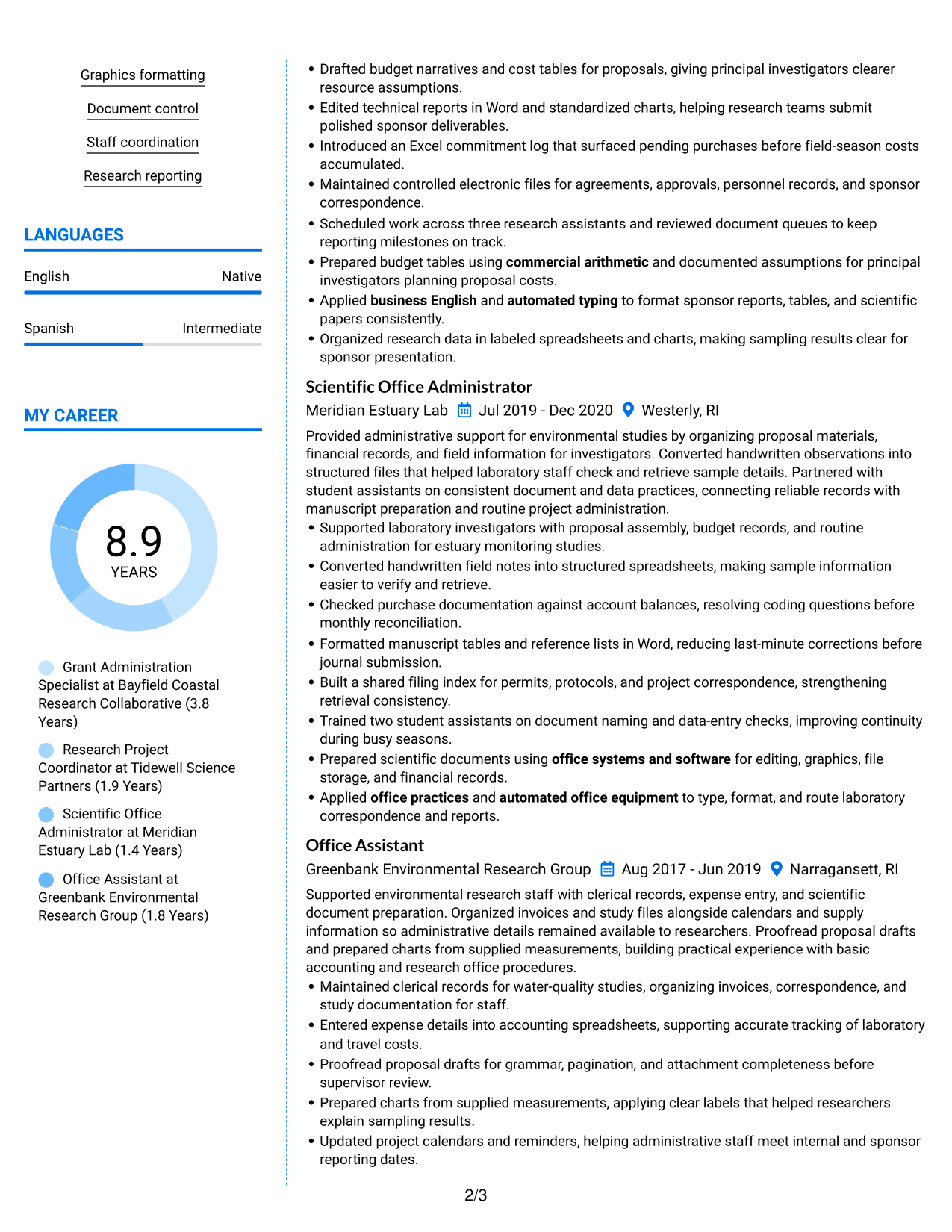
#6 Colored Two Column Format Resume Example
The Colored Two Column Format uses color to mark section boundaries, while its side-by-side content areas support quick navigation through the resume.
Why This Format Works
- Color contrast marks section boundaries, helping reviewers move between skills and experience.
- Two-column grouping keeps career history and project evidence distinct during scanning.
- Visual separation gives education and certifications clear places in the information hierarchy.
Best For
- Section boundaries that stand out
- Side-by-side review of resume details
- Distinct areas for experience and projects
- Quick movement between content groups
- A color-accented resume layout
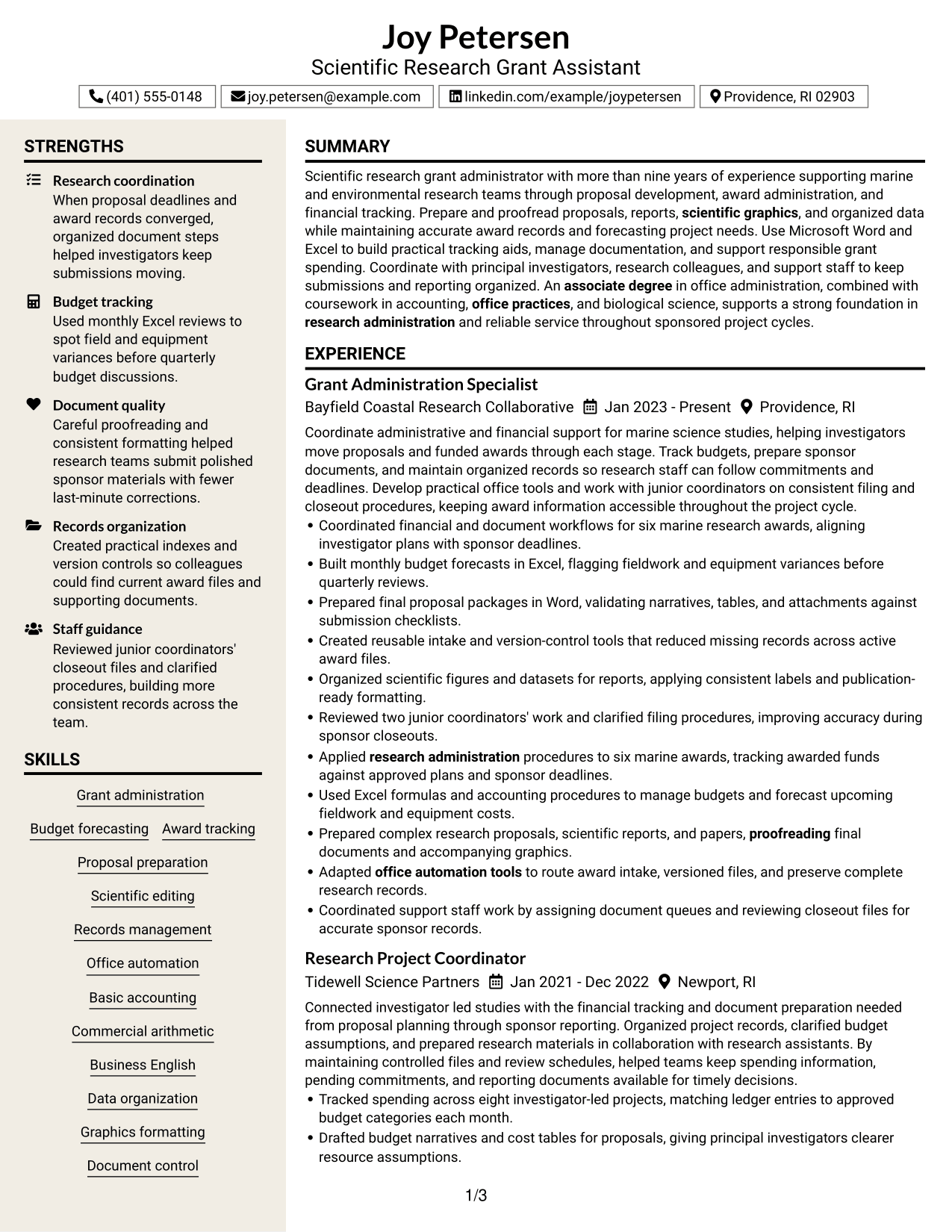
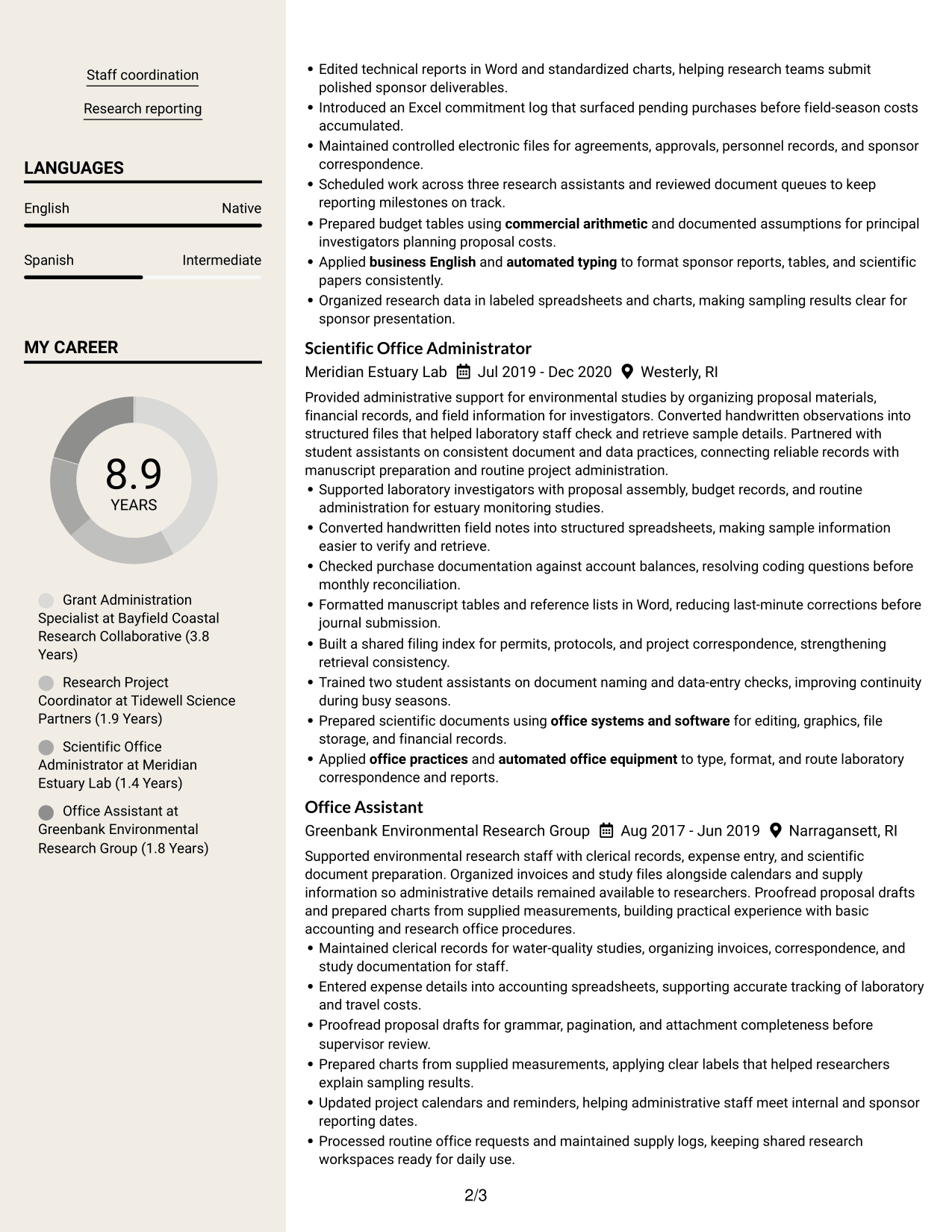
#7 Stylish Two Column Designer Format Resume Example
The Stylish Two Column Designer Format combines a sidebar and square bullet markers with two-column organization, giving reviewers clear visual cues as they scan the resume.
Why This Format Works
- Square bullet markers make achievement points easier to distinguish within experience sections.
- Sidebar organization can separate concise supporting details from the main career sequence.
- Two-column reading gives projects and education distinct scan points beside work history.
Best For
- Achievement bullets that need clear separation
- A sidebar for supporting details
- Projects and education beside work history
- Visual cues for section navigation
- A designed two-column resume
Why Build Your Scientific Research Grant Assistant Resume with ResumeInMinutes
ResumeInMinutes helps you organize research administration experience, financial support, document work, and office skills into a resume that is easy to read and update.
- Resume layouts for clear review
- Easy-to-follow section structure
- Support for relevant resume keywords
- Organized skills and project details
- Resume previews
- Resume editing tools
Use the editor to arrange experience, education, skills, projects, and certifications. Keep the strongest evidence easy to find, such as budget forecasts, proposal packages, scientific reports, and records improvements.
See Also
- 7 Research Assistant III - Proteomics and Phosphoproteomics Resume Templates with Example
- 7 Research Assistant - Neurobiology Resume Templates with Example
- 7 Research Assistant Resume Templates with Example
- 7 Senior Administrative Assistant - Research Administration Resume Templates with Example
- 7 Undergraduate Newsroom AI Research Assistant Resume Templates with Example
- 7 Academic Records Assistant - Student Records Resume Templates with Example
- 33 Accounting Assistant Resume Templates with Example 2026 (ATS-Optimized)
- 33 Accounts Payable Assistant Resume Templates with Example 2026 (ATS-Optimized)
- 7 Scientific Research Grant Assistant Cover Letter Templates with Example
- 7 Senior Administrative Assistant - Research Administration Cover Letter Templates with Example
Frequently Asked Questions
Are these Scientific Research Grant Assistant resume templates ATS-friendly?
They use clear headings and readable sections to support applicant tracking systems. Add role-related terms such as grant administration, budget forecasting, proposal preparation, and records management when they accurately describe your experience.
Are these different resumes or layouts for one example?
They show one resume example in different layout styles. Compare the section order and page design, then choose the one that makes your information easiest to review.
What should a Scientific Research Grant Assistant resume include?
Include a focused summary, relevant experience, education, skills, and any relevant projects or certifications. Show evidence of proposal support, budget tracking, scientific document work, and accurate record keeping.
How can I show budget experience on my resume?
Describe the budget work you performed, the tools you used, and the result. For example, you might explain how you tracked spending, prepared forecasts, or flagged cost differences, using only details that match your own experience.
Which resume layout works well for research grant support?
Choose a layout with clear headings and enough space for experience bullets, skills, and education. A simple design can help both recruiters and resume scanning systems find important details.
How should I describe scientific document work?
Name the documents you supported, such as proposals, reports, papers, tables, or graphics. Add relevant details about proofreading, formatting, organizing data, or preparing final files.
Should I include a photo on my resume?
For most U.S. applications, a resume without a photo is a safe choice. Use a photo only when it is expected in your region or requested by the application instructions.
Can I customize these resume templates?
Yes. You can edit the resume content and layout to show your own experience, skills, education, projects, and certifications clearly.




