
7 Security Governance Director Cover Letter Templates with Example
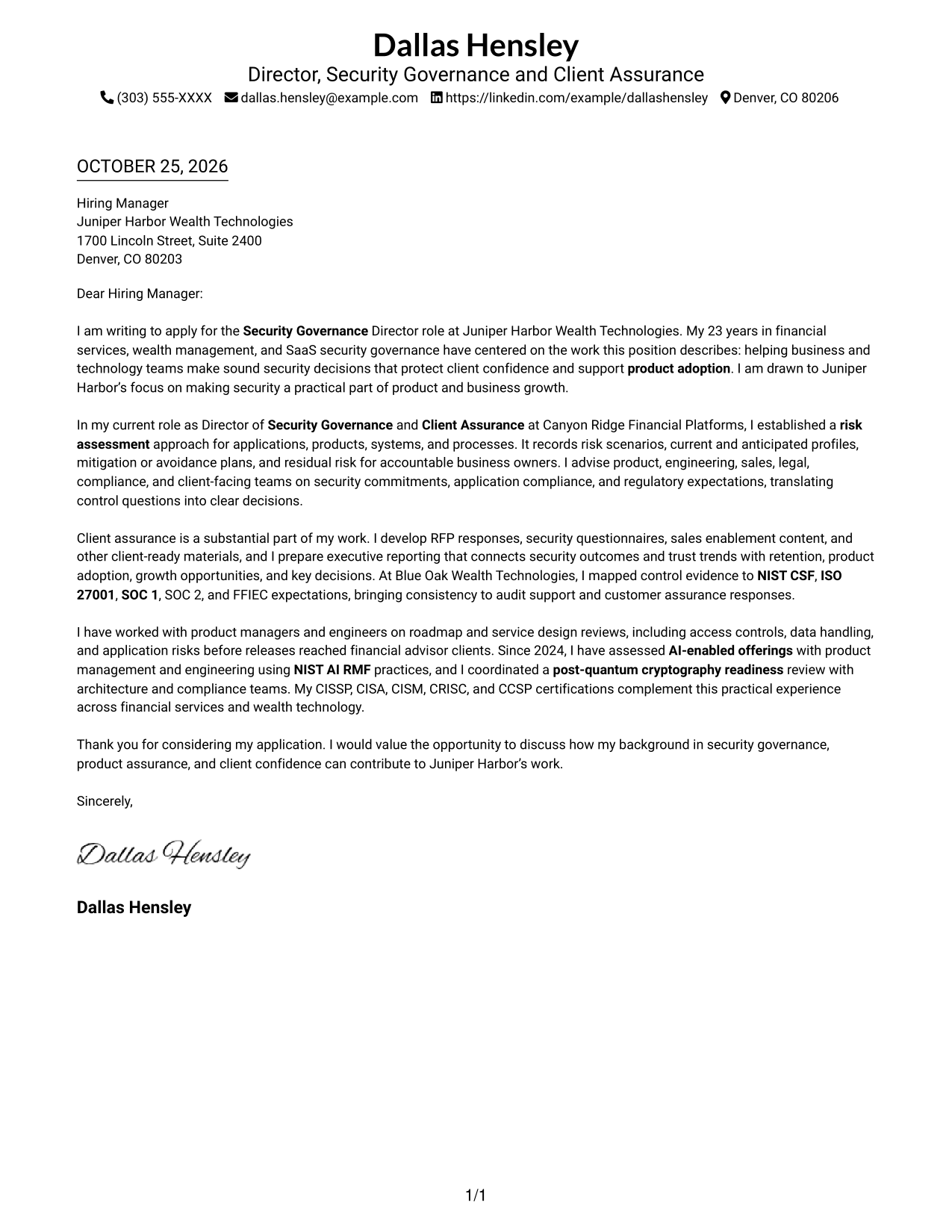
This practical guide to a Security Governance Director cover letter presents one example in 7 layouts, helping you explain how governance decisions support client trust and product adoption.
What Makes a Great Security Governance Director Cover Letter in 2026
A strong Security Governance Director cover letter links sound risk judgment with client confidence, regulatory needs, and product goals. Its opening should show clear interest in the role and the value of practical security guidance.
Use specific evidence, such as leading risk assessments, creating client assurance materials, or guiding product teams on emerging risks. Connect that work to the employer’s needs without presenting job requirements as your own experience.
The featured Security Governance Director example moves from role motivation to governance evidence, client assurance, and product and emerging technology work, then closes with a clear next step. Adapt this focused progression while choosing a presentation that suits the employer and the communication context.
#1 Simple One Column Format Cover Letter Example
The Simple One Column Format keeps the letter body in one column, giving readers a direct path through the message.
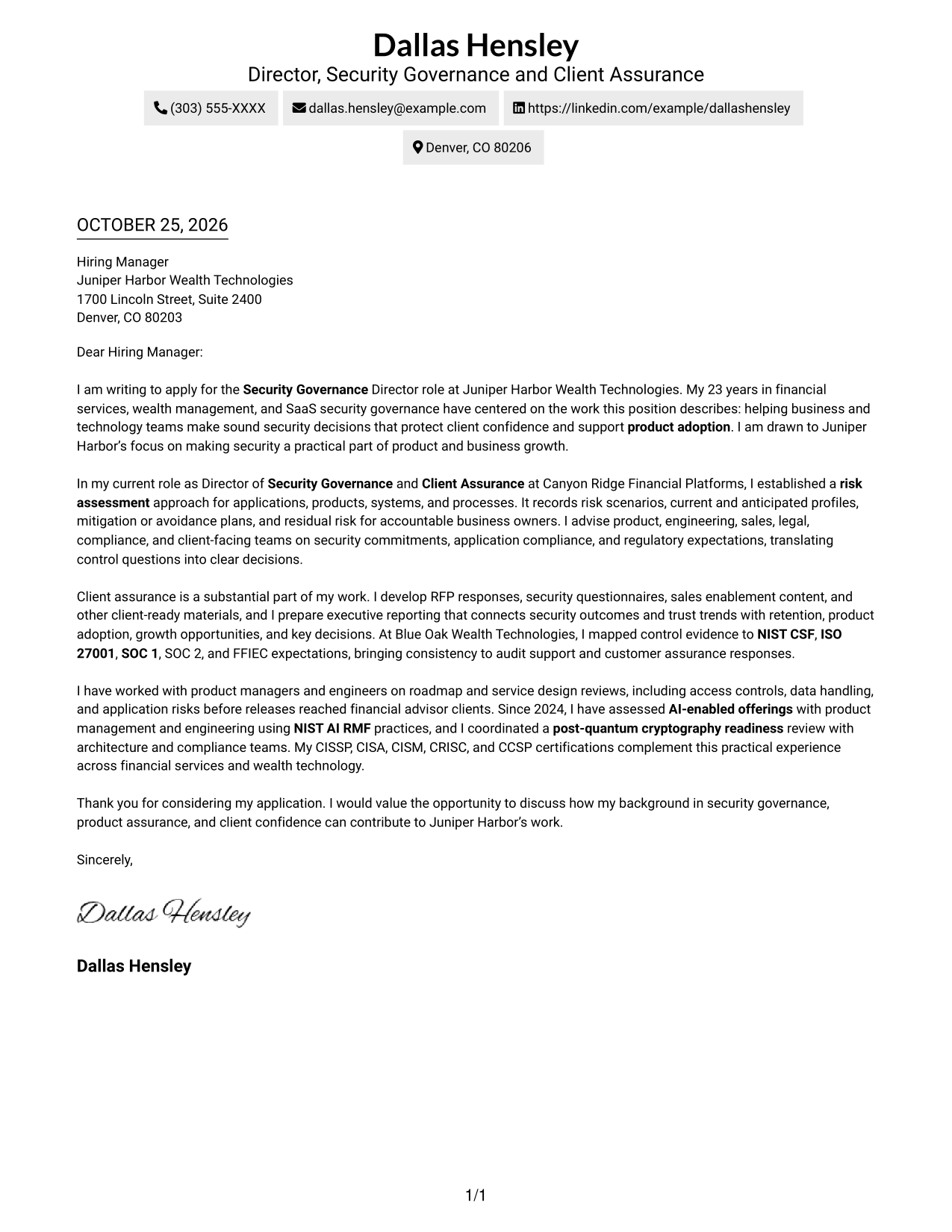
Why This Format Works
- Sender details remain in the header, apart from the letter's persuasive message.
- Continuous paragraphs let motivation and supporting evidence build in sequence.
- No body labels interrupt the letter's paragraph-based communication.
Best For
- Single-column letter layouts
- Header-based contact information
- Continuous paragraph arguments
- Photo-free application documents
- Letters without body headings
#2 Two Column Format Cover Letter Example
The Two Column Format places contact details beside one continuous letter body, keeping sender information separate from the message.
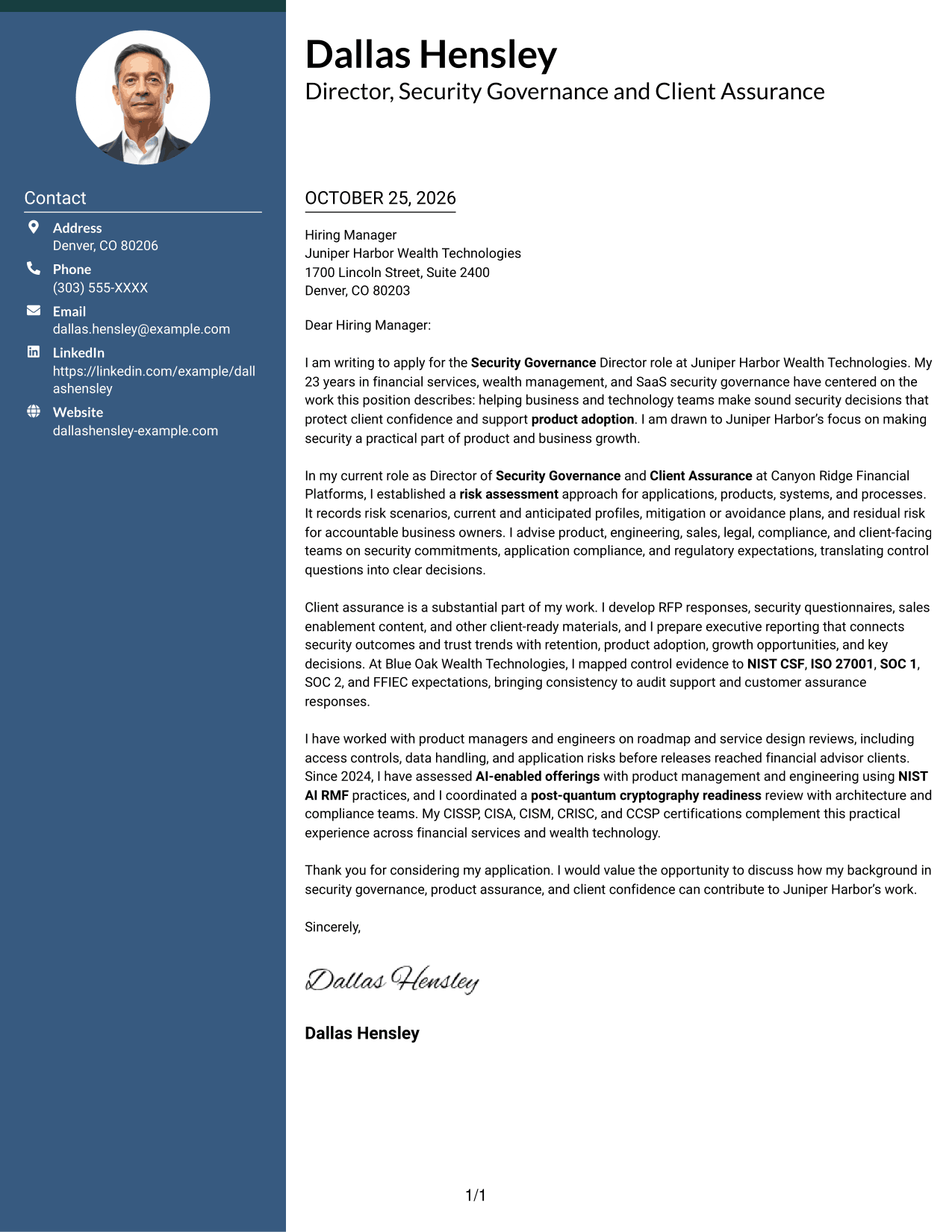
Why This Format Works
- Contact details sit apart from the letter, making sender information easy to find.
- One continuous body keeps motivation and evidence within a single argument.
- The sidebar separates contact information without dividing the letter's paragraphs.
Best For
- Side-by-side contact and letter
- Distinct sender information
- Uninterrupted paragraph arguments
- Photo-free application documents
- Separate contact navigation
#3 Photo Header Two Column Format Cover Letter Example
The Photo Header Two Column Format pairs a contact sidebar and continuous letter body with a photo in the header for a personal visual touch.
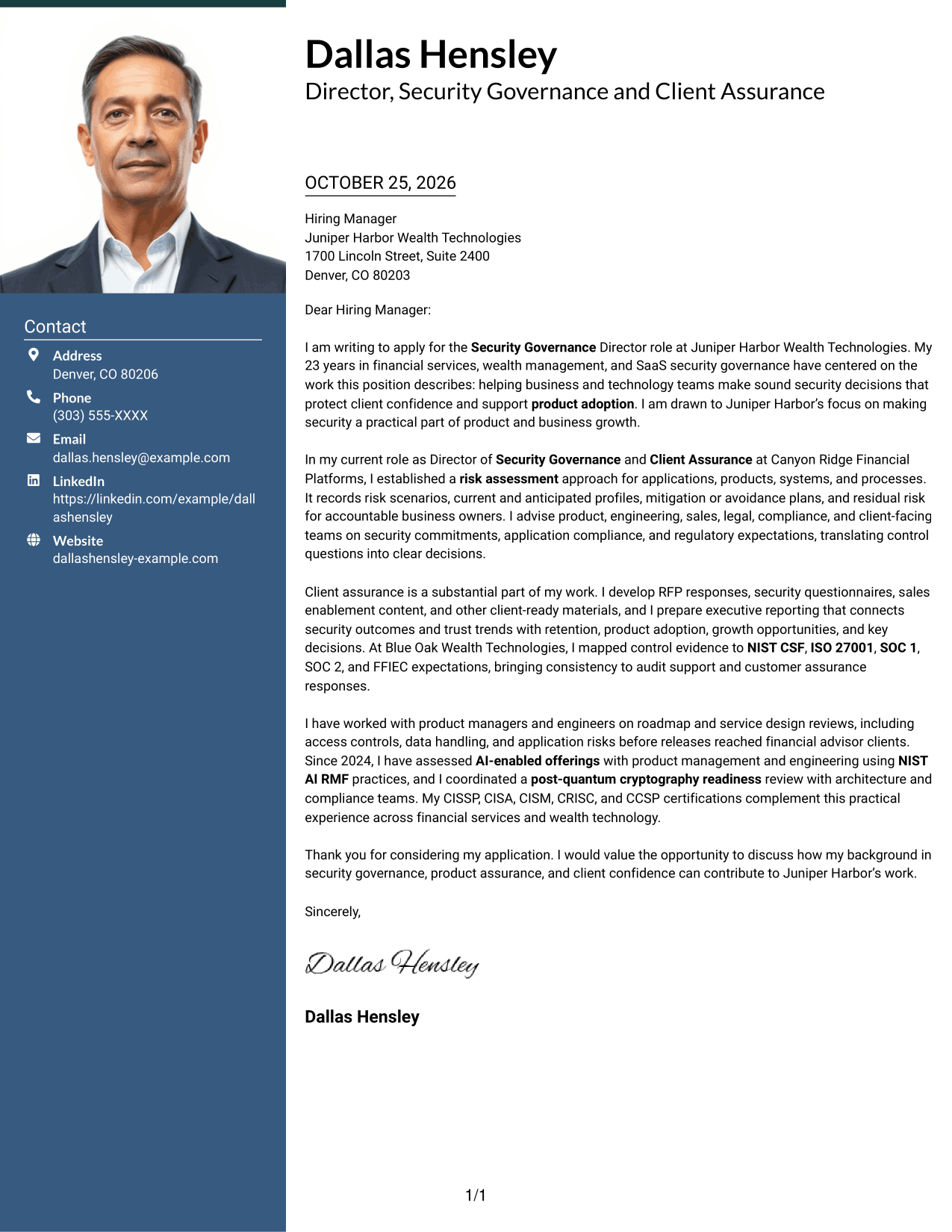
Why This Format Works
- A contact sidebar keeps sender details distinct from the letter's message.
- The continuous body lets motivation and supporting points unfold together.
- The header photo adds a personal visual element without dividing the letter.
Best For
- Photo-inclusive letter layouts
- Side-by-side contact and letter
- Continuous paragraph arguments
- Distinct sender details
- Personal visual presentation
#4 One Column Format with Photo Cover Letter Example
The One Column Format with Photo keeps the letter body in a direct reading path and adds a photo for readers who want a personal visual element.
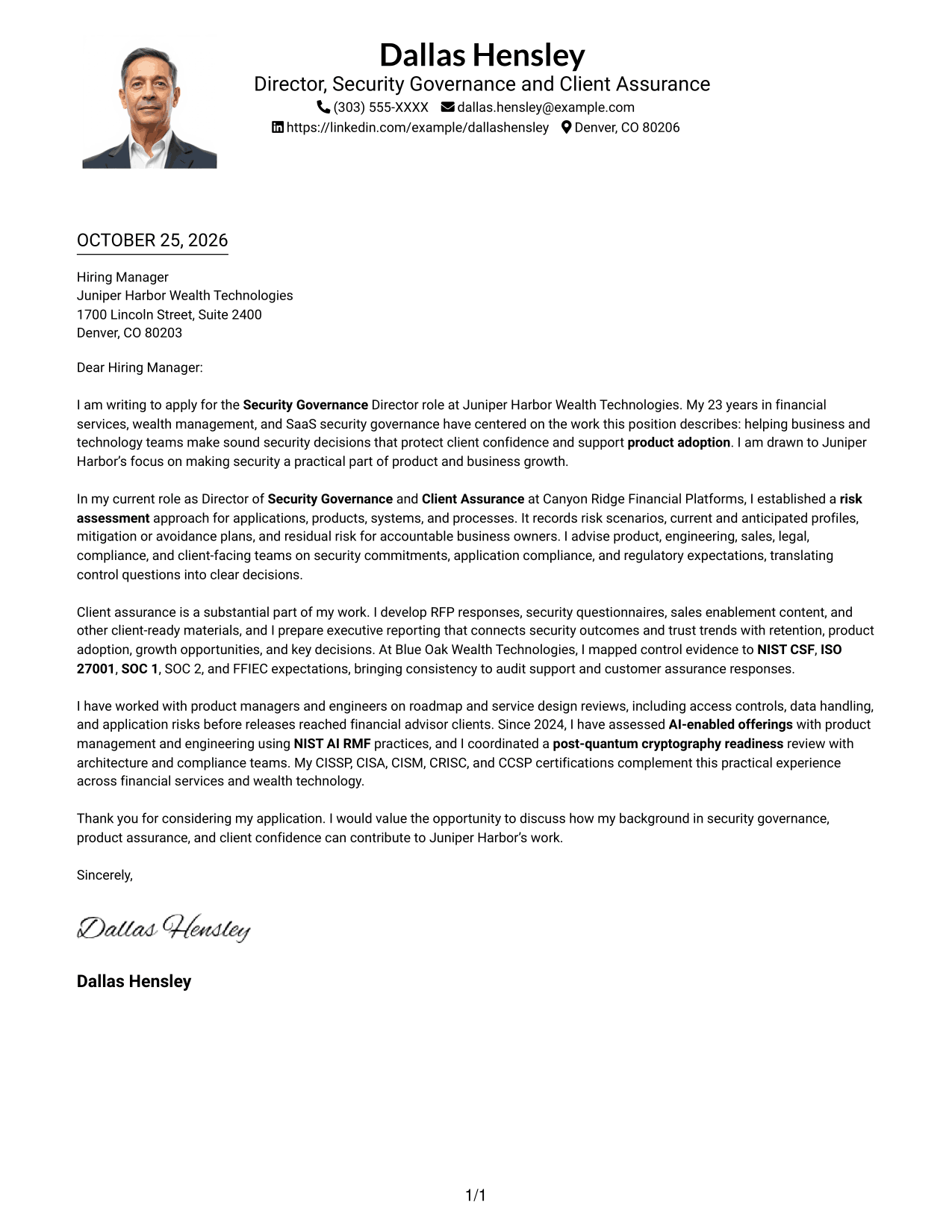
Why This Format Works
- Sender details in the header remain easy to locate before the letter begins.
- One column carries the message from its opening through its closing.
- The photo adds a personal visual element while the body remains continuous.
Best For
- Single-column letter layouts
- Photo-inclusive application documents
- Header-based contact information
- Greeting-to-closing reading
- Letters without body headings
#5 Simple Two Column Format Cover Letter Example
The Simple Two Column Format places a contact sidebar beside one continuous letter body, a useful choice when contact details should remain separate from the message.
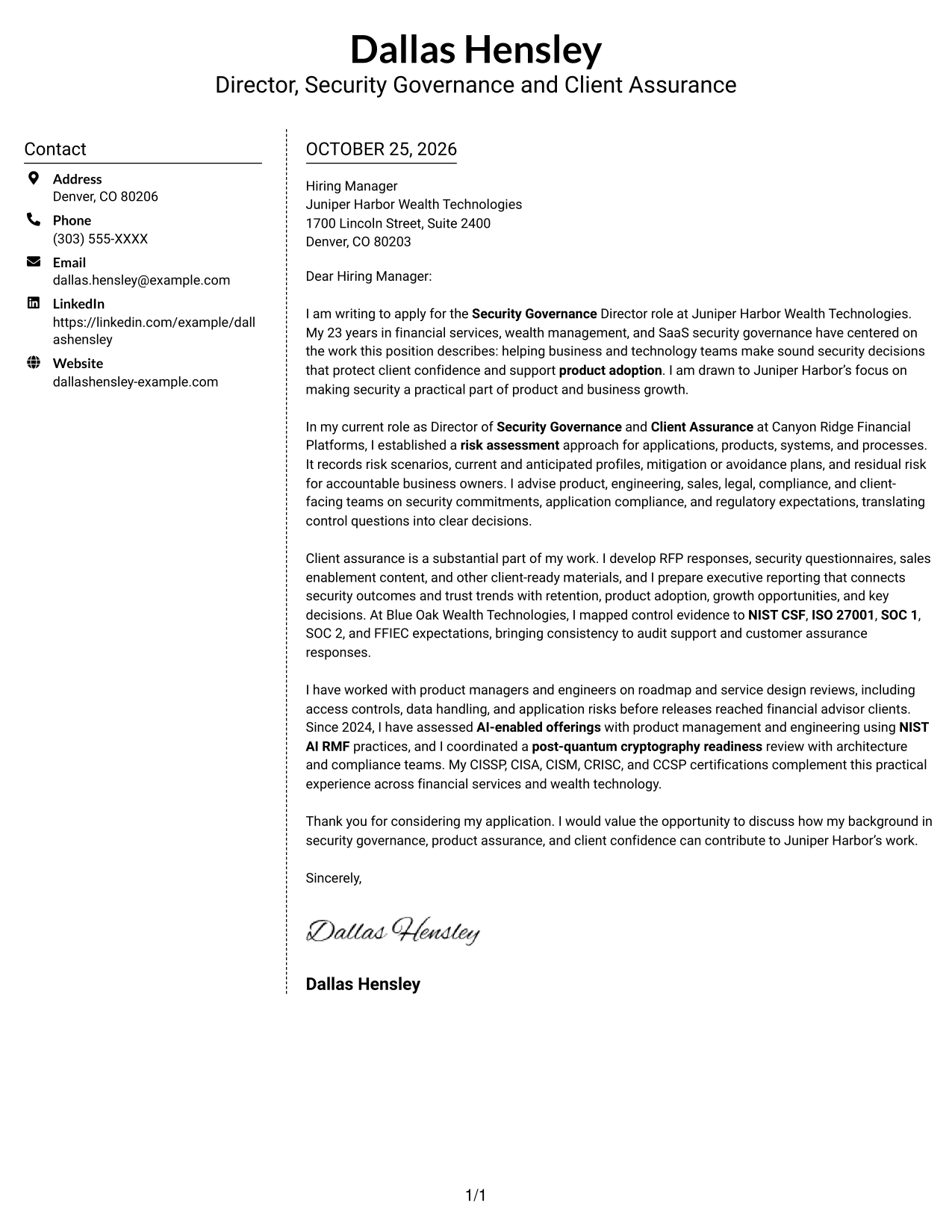
Why This Format Works
- The contact sidebar gives sender information a distinct place beside the letter.
- A single letter body keeps motivation and evidence together in reading order.
- The two columns separate contact details from the message without adding body headings.
Best For
- Side-by-side contact and letter
- Contact details kept separate
- Paragraph-led persuasion
- Photo-free document preference
- Letters without body headings
#6 Modern Icon Format Cover Letter Example
The Modern Icon Format uses two columns for contact details and the letter body, with icons serving as contact cues or decorative header accents.
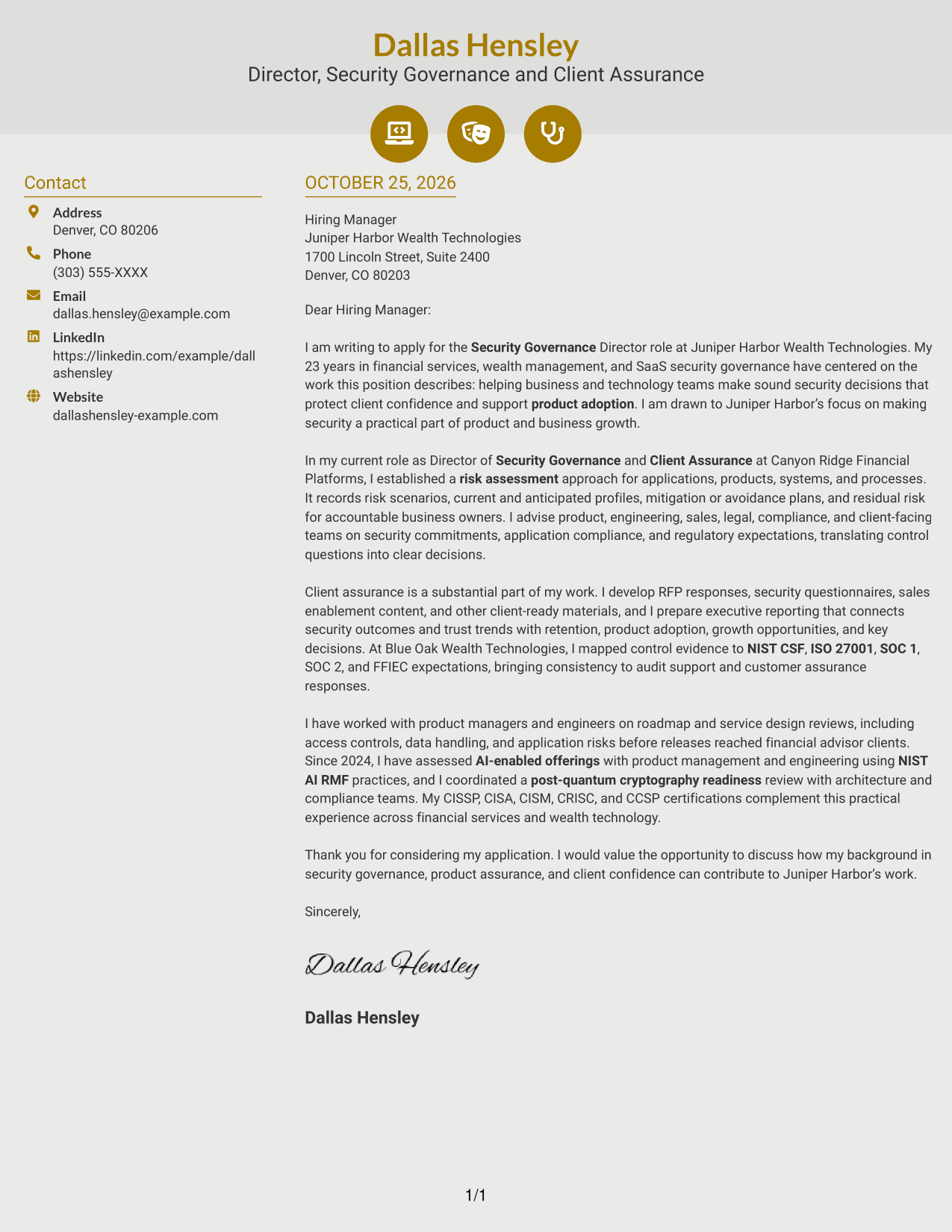
Why This Format Works
- Contact icons can help readers identify sender details without labeling letter paragraphs.
- The sidebar keeps contact information apart from the continuous message.
- One body column lets the letter's case develop from opening to close.
Best For
- Icon-marked contact details
- Side-by-side contact and letter
- Continuous paragraph arguments
- Photo-free application documents
- Decorative header accents
#7 Creative Two Tone Format Cover Letter Example
The Creative Two Tone Format places contact details in a sidebar beside one continuous letter body, keeping the contact area distinct from the written message.
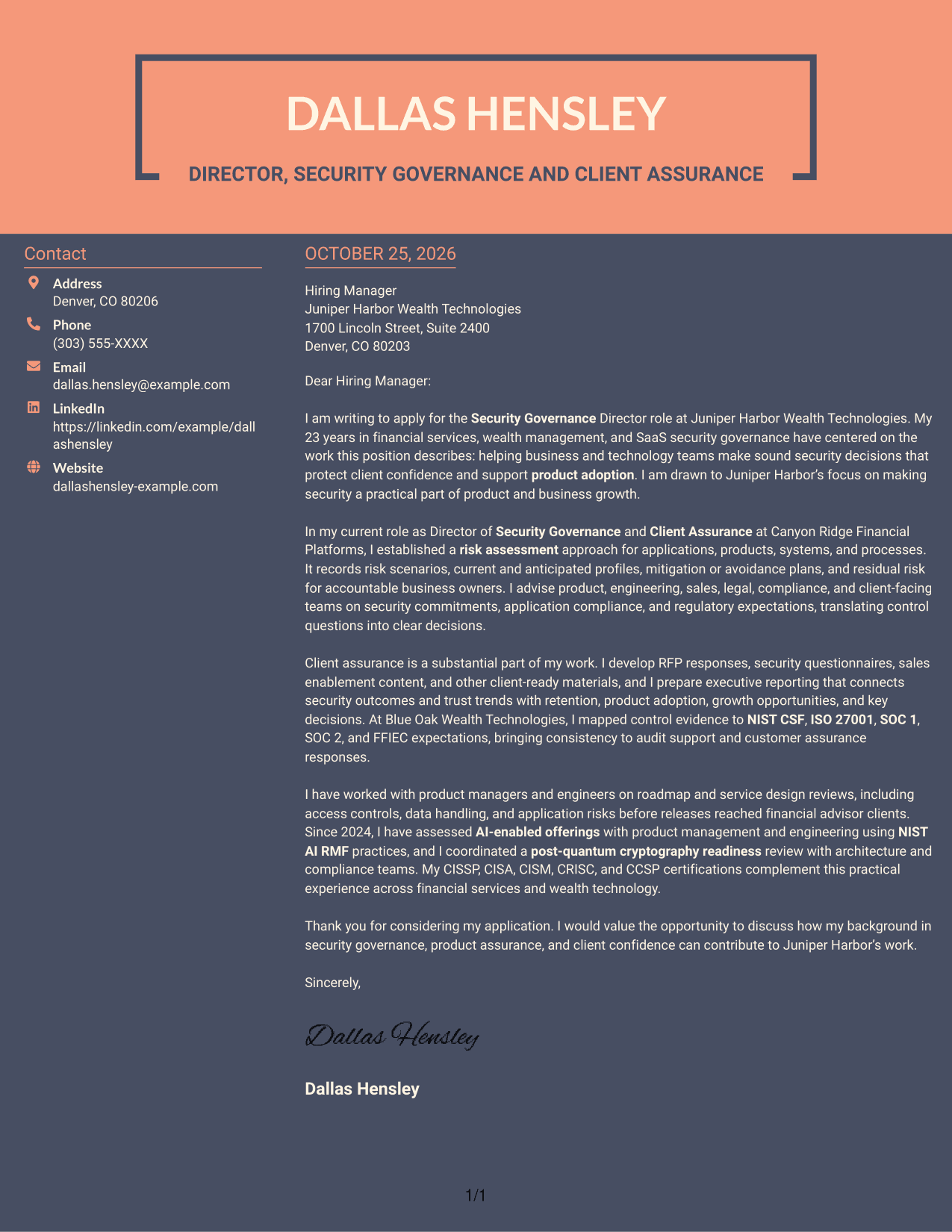
Why This Format Works
- The sidebar gives contact details a separate place alongside the letter.
- The continuous body keeps the application message together as one narrative.
- A clear contact-to-letter reading order keeps the two areas easy to distinguish.
Best For
- Side-by-side contact and letter
- Distinct contact information
- Single narrative body
- Photo-free document preference
- Separate message and contact areas
Why Use ResumeInMinutes for a Security Governance Director Cover Letter
ResumeInMinutes offers a practical starting point for shaping your message around governance, risk decisions, client assurance, and the needs of a wealth technology business. Review the image previews, then open an example in the editor to customize its content and presentation.
- Clear cover letter structures
- Professional presentation styles
- Role-focused writing guidance
- Examples for client assurance messaging
- Support for explaining technical work clearly
- Editor access to personalize an example
Use the examples to shape a direct message about security governance, financial services controls, product decisions, and customer trust. Keep your claims grounded in your own experience and connect them to the employer’s stated priorities.
See Also
- 7 Security Governance Director Resume Templates with Example
- 7 Director, Associate Relations Operations & Governance Resume Templates with Example
- 7 Area Director - Dental Implant Sales Resume Templates with Example
- 7 Assistant Director, Athletic Compliance Resume Templates with Example
- 7 Assistant Director Construction Management Resume Templates with Example
- 7 Assistant Director, Doctoral Programs Resume Templates with Example
- 7 Assistant Director for Employer Engagement Resume Templates with Example
- 33 Assistant Director of Development - Athletics Fundraising Resume Templates with Example
- 7 Area Director - Dental Implant Sales Cover Letter Templates with Example
- 7 Assistant Director, Athletic Compliance Cover Letter Templates with Example
Frequently Asked Questions
What should a Security Governance Director cover letter emphasize?
Show how your judgment supports sound risk decisions, client confidence, regulatory obligations, and product goals. Use relevant evidence from your own work to make those connections clear.
How can I explain risk assessment work in a cover letter?
Briefly describe the risks you assessed, how you documented mitigation or avoidance plans, and how you communicated residual risk to accountable leaders or teams.
How should I describe client assurance experience?
Give examples of clear, accurate work such as RFP responses, security questionnaires, control evidence, or other client-facing materials. Explain how your communication helped stakeholders understand security commitments.
How can I connect security governance with product work?
Describe how you worked with product or engineering teams on roadmaps, service design, or emerging risks. Explain how your guidance helped teams make informed choices while supporting client needs.
Should I mention security frameworks in my cover letter?
Mention frameworks such as NIST CSF, NIST AI RMF, ISO 27001, SOC 1, SOC 2, or FFIEC when they are relevant to your experience and the role. A brief example of how you used a framework is more useful than a long list.




