
7 Security Guard - Logistics and Distribution Cover Letter Templates with Example
This practical guide to a Security Guard - Logistics and Distribution cover letter presents one example in seven layouts to help you show your fit for the role.
What Makes a Great Security Guard - Logistics and Distribution Cover Letter in 2026
A strong letter connects your interest in the role with the work of keeping a distribution facility safe and orderly. Its opening should make that connection clear.
Use relevant examples of access checks, patrols, clear reports, or calm responses to show your approach. Connect those details to the employer’s needs for courteous service and consistent site procedures.
The featured example moves from role interest to relevant security experience and a clear closing. Adapt that progression to your own evidence, and choose a presentation that suits the employer and the way you will communicate.
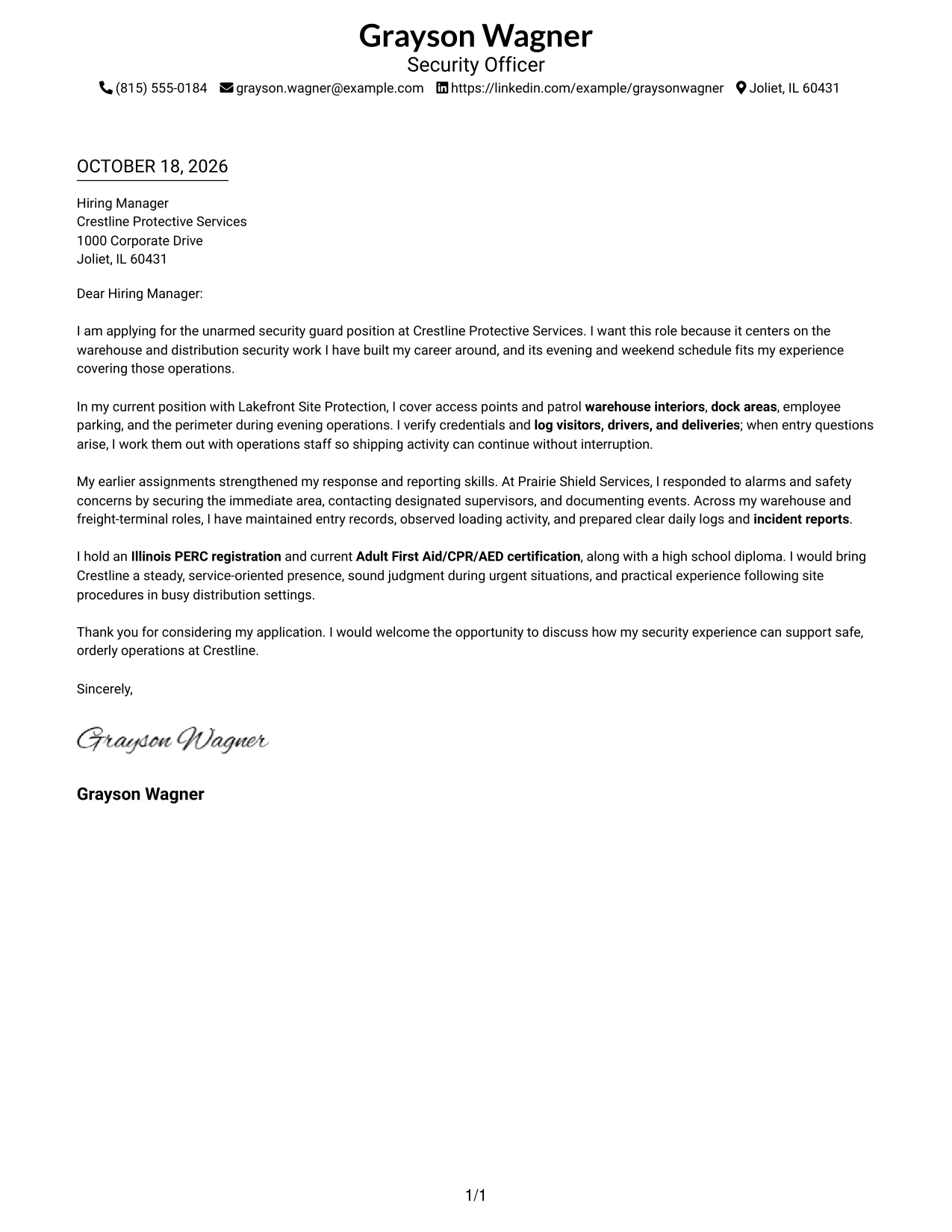
#1 Simple One Column Format Cover Letter Example
The Simple One Column Format places sender details in the header and keeps the letter in one continuous column, giving the message a direct reading path.
Why This Format Works
- Sender details in the header stay easy to locate without a sidebar.
- One column keeps the greeting, paragraphs, and closing in a natural reading order.
- Continuous paragraphs let motivation and supporting points develop without section labels.
Best For
- One-column reading preference
- Header-based contact details
- Uninterrupted letter paragraphs
- Simple document structure
- Photo-free correspondence
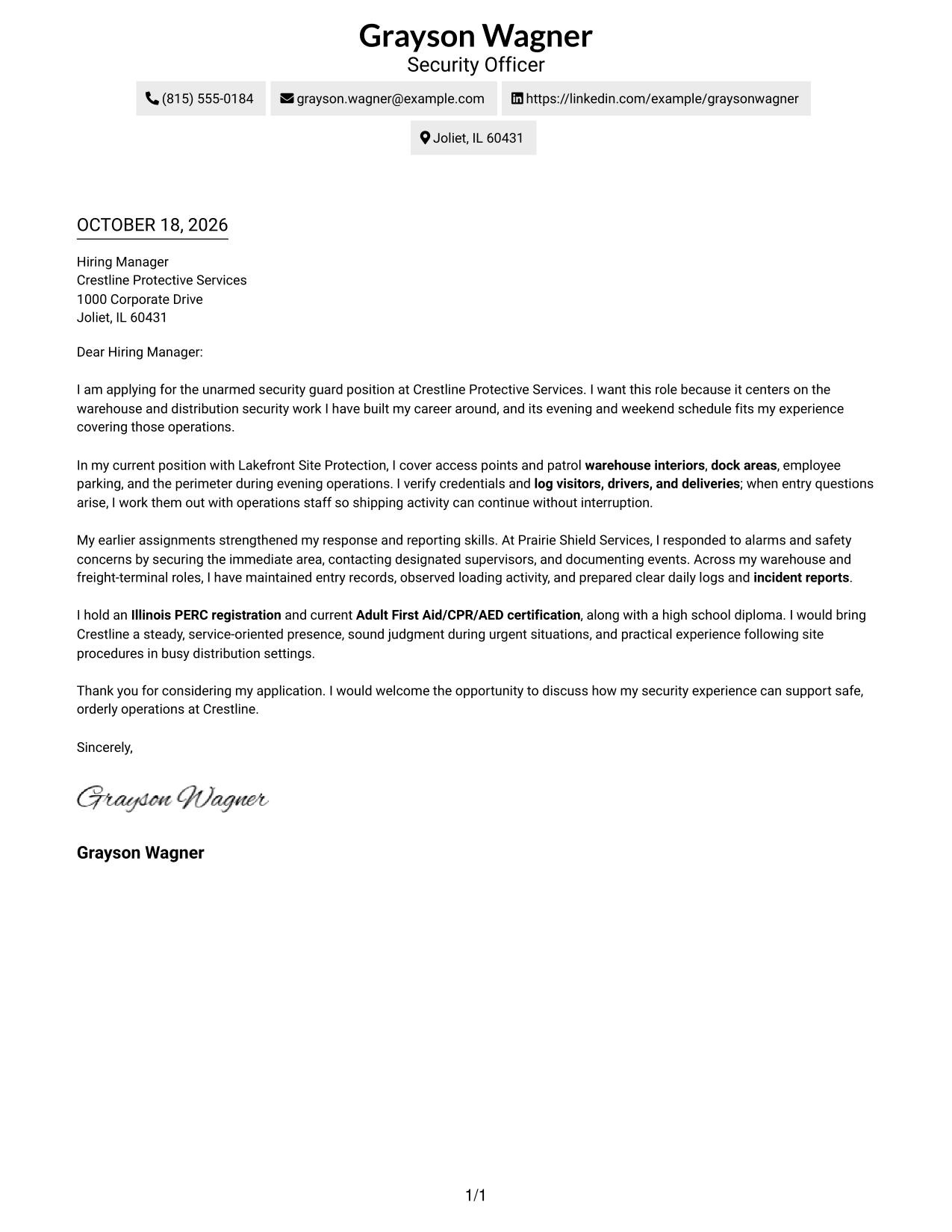
#2 Two Column Format Cover Letter Example
The Two Column Format sets contact details in a sidebar beside one continuous letter body, separating contact information from the message without splitting its argument.
Why This Format Works
- Contact details sit apart from the letter, so readers can find them quickly.
- The letter body remains continuous, keeping its opening, evidence, and close together.
- One body column preserves a clear reading order beside the contact sidebar.
Best For
- Side-by-side page organization
- Separate contact and message areas
- Long-form paragraph correspondence
- Quick contact lookup
- Photo-free applications
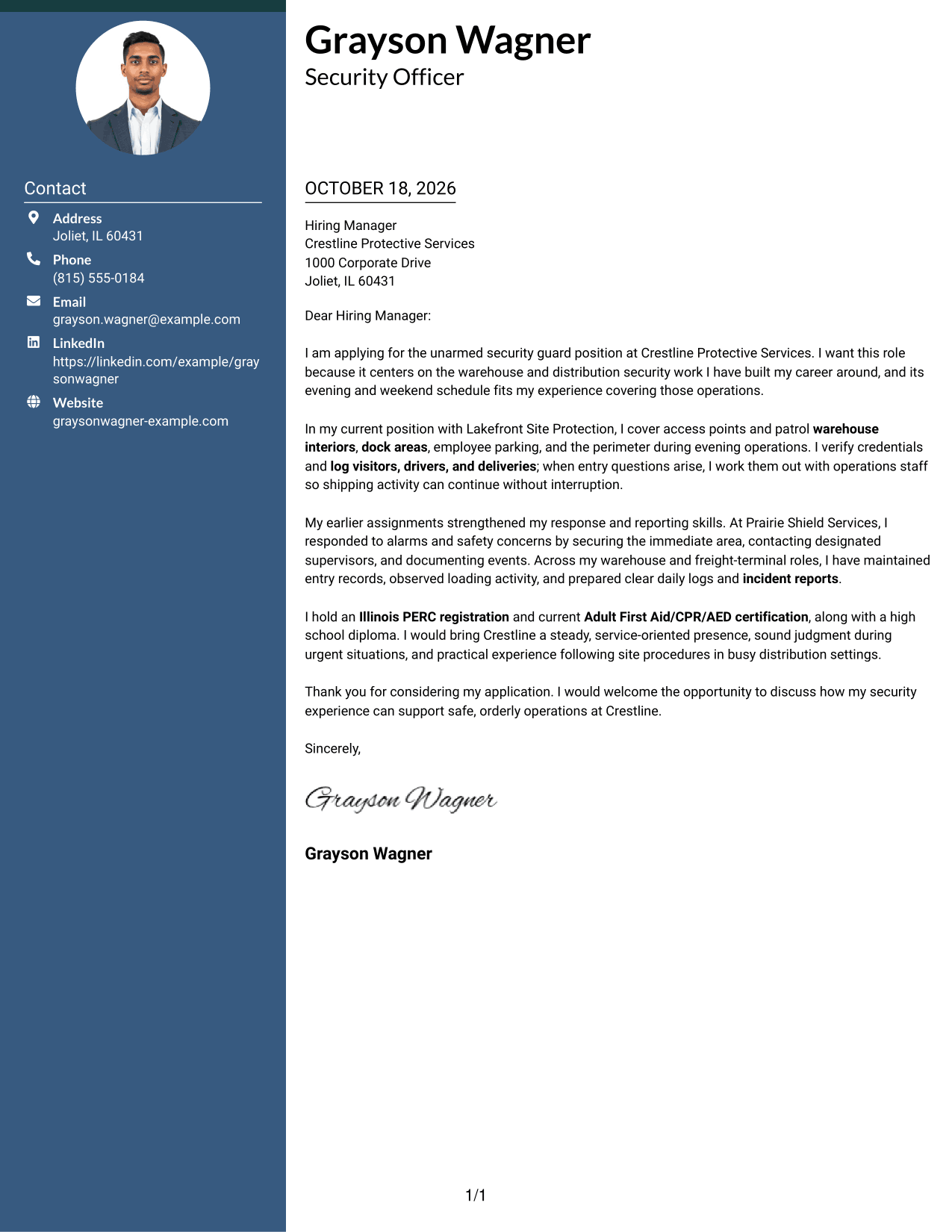
#3 Photo Header Two Column Format Cover Letter Example
The Photo Header Two Column Format pairs a contact sidebar with a photo and one continuous letter body, offering a personal visual detail while keeping the message together.
Why This Format Works
- Contact information has its own sidebar, while the photo adds a personal visual detail.
- One continuous body keeps motivation and supporting points in their intended sequence.
- The portrait is a visual choice, not a label for the letter's argument.
Best For
- Photo-inclusive correspondence
- Sidebar contact information
- One-body-column reading
- Personal visual presentation
- Continuous letter paragraphs
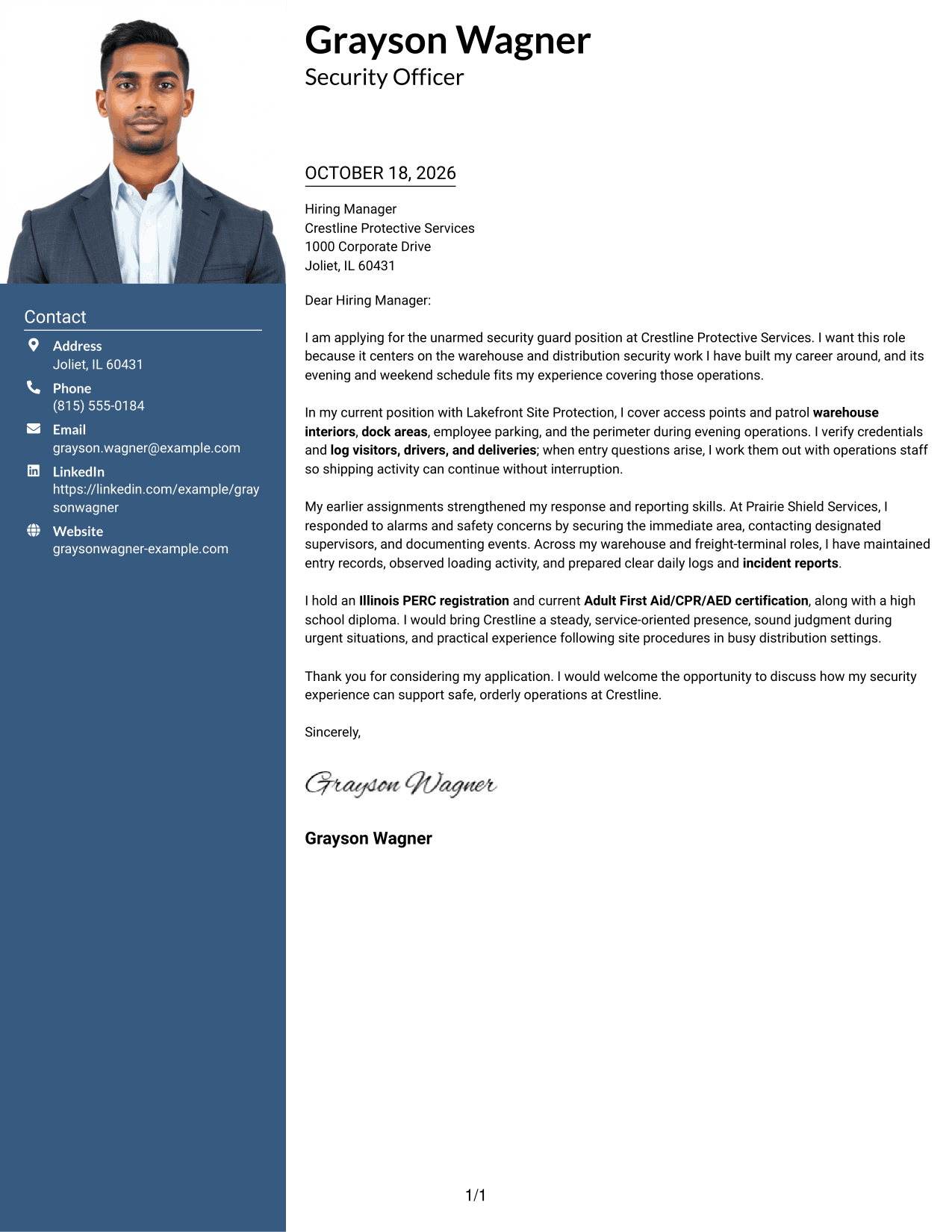
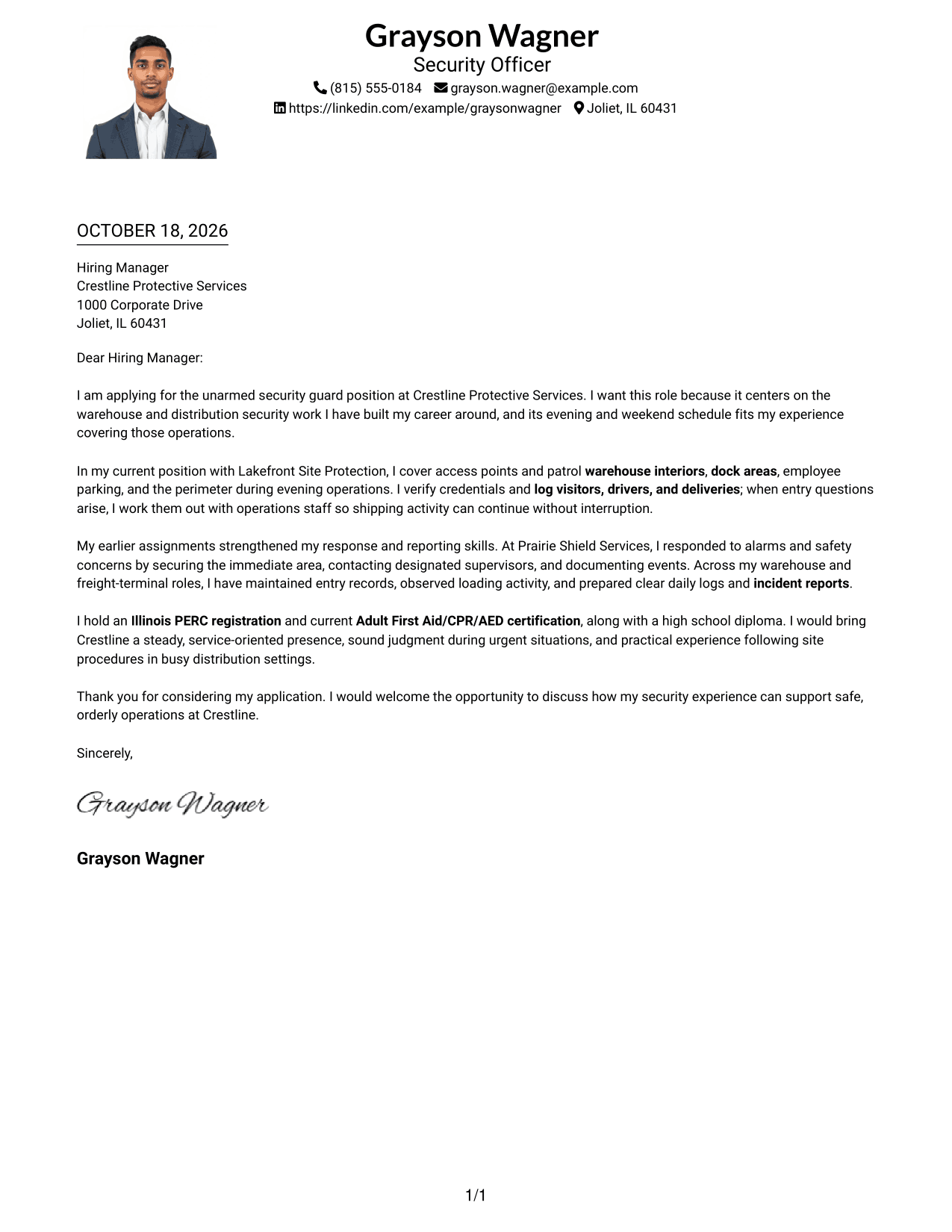
#4 One Column Format with Photo Cover Letter Example
The One Column Format with Photo keeps sender details in the header and the letter in one column, with a photo as a personal visual choice.
Why This Format Works
- Header-based contact details remain easy to find outside the letter paragraphs.
- A single reading path carries the greeting, main points, and close in order.
- The photo adds a visual element without dividing the letter's message.
Best For
- One-column correspondence
- Header contact presentation
- Photo-inclusive documents
- Direct paragraph flow
- Single-path page reading
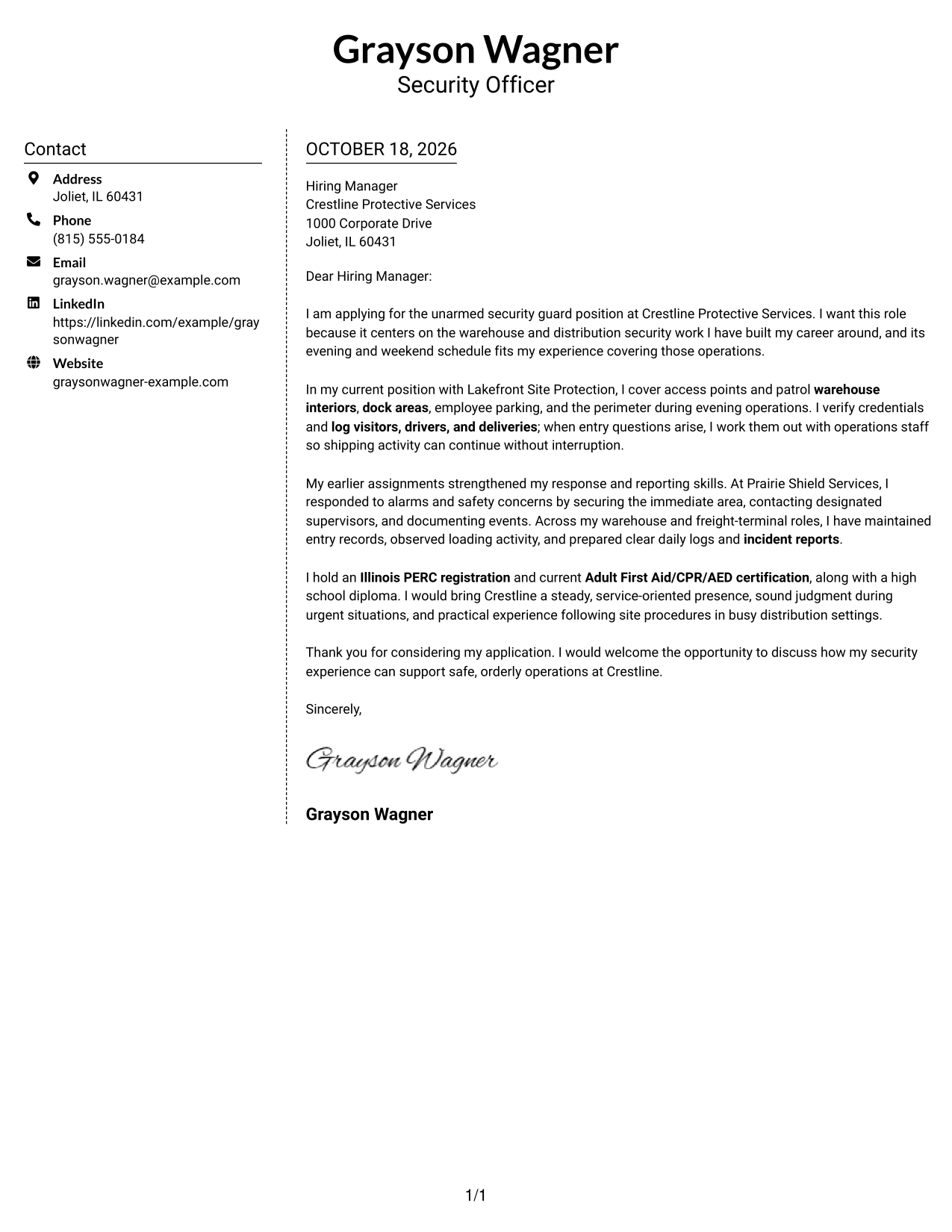
#5 Simple Two Column Format Cover Letter Example
The Simple Two Column Format places contact details in a sidebar beside a continuous letter body, keeping the correspondence together while separating ways to get in touch.
Why This Format Works
- A separate contact area gives readers a clear place to find sender information.
- The letter's paragraphs remain together rather than split across parallel columns.
- The sidebar and body create a clear distinction between contact details and correspondence.
Best For
- Sidebar-based contact information
- Single-body letter reading
- Distinct contact and message areas
- Photo-free correspondence
- Side-by-side layout preference
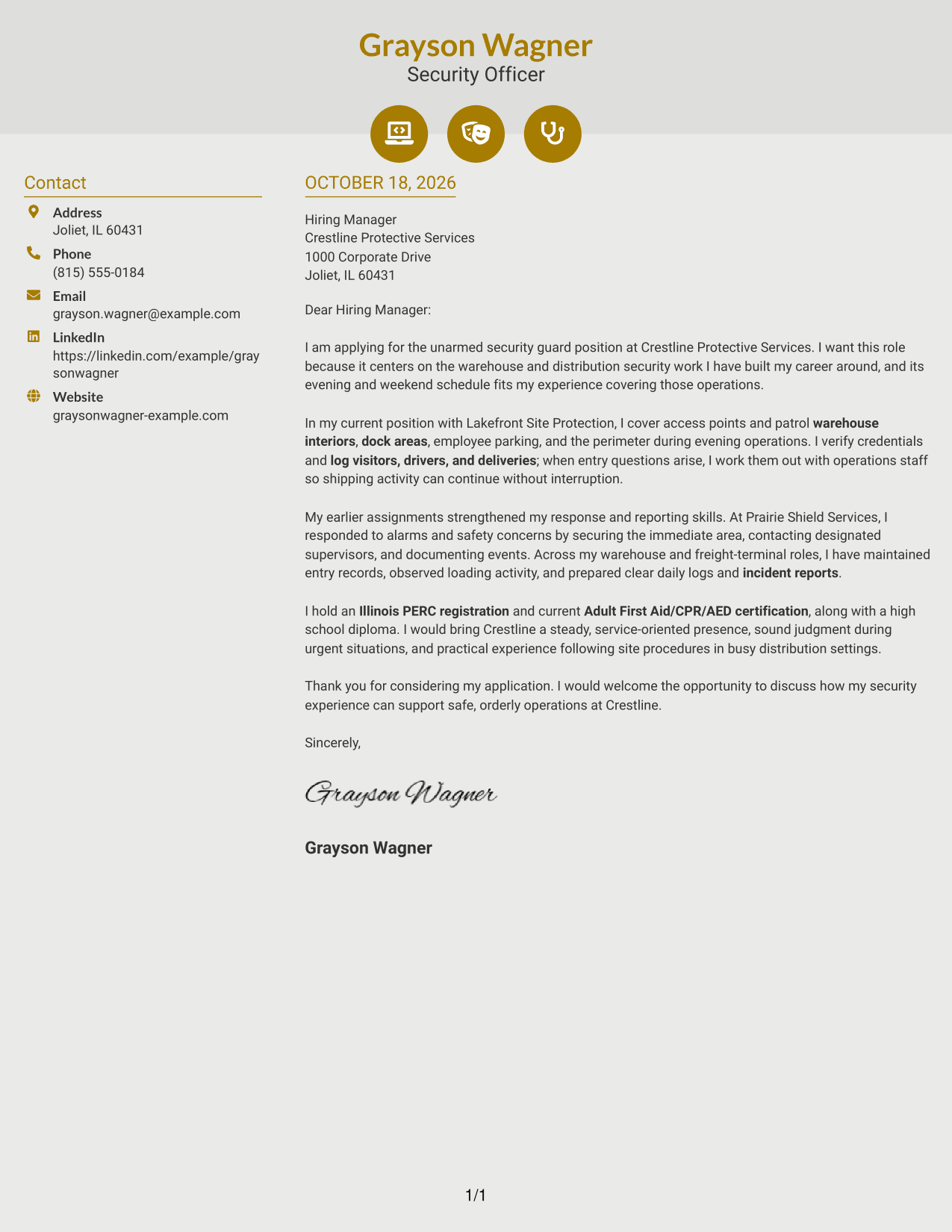
#6 Modern Icon Format Cover Letter Example
The Modern Icon Format uses contact cues beside one continuous letter body, helping readers identify contact details without using icons to label the letter's message.
Why This Format Works
- Contact icons help distinguish contact details from the body of the letter.
- The sidebar keeps contact information apart from the message's continuous paragraphs.
- A single letter body preserves the sequence from greeting through closing.
Best For
- Icon-marked contact details
- Continuous paragraph letters
- Separate contact and message areas
- Photo-free applications
- Quick contact recognition
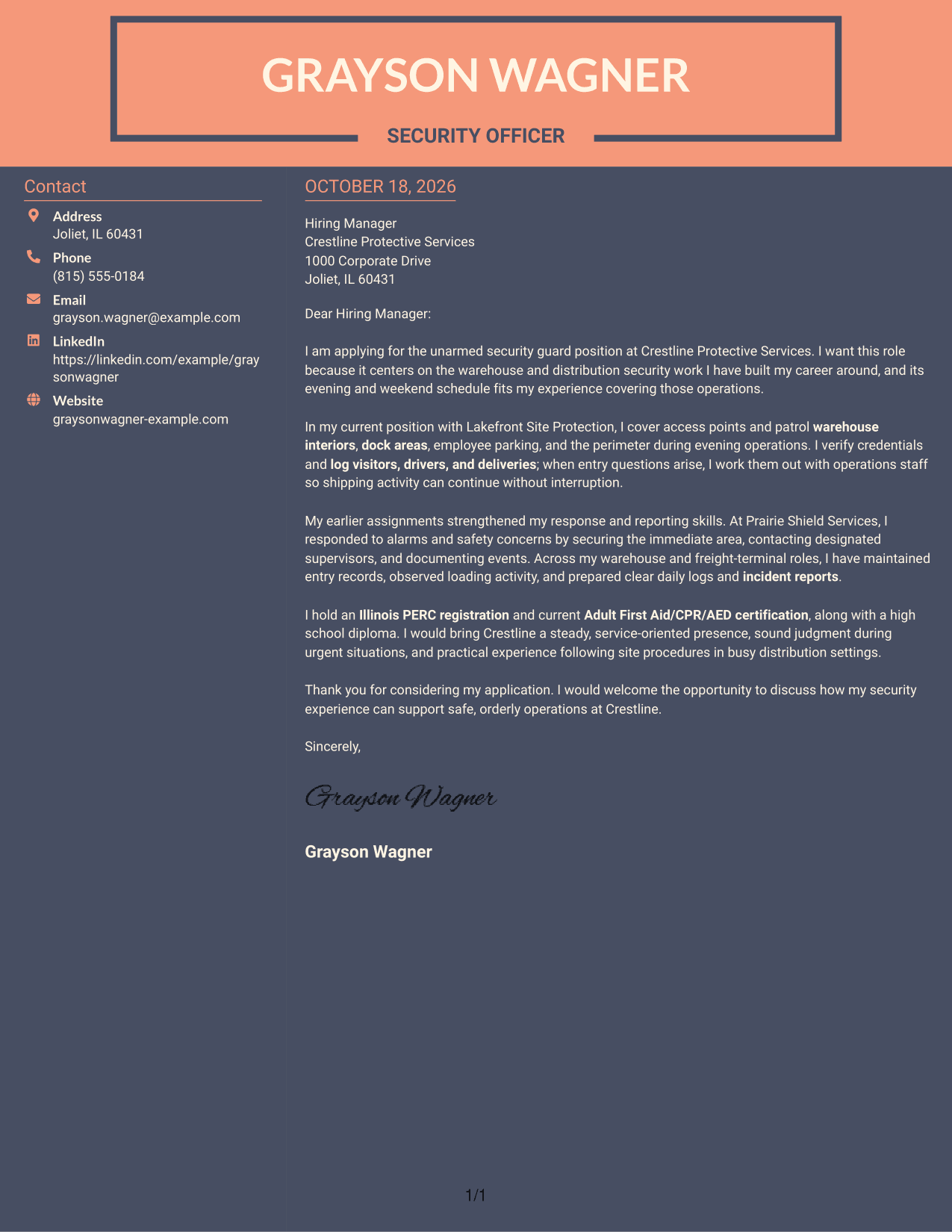
#7 Creative Two Tone Format Cover Letter Example
The Creative Two Tone Format places a contact sidebar beside one continuous letter body, keeping contact information distinct from the message.
Why This Format Works
- A sidebar gives contact details a separate place beside the letter body.
- The message stays in continuous paragraphs, preserving its natural order.
- The single body column keeps the opening, supporting points, and closing together.
Best For
- Contact sidebar preference
- One-column letter body
- Continuous written arguments
- Photo-free submissions
- Distinct contact placement
See Also
- 7 Security Guard - Logistics and Distribution Resume Templates with Example
- 7 Security Guard - Mobile Patrol Resume Templates with Example
- 7 Security Guard - Vehicle Patrol Resume Templates with Example
- 7 Security Officer - Logistics Patrol Resume Templates with Example
- 7 Security Officer - Logistics Screening Resume Templates with Example
- 7 Crossing Guard - Elementary School Safety Resume Templates with Example
- 7 School Crossing Guard - School Zone Safety Resume Templates with Example
- 33 AI Automation Engineer, Security Resume Templates with Example 2026 (ATS-Optimized)
- 7 Security Guard - Vehicle Patrol Cover Letter Templates with Example
- 7 Security Officer - Logistics Patrol Cover Letter Templates with Example
Frequently Asked Questions
What should a Security Guard - Logistics and Distribution cover letter include?
Explain your interest in the role, then share relevant evidence such as access checks, facility patrols, visitor or driver logs, and incident reporting. Close by connecting your approach to safe, orderly site operations.
How can I show that I understand the work?
Describe relevant duties you have handled, such as monitoring loading areas, checking entry details, or responding to concerns. Use examples that are true to your own experience.
Should I mention my security registration or first aid training?
Include current credentials that you hold and that are relevant to the position. State them accurately, and do not list a license or training you have not completed.
Which cover letter layout should I choose?
Choose a clear layout that makes the opening, supporting examples, and closing easy to follow. Compare the PNG previews, then open an example in the editor if you want to customize it.
Should I mention the advertised work schedule?
Mention your availability when it matches the schedule and is useful to the employer. Keep the point brief and accurate.




