
7 Security Officer - Alarm Console and Patrol Cover Letter Templates with Example
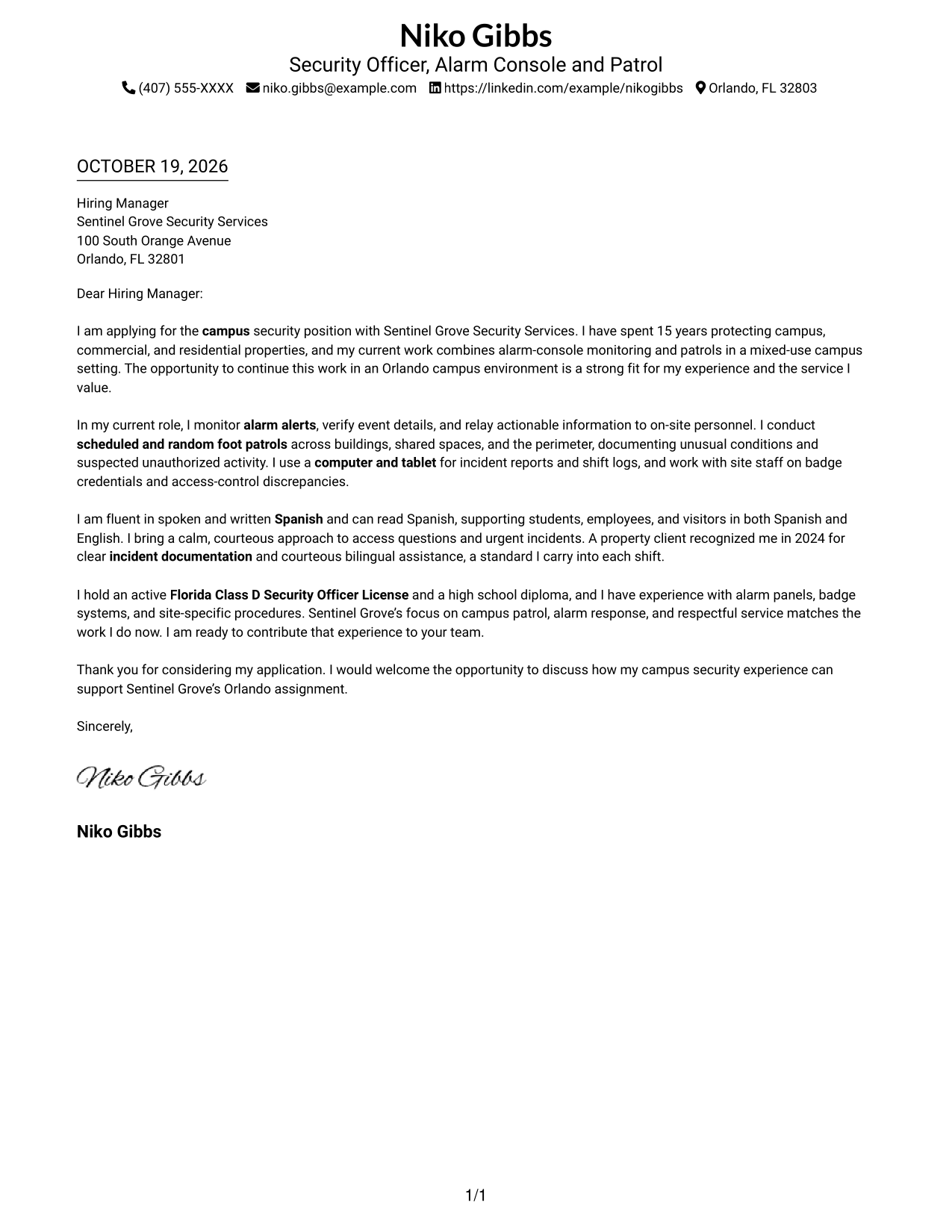
This practical guide helps you create a Security Officer - Alarm Console and Patrol cover letter, with seven layouts to help you present your fit clearly.
What Makes a Great Security Officer - Alarm Console and Patrol Cover Letter in 2026
A strong letter connects alarm monitoring and campus patrol duties to courteous, calm service. Make your interest in this role clear from the opening.
Use specific evidence, such as documenting alerts, checking access, or helping people in Spanish and English. Show how your approach fits the employer’s need for clear communication and reliable follow-through.
The featured application moves from interest in the campus role to specific alarm, patrol, and service examples, then closes with a clear offer to discuss fit. Adapt this focused progression and choose a presentation that suits the employer and the communication context.
#1 Simple One Column Format Cover Letter Example
The Simple One Column Format keeps sender details in the header and the letter in one column, making the message easy to follow from start to finish.
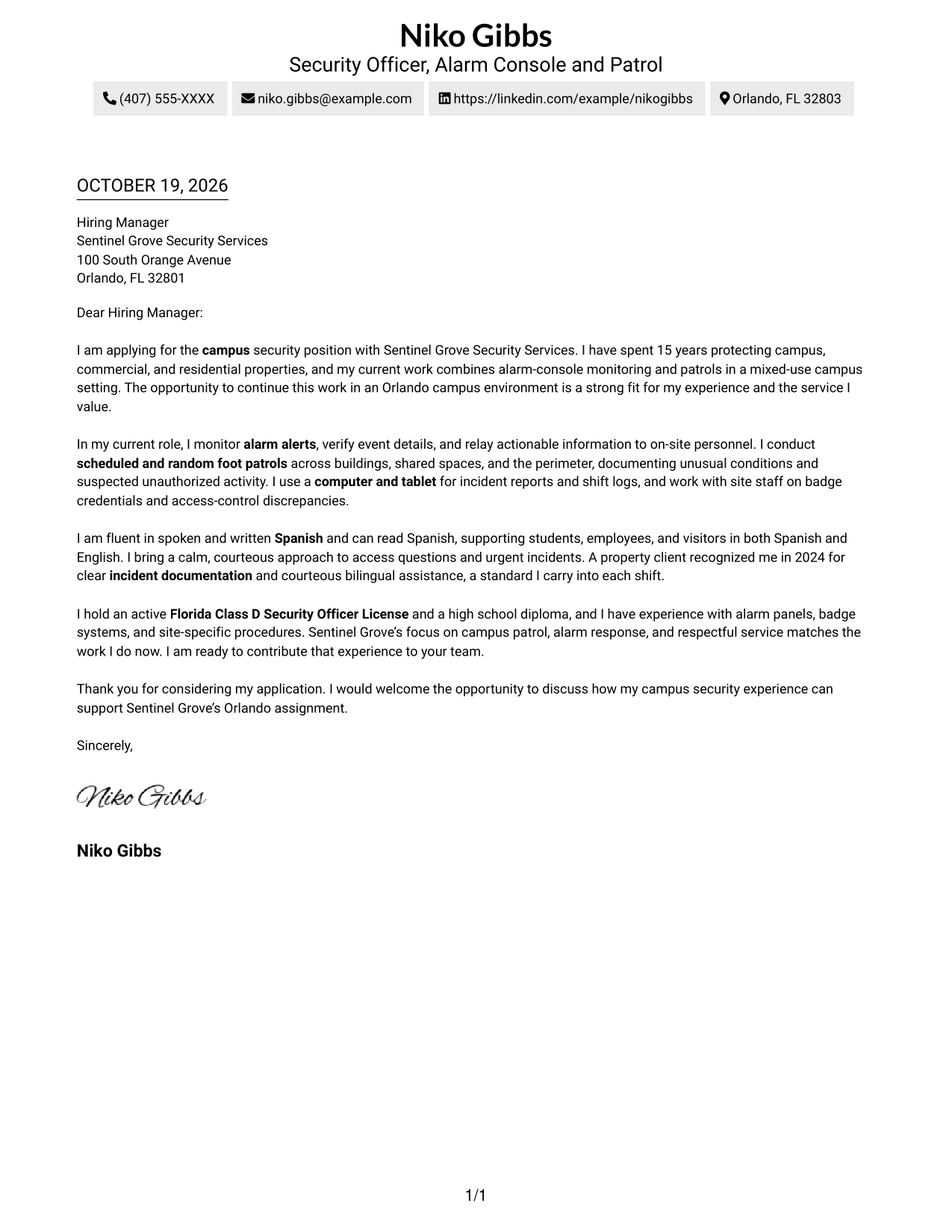
Why This Format Works
- Sender details and the message share one column, creating a direct reading path.
- Continuous paragraphs help reviewers follow the letter from its opening to its closing.
- The layout suits readers who prefer a familiar, straightforward letter presentation.
Best For
- Single-column reading preference
- Header-based contact details
- Continuous paragraph letters
- Letters with several contact methods
- Employer-specific introductions
#2 Two Column Format Cover Letter Example
The Two Column Format places a contact sidebar beside one continuous letter body, keeping sender information distinct from the message.
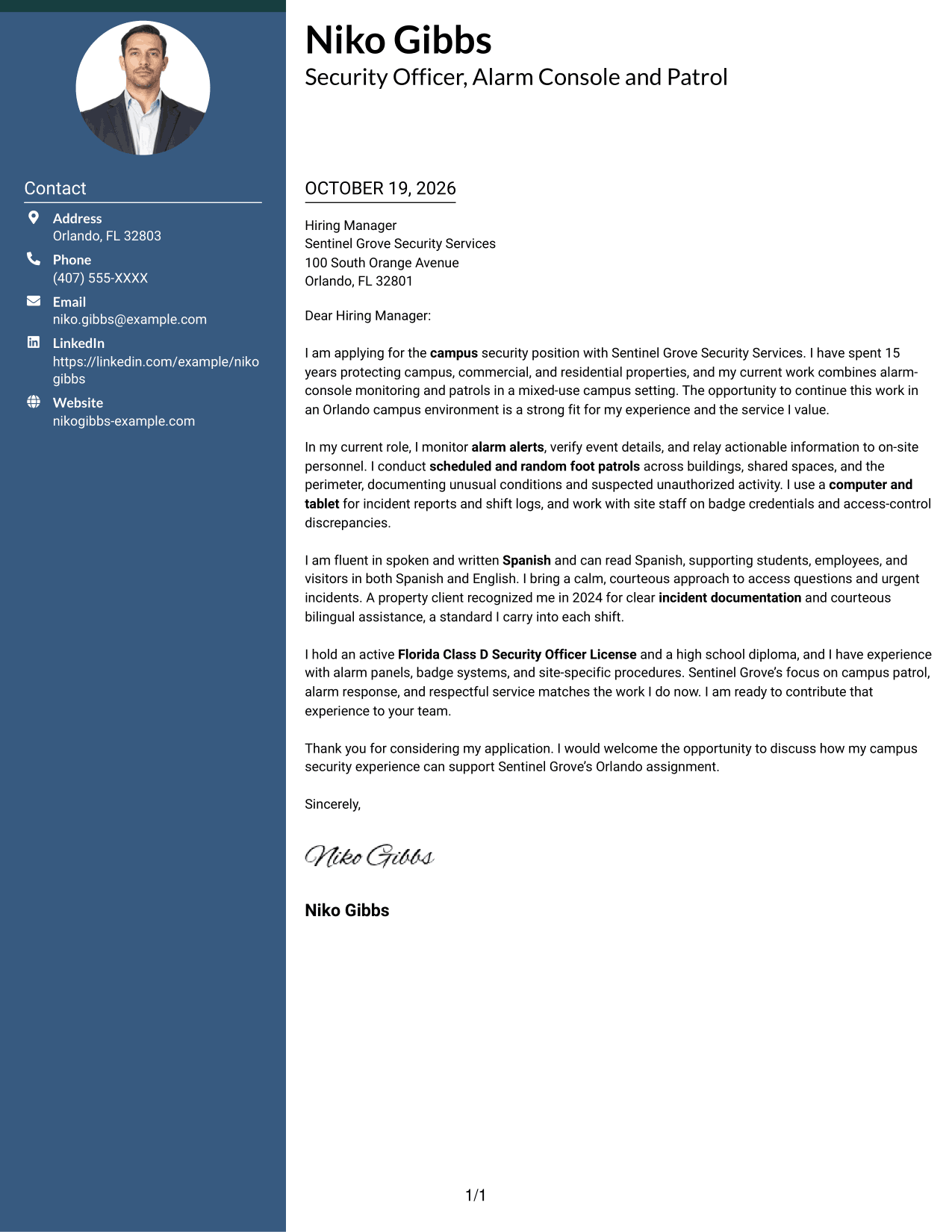
Why This Format Works
- The contact sidebar gives sender details a clear place apart from the letter.
- Continuous paragraphs let reviewers follow the message from opening through closing.
- Readers can choose a layout that keeps contact information beside the main text.
Best For
- Contact details beside the message
- Continuous letter paragraphs
- Several sender contact methods
- Campus application letters
- Employer-specific openings
#3 Photo Header Two Column Format Cover Letter Example
The Photo Header Two Column Format combines a photo with a contact sidebar beside the continuous letter body, adding a portrait while keeping the message intact.
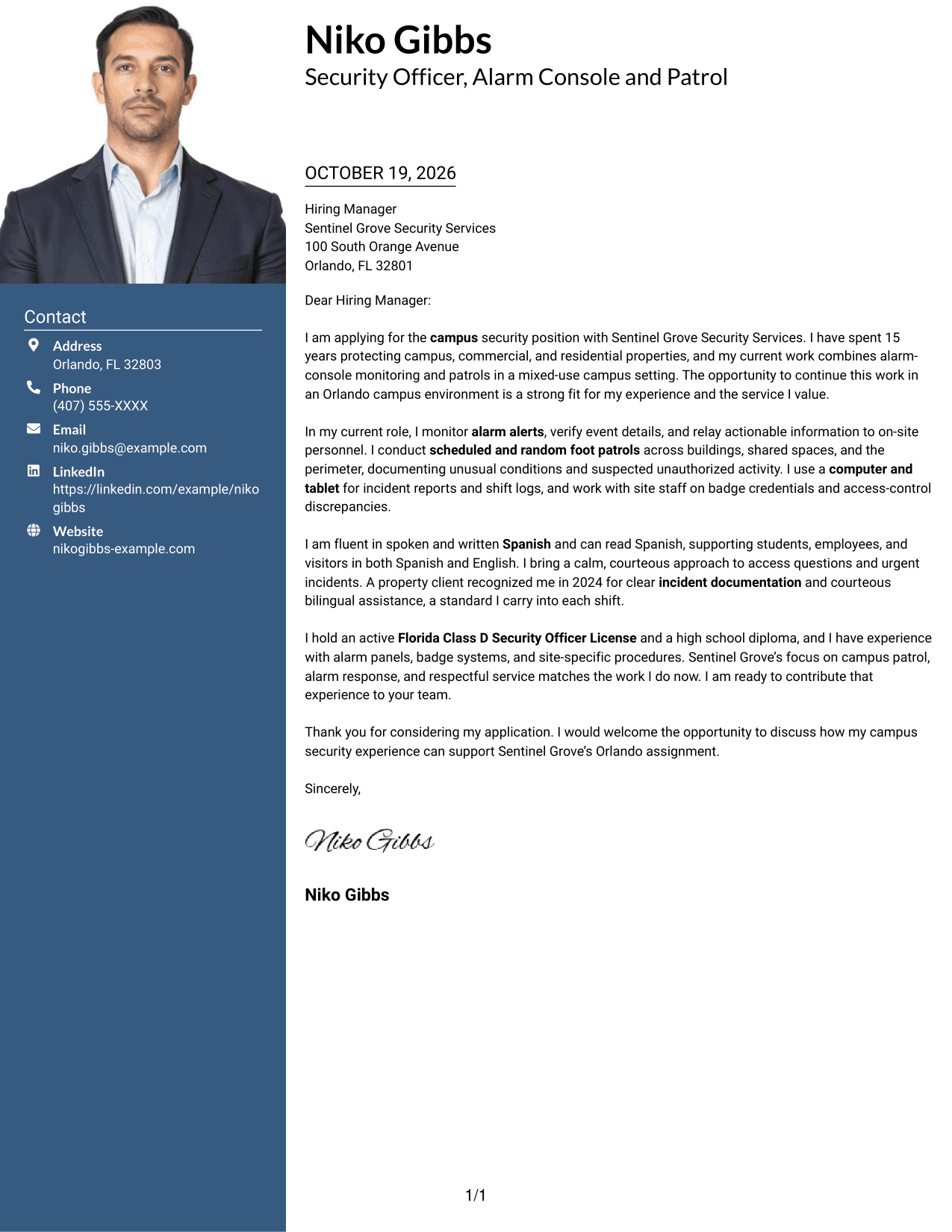
Why This Format Works
- The contact sidebar separates sender details from the continuous letter body.
- Unbroken paragraphs help reviewers follow the message from opening through closing.
- The photo offers a portrait option for readers who prefer one in the header.
Best For
- Portrait-inclusive headers
- Contact details beside the message
- Continuous letter paragraphs
- Campus application letters
- Employer-specific introductions
#4 One Column Format with Photo Cover Letter Example
The One Column Format with Photo pairs a portrait with a single-column letter, offering a personal visual element while keeping the message in one reading path.
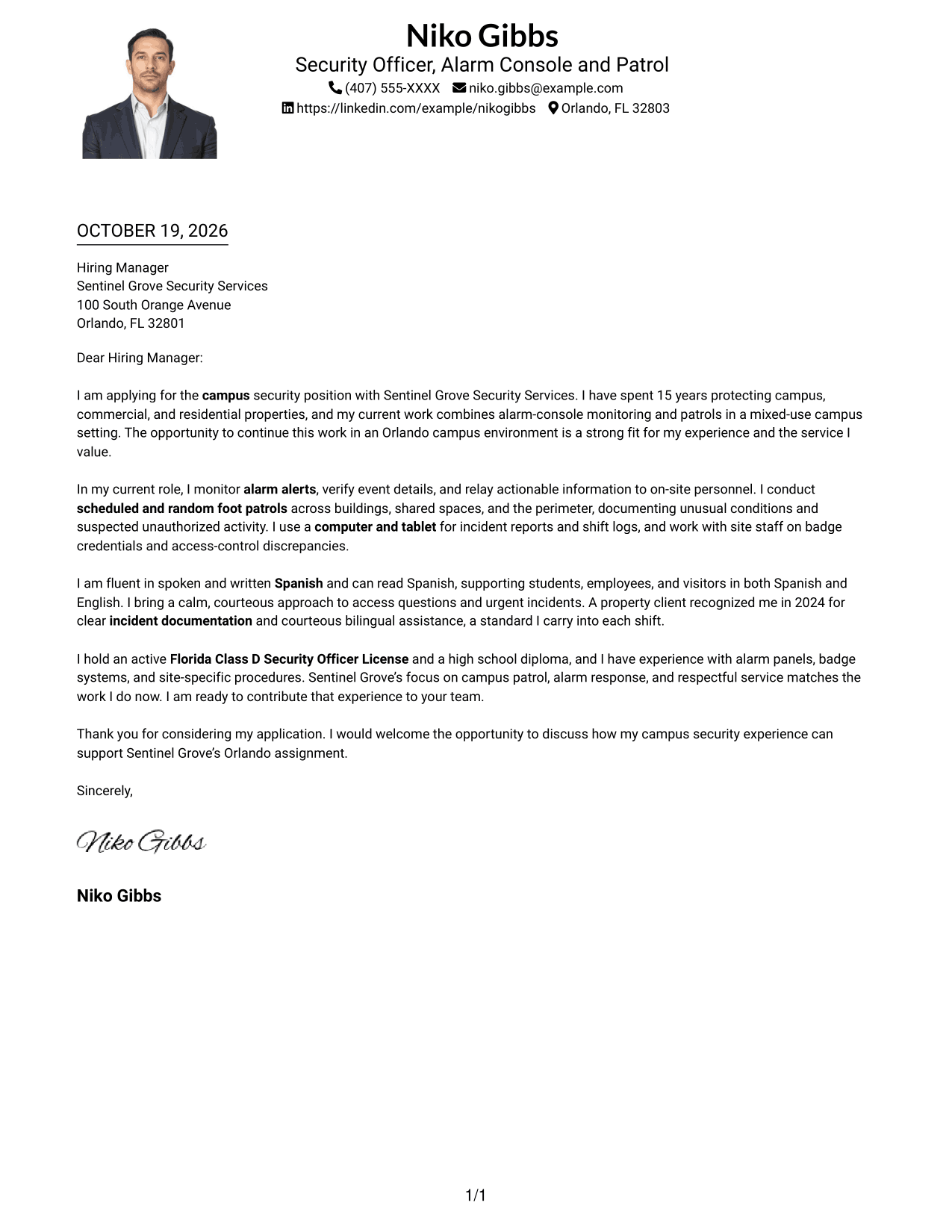
Why This Format Works
- One column keeps the sender details and letter within a shared reading path.
- Continuous paragraphs carry the message from its opening through the closing.
- The portrait provides a visual option without adding another text column.
Best For
- Portrait-led letter headers
- Single-column letter layouts
- Continuous paragraph bodies
- Header-based contact details
- Employer-specific introductions
#5 Simple Two Column Format Cover Letter Example
The Simple Two Column Format sets contact details beside one continuous letter body, suiting readers who want a clear division without breaking the message into sections.
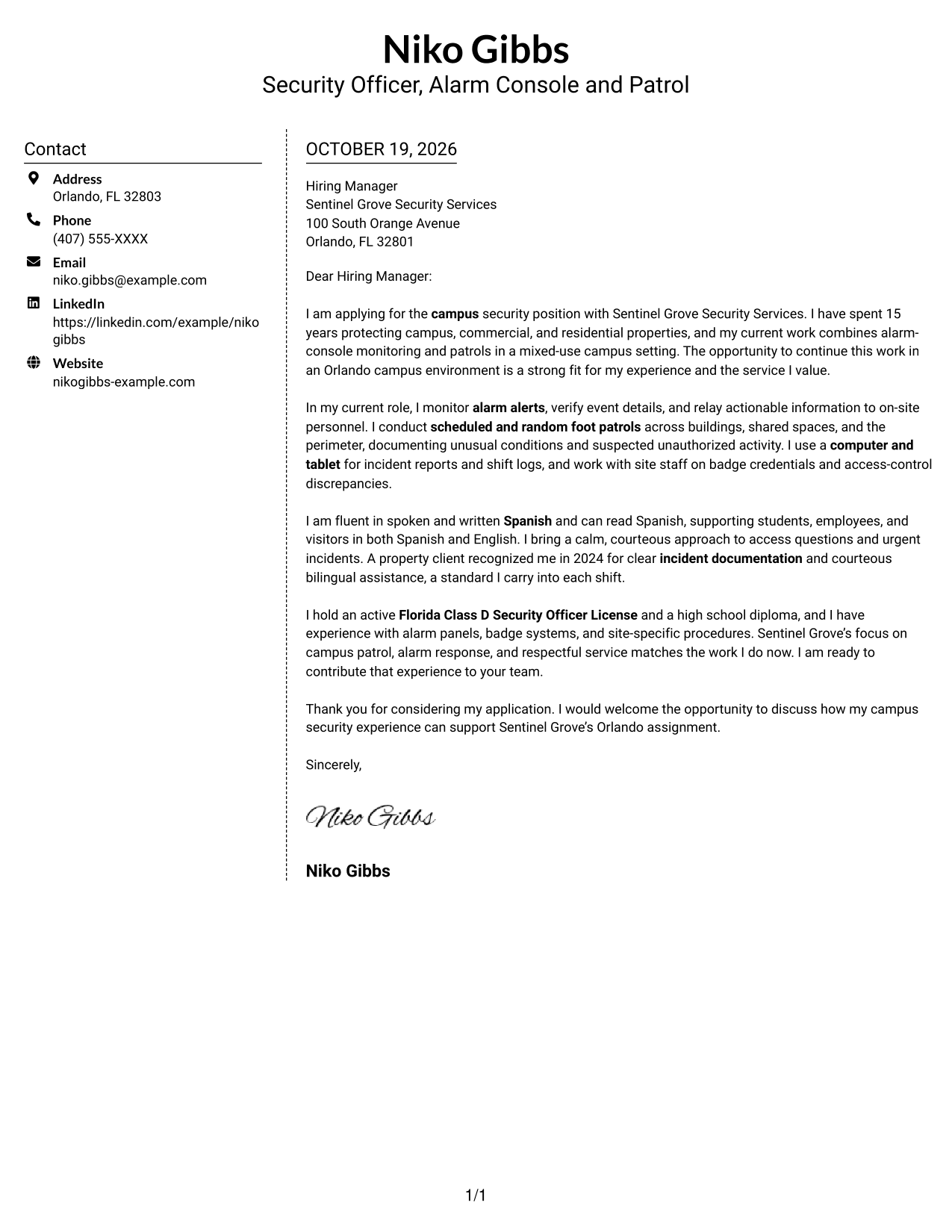
Why This Format Works
- The sidebar gives sender contact details a separate place beside the letter.
- The message remains in continuous paragraphs, rather than divided into argument sections.
- Its two-column arrangement suits readers who prefer contact details alongside the message.
Best For
- Sidebar contact organization
- Uninterrupted letter body
- Several contact channels
- Campus application letters
- Employer-specific openings
#6 Modern Icon Format Cover Letter Example
The Modern Icon Format uses a contact sidebar beside one continuous letter body, with icons serving as cues for contact details rather than argument sections.
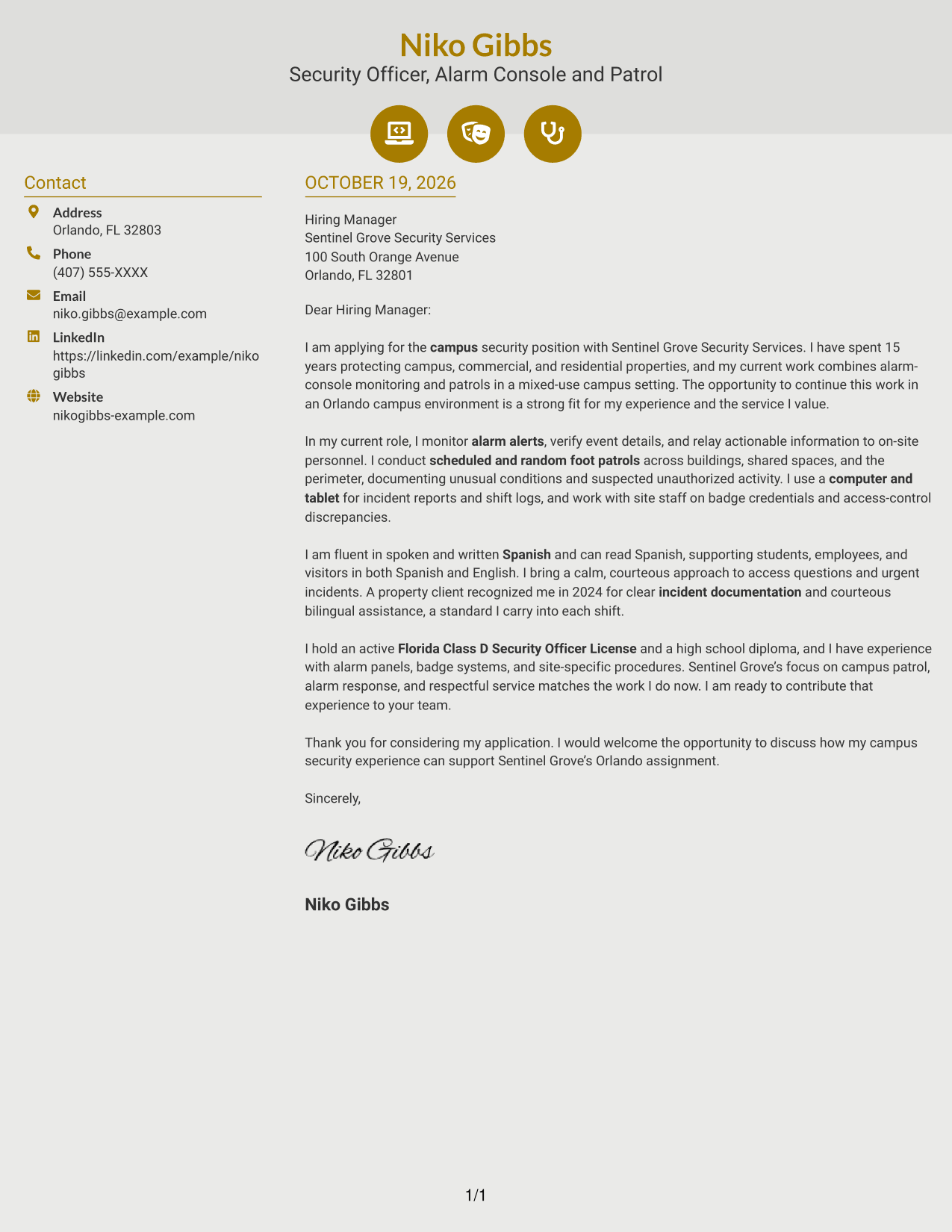
Why This Format Works
- The contact sidebar keeps sender information distinct from the letter's paragraphs.
- Icons can help identify contact details without labeling parts of the message.
- The continuous body preserves a clear path from opening to closing.
Best For
- Icon-marked contact details
- Contact sidebar layouts
- Continuous letter paragraphs
- Letters with several contact methods
- Employer-specific introductions
#7 Creative Two Tone Format Cover Letter Example
The Creative Two Tone Format pairs a contact sidebar with one continuous letter body, keeping sender details separate while the message reads as a whole.
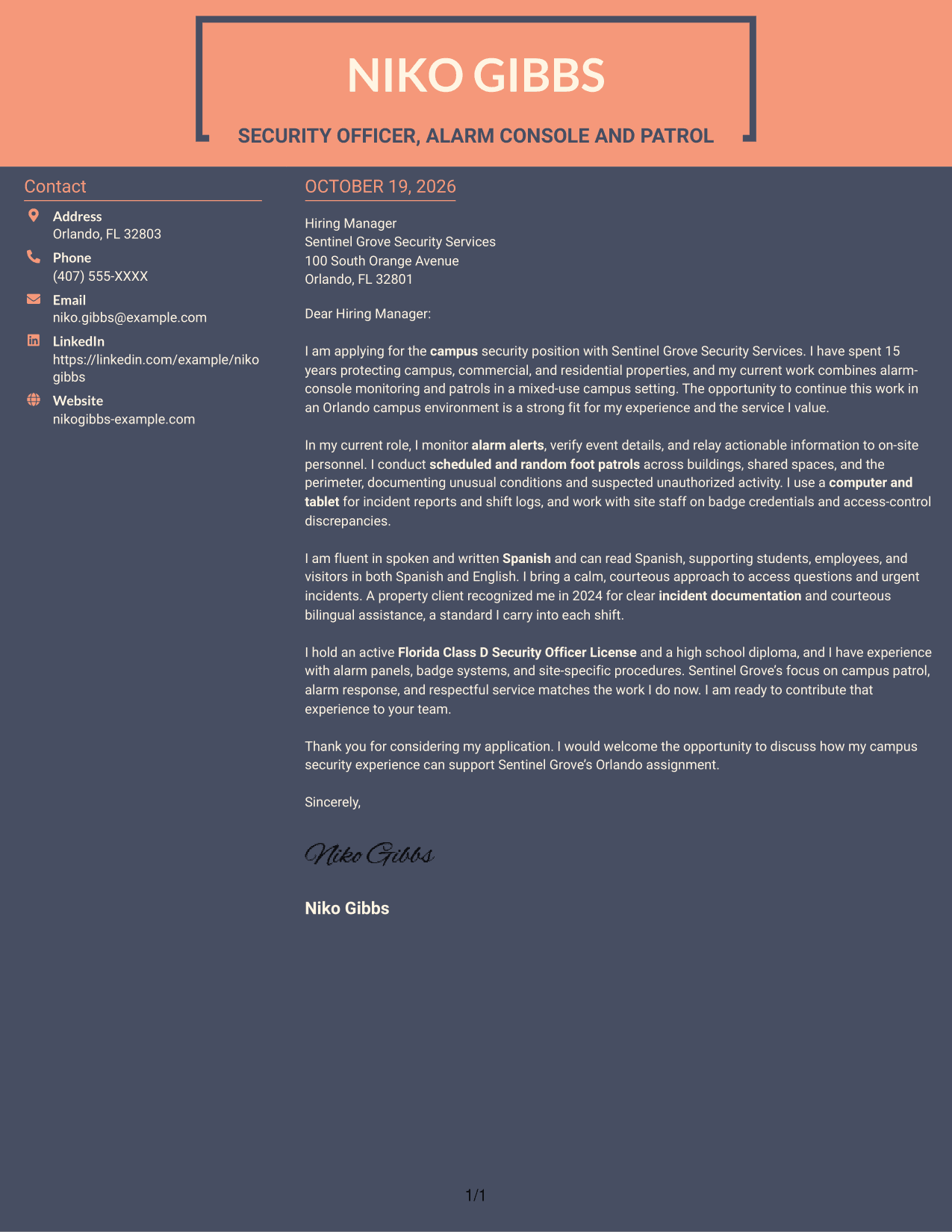
Why This Format Works
- The contact sidebar gives sender information its own place beside the letter.
- Continuous paragraphs let reviewers follow the message without argument-section breaks.
- The two-column arrangement suits readers who like contact details close to the message.
Best For
- Contact information beside the message
- Continuous paragraph letters
- Multiple contact methods
- Campus role applications
- Employer-specific openings
Why Use ResumeInMinutes for a Security Officer - Alarm Console and Patrol Cover Letter
ResumeInMinutes provides a cover letter example and editor links to help you shape a clear application for alarm console and campus patrol work.
- Clear letter structure
- Readable presentation
- Role-focused wording
- Employer-specific details
- Example-led guidance
- Editor links for customization
Use the example to connect alarm response, scheduled and random patrols, bilingual service, and accurate incident records to the needs of a campus security team.
See Also
- 7 Security Officer - Alarm Console and Patrol Resume Templates with Example
- 7 Unarmed Security Officer - Healthcare Patrol and Alarm Response Resume Templates with Example
- 7 Security Officer - Commercial Property Patrol Resume Templates with Example
- 7 Security Officer - Government Facility Patrol Resume Templates with Example
- 7 Security Officer - Healthcare Facility Patrol Resume Templates with Example
- 7 Security Officer - Logistics Patrol Resume Templates with Example
- 7 Security Officer - Mobile Patrol Resume Templates with Example
- 7 Security Officer - TWIC Perimeter Patrol Driver Resume Templates with Example
- 7 Unarmed Security Officer - Healthcare Patrol and Alarm Response Cover Letter Templates with Example
- 7 Security Officer - Commercial Property Patrol Cover Letter Templates with Example
Frequently Asked Questions
What should a Security Officer - Alarm Console and Patrol cover letter emphasize?
Explain how your experience relates to alarm monitoring, scheduled and random patrols, access control, calm incident response, and clear reporting. Include Spanish-English service when it reflects your skills.
How is the featured cover letter organized?
It opens with interest in the campus role, then gives examples of alarm monitoring, patrols, reporting, and bilingual service. It connects those strengths to the employer and closes with a request to discuss the application.
Which cover letter style works well for a campus security role?
Choose a clear, easy-to-read style that supports a professional tone. Keep the layout simple enough for the reader to follow your role-specific examples quickly.
How can I tailor my letter to an employer?
Refer to the employer’s campus duties and service expectations. Then connect them to relevant examples, such as monitoring alerts, checking the perimeter, helping visitors, and recording incidents.
Should I use a photo on my cover letter?
For U.S. applications, a photo is usually not needed. A no-photo presentation keeps attention on your qualifications and your interest in the role.




