
7 Security Officer - Dispatch Radio Operations Cover Letter Templates with Example
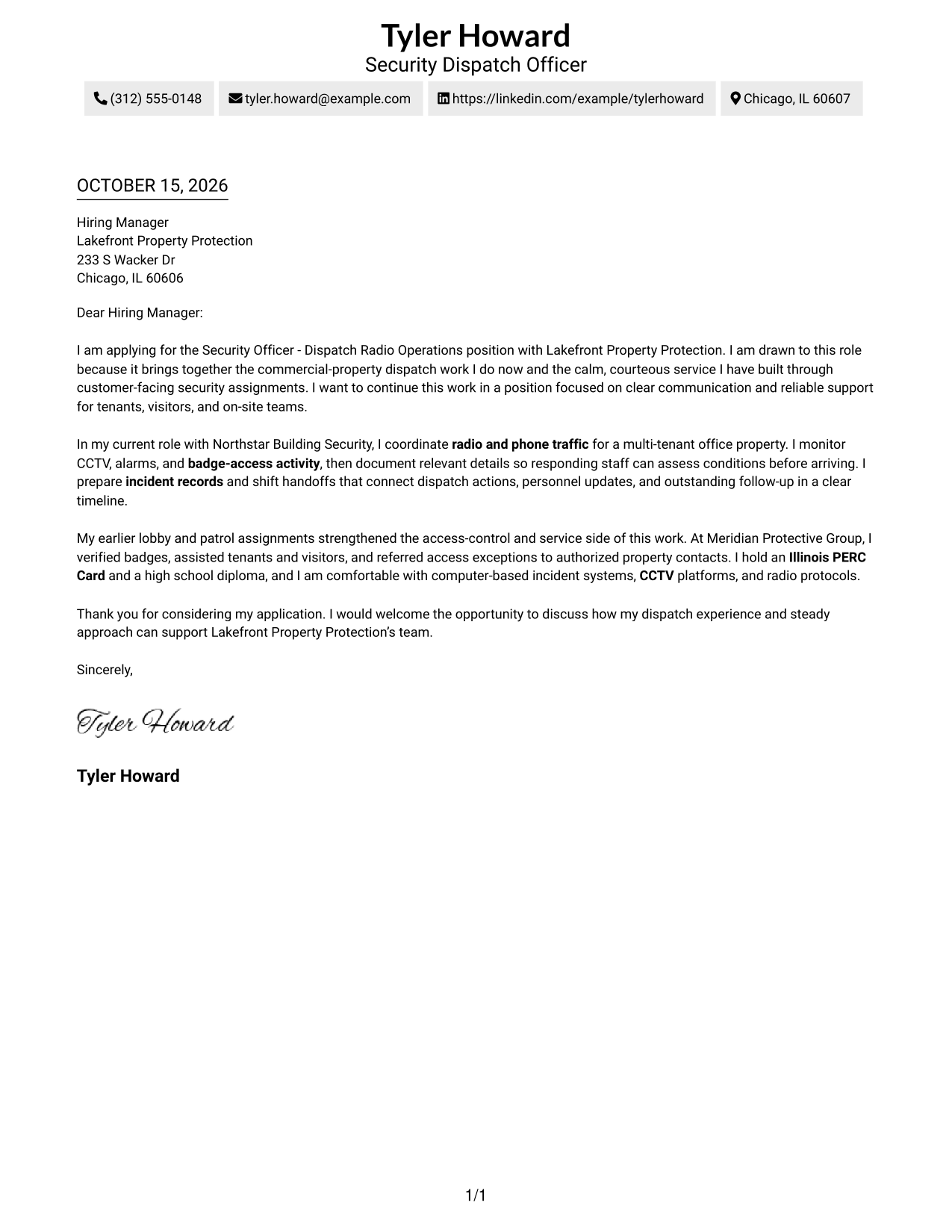
This guide helps you create a focused Security Officer - Dispatch Radio Operations cover letter and compare its seven layouts to choose a clear way to present your fit.
What Makes a Great Security Officer - Dispatch Radio Operations Cover Letter in 2026
A strong letter connects your interest in the role with clear communication, steady dispatch support, and courteous service. Show how you can help coordinate calls and support a commercial property team.
Use relevant examples of radio and phone traffic, CCTV or alarm monitoring, access procedures, incident records, and shift handoffs. Explain how these strengths match the employer’s needs and service expectations.
The featured example moves from interest in the role to dispatch evidence, related security and service experience, and a clear close, giving you a focused progression to adapt while choosing a presentation that suits the employer and communication context.
#1 Simple One Column Format Cover Letter Example
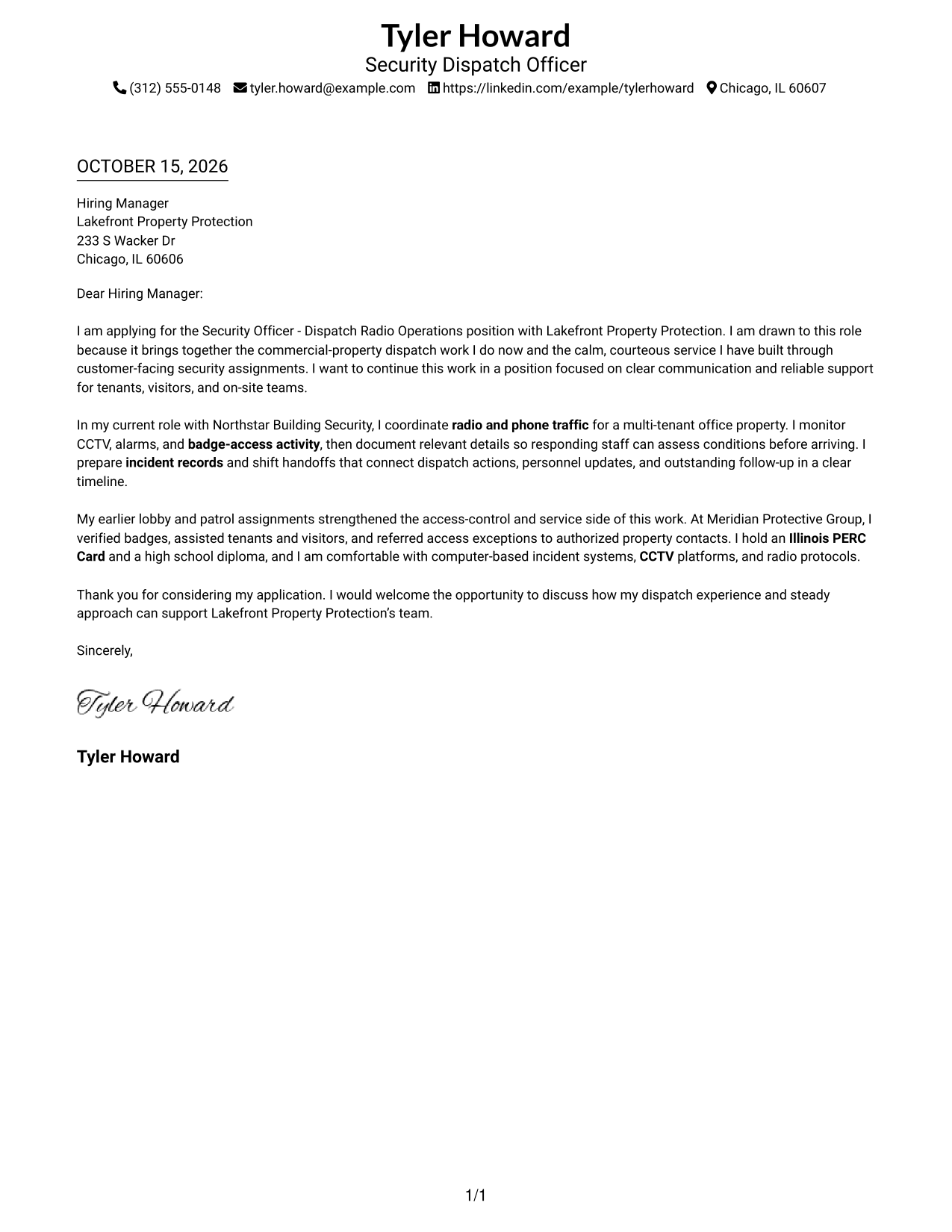
The single-column layout places sender details in the header above one continuous letter body, a practical choice for readers who prefer a direct top-to-bottom path.
Why This Format Works
- One reading path lets reviewers follow the opening, evidence, and close in order.
- Sender details sit apart in the header, making contact information easy to locate.
- Without body headings, the letter presents its case as direct, connected correspondence.
Best For
- Direct top-to-bottom reading
- Header-based contact details
- Continuous letter narratives
- Text-first applications
- Single-column page preferences
#2 Two Column Format Cover Letter Example
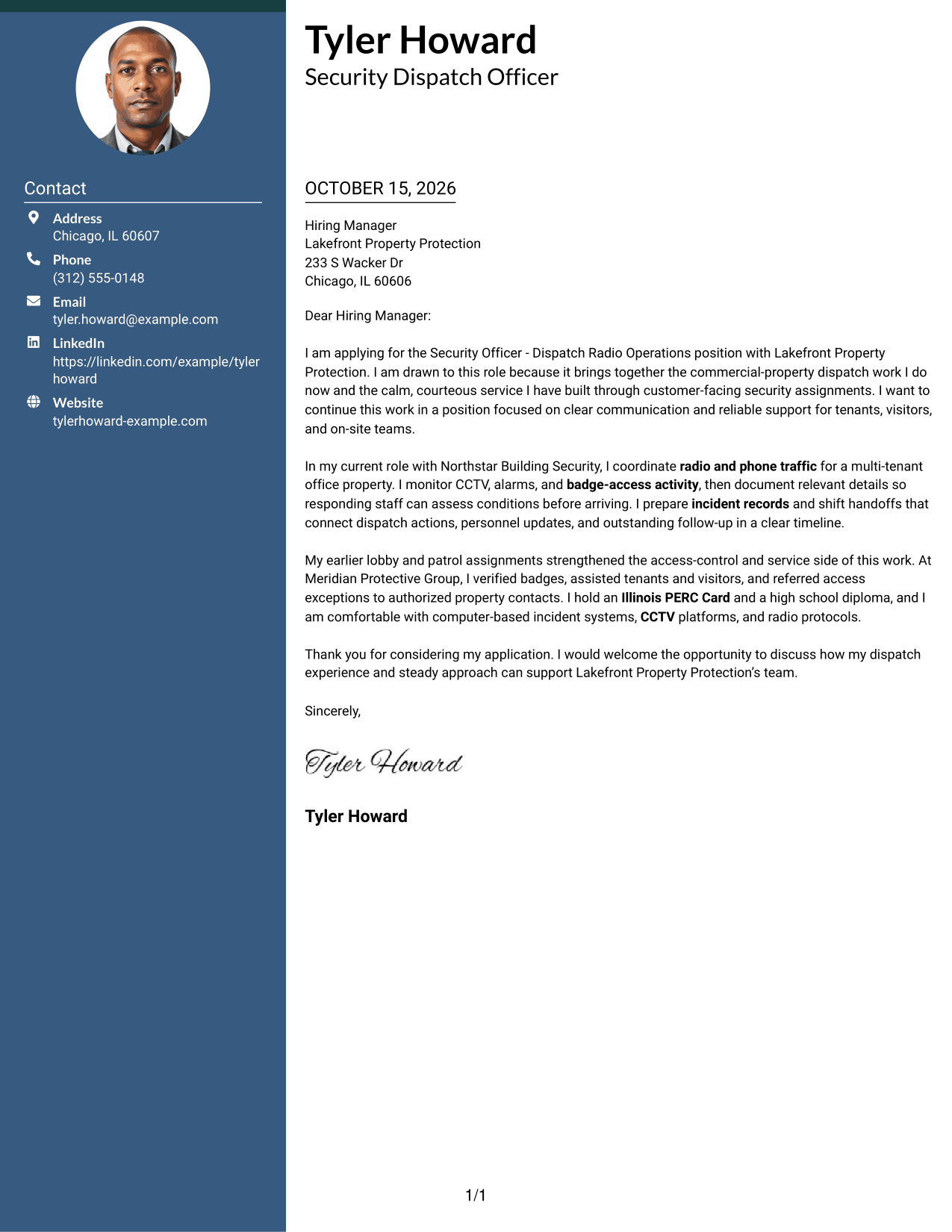
A contact sidebar beside one continuous letter body gives this two-column format a clear separation, a practical choice when contact details should remain distinct from the message.
Why This Format Works
- The contact sidebar helps reviewers find sender details without searching the letter.
- One continuous body carries the persuasive message from opening through closing.
- Side-by-side areas suit readers who prefer contact details beside the correspondence.
Best For
- Separate contact and letter areas
- Continuous body paragraphs
- Sidebar-based page layouts
- Contact details beside correspondence
- Two-area document organization
#3 Photo Header Two Column Format Cover Letter Example
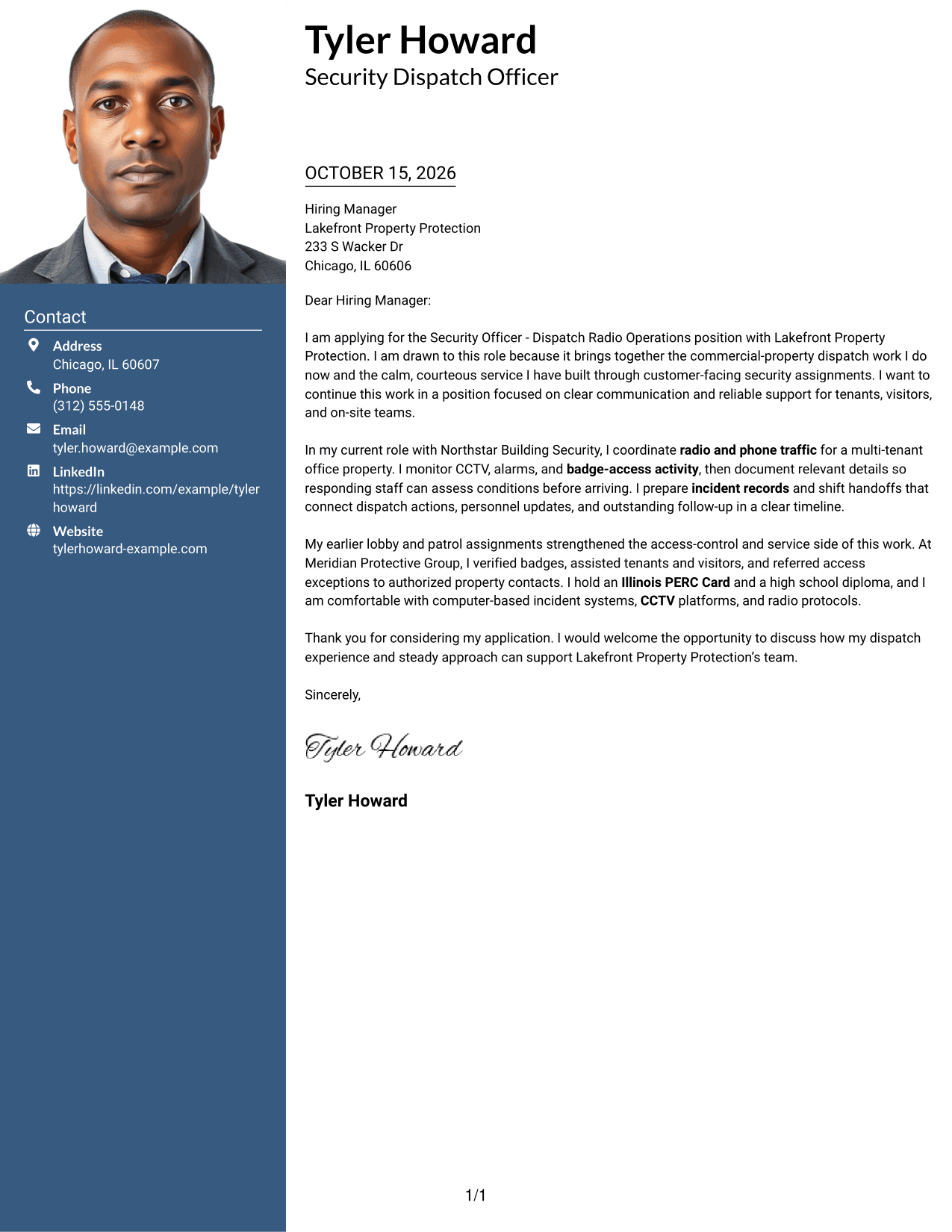
A photo paired with a contact sidebar gives this two-column format a visible personal header, while the letter stays in one continuous body for readers who want contact details set apart.
Why This Format Works
- The photo adds a visible portrait to the header without dividing the letter body.
- A contact sidebar keeps sender information apart from the continuous message.
- The letter's opening, evidence, and close remain together in one reading path.
Best For
- Photo-inclusive contact headers
- Portrait-centered page layouts
- Contact information beside correspondence
- Continuous letter narratives
- Clear separation of contact details
#4 One Column Format with Photo Cover Letter Example
The single-column page adds a photo to the sender header while keeping the letter body in one direct reading path, suited to readers who want a portrait with a straightforward letter.
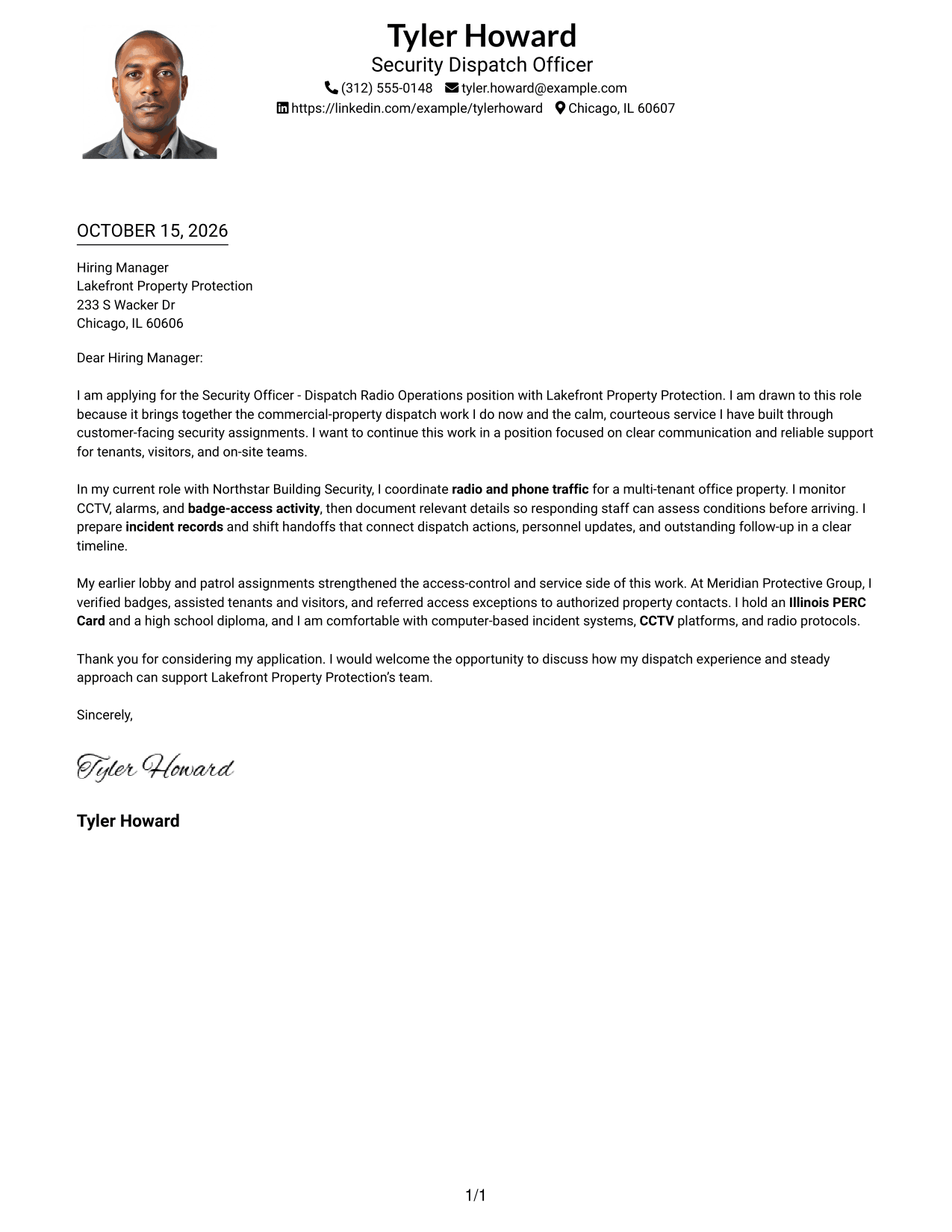
Why This Format Works
- The photo gives the sender header a visible portrait while the letter stays one column.
- A direct reading path keeps the opening, supporting points, and close together.
- Sender details remain in the header rather than beside the letter body.
Best For
- Portrait-led sender headers
- Single-column letter reading
- Header-based contact information
- Connected persuasive paragraphs
- Photo-inclusive correspondence
#5 Simple Two Column Format Cover Letter Example
The contact sidebar and continuous letter body give this simple two-column format distinct areas, a useful choice for readers who want the sender details beside the correspondence.
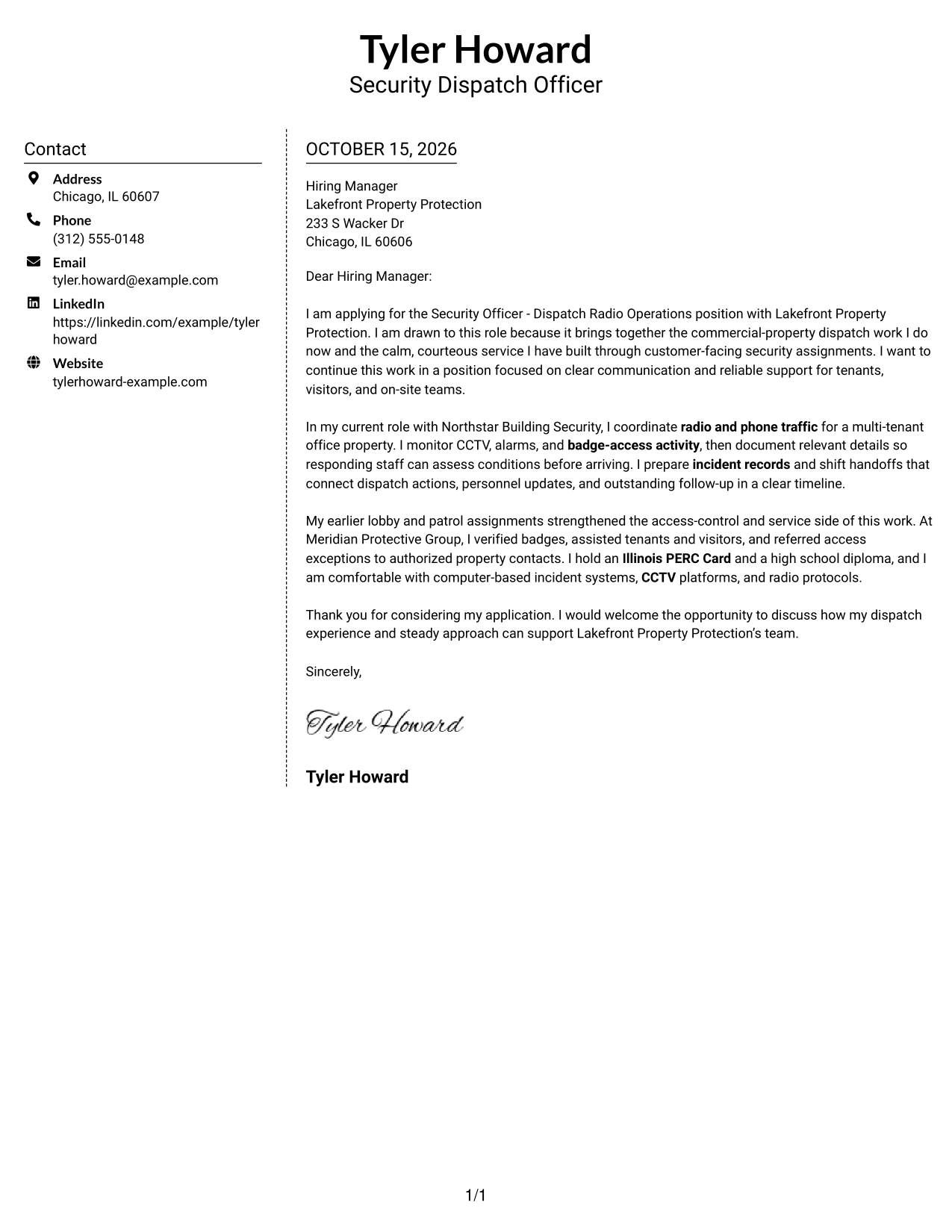
Why This Format Works
- The sidebar places sender details beside, rather than within, the letter text.
- A continuous body keeps the letter's case together from its opening to its close.
- The two-area page suits readers who prefer contact details adjacent to correspondence.
Best For
- Contact details beside the letter
- Uninterrupted body paragraphs
- Side-by-side page organization
- Easy-to-locate sender information
- Two-column document preferences
#6 Modern Icon Format Cover Letter Example
Contact icons and decorative header accents distinguish this two-column format, while a sidebar sits beside the continuous letter body for readers who want contact cues kept separate from the message.
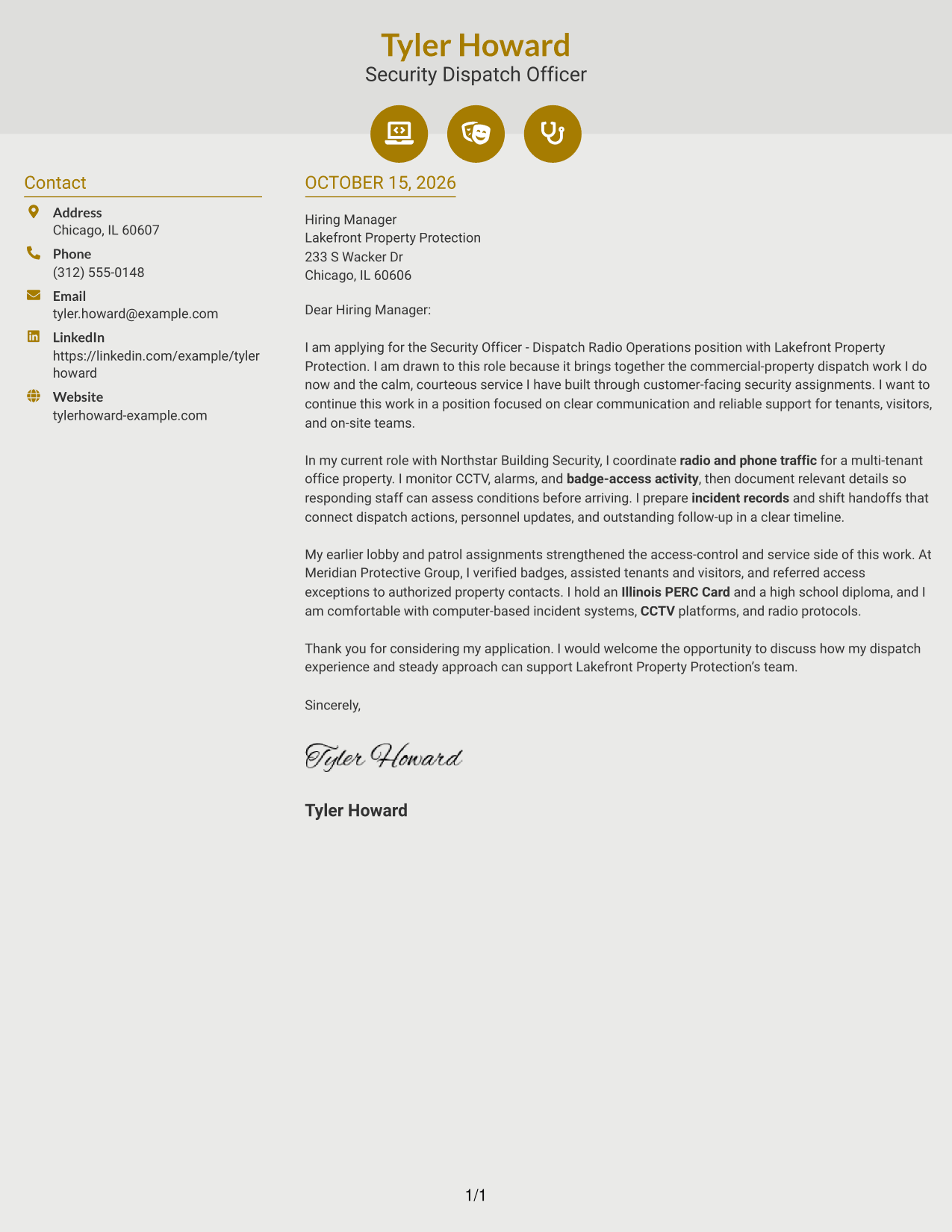
Why This Format Works
- Contact icons help identify sender details without labeling parts of the letter argument.
- The sidebar remains separate from the continuous letter body.
- The opening, supporting points, and close stay together in one body.
Best For
- Icon-cued contact details
- Decorative header accents
- Sidebar-based contact information
- Continuous letter body text
- Distinct contact and message areas
#7 Creative Two Tone Format Cover Letter Example
The two-column arrangement keeps contact details in a sidebar beside one continuous letter body, a practical choice for readers who favor a distinct contact area alongside the message.
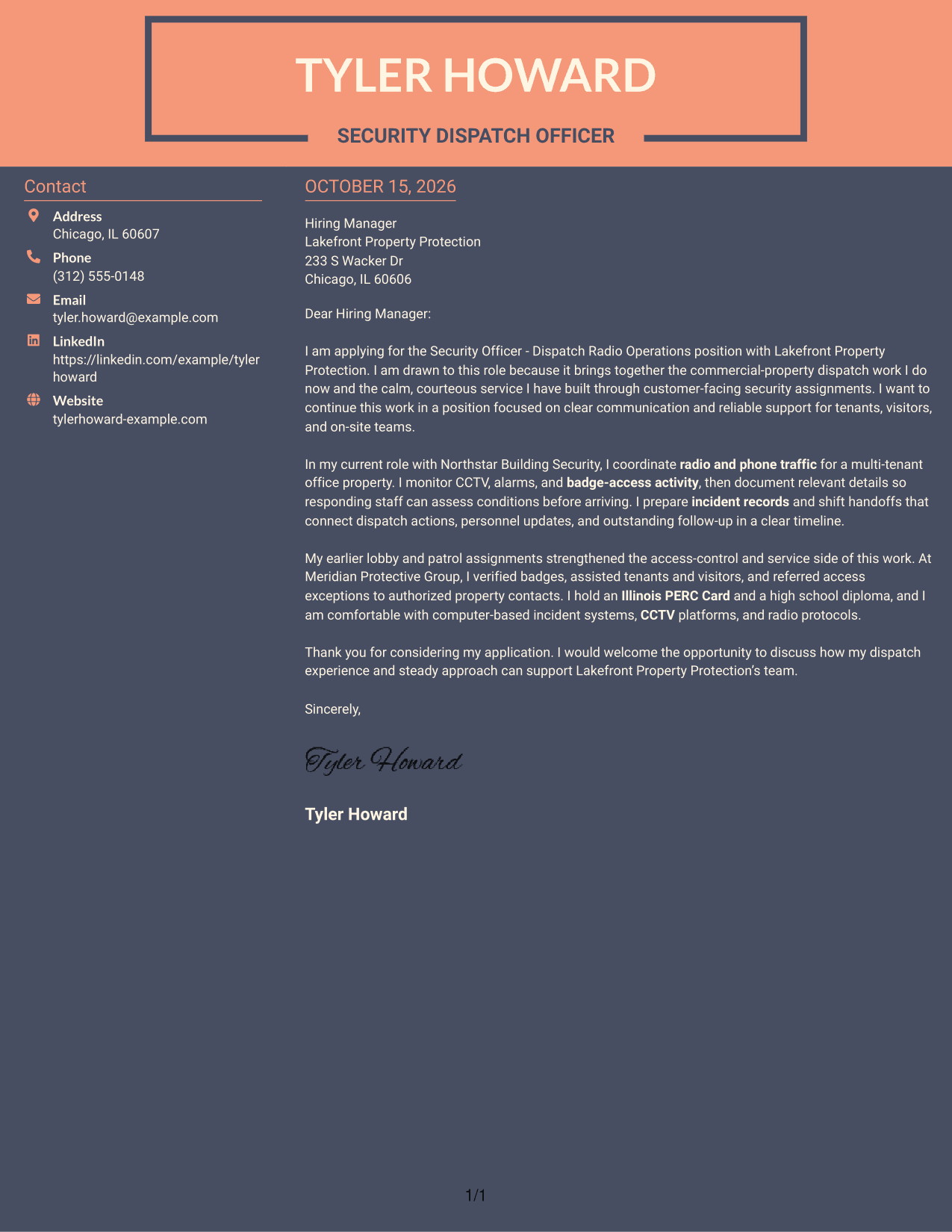
Why This Format Works
- The sidebar makes sender details distinct from the letter's persuasive message.
- The letter remains one continuous body rather than parallel argument columns.
- Reviewers can move from contact information to correspondence within the same layout.
Best For
- Distinct contact information
- Continuous persuasive correspondence
- Sidebar-and-letter organization
- Contact details beside the message
- Two-column reading preference
See Also
- 7 Security Officer - Dispatch Radio Operations Resume Templates with Example
- 7 Correctional Officer - Hospital Security Team Resume Templates with Example
- 33 Data Center Security Officer Resume Templates with Example 2026 (ATS-Optimized)
- 7 Security Officer - Credential Screening Resume Templates with Example
- 7 Security Officer - Entry Examination Resume Templates with Example
- 7 Security Officer - Entry Integrity Resume Templates with Example
- 7 Security Officer - Healthcare Facility Patrol Resume Templates with Example
- 7 Security Officer - Incident Response Resume Templates with Example
- 30+ Data Center Security Officer Cover Letter Templates with Example 2026
- 7 Security Officer - Mobile Patrol Cover Letter Templates with Example
Frequently Asked Questions
What should a Security Officer - Dispatch Radio Operations cover letter include?
Connect your interest in the position to relevant dispatch and security work. Explain how you communicate by radio or phone, monitor activity, record incidents, support access procedures, and serve tenants or visitors.
How can I show that I am a good fit for dispatch radio operations?
Choose a specific example that shows how you relayed useful information, kept a clear record, or supported a timely response. Keep the details accurate and explain why they matter for the role.
How should I structure this cover letter?
Use the opening to name the position and explain your interest. Use the body to connect relevant dispatch, monitoring, documentation, and service experience to the work. Close by thanking the reader and inviting further discussion.
Which cover letter layout is right for this security role?
Choose a layout that is easy to read and gives each paragraph room to make one clear point. You can compare the image previews and open an example in the editor to review its presentation.
Should I include a photo on my cover letter?
For U.S. applications, a cover letter without a photo is usually the safer choice. Keep the focus on your role-related interest, communication, and evidence.




