
7 Security Officer - TWIC Perimeter Patrol Driver Cover Letter Templates with Example
This guide helps you shape a focused Security Officer - TWIC Perimeter Patrol Driver cover letter through seven layouts, with clear advice on presenting your fit.
What Makes a Great Security Officer - TWIC Perimeter Patrol Driver Cover Letter in 2026
A strong letter for this role links your interest in perimeter patrol and access control to clear, courteous communication. Use the opening to state your interest, then make the body and closing direct and professional.
Support your fit with relevant evidence, such as checking visitor credentials, recording activity, or responding to alarms. Connect those examples to the employer’s site procedures and service needs.
The featured example moves from interest and role fit to specific patrol and access-control evidence, then closes with a clear request to continue the conversation. Adapt this focused progression and choose a presentation that suits the employer and communication context.
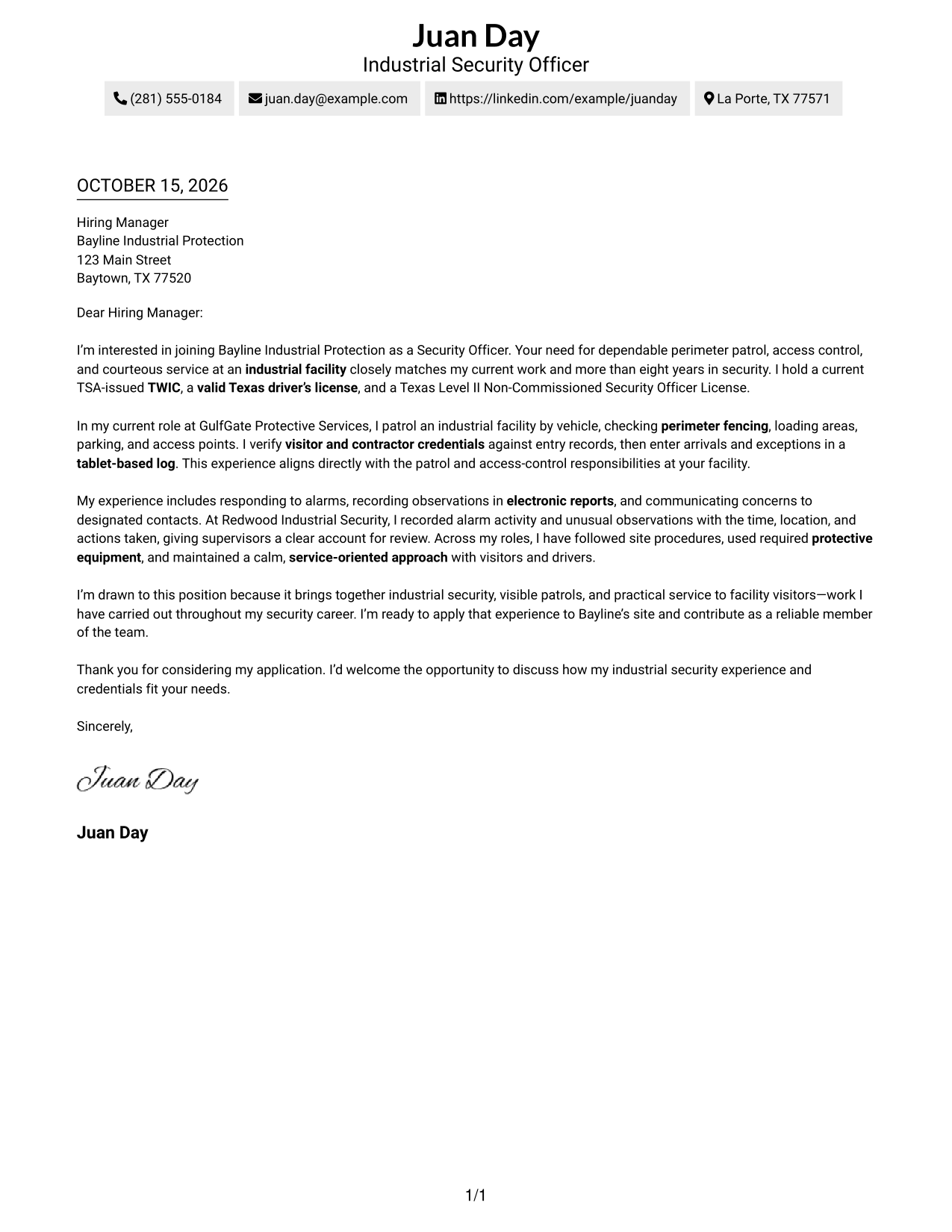
#1 Simple One Column Format Cover Letter Example
The Simple One Column Format places sender details in the header above one continuous letter body, offering a direct reading path from greeting to closing.
Why This Format Works
- The single-column page keeps the full message in a familiar top-to-bottom order.
- Sender details in the header are easy to locate before reading the letter.
- Paragraphs carry the opening, supporting points, and closing without internal labels.
Best For
- Single-path letter reading
- Header-based sender contact details
- Continuous paragraph arguments
- Direct employer introductions
- Letters without internal section labels
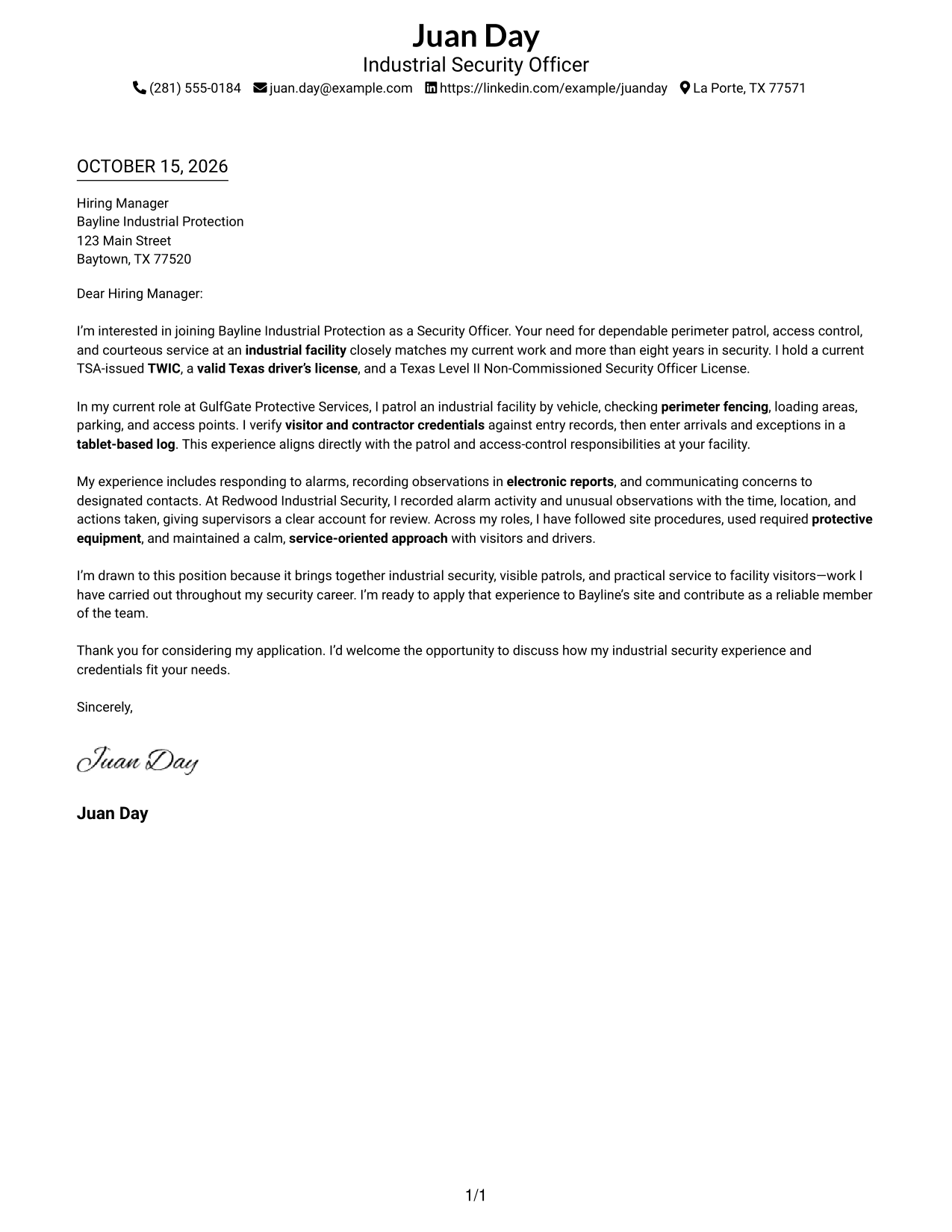
#2 Two Column Format Cover Letter Example
The Two Column Format places a contact sidebar beside one continuous letter body, a useful choice when contact details should remain distinct from the message.
Why This Format Works
- The sidebar keeps sender contact details apart from the letter’s argument.
- A continuous body lets readers follow the message from opening through closing.
- The separate contact area leaves the letter paragraphs free of contact details.
Best For
- Side-by-side contact and message
- Readers checking contact details first
- Letters with several supporting paragraphs
- Employer-specific introductions
- Continuous paragraph-based arguments
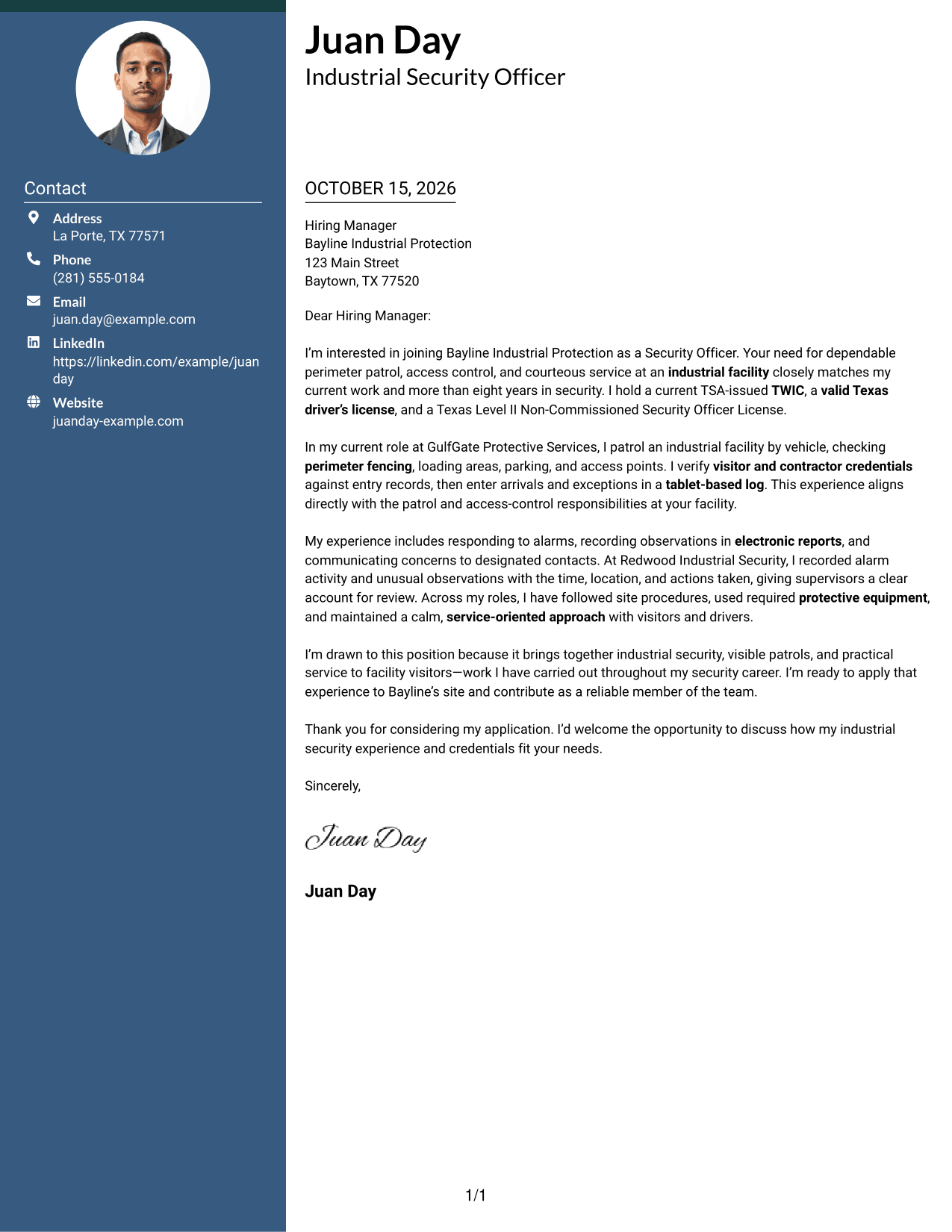
#3 Photo Header Two Column Format Cover Letter Example
The Photo Header Two Column Format includes a portrait and sets a contact sidebar beside one continuous letter body, combining a personal image with a separate message area.
Why This Format Works
- The portrait offers a visible personal touch without dividing the letter body.
- Contact details have a dedicated sidebar, separate from the message paragraphs.
- The continuous body keeps the letter’s points connected from start to finish.
Best For
- Portrait-inclusive letter layouts
- Side-by-side contact and message
- Continuous letter-body arguments
- Applications with several supporting paragraphs
- A personal touch in the header
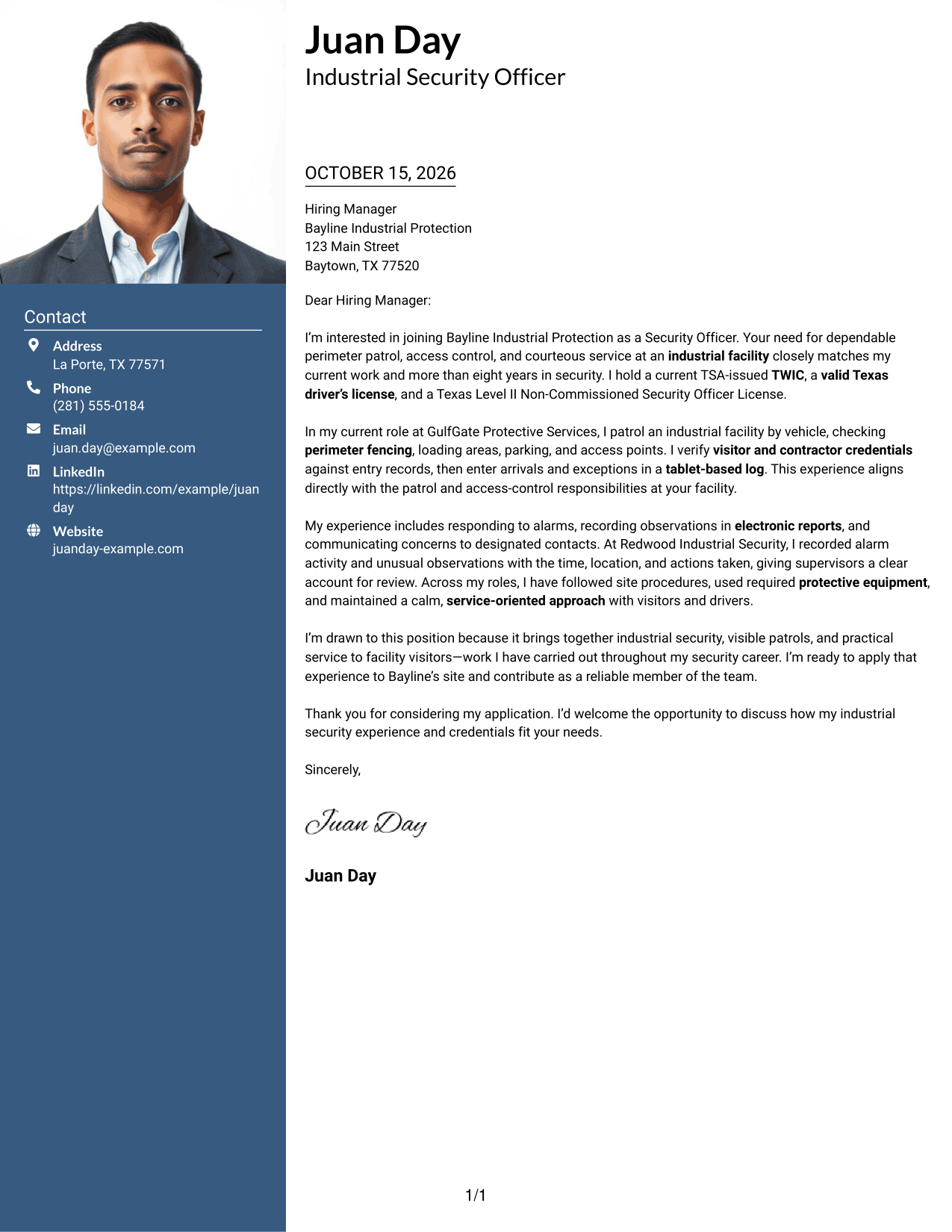
#4 One Column Format with Photo Cover Letter Example
The One Column Format with Photo includes a portrait and places sender details in the header above one continuous letter body, suiting readers who prefer a personal image with a direct reading path.
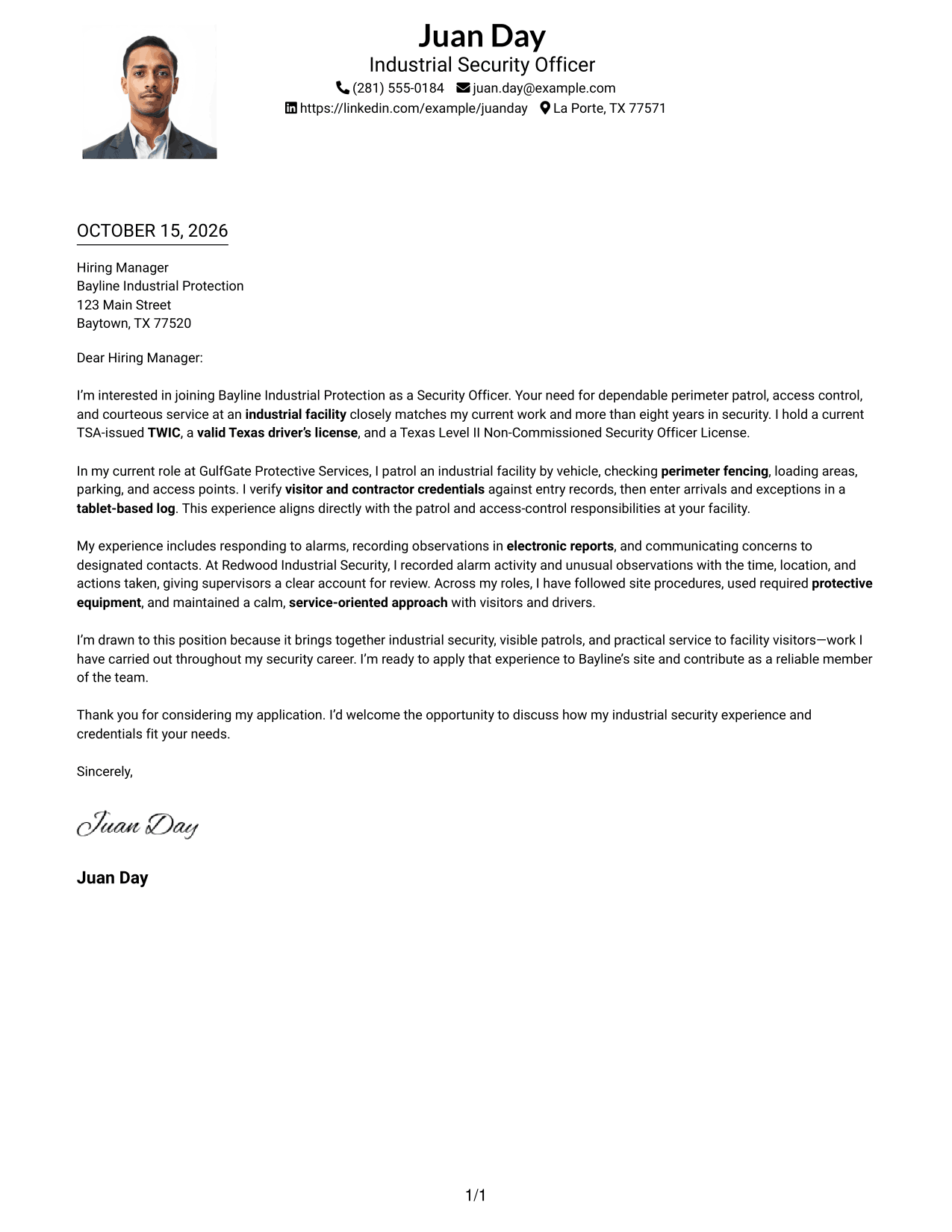
Why This Format Works
- One reading path carries the letter from greeting through the final paragraph.
- The header presents sender details before the reader reaches the main message.
- A portrait adds a personal visual element without breaking the letter’s paragraph flow.
Best For
- Portrait-inclusive sender presentation
- Single-path letter reading
- Header-based sender contacts
- Continuous argument paragraphs
- Letters with a concise closing request
#5 Simple Two Column Format Cover Letter Example
The Simple Two Column Format keeps sender contact details in a sidebar beside one continuous letter body, giving the page a clear division between contact information and the message.
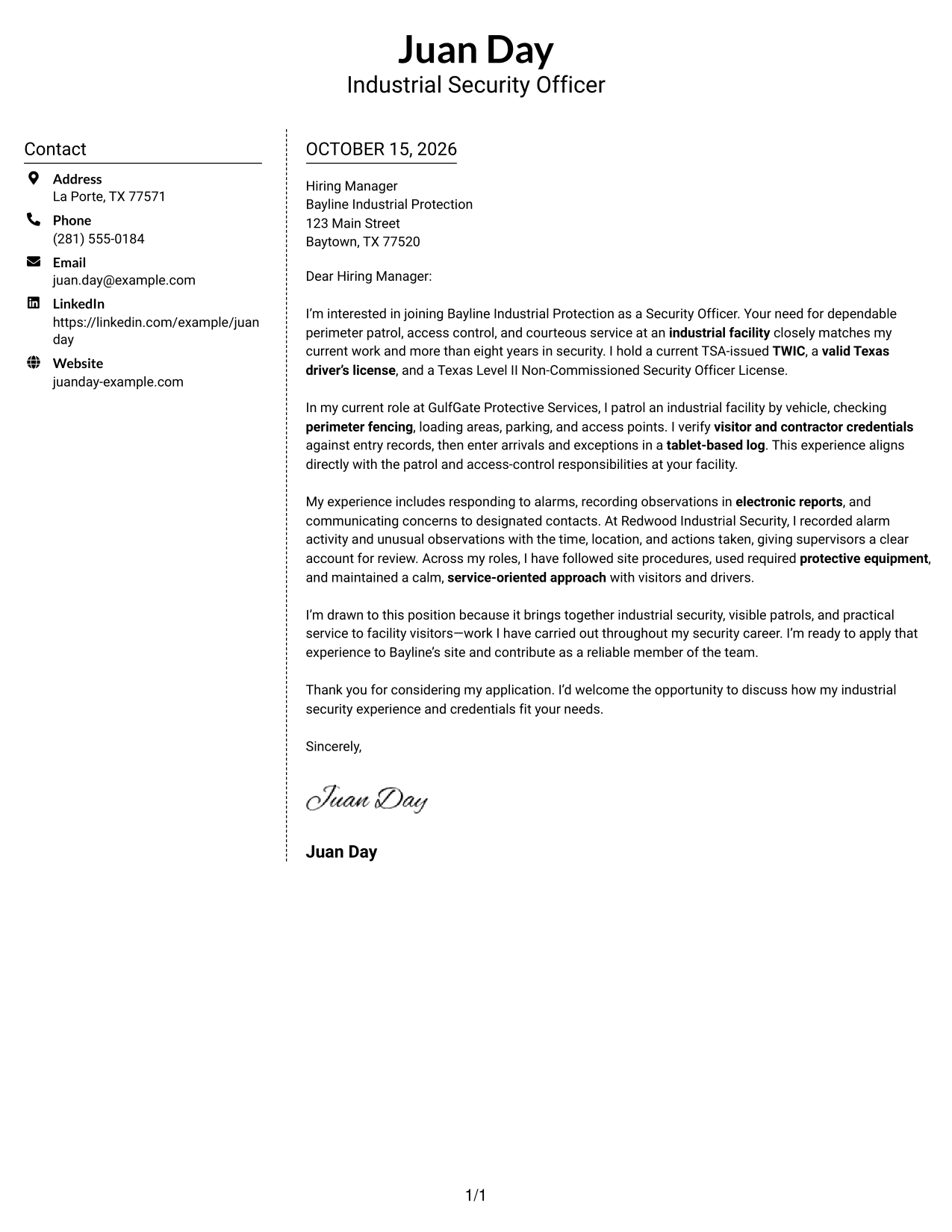
Why This Format Works
- The contact sidebar separates sender information from the letter’s persuasive content.
- Readers can follow the message in one body, without parallel argument columns.
- The two areas make contact details easy to distinguish from the letter.
Best For
- Distinct sender contact area
- One continuous letter body
- Readers who prefer clear page divisions
- Letters with a focused role connection
- Paragraph-based employer communication
#6 Modern Icon Format Cover Letter Example
The Modern Icon Format uses a contact sidebar beside one continuous letter body, with icons serving as contact cues or header accents rather than labels for the letter’s points.
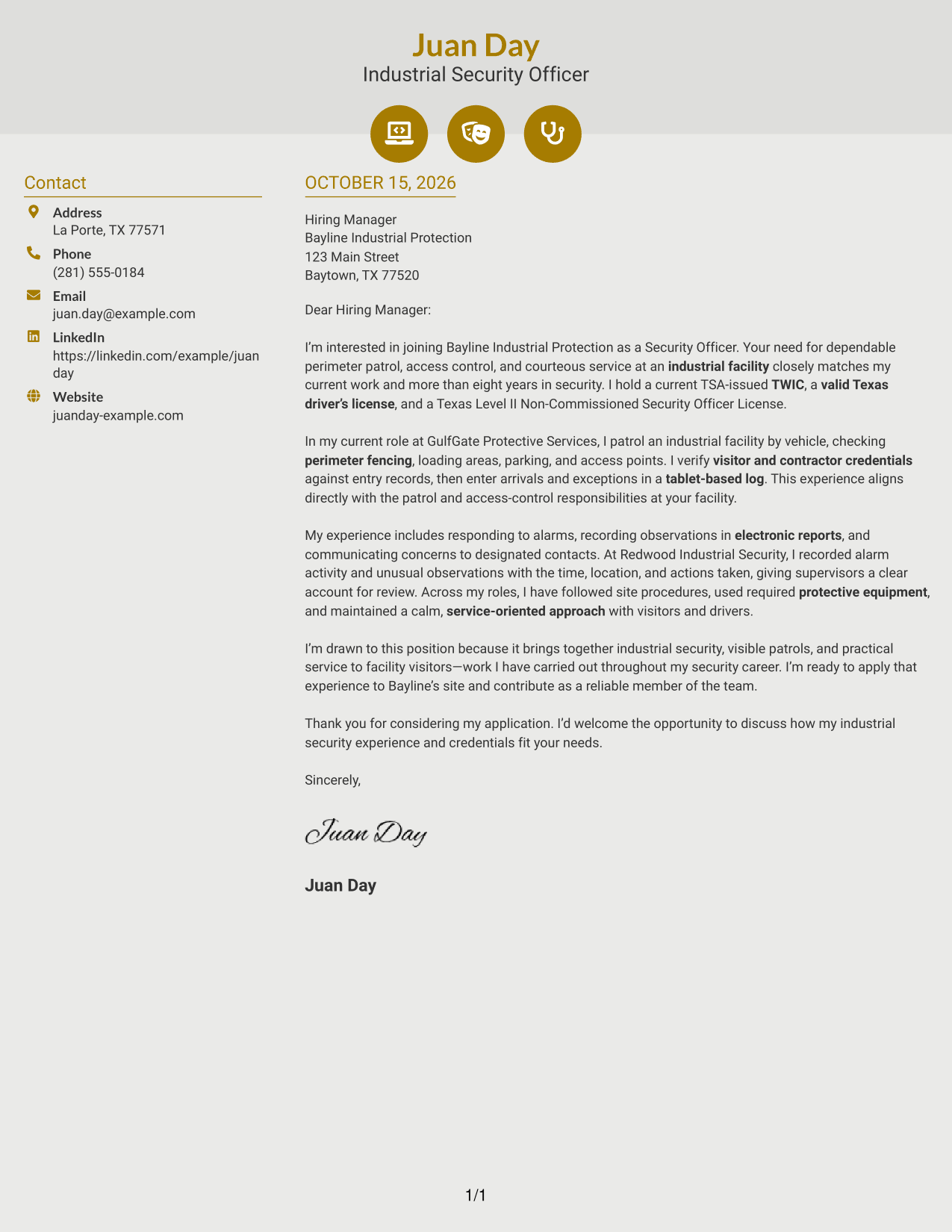
Why This Format Works
- Contact icons can help distinguish details such as email and phone information.
- The sidebar keeps contact information apart from the connected letter paragraphs.
- A continuous message lets readers follow the full case without argument headings.
Best For
- Icon-cued contact details
- Separate contact and message areas
- Letters with a clear role connection
- Continuous opening-to-closing flow
- Readers who favor visual contact cues
#7 Creative Two Tone Format Cover Letter Example
The Creative Two Tone Format places a contact sidebar beside one continuous letter body, giving readers distinct areas for sender details and the message.
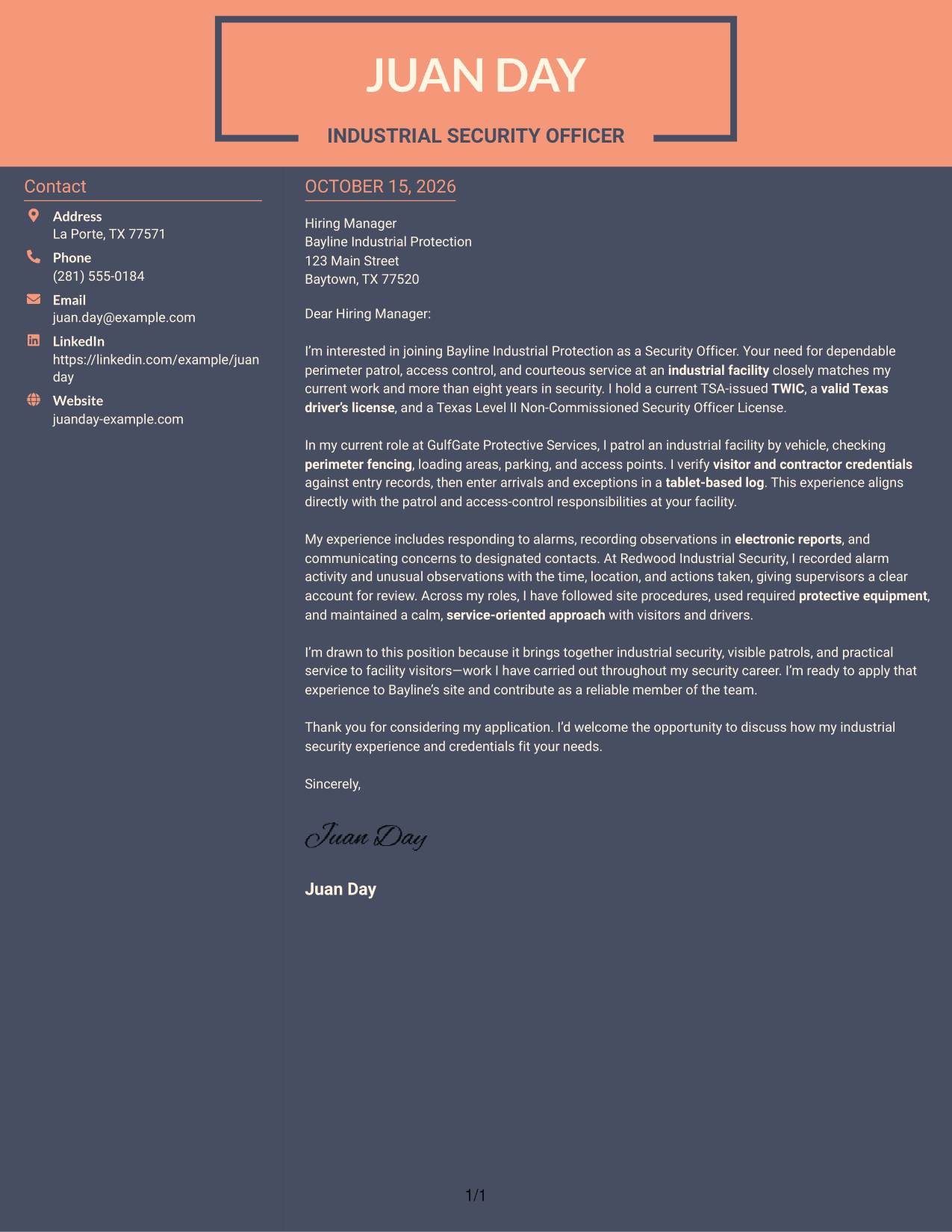
Why This Format Works
- Sender details remain separate from the letter’s opening and supporting paragraphs.
- The continuous letter body keeps the full message in a single reading sequence.
- A contact sidebar offers a clear place to find sender information.
Best For
- Distinct contact and message areas
- A single sequence of letter paragraphs
- Readers seeking quick access to sender details
- Letters with connected supporting points
- Applications with a direct closing
Why Use ResumeInMinutes for a Security Officer - TWIC Perimeter Patrol Driver Cover Letter
ResumeInMinutes gives you a clear example to review and an editor link for viewing or customizing a cover letter for this role.
- Cover letter image previews
- Focused letter examples
- Role-specific writing guidance
- Opening, body, and closing advice
- Editor access for examples
- Clear presentation choices
Use the preview to review the page, then open an example in the editor to explore its presentation and make changes to the letter.
See Also
- 7 Security Officer - TWIC Perimeter Patrol Driver Resume Templates with Example
- 7 Security Officer - Healthcare Facility Patrol Resume Templates with Example
- 7 Security Officer - Mobile Patrol Resume Templates with Example
- 7 Security Officer - Unarmed Patrol Resume Templates with Example
- 7 Correctional Officer - Hospital Security Team Resume Templates with Example
- 33 Data Center Security Officer Resume Templates with Example 2026 (ATS-Optimized)
- 7 Security Officer - Credential Screening Resume Templates with Example
- 7 Security Officer - Dispatch Radio Operations Resume Templates with Example
- 7 Security Officer - Mobile Patrol Cover Letter Templates with Example
- 30+ Data Center Security Officer Cover Letter Templates with Example 2026
Frequently Asked Questions
What should a Security Officer - TWIC Perimeter Patrol Driver cover letter include?
Show your interest in the role and connect relevant experience to vehicle patrol, perimeter checks, access control, incident response, and clear reporting. Keep the opening focused and close with a professional request to discuss your fit.
How can I describe perimeter patrol experience clearly?
Give a specific example of an area you patrolled and the conditions you checked. Explain how you recorded concerns or shared important information with the right site contact.
How should I show that I meet the role’s credential needs?
State relevant credentials clearly and accurately. The featured example names a current TSA-issued TWIC, a valid Texas driver’s license, and a Texas Level II Non-Commissioned Security Officer License.
What is the best cover letter style for this security role?
Choose a clear, easy-to-read style that supports a direct message. The preview images let you compare presentations, and the editor links let you view or customize an example.
How can I show alignment with an industrial security employer?
Connect your experience to the site’s needs, such as following entry procedures, keeping accurate records, responding calmly, using required protective equipment, and treating visitors courteously. Use examples you can support.




