
7 Security Officer - Unarmed Patrol Cover Letter Templates with Example
This practical guide helps you create a focused Security Officer - Unarmed Patrol cover letter and compare seven layouts in image previews.
What Makes a Great Security Officer - Unarmed Patrol Cover Letter in 2026
A strong letter opens with clear interest, then connects foot and vehicle patrols, access observation, and calm incident response to the site's needs.
Use concise evidence, such as clear incident reports or dependable weekend coverage, and explain how your approach supports the employer's site procedures and courteous service.
The featured example moves from role interest to relevant patrol and reporting evidence, then closes with a clear next step. Adapt this focused progression while choosing a presentation that suits the employer and communication context.
#1 Simple One Column Format Cover Letter Example
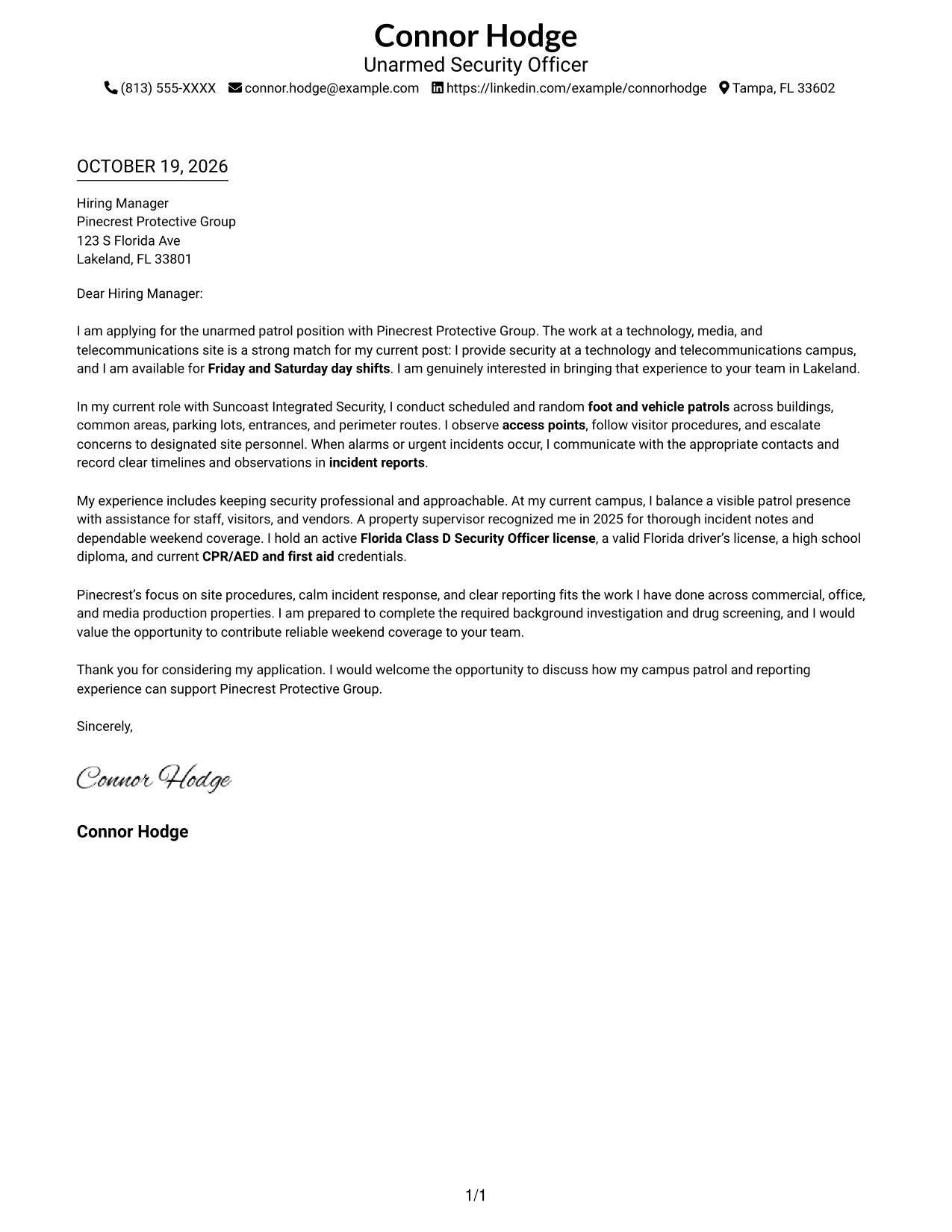
The Simple One Column Format keeps sender details in the header above one continuous letter body, giving the message a direct reading path.
Why This Format Works
- Sender details remain separate from the message, keeping contact information easy to locate.
- One continuous column lets the opening, supporting paragraphs, and closing read in sequence.
- Without a contact sidebar, the letter's full width stays with its persuasive message.
Best For
- Single-column letter layouts
- Header-based contact details
- Continuous paragraph arguments
- Direct opening-to-close reading
- Letters with concise supporting evidence
#2 Two Column Format Cover Letter Example
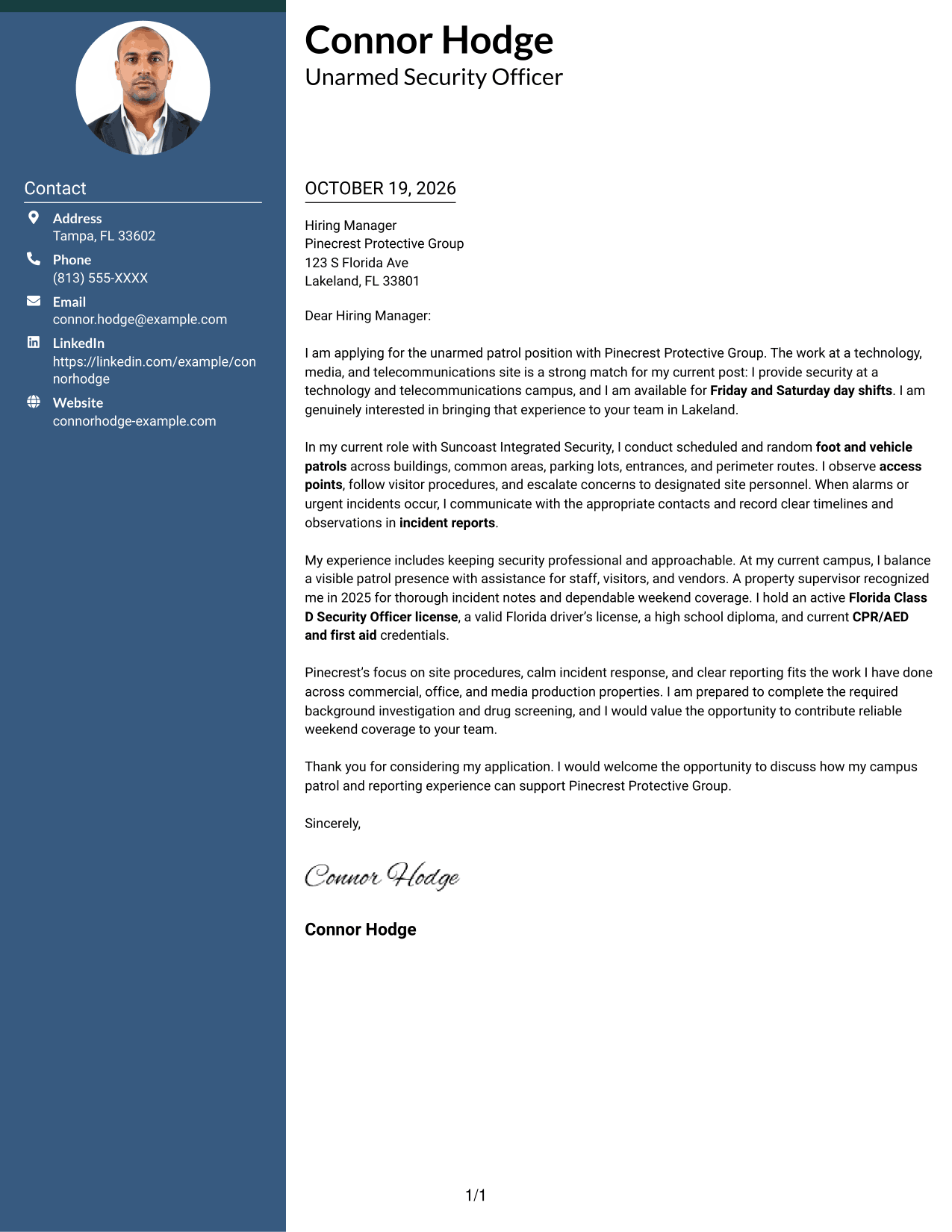
The Two Column Format places contact details in a sidebar beside one uninterrupted letter body, separating correspondence details from the message.
Why This Format Works
- Contact details stay easy to find without taking space inside the letter's paragraphs.
- The opening, motivation, evidence, and close remain together in one body.
- Adjacent columns keep sender context visually connected to the message.
Best For
- Sidebar-based contact presentation
- Paragraph-led persuasive letters
- Clear sender identification
- Evidence-led application messages
- Direct closing paragraphs
#3 Photo Header Two Column Format Cover Letter Example
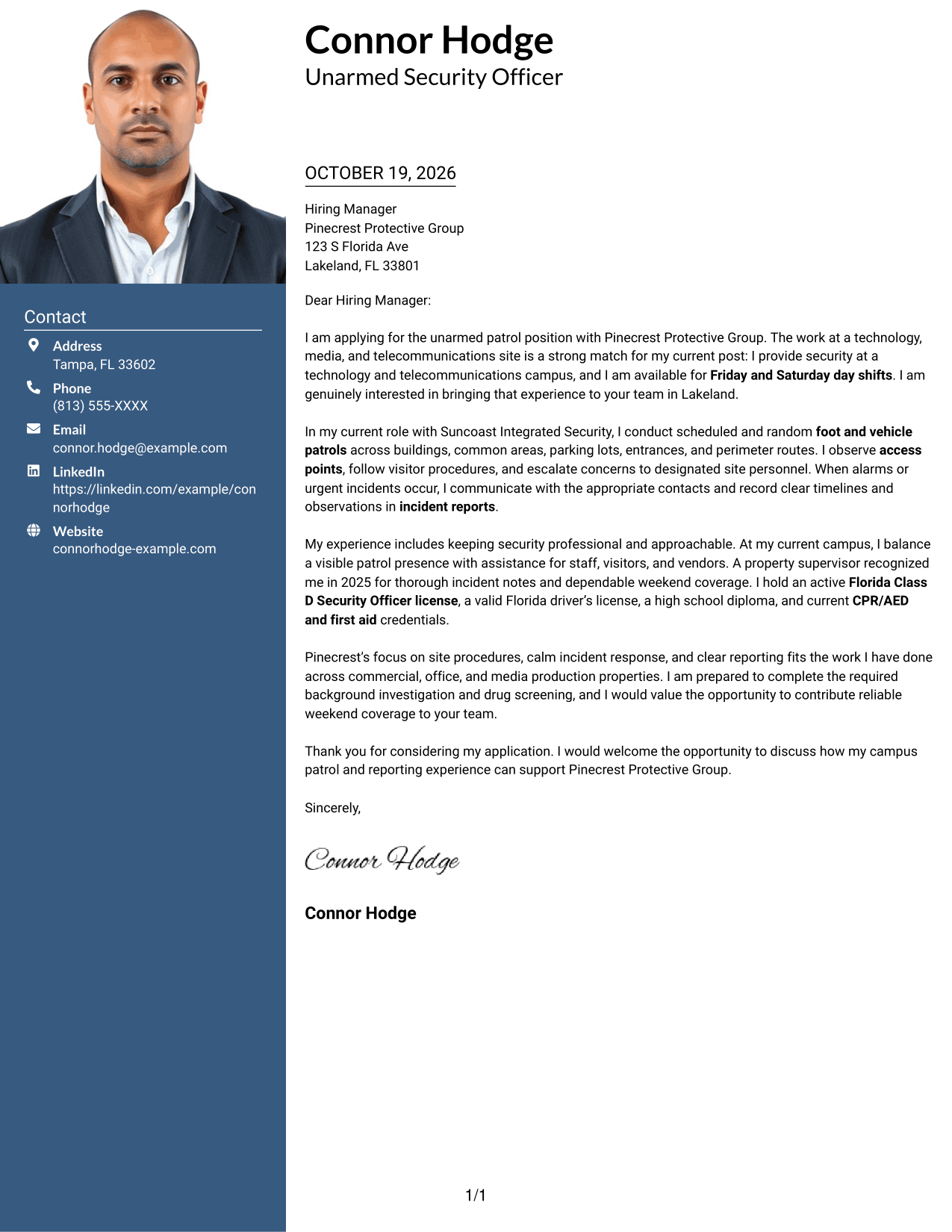
The Photo Header Two Column Format pairs a portrait and contact sidebar with one continuous letter body, keeping personal presentation apart from the message.
Why This Format Works
- The portrait adds a visible personal element without interrupting the letter's argument.
- Contact details remain distinct from the opening and supporting paragraphs.
- A single body keeps motivation, evidence, and closing in reading order.
Best For
- Letters with a portrait
- Sidebar contact information
- Personal visual presentation
- Continuous persuasive messages
- Paragraph-based evidence
#4 One Column Format with Photo Cover Letter Example
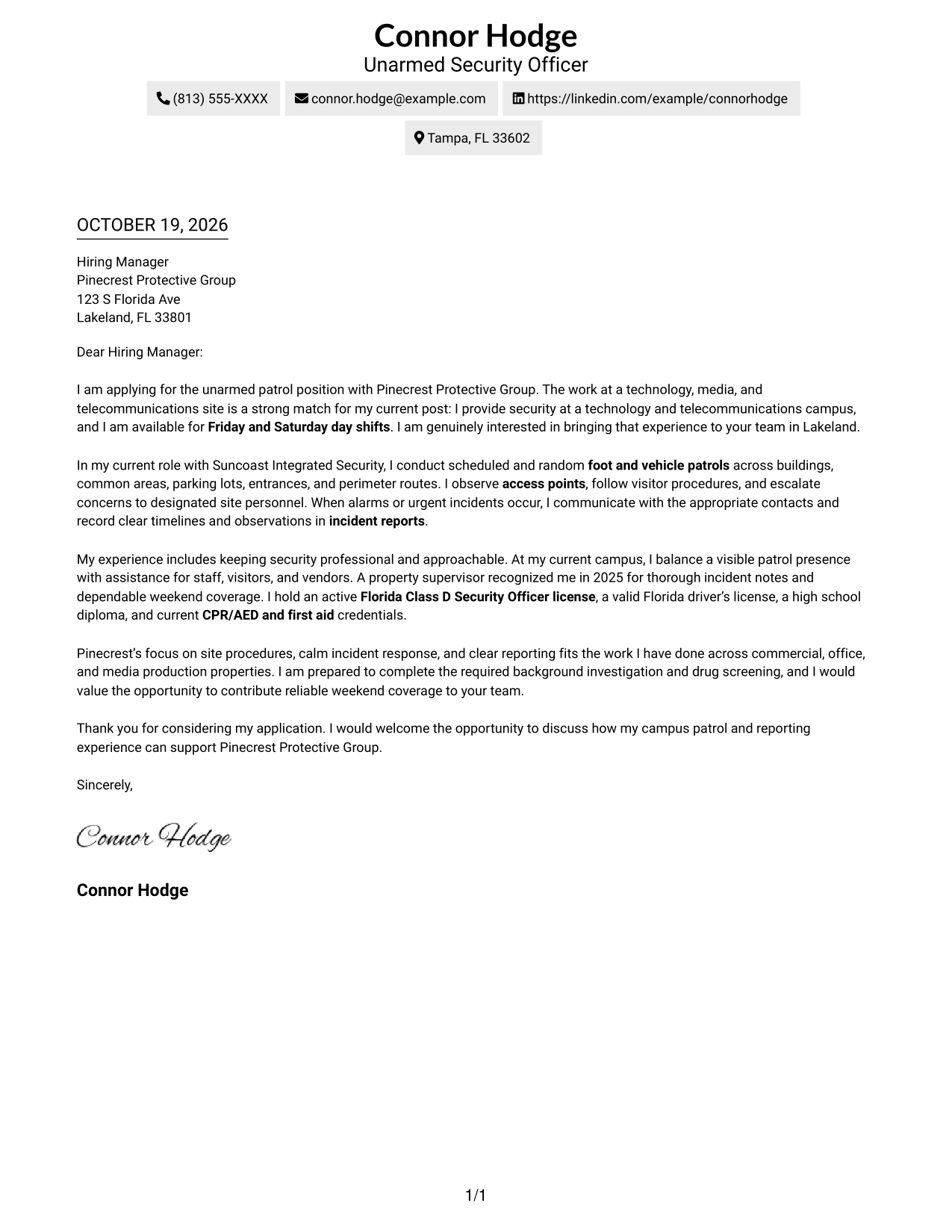
The One Column Format with Photo places a portrait and sender details above one continuous letter body, keeping the message in a single reading path.
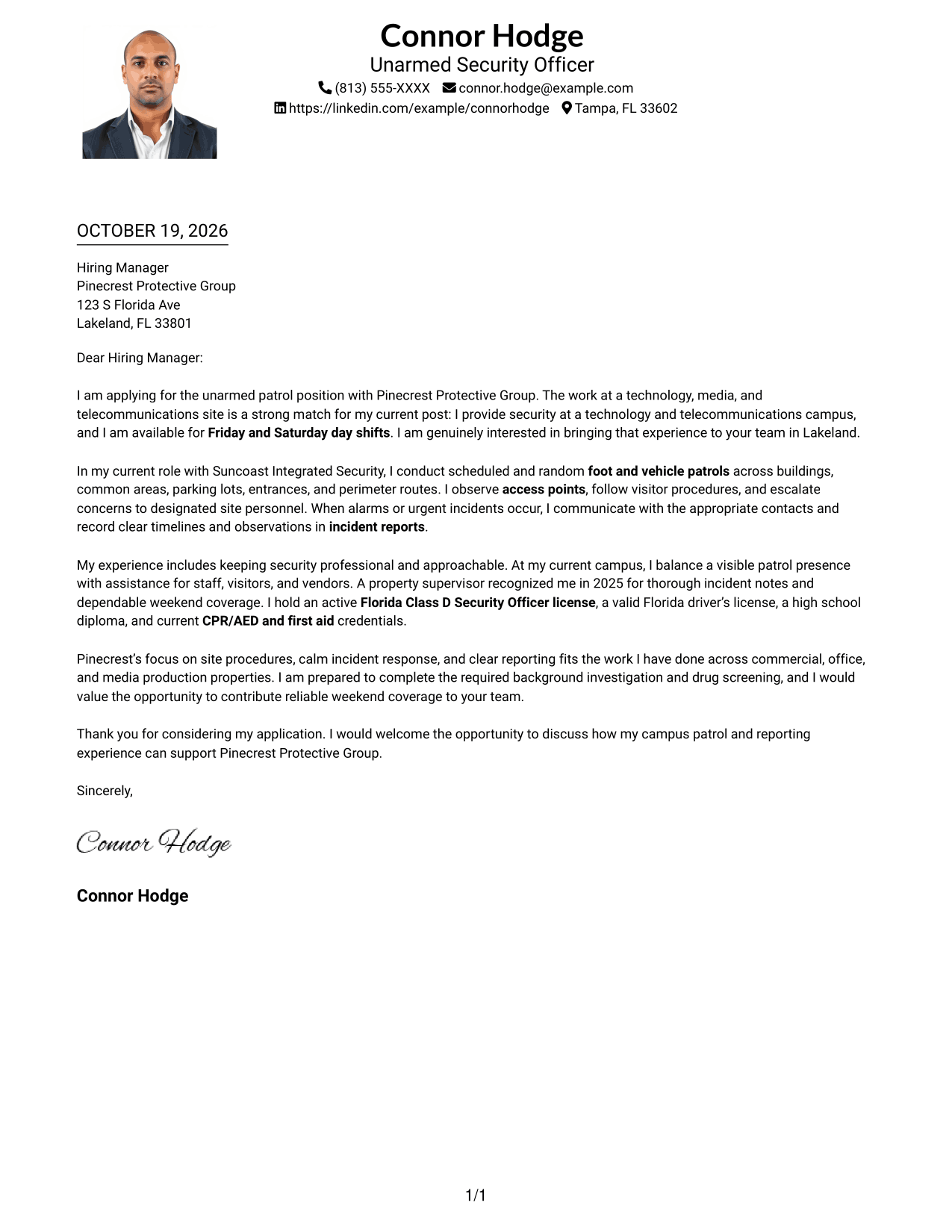
Why This Format Works
- A portrait adds a personal visual element while the letter remains in one column.
- Sender details sit in the header, apart from the letter's paragraphs.
- The opening, supporting points, and closing follow one clear reading path.
Best For
- One-column letter layouts
- Portrait-led headers
- Header-based contact details
- Continuous application messages
- Opening-to-close paragraph flow
#5 Simple Two Column Format Cover Letter Example
The Simple Two Column Format sets contact details in a sidebar beside one continuous letter body, giving the message a straightforward two-part layout.
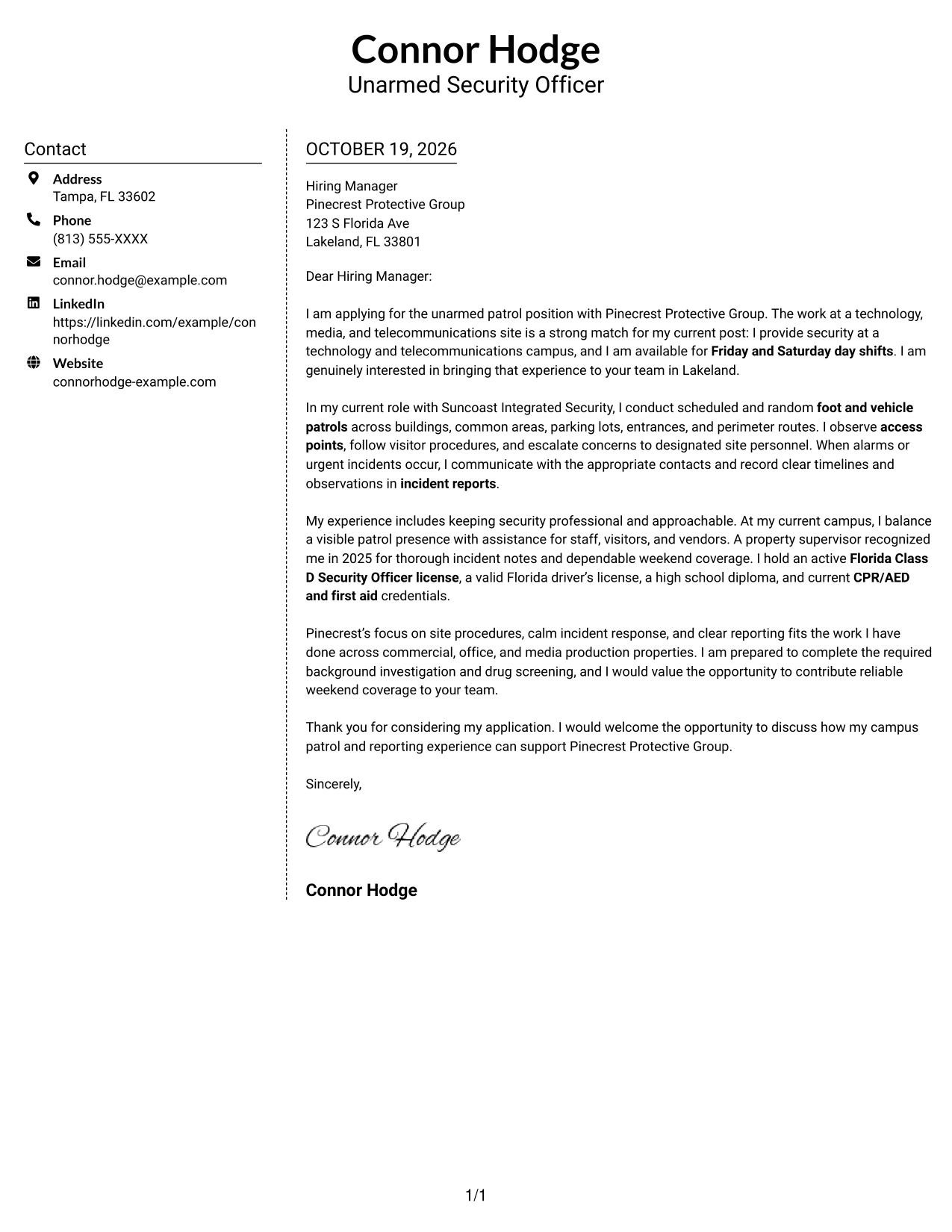
Why This Format Works
- The sidebar keeps sender information apart from the letter's persuasive paragraphs.
- Opening, supporting evidence, and closing stay within one uninterrupted body.
- A simple two-part layout makes the relationship between sender and message clear.
Best For
- Separate contact information
- Uninterrupted letter paragraphs
- Simple two-part layouts
- Clear sender-to-message connection
- Direct application letters
#6 Modern Icon Format Cover Letter Example
The Modern Icon Format places contact details in a sidebar beside one continuous letter body, with icons used as cues for contact information.
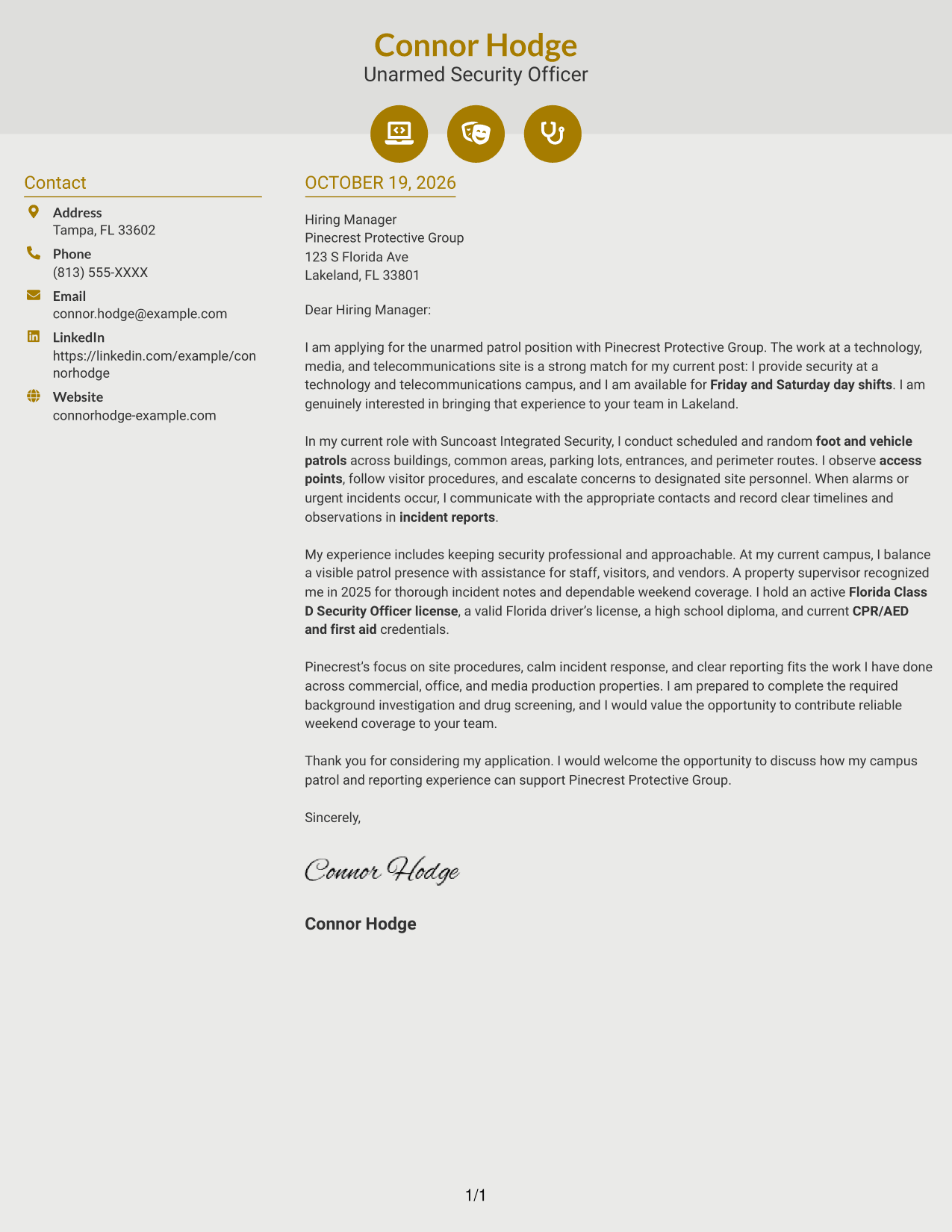
Why This Format Works
- Contact icons help distinguish sender details from the letter's main message.
- The sidebar keeps contact information separate from the continuous body paragraphs.
- Opening, evidence, and closing remain together rather than split into columns.
Best For
- Icon-marked contact details
- Sidebar-based sender information
- Continuous letter arguments
- Clear contact-to-message distinction
- Paragraph-led application letters
#7 Creative Two Tone Format Cover Letter Example
The Creative Two Tone Format places contact details in a sidebar beside one continuous letter body, separating sender information from the message.
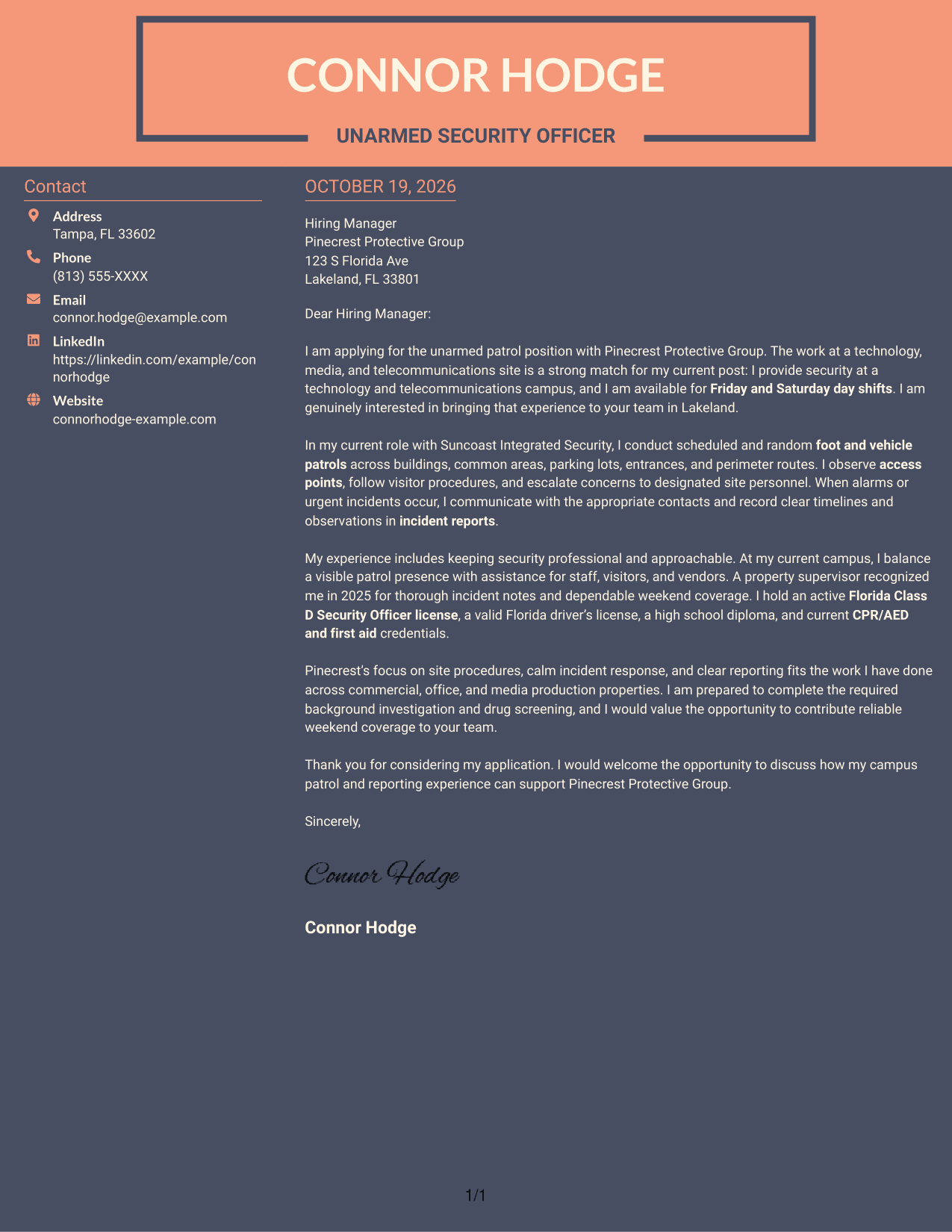
Why This Format Works
- The sidebar gives contact information its own area beside the letter.
- The message stays in one body, preserving the order of its paragraphs.
- A two-part layout distinguishes correspondence details from the persuasive text.
Best For
- Contact details in a sidebar
- One-body letter structure
- Separate sender information
- Paragraph-based motivation
- Concise closing messages
See Also
- 7 Security Officer - Unarmed Patrol Resume Templates with Example
- 7 Unarmed Security Officer - Healthcare Patrol and Alarm Response Resume Templates with Example
- 7 Unarmed Security Officer - Logistics and Distribution Patrol Resume Templates with Example
- 7 Security Officer - Alarm Console and Patrol Resume Templates with Example
- 7 Security Officer - Commercial Property Patrol Resume Templates with Example
- 7 Security Officer - Government Facility Patrol Resume Templates with Example
- 7 Security Officer - Healthcare Facility Patrol Resume Templates with Example
- 7 Security Officer - Logistics Patrol Resume Templates with Example
- 7 Unarmed Security Officer - Healthcare Patrol and Alarm Response Cover Letter Templates with Example
- 7 Unarmed Security Officer - Logistics and Distribution Patrol Cover Letter Templates with Example
Frequently Asked Questions
What should a Security Officer - Unarmed Patrol cover letter emphasize?
Show how your patrol approach, attention to access points, visitor assistance, and incident reporting match the site's needs. Use clear, specific examples where available.
How can I show that I can respond calmly to incidents?
Briefly describe how you communicate with the right site contacts, follow established procedures, and record accurate observations. Do not add details about an incident unless they are true to your experience.
Should I mention my security license and first aid credentials?
Include relevant, current credentials when they support the role. The featured example mentions an active Florida Class D Security Officer license, CPR/AED and first aid credentials, and a valid Florida driver's license.
How can I connect my experience to the employer's site?
Refer to the work setting and duties in the job posting, then link them to your own relevant experience. For a technology, media, and telecommunications site, you might discuss patrol coverage, access procedures, customer service, and clear reporting if these match your background.
What is a good way to close the letter?
Thank the reader, restate your interest briefly, and invite a conversation about how your relevant experience can support the site's security needs.




