
7 Security Shift Supervisor - Client Site Security Cover Letter Templates with Example
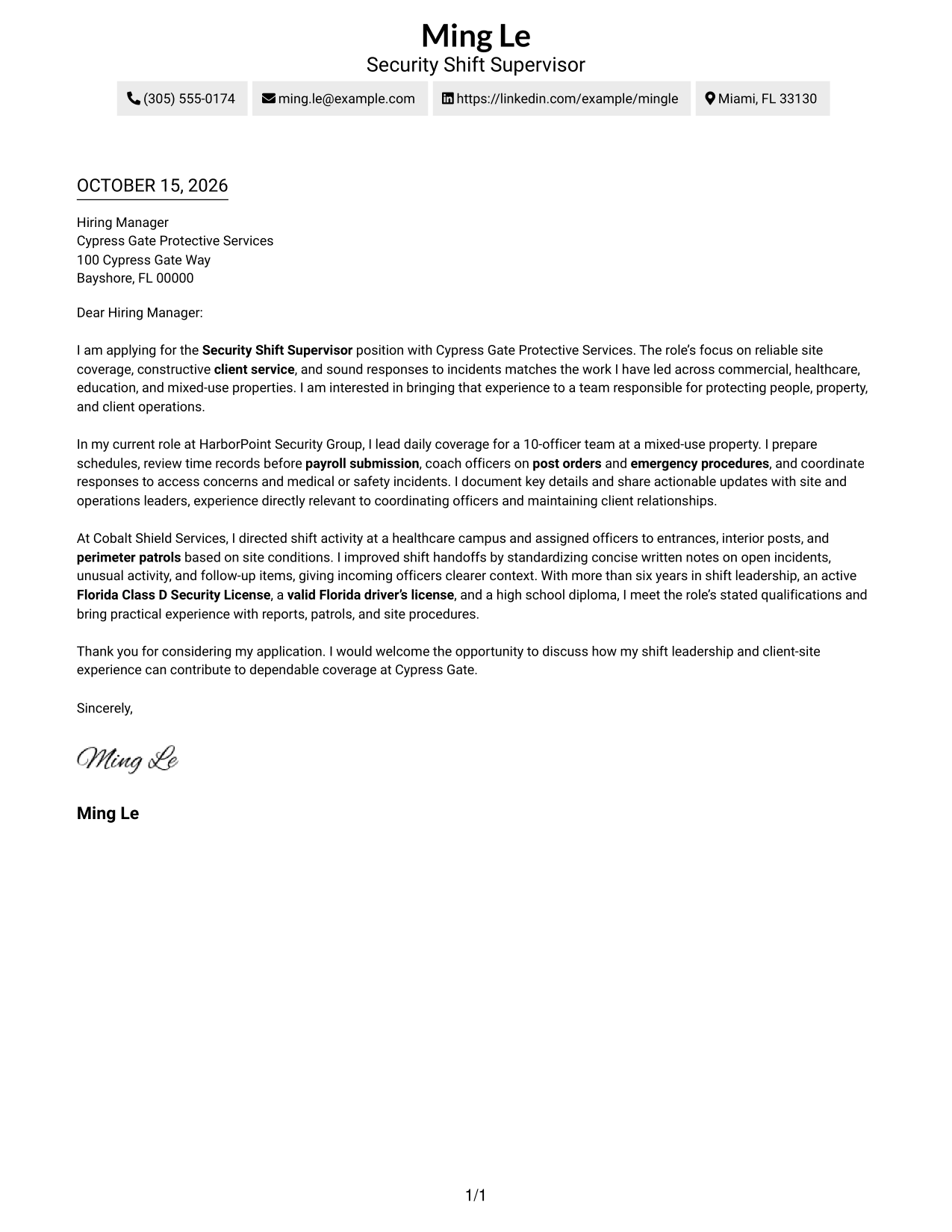
This practical guide to a Security Shift Supervisor - Client Site Security cover letter presents seven layouts and shows how to communicate shift leadership and client-site fit clearly.
What Makes a Great Security Shift Supervisor - Client Site Security Cover Letter in 2026
A strong letter connects shift leadership with dependable site coverage, client service, and calm responses to incidents. Its opening should state your interest and make your fit clear.
Use specific examples, such as coordinating officer schedules, coaching on post orders, or improving shift handoffs. Connect that evidence to the employer’s needs and explain why this client-site work interests you.
The featured example follows a focused progression from role interest to relevant evidence and a clear closing, which you can adapt while choosing a presentation that suits the employer and communication context.
#1 Simple One Column Format Cover Letter Example
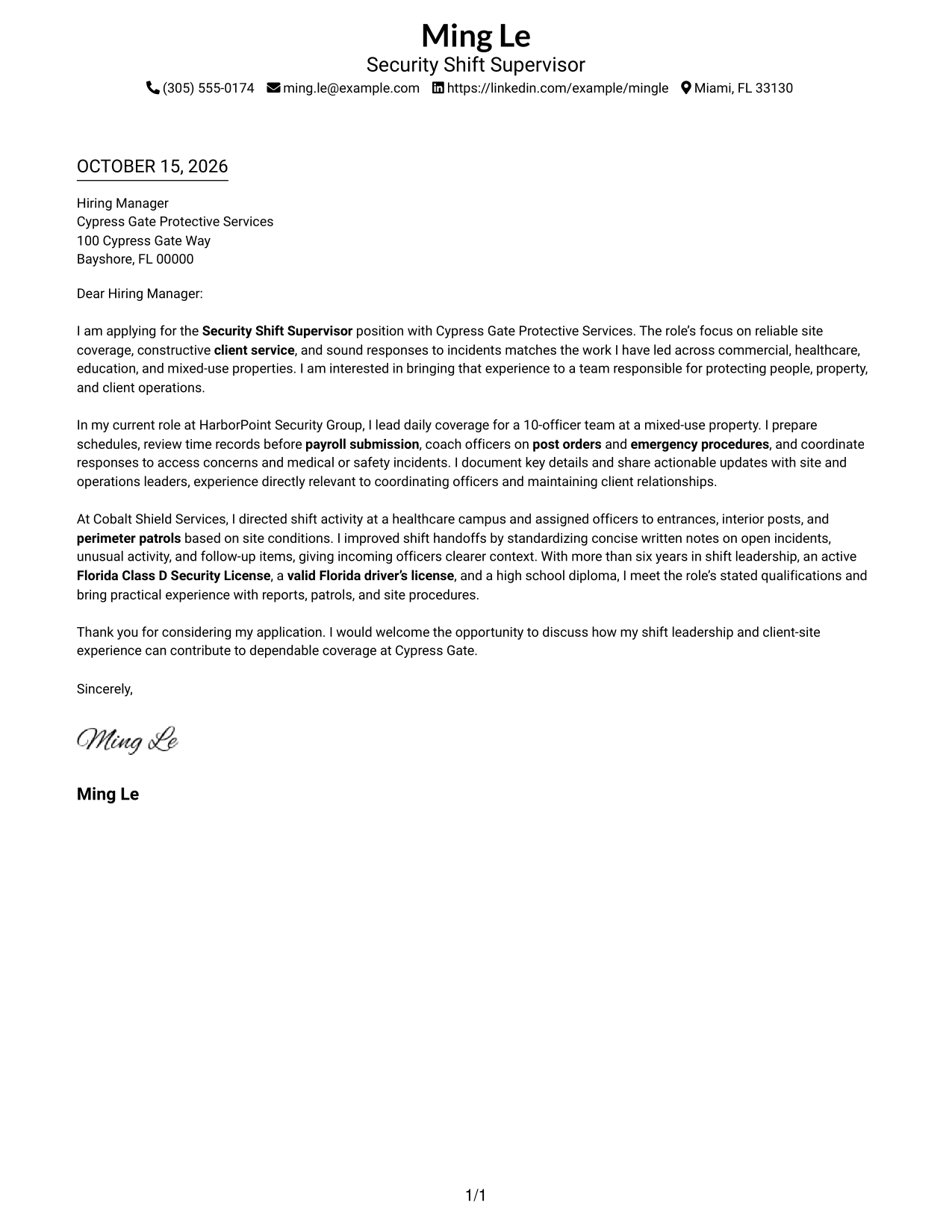
The Simple One Column Format keeps sender details in the header above a single letter body, giving the opening, evidence, and close a direct reading path.
Why This Format Works
- Header details stay apart from the message, keeping contact information easy to locate.
- One reading path carries motivation, supporting evidence, and the closing request in sequence.
- The letter body uses a direct paragraph flow without a contact sidebar.
Best For
- Direct opening-to-close letter flow
- Contact details kept in the header
- Motivation supported by clear examples
- Uninterrupted paragraph reading
- Minimal page organization
#2 Two Column Format Cover Letter Example
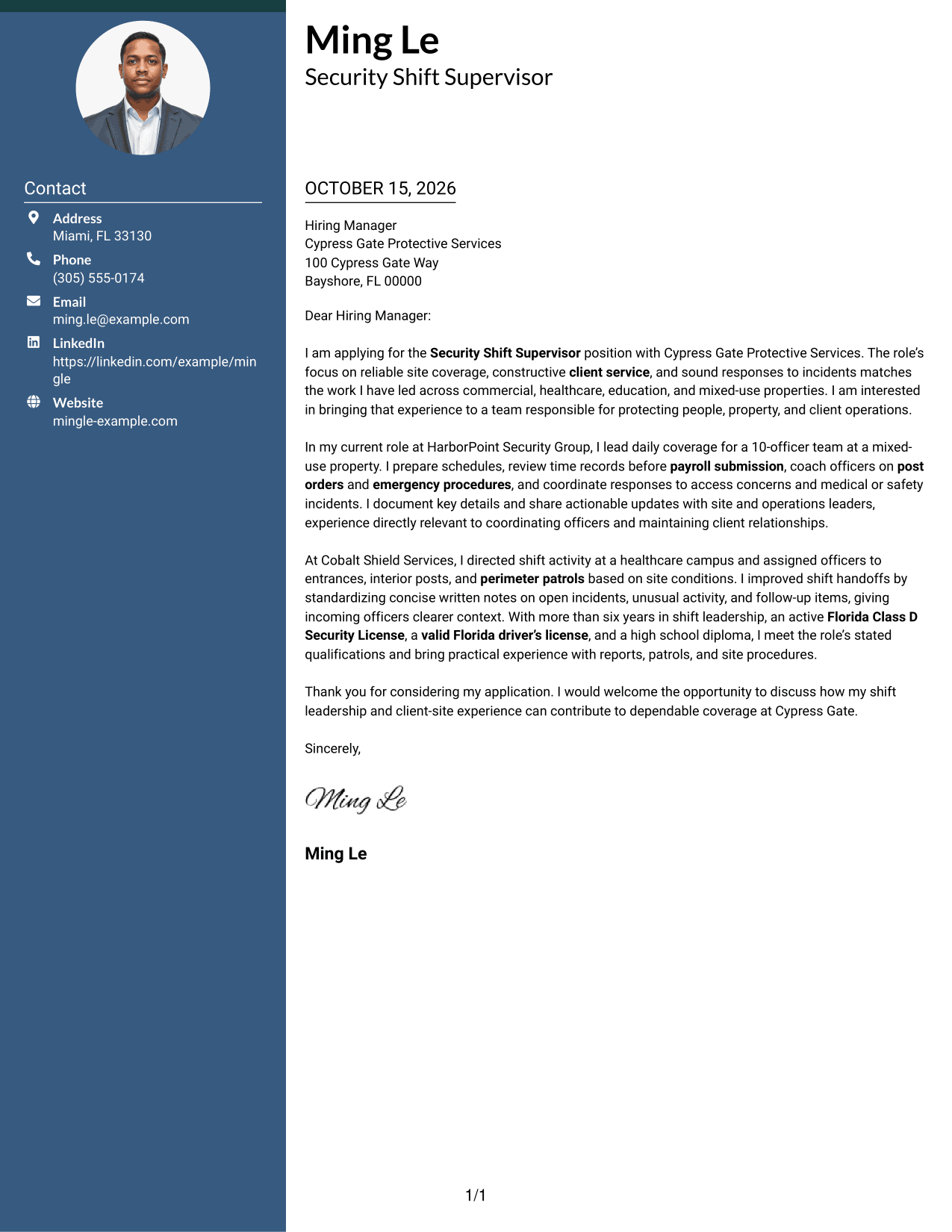
The Two Column Format places a contact sidebar beside one continuous letter body, keeping sender details separate from the opening, evidence, and closing request.
Why This Format Works
- The contact sidebar gives sender details a distinct place beside the message.
- The body carries motivation, supporting evidence, and the closing request in sequence.
- The letter stays in one body column rather than splitting its argument.
Best For
- Contact details beside the letter
- A continuous persuasive message
- Opening and evidence in one flow
- Quick access to sender information
- Sidebar-based page organization
#3 Photo Header Two Column Format Cover Letter Example
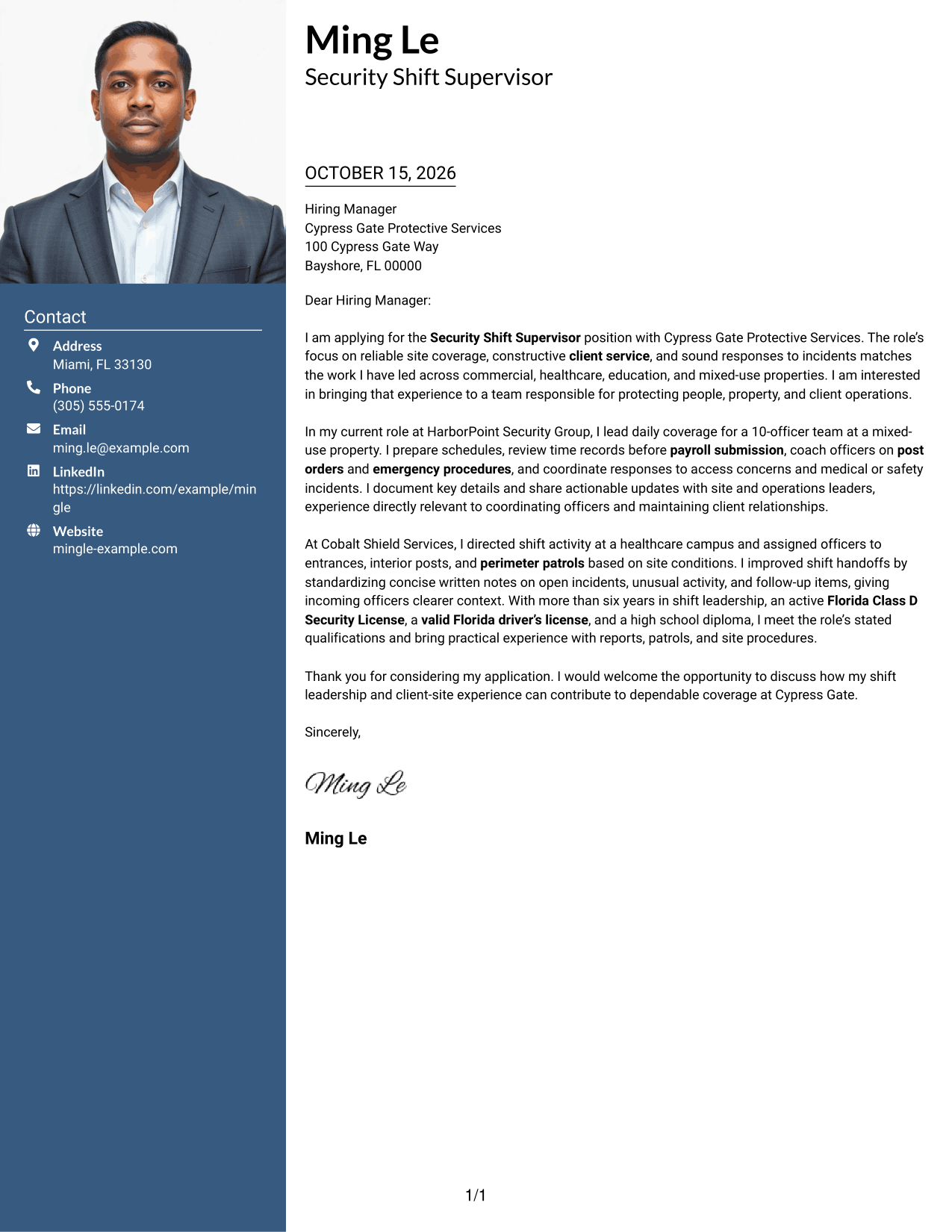
The Photo Header Two Column Format pairs a contact sidebar and continuous letter body with an included photo, offering a personal visual element while keeping the message together.
Why This Format Works
- The photo adds a personal visual choice without serving as proof of qualifications.
- The sidebar keeps sender details apart from the letter's persuasive paragraphs.
- A continuous body lets readers follow motivation, evidence, and the closing request.
Best For
- Cover letters with a photo
- Contact details beside the message
- A continuous argument in paragraphs
- Personal visual presentation
- Motivation linked to relevant evidence
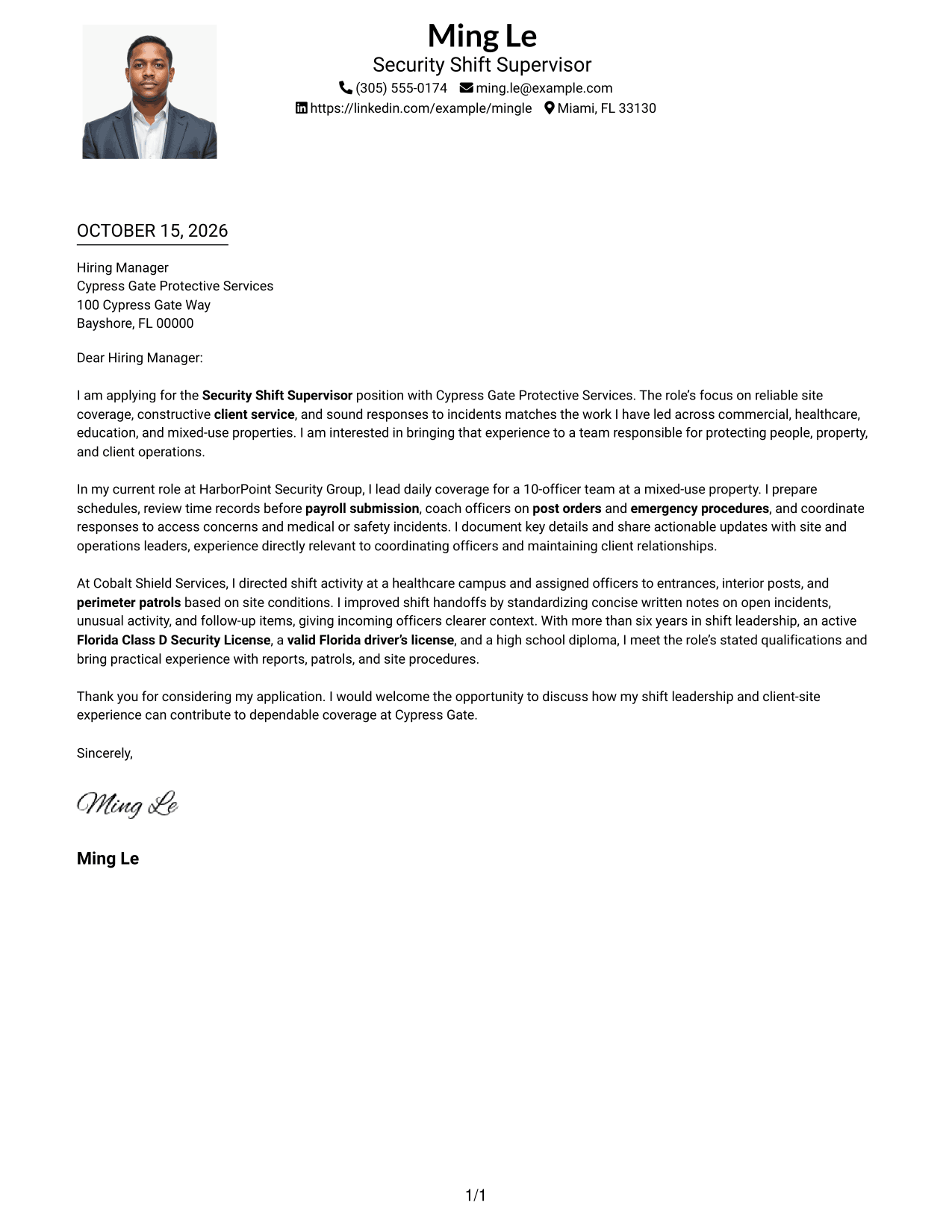
#4 One Column Format with Photo Cover Letter Example
The One Column Format with Photo keeps the letter in a single reading path and includes a photo as a personal visual feature.
Why This Format Works
- The single-column body keeps the opening, evidence, and close in reading order.
- An included photo offers a personal visual element separate from the letter's claims.
- The continuous paragraphs let the message develop without parallel body columns.
Best For
- Photo included with the letter
- One-column paragraph reading
- A direct persuasive sequence
- Motivation and evidence in prose
- Personal visual presentation
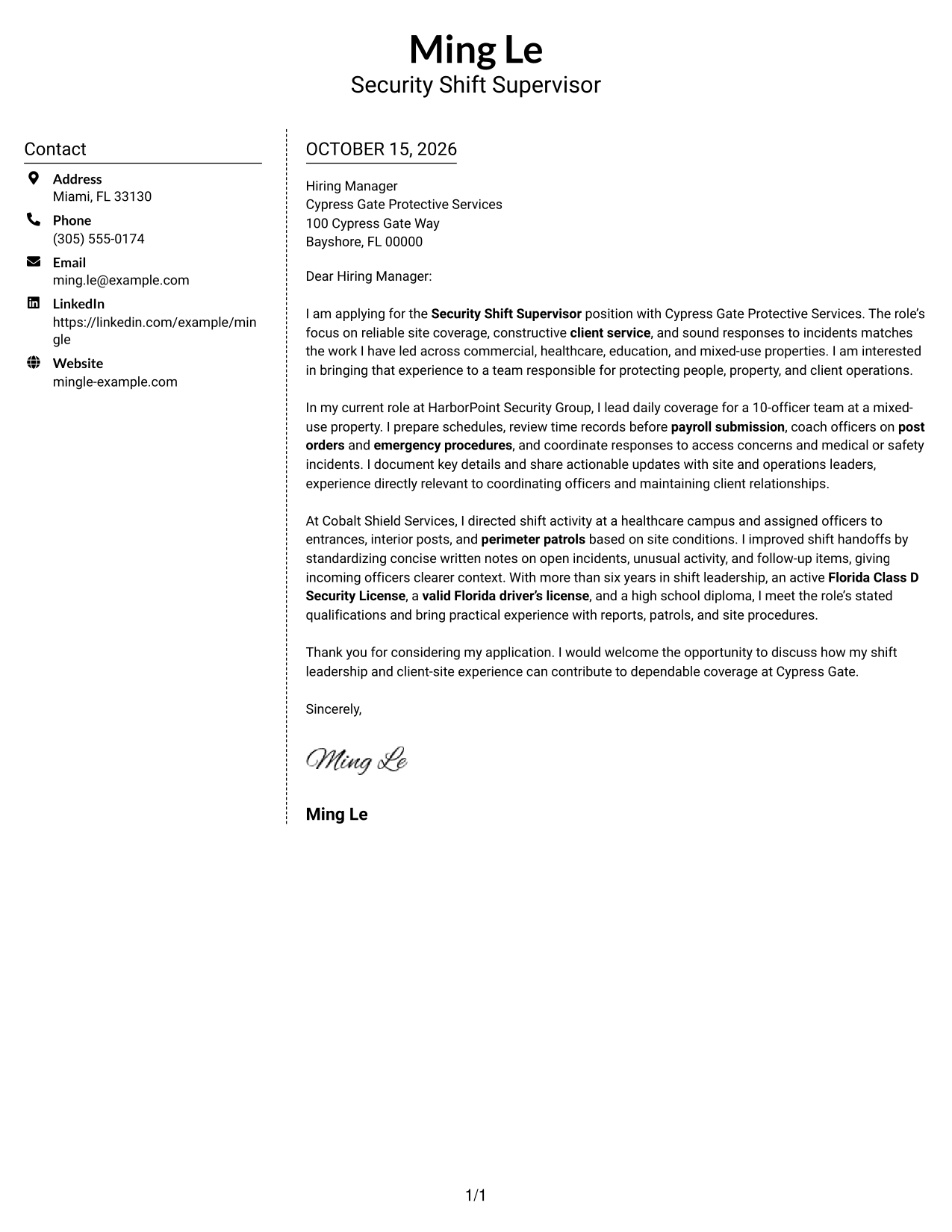
#5 Simple Two Column Format Cover Letter Example
The Simple Two Column Format sets contact details in a sidebar beside the continuous letter body, keeping the sender information distinct from the application message.
Why This Format Works
- The sidebar makes sender details easy to find beside the letter.
- Motivation, evidence, and the request remain together in one body column.
- The contact area stays separate without turning the letter into labeled argument sections.
Best For
- Sender details in a sidebar
- A focused letter body
- Contact information easy to locate
- Sequential persuasive paragraphs
- Separate contact and message areas
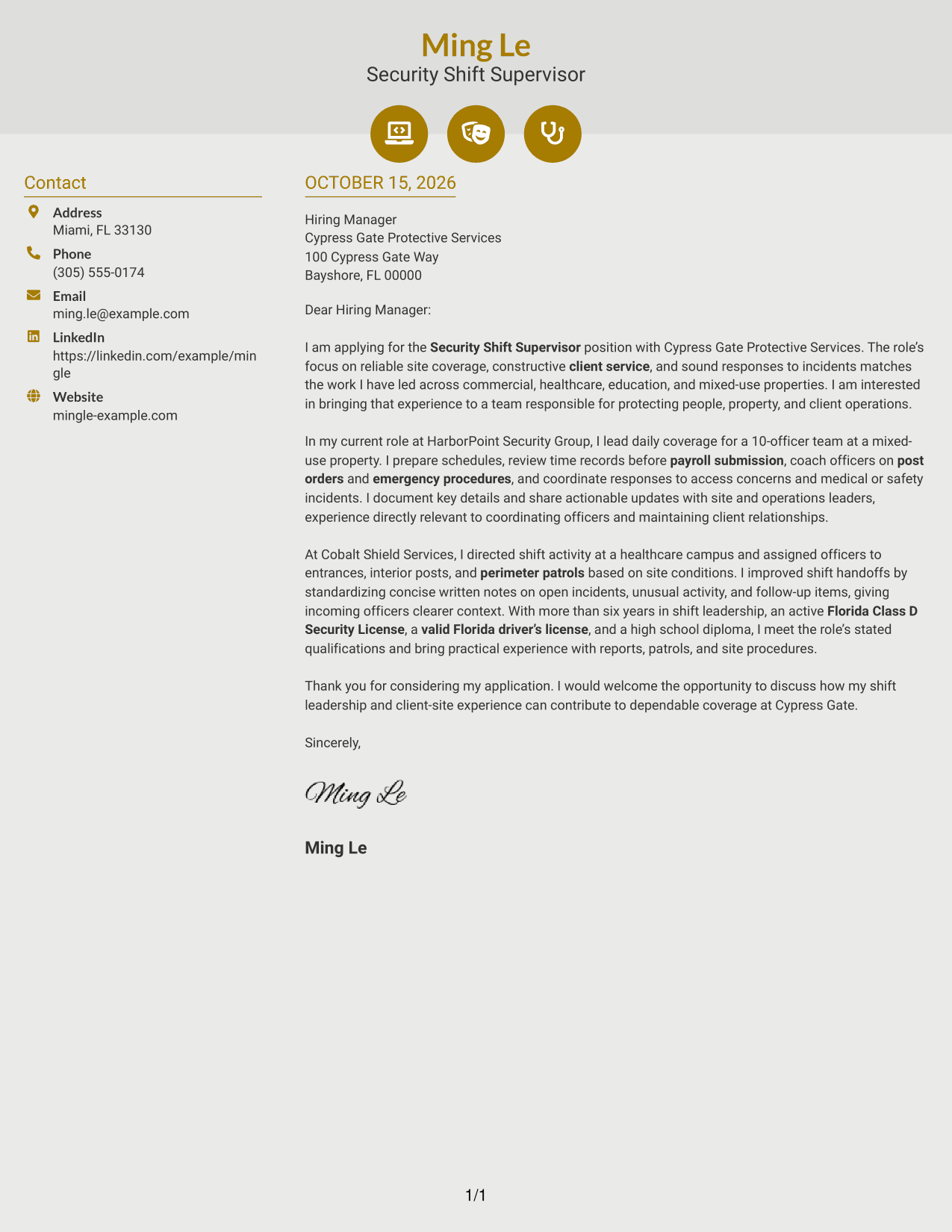
#6 Modern Icon Format Cover Letter Example
The Modern Icon Format uses contact cues alongside a two-column layout, while the letter itself stays in one continuous body for a clear message sequence.
Why This Format Works
- Contact icons provide visual cues for sender details, not for the letter's argument.
- The sidebar separates contact information from the opening and supporting paragraphs.
- A continuous body keeps motivation, evidence, and the close in a natural sequence.
Best For
- Icon cues for contact details
- Contact information beside the message
- A continuous cover letter argument
- Opening and close in sequence
- Visual contact navigation
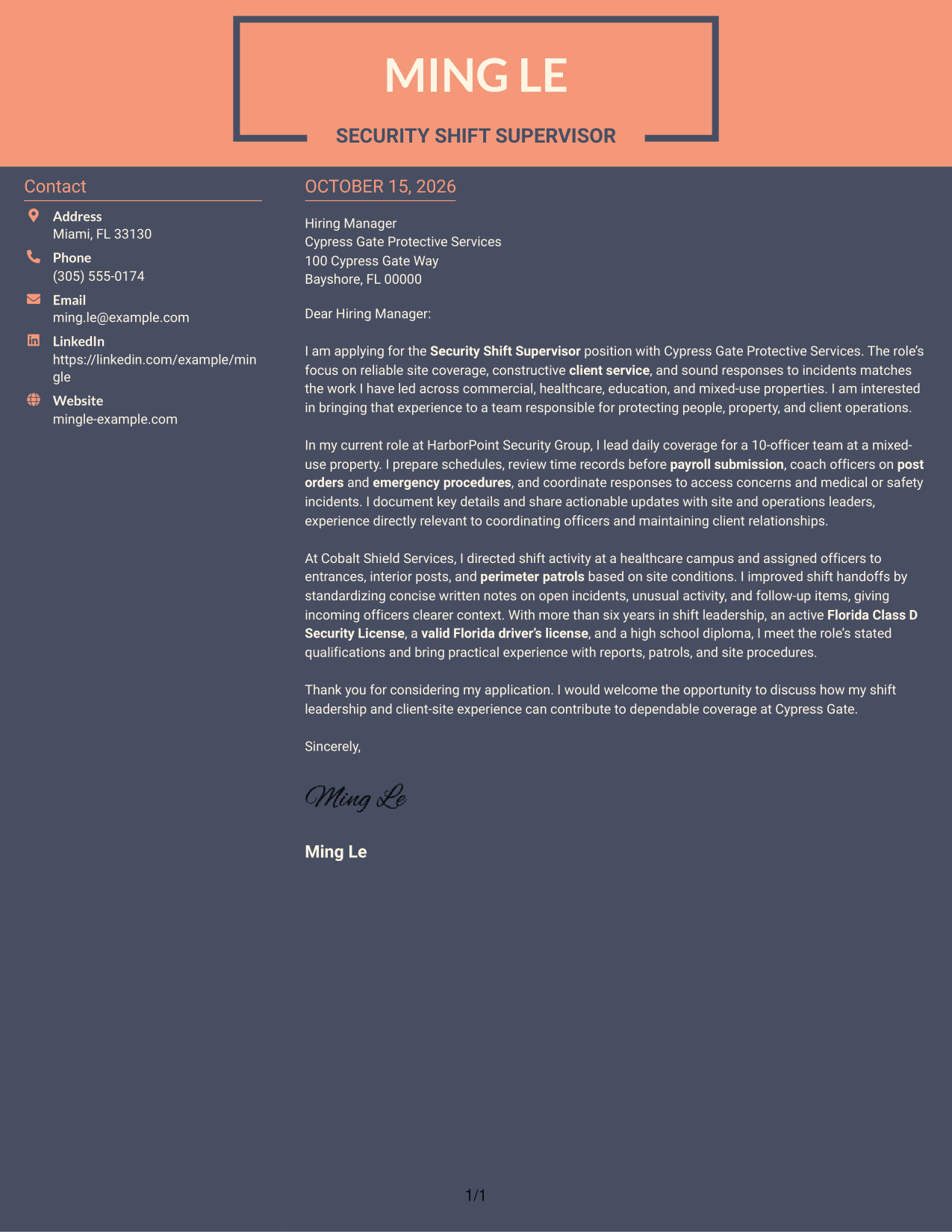
#7 Creative Two Tone Format Cover Letter Example
The Creative Two Tone Format uses a contact sidebar beside one continuous letter body, giving sender details a separate place while the message moves from opening to close.
Why This Format Works
- The sidebar gives contact information a separate area beside the letter.
- The body presents motivation, evidence, and the closing request as connected paragraphs.
- The two-column arrangement keeps the argument together rather than dividing it across columns.
Best For
- Contact details beside the letter
- A connected opening-to-close message
- Persuasive points kept in one body
- Sidebar organization for sender information
- Sequential paragraph reading
Why Use ResumeInMinutes for a Security Shift Supervisor - Client Site Security Cover Letter
Compare cover letter preview images, then open an example in the editor to customize its presentation and wording for a client-site supervisor role.
- Role-focused letter guidance
- Clear professional presentation
- Client-service examples
- Shift leadership details
- Cover letter templates
- Preview images and editor access
Use direct language to show how your approach to officer coordination, incident communication, and site procedures supports reliable security coverage.
See Also
- 7 Security Shift Supervisor - Client Site Security Resume Templates with Example
- 7 Security Shift Supervisor - Healthcare Resume Templates with Example
- 33 Nurse Shift Supervisor (RN/LPN) Resume Templates with Example 2026 (ATS-Optimized)
- 7 Shift Supervisor, Systems Operations Resume Templates with Example
- 7 Site Supervisor II - Home Visiting Program Resume Templates with Example
- 7 Security Officer - Site Protection Resume Templates with Example
- 7 Security Professional Flex Officer - Multi-Site Security Resume Templates with Example
- 7 Nurse II - Skilled Nursing Shift Leadership Resume Templates with Example
- 30+ Nurse Shift Supervisor (RN/LPN) Cover Letter Templates with Example 2026
- 7 Security Professional Flex Officer - Multi-Site Security Cover Letter Templates with Example
Frequently Asked Questions
What should the opening paragraph say in a Security Shift Supervisor - Client Site Security cover letter?
State the position you are applying for, explain your interest, and connect your background to the role’s focus on site coverage, client service, and sound incident response.
What experience should I highlight in this cover letter?
Choose evidence that matches the position, such as coordinating officer coverage, reviewing time records, coaching staff, following post orders, responding to incidents, or preparing clear shift notes.
How can I show that I can support client service?
Give a brief example of how you communicated with officers, site leaders, visitors, or client contacts while following site procedures and keeping operations on track.
How should I describe incident response and patrol work?
Explain your role in responding to a safety or access concern, documenting important facts, and sharing updates with the right contacts. Mention routine or perimeter patrols when they are part of your experience.
How do I choose a cover letter presentation?
Choose a clear style that makes your message easy to read and fits the employer and communication context. Compare the preview images, then open an example in the editor to customize it.




