
7 Senior Account Clerk - Financial Recordkeeping Cover Letter Templates with Example
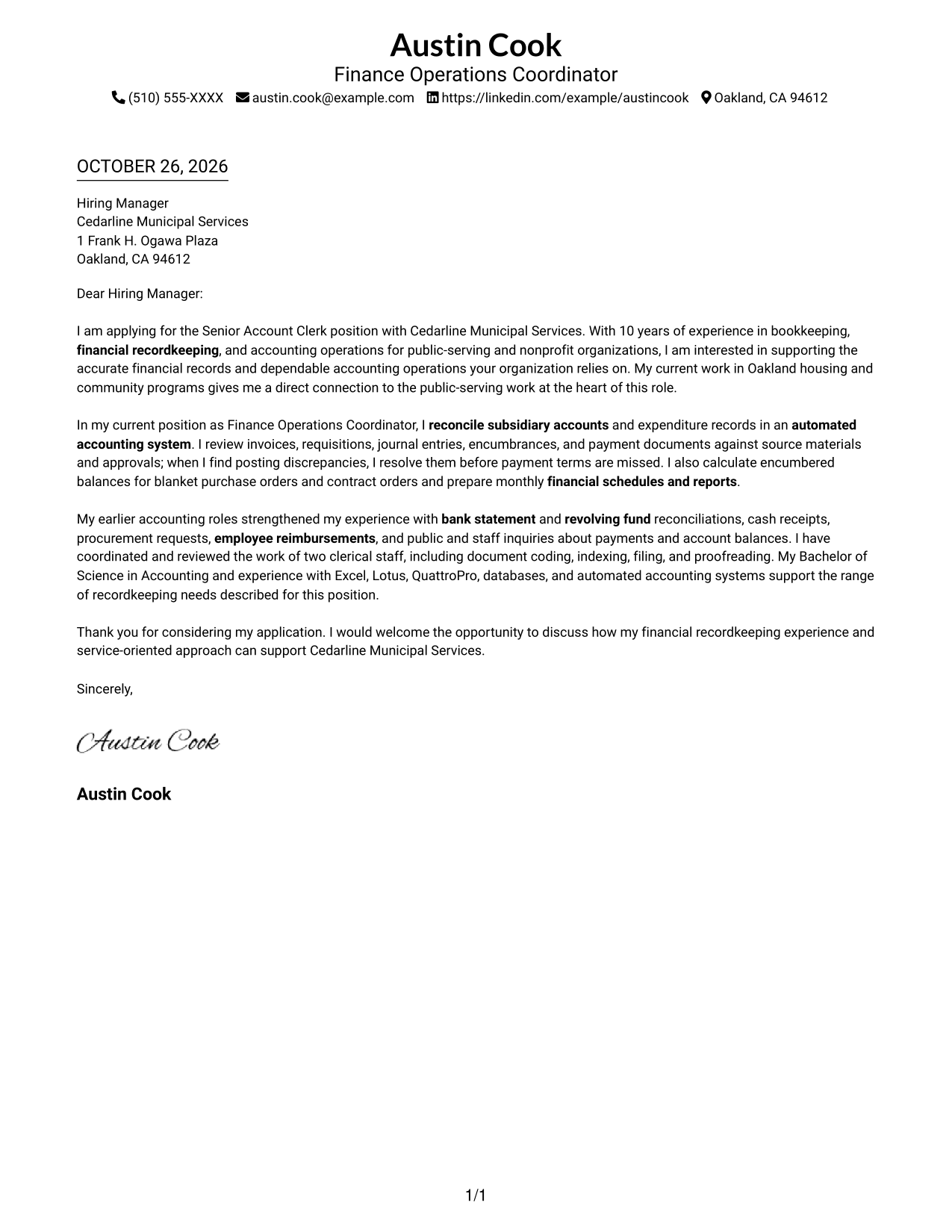
This practical guide to a Senior Account Clerk - Financial Recordkeeping cover letter shows how to explain your fit through seven layouts.
What Makes a Great Senior Account Clerk - Financial Recordkeeping Cover Letter in 2026
A strong letter for this role links careful financial recordkeeping to clear communication about account status, payments, and available funds.
Choose genuine examples of reconciling subsidiary accounts, checking source documents, preparing reports, or coordinating clerical work, then connect them to the employer’s stated needs.
The featured example moves from interest and role fit to specific recordkeeping evidence, broader relevant experience, and a clear closing; adapt that progression while choosing a presentation suited to the employer and communication context.
#1 Simple One Column Format Cover Letter Example
The Simple One Column Format places sender details in the header above one letter column, giving the message a direct reading path.
Why This Format Works
- Sender details stay in the header, leaving the letter body for its message.
- One continuous column carries the opening, supporting points, and close in order.
- Reviewers can follow each paragraph down the page without shifting between columns.
Best For
- Single-column letter reading
- Header-based contact details
- Continuous paragraph format
- Photo-free correspondence
- Letters without section headings
#2 Two Column Format Cover Letter Example
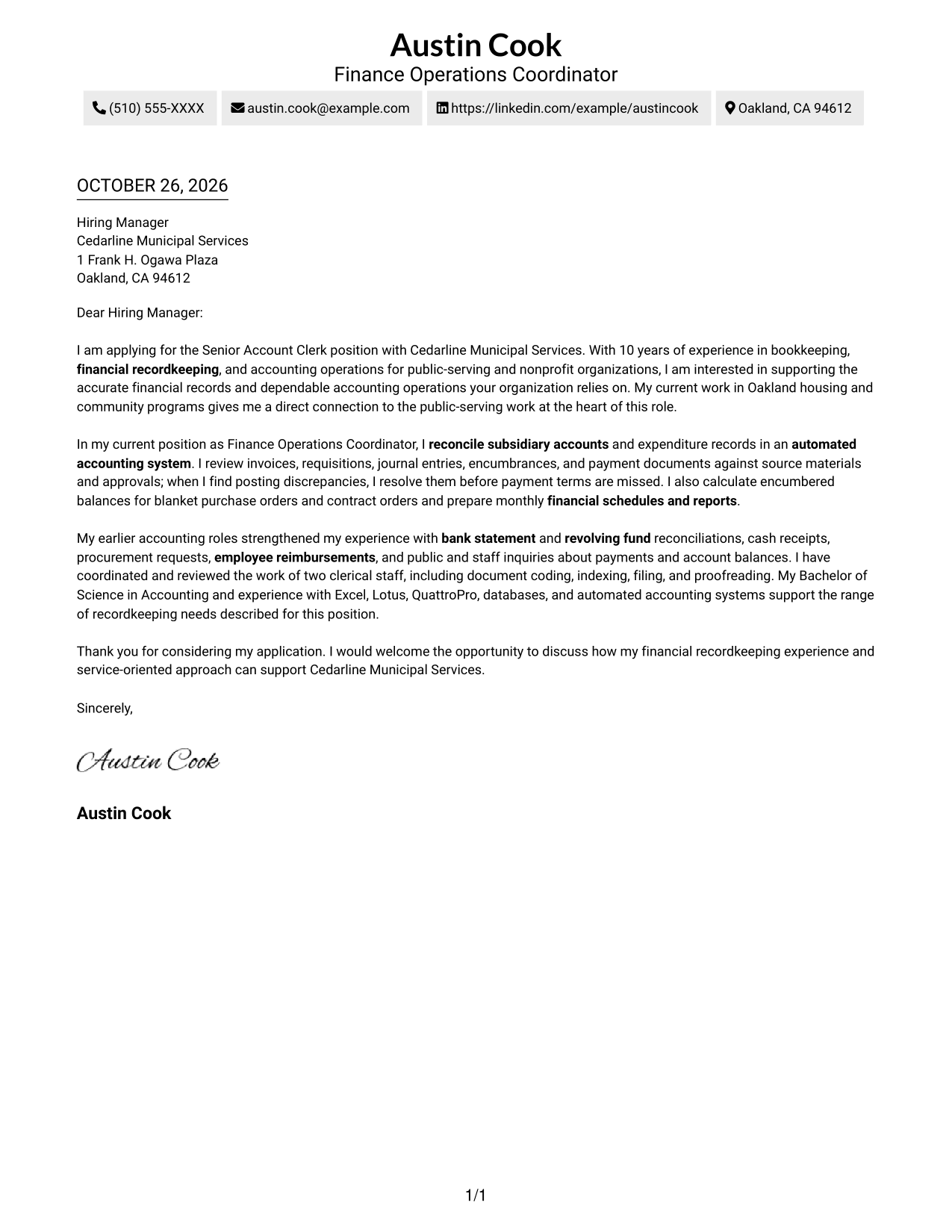
The Two Column Format places a contact sidebar beside one continuous letter body, keeping sender information apart from the message.
Why This Format Works
- The contact sidebar makes sender details easy to find before reading.
- One continuous body carries motivation, evidence, and closing in sequence.
- Reviewers can move from contact information to the message without searching the paragraphs.
Best For
- Side-by-side page organization
- Contact details apart from letter text
- Single-body persuasive letters
- Photo-free correspondence
- Letters with several sender contact methods
#3 Photo Header Two Column Format Cover Letter Example
The Photo Header Two Column Format includes a photo and contact sidebar beside one continuous letter body, for readers who want both portrait and message on the page.
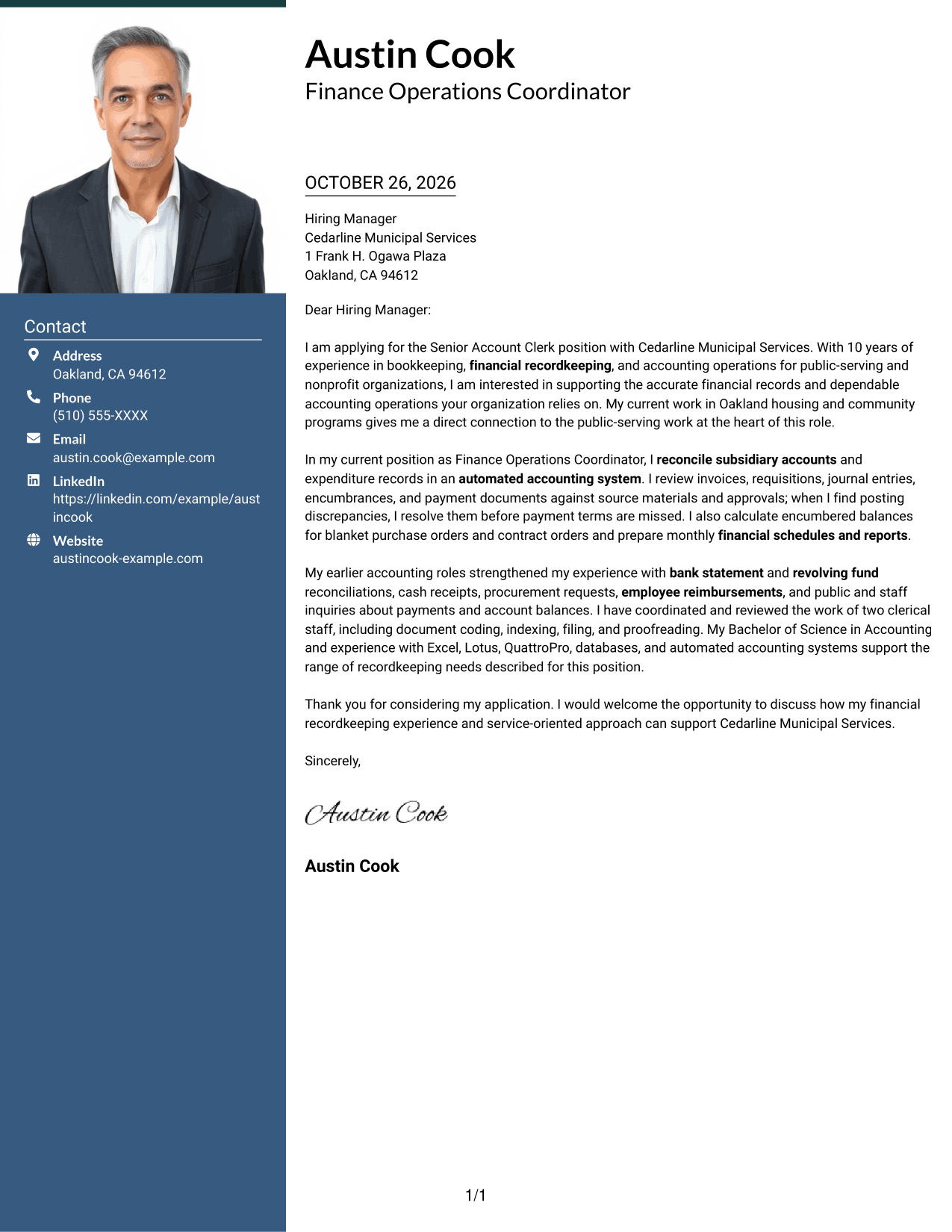
Why This Format Works
- The photo offers a visible personal detail for readers who prefer portraits in correspondence.
- Contact details stay apart from the paragraphs that present the application.
- The continuous body lets the message move from opening through closing without section breaks.
Best For
- Portrait-inclusive correspondence
- Contact sidebar organization
- One-body application letters
- Multi-paragraph cover letters
- Readers who want portrait and message together
#4 One Column Format with Photo Cover Letter Example
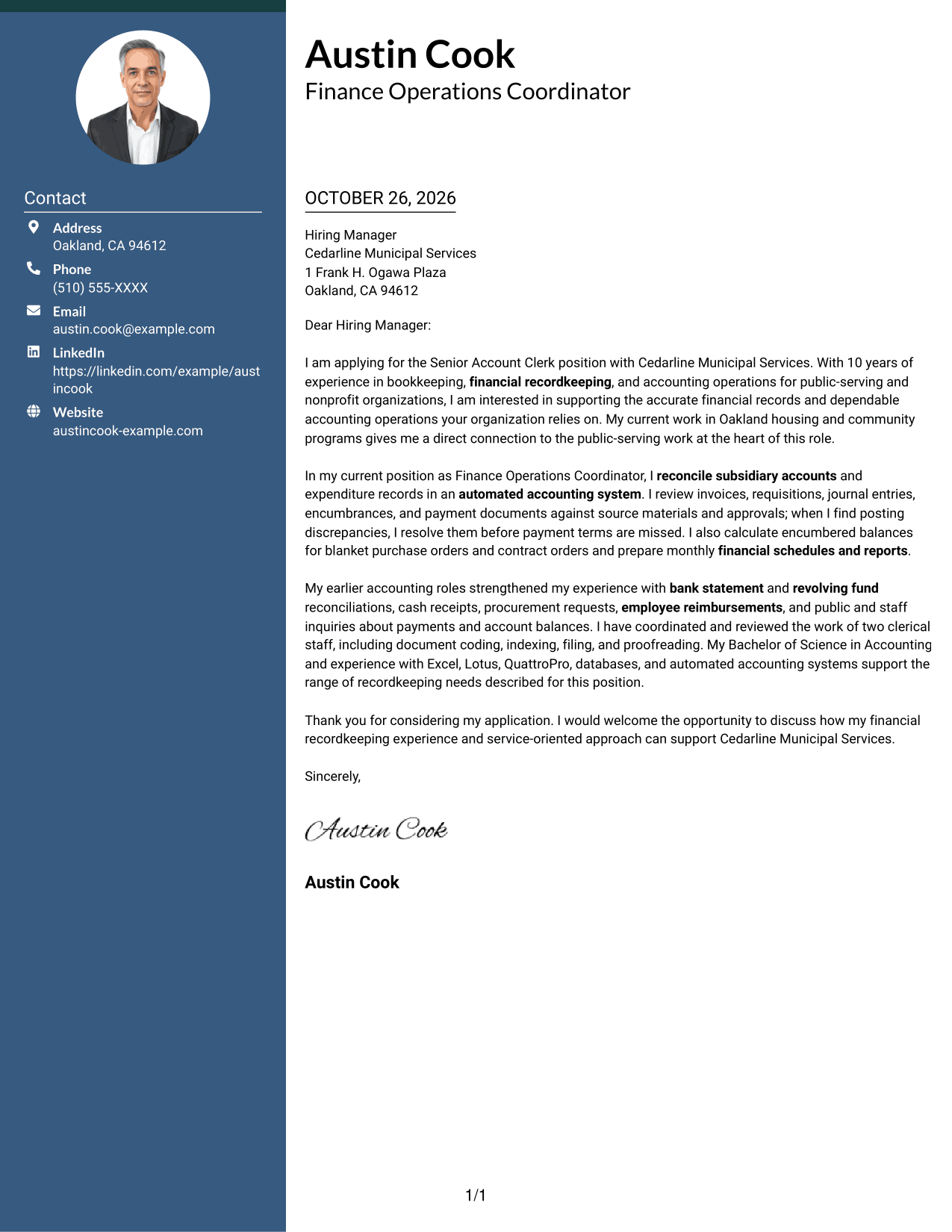
The One Column Format with Photo includes a portrait with sender details and keeps the letter in one column, adding a visual element without splitting the message.
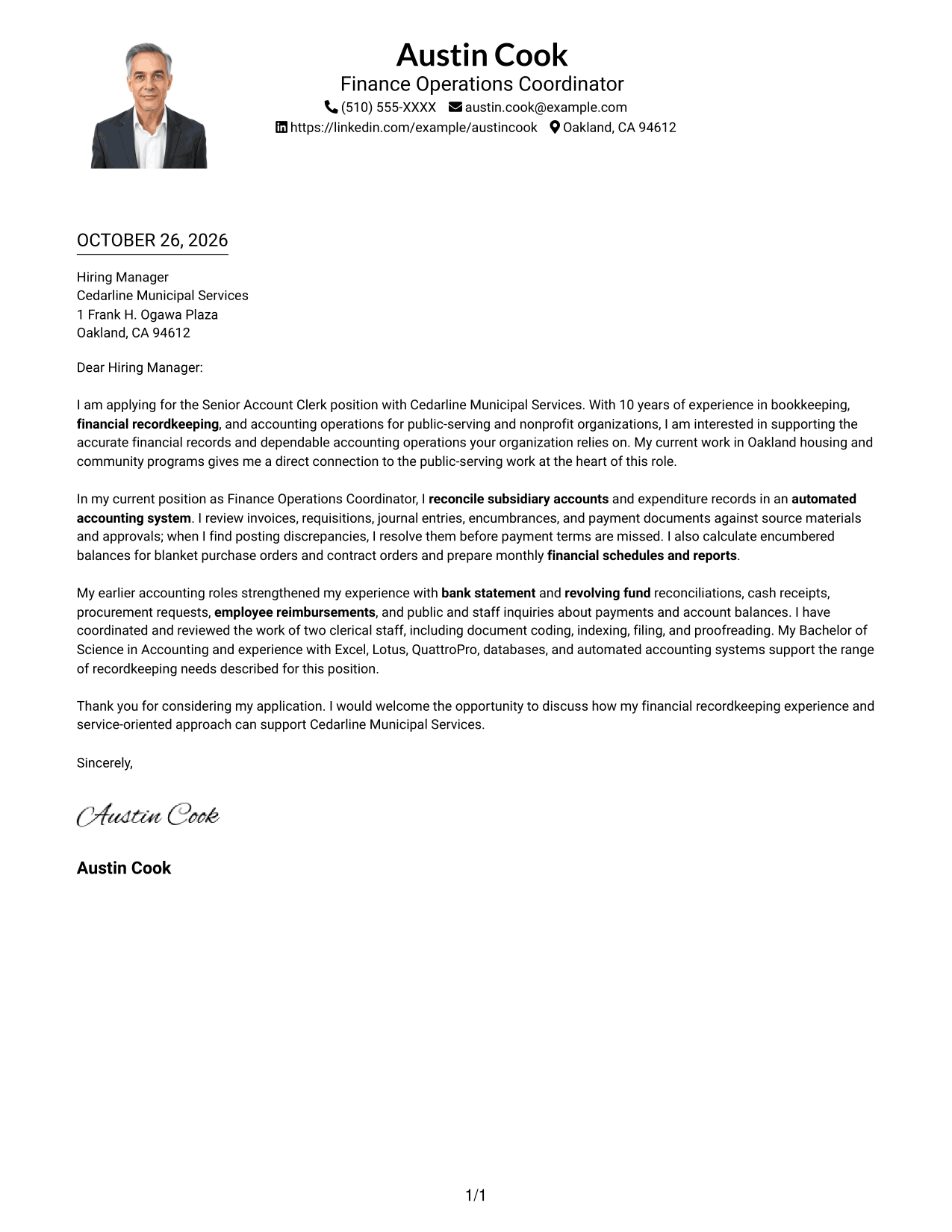
Why This Format Works
- A single body column keeps the letter's paragraphs in a clear top-to-bottom order.
- The portrait adds a visible personal detail without creating another text column.
- Sender details in the header remain separate from the continuous letter message.
Best For
- One-column letter reading
- Portrait-inclusive correspondence
- Header-based sender details
- Continuous multi-paragraph messages
- Applications with a direct reading order
#5 Simple Two Column Format Cover Letter Example
The Simple Two Column Format sets a contact sidebar beside a single letter body, giving sender details a separate place from the message.
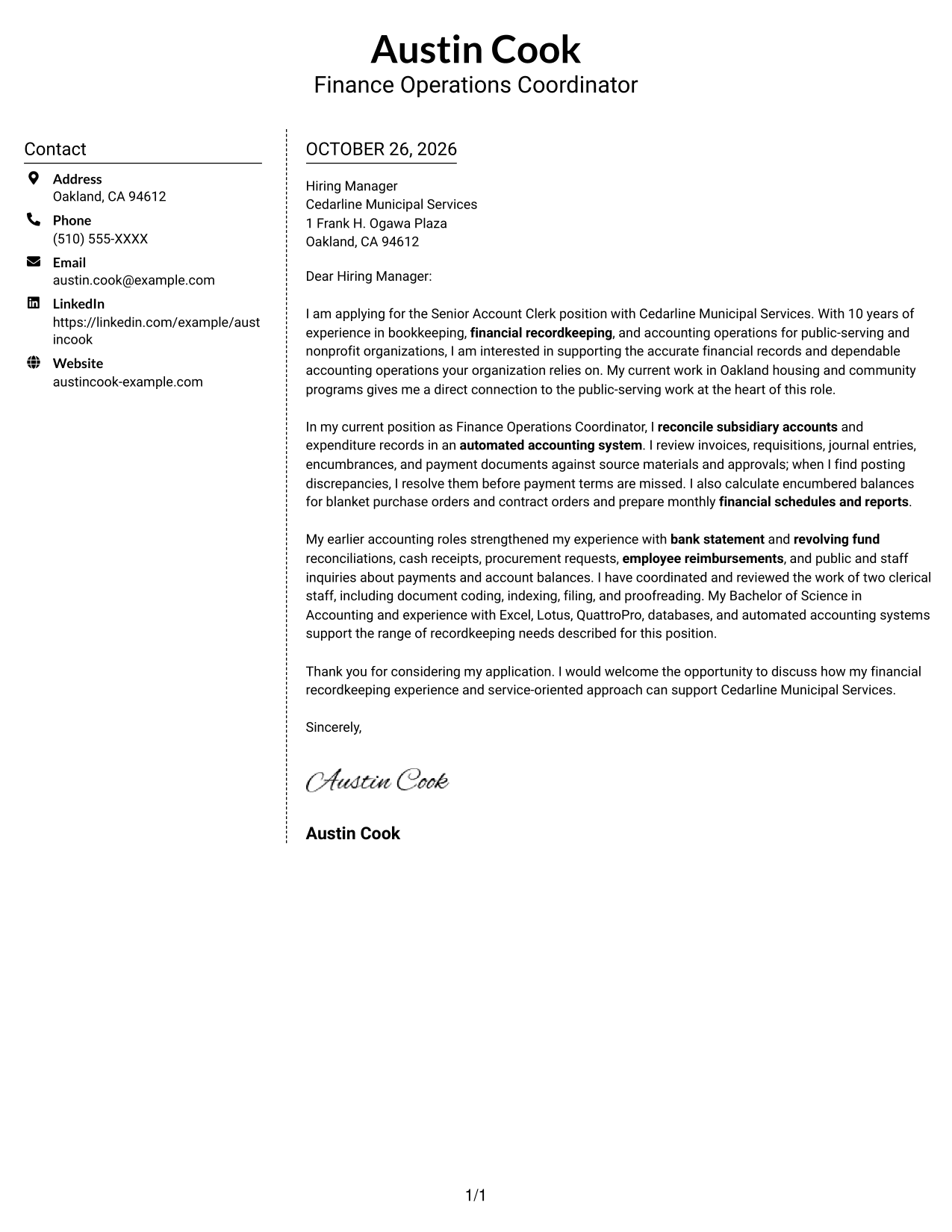
Why This Format Works
- The sidebar keeps contact information distinct from the paragraphs making the case.
- A single letter body preserves the message's progression from opening to close.
- Reviewers can refer to sender details without interrupting their reading of the letter.
Best For
- Separate contact and message areas
- Continuous persuasive paragraphs
- Two-column page preference
- Photo-free correspondence
- Letters with several contact details
#6 Modern Icon Format Cover Letter Example
The Modern Icon Format places contact details in a sidebar beside one continuous letter body, with icons serving as contact cues rather than argument labels.
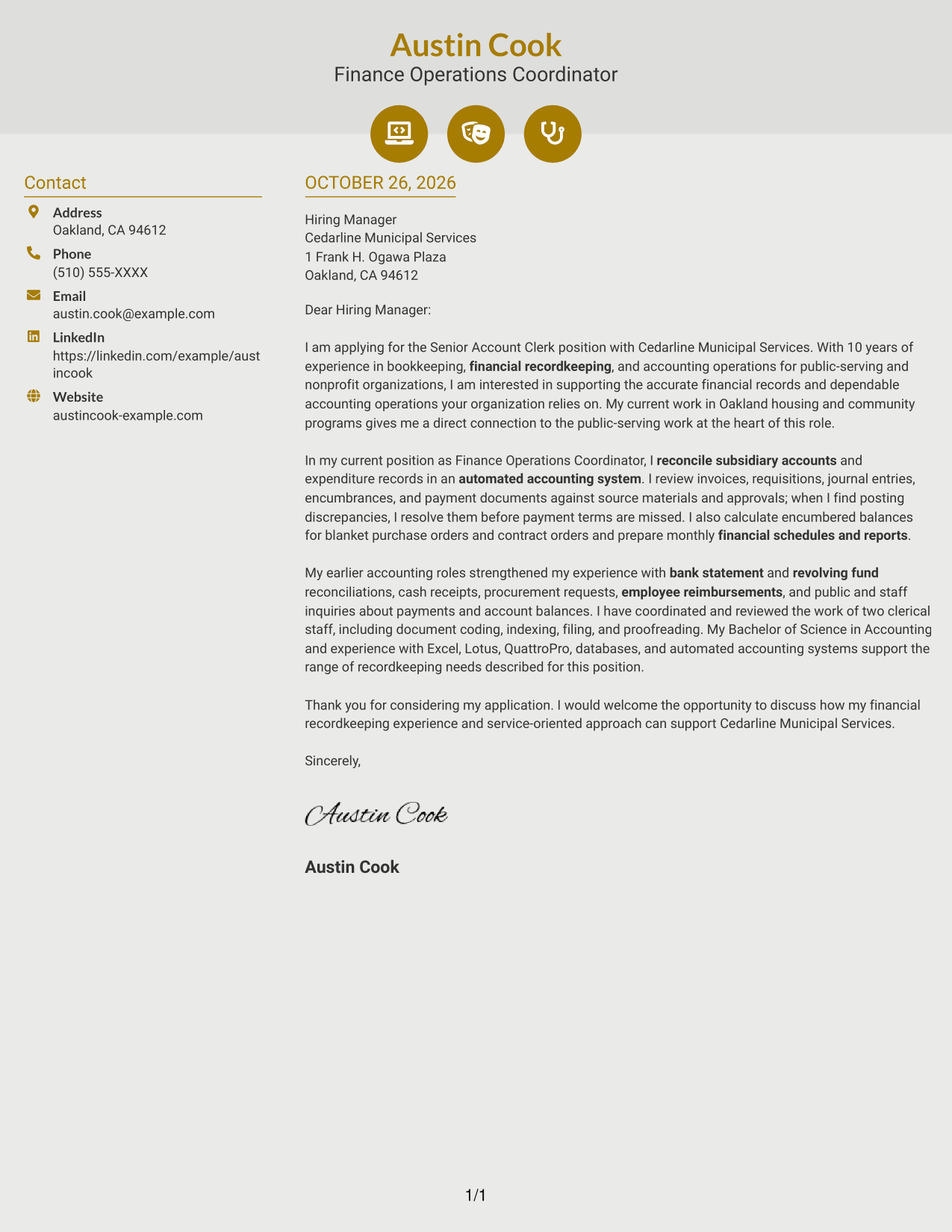
Why This Format Works
- Contact icons help distinguish sender details from the letter's paragraphs.
- The sidebar keeps contact information apart from the continuous message.
- The letter body carries motivation, evidence, and closing without icon-labeled sections.
Best For
- Icon-cued contact details
- One continuous letter body
- Contact information beside the message
- Photo-free correspondence
- Letters without labeled argument sections
#7 Creative Two Tone Format Cover Letter Example
The Creative Two Tone Format places a contact sidebar beside one continuous letter body, separating sender details from the application message.
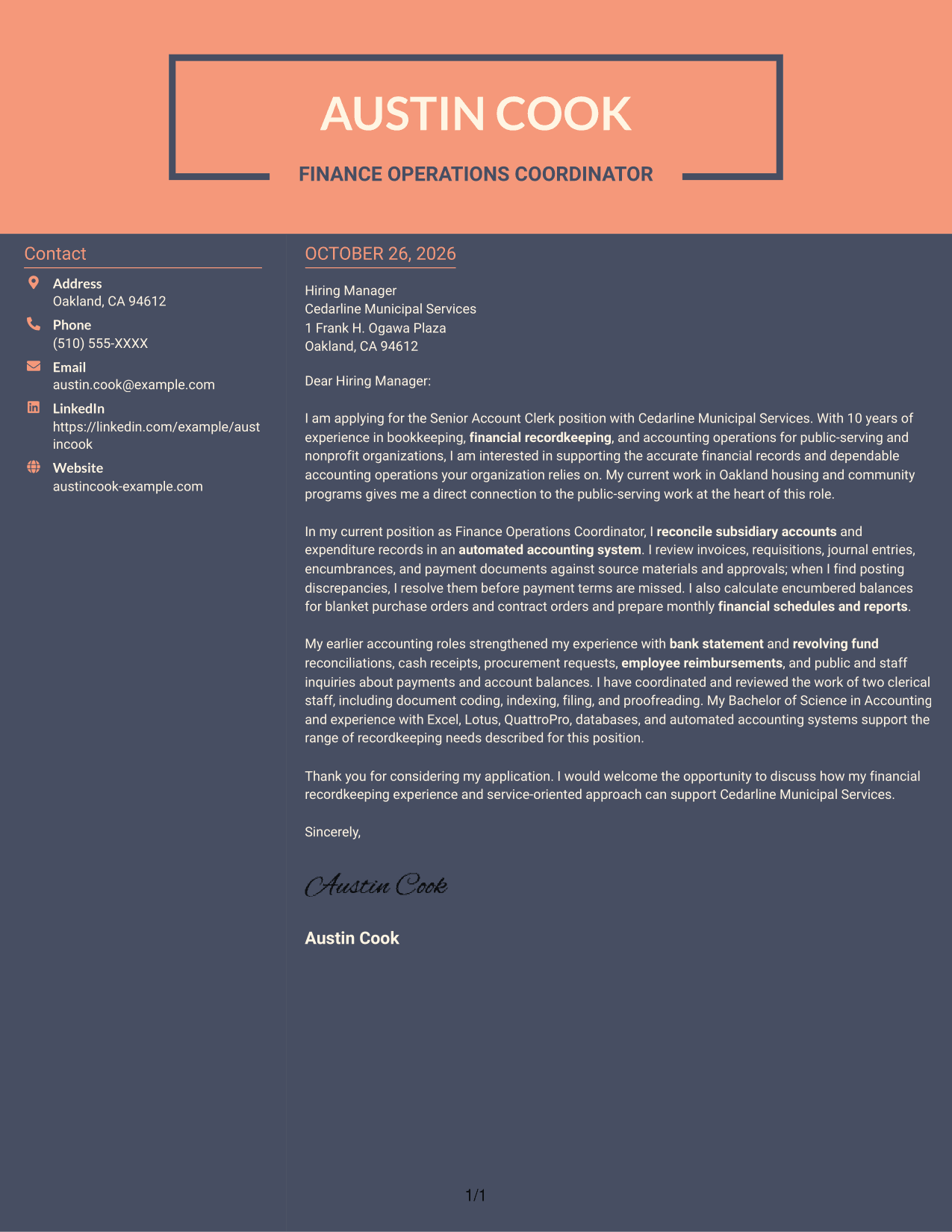
Why This Format Works
- Sender information has its own area beside the letter body.
- The continuous paragraphs let the message unfold from interest through closing.
- Reviewers can follow the argument without moving between parallel text columns.
Best For
- Side-by-side page organization
- Separate sender contact details
- Continuous paragraph-based letters
- Photo-free correspondence
- Applications with a clear opening and close
See Also
- 7 Senior Account Clerk - Financial Recordkeeping Resume Templates with Example
- 33 Accounts Payable Clerk Resume Templates with Example 2026 (ATS-Optimized)
- 7 Accounts and Compliance Administrator - Purchasing and Financial Operations Resume Templates with Example
- 33 Accounting Clerk Resume Templates with Example 2026 (ATS-Optimized)
- 7 Administrative Clerk Resume Templates with Example
- 7 Bakery Clerk Resume Templates with Example
- 7 Clerk, Data - Digital Product Information Resume Templates with Example
- 7 Clerk III - Research Support Services Clerical Administrator Resume Templates with Example
- 30+ Accounts Payable Clerk Cover Letter Templates with Example 2026
- 7 Accounts and Compliance Administrator - Purchasing and Financial Operations Cover Letter Templates with Example
Frequently Asked Questions
What should the opening paragraph say for a Senior Account Clerk - Financial Recordkeeping cover letter?
State the role you are applying for, explain your interest, and give a brief reason your background fits its financial recordkeeping work. Keep the focus on the employer’s needs and the value you can offer.
What experience is useful to discuss in this cover letter?
Choose examples that you can support, such as reconciling subsidiary accounts, checking payment documents against source records, resolving posting differences, preparing financial reports, or answering account questions.
How can I show attention to detail without listing every task?
Describe one clear example. Explain what records you checked, how you found or prevented an error, and why accurate information mattered for payment, reporting, or available funds.
Should I mention accounting software and spreadsheets?
Include tools that you have used and that relate to the role. Excel, Lotus, QuattroPro, databases, and automated accounting systems are relevant when they reflect your actual experience.
What tone works well for this cover letter?
Use a clear, respectful tone. Show that you can handle financial details carefully and communicate account information in a helpful way to staff and the public.




