
7 Senior Account Manager - Wealth Management Technology Cover Letter Templates with Example
This practical guide to a Senior Account Manager - Wealth Management Technology cover letter shows the example in 7 layouts and helps you make a clear case for strong client relationships and platform adoption.
What Makes a Great Senior Account Manager - Wealth Management Technology Cover Letter in 2026
A strong letter links client relationship work to retention, platform adoption, and thoughtful growth. Its opening states your interest, the body gives relevant evidence, and the closing makes a clear next step.
Use a brief example of account planning, opportunity follow-up, onboarding, or issue resolution. Connect that evidence to the employer’s needs, and include tools or qualifications only when they match your own background.
The featured example follows a focused progression from role interest to account evidence, cross-team coordination, and a clear close, which you can adapt while choosing a presentation suited to the employer and communication context.
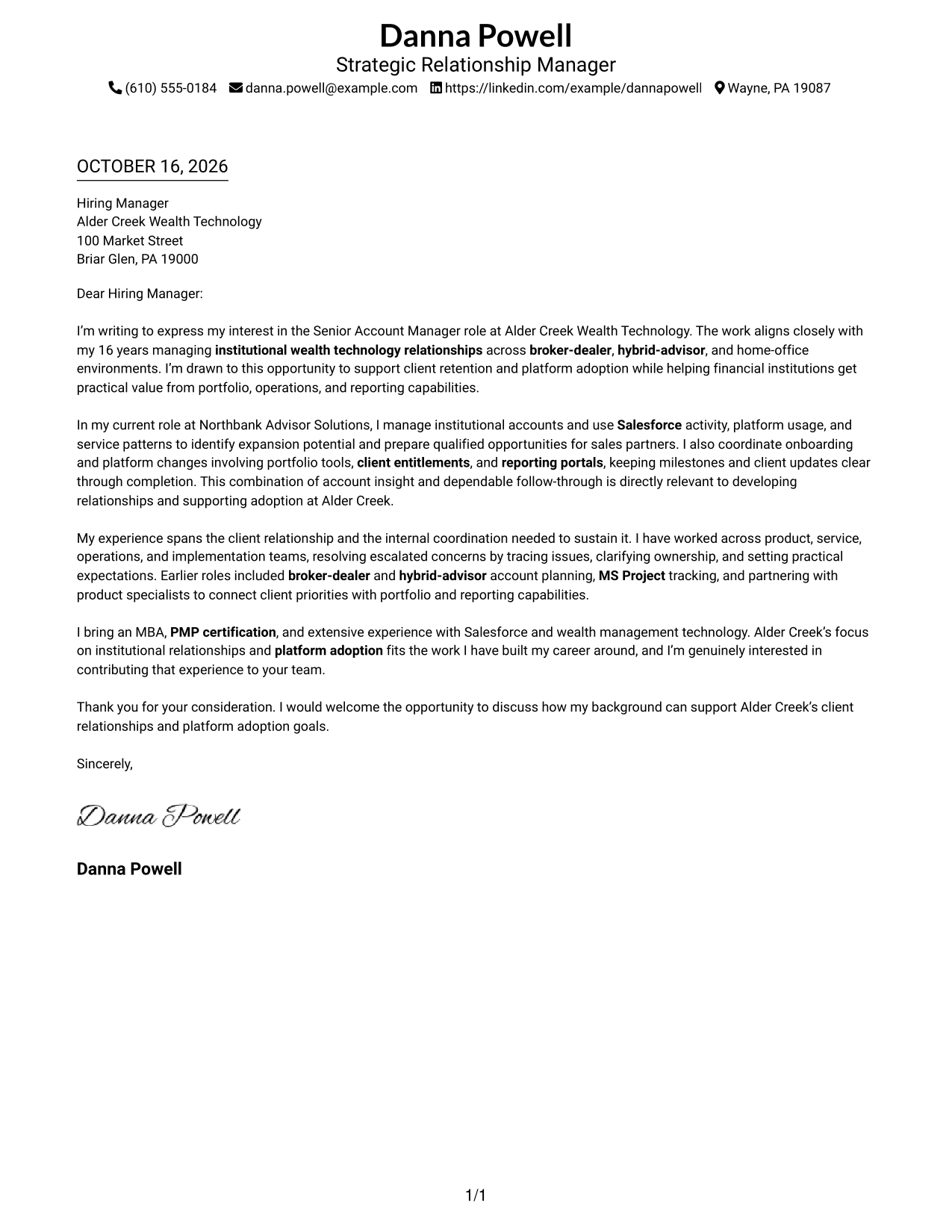
#1 Simple One Column Format Cover Letter Example
Simple One Column Format places sender details in the header above one continuous letter body, giving the opening, supporting case, and close a familiar reading path.
Why This Format Works
- Sender details stay in the header, making contact information easy to locate.
- One reading path carries the reviewer from the opening through the close.
- A single column keeps the page focused on the message rather than parallel content.
Best For
- Traditional letter reading order
- Header-based contact details
- Continuous paragraph arguments
- A focused page without a sidebar
- Readers who prefer a simple layout
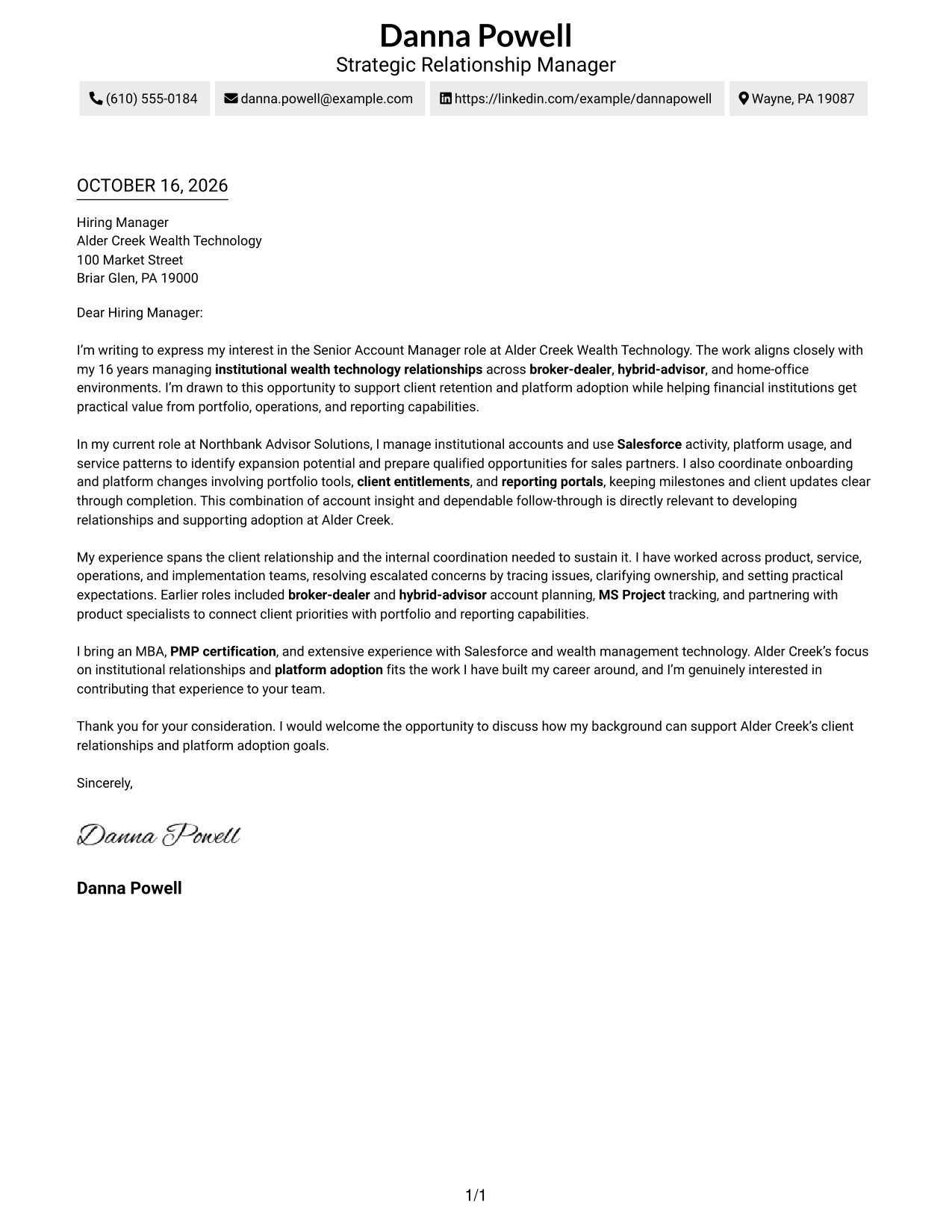
#2 Two Column Format Cover Letter Example
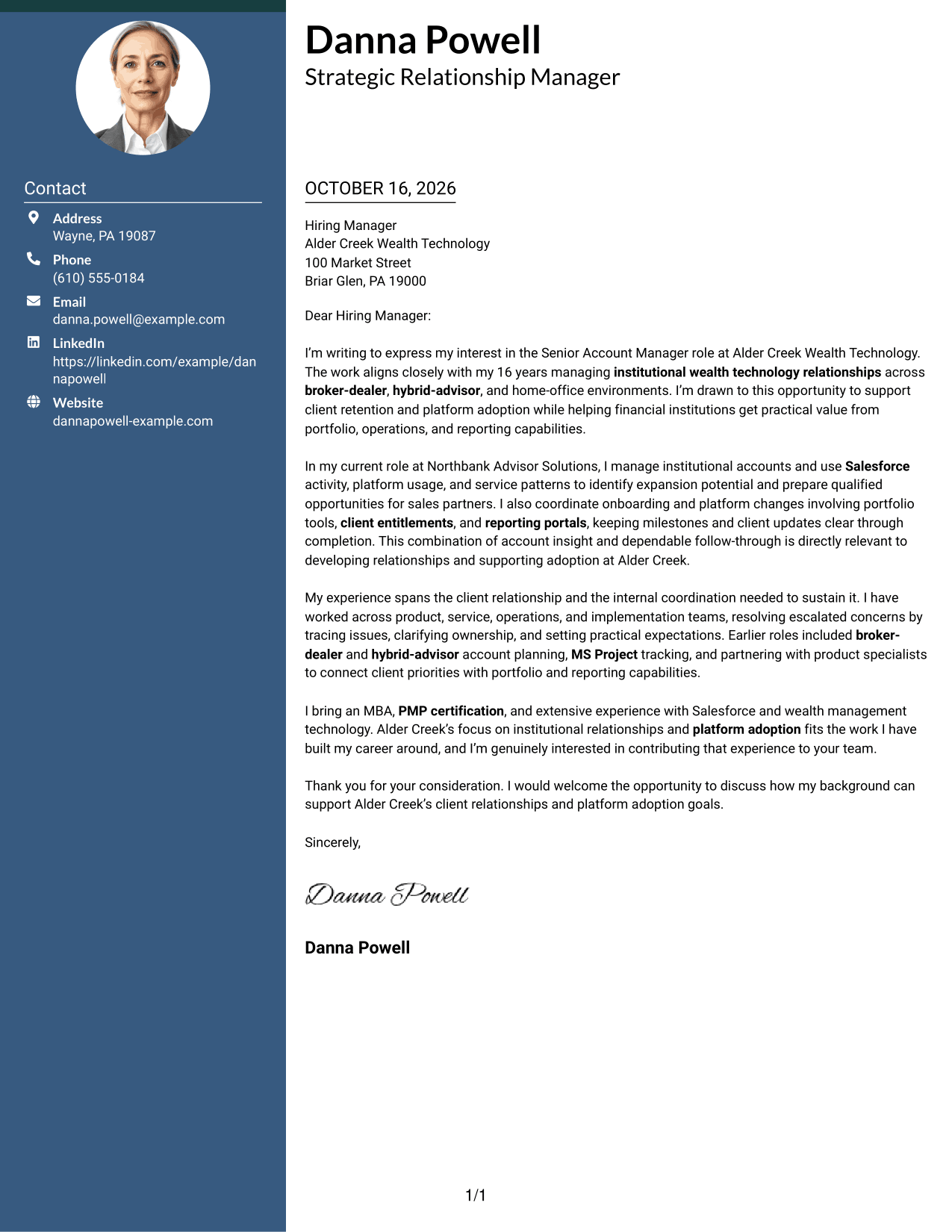
Two Column Format places contact details in a sidebar beside one continuous letter body, so readers can find correspondence information without dividing the letter's message.
Why This Format Works
- Contact details sit apart from the message in a dedicated sidebar.
- One continuous body keeps the opening, supporting points, and close together.
- Readers can keep the contact panel in view while following the letter.
Best For
- Contact details beside the message
- A continuous letter argument
- Quick access to sender information
- A clear distinction between contact and message
- Readers who prefer a sidebar
#3 Photo Header Two Column Format Cover Letter Example
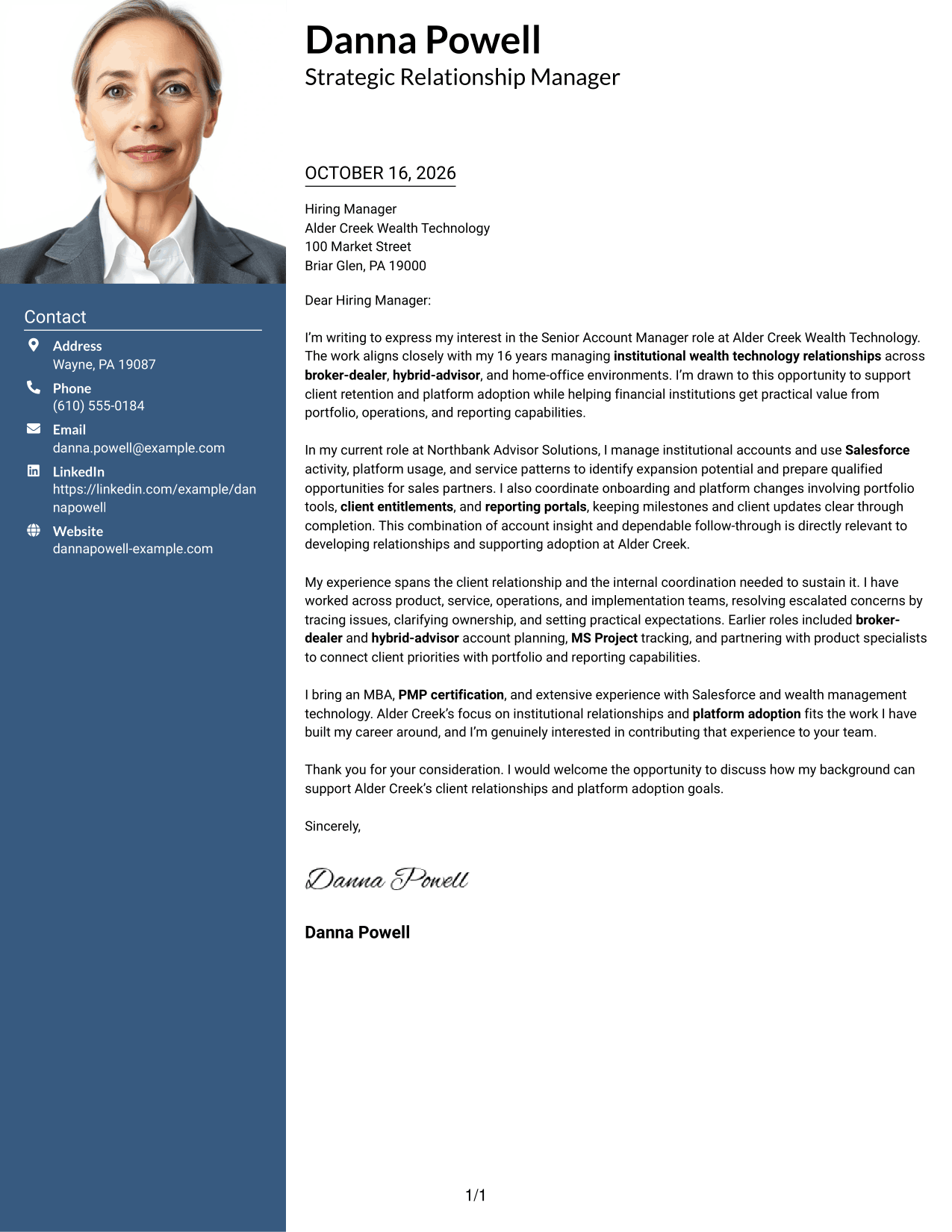
Photo Header Two Column Format pairs a portrait and contact sidebar with a continuous letter body, offering a photo-inclusive presentation while keeping the message in one reading path.
Why This Format Works
- A portrait adds a personal visual element without changing the letter's reading order.
- The contact sidebar keeps sender details separate from the message.
- The letter remains one body, keeping its case in a clear sequence.
Best For
- A portrait-inclusive letter
- Contact details beside the message
- A continuous argument in one body
- Readers who want a visual point of identification
- A distinct contact area
#4 One Column Format with Photo Cover Letter Example
One Column Format with Photo combines a portrait with a single-column letter body, keeping the visual presentation personal while the message follows a direct reading order.
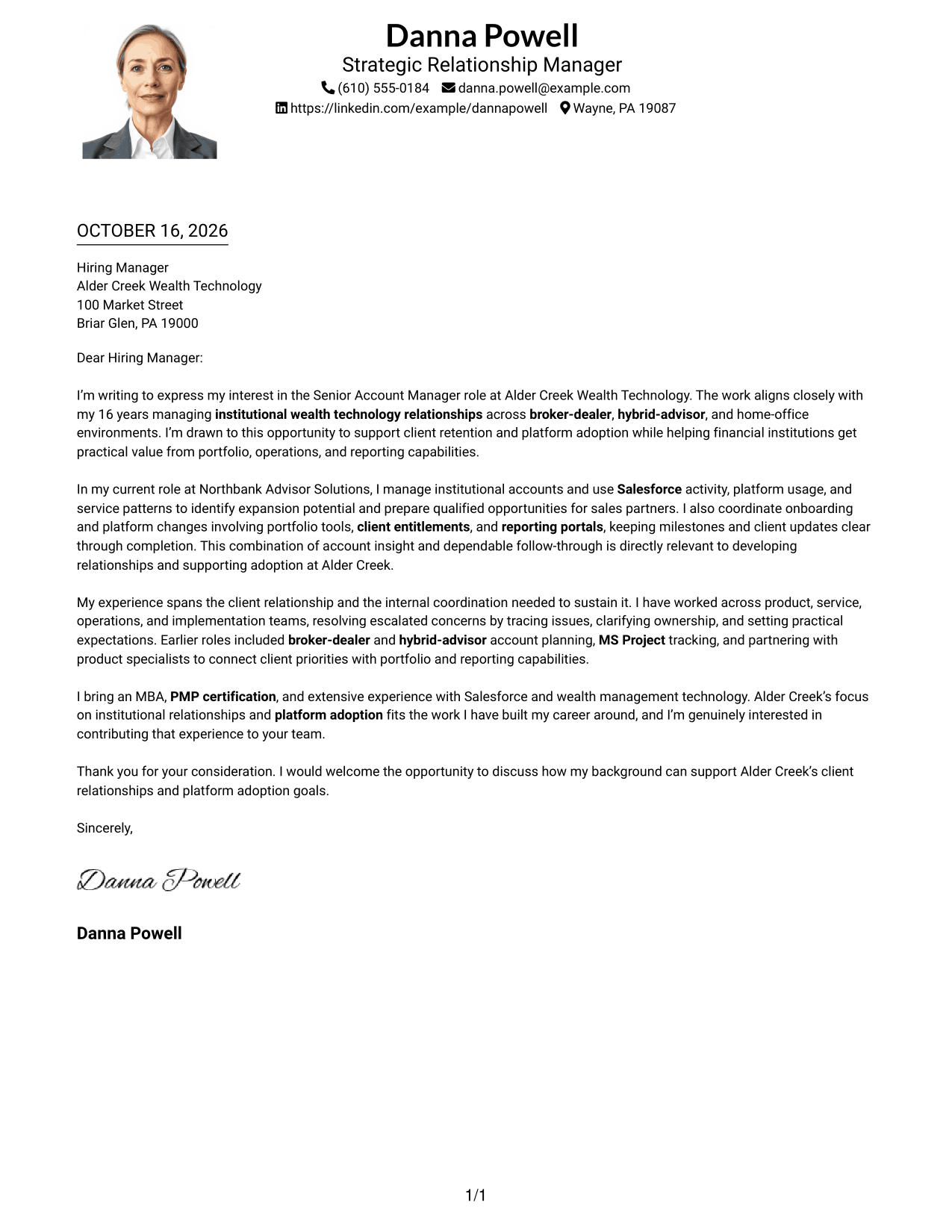
Why This Format Works
- The portrait provides a visual point of identification alongside the letter.
- A single column gives the message a direct top-to-bottom reading order.
- The opening and closing remain part of the same continuous body.
Best For
- A portrait with a single-column letter
- Direct top-to-bottom reading
- A continuous message from opening to close
- Personal visual presentation
- Readers who prefer one body column
#5 Simple Two Column Format Cover Letter Example
Simple Two Column Format keeps contact information in a sidebar and the letter in one continuous body, making the difference between correspondence details and the message clear.
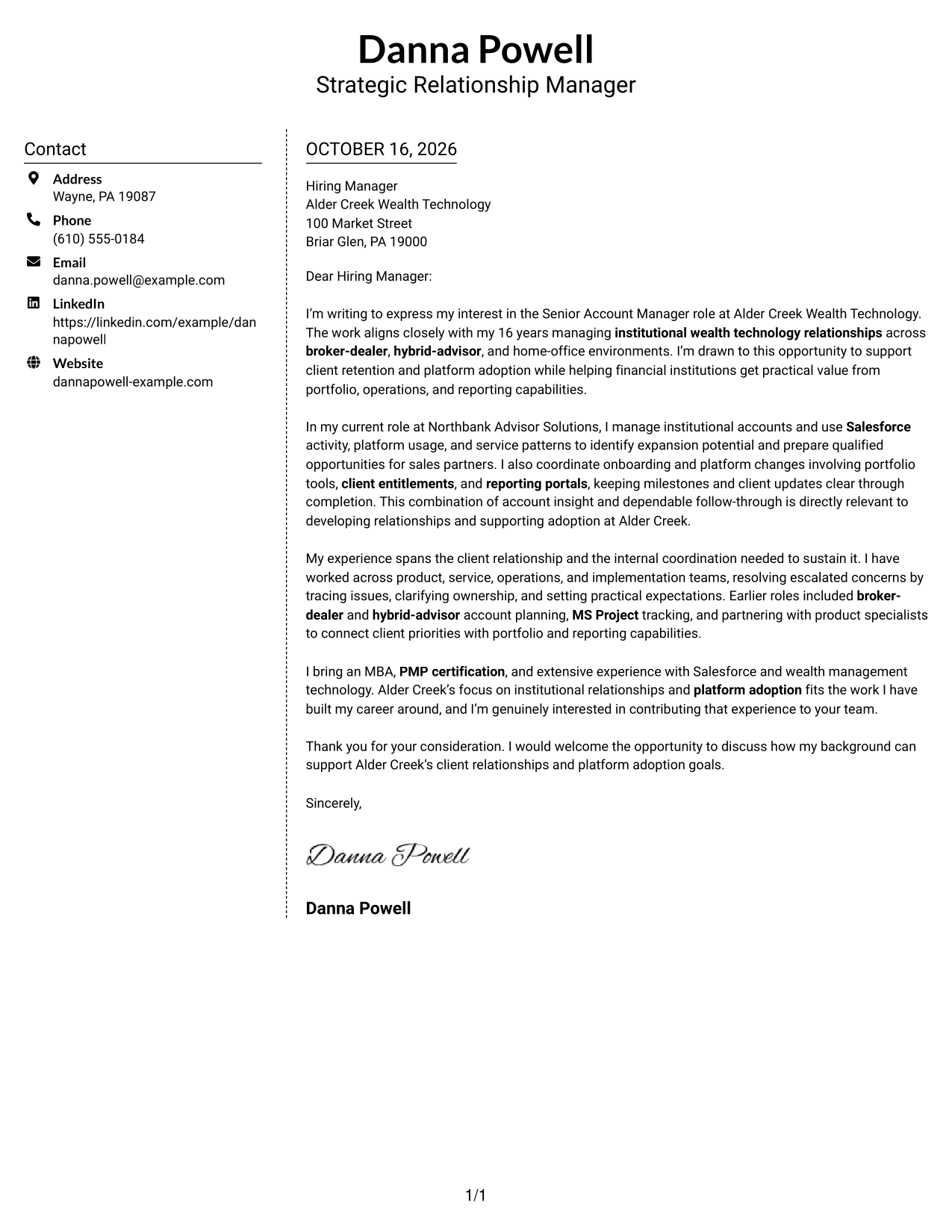
Why This Format Works
- The sidebar sets contact information apart from the letter's paragraphs.
- The body keeps the opening, reasons for interest, and close in sequence.
- Readers can locate sender details without searching through the message.
Best For
- Contact information separate from the letter
- A message with a clear beginning and close
- Fast access to sender details
- A continuous body beside a contact panel
- Readers who prefer a simple two-column layout
#6 Modern Icon Format Cover Letter Example
Modern Icon Format uses contact icons in a sidebar beside one continuous letter body, adding visual cues to contact details while leaving the message as a single text sequence.
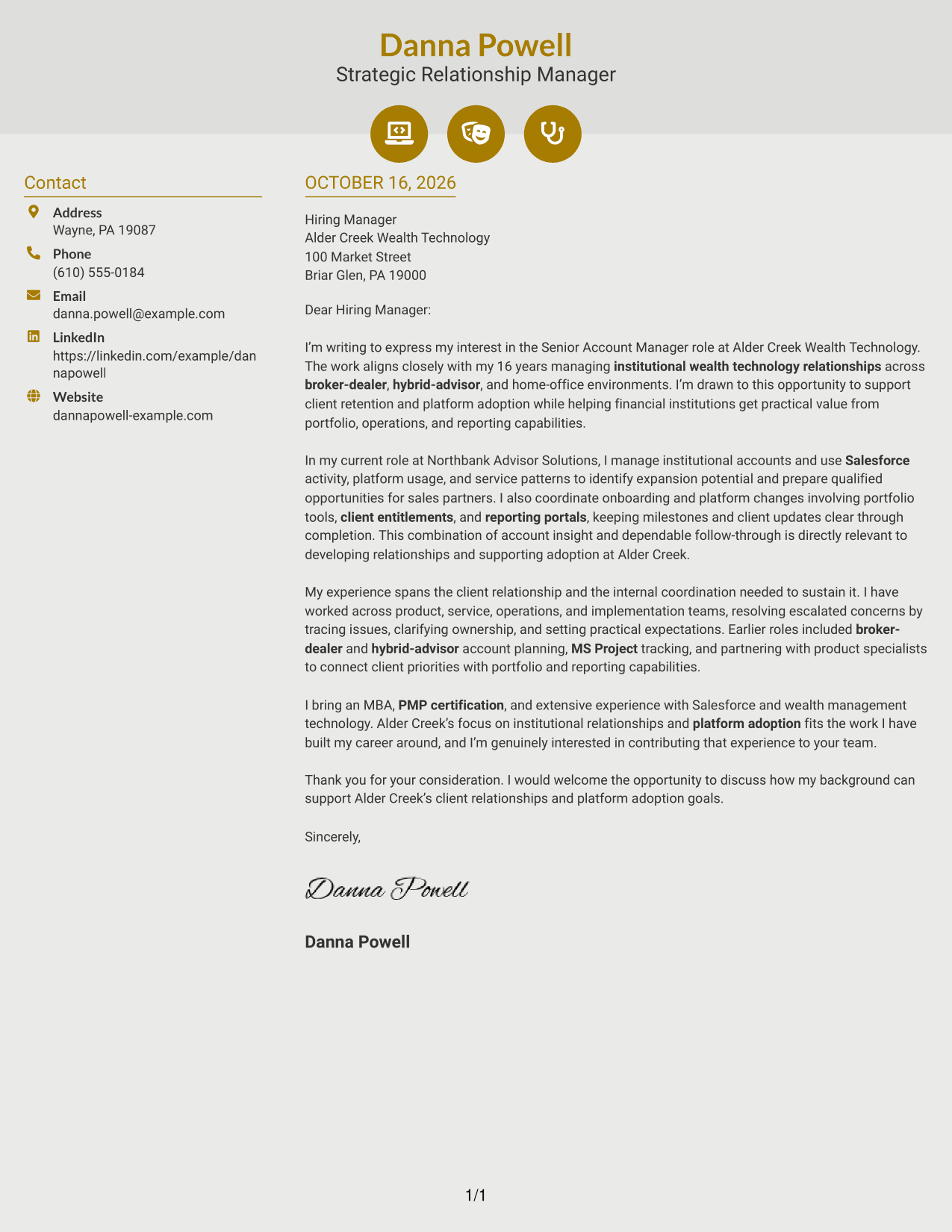
Why This Format Works
- Icons cue contact details, helping readers spot that information in the sidebar.
- The letter's opening, supporting case, and close stay in one body.
- Contact cues remain separate from the letter's persuasive paragraphs.
Best For
- Icon-cued contact information
- A continuous letter body
- Fast recognition of contact details
- Visual cues limited to the contact area
- Readers who like a modern icon style
#7 Creative Two Tone Format Cover Letter Example
Creative Two Tone Format sets a contact sidebar beside one continuous letter body, giving contact details a separate place while keeping the full message together.
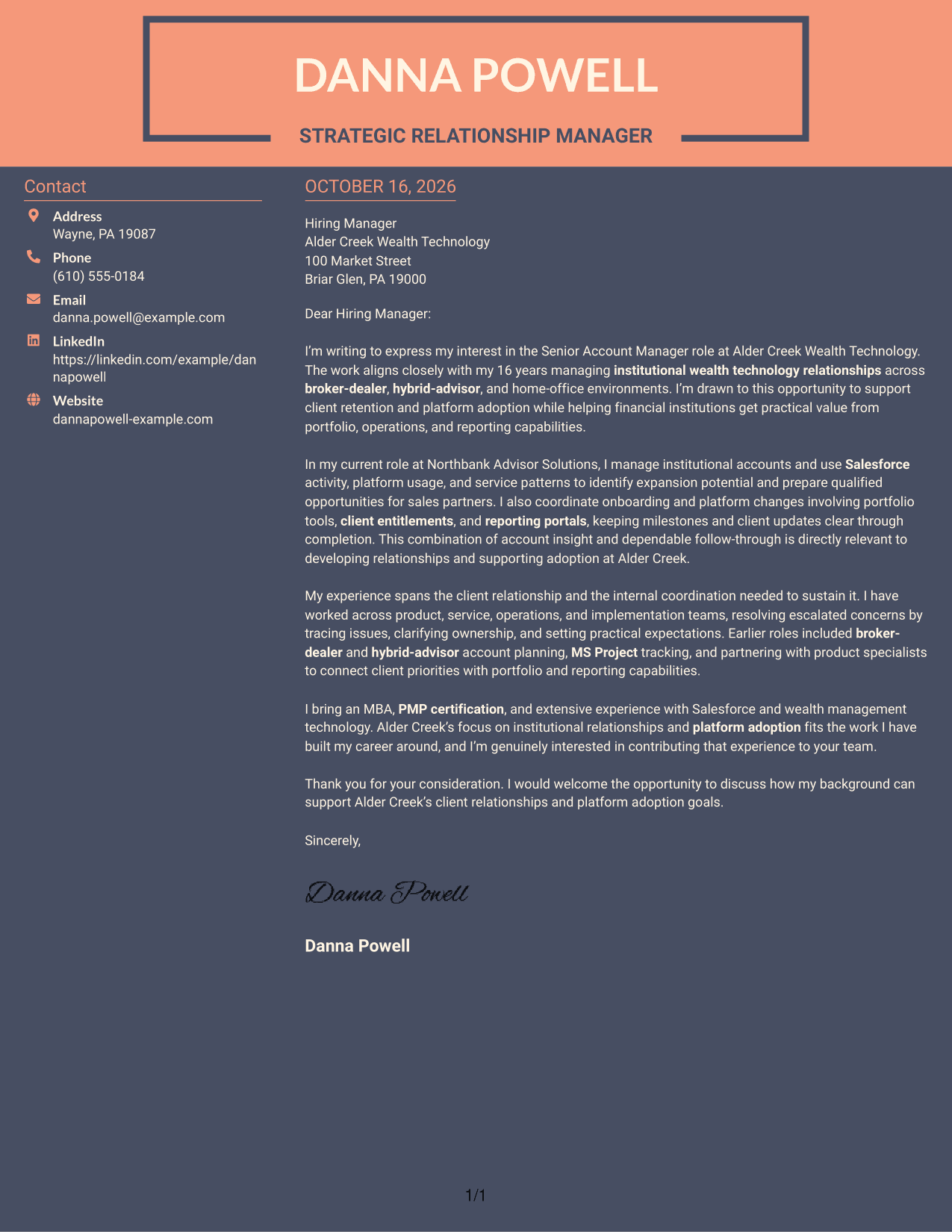
Why This Format Works
- The sidebar gives sender details a separate place beside the letter.
- The body keeps the opening, motivation, and closing in one sequence.
- Readers can distinguish correspondence details from the message at a glance.
Best For
- Contact details beside the letter
- A complete argument in one body
- Separate space for correspondence information
- A clear opening-to-close reading path
- Readers who prefer a two-column layout
Why Use ResumeInMinutes for a Senior Account Manager - Wealth Management Technology Cover Letter
Compare PNG previews to see how different presentations shape the letter, then open an example in the editor to review its structure and wording.
- PNG example previews
- Examples to view in the editor
- Clear opening and closing guidance
- Role-focused letter structure
- Client relationship examples
- Advice on showing role fit
Use the example to shape a direct, persuasive message about client retention, platform adoption, and the value you can bring to institutional relationships.
See Also
- 7 Senior Account Manager - Wealth Management Technology Resume Templates with Example
- 7 Senior Account Executive - Consumer Technology Resume Templates with Example
- 7 Account Executive, Endoscopic Resume Templates with Example
- 7 Account Executive III (Farmer) Resume Templates with Example
- 7 Account Manager - Commercial Property Casualty Resume Templates with Example
- 7 Accounting Specialist II, Accounts Payable Resume Templates with Example
- 33 Accounts Payable Analyst - Invoice Processing Resume Templates with Example 2026 (ATS-Optimized)
- 33 Accounts Payable Analyst Resume Templates with Example 2026 (ATS-Optimized)
- 30+ Accounts Payable Analyst Cover Letter Templates with Example 2026
- 30+ Accounts Payable Assistant Cover Letter Templates with Example 2026
Frequently Asked Questions
What should a Senior Account Manager - Wealth Management Technology cover letter emphasize?
Focus on building institutional client relationships, supporting retention and platform adoption, and finding sound ways to grow existing accounts. Use relevant examples of account insight, opportunity handoffs, onboarding, or issue resolution.
What evidence can help show fit for this role?
Choose a short example that shows how you used account information or client feedback to guide follow-up. You might describe coordinating a platform change, preparing an opportunity for a sales partner, or resolving a client concern. Include a result only when it is accurate.
How should I structure the opening paragraph?
Name the exact role and explain why its focus interests you. Then connect that interest to a relevant part of your own background, such as institutional relationships or platform adoption.
How can I make the letter specific to the employer?
Refer to the employer’s work with institutional clients and the needs described in the job posting. Explain how your relevant experience could support those needs, and avoid claims about products or initiatives you do not know.
What tone works best for this cover letter?
Use a clear, confident, and client-focused tone. Show that you can listen, explain complex issues in practical terms, and follow through with clients and internal teams.




