
7 Senior AI Security Engineer - AI/ML Security Architecture Resume Templates with Example
This guide shows you how to build a resume for the Senior AI Security Engineer - AI/ML Security Architecture role. It helps you organize relevant evidence, make your security work easy to review, and choose a format that supports your goals.
For this role, connect AI security work to clear controls and outcomes. Feature relevant experience with LLM deployments, agentic frameworks, ML pipelines, threat modeling, IAM, and cloud platforms, then support it with specific examples of risk assessment, access controls, and security guidance.
The guide presents the resume example in 7 layouts. Compare the PNG image previews to see how each format organizes experience, skills, education, and certifications, then open an example in the editor to review or customize it.
What Makes a Great Senior AI Security Engineer - AI/ML Security Architecture Resume in 2026
A strong resume makes AI security architecture work easy to scan. It connects security decisions to practical controls across LLM deployments, agentic frameworks, and ML pipelines.
Use focused bullet points to show threat assessments, least-privilege IAM, and work across Azure, AWS, and GCP. Include relevant terms such as NIST AI RMF, OWASP AI Top 10, MITRE ATLAS, and OAuth 2.0 where they match your experience.
Note: Resume examples are for educational purposes only. Use only information that accurately reflects your experience and qualifications. References to real organizations do not imply affiliation or endorsement.
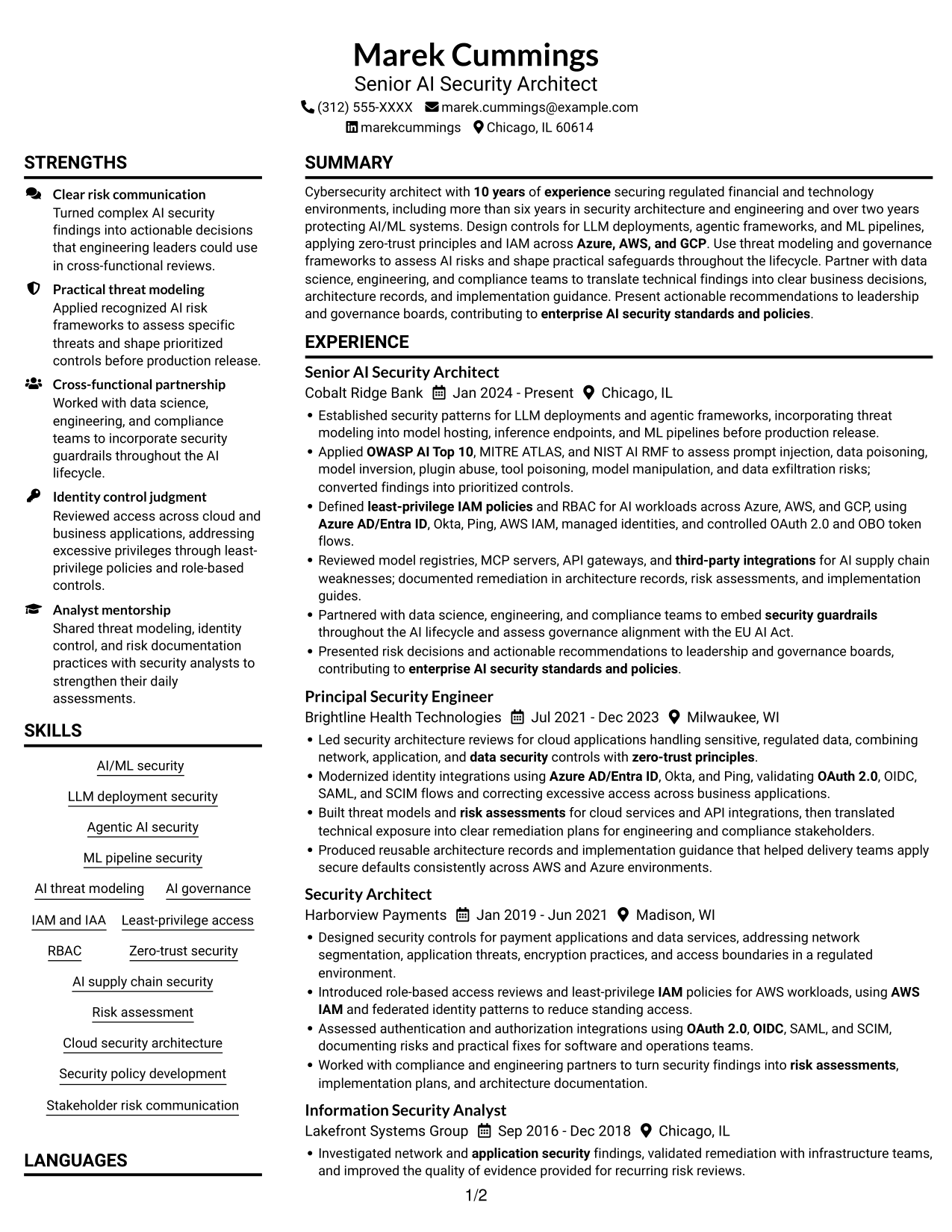
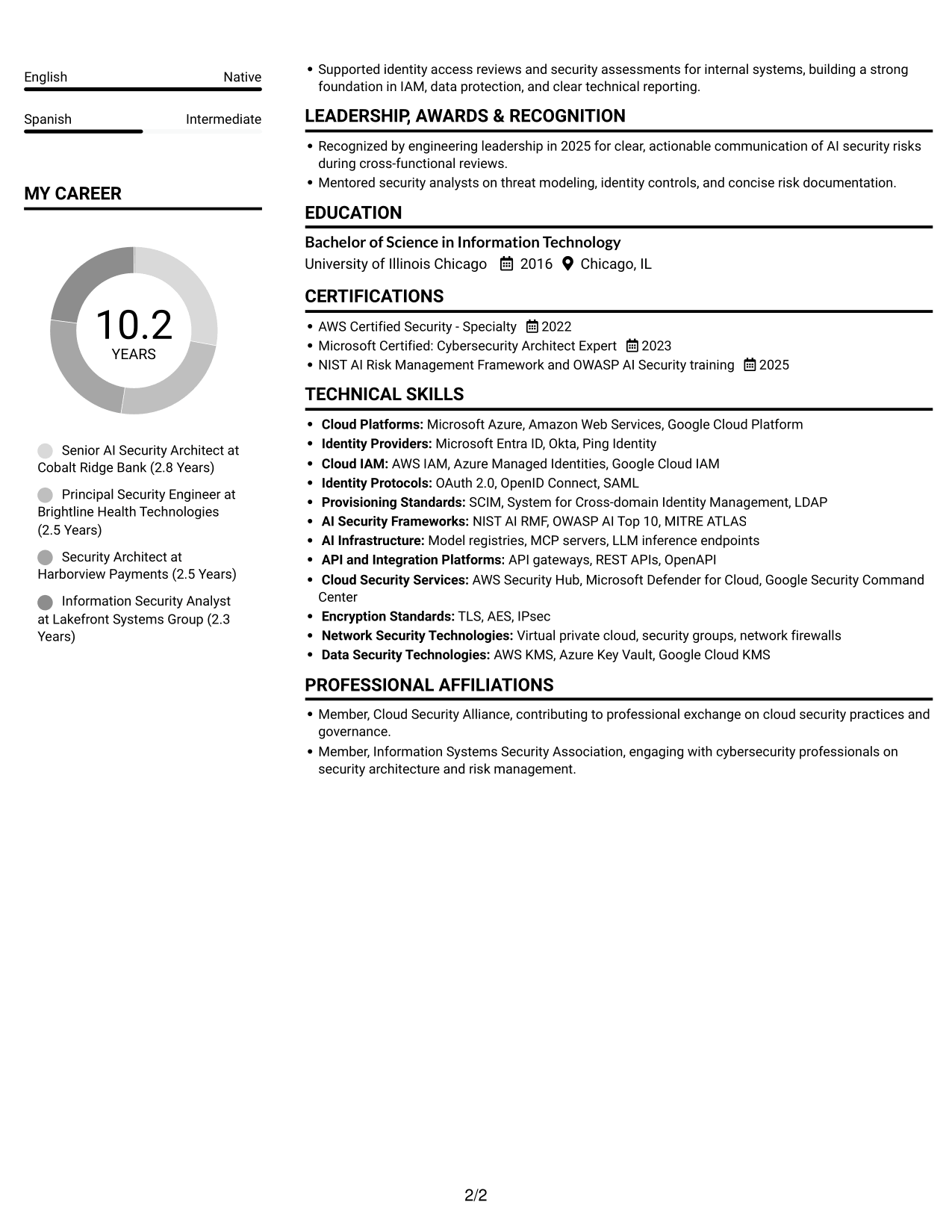
#1 Plain Two Column Format Resume Example
The Plain Two Column Format places resume content in two columns, giving reviewers a compact way to compare career history with supporting sections.
Resume Snapshot
- 10 years in cybersecurity
- More than 6 years in security architecture and engineering
- Over 2 years securing AI/ML systems
- AI security across Azure, AWS, and GCP
Why This Format Works
- Career history can sit apart from supporting sections, helping reviewers trace progression with context.
- Grouped skills and credentials give technical capabilities and formal training distinct places for review.
- Education and certifications remain easy to locate beside detailed experience.
Best For
- Longer work histories
- Broad technical skill inventories
- Education and certification checks
- Resumes with several supporting sections
- Side-by-side resume reading
Resume Keywords
- 10 years of experience securing regulated financial and technology environments
- more than six years in security architecture and engineering
- over two years protecting AI/ML systems
- Design controls for LLM deployments, agentic frameworks, and ML pipelines
- embed security guardrails throughout the AI lifecycle
- LLM deployment security
- Agentic AI security
- ML pipeline security
- IAM
- Least-privilege access
- OAuth 2.0
- OBO token flows
- managed identities
- Defined least-privilege IAM policies and RBAC for AI workloads across Azure, AWS, and GCP
- Azure AD/Entra ID
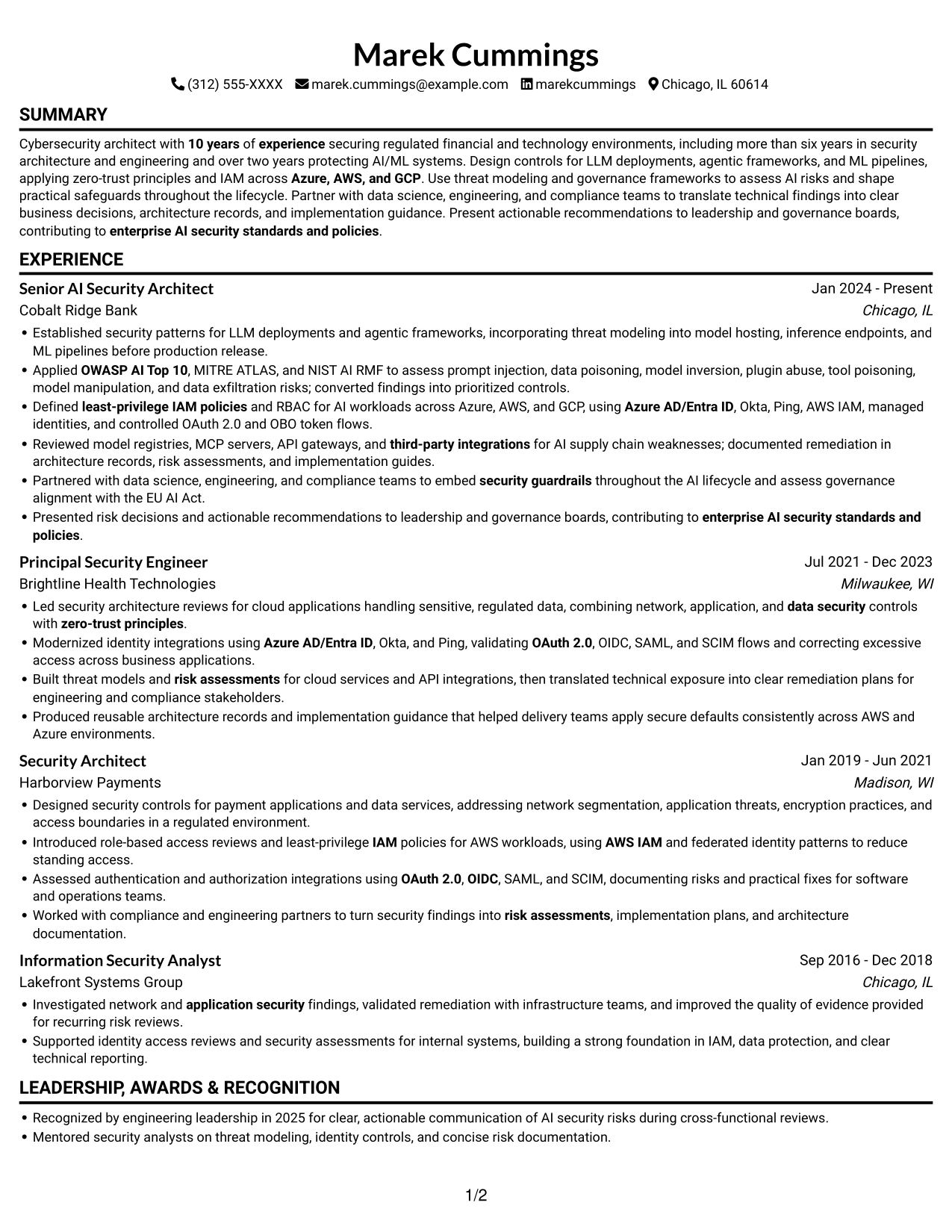
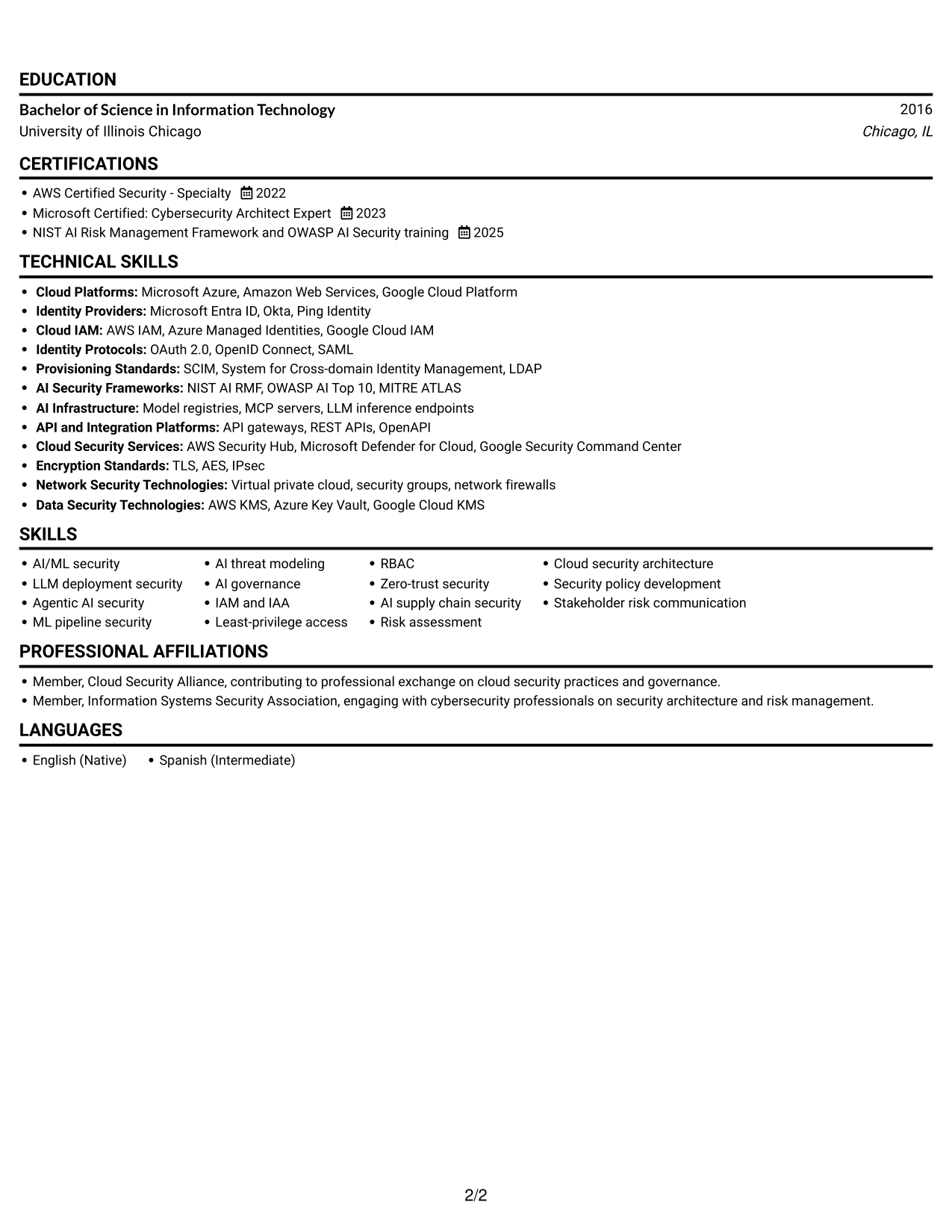
#2 Simple One Column Format Resume Example
The Simple One Column Format keeps all resume sections in one vertical path, a practical choice when reviewers should follow the career record from top to bottom.
Why This Format Works
- Work history follows one vertical path, making career progression straightforward to follow.
- Section breaks help reviewers move from experience to skills, education, and credentials.
- Longer achievement bullets stay within one reading flow, without column changes.
Best For
- Single-path recruiter review
- Chronological career records
- Achievement bullets with added context
- Resumes with varied section lengths
- Text-first application materials
#3 Clean Two Column Sidebar Format Resume Example
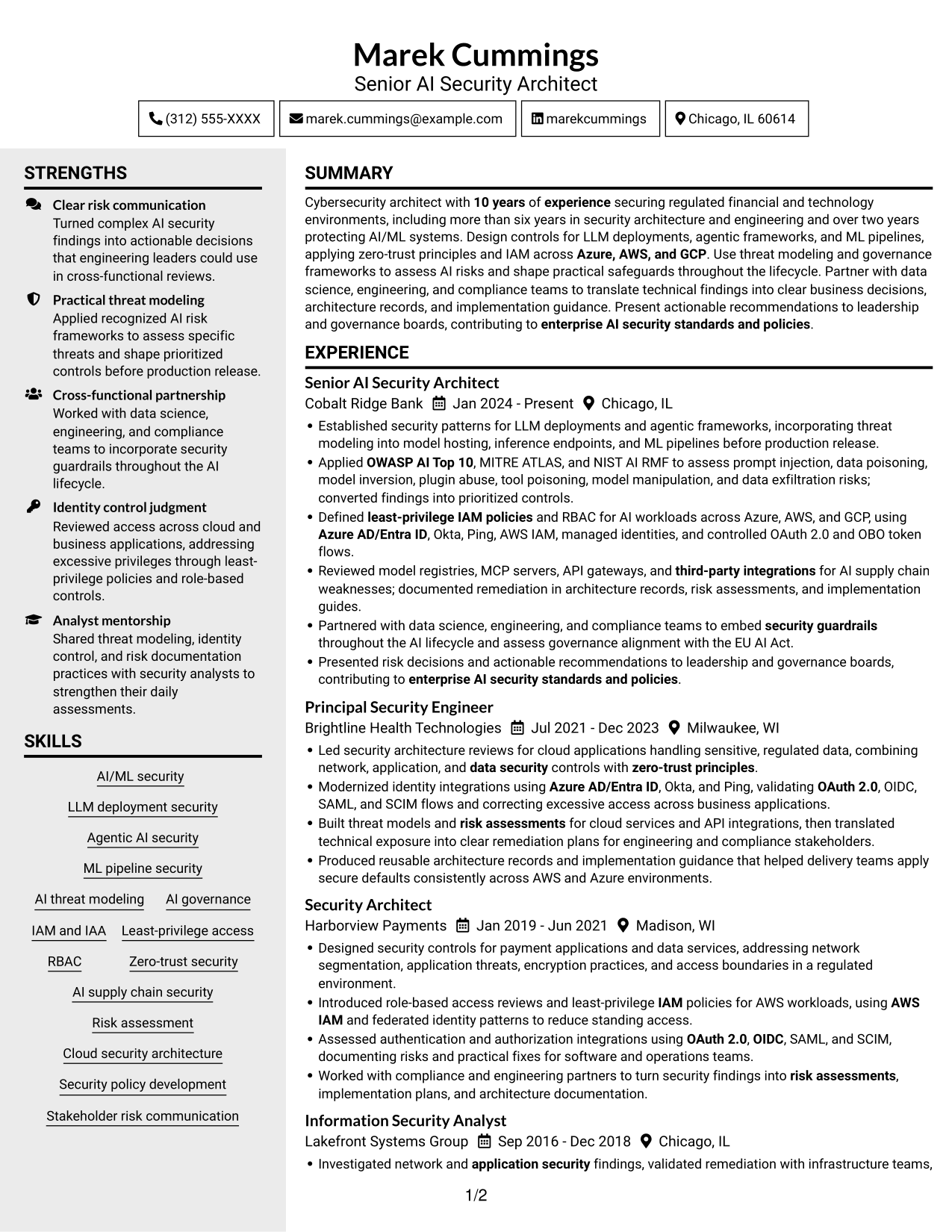
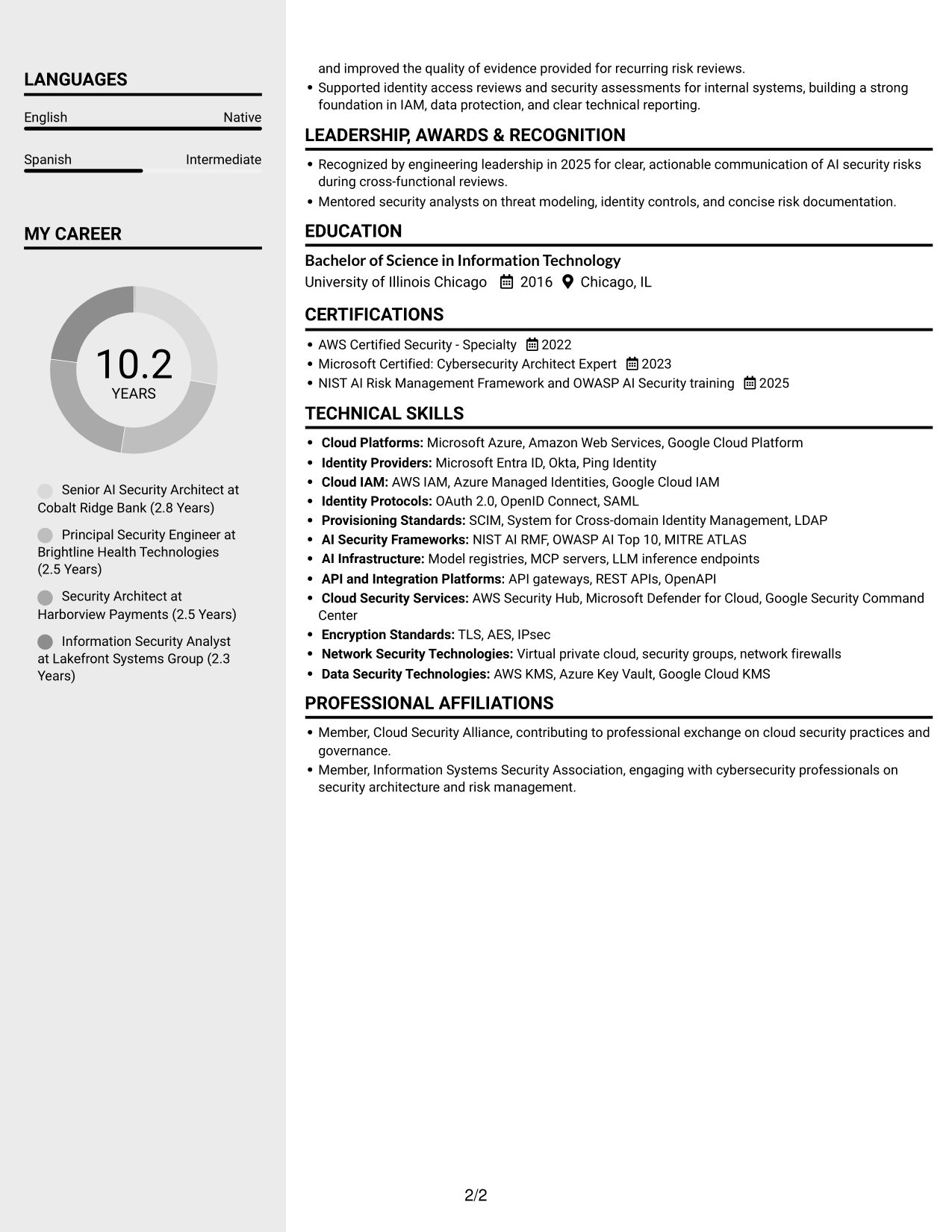
With two columns, the Clean Two Column Sidebar Format gives career history and supporting details separate areas, reducing the need to scan one long vertical list.
Why This Format Works
- Separate columns let reviewers find career history and supporting details without one long list.
- Experience bullets retain room to explain risks, controls, and outcomes in context.
- Skills, education, and certifications can be located without interrupting work-history review.
Best For
- Work histories with supporting sections
- Technical skills beside experience
- Detailed risk and control achievements
- Credential checks during employment-history review
- Separate reading areas for dense content
#4 Two Column Format Resume Example
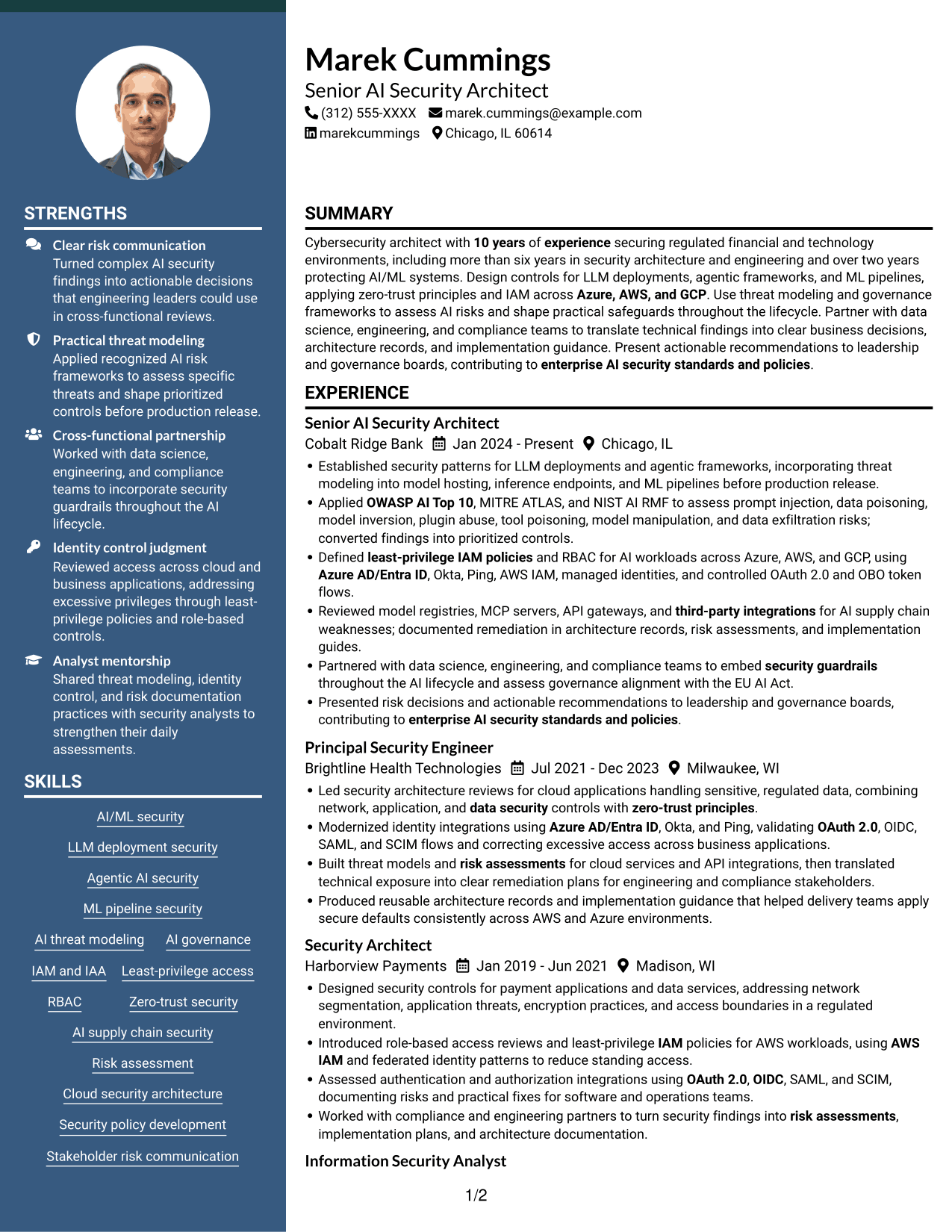
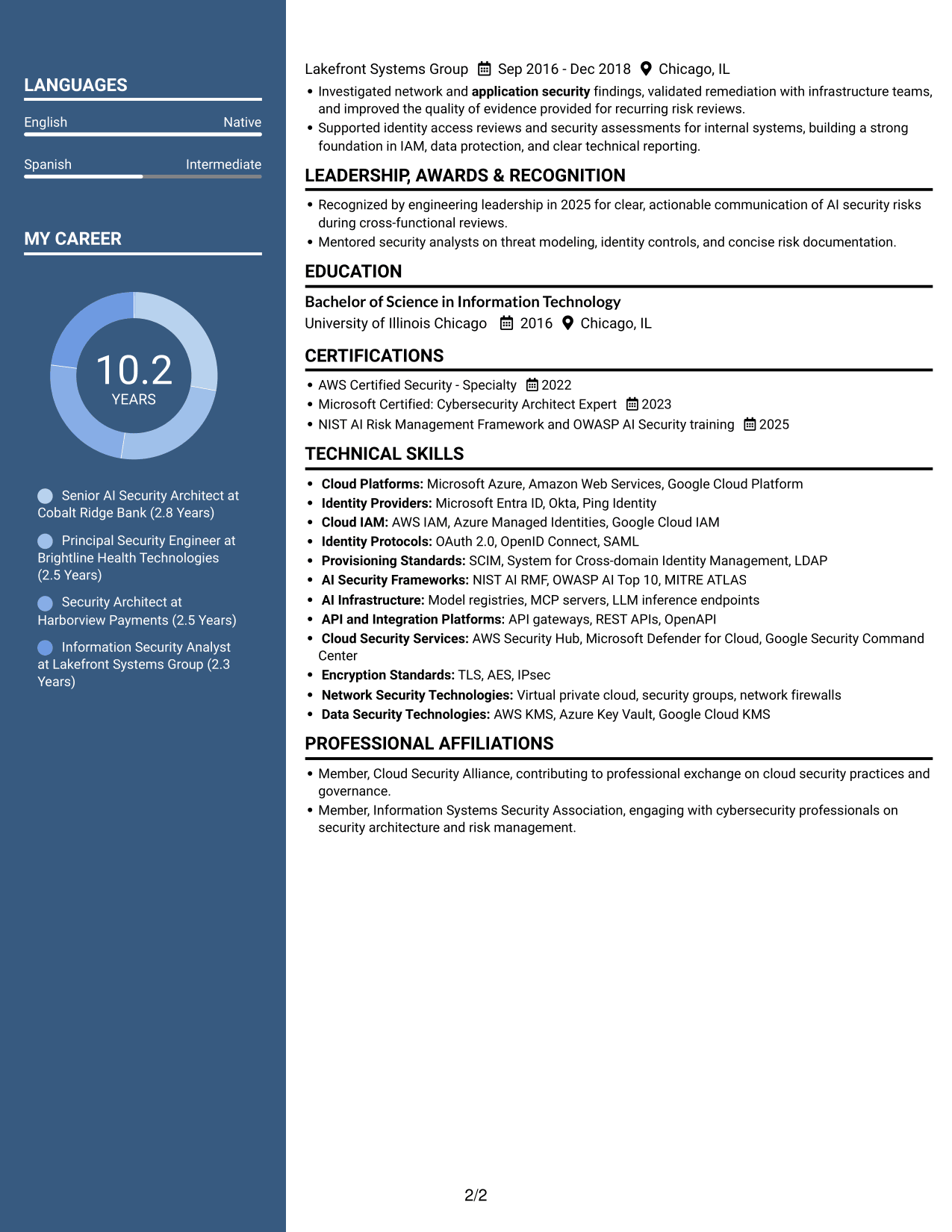
The Two Column Format divides resume information into two reading areas, which can help reviewers move between career progression and supporting sections.
Why This Format Works
- Two reading areas help reviewers compare career progression with the resume's supporting sections.
- Experience bullets can be read alongside concise skills and credentials sections.
- Education and certifications stay distinct from the detailed employment record.
Best For
- Career progression and credentials
- Experience-led resume reviews
- Dense achievement descriptions
- Skills and education in separate sections
- Side-by-side information review
#5 Photo Header Two Column Format Resume Example
The Photo Header Two Column Format pairs a photo with a two-column resume body, offering a visual identifier while keeping the document's content grouped.
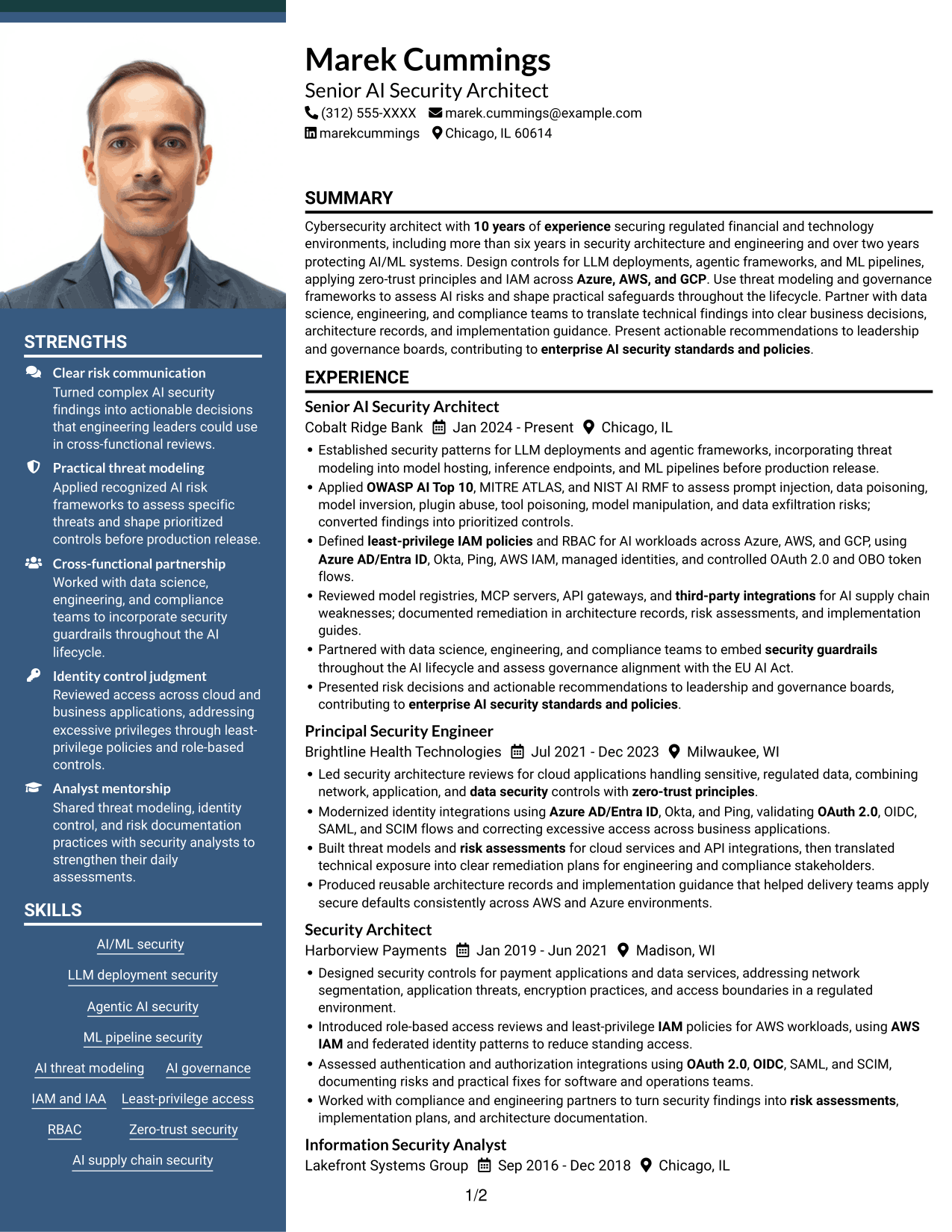
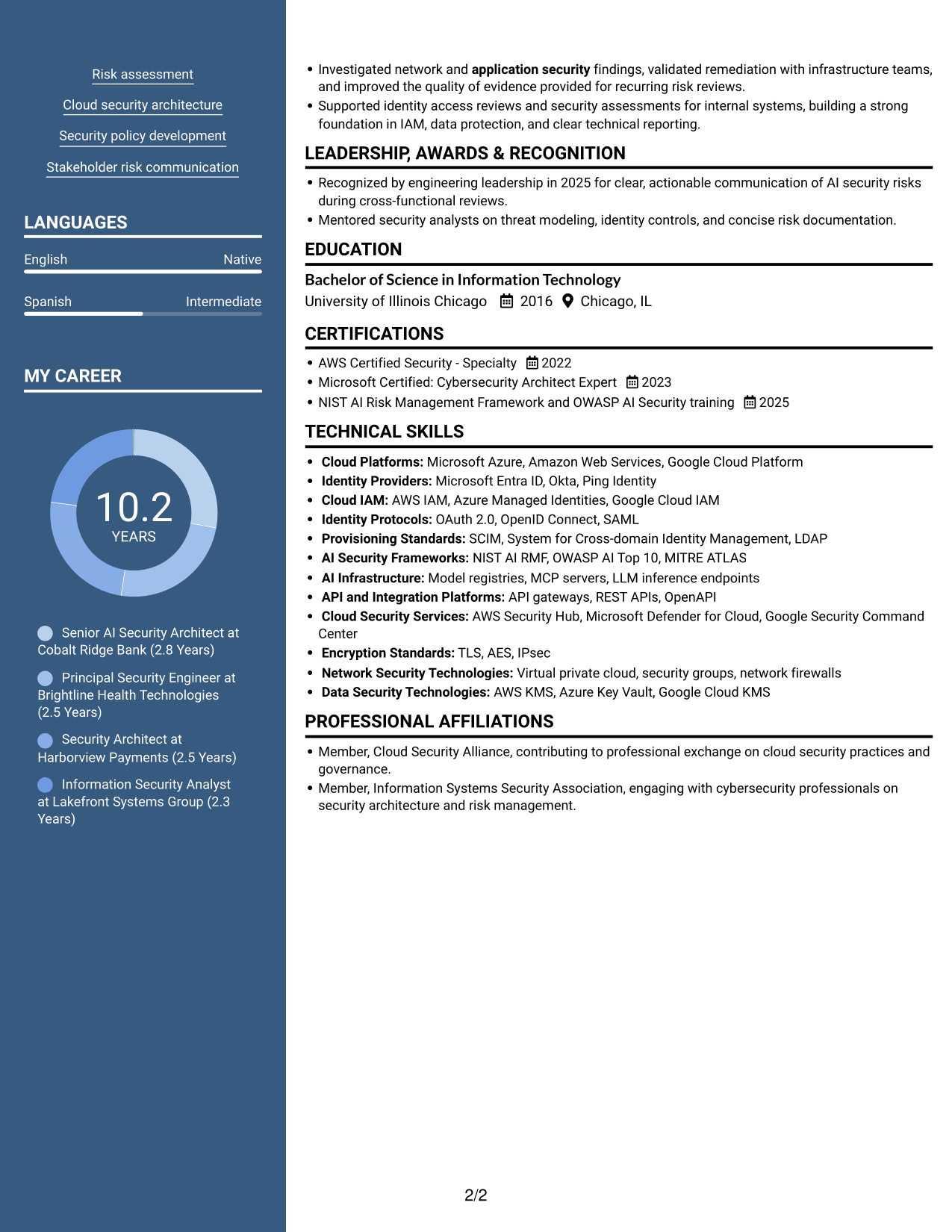
Why This Format Works
- Two columns separate career history from supporting details, giving each area a clear place.
- Work history remains available for a fuller account of progression and achievements.
- Skills and credentials can be checked without interrupting the experience section.
Best For
- Resumes needing a visual identifier
- Two-area resume organization
- Experience with supporting credentials
- Reviewers comparing detailed history and skills
- Applications where a photo is appropriate
#6 Colored Two Column Format Resume Example
The Colored Two Column Format keeps resume content in two columns, giving reviewers distinct areas to move between work history and supporting details.
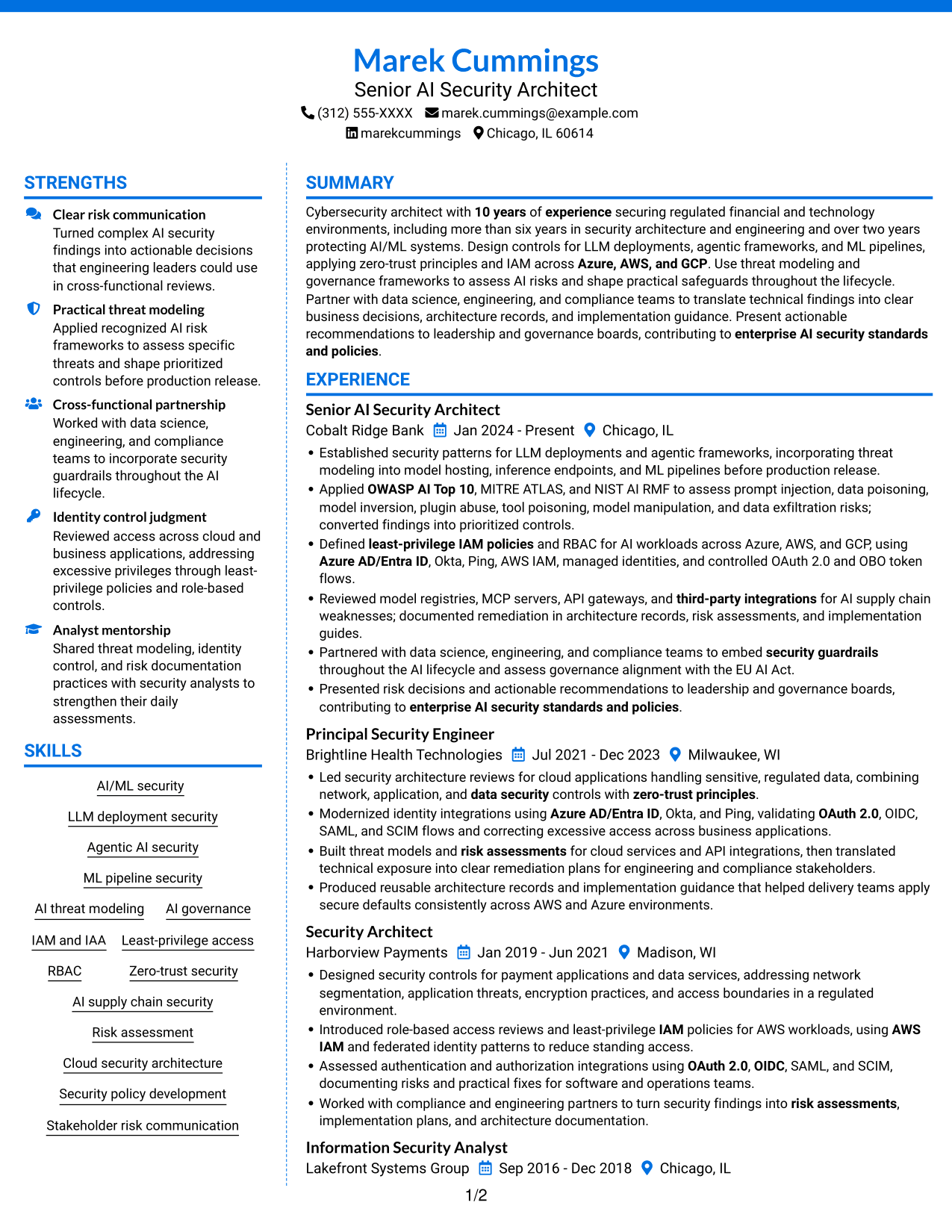
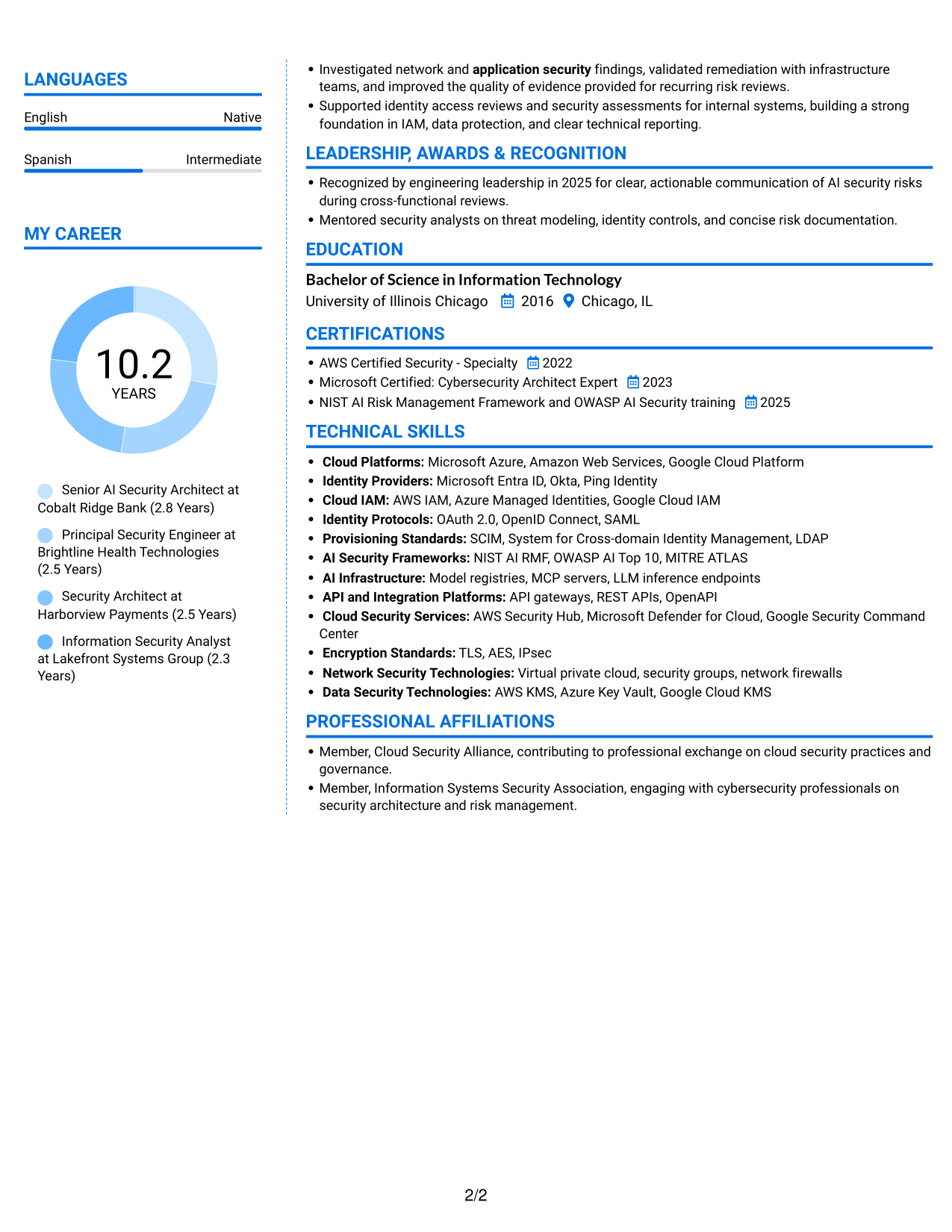
Why This Format Works
- Separate columns support quick movement between career history and the resume's supporting details.
- Experience sections can carry substantial context while skills and education remain easy to find.
- Distinct reading areas help reviewers return to credentials after scanning work history.
Best For
- Distinct work and supporting sections
- Resumes with detailed experience bullets
- Technical skills and education sections
- Reviewers moving between experience and credentials
- Two-column reading preference
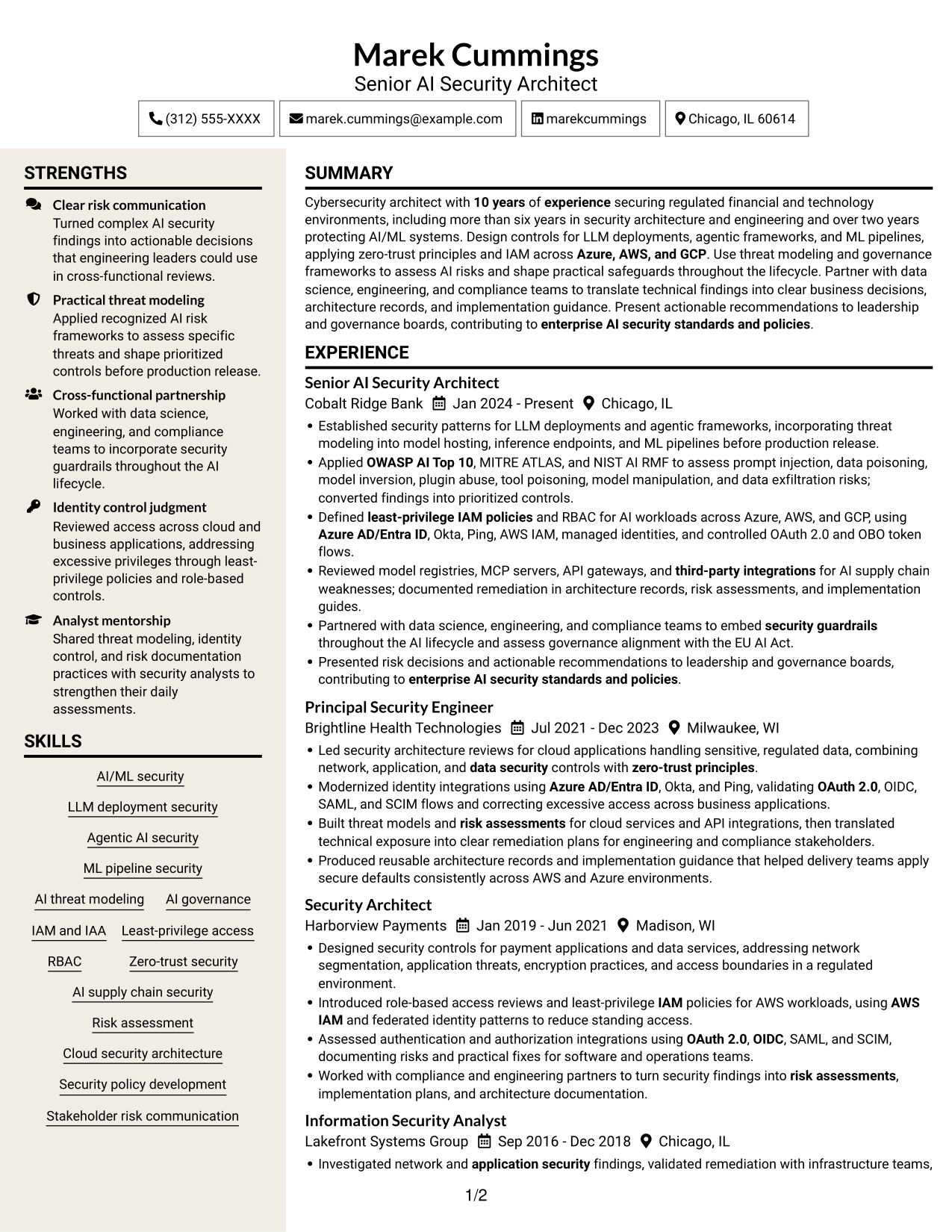
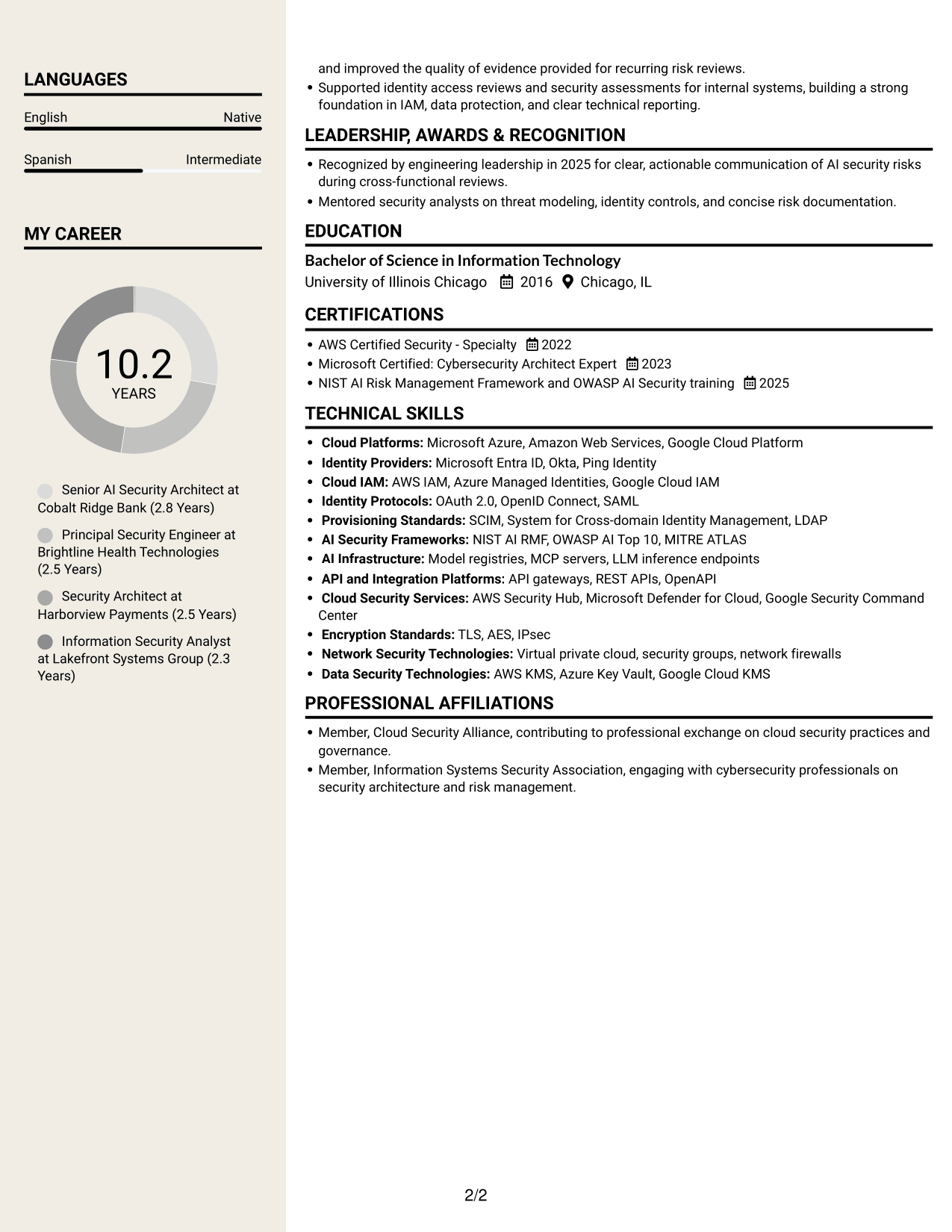
#7 Stylish Two Column Designer Format Resume Example
The Stylish Two Column Designer Format places resume information in two columns, a useful option for readers who prefer career history and supporting sections in separate areas.
Why This Format Works
- Two columns offer a compact way to scan career history beside supporting resume sections.
- Experience bullets retain their own reading area for detailed achievements and progression.
- Skills, education, and credentials can be found apart from the employment record.
Best For
- Compact career-history review
- Detailed achievement records
- Skills alongside employment history
- Resumes with education and credentials sections
- Readers who prefer two-column layouts
Why Use ResumeInMinutes to Review Your Resume
ResumeInMinutes offers resume examples with PNG image previews and links to open or customize an example in the editor. Use the previews to compare how each layout presents technical experience and key resume sections.
- Clear resume section structure
- Readable experience and achievement bullets
- Space for relevant AI security skills
- Organized education and certifications
- PNG image previews for layout comparison
- Links to view or customize examples in the editor
Choose the layout that makes your security evidence easiest to follow. Keep the content focused on the role, and use accurate keywords to help both ATS systems and people review your qualifications.
See Also
- 7 Lead Engineer AI Security - Security Architecture Resume Templates with Example
- 33 AI Automation Engineer, Security Resume Templates with Example 2026 (ATS-Optimized)
- 33 Staff Security Engineer – Red Team (AI) Resume Templates with Example 2026 (ATS-Optimized)
- 33 AI/ML Engineer - Enterprise Generative AI Resume Templates with Example 2026 (ATS-Optimized)
- 33 AI/ML Engineer - Higher Education Resume Templates with Example 2026 (ATS-Optimized)
- 33 AI/ML Engineer Intern, Cloud & Developer Infra Resume Templates with Example 2026 (ATS-Optimized)
- 33 AI/ML Engineer - Machine Learning Systems Resume Templates with Example 2026 (ATS-Optimized)
- 33 AI/ML Engineer Resume Templates with Example 2026 (ATS-Optimized)
- 7 Senior AI Security Engineer - AI/ML Security Architecture Cover Letter Templates with Example
- 30+ AI Automation Engineer, Security Cover Letter Templates with Example 2026
Frequently Asked Questions
Are these Senior AI Security Engineer resume templates ATS-friendly?
They use clear sections and readable headings. Match your resume keywords to your actual experience, including AI threat modeling, IAM, cloud security, and relevant frameworks.
Does this guide show one resume or several different resumes?
It shows one resume example in different layouts. The content stays focused on the Senior AI Security Engineer - AI/ML Security Architecture role while the section arrangement varies.
What should a Senior AI Security Engineer resume include?
Include a focused summary, relevant experience, technical skills, education, and certifications. Where they match your background, describe work with AI/ML systems, threat modeling, IAM, cloud platforms, and security frameworks.
Which resume layout works well for AI/ML security architecture?
Choose a layout with clear headings and enough room for detailed experience bullets. A reviewer should be able to find your AI security work, identity controls, cloud experience, and risk guidance quickly.
How can I show AI security work clearly on my resume?
Describe the system or risk you assessed, the controls you put in place, and the result. Name tools and frameworks such as NIST AI RMF, OWASP AI Top 10, or MITRE ATLAS only when they reflect your work.
Should I include a photo on my resume?
For U.S. applications, a resume without a photo is usually the safer choice. Use a photo only when it is customary or requested in your region or field.




