
7 Senior Airworthiness Software Certification Engineer Cover Letter Templates with Example
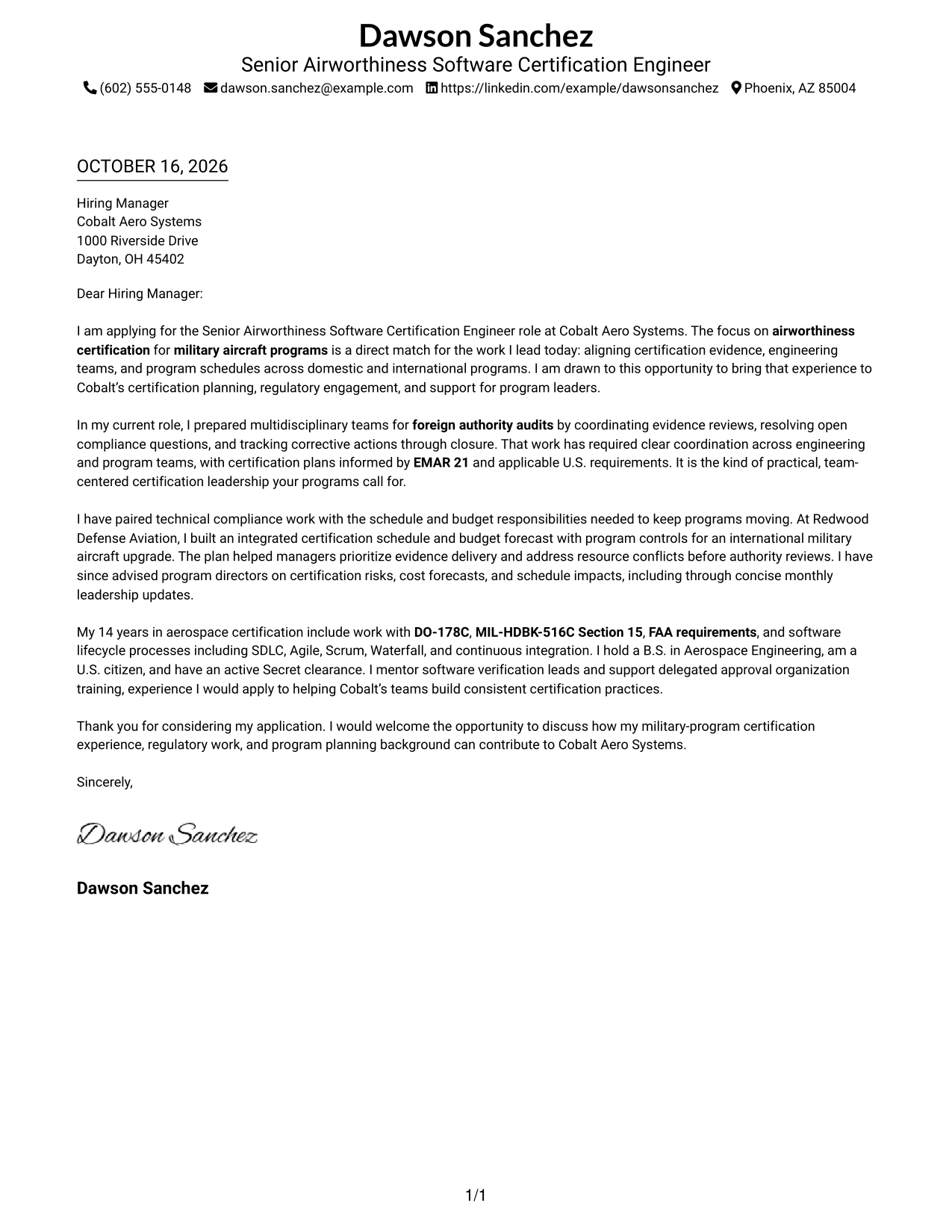
This guide helps you write a focused Senior Airworthiness Software Certification Engineer cover letter and compare seven layouts for presenting your fit clearly.
What Makes a Great Senior Airworthiness Software Certification Engineer Cover Letter in 2026
A strong letter links your certification leadership to the needs of the role. Use the opening to state your interest, the body to show how you guide compliance work, and the closing to invite a conversation.
Support your case with clear examples, such as preparing teams for authority audits or managing certification schedules and budgets. Connect that evidence to the employer’s focus on regulatory work, program delivery, and team guidance.
The featured application follows a focused progression from role motivation to audit preparation, program planning, relevant experience, and a concise close. Adapt that flow to your evidence, then choose a presentation that suits the employer and communication context.
#1 Simple One Column Format Cover Letter Example
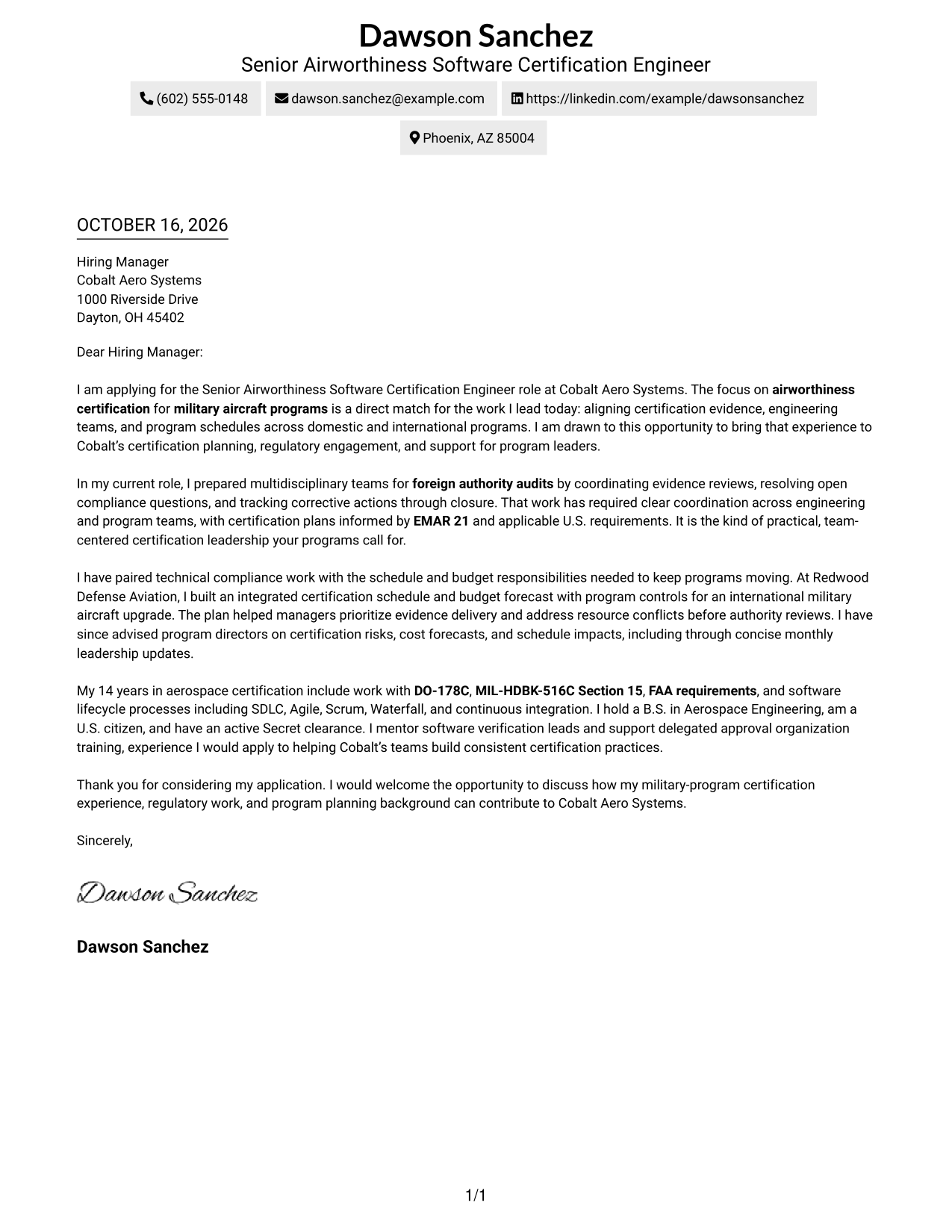
The single-column page keeps sender details in the header and the letter body on one reading path, a practical choice for readers who prefer a direct, uncluttered presentation.
Why This Format Works
- Sender details stay in the header, apart from the letter’s main message.
- One body column lets readers follow the opening, evidence, and closing in order.
- Without a photo, the page keeps attention on the written message.
Best For
- Single-column correspondence
- Header-based sender details
- Photo-free application letters
- One continuous letter message
- Text-focused correspondence
#2 Two Column Format Cover Letter Example
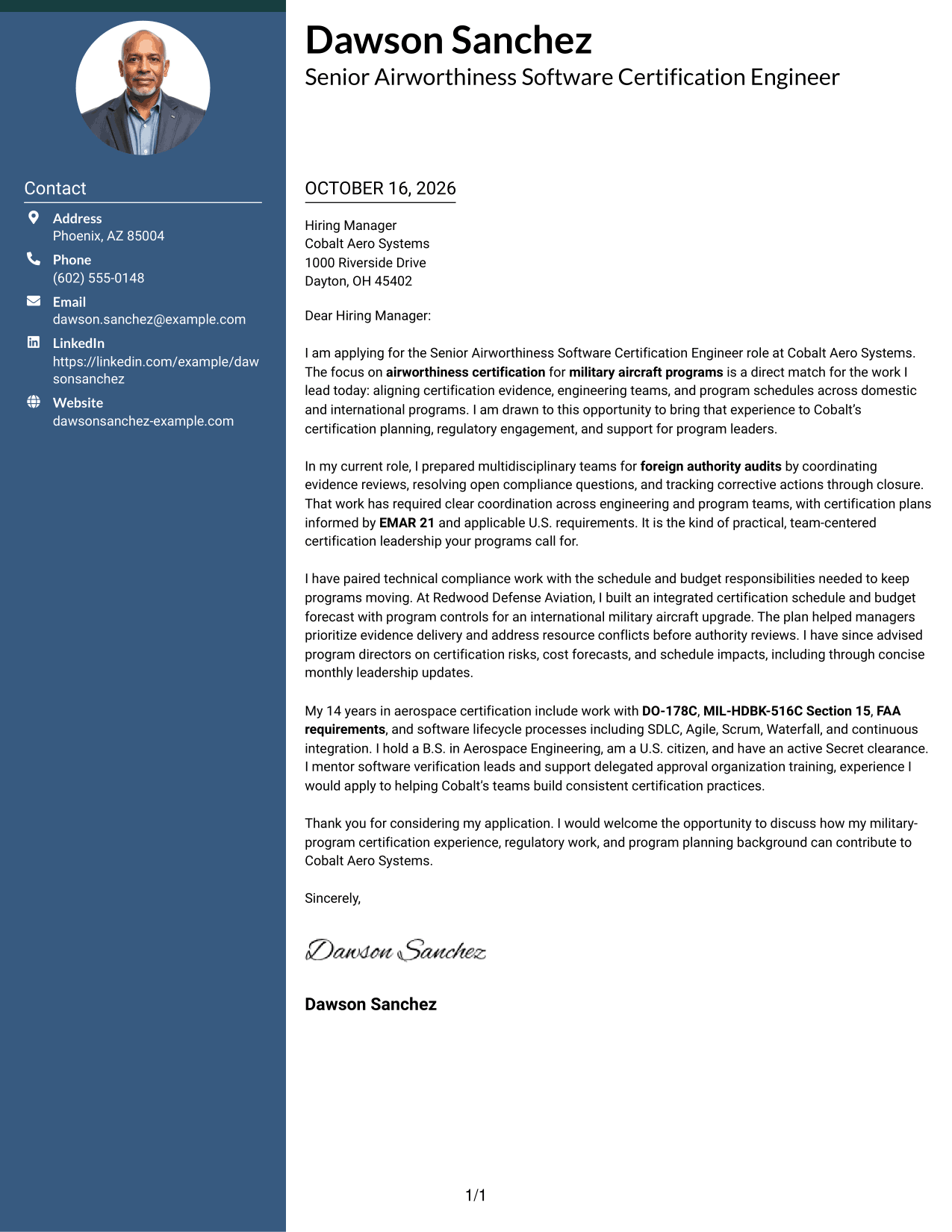
A contact sidebar sits beside one continuous letter body, giving readers a clear way to distinguish contact details from the letter itself.
Why This Format Works
- Sender details remain separate, so they do not interrupt the letter’s paragraphs.
- Opening, evidence, and closing stay together in one body column.
- Without a photo, the page keeps the focus on written communication.
Best For
- Two-column correspondence
- Contact details beside the letter
- One continuous argument
- Photo-free letter design
- Readers who scan contact details first
#3 Photo Header Two Column Format Cover Letter Example
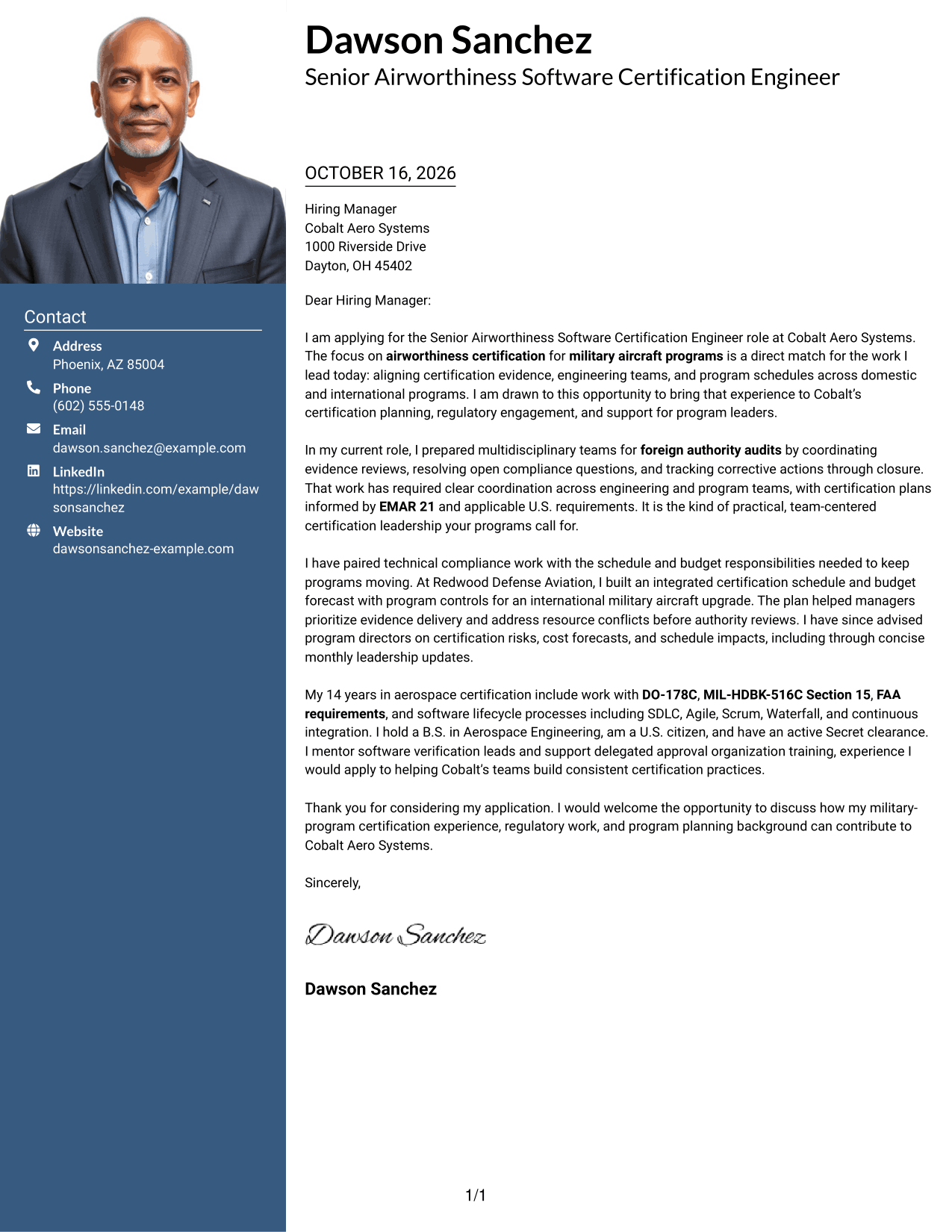
A portrait appears with a two-column layout, while the letter stays in one continuous body, suiting readers who want a photo without dividing the message.
Why This Format Works
- Contact details have a separate sidebar, leaving the letter body uninterrupted.
- One body column lets readers follow motivation, evidence, and closing in sequence.
- Portrait display is a visual choice for applications that welcome a photo.
Best For
- Photo-inclusive correspondence
- Sidebar contact details
- Single-column letter bodies
- Portrait-friendly application contexts
- Readers who prefer two-column layouts
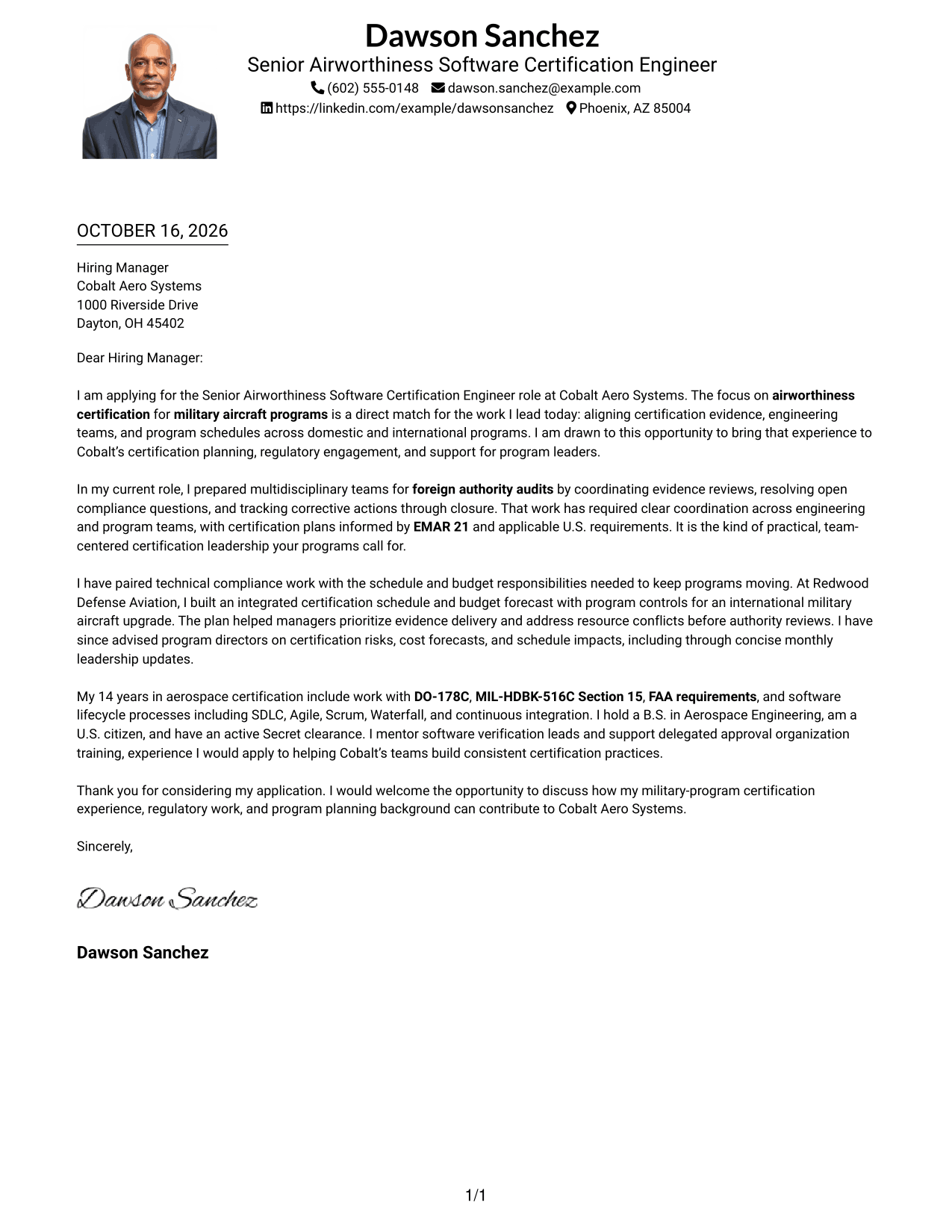
#4 One Column Format with Photo Cover Letter Example
With a photo and a single-column letter body, this layout suits readers who want a portrait while keeping the message on one reading path.
Why This Format Works
- Sender details stay in the header, apart from the continuous letter body.
- One column keeps the opening, evidence, and close on the same reading path.
- The portrait adds a visual element without splitting the written argument.
Best For
- One-column letter preference
- Portrait-inclusive correspondence
- Header-based sender details
- Direct message reading
- Applications that welcome a photo
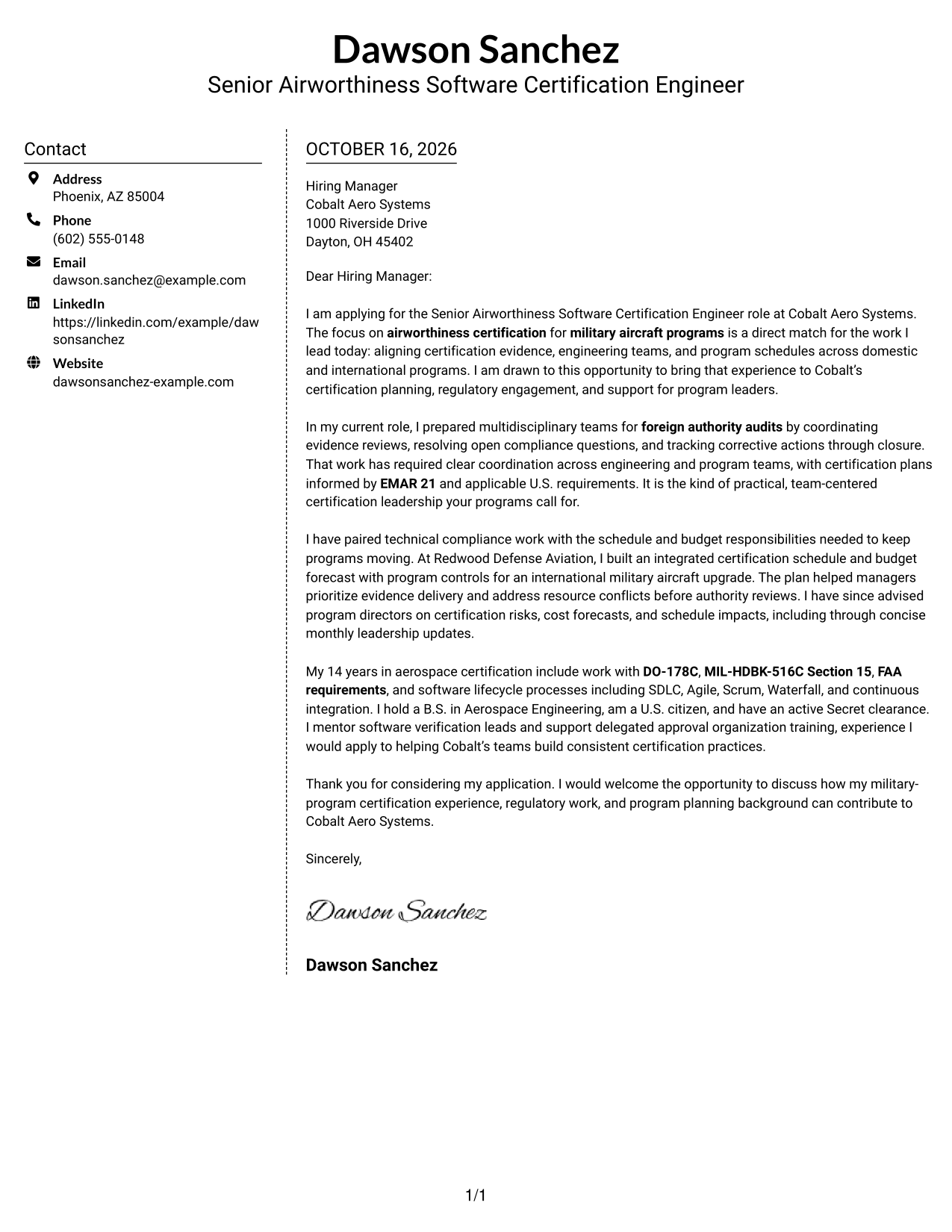
#5 Simple Two Column Format Cover Letter Example
Contact information occupies its own sidebar, leaving the main column for the letter, a useful arrangement for readers who want the details set apart.
Why This Format Works
- Contact information occupies its own sidebar beside the letter body.
- Readers can follow the letter from opening to close in one body column.
- The photo-free presentation suits applications centered on written communication.
Best For
- Sidebar contact presentation
- One-column letter body
- Photo-free correspondence
- Separate sender and message areas
- Readers who prefer two-column layouts
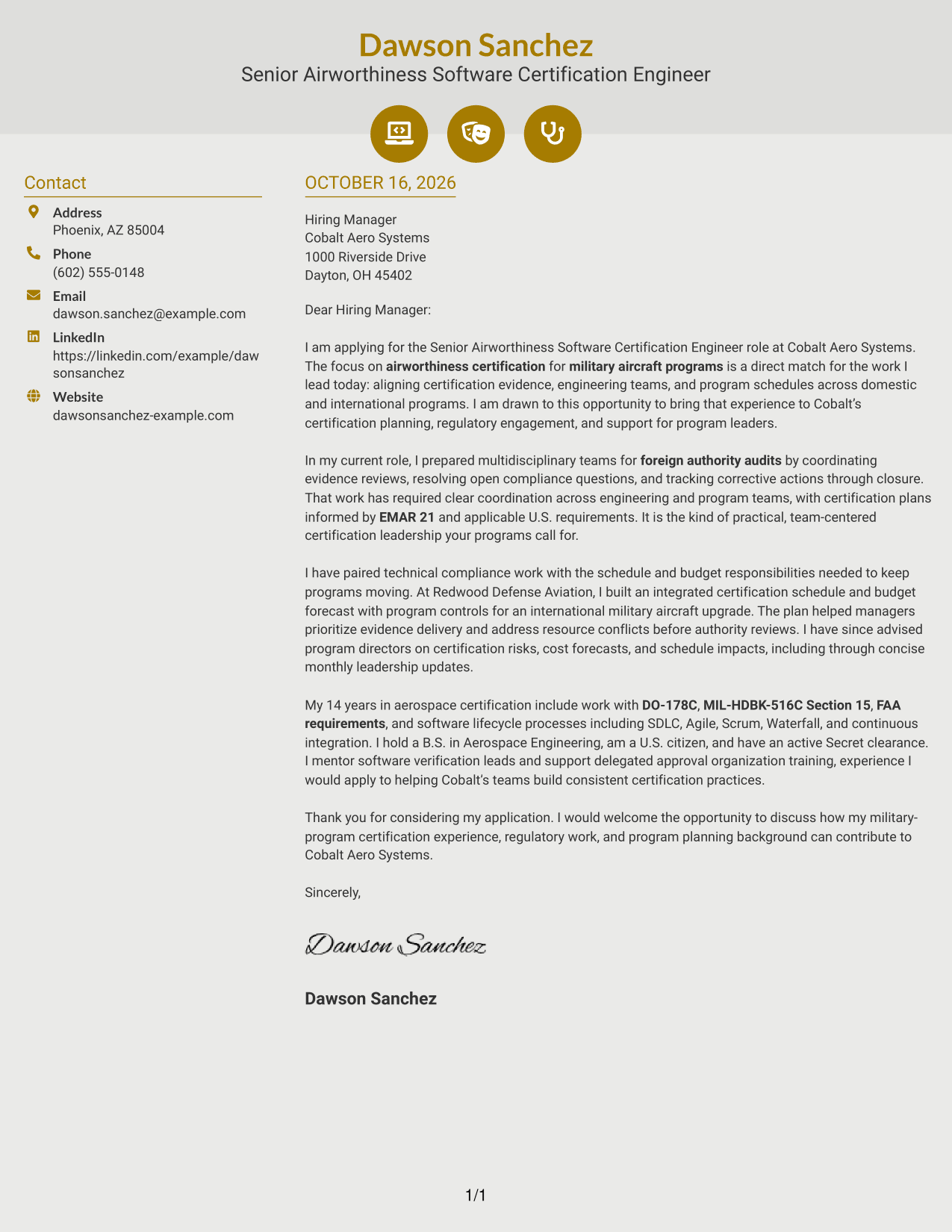
#6 Modern Icon Format Cover Letter Example
Contact icons and header accents provide visual cues beside the single, continuous letter body, a useful option when readers want contact details to stand out.
Why This Format Works
- Contact icons make sender details easier to identify without labeling the letter’s argument.
- The body stays continuous, so motivation and evidence remain in their intended order.
- Header accents add visual cues without turning paragraphs into separate sections.
Best For
- Icon-marked contact details
- Two-column correspondence
- One continuous letter body
- Readers who favor visual contact cues
- Photo-free application materials
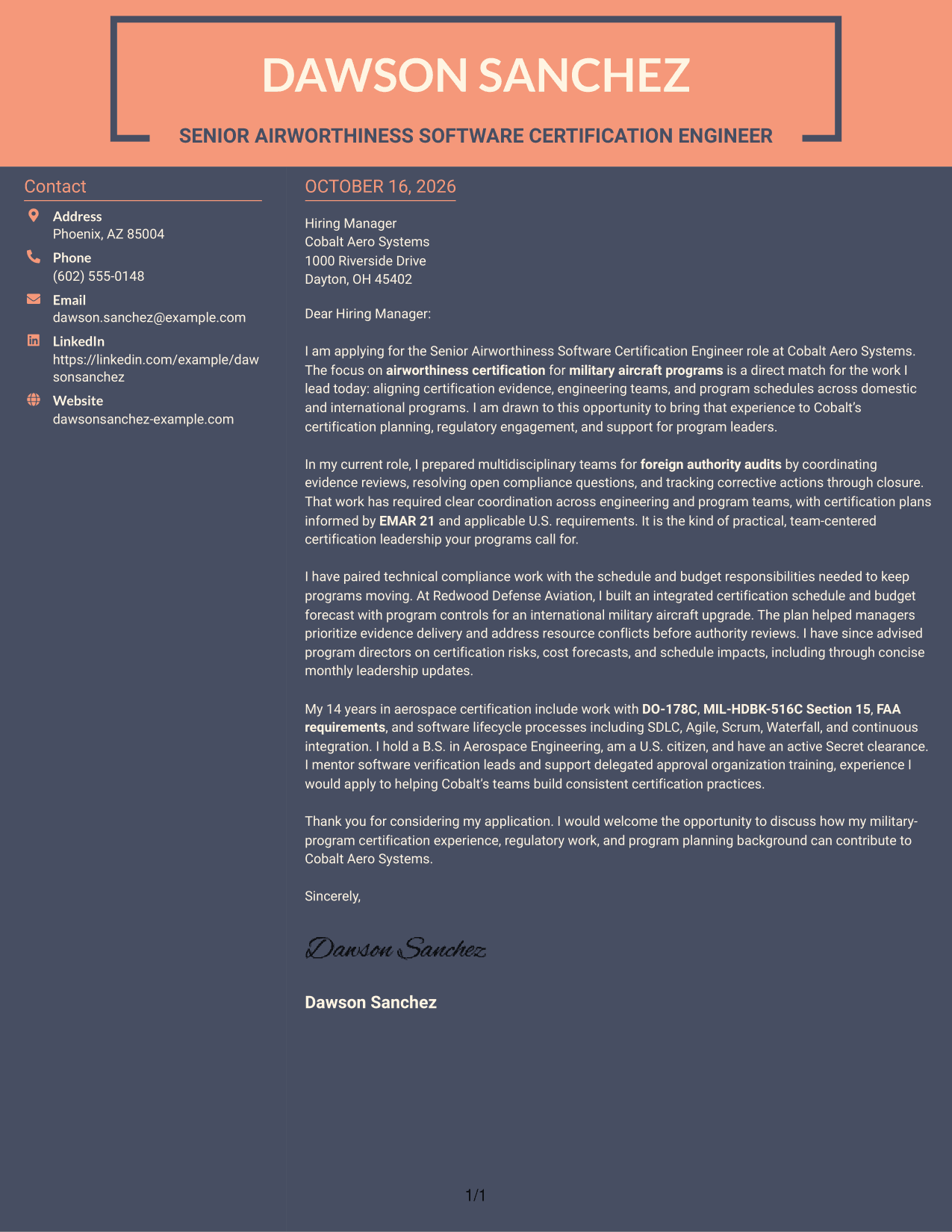
#7 Creative Two Tone Format Cover Letter Example
The contact sidebar sits beside a continuous letter body in this two-column layout, a practical choice when sender information should sit apart from the message.
Why This Format Works
- Opening, supporting points, and closing remain together rather than split across columns.
- Contact details occupy a separate area beside the letter body.
- No portrait keeps this version focused on written correspondence.
Best For
- Two-column letter layouts
- Contact details outside the body
- Continuous written arguments
- Photo-free correspondence
- Readers who prefer separated contact information
Why Use ResumeInMinutes for a Senior Airworthiness Software Certification Engineer Cover Letter
Use the example to study how a clear letter connects certification work, program needs, and specific evidence. You can compare the image previews and open an example in the editor to customize its presentation.
- Role-focused cover letter examples
- Clear, readable layouts
- Image previews for comparison
- Examples you can open in the editor
- Guidance on persuasive letter structure
- Ways to present relevant role fit
Build a direct case for your fit by showing how your certification work supports audit readiness, regulatory engagement, and realistic program plans.
See Also
- 7 Senior Airworthiness Software Certification Engineer Resume Templates with Example
- 33 AI Fullstack Software Engineer-Intern Resume Templates with Example 2026 (ATS-Optimized)
- 33 AI Fullstack Software Engineer Resume Templates with Example 2026 (ATS-Optimized)
- 33 AI Platform & Integrations Software Engineer Resume Templates with Example 2026 (ATS-Optimized)
- 33 AI Software Engineer Intern Resume Templates with Example 2026 (ATS-Optimized)
- 7 Analytics Sr Software Engineer (US Federal) Resume Templates with Example
- 33 Applied AI/ML Software Engineer Resume Templates with Example 2026 (ATS-Optimized)
- 33 Backend Software Engineer Intern Resume Templates with Example 2026 (ATS-Optimized)
- 30+ AI Fullstack Software Engineer Cover Letter Templates with Example 2026
- 30+ AI Fullstack Software Engineer-Intern Cover Letter Templates with Example 2026
Frequently Asked Questions
What should a Senior Airworthiness Software Certification Engineer cover letter include?
Explain your interest in the role, then give relevant evidence of certification planning, regulatory coordination, audit preparation, and communication with program leaders. Close by connecting your strengths to the employer’s needs.
How can I make my cover letter specific to this role?
Address the work named in the position, such as military aircraft certification, EMAR 21, DO-178C, and MIL-HDBK-516C Section 15. Use only standards and experience that you can support with your own examples.
What examples can show certification leadership?
Describe a clear contribution, such as preparing a team for an authority audit, resolving compliance questions, or building a certification schedule and budget forecast. Explain what you coordinated and how it helped the program.
How should I show interest in an aerospace employer?
Connect your motivation to the employer’s stated work, such as military airworthiness programs, regulatory engagement, or support for engineering teams. Keep the reason specific and avoid claims about the organization that you cannot confirm.
Can I customize the featured cover letter example?
Yes. Use the image preview to review the presentation, then open the example in the editor to customize it for your experience and the role.




