
7 Senior Analyst - Inventory Planning Cover Letter Templates with Example
This guide helps you shape a Senior Analyst - Inventory Planning cover letter and compare seven layouts for presenting forecasting and inventory-planning impact.
What Makes a Great Senior Analyst - Inventory Planning Cover Letter in 2026
A strong letter connects your interest in the role to its focus on service parts, accurate forecasts, and balanced inventory decisions. A clear opening, focused body, and direct closing help the reader follow your case.
Use specific evidence, such as forecast validation or facility simulations, to explain your impact. Link that evidence to the employer’s planning goals and show how your communication supports cross-functional decisions.
The featured Senior Analyst - Inventory Planning example follows a focused progression from role interest to evidence and a clear closing; adapt that flow while choosing a presentation that suits the employer and communication context.
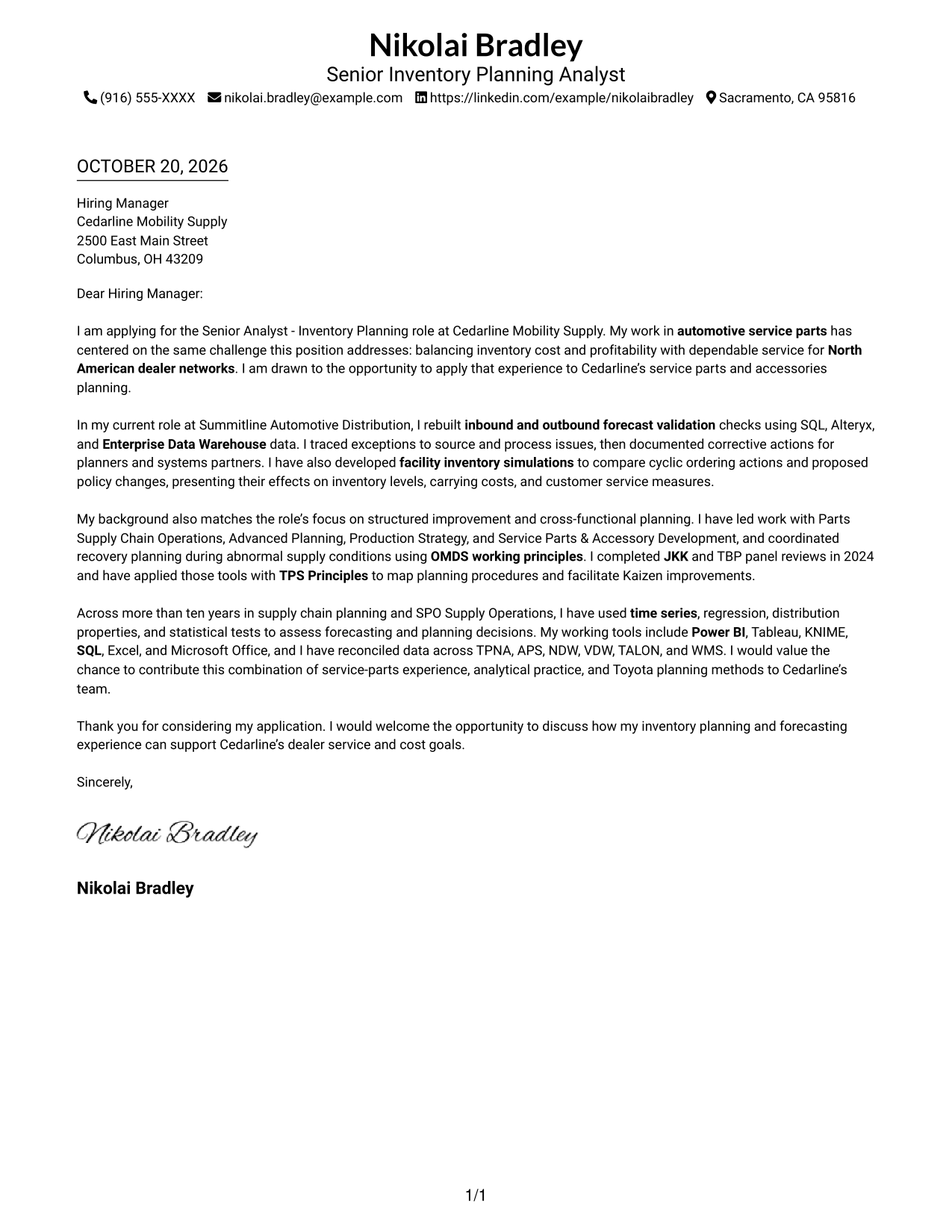
#1 Simple One Column Format Cover Letter Example
A one-column presentation keeps sender details in the header and the continuous letter body in a familiar reading path.
Why This Format Works
- Sender details remain in the header, apart from the persuasive paragraphs.
- Reviewers can follow motivation, supporting evidence, and the closing in one continuous sequence.
- Without a photo, the design keeps attention on the written message.
Best For
- Letters with a direct role-specific opening
- Applications balancing motivation and evidence
- Formal greeting-and-close correspondence
- Inventory planning applications
- Letters with several supporting examples
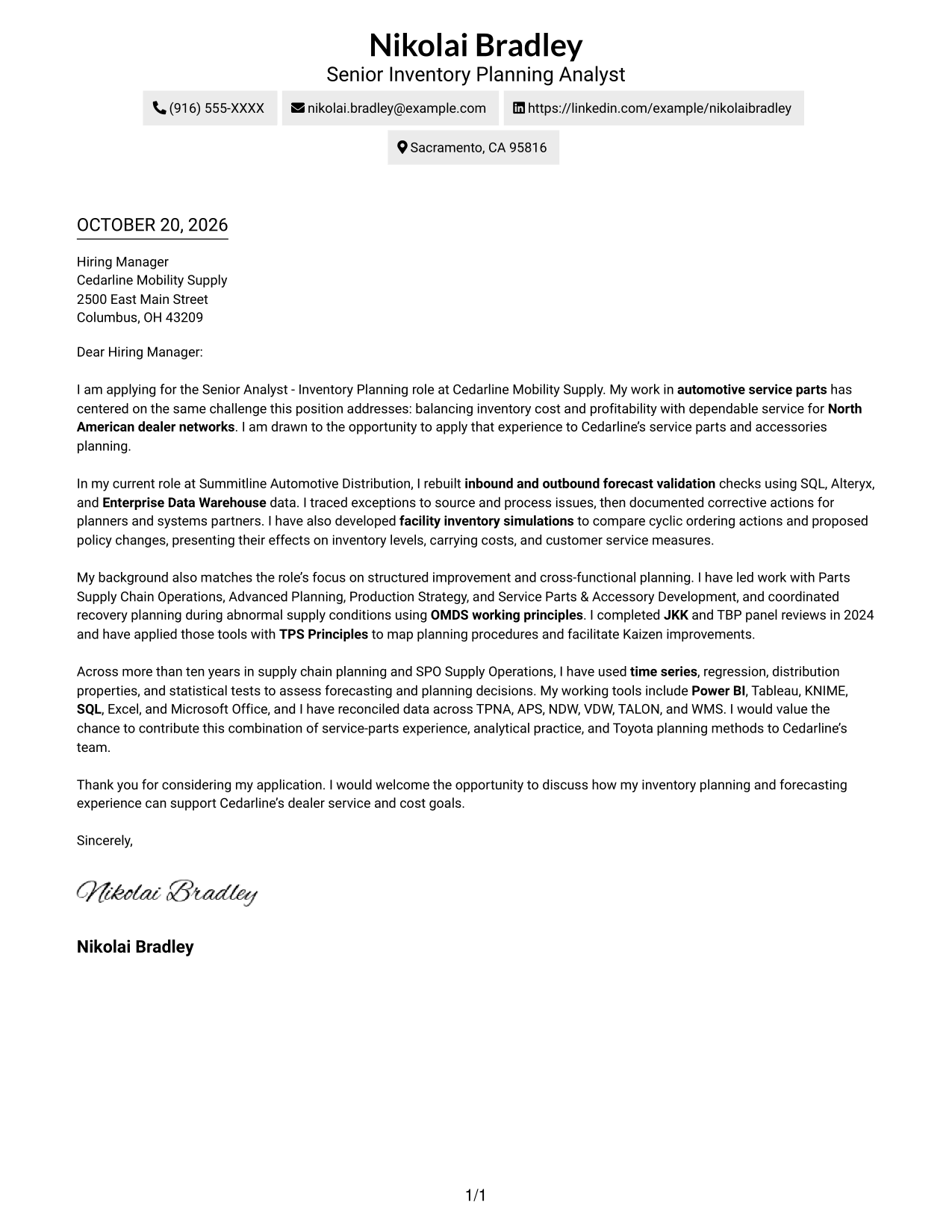
#2 Two Column Format Cover Letter Example
The contact sidebar sits beside one uninterrupted letter body, keeping correspondence details and the employer-directed message in view.
Why This Format Works
- The continuous body carries motivation and evidence without a break between columns.
- Contact details stay available in a dedicated sidebar beside the letter.
- A photo-free presentation suits readers who prefer a text-led letter.
Best For
- Applications with multiple role-fit examples
- Letters with detailed analysis evidence
- Formal business correspondence
- Applications balancing service and cost goals
- Senior inventory planning submissions
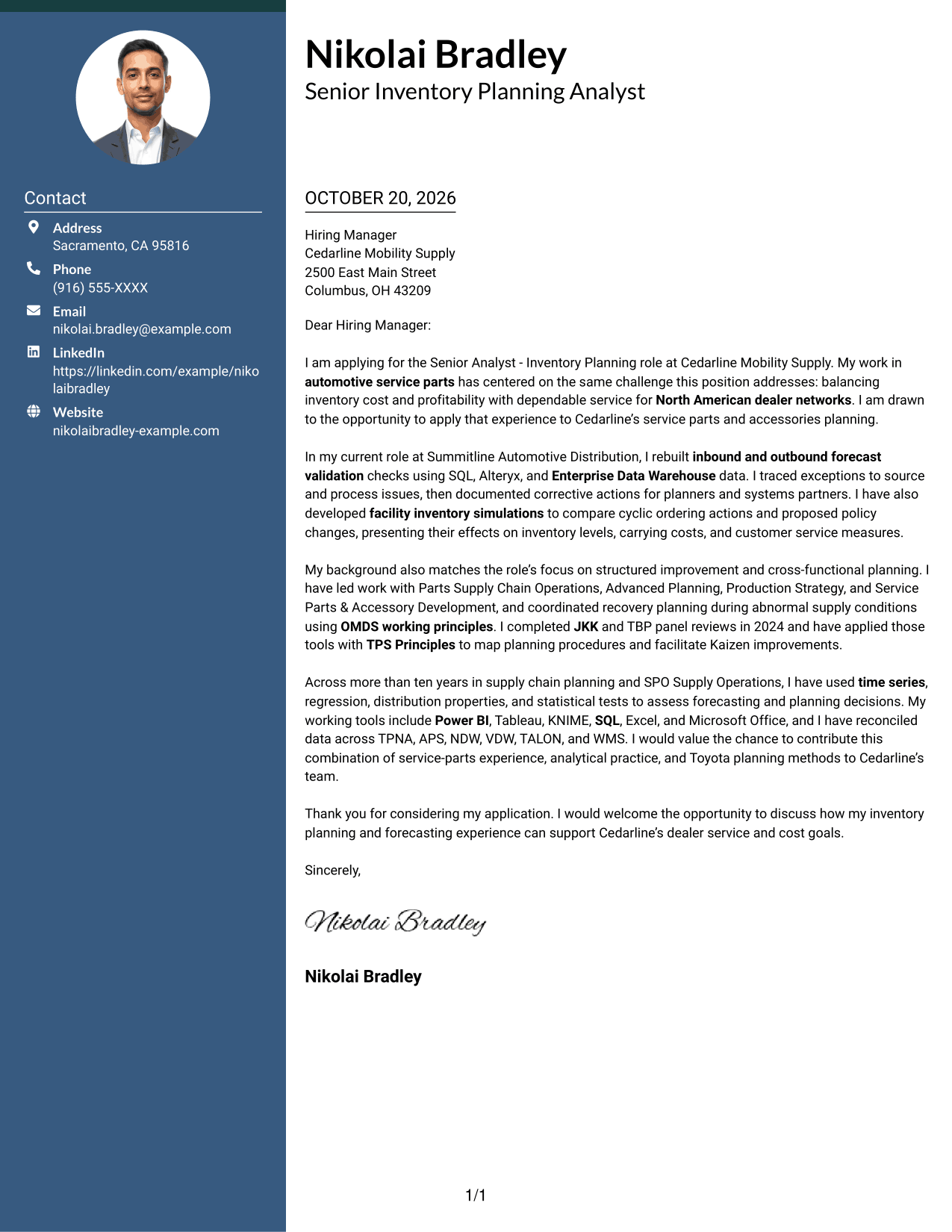
#3 Photo Header Two Column Format Cover Letter Example
A portrait is included in this two-column presentation, while the contact sidebar sits beside one continuous letter body.
Why This Format Works
- The sidebar keeps sender contact information separate from the continuous message.
- The letter's paragraphs carry the case from opening to close in one body.
- Portrait inclusion offers a visible personal identifier for readers who value it.
Best For
- Professional introductions with direct company interest
- Letters connecting experience to role needs
- Evidence-rich application narratives
- Formal business correspondence
- Applications with several planning priorities
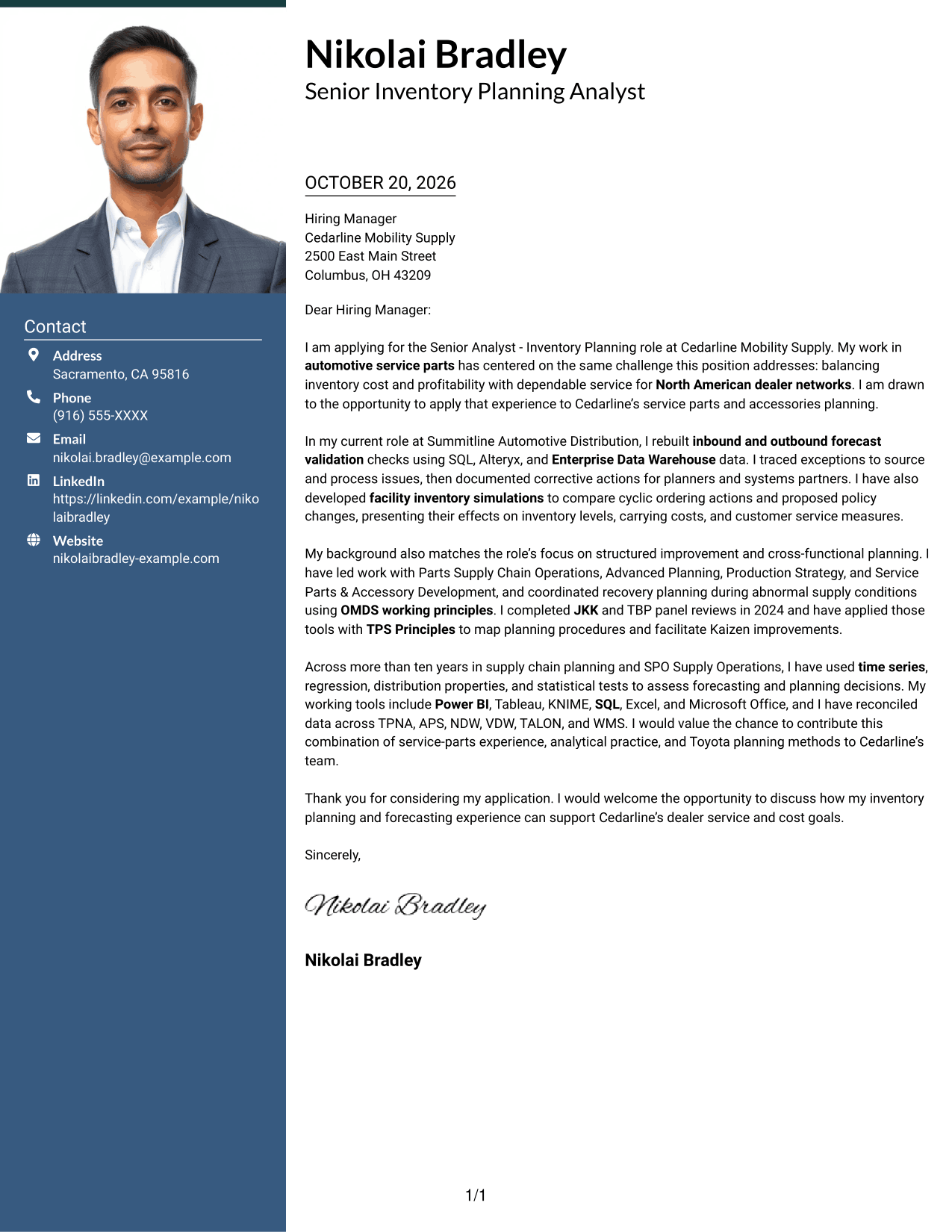
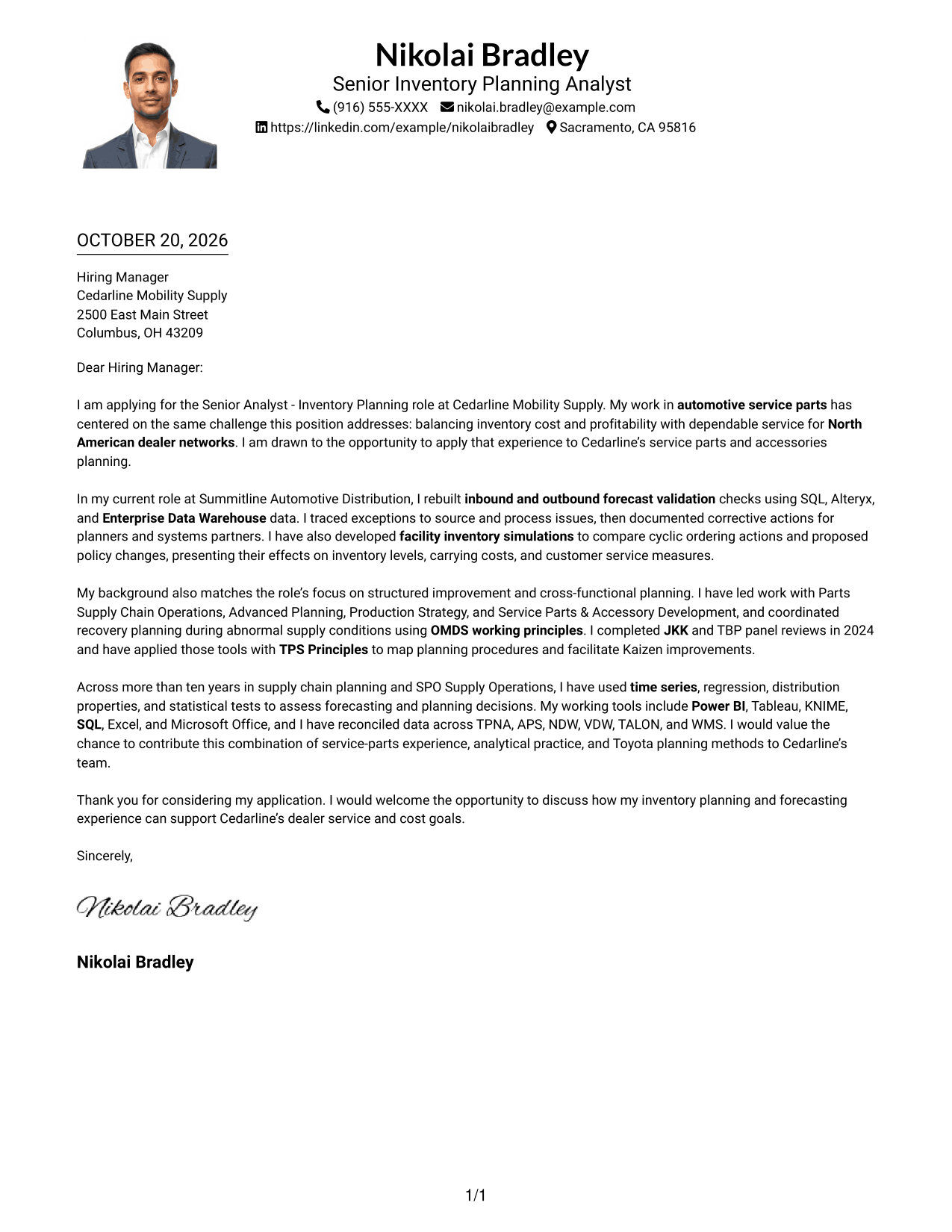
#4 One Column Format with Photo Cover Letter Example
A photo accompanies the one-column page, adding a visual point of identification to the letter.
Why This Format Works
- Reviewers can follow the opening, evidence, and closing in the same column.
- Sender details remain in the header, away from the main letter message.
- The portrait offers a visible personal identifier without dividing the letter body.
Best For
- Role-specific opening paragraphs
- Letters with supporting analytical examples
- Formal employer correspondence
- Applications balancing customer service and cost
- Inventory forecasting submissions
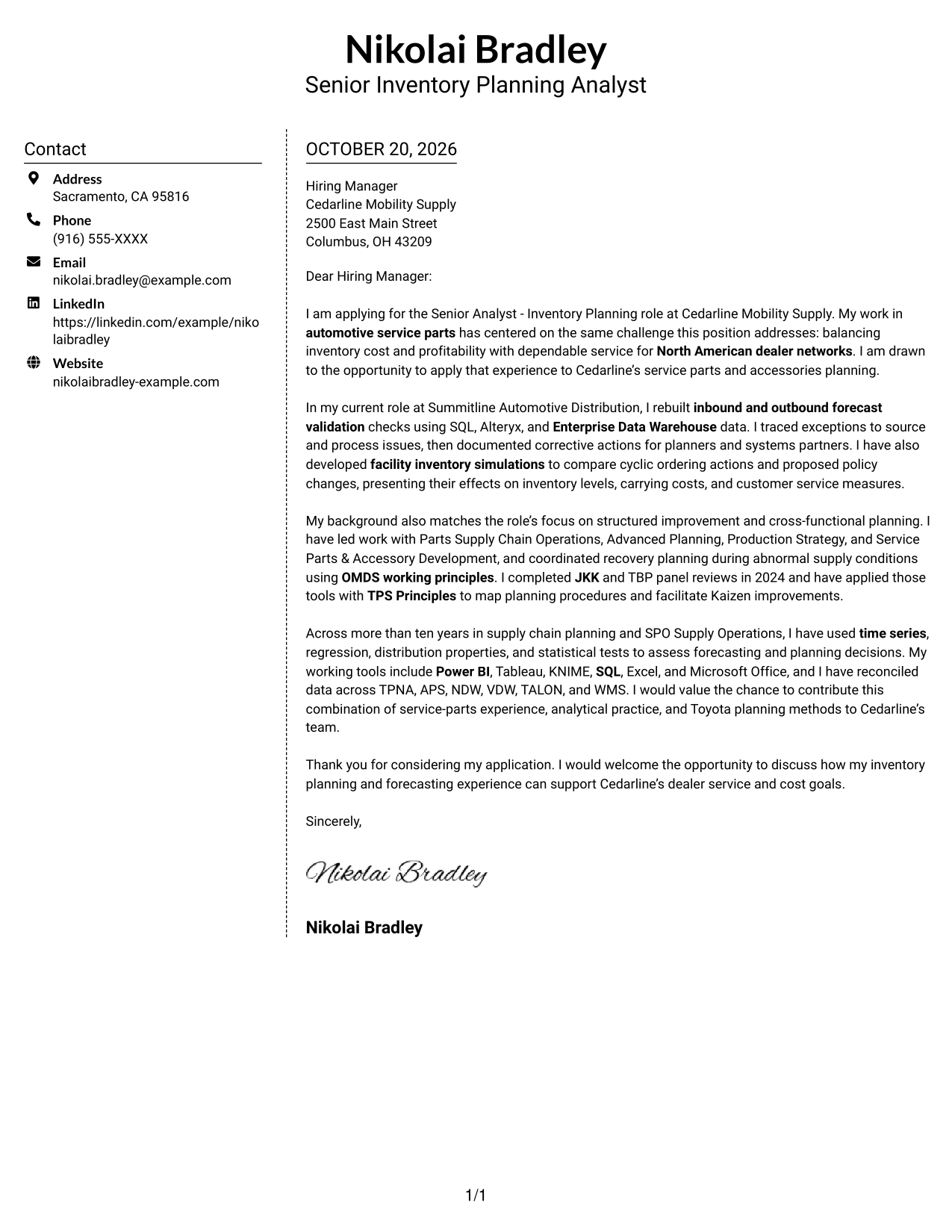
#5 Simple Two Column Format Cover Letter Example
A contact sidebar beside the continuous letter body gives this two-column layout a straightforward way to present correspondence details.
Why This Format Works
- Sender details occupy a sidebar while the persuasive paragraphs remain together.
- Reviewers can move through motivation and evidence without switching between body columns.
- Leaving out a photo suits text-first application materials.
Best For
- Letters presenting several role requirements
- Applications with detailed support paragraphs
- Formal correspondence to a hiring manager
- Inventory planning submissions
- Applications linking service and cost priorities
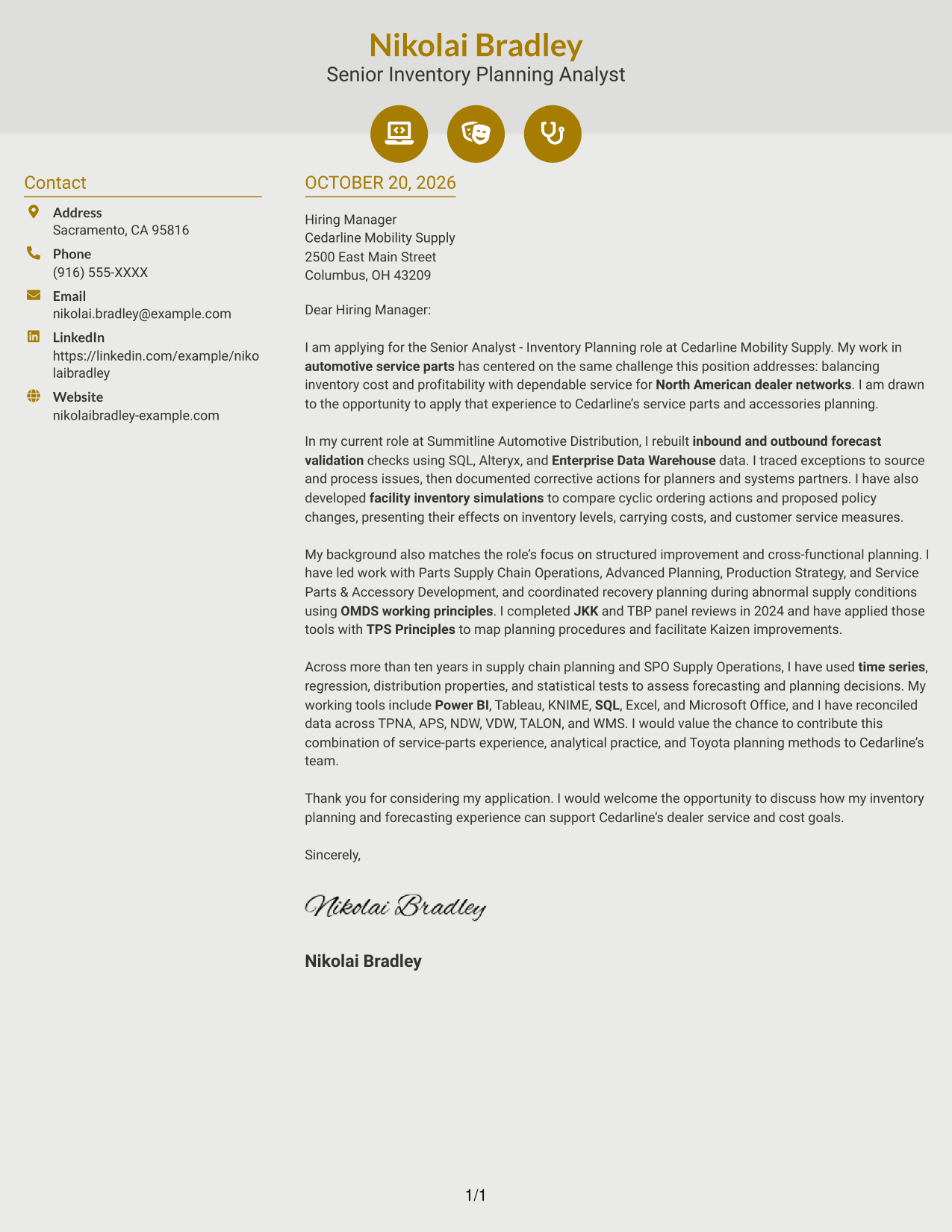
#6 Modern Icon Format Cover Letter Example
Contact cues and decorative header accents accompany the contact sidebar and continuous letter body in this two-column format.
Why This Format Works
- Contact icons help readers identify sender details at a glance.
- Motivation and evidence stay in one body, not separate argument columns.
- Decorative header accents add visual cues without labeling letter stages.
Best For
- Formal employer introductions
- Letters with multiple supporting examples
- Applications tailored to company priorities
- Analytical planning submissions
- Correspondence with a concise closing request
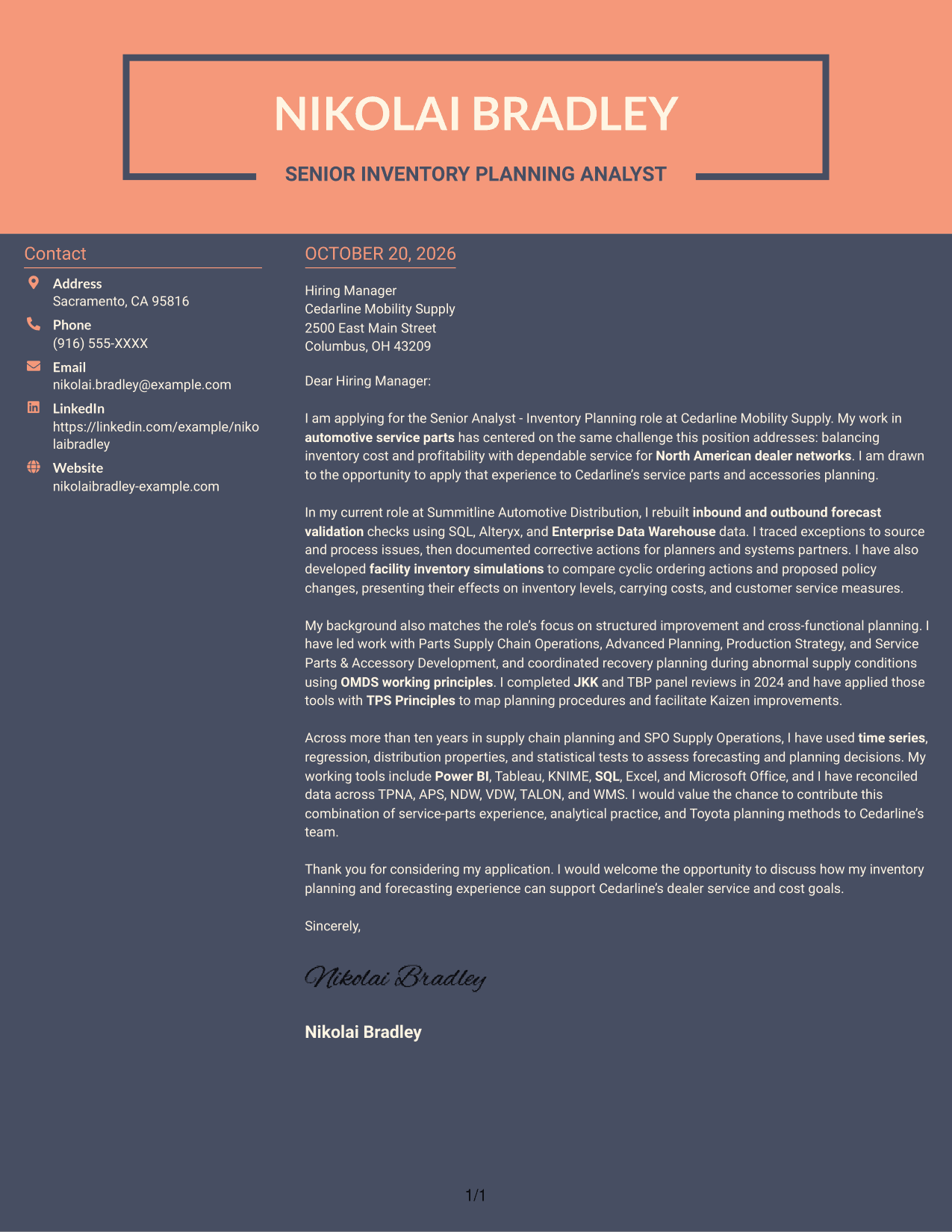
#7 Creative Two Tone Format Cover Letter Example
The contact sidebar sits beside one continuous letter body, placing sender details and the employer-directed message in a two-column arrangement.
Why This Format Works
- Contact information has a dedicated sidebar beside the uninterrupted letter body.
- Opening, supporting evidence, and closing remain in one connected message.
- The photo-free arrangement suits applications centered on written communication.
Best For
- Evidence-led application letters
- Several-paragraph professional correspondence
- Formal hiring manager outreach
- Applications connecting service and cost goals
- Inventory planning applications
Why Use ResumeInMinutes for a Senior Analyst - Inventory Planning Cover Letter
ResumeInMinutes offers cover letter examples that can help you organize role-specific motivation, evidence, and employer alignment without starting from a blank page.
- Cover letter layout choices
- Clear, readable presentation
- Role-focused writing guidance
- Structured cover letter examples
- Professional templates
- Editor access for customization
Review the image previews to compare presentation, then open an example in the editor to explore its layout for a Senior Analyst - Inventory Planning application.
See Also
- 7 Senior Analyst - Inventory Planning Resume Templates with Example
- 7 Business Intelligence Analyst - Sales, Purchasing, and Inventory Resume Templates with Example
- 33 Inventory Analyst Resume Templates with Example 2026 (ATS-Optimized)
- 7 Mid-Level Manufacturing Operations Analyst - Inventory and Tool Control Resume Templates with Example
- 7 Analyst, Demand Planning Salty Resume Templates with Example
- 33 Analyst, Revenue Finance (FP&A) - Advertising Revenue Planning Resume Templates with Example 2026 (ATS-Optimized)
- 33 Analyst, Revenue Finance (FP&A) - Revenue Planning Resume Templates with Example 2026 (ATS-Optimized)
- 33 Holistic Financial Planning Analyst Intern Resume Templates with Example 2026 (ATS-Optimized)
- 7 Business Intelligence Analyst - Sales, Purchasing, and Inventory Cover Letter Templates with Example
- 7 Mid-Level Manufacturing Operations Analyst - Inventory and Tool Control Cover Letter Templates with Example
Frequently Asked Questions
What should the opening paragraph say for a Senior Analyst - Inventory Planning cover letter?
State the role you are applying for and explain your interest in its inventory planning work. Make the connection to service parts, forecasting, or dealer service clear without trying to cover every qualification at once.
What evidence can strengthen this cover letter?
Use a specific example that shows your role and the result. The featured letter describes rebuilding forecast validation checks, investigating exceptions, and presenting the effects of facility inventory simulations.
How can I show alignment with the employer’s planning needs?
Connect your evidence to the role’s goals, such as balancing inventory cost with customer service, improving forecast processes, or coordinating across planning groups. Mention methods such as JKK, TBP, or OMDS only when they match your own experience.
Which cover letter layout should I choose?
Choose a clear presentation that fits the employer and the communication context. Keep the opening, evidence, role alignment, and closing easy to find, and use the image previews to compare available styles.
How should I discuss analytical tools and methods?
Name only the tools and methods you have used, then explain how they supported a planning decision. For this role, relevant examples may include SQL, Alteryx, Power BI, time series analysis, or inventory simulation when they reflect your background.




