
7 Senior Business Analyst - Application Support Governance Cover Letter Templates with Example
This practical guide helps you shape a Senior Business Analyst - Application Support Governance cover letter and compare seven layouts for presenting your case clearly.
What Makes a Great Senior Business Analyst - Application Support Governance Cover Letter in 2026
A strong cover letter links your interest in application support governance to clear evidence of standards, ownership, and adoption. It should also show why this work matters to the employer.
Use a specific example, such as establishing a governance framework across operational teams or measuring adoption with reporting and feedback. Explain how that work connects to the employer's needs.
The featured example moves from role-specific interest to measurable governance work, related experience, and a clear closing. Adapt that focused progression, then choose a presentation that fits the employer and the communication context.
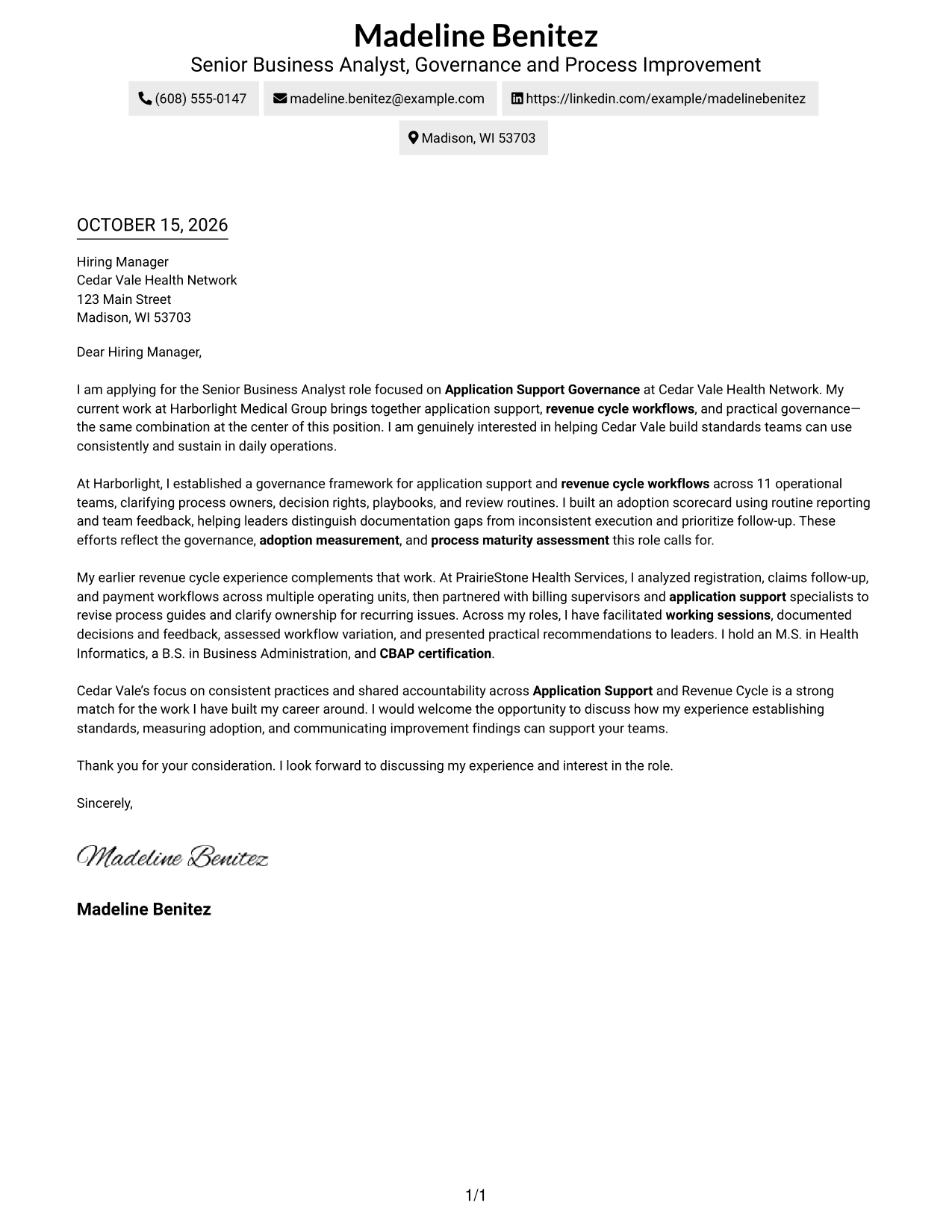
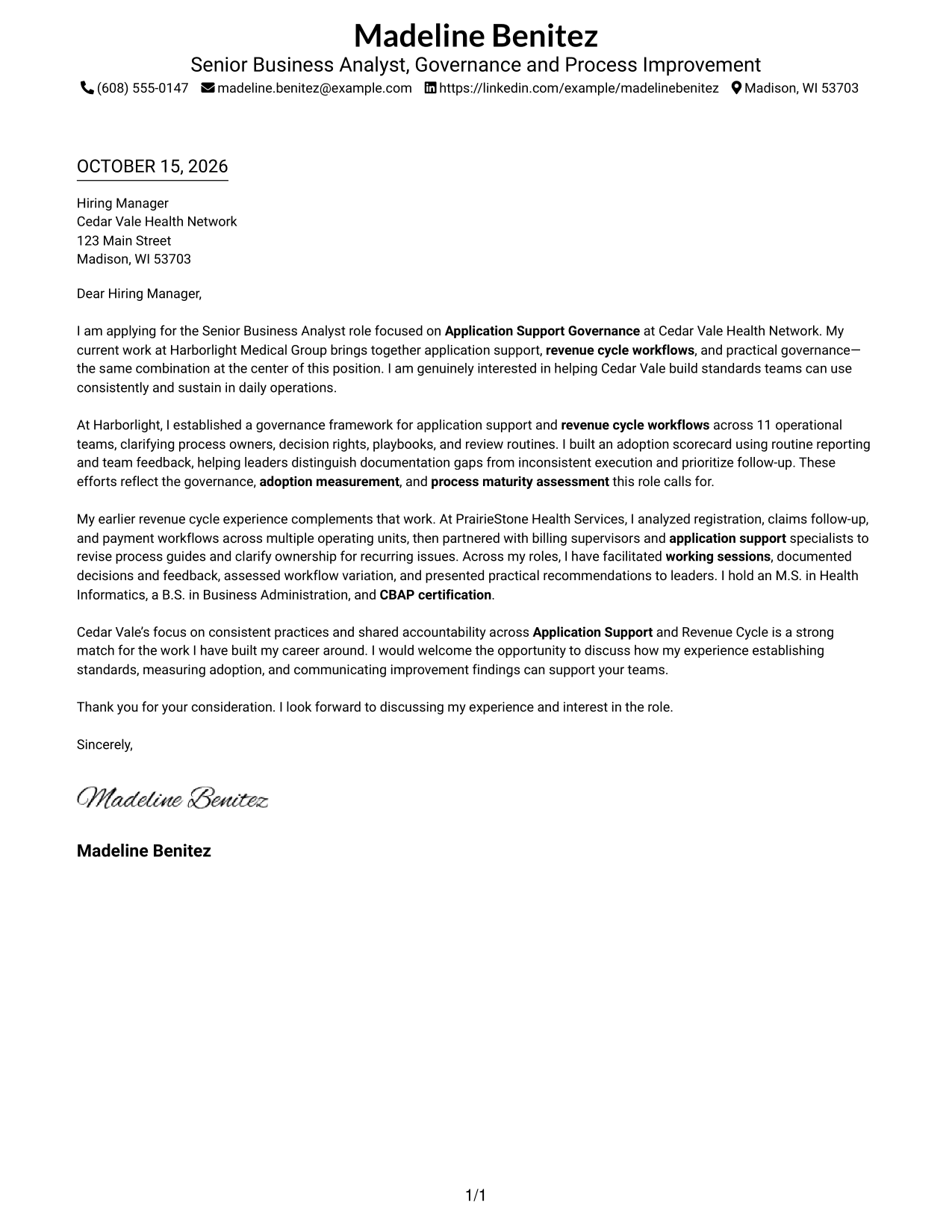
#1 Simple One Column Format Cover Letter Example
With sender details in the header and one continuous body column, this format follows a familiar letter order.
Why This Format Works
- Sender details remain distinct from the greeting and closing.
- Unheaded paragraphs let the opening, evidence, and close read as one letter.
- One column gives the reviewer a direct route through the correspondence.
Best For
- One-column correspondence
- Header-based sender details
- Continuous paragraph arguments
- Text-only page preference
- Familiar business-letter order
#2 Two Column Format Cover Letter Example
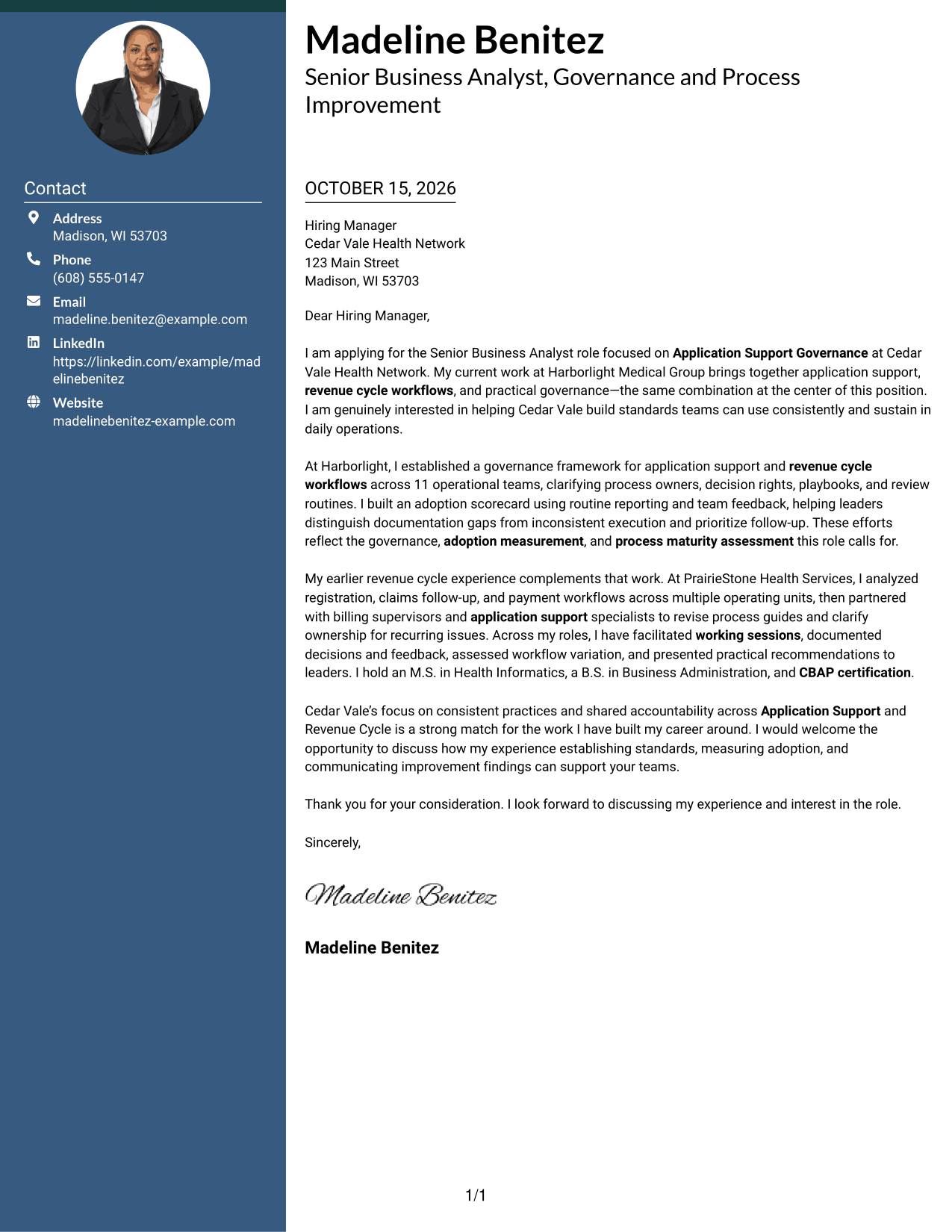
A contact sidebar sits beside one continuous letter body, giving sender information a separate place on the page.
Why This Format Works
- The sidebar makes contact information easy to find apart from the letter.
- A single body column keeps the paragraphs in their intended order.
- The greeting, supporting points, and closing remain part of one letter.
Best For
- Contact details in a sidebar
- Single-column letter body
- Paragraph-based business correspondence
- Two-column page preference
- No-photo application materials
#3 Photo Header Two Column Format Cover Letter Example
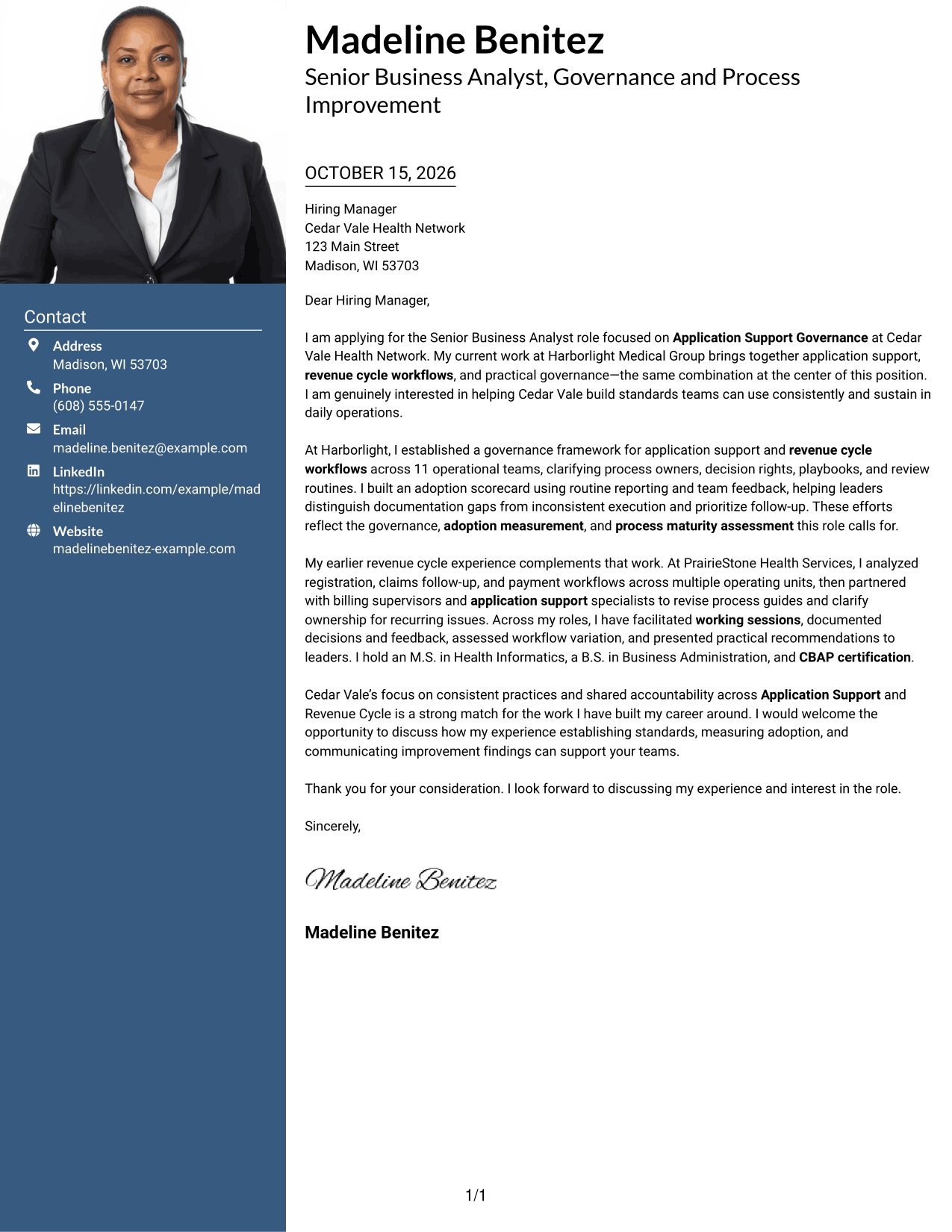
A photo accompanies the contact-sidebar layout, while the letter remains in one continuous body column.
Why This Format Works
- The sidebar keeps sender information apart from the letter paragraphs.
- The single body column preserves the letter's natural reading order.
- The photo adds a visible personal element without changing the written message.
Best For
- Photo-inclusive correspondence
- Contact sidebar layouts
- Single-column letter bodies
- Continuous paragraph letters
- Letters without body headings
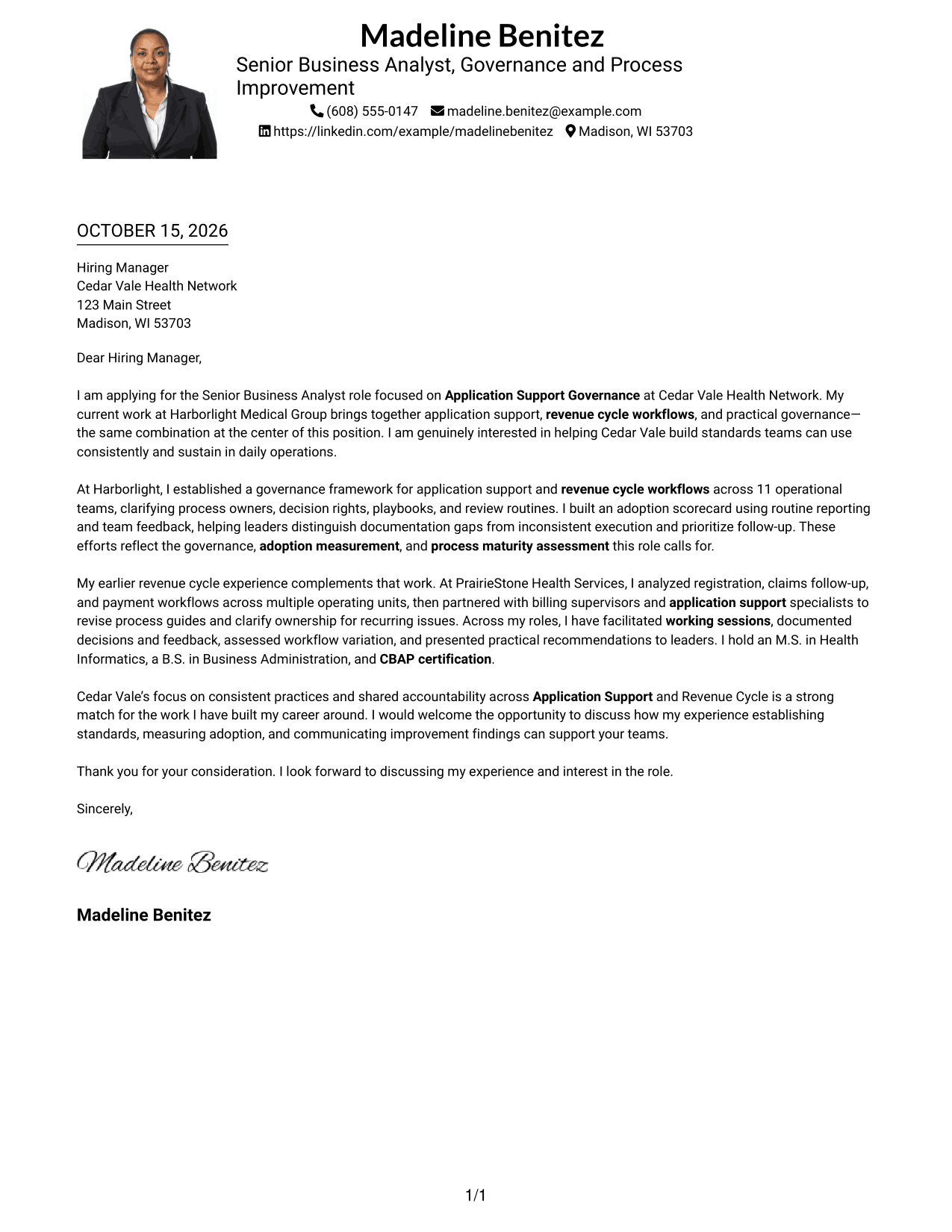
#4 One Column Format with Photo Cover Letter Example
The one-column page includes a photo while keeping the letter body together in a direct reading path.
Why This Format Works
- The single-column page keeps the correspondence on one reading route.
- Unheaded paragraphs preserve a natural progression from greeting to closing.
- The photo offers a visual point of identification beside the written case.
Best For
- Photo-inclusive letter pages
- One-column correspondence
- Header-based contact details
- Continuous paragraph letters
- No-sidebar page preference
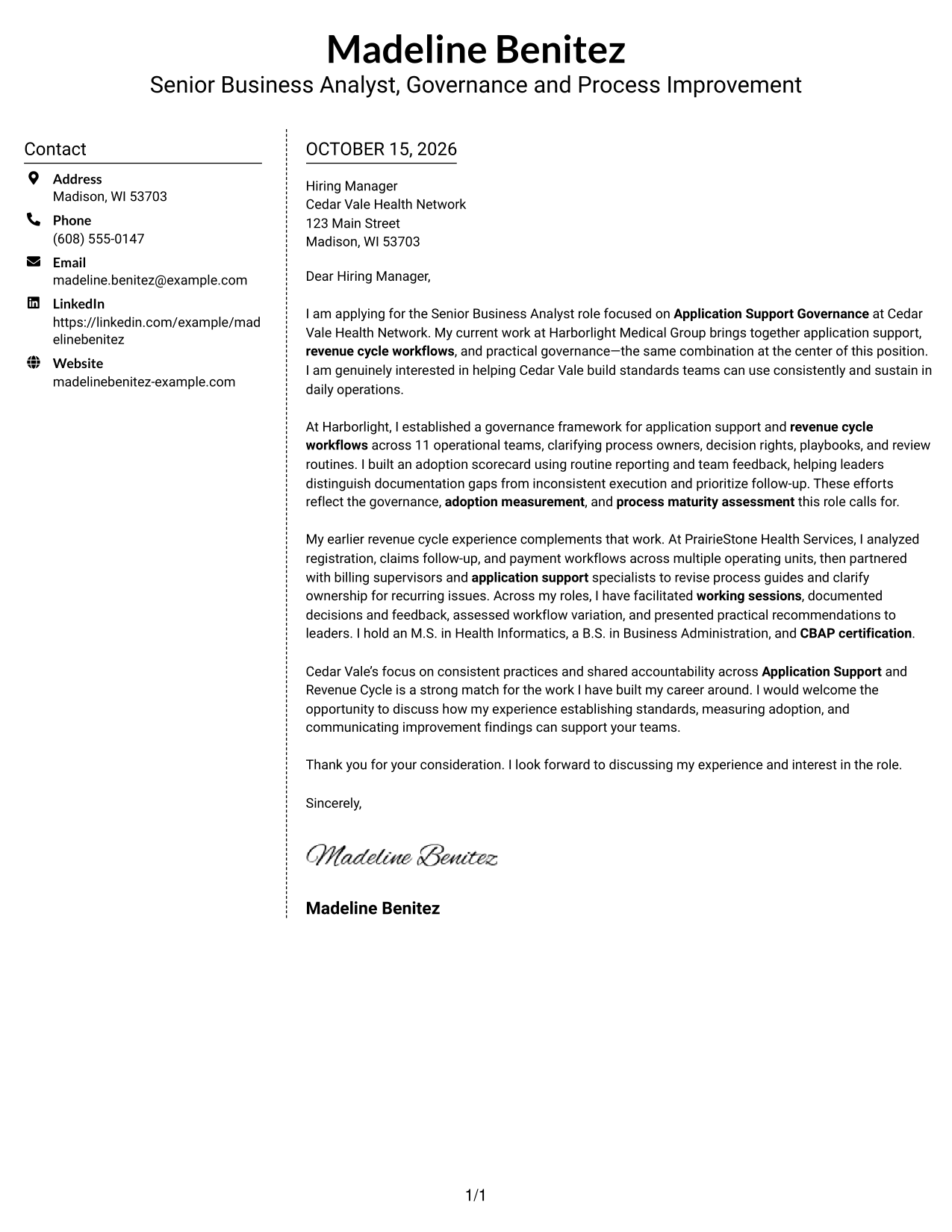
#5 Simple Two Column Format Cover Letter Example
The contact sidebar and continuous letter body form two clear areas, keeping sender details separate from the message.
Why This Format Works
- The contact area stays separate while the letter remains a single body.
- A continuous paragraph sequence carries the message from greeting to closing.
- The two-column layout places sender details beside, not within, the letter.
Best For
- Separate sender information
- Continuous letter paragraphs
- Side-by-side page organization
- No-photo correspondence
- Letters with a clear greeting and close
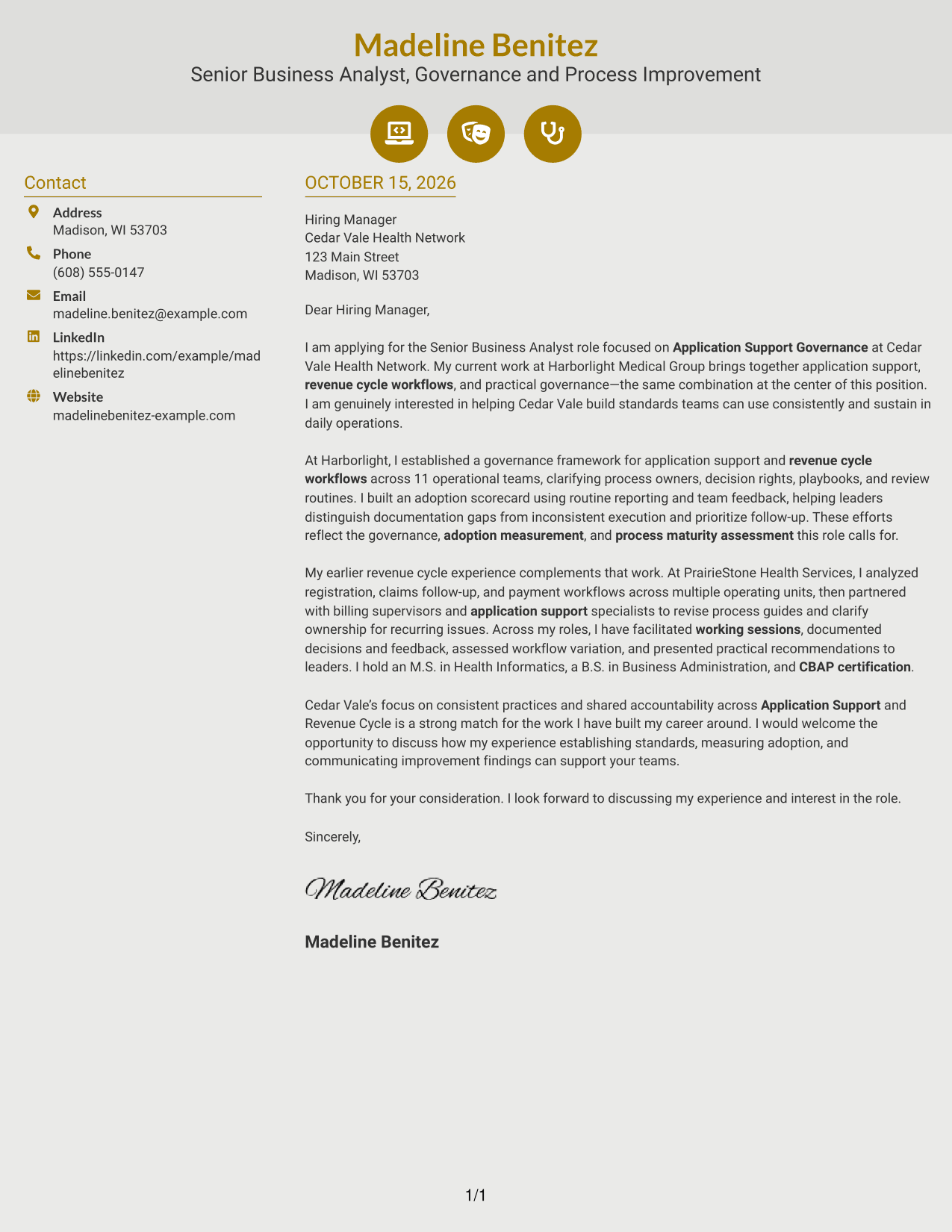
#6 Modern Icon Format Cover Letter Example
Contact icons cue sender information in the sidebar, while the letter itself stays in one continuous body column.
Why This Format Works
- Contact icons help distinguish sender details from the letter's message.
- The sidebar keeps contact information apart from the continuous paragraphs.
- The body retains its greeting-to-closing order without section labels.
Best For
- Icon-cued contact details
- One-column letter body
- Uninterrupted paragraph correspondence
- Two-column page organization
- No-photo application materials
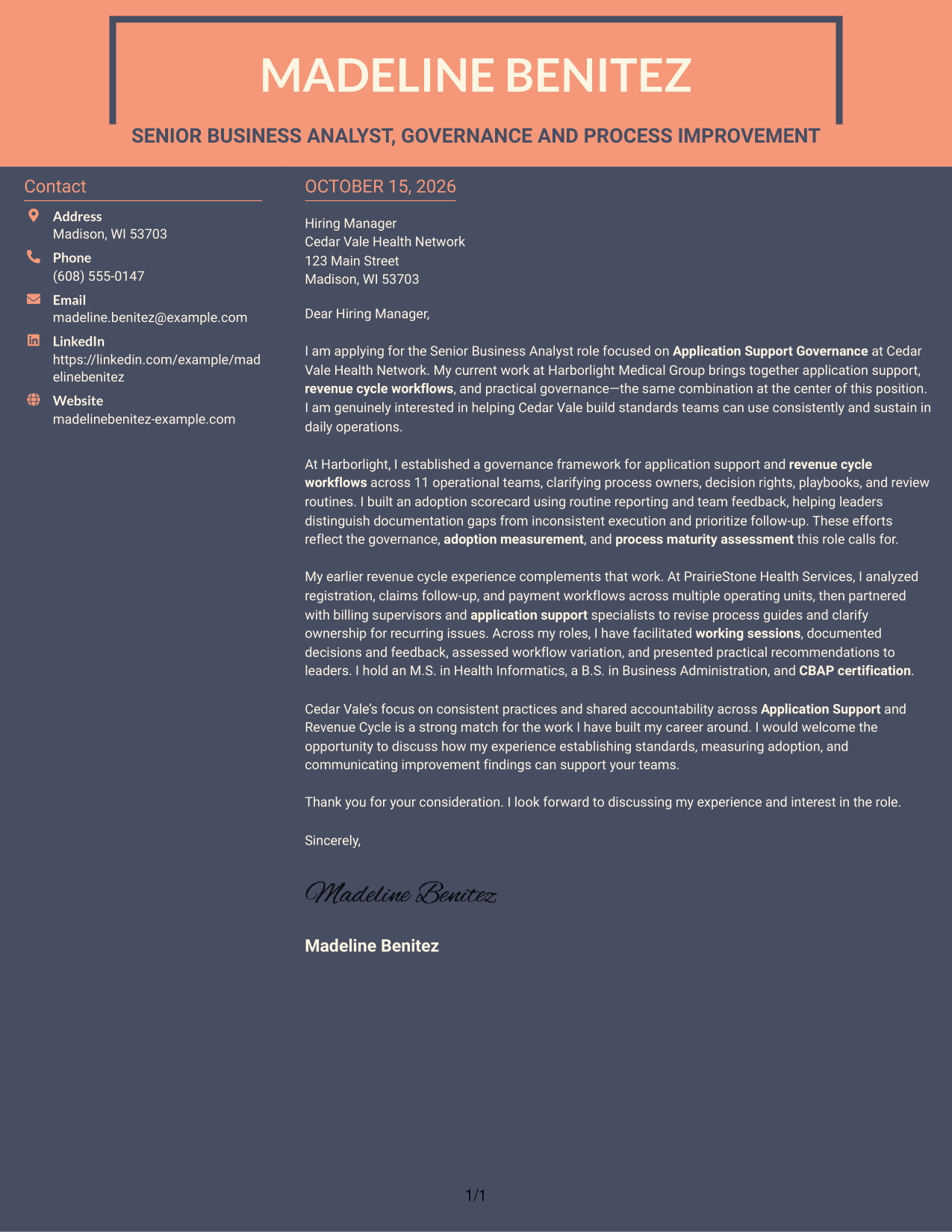
#7 Creative Two Tone Format Cover Letter Example
A contact sidebar gives sender details a separate place beside the continuous letter body.
Why This Format Works
- The separate contact area keeps sender information outside the letter paragraphs.
- One body column lets the argument read in its original sequence.
- The letter has no internal headings to interrupt its paragraph flow.
Best For
- Sidebar contact presentation
- Single-column letter reading
- Unheaded letter paragraphs
- Two-column page preference
- No-photo business correspondence
See Also
- 7 Senior Business Analyst - Application Support Governance Resume Templates with Example
- 33 Business Analyst, Intern Resume Templates with Example 2026 (ATS-Optimized)
- 33 Business Analyst - Lending & PM Tools Resume Templates with Example 2026 (ATS-Optimized)
- 33 Business Data Analyst I Resume Templates with Example 2026 (ATS-Optimized)
- 33 Business Intelligence and Data Analyst Resume Templates with Example 2026 (ATS-Optimized)
- 33 Business Intelligence (BI) Developer / Business Systems Analyst Resume Templates with Example 2026 (ATS-Optimized)
- 33 Business Intelligence Data Analyst Resume Templates with Example 2026 (ATS-Optimized)
- 7 Business Systems Analyst - Curriculum Systems Specialist Resume Templates with Example
- 30+ Business Analyst, Intern Cover Letter Templates with Example 2026
- 30+ Business Data Analyst I Cover Letter Templates with Example 2026
Frequently Asked Questions
What should a Senior Business Analyst - Application Support Governance cover letter emphasize?
Connect your interest in the role to evidence of setting standards, clarifying ownership, measuring adoption, and improving process maturity. Keep the focus on how your work supports consistent practices across Application Support and Revenue Cycle.
How can I make my opening paragraph specific to this role?
Name the role and briefly explain why its focus on application support and revenue cycle governance interests you. Then connect that interest to relevant work you can discuss in the body of the letter.
What evidence can I include in the body of the letter?
Choose a clear example that shows your contribution and its purpose. For example, describe establishing process owners, decision rights, playbooks, and review routines, or using reporting and team feedback to identify follow-up needs.
How should I show alignment with the employer?
Refer to the employer's stated focus on consistent practices and shared accountability across Application Support and Revenue Cycle. Explain how your experience with governance and adoption measurement could support those priorities.
Which cover letter layout should I choose?
Choose a clear, readable layout that supports the tone of your application and makes the letter easy to follow. You can compare the image previews, then open an example in the editor to review its presentation.




