
7 Senior Category Supplier Manager - Advanced Packaging Materials (HBM) Cover Letter Templates with Example
This practical guide helps you create a Senior Category Supplier Manager - Advanced Packaging Materials (HBM) cover letter, with seven layouts to compare.
What Makes a Great Senior Category Supplier Manager - Advanced Packaging Materials (HBM) Cover Letter in 2026
A strong letter connects your HBM and wafer-level packaging work to the role’s needs in category strategy, supplier performance, and supply continuity. Show clear interest in this specific work from the opening paragraph.
Use concise evidence, such as capacity planning, executive negotiations, or alternate-source qualification with engineering and operations. Link that evidence to the employer’s priorities for cost, technology readiness, and dependable supply.
The featured example moves from role-specific interest to current sourcing evidence, broader supplier work, and a clear closing. Adapt this focused progression while choosing a presentation that fits the employer and communication context.
#1 Simple One Column Format Cover Letter Example
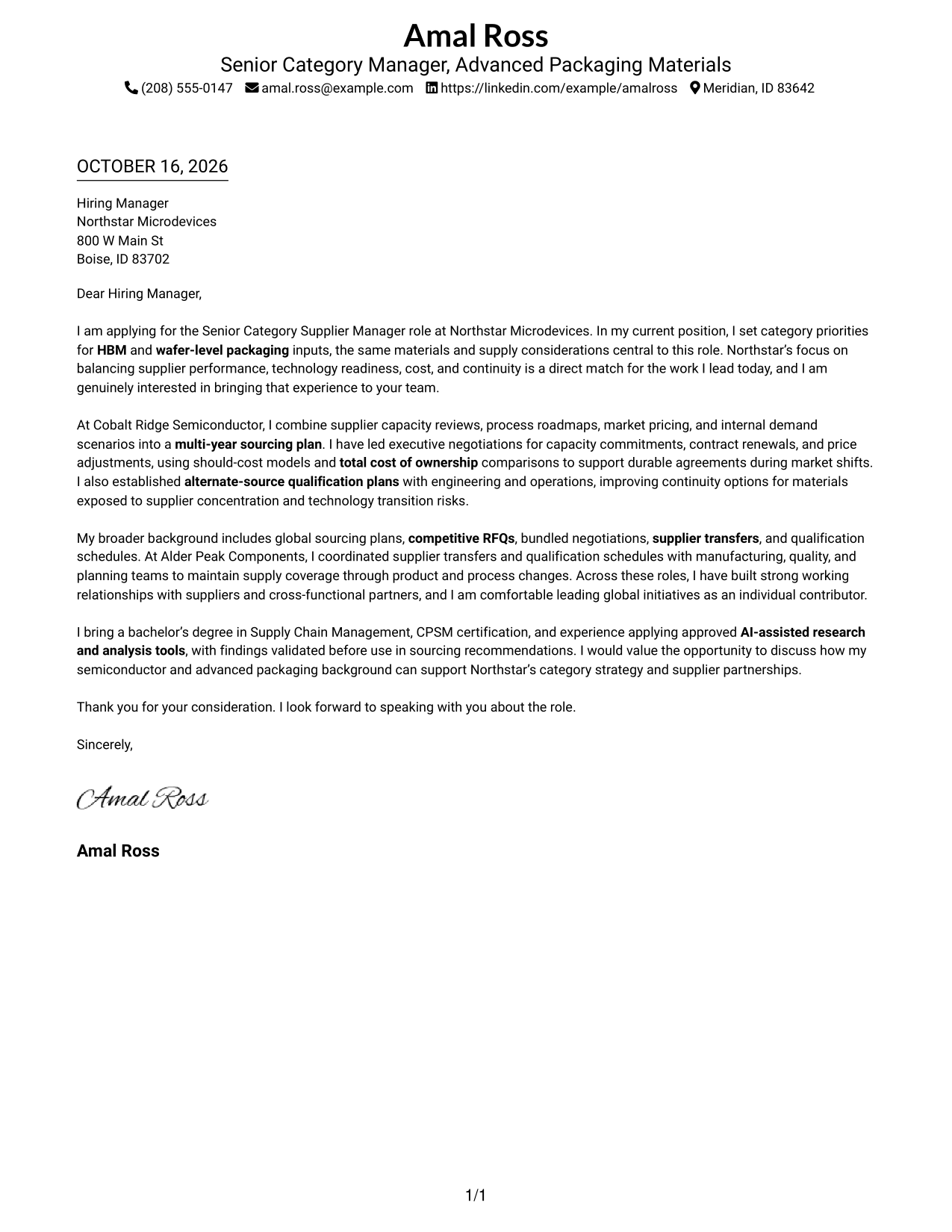
The Simple One Column Format keeps contact details and the letter in one vertical layout, making it a clear choice for readers who prefer a direct reading path.
Why This Format Works
- Header contact details remain easy to find before the message begins.
- The opening, supporting points, and closing stay in one continuous body.
- No argument headings keep the letter's paragraphs direct and personal.
Best For
- Straightforward vertical reading
- Contact details in the header
- Continuous persuasive paragraphs
- Unlabeled letter body
- Simple page organization
#2 Two Column Format Cover Letter Example
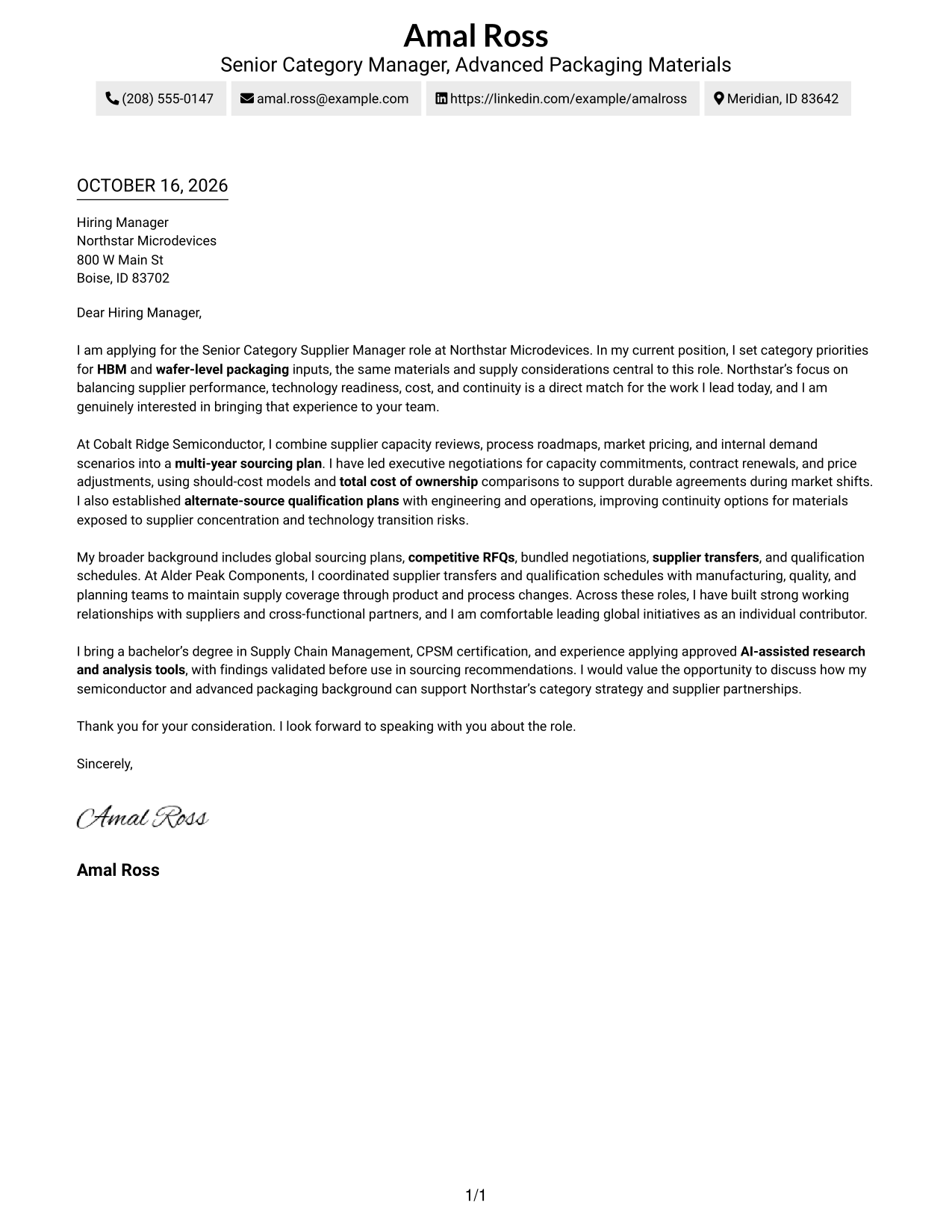
The Two Column Format places a contact sidebar beside one continuous letter body, a practical choice when readers want sender details apart from the message.
Why This Format Works
- Contact details are easy to locate without interrupting the letter body.
- One continuous body lets the message move from interest to evidence and close.
- Paragraphs can develop motivation and evidence without labels that break the message.
Best For
- Side-by-side contact and message layout
- Quick access to sender details
- One continuous letter argument
- Letters without body headings
- Readers who check contact information first
#3 Photo Header Two Column Format Cover Letter Example
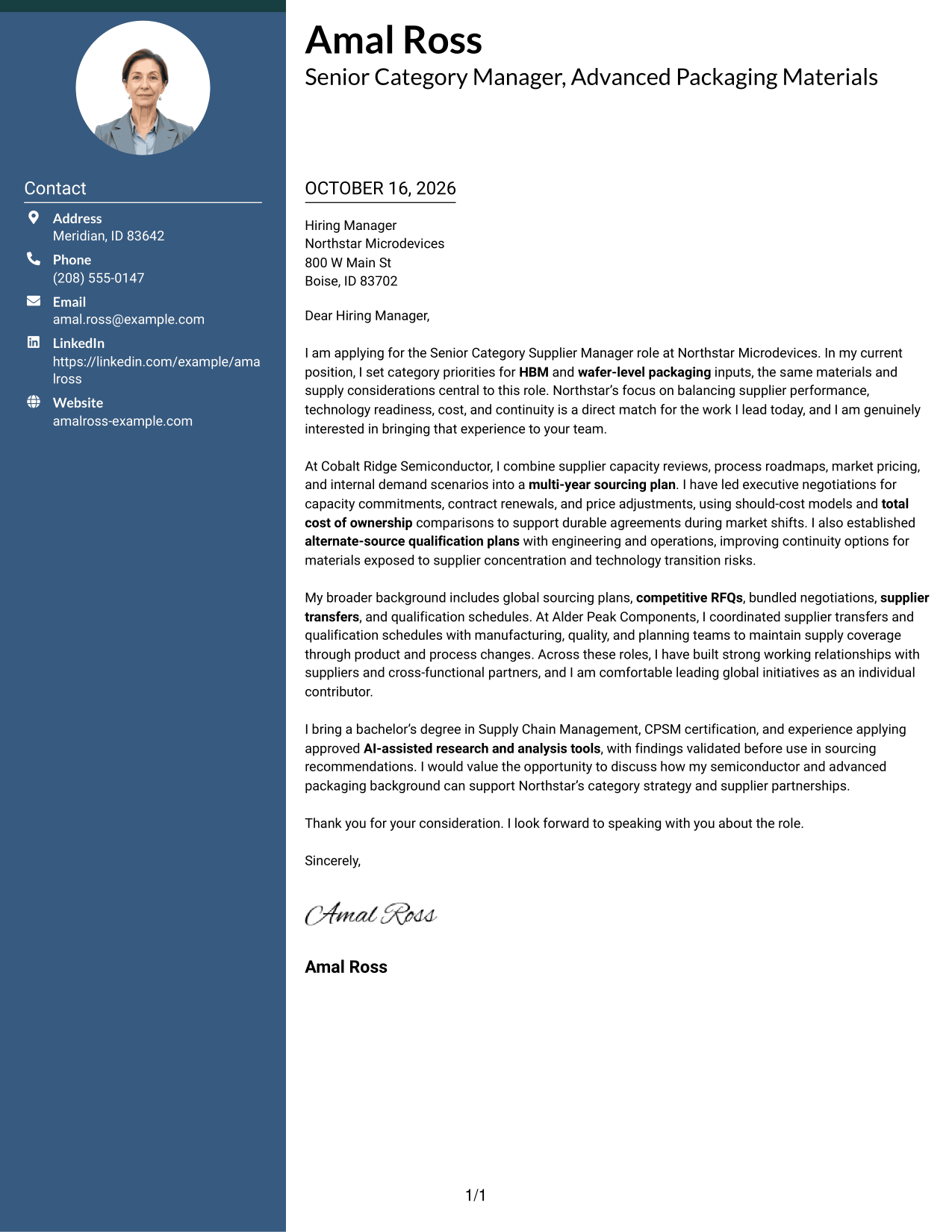
The Photo Header Two Column Format pairs a header photo with a contact sidebar and one continuous letter body, for readers who prefer a portrait with their correspondence.
Why This Format Works
- Contact details remain apart from the message and easy to find.
- The body carries the opening, evidence, and close in a single reading sequence.
- A photo in the header suits readers who want a visible portrait.
Best For
- Header portrait preference
- Side-by-side contact organization
- Continuous letter paragraphs
- Separate sender details
- Readers who prefer a photo with correspondence
#4 One Column Format with Photo Cover Letter Example
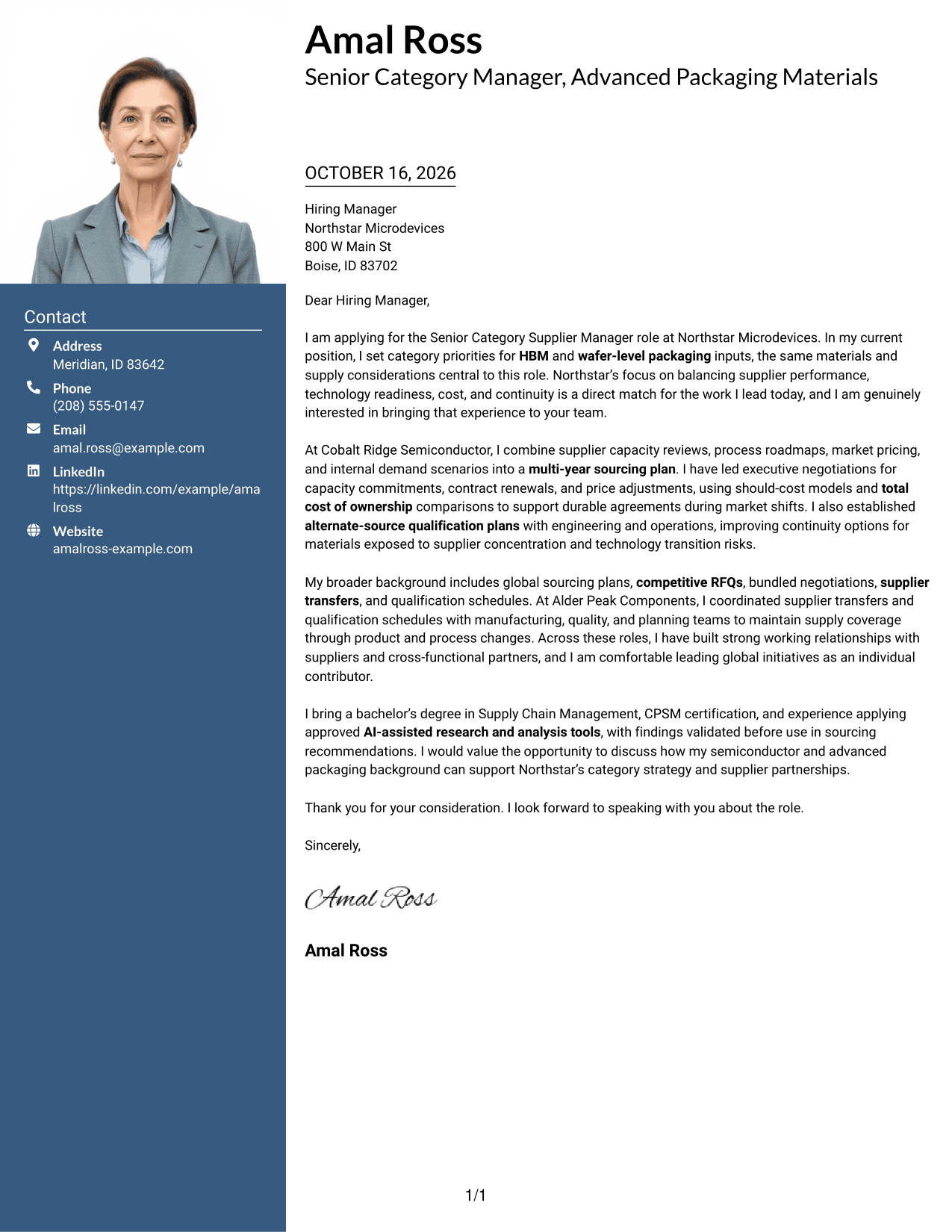
The One Column Format with Photo keeps the letter in one vertical layout and includes a photo, a useful choice for readers who want a portrait alongside a direct reading path.
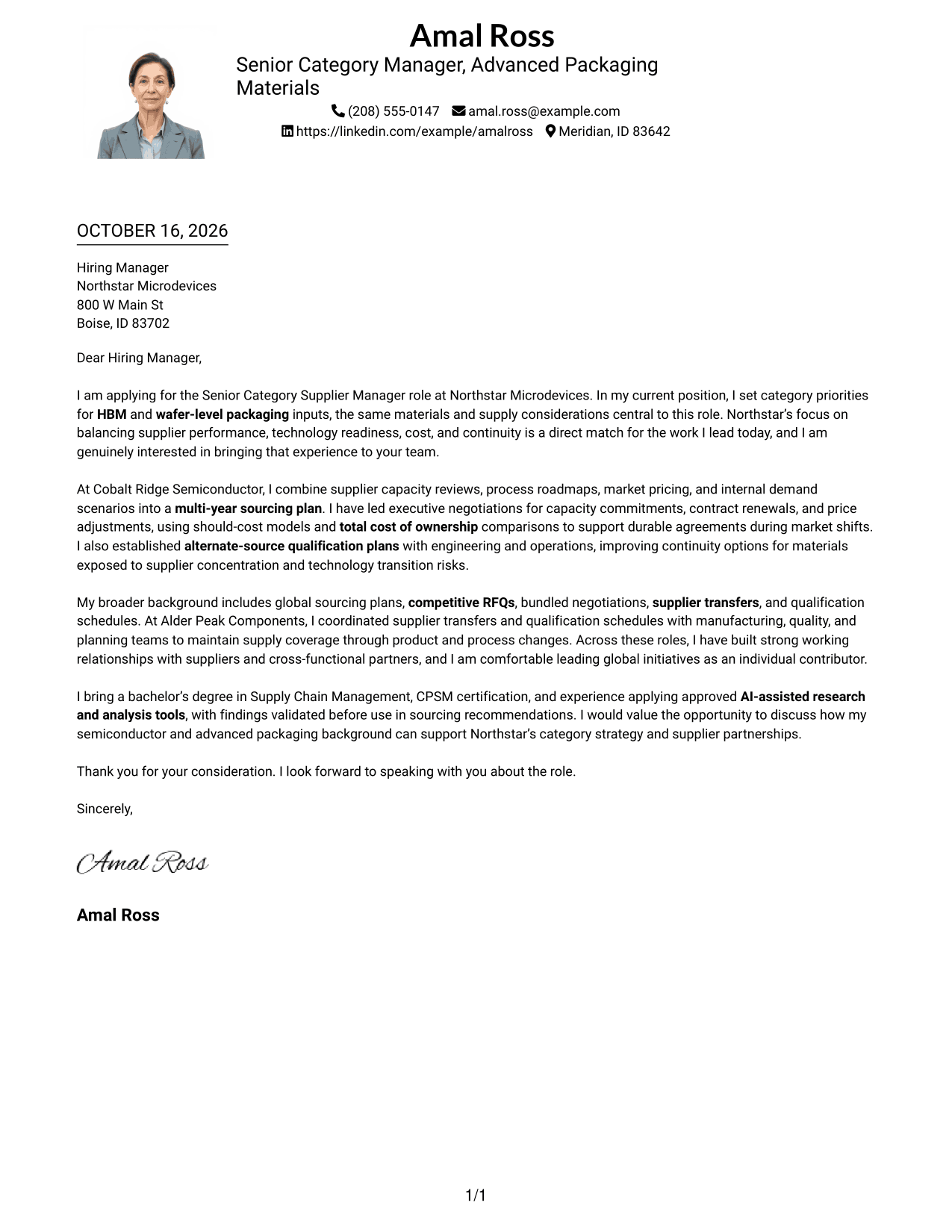
Why This Format Works
- Sender details and the letter share a clear top-to-bottom reading order.
- Paragraphs preserve one continuous appeal without headings splitting its points.
- Photo inclusion offers a personal visual choice alongside the letter.
Best For
- Single-column photo letters
- Top-to-bottom reading
- Continuous body paragraphs
- Readers who prefer a portrait
- Letters without argument headings
#5 Simple Two Column Format Cover Letter Example
The Simple Two Column Format places contact details in a sidebar beside the continuous letter body, giving readers a clear way to distinguish sender information from the message.
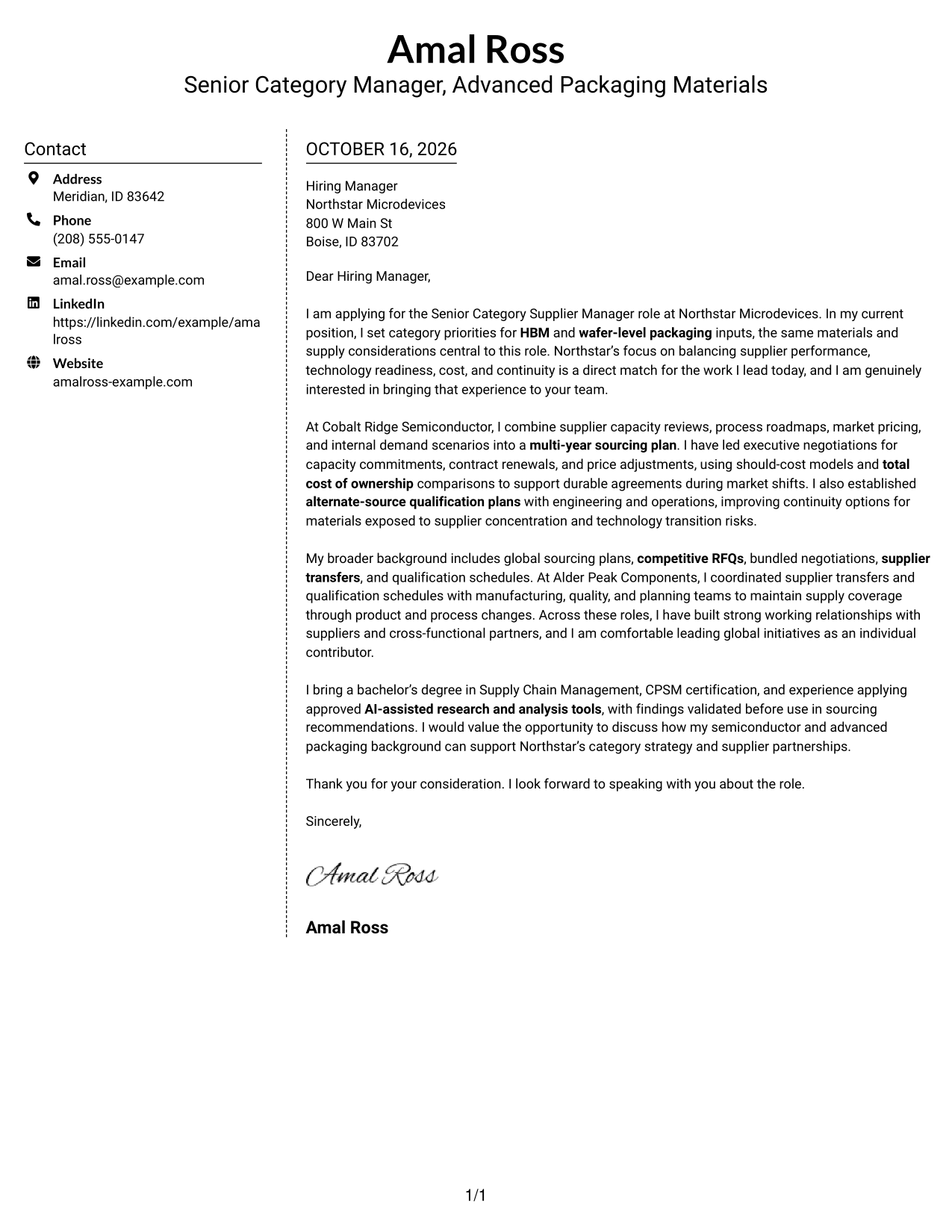
Why This Format Works
- Sender information sits apart, so the message can remain the reader's focus.
- Opening, motivation, evidence, and closing remain part of one uninterrupted letter.
- Unlabeled paragraphs preserve the familiar form of a direct business letter.
Best For
- Contact sidebar layouts
- Direct sender-detail access
- Uninterrupted letter arguments
- Unlabeled body paragraphs
- Readers who prefer side-by-side organization
#6 Modern Icon Format Cover Letter Example
The Modern Icon Format uses two columns and icons for contact details, a useful choice for readers who value visual cues in the contact area.
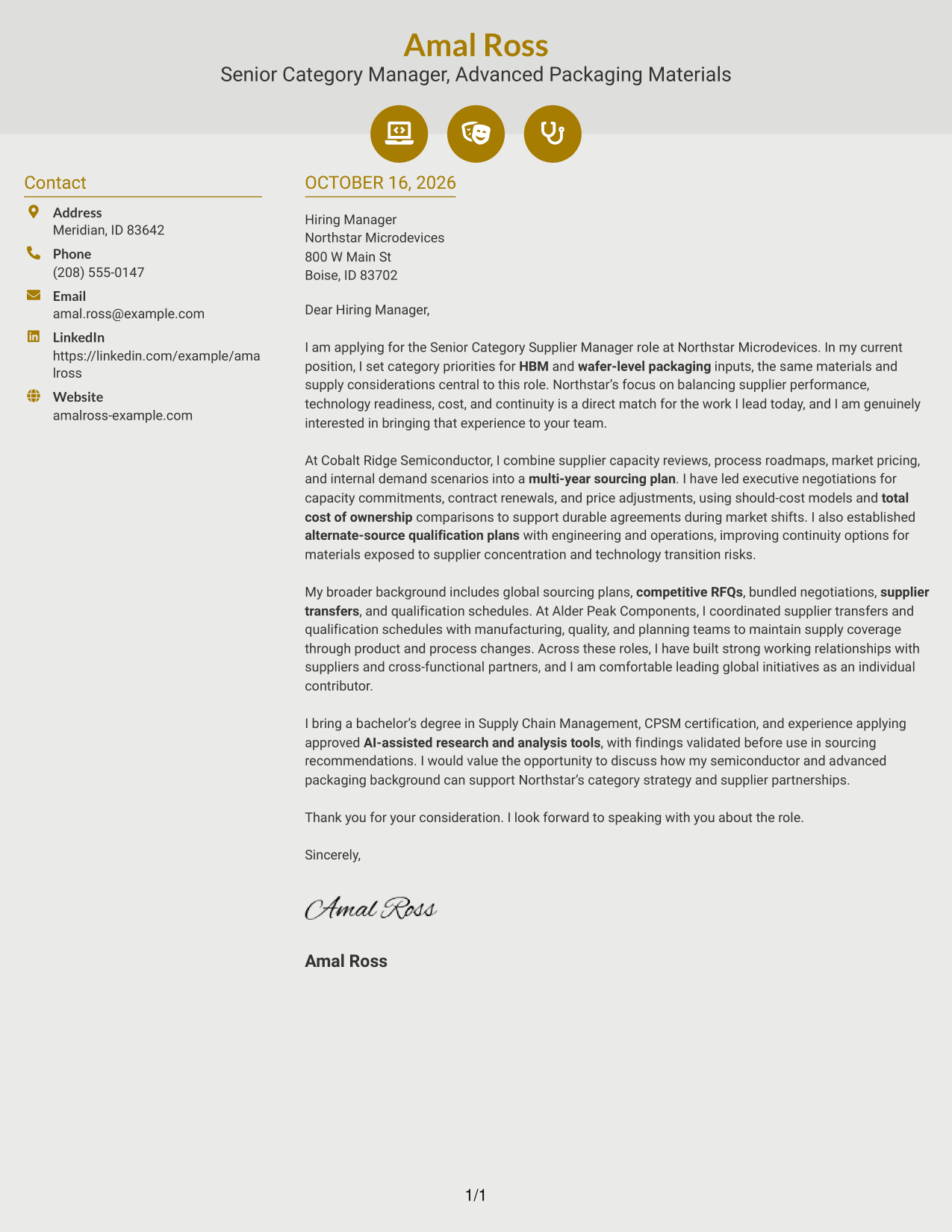
Why This Format Works
- Contact icons help distinguish sender details from the surrounding letter text.
- The message keeps its own continuous reading path beside the contact area.
- Decorative icons add a small visual accent to the contact presentation.
Best For
- Visual contact cues
- Side-by-side contact layout
- Continuous persuasive paragraphs
- Letters without body headings
- Readers who want decorative contact details
#7 Creative Two Tone Format Cover Letter Example
The Creative Two Tone Format places a contact sidebar beside one continuous letter body, a practical choice for readers who want distinct areas for contact information and the message.
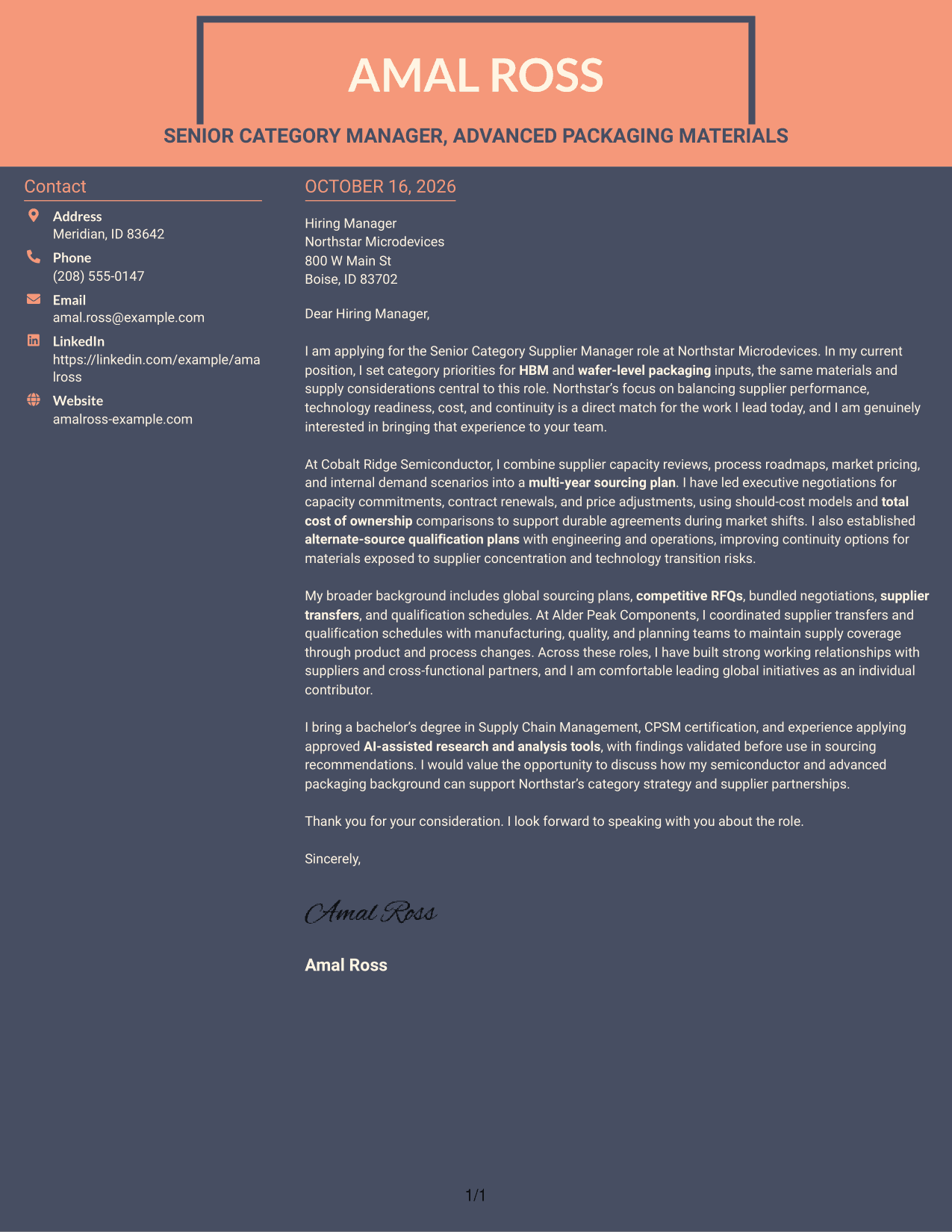
Why This Format Works
- Contact details occupy their own area, separate from the persuasive paragraphs.
- The reviewer can follow motivation and evidence in one uninterrupted body.
- Letter paragraphs remain free of headings that could interrupt the message.
Best For
- Two-column contact organization
- At-a-glance sender details
- Top-to-bottom message reading
- Letters without argument labels
- Readers who prefer distinct page areas
See Also
- 7 Senior Category Supplier Manager - Advanced Packaging Materials (HBM) Resume Templates with Example
- 7 Global Category Manager Expert - Machined Components Resume Templates with Example
- 7 Value Engineering Category Lead Resume Templates with Example
- 7 Staff Supplier Engineer Resume Templates with Example
- 7 Supplier Development Engineer Co-Op Resume Templates with Example
- 7 Supplier Development Engineer Resume Templates with Example
- 7 Equipment Development Engineer - Wafer Bonding Resume Templates with Example
- 7 Sales Development Representative - SaaS Prospecting Resume Templates with Example
- 7 Payroll Program Manager - Payroll Systems and Transformation Resume Templates with Example
- 7 Technical Enablement Manager - Semiconductor Validation Resume Templates with Example
Frequently Asked Questions
How can I show fit for an HBM and advanced packaging materials role?
Connect your experience to the role’s main needs. For example, discuss HBM or wafer-level packaging category planning, supplier capacity reviews, commercial negotiations, and continuity planning when those details reflect your work.
What evidence belongs in this cover letter?
Choose one or two relevant examples. You might explain how you used market pricing, demand scenarios, should-cost analysis, or total cost of ownership to guide a sourcing decision. Add a clear result when you can support it.
How should I connect my experience to Northstar Microdevices?
Refer to the role’s focus on supplier performance, technology readiness, cost, and continuity. Then show how your work with suppliers and internal partners relates to those priorities without repeating the job description.
What tone works best for a senior category supplier manager cover letter?
Use a direct, professional tone. Open with your interest in the role, support your fit with specific sourcing examples, and close by inviting a conversation.
How can I describe AI-assisted research in the letter?
Keep the point brief and specific. Explain that you use approved AI-assisted research or analysis tools responsibly and validate findings before using them in sourcing recommendations.




