
7 Senior Clinical Education Consultant - Utilization Management Software Cover Letter Templates with Example
This practical guide helps you write a Senior Clinical Education Consultant - Utilization Management Software cover letter and compare seven layouts.
What Makes a Great Senior Clinical Education Consultant - Utilization Management Software Cover Letter in 2026
A strong letter links clinical education and utilization management knowledge to the work of teaching customers to use InterQual products and services. It gives a clear reason for pursuing this specific role.
Use evidence such as InterQual instruction, curriculum updates, or customer mentoring to show how you teach varied audiences. Connect that experience to the employer’s need for clear, practical education and effective teamwork.
The featured example moves from interest in the role to current contributions, relevant past work, and a direct close. Adapt that focused progression, then choose a presentation that suits the employer and communication context.
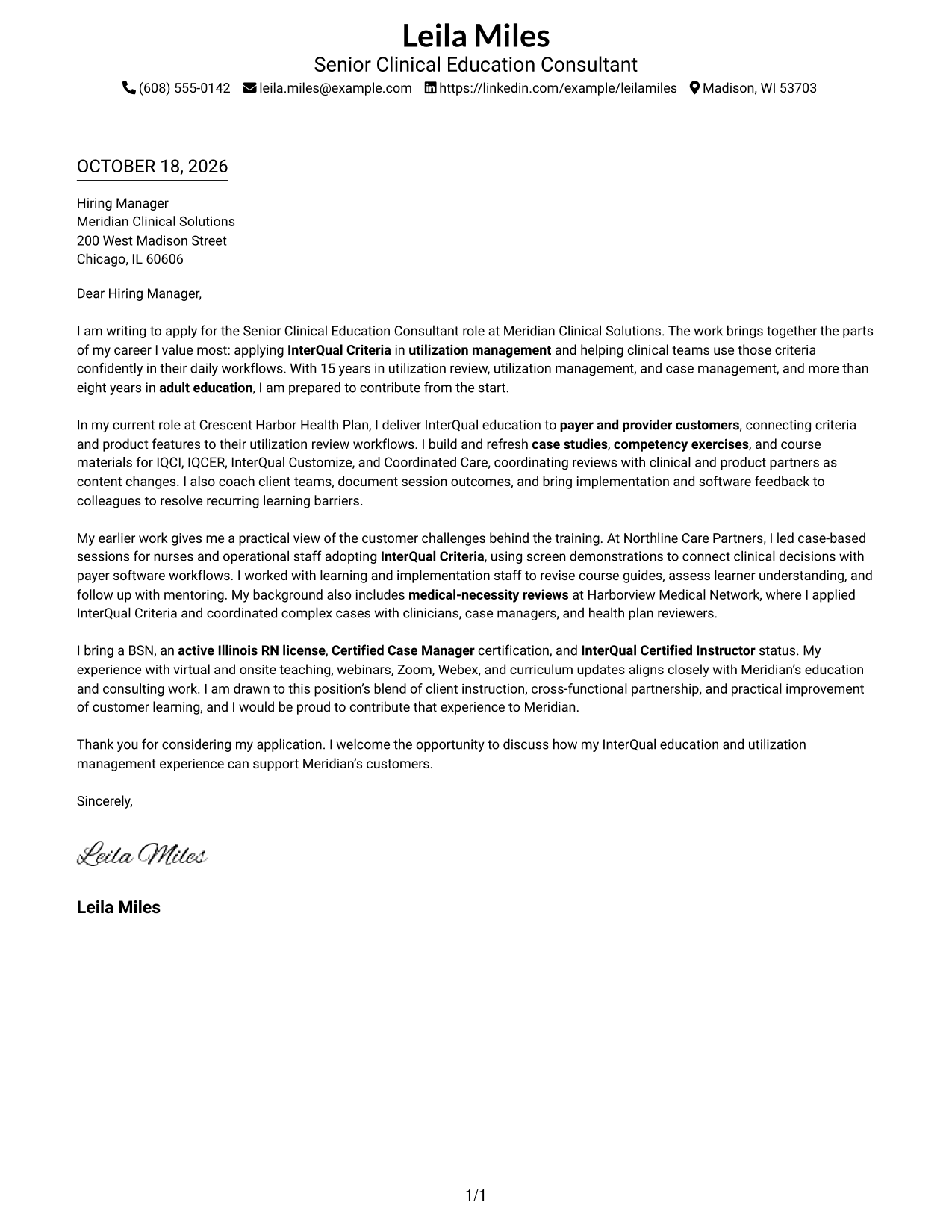
#1 Simple One Column Format Cover Letter Example
A single text column gives this letter a simple page shape without adding a contact sidebar.
Why This Format Works
- Contact information stays easy to find without interrupting the message.
- The opening, supporting points, and closing remain in one continuous letter body.
- One text column keeps the letter's reading order direct and clear.
Best For
- Single-column letter layouts
- Continuous paragraph arguments
- Sender details in the header
- Direct opening-to-closing reading
- Letters without a contact sidebar
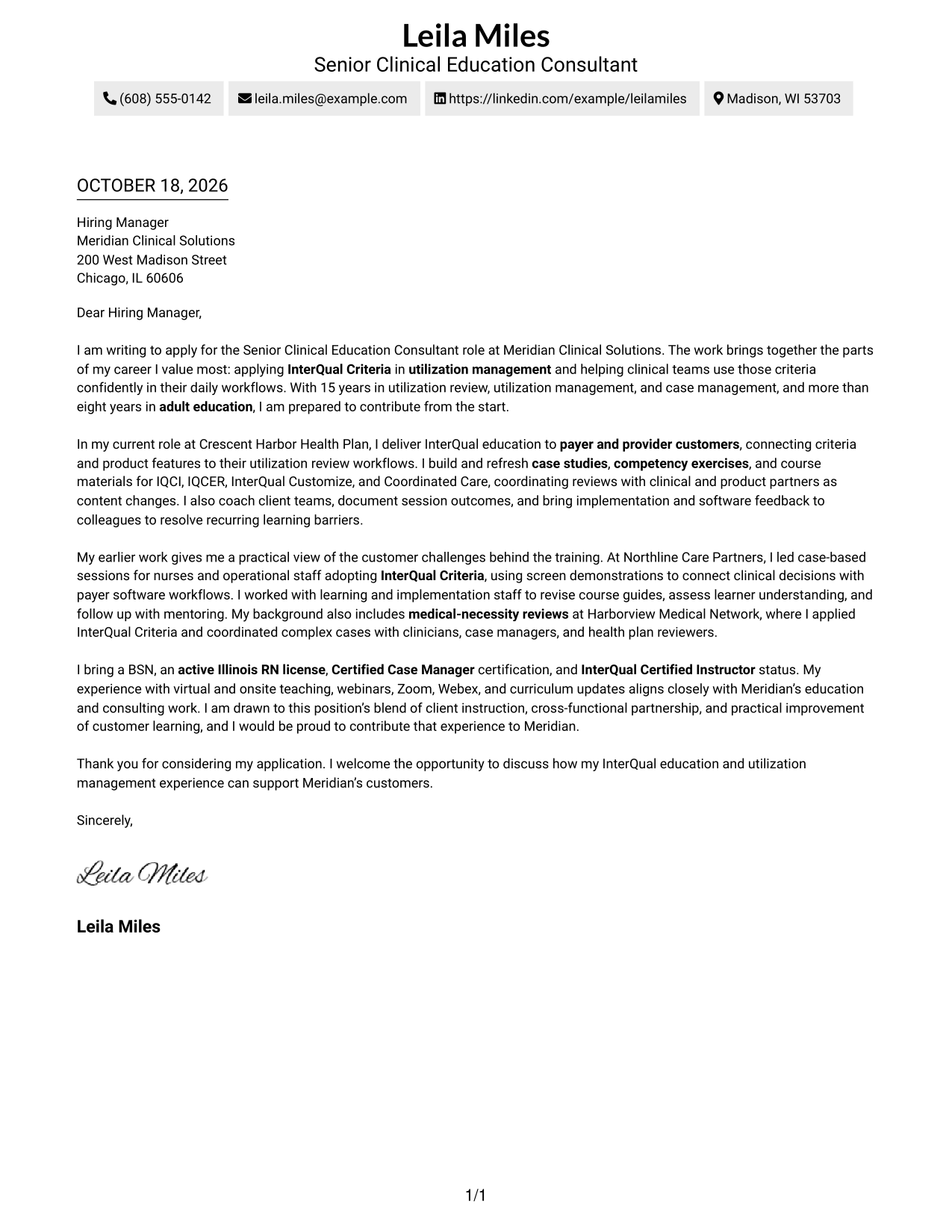
#2 Two Column Format Cover Letter Example
A contact sidebar sits beside one continuous letter body, giving sender details a separate place from the message.
Why This Format Works
- The sidebar makes sender information easy to locate during review.
- All persuasive points stay together instead of splitting across columns.
- Readers can distinguish contact details from the letter's message at a glance.
Best For
- Contact details beside the message
- Letters needing a separate contact area
- One continuous argument
- Quick sender-information lookup
- Two-part page organization
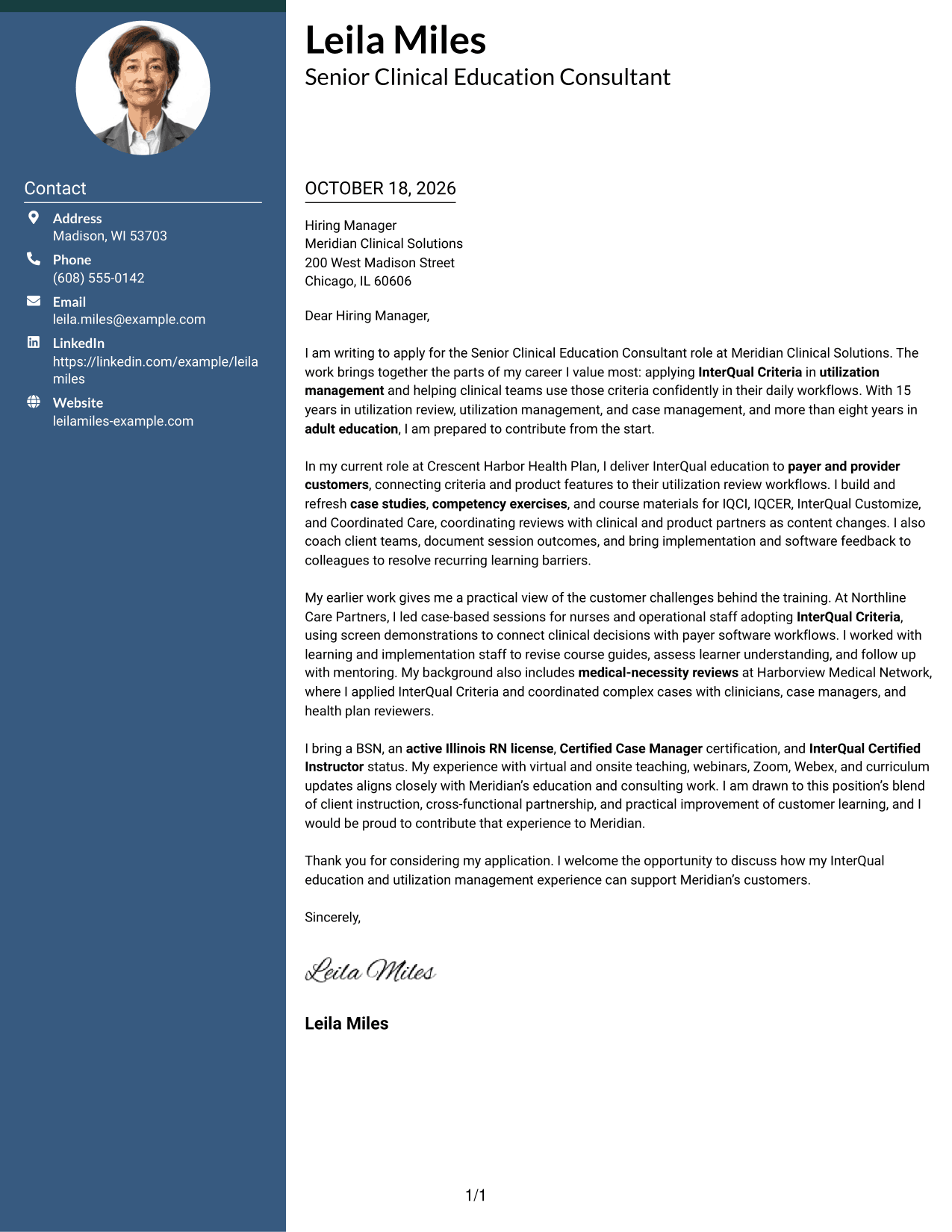
#3 Photo Header Two Column Format Cover Letter Example
A photo is included with the two-column layout, offering a portrait option alongside the contact area and letter body.
Why This Format Works
- Contact details remain easy to locate in their own side area.
- All paragraphs stay together, so the letter's points read in sequence.
- The included photo offers a portrait option without changing the message structure.
Best For
- Letters that include a portrait
- Contact details beside the message
- Continuous paragraph arguments
- Portrait-inclusive page layouts
- A separate area for sender details
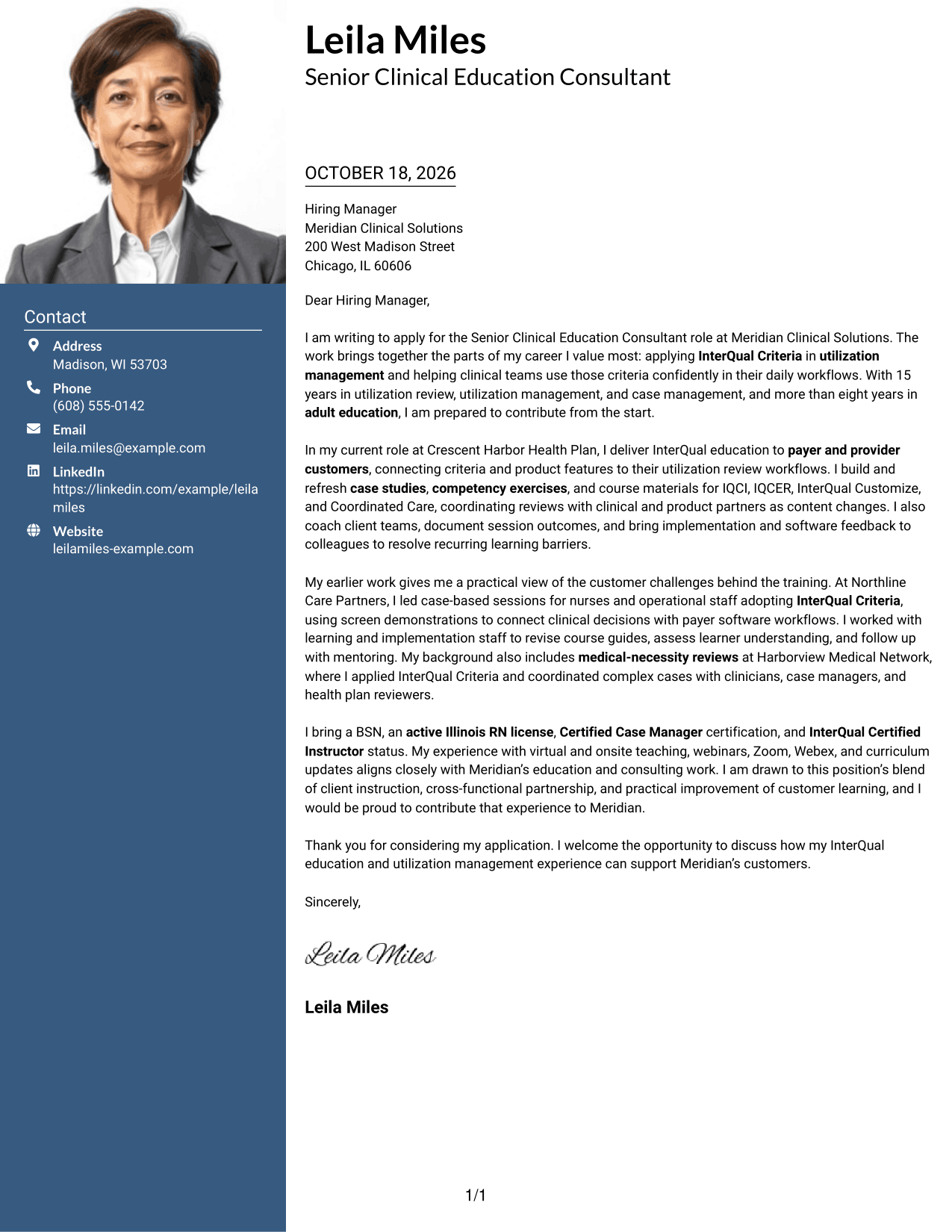
#4 One Column Format with Photo Cover Letter Example
A photo accompanies the one-column letter, offering a portrait option without adding a contact sidebar.
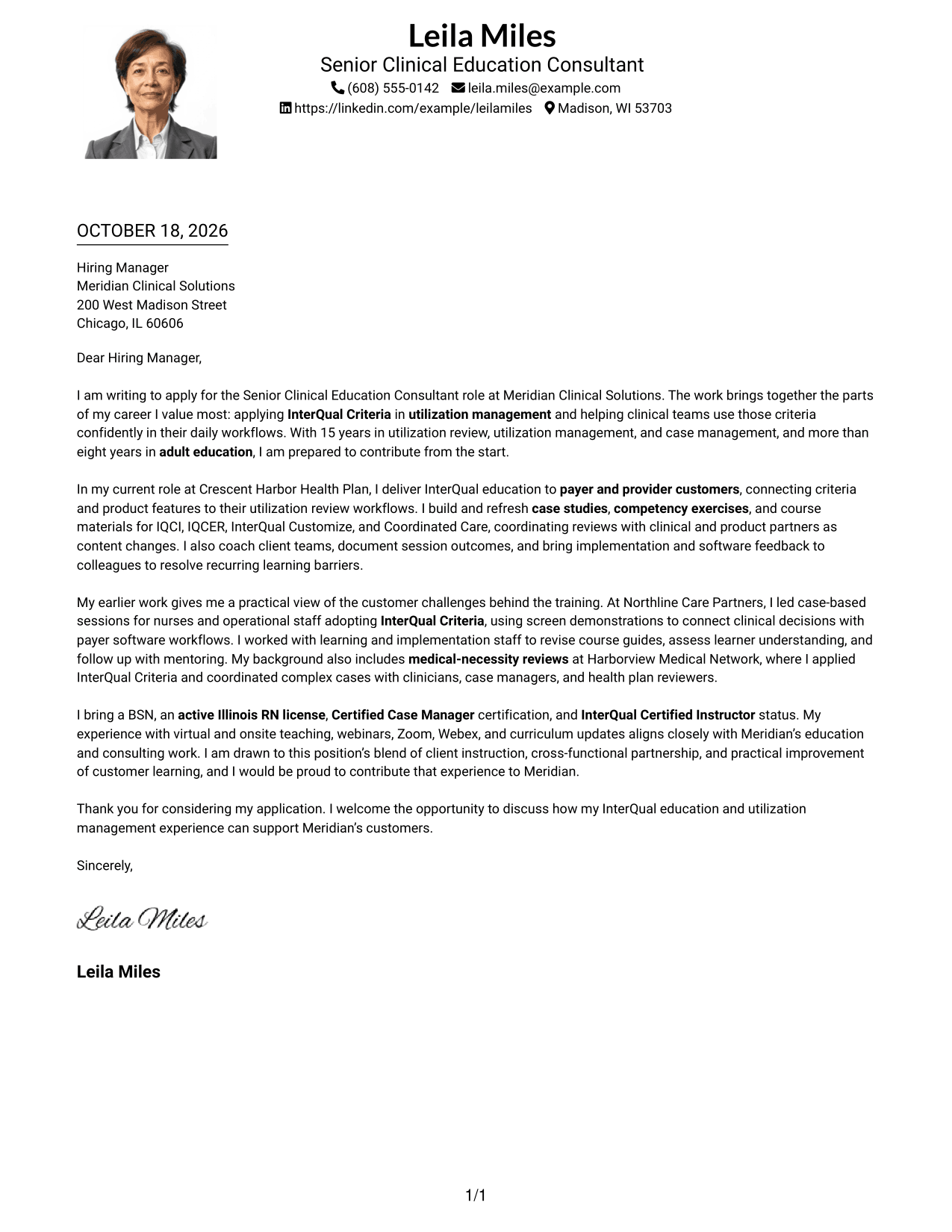
Why This Format Works
- Sender details remain in the header rather than a separate contact column.
- The message keeps one reading path from its opening through its closing.
- An included photo gives the page a portrait option for visual preference.
Best For
- One-column letter layouts
- Letters that include a portrait
- Sender details in the header
- Continuous opening-to-closing messages
- A single text area for the letter
#5 Simple Two Column Format Cover Letter Example
The contact sidebar and continuous letter body occupy separate columns, keeping sender information apart from the message.
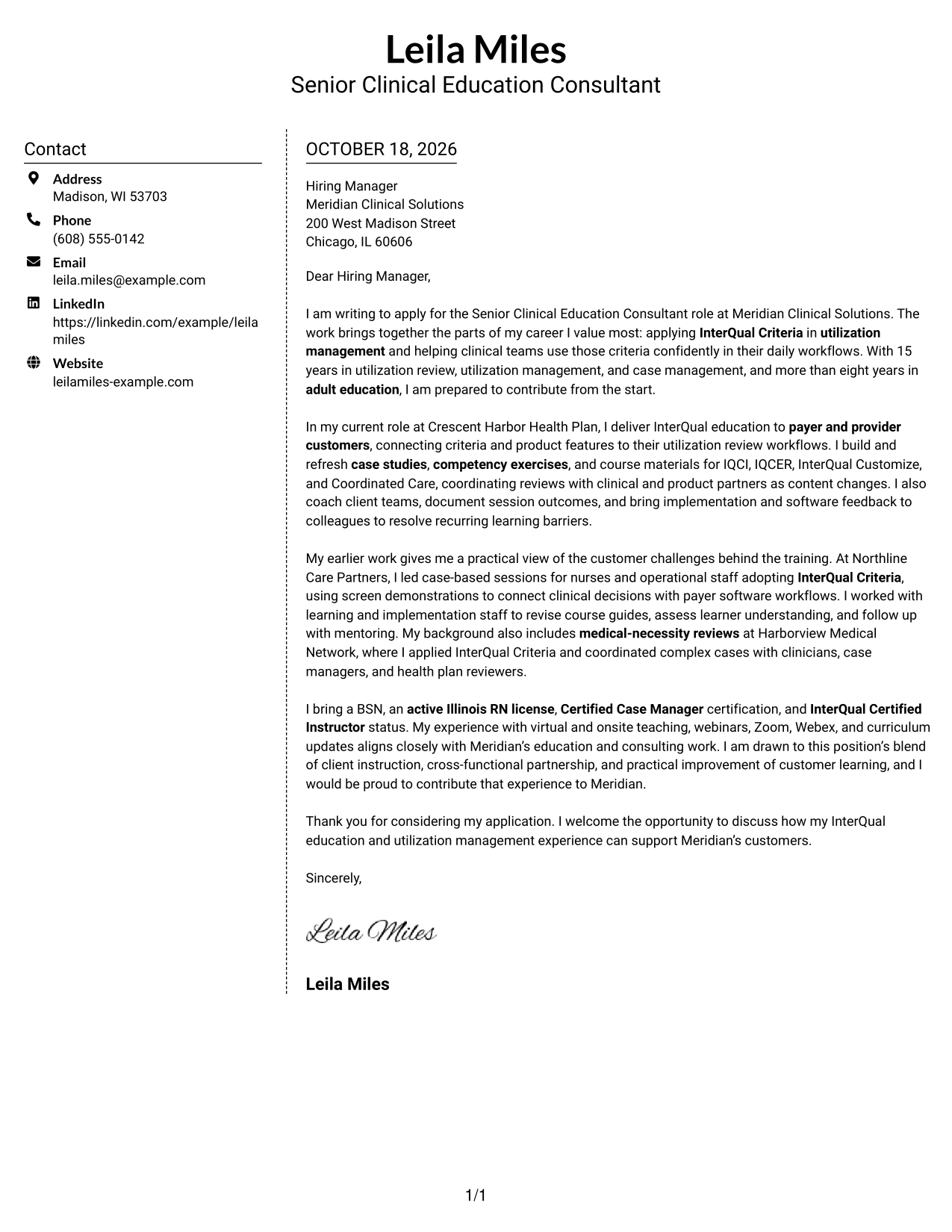
Why This Format Works
- Sender information has its own area for quick reference during review.
- Motivation, supporting points, and closing remain within the same letter body.
- The two areas make it clear where contact details end and the message begins.
Best For
- Contact details in a sidebar
- A continuous letter body
- Separate sender and message areas
- Quick reference to contact information
- Letters with several body paragraphs
#6 Modern Icon Format Cover Letter Example
Contact details sit in a sidebar, where icons cue the information and decorative accents remain in the header.
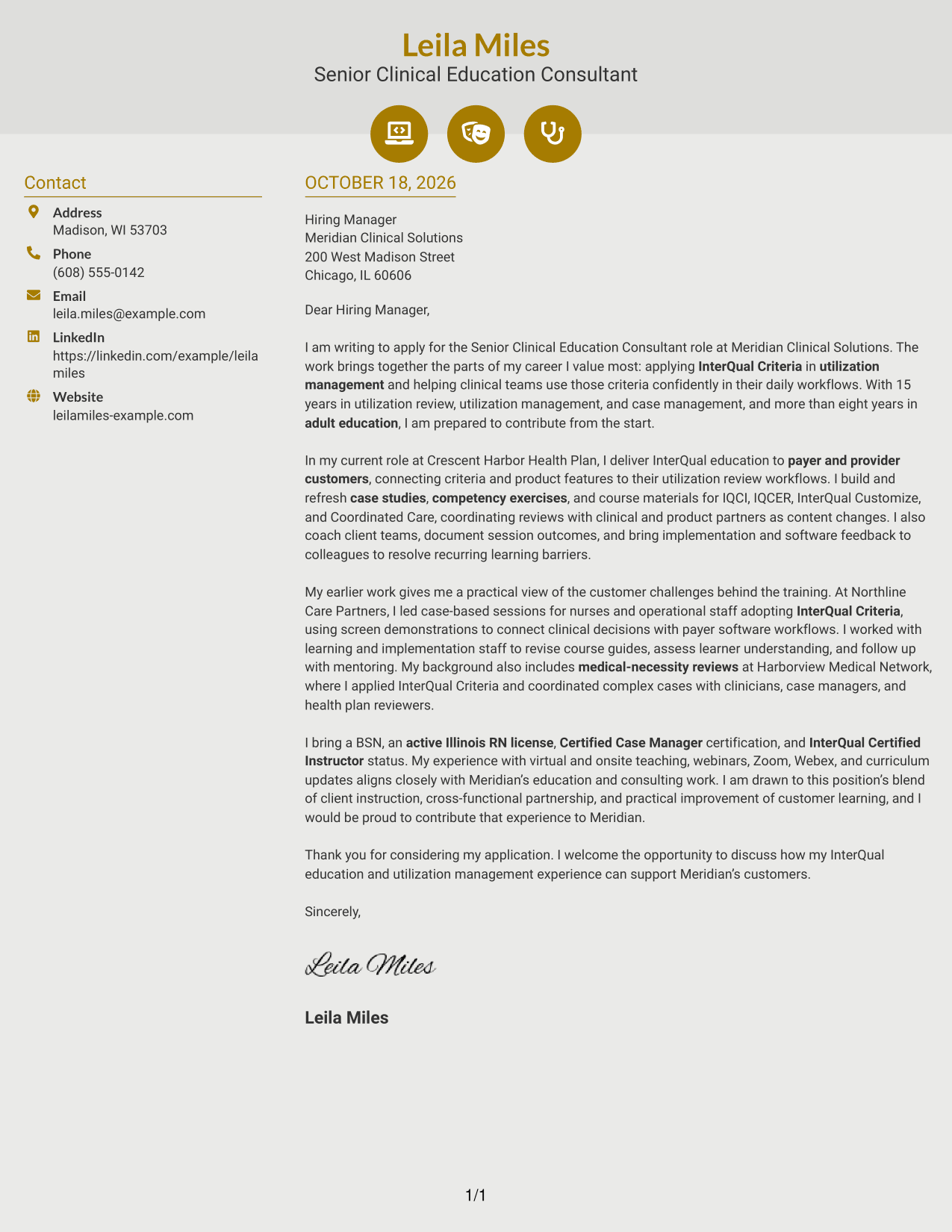
Why This Format Works
- Contact icons help distinguish details such as phone and email information.
- The letter's argument stays in one body, not separate columns.
- Header accents add visual detail without labeling the letter's points.
Best For
- Icon-marked contact details
- A separate contact sidebar
- One continuous letter body
- Visual cues beside sender information
- Decorative header accents
#7 Creative Two Tone Format Cover Letter Example
A contact sidebar beside the continuous letter body gives sender information its own area while keeping the message together.
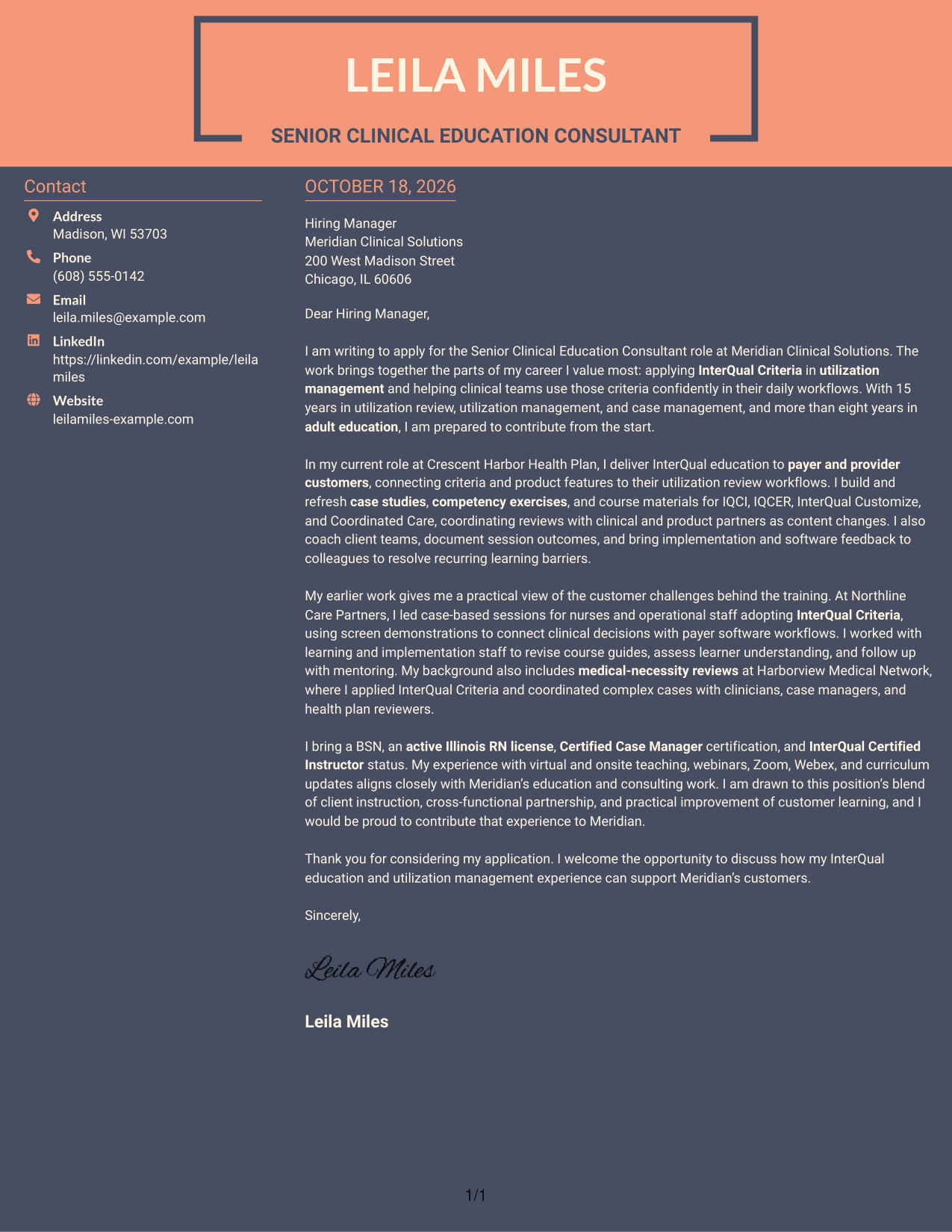
Why This Format Works
- The separate sidebar keeps contact information apart from the letter's message.
- Opening, motivation, supporting points, and closing stay in one body.
- Readers can follow the letter without moving between argument columns.
Best For
- Sidebar contact information
- A single continuous message
- Letters with several supporting paragraphs
- Distinct sender and message areas
- A clear paragraph reading order
Explore Senior Clinical Education Consultant - Utilization Management Software Cover Letter Examples
Use the image previews to compare how each example presents the letter. Open an example in the editor to view or customize it.
- Role-specific cover letter examples
- Clear letter structure
- Examples focused on customer education
- Guidance on showing role fit
- Professional presentation options
- Image previews and editor links
Choose a layout that fits the employer and the way you need to communicate. Keep the message focused on your reason for applying and the evidence that supports your fit.
See Also
- 7 Senior Clinical Education Consultant - Utilization Management Software Resume Templates with Example
- 7 Clinical Data Audit Consultant Resume Templates with Example
- 7 Senior Clinical Consultant, Medical Imaging Technology Resume Templates with Example
- 33 AI Engineer Consultant Resume Templates with Example 2026 (ATS-Optimized)
- 33 Business Processes Chief Consultant - Regulated Manufacturing Resume Templates with Example
- 7 Consultant - Databases Resume Templates with Example
- 7 Consultant - Energy Providers Resume Templates with Example
- 33 Cybersecurity Senior Consultant Resume Templates with Example 2026 (ATS-Optimized)
- 7 Clinical Data Audit Consultant Cover Letter Templates with Example
- 30+ AI Engineer Consultant Cover Letter Templates with Example 2026
Frequently Asked Questions
What should a Senior Clinical Education Consultant - Utilization Management Software cover letter emphasize?
Show how your clinical background and teaching experience connect to customer education. Give specific evidence, such as InterQual instruction, case-based learning, curriculum work, or client mentoring, when it matches your experience.
Are these separate cover letters or one example in different layouts?
This guide presents one cover letter example in several layouts. The example shows a focused progression from role interest to relevant evidence and a clear closing.
How can I make my opening paragraph relevant to this role?
Name the Senior Clinical Education Consultant - Utilization Management Software role and explain why its mix of clinical education and utilization management interests you. Keep the opening direct and specific.
How should I connect my experience to customer education?
Describe a real example of teaching clinical or operational teams, adapting instruction to their needs, or improving learning materials. Explain how your actions helped people use criteria or software workflows more confidently.
Can I compare the cover letter previews before choosing a layout?
Yes. Review the image previews to compare the presentation, then open an example in the editor to view or customize it.




