
7 Senior Compliance Analyst - EEO and Affirmative Action Reporting Cover Letter Templates with Example
This guide helps you create a Senior Compliance Analyst - EEO and Affirmative Action Reporting cover letter, with seven layouts to compare and a practical example to guide your approach.
What Makes a Great Senior Compliance Analyst - EEO and Affirmative Action Reporting Cover Letter in 2026
A strong cover letter connects your interest in EEO and affirmative action reporting with the work this role calls for. Use the opening to state your interest, then show how your reporting and compliance experience fits.
Support your claims with relevant examples, such as validating workforce data, coordinating filings, or improving reporting controls. Tie those examples to the employer’s needs, and explain why this work interests you.
The featured example moves from role-specific interest to a concrete reporting example, then to broader experience and a clear closing. Adapt that focused progression to your own evidence, choosing a presentation that suits the employer and the communication context.
#1 Simple One Column Format Cover Letter Example
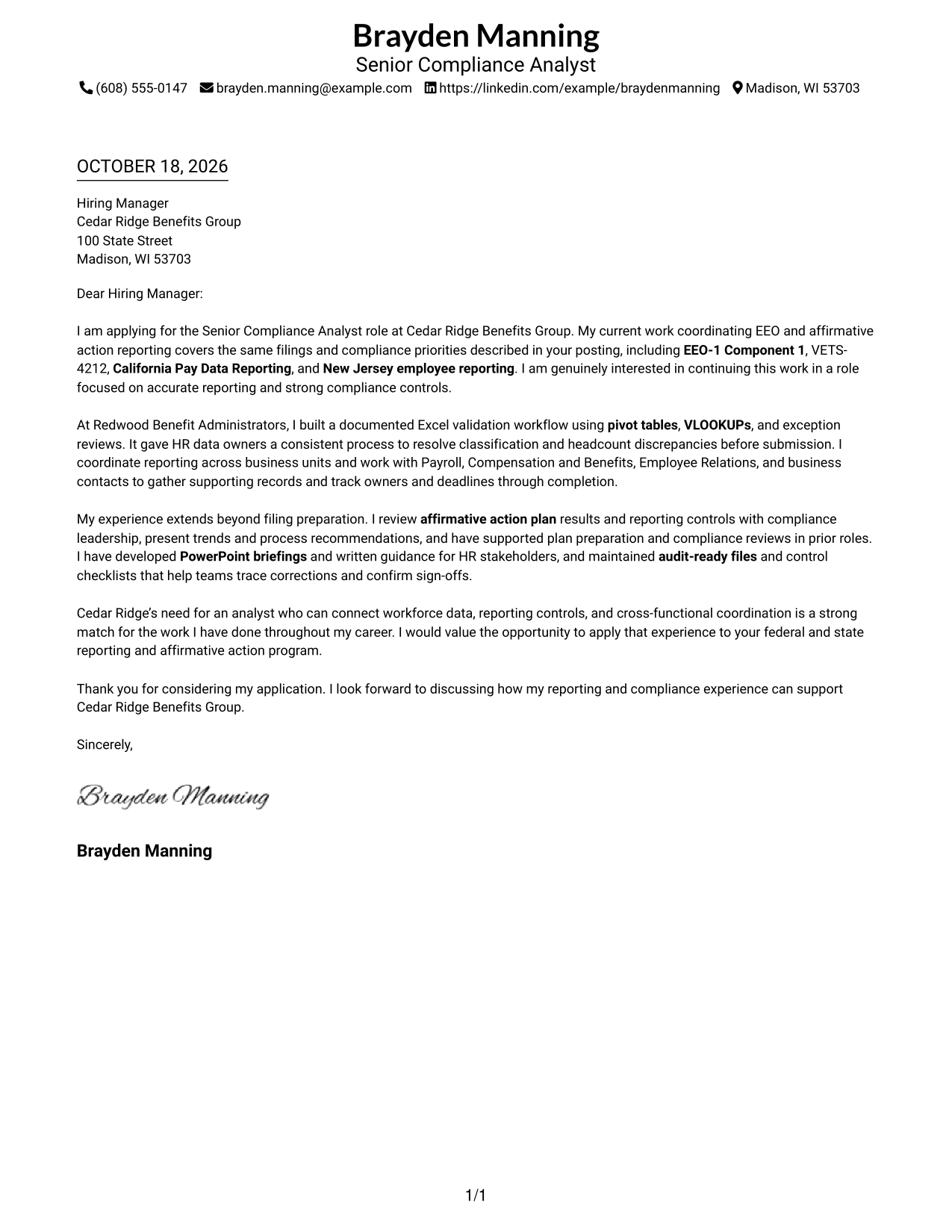
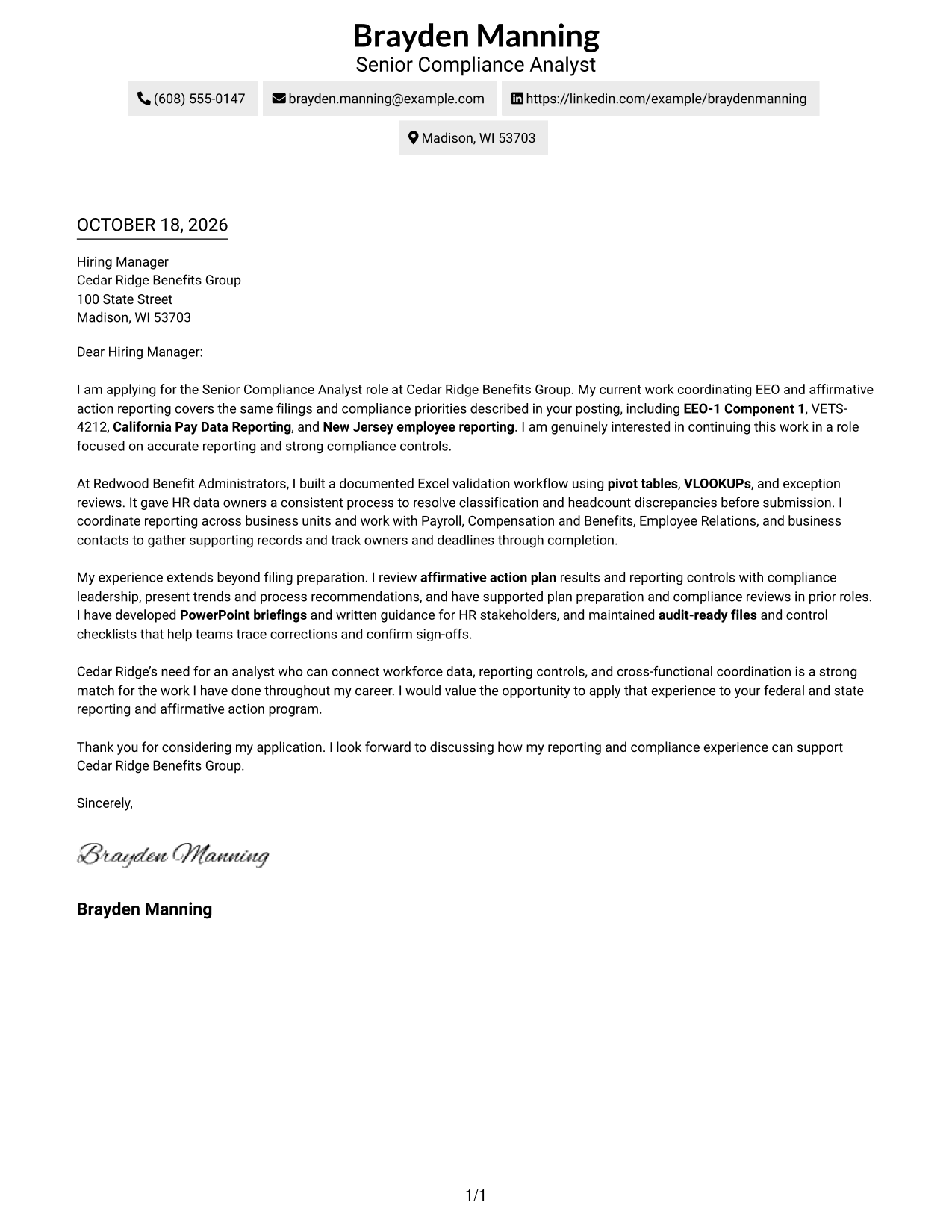
The Simple One Column Format keeps sender details in the header and the letter in one vertical reading path, a clear choice for following the message from opening to close.
Why This Format Works
- A single reading path helps reviewers follow the letter from interest to closing.
- Sender details stay in the header, apart from the letter's main message.
- The layout avoids a sidebar for readers who prefer a direct page structure.
Best For
- Direct vertical reading
- A clear opening-to-close message
- Header-based contact details
- No-sidebar preferences
- Multi-paragraph letters
#2 Two Column Format Cover Letter Example
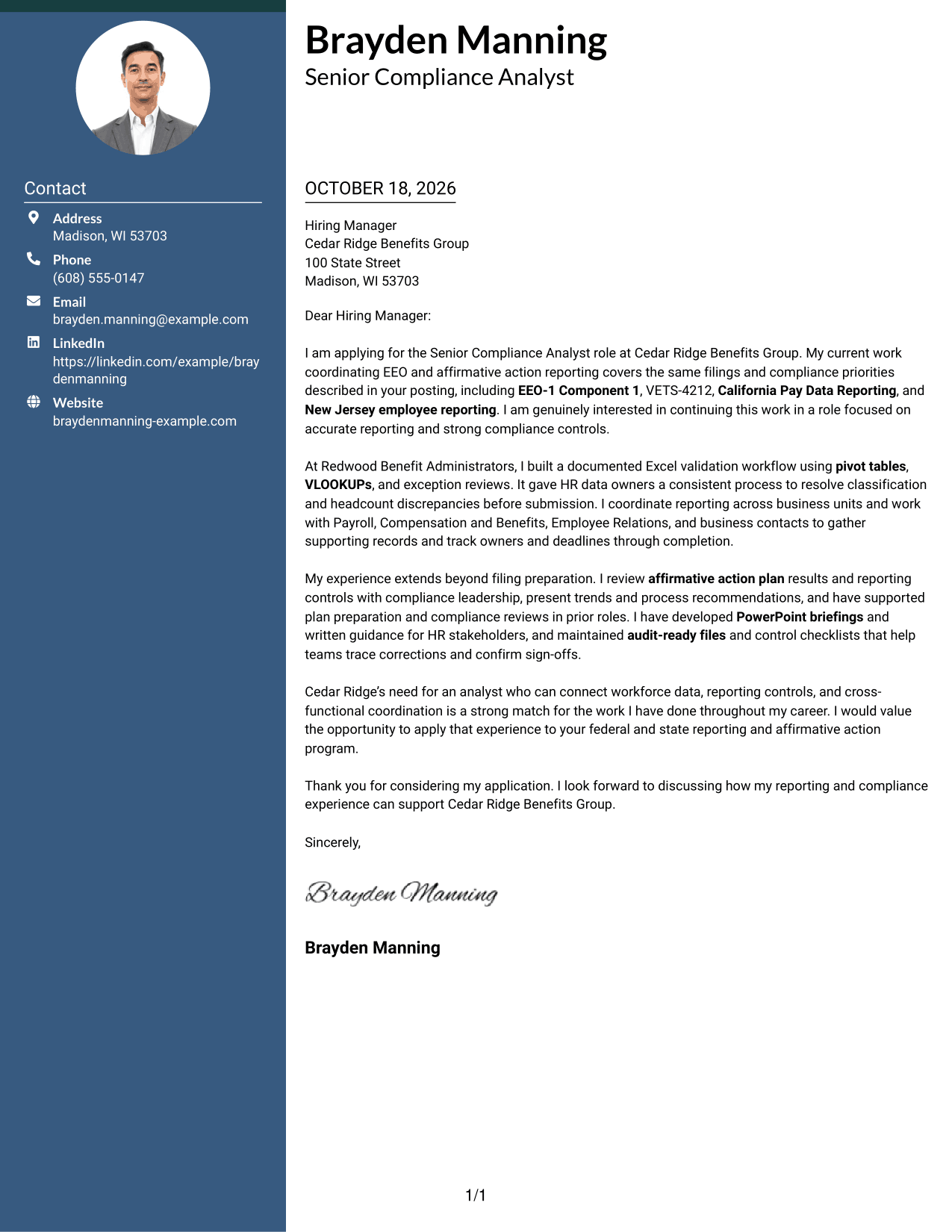
The Two Column Format places a contact sidebar beside one continuous letter body, keeping contact details apart from the message.
Why This Format Works
- A separate sidebar makes contact information easy to locate without interrupting the letter.
- The main body keeps motivation, evidence, and closing in connected paragraphs.
- Readers can distinguish contact details from the message at a glance.
Best For
- Separate contact information
- A continuous letter argument
- Easy contact-detail checks
- Side-by-side page organization
- Letters with several paragraphs
#3 Photo Header Two Column Format Cover Letter Example
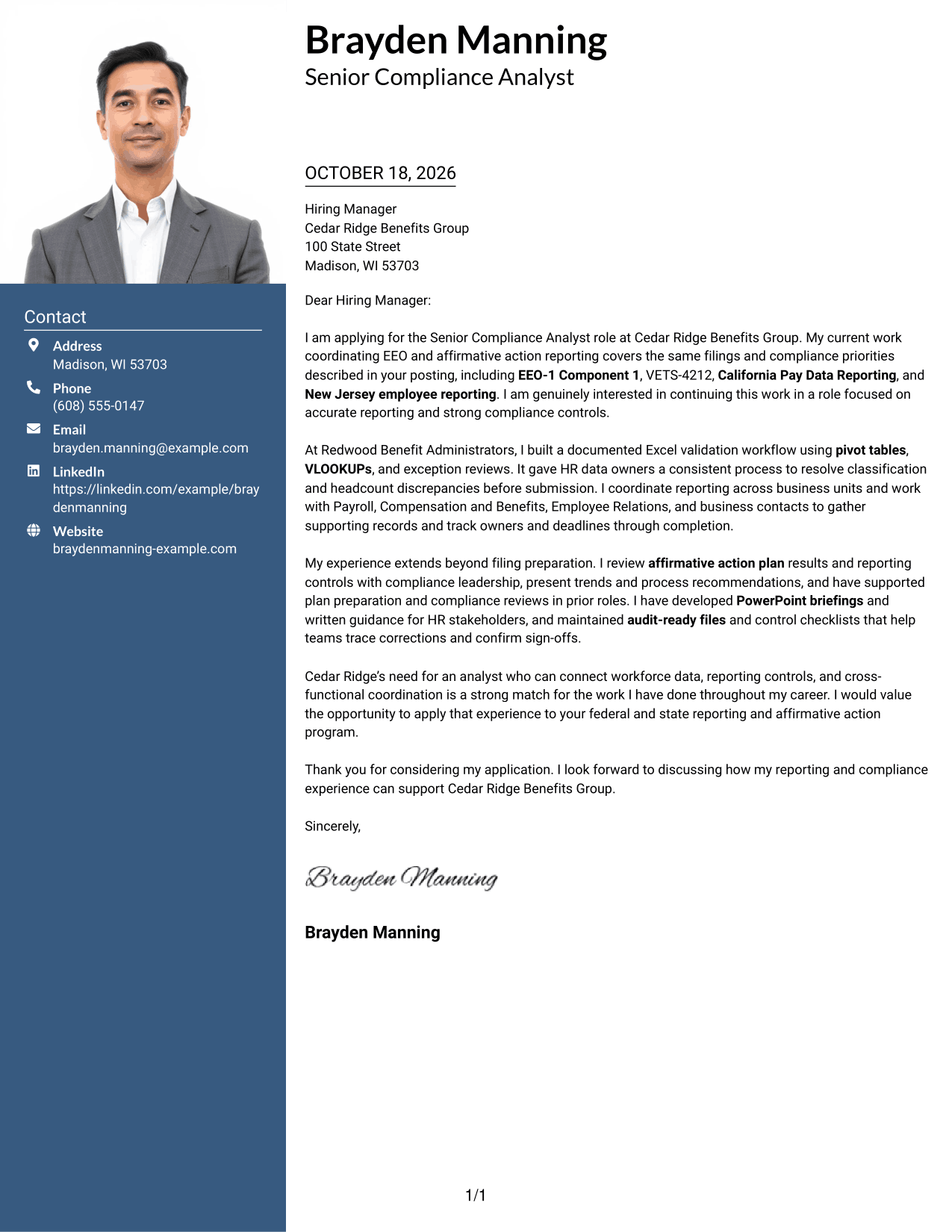
The Photo Header Two Column Format combines a photo with a contact sidebar beside one continuous letter body, for readers who want a portrait and separate contact details.
Why This Format Works
- A photo adds a personal visual element while contact details remain in the sidebar.
- The letter body presents the opening, supporting points, and closing as connected paragraphs.
- Separate contact information keeps the main message easy to distinguish.
Best For
- A portrait in the design
- Contact details outside the letter
- A connected letter narrative
- Visual identity preferences
- Letters with several paragraphs
#4 One Column Format with Photo Cover Letter Example
The One Column Format with Photo places a photo in a single-column design, a practical choice for readers who want a portrait alongside a direct letter reading path.
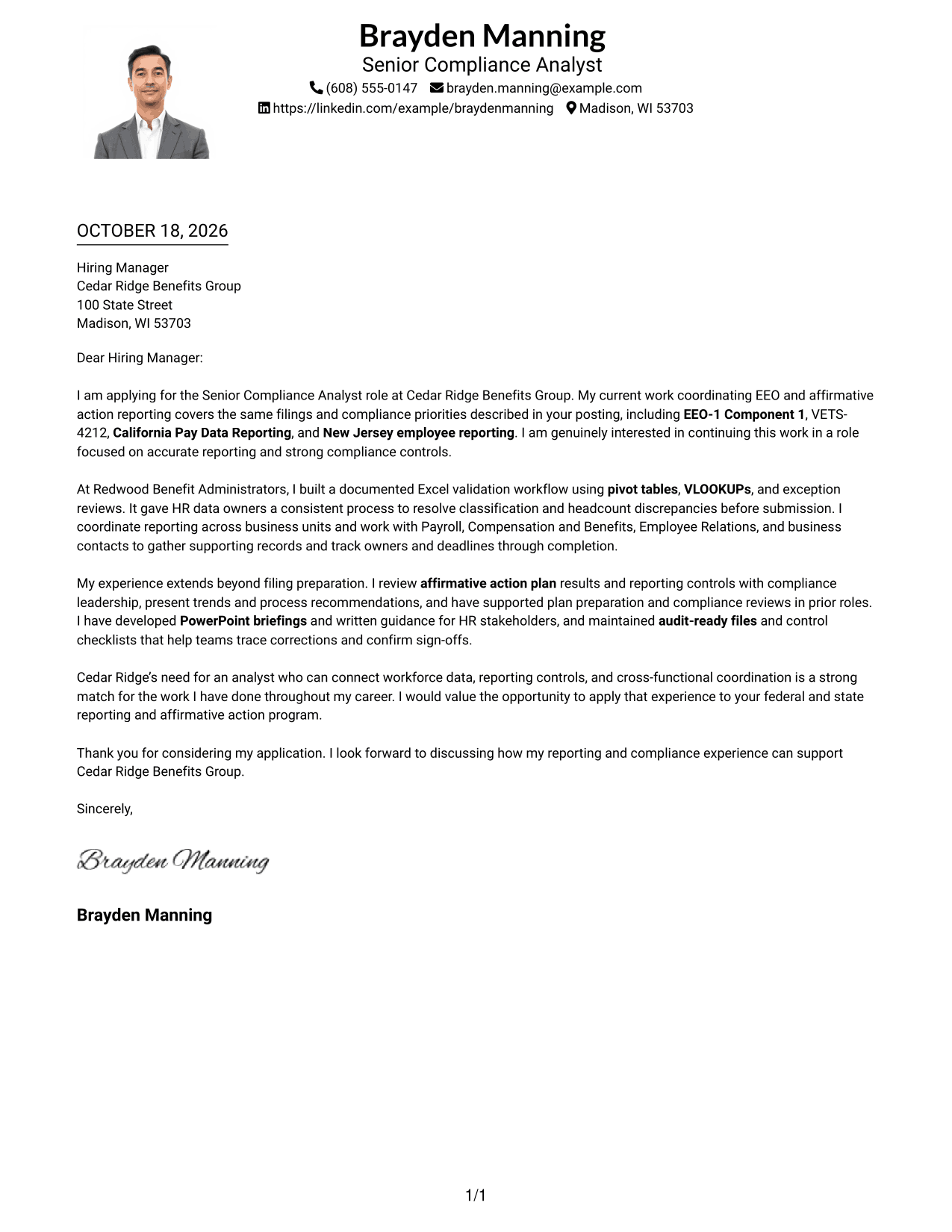
Why This Format Works
- One column keeps the letter body on a direct path from opening to close.
- A photo adds a personal visual detail without creating a contact sidebar.
- Header-based sender details remain apart from the continuous letter paragraphs.
Best For
- A portrait with one-column reading
- A direct letter sequence
- Header-based contact details
- No-sidebar page organization
- A personal visual touch
#5 Simple Two Column Format Cover Letter Example
The Simple Two Column Format sets a contact sidebar beside one continuous letter body, a useful layout when the message and contact details need distinct places.
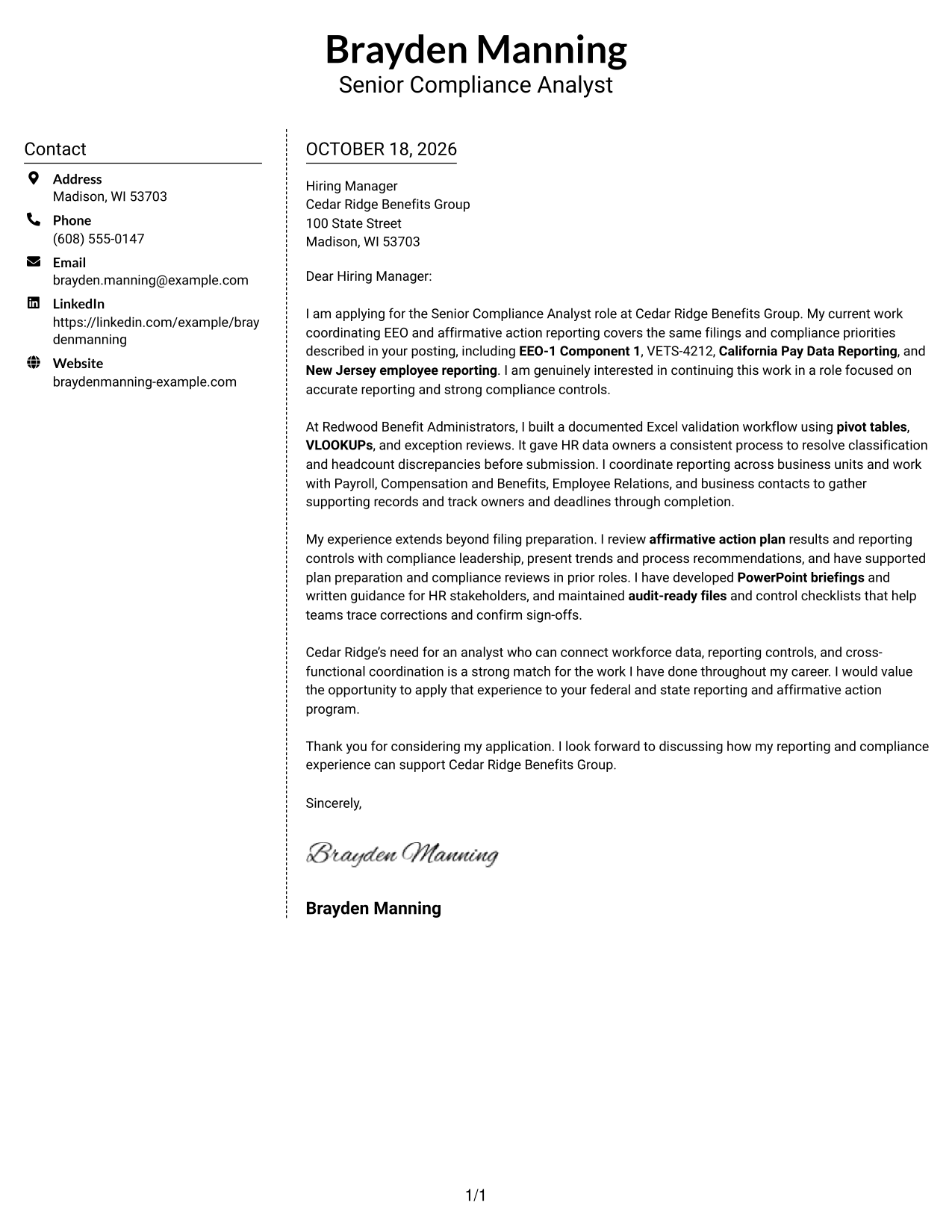
Why This Format Works
- The sidebar gives contact details a separate place beside the letter.
- Connected body paragraphs let the message develop without argument-section headings.
- The two-column arrangement keeps contact information distinct from the closing.
Best For
- Contact details beside the letter
- A continuous message
- Separate contact and letter areas
- No-photo preferences
- Multi-paragraph applications
#6 Modern Icon Format Cover Letter Example
The Modern Icon Format uses contact cues in a sidebar beside one continuous letter body, helping readers spot contact details without treating icons as argument labels.
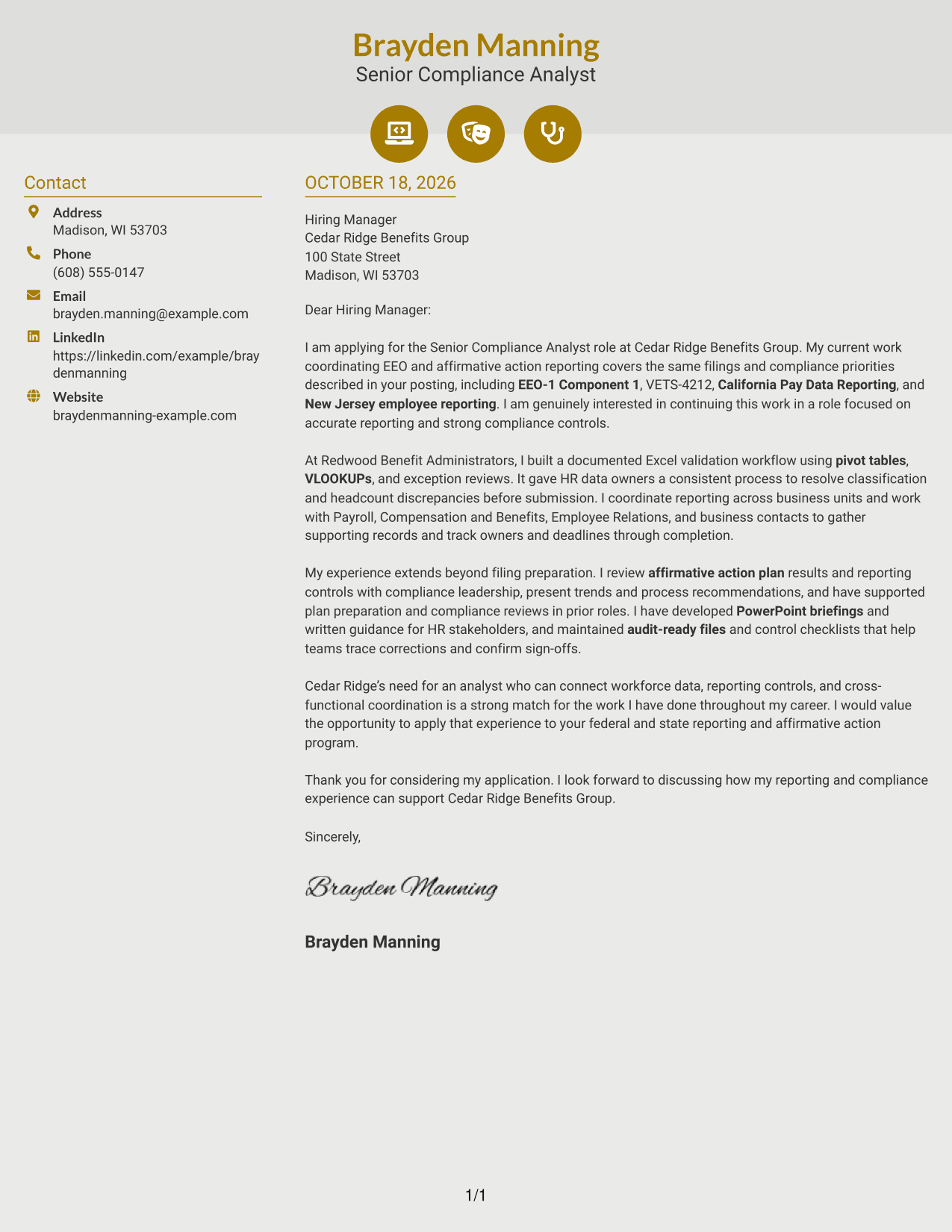
Why This Format Works
- Contact icons help readers identify contact details in the sidebar.
- The letter's paragraphs remain one connected message, not separate argument sections.
- Contact information and the letter body occupy distinct columns.
Best For
- Icon-led contact details
- Separate contact and message areas
- A connected letter narrative
- No-photo preferences
- Quick contact lookups
#7 Creative Two Tone Format Cover Letter Example
The Creative Two Tone Format places a contact sidebar beside one continuous letter body, a practical option for keeping contact details separate from the message.
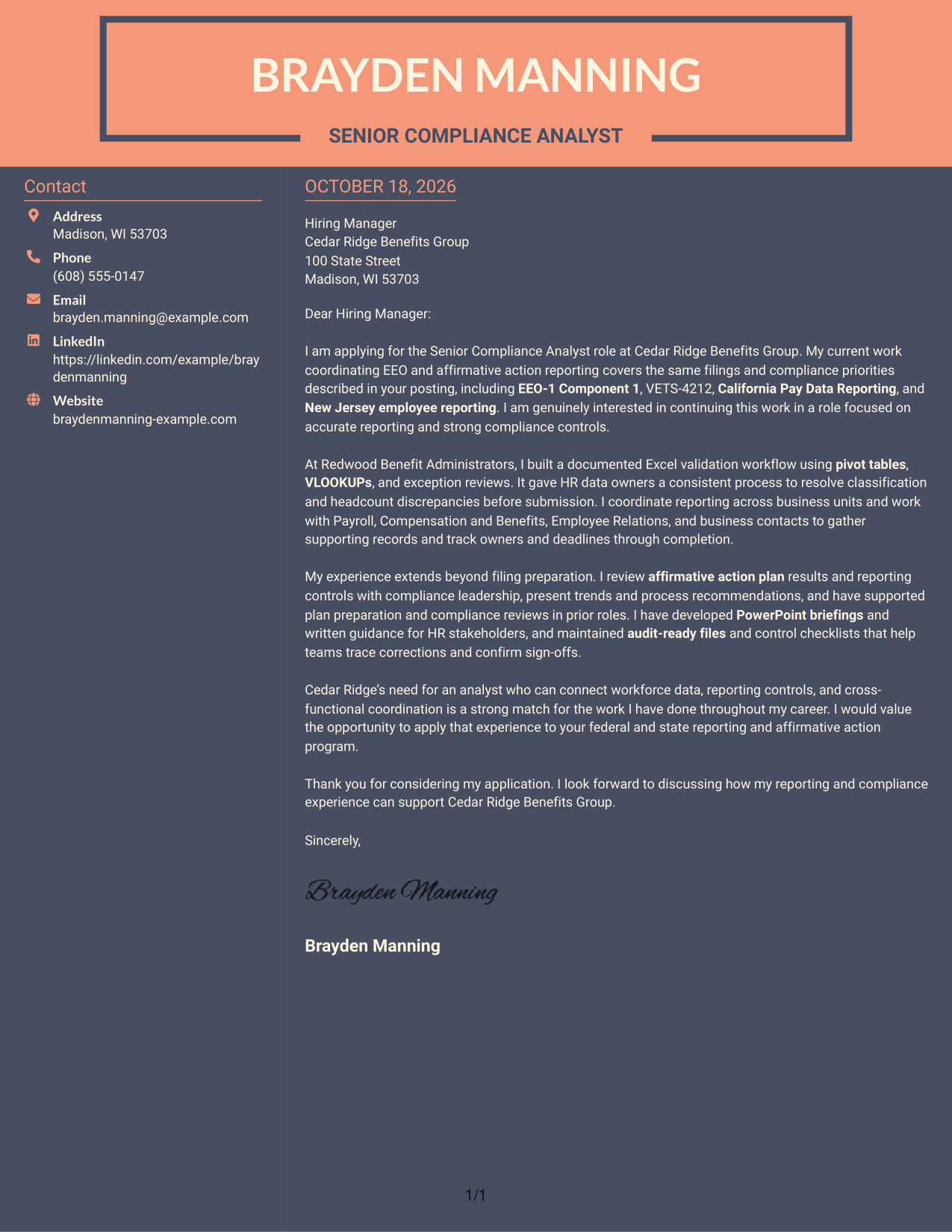
Why This Format Works
- The sidebar keeps sender contact details apart from the letter's main content.
- The continuous body lets readers follow the message through its closing.
- Contact information remains distinct without dividing the letter into parallel arguments.
Best For
- Contact details beside the message
- A single connected letter
- A separate contact area
- No-photo preferences
- Letters with several paragraphs
Why Use ResumeInMinutes for a Senior Compliance Analyst - EEO and Affirmative Action Reporting Cover Letter
ResumeInMinutes gives you a clear starting point for presenting your reporting experience, motivation, and fit for this compliance role.
- Distinct writing and presentation styles
- Clear, readable letter layouts
- Examples for role-specific wording
- Focused cover letter structure
- Professional letter templates
- Image previews to compare
Compare the image previews, then open an example in the editor to review its presentation. Use the example to shape a letter that explains your interest in EEO and affirmative action reporting and supports your fit with relevant evidence.
See Also
- 7 Senior Compliance Analyst - EEO and Affirmative Action Reporting Resume Templates with Example
- 7 Principal Analyst, Healthcare Compliance Resume Templates with Example
- 7 Senior Commercial Compliance Analyst - Security Certifications and Audits Resume Templates with Example
- 7 Analyst, Reporting & Analytics Resume Templates with Example
- 33 Senior Cybersecurity Power BI Reporting Analyst Resume Templates with Example 2026 (ATS-Optimized)
- 7 Senior Performance Analyst - KPI Reporting and Business Analysis Resume Templates with Example
- 33 Accounts Payable Analyst - Invoice Processing Resume Templates with Example 2026 (ATS-Optimized)
- 33 Accounts Payable Analyst Resume Templates with Example 2026 (ATS-Optimized)
- 7 Senior Commercial Compliance Analyst - Security Certifications and Audits Cover Letter Templates with Example
- 30+ Senior Cybersecurity Power BI Reporting Analyst Cover Letter Templates with Example 2026
Frequently Asked Questions
What should I emphasize in a Senior Compliance Analyst cover letter for EEO and affirmative action reporting?
Show how you handle workforce data, reporting deadlines, and compliance controls. Use specific examples that you can support, such as preparing EEO-1 Component 1 or VETS-4212 reports, reviewing affirmative action plans, or coordinating records across teams.
How can I make my cover letter relevant to this role?
Connect your experience to the role’s reporting and process needs. For example, describe how an Excel validation workflow helped identify data issues before a filing, or how you tracked supporting records and deadlines with partner teams.
Which cover letter presentation should I choose?
Choose a clear, readable style that suits the employer and the way you will communicate. Compare the image previews, then open an example in the editor to review its layout.
How should I show my interest in the employer?
Refer to the reporting, controls, or affirmative action work described for the role, and explain why that work interests you. Keep the reason specific and sincere, and avoid adding claims about the organization that you cannot verify.
What makes the closing paragraph effective?
Restate your interest, briefly connect your experience to the role, and thank the reader for considering your application. End with a clear, professional sign-off.




