
7 Senior Counsel - Product & Privacy Cover Letter Templates with Example
This guide helps you create a Senior Counsel - Product & Privacy cover letter and compare seven layouts for presenting your role fit clearly.
What Makes a Great Senior Counsel - Product & Privacy Cover Letter in 2026
A strong letter connects product and privacy counsel work to the needs of the role. Show how clear legal guidance can help teams develop and launch AI infrastructure and customer-facing products.
Use relevant evidence, such as model licensing guidance, privacy program work, or export controls for advanced compute. Explain how your approach aligns with the employer’s needs and helps teams make sound decisions.
The featured example follows a focused progression readers can adapt while choosing a presentation suited to the employer and communication context.
#1 Simple One Column Format Cover Letter Example
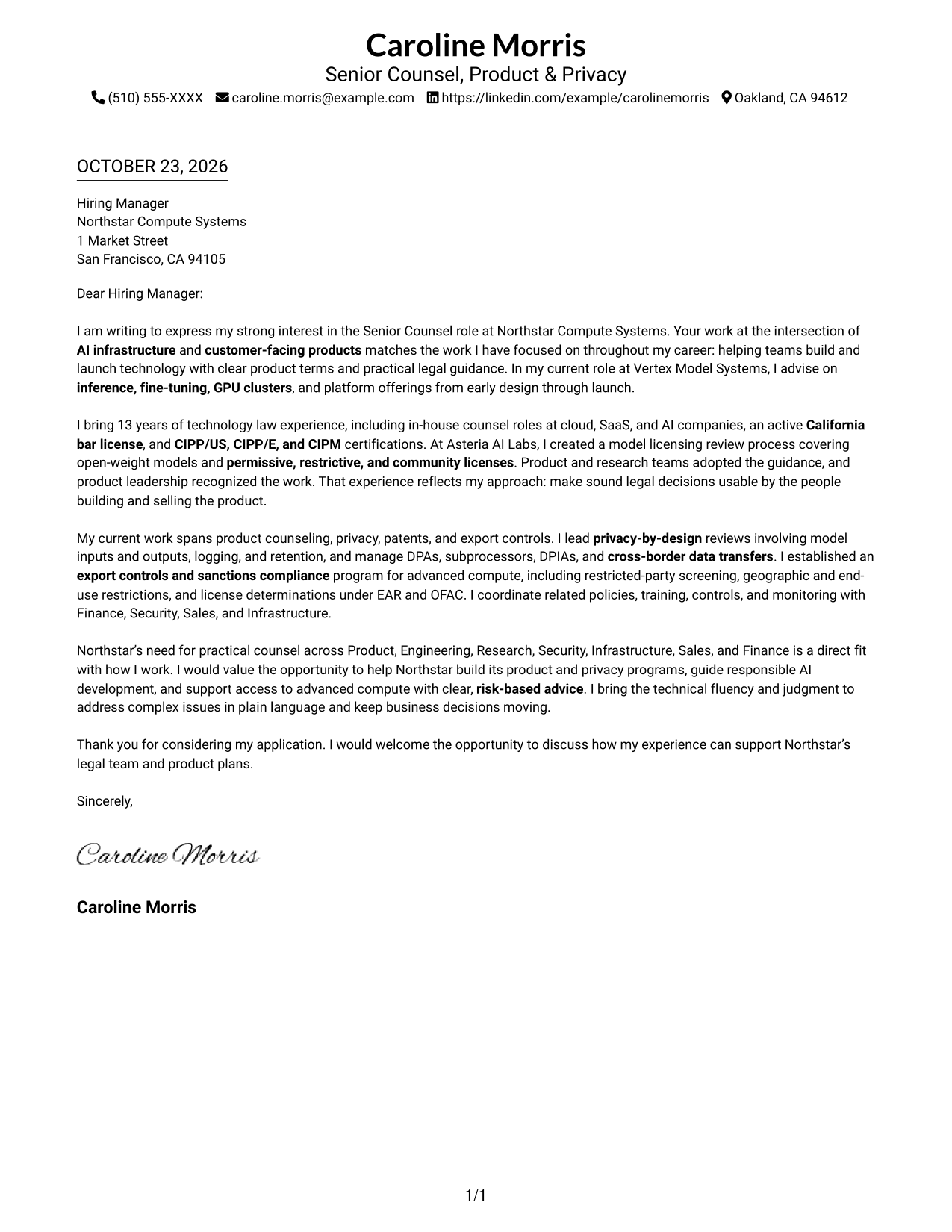
Simple One Column Format places sender details in the header above one continuous letter body, giving the message a direct reading path.
Why This Format Works
- A single reading path lets reviewers follow the letter without switching between columns.
- Header-based sender details remain easy to find without interrupting the message.
- Continuous paragraphs keep the opening, supporting points, and closing together.
Best For
- Multi-paragraph cover letters
- Letters with direct openings
- Applications with a clear closing
- Photo-free submissions
- Text-first correspondence
#2 Two Column Format Cover Letter Example
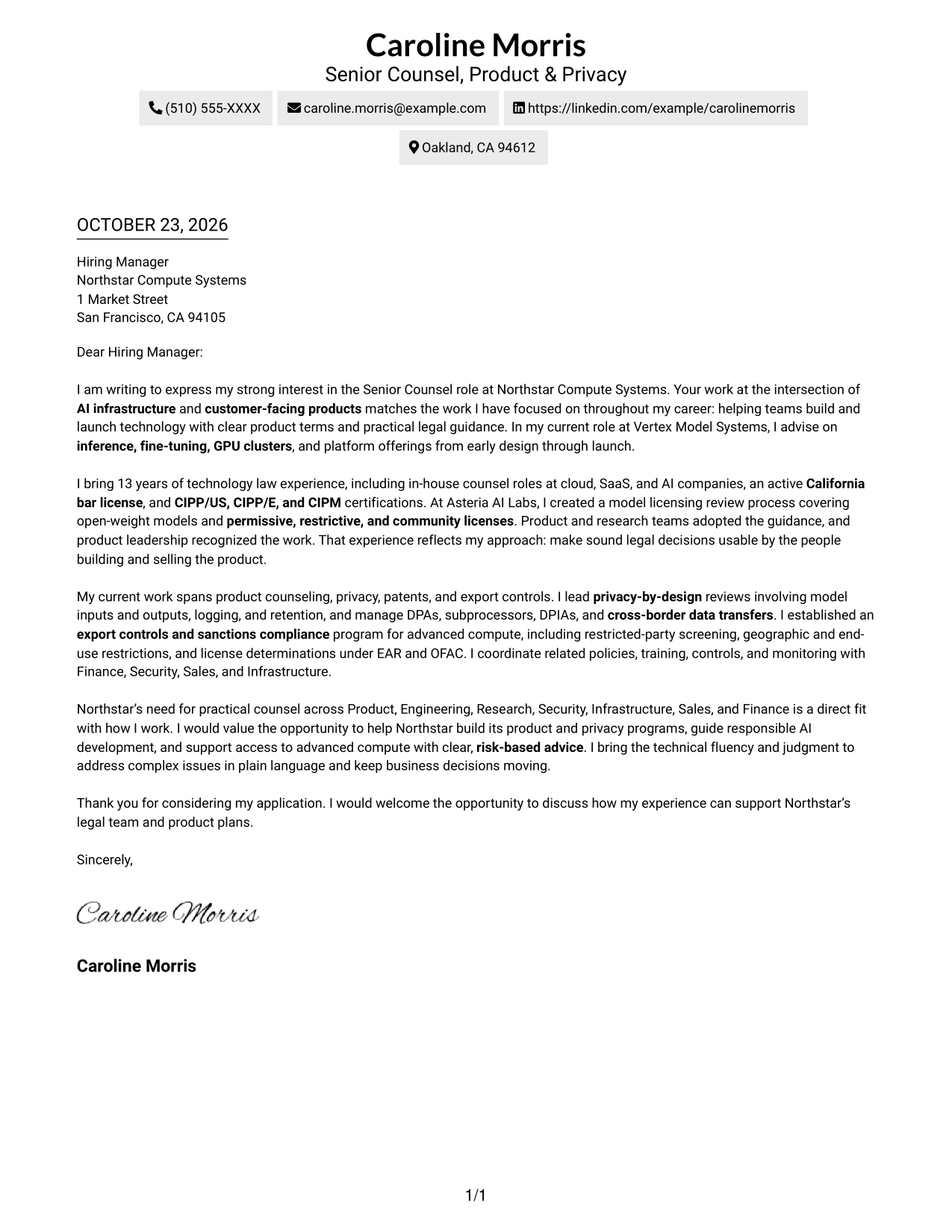
Two Column Format places a contact sidebar beside one continuous letter body, keeping sender details separate from the message.
Why This Format Works
- Contact details sit apart from the message, making sender information easy to locate.
- One continuous body keeps the opening, supporting points, and close in sequence.
- The sidebar and letter body give contact information and correspondence distinct reading areas.
Best For
- Sidebar contact reference
- Letters with several supporting points
- One-body argument structure
- Photo-free application materials
- Role-specific motivation
#3 Photo Header Two Column Format Cover Letter Example
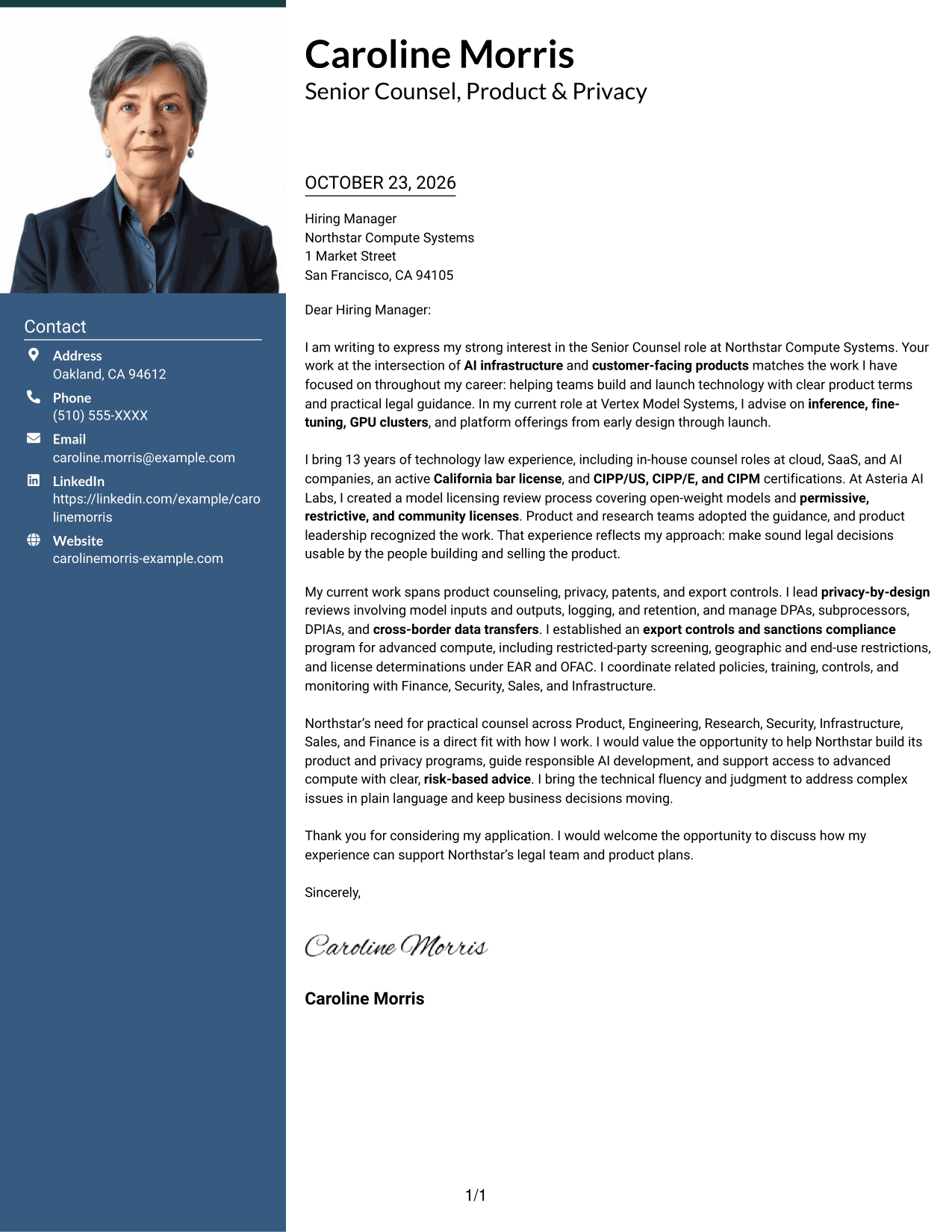
Photo Header Two Column Format includes a photo, with a contact sidebar beside the continuous letter body for readers who prefer a portrait and separate contact area.
Why This Format Works
- A photo adds a personal visual detail for readers who prefer portrait presentation.
- The contact sidebar keeps sender details apart from the letter's argument.
- Continuous paragraphs let the message move from interest to evidence and closing.
Best For
- Applications calling for a portrait
- Sidebar contact details
- Letters with multiple supporting points
- A continuous written case
- Photo-inclusive correspondence
#4 One Column Format with Photo Cover Letter Example
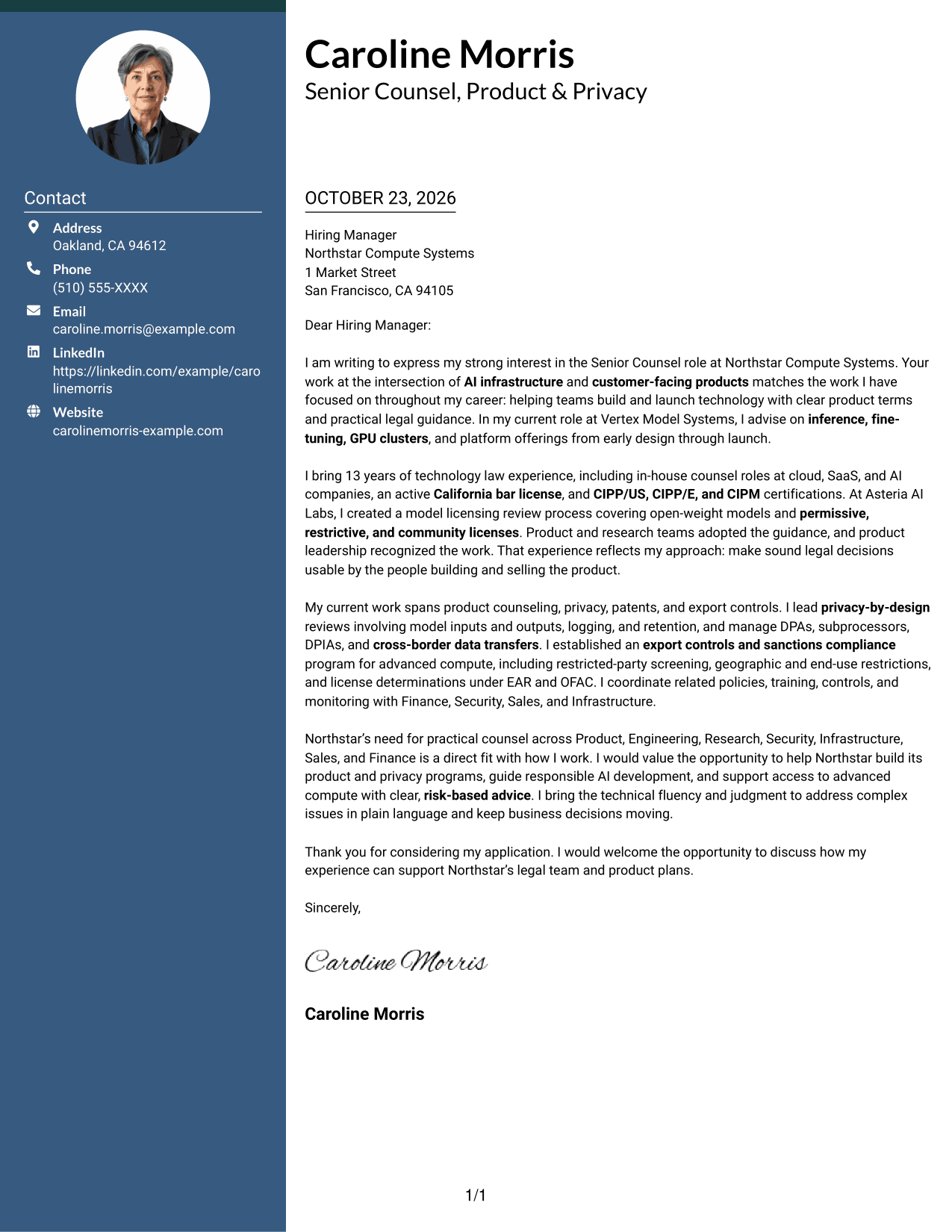
One Column Format with Photo combines a portrait with a single continuous letter body, keeping the correspondence in one reading path.
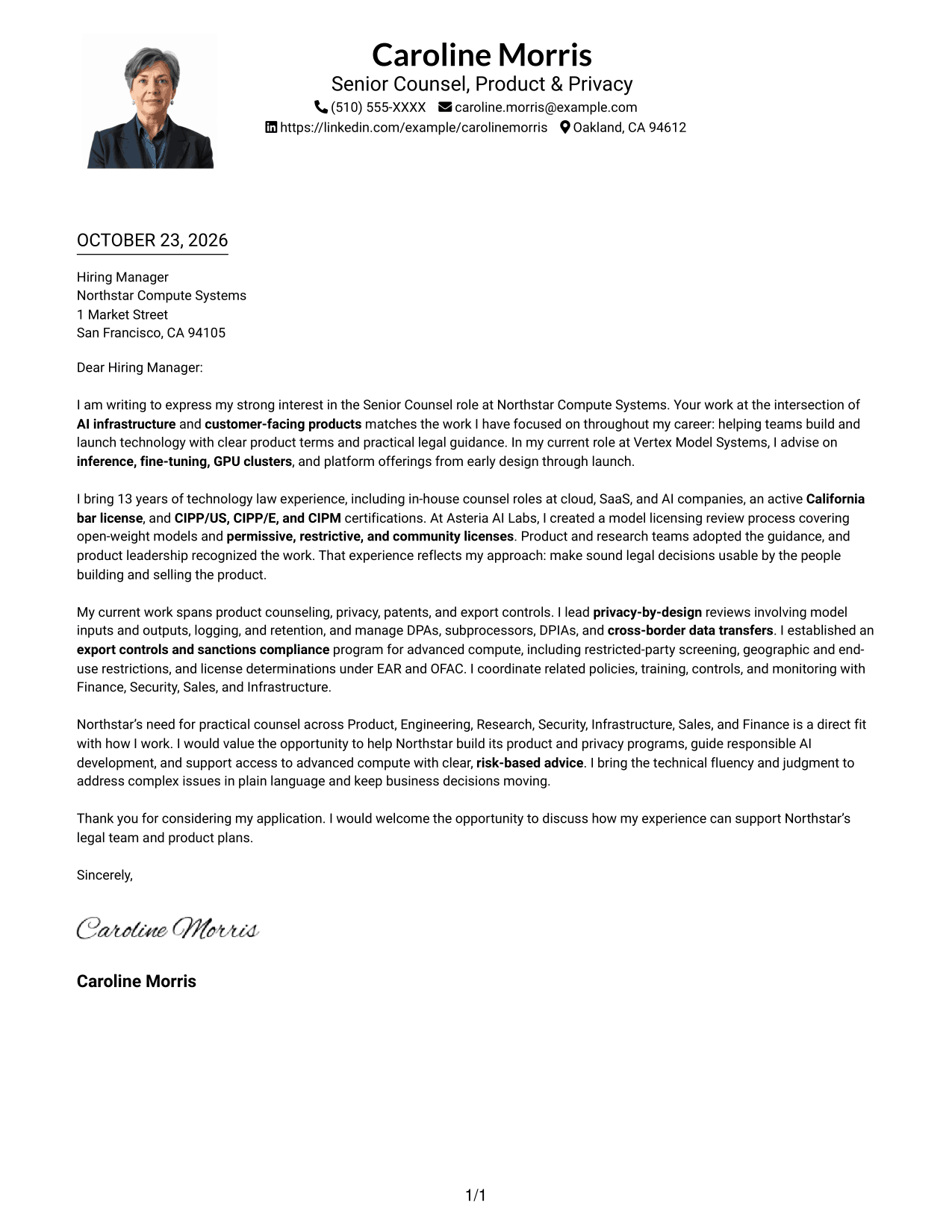
Why This Format Works
- The single-column body keeps each paragraph in a clear reading order.
- A photo provides a personal visual element without dividing the letter text.
- Sender details in the header can be checked separately from the message.
Best For
- Portrait-inclusive correspondence
- One-column letter preference
- Multi-paragraph application letters
- Header-based sender details
- Direct opening-to-close messages
#5 Simple Two Column Format Cover Letter Example
Simple Two Column Format pairs a contact sidebar with one continuous letter body, so the reader can distinguish contact details from the correspondence.
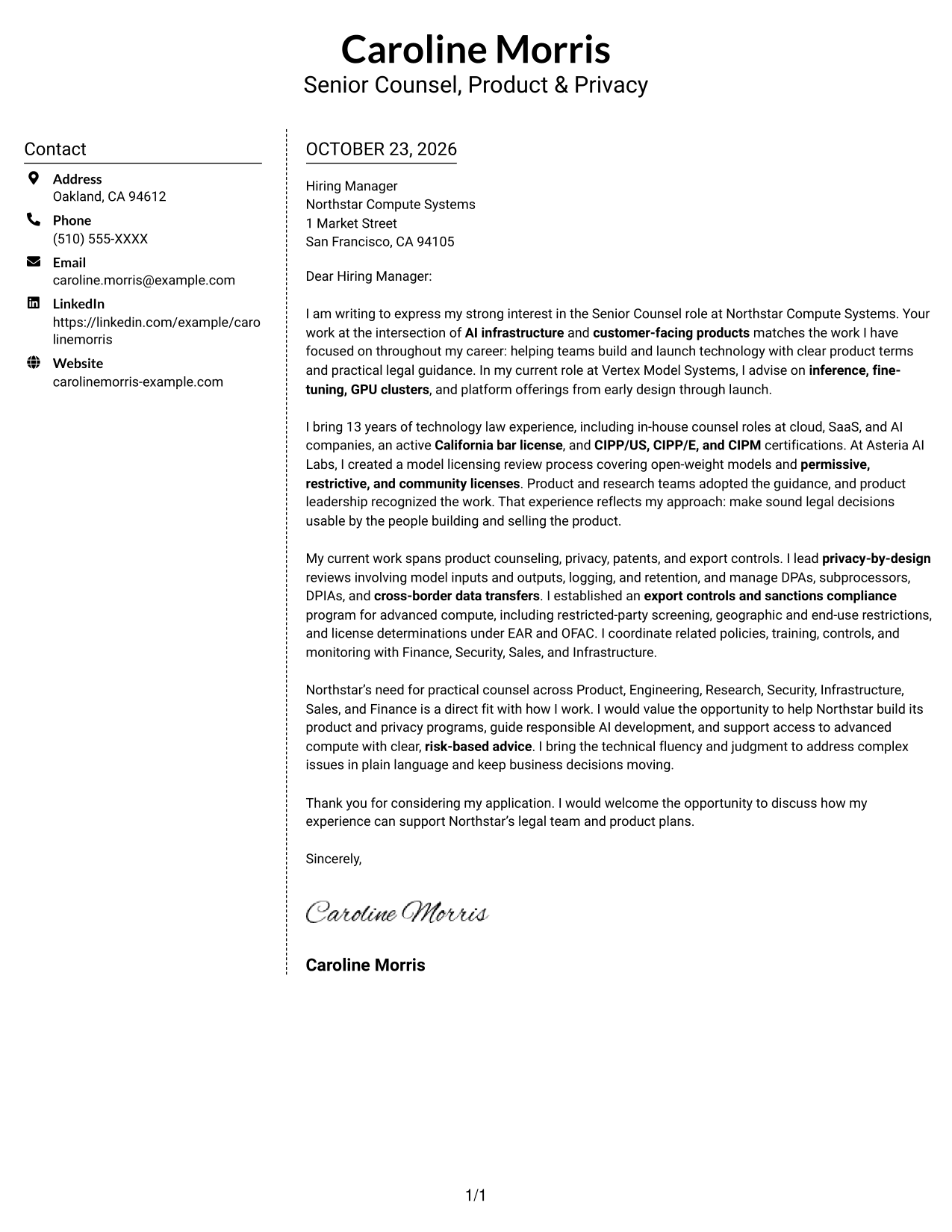
Why This Format Works
- The sidebar makes sender contact details available without placing them in the letter text.
- A continuous body preserves the letter's natural sequence from opening to close.
- Separate columns distinguish contact information from the employer-facing message.
Best For
- Side-by-side contact access
- Letters with several body paragraphs
- Continuous argument in prose
- Photo-free correspondence
- Employer-focused applications
#6 Modern Icon Format Cover Letter Example
Modern Icon Format uses two columns for a contact sidebar and one continuous letter body, with icons serving as contact cues or decorative header accents.
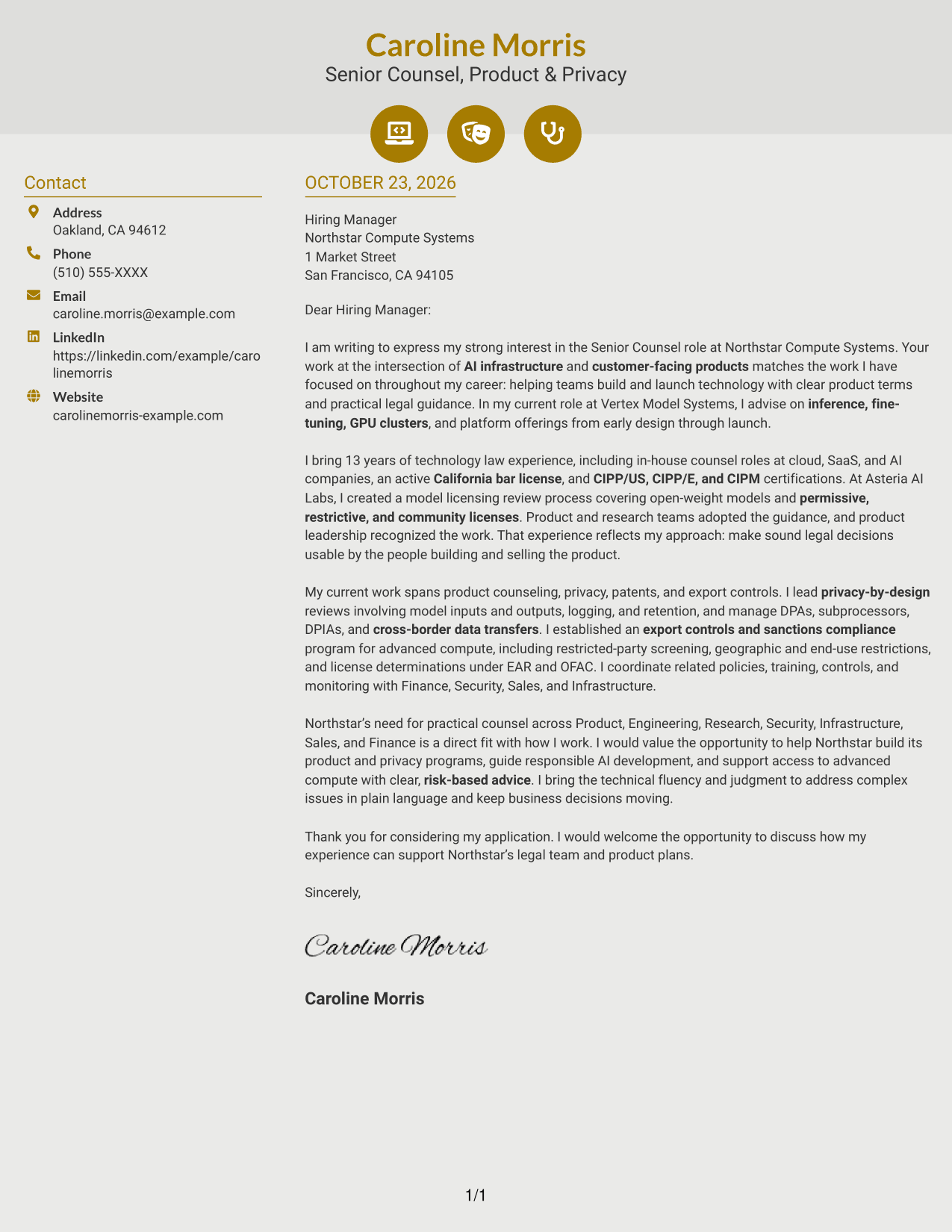
Why This Format Works
- Contact icons can help readers recognize sender details in the sidebar.
- The letter remains continuous, so its reasoning is not divided into labeled sections.
- Two columns keep contact information beside, rather than inside, the message.
Best For
- Icon-led contact details
- Letters with connected supporting points
- A single body of persuasive prose
- Contact information beside the message
- Applications without a portrait
#7 Creative Two Tone Format Cover Letter Example
Creative Two Tone Format places a contact sidebar beside one continuous letter body, giving sender details their own area while keeping the message intact.
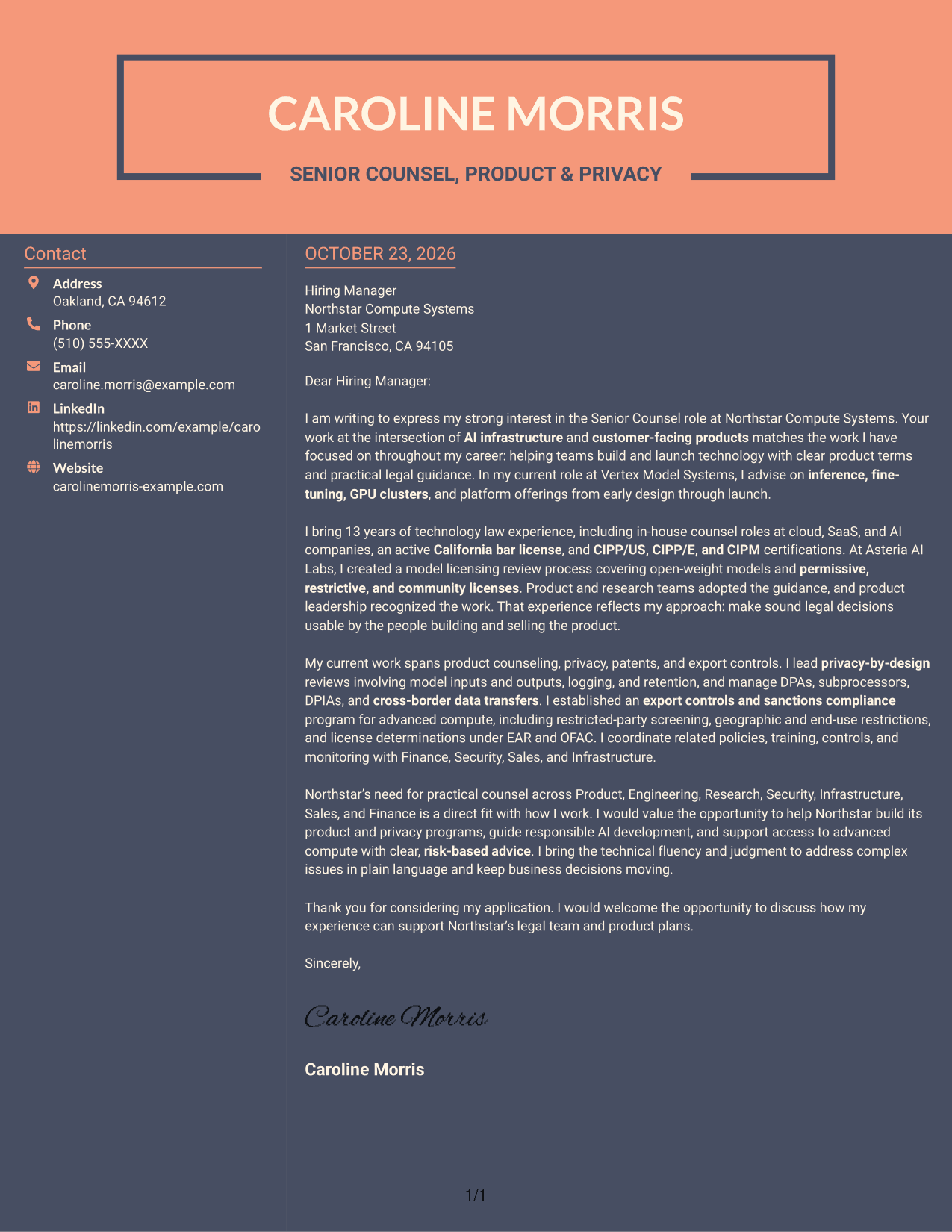
Why This Format Works
- The separate contact area gives sender information a clear place beside the letter.
- A single body keeps the opening, evidence, and close connected as prose.
- Readers can follow the message without moving between parallel argument columns.
Best For
- Distinct contact and message areas
- Letters with a clear central case
- Uninterrupted persuasive paragraphs
- Quick access to sender details
- Photo-free application letters
Why Use ResumeInMinutes for a Senior Counsel - Product & Privacy Cover Letter
ResumeInMinutes lets you compare cover letter image previews and open an example in the editor to customize its content and presentation.
- Professional letter styles
- Clear, readable formatting
- Role-focused writing guidance
- Focused letter structure
- Example preview images
- Editor customization
Use the example to shape a concise opening, connect your product, privacy, and compliance experience to the role, and close with a clear statement of interest.
See Also
- 7 Senior Counsel - Product & Privacy Resume Templates with Example
- 7 Assistant General Counsel/Associate General Counsel - Higher Education Resume Templates with Example
- 7 Associate Counsel, Global Regulatory Affairs Resume Templates with Example
- 7 Associate General Counsel, Fund Governance Resume Templates with Example
- 7 Commercial Counsel - SaaS Commercial Contracts Resume Templates with Example
- 7 Employment Counsel, Americas Resume Templates with Example
- 7 General Counsel - Labor and Employment Resume Templates with Example
- 7 Legal Support Specialist - House Counsel Support Resume Templates with Example
- 7 Commercial Counsel - SaaS Commercial Contracts Cover Letter Templates with Example
- 7 General Counsel - Labor and Employment Cover Letter Templates with Example
Frequently Asked Questions
What should a Senior Counsel - Product & Privacy cover letter emphasize?
Focus on how you advise product and engineering teams, explain complex legal issues clearly, and connect your experience to AI infrastructure, customer terms, privacy, and export controls.
How can I show that my legal guidance is practical?
Give a specific example of a process or guidance you created, who used it, and how it helped teams make consistent decisions. Keep the explanation brief and tied to the role.
How should I discuss privacy and export controls in the letter?
Select evidence that fits the position, such as privacy-by-design reviews, cross-border data work, or controls for GPU access and customer onboarding. Explain your role and the value of the work without turning the letter into a list of laws.
How can I make the letter specific to the employer?
Connect the employer’s product and legal needs to work you have done. Use verified details about its products or priorities, and explain why the role is a strong match for your interests.
Should I use a photo on my cover letter?
Use a photo only if it is common or expected in your country, region, or industry. For U.S. applications, a no-photo presentation is usually the safer choice.




