
7 Senior Field Applications Specialist - Chemistry and Immunoassay Cover Letter Templates with Example
Use this practical guide to shape a focused Senior Field Applications Specialist - Chemistry and Immunoassay cover letter, with seven layouts to help you choose a clear presentation.
What Makes a Great Senior Field Applications Specialist - Chemistry and Immunoassay Cover Letter in 2026
A strong letter connects interest in the role with clear examples of installation validation, Key Operator training, and support for chemistry and immunoassay systems. It should show how you help laboratories prepare for dependable routine testing.
Choose evidence that shows careful work with setup, calibration, QC questions, and regulatory requirements such as CAP, CLIA, and COLA. Link that experience to the employer’s needs and explain why the role’s customer support work interests you.
The featured example moves from role interest to current field responsibilities, related laboratory experience, and a direct closing. Use that focused progression as a guide, then choose a presentation that suits the employer and communication context.
#1 Simple One Column Format Cover Letter Example
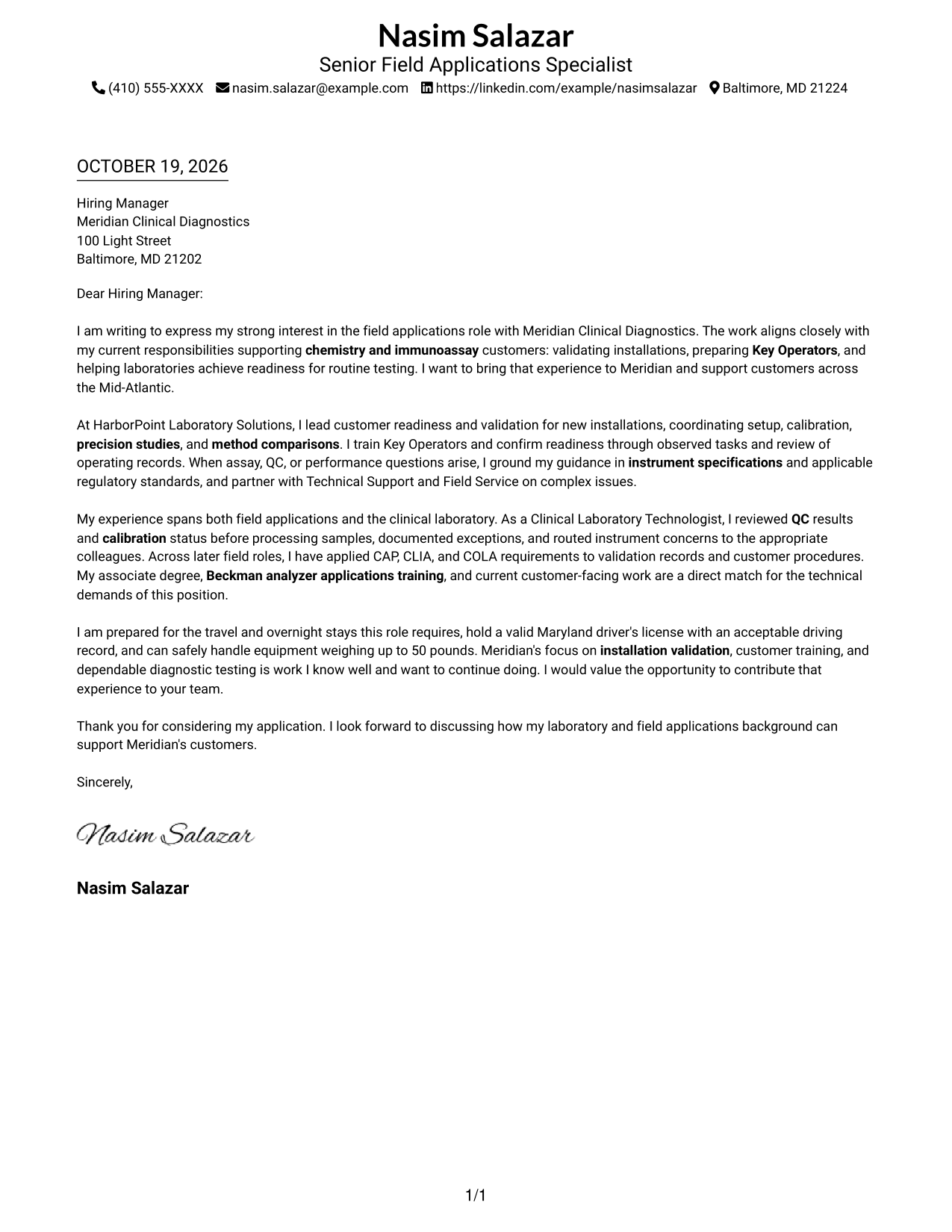
The Simple One Column Format keeps sender details in the header and the letter in one column, giving readers a direct path through the message.
Why This Format Works
- Sender details in the header stay distinct from the letter's main message.
- One reading column carries the opening, supporting points, and close in order.
- Without argument headings, paragraph order keeps the case connected from start to finish.
Best For
- Single-column letter reading
- Letters with several evidence paragraphs
- Validation-focused correspondence
- Text-first application materials
- Chemistry and immunoassay application letters
#2 Two Column Format Cover Letter Example
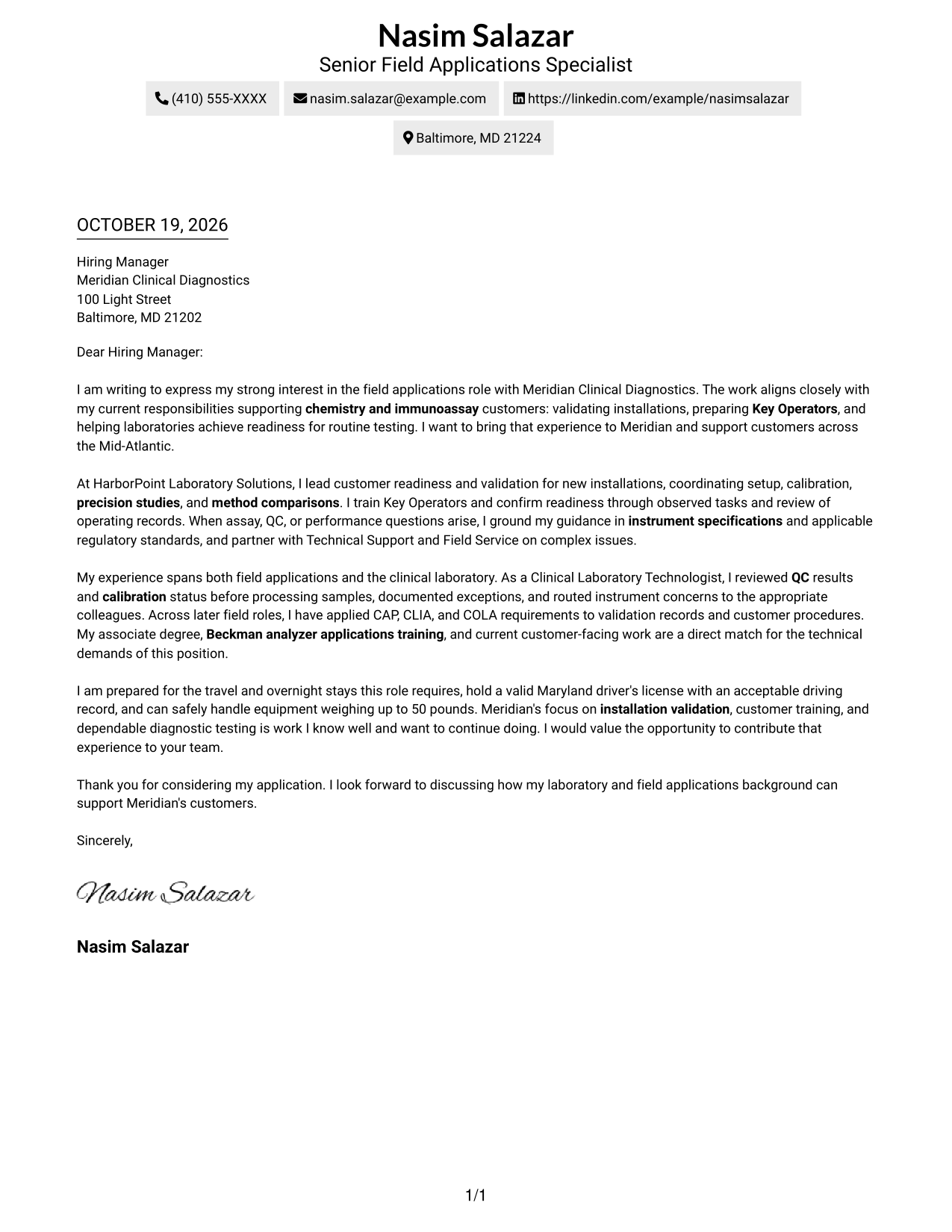
The Two Column Format places a contact sidebar beside one continuous letter body, keeping contact details apart from the message.
Why This Format Works
- Contact details sit in a sidebar, leaving the letter body in one column.
- The main text carries motivation, evidence, and closing as a single argument.
- The opening and close remain in the letter body rather than the contact area.
Best For
- Contact details apart from prose
- Letters with one persuasive thread
- Applications with several supporting paragraphs
- Customer training correspondence
- Technical application letters
#3 Photo Header Two Column Format Cover Letter Example
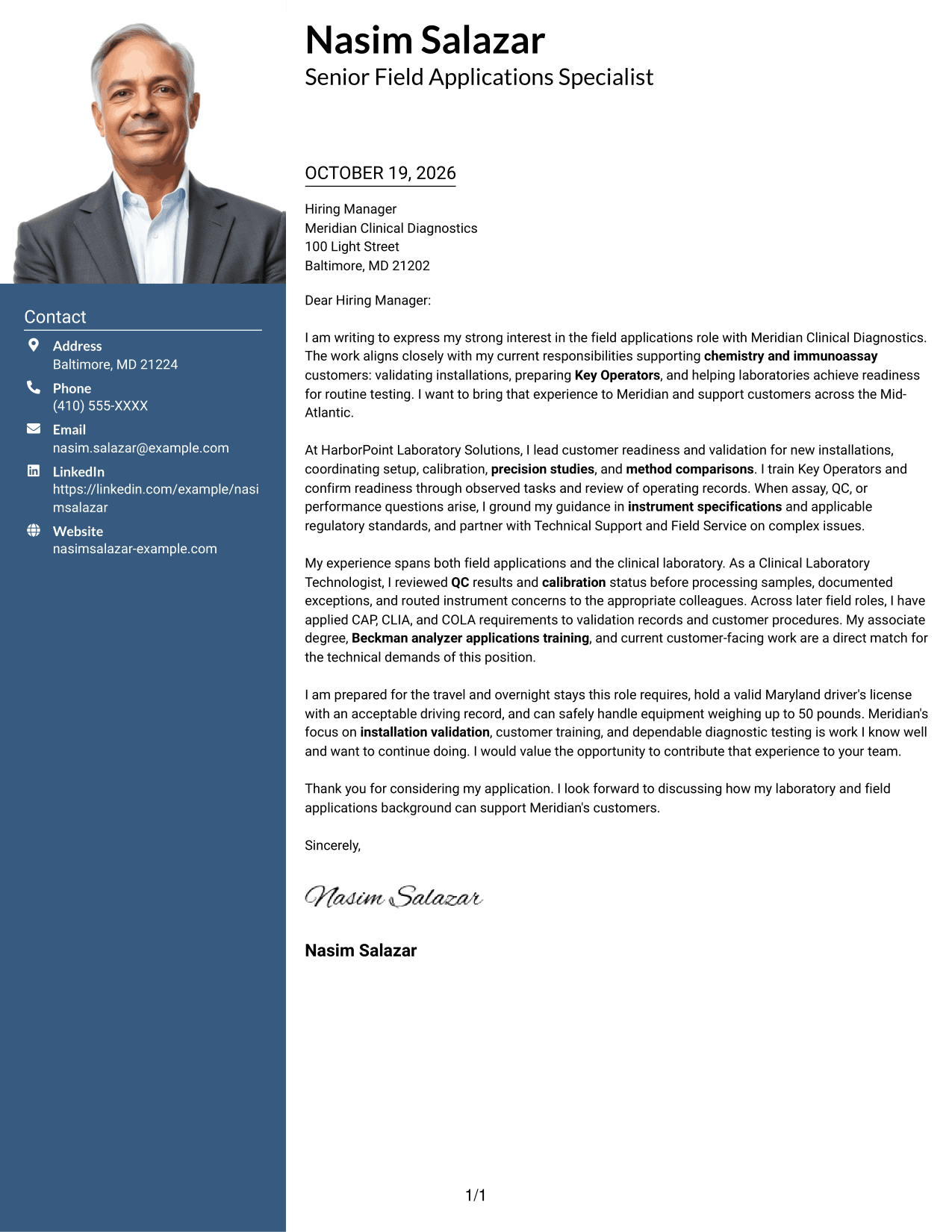
The Photo Header Two Column Format combines a sender photo and contact sidebar with one continuous letter body for readers who prefer a portrait alongside the message.
Why This Format Works
- The sender photo adds a visual element for applicants who prefer a portrait on the page.
- Contact details occupy the sidebar, separate from the letter's argument.
- The main text stays in one column, keeping motivation and evidence in paragraph order.
Best For
- Applications with a sender photo
- Sidebar contact details
- Letters with one continuous argument
- Field and laboratory application correspondence
- Customer readiness letters
#4 One Column Format with Photo Cover Letter Example
The One Column Format with Photo pairs a sender portrait with one continuous letter column, keeping the visual choice separate from the message's reading path.
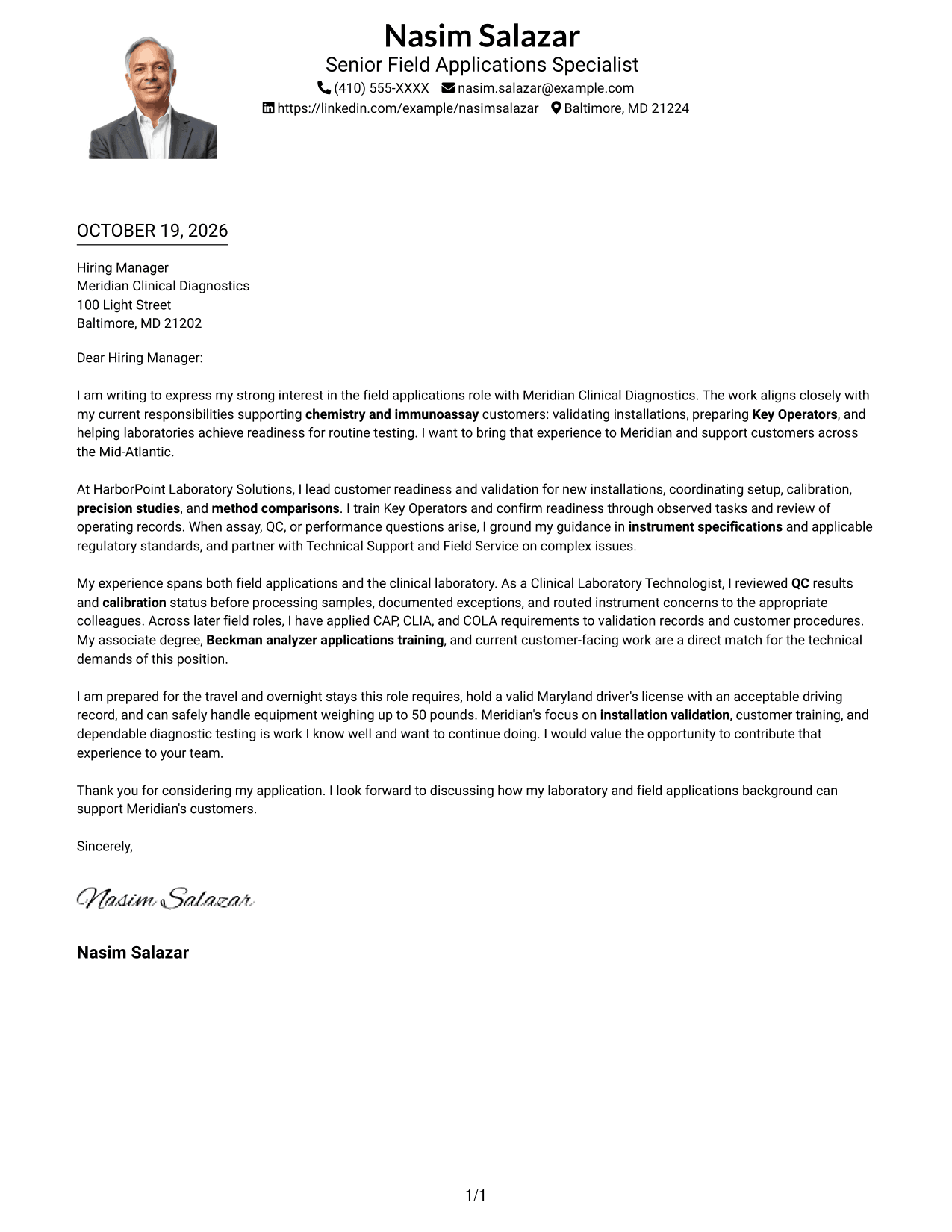
Why This Format Works
- A sender photo offers a portrait for applicants who want a visual element.
- One column keeps the opening, supporting details, and close in a clear order.
- Sender details in the header remain distinct from the letter's paragraphs.
Best For
- Single-column letters with a sender photo
- Sequential persuasive narratives
- Letters with several supporting paragraphs
- Validation and training correspondence
- Chemistry and immunoassay application letters
#5 Simple Two Column Format Cover Letter Example
The Simple Two Column Format sets contact details in a sidebar beside the letter, while the message stays together in one body column.
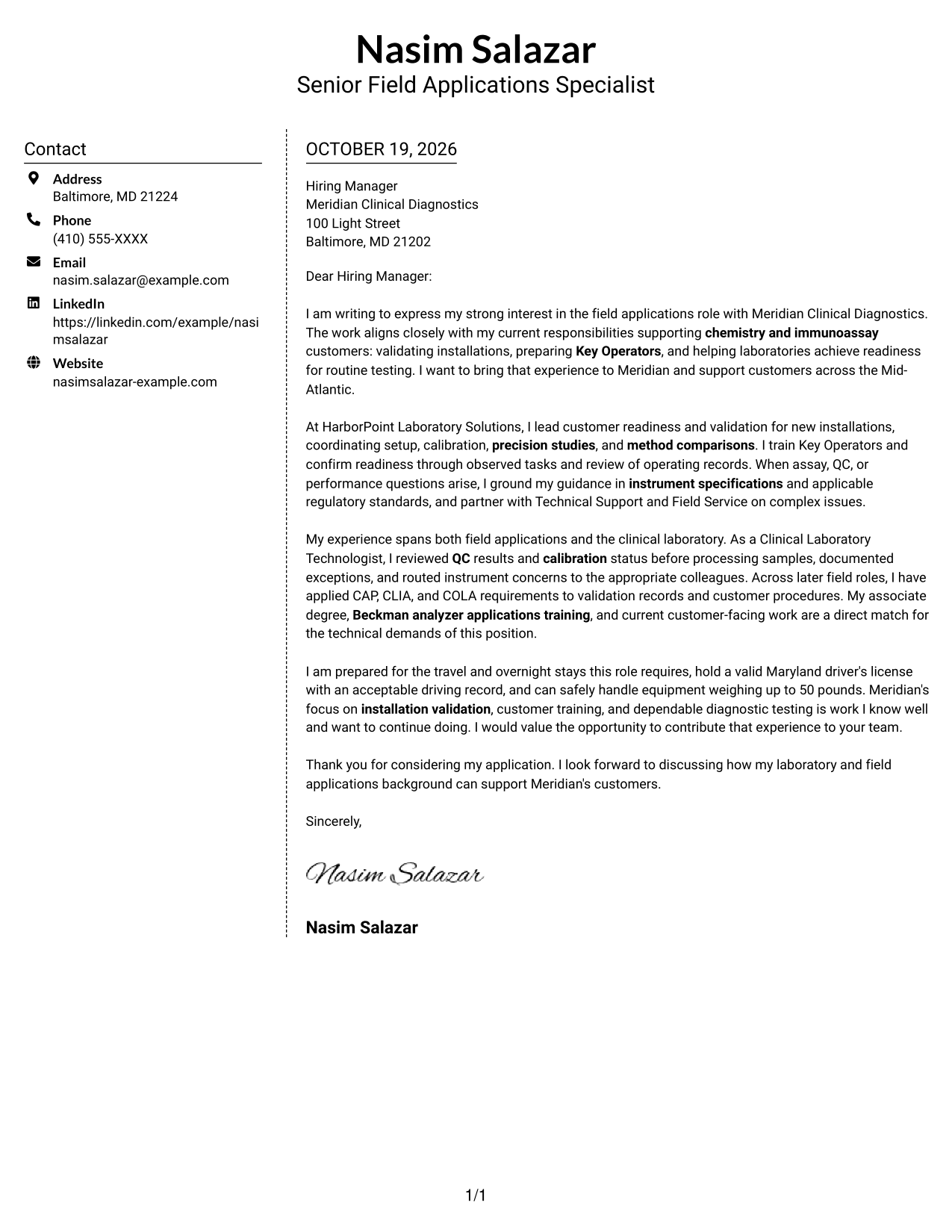
Why This Format Works
- A separate contact sidebar keeps sender information apart from the letter text.
- The body remains one column, so the argument does not split across parallel areas.
- Paragraphs carry the message from interest through evidence to the closing.
Best For
- Contact details beside the message
- One-column argument flow
- Applications with extended supporting text
- Technical customer correspondence
- Validation-focused letters
#6 Modern Icon Format Cover Letter Example
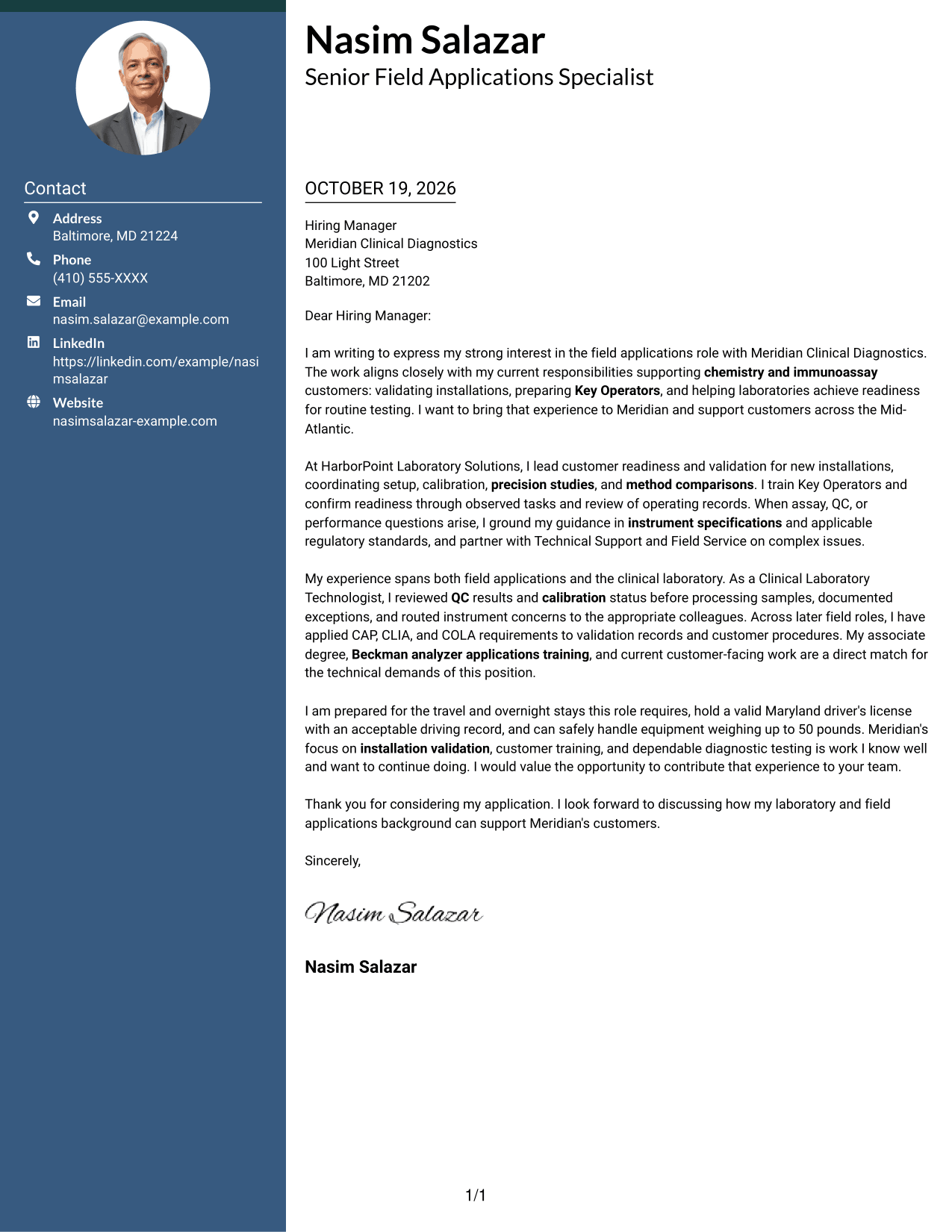
The Modern Icon Format uses contact cues in a sidebar beside one continuous letter body, helping readers distinguish contact information from the message.
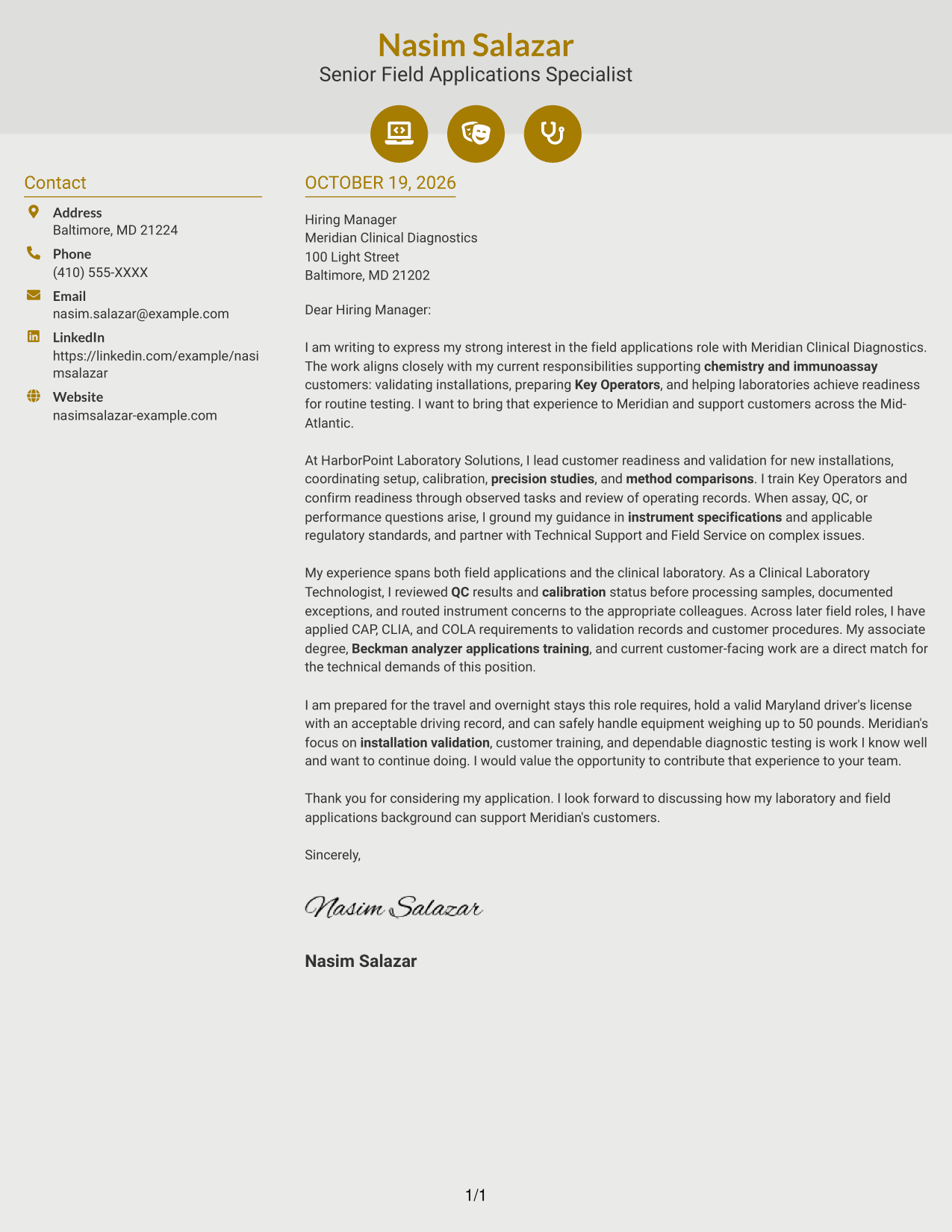
Why This Format Works
- Contact icons act as cues for sender details, not for letter stages.
- The sidebar keeps contact information apart from a single-column letter body.
- Motivation, supporting evidence, and closing stay in paragraphs without section labels.
Best For
- Icon-marked contact details
- Letters with a single argument
- Several-paragraph application messages
- Training and validation correspondence
- Diagnostic customer applications
#7 Creative Two Tone Format Cover Letter Example
The Creative Two Tone Format places a contact sidebar beside one continuous letter body, offering a clear division between sender information and the message.
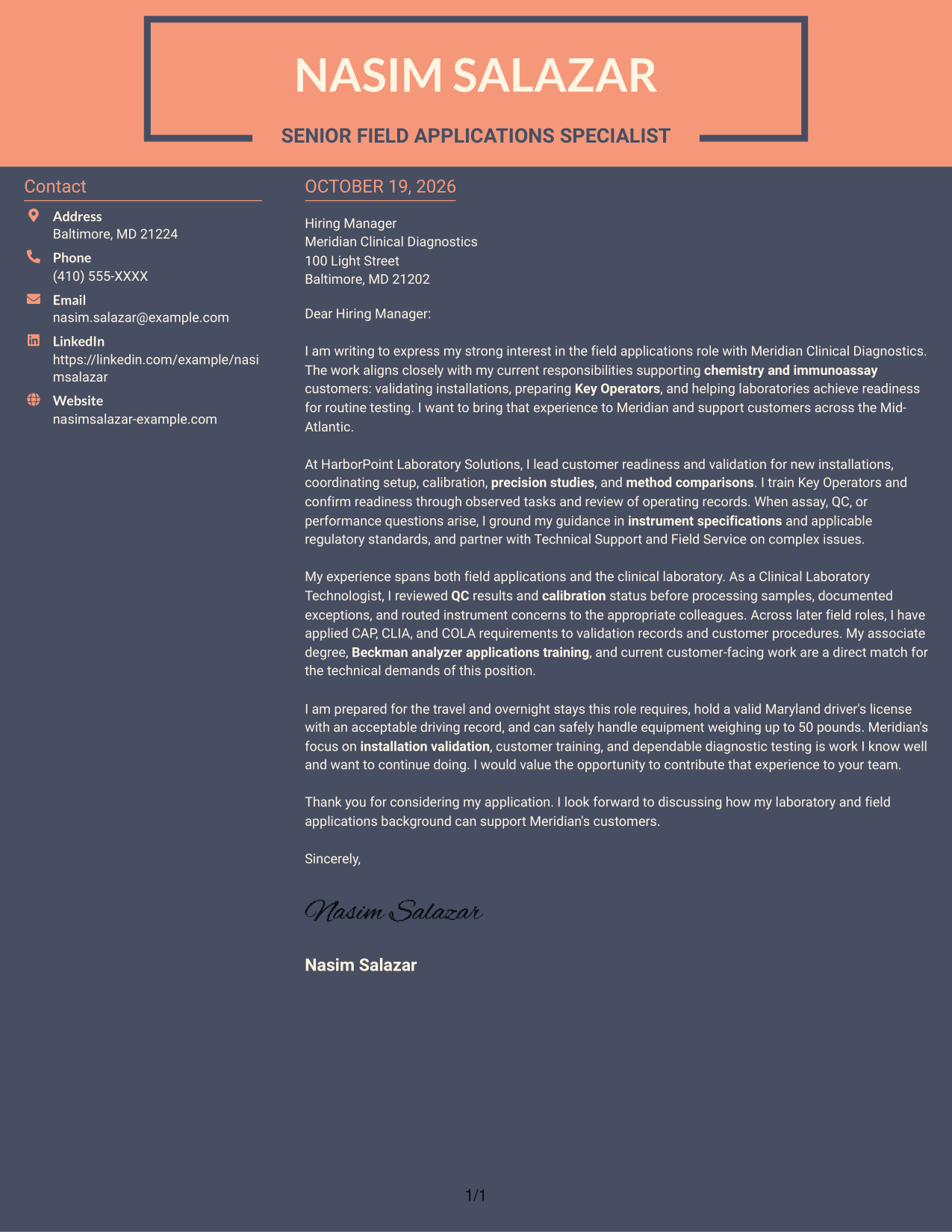
Why This Format Works
- The contact sidebar separates sender information while the letter stays in one body column.
- A continuous paragraph sequence keeps the opening and supporting case together.
- The argument remains unlabeled, so paragraph order carries the message to its close.
Best For
- Contact sidebar preferences
- Unbroken letter narratives
- Multi-paragraph application messages
- Technical customer correspondence
- Validation-focused letters
See Also
- 7 Senior Field Applications Specialist - Chemistry and Immunoassay Resume Templates with Example
- 7 Field Applications Engineer Resume Templates with Example
- 7 3D Application Developer Intern Resume Templates with Example
- 7 Application Analyst Specialist Resume Templates with Example
- 7 Application Engineer - Electronic Security Systems Resume Templates with Example
- 7 Application Engineer Resume Templates with Example
- 7 Applications Development Sr Supervisor Resume Templates with Example
- 7 Applications Engineer - Electrification Resume Templates with Example
- 30+ Associate Electrical Applications Engineer Cover Letter Templates with Example 2026
- 30+ Cloud Applications Development Intern Cover Letter Templates with Example 2026
Frequently Asked Questions
What should a Senior Field Applications Specialist cover letter emphasize?
Show how you support instrument validation, prepare Key Operators, and respond to assay or QC questions. Use clear examples that connect your guidance to instrument specifications and laboratory requirements.
Are these separate letters or one example in different layouts?
This guide presents one role-focused cover letter example in different layouts. Compare the PNG previews, then open a suitable example in the editor to view or customize it.
Which cover letter style works well for this role?
A clean, easy-to-read layout can help keep attention on your technical guidance and customer communication. Choose a style that fits the employer and the way the letter will be reviewed.
What experience is useful to discuss in this cover letter?
Highlight relevant work with chemistry and immunoassay instruments, installation validation, operator instruction, quality control, and customer support. Include specific results only when you can describe them accurately.
Should I include a photo on my cover letter?
Use a photo only if it is common or expected in your country, region, or industry. For U.S. applications, a cover letter without a photo is usually the safer choice.




