
7 Senior Field Technician - AC Substation Commissioning and Maintenance Cover Letter Templates with Example
This practical guide helps you write a focused Senior Field Technician - AC Substation Commissioning and Maintenance cover letter and compare its seven layouts.
What Makes a Great Senior Field Technician - AC Substation Commissioning and Maintenance Cover Letter in 2026
A strong letter connects your field experience to AC substation commissioning, maintenance, and troubleshooting. It should show why this work interests you and how you communicate on customer sites.
Use clear examples, such as breaker checks, fault diagnosis, or safe contractor coordination. Then link that evidence to the employer’s needs and the demands of field service work.
The featured example moves from role interest to relevant field evidence and a clear close. Adapt that focused progression, then choose a presentation that suits the employer and the way you will communicate.
#1 Simple One Column Format Cover Letter Example
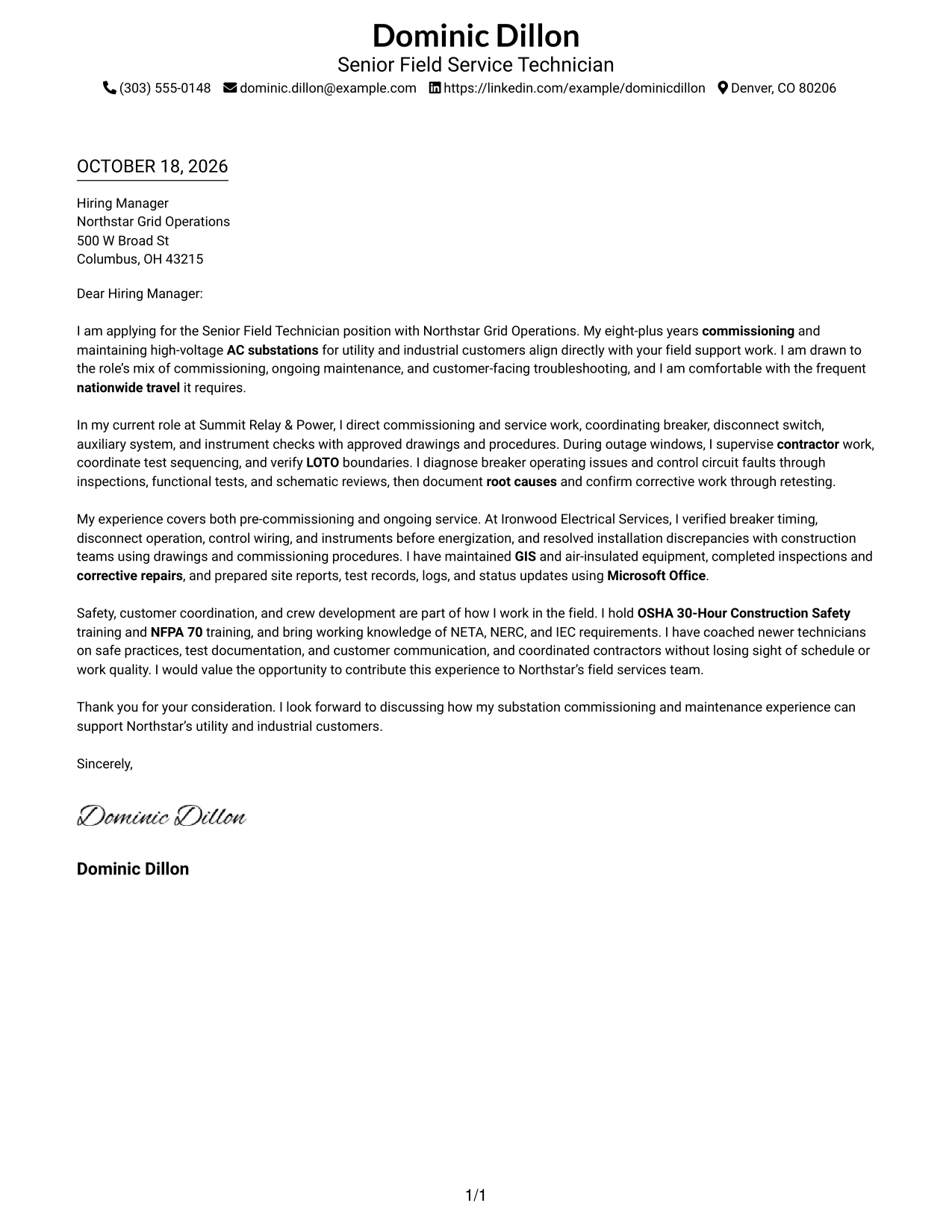
A single-column layout keeps sender details in the header and gives the letter one straightforward reading path.
Why This Format Works
- Sender details stay in the header, apart from the letter's persuasive message.
- One body column gives each paragraph a clear top-to-bottom reading order.
- The opening, supporting evidence, and close remain part of one letter.
Best For
- Header-based contact access
- One-column reading preference
- Continuous letter arguments
- Employer-specific motivation
- Evidence-led applications
#2 Two Column Format Cover Letter Example
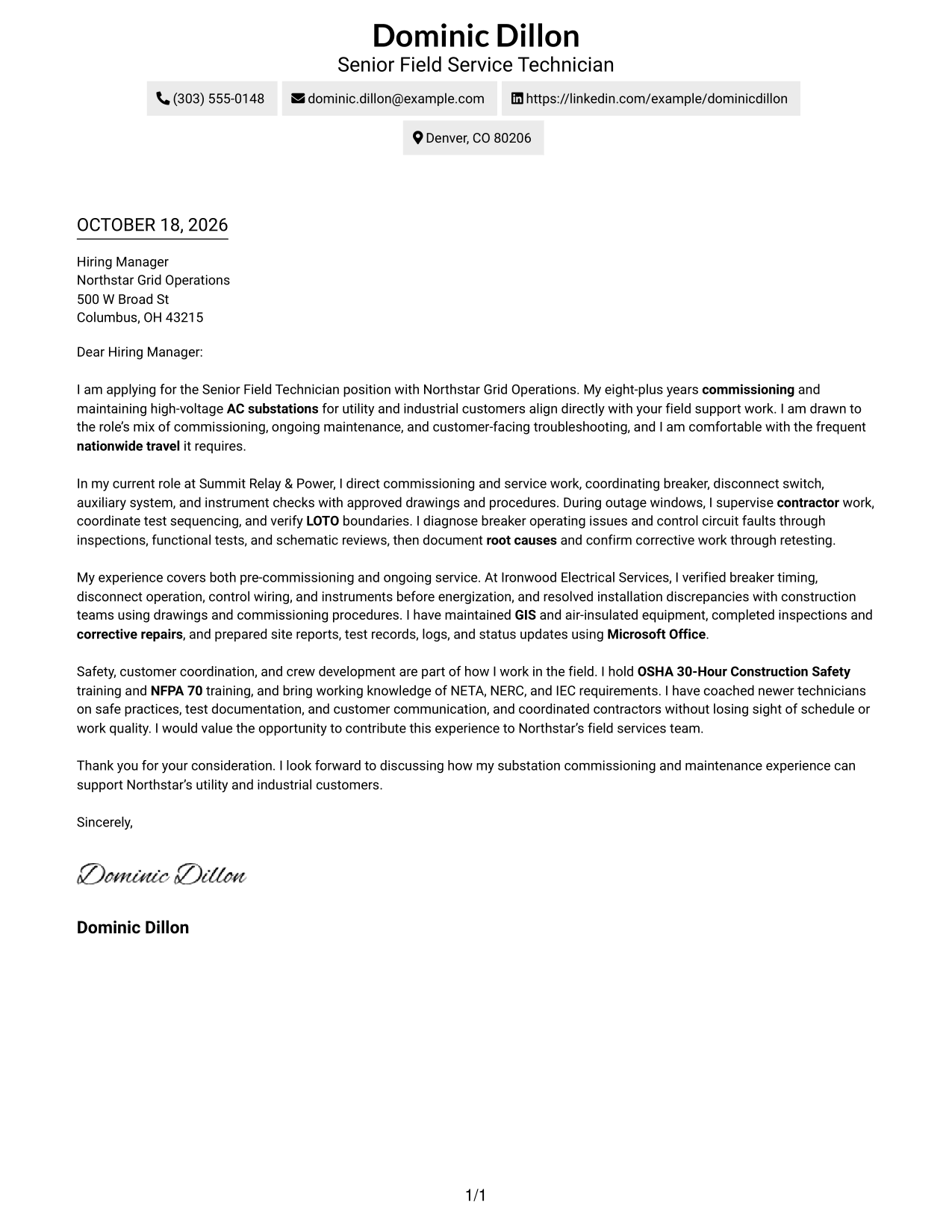
A contact sidebar sits beside the single-column letter body, keeping contact details easy to find without splitting the message.
Why This Format Works
- Contact details sit apart from the letter, making them easy to locate.
- One body column keeps the message from splitting into parallel arguments.
- Opening, evidence, and closing stay together as continuous letter paragraphs.
Best For
- Separate contact lookup
- Single-column letter reading
- Contact-first review
- Detailed supporting paragraphs
- Role-aligned applications
#3 Photo Header Two Column Format Cover Letter Example
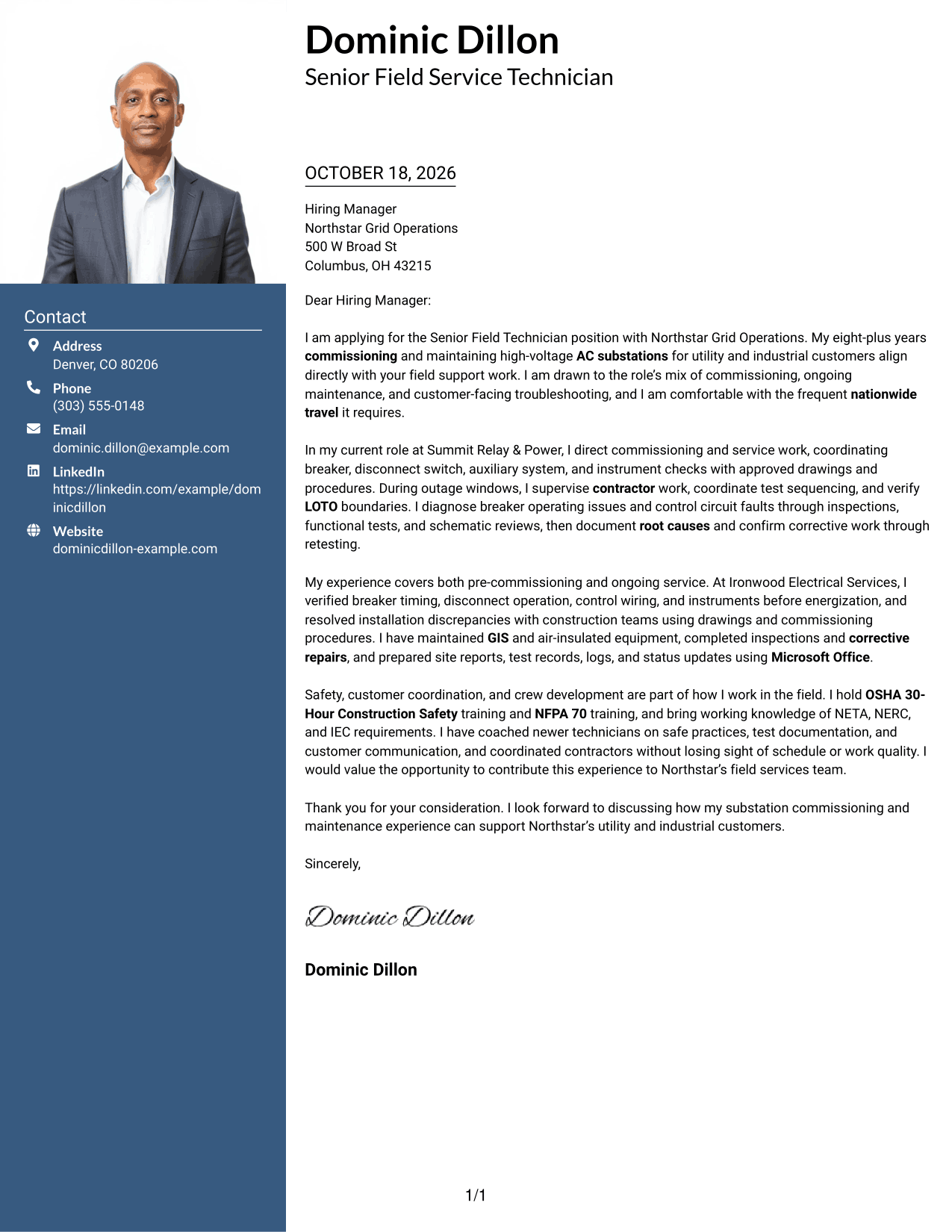
A photo in the header adds a personal visual cue, while the two-column page keeps contact details beside one continuous letter body.
Why This Format Works
- The photo adds a personal visual cue without changing the letter's argument.
- Contact details remain apart from the continuous letter body for quick reference.
- Readers can follow the message in one column from opening through closing.
Best For
- Photo-forward contact headers
- Separate contact and message areas
- Single-column letter flow
- Personal visual presentation
- Role-specific motivation
#4 One Column Format with Photo Cover Letter Example
The one-column page pairs a photo with the continuous letter body, offering a personal visual element without dividing the message.
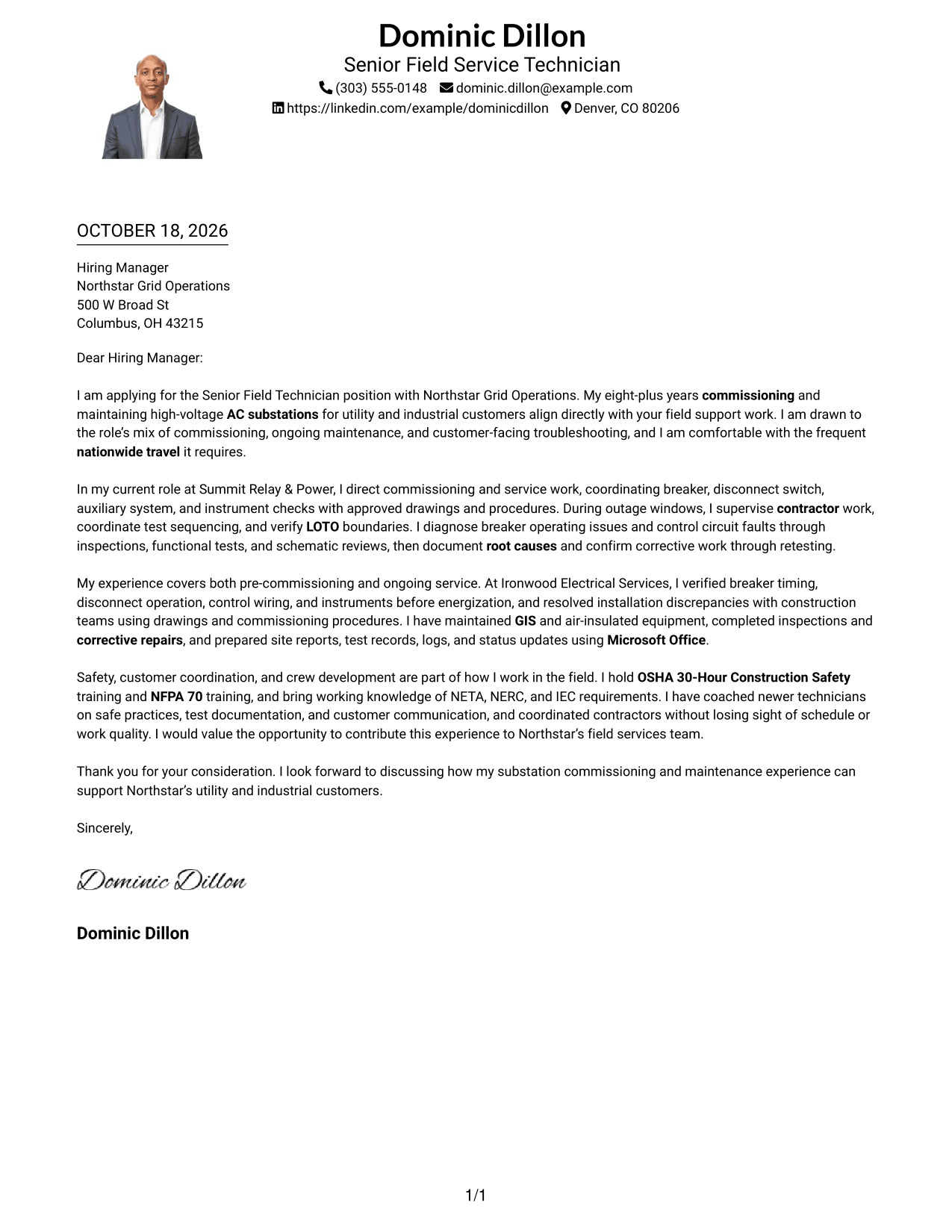
Why This Format Works
- The photo adds a personal visual element while the message keeps one reading column.
- Sender details in the header remain separate from the letter paragraphs.
- Every paragraph follows the same top-to-bottom path through the argument.
Best For
- Photo with a continuous letter
- One-column reading preference
- Header-based contact details
- Personal visual presentation
- Evidence-rich applications
#5 Simple Two Column Format Cover Letter Example
A contact sidebar sits beside the single-column letter body, keeping contact information distinct while the message remains in one reading column.
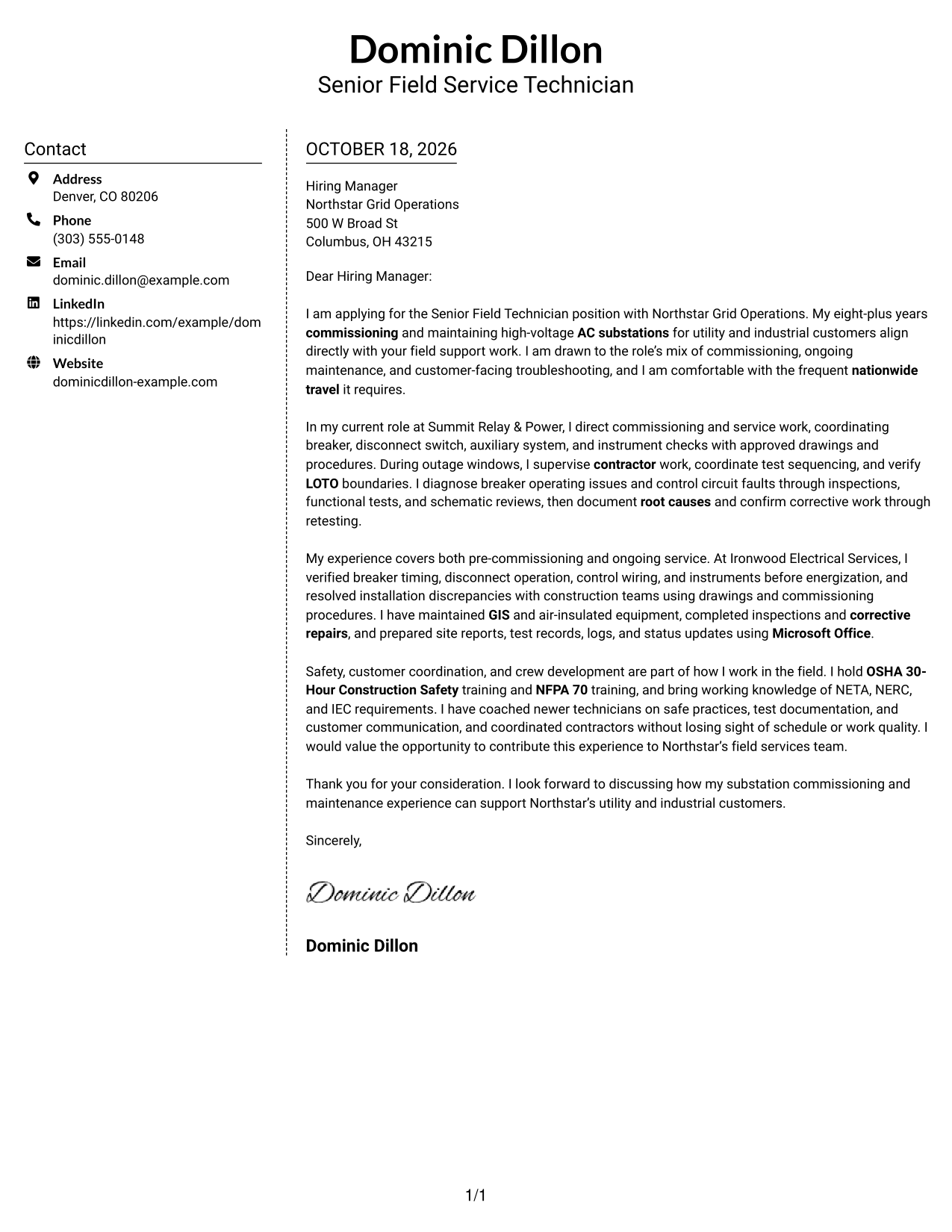
Why This Format Works
- Contact details occupy their own sidebar, separate from the letter's message.
- The single body column keeps supporting details within the letter's natural sequence.
- Readers can return to the message without navigating parallel body sections.
Best For
- Sidebar-based contact access
- One-column message reading
- Continuous persuasive paragraphs
- Clear separation of contact details
- Detailed role alignment
#6 Modern Icon Format Cover Letter Example
Contact icons add visual cues in the sidebar, while the letter itself stays in one continuous column.
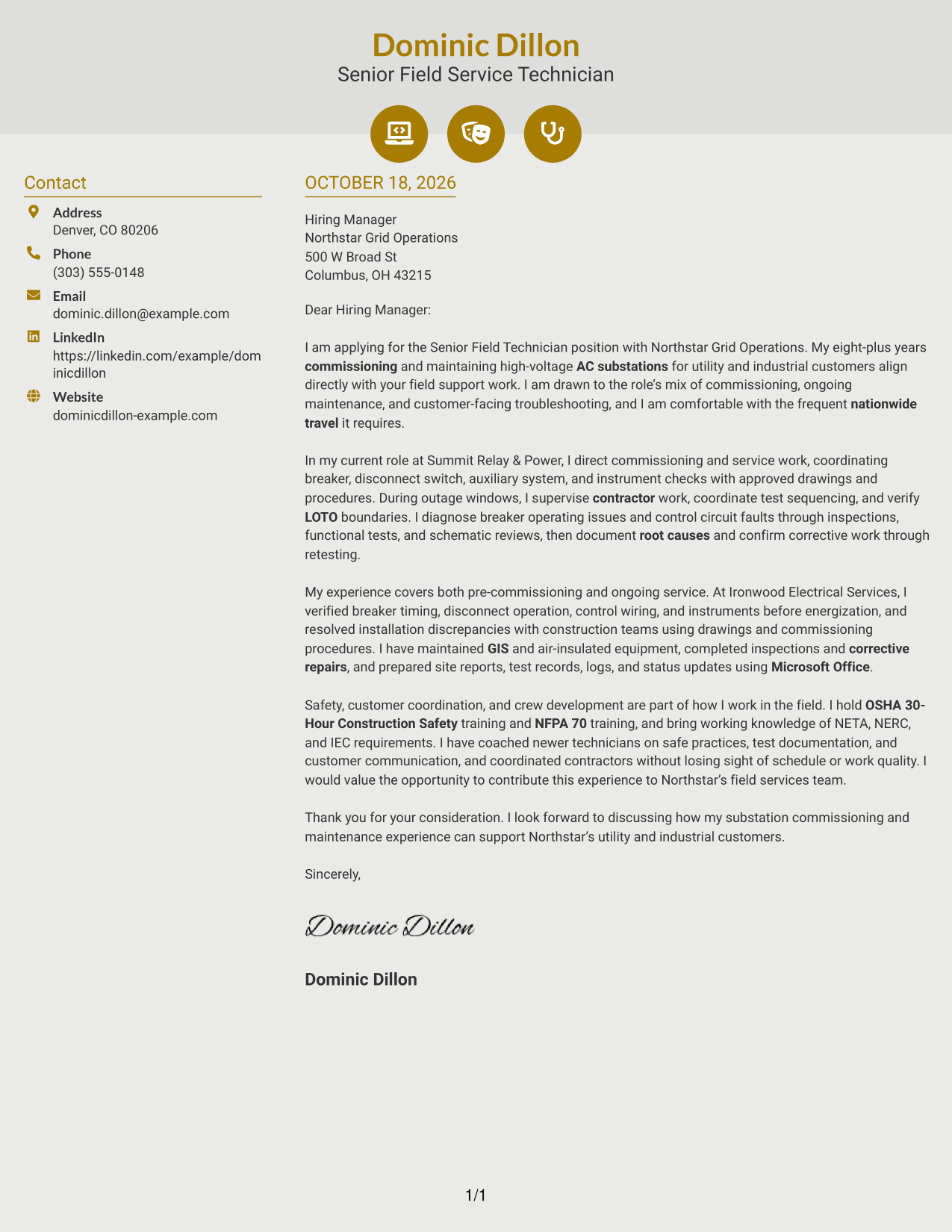
Why This Format Works
- Contact icons help distinguish sender details without labeling parts of the argument.
- Sidebar placement keeps contact information separate from the message itself.
- One letter column preserves a clear sequence from opening to closing.
Best For
- Icon-guided contact details
- Separate contact information
- Single-column letter flow
- Decorative header accents
- Direct employer motivation
#7 Creative Two Tone Format Cover Letter Example
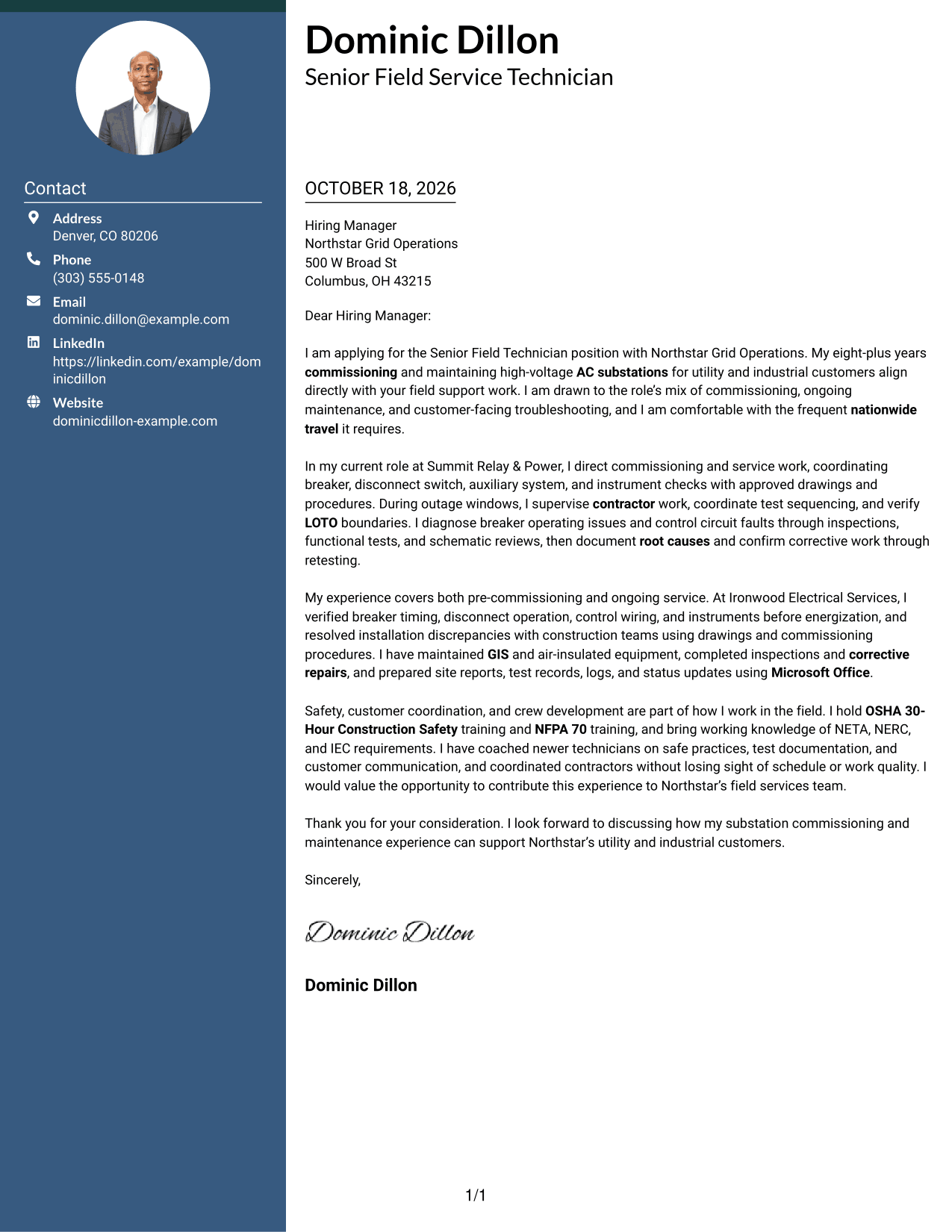
The two-tone treatment gives the contact sidebar a distinct visual presence beside the single-column letter body.
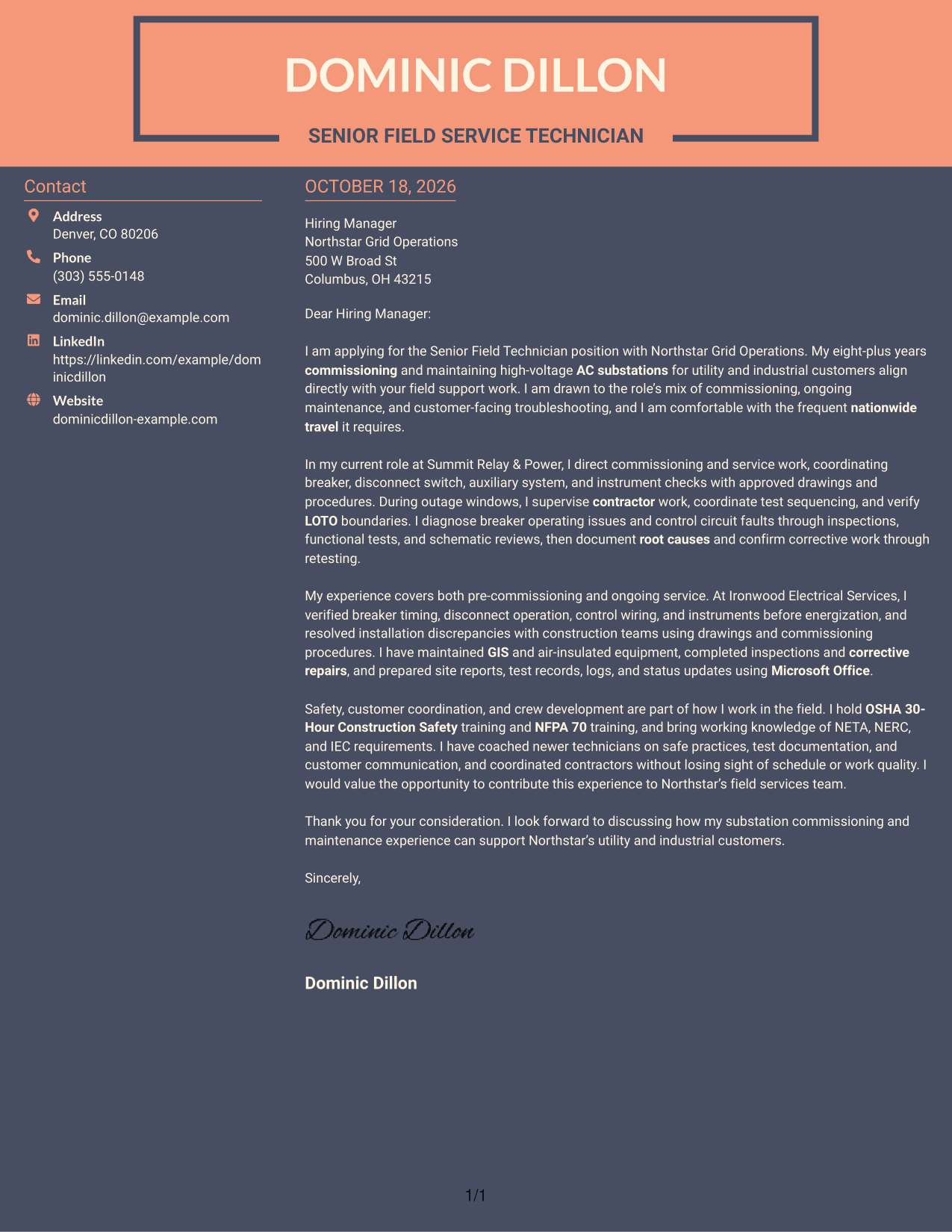
Why This Format Works
- Two-tone color makes the contact sidebar visually distinct from the letter body.
- Contact details remain separate while the message stays in one column.
- Opening and supporting paragraphs keep their natural order in the letter.
Best For
- Color-contrast preference
- Sidebar-based contact details
- One-column letter reading
- Continuous persuasive writing
- Employer-specific applications
Why Use ResumeInMinutes for a Senior Field Technician Cover Letter
Compare PNG previews to review how each letter presents its opening, supporting details, and close. When a format fits your needs, open the example in the editor to customize its content.
- Different writing styles
- Clear, readable letter layouts
- Examples for role-specific writing
- Cover letter customization
- Professional presentation choices
- Preview images and editor access
Build a letter that brings together commissioning, maintenance, safety, troubleshooting, and customer coordination in a clear, professional way.
See Also
- 7 Senior Field Technician - AC Substation Commissioning and Maintenance Resume Templates with Example
- 7 Field Services Technician - Offshore Wind Turbine Maintenance Resume Templates with Example
- 33 Biological Field Technician Resume Templates with Example 2026 (ATS-Optimized)
- 7 Construction and Field Survey Technician Resume Templates with Example
- 7 Construction Materials Testing Field Technician Trainee Resume Templates with Example
- 7 Copier Field Service Technician Resume Templates with Example
- 7 Field IT Support Technician - Distribution Operations Resume Templates with Example
- 7 Field Operations Technician - Electronic Security Systems Resume Templates with Example
- 7 Field Services Technician - Offshore Wind Turbine Maintenance Cover Letter Templates with Example
- 30+ Biological Field Technician Cover Letter Templates with Example 2026
Frequently Asked Questions
What should a Senior Field Technician cover letter emphasize?
Connect your AC substation experience to the role’s work, such as commissioning, preventive and corrective maintenance, equipment inspections, and troubleshooting. Include evidence of safe field execution and clear customer communication.
How should I explain my experience with substation equipment?
Name equipment you have worked with, such as high-voltage circuit breakers, disconnect switches, auxiliary systems, or GIS. Add a brief example of the checks or service work you performed, using only experience that is accurate for you.
How can I show that I can handle field troubleshooting?
Describe how you reviewed equipment findings, functional tests, or diagrams to identify a fault. Explain how you documented the cause and confirmed that the corrective work resolved the issue.
What is a good way to show safety and leadership in a cover letter?
Give a concise example of applying LOTO or other site safety practices while coordinating contractors or supporting a field crew. Keep the focus on your actions and how they protected people, equipment, or work quality.
How do I make my cover letter relevant to a specific employer?
Refer to the employer’s actual field service needs, then connect them to your own evidence. For this role, you might address commissioning, ongoing maintenance, customer support, travel, or technical reporting when those points match your background.




