
7 Senior HRIT Lead - Workday Cover Letter Templates with Example
A strong Senior HRIT Lead - Workday cover letter makes a clear case for how you connect Workday platform leadership with HR operations. This practical guide helps you shape a focused letter for this role and explain the value you would bring.
Show how you guide platform decisions, work with HR and technology partners, and support reliable workforce processes. Specific examples of roadmap direction, integrations, testing, and release coordination can help explain your approach.
Review the example to see how motivation, relevant evidence, employer alignment, and a professional close can work together. The same document is presented in 7 layouts, so you can choose a clear style that suits the employer and the way you want to communicate.
What Makes a Great Senior HRIT Lead - Workday Cover Letter in 2026
A strong letter explains your interest in leading Workday work and connects platform decisions to HR needs. Keep the opening direct, then use the body to show how you guide delivery and partner across teams.
Choose relevant evidence, such as roadmap planning, payroll and benefits integrations, or release testing. Explain how that work supports dependable HR processes, and connect your approach to the employer’s stated needs.
The featured Senior HRIT Lead - Workday example follows a focused progression from motivation to relevant evidence and a professional close. Adapt that flow while choosing a presentation that fits the employer and the communication context.
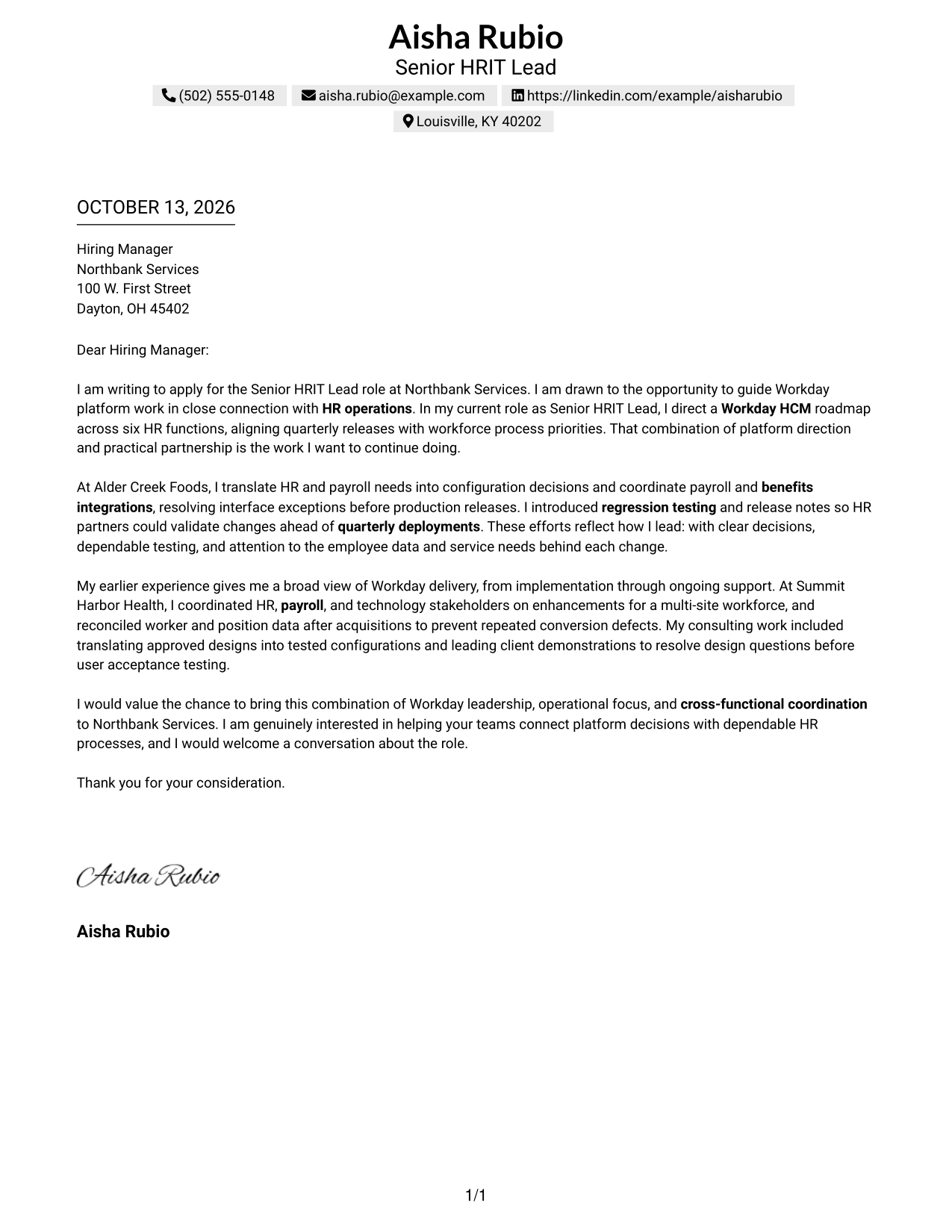
#1 Simple One Column Format Cover Letter Example
The Simple One Column Format gives the letter one continuous reading path, helping reviewers follow its message from opening to close.
Why This Format Works
- One uninterrupted reading path lets reviewers follow motivation, evidence, and closing in order.
- Sender details stay in the header, keeping the opening focused on role interest.
- Consistent paragraph flow helps reviewers connect current-role evidence with earlier experience.
Best For
- Uninterrupted letter reading
- Traditional business correspondence
- Opening-to-closing argument flow
- Letters with several evidence paragraphs
- Header-based sender contact details
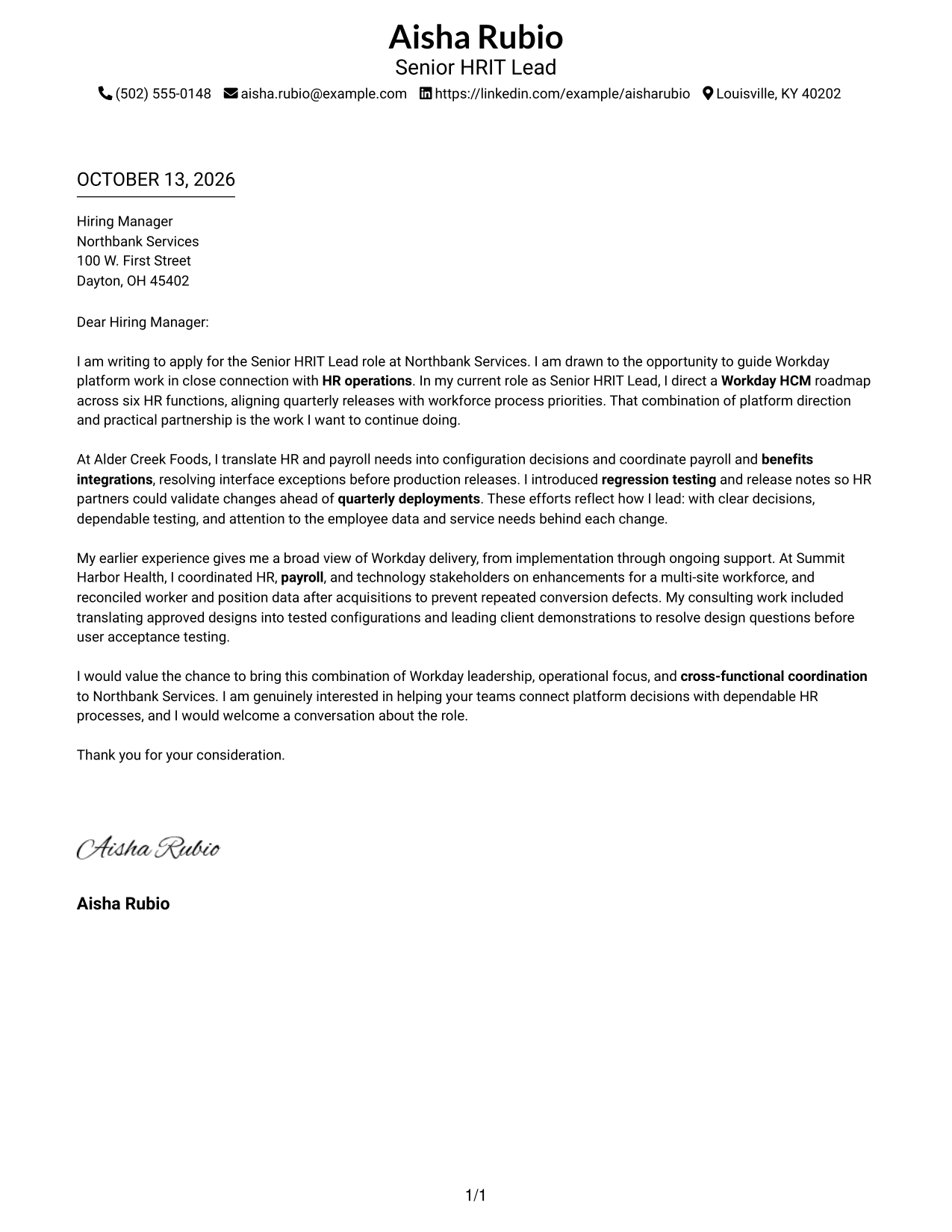
#2 Two Column Format Cover Letter Example
The Two Column Format places contact details beside one continuous letter body, helping reviewers locate sender information while reading the message in order.
Why This Format Works
- Separate contact details leave the letter body free to carry its opening and argument.
- One continuous body keeps motivation, supporting examples, and the closing in natural order.
- Clear separation lets reviewers move between contact information and persuasive letter content.
Best For
- Separate contact and message areas
- Prominent sender contact details
- Continuous persuasive letter text
- Quick contact-detail lookup
- Letters with clear paragraph transitions
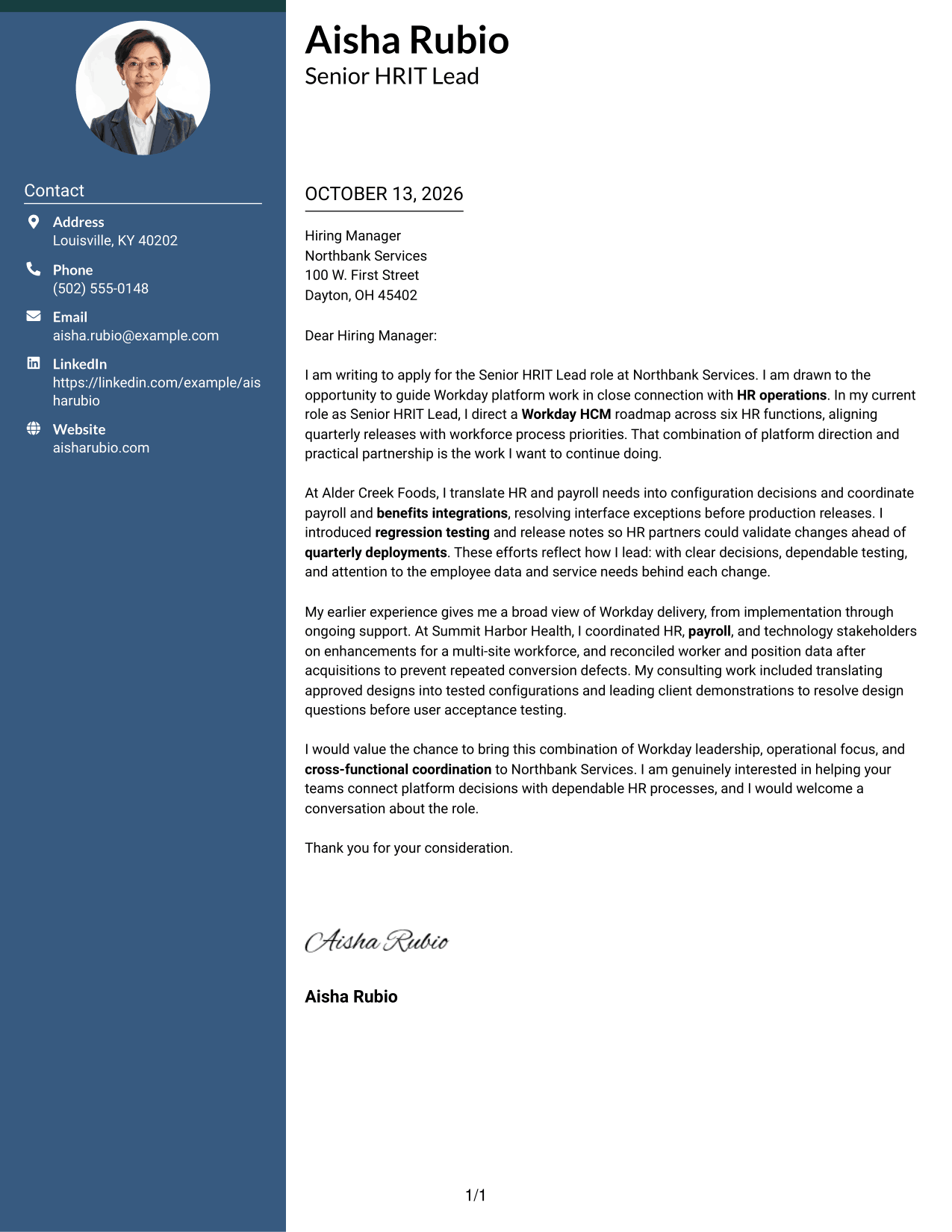
#3 Photo Header Two Column Format Cover Letter Example
The Photo Header Two Column Format pairs a contact sidebar and photo with one continuous letter body, so reviewers can distinguish sender details from the message.
Why This Format Works
- Contact sidebar and continuous letter body distinguish sender details from the persuasive message.
- A single reading sequence keeps role motivation, work evidence, and closing connected.
- The photo adds a personal visual cue while paragraph structure carries the letter's argument.
Best For
- Contact sidebar with photo
- Personal visual introduction
- Separated sender and message details
- Continuous letter argument
- Photo-forward application materials
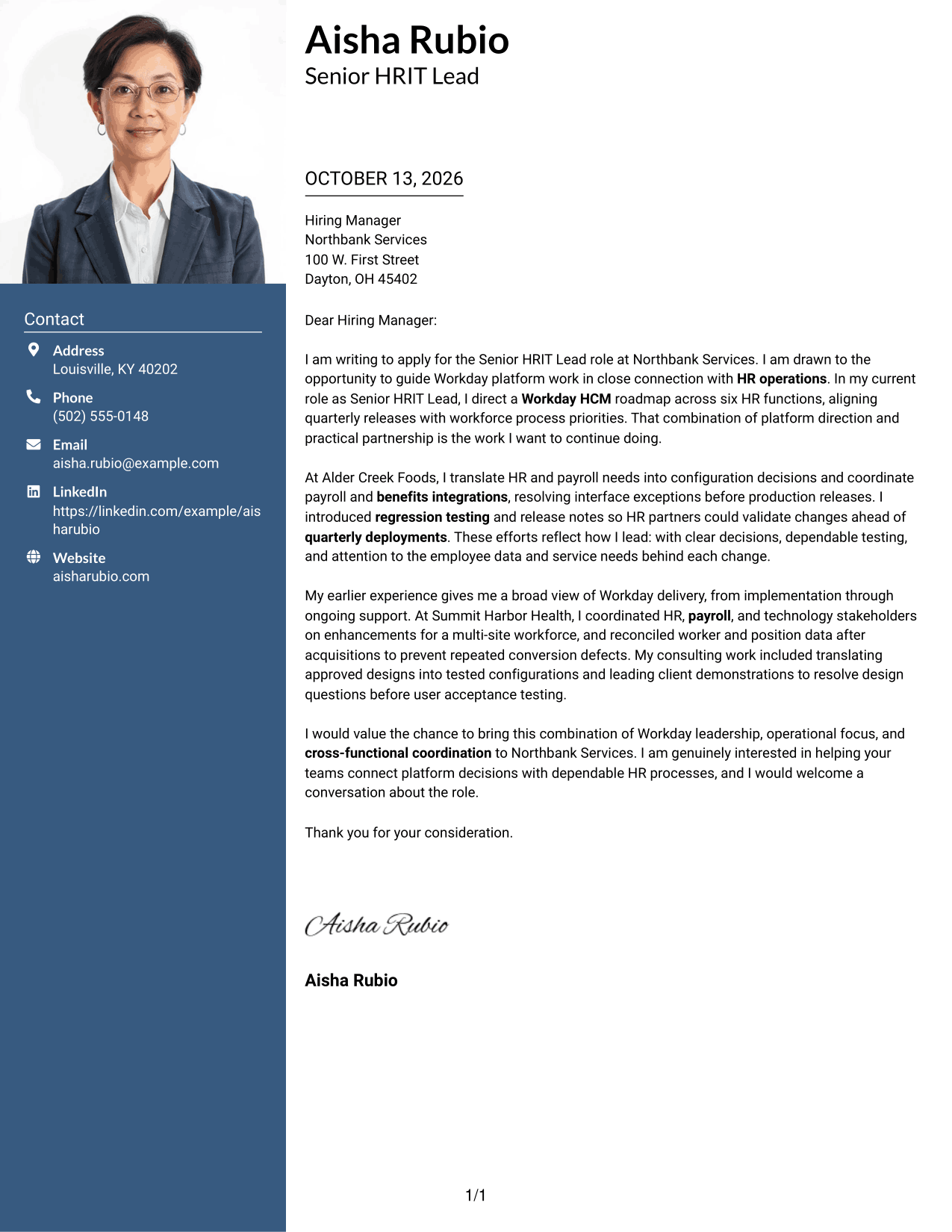
#4 One Column Format with Photo Cover Letter Example
The One Column Format with Photo places a photo above a continuous letter body, giving reviewers one clear path through the message.
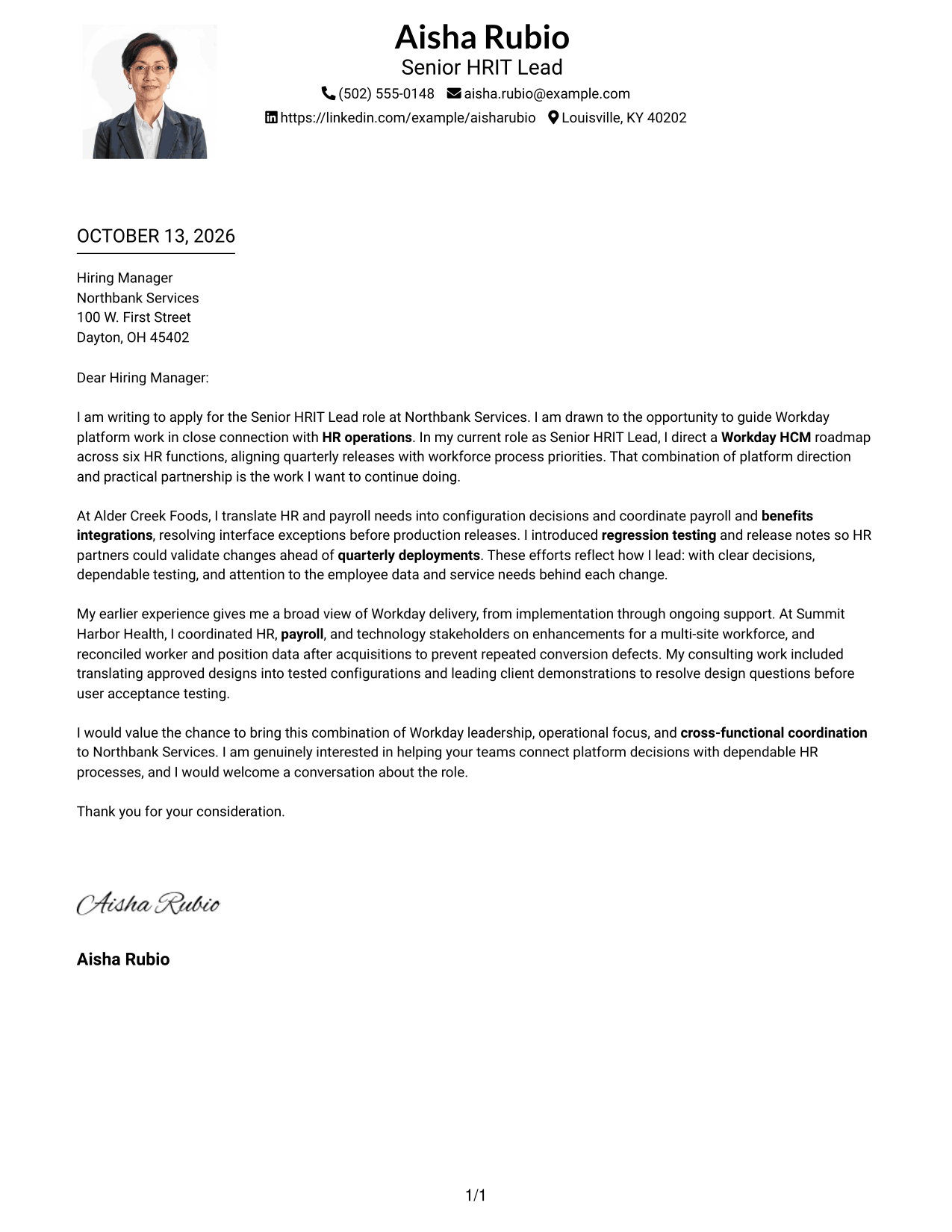
Why This Format Works
- Header contact details and a continuous body keep the full letter easy to follow.
- Paragraph sequence carries motivation, current evidence, prior experience, and closing without competing columns.
- The photo offers a visual introduction, while letter paragraphs carry the persuasion.
Best For
- Header photo with letter text
- Single-path reading
- Personal visual introduction
- Header-based contact details
- Letters with a connected argument
#5 Simple Two Column Format Cover Letter Example
The Simple Two Column Format separates contact details into a sidebar while keeping the letter itself in one continuous body.
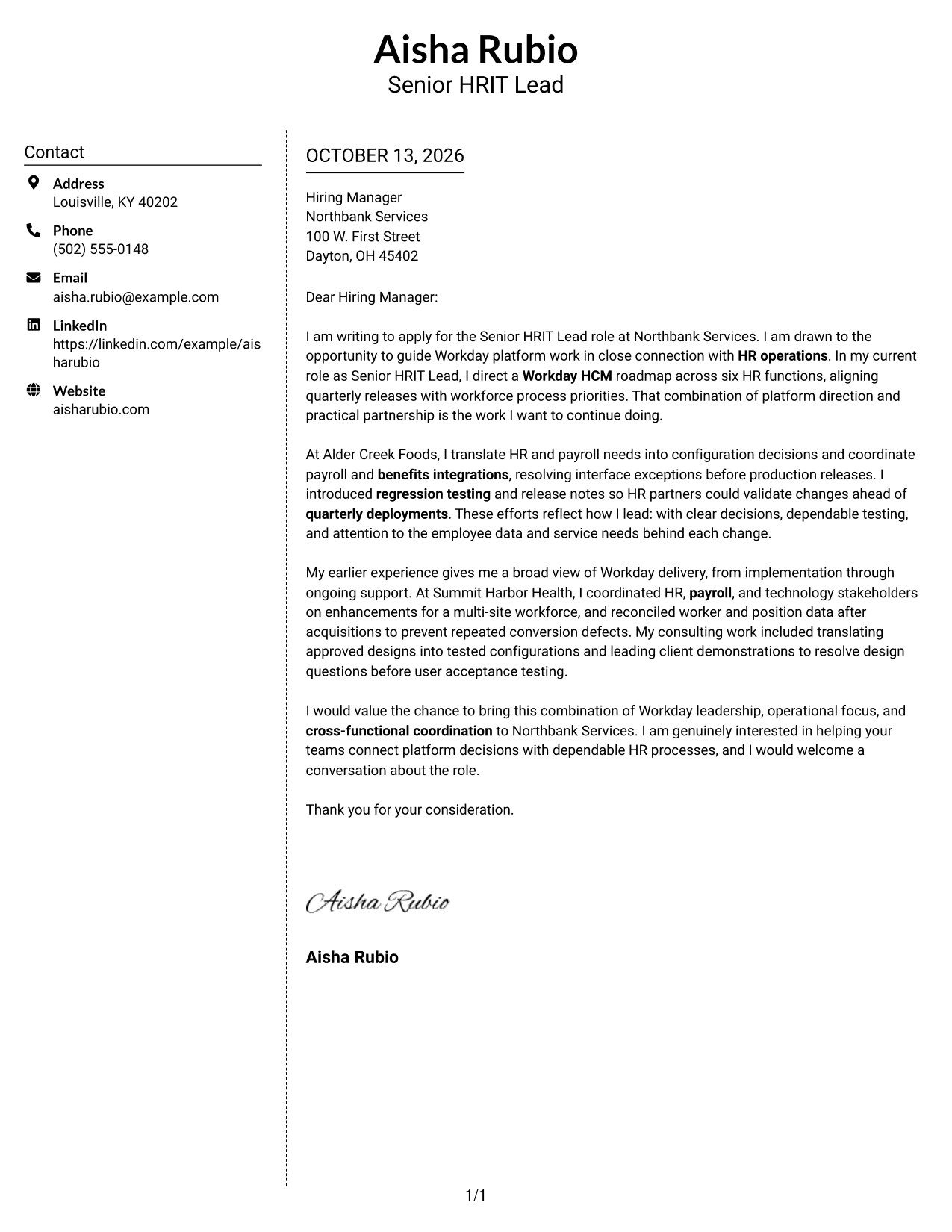
Why This Format Works
- The contact sidebar lets reviewers begin directly with the greeting and letter message.
- Continuous letter text presents motivation and proof as one connected case.
- The uninterrupted body lets earlier experience build on current-role examples before the close.
Best For
- Simple contact sidebar
- Uninterrupted letter body
- Quick sender-detail lookup
- Direct opening after contact details
- Letters with a clear closing
#6 Modern Icon Format Cover Letter Example
The Modern Icon Format uses a contact sidebar beside one continuous letter body, with icons serving as cues for contact details rather than letter sections.
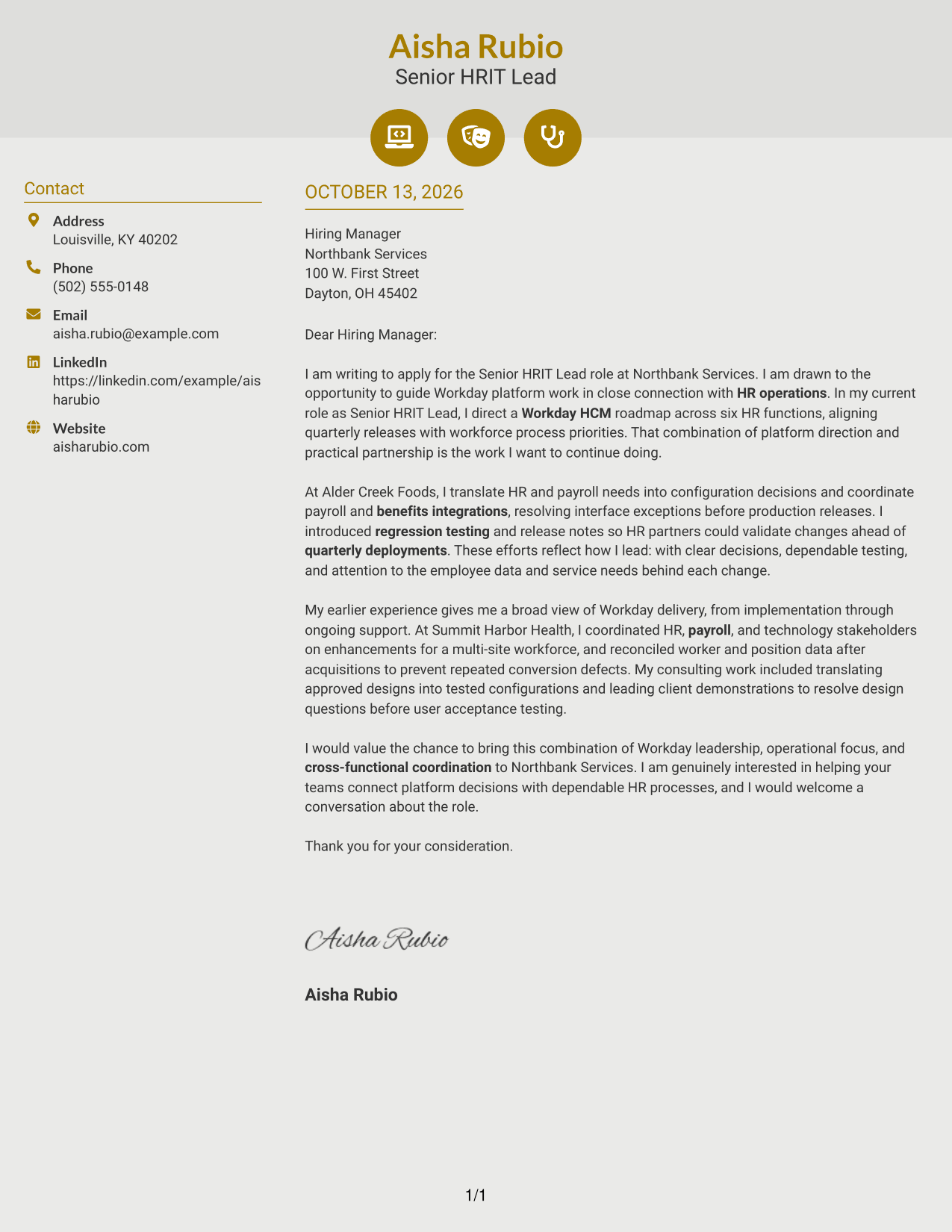
Why This Format Works
- The contact sidebar gives sender details a separate place from the letter's case.
- Continuous paragraphs keep motivation, examples, and closing within one clear reading sequence.
- Contact icons help identify header details, while paragraph order carries the message.
Best For
- Contact details with visual cues
- Separate contact and message areas
- Continuous persuasive paragraphs
- Easy-to-find sender information
- Letters with a clear reading order
#7 Creative Two Tone Format Cover Letter Example
The Creative Two Tone Format sets a contact sidebar beside one continuous letter body, giving reviewers a clear visual distinction between contact information and the message.
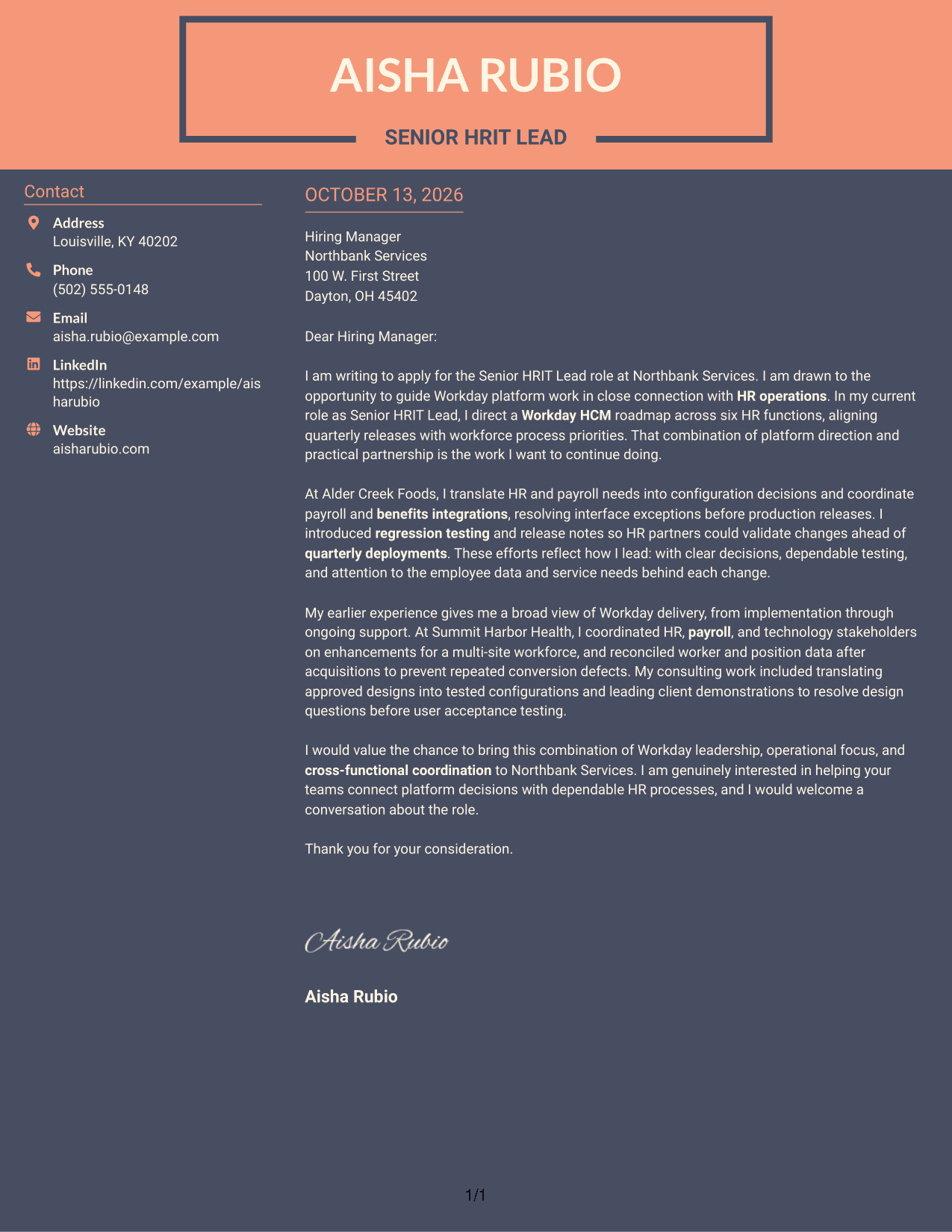
Why This Format Works
- Visual separation distinguishes contact details from the letter's opening and motivation.
- One continuous body lets supporting examples build toward the closing.
- Two-tone styling gives the page structure without splitting the letter's argument.
Best For
- Two-tone visual separation
- Sidebar contact information
- Continuous letter argument
- Distinct contact and message areas
- Visually expressive correspondence
Why Use ResumeInMinutes for a Senior HRIT Lead - Workday Cover Letter
ResumeInMinutes gives you a clear starting point for a role-specific letter. Shape the message around Workday leadership, HR operations, and the needs named in the job posting.
- Different writing styles
- Clear, readable layouts
- Job-focused customization
- Quick letter editing
- Professional templates
- Cover letter support
Build a polished letter that explains your Workday platform approach, supports it with relevant examples, and shows how you would connect technology work with HR needs.
See Also
- 7 Senior HRIT Lead - Workday Resume Templates with Example
- 7 General Manager - Retail Store Operations Resume Templates with Example
- 7 Mid-Level Manufacturing Operations Analyst - Inventory and Tool Control Resume Templates with Example
- 7 Pharmacy Technician - Specialty Outreach Resume Templates with Example
- 7 Admin Support III - Higher Education Administration Resume Templates with Example
- 7 Airport Police Sergeant Resume Templates with Example
- 7 Senior Administrative Assistant - Research Administration Resume Templates with Example
- 7 Senior Delivery Engineer - Enterprise Architecture Resume Templates with Example
- 7 Registered Nurse - Observation Care Resume Templates with Example
- 7 Manufacturing Machine Operator - Electric Motor Assembly Resume Templates with Example
Frequently Asked Questions
What should a Senior HRIT Lead - Workday cover letter emphasize?
Focus on how you connect Workday platform decisions with HR operations. Use a clear example of planning, delivery, or cross-functional coordination to support your message.
How can I show Workday leadership in my letter?
Describe a specific action you took, such as guiding a platform roadmap, coordinating an integration, or preparing teams for a release. Explain why the work mattered to HR partners or employees.
How should I connect my experience to the employer?
Use the job posting to identify the employer’s stated focus, then link it to relevant work you have done. Avoid claiming experience or results that you cannot support.
What is a useful structure for this cover letter?
Open with your interest in the role and its Workday focus. Use the body to give relevant evidence and explain your approach, then close with a brief statement of interest and thanks.
Can I include both implementation and ongoing support experience?
Yes, when both relate to the role. A concise example from implementation and one from platform support can show how you understand Workday delivery across different stages.
How much should I write about the employer?
Refer to the role’s stated needs and explain why that work interests you. Add company-specific details only when you can make a genuine, accurate connection.
Can I customize the cover letter template?
Yes. Adjust the wording and presentation so the letter reflects your own experience, the exact role, and the employer’s communication context.




