
7 Senior Implementation Consultant - Stock Plan Services Cover Letter Templates with Example
This guide helps you shape a Senior Implementation Consultant - Stock Plan Services cover letter, with seven layouts to compare for a clear, persuasive presentation.
What Makes a Great Senior Implementation Consultant - Stock Plan Services Cover Letter in 2026
A strong letter connects your interest in the role with clear evidence of stock plan onboarding, data validation, and client communication.
Show how you coordinate conversion, configuration, and brokerage steps, then link that work to the employer’s focus on accurate launches and helpful client training.
The featured example moves from role interest to current implementation evidence, supporting experience, and a direct close. Adapt that focused progression, choosing a presentation that suits the employer and the communication context.
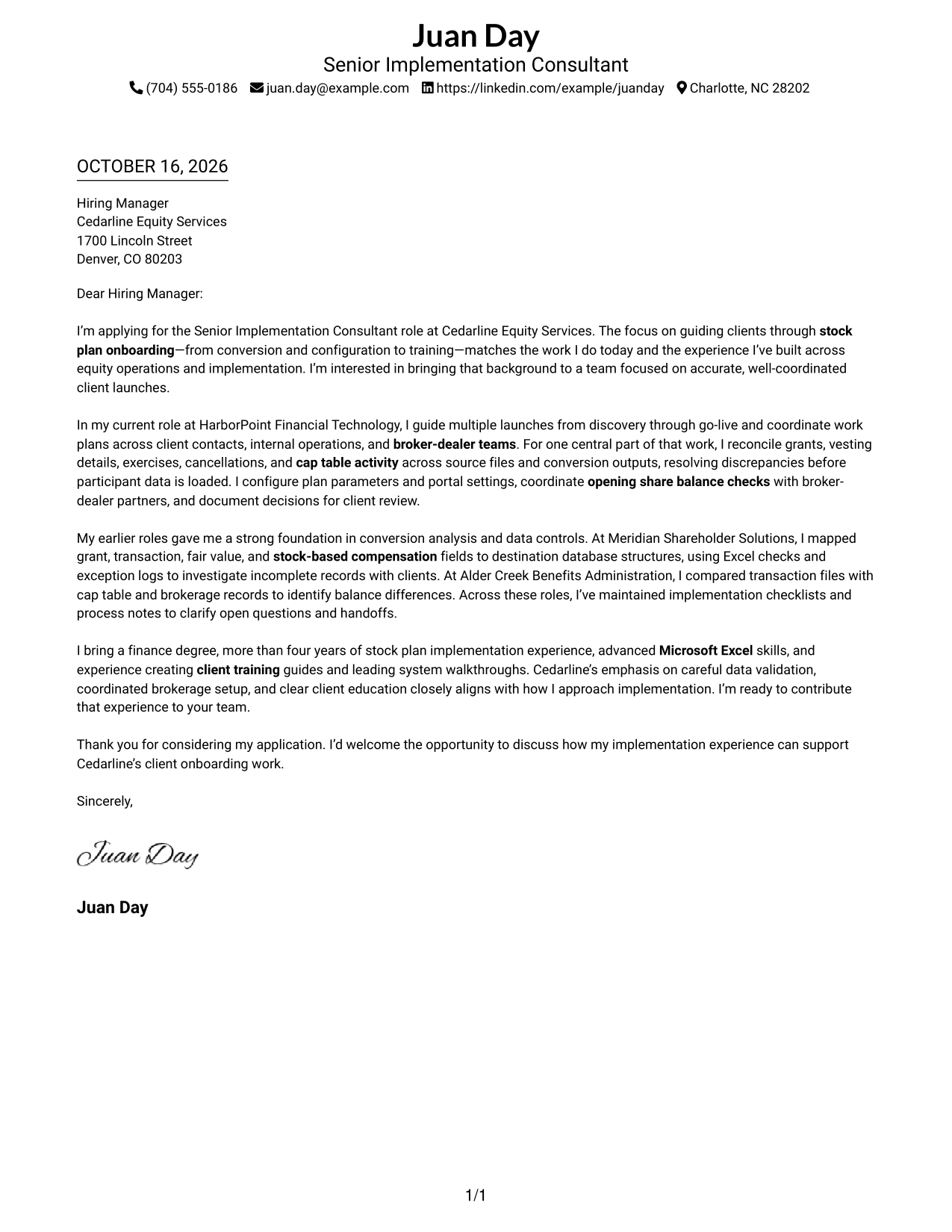
#1 Simple One Column Format Cover Letter Example
Simple One Column Format places sender details in the header and keeps the letter body in one continuous column for a direct, familiar reading path.
Why This Format Works
- Sender details remain in the header, apart from the message itself.
- One reading column presents the opening, supporting evidence, and close in order.
- The simple layout suits readers who prefer a direct, text-led letter.
Best For
- Single-column letter reading
- Header-based contact details
- Text-focused correspondence
- Paragraph-led persuasion
- Direct applicant motivation
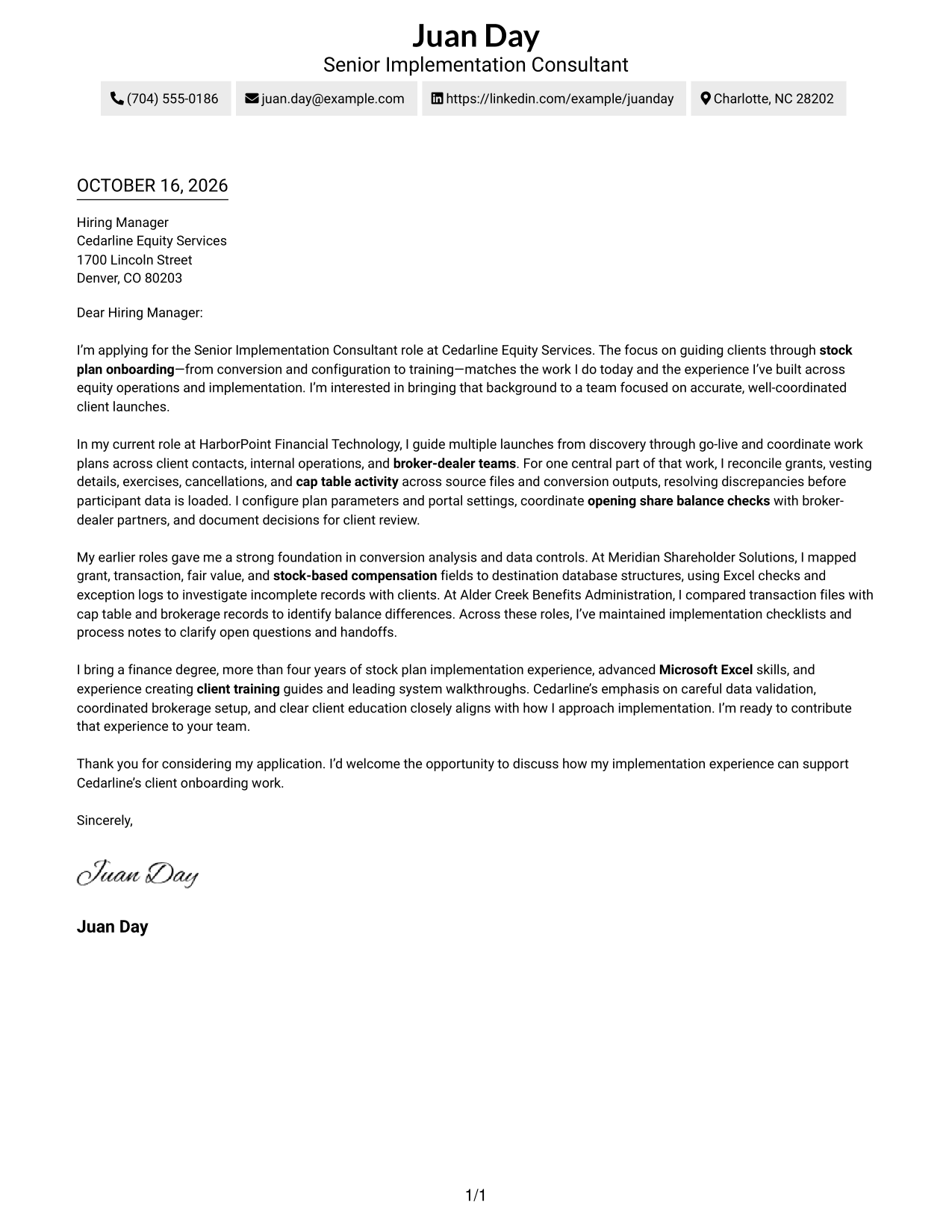
#2 Two Column Format Cover Letter Example
Two Column Format sets a contact sidebar beside one continuous letter body, separating contact information from the message while keeping the argument together.
Why This Format Works
- Contact details have a dedicated sidebar, distinct from the letter's main text.
- The body remains in one column, preserving the order of its paragraphs.
- Opening, evidence, and closing stay connected without argument section headings.
Best For
- Sidebar-based contact lookup
- Sequential paragraph review
- Letters with several evidence points
- Argument without section labels
- Role-specific motivation
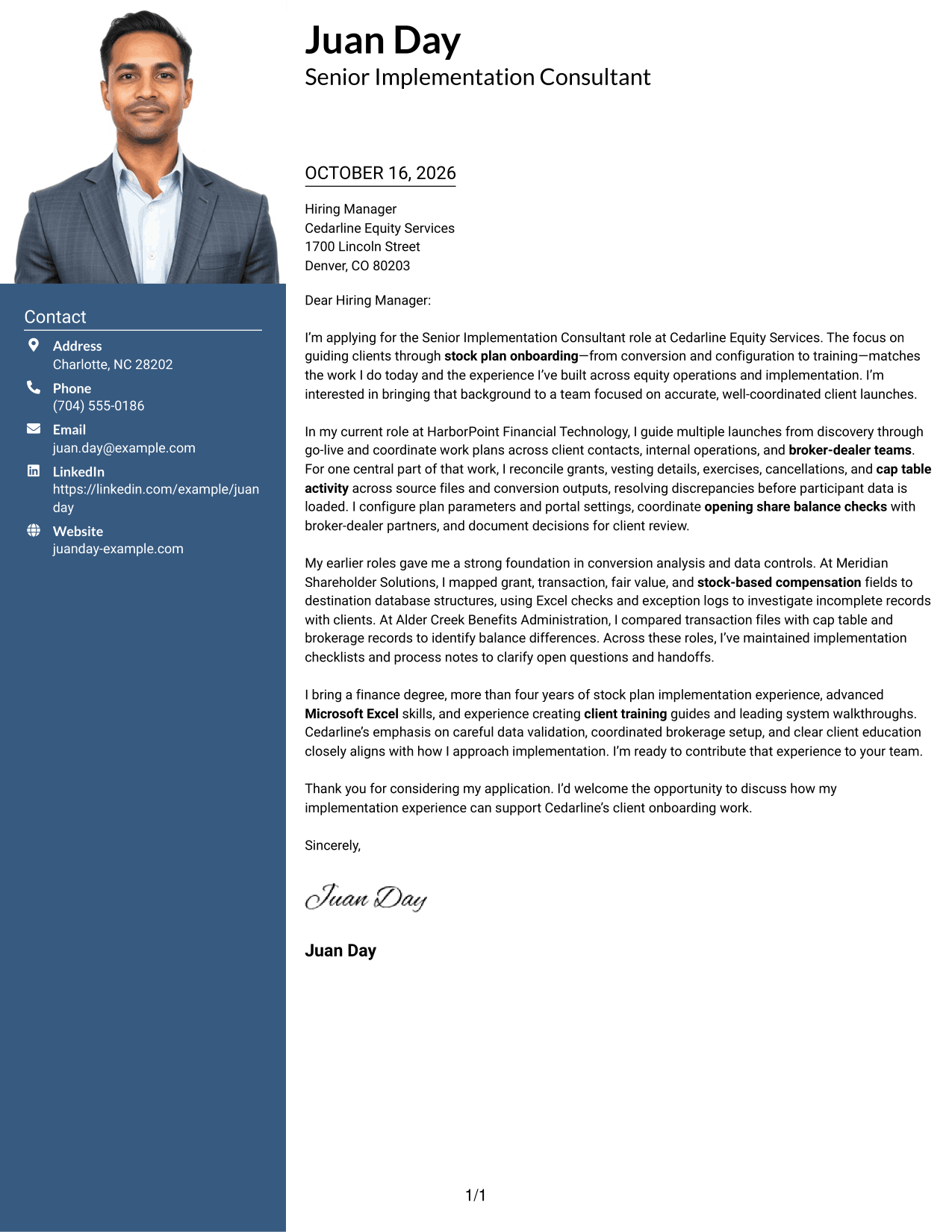
#3 Photo Header Two Column Format Cover Letter Example
Photo Header Two Column Format combines a photo and contact sidebar with a single continuous letter body, keeping the written case together beside the contact area.
Why This Format Works
- The sidebar keeps contact details beside, but separate from, the letter body.
- A photo adds a personal visual element while the argument remains in one body column.
- Paragraph order lets reviewers follow motivation, supporting evidence, and the close.
Best For
- Photo-inclusive correspondence
- Sidebar contact details
- One-column letter reading
- Paragraph-led role evidence
- Portrait-based visual preference
#4 One Column Format with Photo Cover Letter Example
One Column Format with Photo keeps the letter in one column and includes a photo as a visual feature without dividing the written message.
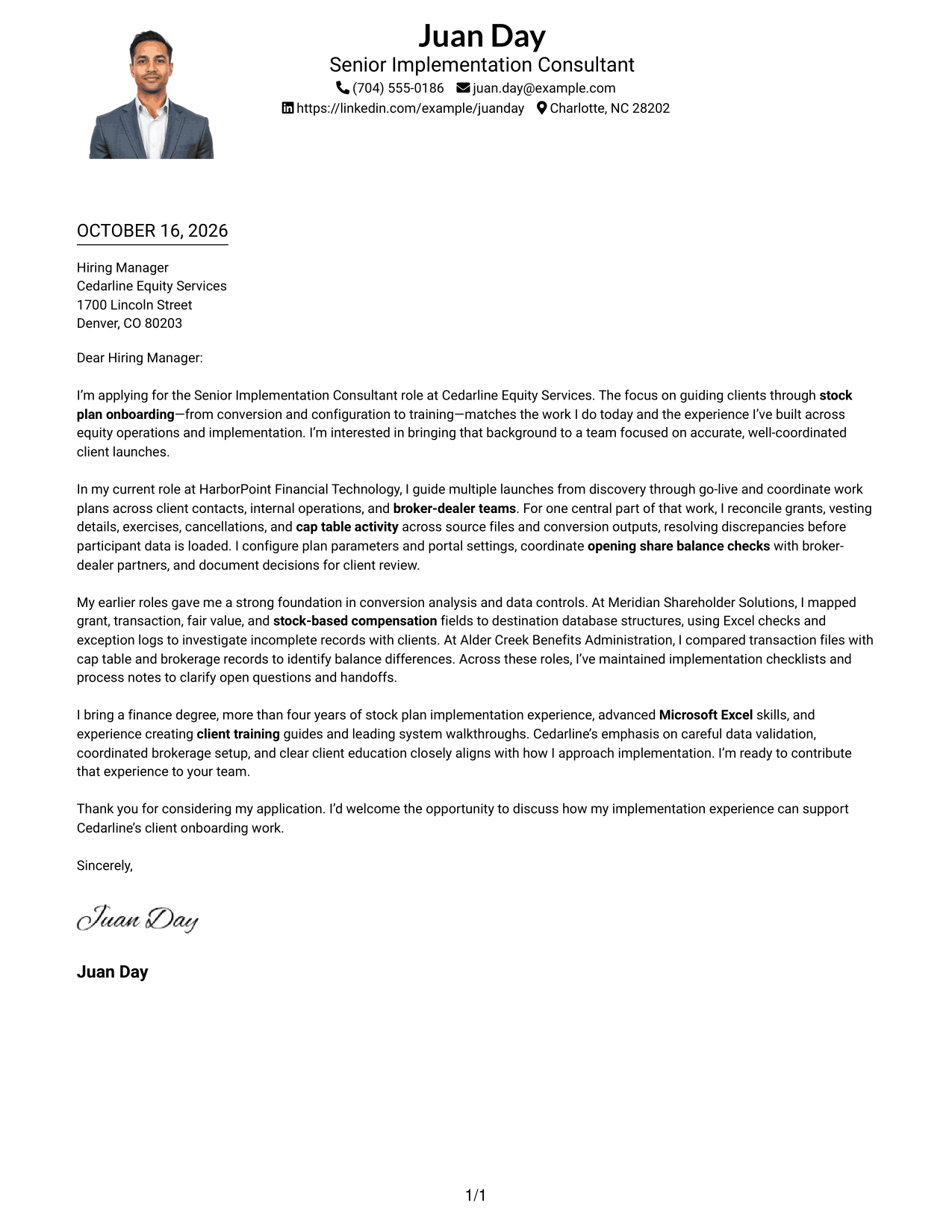
Why This Format Works
- The single-column body keeps the complete message on one reading path.
- A photo is a visual feature, not a substitute for the letter's written case.
- The paragraph sequence carries the reader from interest through evidence to closing.
Best For
- Single-column letter bodies
- Photo-inclusive applications
- Paragraph-based role evidence
- Direct written communication
- Sequential letter reading
#5 Simple Two Column Format Cover Letter Example
Simple Two Column Format places contact information in a sidebar beside one continuous letter body, giving contact details a separate place from the correspondence.
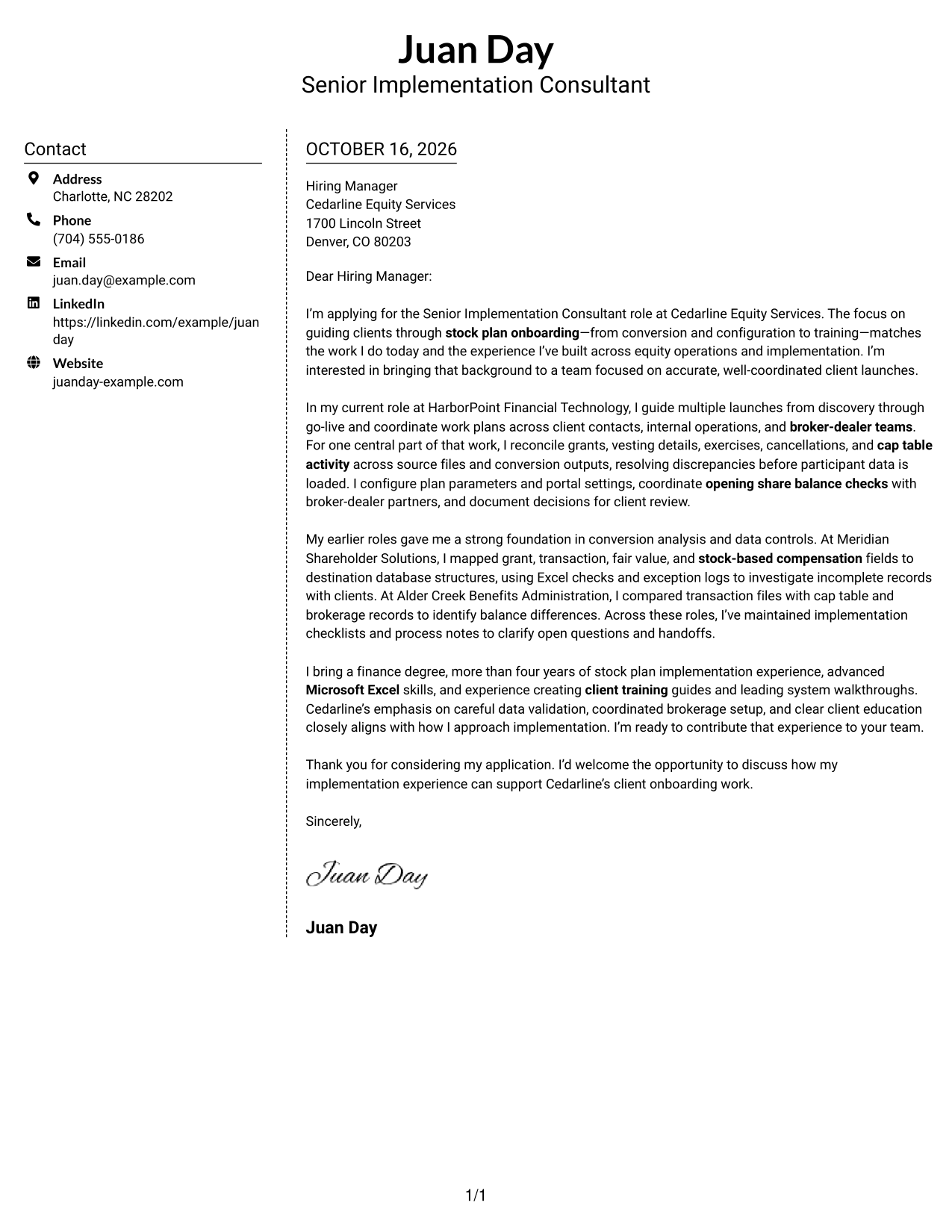
Why This Format Works
- Contact information sits apart from the continuous letter body in a sidebar.
- The body's single column keeps each paragraph in its intended order.
- Without argument headings, the letter's own transitions connect motivation and evidence.
Best For
- Separate contact and message areas
- Continuous persuasive letters
- Paragraph-based evidence
- Letters with natural transitions
- Role-alignment explanations
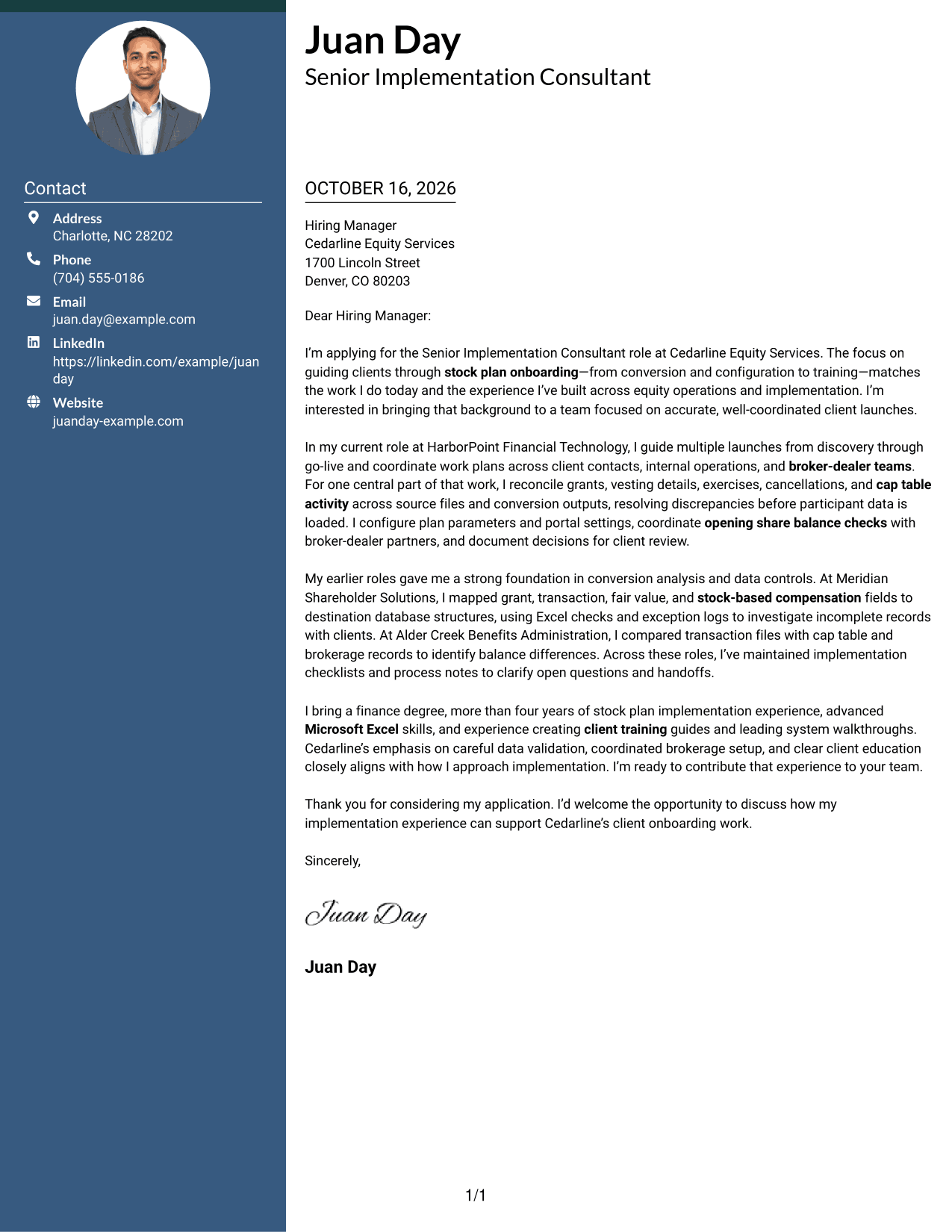
#6 Modern Icon Format Cover Letter Example
Modern Icon Format uses contact icons and decorative header accents alongside a contact sidebar and one continuous letter body.
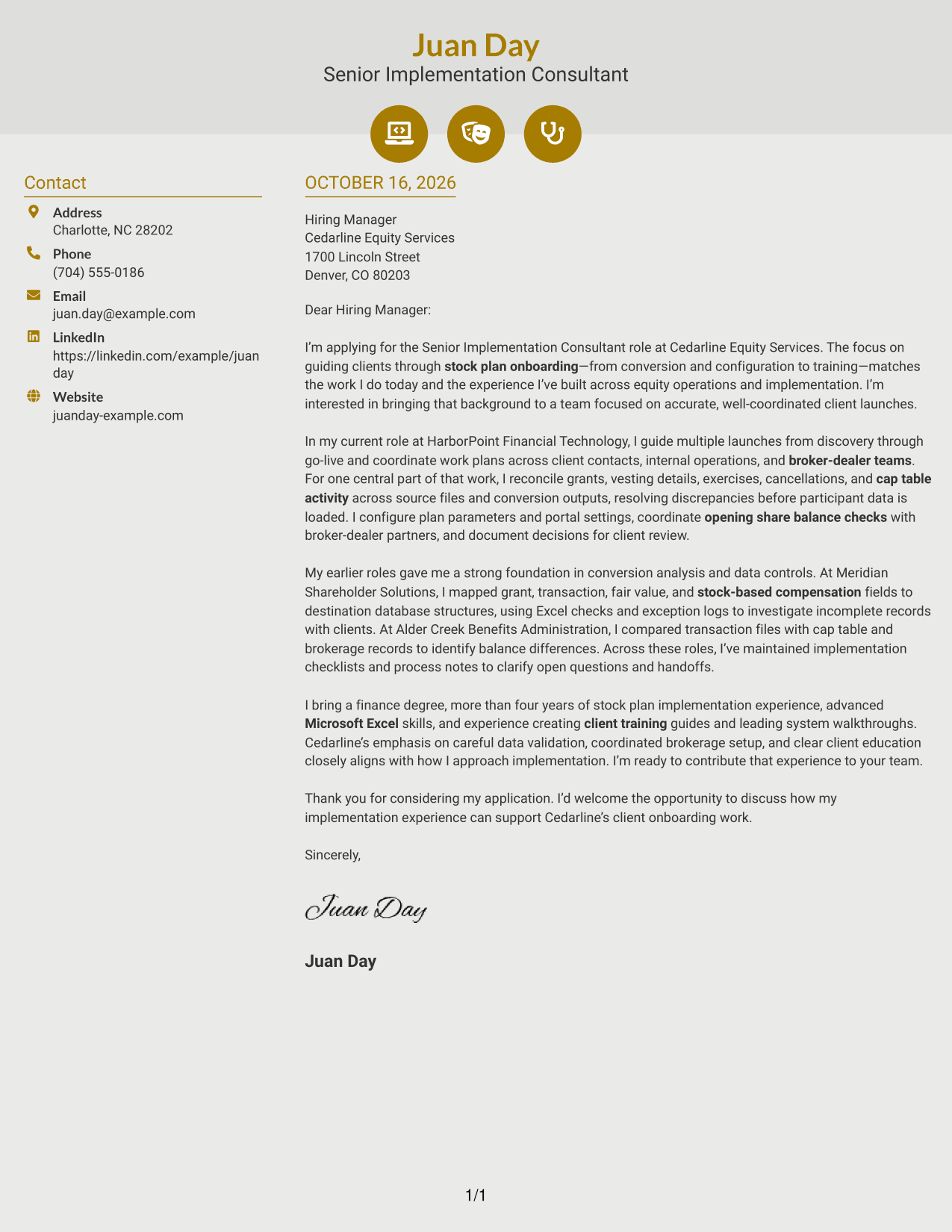
Why This Format Works
- Icons cue contact details, helping distinguish them from the letter's main text.
- The continuous body preserves a single sequence for motivation, evidence, and closing.
- Decorative header accents add visual character without labeling argument sections.
Best For
- Icon-cued contact details
- Decorative header accents
- Continuous letter arguments
- Unlabeled paragraph structure
- Distinct contact information
#7 Creative Two Tone Format Cover Letter Example
Creative Two Tone Format places a contact sidebar beside a single continuous letter body, keeping contact information outside the persuasive message.
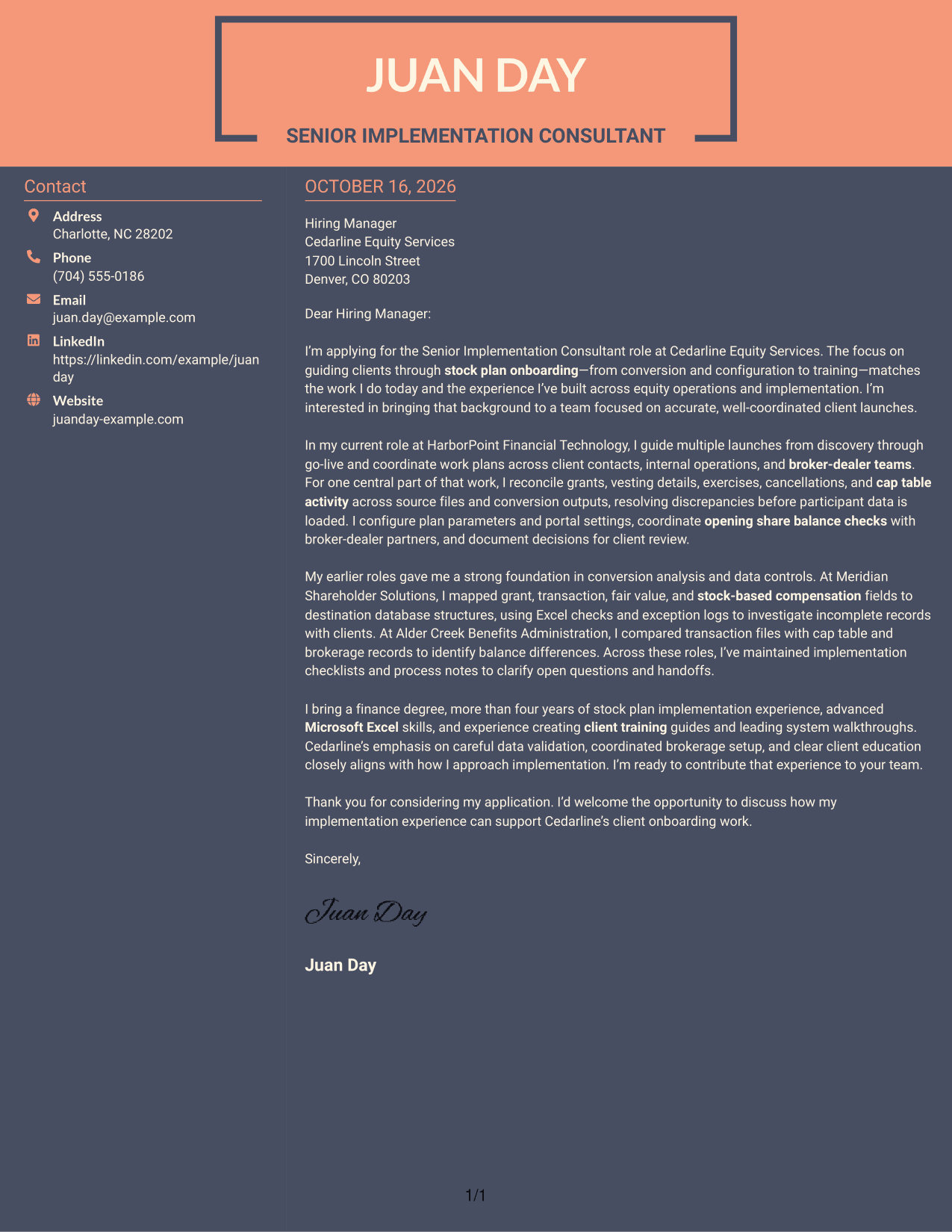
Why This Format Works
- The contact sidebar sits beside the full letter body, not separate argument blocks.
- One body column keeps the opening, evidence, and closing in a single sequence.
- The paired areas give contact information a clear place outside the persuasive message.
Best For
- Sidebar-based contact presentation
- Single-column argument reading
- Letters with several supporting paragraphs
- Sequential motivation and evidence
- Paragraph-led company interest
Why Use ResumeInMinutes for a Senior Implementation Consultant - Stock Plan Services Cover Letter
ResumeInMinutes lets you compare cover letter previews and open an example in the editor to make changes to its presentation.
- Visual style choices
- Editor-based customization
- Role-focused letter guidance
- Clear letter structure
- Professional presentation
- Cover letter examples
Use the example to present your stock plan implementation experience, client coordination, and interest in accurate onboarding with clarity.
See Also
- 7 Senior Implementation Consultant - Stock Plan Services Resume Templates with Example
- 7 Enterprise Implementation Consultant Resume Templates with Example
- 33 AI Engineer Consultant Resume Templates with Example 2026 (ATS-Optimized)
- 33 Business Processes Chief Consultant - Regulated Manufacturing Resume Templates with Example
- 7 Clinical Data Audit Consultant Resume Templates with Example
- 7 Consultant - Databases Resume Templates with Example
- 7 Consultant - Energy Providers Resume Templates with Example
- 33 Cybersecurity Senior Consultant Resume Templates with Example 2026 (ATS-Optimized)
- 30+ AI Engineer Consultant Cover Letter Templates with Example 2026
- 7 Clinical Data Audit Consultant Cover Letter Templates with Example
Frequently Asked Questions
What should a Senior Implementation Consultant - Stock Plan Services cover letter emphasize?
Connect your interest in the role to evidence of stock plan onboarding, data conversion and validation, system configuration, broker-dealer coordination, and client training. Use details that reflect your own experience.
Are these separate cover letters?
The guide shows one cover letter example in different visual styles. Compare the previews, then open a style in the editor to adapt its presentation.
Which cover letter style suits this role?
Choose a clear, professional style that makes your message easy to follow. A simple layout can keep attention on your role fit, implementation evidence, and interest in client onboarding.
What evidence can strengthen my letter?
Use a specific example of your work with stock plan data, conversion checks, configuration, brokerage setup, or client training. Explain what you handled and how it supported an accurate transition.
How can I show interest in the employer?
Refer to the employer’s stated focus on coordinated onboarding, careful data validation, brokerage setup, or client education. Explain why that work fits the way you contribute.




