
7 Senior Manager, IT - Microsoft Platforms Cover Letter Templates with Example
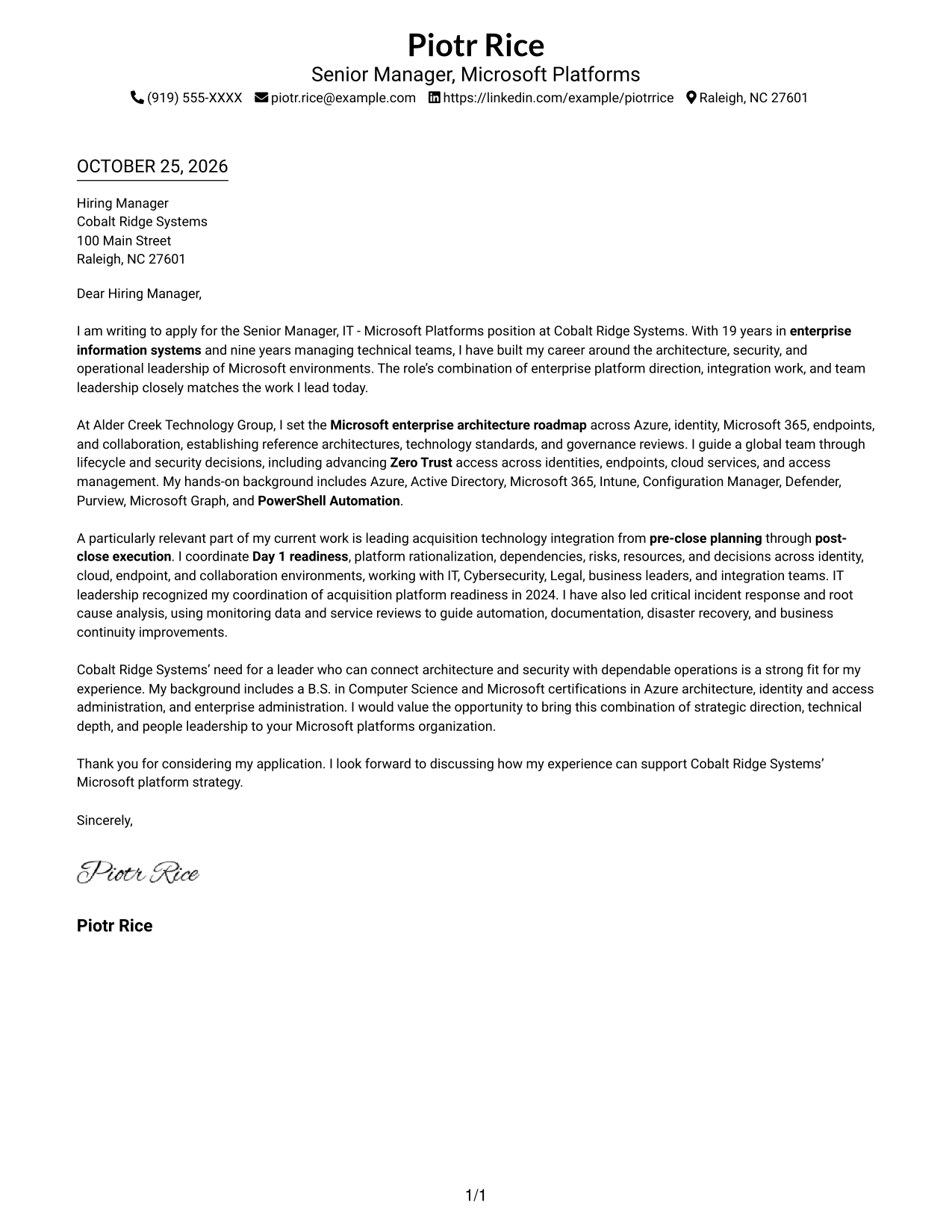
This guide helps you shape a persuasive Senior Manager, IT - Microsoft Platforms cover letter, with seven layouts to compare before opening an example in the editor.
What Makes a Great Senior Manager, IT - Microsoft Platforms Cover Letter in 2026
A strong letter connects architectural direction, platform security, and reliable operations to the needs of the role. It also shows how your leadership can guide teams through complex technical decisions.
Use relevant evidence, such as roadmap ownership, Zero Trust work, acquisition planning, or incident leadership. Make a clear link between that contribution and the employer’s priorities.
The featured example moves from role interest to architecture and team leadership, then shows integration work before closing with qualifications and a clear next step. Adapt this focused progression while choosing a presentation that suits the employer and the communication context.
#1 Simple One Column Format Cover Letter Example
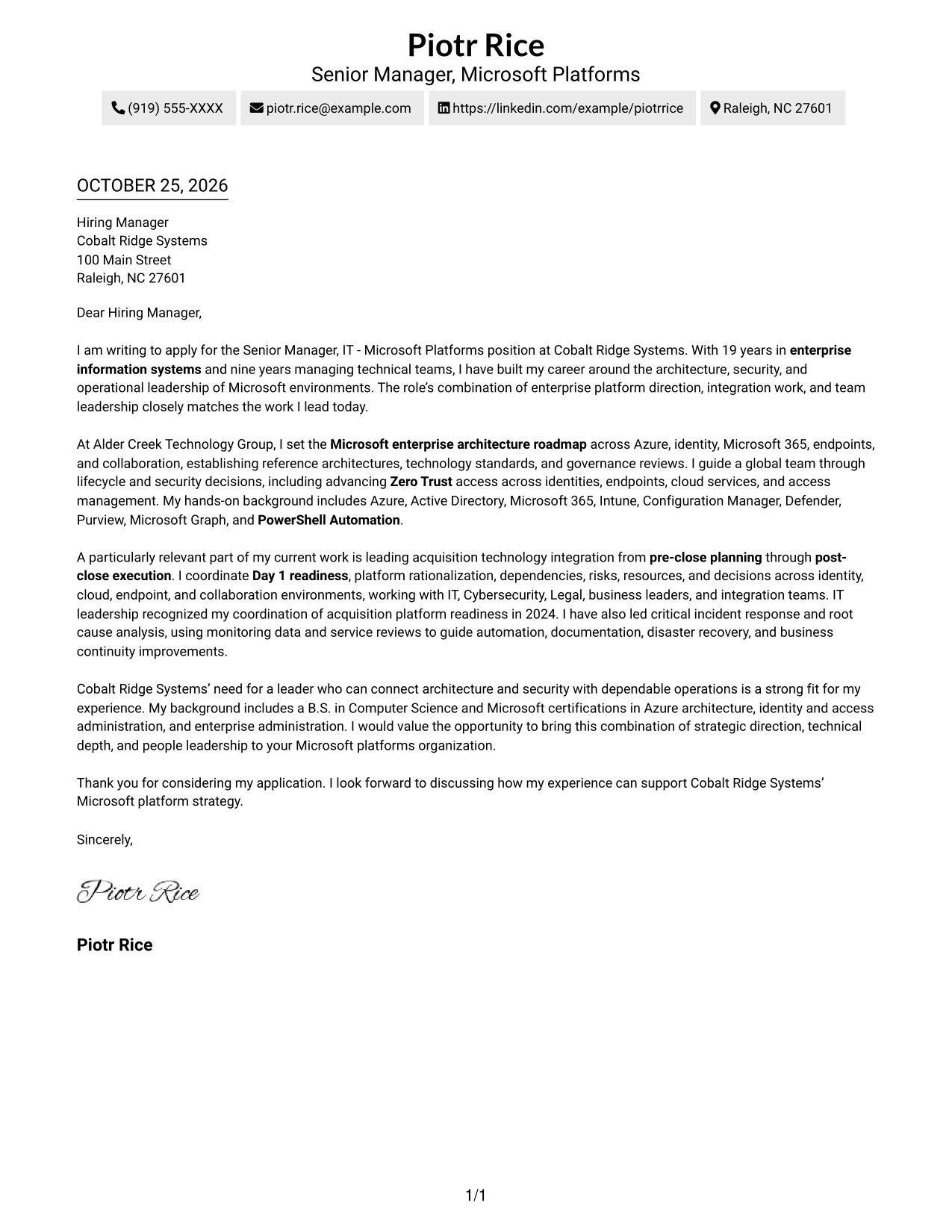
This Simple One Column Format places sender details in the header above one continuous letter body, giving the message a familiar reading path.
Why This Format Works
- Sender details appear before the greeting, making contact information easy to locate.
- One column carries the message from its opening through supporting points to the close.
- A straightforward page keeps attention on the letter rather than parallel content.
Best For
- Single-column letter reading
- Sender details in the header
- A continuous persuasive message
- Company-specific motivation
- Direct, uncluttered communication
#2 Two Column Format Cover Letter Example
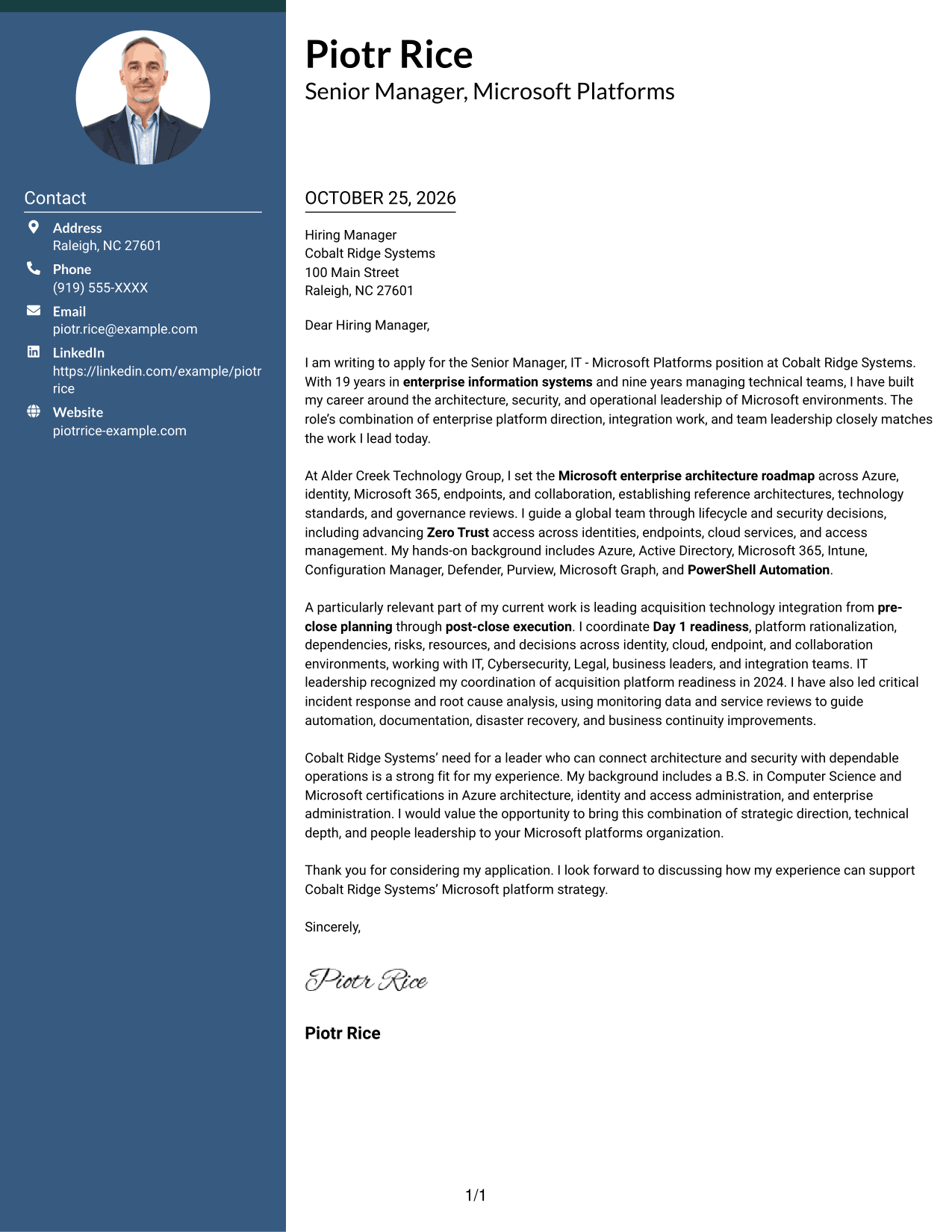
This Two Column Format places contact details in a sidebar beside one continuous letter body, keeping contact information separate from the message.
Why This Format Works
- Contact information has a dedicated sidebar beside the letter.
- The main body keeps motivation and evidence together in one column.
- Paragraphs carry the message from opening through closing without section labels.
Best For
- Contact details beside the letter
- A single-column letter body
- Uninterrupted persuasive paragraphs
- Quick access to sender information
- Company-specific role interest
#3 Photo Header Two Column Format Cover Letter Example
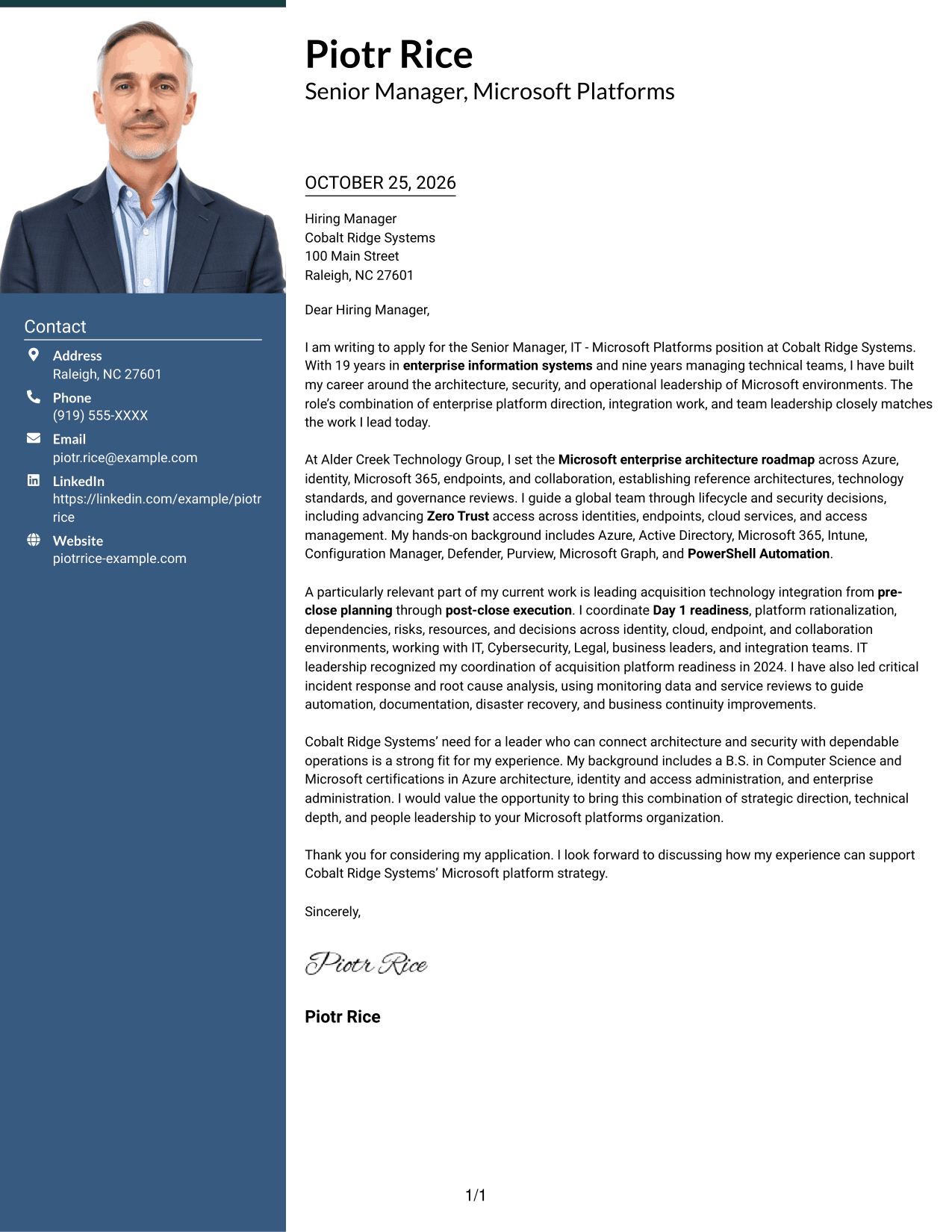
This Photo Header Two Column Format combines a photo with a contact sidebar and one continuous letter body for a more personal visual introduction.
Why This Format Works
- The photo adds a personal visual element without interrupting the letter body.
- A contact sidebar keeps sender information apart from the message.
- One continuous body preserves the order of motivation, evidence, and closing.
Best For
- Photo-led personal introduction
- Contact information in a sidebar
- A continuous letter narrative
- Visual identity alongside written communication
- Clear separation of contact details
#4 One Column Format with Photo Cover Letter Example
This One Column Format with Photo pairs a photo and sender details in the header with one continuous letter body for a personal yet direct presentation.
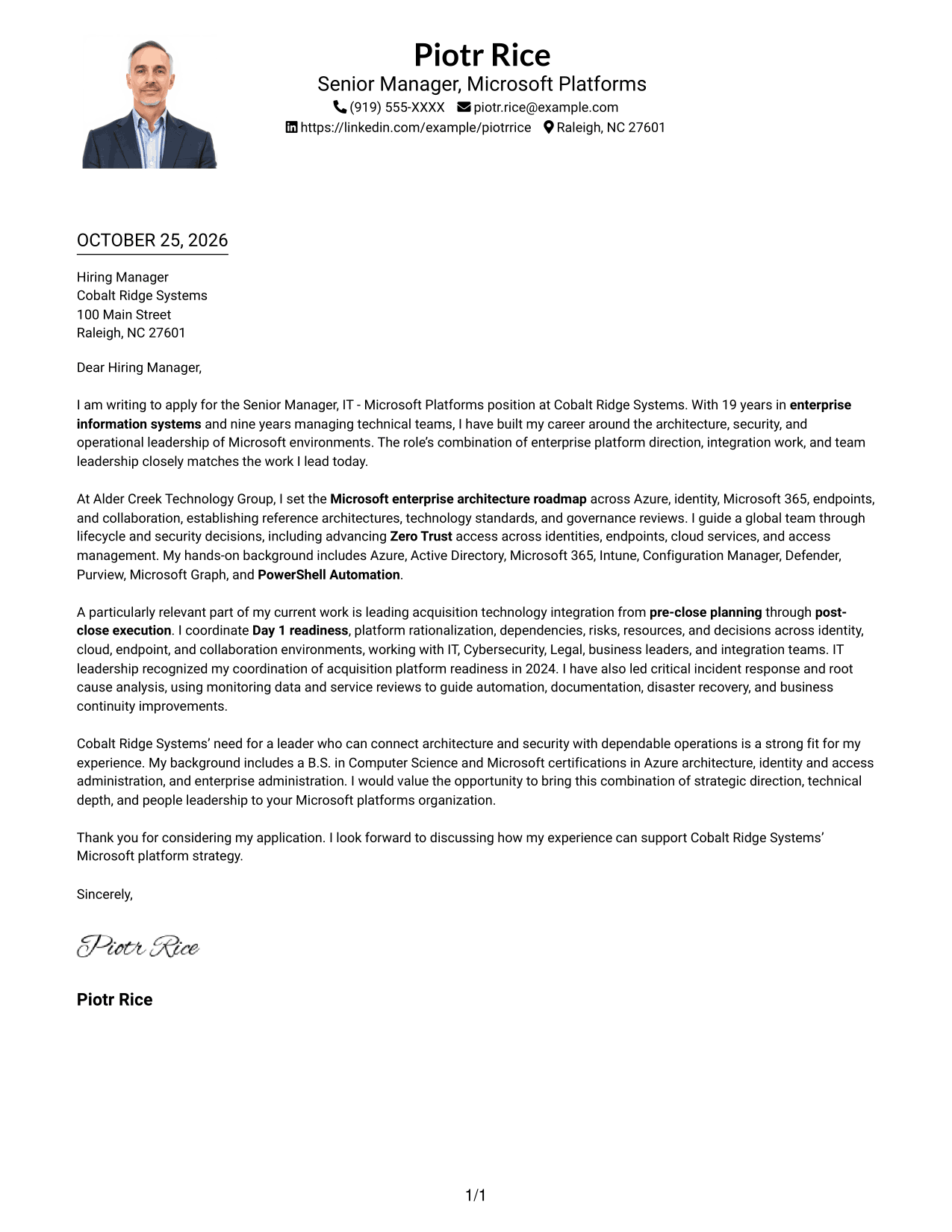
Why This Format Works
- A header photo adds a personal element before the letter begins.
- Sender details remain in the header, apart from the letter paragraphs.
- The single body column keeps the message in a clear reading order.
Best For
- A personal visual introduction
- One-column letter reading
- Sender details in the header
- Continuous opening-to-close messaging
- Photo paired with direct prose
#5 Simple Two Column Format Cover Letter Example
This Simple Two Column Format separates contact details into a sidebar while keeping the letter itself in one uninterrupted column.
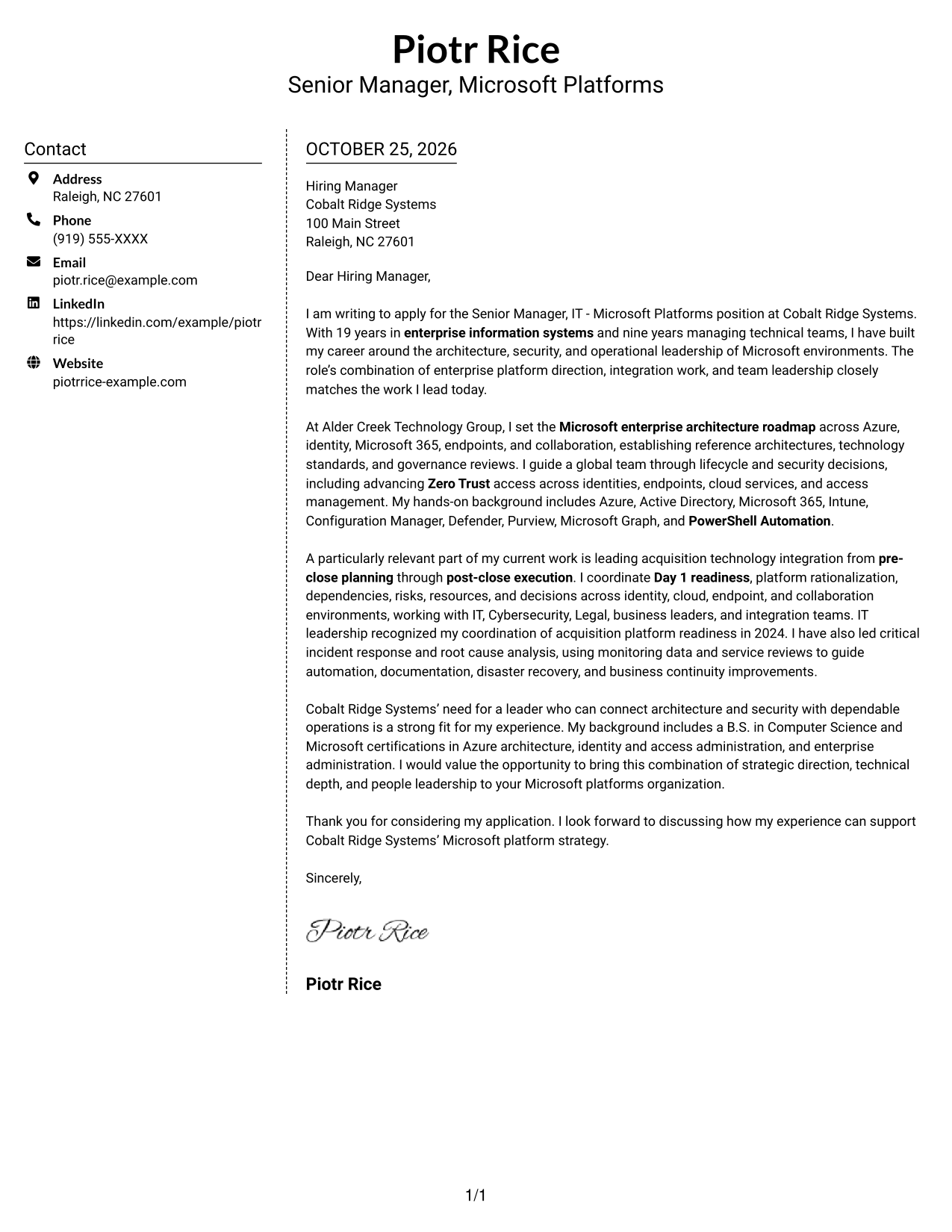
Why This Format Works
- The sidebar gives sender details a clear place outside the letter paragraphs.
- The message stays in one body column rather than dividing its argument.
- A simple arrangement keeps the contact and letter areas easy to distinguish.
Best For
- A separate contact sidebar
- One-column letter text
- Direct, continuous paragraphs
- Easy access to sender information
- Simple visual organization
#6 Modern Icon Format Cover Letter Example
This Modern Icon Format uses contact cues and decorative header accents alongside a contact sidebar and one continuous letter body.
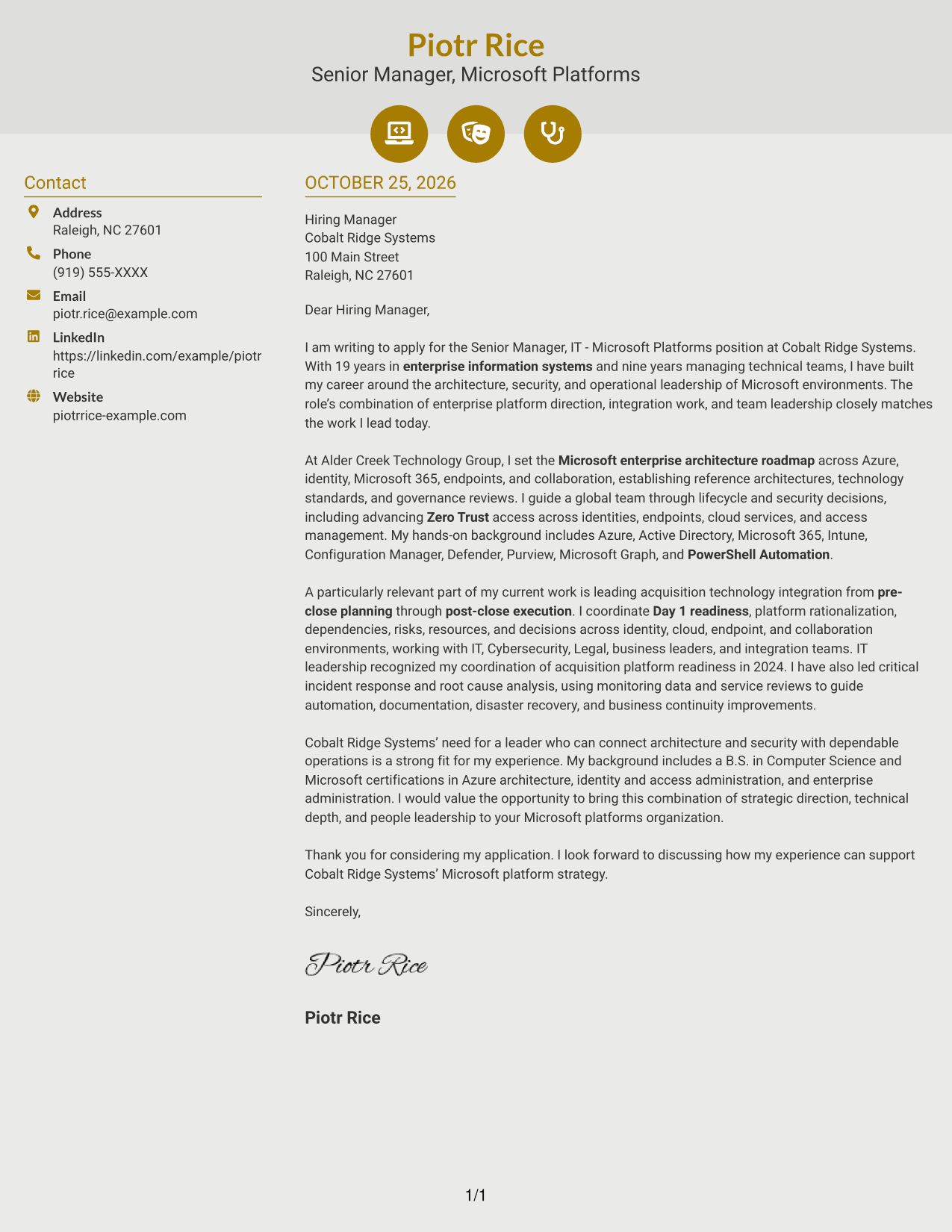
Why This Format Works
- Contact cues help distinguish sender information from the letter itself.
- The sidebar keeps contact details outside the main message column.
- A continuous body lets readers follow the letter without argument labels.
Best For
- Icon-led contact details
- Contact information in a sidebar
- A continuous letter body
- Quick recognition of sender details
- Decorative accents in the header
#7 Creative Two Tone Format Cover Letter Example
This Creative Two Tone Format places contact details in a sidebar beside one continuous letter body, pairing distinct document areas with a clear reading order.
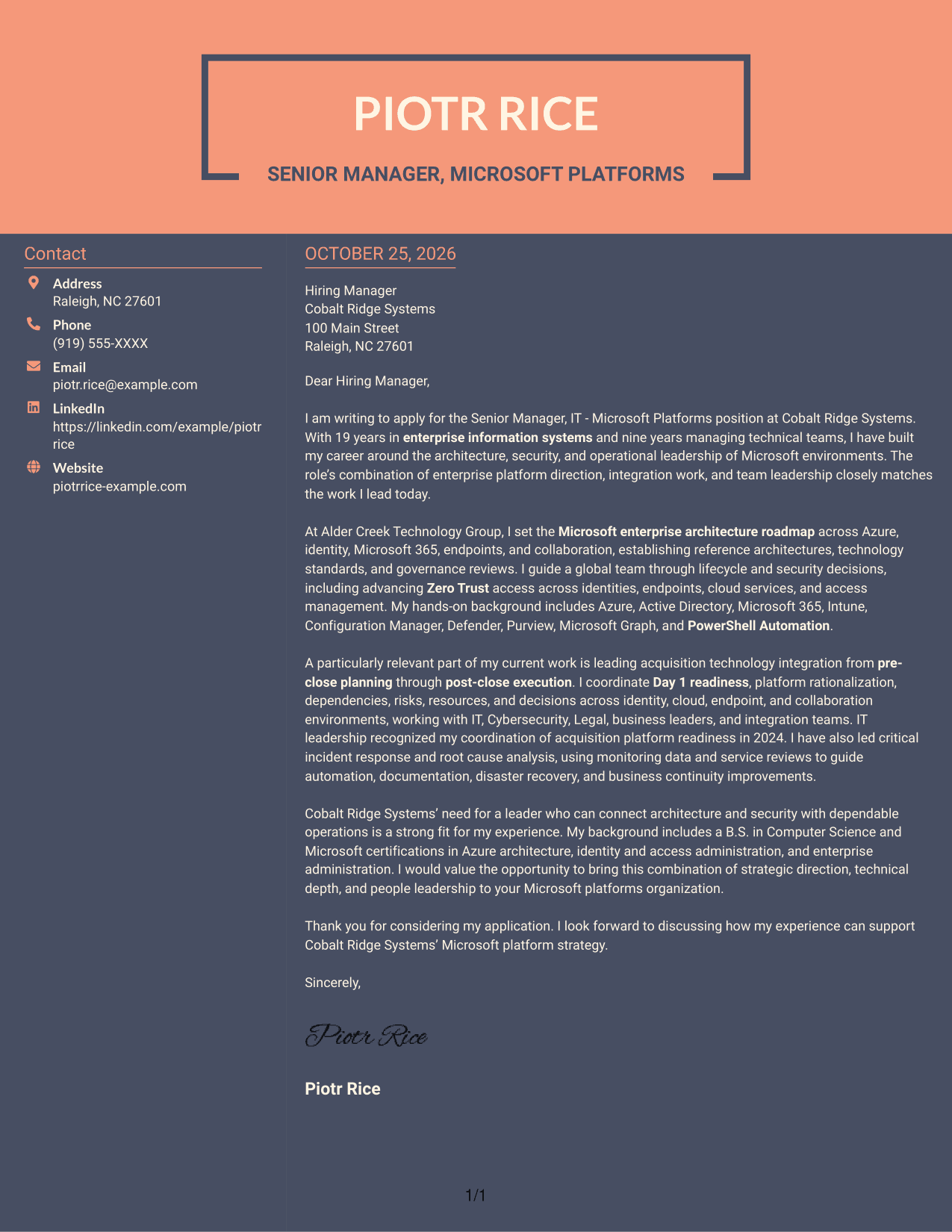
Why This Format Works
- The contact sidebar separates practical details from the persuasive message.
- A single body column keeps opening, motivation, evidence, and closing together.
- Readers can follow the letter in order without navigating parallel text.
Best For
- Separate contact information
- One-column letter argument
- Sequential opening and closing
- Clear contact-to-message distinction
- Role-specific motivation and evidence
See Also
- 7 Senior Manager, IT - Microsoft Platforms Resume Templates with Example
- 7 Journey IT System Administrator - Microsoft 365 and Server Infrastructure Resume Templates with Example
- 7 IT Platform Engineer Resume Templates with Example
- 33 Cybersecurity IT Audit Manager Resume Templates with Example 2026 (ATS-Optimized)
- 33 Digital Manufacturing IT Program Manager Resume Templates with Example 2026 (ATS-Optimized)
- 33 Director of IT & Cybersecurity Resume Templates with Example 2026 (ATS-Optimized)
- 7 Enterprise Account Executive - IT Solutions Resume Templates with Example
- 33 Enterprise Network Engineering & Convergence IT Intern Resume Templates with Example 2026 (ATS-Optimized)
- 7 Journey IT System Administrator - Microsoft 365 and Server Infrastructure Cover Letter Templates with Example
- 30+ Cybersecurity IT Audit Manager Cover Letter Templates with Example 2026
Frequently Asked Questions
What should the opening paragraph say for this role?
State your interest in the Senior Manager, IT - Microsoft Platforms position and make a direct connection between the role’s priorities and your leadership background. Keep the opening focused on why the opportunity fits.
What evidence can strengthen this cover letter?
Choose examples that show enterprise Microsoft architecture, team leadership, acquisition integration, Zero Trust, or incident response. Explain your contribution and why it matters to dependable, secure platforms.
How can I show interest in the employer?
Connect your experience to the needs described for Cobalt Ridge Systems, such as architecture direction, integration planning, and reliable operations. Add another company-specific reason only if it is accurate and relevant to you.
How should I choose a cover letter presentation?
Compare the image previews for clear, readable layouts. Open an example in the editor to review or customize its presentation for the employer and the communication context.
Should I include every Microsoft platform in my letter?
No. Select the platforms that best support your main points, such as Azure, Microsoft 365, Active Directory, Intune, or PowerShell Automation. A focused letter is easier to read and makes your role fit clearer.




