
7 Senior Manager of Financial Planning & Analysis - Revenue Forecasting and Long-Range Planning Cover Letter Templates with Example
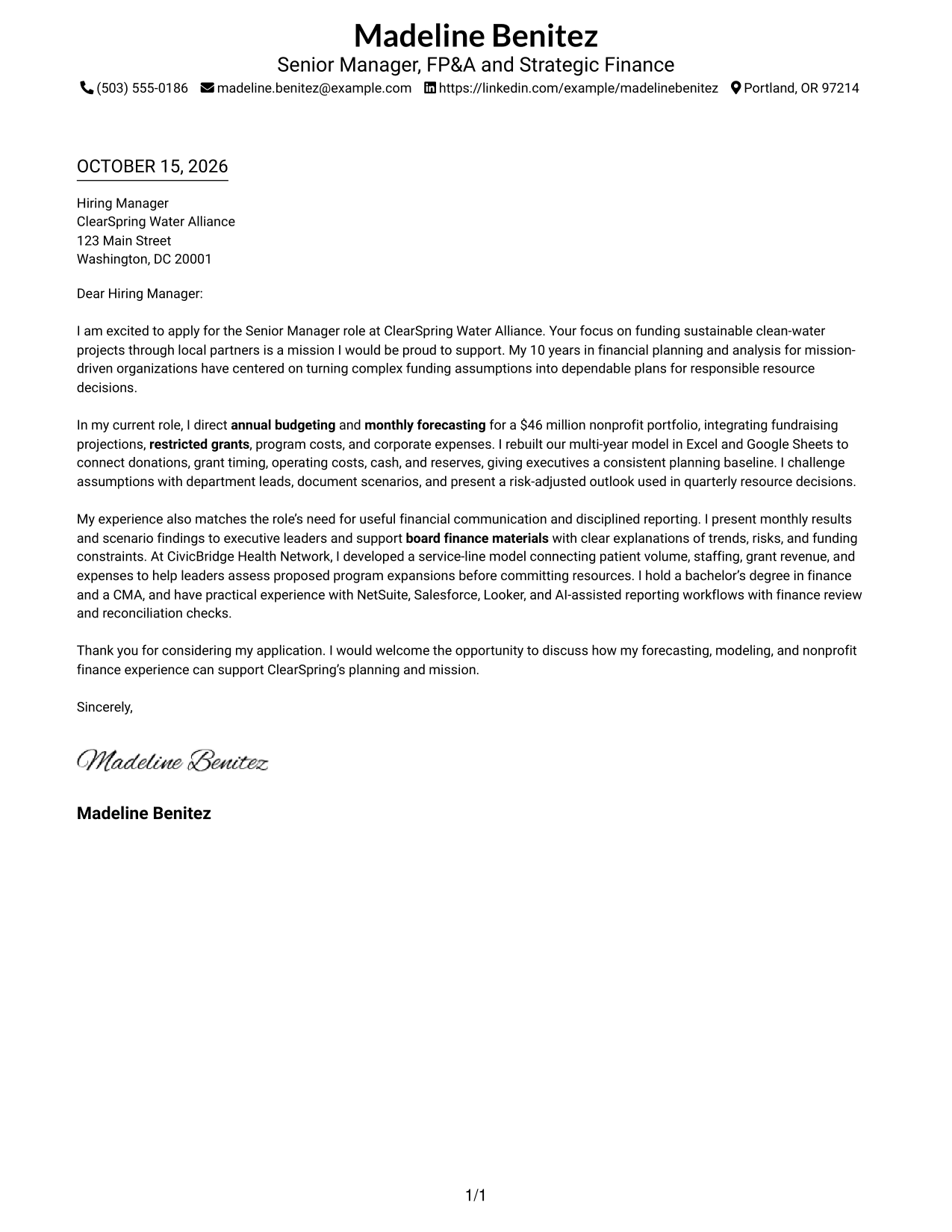
This practical guide helps you write a Senior Manager of Financial Planning & Analysis - Revenue Forecasting and Long-Range Planning cover letter, with seven layouts to compare.
What Makes a Great Senior Manager of Financial Planning & Analysis Cover Letter in 2026
A strong letter connects revenue forecasting and long-range planning to sound resource decisions. It makes your fit clear through a focused opening, relevant evidence, and a direct close.
Use specific examples of testing assumptions, building connected financial plans, and explaining results to leaders. Show how your approach supports the organization’s mission and helps decision-makers act with confidence.
The featured example moves from interest in the organization’s mission to evidence of forecasting, modeling, and clear financial communication, then closes with a direct statement of fit. Adapt that progression to your own experience, choosing a presentation that suits the employer and the way you need to communicate.
#1 Simple One Column Format Cover Letter Example
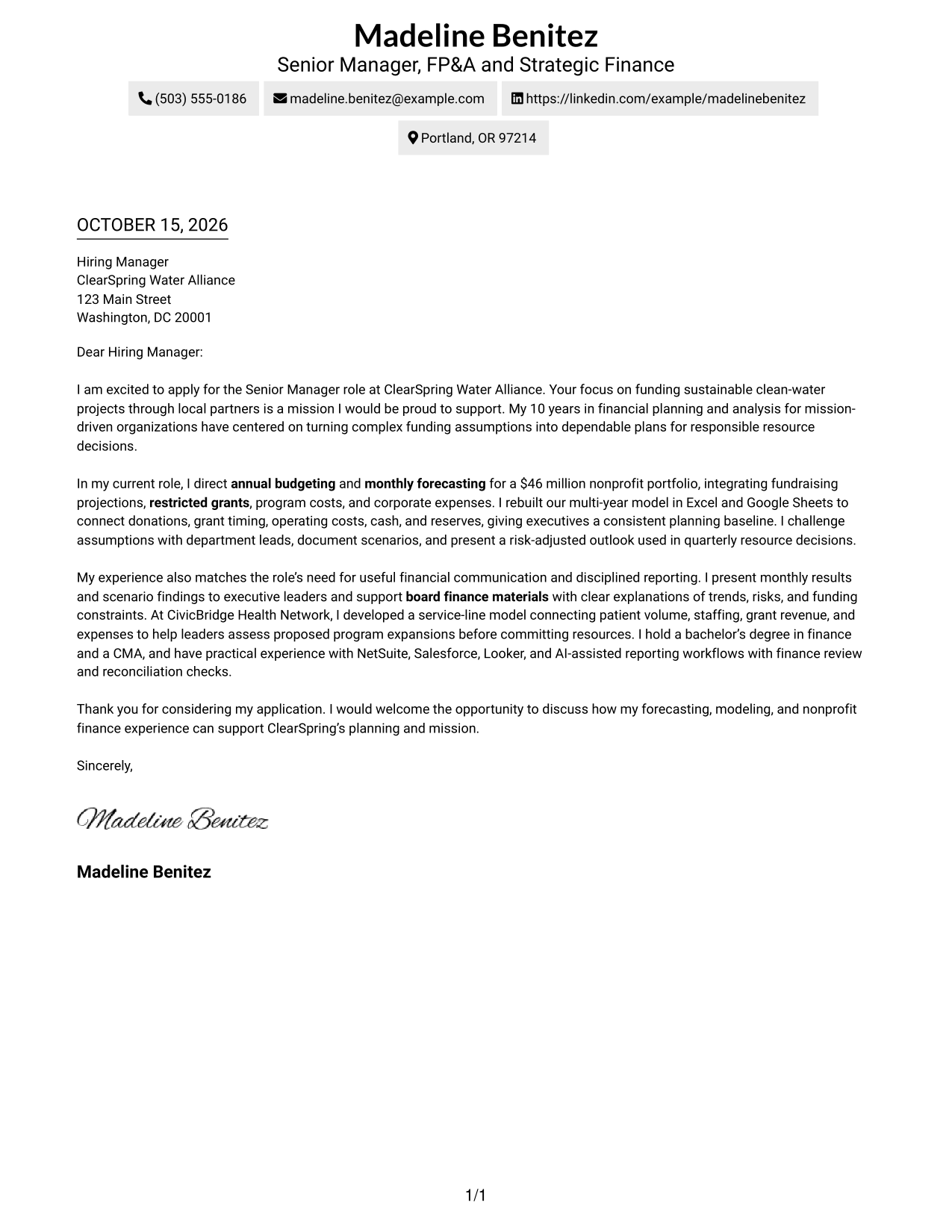
The Simple One Column Format keeps the letter in one column, giving its opening, supporting points, and close a direct reading path.
Why This Format Works
- The header holds sender details, while the letter body carries the message.
- One column keeps the opening, evidence, and close in a natural reading order.
- Paragraphs build the case without labels breaking the letter's progression.
Best For
- Letters with a direct paragraph sequence
- Sender details in a header
- Messages without section headings
- One-column reading preference
- Text-led correspondence without a portrait
#2 Two Column Format Cover Letter Example
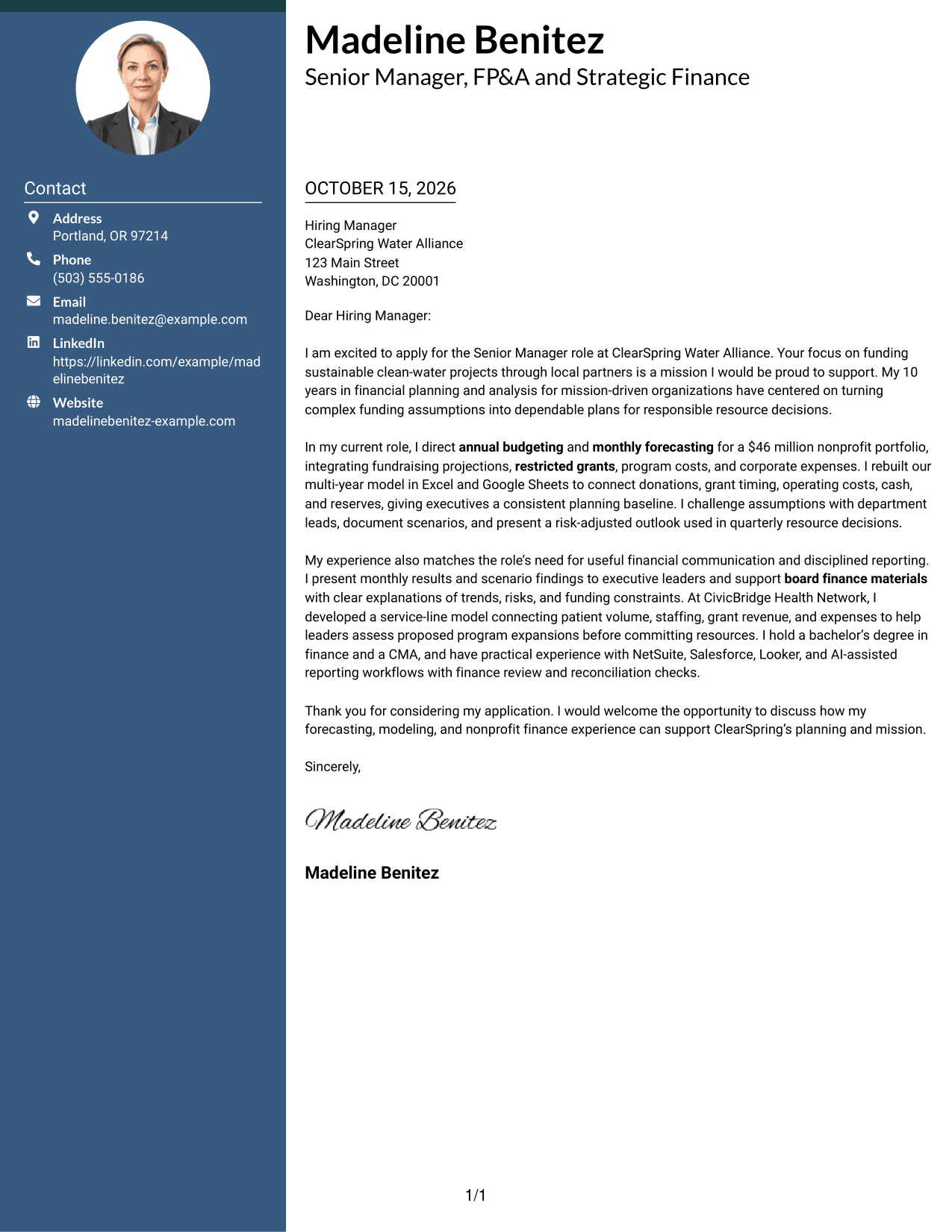
The Two Column Format sets a contact sidebar beside one continuous letter body, keeping sender information easy to locate without splitting the message.
Why This Format Works
- The sidebar separates contact details from the letter's persuasive message.
- The body stays in one sequence, connecting the opening, evidence, and close.
- Sender information remains easy to consult beside the correspondence.
Best For
- Contact details beside the message
- Letters with connected paragraphs
- Quick access to sender information
- A distinct contact area
- Separate contact and message zones
#3 Photo Header Two Column Format Cover Letter Example
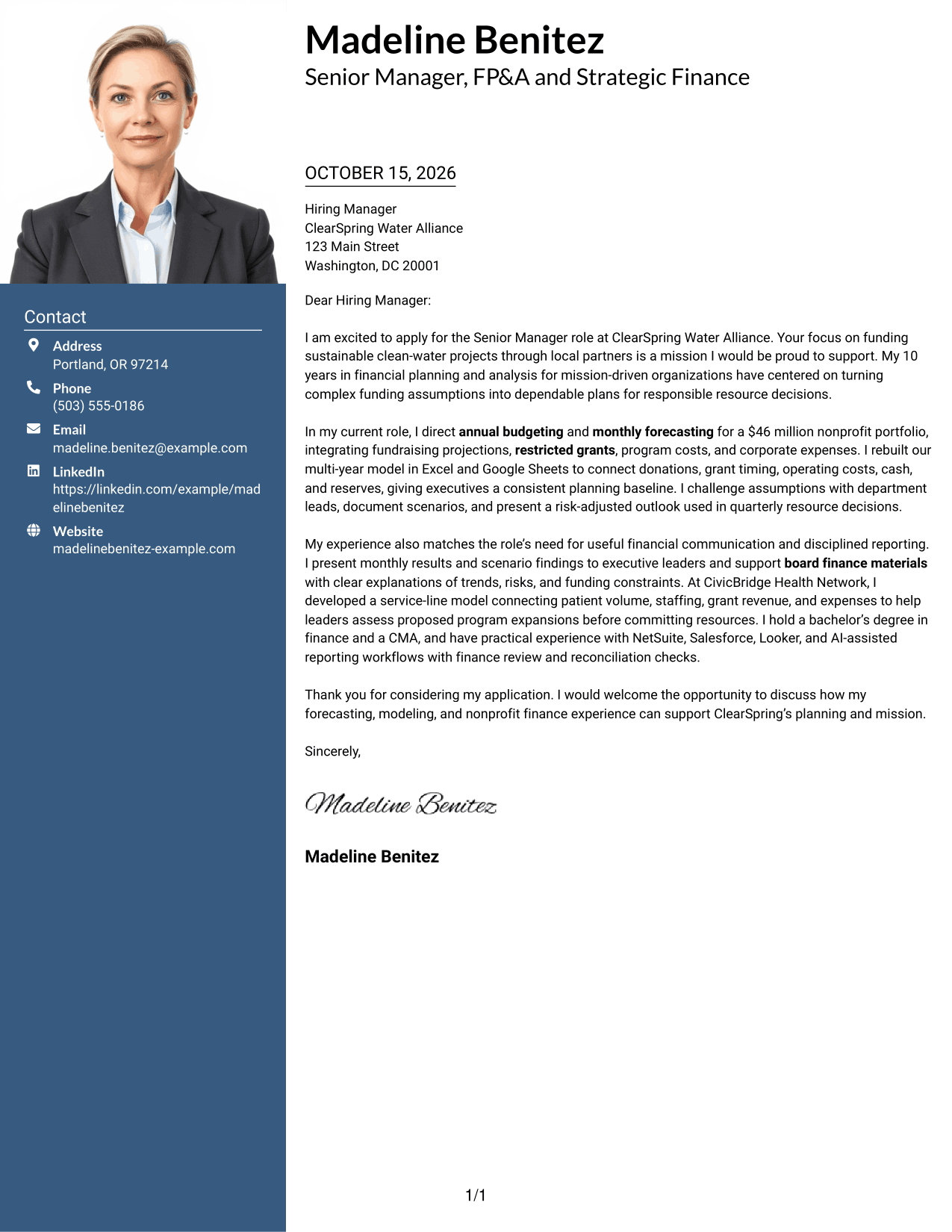
The Photo Header Two Column Format pairs a portrait and contact sidebar with one continuous letter body, keeping personal details visible without dividing the message.
Why This Format Works
- The sidebar keeps contact details separate from the letter's connected paragraphs.
- A portrait adds a visible point of personal identification.
- The continuous body lets reviewers follow the message from opening through close.
Best For
- Portraits alongside contact details
- A continuous letter body
- Visible sender identification
- Letters with several connected paragraphs
- Contact information outside the message
#4 One Column Format with Photo Cover Letter Example
The One Column Format with Photo places a portrait with a single-column letter, keeping the message in a direct sequence while adding a visual point of identification.
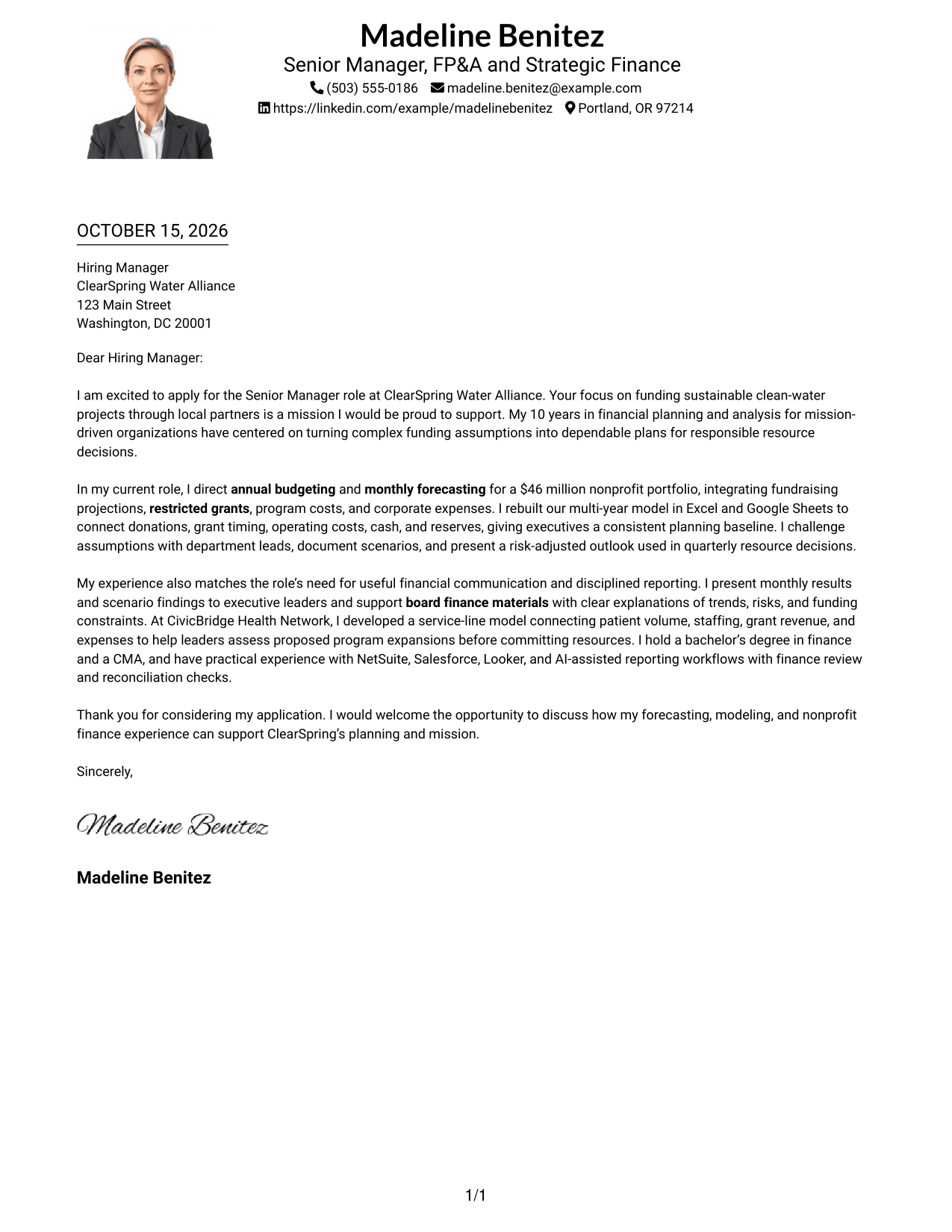
Why This Format Works
- One column keeps the opening, supporting details, and closing in a clear sequence.
- The portrait adds visual identification without dividing the letter body.
- Sender details in the header remain distinct from the message.
Best For
- Single-column letter reading
- Letters where a portrait is preferred
- A direct opening-to-close sequence
- Sender details in the header
- Portraits with uninterrupted paragraphs
#5 Simple Two Column Format Cover Letter Example
The Simple Two Column Format places a contact sidebar beside the uninterrupted letter body, making contact information easy to find while the message stays together.
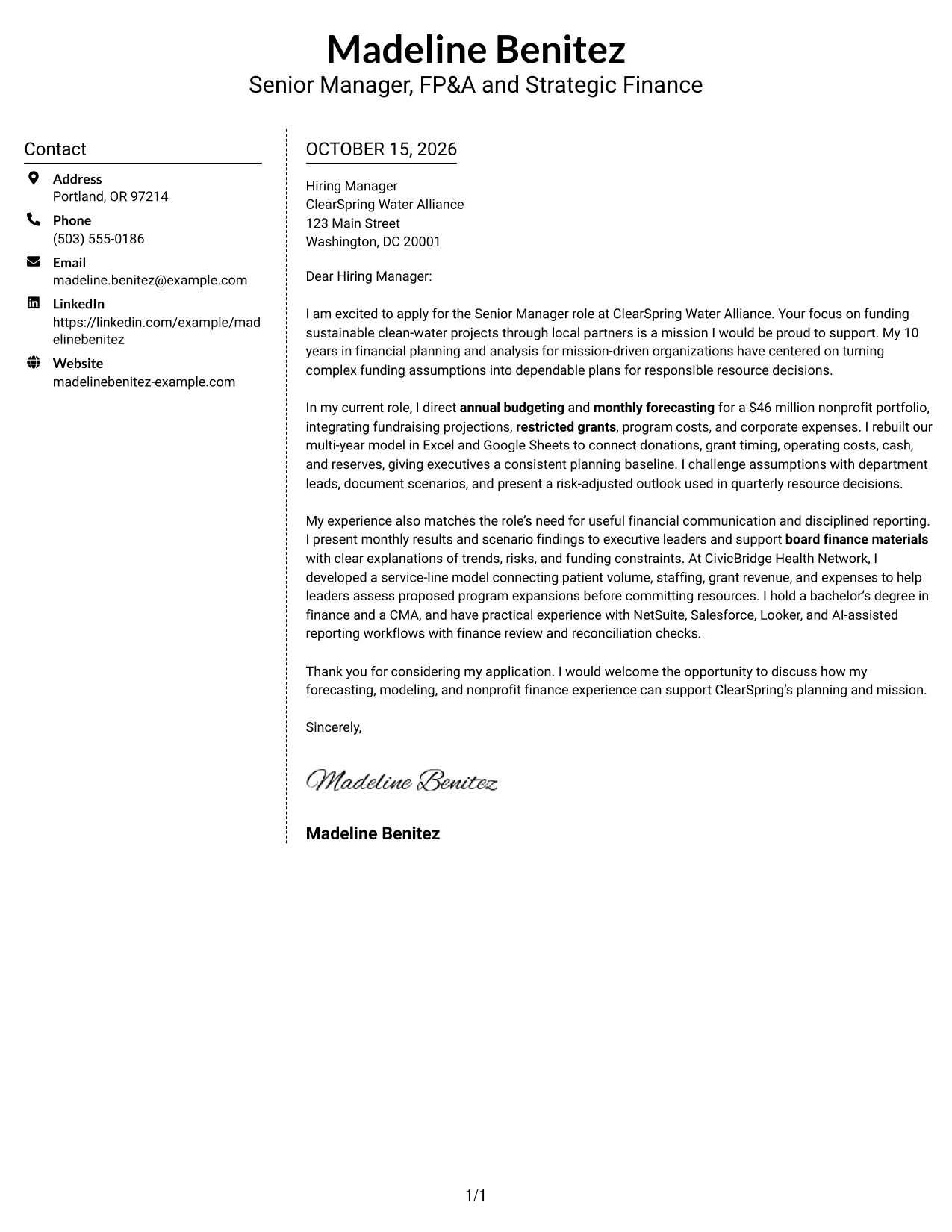
Why This Format Works
- Contact information sits apart from the paragraphs that make the case.
- The letter body stays intact, so its ideas unfold in order.
- The sidebar gives sender details a clear place beside the message.
Best For
- Contact details beside correspondence
- A continuous persuasive message
- Letters with distinct opening and closing paragraphs
- A separate sender-information area
- Side-by-side contact and letter content
#6 Modern Icon Format Cover Letter Example
The Modern Icon Format uses contact cues in a sidebar beside one continuous letter body, helping readers identify contact details without using icons as message headings.
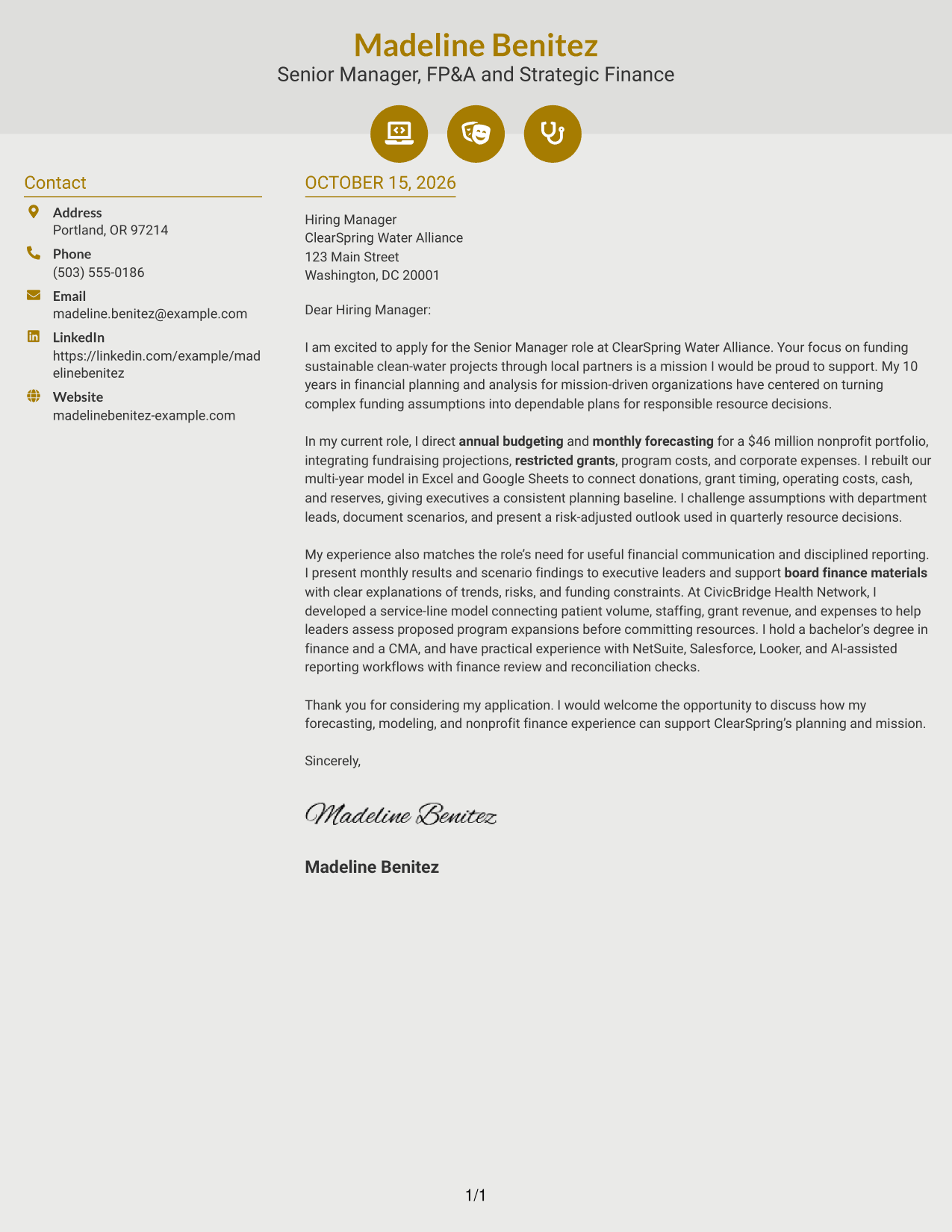
Why This Format Works
- Contact cues help distinguish sender information from the letter's message.
- The sidebar keeps practical details outside the continuous body paragraphs.
- The letter's opening, evidence, and closing remain in one reading sequence.
Best For
- Contact details with visual cues
- A continuous letter argument
- Quick reference to sender information
- Message paragraphs without section labels
- Contact and correspondence shown side by side
#7 Creative Two Tone Format Cover Letter Example
The Creative Two Tone Format places a contact sidebar beside one continuous letter body, keeping sender details distinct while the letter's message remains together.
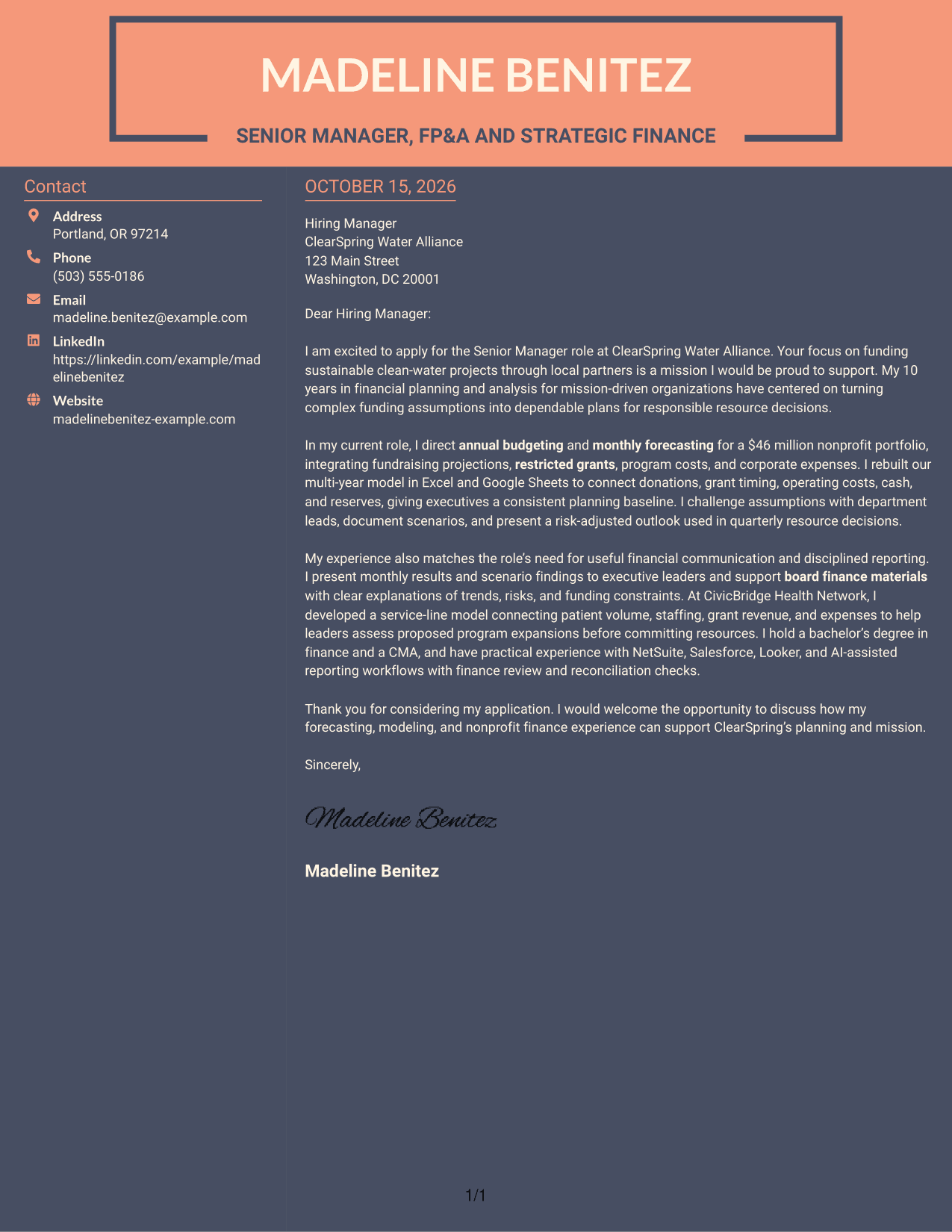
Why This Format Works
- The sidebar gives contact information its own place beside the letter.
- One continuous body preserves the link between the opening and closing.
- The page keeps sender details separate from the persuasive paragraphs.
Best For
- A separate contact area
- Letters with a connected central message
- Contact information beside the letter
- Paragraph-led explanations
- A distinct sender and message layout
See Also
- 7 Senior Manager of Financial Planning & Analysis - Revenue Forecasting and Long-Range Planning Resume Templates with Example
- 33 Intern - Finance (Financial Planning & Analysis) Resume Templates with Example 2026
- 33 Senior Financial Planning & Analysis Analyst Resume Templates with Example 2026 (ATS-Optimized)
- 33 Holistic Financial Planning Analyst Intern Resume Templates with Example 2026 (ATS-Optimized)
- 33 Analyst, Revenue Finance (FP&A) - Advertising Revenue Planning Resume Templates with Example 2026 (ATS-Optimized)
- 33 Analyst, Revenue Finance (FP&A) - Revenue Planning Resume Templates with Example 2026 (ATS-Optimized)
- 33 All Source Intelligence Analyst - Intelligence Analysis Resume Templates with Example
- 7 Design and Analysis Engineer - Avionics Test Resume Templates with Example
- 30+ Intern - Finance (Financial Planning & Analysis) Cover Letter Templates with Example 2026
- 30+ Senior Financial Planning & Analysis Analyst Cover Letter Templates with Example 2026
Frequently Asked Questions
What should a cover letter for this financial planning role emphasize?
Show how you assess revenue assumptions, connect forecasts with expenses and cash needs, and explain risks in plain language. Choose examples that show how your analysis supports practical decisions.
How can I explain my approach to revenue forecasting?
Describe how you gather input, test assumptions, consider different outcomes, and present a risk-adjusted view. Include a clear result or decision your work helped inform, if you can support it with evidence.
How should I show alignment with a nonprofit’s mission?
State what draws you to the organization’s purpose, then connect that interest to responsible planning. For a role supporting restricted funding, explain how clear forecasts and careful controls help leaders use resources well.
What examples can make the body of the letter more persuasive?
Use a concise example of a multi-year model, scenario analysis, cross-team planning, or board reporting. Keep the focus on your actions, the financial issue you addressed, and how leaders used the information.
Can I compare the cover letter previews and customize an example?
Yes. Review the PNG previews to compare the visual formats, then use the editor links to view or customize an example.




