
7 Senior Planner - Land Use and Zoning Cover Letter Templates with Example
This guide helps you write a Senior Planner - Land Use and Zoning cover letter and compare seven layouts for presenting your planning judgment clearly.
What Makes a Great Senior Planner - Land Use and Zoning Cover Letter in 2026
A strong cover letter for this role links careful petition review to clear recommendations, sound zoning judgment, and useful public communication.
Use evidence such as reviewing site and permit records, weighing Comprehensive Plan impacts, or explaining findings at hearings. Connect that work to the employer’s needs and show how you seek practical options without weakening adopted rules.
The featured example moves from role fit and relevant planning work to public-facing responsibilities, specific motivation, and a clear close. Adapt that focused progression while choosing a presentation that suits the employer and the communication context.
#1 Simple One Column Format Cover Letter Example
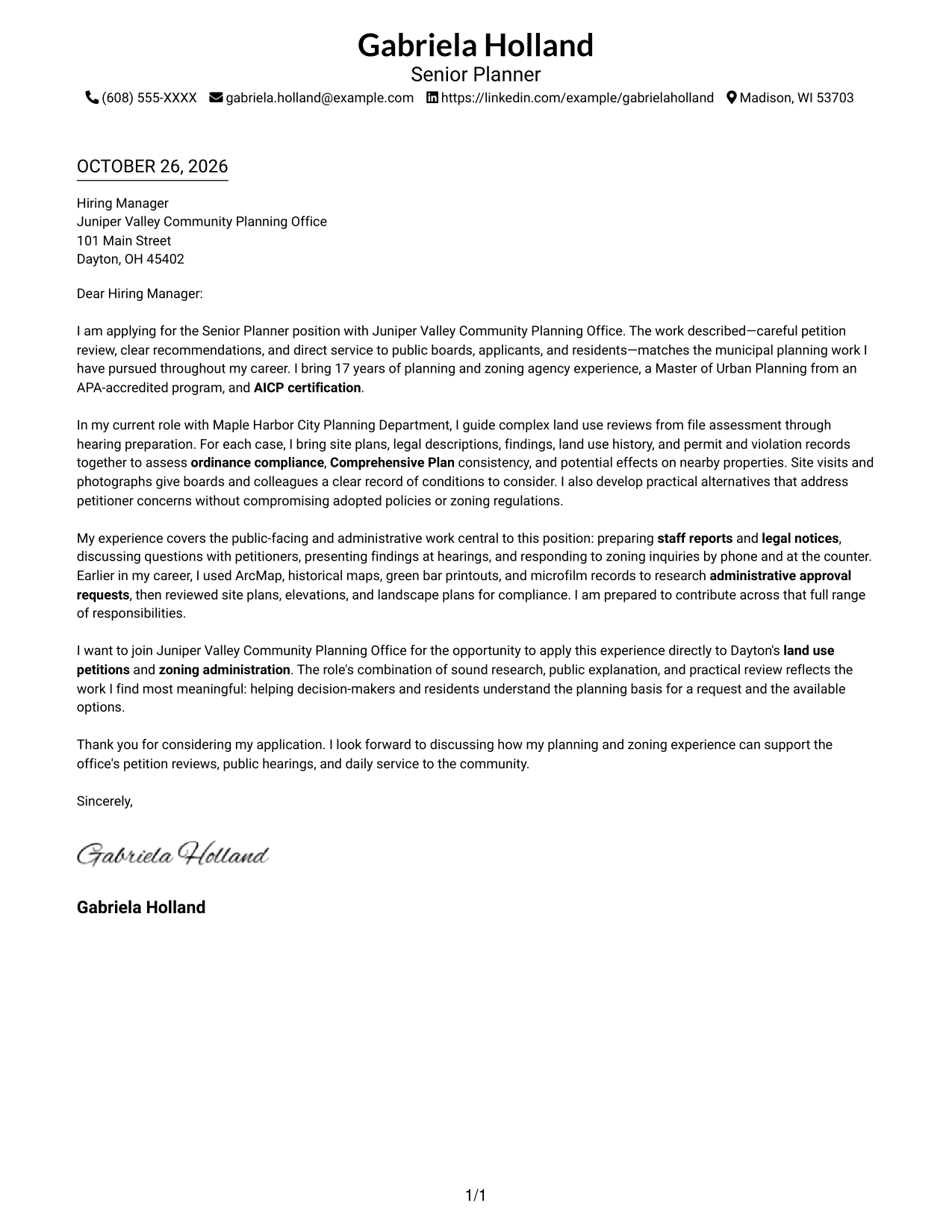
The single-column page keeps sender details in the header and gives the letter one direct reading path.
Why This Format Works
- Header contact details stay apart from the letter's message.
- One column keeps the opening, evidence, motivation, and closing in one body.
- The familiar top-to-bottom order helps reviewers follow the full letter.
Best For
- Single-column reading preference
- Header-based contact details
- Letters without a contact sidebar
- Paragraph-led persuasion
- Straightforward page navigation
#2 Two Column Format Cover Letter Example
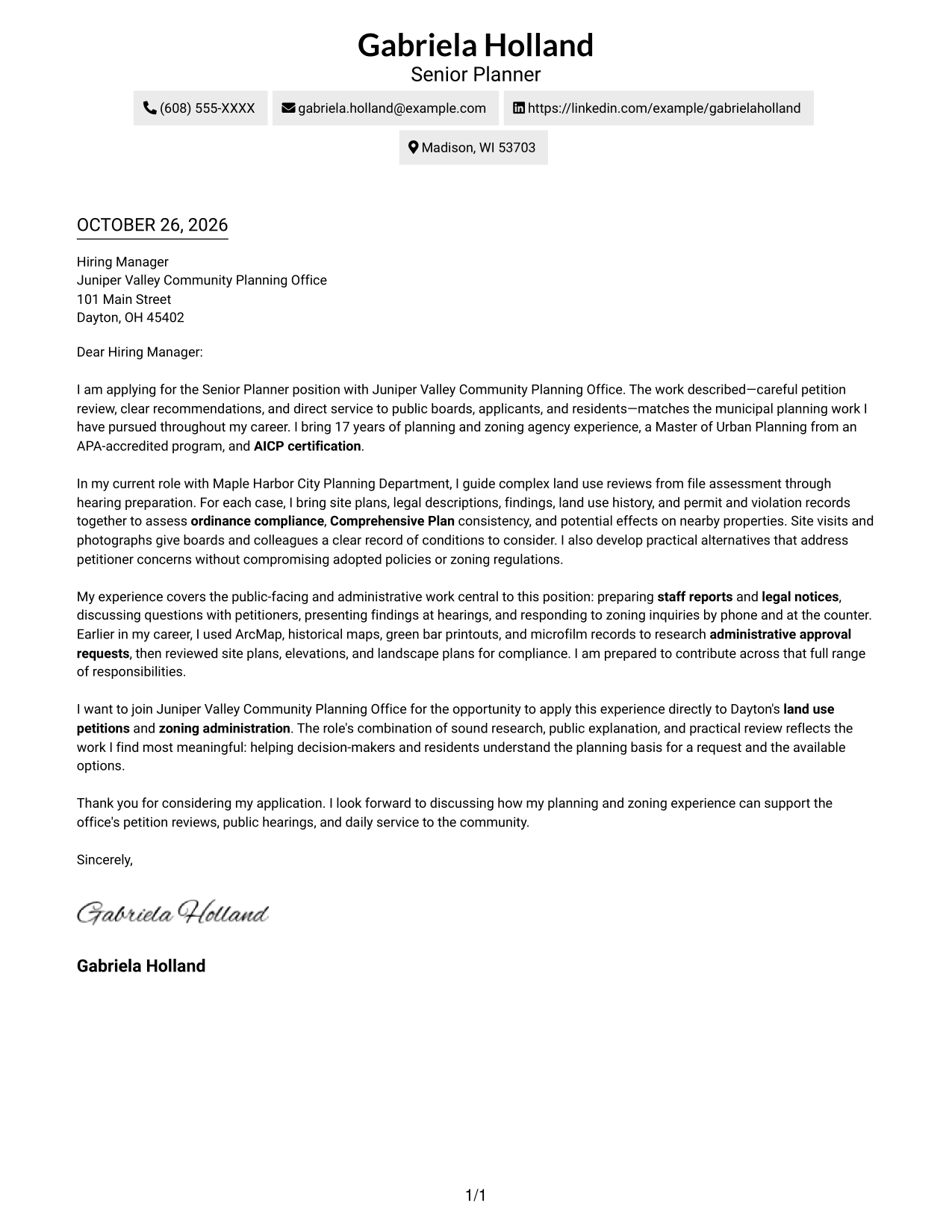
A contact sidebar sits beside the continuous letter body, keeping sender information distinct from the message.
Why This Format Works
- The sidebar makes sender details easy to locate apart from the letter.
- A single body keeps motivation and supporting points together.
- Reviewers can read the paragraphs without moving between body columns.
Best For
- Side-by-side contact and message
- Separate sender-detail lookup
- Continuous paragraph-based letters
- Two-column page preference
- Contact information outside the body
#3 Photo Header Two Column Format Cover Letter Example
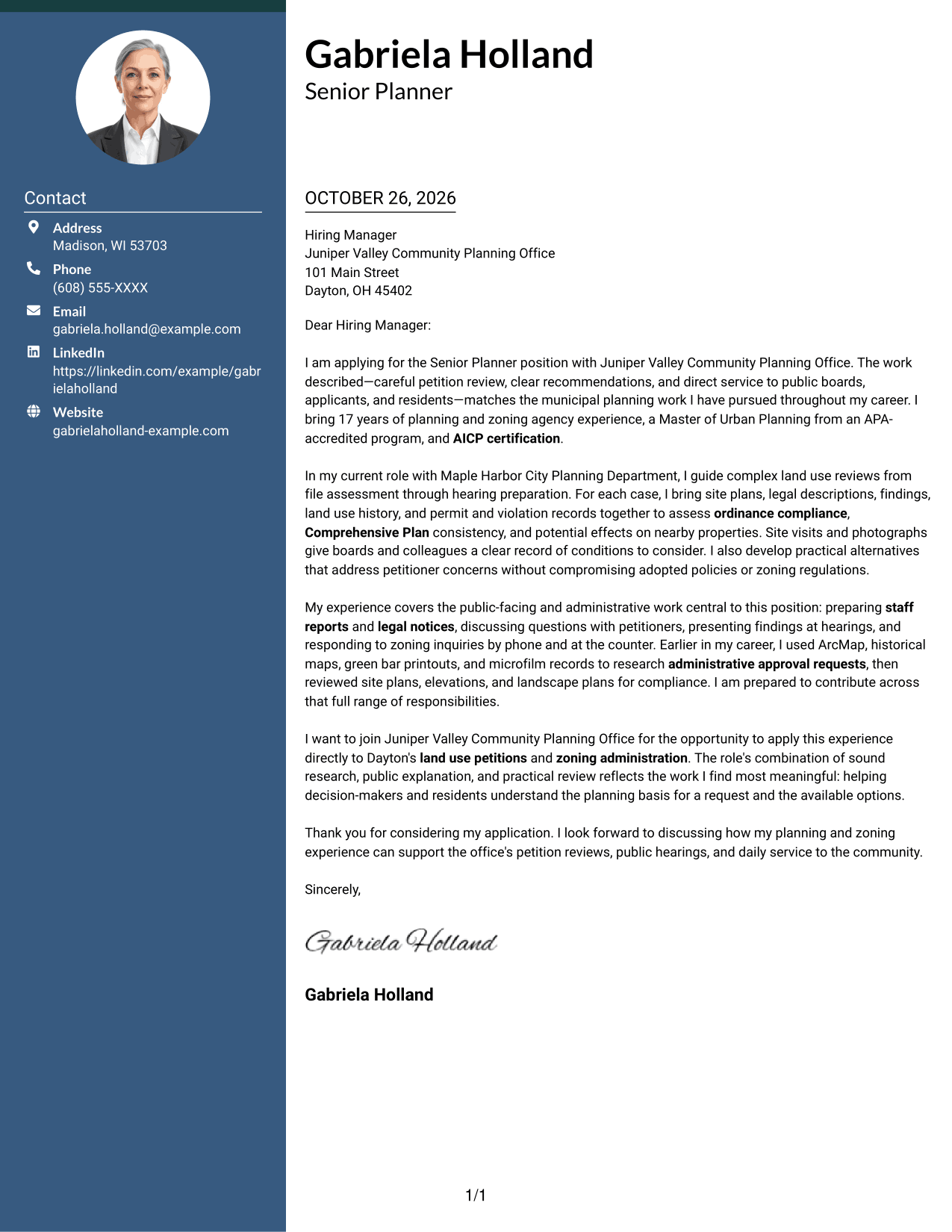
This two-column layout pairs a contact sidebar and continuous letter body with a photo for a personal visual touch.
Why This Format Works
- Contact details remain separate while the letter follows one continuous path.
- The photo adds a personal visual element without dividing the argument.
- A single body keeps the opening, supporting paragraphs, and closing together.
Best For
- Two-column contact organization
- Continuous letter-body reading
- Applications that include a photo
- Clear separation of sender details
- A personal visual element
#4 One Column Format with Photo Cover Letter Example
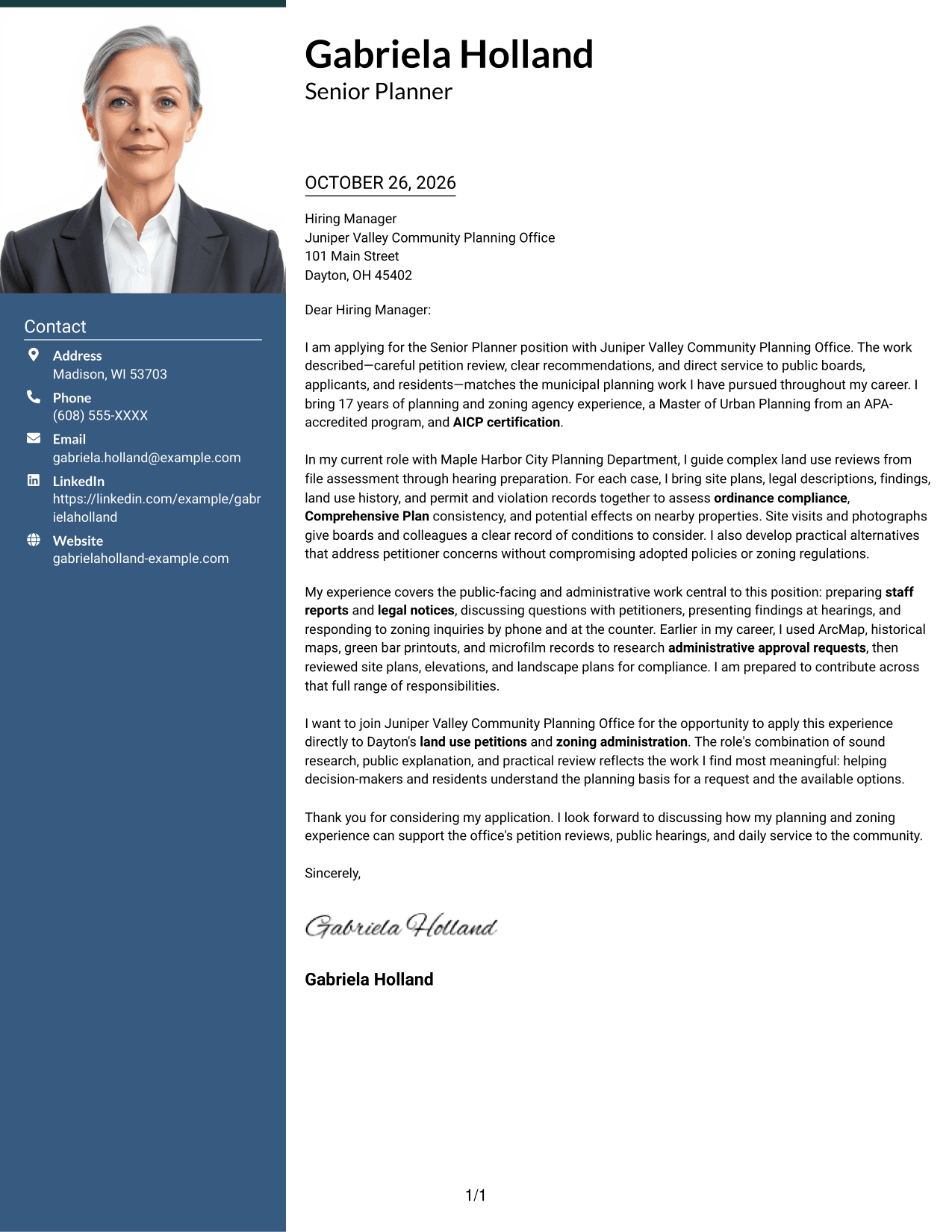
The single-column letter includes a photo while keeping the full message in one continuous reading path.
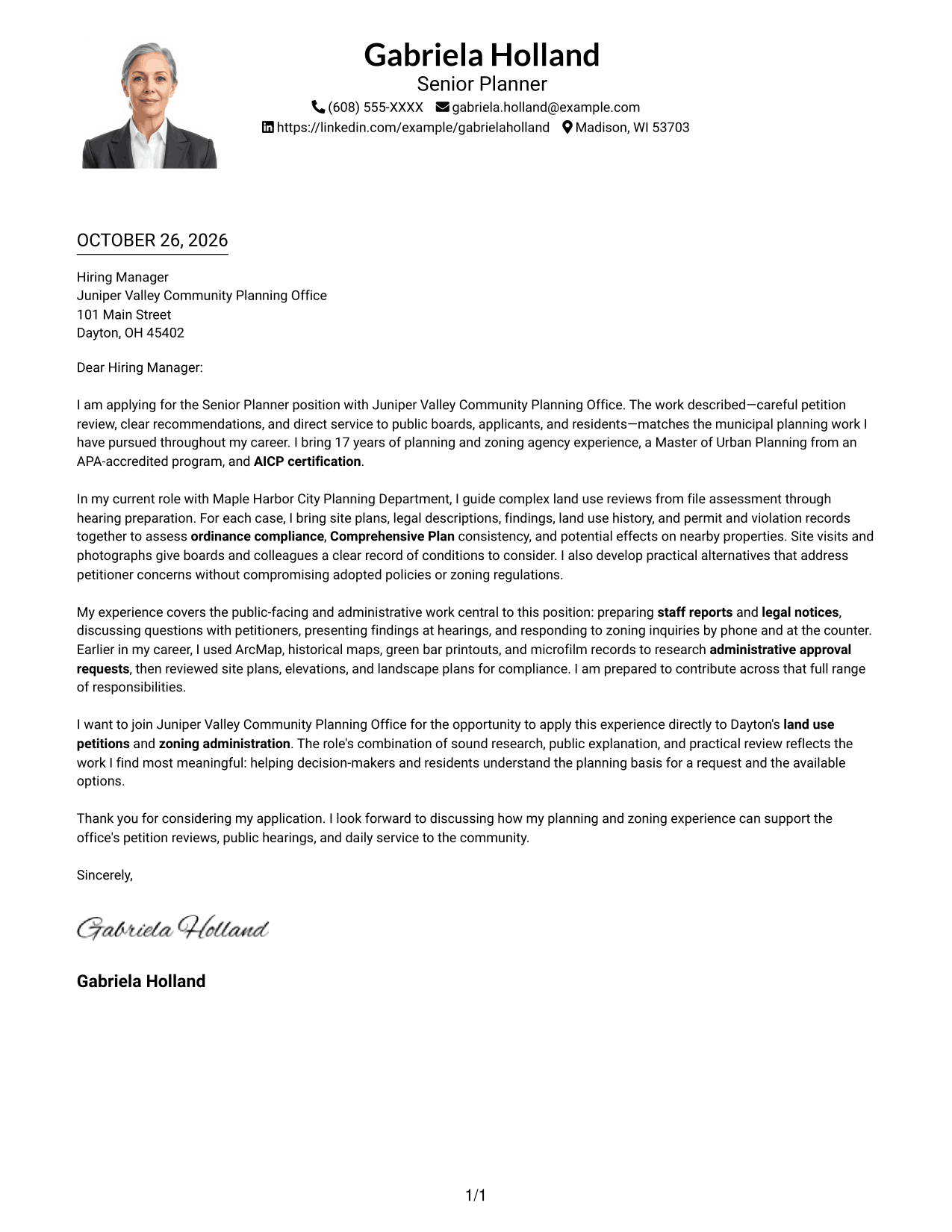
Why This Format Works
- The single-column body keeps every paragraph in one reading area.
- A photo offers a personal visual detail without changing the letter's flow.
- The opening and closing remain part of the same continuous message.
Best For
- Single-column letter reading
- Photo-inclusive applications
- Continuous paragraph-based messages
- No-sidebar page layouts
- A personal visual detail
#5 Simple Two Column Format Cover Letter Example
The two-column arrangement places sender details in a sidebar and leaves the letter itself as one continuous body.
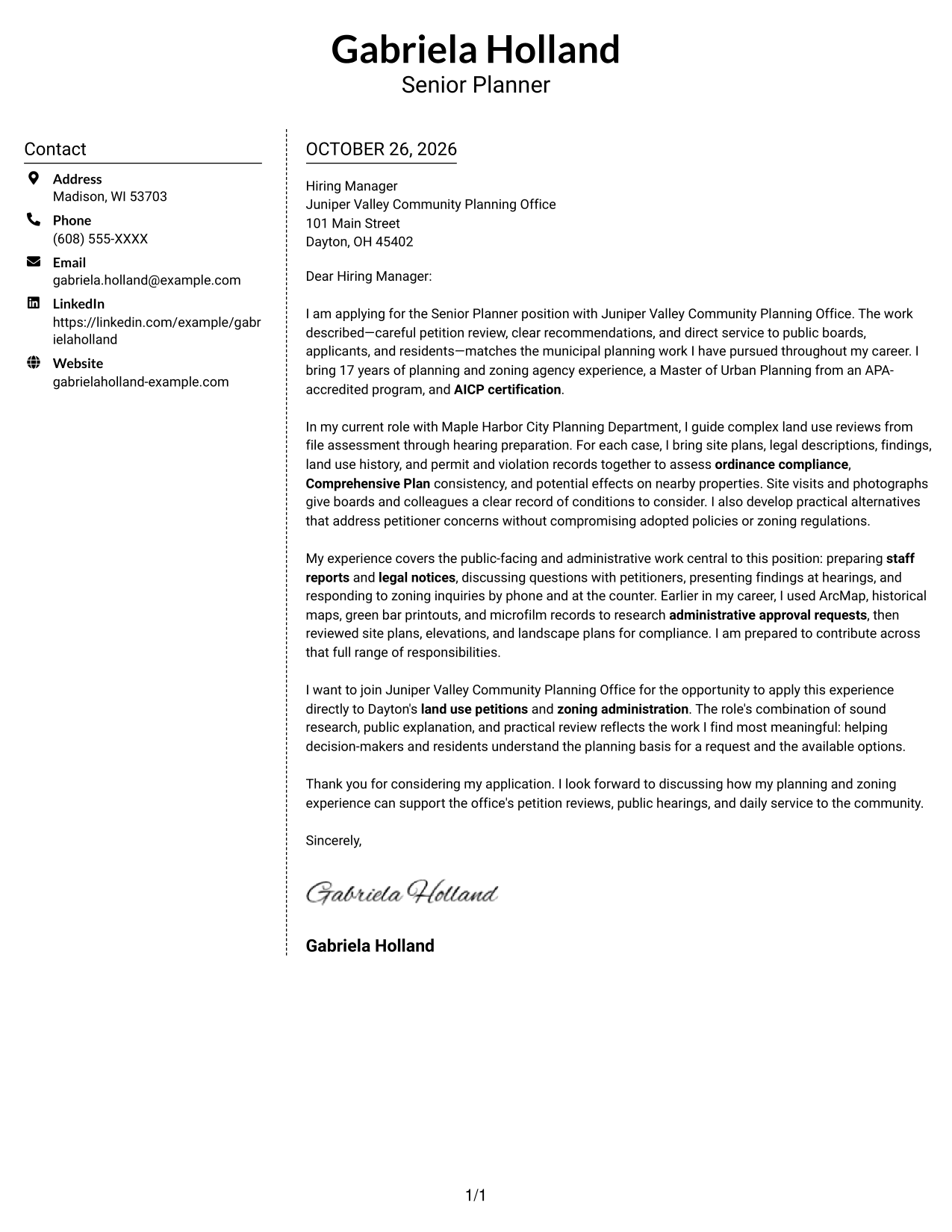
Why This Format Works
- The sidebar separates contact information from the employer-facing message.
- One continuous body keeps the letter's points in their intended order.
- The two-column arrangement gives sender details a distinct place beside the text.
Best For
- Sidebar-based contact details
- One continuous letter argument
- Side-by-side page organization
- Quick access to sender information
- Letters without a photo
#6 Modern Icon Format Cover Letter Example
Contact icons add visual cues beside the details, while the two-column layout keeps the letter body continuous.
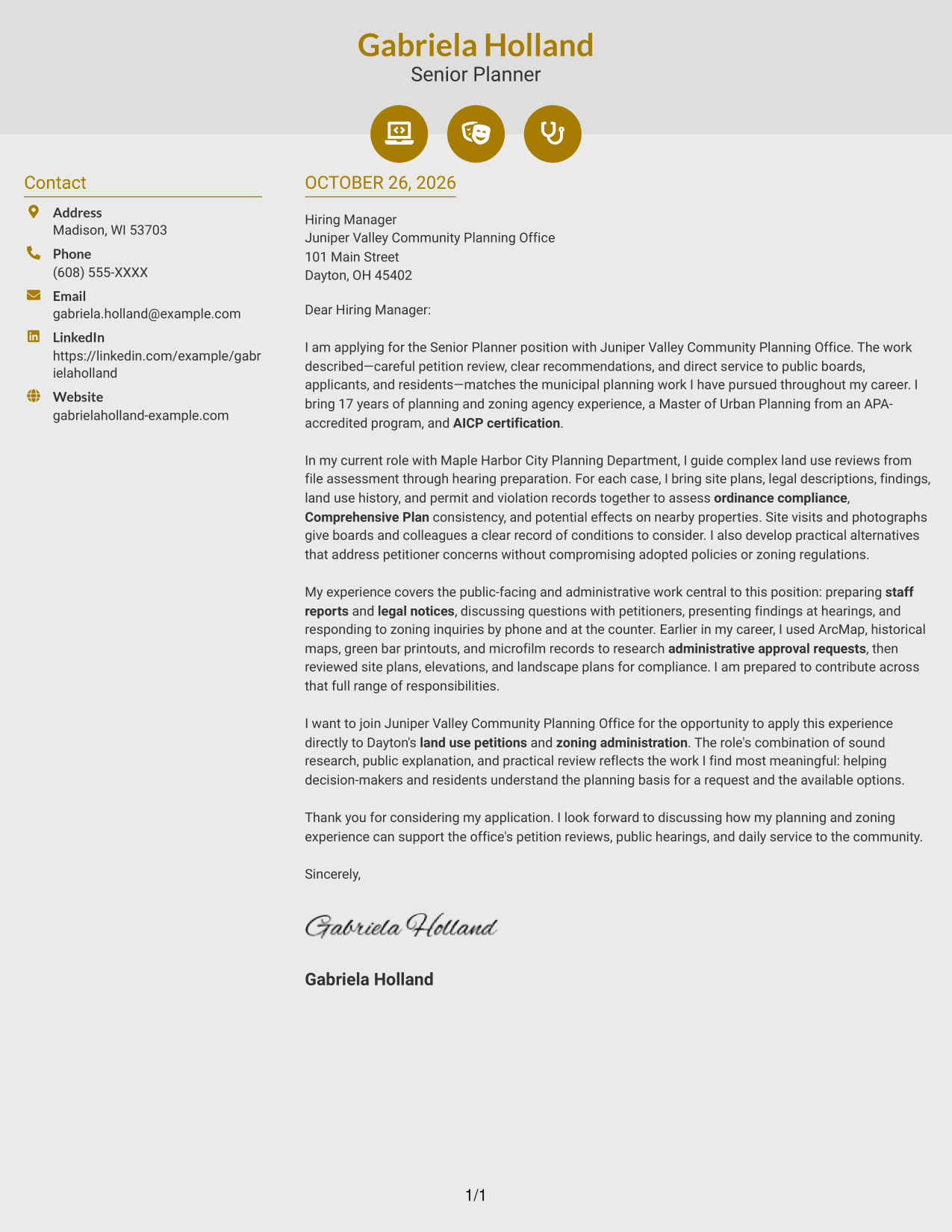
Why This Format Works
- Contact icons help distinguish sender details from the letter's continuous message.
- One letter body keeps the opening, evidence, and closing in natural order.
- Decorative header accents add visual detail without dividing the argument.
Best For
- Icon-marked contact details
- Two-column contact organization
- Continuous letter-body reading
- Decorative header accents
- Letters without a photo
#7 Creative Two Tone Format Cover Letter Example
The contact sidebar gives sender details a separate place beside the single continuous letter body.
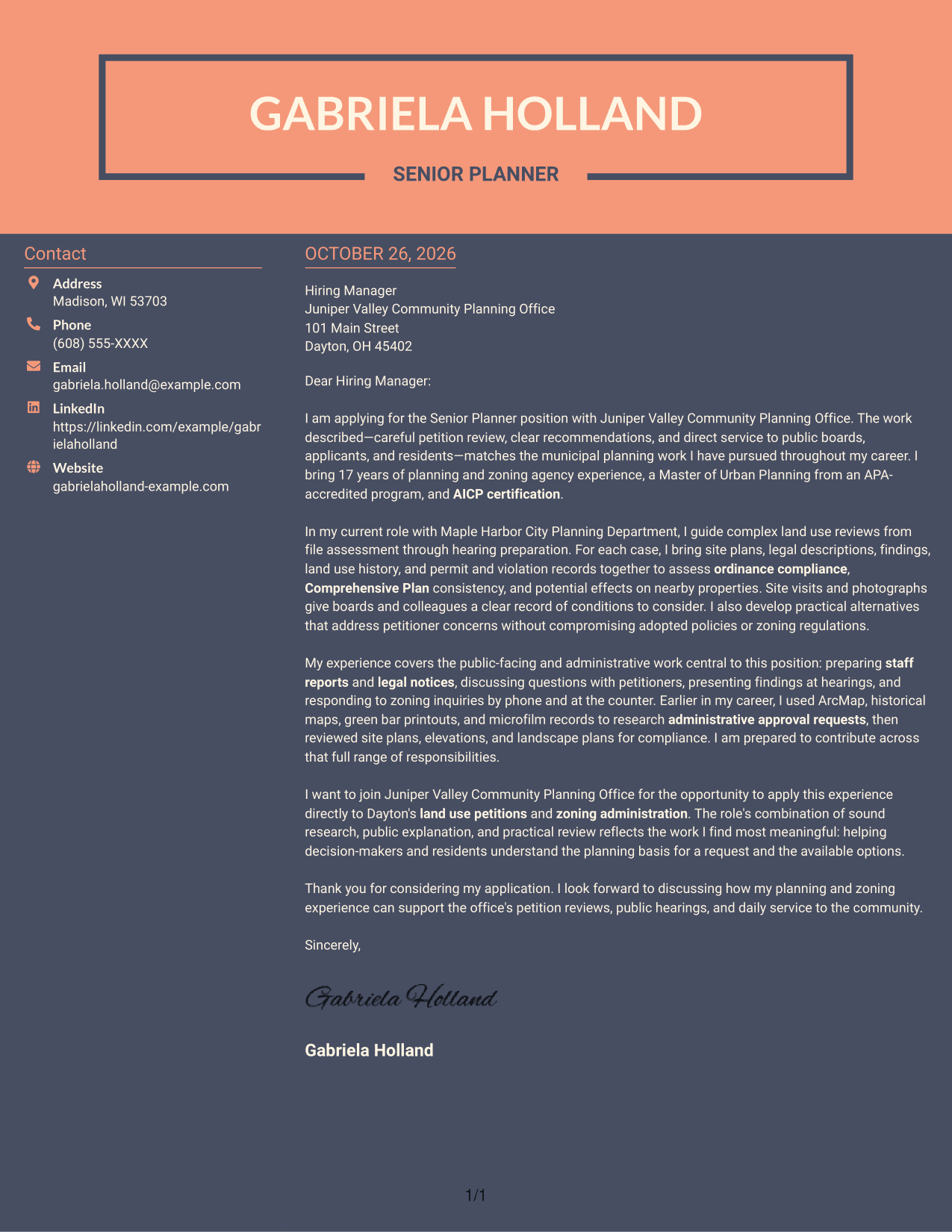
Why This Format Works
- Contact information sits apart from the message in its own sidebar.
- The letter stays together as one sequence of paragraphs.
- Reviewers can follow the full argument without switching between body columns.
Best For
- Separate contact and message areas
- One uninterrupted letter body
- Two-column reading preference
- Quick sender-detail lookup
- Letters without a photo
Why Use ResumeInMinutes for a Senior Planner - Land Use and Zoning Cover Letter
Compare the image previews to see how each presentation handles your message, then open an example in the editor to customize its content for the role.
- Clear cover letter examples
- Image previews to compare
- Examples available in the editor
- Role-focused writing guidance
- Professional presentation options
- Support for clear application messages
Use specific evidence from petition review, ordinance analysis, public hearings, and service to applicants and residents to explain how your work can support the planning office.
See Also
- 7 Associate Planner - Land Use and Zoning Resume Templates with Example
- 7 Senior Planner - Land Use and Zoning Resume Templates with Example
- 7 Assistant Planner - GIS Resume Templates with Example
- 33 Associate Planner Media - Life Sciences Media Resume Templates with Example 2026 (ATS-Optimized)
- 7 Associate Production Planner - Marine Resume Templates with Example
- 7 Financial Planner - Retirement Planning Resume Templates with Example
- 7 Financial Planner - Wealth Management Resume Templates with Example
- 7 Meetings, Events, and Trade Shows Planner III Resume Templates with Example
- 7 Associate Planner - Land Use and Zoning Cover Letter Templates with Example
- 7 Assistant Planner - GIS Cover Letter Templates with Example
Frequently Asked Questions
What should a Senior Planner - Land Use and Zoning cover letter emphasize?
Show how you review land use petitions, assess ordinance and Comprehensive Plan consistency, and explain findings to decision-makers and the public. Use examples that support your judgment and communication skills.
How can I show that I can make practical recommendations?
Describe how you reviewed the request, considered its site and surrounding conditions, and identified workable alternatives. Explain how your recommendation addressed concerns while respecting adopted policies and zoning rules.
How should I connect my experience to this planning office?
Refer to duties that match your background, such as preparing staff reports, presenting findings at hearings, researching administrative approvals, or answering public questions. Explain how that experience can help with the office’s work.
Which cover letter style works well for a land use and zoning planner?
Choose a clear, professional layout that makes your opening, supporting evidence, motivation, and closing easy to follow. Select a style that fits the employer and the way you need to communicate.
Should I include a photo on my cover letter?
For U.S. applications, a cover letter without a photo is usually the safer choice. Follow the employer’s instructions if they provide specific guidance.




