
7 Senior Principal, GTM Data Operations Cover Letter Templates with Example
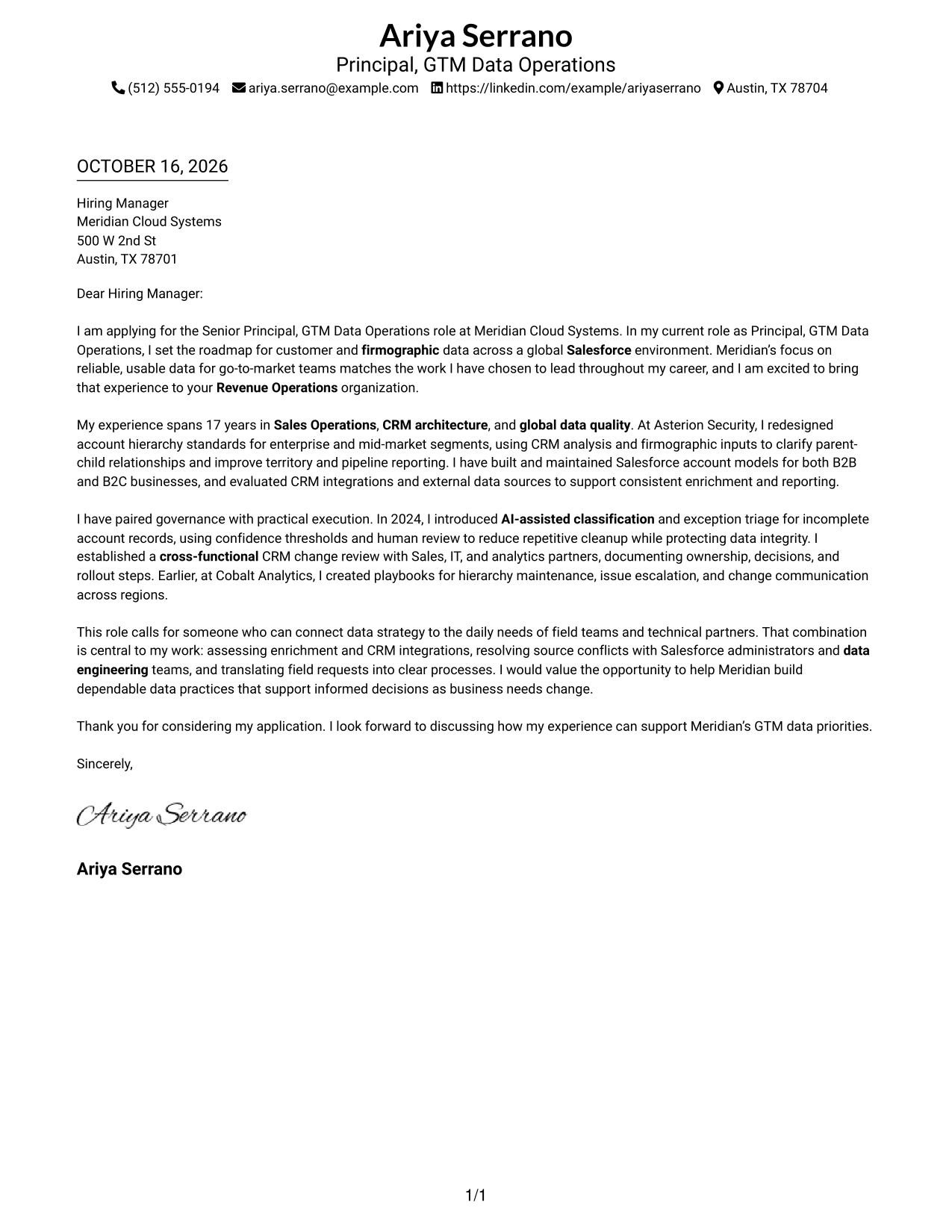
This practical guide helps you create a focused Senior Principal, GTM Data Operations cover letter and compare seven layouts for presenting your fit.
What Makes a Great Senior Principal, GTM Data Operations Cover Letter in 2026
A strong cover letter connects data strategy to the needs of go-to-market teams. Its opening shows clear interest in the role, while the body explains how your work can support reliable customer and firmographic data.
Use specific evidence, such as account hierarchy design, AI-assisted exception handling, or cross-functional governance. Link that experience to the employer’s priorities, then close with a clear statement of interest.
The featured example moves from role interest to relevant evidence, practical alignment, and a direct close, giving you a focused progression to adapt while choosing a presentation that fits the employer and communication context.
#1 Simple One Column Format Cover Letter Example
The Simple One Column Format keeps sender details in the header and the letter in one continuous column, a practical choice for readers who prefer a direct reading path.
Why This Format Works
- A single reading path carries the opening, supporting points, and close in order.
- Header placement keeps sender details apart from the letter's main message.
- Its photo-free presentation suits readers who prefer a letter centered on text.
Best For
- One-column reading preference
- Uninterrupted letter body
- Header-based contact details
- Text-focused presentation
- Photo-free document requirements
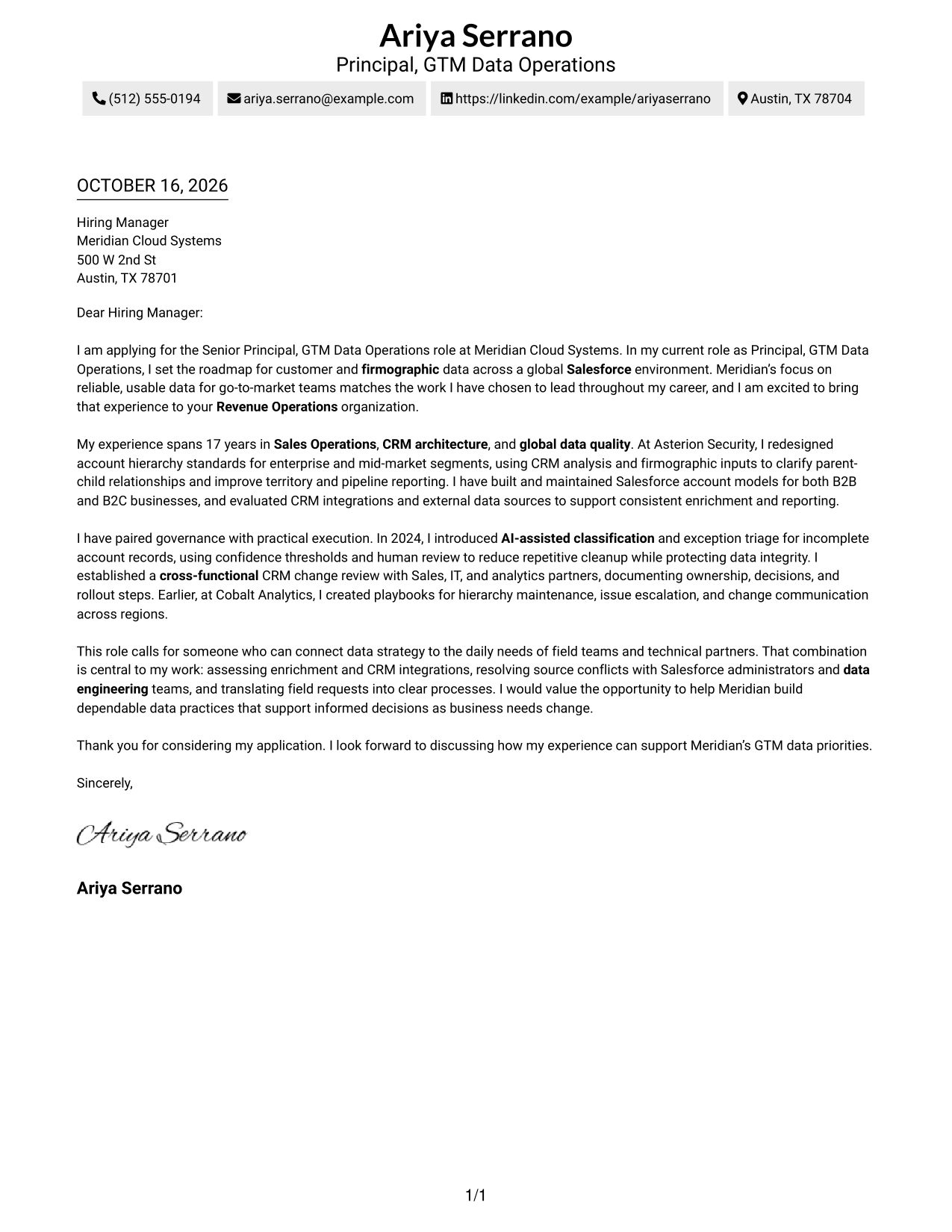
#2 Two Column Format Cover Letter Example
The Two Column Format places contact details in a sidebar beside one continuous letter body, a practical choice when sender information should stay distinct from the message.
Why This Format Works
- Contact details sit apart, so sender information is easy to locate.
- The main message stays in one column, keeping paragraphs in reading order.
- The photo-free design suits a plain, text-led presentation.
Best For
- Contact details apart from the message
- One-column letter text
- Two-column page preference
- Photo-free submissions
- Text-led communication
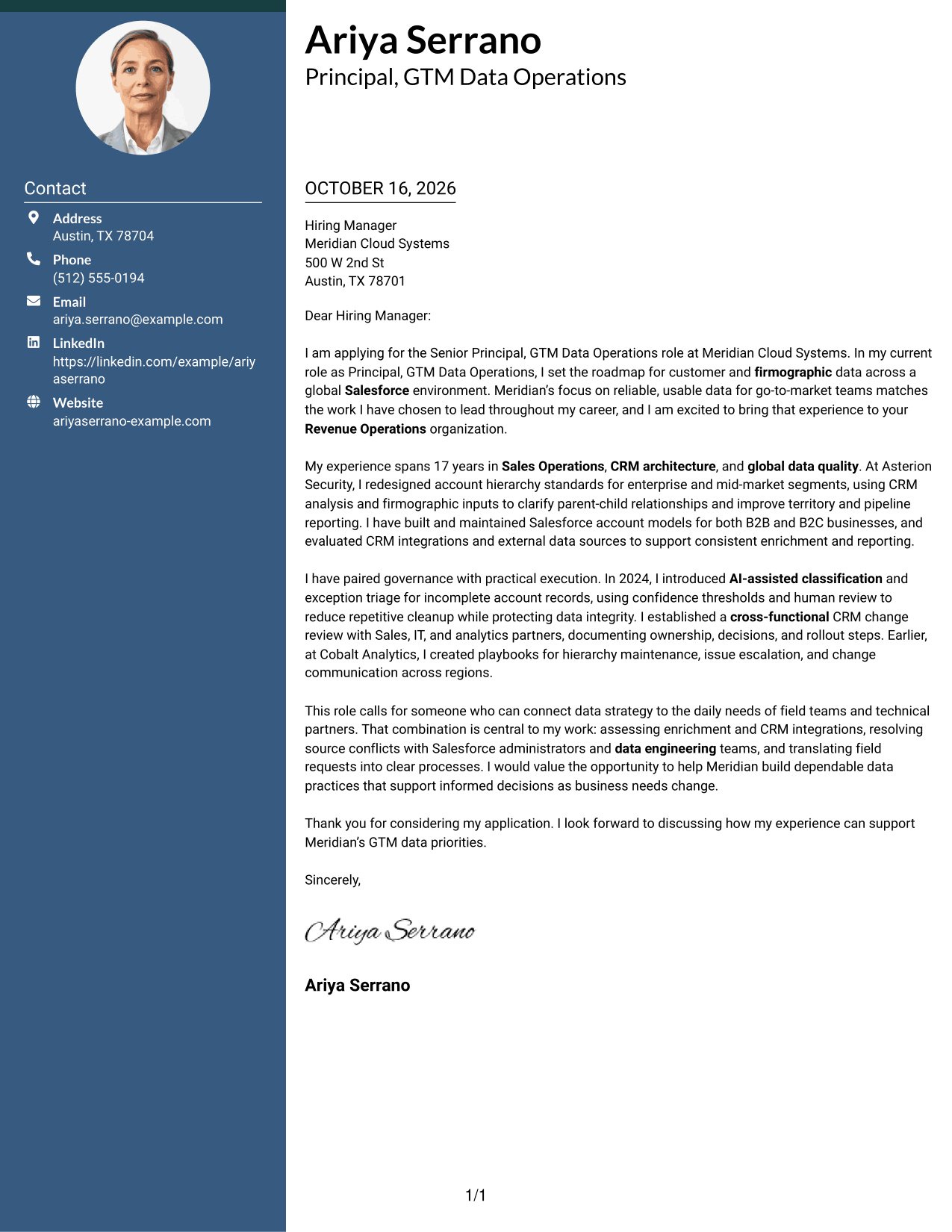
#3 Photo Header Two Column Format Cover Letter Example
The Photo Header Two Column Format combines a photo and contact sidebar with one continuous letter body, a practical choice for a letter that includes a portrait while keeping its message in one column.
Why This Format Works
- The sidebar separates contact information while the letter stays in one column.
- A continuous body lets readers follow the message from greeting through close.
- Including a photo suits a visual preference for a portrait.
Best For
- Photo-inclusive letter designs
- Contact sidebar layouts
- Continuous letter narratives
- One-column body text
- Portrait presentation preferences
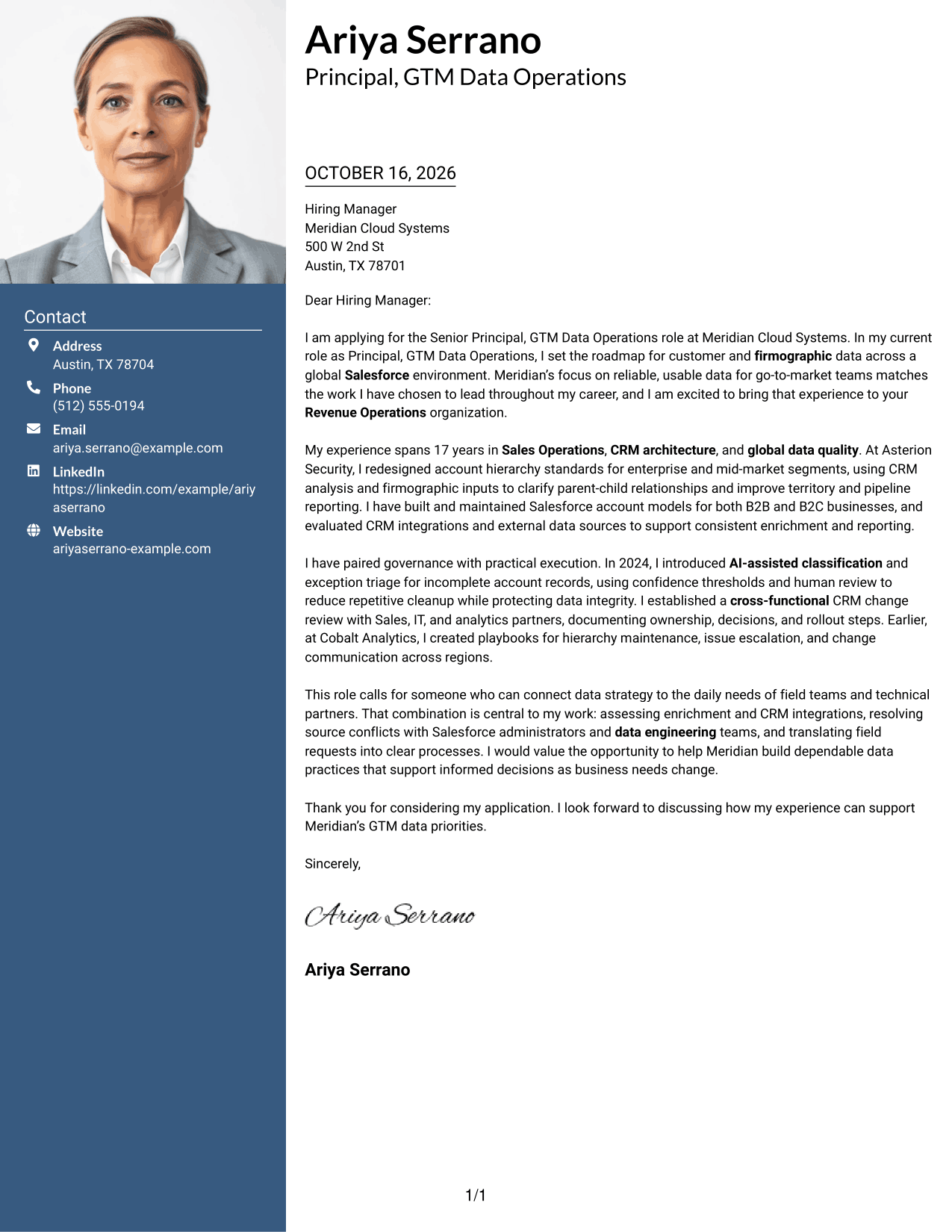
#4 One Column Format with Photo Cover Letter Example
The One Column Format with Photo pairs a portrait with one continuous letter column, a practical choice for readers who want a photo included without dividing the message into columns.
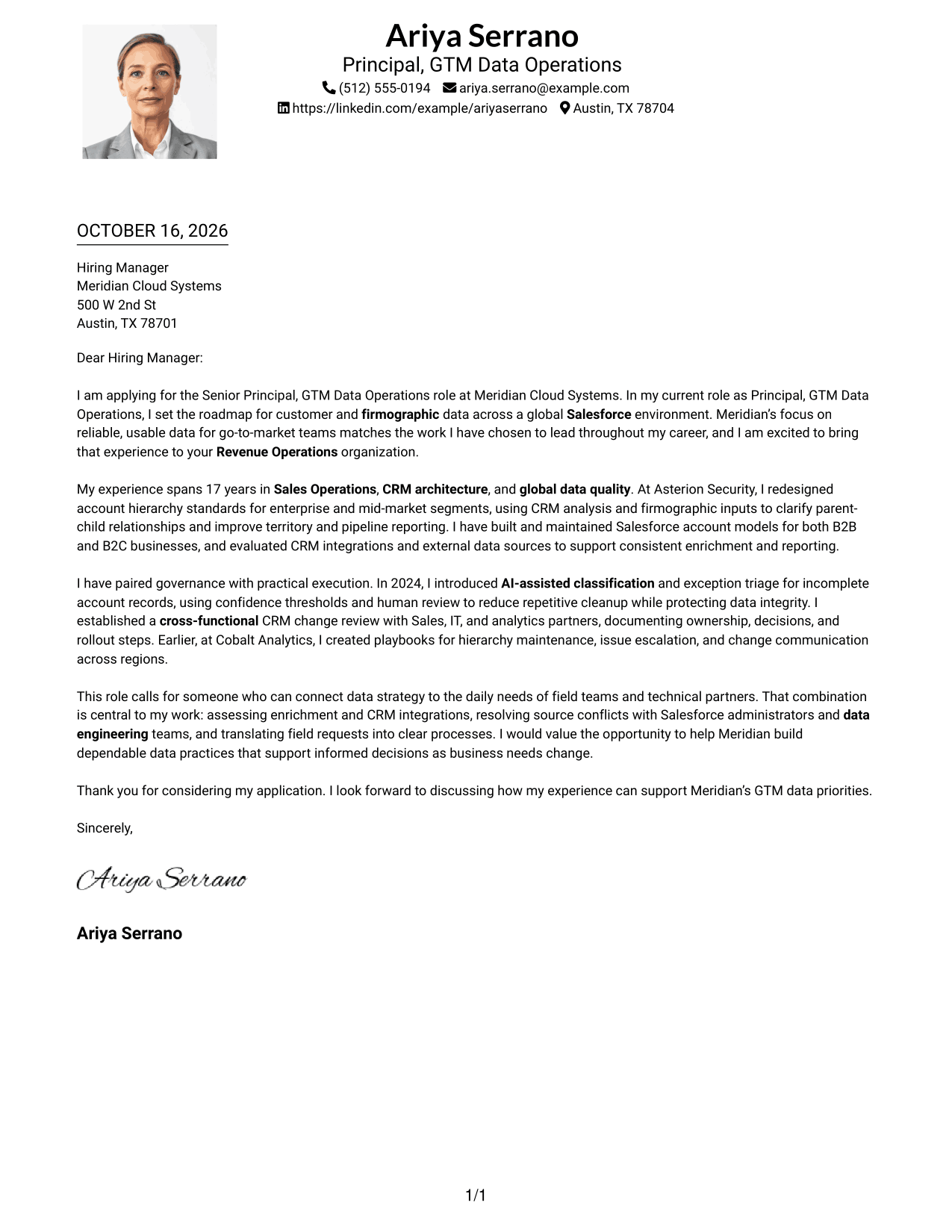
Why This Format Works
- One column gives every paragraph the same direct reading path.
- Sender details stay in the header rather than beside the letter.
- Portrait inclusion suits applications where a photo is part of the chosen presentation.
Best For
- Single-column letter layouts
- Photo-inclusive applications
- Sender details in the header
- Continuous paragraph-based messages
- Direct letter presentation
#5 Simple Two Column Format Cover Letter Example
The Simple Two Column Format keeps contact details in a sidebar beside one continuous letter body, a practical choice for separating sender information from the written appeal.
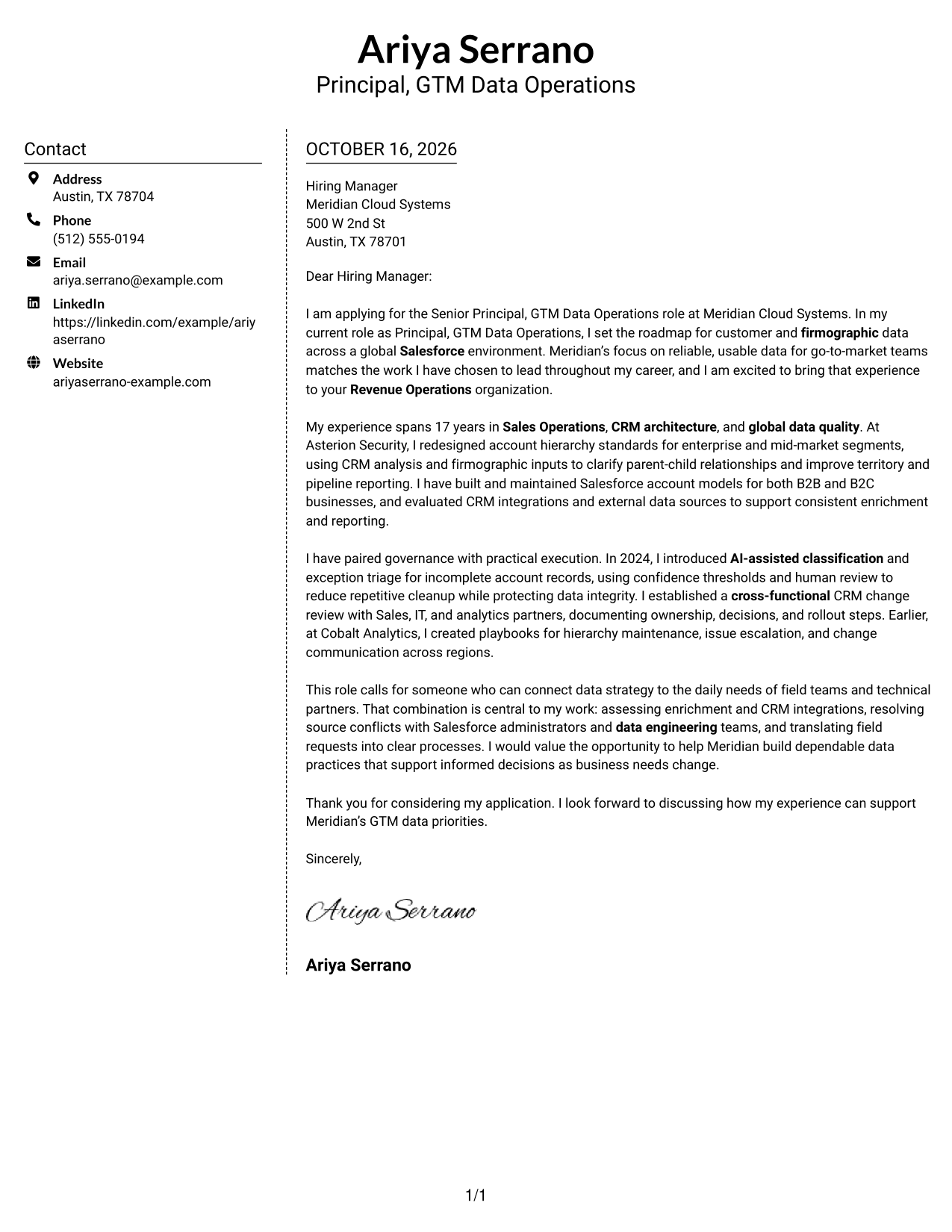
Why This Format Works
- The sidebar keeps sender details separate from the letter's continuous message.
- One body column lets the opening and supporting case remain in sequence.
- Without a portrait, the page keeps visual focus on the written appeal.
Best For
- Separate contact and message areas
- Continuous letter body
- Two-column page layouts
- Photo-free applications
- Written-message focus
#6 Modern Icon Format Cover Letter Example
The Modern Icon Format uses two columns for a contact sidebar and one continuous letter body, with icons serving as contact cues or header accents rather than labels for the message.
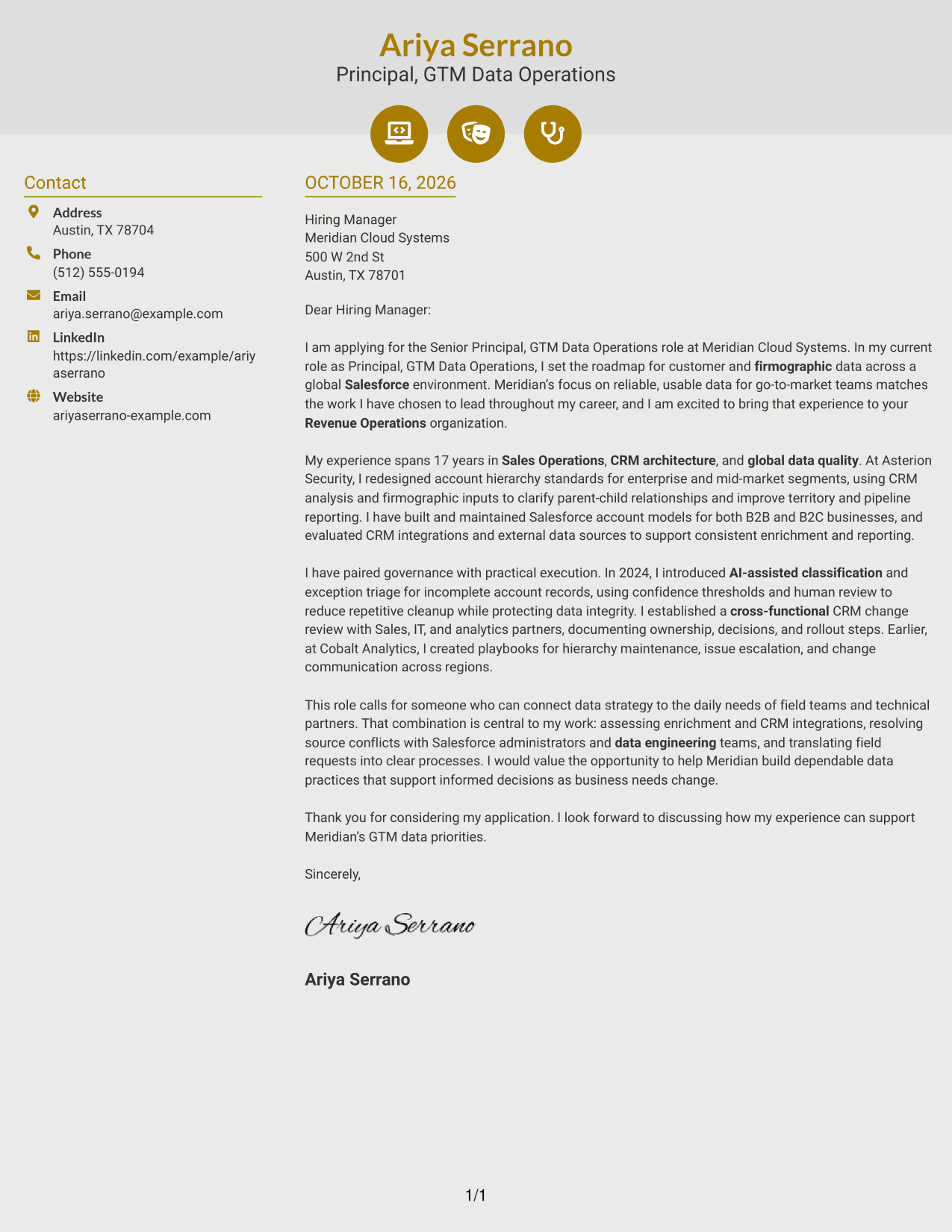
Why This Format Works
- Contact cues help distinguish communication details from the letter body.
- The sidebar leaves the main message in a single, continuous reading column.
- Decorative header icons add visual accents without labeling parts of the argument.
Best For
- Contact cues beside sender details
- One-column letter message
- Two-column page organization
- Decorative header icons
- Photo-free letter designs
#7 Creative Two Tone Format Cover Letter Example
The Creative Two Tone Format places a contact sidebar beside one continuous letter body, a practical choice when contact details should be separate from the message.
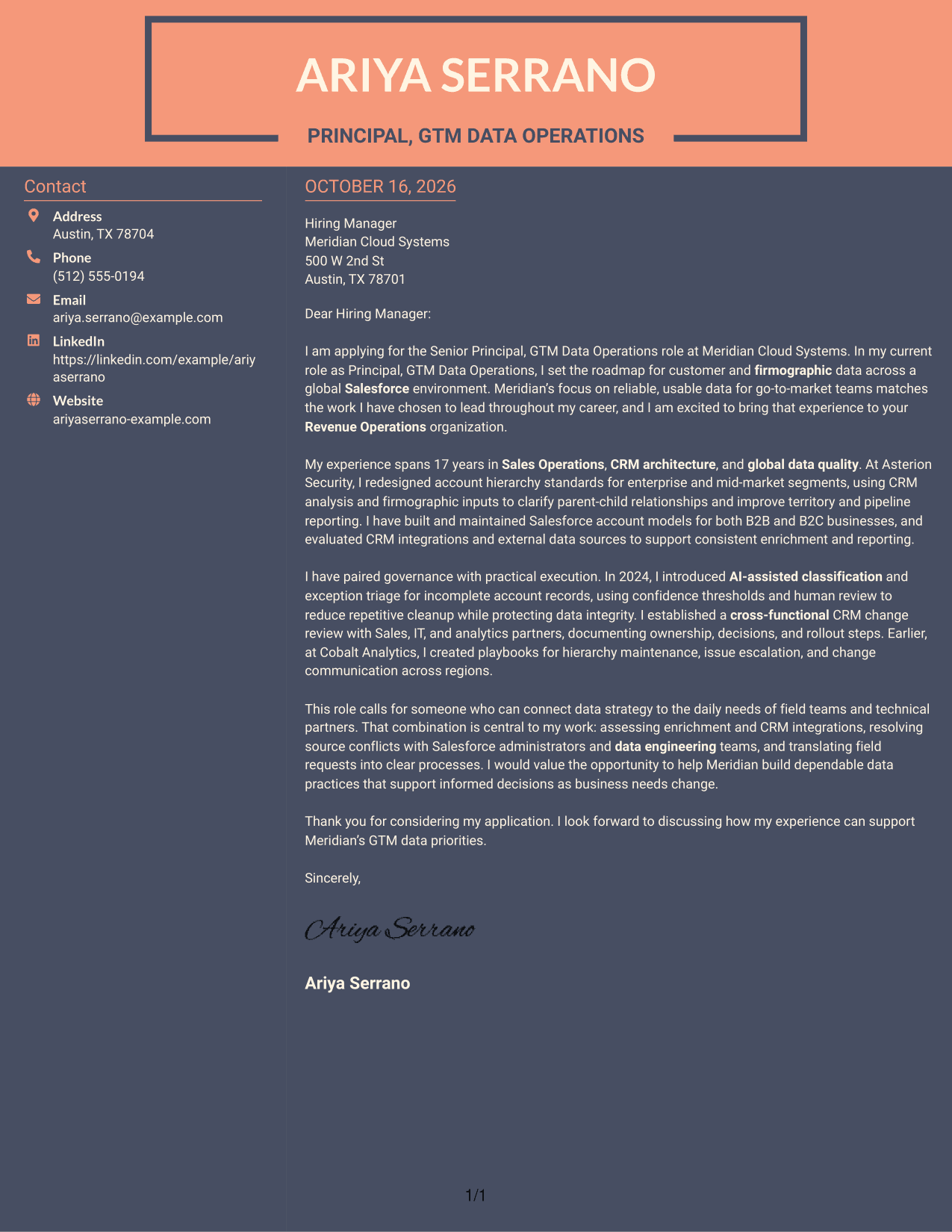
Why This Format Works
- Sender details remain in a sidebar while the letter uses one body column.
- The continuous message keeps the opening and supporting points together.
- A photo-free page suits a text-led visual preference.
Best For
- Sidebar-based contact details
- One-column letter body
- Two-column page preference
- Photo-free submissions
- Continuous paragraph-led messages
Explore Senior Principal, GTM Data Operations Cover Letter Examples
Use the examples to consider how a clear opening, focused evidence, and a professional close can support your message for this role.
- PNG cover letter previews
- Examples you can view in the editor
- Role-focused letter guidance
- Clear opening, body, and closing
- Employer-aligned communication
- Presentation choices for different contexts
Compare the image previews to review each presentation, then open an example in the editor to explore its layout.
See Also
- 7 Senior Principal, GTM Data Operations Resume Templates with Example
- 7 Director, AI Data & Analytics GTM Resume Templates with Example
- 33 Senior GTM Data Analyst Resume Templates with Example 2026 (ATS-Optimized)
- 33 Principal Engineer – Aircraft Cybersecurity Operations Resume Templates with Example 2026 (ATS-Optimized)
- 7 Principal Software Engineer, Creator Game Operations Resume Templates with Example
- 33 Data Scientist Principal Resume Templates with Example 2026 (ATS-Optimized)
- 7 Principal Data Engineer Resume Templates with Example
- 7 Principal Data Science Analyst - Healthcare AI Resume Templates with Example
- 30+ Senior GTM Data Analyst Cover Letter Templates with Example 2026
- 30+ Principal Engineer – Aircraft Cybersecurity Operations Cover Letter Templates with Example 2026
Frequently Asked Questions
What should the opening paragraph say for this role?
Name the Senior Principal, GTM Data Operations role and show why its focus on reliable, useful data matters to you. A strong opening also previews the experience you will connect to the employer’s needs.
What evidence can make this cover letter more persuasive?
Use specific examples that show your role in the work. The featured letter points to account hierarchy redesign, AI-assisted classification with human review, and a cross-functional CRM change process.
How can I show alignment with the employer?
Connect your experience to the role’s priorities, such as data governance, Salesforce integrations, account data quality, and clear ownership. Explain how your approach supports the needs of Sales, Revenue Operations, IT, and analytics partners.
How should I choose a cover letter layout?
Choose a clear presentation that suits the employer and the way you need to communicate. Keep the letter easy to read and make sure the opening, evidence, and closing stand out.
How can I discuss AI-assisted data work accurately?
Describe the task, your approach, and the safeguards you used. For example, the featured letter explains how confidence thresholds and human review supported classification and exception triage while protecting data integrity.




