
7 Senior Procurement Buyer - Public Procurement Cover Letter Templates with Example
This practical guide to the Senior Procurement Buyer - Public Procurement cover letter presents seven layouts and shows how to make your public purchasing experience clear and persuasive.
What Makes a Great Senior Procurement Buyer - Public Procurement Cover Letter in 2026
A strong letter opens with clear interest, then shows how your approach supports fair purchasing and sound contract decisions.
Use evidence such as selecting IFBs or RFPs, evaluating supplier value, and coordinating contract reviews. Connect those examples to the employer’s public service needs and keep your message direct.
The featured application moves from interest to specific sourcing and contract examples, then explains compliance, staff guidance, role fit, and a courteous close; adapt this progression while choosing a presentation that suits the employer and communication context.
#1 Simple One Column Format Cover Letter Example
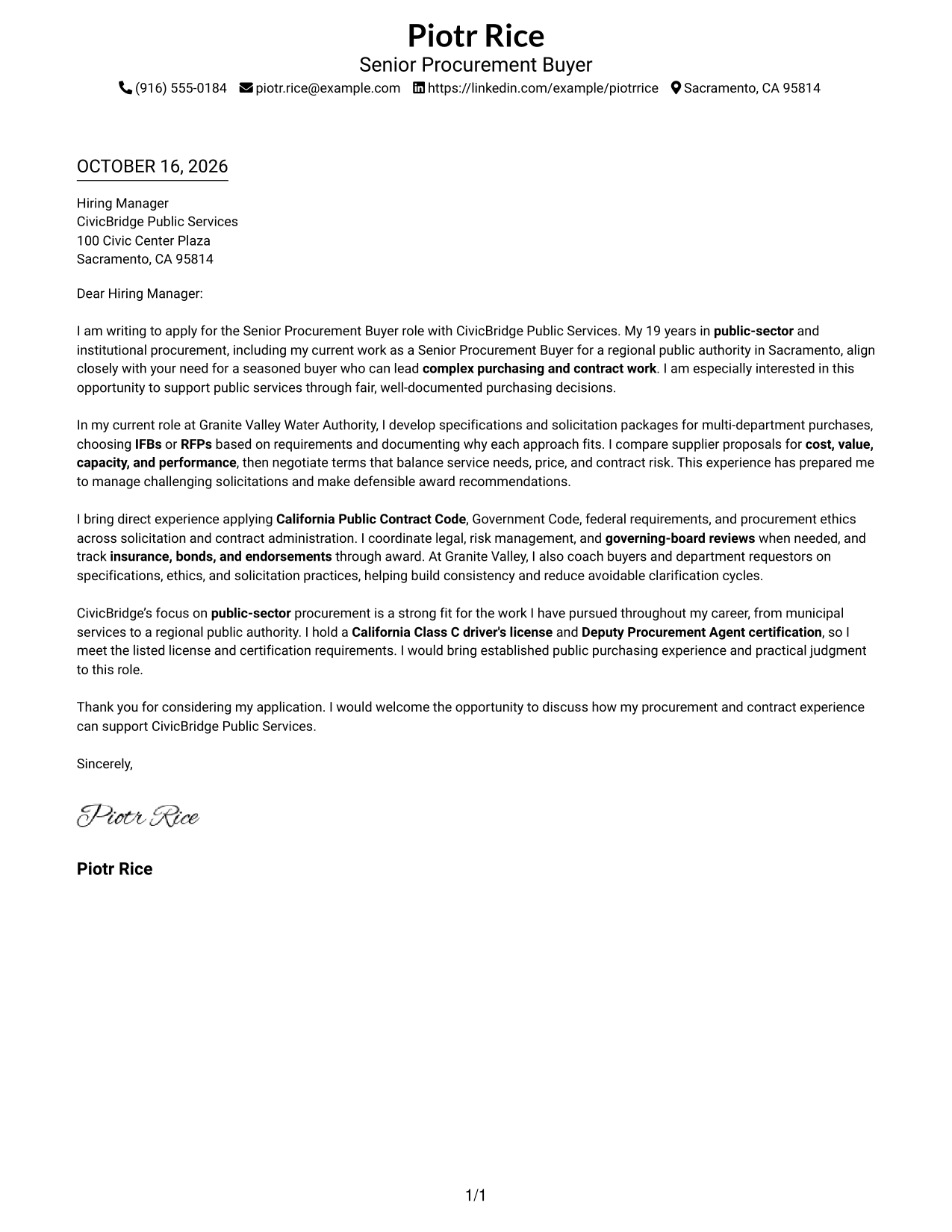
The Simple One Column Format keeps sender details in the header and the letter body in one reading path, a straightforward choice for readers who prefer a familiar letter layout.
Why This Format Works
- Header-based sender details are easy to find without a separate contact area.
- Motivation, evidence, and closing remain part of one continuous letter body.
- With no argument headings, the message keeps a natural letter tone.
Best For
- Single-column reading preference
- Header-based contact details
- Multi-paragraph correspondence
- Traditional business letters
- Public procurement applications
#2 Two Column Format Cover Letter Example
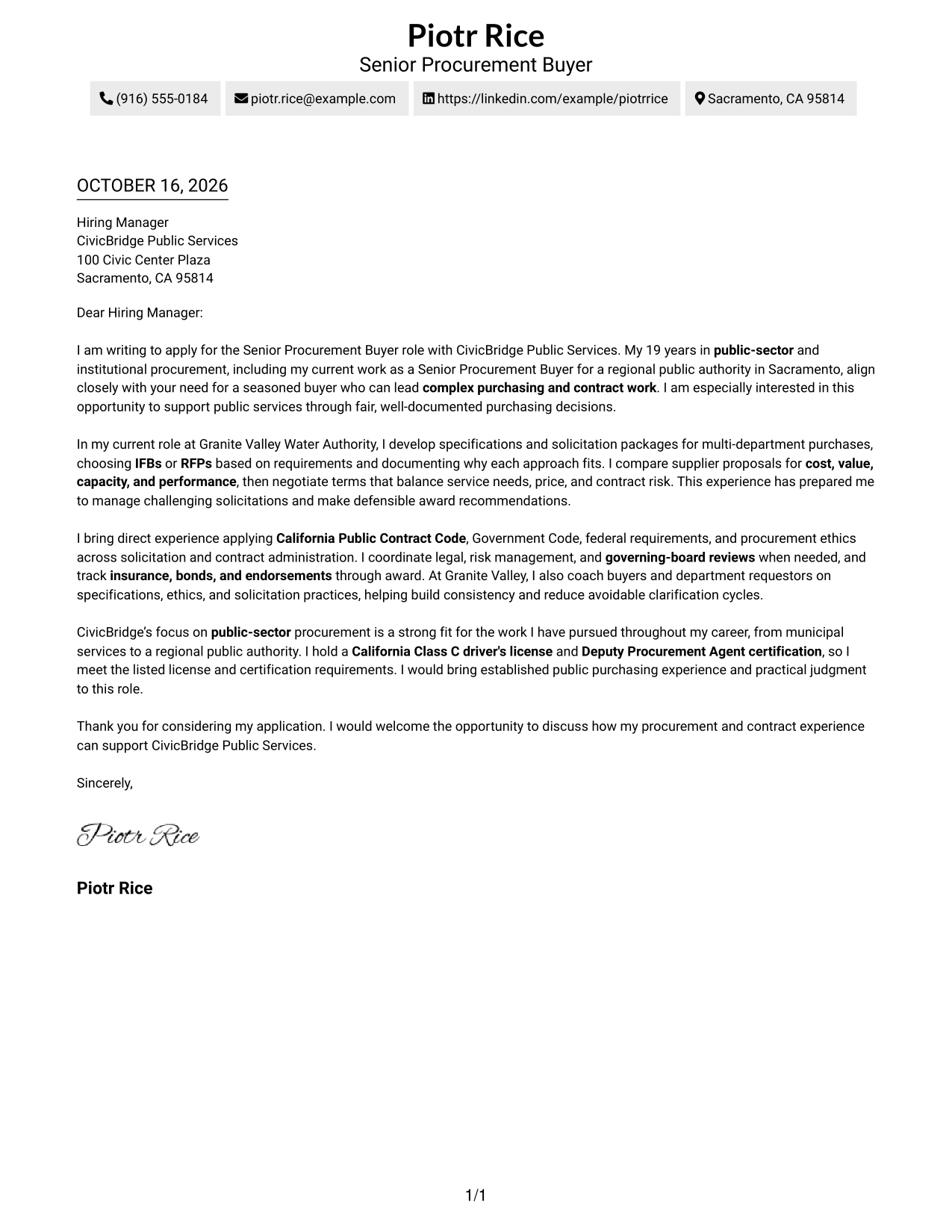
A dedicated contact sidebar gives the Two Column Format a clear visual distinction for correspondence where sender details should be easy to spot.
Why This Format Works
- Contact information is easy to locate without interrupting the letter's paragraphs.
- One continuous body keeps the opening, main case, and close in order.
- Unlabeled argument stages let the correspondence read as a natural letter.
Best For
- Letters with several connected points
- Sender details kept outside the message
- Quick contact lookup
- Formal employer correspondence
- Public procurement applications
#3 Photo Header Two Column Format Cover Letter Example
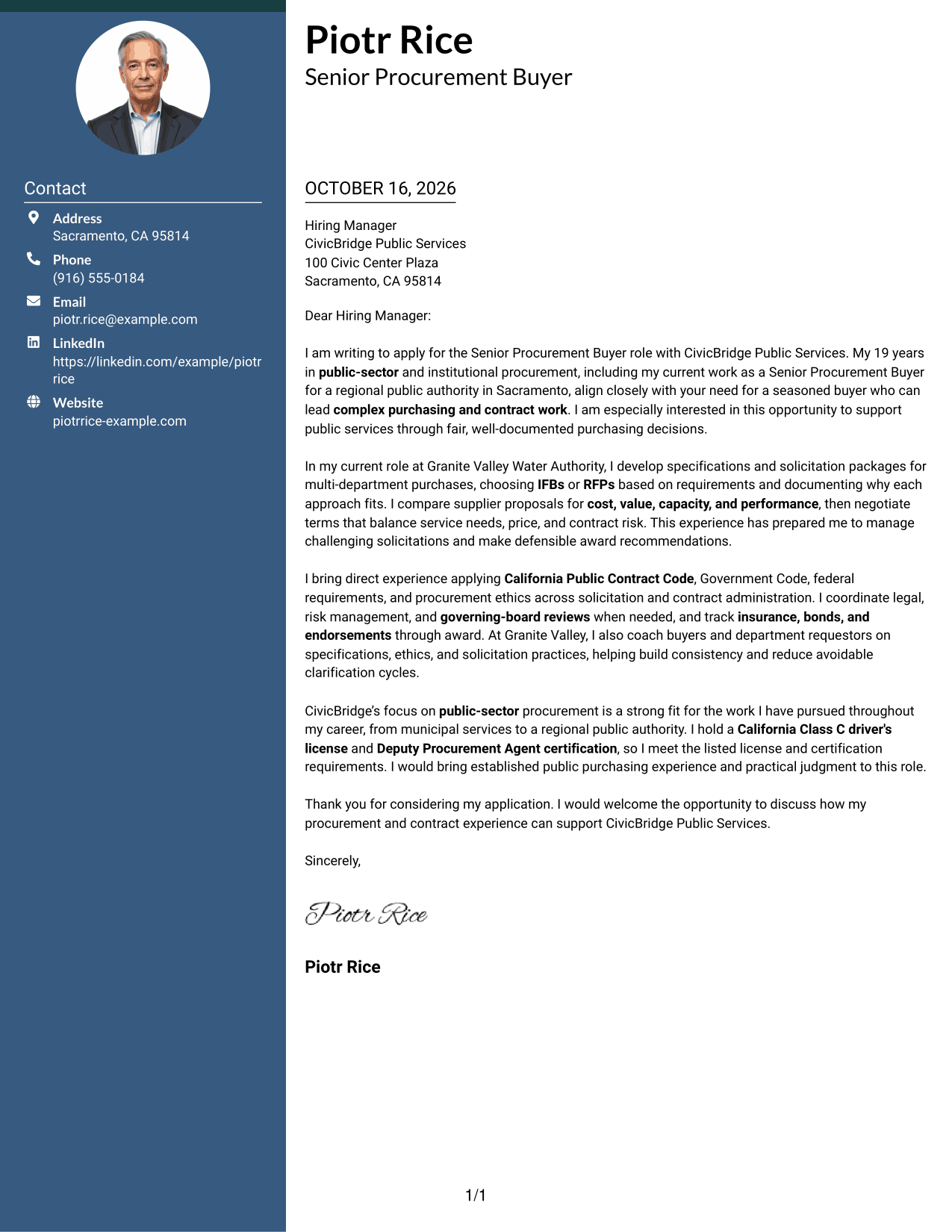
The Photo Header Two Column Format pairs a photo with a contact sidebar while leaving the letter body continuous, adding a personal visual element without dividing the message.
Why This Format Works
- The header photo adds a personal visual element for readers who value a portrait.
- Contact details remain accessible beside the message, not inside its paragraphs.
- One letter body preserves the route from initial interest to closing.
Best For
- Letters where a portrait is welcome
- Sidebar-based contact access
- Multi-paragraph persuasive messages
- Visual sender identification
- Public-sector procurement applications
#4 One Column Format with Photo Cover Letter Example
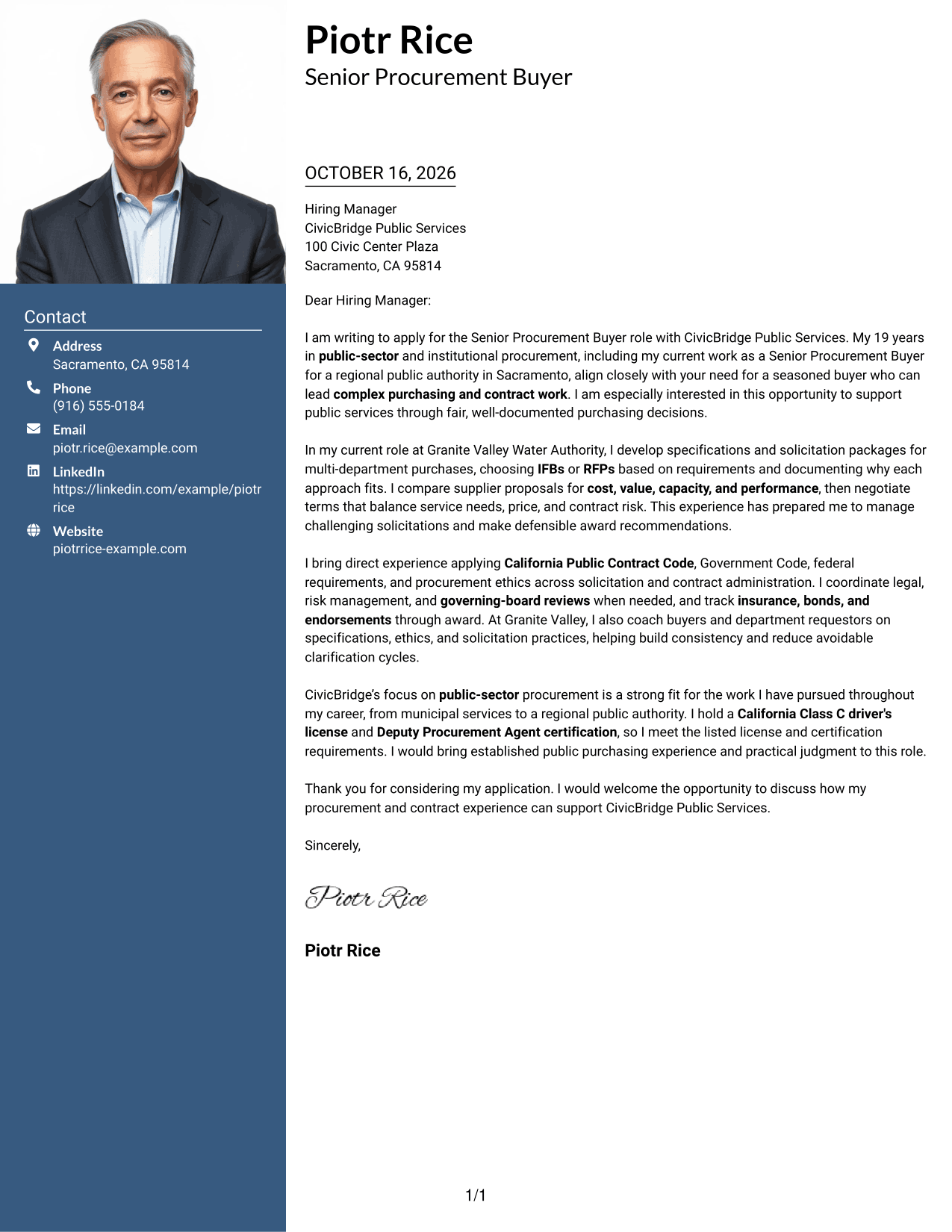
A photo adds a personal visual element to the One Column Format with Photo, while sender details and the continuous letter body remain in one column.
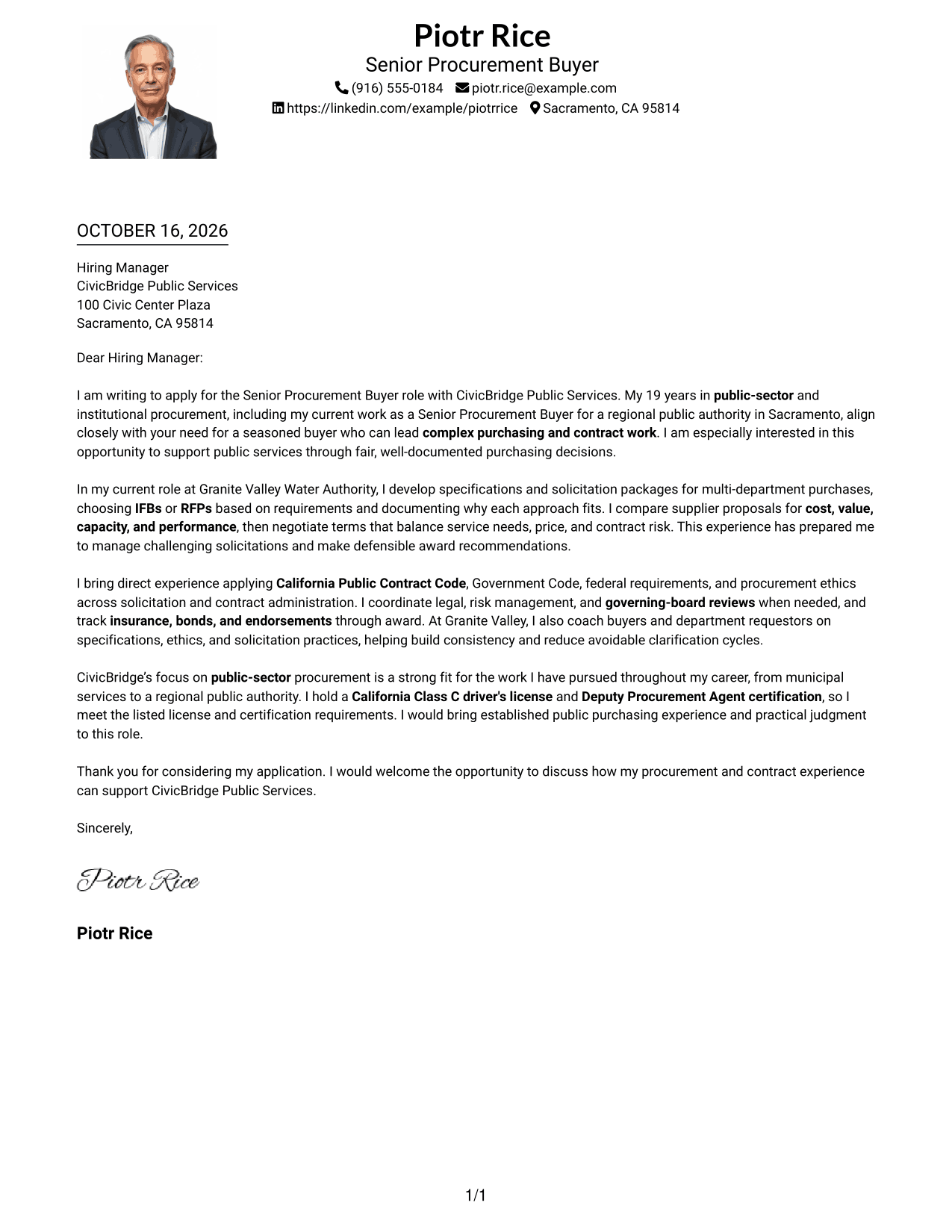
Why This Format Works
- The photo offers a visual point of recognition without changing the letter's structure.
- Header details and the letter share one column, keeping the reading path direct.
- Without section headings, the message moves through natural paragraphs.
Best For
- Photo-inclusive letter layouts
- Single-column reading preference
- Header-based sender information
- Connected letter paragraphs
- Formal public-service applications
#5 Simple Two Column Format Cover Letter Example
The Simple Two Column Format places contact details beside the continuous letter body, keeping the message itself in a single reading sequence.
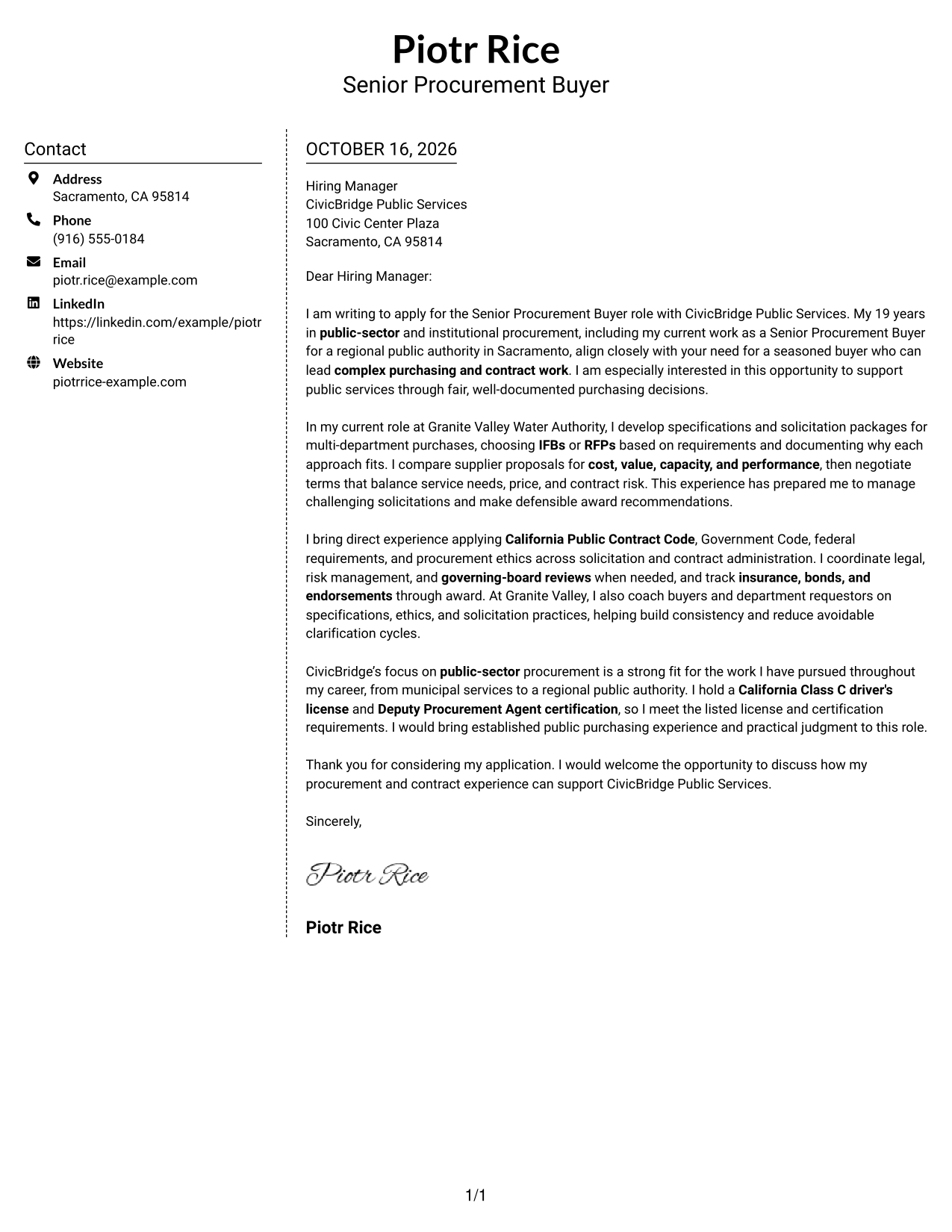
Why This Format Works
- Sender information has a separate place, so it does not compete with the message.
- The continuous body keeps the letter's opening and closing in the same sequence.
- Paragraphs need no argument labels, supporting a direct personal tone.
Best For
- Letters with several connected points
- Separate contact and message areas
- Easy access to sender details
- Formal business correspondence
- Public-sector procurement applications
#6 Modern Icon Format Cover Letter Example
The Modern Icon Format uses two columns for contact details and the letter, with icons serving as contact cues rather than labels for the message.
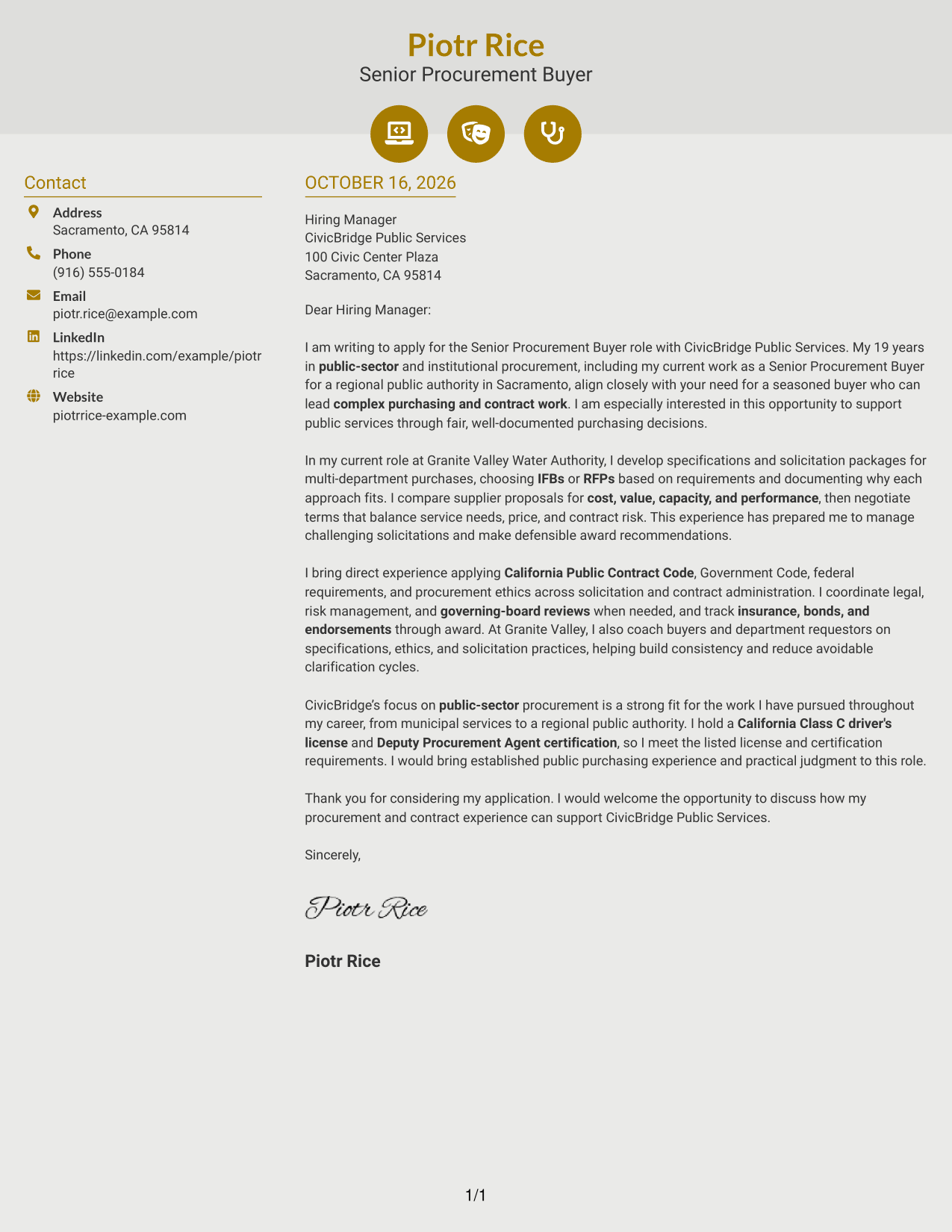
Why This Format Works
- Contact icons cue practical details without labeling the letter's argument.
- Separate body and sidebar areas keep the message distinct from contact information.
- Continuous paragraphs preserve a clear route from interest to closing.
Best For
- Contact details with visual cues
- Two-column page organization
- Letters with connected paragraphs
- Quick access to sender information
- Public procurement correspondence
#7 Creative Two Tone Format Cover Letter Example
The Creative Two Tone Format places a contact sidebar beside one continuous letter body, separating sender information from the message without splitting its argument.
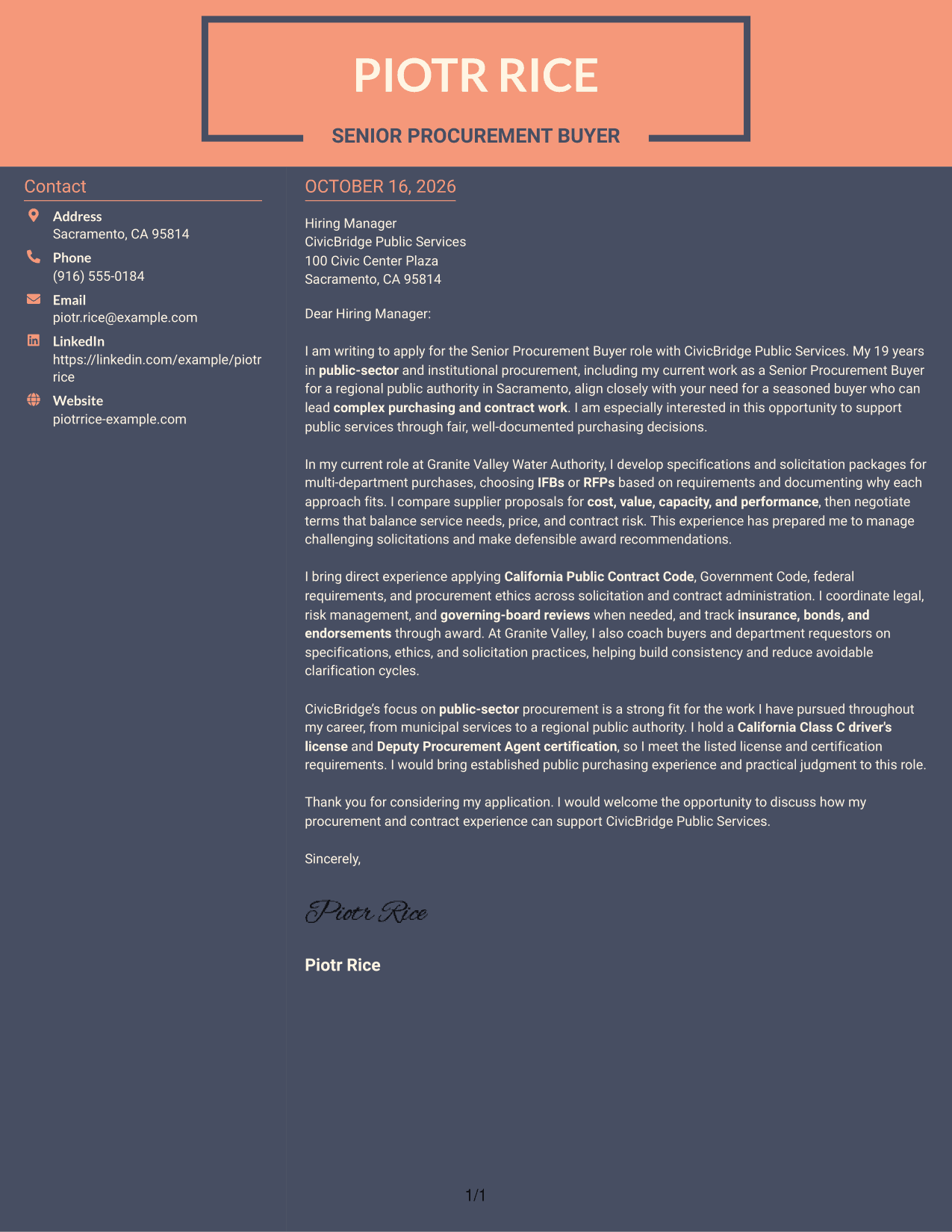
Why This Format Works
- Sender details stay beside the letter rather than being folded into its paragraphs.
- The message remains one continuous body, preserving the order of its argument.
- Without argument headings, the text keeps the familiar rhythm of a letter.
Best For
- Contact details beside the message
- Letters with a clear persuasive sequence
- Readers who value quick contact access
- Multi-paragraph employer correspondence
- Public procurement applications
See Also
- 7 Buyer I - Public Procurement Resume Templates with Example
- 7 Senior Procurement Buyer - Public Procurement Resume Templates with Example
- 7 Buyer II Resume Templates with Example
- 33 Licensed Real Estate Agent, Team Buyer’s Agent, Team Listing Agent, Assistant Team Leader Resume Templates with Example 2026 (ATS-Optimized)
- 7 DOT Procurement Manager I Resume Templates with Example
- 7 Early Career Procurement Analyst Resume Templates with Example
- 7 Procurement Assistant Resume Templates with Example
- 7 Procurement Manager Resume Templates with Example
- 7 Senior Director of Procurement - Packaging & International Resume Templates with Example
- 7 Press Assistant / Press Secretary - Financial Policy Communications Resume Templates with Example
Frequently Asked Questions
What should a Senior Procurement Buyer - Public Procurement cover letter emphasize?
Show how you handle complex solicitations, evaluate supplier proposals, negotiate terms, and support careful contract administration. Choose examples that make your judgment and communication clear.
How can I show that my experience fits public procurement work?
Use specific evidence, such as preparing IFBs or RFPs, applying public purchasing rules, coordinating reviews, or guiding staff. Explain why your actions mattered to the purchasing decision.
How should I connect my letter to the employer?
Refer to the organization’s public service work and explain why fair, well-documented purchasing matters to you. Keep the reason specific and link it to the work described in the posting.
How do I choose a cover letter layout?
Compare the image previews for readability and tone, then choose a presentation that fits the employer and your communication style. You can open an example in the editor to view or customize it.
Should I mention procurement credentials in my letter?
Include credentials that are relevant to the role and that you hold. For this position, a California Class C driver’s license and Deputy Procurement Agent certification are relevant when they accurately describe your qualifications.




