
7 Senior Project Architect - Data Centers Cover Letter Templates with Example
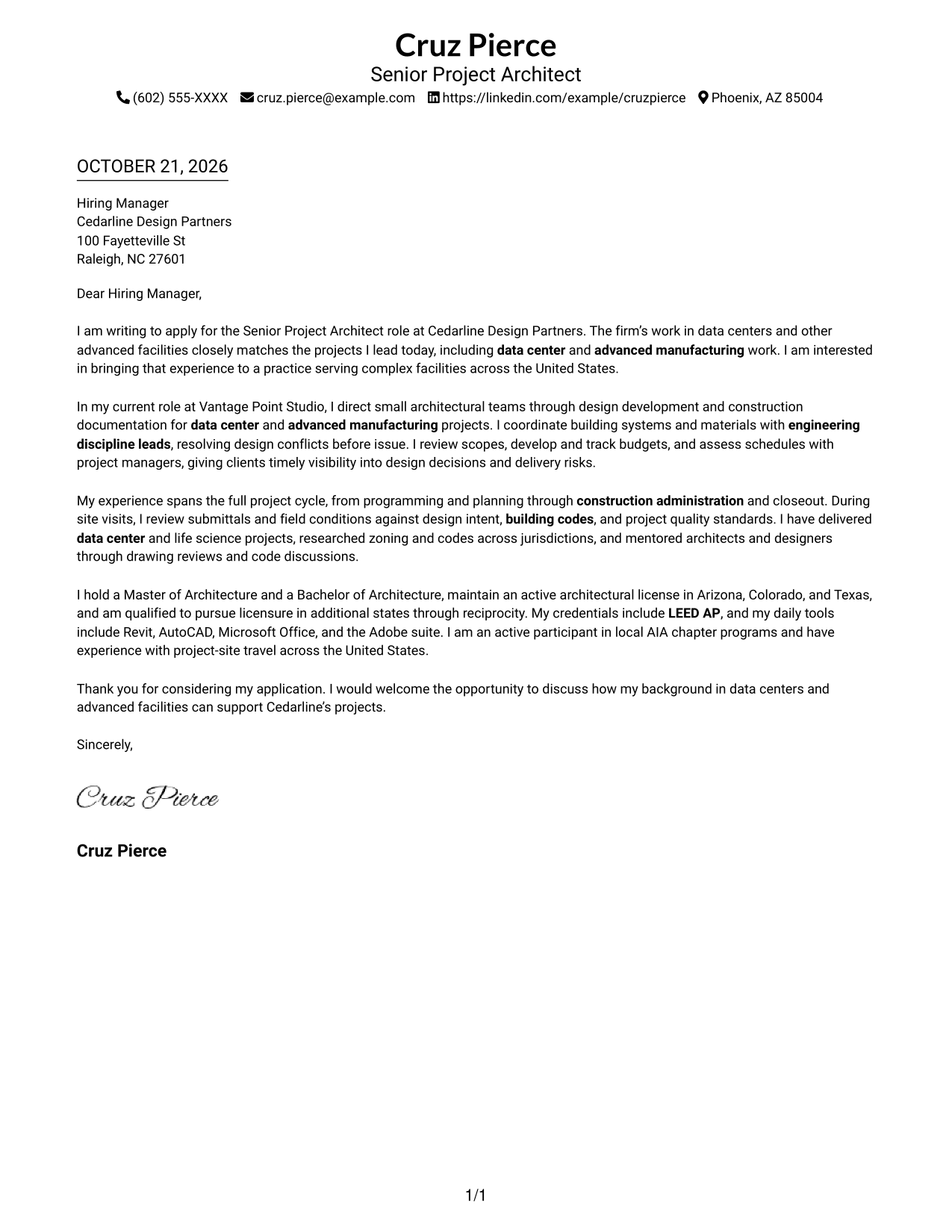
This practical guide to the Senior Project Architect - Data Centers cover letter shows how to present relevant project leadership and role fit across seven visual layouts.
What Makes a Great Senior Project Architect - Data Centers Cover Letter in 2026
A strong letter connects data center project leadership to the role, with clear examples of guiding work from planning through construction and closeout.
Use evidence of team leadership, engineering coordination, and sound decisions on codes, budgets, and schedules. Link that evidence to the employer’s project focus and explain why the work interests you.
The featured example moves from interest in the role to current project evidence, broader qualifications, and a clear close. Adapt this focused progression while choosing a presentation that suits the employer and the communication context.
#1 Simple One Column Format Cover Letter Example
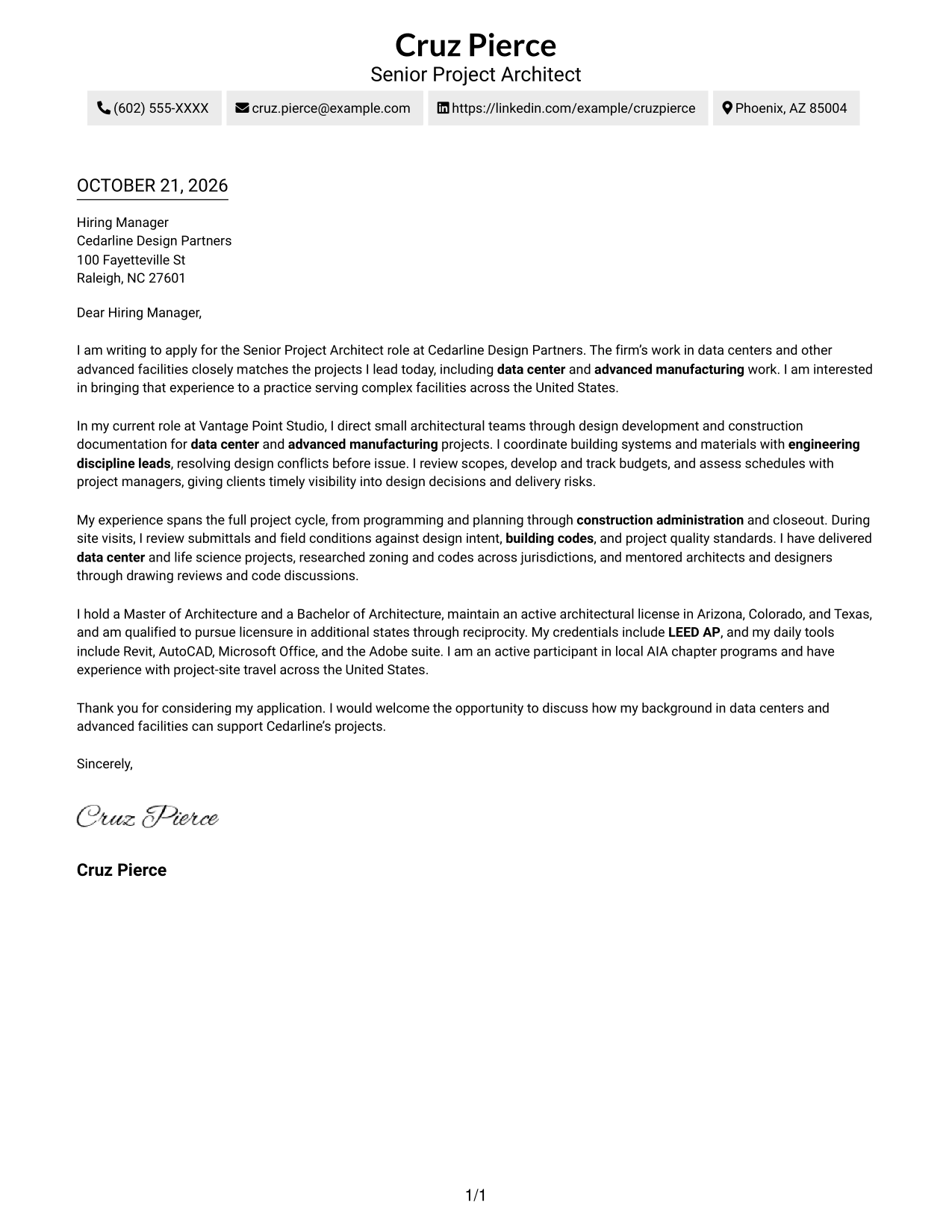
A single-column page places sender details in the header and keeps the letter body continuous, a practical choice for readers who prefer a direct reading path.
Why This Format Works
- Sender details stay in the header, leaving the letter body focused on the message.
- The continuous paragraphs let readers follow interest, supporting evidence, and closing in order.
- One clear reading path suits reviewers who prefer a familiar page structure.
Best For
- Single-column reading preference
- Continuous letter paragraphs
- Header-based contact details
- Traditional page layouts
- Photo-free correspondence
#2 Two Column Format Cover Letter Example
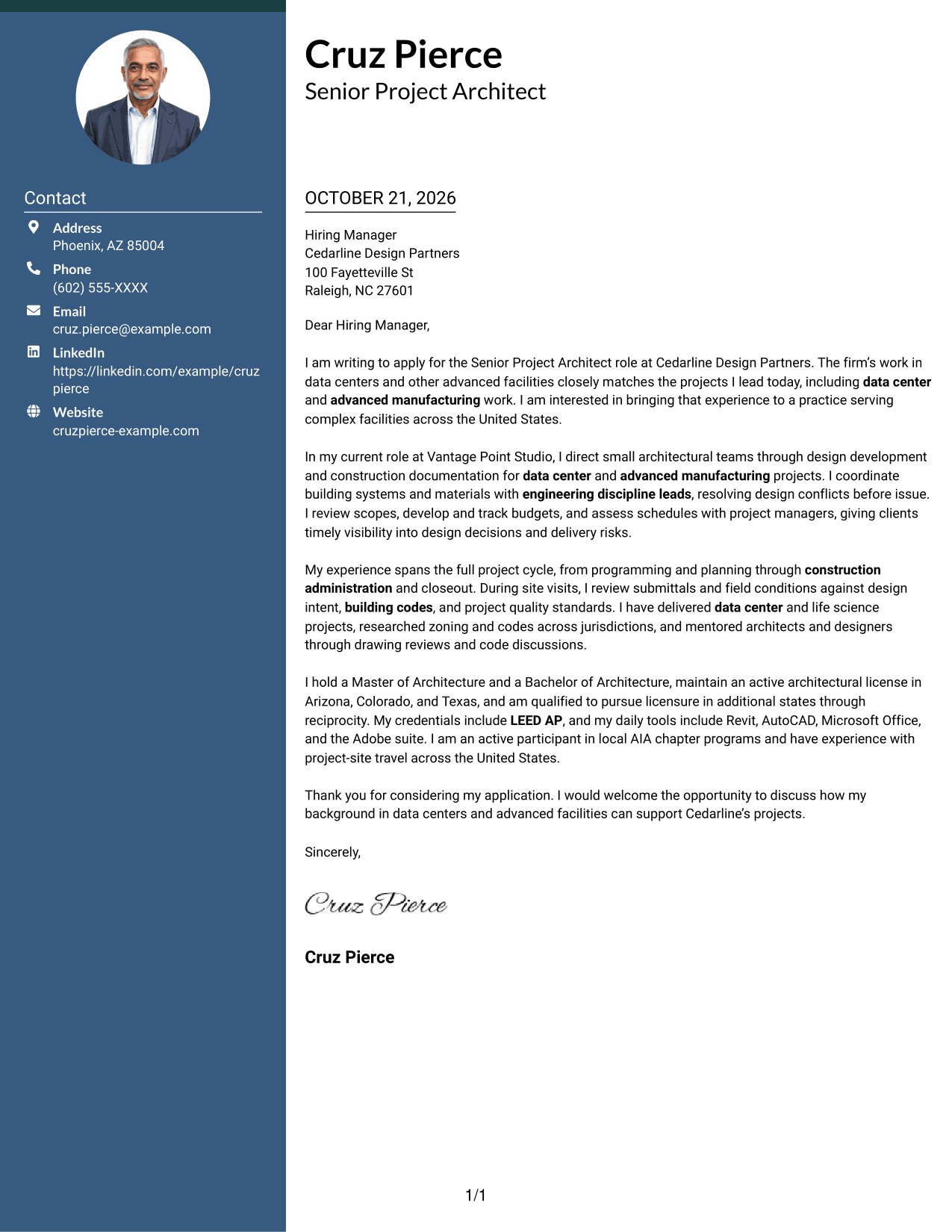
A contact sidebar sits beside the uninterrupted letter body, giving contact details a distinct place while keeping the message in a clear reading path.
Why This Format Works
- Contact details remain separate from the letter, so the message has room to unfold.
- One continuous body keeps the opening, evidence, and closing in natural order.
- Readers can locate sender information without interrupting the letter's argument.
Best For
- Sidebar contact access
- Continuous letter prose
- Two-column page preference
- Unheaded message paragraphs
- Text-focused correspondence
#3 Photo Header Two Column Format Cover Letter Example
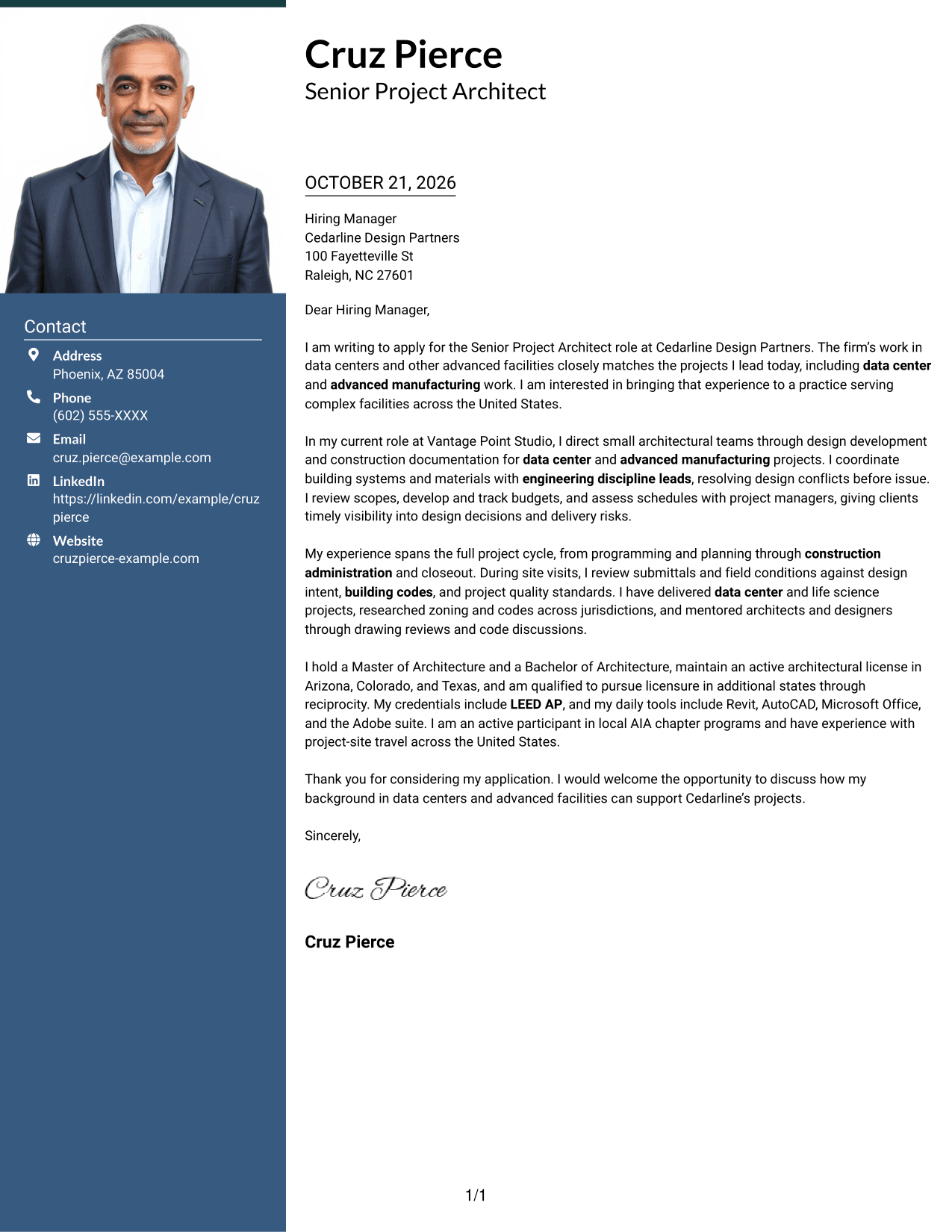
A portrait adds a personal visual element to the contact-sidebar layout, while the letter remains one continuous body.
Why This Format Works
- The sidebar keeps sender details apart from the message and its persuasive flow.
- Readers can follow the letter from opening through closing without body headings.
- The portrait offers a visual detail without dividing the letter's paragraphs.
Best For
- Portrait-inclusive correspondence
- Sidebar contact access
- Continuous message paragraphs
- Two-column reading order
- Formal application letters
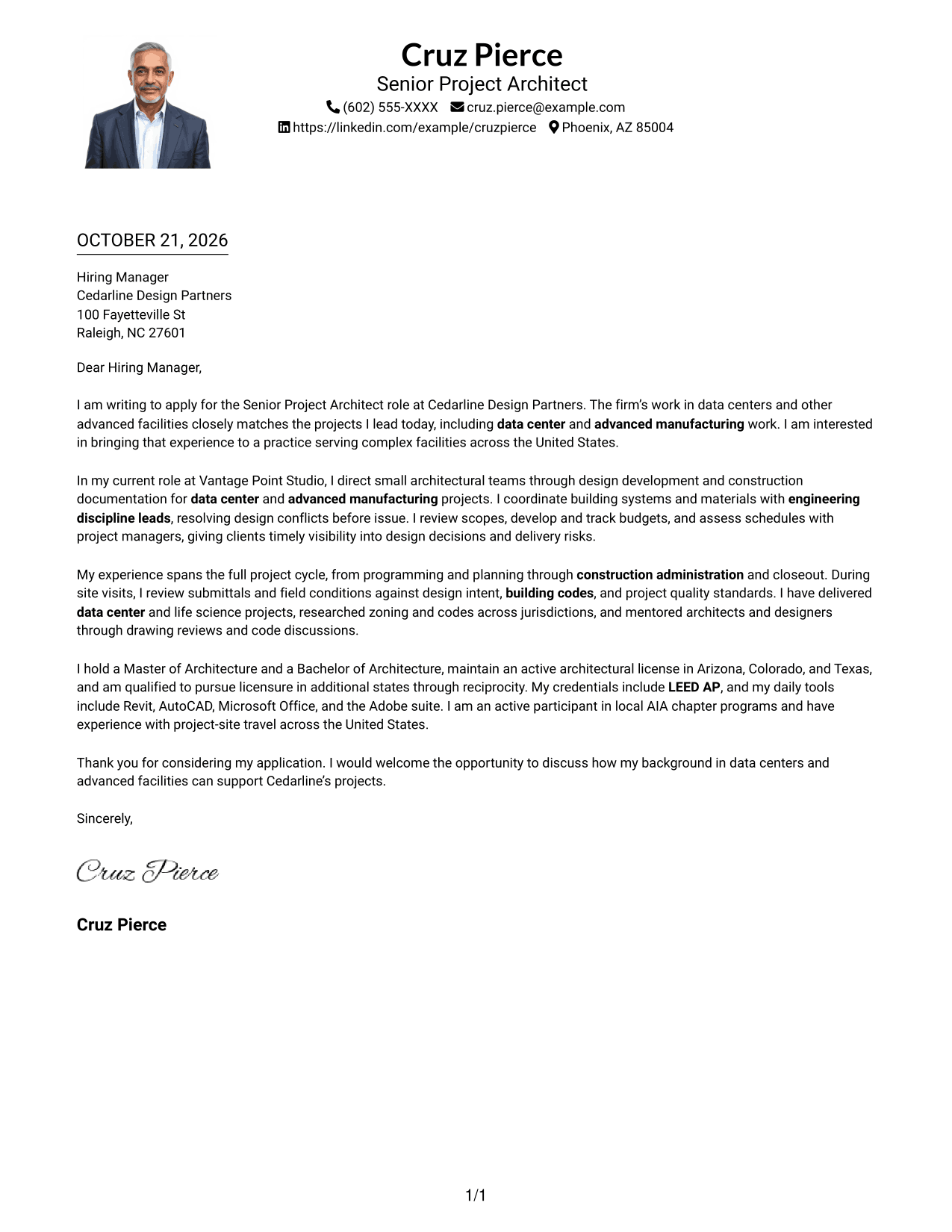
#4 One Column Format with Photo Cover Letter Example
A portrait accompanies the single-column page, offering a personal visual detail while the letter remains in one continuous reading path.
Why This Format Works
- Sender information stays in the header, apart from the letter's continuous paragraphs.
- Opening, supporting points, and closing remain together for a steady reading order.
- The portrait adds a visual element without turning the letter body into columns.
Best For
- Portrait-inclusive correspondence
- Single-column reading
- Header-based contact details
- Unheaded letter bodies
- Direct page layouts
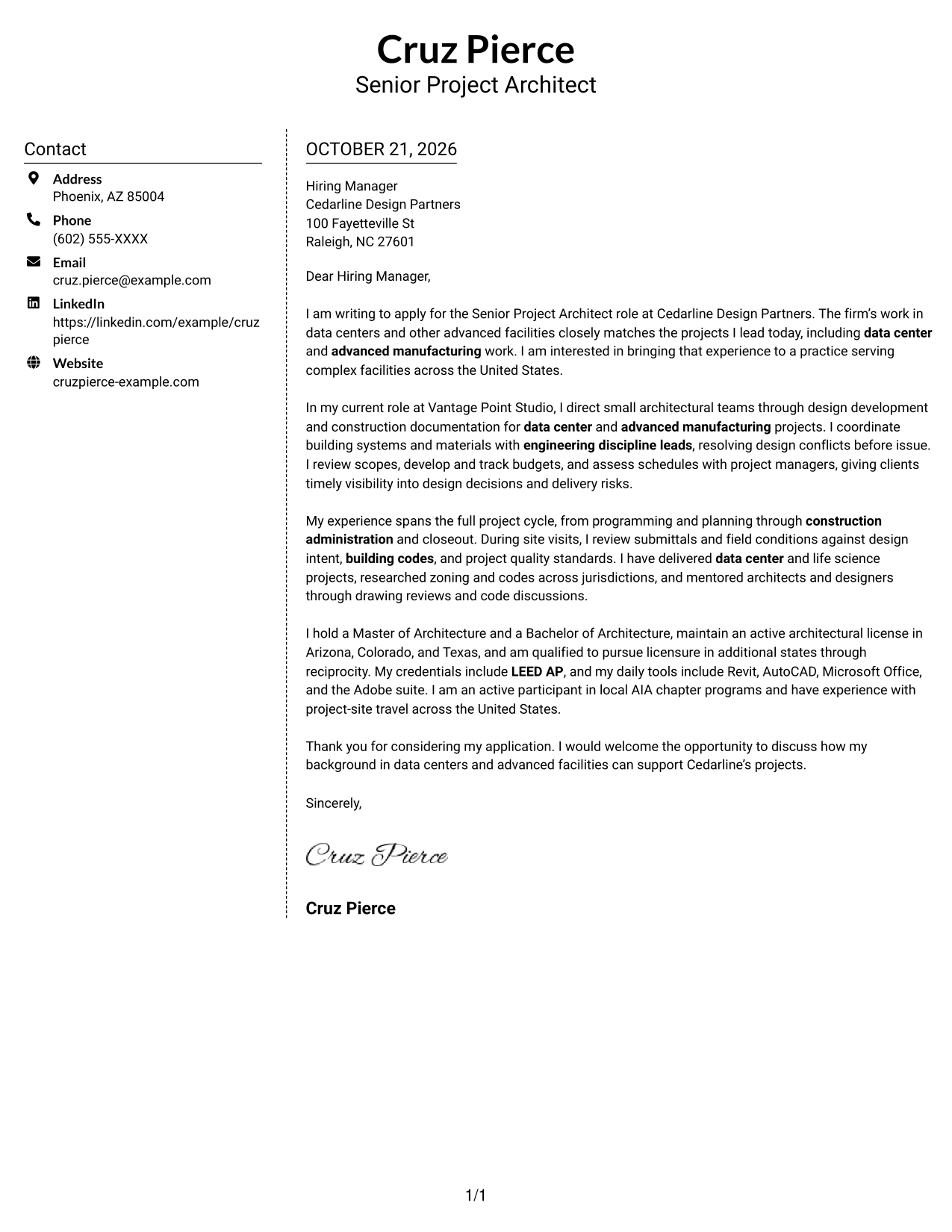
#5 Simple Two Column Format Cover Letter Example
The two-column page places a contact sidebar beside one continuous letter body, a straightforward choice when sender details should remain apart from the message.
Why This Format Works
- Contact details sit beside, rather than within, the letter paragraphs.
- One letter body preserves the sequence from initial interest to final thanks.
- Reviewers can move between sender details and the message without parallel arguments.
Best For
- Sidebar contact access
- Continuous letter paragraphs
- Simple two-column layouts
- Photo-free letters
- Unheaded message bodies
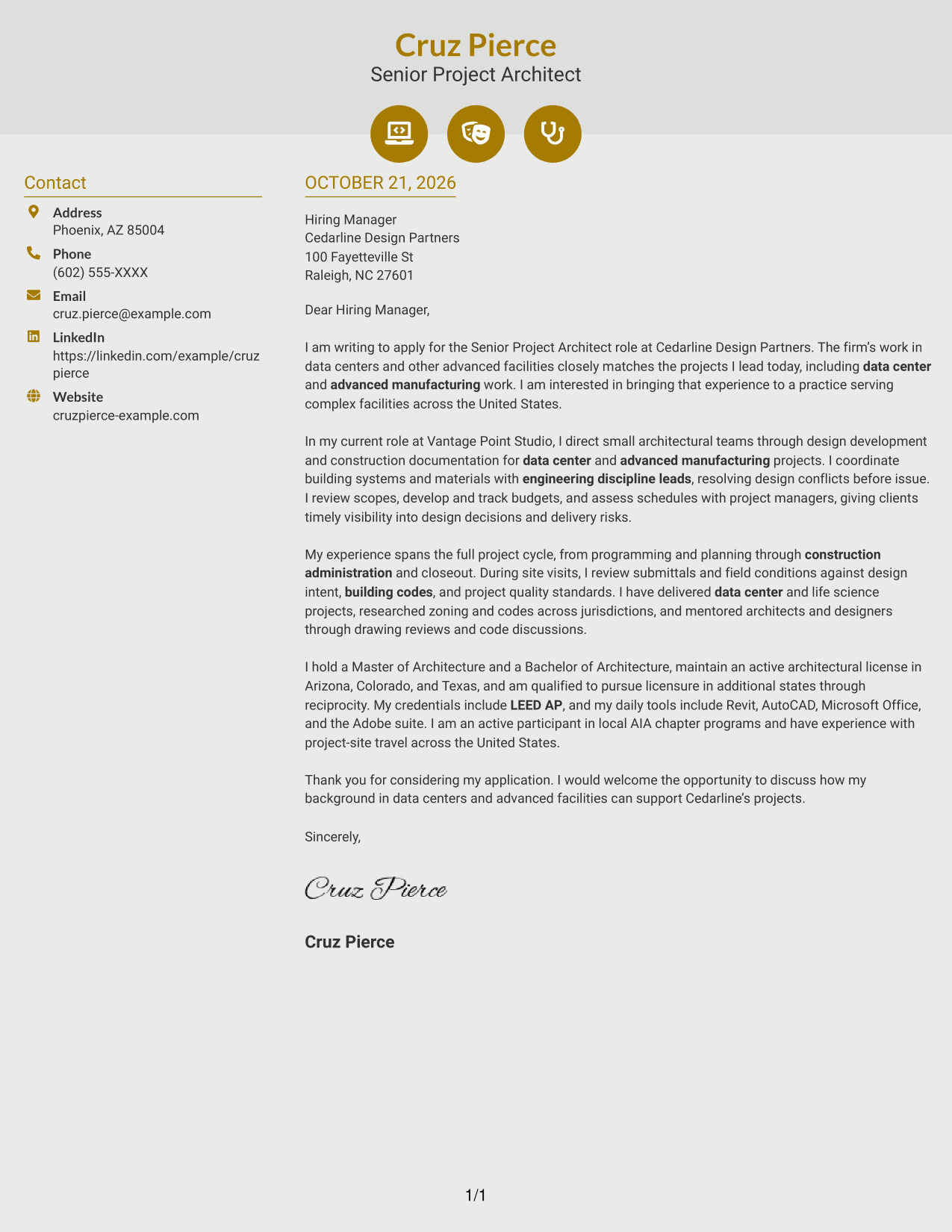
#6 Modern Icon Format Cover Letter Example
Contact icons add visual cues to the sidebar, while the letter itself stays in one continuous body.
Why This Format Works
- Contact icons help distinguish contact details without labeling the letter's argument.
- Opening, evidence, and closing remain in one continuous body for ordered reading.
- Two-column placement separates contact information from the message itself.
Best For
- Contact icons as visual cues
- Sidebar contact details
- Single-body letter flow
- Two-column page preference
- Unheaded correspondence
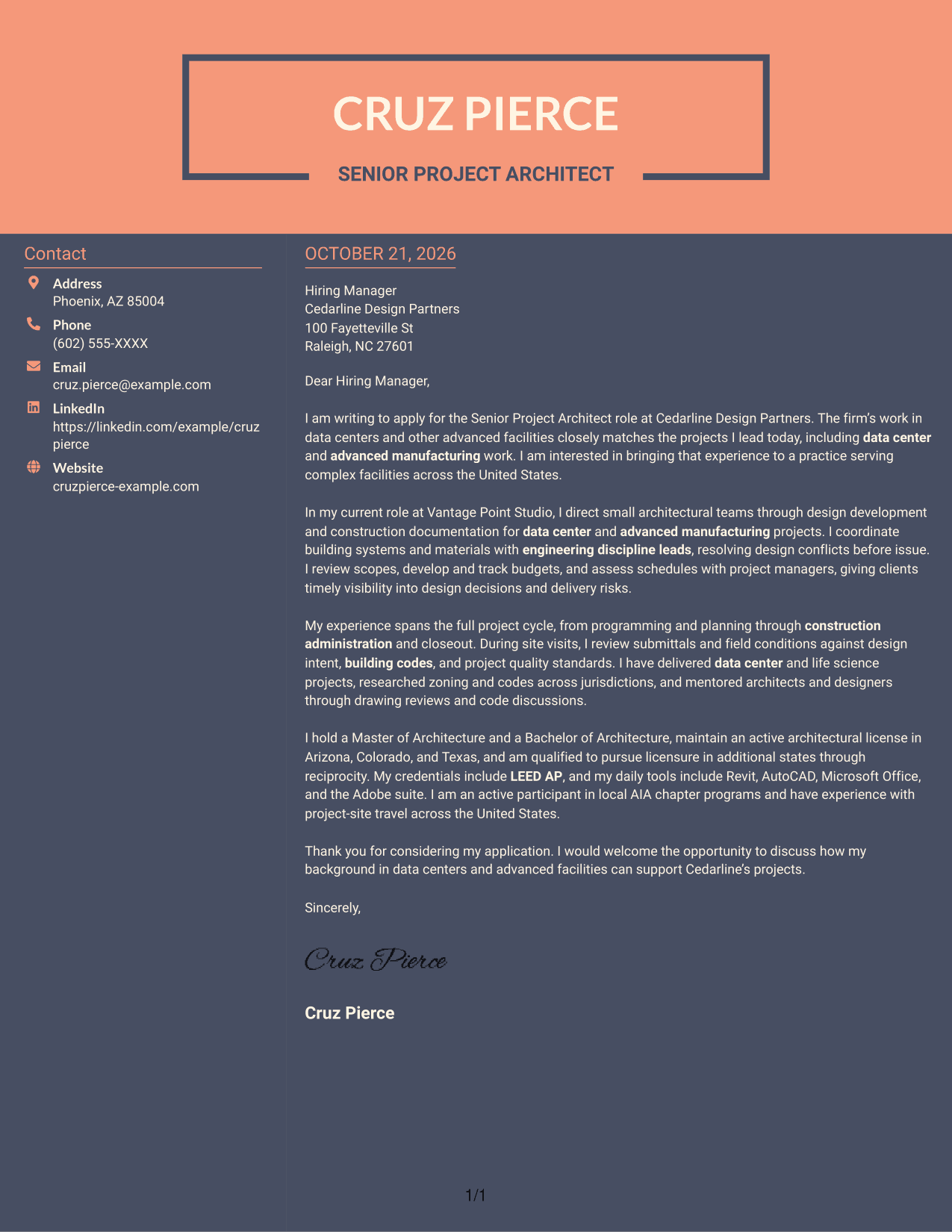
#7 Creative Two Tone Format Cover Letter Example
A two-tone color treatment gives this two-column letter a more expressive visual style while keeping its body continuous.
Why This Format Works
- Color contrast gives the page an expressive appearance without changing the paragraph sequence.
- Contact details stay apart from the single continuous letter body.
- Readers can follow the message without headings dividing its argument.
Best For
- Color-accented correspondence
- Sidebar contact access
- Continuous letter prose
- Two-column page preference
- Unheaded letter paragraphs
Why Use ResumeInMinutes for a Senior Project Architect - Data Centers Cover Letter
Compare the image previews to review each letter’s presentation, then open an example in the editor to consider its structure and adapt the wording to the role.
- Cover letter examples
- Different visual styles
- Preview images
- Editor access
- Focused letter structure
- Role-specific writing guidance
For this role, connect your data center work, team leadership, engineering coordination, and project delivery experience to the employer’s needs.
See Also
- 7 Senior Project Architect - Data Centers Resume Templates with Example
- 7 Architect - Architectural Project Delivery Resume Templates with Example
- 7 Architectural Designer / Project Architect - Commercial and Institutional Resume Templates with Example
- 7 Industrial Project Architect Resume Templates with Example
- 7 Project Architect - Cultural Architecture & Historic Preservation Resume Templates with Example
- 7 Project Architect - Technical Project Delivery Resume Templates with Example
- 7 Architect - Data Center Design Resume Templates with Example
- 7 Entry Level Architect - Data Centers Resume Templates with Example
- 7 Architect - Architectural Project Delivery Cover Letter Templates with Example
- 7 Architectural Designer / Project Architect - Commercial and Institutional Cover Letter Templates with Example
Frequently Asked Questions
Are these Senior Project Architect - Data Centers cover letter templates ATS-friendly?
The examples use clear letter layouts. Keep your wording direct and make your relevant project experience easy for a reader to follow.
Are these different cover letters?
This guide presents one featured cover letter in different visual styles. Compare the image previews, then open an example in the editor to review its presentation.
Which cover letter style works well for a data center architect?
Choose a clear, professional style that supports easy reading. Consider the employer’s communication context, and keep the focus on your role fit and project experience.
What should a Senior Project Architect - Data Centers cover letter emphasize?
Show how you lead architectural teams, coordinate with engineering leads, and carry design intent from planning through construction administration and closeout. Include relevant evidence about codes, scopes, budgets, and schedules.
How can I make my letter specific to Cedarline Design Partners?
Connect the firm’s stated focus on data centers and advanced facilities to work you have actually led. If you have verified information about a project or approach at the firm, explain why it matters to you.
Should I use a photo on my cover letter?
Use a photo only when it is common or expected in your region or field. For U.S. applications, a cover letter without a photo is usually the safer choice.




