
7 Senior Public Works Management Analyst Resume Templates with Example
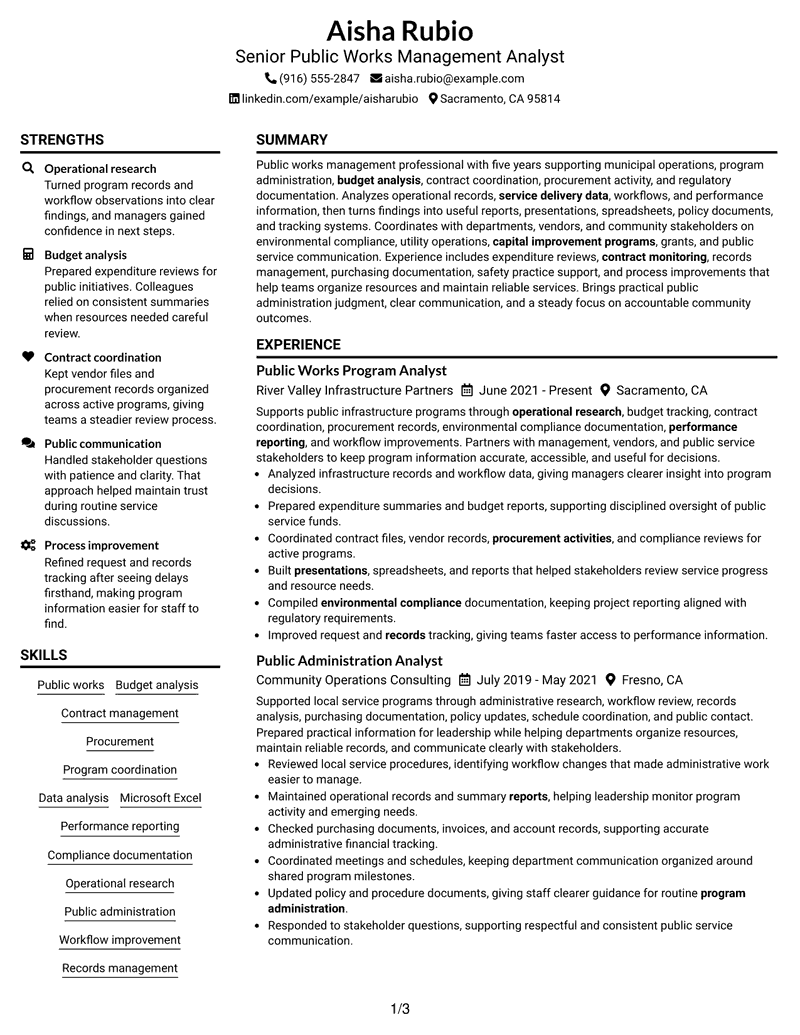
This guide shows you how to build a Senior Public Works Management Analyst resume that is clear, focused, and easy to adapt. It helps you organize experience, skills, and achievements so reviewers can quickly understand your qualifications.
A strong resume for this role should show careful organization of public works experience, program support, reporting work, operational analysis, and administrative results. Use clear sections, focused bullet points, and keywords that match the work you want to highlight.
This page presents the resume in 7 layouts only once, helping you compare different ways to arrange your professional summary, experience, education, projects, certifications, and skills.
What Makes a Great Senior Public Works Management Analyst Resume in 2026
A strong resume uses clear sections, readable bullet points, and relevant evidence from professional work. It should make experience, achievements, education, and credentials easy to find.
Useful resume content includes operational analysis, budget support, contract coordination, reporting, compliance documentation, and process improvement keywords that match the role.
The examples shown below are intentionally detailed to demonstrate a range of experiences, skills, accomplishments and relevant keywords. We prefer detailed resumes as they provide more context to the hiring managers and also help the ATS systems identify relevant qualifications and score your resume better for a match. But the length of a resume is an individual choice. If you want a one page resume, just keep the most relevant experience and information for the job. Note: Resume examples are for educational purposes only. Use only information that accurately reflects your experience and qualifications. References to real organizations do not imply affiliation or endorsement.
#1 Plain Two Column Format Resume Example
This Plain Two Column Format presents resume information in a 2-column layout so recruiters can scan sections, experience, and credentials more easily.
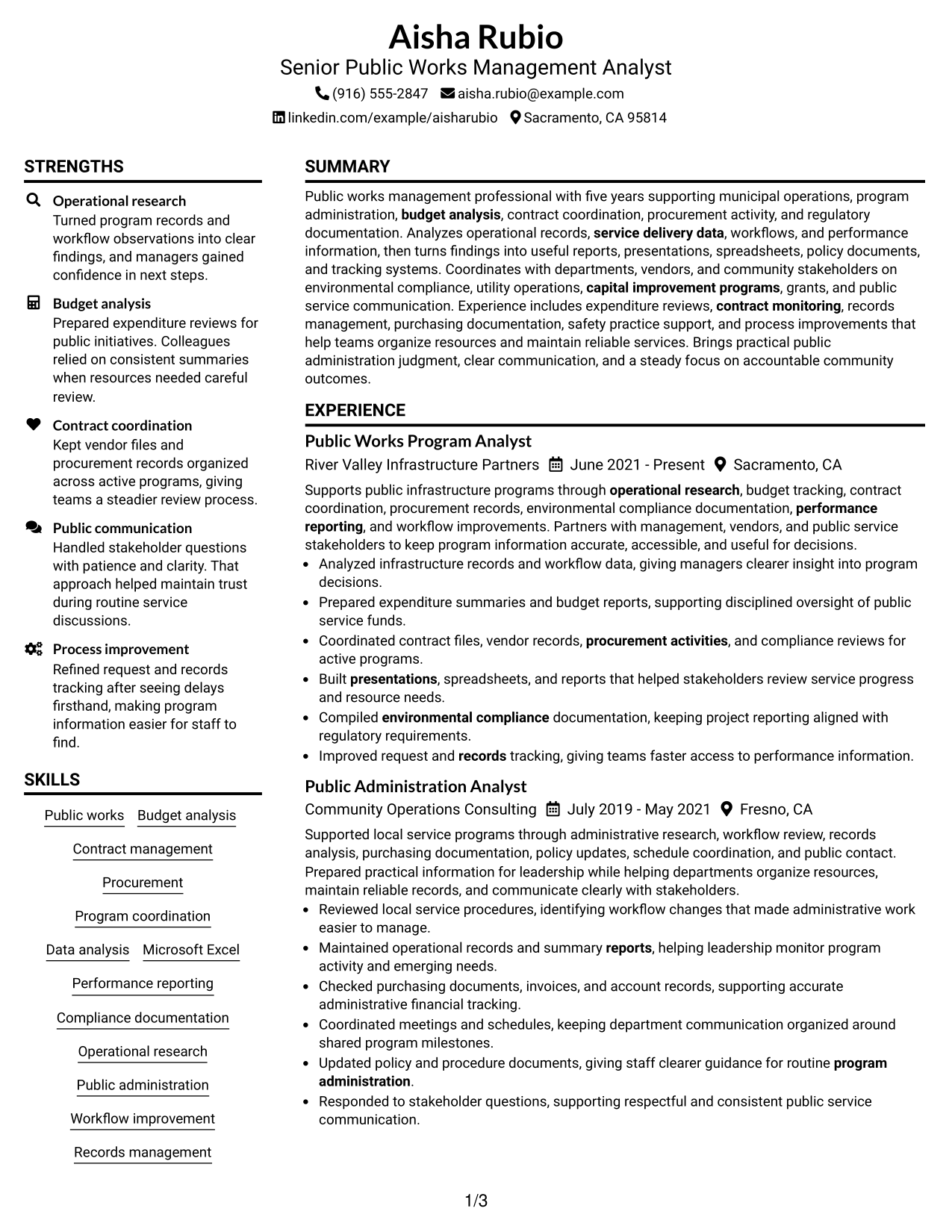
Resume Snapshot
- Public works management experience
- Program administration background
- Budget and contract coordination
- Compliance documentation focus
Why This Format Works
- Career progression in two sections
- Experience and skills side by side
- Education and credentials overview
Best For
- Organized section comparisons
- Balanced content spacing
- Clear reading order
- Resume section grouping
- ATS-friendly organization
Resume Keywords
- Senior Public Works Management Analyst
- Operational research
- Program coordination
- Budget analysis
- contract monitoring
- Performance reporting
- workflow
- records
- safety practice
- procurement activity
- service delivery data
- reports
- presentations
- spreadsheets
- policy documents
#2 Simple One Column Format Resume Example
This Simple One Column Format presents resume information in a 1-column layout so recruiters can scan sections, experience, and credentials more easily.
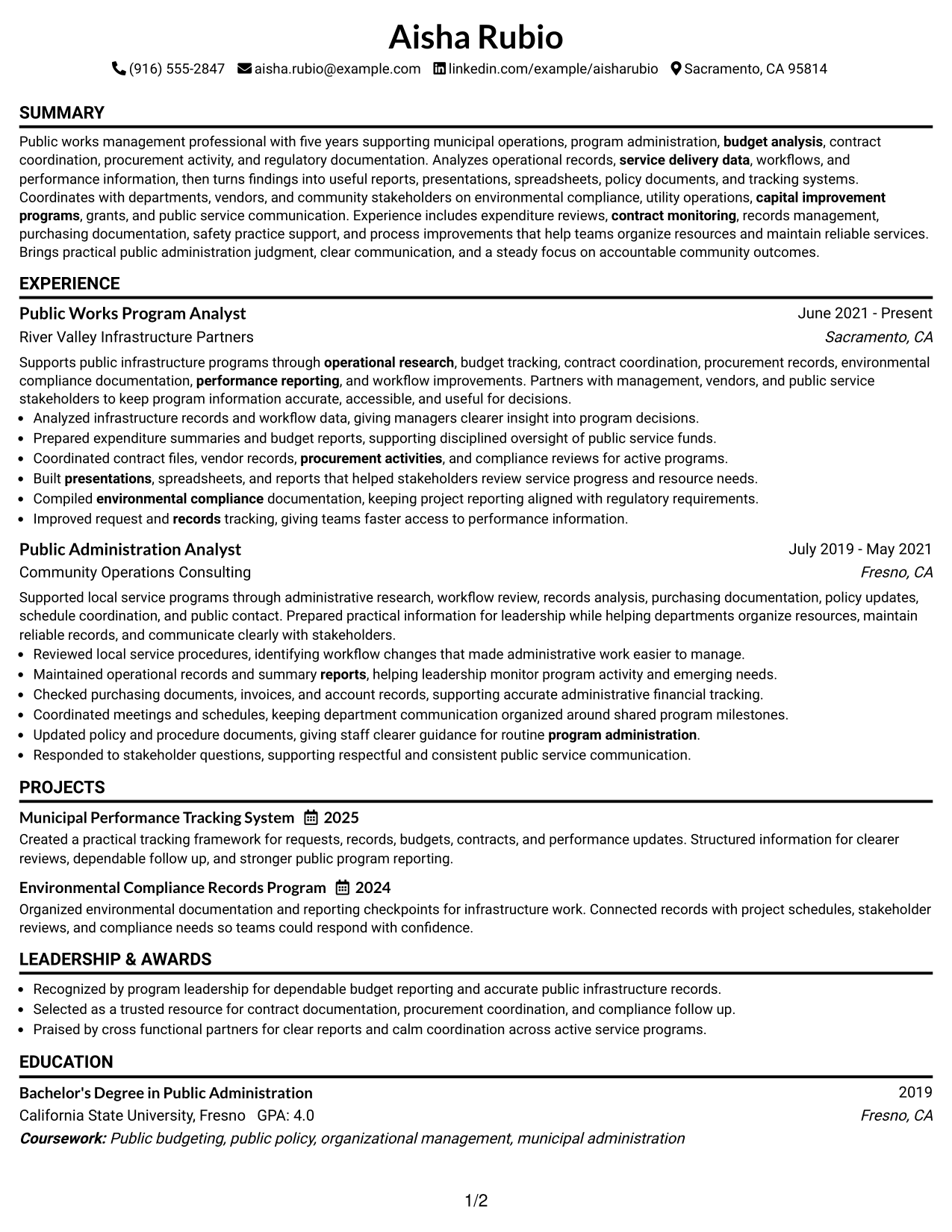
Why This Format Works
- Straightforward career history
- Easy section scanning
- Focused resume content
Best For
- Traditional resume reviews
- Simple information flow
- Detailed experience sections
- Clean ATS reading
- Focused professional summaries
#3 Clean Two Column Sidebar Format Resume Example
This Clean Two Column Sidebar Format presents resume information in a 2-column layout so recruiters can scan sections, experience, and credentials more easily.
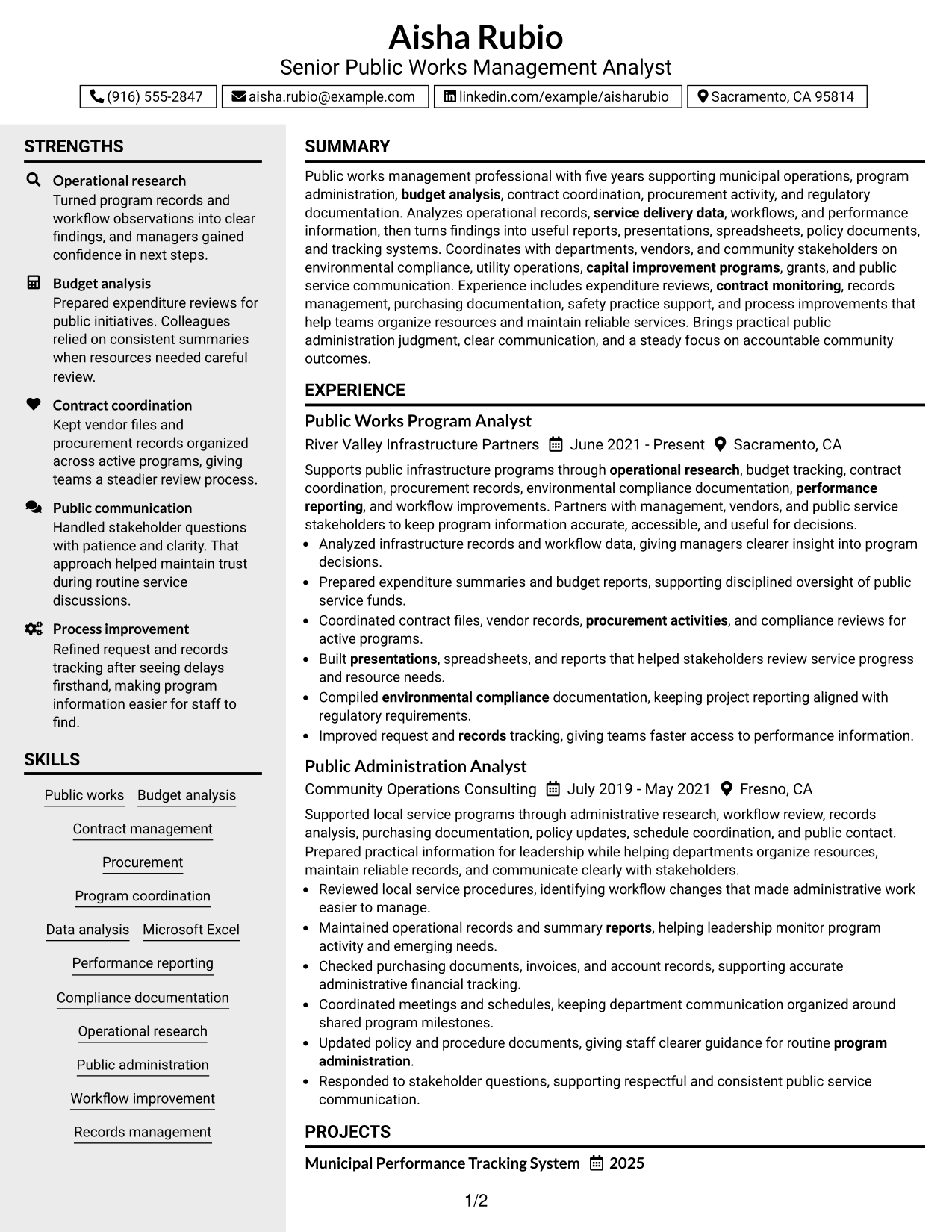
Why This Format Works
- Sidebar information needs
- Separate resume categories
- Quick section navigation
Best For
- Compact resume organization
- Skills and credentials sidebar
- Balanced content areas
- Section-based scanning
- Clear information grouping
#4 Two Column Format Resume Example
This Two Column Format presents resume information in a 2-column layout so recruiters can scan sections, experience, and credentials more easily.
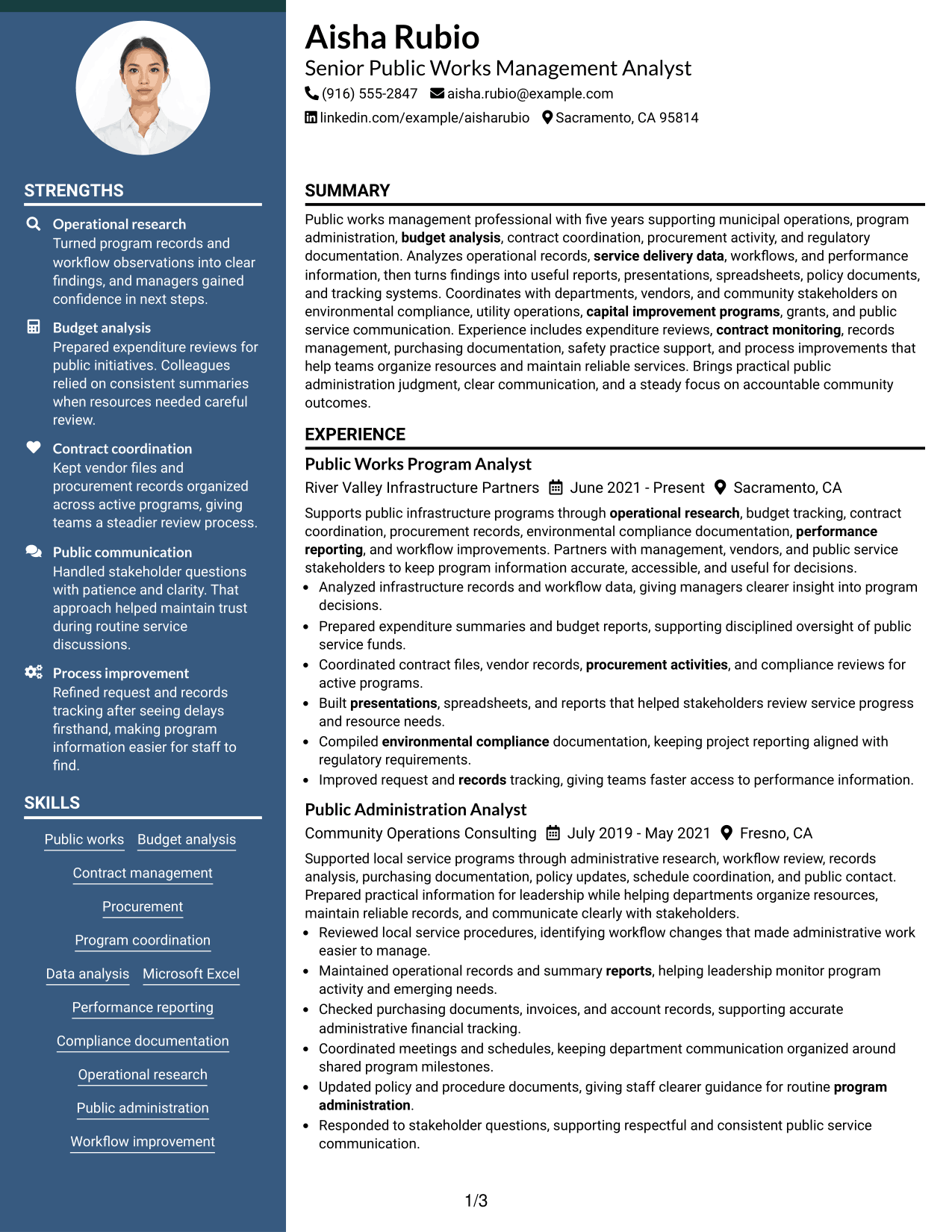
Why This Format Works
- Parallel content organization
- Resume section balance
- Visual information separation
Best For
- Multiple content categories
- Readable section placement
- Career history comparison
- Structured information review
- Professional formatting needs
#5 Photo Header Two Column Format Resume Example
This Photo Header Two Column Format presents resume information in a 2-column layout so recruiters can scan sections, experience, and credentials more easily.
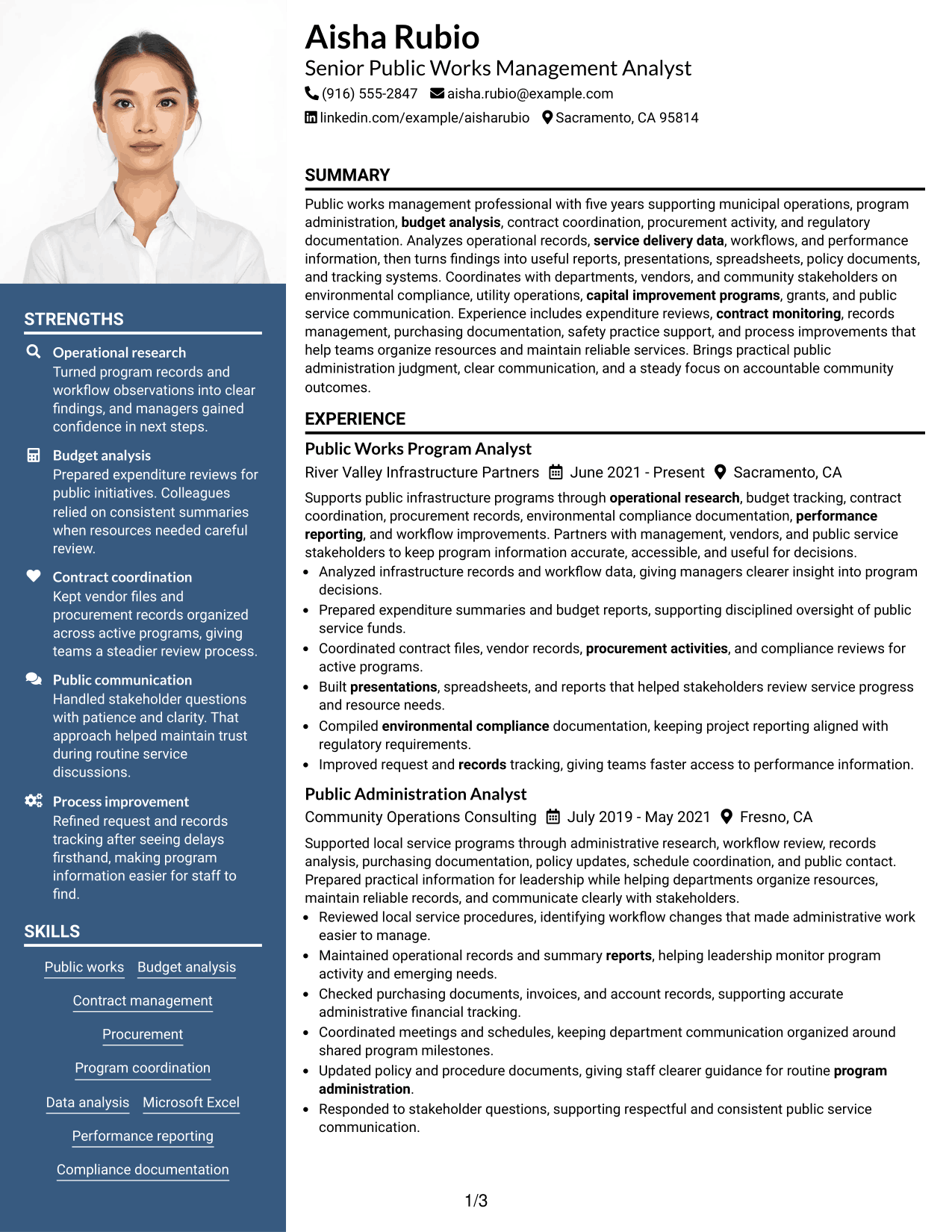
Why This Format Works
- Photo header layouts
- Visual contact presentation
- Two-column resume structure
Best For
- Photo-expected regions
- Visual contact details
- Organized experience sections
- Balanced resume content
- Personal branding needs
#6 Colored Two Column Format Resume Example
This Colored Two Column Format presents resume information in a 2-column layout so recruiters can scan sections, experience, and credentials more easily.
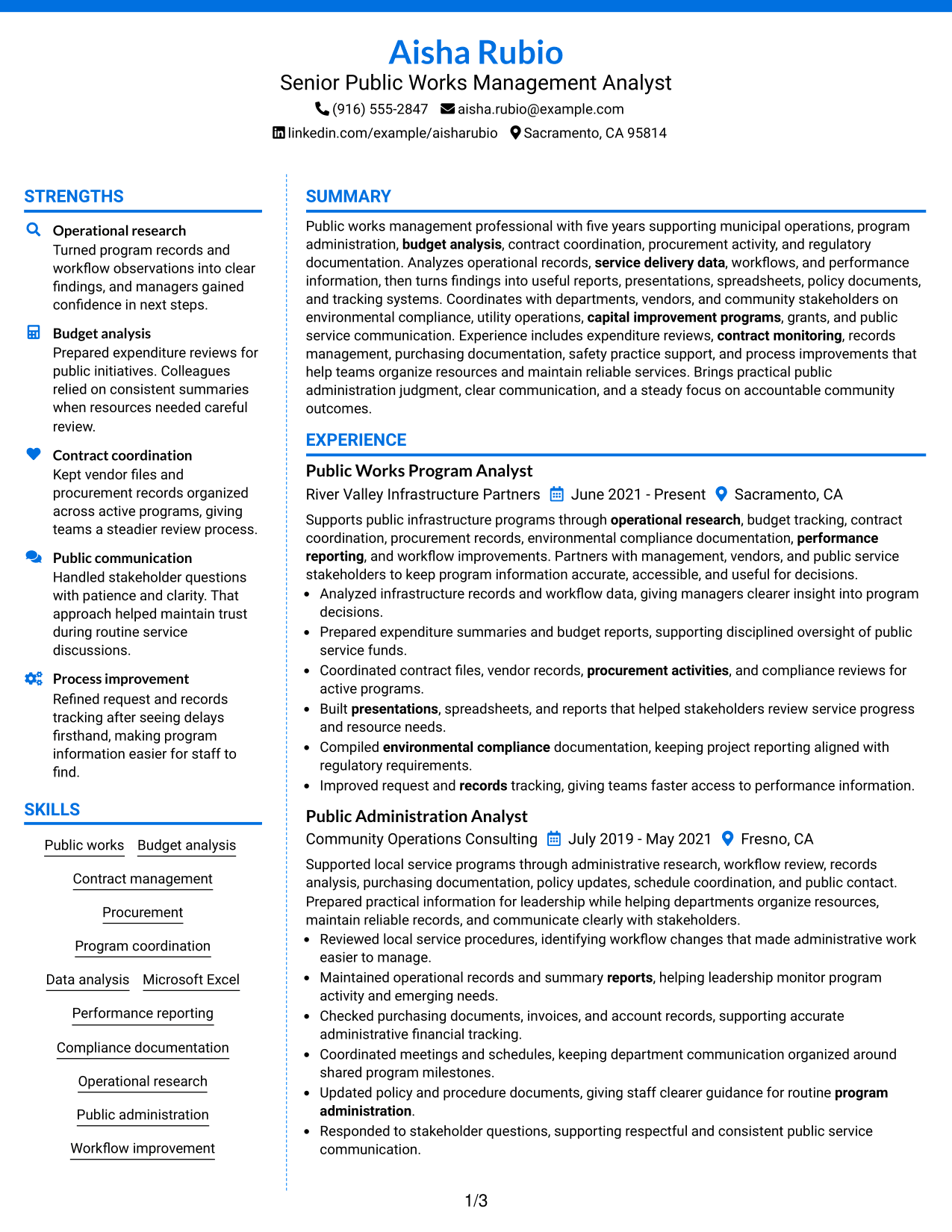
Why This Format Works
- Visual section separation
- Structured content areas
- Readable resume organization
Best For
- Color-assisted navigation
- Separated content groups
- Resume readability needs
- Modern section layouts
- Professional presentation needs
#7 Stylish Two Column Designer Format Resume Example
This Stylish Two Column Designer Format presents resume information in a 2-column layout so recruiters can scan sections, experience, and credentials more easily.
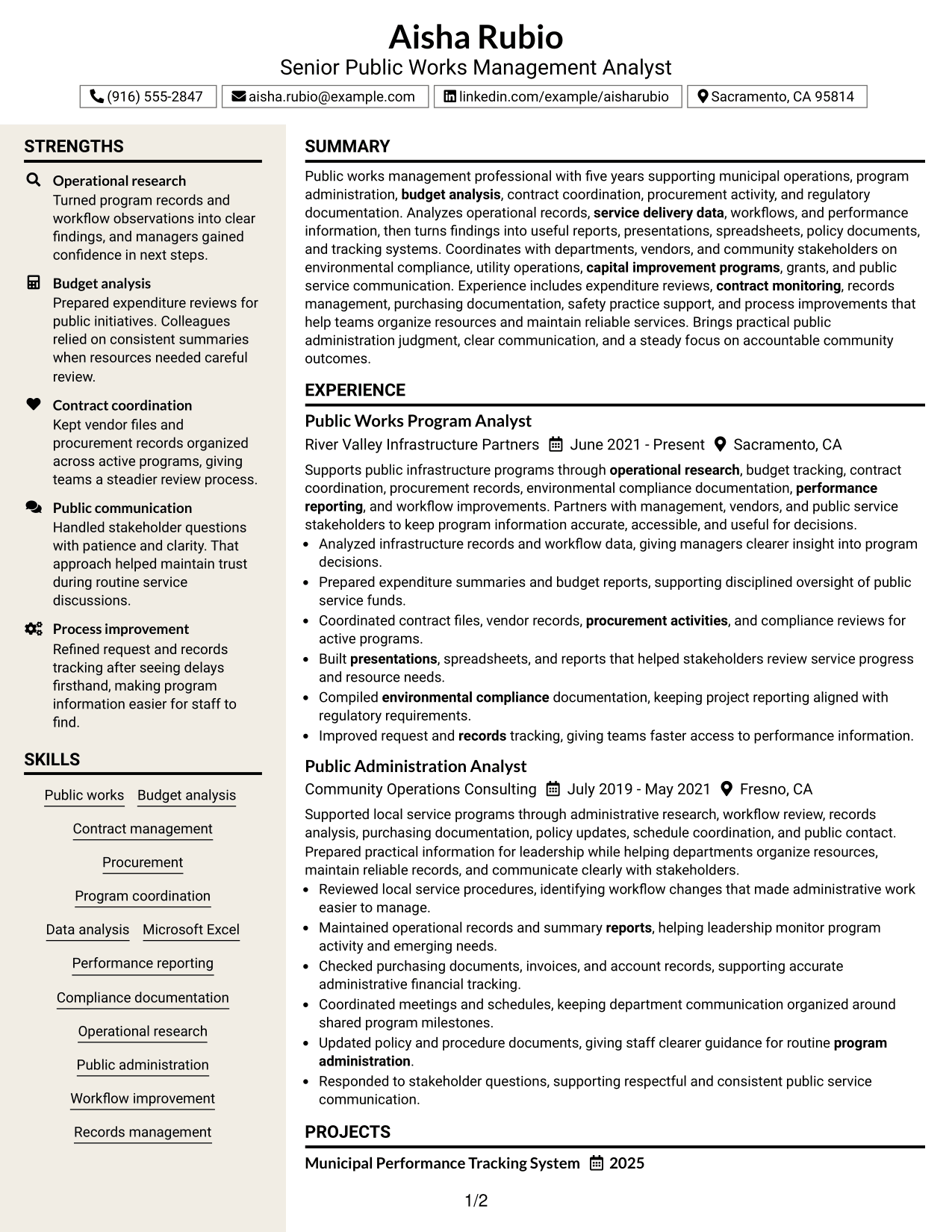
Why This Format Works
- Creative section organization
- Distinct visual structure
- Modern resume presentation
Best For
- Design-focused readers
- Visual organization needs
- Structured career details
- Resume layout variety
- Enhanced section visibility
Why Build Your Senior Public Works Management Analyst Resume with ResumeInMinutes
ResumeInMinutes helps professionals organize resume content into readable formats with focused sections, practical keywords, and downloadable previews.
- Resume format choices
- ATS-friendly structure
- Organized resume sections
- Keyword guidance
- PDF previews
- Resume customization
See Also
- 7 Grant Management Analyst - Public Sector Budgeting Resume Templates with Example
- 7 Junior Public Safety Analyst Resume Templates with Example
- 33 Public Health Research Analyst Resume Templates with Example 2026 (ATS-Optimized)
- 33 Accounts Payable Analyst - Invoice Processing Resume Templates with Example 2026 (ATS-Optimized)
- 33 Accounts Payable Analyst Resume Templates with Example 2026 (ATS-Optimized)
- 7 AI Operations Adoption and Enablement Analyst Resume Templates with Example
- 33 All Source Intelligence Analyst - Intelligence Analysis Resume Templates with Example
- 7 Analyst/Associate: Equity Research - Telecommunication, Data Center and Tower Resume Templates with Example
- 7 Grant Management Analyst - Public Sector Budgeting Cover Letter Templates with Example
- 30+ Accounts Payable Analyst Cover Letter Templates with Example 2026
Frequently Asked Questions
Are these Senior Public Works Management Analyst resume templates ATS-friendly?
Yes. The templates use clear sections, readable headings, and role-related resume keywords to support easier review.
Are these different resumes?
No. This guide presents one resume example shown in different layouts and design styles.
What should a Senior Public Works Management Analyst resume include?
Include a summary, experience, education, skills, projects, certifications, and achievements that show public works management support.
Can I download the resume templates as PDFs?
Yes. Each resume design provides a format preview for choosing a suitable layout.
Which resume style should I choose?
Choose a layout that makes your sections easy to scan and keeps important information organized.
Can experienced professionals improve their resume format?
Yes. A clear structure can help present experience, results, and credentials more effectively.
Should I include a photo on my resume?
Use a photo only when it is expected in your region or application context. Many U.S. resumes use no-photo formats.
Can I customize these resume templates?
Yes. You can adjust resume text, sections, and layout choices for your target application.




