
7 Senior Recruiter - Architecture, Engineering, and Construction Cover Letter Templates with Example
This guide helps you shape a persuasive Senior Recruiter - Architecture, Engineering, and Construction cover letter, with seven layouts that show how to present your role fit clearly.
What Makes a Great Senior Recruiter - Architecture, Engineering, and Construction Cover Letter in 2026
A strong letter connects your recruiting approach to the needs of architecture, engineering, and construction teams. Show how you lead full-cycle searches, build candidate pipelines, and work with hiring managers.
Use specific evidence, such as sourcing for hard-to-fill roles or guiding interviews and offers. Link that work to the employer’s hiring needs, clear candidate communication, and careful handling of sensitive information.
The featured Senior Recruiter - Architecture, Engineering, and Construction letter moves from role interest to current recruiting evidence, broader AEC experience, employer alignment, and a clear close. Use that focused progression as a guide, then choose a presentation that suits the employer and communication context.
#1 Simple One Column Format Cover Letter Example
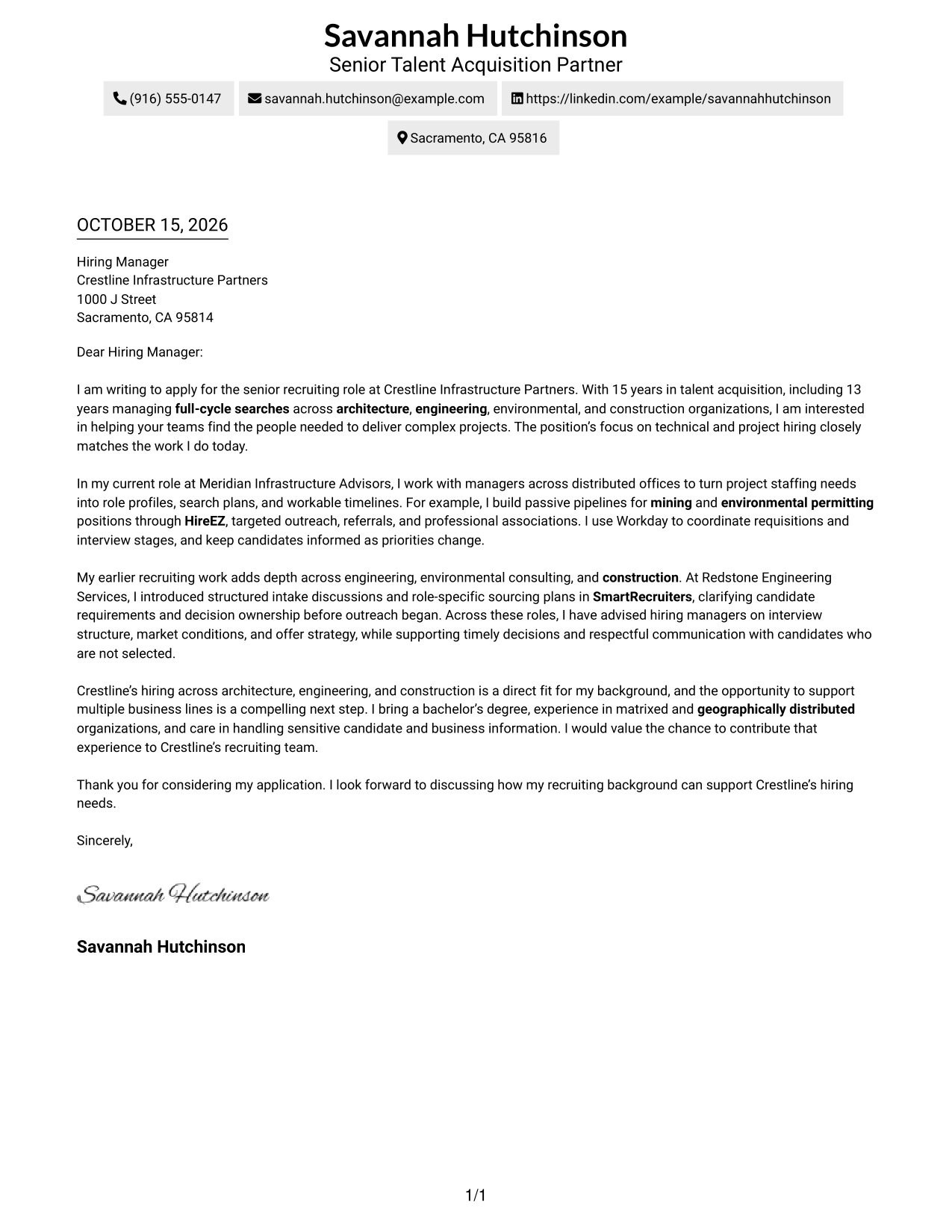
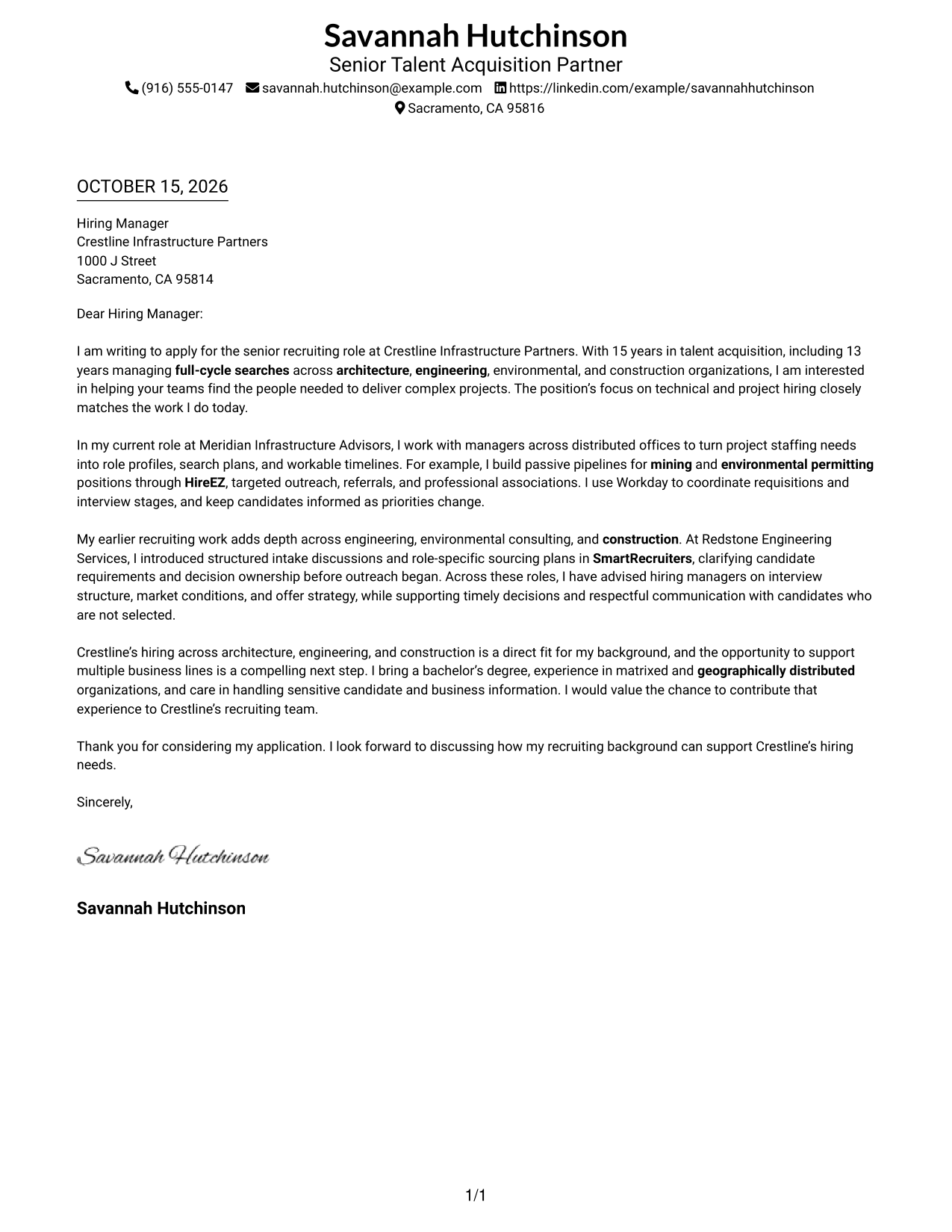
A one-column page keeps sender details in the header and gives the letter one direct reading path.
Why This Format Works
- Sender details stay in the header, apart from the letter’s continuous paragraph body.
- One reading path helps reviewers follow the opening, supporting evidence, and close.
- Without argument headings, the paragraphs keep a familiar letter style.
Best For
- One-column page preference
- Sender details kept in the header
- Letters without argument headings
- One uninterrupted message
- Text-led correspondence
#2 Two Column Format Cover Letter Example
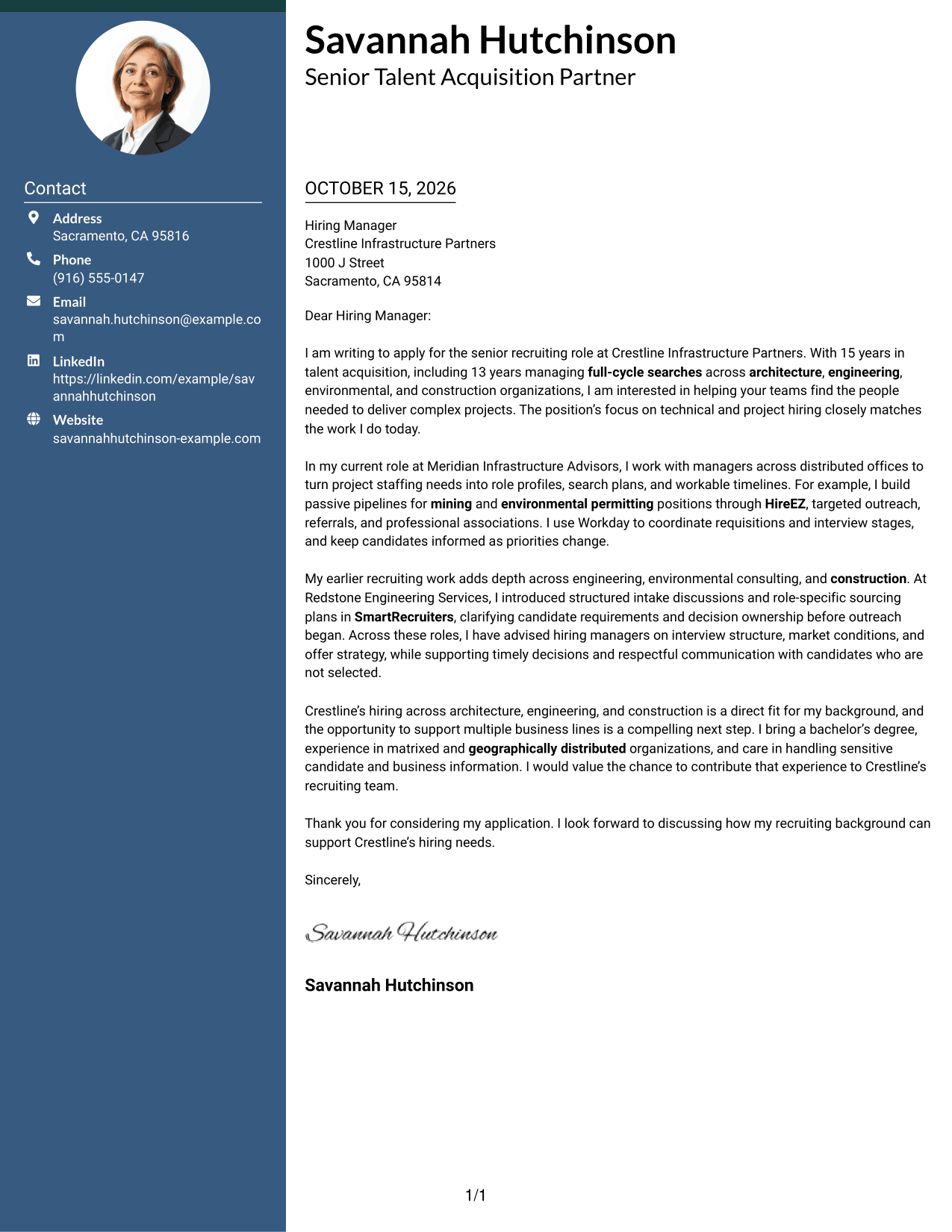
The two-column layout places a contact sidebar beside one continuous letter body, separating contact details from the message.
Why This Format Works
- Contact details sit in a sidebar, apart from the letter’s persuasive paragraphs.
- Reviewers can follow the opening, evidence, and closing within one continuous body.
- Paragraph transitions carry the message without section labels interrupting the letter.
Best For
- Sidebar contact reference
- Continuous paragraph argument
- No-photo correspondence
- Two-column page preference
- Letters with several contact channels
#3 Photo Header Two Column Format Cover Letter Example
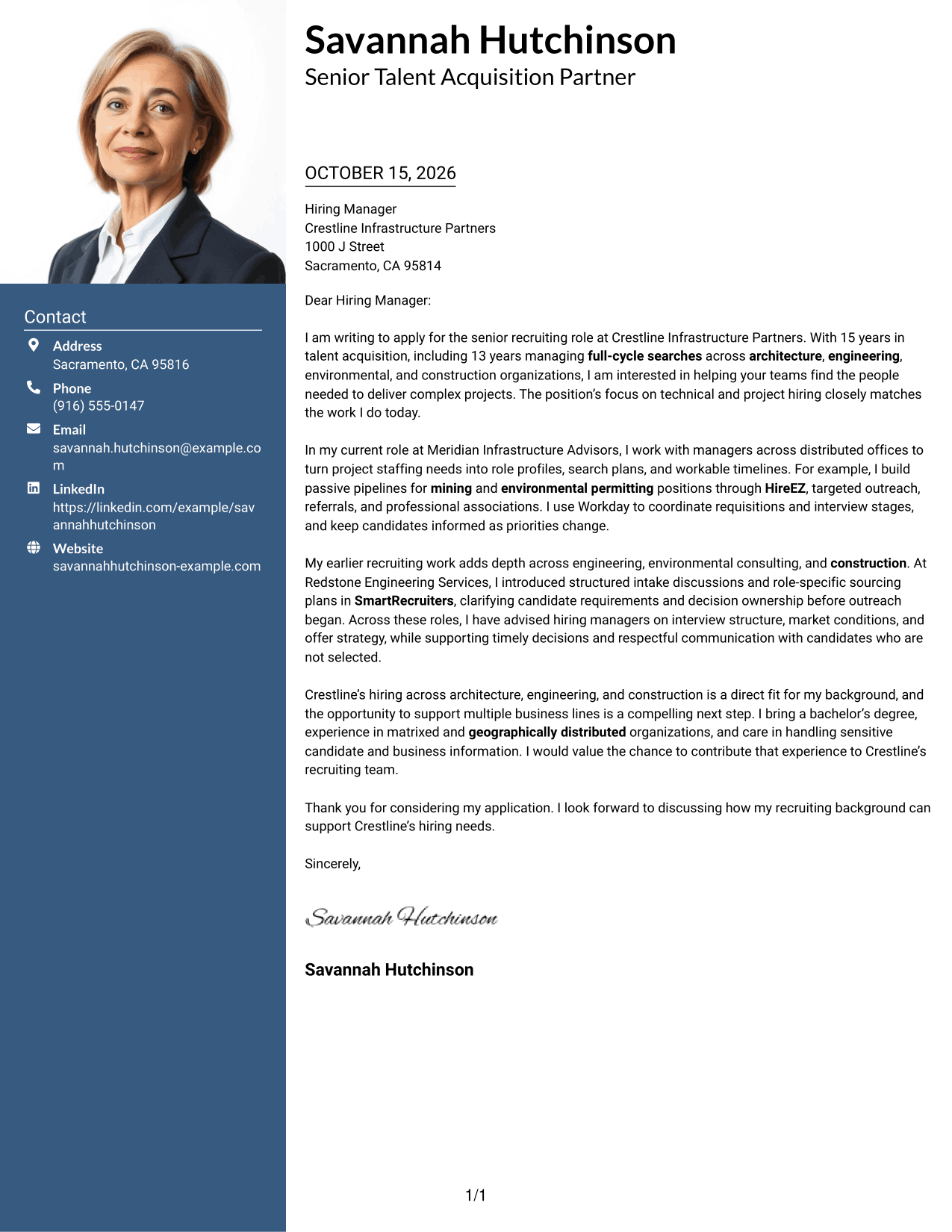
A photo accompanies the two-column arrangement, with contact details set apart from the continuous letter body.
Why This Format Works
- The contact sidebar keeps sender details separate from the letter’s message.
- Reviewers can follow motivation, supporting evidence, and closing in one continuous body.
- A photo adds a visual element for readers who prefer a portrait.
Best For
- Photo-inclusive correspondence
- Sidebar contact reference
- Continuous letter paragraphs
- Two-column page preference
- Letters balancing interest and evidence
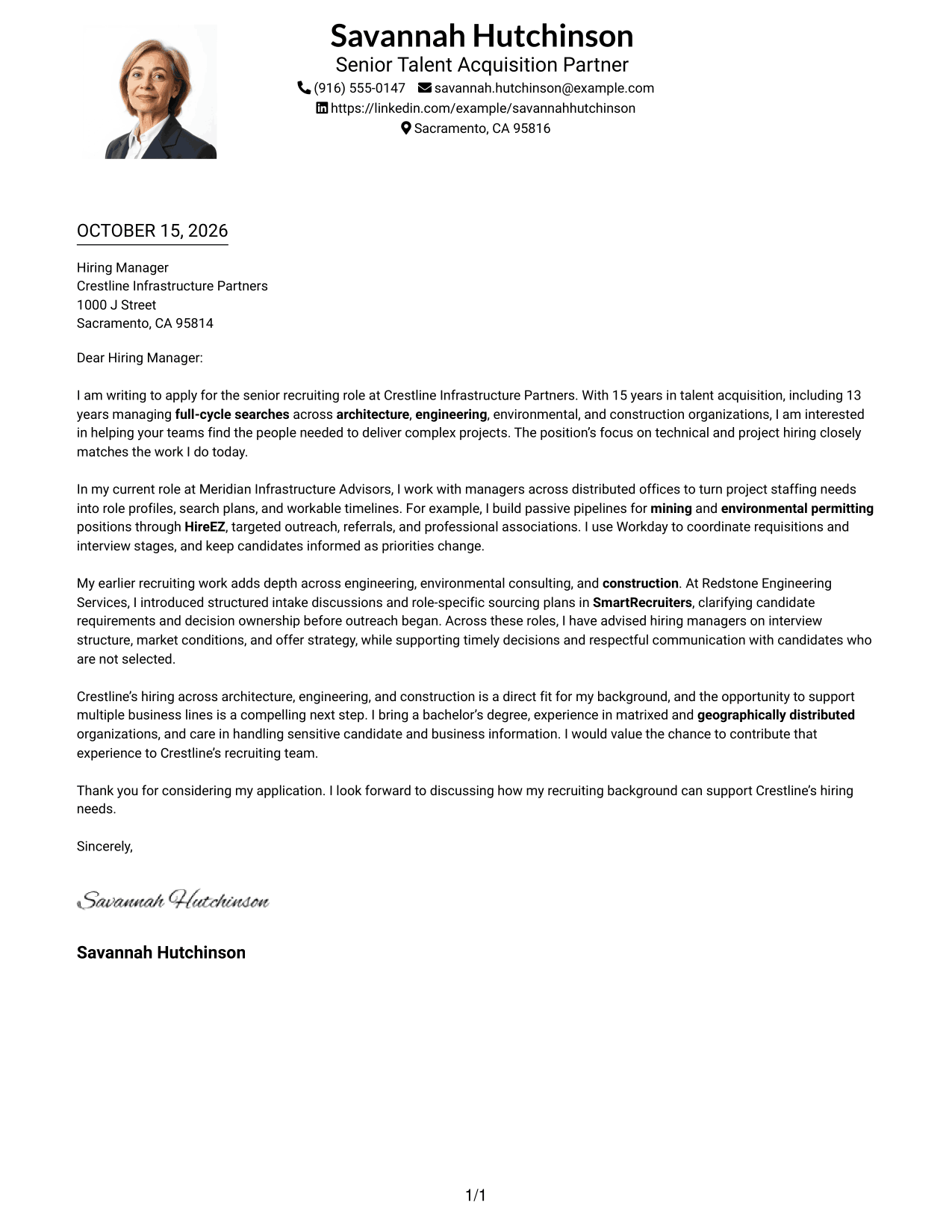
#4 One Column Format with Photo Cover Letter Example
The one-column layout includes a photo while keeping the letter on a direct, continuous reading path.
Why This Format Works
- One column leaves a direct reading path through the letter’s continuous paragraphs.
- Sender details remain in the header, separate from the main message.
- Photo presence offers a visual choice without changing the letter’s reading order.
Best For
- Photo-inclusive correspondence
- Single-column reading
- Header-based sender details
- Letters without section headings
- Paragraph-led persuasion
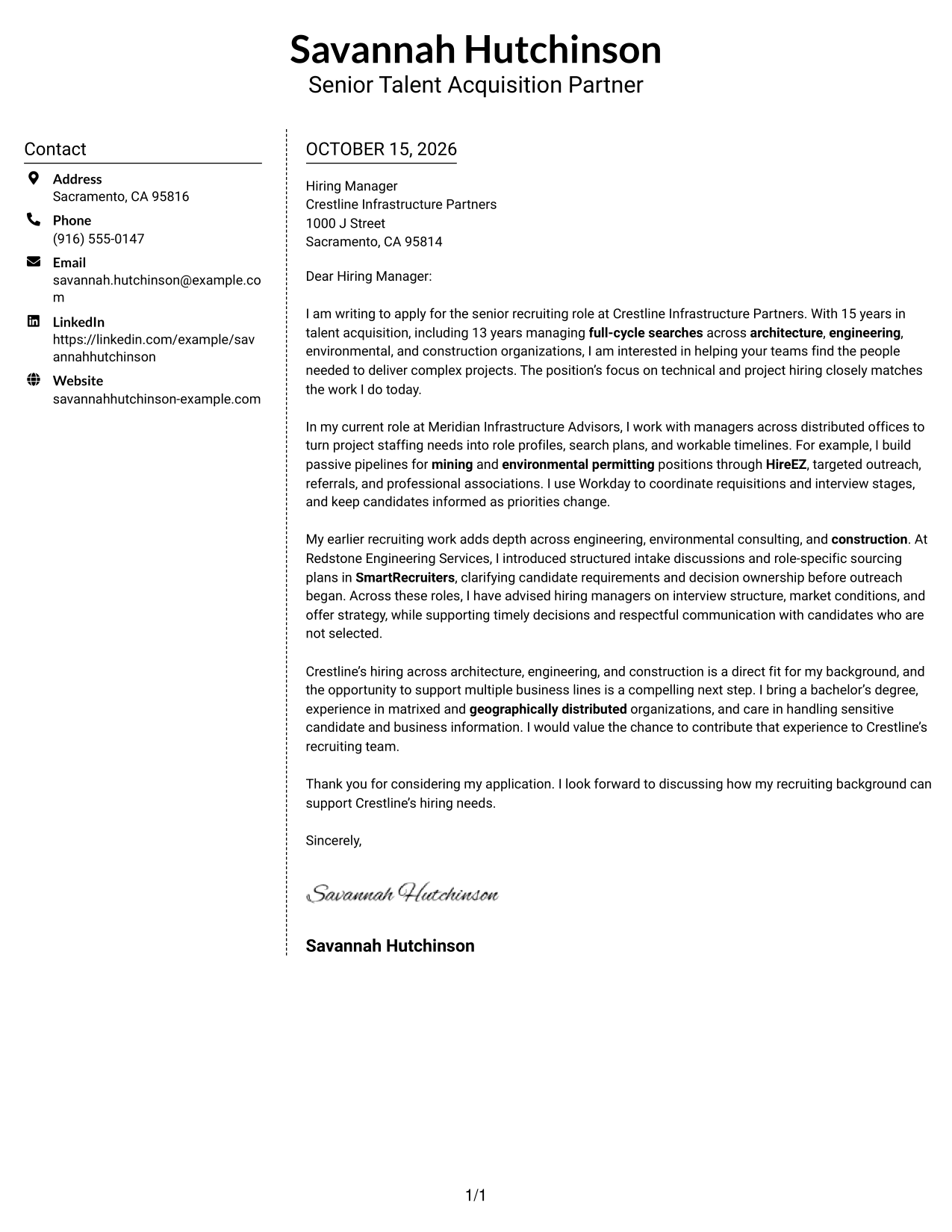
#5 Simple Two Column Format Cover Letter Example
A contact sidebar sits beside the single letter body, so the message stays together while details remain separate.
Why This Format Works
- Contact information has a sidebar, while the letter remains one continuous body.
- Readers can follow motivation, supporting examples, and closing in paragraph order.
- Paragraph transitions connect the case without labels dividing the argument.
Best For
- Sidebar contact reference
- One continuous letter body
- No-photo correspondence
- Two-column page preference
- Letters with a clear closing
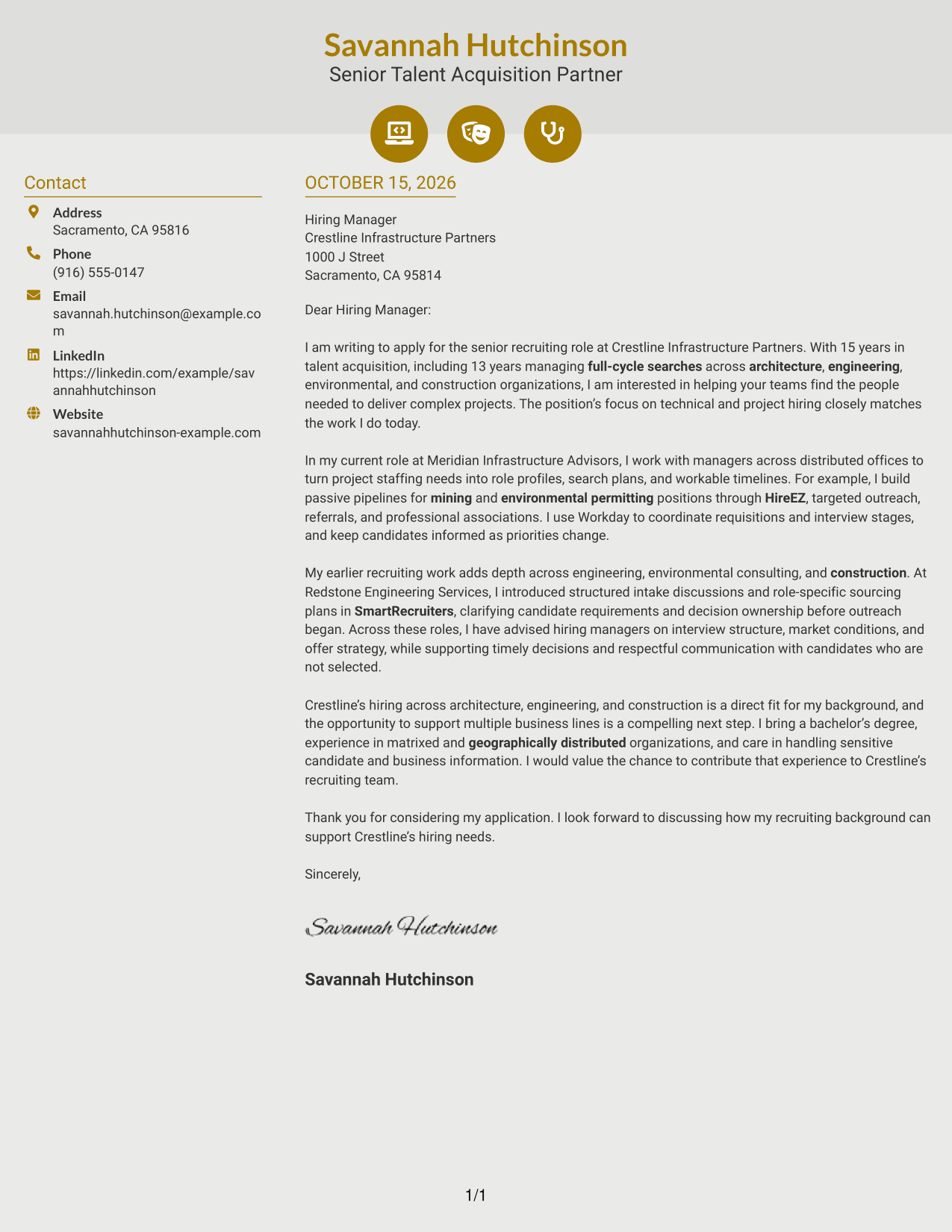
#6 Modern Icon Format Cover Letter Example
The two-column layout uses icons as contact cues beside one continuous letter body, helping distinguish sender details from the message.
Why This Format Works
- Contact icons distinguish sender details in the sidebar, leaving the letter body uninterrupted.
- One continuous column of letter text preserves the order of the argument.
- Decorative header cues add visual detail without labeling motivation or evidence.
Best For
- Icon-marked contact details
- One continuous message
- No-photo correspondence
- Two-column page preference
- Letters without argument labels
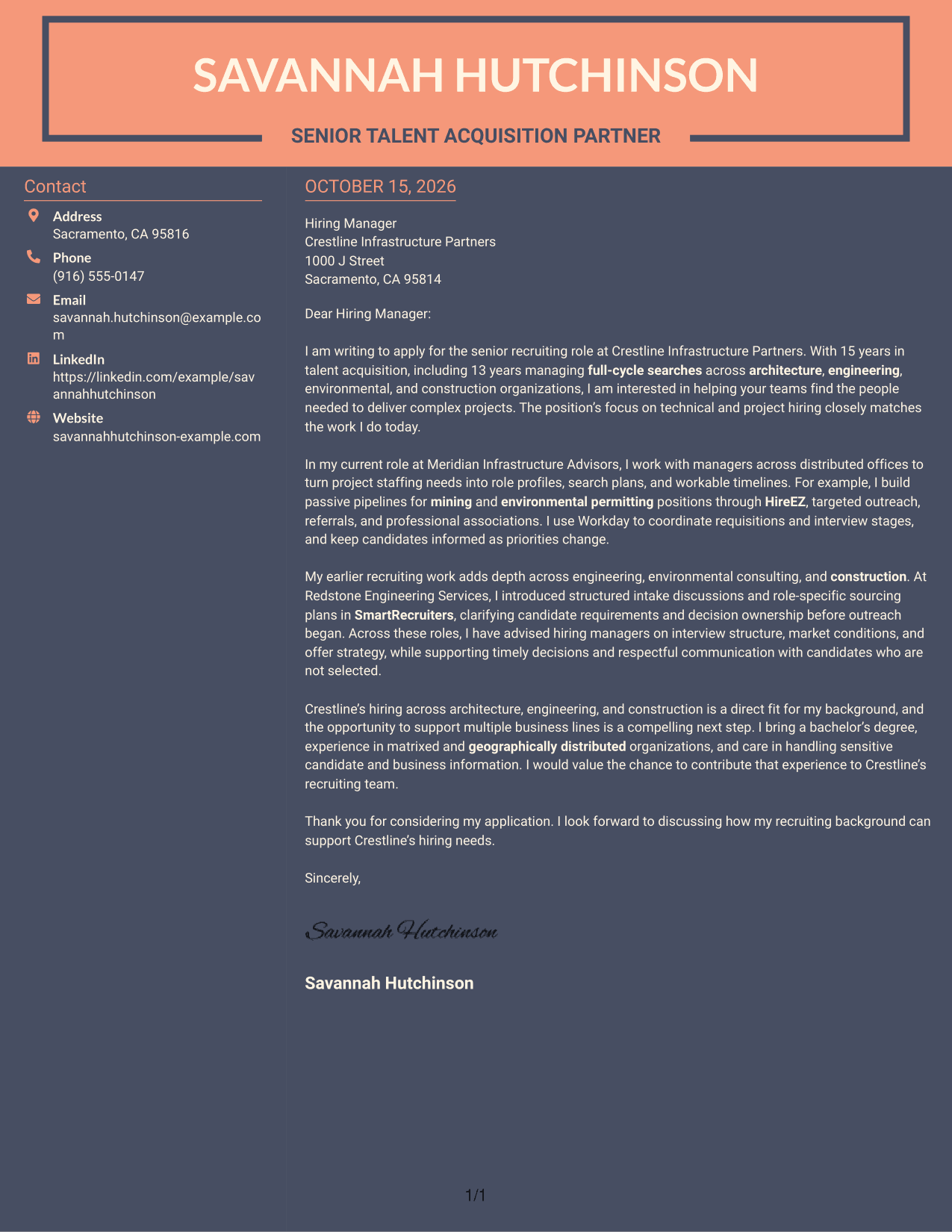
#7 Creative Two Tone Format Cover Letter Example
The two-column page keeps contact information in a sidebar and the letter in one uninterrupted body, supporting clear separation.
Why This Format Works
- Contact details occupy a sidebar beside the continuous letter body, keeping the message together.
- Reviewers can read the opening, supporting case, and close as one connected letter.
- With no argument headings, paragraph transitions shape the letter’s natural pace.
Best For
- Sidebar contact reference
- Continuous letter paragraphs
- No-photo correspondence
- Two-column page preference
- Applications with a clear message
Why Use ResumeInMinutes for a Senior Recruiter - Architecture, Engineering, and Construction Cover Letter
ResumeInMinutes lets you compare cover letter image previews and open an example in the editor. Use the example as a starting point, then shape your message around your recruiting experience and the role’s needs.
- Clear letter layouts
- Readable formatting
- Role-focused guidance
- Cover letter image previews
- Examples you can open in the editor
- Support for tailored applications
Use a direct opening, focused examples of your recruiting work, and a closing that makes your interest in the role clear.
See Also
- 7 Senior Recruiter - Architecture, Engineering, and Construction Resume Templates with Example
- 7 Corporate Recruiter Resume Templates with Example
- 33 High Volume Recruiter - Talent Acquisition Resume Templates with Example
- 7 Political Science Student Recruiter Resume Templates with Example
- 7 Product Recruiter Resume Templates with Example
- 7 Recruiter II Resume Templates with Example
- 33 Recruiter - Talent Acquisition Delivery Resume Templates with Example 2026 (ATS-Optimized)
- 33 Senior Recruiter - Pharma R&D Resume Templates with Example
- 7 Senior Technical Recruiter Resume Templates with Example
- 7 Sponsored Programs Post-Award Specialist I Resume Templates with Example
Frequently Asked Questions
What should a Senior Recruiter - Architecture, Engineering, and Construction cover letter include?
Explain your interest in the role, then connect your recruiting experience to its needs. Relevant examples may include full-cycle searches, passive sourcing, hiring manager advice, candidate communication, and offer support.
How should I open a cover letter for this senior recruiter role?
Name the role and briefly explain why your recruiting background fits its focus. A clear opening helps the reader understand your interest before you share examples.
What examples can show my fit for architecture, engineering, and construction recruiting?
Describe a search or hiring process you supported, the approach you used, and how you worked with managers or candidates. If relevant to your own experience, you can discuss hard-to-fill searches in areas such as environmental permitting, mining, or engineering project management.
How can I show that I communicate well with candidates and hiring managers?
Give a specific example of how you kept people informed, clarified next steps, or advised a manager on interviews, timing, or an offer. Include how you handled changes or sensitive information when relevant.
Which cover letter format should I choose?
Choose a clear format that is easy to read and fits the employer and communication context. Use the image previews to compare presentation styles, then open an example in the editor if you want to customize it.
How should I close a senior recruiter cover letter?
Restate your interest and connect your recruiting background to the employer’s hiring needs. Thank the reader and end with a direct, professional sign-off.




