
7 Senior Recruiter - High-Volume Recruiting Cover Letter Templates with Example
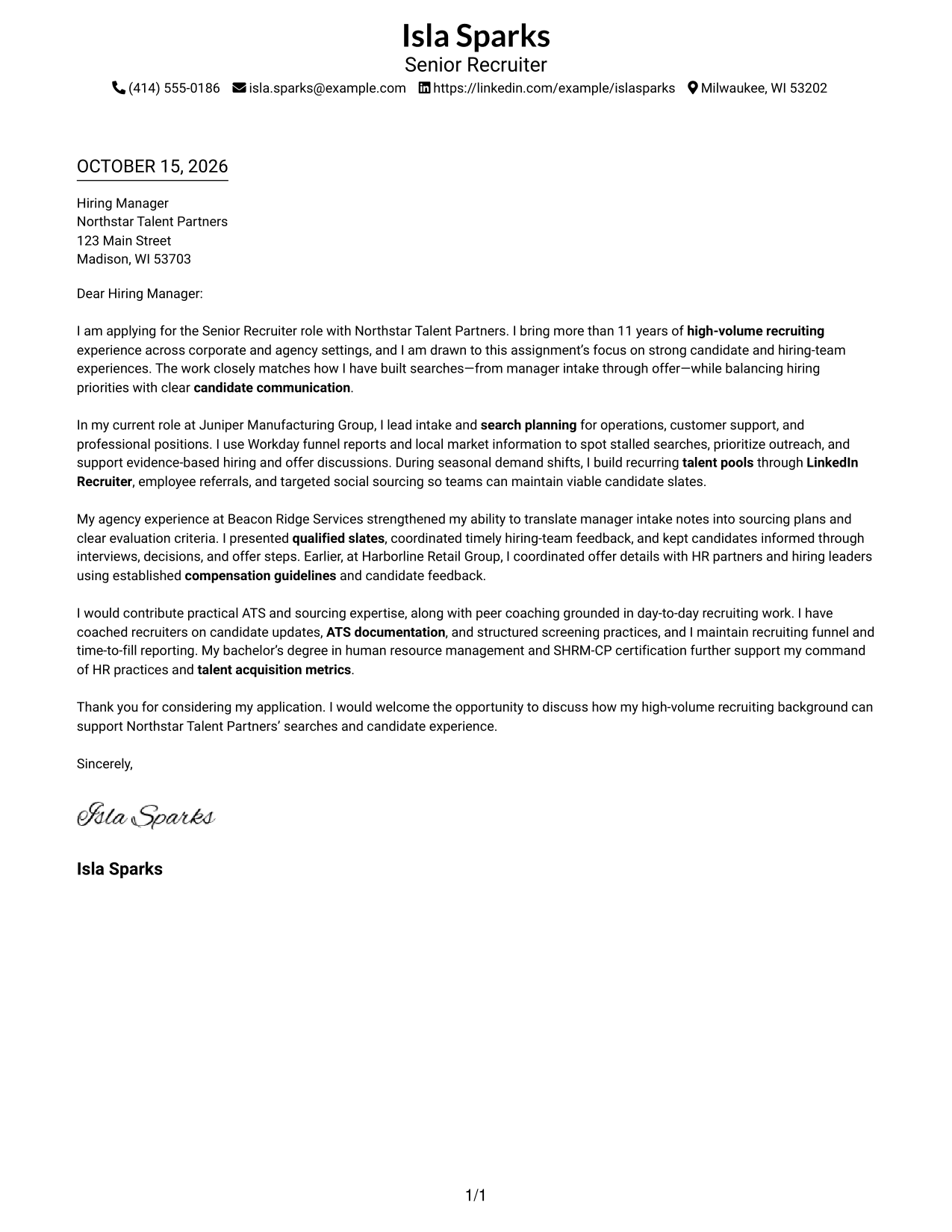
This guide helps you write a focused Senior Recruiter - High-Volume Recruiting cover letter and compare its example in seven layouts.
What Makes a Great Senior Recruiter - High-Volume Recruiting Cover Letter in 2026
A strong letter connects your approach to high-volume recruiting with the role’s focus on hiring manager intake, sourcing, and candidate communication. Show clear motivation for supporting both hiring teams and candidates.
Choose specific evidence, such as shaping a search plan, keeping a candidate slate moving, or advising on an offer. Explain how your example fits the employer’s needs, and keep each point clear and accurate.
The featured example moves from role interest to focused recruiting evidence and a clear close, a progression you can adapt while choosing a presentation that fits the employer and communication context.
#1 Simple One Column Format Cover Letter Example
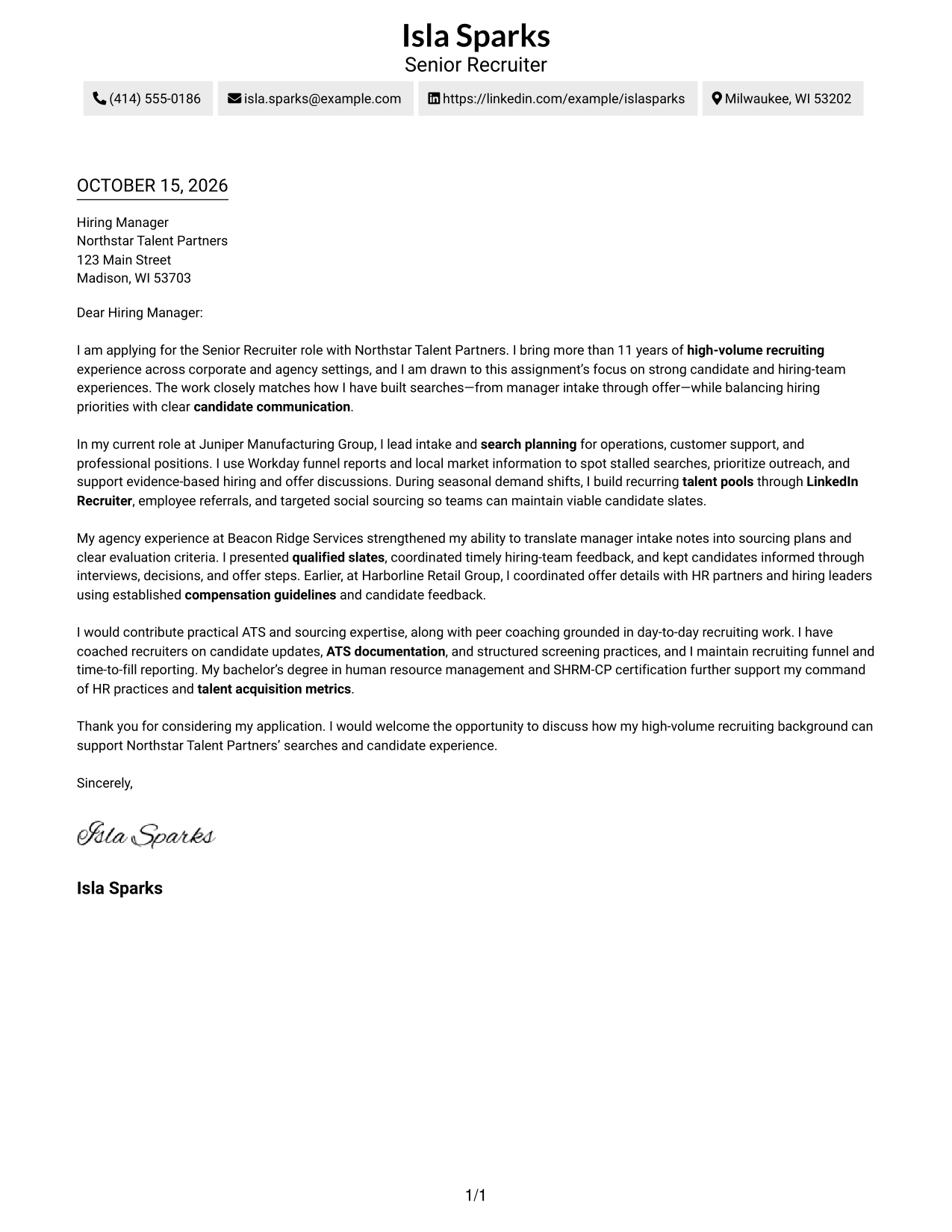
A single-column layout keeps sender details in the header and the letter body in one direct reading path.
Why This Format Works
- Header details keep contact information separate from the letter’s persuasive message.
- One body carries motivation, evidence, and closing in a clear reading sequence.
- Without section headings, the paragraphs retain a direct, personal tone.
Best For
- Single-column reading preference
- Letters with several evidence paragraphs
- Header-based contact presentation
- Direct employer applications
- Paragraph-led business correspondence
#2 Two Column Format Cover Letter Example
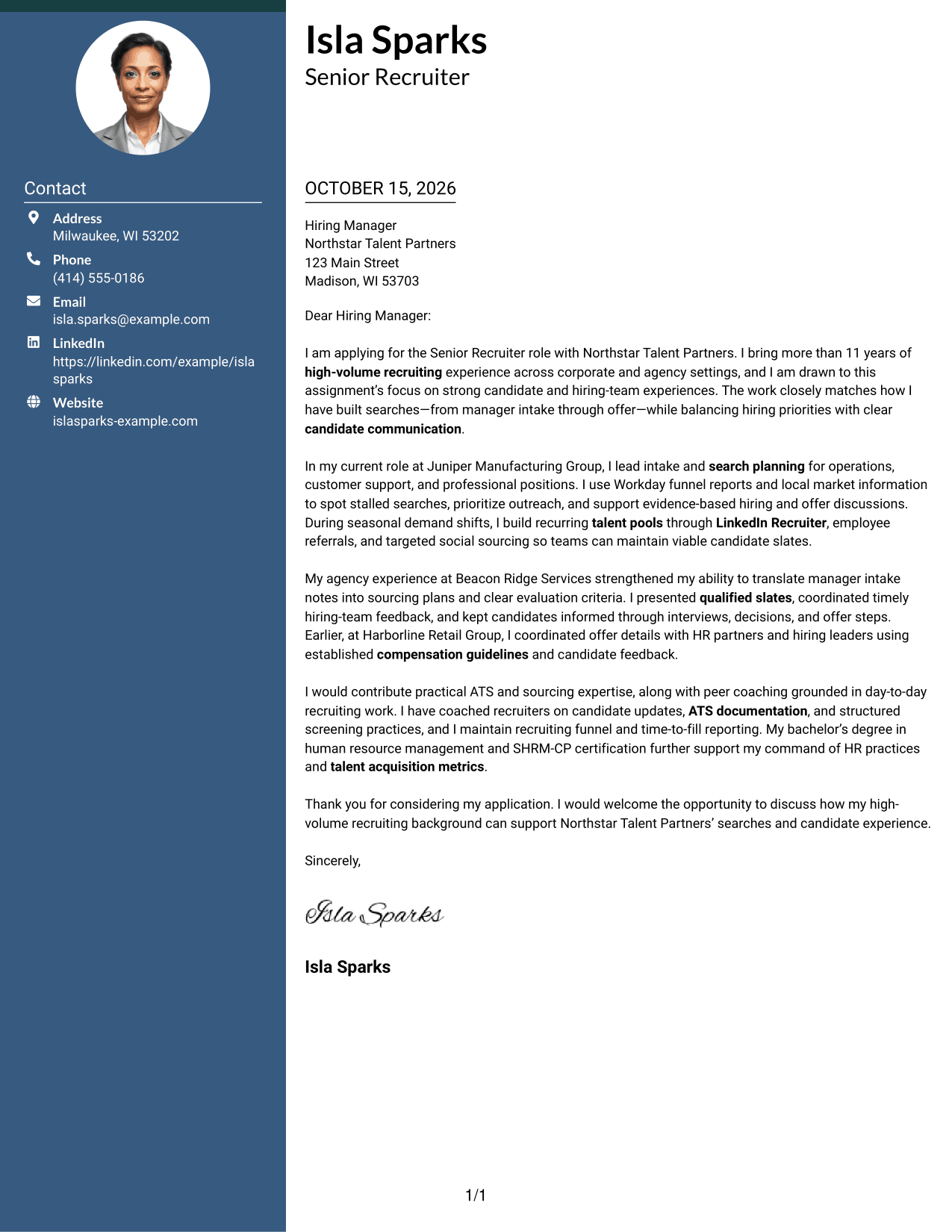
A contact sidebar sits beside the continuous letter body, keeping sender information distinct from the message.
Why This Format Works
- The contact sidebar separates sender details from the letter’s central message.
- One body carries motivation, evidence, and closing in a clear reading sequence.
- Unheaded paragraphs keep the argument from feeling divided into labeled stages.
Best For
- Side-by-side contact and letter areas
- Letters with several evidence paragraphs
- Quick access to sender details
- Uninterrupted business correspondence
- Clear separation of contact and message
#3 Photo Header Two Column Format Cover Letter Example
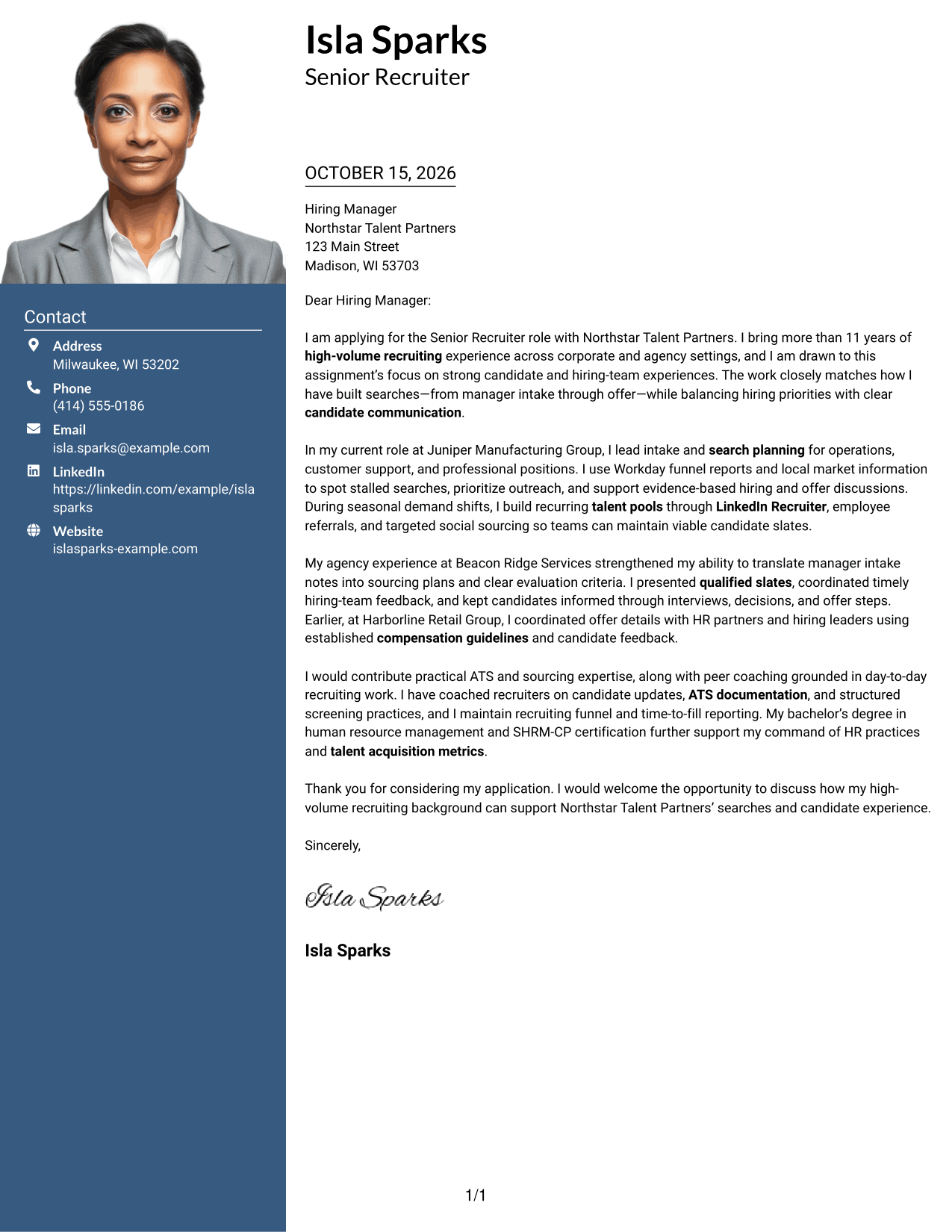
A photo in the header adds a personal visual above two columns, with contact details beside one continuous letter body.
Why This Format Works
- The header portrait offers a personal visual without dividing the letter’s paragraphs.
- A contact sidebar keeps sender information distinct from the message itself.
- The continuous body lets reviewers follow the opening, evidence, and closing in order.
Best For
- Letters with a personal header image
- Side-by-side contact and letter areas
- A continuous argument in paragraph form
- Applications where a portrait is preferred
- Direct access to sender information
#4 One Column Format with Photo Cover Letter Example
The photo adds a personal visual to a one-column layout, where sender details and the continuous letter body share a direct reading path.
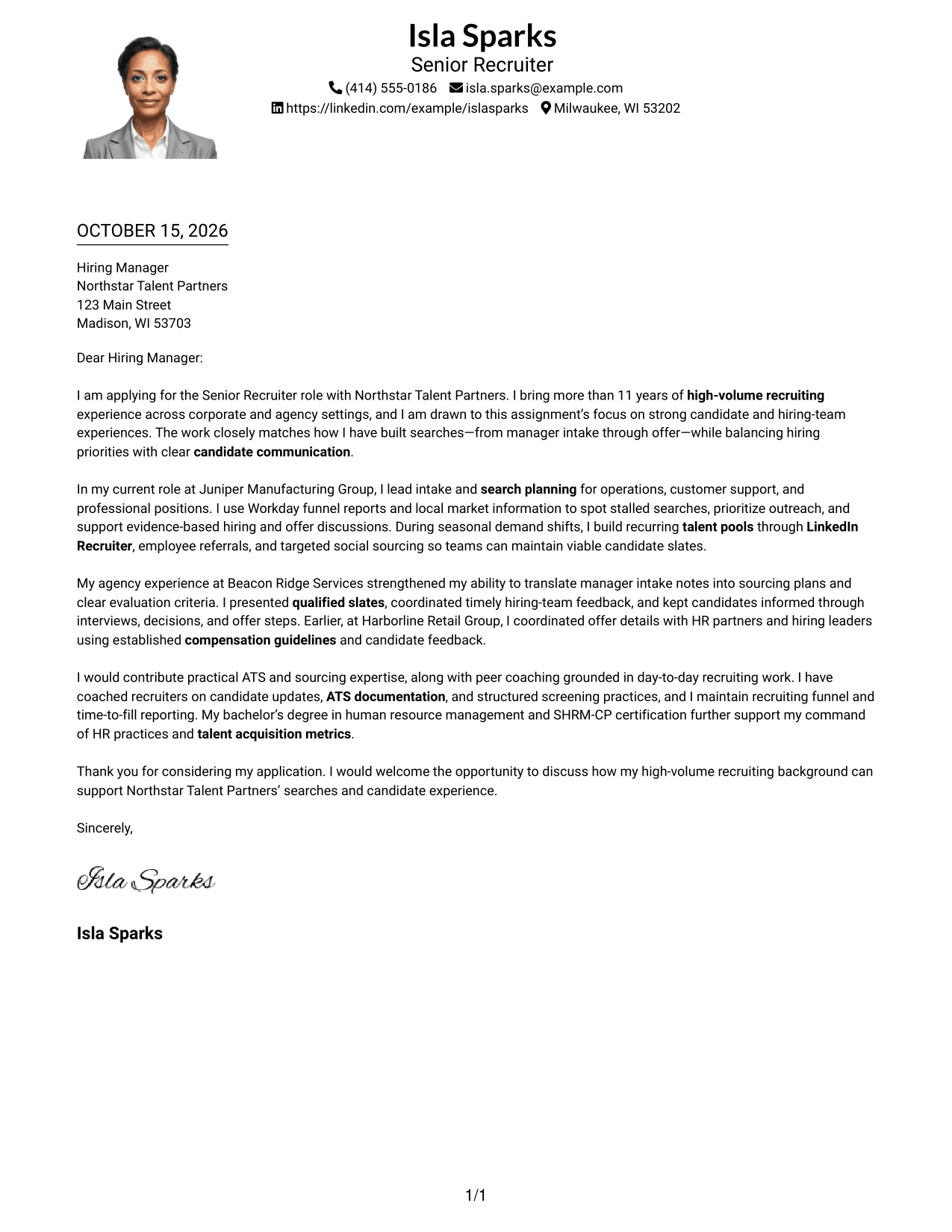
Why This Format Works
- The portrait provides a visual element without changing the letter’s one-column reading order.
- Header details keep contact information separate from the persuasive paragraphs.
- Unheaded paragraphs let the message move naturally from opening to closing.
Best For
- One-column reading preference
- Letters with a personal photo
- Direct movement through letter paragraphs
- Header-based contact details
- Applications with a clear closing request
#5 Simple Two Column Format Cover Letter Example
A contact sidebar alongside one continuous letter body gives sender details their own area without splitting the message.
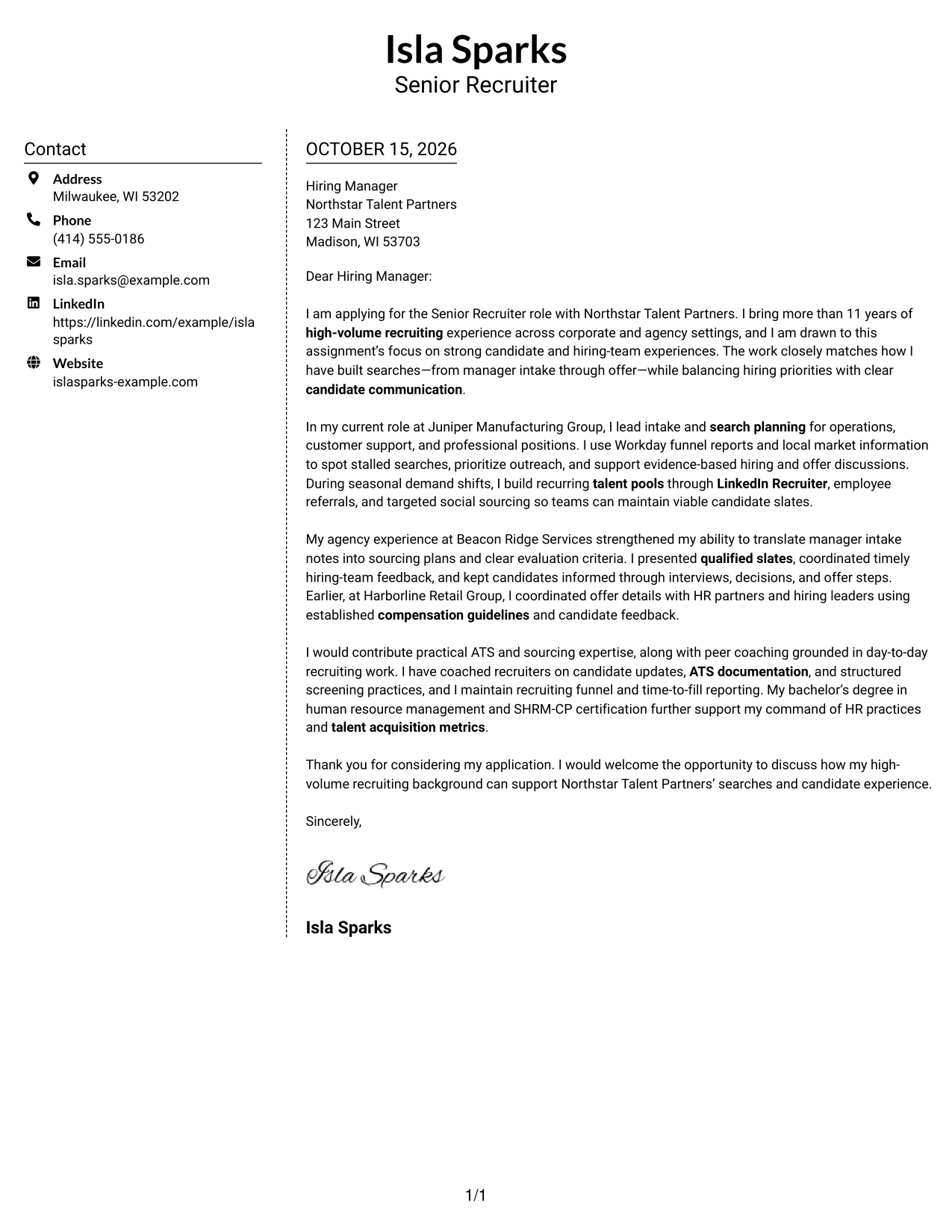
Why This Format Works
- Sender details stay apart from the letter, leaving its message in one body column.
- The continuous paragraphs preserve transitions from motivation through evidence to the close.
- No argument headings keep the letter focused on direct communication.
Best For
- Separate contact and message areas
- Letters with connected evidence paragraphs
- A direct, unheaded letter style
- Easy-to-locate sender information
- Business application correspondence
#6 Modern Icon Format Cover Letter Example
Contact icons provide visual cues in the sidebar, which sits beside a single continuous letter body.
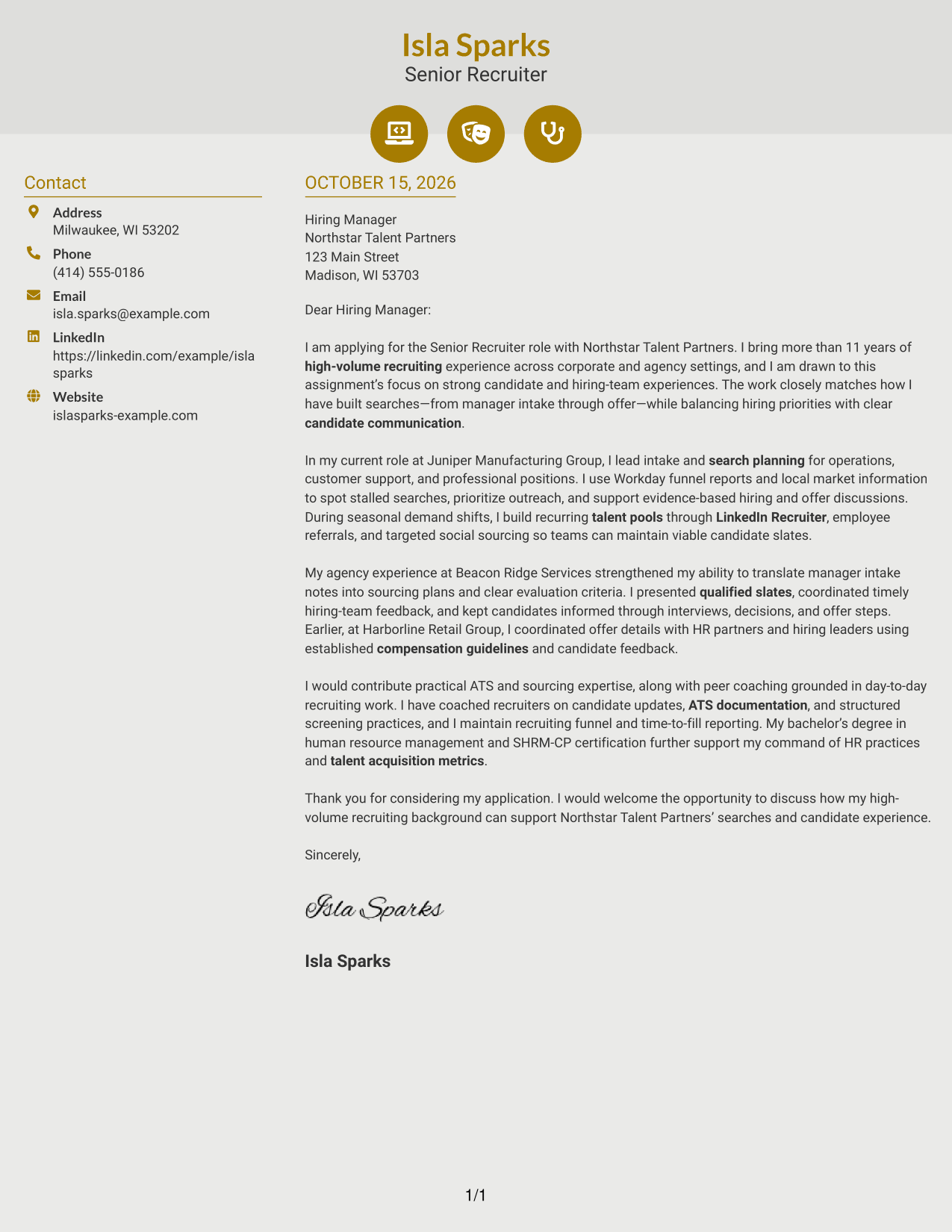
Why This Format Works
- Contact icons distinguish sender details without labeling parts of the letter argument.
- The sidebar keeps contact information apart from the message paragraphs.
- One continuous body carries the opening, supporting evidence, and closing in sequence.
Best For
- Icon cues for contact details
- Side-by-side contact and letter areas
- Paragraph-based application messages
- A continuous opening-to-close argument
- Fast access to sender information
#7 Creative Two Tone Format Cover Letter Example
Two columns place contact details beside one continuous letter body, giving the sender information a separate area.
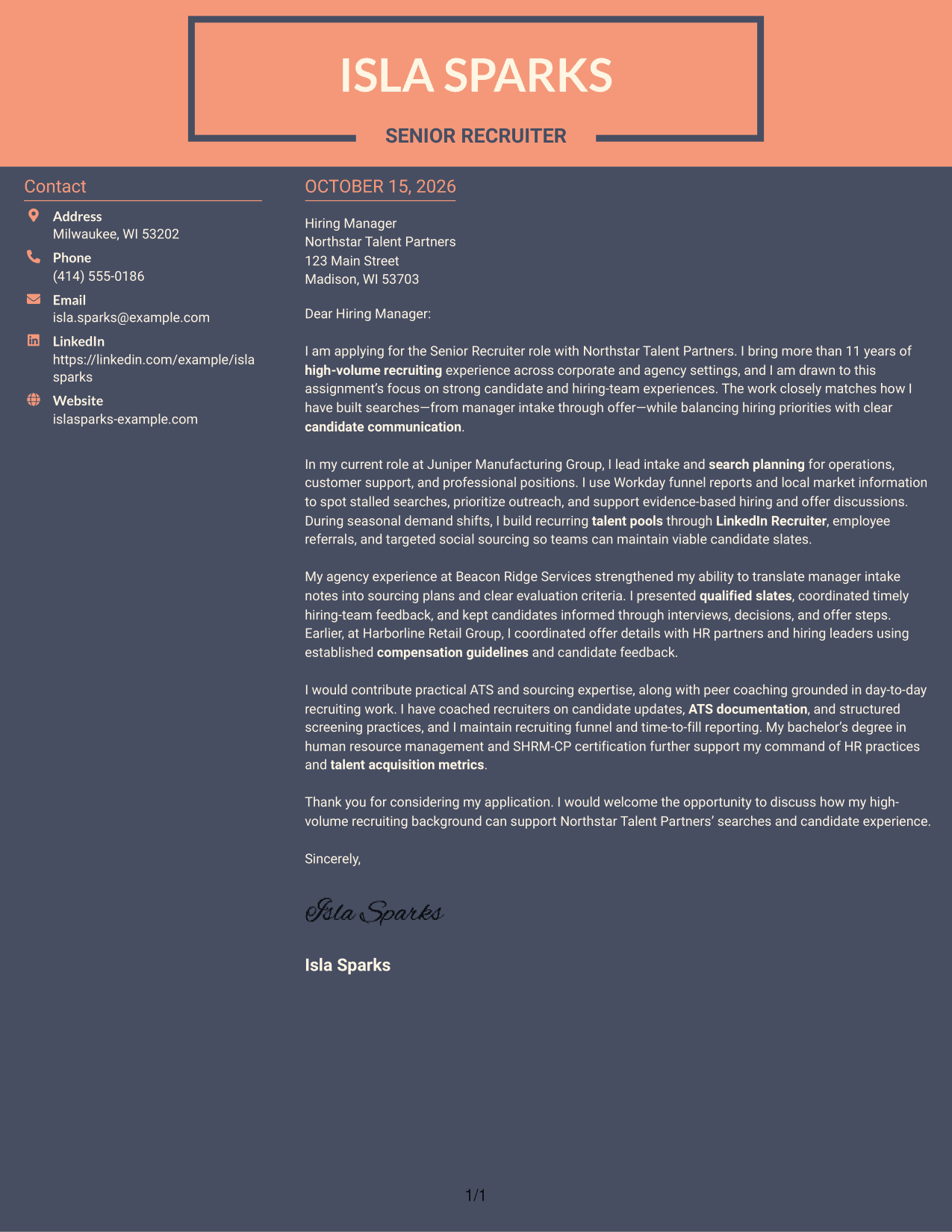
Why This Format Works
- The contact sidebar separates sender information from the letter’s persuasive paragraphs.
- A single body preserves the order of motivation, evidence, and closing.
- Without argument headings, the message reads as direct correspondence.
Best For
- A distinct contact area beside the letter
- Connected paragraphs of supporting evidence
- Unheaded business correspondence
- Easy reference to sender details
- Direct application messages
See Also
- 7 Senior Recruiter - High-Volume Recruiting Resume Templates with Example
- 33 High Volume Recruiter - Talent Acquisition Resume Templates with Example
- 7 Corporate Recruiter Resume Templates with Example
- 7 GTM Recruiter Resume Templates with Example
- 7 Political Science Student Recruiter Resume Templates with Example
- 7 Product Recruiter Resume Templates with Example
- 7 Recruiter II Resume Templates with Example
- 33 Recruiter - Talent Acquisition Delivery Resume Templates with Example 2026 (ATS-Optimized)
- 7 GTM Recruiter Cover Letter Templates with Example
- 7 Senior Recruiter - Architecture, Engineering, and Construction Cover Letter Templates with Example
Frequently Asked Questions
What should a Senior Recruiter - High-Volume Recruiting cover letter emphasize?
Focus on how you guide hiring intake, shape sourcing plans, build candidate pipelines, and keep communication timely. Support your points with examples from your own experience.
How should I open this cover letter?
Name the exact role and give a clear reason for your interest. Then connect that interest to the employer’s focus on effective searches and a positive experience for candidates and hiring teams.
What evidence can make my letter more persuasive?
Describe a specific recruiting challenge and the steps you took, such as clarifying selection criteria, adjusting outreach, or helping a hiring team make a timely decision. Include results only when you can support them.
Which cover letter format should I choose?
Choose a clear format that makes your opening, evidence, and closing easy to follow. Compare the image previews, then open an example in the editor to view or customize it.
How can I make my closing stronger?
Briefly restate how your recruiting approach fits the role, thank the reader, and express interest in discussing your contribution. Keep the tone direct and professional.




