
33 Senior SOC Analyst: Threat Hunter & Incident Lead Resume Templates with Example 2026
This guide shows you how to build a Senior SOC Analyst: Threat Hunter & Incident Lead resume that is clear, focused, and easy to review. You will learn how to present incident leadership, threat-hunting work, and security operations evidence in a practical resume format.
Strong resume content should connect EDR and SIEM monitoring to alert triage, detection engineering, incident response, remediation, and stakeholder reporting. It should also show how Python, PowerShell, threat intelligence, identity monitoring, and CJIS policy considerations support reliable security operations.
The examples below show how to organize a focused summary, experience bullets, skills, projects, certifications, and education. Use the formats to compare section hierarchy, improve ATS keyword alignment, and make measurable security achievements easier to scan.
What Makes a Great Senior SOC Analyst: Threat Hunter & Incident Lead Resume in 2026
A strong resume is direct, evidence-based, and built for fast review. It connects monitoring, threat hunting, incident command, remediation, and analyst mentoring to clear results.
Use keywords such as EDR, SIEM, detection engineering, Python, PowerShell, incident response, threat intelligence, CJIS, CISSP, and CySA+ when they match your background.
The examples shown below are intentionally detailed to demonstrate a range of experiences, skills, accomplishments and relevant keywords. We prefer detailed resumes as they provide more context to the hiring managers and also help the ATS systems identify relevant qualifications and score your resume better for a match. But the length of a resume is an individual choice. If you want a one page resume, just keep the most relevant experience and information for the job. Note: Resume examples are created for educational purposes; references to real organizations do not imply affiliation or endorsement.
#1 Plain Two Column Format Resume Example
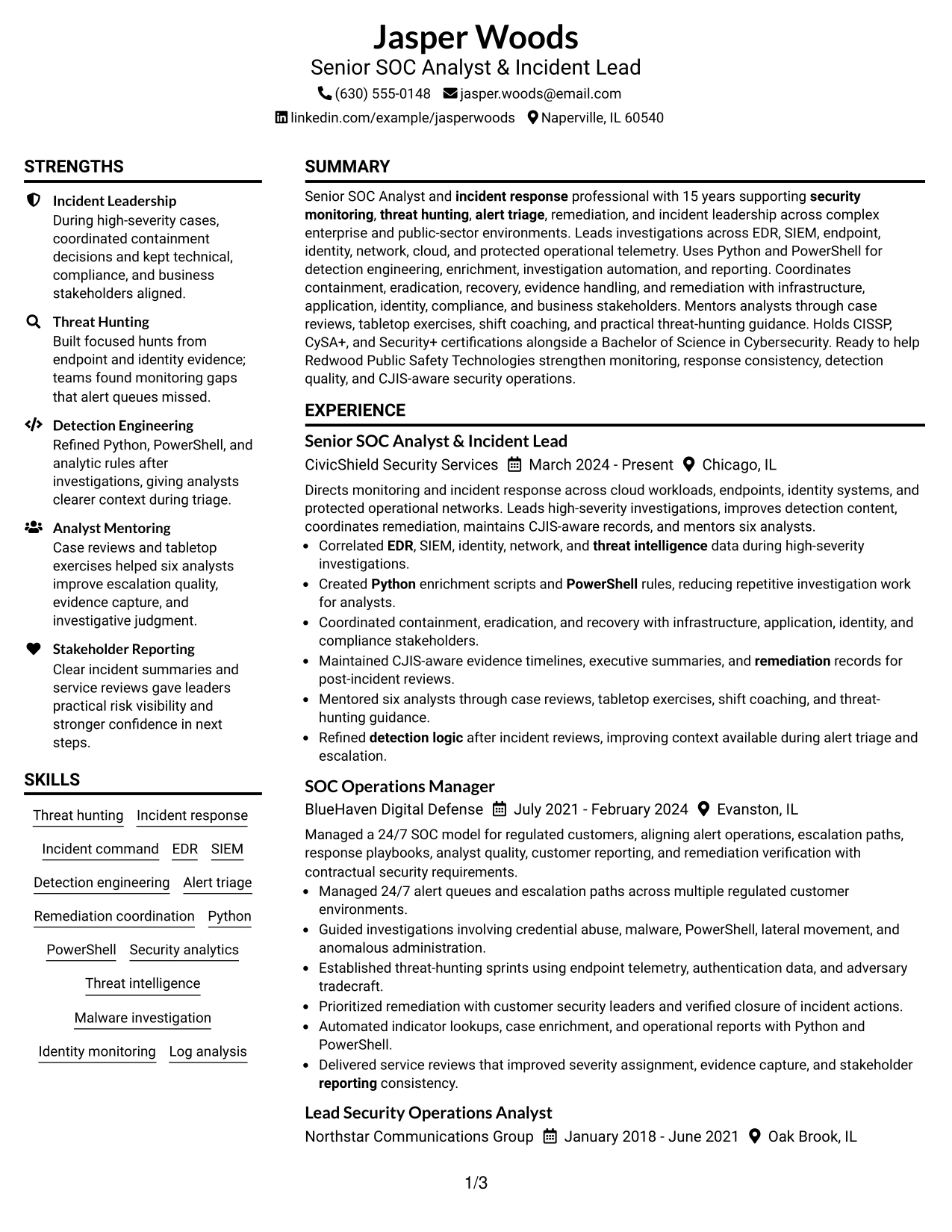
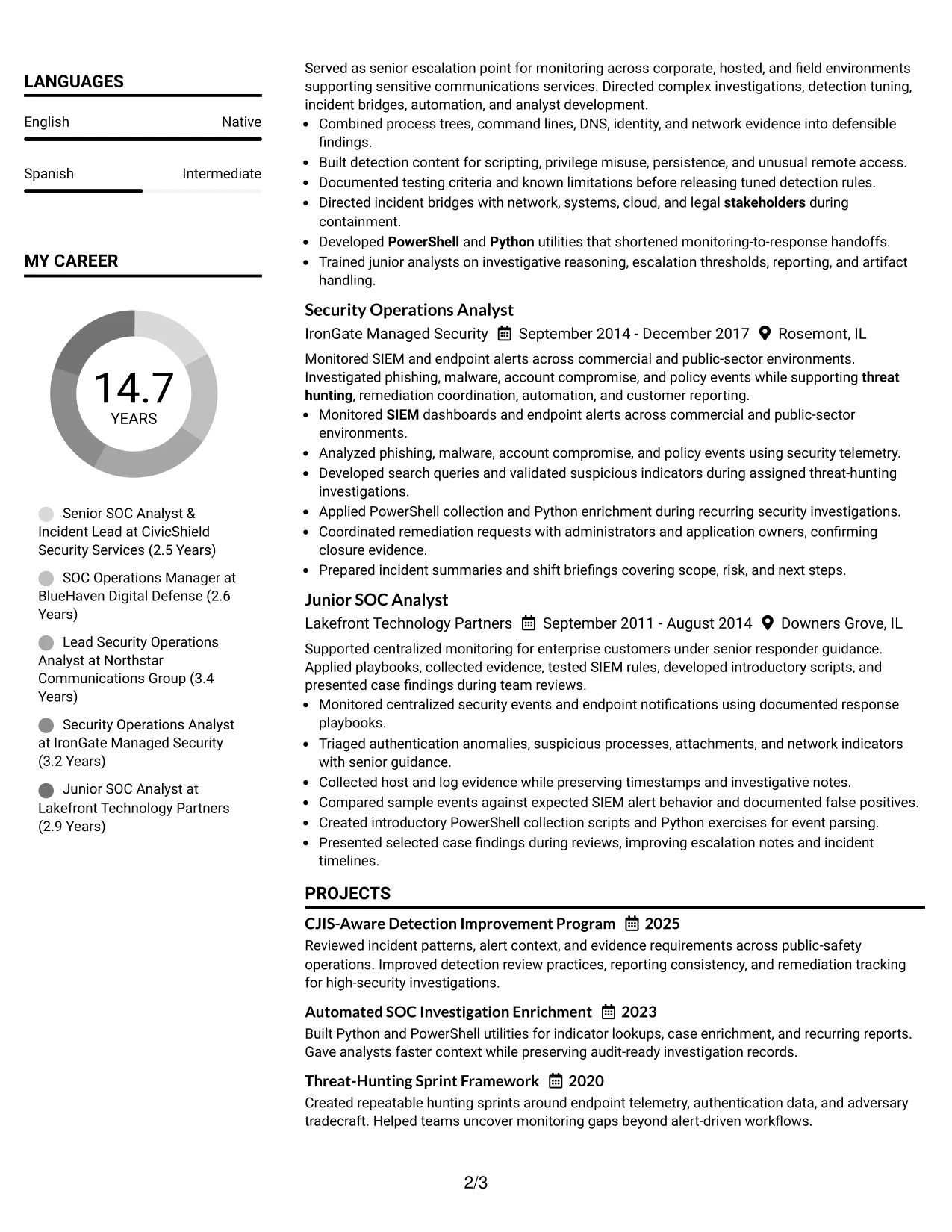
The Plain Two Column Format places contact details and supporting information in a narrow side column while the main column carries the summary, experience, projects, and education. That split gives Jasper Woods a clear structure for showing incident leadership, threat hunting, and detection engineering without creating a crowded page.
The resume keeps high-value evidence in the main reading path. Bullets show EDR and SIEM investigations, Python and PowerShell automation, CJIS-aware records, stakeholder coordination, and mentoring six analysts. The two-column structure also keeps certifications, skills, and affiliations easy to locate.
Resume Snapshot
- Senior SOC Analyst and incident response professional with 15 years of experience.
- Leads security monitoring, threat hunting, alert triage, and remediation.
- Uses EDR, SIEM, Python, PowerShell, and detection engineering methods.
- Holds CISSP, CySA+, Security+, and a Bachelor of Science in Cybersecurity.
Why the Plain Two Column Format Works for a Resume
- The main column gives employment history enough width for detailed achievement bullets.
- The side column separates skills, certifications, education, and contact details from work evidence.
- Clear section labels help recruiters scan for incident response and threat-hunting experience.
- Short bullet points make technical evidence easier to review quickly.
- Keywords such as EDR, SIEM, Python, PowerShell, and CJIS appear in useful context.
- The format supports strong ATS readability when headings and text remain simple.
Resume Keywords
- Senior SOC Analyst
- Incident Lead
- security monitoring
- Incident response
- Threat Hunting
- EDR
- SIEM
- Python
- PowerShell
- Alert triage
- Remediation
- detection logic
- Mentoring
- stakeholders
- Reporting
#2 Simple One Column Format Resume Example
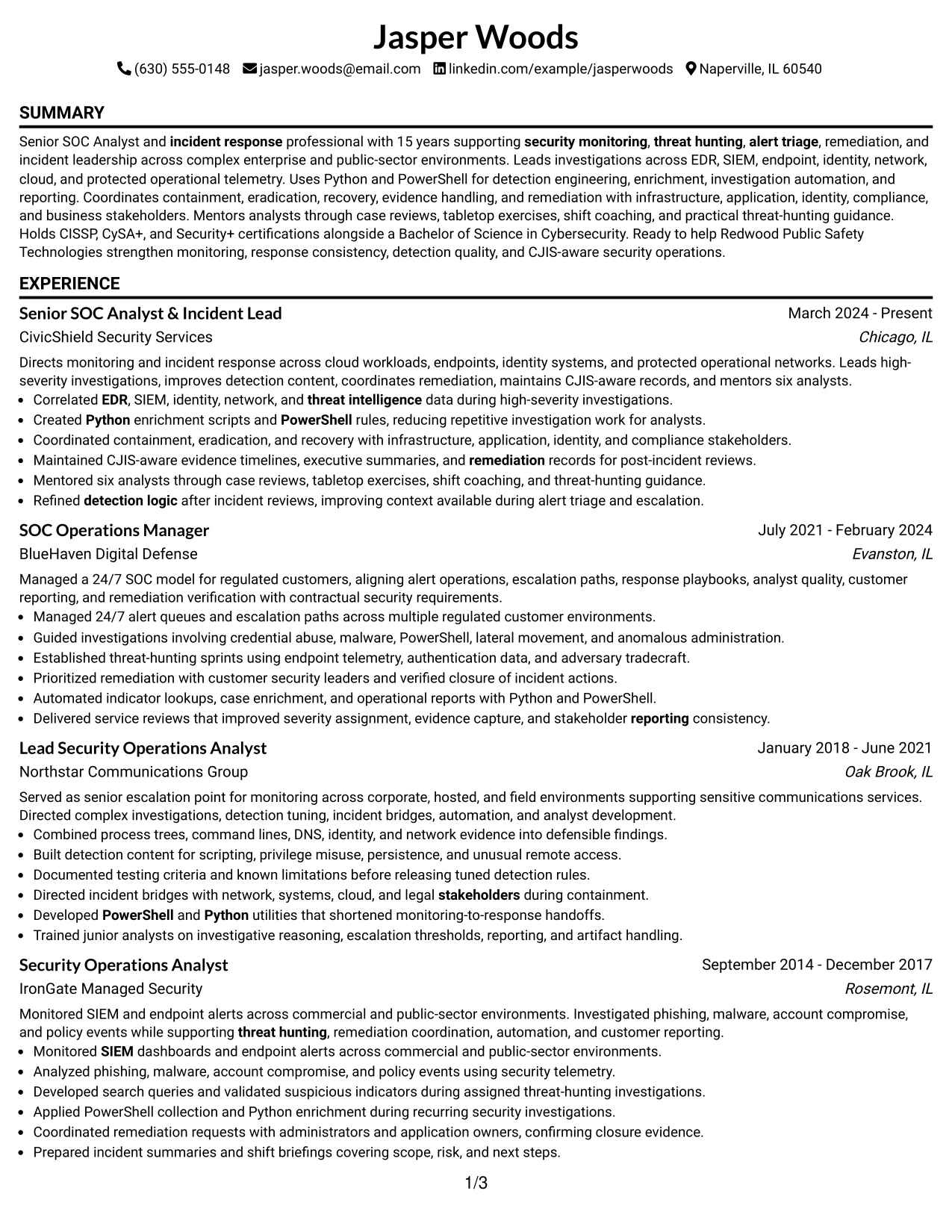
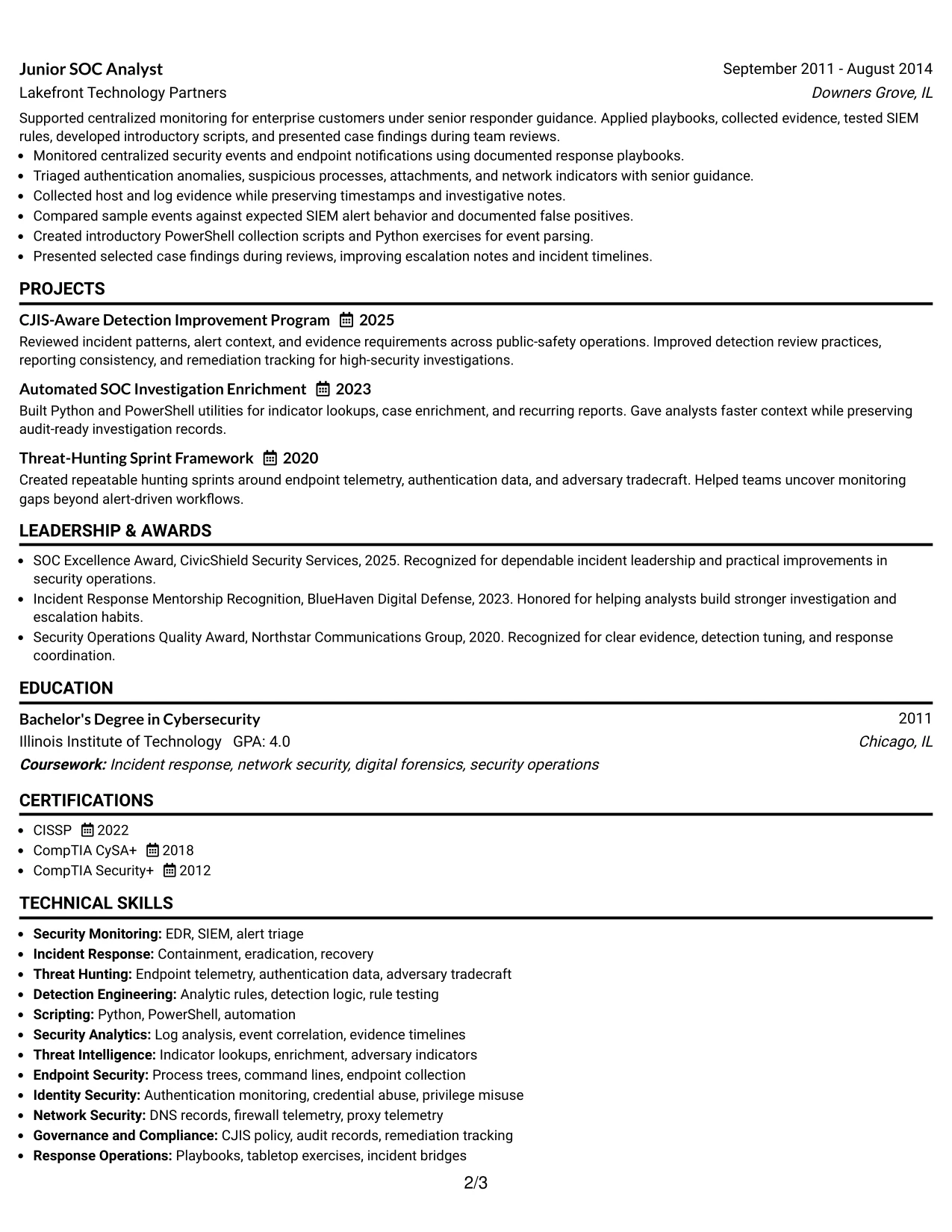
A recruiter moves from the summary into experience, then through projects, education, certifications, and skills in one steady path. The Simple One Column Format avoids side-to-side movement, so the resume can present a large body of security operations evidence in a predictable order.
That single reading path gives each role room for focused bullets. It supports details about high-severity investigations, threat-hunting sprints, detection rules, remediation, reporting, and analyst mentoring while keeping the document easy for ATS software to parse.
Why the Simple One Column Format Works for a Resume
- One reading path reduces missed details during a fast resume review.
- Full-width sections give complex incident investigations enough space for context.
- A consistent date and heading structure supports reliable ATS parsing.
- Experience bullets can show both technical actions and operational results.
- Projects can add evidence of Python, PowerShell, enrichment, and hunting methods.
- The format works well when the resume contains several roles and substantial supporting content.
Best For
- Resumes with several positions that need a clear chronological path
- Detailed experience bullets that require full-page width
- ATS-focused applications using standard headings and simple text flow
- Candidates presenting projects alongside employment history
- Documents that need room for certifications, affiliations, and technical skills
- Readers who prefer reviewing one section at a time
- Applications where consistent parsing matters more than decorative layout
#3 Clean Two Column Sidebar Format Resume Example
Evidence receives priority in the main column: incident investigations, detection work, remediation decisions, and measurable scope belong where readers spend the most time. The Clean Two Column Sidebar Format places supporting skills and credentials in a compact sidebar without taking attention away from that evidence.
Bullets give the resume a defensible record of security work. Readers can connect alert triage to endpoint, identity, network, and threat intelligence data, then see related proof through projects, certifications, and CJIS-aware reporting.
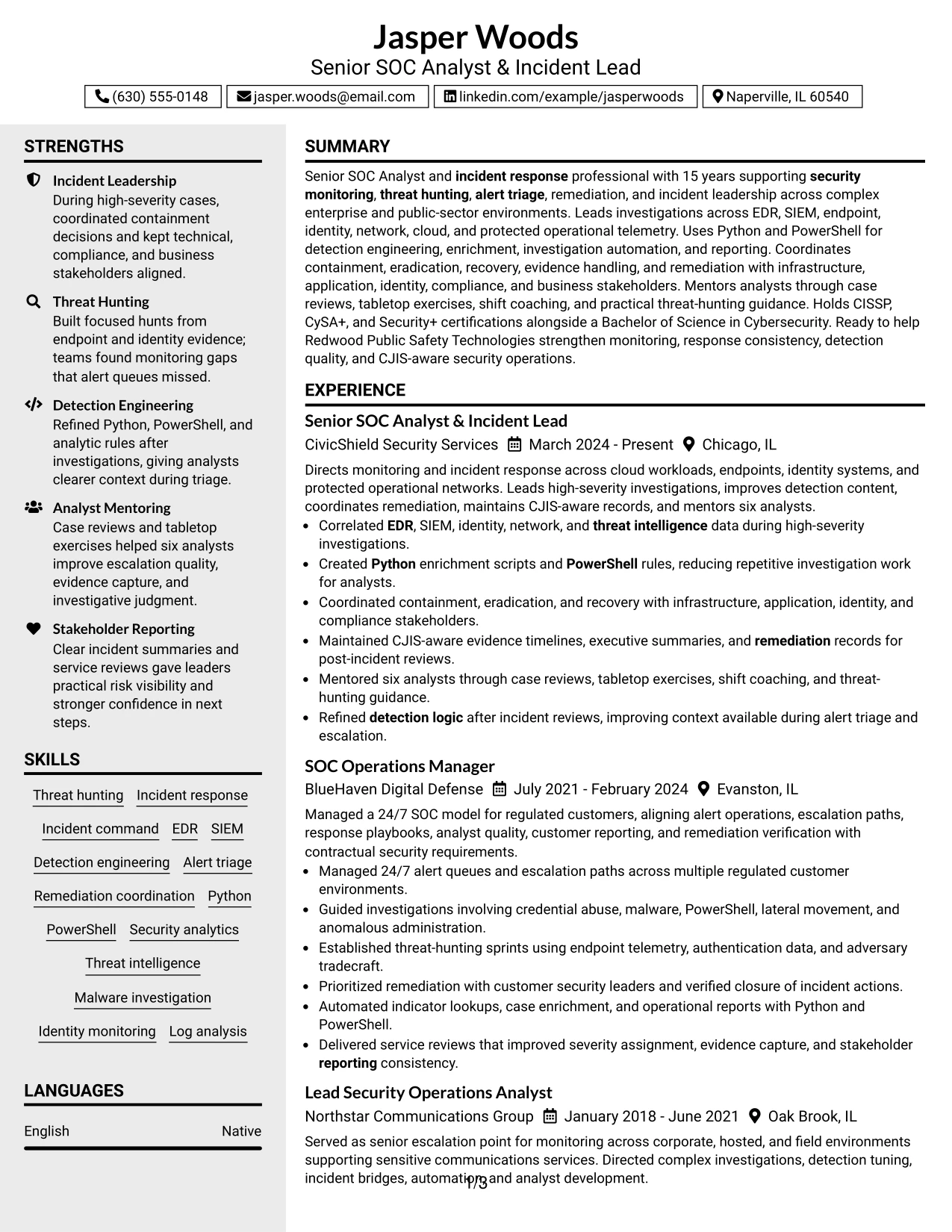
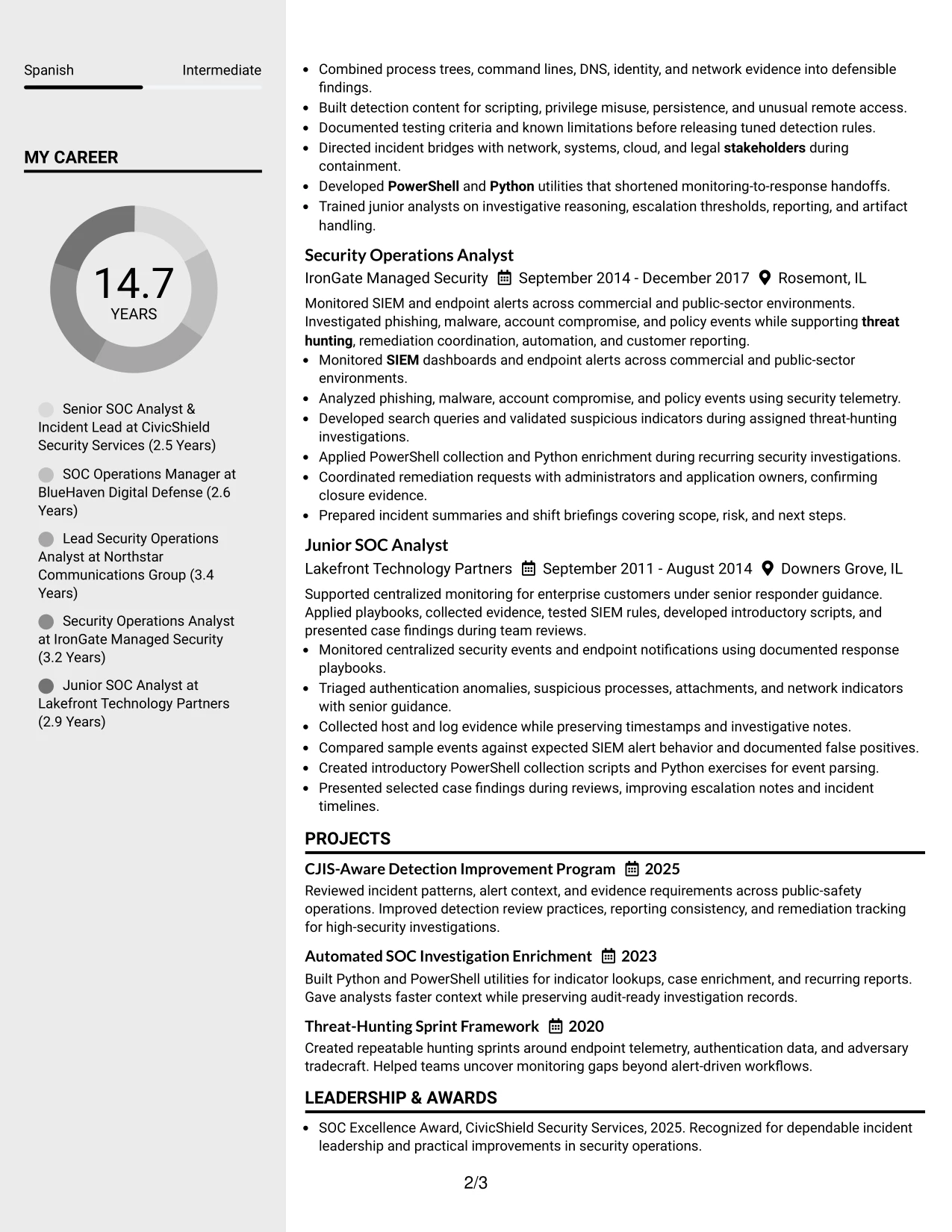
Why the Clean Two Column Sidebar Format Works for a Resume
- The wide column gives investigation bullets room to show evidence and decisions.
- The sidebar keeps skills and certifications visible without interrupting the work history.
- Square bullet treatment creates clear stopping points for technical findings.
- The hierarchy separates direct security operations evidence from supporting qualifications.
- Project entries can reinforce detection improvement and investigation automation.
- Simple headings and text blocks help preserve ATS-friendly content order.
Best For
- Resumes where investigations and response decisions are the strongest proof
- Candidates who need a compact area for certifications and core skills
- Applications that benefit from separating evidence from supporting credentials
- Technical histories with multiple telemetry sources in each achievement bullet
- Readers who scan bullet points before reviewing education or affiliations
- Documents that need visible project evidence without weakening experience hierarchy
- Security operations applications requiring both operational and technical proof
#4 Two Column Format Resume Example
Balanced content distribution helps a practical application resume stay focused. The Two Column Format gives the main area to career history and projects while using the second area for skills, education, certifications, and other qualifications that support a Senior SOC Analyst application.
This arrangement helps connect the job requirements to specific proof. EDR and SIEM triage, incident command, Python and PowerShell automation, stakeholder reporting, and analyst mentoring remain close to the roles where those capabilities were used.
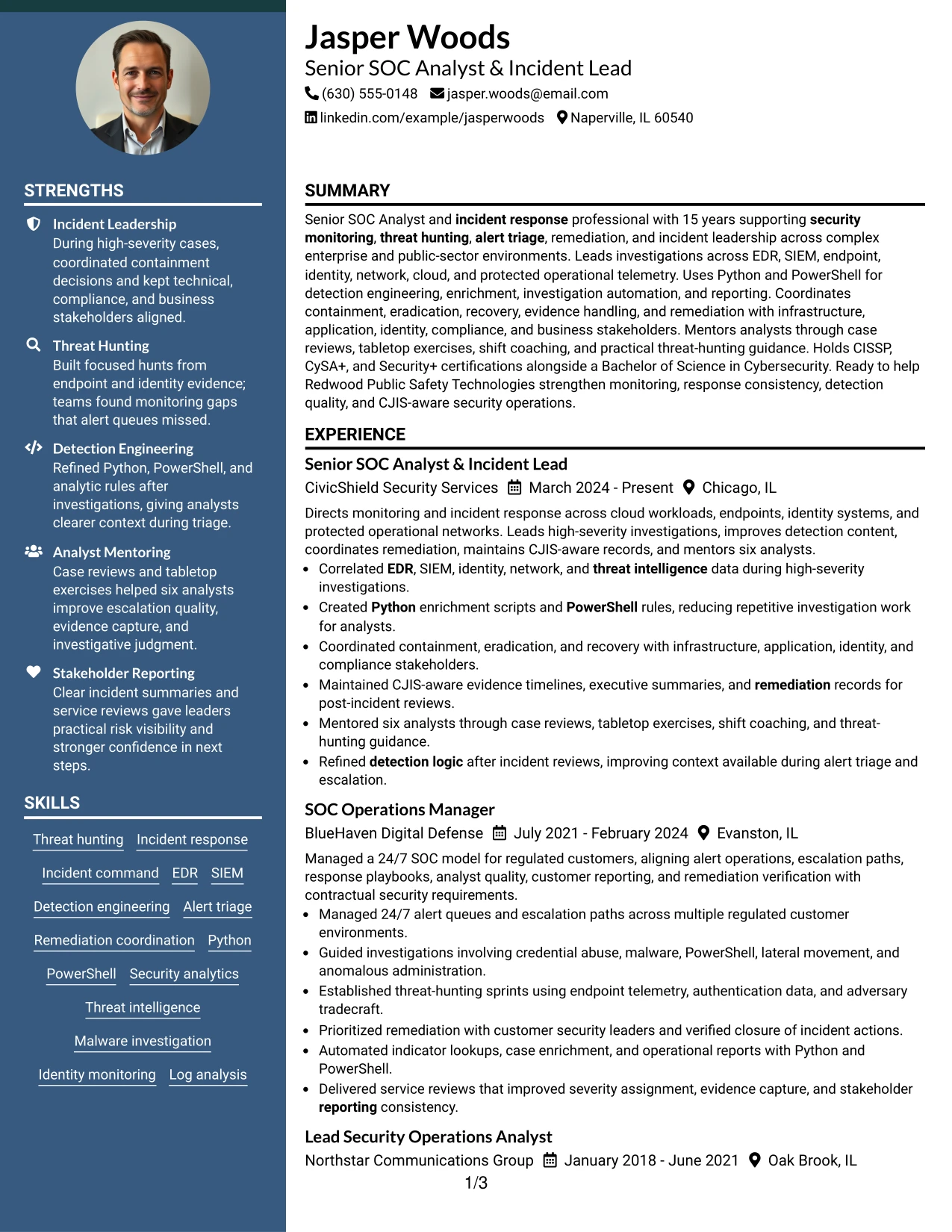
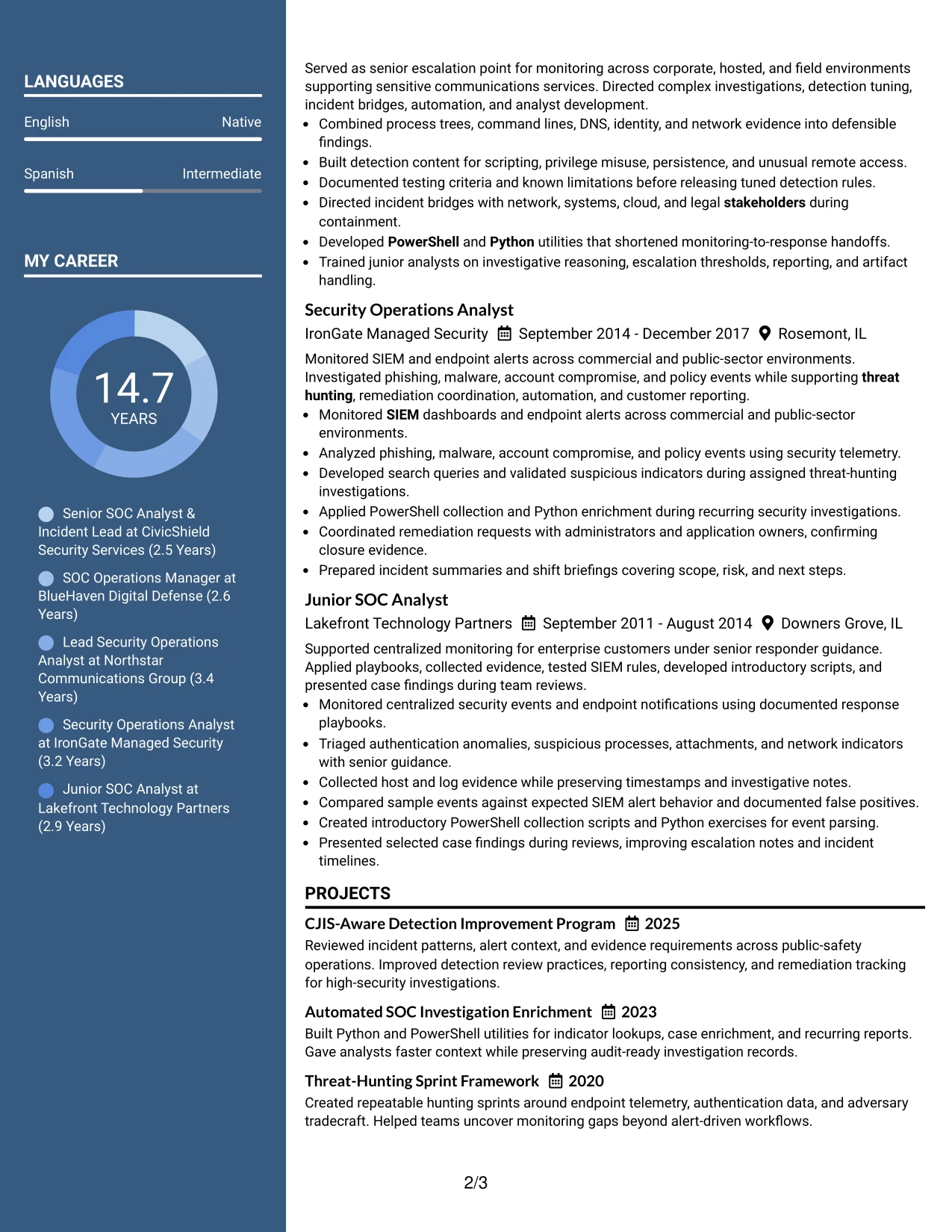
Why the Two Column Format Works for a Resume
- The layout connects job-focused evidence with supporting qualifications at a glance.
- A dedicated skills area makes required terms easier to find during screening.
- Experience bullets retain enough width for response actions and investigation detail.
- Projects can show repeatable improvements beyond routine alert monitoring.
- Certifications and education remain visible without taking space from recent roles.
- The structure supports a professional application when both breadth and depth matter.
- Clear separation helps readers compare responsibilities, tools, and outcomes across roles.
Best For
- Applications that need a direct link between job requirements and work evidence
- Resumes combining substantial experience with projects and certifications
- Candidates who want skills visible without placing them above achievement bullets
- Reviews where readers compare tools and responsibilities across multiple positions
- Documents that must show both operational leadership and technical execution
- Applications with enough content to benefit from two organized information zones
- Readers who want a fast overview before examining detailed incident work
#5 Photo Header Two Column Format Resume Example
For an application that permits a professional image, the header can establish a clear visual entry point before the reader reaches the security operations content. The Photo Header Two Column Format then separates experience from skills, certifications, and education while keeping the candidate's contact details easy to find.
The visual header should remain secondary to the evidence. Strong bullets still carry the resume: high-severity incident leadership, detection engineering, CJIS-aware documentation, Python and PowerShell automation, and mentoring six analysts.
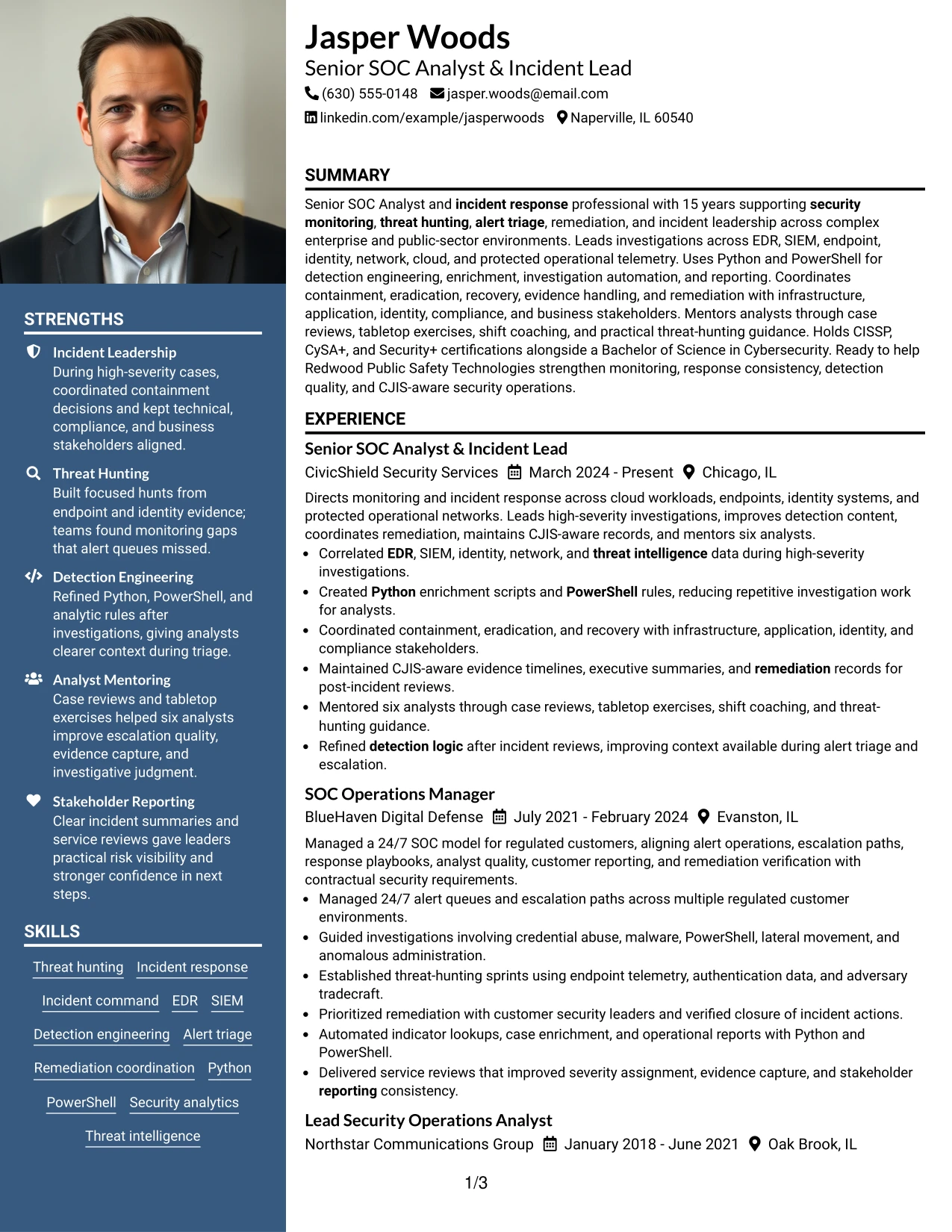
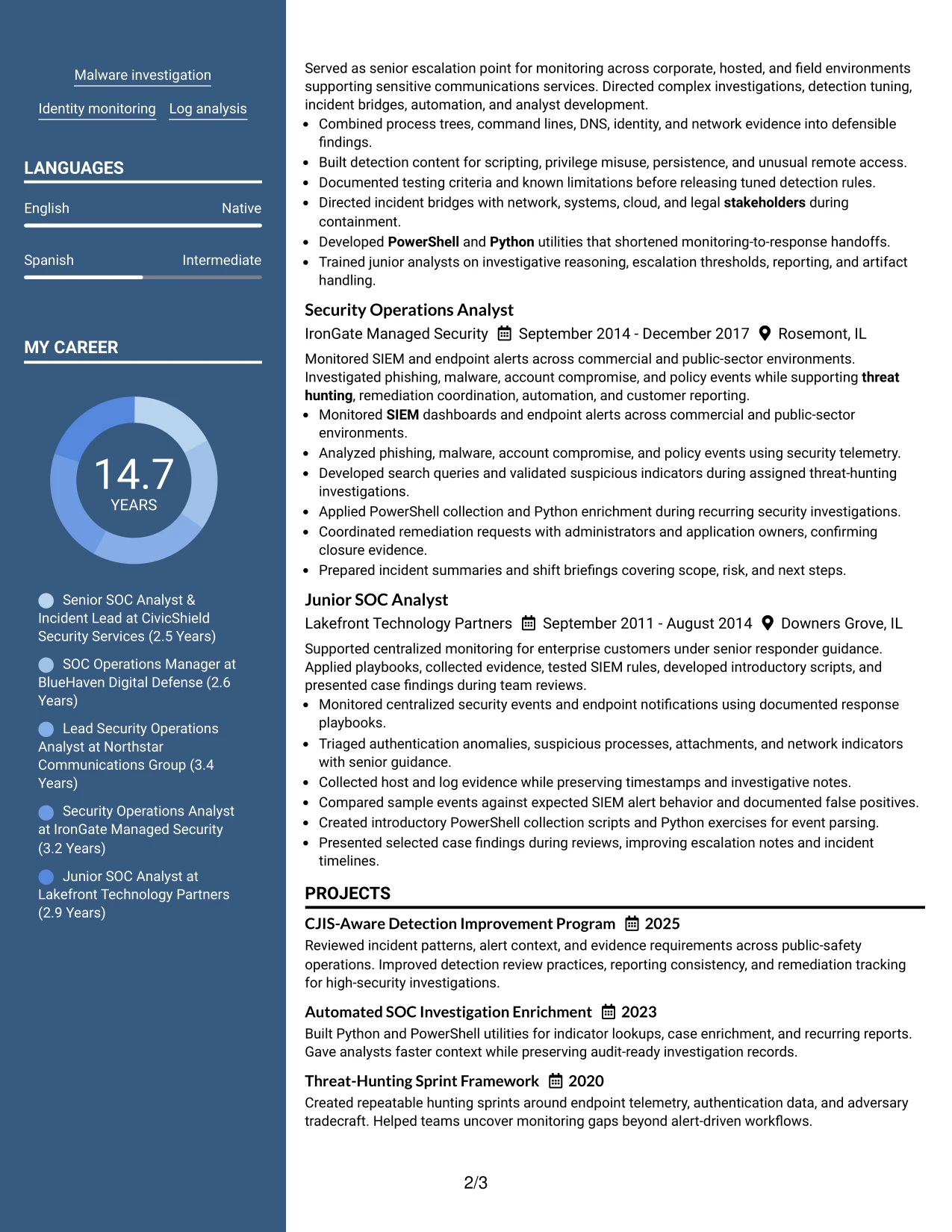
Why the Photo Header Two Column Format Works for a Resume
- The header creates a distinct first viewing area for contact details and professional identity.
- Two columns keep detailed work history separate from compact qualification blocks.
- The format can suit applications where a professional image is accepted or requested.
- The main column preserves space for incident response and threat-hunting achievements.
- A supporting column keeps certifications, skills, and education easy to scan.
- The visual hierarchy can help a polished resume stand out while evidence remains central.
- Standard text sections can still support ATS review when exported carefully.
Best For
- Applications that explicitly permit a professional image in the resume header
- Candidates seeking a strong visual entry point before detailed experience
- Resumes that need separate zones for response history and supporting credentials
- Documents pairing leadership evidence with a compact technical skills area
- Readers who value clear contact details and quick qualification scanning
- Applications where a polished presentation supports, but does not replace, achievement bullets
- Candidates with enough evidence to keep the main column focused and readable
#6 Colored Two Column Format Resume Example
A restrained visual hierarchy helps readers identify the target role, summary, experience, and technical qualifications without losing the substance of the resume. The Colored Two Column Format uses that hierarchy to connect the Senior SOC Analyst & Incident Lead title with relevant evidence in the main column and supporting keywords in the sidebar.
Color should guide attention, not carry meaning by itself. Clear text still explains alert triage, threat hunting, EDR and SIEM analysis, incident command, Python and PowerShell scripting, remediation, and CJIS policy considerations.
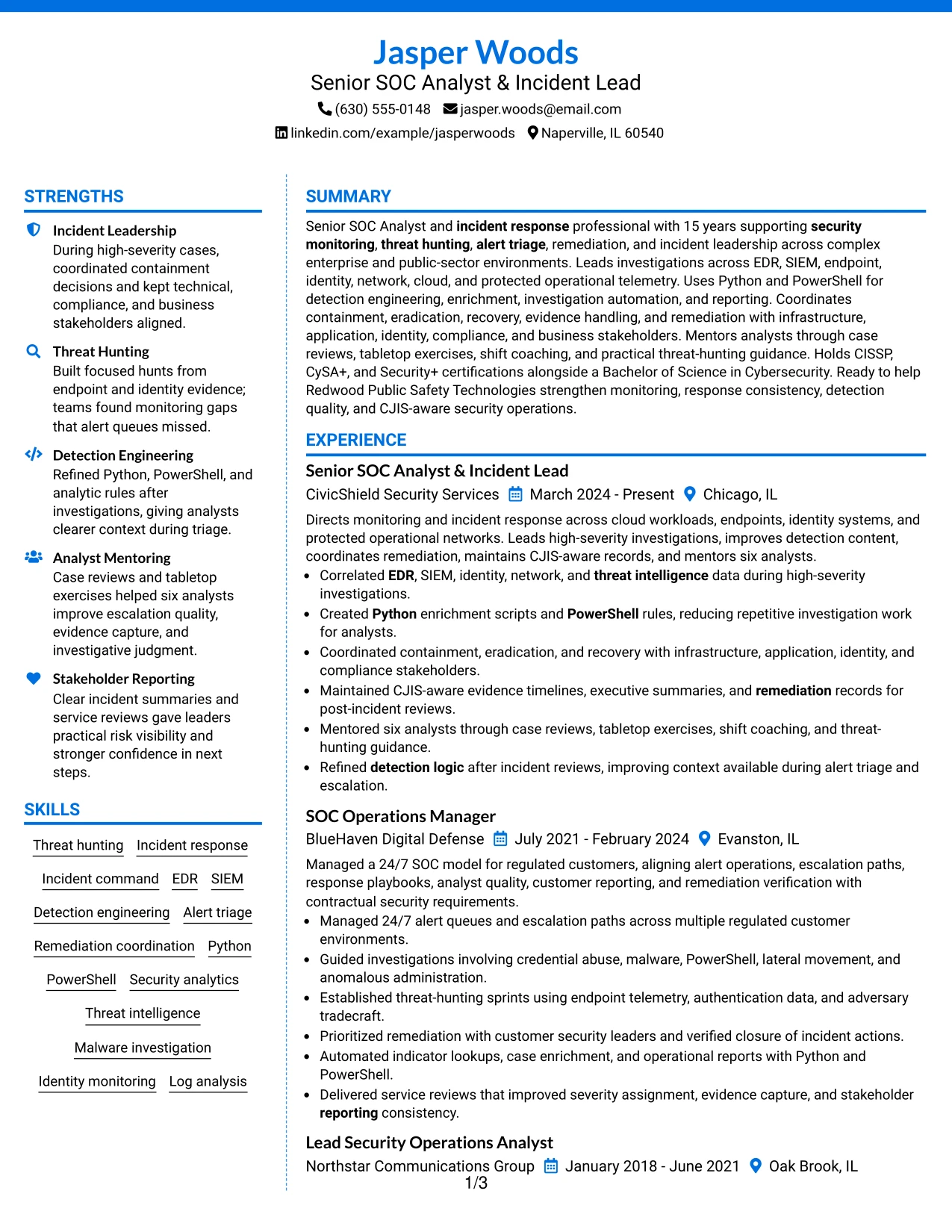
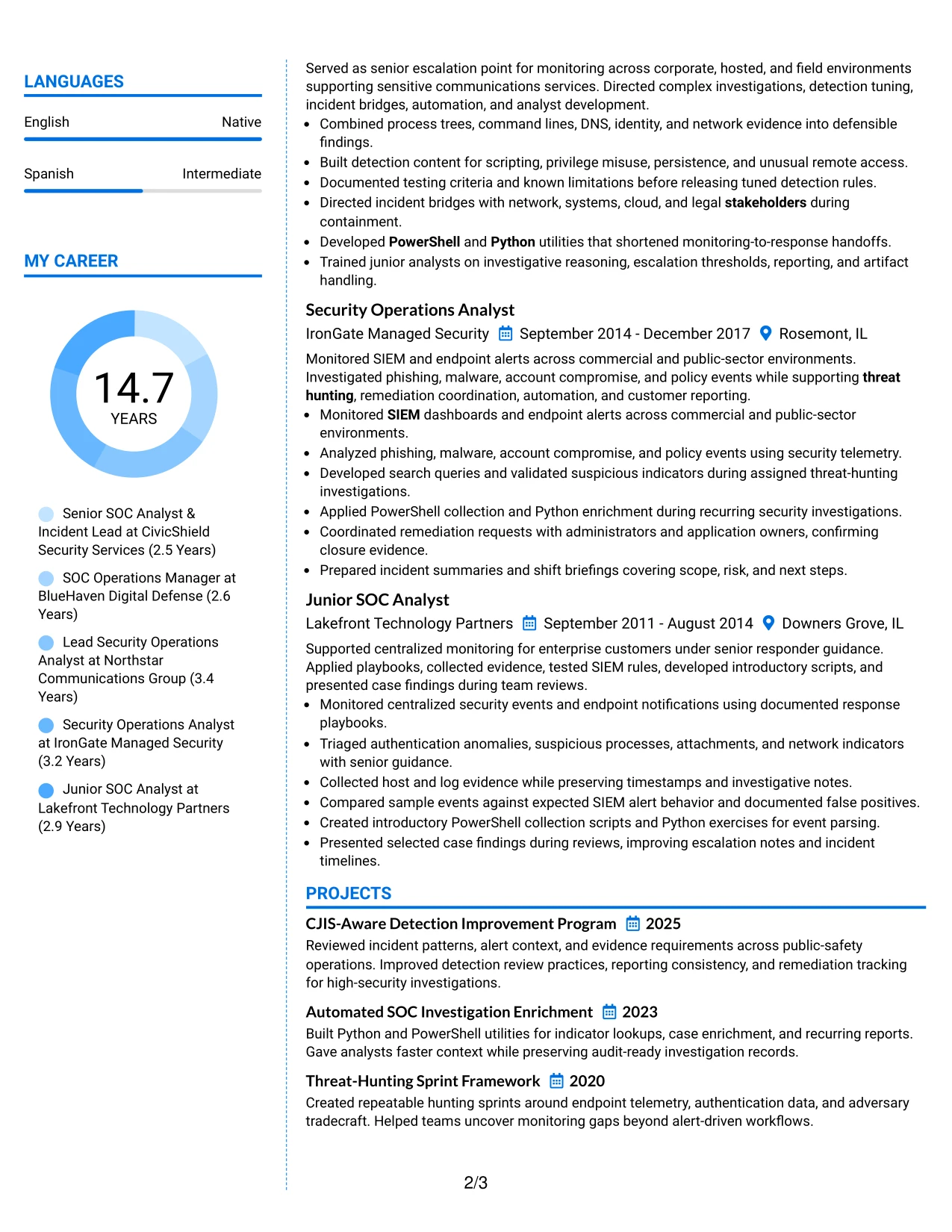
Why the Colored Two Column Format Works for a Resume
- A controlled color accent helps distinguish major resume sections.
- The two-column structure keeps role alignment visible without repeating keywords excessively.
- The main column gives incident leadership and detection work priority.
- The sidebar supports fast review of tools, certifications, and technical domains.
- Text labels preserve meaning for ATS systems and readers using limited visual settings.
- Bullets make complex response activities easier to compare across roles.
- The format presents technical breadth while keeping the target role prominent.
Best For
- Applications where the target role should be visible immediately
- Candidates aligning a broad security background with a focused position
- Resumes that need a compact keyword area beside detailed achievements
- Readers who use visual section cues during a quick first review
- Documents balancing incident command evidence with technical implementation
- Applications where restrained color adds hierarchy without replacing text
- Candidates presenting both stakeholder coordination and hands-on analysis
#7 Stylish Two Column Designer Format Resume Example
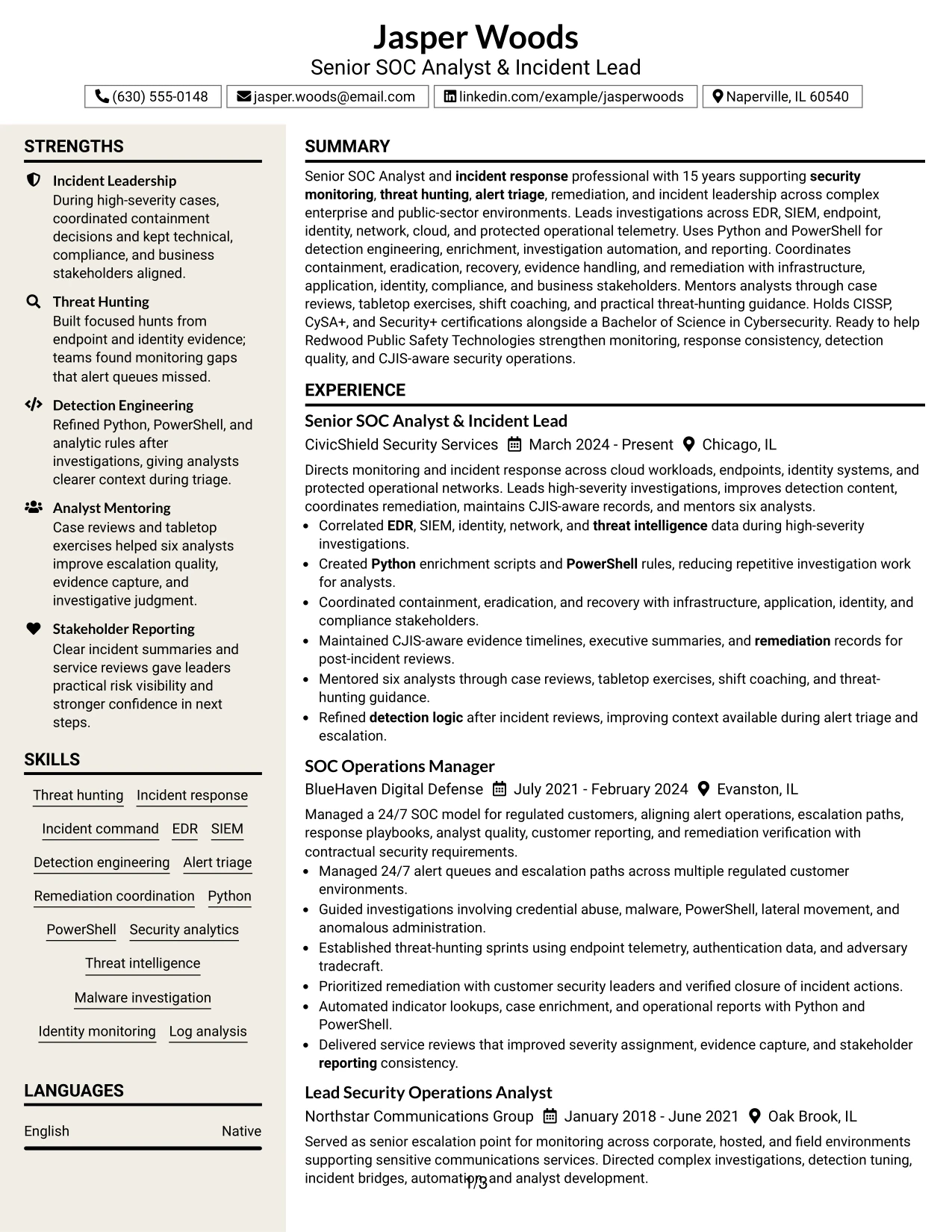
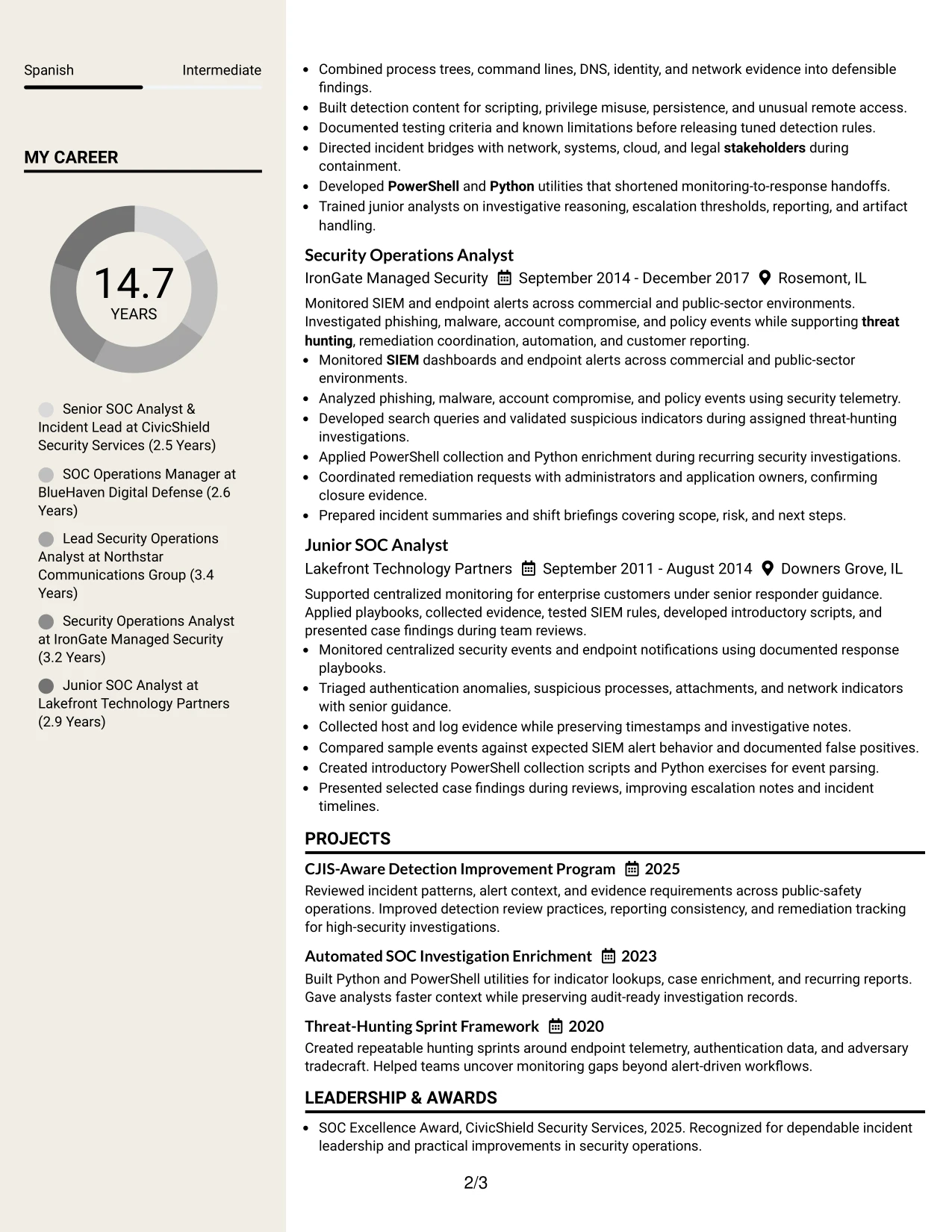
The Stylish Two Column Designer Format organizes the resume into a strong content column and a compact supporting column. Experience bullets, project evidence, and role progression remain central, while skills, certifications, and education use the secondary space for fast reference.
The design adds visual structure without changing the standard resume logic. Readers can scan detection engineering, incident response, threat hunting, and remediation evidence first, then confirm the tools, credentials, and affiliations that support those claims.
Why the Stylish Two Column Designer Format Works for a Resume
- The two-column structure creates a clear difference between proof and supporting information.
- Designer accents help readers locate sections without hiding the text hierarchy.
- The main column can carry detailed bullets for investigations and response leadership.
- A compact side area keeps credentials available during technical review.
- Projects add focused evidence of automation, hunting, and detection improvement.
- The format can show career progression without making earlier roles feel disconnected.
- Standard section labels protect clarity even when the presentation is more distinctive.
Best For
- Resumes that need visible structure around a substantial experience record
- Candidates combining project evidence with a clear employment progression
- Applications where a distinctive layout is useful but technical clarity must remain
- Readers who scan achievements first and credentials second
- Documents with enough content to support a detailed main column
- Candidates showing both repeatable security processes and incident leadership
- Applications where the Stylish Two Column Designer Format should keep attention on written qualifications.
#8 Modern Icon Format Resume Example
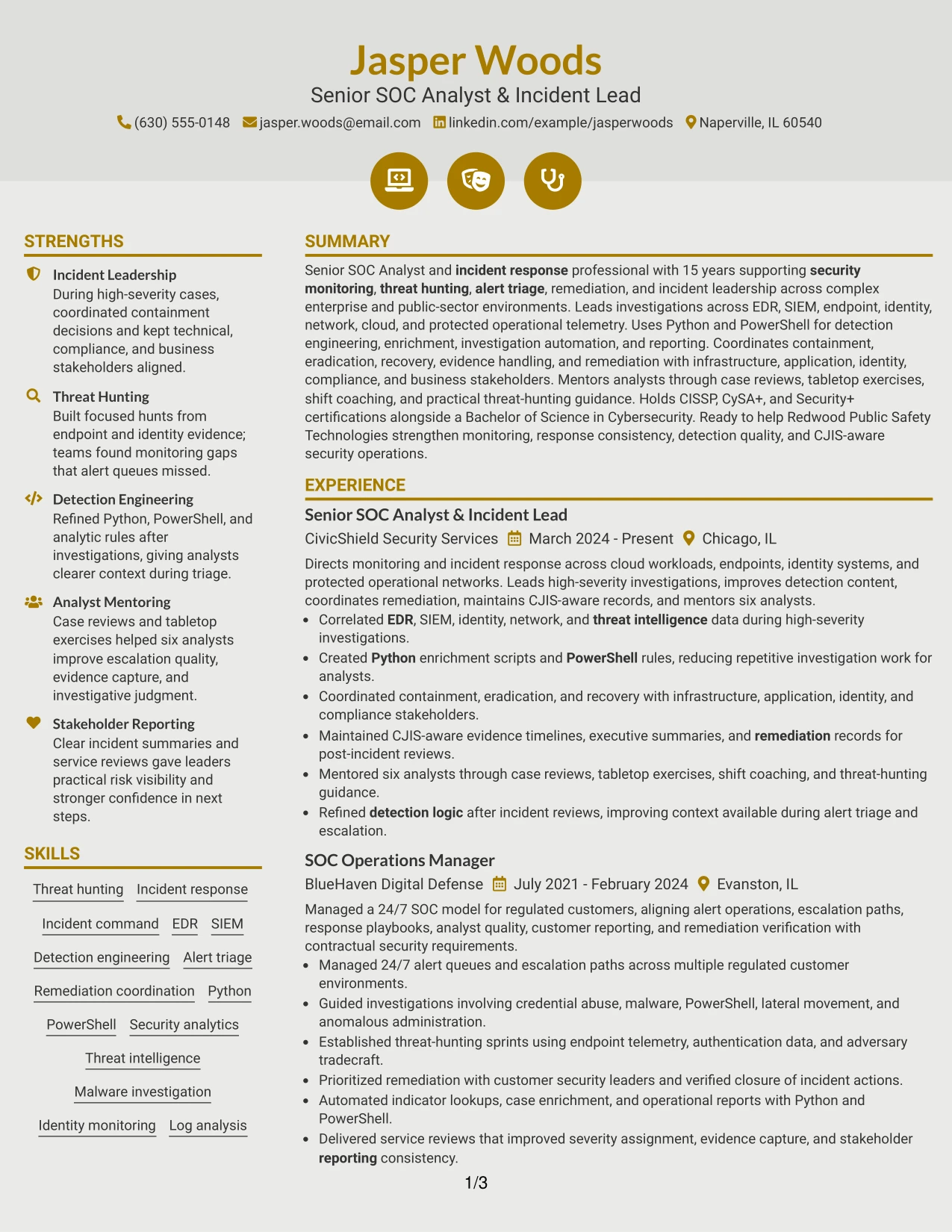
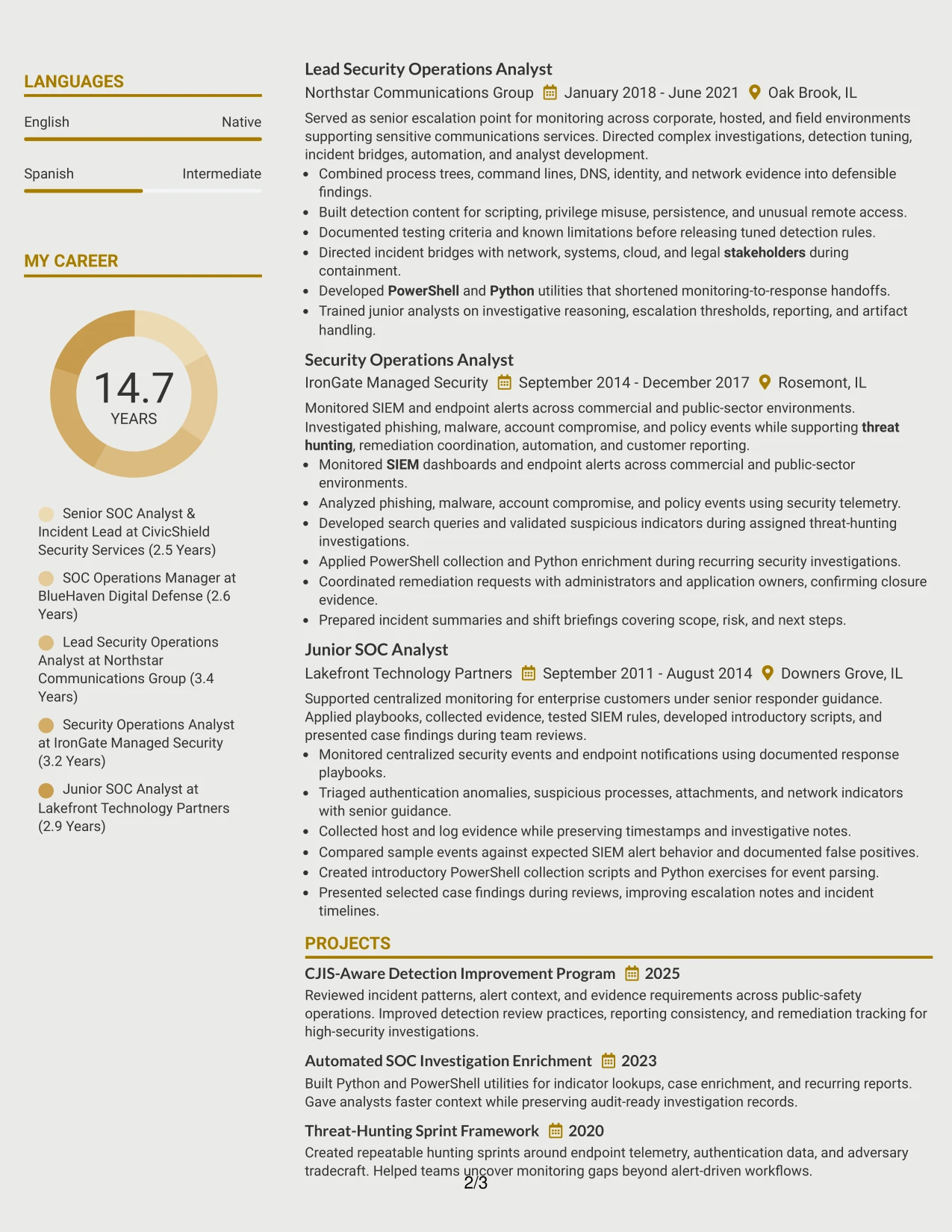
Readers move through the resume in one vertical sequence, using simple section markers to distinguish summary, experience, projects, education, certifications, and skills. The Modern Icon Format gives each section a clear place while keeping the document in a single-column flow.
That structure suits a resume with substantial technical content. Full-width entries can explain investigations, threat-hunting sprints, detection rules, automation, remediation, reporting, and mentoring without forcing the reader to switch between columns.
Why the Modern Icon Format Works for a Resume
- A single column keeps the review order consistent from summary through skills.
- Icons can guide navigation when they support, rather than replace, text headings.
- Full-width bullets provide room for technical evidence and clear action statements.
- Projects can sit naturally beside experience without being reduced to a sidebar.
- The layout handles a broad skill set while keeping each category easy to locate.
- Simple text flow supports ATS extraction when headings remain explicit.
- The format works for resumes that need depth without a dense two-column presentation.
Best For
- Resumes with many sections that need a steady vertical review path
- Candidates presenting detailed experience, projects, certifications, and affiliations
- Applications where full-width bullets improve technical explanation
- Readers who want visual section cues without side-column movement
- Documents that need room for multiple skill groups and supporting evidence
- ATS-conscious applications using clear text headings with light visual guidance
- Candidates whose strongest proof is spread across roles and projects
#9 Modern Full Background Two Column Format Resume Example
The most important evidence belongs in the primary reading area: high-severity investigations, incident command, threat hunting, and detection improvement. The Modern Full Background Two Column Format uses a strong page treatment while keeping those achievements separate from supporting skills, education, and certifications.
Readable contrast and clear text hierarchy matter more than the background treatment. The resume should make EDR and SIEM correlation, Python and PowerShell automation, remediation coordination, stakeholder reporting, and CJIS-aware records easy to verify.
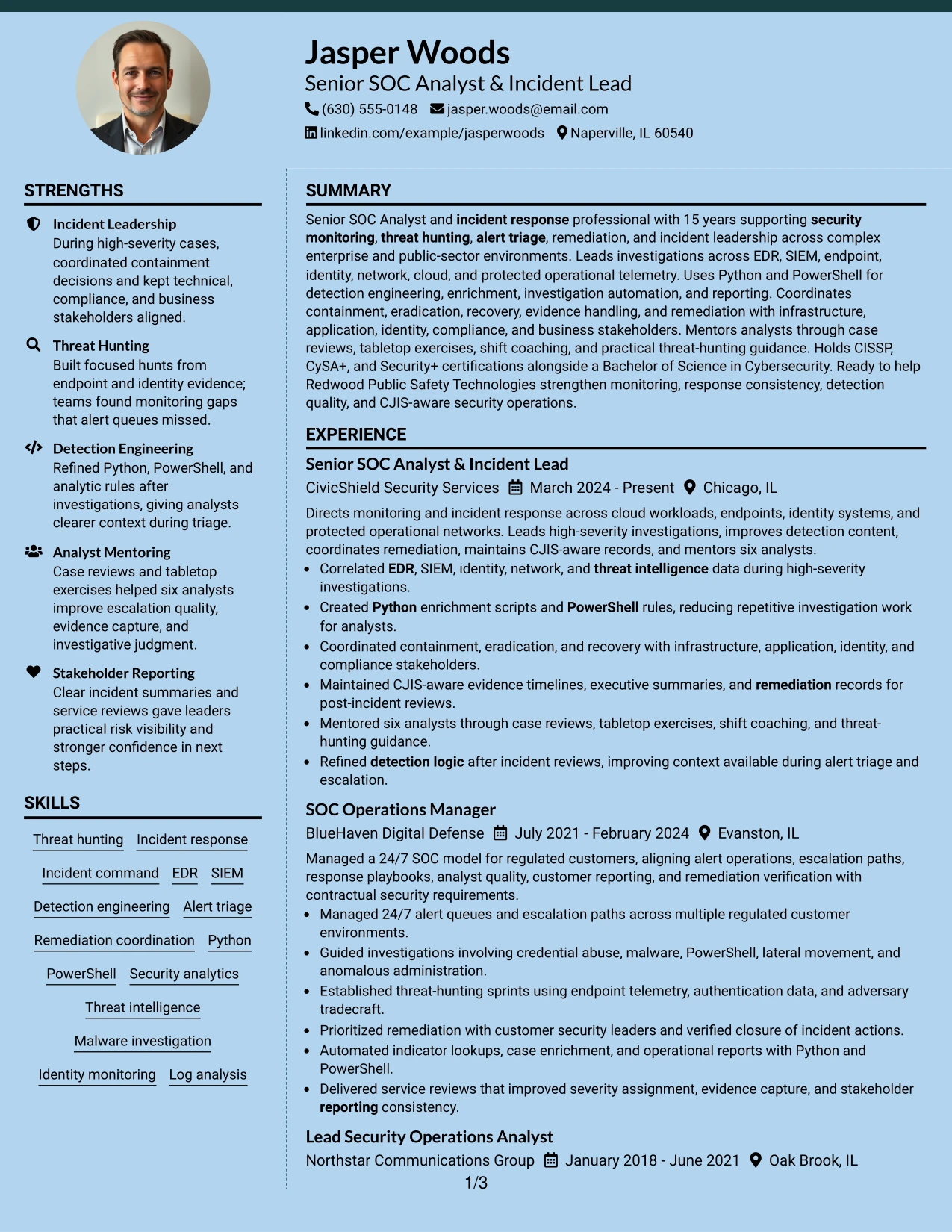
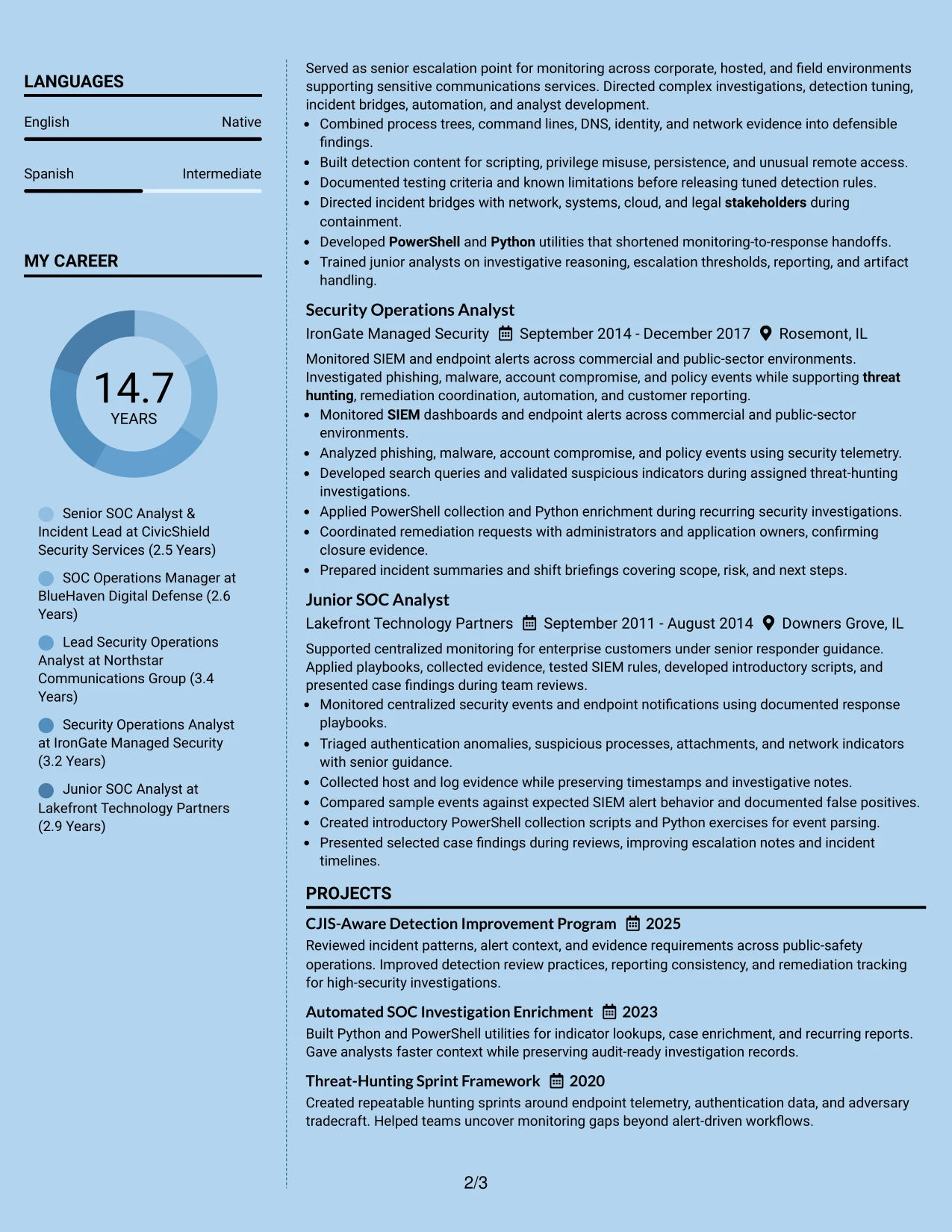
Why the Modern Full Background Two Column Format Works for a Resume
- The main column gives priority to evidence that proves incident leadership.
- A separate qualification area keeps tools and credentials available for quick matching.
- Strong contrast is essential so background styling does not weaken readability.
- Two columns help divide detailed accomplishments from compact reference information.
- Projects can reinforce detection improvement and investigation automation.
- Clear bullets make response scope and stakeholder actions easier to verify.
- The format can present a confident visual identity while preserving standard resume sections.
Best For
- Applications where incident outcomes and investigation evidence should lead the review
- Candidates needing a strong presentation for a broad security operations record
- Resumes that separate detailed proof from a concise technical reference area
- Readers who compare response responsibilities with tools and credentials
- Documents featuring projects that reinforce work-based security evidence
- Applications where contrast and section hierarchy can be controlled carefully
- Candidates who want visual distinction without reducing technical detail
#10 Dark Mode Two Column Format Resume Example
A two-column application layout can distribute content evenly: one area carries the summary and experience, while the other supports the review with skills, certifications, education, and projects. The Dark Mode Two Column Format uses that balance for Jasper Woods's security operations record without reducing the detail needed for technical screening.
The dark presentation must preserve readable contrast and consistent section labels. Within that framework, the resume can show incident leadership, threat hunting, detection engineering, Python and PowerShell automation, remediation coordination, and stakeholder reporting in a controlled order.
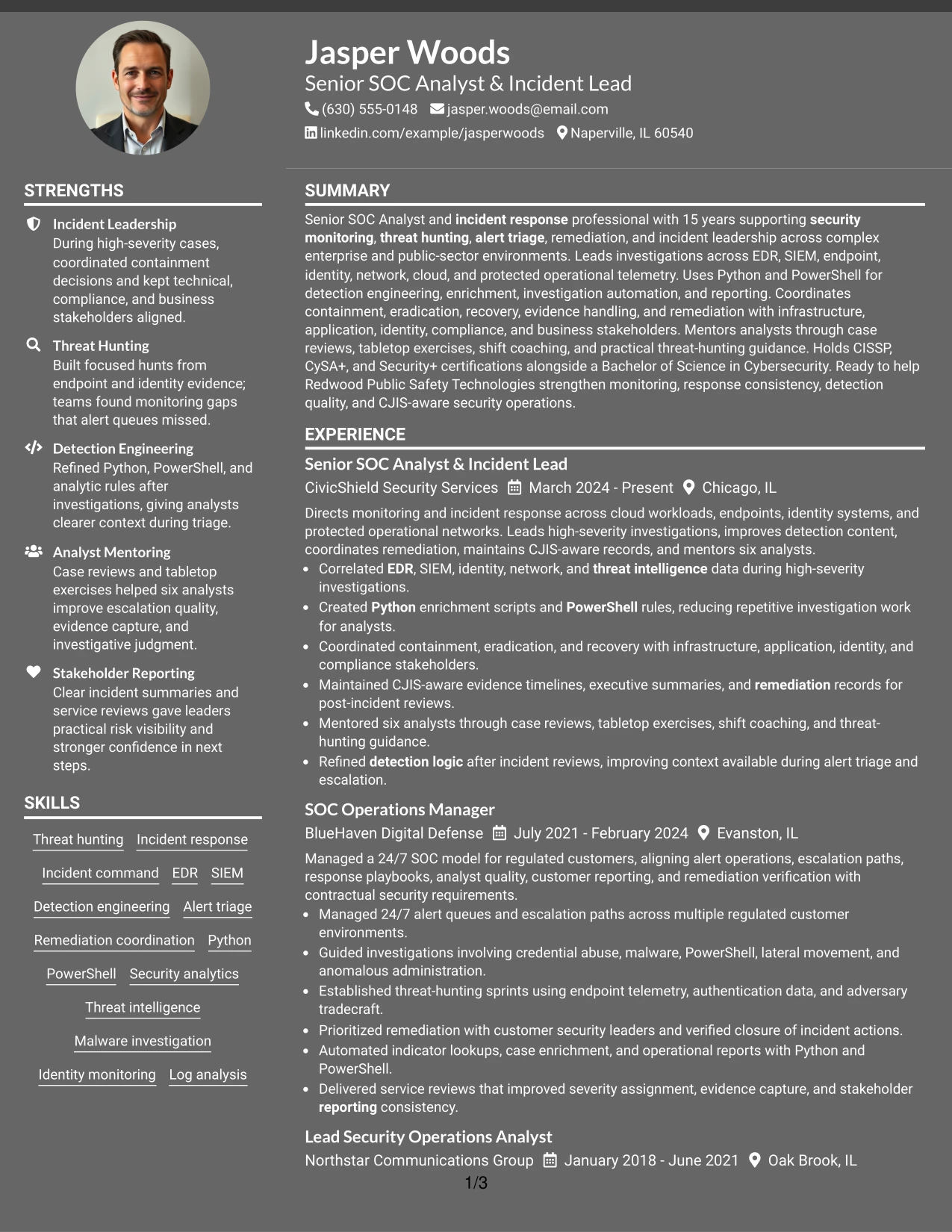
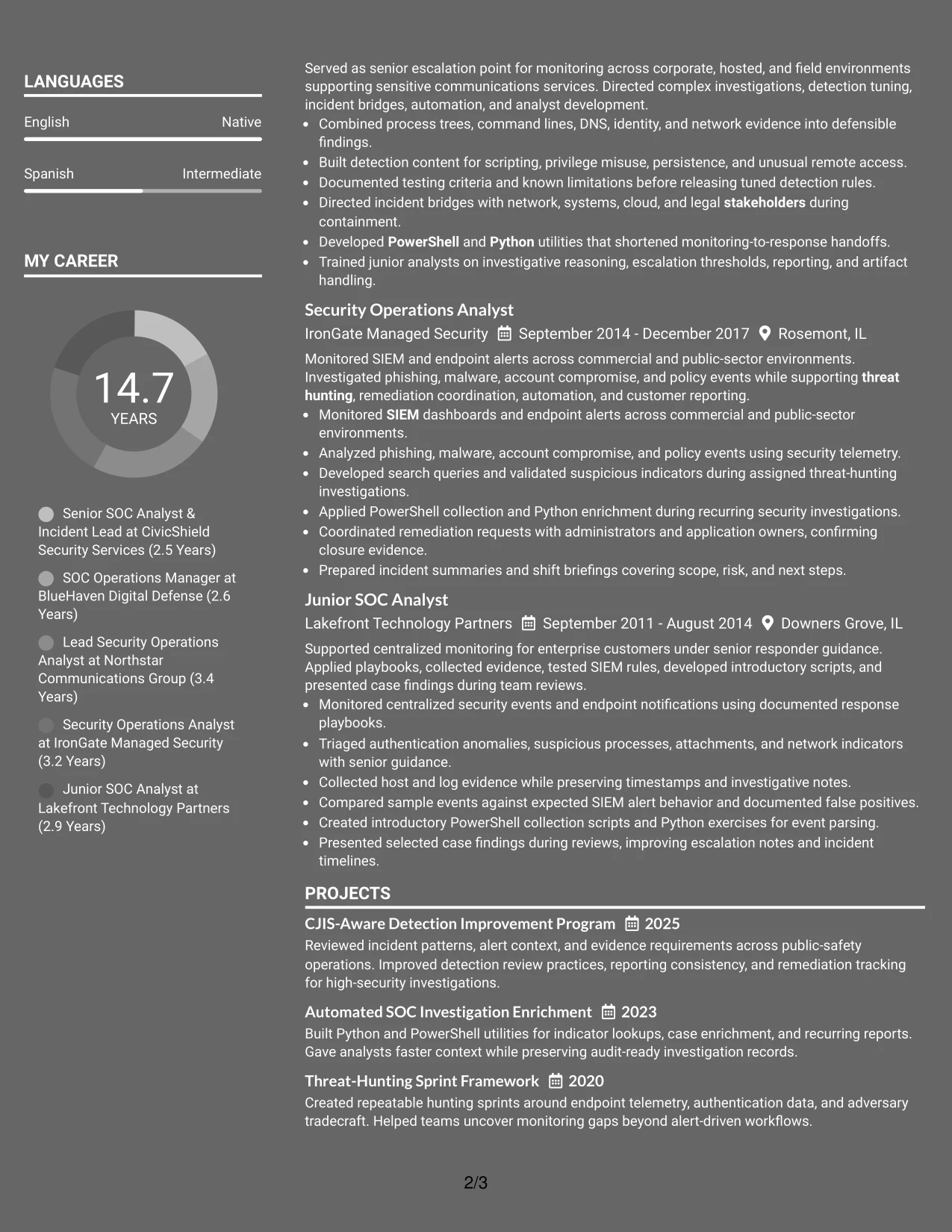
Why the Dark Mode Two Column Format Works for a Resume
- Balanced columns keep the application focused without making supporting sections disappear.
- The main area can carry detailed evidence from recent leadership roles.
- The second area gives recruiters quick access to certifications and technical keywords.
- Readable contrast protects scanning quality in a darker visual treatment.
- Projects provide additional proof of automation and threat-hunting methods.
- The structure supports a clear match between role requirements and documented experience.
- Consistent headings keep the resume usable for both human review and ATS processing.
Best For
- Applications needing balanced treatment of experience and supporting qualifications
- Candidates with a broad record that must remain organized on limited pages
- Reviews where technical keywords should be visible beside achievement bullets
- Documents pairing incident leadership with automation and detection evidence
- Readers who scan for role alignment before examining full work history
- Applications where a darker presentation is acceptable with strong text contrast
- Candidates who want visual separation while keeping standard resume mechanics
#11 Dark Mode Box Header Format Resume Example
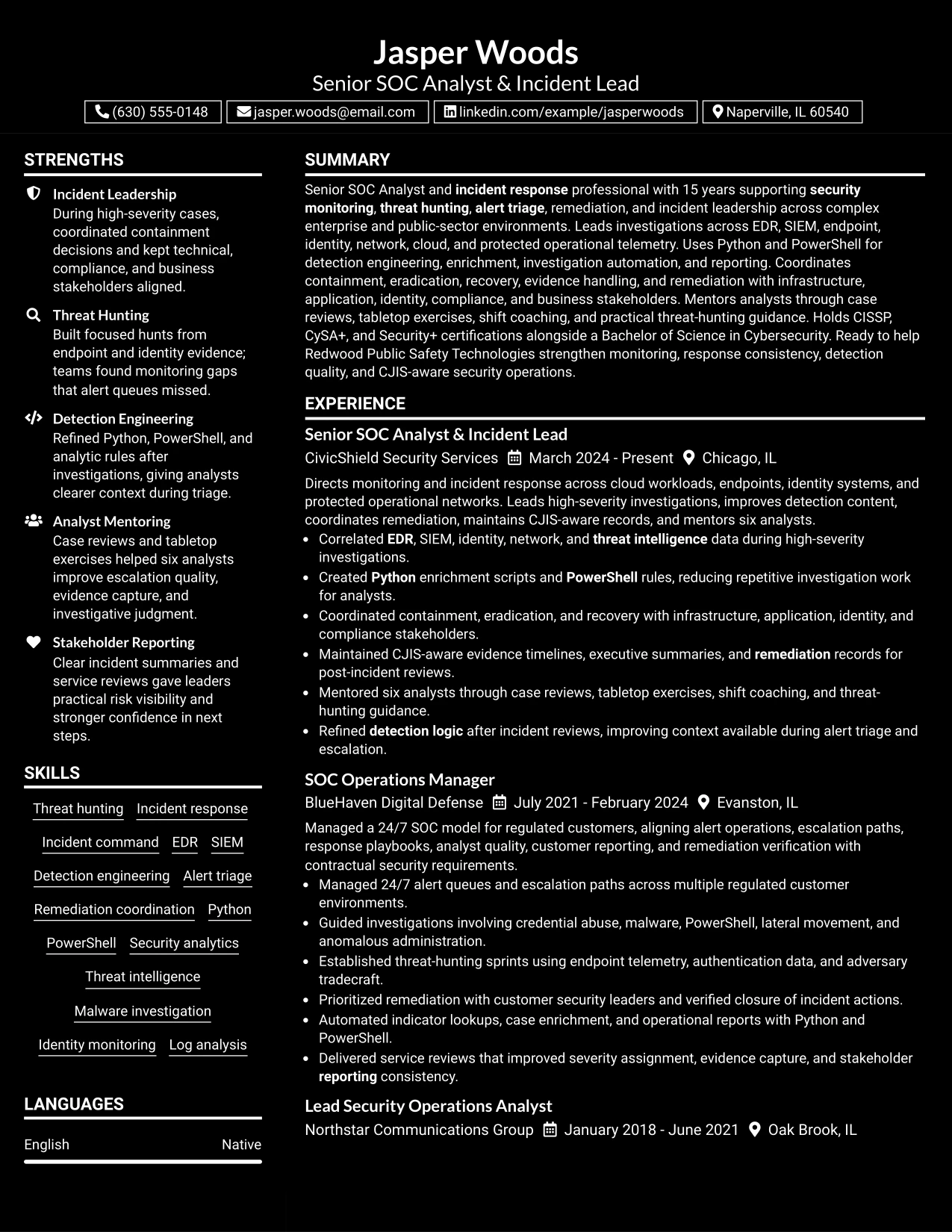
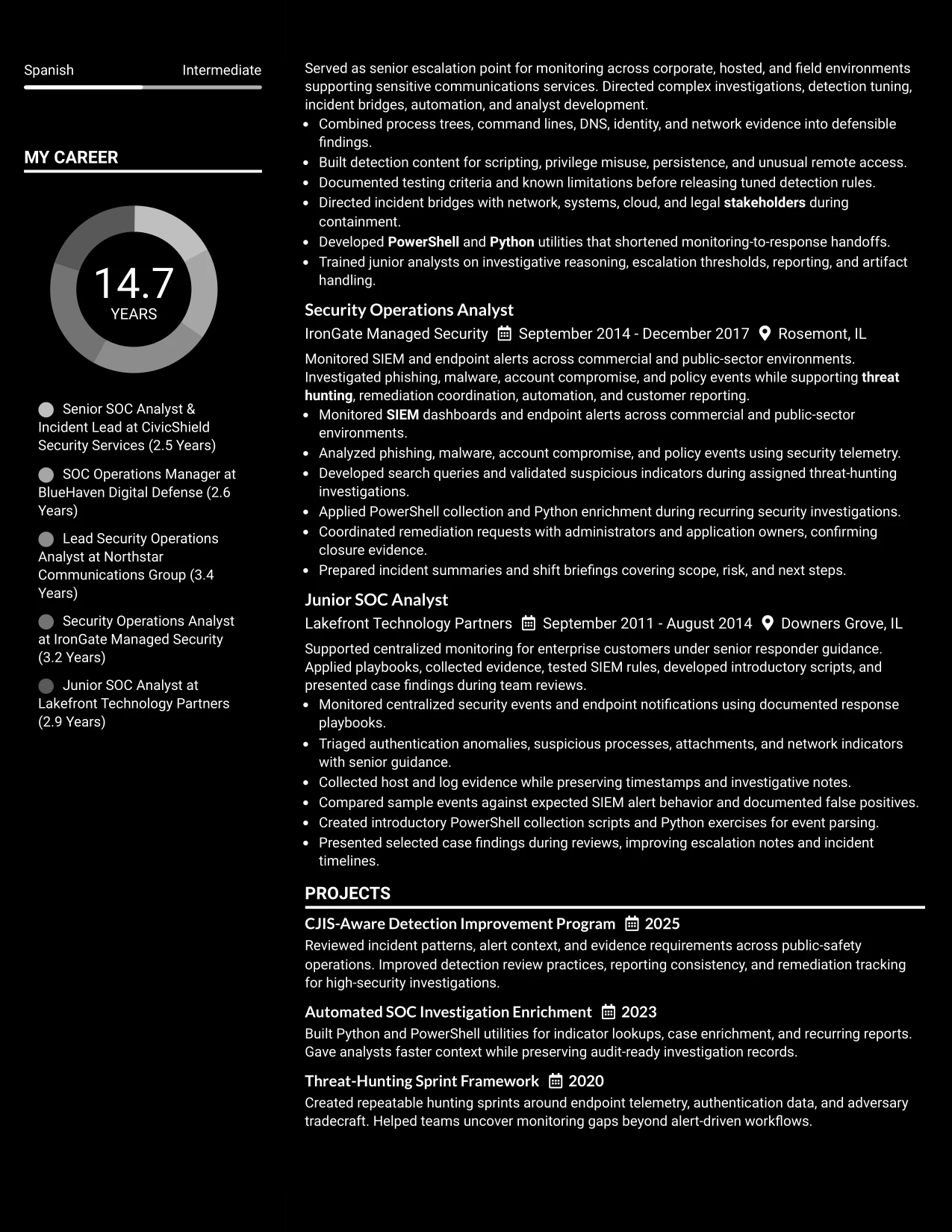
A practical application begins with a strong title and clear contact block, then moves into a structured sequence of summary, experience, projects, education, certifications, and skills. The Dark Mode Box Header Format uses boxed headings to create visible checkpoints while keeping the resume in one column.
That single-column structure gives every role a consistent place for evidence. Readers can follow high-severity investigations, threat-hunting work, detection engineering, Python and PowerShell automation, CJIS-aware documentation, and analyst mentoring without losing the timeline.
Why the Dark Mode Box Header Format Works for a Resume
- Boxed headings make each resume section easy to locate during a quick review.
- A single column keeps chronology and role progression straightforward.
- Full-width bullets support detailed evidence without narrow text blocks.
- The format can give projects and certifications clear separation from employment history.
- Strong contrast keeps the darker presentation readable across sections.
- Standard labels and dates support ATS extraction and consistent scanning.
- The layout gives a distinctive header treatment while keeping resume mechanics familiar.
Best For
- Applications that need a clear first block for title and contact information
- Candidates using a single-column timeline to explain progressive responsibility
- Resumes with detailed bullets that benefit from full-width reading space
- Readers who prefer strong section checkpoints during a fast review
- Documents combining leadership evidence, projects, and credentials in one sequence
- Applications where a distinctive header is useful but content must remain easy to parse
- Candidates presenting technical depth through a clean, ordered document
#12 Elegant Full Background Two Column Format Resume Example
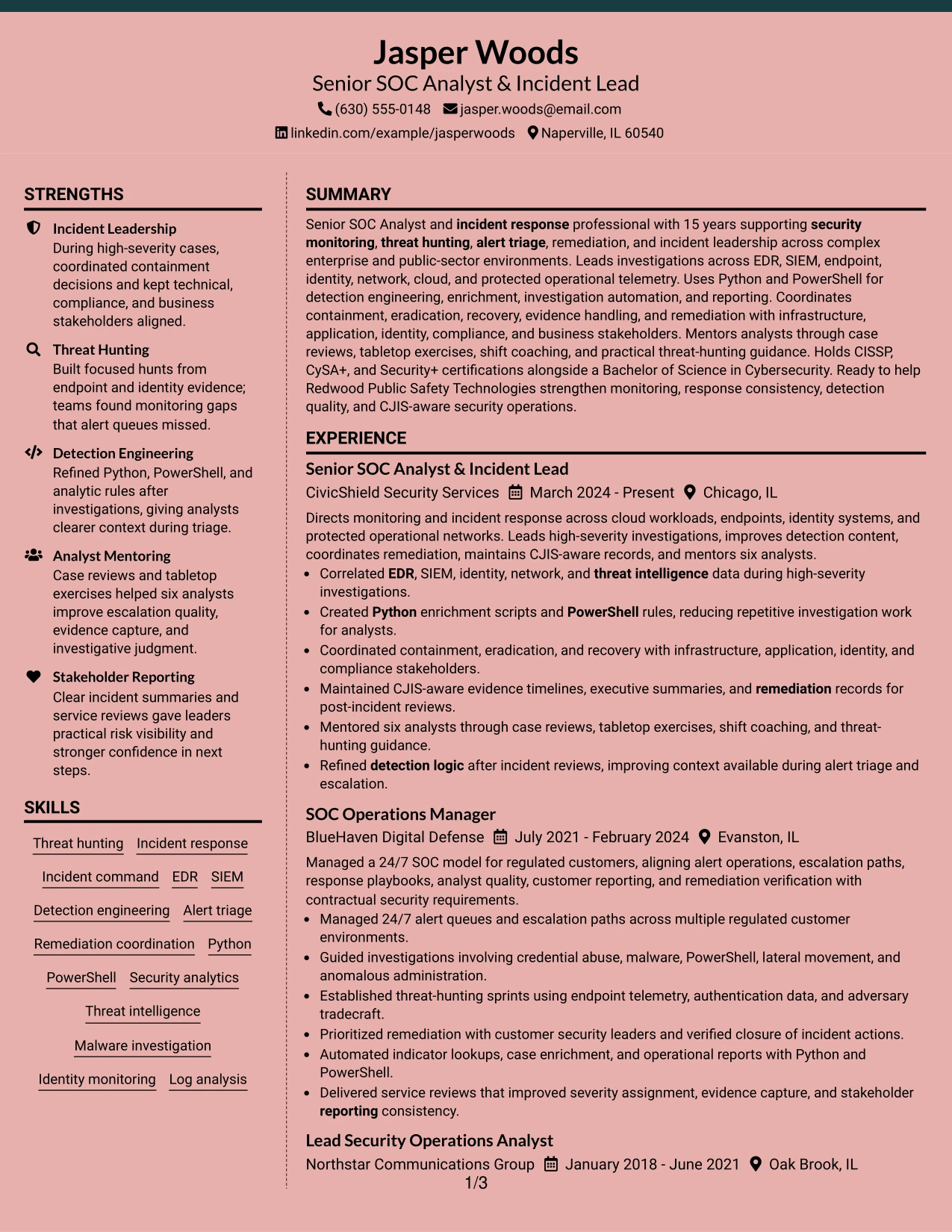
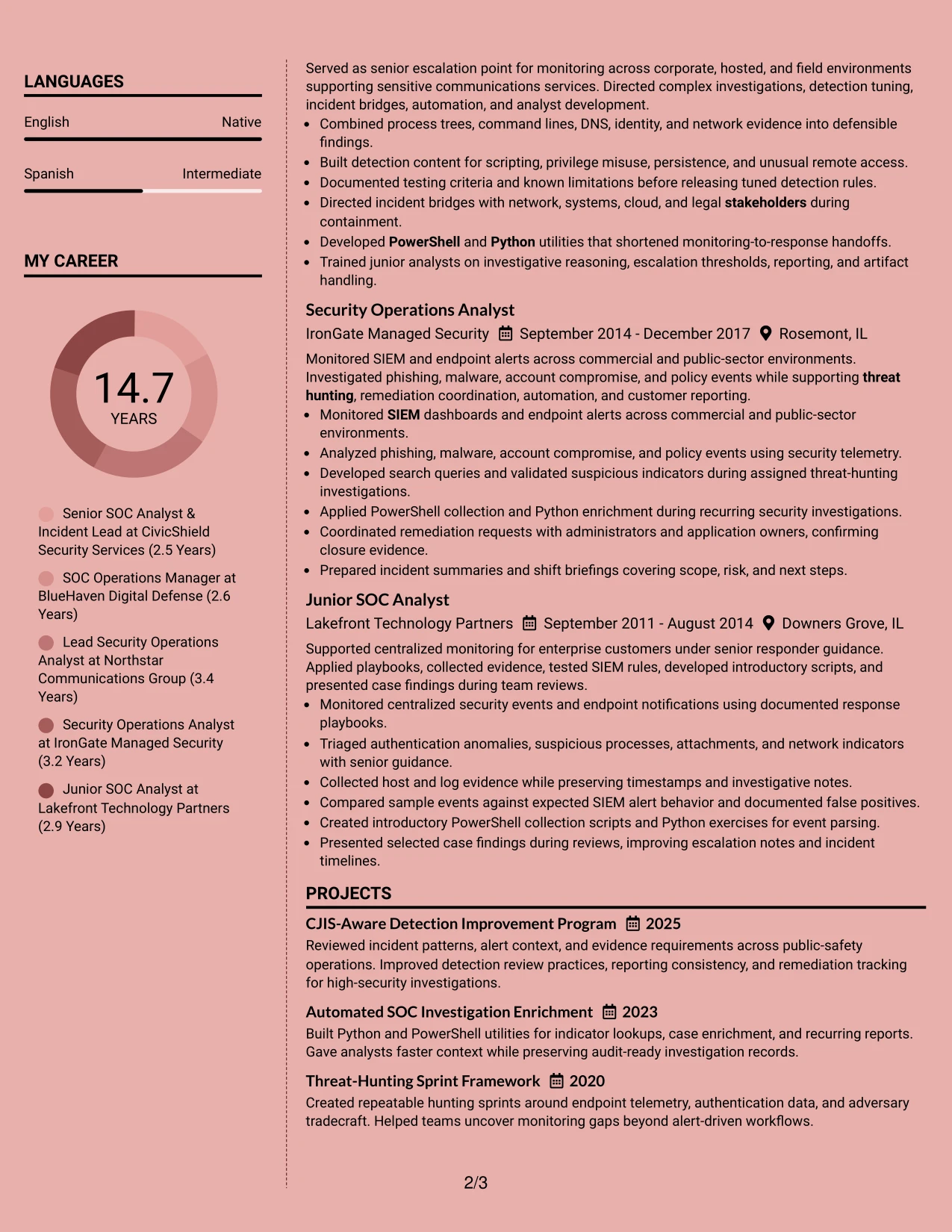
A restrained visual hierarchy gives this resume a polished, focused impression before the reader reaches the details. The two-column structure separates core qualifications from supporting information without hiding the evidence that matters for a Senior SOC Analyst and Incident Lead.
The main content area can carry the professional summary, 15 years of experience, threat-hunting work, incident leadership, and measurable scope such as mentoring six analysts. A narrower column can hold certifications, education, skills, awards, and CJIS-related keywords for quick review.
Why the Elegant Full Background Two Column Format Works for a Resume
- The two-column hierarchy separates primary experience from supporting credentials.
- A strong summary can connect security monitoring, threat hunting, and incident response quickly.
- Experience bullets provide space for EDR, SIEM, Python, PowerShell, and remediation evidence.
- A side column makes CISSP, CySA+, Security+, and cybersecurity education easy to locate.
- Distinct sections help readers scan incident leadership and analyst mentoring without losing context.
- The format supports role-specific keywords while keeping the page visually organized.
- Awards, projects, and CJIS-aware work can add credibility without interrupting the experience section.
Best For
- Resumes that need a clear split between detailed experience and compact credentials.
- Senior candidates with substantial evidence across monitoring, investigations, and remediation.
- Applications where certification and education details must remain easy to find.
- Readers who want a polished visual hierarchy without sacrificing technical substance.
- Resumes that combine leadership results with hands-on tools and investigative methods.
- Role targeting that depends on both security operations keywords and incident outcomes.
- Documents that need to present projects, awards, and professional affiliations in limited space.
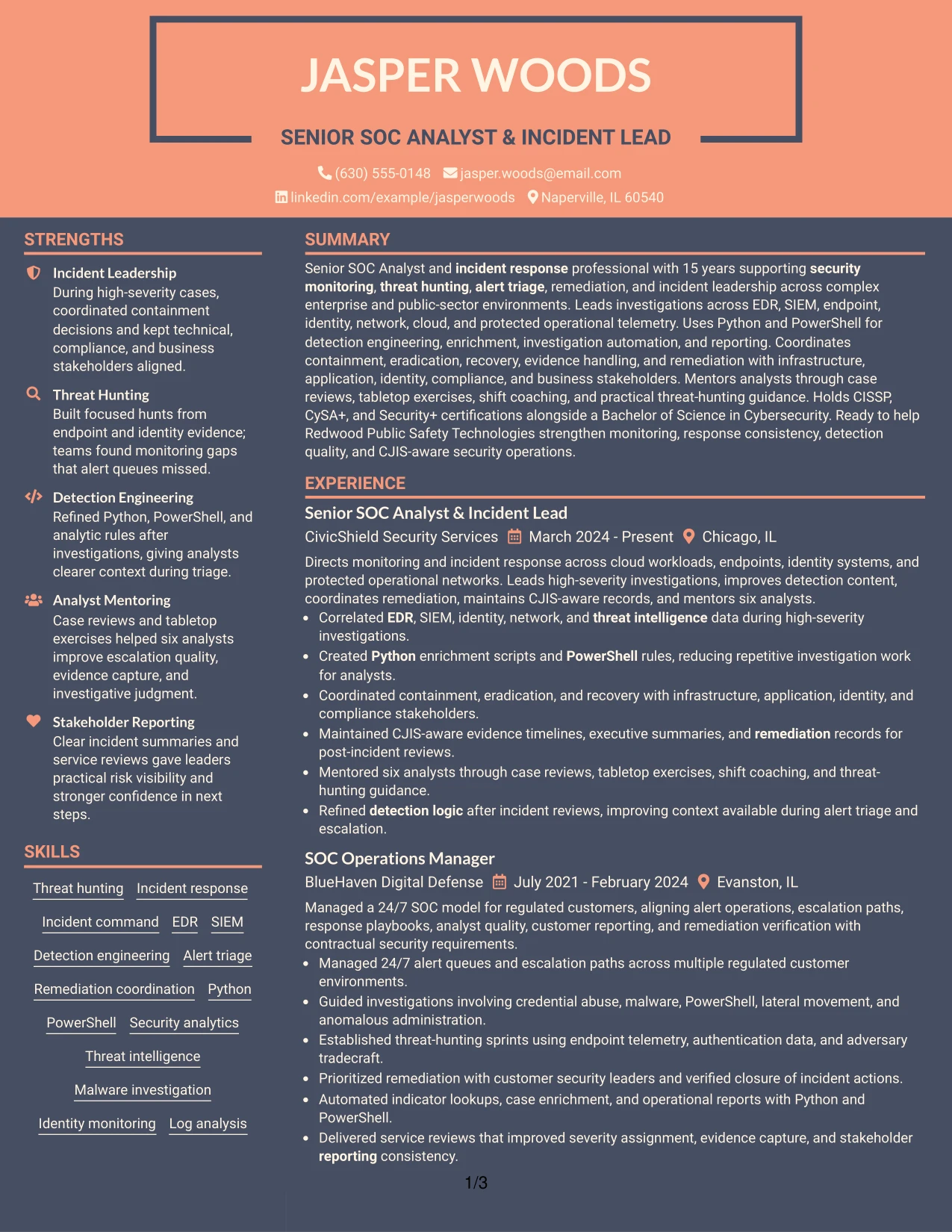
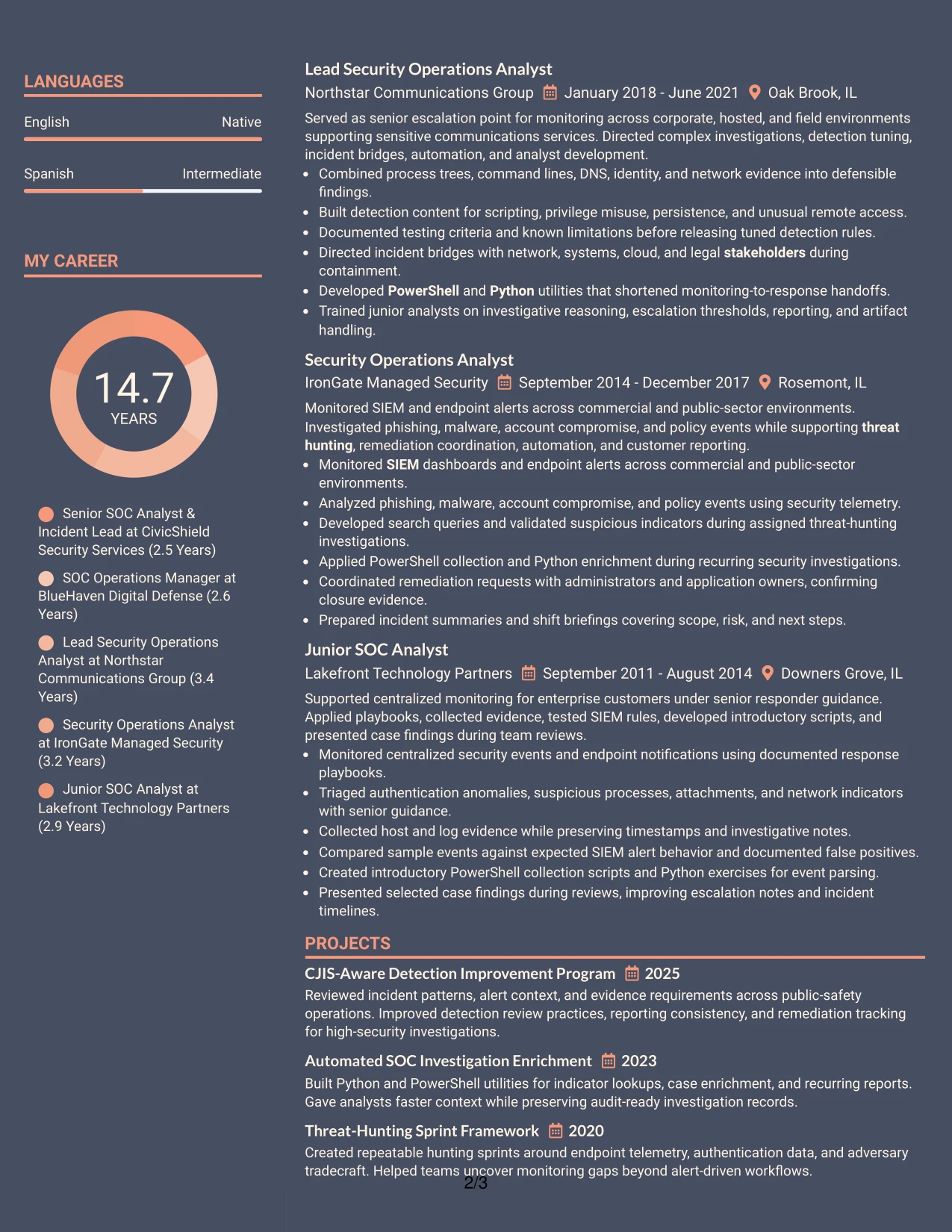
#13 Creative Two Tone Format Resume Example
The Creative Two Tone Format places the resume name and sections in a clear, consistent order, so the reader can move from the summary to experience, skills, education, and certifications without guessing where evidence belongs. Its single-column flow keeps every section in the same reading path.
For this Senior SOC Analyst and Incident Lead resume, the structure gives high-value bullets room to show alert triage, threat hunting, detection engineering, and incident command. A controlled color change can distinguish headings while ATS-readable text preserves the important keywords.
Why the Creative Two Tone Format Works for a Resume
- A single reading path supports quick recruiter scanning and reliable ATS parsing.
- Color contrast can separate sections without replacing plain-text headings.
- Chronological experience keeps 15 years of security operations work easy to follow.
- Bullets can show both technical actions and coordination with stakeholders.
- The skills section can group EDR, SIEM, Python, PowerShell, and threat intelligence clearly.
- Certifications and education remain visible without competing with recent experience.
- Projects and awards can reinforce detection improvement and response leadership.
Best For
- One-column resumes that must preserve a predictable section sequence.
- Applicants who want modest visual distinction while keeping content machine-readable.
- Documents with several technical skill groups that benefit from clear heading separation.
- Readers who prefer chronological experience over a split-page presentation.
- Resumes that need room for detailed incident bullets and supporting project descriptions.
- Applications where keywords must remain in standard text rather than decorative elements.
- Candidates balancing technical depth, leadership evidence, and certification details.
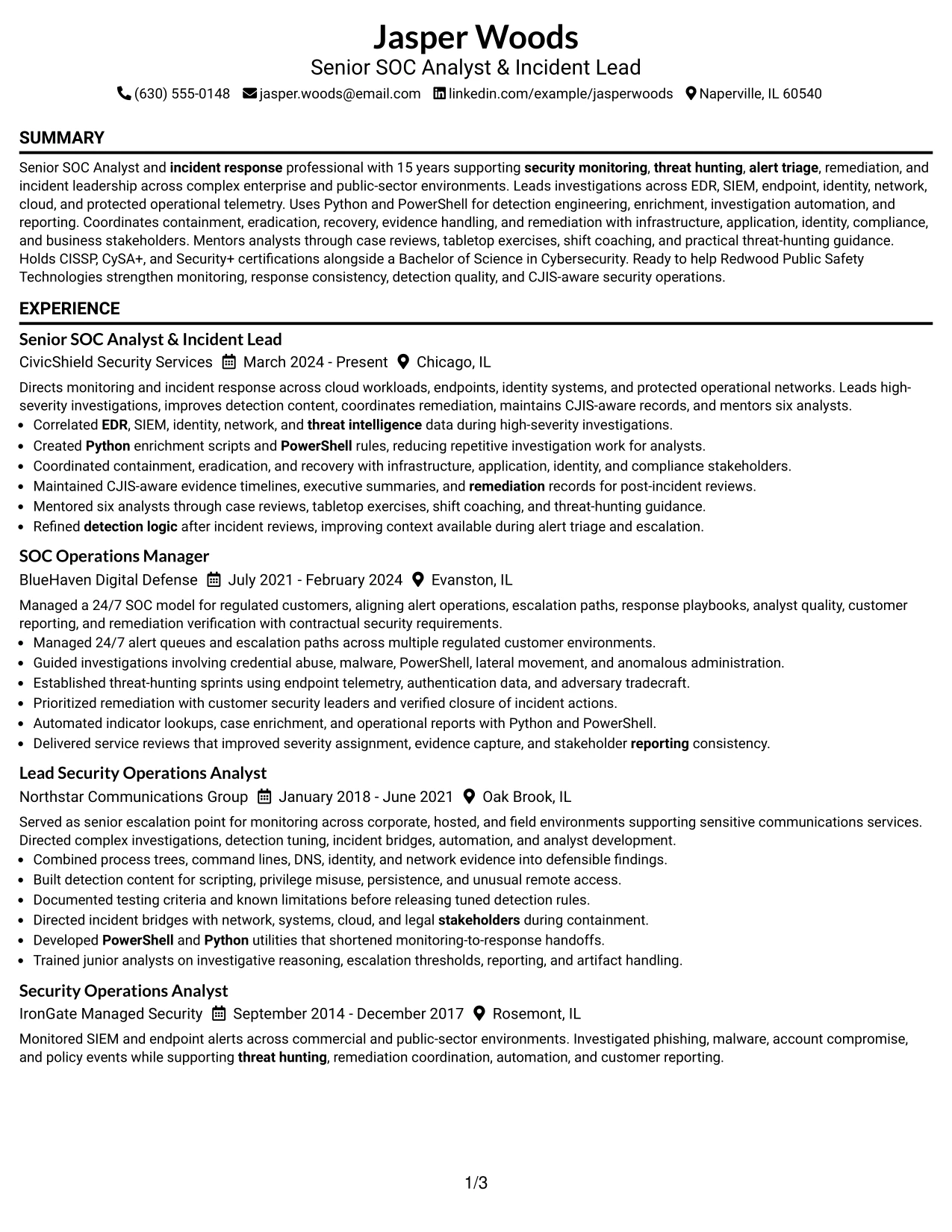
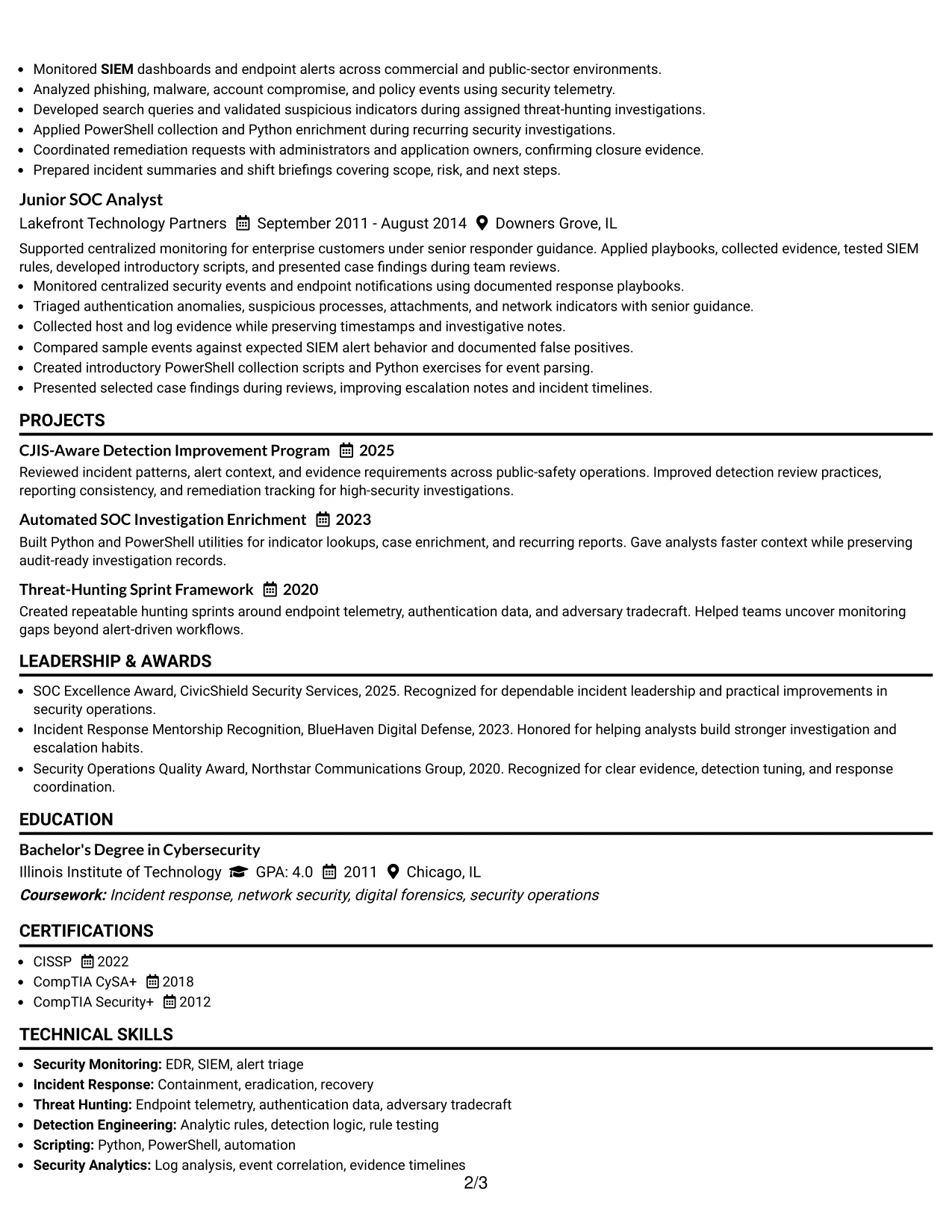
#14 Minimal Header Format Resume Example
Readers move from the centered contact header into the summary, experience, skills, and credentials in a direct sequence. That path keeps attention on the work itself and avoids using valuable page space on decorative elements.
The Minimal Header Format is useful here because the resume carries substantial content: five roles, three projects, three certifications, awards, and a detailed technical skills list. Compact headings and focused bullets help present the evidence without making the page feel crowded.
Why the Minimal Header Format Works for a Resume
- The direct reading order makes recent leadership experience easy to identify.
- A compact header leaves more room for detailed security operations evidence.
- Short sections help readers compare roles, dates, and progression quickly.
- Bullets can cover investigations, automation, remediation, and reporting without long paragraphs.
- The format supports a complete skills list without pushing education and certifications out of view.
- Projects can add depth for detection improvement and investigation enrichment.
- Simple section labels reduce visual friction during ATS and human review.
Best For
- Resumes with many roles that need a clean chronological path.
- Applications where recent experience should receive the most attention.
- Documents carrying a large set of skills, certifications, projects, and awards.
- Candidates who need strong content density without a complex visual framework.
- Review processes that begin with contact details and move straight to qualifications.
- Technical resumes requiring concise bullets across several related positions.
- Applications where straightforward navigation matters more than decorative styling.
#15 Plain One Column with Shaded Labels Resume Example
The strongest evidence appears first in the summary and work history: 15 years of security operations, high-severity investigations, detection improvement, and leadership across complex environments. Those facts give the resume a solid base before supporting sections add certifications, education, and professional activities.
Shaded labels then make each evidence type easy to identify in a one-column review. Clear bullets can show EDR and SIEM analysis, Python and PowerShell automation, CJIS-aware records, remediation coordination, and mentoring six analysts.
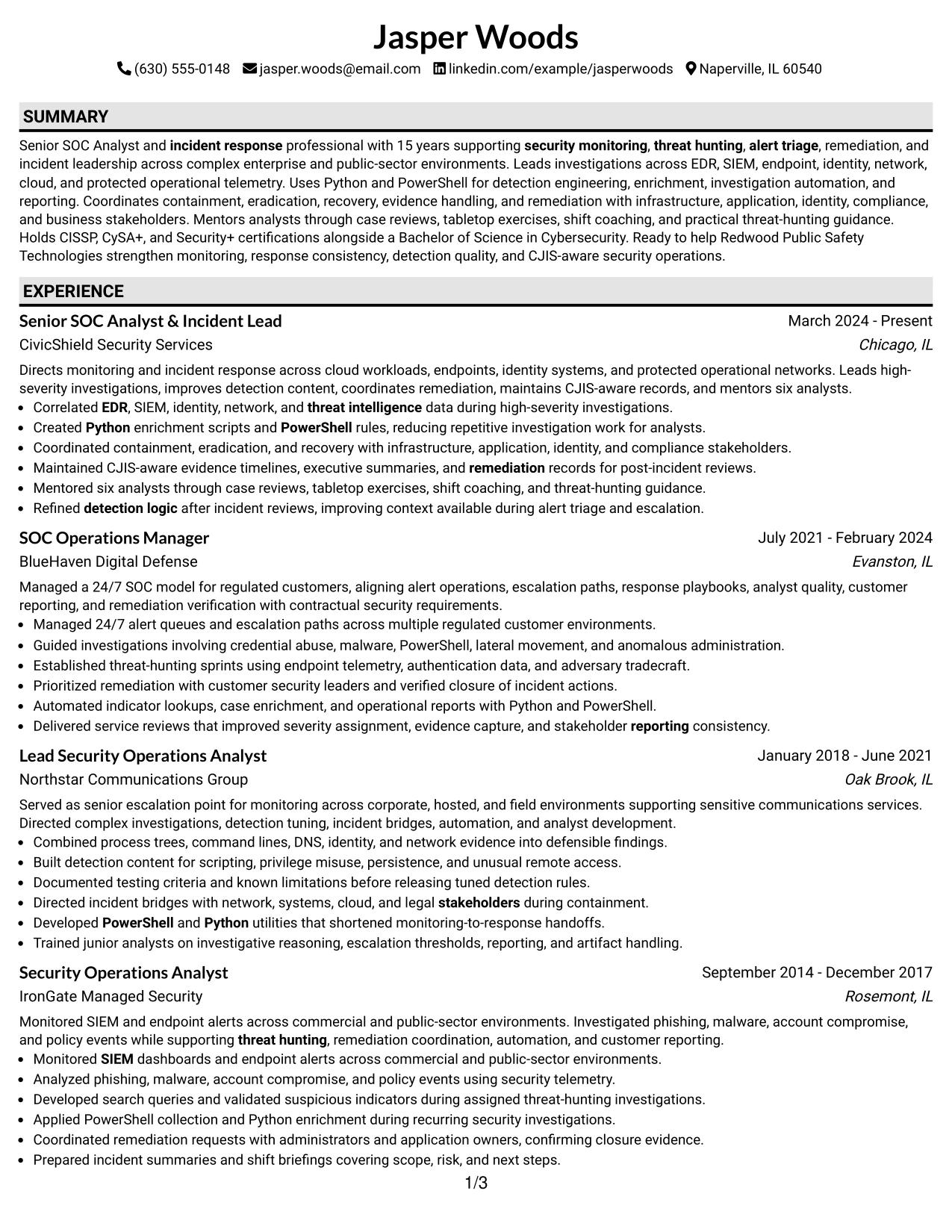
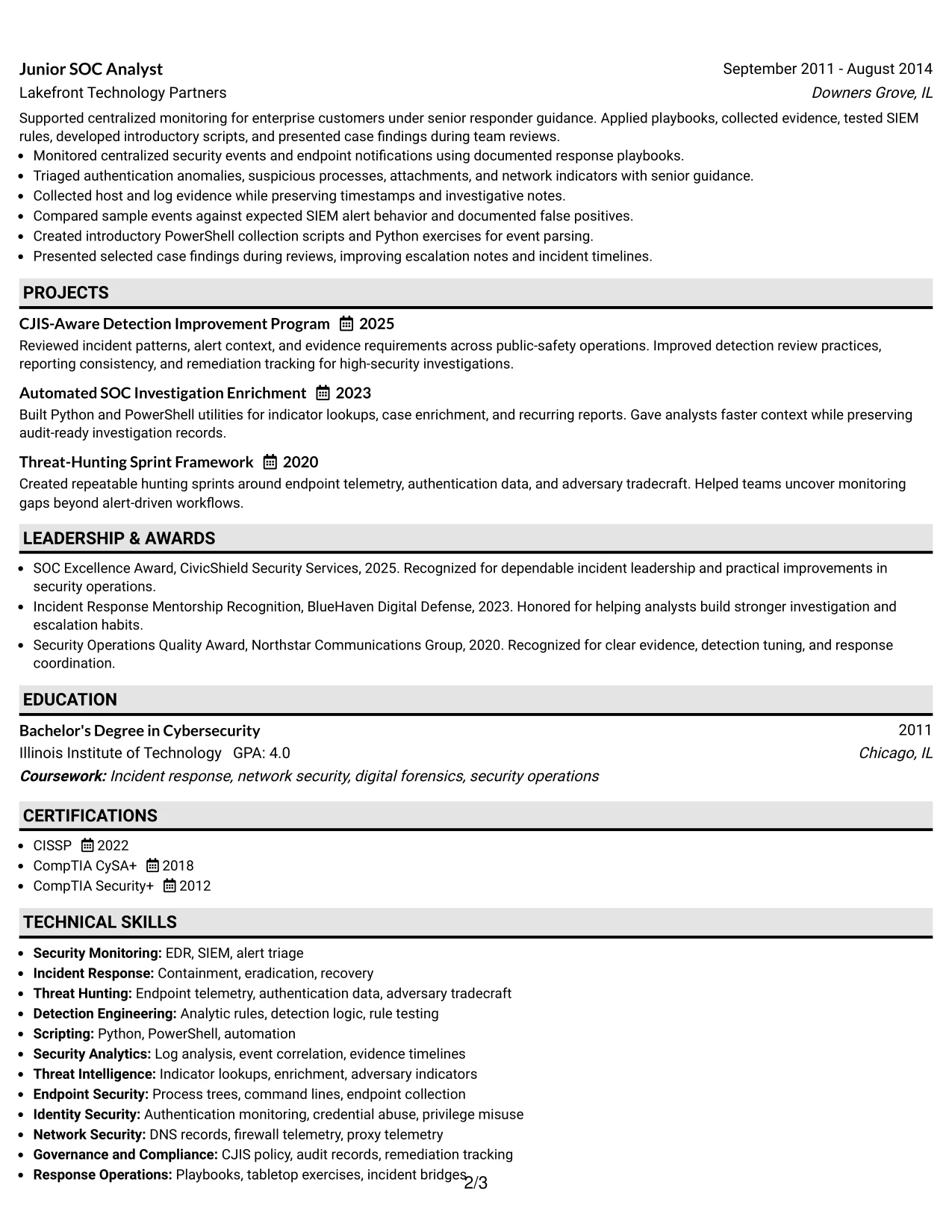
Why the Plain One Column with Shaded Labels Works for a Resume
- The evidence-first order puts senior scope and incident leadership near the top.
- One-column formatting supports dependable ATS extraction and human scanning.
- Shaded labels distinguish experience, skills, education, and certifications without excessive design.
- Bullets can state investigative actions and outcomes in a consistent pattern.
- Technical keywords remain close to the evidence that proves their use.
- Project entries can support the main work history with focused examples.
- Plain presentation keeps compliance, reporting, and stakeholder coordination easy to review.
Best For
- Resumes where demonstrated results should lead before supporting credentials.
- ATS-focused applications that need standard section order and readable text.
- Candidates presenting a mix of technical investigations and operational leadership.
- Documents that use bullets to prove how tools and methods were applied.
- Reviewers who need to separate experience, education, certifications, and projects quickly.
- Applications where compliance-related work must be visible but not overstated.
- Resumes that favor evidence clarity over visual complexity.
#16 Text/Fang Style Resume Example
Content is balanced across a long professional history and a focused set of technical qualifications. The resume can give experience the largest share of space while using compact areas for certifications, education, projects, and affiliations.
That balance fits a Senior SOC Analyst and Incident Lead profile with detailed investigation work, threat-hunting frameworks, detection rules, and stakeholder reporting. Text-led sections keep the emphasis on decisions, evidence, tools, and results rather than decoration.
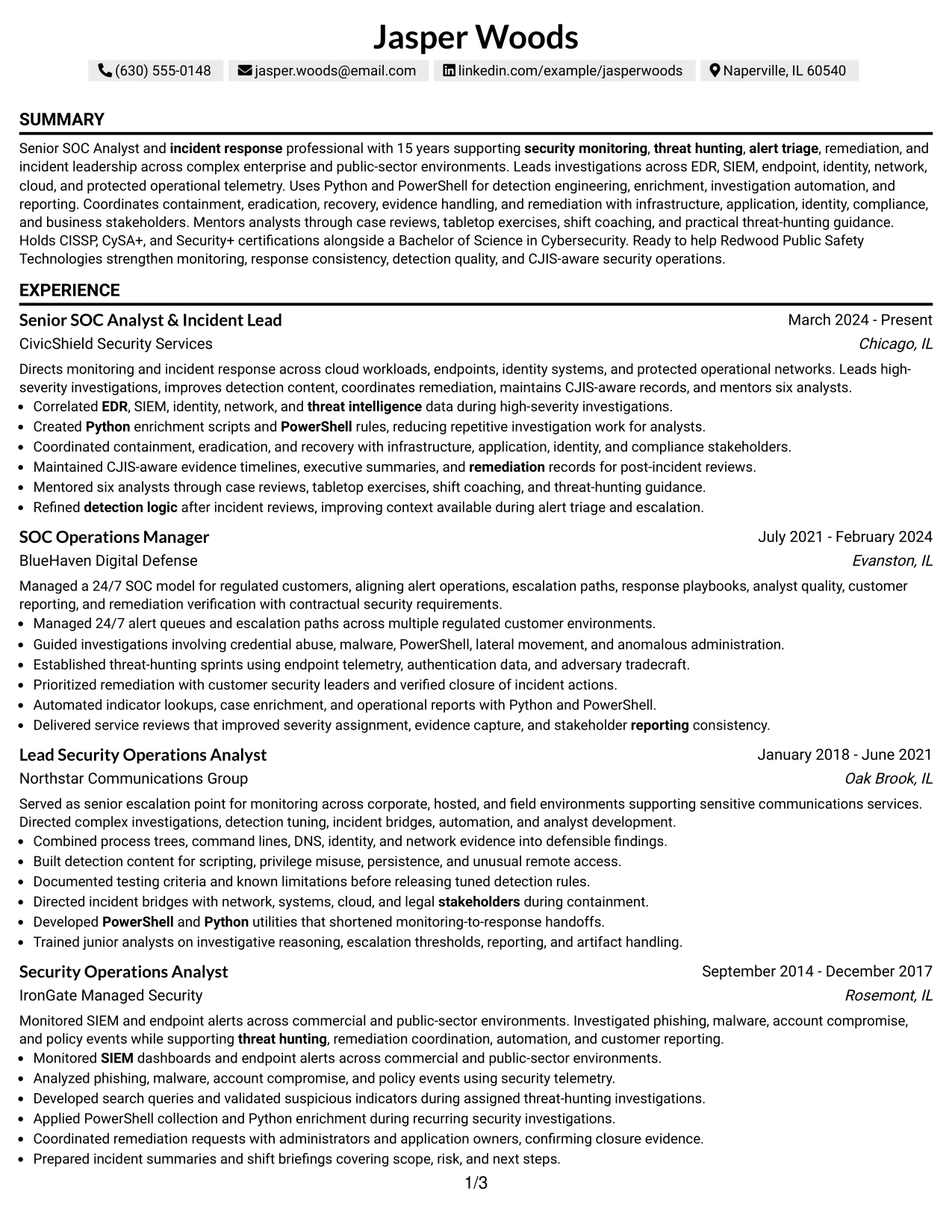
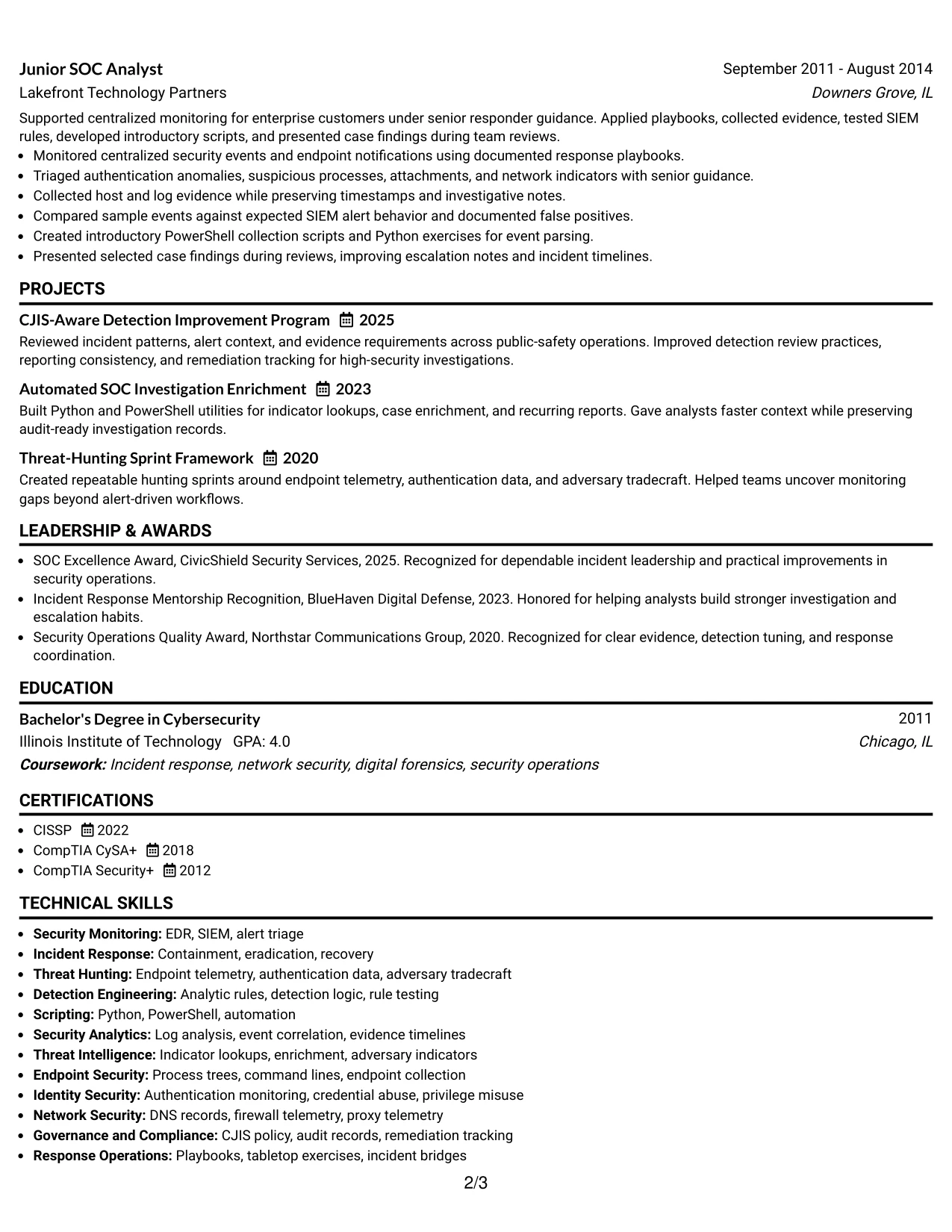
Why the Text/Fang Style Works for a Resume
- Balanced spacing prevents a long career history from overwhelming the page.
- Text-led sections keep incident evidence readable and searchable.
- Experience bullets can connect technical analysis with containment and recovery decisions.
- Projects provide a concise place to show repeatable threat-hunting methods.
- Skills and tools remain available for keyword matching without dominating the resume.
- Certifications support credibility while the work history remains the main proof.
- The structure helps readers assess both investigation depth and operational judgment.
Best For
- Applications that require detailed experience but still need controlled page balance.
- Resumes combining incident response, threat hunting, detection work, and reporting.
- Candidates who want projects to support, rather than replace, employment evidence.
- Documents where technical methods must be explained in short, readable bullets.
- Reviewers assessing both hands-on analysis and response decision-making.
- Applications that need skills, certifications, and affiliations without a crowded sidebar.
- Professional resumes built around evidence volume and clear text hierarchy.
#17 Bold Color Header Professional Format Resume Example
For a security operations application, the practical need is immediate clarity: the reader must see monitoring leadership, threat hunting, incident response, and remediation capability in the first review. A bold header can establish the target role while the body keeps the proof in standard sections.
The format gives the resume a strong entry point without taking space from evidence. It can present the professional summary, experience bullets, technical skills, certifications, and CJIS-related work in a controlled hierarchy that supports both ATS review and human scanning.
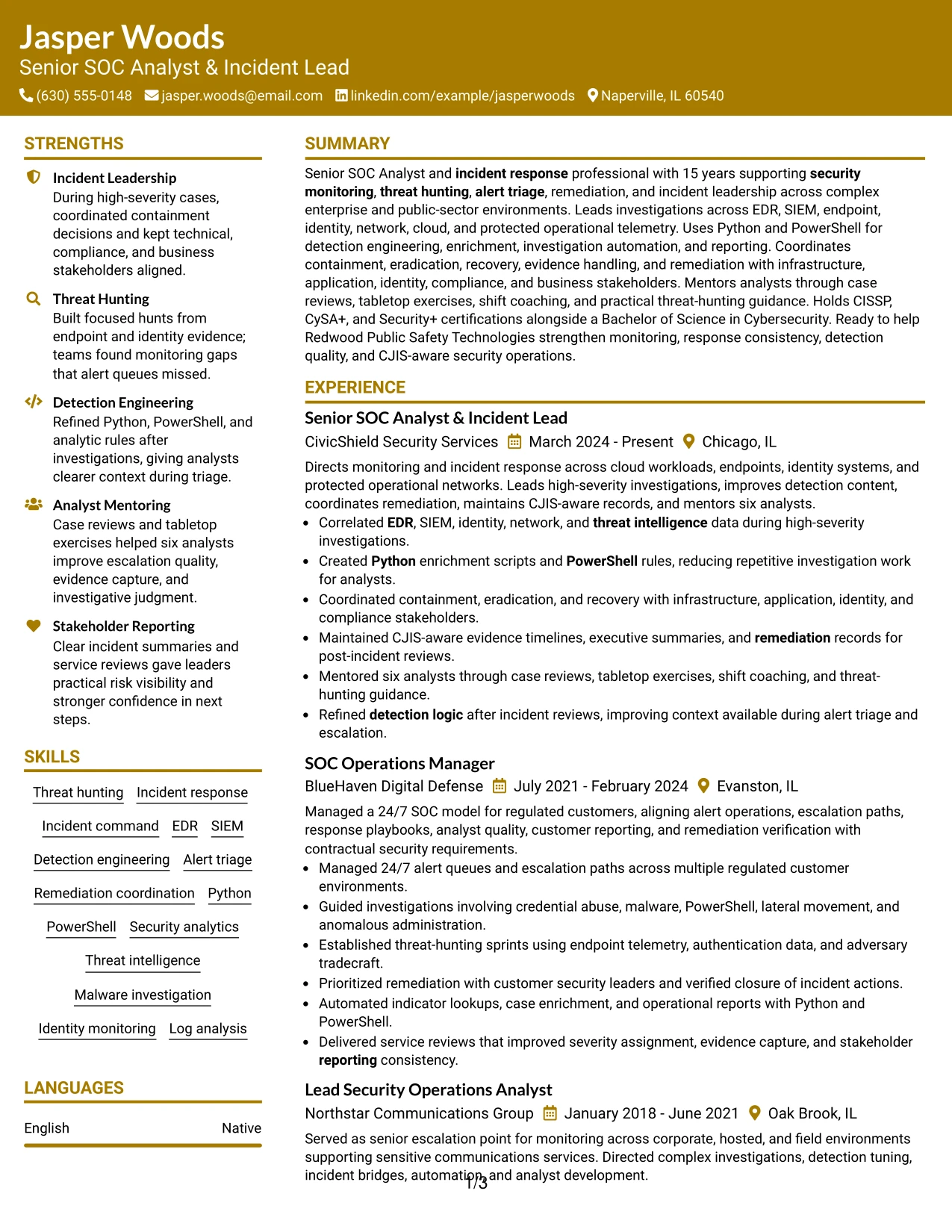
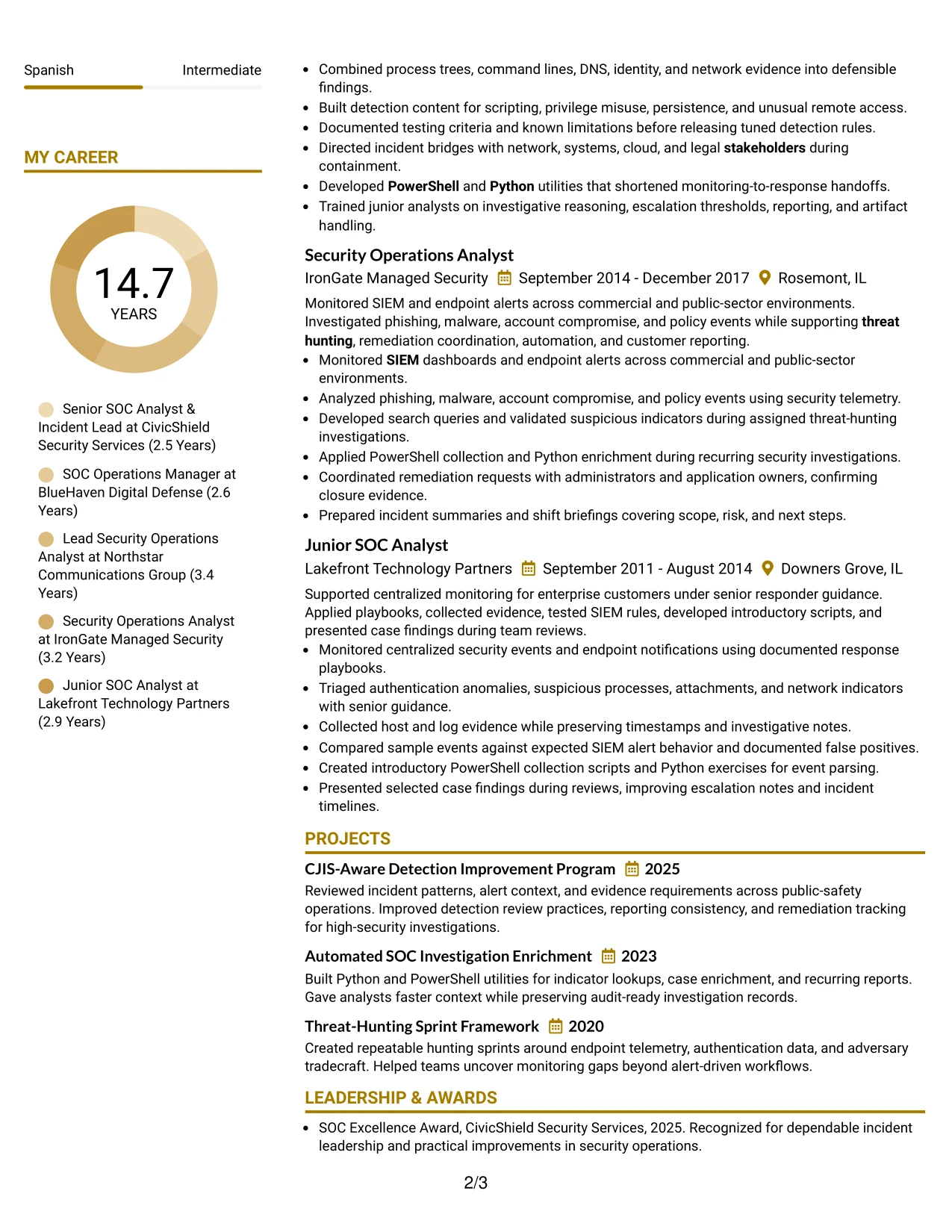
Why the Bold Color Header Professional Format Works for a Resume
- A prominent header identifies the target role before detailed review begins.
- Standard body sections protect the readability of technical evidence.
- Experience bullets can show leadership across monitoring, response, and remediation.
- The summary can connect EDR, SIEM, threat hunting, Python, and PowerShell.
- A clear skills section supports keyword matching without repeating every term in the bullets.
- Certifications and education remain easy to locate below the main evidence.
- Controlled color adds distinction while the content remains professional and searchable.
Best For
- Applications that benefit from an immediate, confident role heading.
- Resumes needing visual emphasis at the top without decorative body elements.
- Candidates whose strongest proof spans leadership and technical execution.
- Documents that must balance ATS-safe text with a polished presentation.
- Security-focused applications where key tools should appear early and clearly.
- Review processes that reward fast identification of response and monitoring scope.
- Resumes presenting a strong summary followed by evidence-rich experience.
#18 Photo Header Color Sidebar Format Resume Example
A restrained visual hierarchy gives this resume a distinct first impression while the color sidebar can organize contact details, skills, and credentials. The photo header is most useful when the application context permits one and when it supports a consistent, professional presentation.
The main body should still carry the proof: security monitoring, high-severity investigations, threat hunting, detection engineering, and stakeholder coordination. The sidebar can hold CISSP, CySA+, Security+, Python, PowerShell, and CJIS keywords without pushing accomplishment-focused bullets aside.
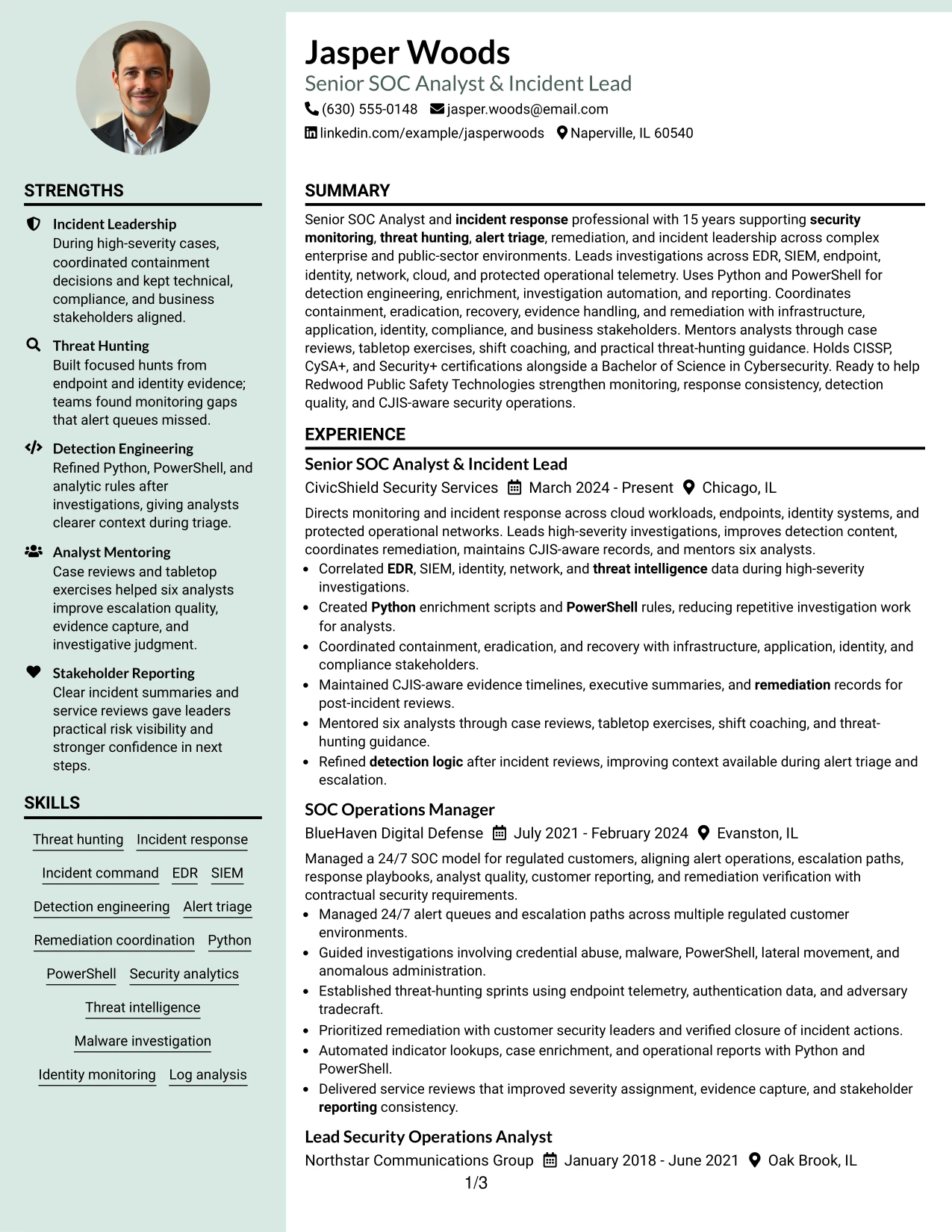
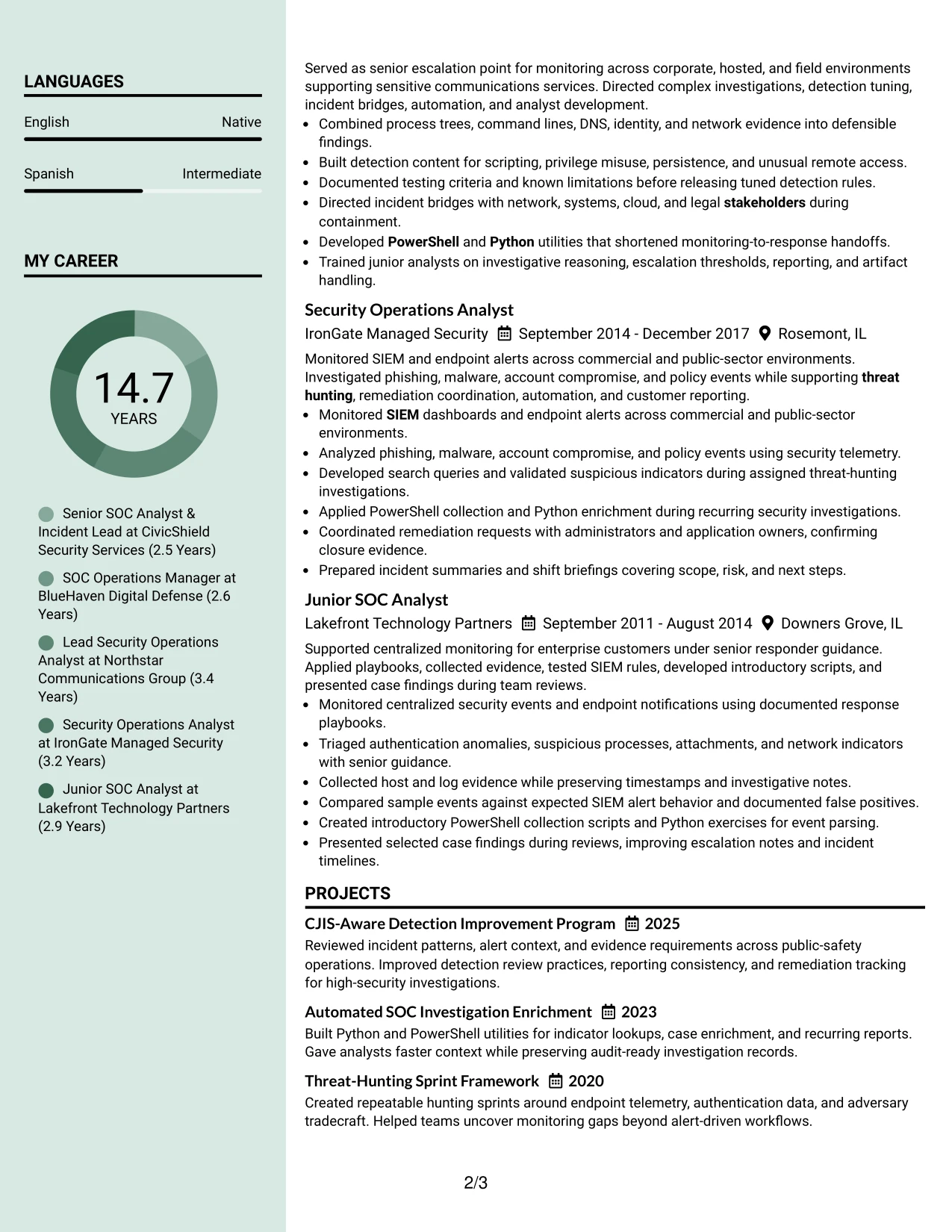
Why the Photo Header Color Sidebar Format Works for a Resume
- The sidebar separates quick-reference credentials from detailed experience.
- A photo header can support a polished presentation when appropriate for the application.
- The main column preserves space for investigations, response decisions, and remediation evidence.
- Skills can be grouped for quick review without interrupting chronological work history.
- Certifications and education can remain visible in a compact reference area.
- Color contrast helps readers locate contact details and technical keywords.
- The layout can present leadership, tools, and compliance context in distinct zones.
Best For
- Applications where a professional photo is accepted and adds useful personal context.
- Resumes that benefit from a strong separation between credentials and experience.
- Candidates with substantial technical evidence that should remain in the main column.
- Documents needing a compact area for certifications, skills, and contact details.
- Role targeting that combines incident leadership with hands-on security analysis.
- Readers who want quick access to tools and qualifications before reviewing bullets.
- Presentations where visual identity matters but technical content must stay central.
#19 Top Left Header Color Accent Format Resume Example
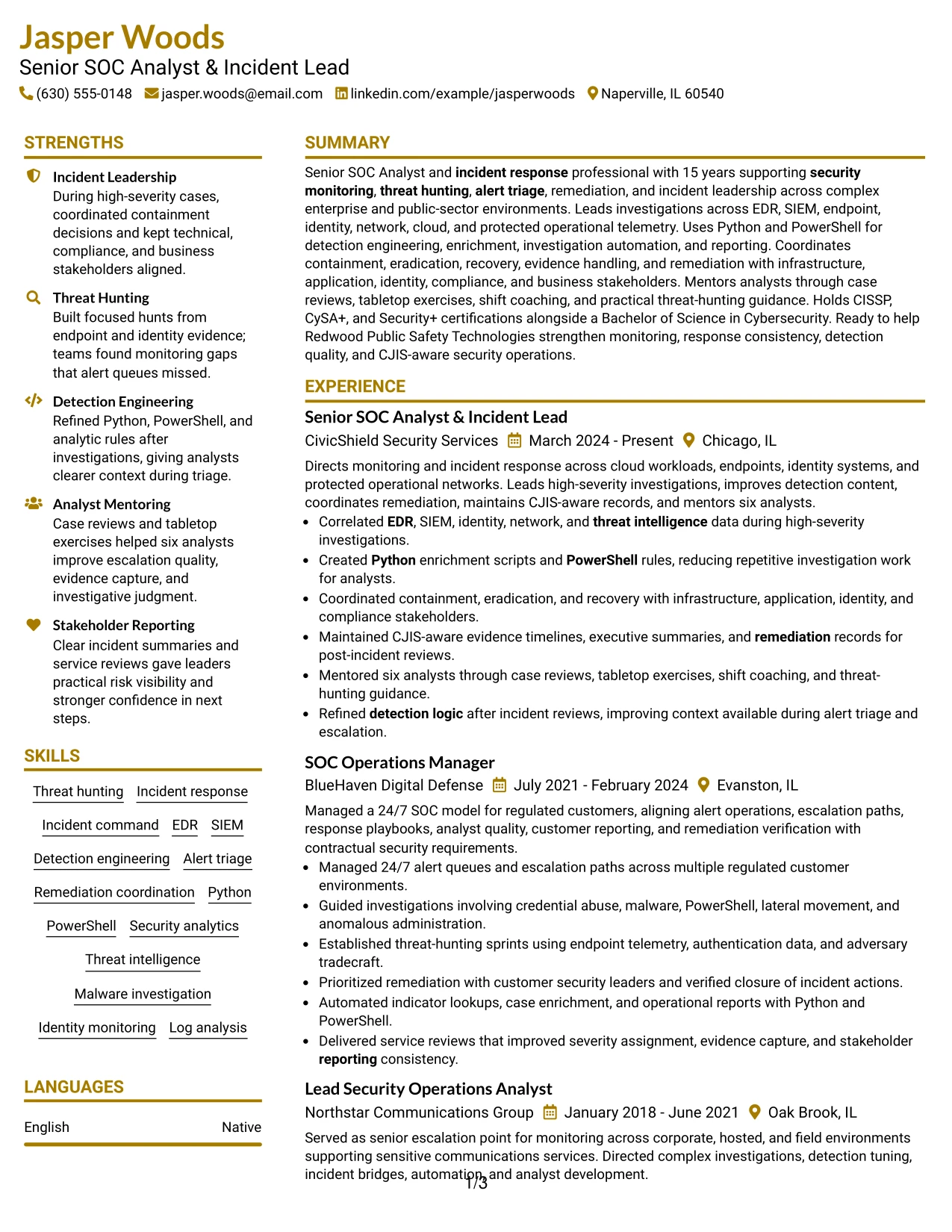
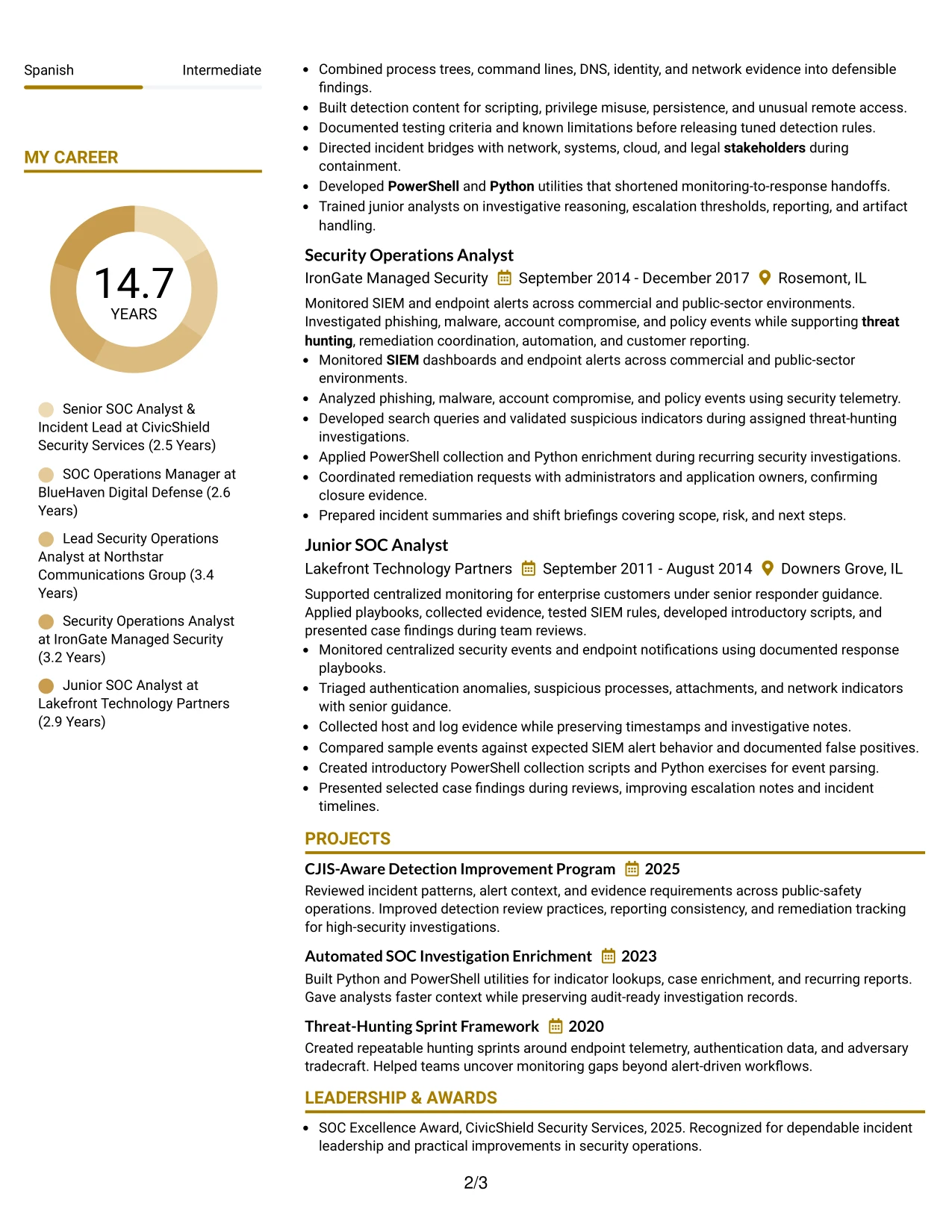
The Top Left Header Color Accent Format establishes a simple starting point and then moves through the resume in a familiar sequence: summary, experience, skills, education, and certifications. The accent helps mark section boundaries while the content remains easy to scan.
That structure suits a resume with extensive evidence across five roles. Readers can follow progression from Junior SOC Analyst to Senior SOC Analyst and Incident Lead, then review projects, awards, and affiliations without losing the core security operations story.
Why the Top Left Header Color Accent Format Works for a Resume
- A top-left header supports fast recognition of the candidate's target role and contact details.
- A familiar sequence helps readers locate experience and supporting sections quickly.
- Five roles can show career progression without a split-page reading path.
- Bullets keep threat hunting, alert triage, and detection work easy to compare.
- A color accent provides section separation without affecting ATS-readable text.
- Projects and awards can appear after the core evidence as supporting proof.
- The format keeps the technical skills list connected to the work history.
Best For
- Resumes that need a conventional starting point with modest visual distinction.
- Applications where career progression should be clear at a glance.
- Documents with several related roles and a substantial chronological record.
- Candidates who want a single-column structure for dependable scanning.
- Reviewers comparing technical responsibilities across multiple positions.
- Resumes that include projects and awards after the main employment evidence.
- Applications requiring strong keywords without a heavily designed layout.
#20 Centered Header Classic Two Column Format Resume Example
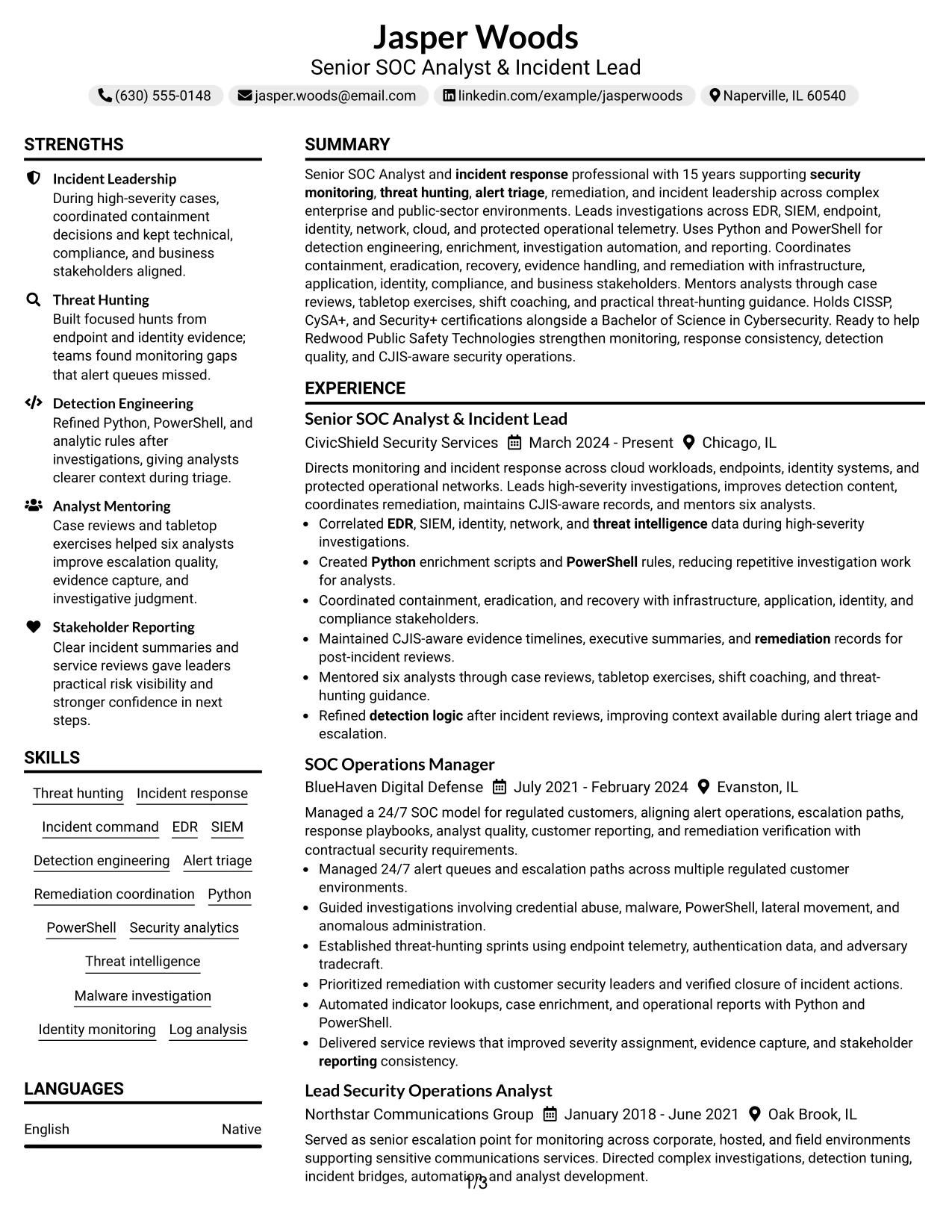
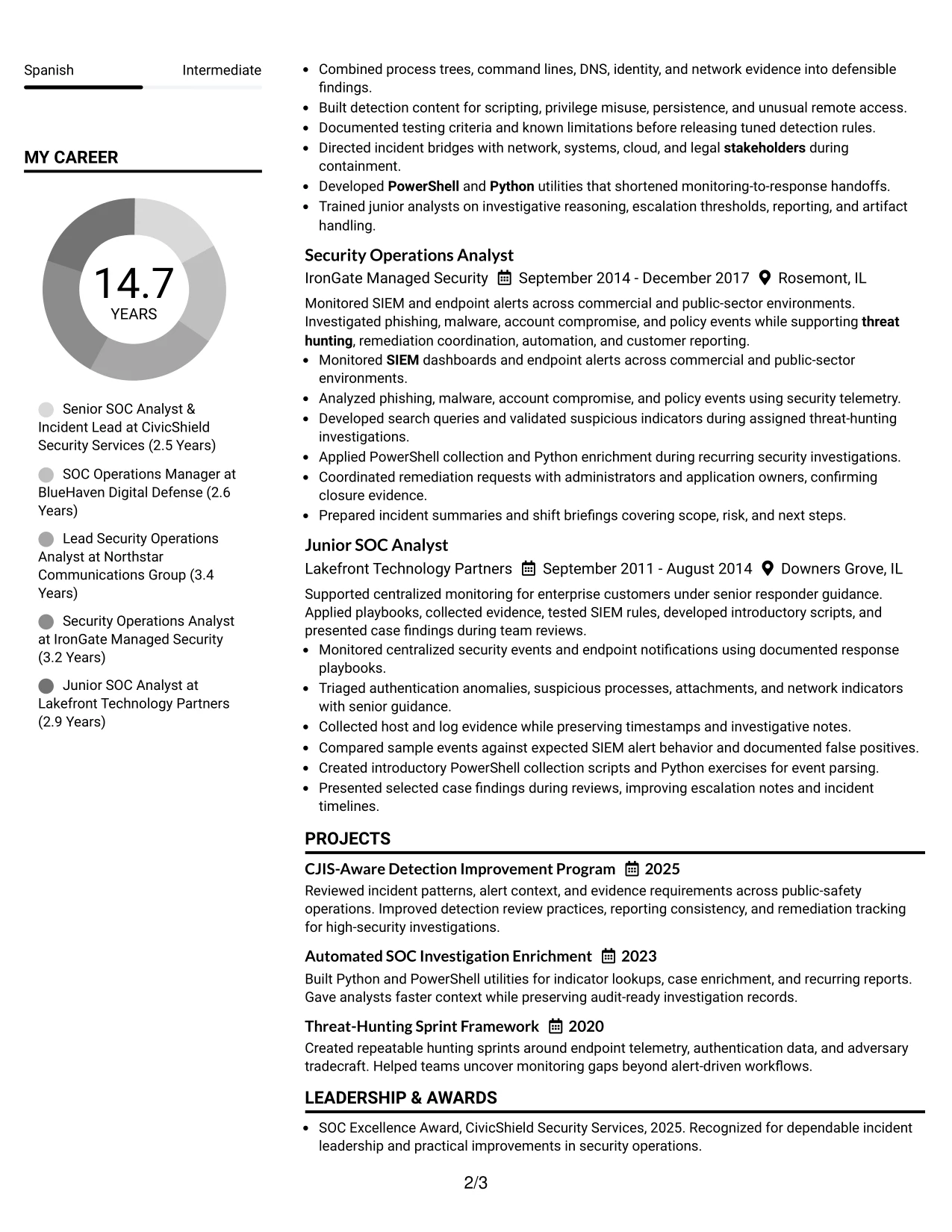
Readers can begin with the centered identity block, then scan the two columns for the summary, experience, skills, education, and certifications. This route supports fast orientation while allowing the page to carry a large amount of relevant information.
Jasper Woods's resume benefits from that capacity because it includes 15 years of experience, five positions, three projects, multiple awards, and detailed technical skills. The primary column can show incident leadership and investigation bullets, while the secondary column keeps credentials and keywords available.
Why the Centered Header Classic Two Column Format Works for a Resume
- Two columns create room for a long work history and supporting credentials.
- A centered header gives contact information a clear starting point.
- The main column can prioritize incident leadership and complex investigations.
- The secondary column can group certifications, education, skills, and awards.
- Bullets preserve measurable scope, including mentorship of six analysts.
- Projects can demonstrate detection improvement and automation without interrupting chronology.
- The structure supports fast keyword review alongside detailed evidence.
Best For
- Resumes with extensive experience and several supporting sections.
- Applications where certifications and skills need to stay visible beside work history.
- Candidates presenting both leadership scope and hands-on technical analysis.
- Documents that must include projects, awards, education, and affiliations without excessive length.
- Readers who scan from a central header into clearly separated content areas.
- Role targeting that depends on dense evidence across monitoring, response, and automation.
- Experienced professionals who need more information capacity than a sparse one-column page.
#21 Left Aligned Header Clean Two Column Format Resume Example
The evidence receives priority through a clean left-aligned entry point and a two-column structure that keeps the work history prominent. The reader can quickly find the summary and recent experience, then use the adjacent column to verify skills, certifications, education, and awards.
For this Senior SOC Analyst and Incident Lead resume, the format supports detailed proof of EDR and SIEM investigations, Python and PowerShell automation, remediation coordination, and CJIS-aware documentation. Each section has a clear purpose, so technical depth does not become a wall of text.
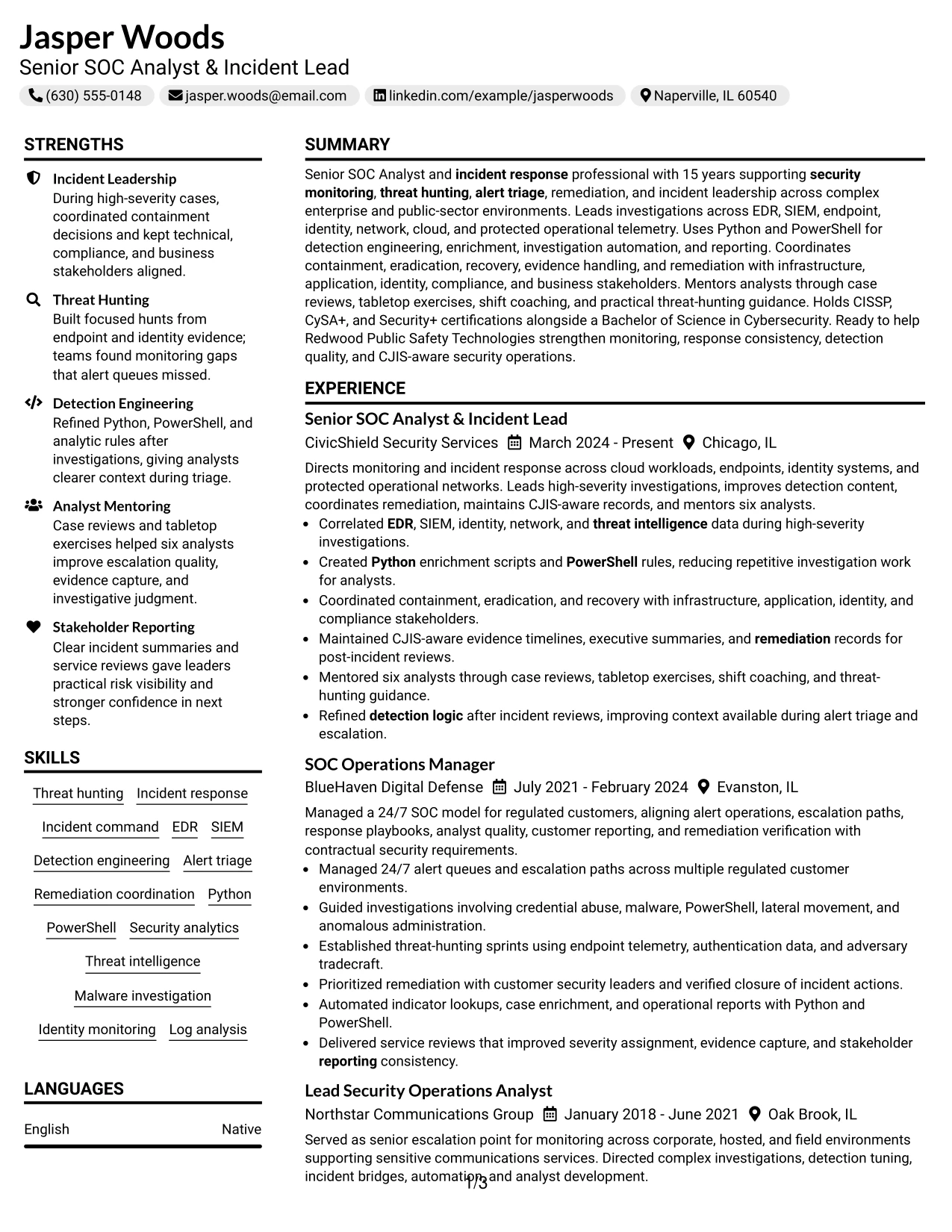
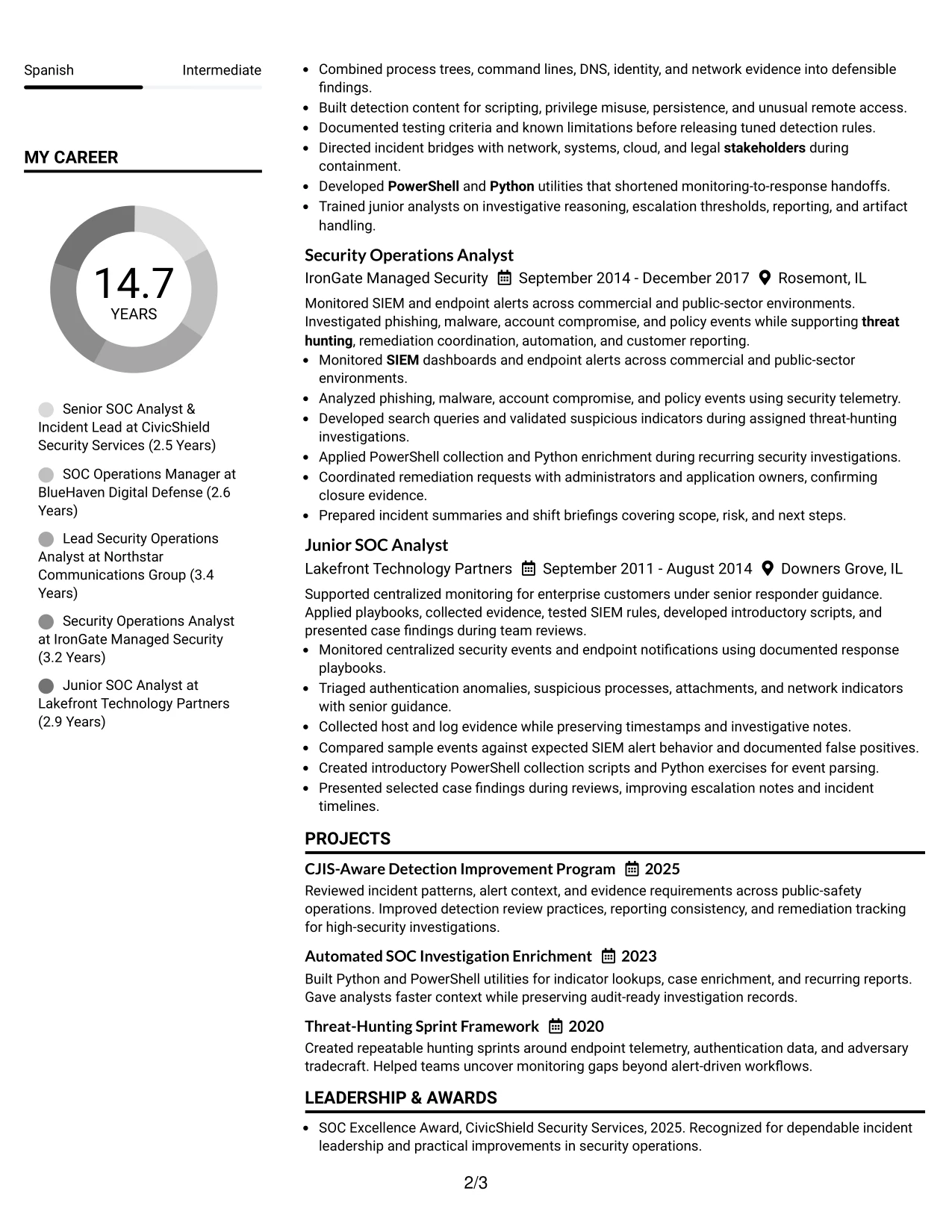
Why the Left Aligned Header Clean Two Column Format Works for a Resume
- The left-aligned header creates a direct, practical starting point.
- The main content area gives experience bullets priority over secondary details.
- A companion column makes skills, certifications, and education easy to verify.
- Technical evidence can show how EDR, SIEM, Python, and PowerShell were applied.
- Clean spacing helps separate investigation findings from supporting credentials.
- Awards and projects can reinforce quality and process improvement.
- The layout supports strong keywords without repeating them mechanically.
Best For
- Resumes where recent work evidence must lead the review.
- Applications needing a practical, low-distraction two-column structure.
- Candidates who need to show technical execution alongside response coordination.
- Documents with enough credentials to justify a dedicated supporting column.
- Reviewers checking tools, certifications, and education against experience bullets.
- Applications where compliance and evidence handling should be easy to confirm.
- Resumes that favor clean alignment and direct information retrieval.
#22 Simple Two Column Format Resume Example
Balanced spacing gives the resume a practical division between detailed experience and compact supporting information. The two columns can prevent the page from becoming dense while keeping the summary, work history, skills, education, and certifications connected.
This approach fits applications that require both technical evidence and quick keyword access. Incident response, threat hunting, detection engineering, stakeholder reporting, projects, and awards can appear in a clear order without weakening the resume's simple, professional presentation.
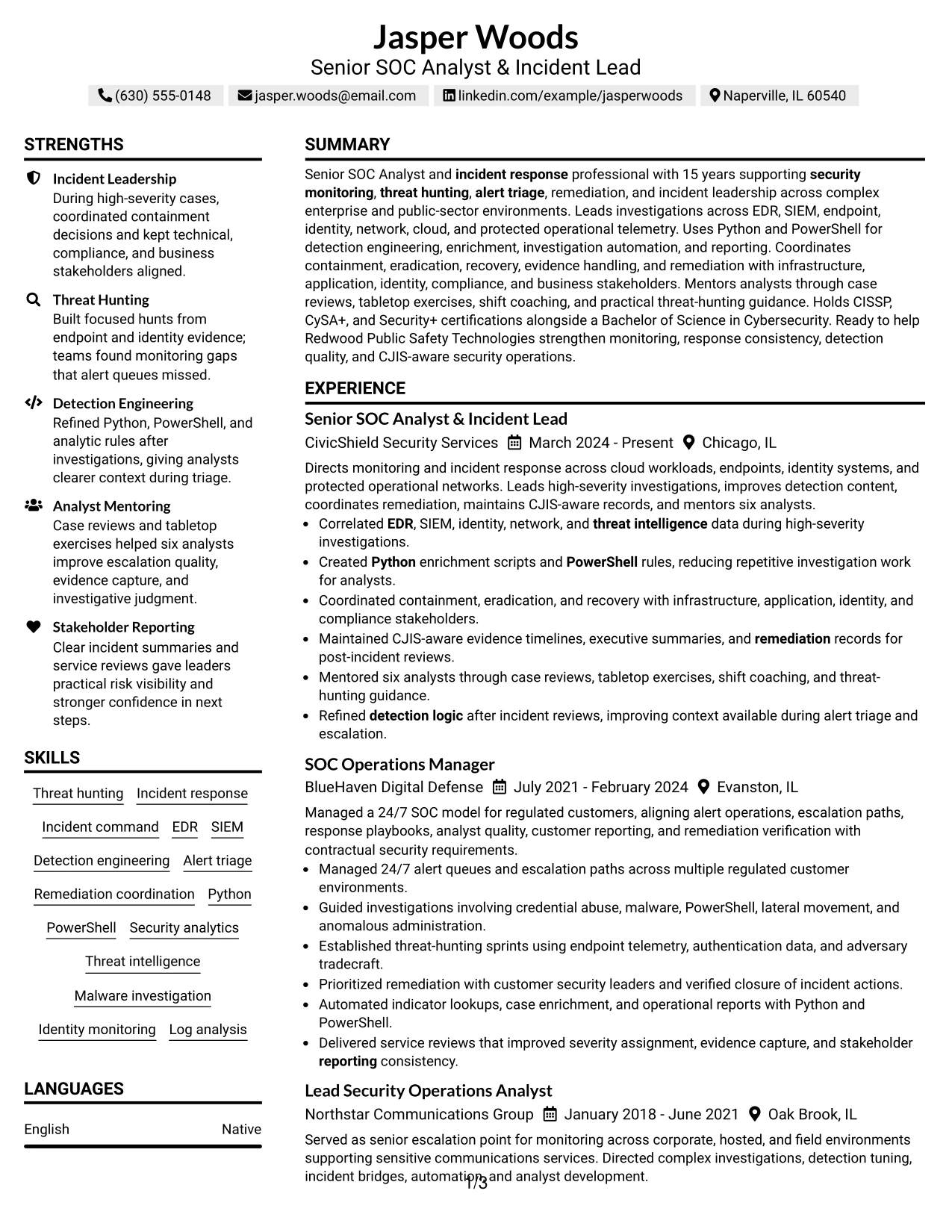
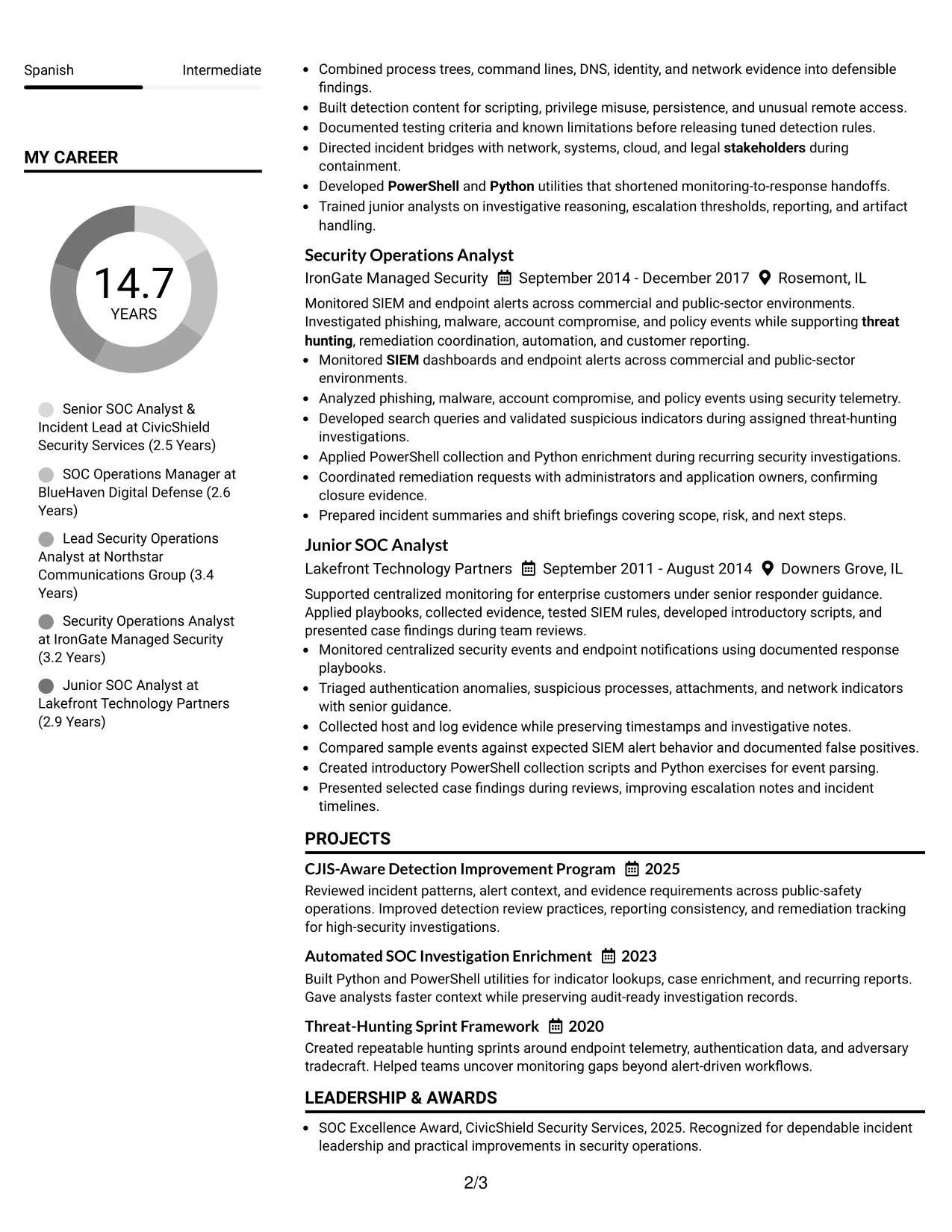
Why the Simple Two Column Format Works for a Resume
- Balanced columns make substantial content easier to absorb in short review sessions.
- The primary area can carry detailed incident and threat-hunting bullets.
- The supporting area can hold skills, certifications, education, and affiliations.
- Simple section markers help readers locate evidence without visual clutter.
- Projects can add context for automation and detection improvement.
- Awards can support credibility while remaining separate from employment history.
- The layout keeps application keywords visible without turning the resume into a keyword list.
Best For
- Applications that need a simple structure with more capacity than one column.
- Resumes balancing detailed work history with compact technical qualifications.
- Candidates who want projects and awards included without crowding the main story.
- Readers who scan evidence in one area and verify keywords in another.
- Documents requiring clear sections for experience, skills, education, and certifications.
- Applications where straightforward spacing supports fast human and ATS review.
- Professional resumes that value information balance over strong visual decoration.
#23 Accent Divider Modern Two Column Format Resume Example
For a Senior SOC Analyst resume, a two-column structure helps separate contact details and focused skills from the main record of incident leadership. Accent dividers create clear stopping points without taking attention away from EDR, SIEM, threat hunting, and remediation results.
The main column can carry the professional summary, experience, projects, education, certifications, and awards. A narrower side column can group Python, PowerShell, detection engineering, CJIS policy considerations, and analyst mentoring. Short bullets and strong section labels support fast review and reliable ATS parsing.
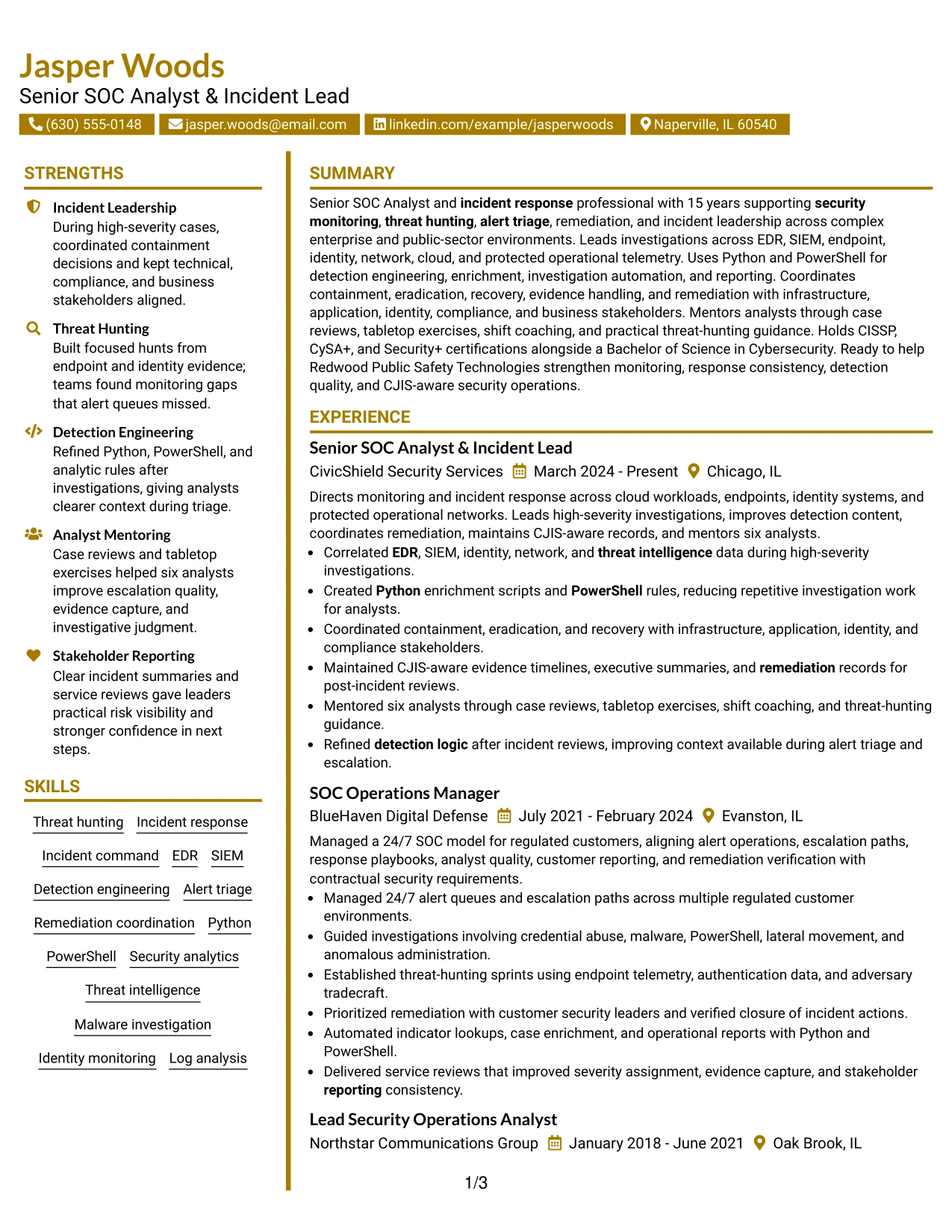
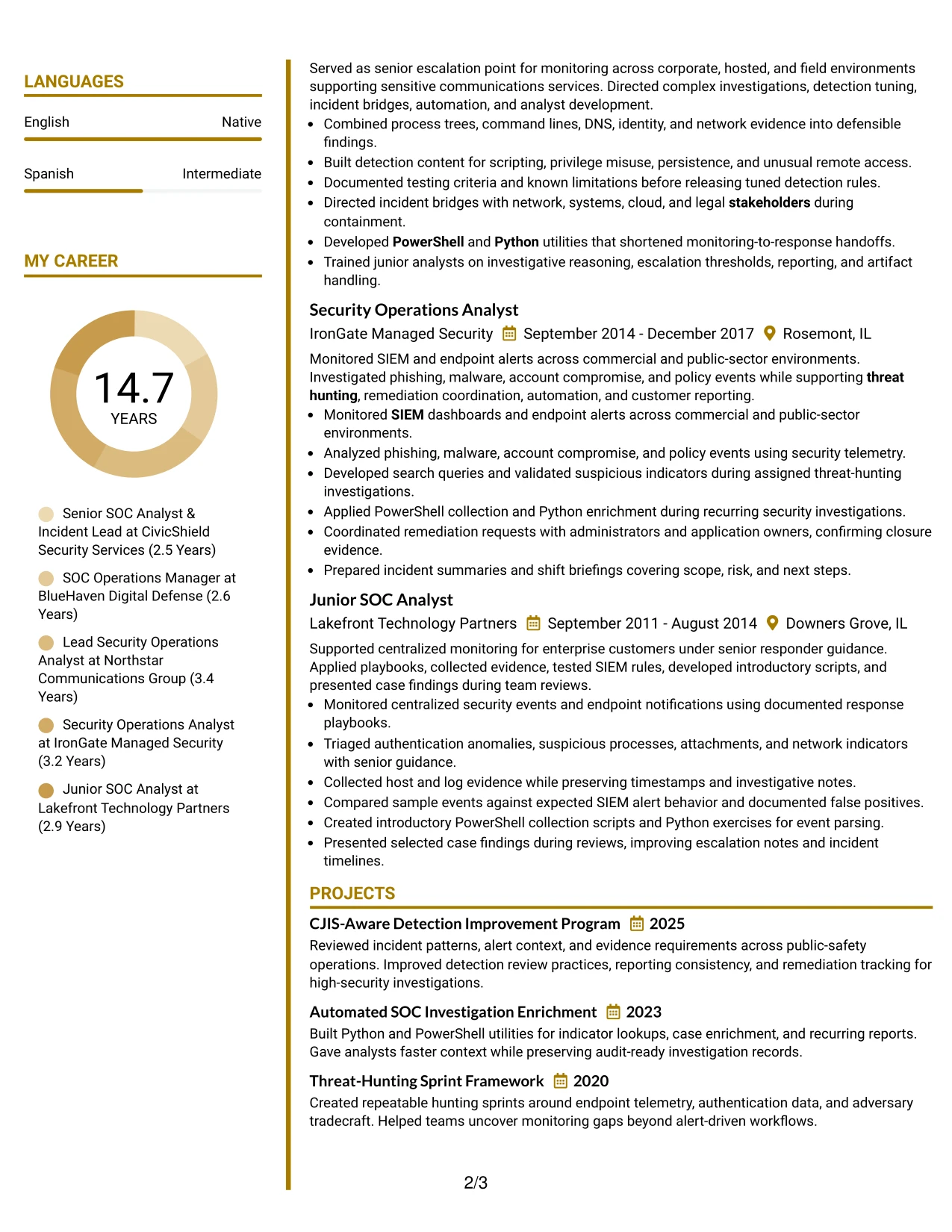
Why the Accent Divider Modern Two Column Format Works for a Resume
- Two columns separate supporting details from the strongest experience evidence.
- Accent dividers make major resume sections easy to locate.
- The main column gives detailed incident leadership bullets enough space.
- A focused side column can display skills, certifications, and affiliations efficiently.
- Square bullets create a consistent structure for technical achievements.
- Clear hierarchy helps reviewers find EDR, SIEM, Python, and PowerShell quickly.
- The format supports both human scanning and keyword-focused resume review.
Best For
- Resumes that need a clear split between core experience and supporting qualifications.
- Candidates with several technical skills, certifications, and professional affiliations to organize.
- Applications where incident results and investigation details need the widest column.
- Readers who scan for EDR, SIEM, threat hunting, and detection engineering terms.
- Documents that must present many sections without making every section look crowded.
- Professional resumes that benefit from visual dividers between distinct evidence groups.
- Applications requiring a balance of ATS-readable text and polished human navigation.
#24 Shaded Labels Clean Two Column Format Resume Example
A restrained visual hierarchy gives the reader an immediate path through this resume. Shaded labels identify sections, while the clean two-column arrangement keeps skills and supporting details separate from the evidence of incident response leadership.
The resume can place the summary and employment history in the wider column, with certifications, tools, affiliations, and selected skills in the other. This structure makes role alignment visible through terms such as threat hunting, detection engineering, stakeholder reporting, and CJIS policy considerations.
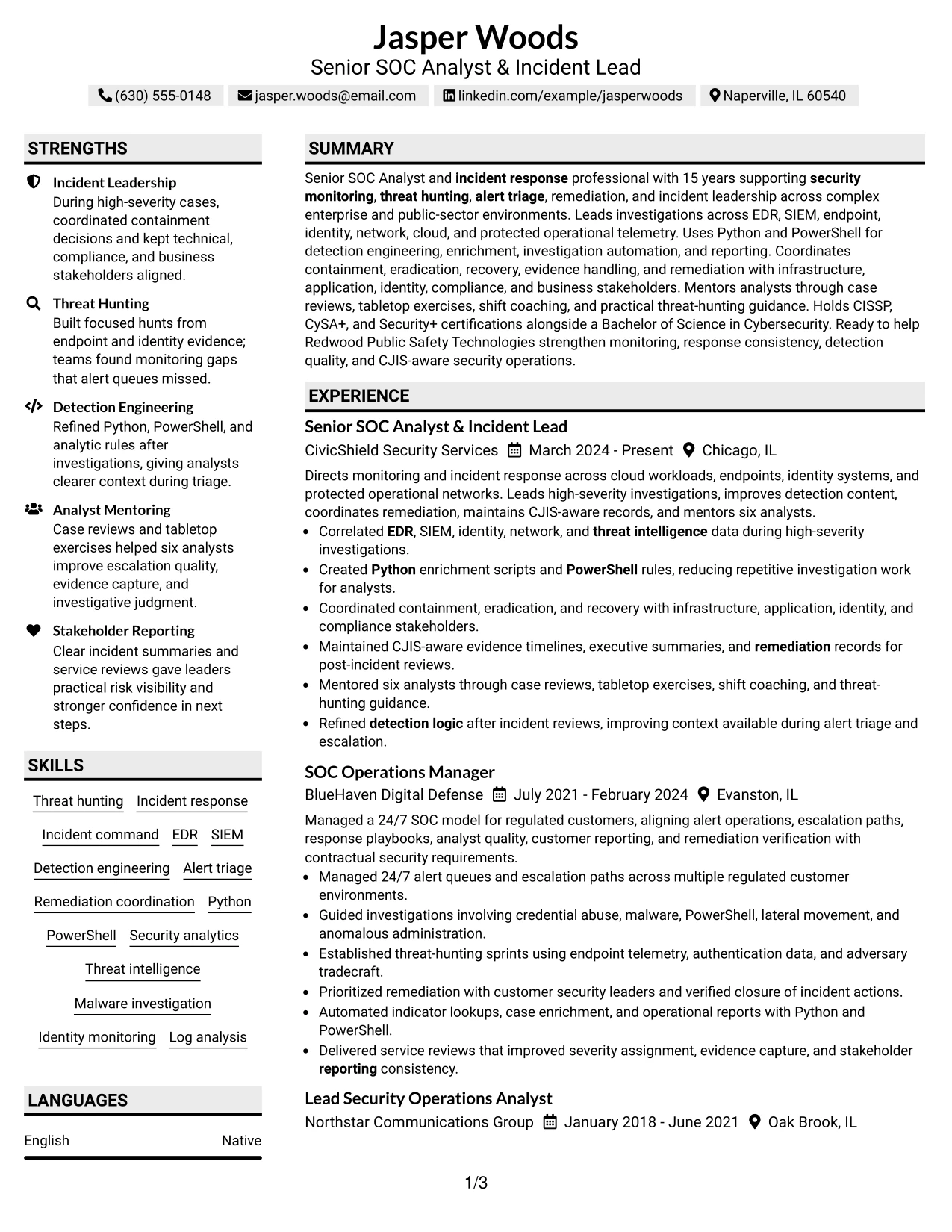
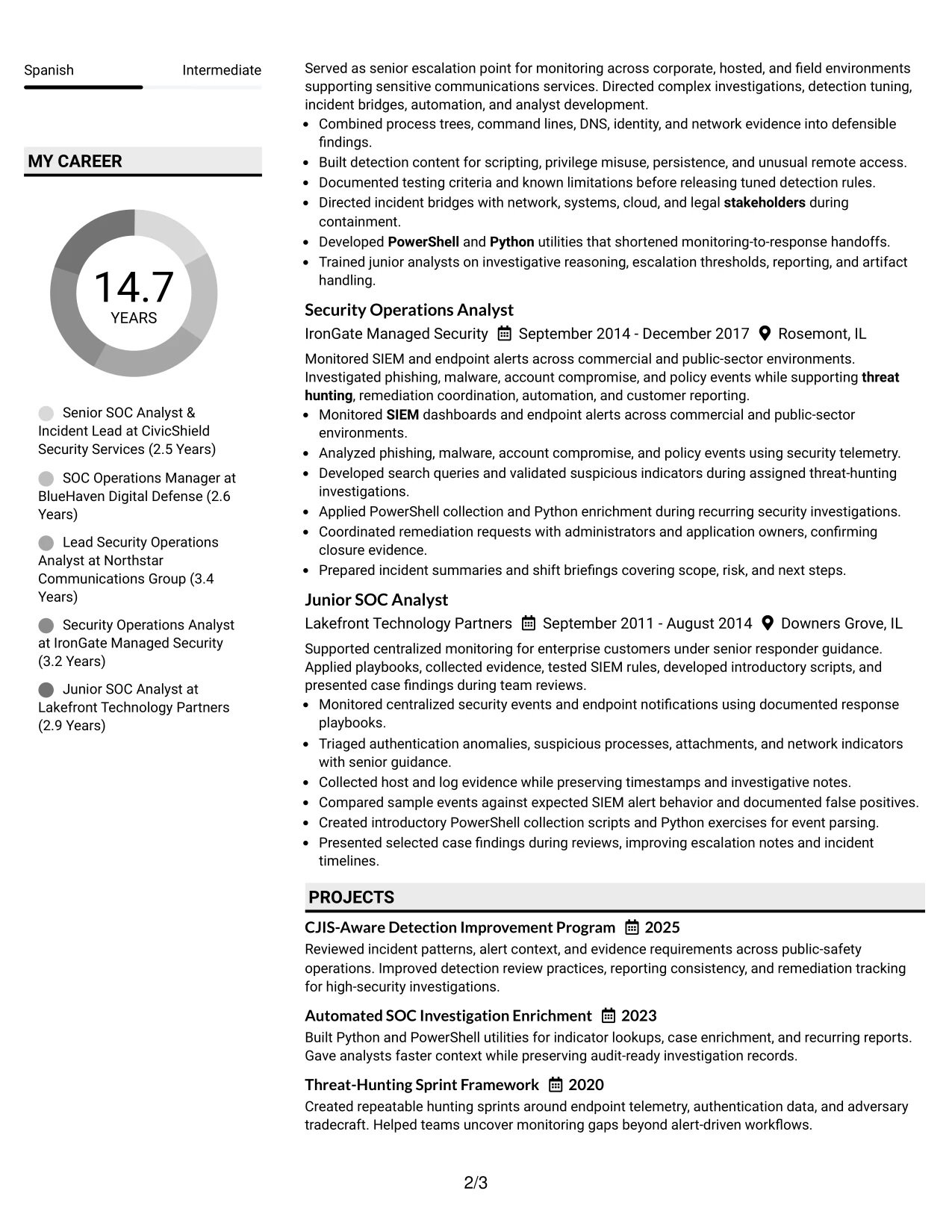
Why the Shaded Labels Clean Two Column Format Works for a Resume
- Shaded labels create clear section boundaries without excessive decoration.
- The two-column design gives supporting qualifications a compact but visible home.
- The employment section remains large enough for detailed investigation bullets.
- Consistent labels help reviewers compare experience, skills, and certifications quickly.
- The layout supports keyword placement without turning the skills section into a dense block.
- Clean spacing improves readability during a fast resume review.
- The format presents technical and leadership evidence in a balanced order.
Best For
- Applications that need visible alignment between a target role and documented experience.
- Resumes combining operational leadership with hands-on technical skills.
- Readers who prefer clear labels and predictable movement between sections.
- Candidates presenting certifications beside a substantial employment history.
- Documents where threat hunting, incident response, and remediation should appear early.
- Multi-section resumes that need compact organization without losing readability.
- ATS-conscious applications that still need strong visual separation for human review.
#25 Photo Header Color Accent International Format Resume Example
The Photo Header Color Accent International Format places the contact area and professional identity at the top, followed by a single-column reading path. Color accents can distinguish the summary, experience, projects, certifications, and skills while keeping the text in a straightforward order.
For this Senior SOC Analyst resume, the structure gives each position room for evidence about investigations, detection logic, stakeholder coordination, and mentoring. A photo may suit a market or application that accepts it, but the resume should still lead with searchable role terms and measurable responsibility rather than visual elements.
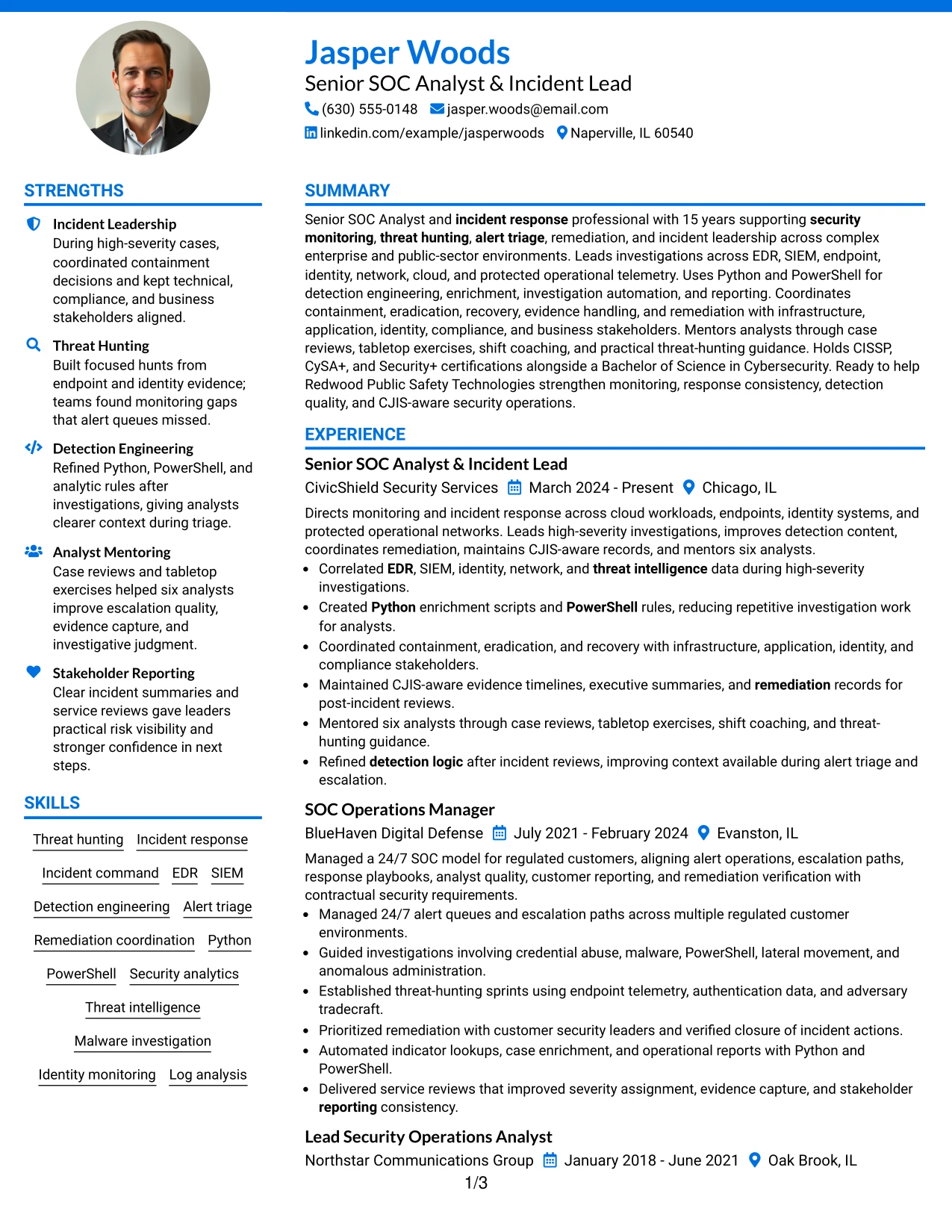
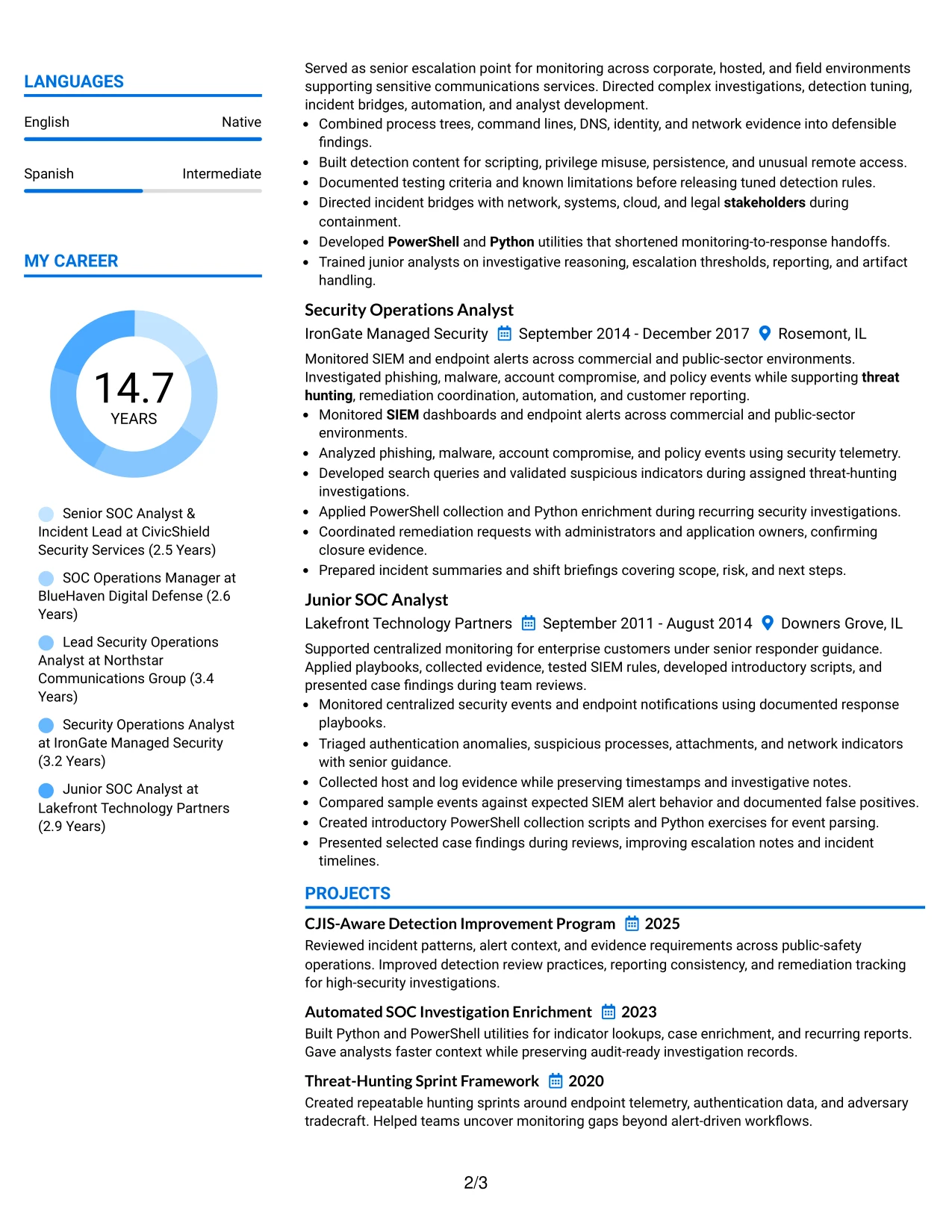
Why the Photo Header Color Accent International Format Works for a Resume
- A single column gives experience bullets a clear top-to-bottom sequence.
- The header creates a strong first location for contact details and the target role.
- Color accents can distinguish sections without breaking the reading flow.
- A photo can support applications where that presentation is accepted and useful.
- Projects and certifications can follow experience without competing for space.
- The format keeps technical keywords in readable, full-width lines.
- Reviewers can move from summary to evidence without switching columns.
Best For
- Applications that accept a polished profile header and a single reading path.
- Resumes where a professional photo is appropriate for the specific application context.
- Candidates who need full-width space for investigation, response, and leadership bullets.
- Readers who review documents from top to bottom rather than by columns.
- Documents that combine employment history with projects and certifications.
- International application settings where a photo header may be customary and permitted.
- Applications that still require visible keywords for EDR, SIEM, Python, and PowerShell.
#26 Large Profile Photo International Two Column Format Resume Example
Readers move through this resume by using the prominent header first, then the two columns to compare career evidence with supporting qualifications. The larger profile area establishes identity, while the body must keep the strongest security operations results easy to find.
One column can hold the summary and detailed employment bullets, while the other groups skills, certifications, projects, awards, and affiliations. That distribution supports a substantial record covering 15 years, but each section still needs short bullets so high-severity investigations, threat hunting, and incident command remain visible.
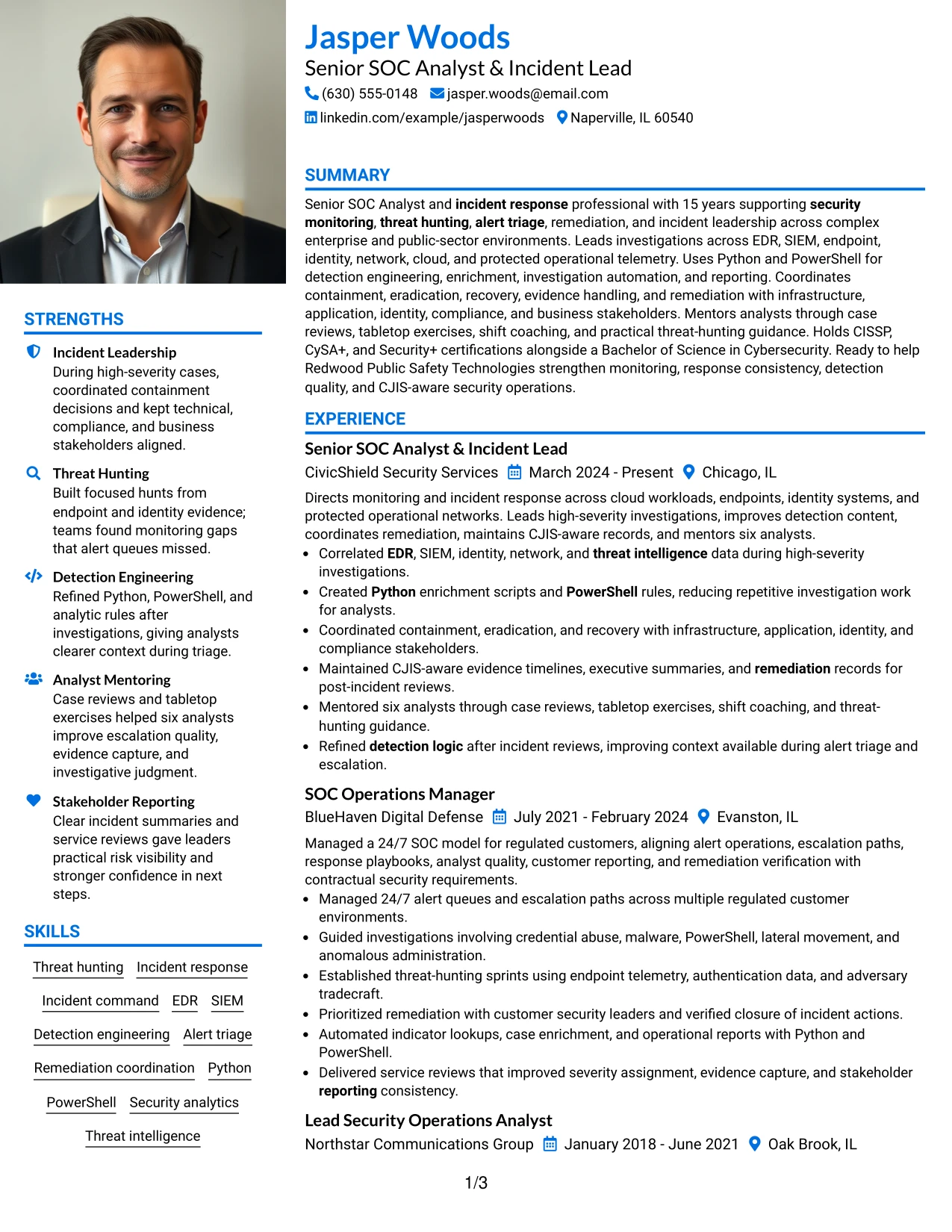
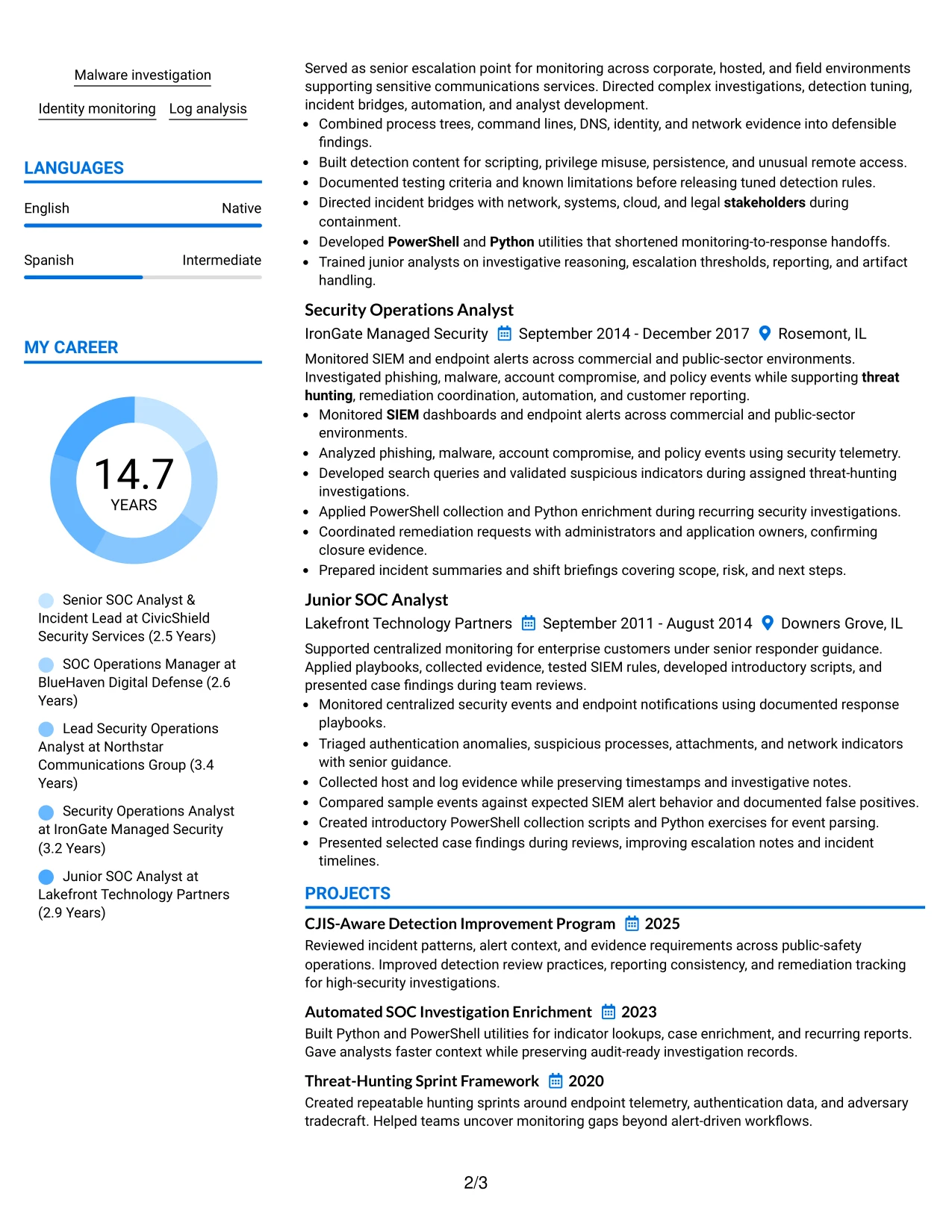
Why the Large Profile Photo International Two Column Format Works for a Resume
- The two columns help manage a substantial amount of career information.
- The larger profile area gives the header a strong visual anchor.
- A wider evidence column can carry detailed incident and response bullets.
- The supporting column can hold certifications, awards, projects, and skills.
- The structure helps separate career chronology from qualification highlights.
- Clear section order keeps technical keywords accessible despite the visual header.
- Short bullets protect readability when the resume contains extensive experience.
Best For
- Professionals with a long employment record and several supporting qualification groups.
- Applications where a prominent professional photo is accepted and adds useful context.
- Resumes that need separate space for projects, awards, certifications, and affiliations.
- Readers comparing detailed work evidence with a concise technical skills column.
- Documents that must show both incident command and hands-on investigation work.
- Candidates with enough content to benefit from two distinct information zones.
- Applications where a strong profile header can coexist with ATS-readable resume text.
#27 One Column Format with Photo Resume Example
High-value evidence receives priority in this one-column resume: incident leadership, threat hunting, detection engineering, and remediation coordination appear in a direct sequence. The large photo area sits apart from the content, so the text can still lead with role alignment and documented results.
A single column gives every position the same reading width, from the summary through experience, projects, certifications, and education. Strong bullets can show EDR and SIEM investigations, Python and PowerShell automation, CJIS-aware records, and mentoring without forcing the reader to jump across the page.
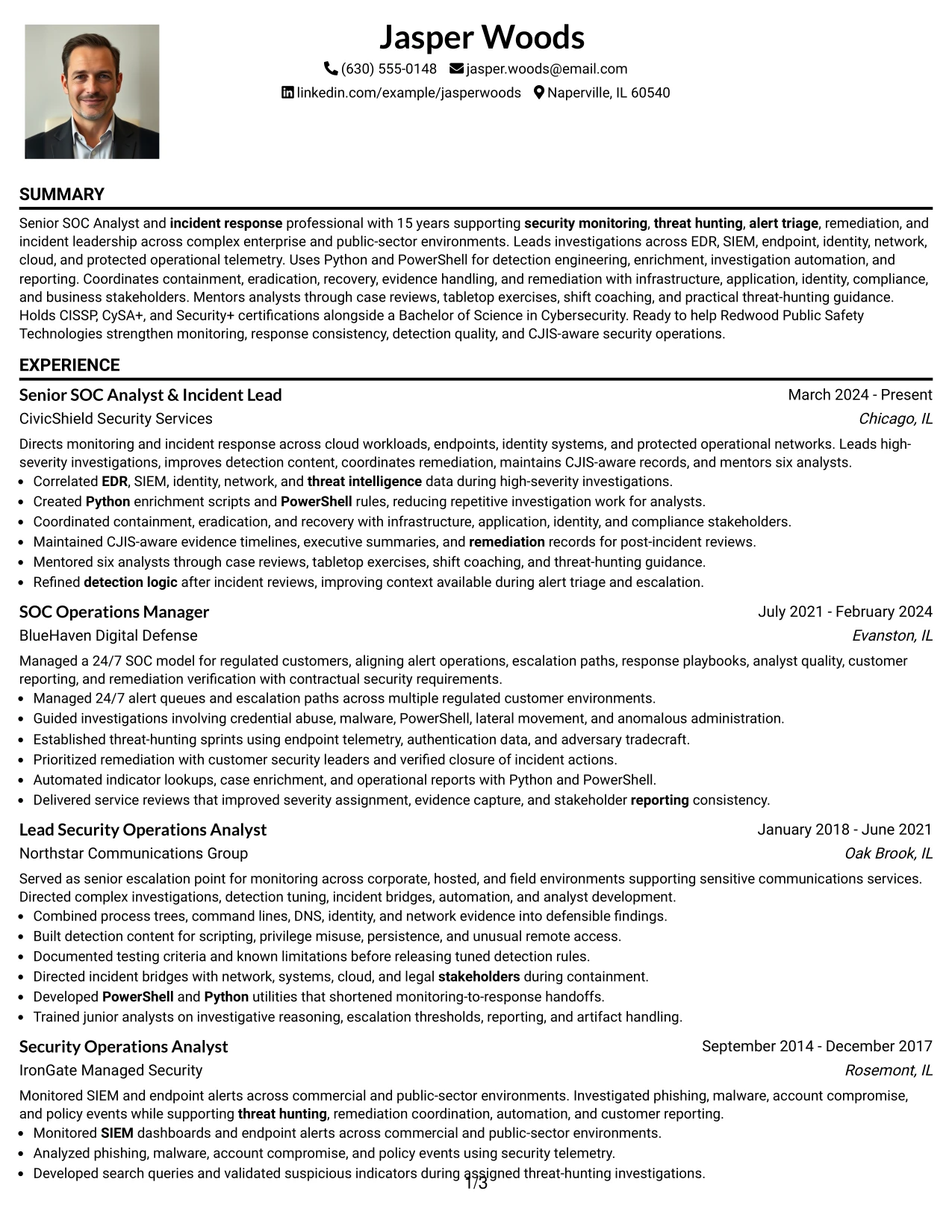
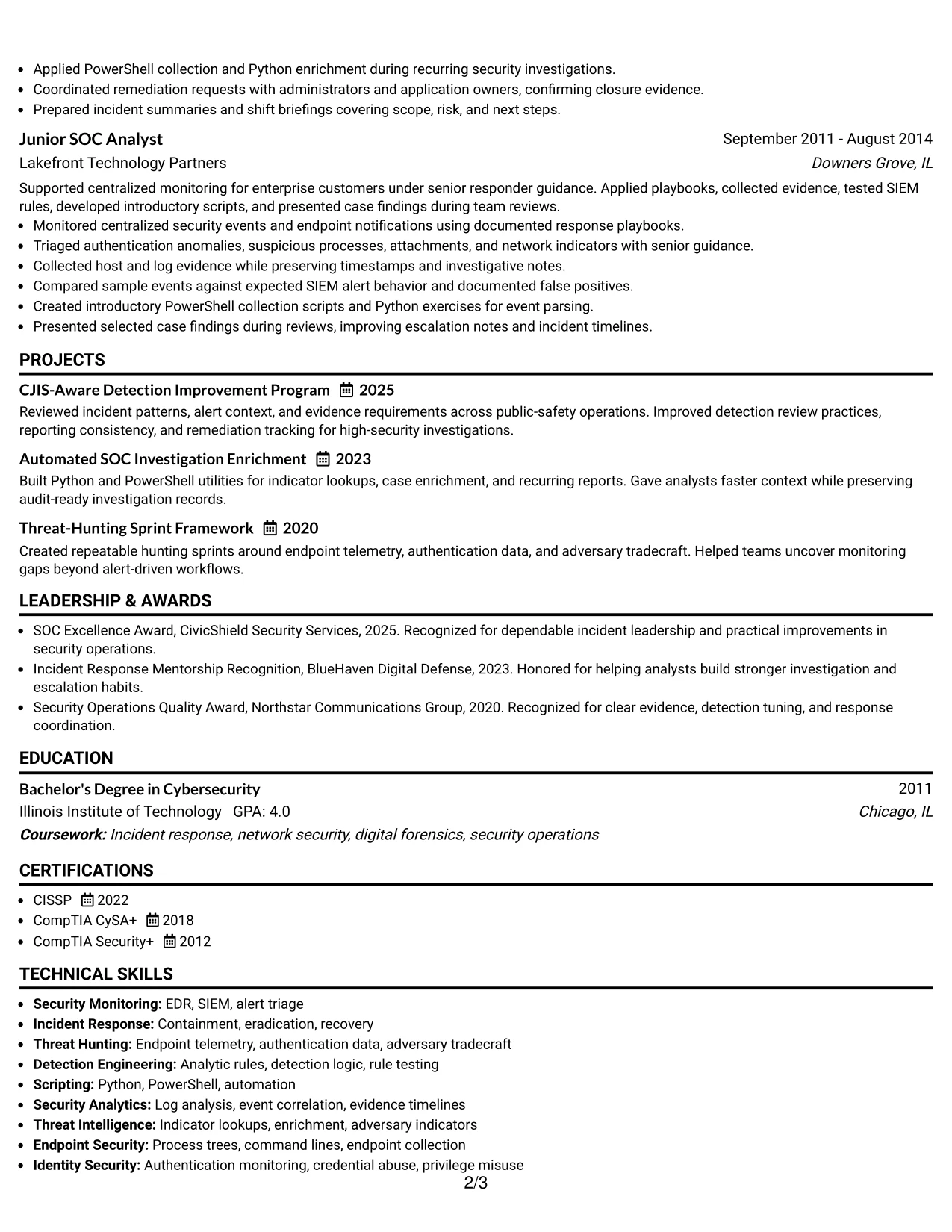
Why the One Column Format with Photo Works for a Resume
- A single column gives priority to the full employment record.
- The format keeps investigation bullets at a consistent reading width.
- The photo area is visually separate from the main evidence.
- Projects can reinforce detection improvement and automation work.
- Certifications and education remain easy to locate after experience.
- The order supports keyword scanning from summary through skills.
- Consistent spacing helps technical achievements stand out clearly.
Best For
- Applications where a professional photo is accepted and the evidence must remain primary.
- Resumes that need a direct, uninterrupted chronology of security operations work.
- Candidates presenting detailed bullets about investigations, containment, and recovery.
- Readers who want one predictable path through experience and qualifications.
- Documents that combine technical projects with a long employment history.
- Applications requiring clear visibility for EDR, SIEM, Python, PowerShell, and CJIS.
- Professionals who prefer strong evidence over a complex page structure.
#28 One Column Format with Photo Right Resume Example
Content is balanced between a clear one-column evidence path and a right-side profile area. The arrangement keeps the resume orderly while giving the contact header a distinct visual position. Experience remains the main proof of capability, not the decorative treatment.
The resume can move from summary to professional experience, projects, certifications, education, and skills in a steady sequence. Full-width bullets make it easier to explain containment decisions, detection rule improvements, investigation automation, stakeholder reporting, and analyst mentoring.
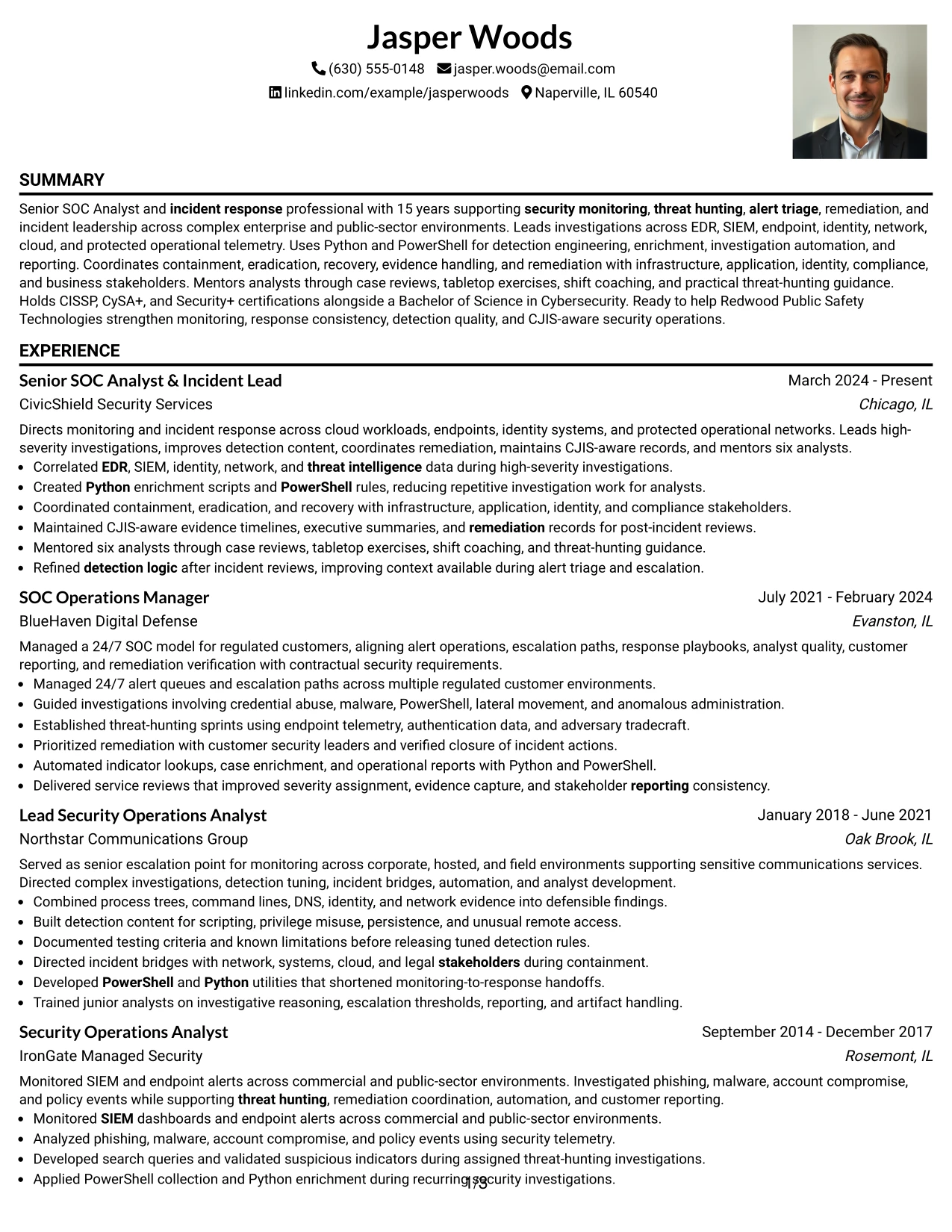
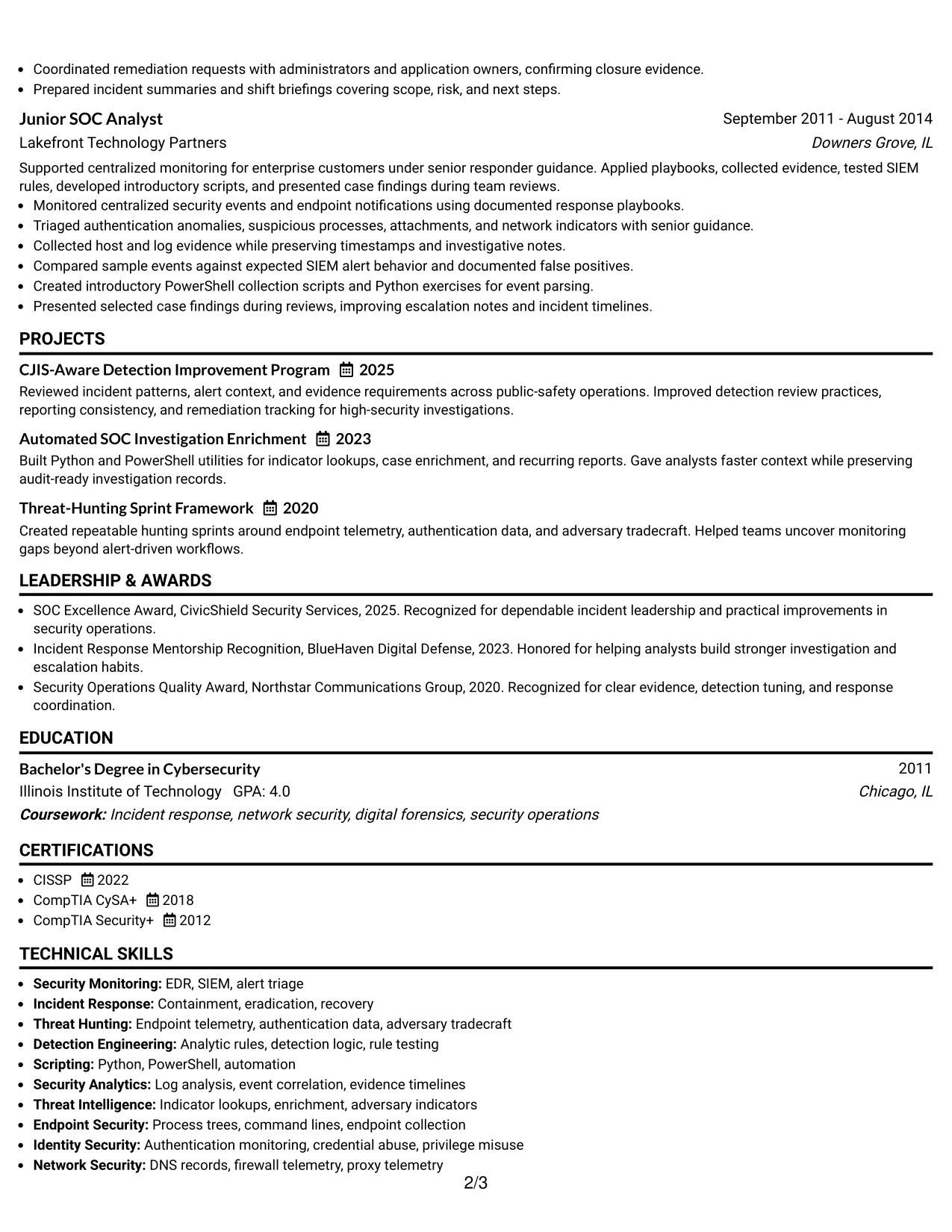
Why the One Column Format with Photo Right Works for a Resume
- The single content column preserves a simple review path.
- The right-side photo area adds separation without interrupting experience bullets.
- Full-width lines support detailed evidence and technical terminology.
- The section order works well for a senior resume with several roles.
- Projects can add proof of automation and threat-hunting methods.
- The format keeps leadership and hands-on security work in the same flow.
- A consistent hierarchy helps reviewers locate certifications and skills quickly.
Best For
- Applications where a professional photo is accepted but should not dominate the evidence.
- Resumes needing a clean sequence from summary through career history.
- Candidates with detailed response, remediation, and detection-engineering bullets.
- Readers who value full-width text and a stable top-to-bottom structure.
- Documents that include projects as supporting proof rather than as a separate visual block.
- Applications where the right-side header can distinguish contact details from content.
- Professional profiles that need room for both leadership results and technical tools.
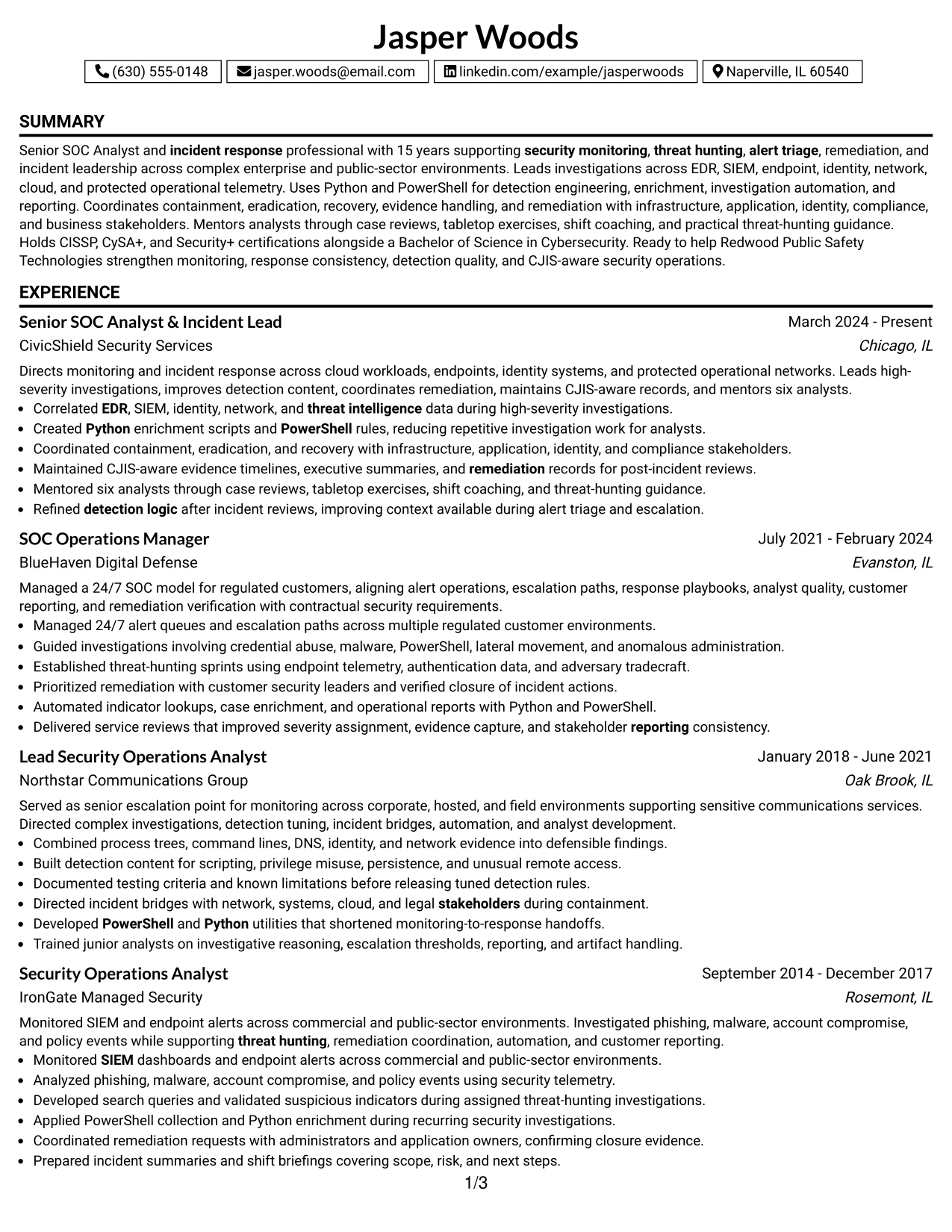
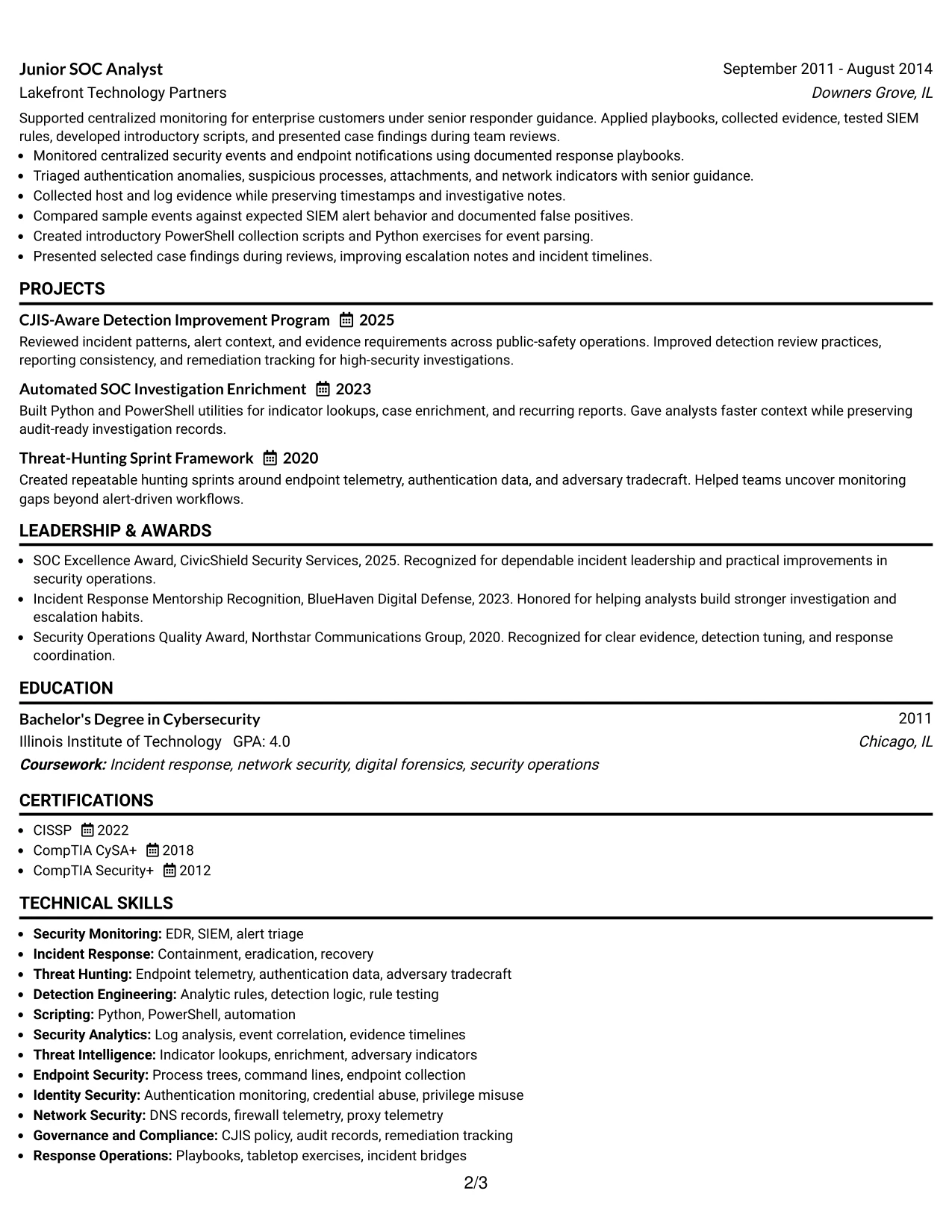
#29 One Column Boxed Contact Header Format Resume Example
For a senior security application, a boxed contact header gives the reader immediate access to the target role, contact details, and professional summary before the work history begins. The one-column body then presents evidence in a direct order that is easy to scan and simple to parse.
The resume can use clear section breaks for experience, projects, certifications, education, and skills. This is useful when the content must show both operational leadership and technical depth, including SIEM and EDR triage, threat hunting, Python and PowerShell, remediation, and CJIS considerations.
Why the One Column Boxed Contact Header Format Works for a Resume
- The boxed header separates contact information from the evidence below.
- A single column supports reliable ATS reading and straightforward scanning.
- The format gives the professional summary a clear starting position.
- Employment bullets can show scope, decisions, and technical methods in sequence.
- Projects and certifications remain visible without competing with the header.
- Simple section breaks reduce visual noise across a detailed resume.
- The structure suits a direct presentation of leadership and technical results.
Best For
- ATS-focused applications that need a readable single-column document.
- Resumes where contact details and the target role should be immediately visible.
- Candidates combining senior leadership evidence with hands-on technical work.
- Readers who prefer a traditional sequence from summary to employment history.
- Documents that need room for projects, certifications, awards, and affiliations.
- Applications where a boxed header adds structure without decorative complexity.
- Professional resumes emphasizing clear evidence, concise bullets, and keyword access.
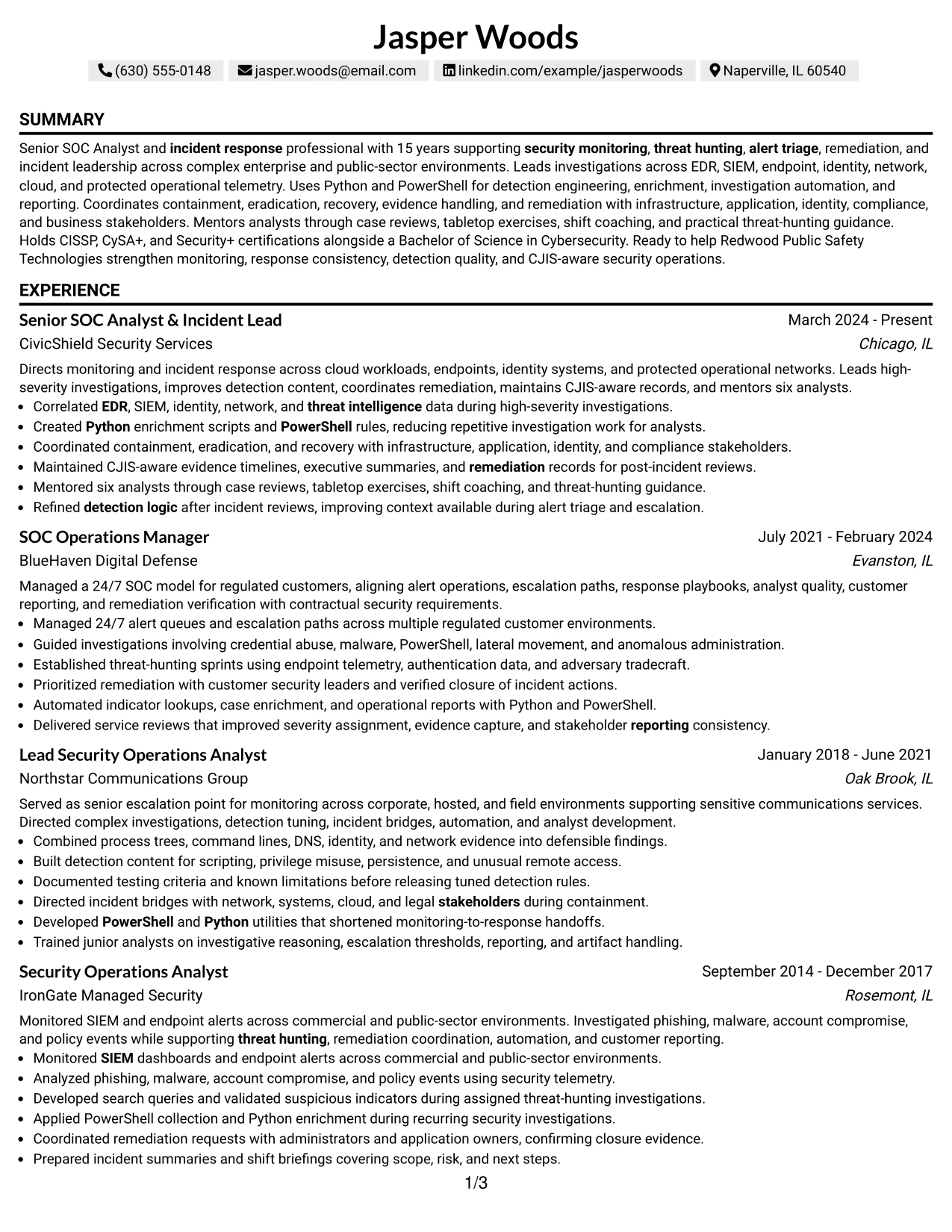
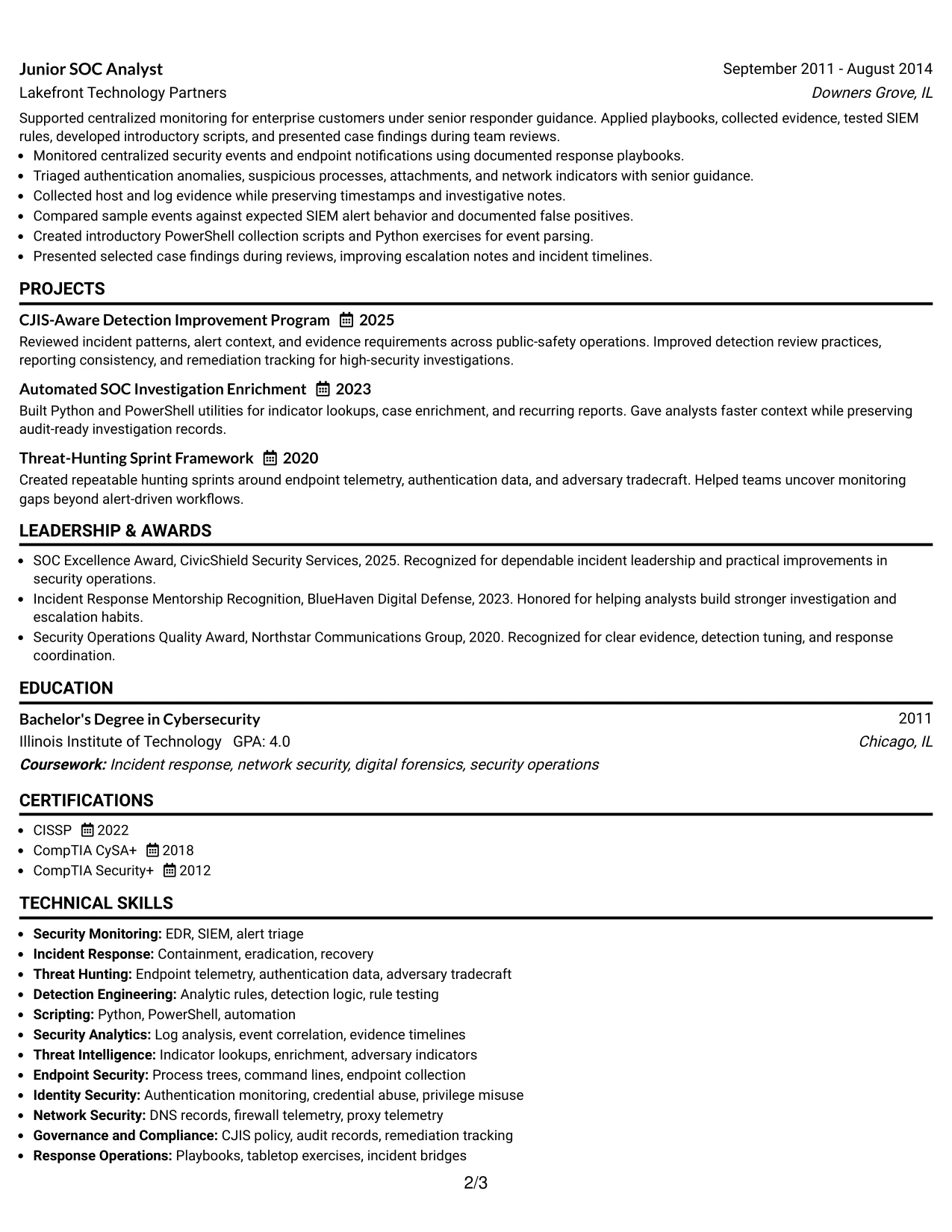
#30 One Column Shaded Contact Header Format Resume Example
A restrained shaded header gives the resume a clear visual identity while keeping the page focused on security operations evidence. The design presents contact information and the target role first, then uses a one-column sequence for experience, projects, education, certifications, and skills.
For Jasper Woods, this structure can align the summary with the Senior SOC Analyst & Incident Lead target and then support it with evidence from high-severity investigations, detection engineering, mentoring, and CJIS-aware reporting. Shaded labels help the reader move through a detailed record without adding unnecessary visual noise.
Why the One Column Shaded Contact Header Format Works for a Resume
- The shaded header makes the target role and contact details easy to find.
- A single column keeps the career story in a predictable order.
- Section labels create separation while preserving a professional appearance.
- The format gives detailed incident bullets consistent space.
- Projects and awards can reinforce the main experience without disrupting it.
- Technical keywords remain close to the evidence that supports them.
- The visual treatment is polished but still suitable for focused resume review.
Best For
- Applications that need a polished header with a restrained visual treatment.
- Resumes aligning a specific target role with a clear chronological record.
- Candidates with detailed evidence across incident response, detection, and mentoring.
- Readers who prefer labeled sections in one continuous column.
- Documents that need to include projects, awards, certifications, and affiliations.
- Applications where keyword visibility matters more than complex page design.
- Senior professional resumes that must look organized without appearing crowded.
#31 Boxed Contact Header with Job Title Format Resume Example
The Boxed Contact Header with Job Title Format begins with a defined identity block, then moves into the resume's main evidence. The job title is visible before the reader reaches experience, which helps establish the target alignment without replacing the need for strong accomplishment bullets.
A one-column structure supports a clean progression through the summary, professional experience, projects, certifications, education, and skills. Each role can show investigation scope, incident command, detection tuning, automation, stakeholder coordination, and measurable responsibility in a consistent format.
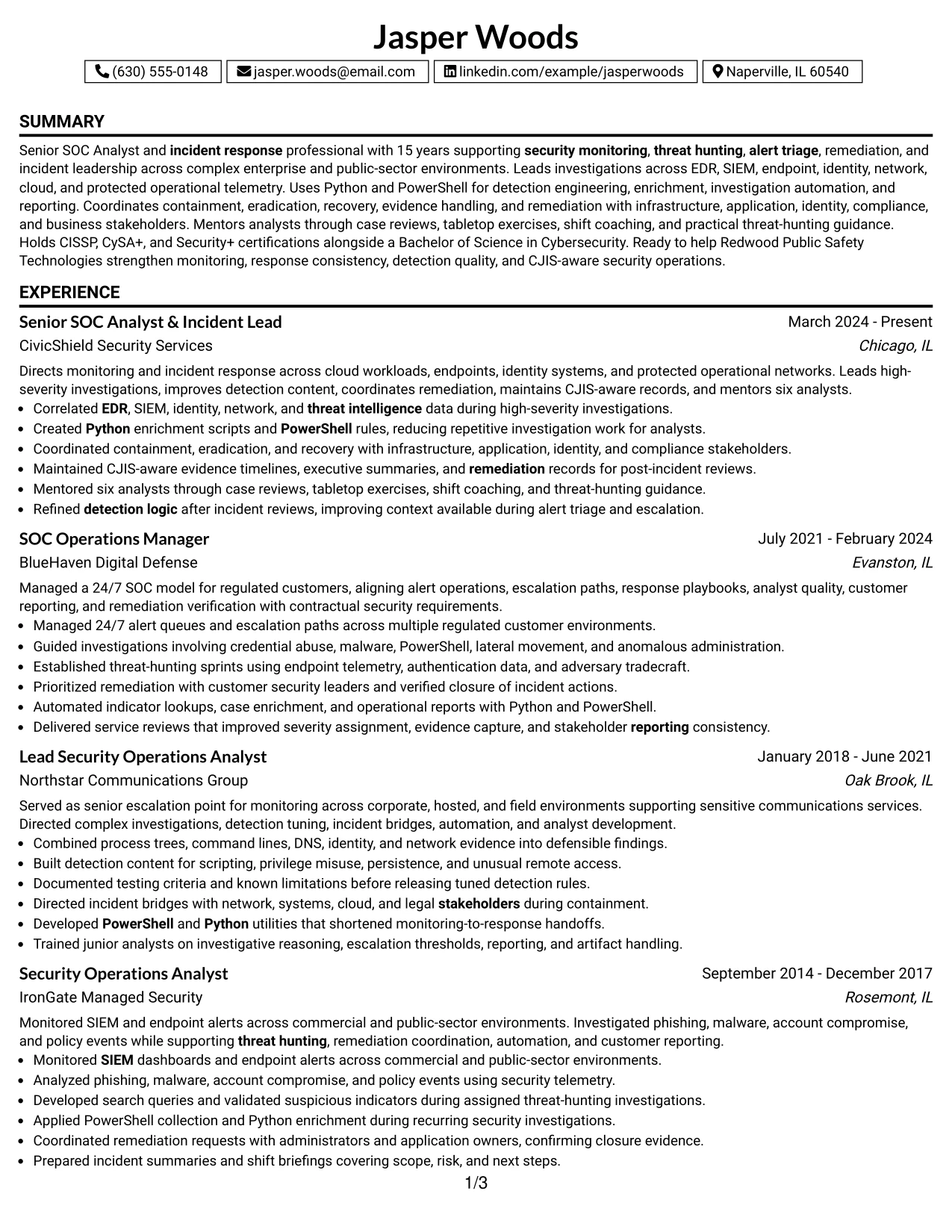
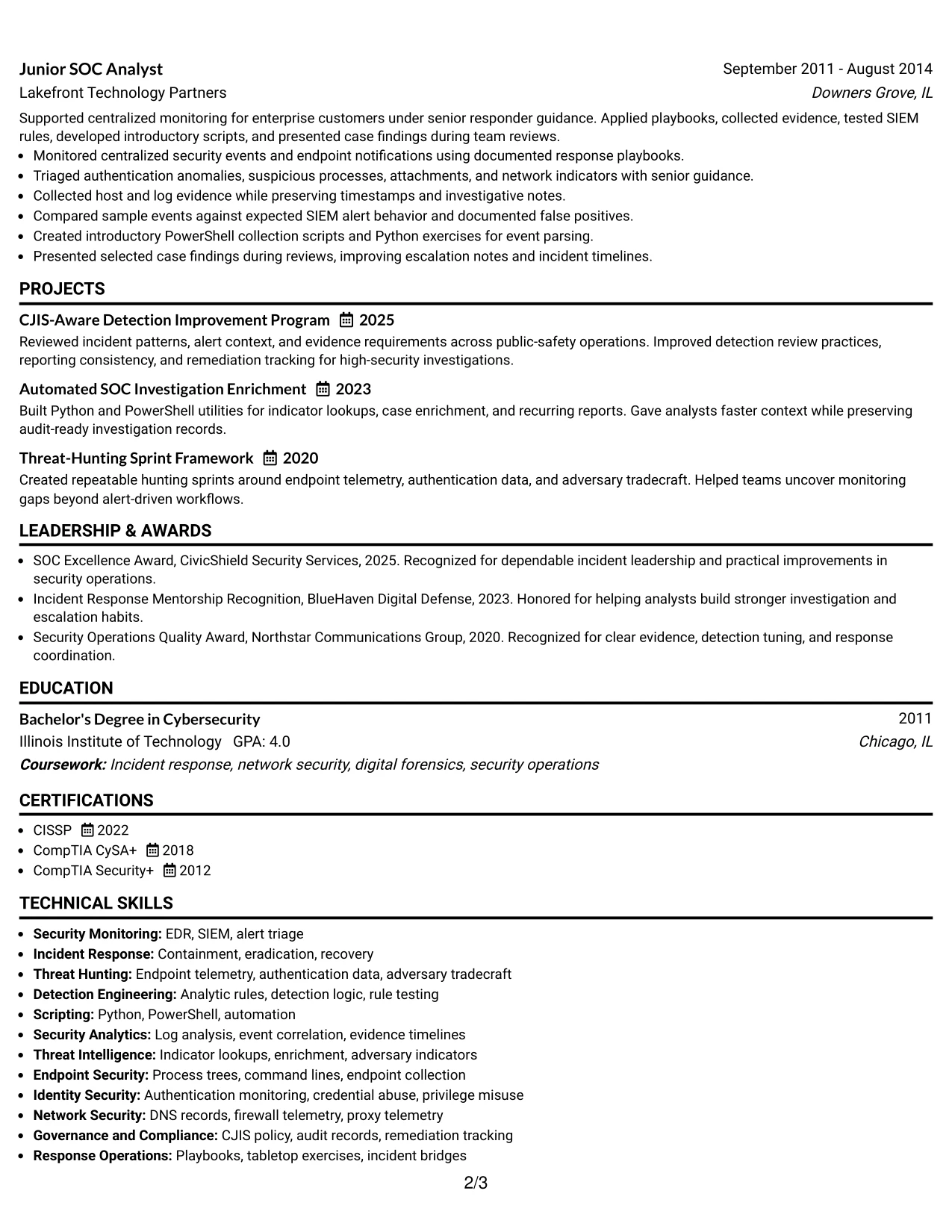
Why the Boxed Contact Header with Job Title Format Works for a Resume
- The job title appears in a prominent location before the work history.
- The boxed header gives contact details a clean and defined boundary.
- A one-column body supports consistent ATS parsing.
- Experience bullets can follow a repeated structure across multiple roles.
- Projects and certifications provide additional evidence after career history.
- The layout keeps technical terms connected to the work that used them.
- Simple hierarchy helps reviewers assess role alignment quickly.
Best For
- Targeted applications where the desired job title should be immediately clear.
- ATS-readable resumes using a single, predictable content column.
- Candidates with multiple roles that need consistent evidence formatting.
- Readers who scan the title first and then verify it through experience.
- Documents combining incident leadership, threat hunting, and automation work.
- Applications that need space for projects and credentials after employment history.
- Professional resumes that favor clear structure over decorative page elements.
#32 Plain Professional Layout with Job Title & Shaded Labels Resume Example
Readers can move from the job title and summary into clearly labeled sections, then review the career record in order. Shaded labels guide that movement without distracting from the detailed evidence required for a senior SOC role.
The plain professional layout has room for a substantial employment history, including high-severity investigations, threat-hunting sprints, detection content, response coordination, and analyst mentoring. Projects, certifications, education, and skills can follow in the same column, giving the reader a complete view of technical depth and leadership scope.
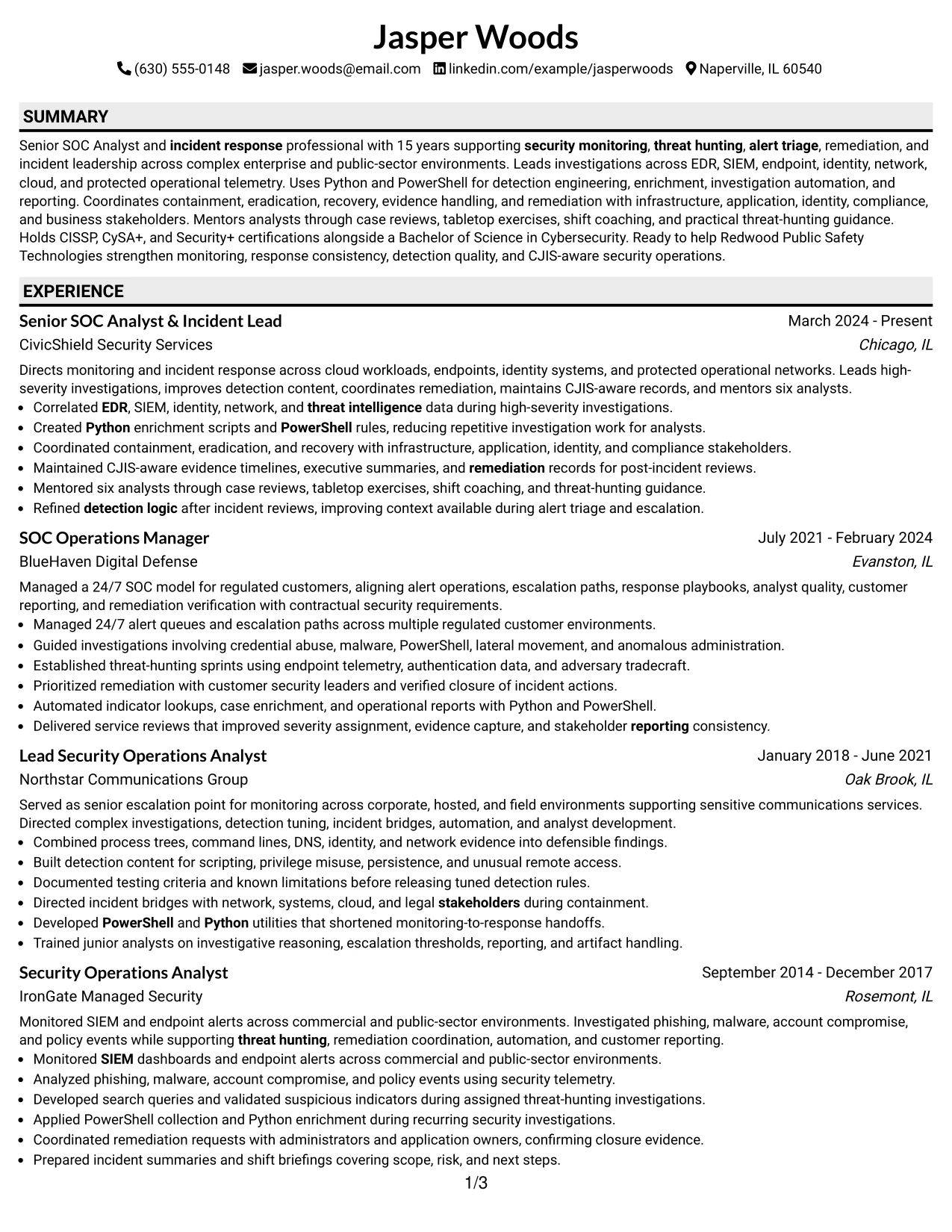
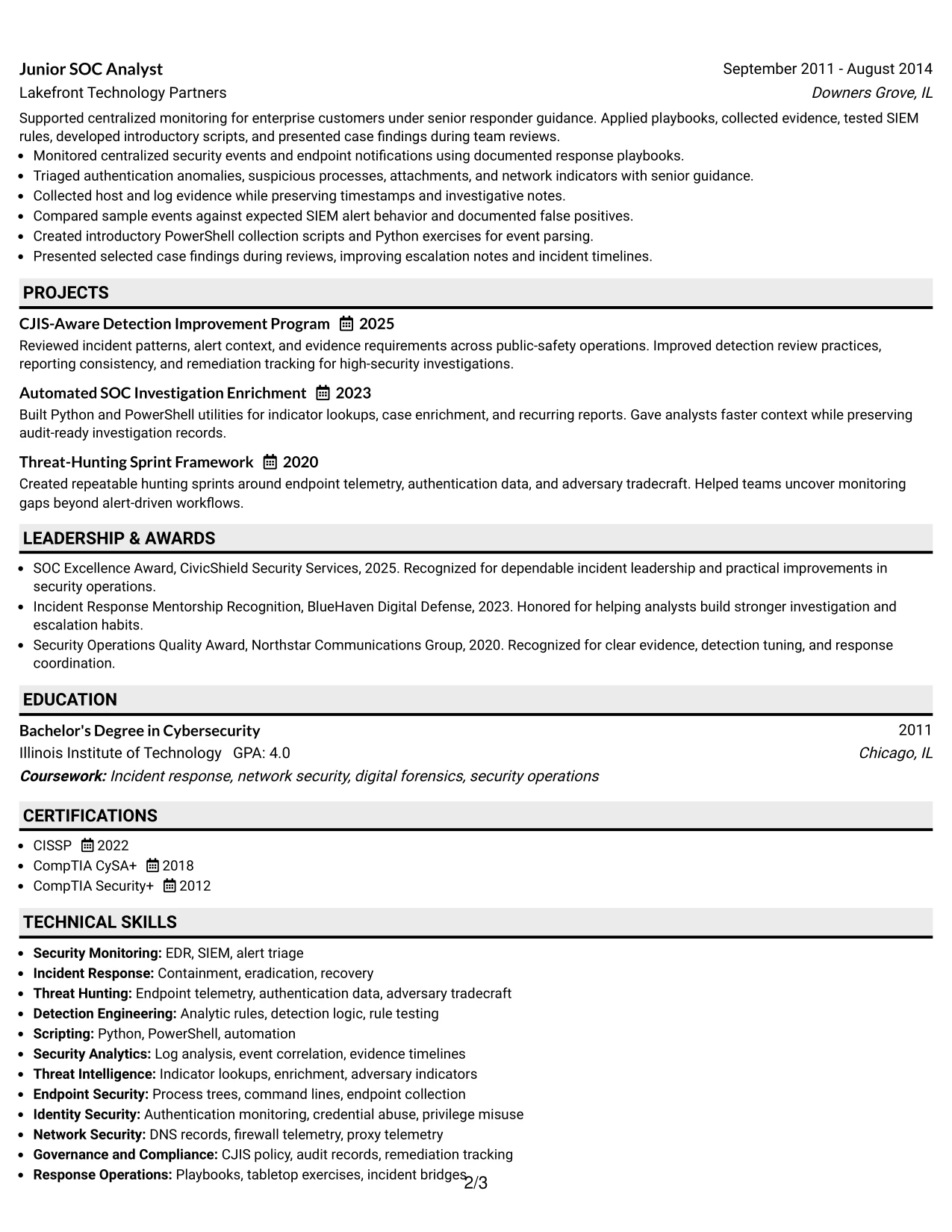
Why the Plain Professional Layout with Job Title & Shaded Labels Works for a Resume
- The job title gives the reader immediate role context.
- Shaded labels divide a long resume into easy review points.
- The single column supports substantial experience content.
- Detailed bullets can explain methods, scope, and response decisions.
- Projects add evidence of automation and detection improvement.
- Certifications and skills remain accessible after the work history.
- The plain design supports both ATS processing and human review.
Best For
- Professionals with enough experience to need generous space for employment details.
- Applications where a clear job title should lead into a complete evidence record.
- Candidates documenting both operational leadership and technical investigation work.
- Readers who rely on section labels to navigate a longer resume.
- Documents that need room for several projects, certifications, and professional activities.
- ATS-conscious applications requiring simple text flow and visible keywords.
- Resumes where substance and review speed matter more than decorative styling.
#33 Classic One Column Resume Format Resume Example
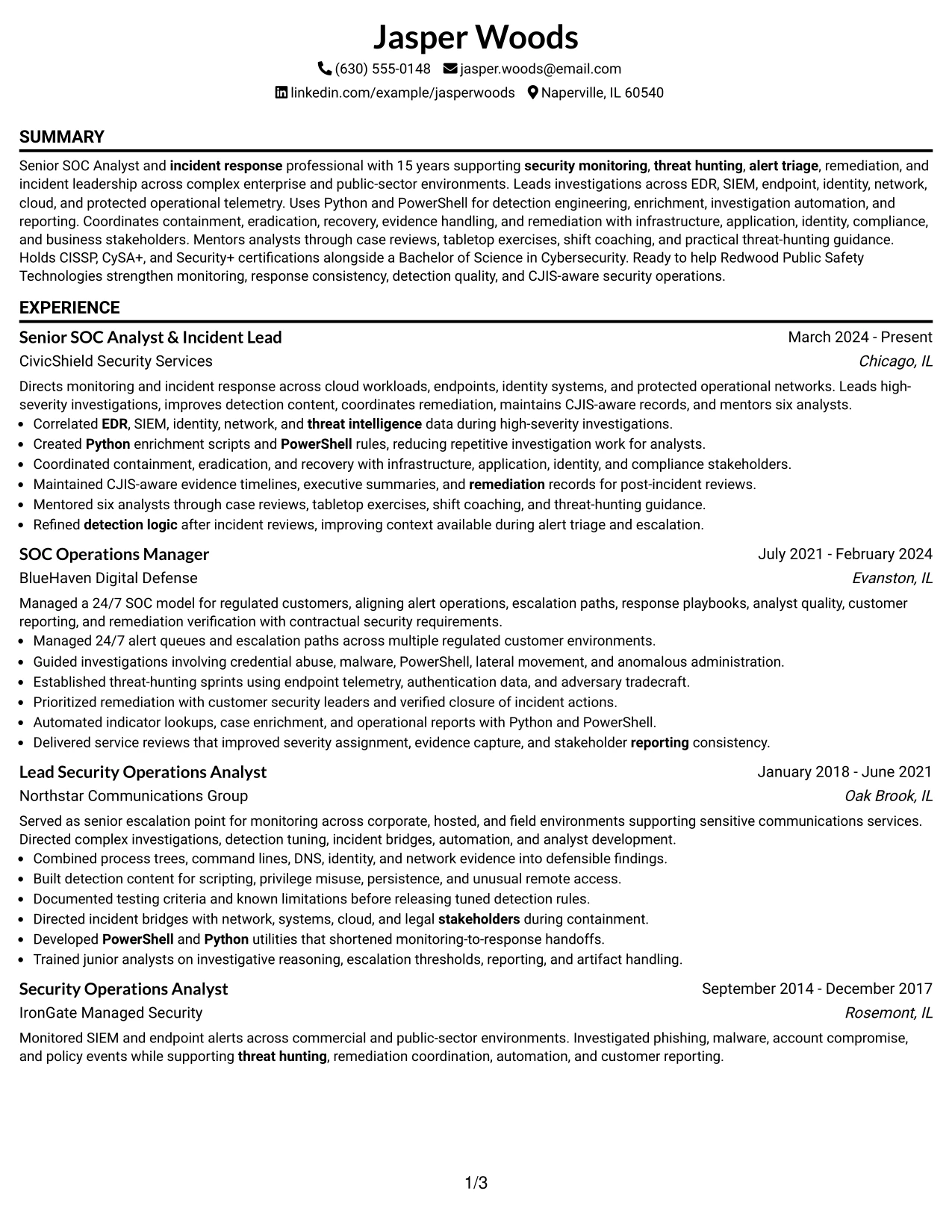
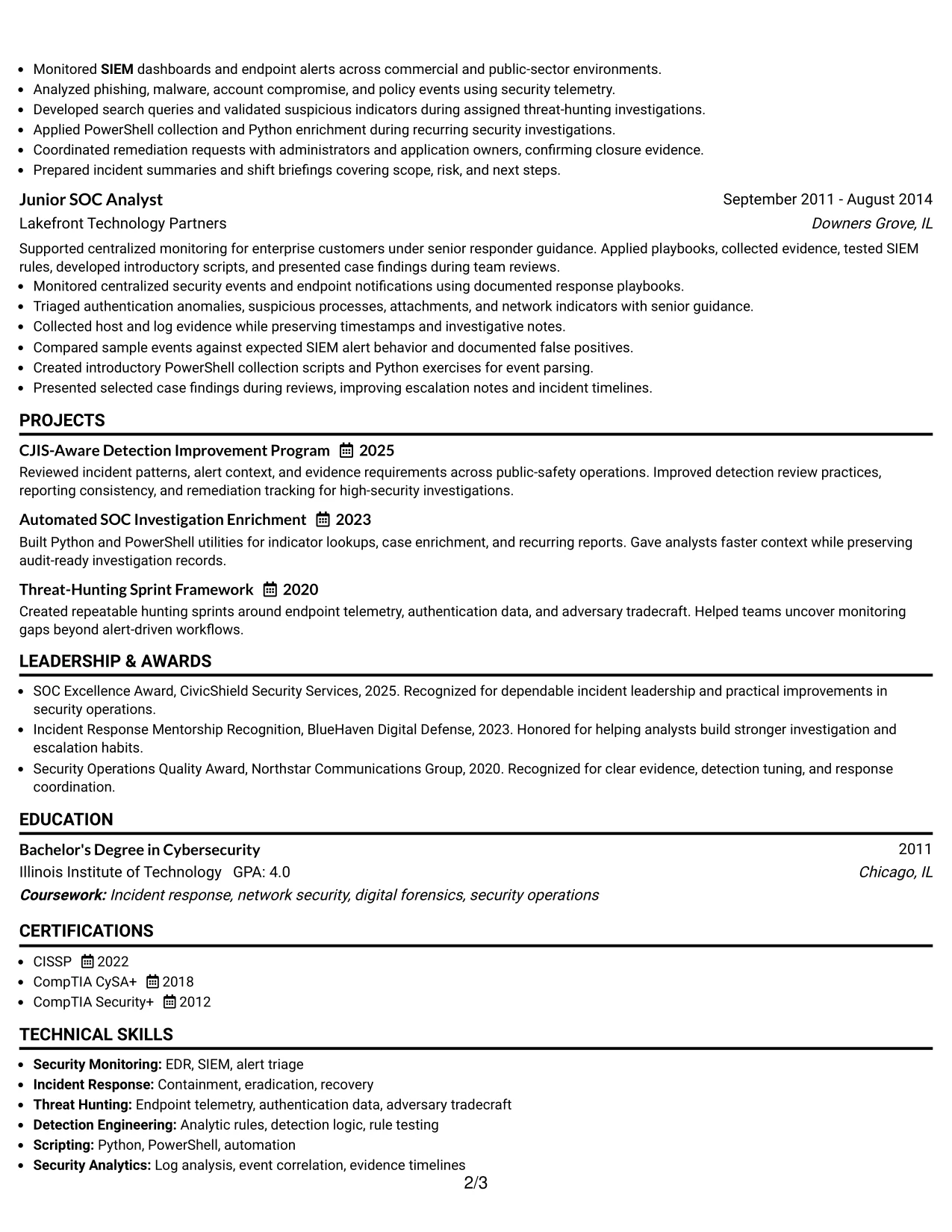
Incident leadership and technical investigation evidence receive priority in this classic one-column resume. The structure presents the summary and professional experience in a familiar order, allowing reviewers to assess scope, results, and progression without navigating visual distractions.
Each role can use concise bullets for EDR and SIEM triage, threat hunting, detection engineering, Python and PowerShell automation, remediation, and stakeholder reporting. Projects, certifications, education, awards, and affiliations then add supporting proof while preserving a clear ATS-friendly hierarchy.
Why the Classic One Column Resume Format Works for a Resume
- The familiar structure makes experience easy to find and compare.
- One-column text supports dependable ATS parsing.
- The format gives priority to responsibility and achievement bullets.
- Technical skills can be placed near the evidence that validates them.
- Projects and certifications extend the record without changing the reading path.
- A classic hierarchy works well for detailed career progression.
- Simple formatting keeps attention on incident results and security capabilities.
Best For
- Applications that favor a familiar, conservative resume structure.
- Candidates whose strongest evidence is a detailed professional experience record.
- Readers comparing career progression across several security operations roles.
- ATS-sensitive submissions requiring straightforward section order and text flow.
- Documents that need to show technical tools alongside leadership responsibilities.
- Applications with supporting projects, certifications, awards, and affiliations.
- Professionals who want the evidence to carry the presentation.
Why Build Your Senior SOC Analyst: Threat Hunter & Incident Lead Resume with ResumeInMinutes
ResumeInMinutes helps you turn security operations work into a structured resume that is easy to scan, adjust, and support with specific evidence. You can show the connection between investigations, detection improvements, response decisions, and security posture.
- ATS-ready resume formats
- Clear security resume sections
- Role-specific keyword alignment
- Organized experience and project details
- Skills, tools, and certification sections
- Free PDF resume previews
Use the formats to make alert triage, threat hunting, incident leadership, remediation coordination, detection logic, and technical mentoring easy to find on the page.
See Also
- 33 Incident Response Analyst Resume Templates with Example 2026 (ATS-Optimized)
- 33 Senior Incident Response Analyst Resume Templates with Example 2026 (ATS-Optimized)
- 33 Accounts Payable Analyst - Invoice Processing Resume Templates with Example 2026 (ATS-Optimized)
- 33 Accounts Payable Analyst Resume Templates with Example 2026 (ATS-Optimized)
- 33 All Source Intelligence Analyst - Intelligence Analysis Resume Templates with Example
- 7 Analyst/Associate: Equity Research - Telecommunication, Data Center and Tower Resume Templates with Example
- 33 Analyst - Cybersecurity Operations Resume Templates with Example 2026 (ATS-Optimized)
- 33 Analyst, Data Analytics Resume Templates with Example 2026 (ATS-Optimized)
- 30+ Incident Response Analyst Cover Letter Templates with Example 2026
- 30+ Senior Incident Response Analyst Cover Letter Templates with Example 2026
Frequently Asked Questions
Are these Senior SOC Analyst: Threat Hunter & Incident Lead resume templates ATS-friendly?
Yes. They use clear headings, readable layouts, and relevant terms such as EDR, SIEM, incident response, threat hunting, Python, PowerShell, and detection engineering.
Are these various resumes?
No. The guide presents one target resume example in distinct formats and design styles. The resume content stays focused on the same Senior SOC Analyst: Threat Hunter & Incident Lead role.
What should a Senior SOC Analyst: Threat Hunter & Incident Lead resume include?
Include a focused summary, security operations experience, threat-hunting and incident response achievements, technical skills, projects, education, certifications, and relevant tools such as EDR, SIEM, Python, and PowerShell.
Can I download the resume templates as PDFs?
Yes. Each resume design includes a free PDF download so you can review the layout and choose a format that supports clear ATS parsing and recruiter scanning.
Which resume style is best for a Senior SOC Analyst: Threat Hunter & Incident Lead position?
A simple one-column or well-organized two-column format usually works best. Choose a layout with clear section headings, consistent dates, readable bullets, and no design elements that interfere with ATS parsing.
How can I show incident leadership on my resume?
Describe the incidents, evidence sources, decisions, stakeholders, and outcomes you handled. Strong bullets can show containment, eradication, recovery, remediation tracking, executive reporting, or analyst mentoring when those details are accurate.
Should I include EDR, SIEM, Python, and PowerShell?
Include them when you used them in your work or projects. Place each tool near the related achievement, such as alert correlation, detection logic, investigation enrichment, automation, or reporting.
Can I customize these resume templates?
Yes. You can adjust the resume text, section order, format, design style, and PDF layout to match your Senior SOC Analyst: Threat Hunter & Incident Lead experience and verified qualifications.




