
7 Senior Software Engineer - Secrets Management and PKI Cover Letter Templates with Example
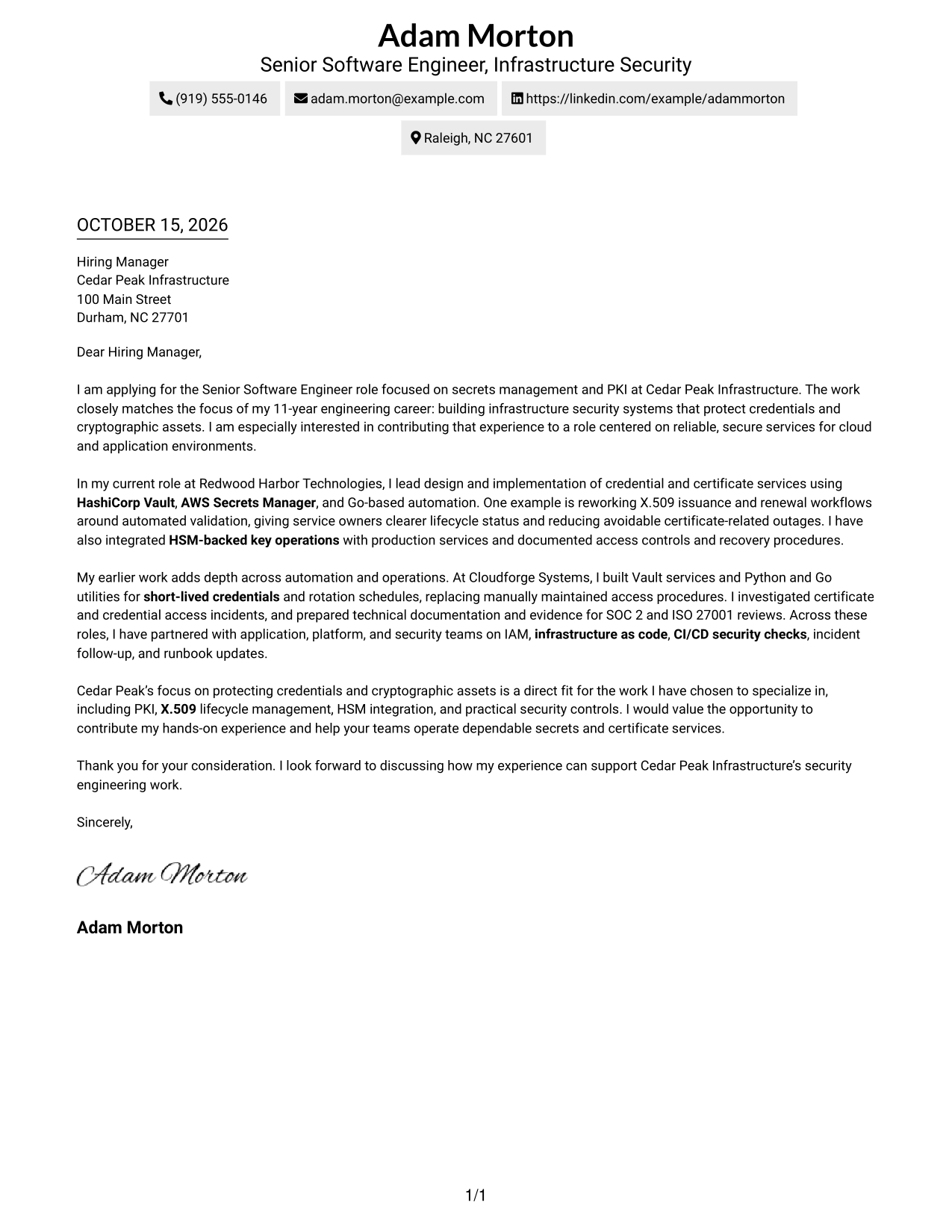
This guide helps you write a focused Senior Software Engineer - Secrets Management and PKI cover letter, with seven layouts to compare and adapt.
What Makes a Great Senior Software Engineer - Secrets Management and PKI Cover Letter in 2026
A strong letter explains your interest and connects secure service work to outcomes such as reliable credential access and certificate renewals.
Use specific evidence from work with Vault, AWS Secrets Manager, X.509 workflows, or HSM-backed keys to show your impact. Tie that evidence to the employer’s needs and close with a clear reason for your interest in its security work.
The featured example moves from role interest to current work, broader experience, and a clear close. Adapt that focused progression, then choose a presentation that suits the employer and the communication context.
#1 Simple One Column Format Cover Letter Example
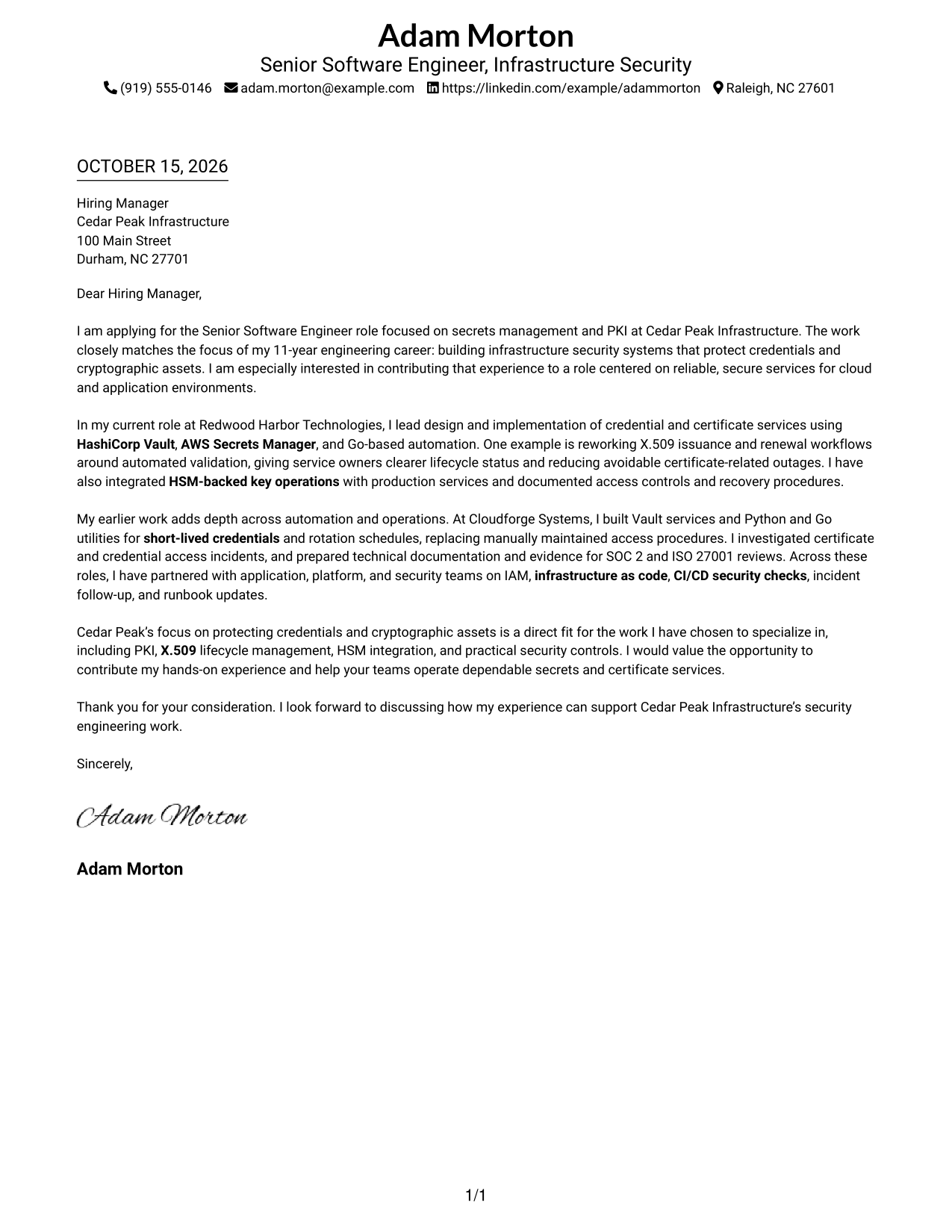
The Simple One Column Format places sender details in the header above one continuous letter body, giving the opening, evidence, and close a direct reading path.
Why This Format Works
- Sender details sit in the header, keeping contact information near the letter.
- The body carries motivation, evidence, and the closing in a clear sequence.
- The page avoids a contact sidebar for a simpler visual arrangement.
Best For
- Single-column page preference
- Sender details in the header
- Continuous letter paragraphs
- No contact sidebar
- Direct opening-to-close reading
#2 Two Column Format Cover Letter Example
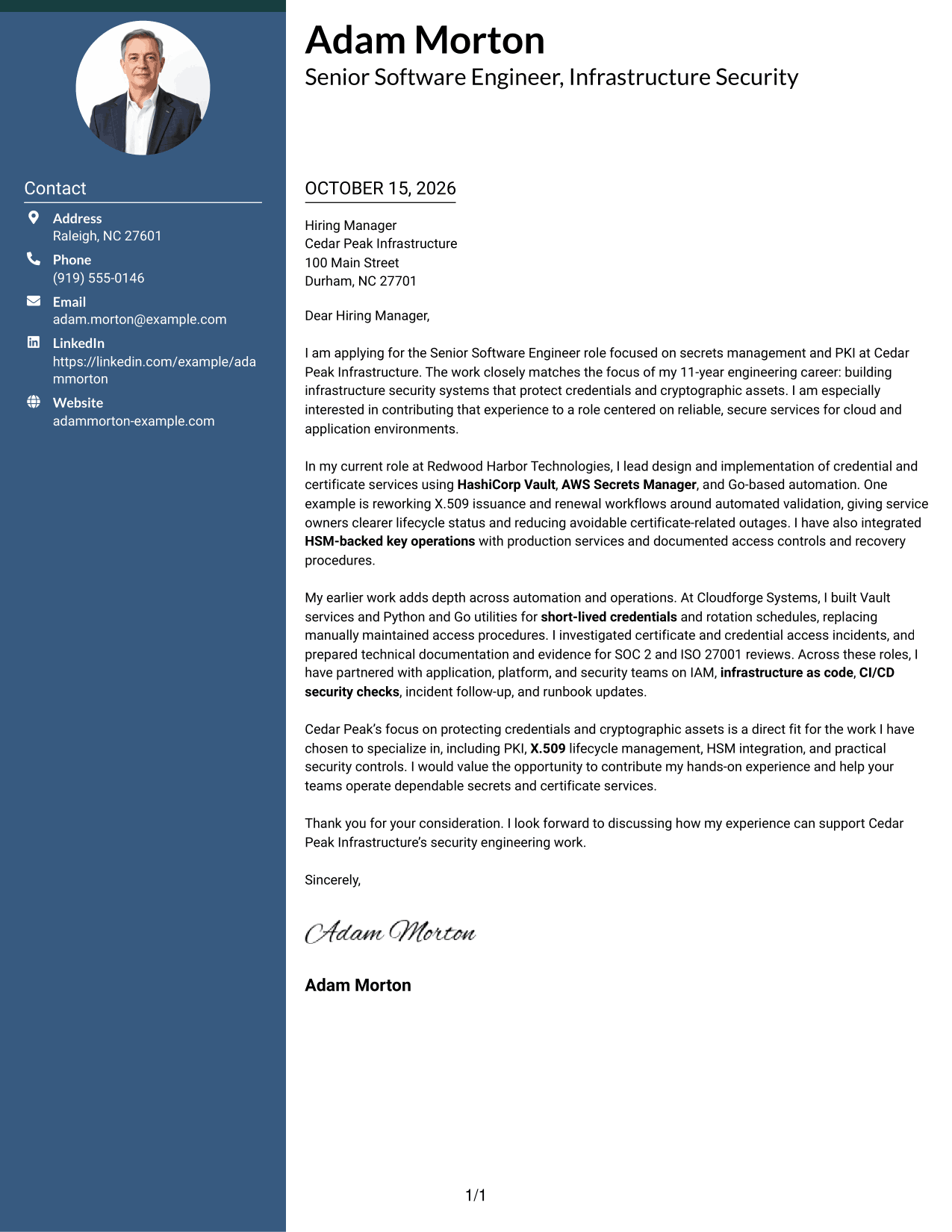
The Two Column Format sets contact details in a sidebar beside one continuous letter body, keeping practical information easy to find while the letter makes its case in sequence.
Why This Format Works
- Contact details stay apart from the message, making them easy to locate.
- One body carries the opening, evidence, and close in sequence.
- Readers can view the contact area and letter body side by side.
Best For
- Side-by-side page preference
- Contact details apart from prose
- Continuous letter-body reading
- Separate sender information lookup
- No-photo letter design
#3 Photo Header Two Column Format Cover Letter Example
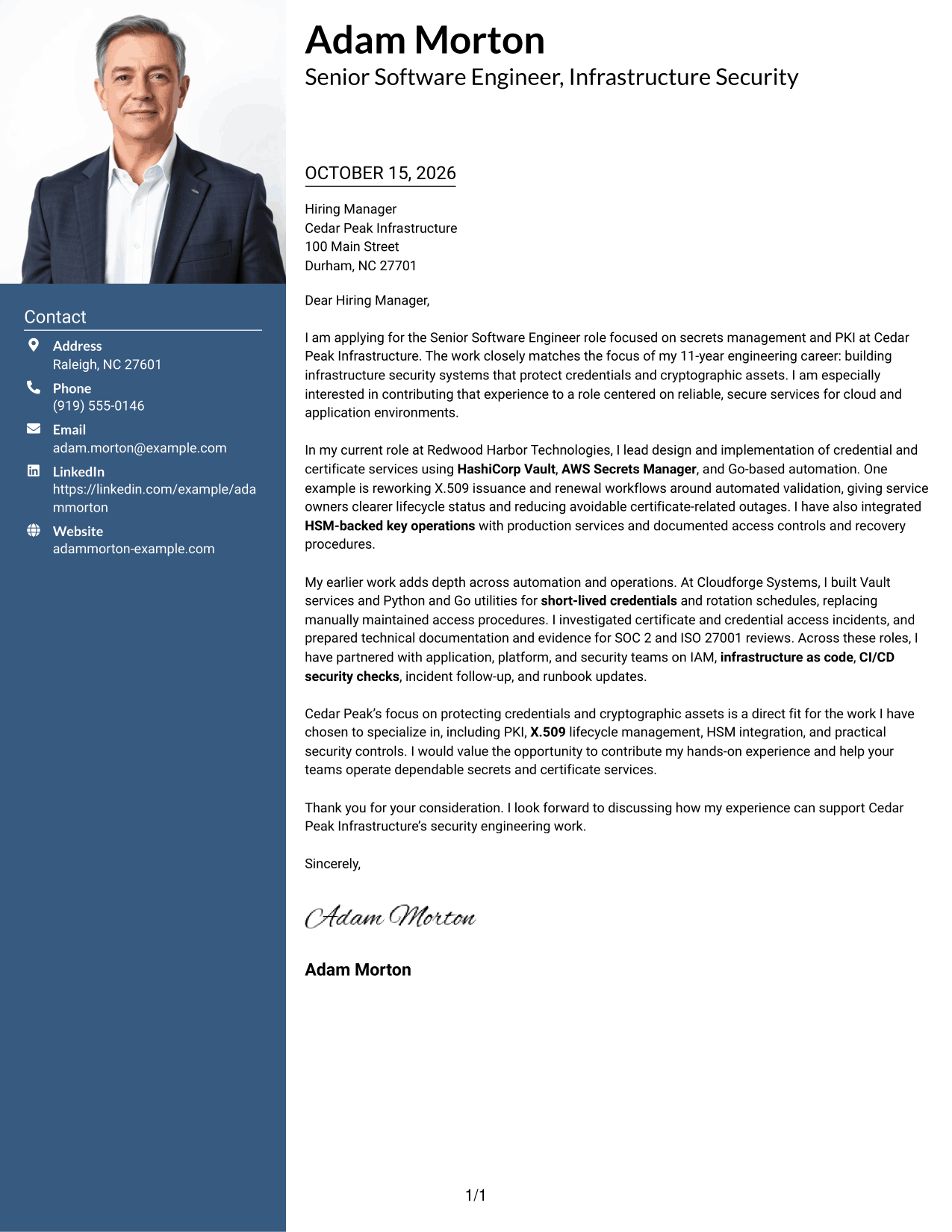
The Photo Header Two Column Format pairs a portrait with a contact sidebar and one continuous letter body, offering a photo-inclusive page while keeping the message together.
Why This Format Works
- A portrait adds a visual element without changing the letter's argument.
- The contact sidebar keeps sender details apart from the message.
- One continuous body carries the opening, evidence, and close in order.
Best For
- Photo-inclusive letter preference
- Side-by-side page layouts
- Separate contact lookup
- Continuous letter paragraphs
- Body text without internal headings
#4 One Column Format with Photo Cover Letter Example
The One Column Format with Photo combines a portrait with sender details in the header and one continuous letter body, for a single-path layout with a personal visual element.
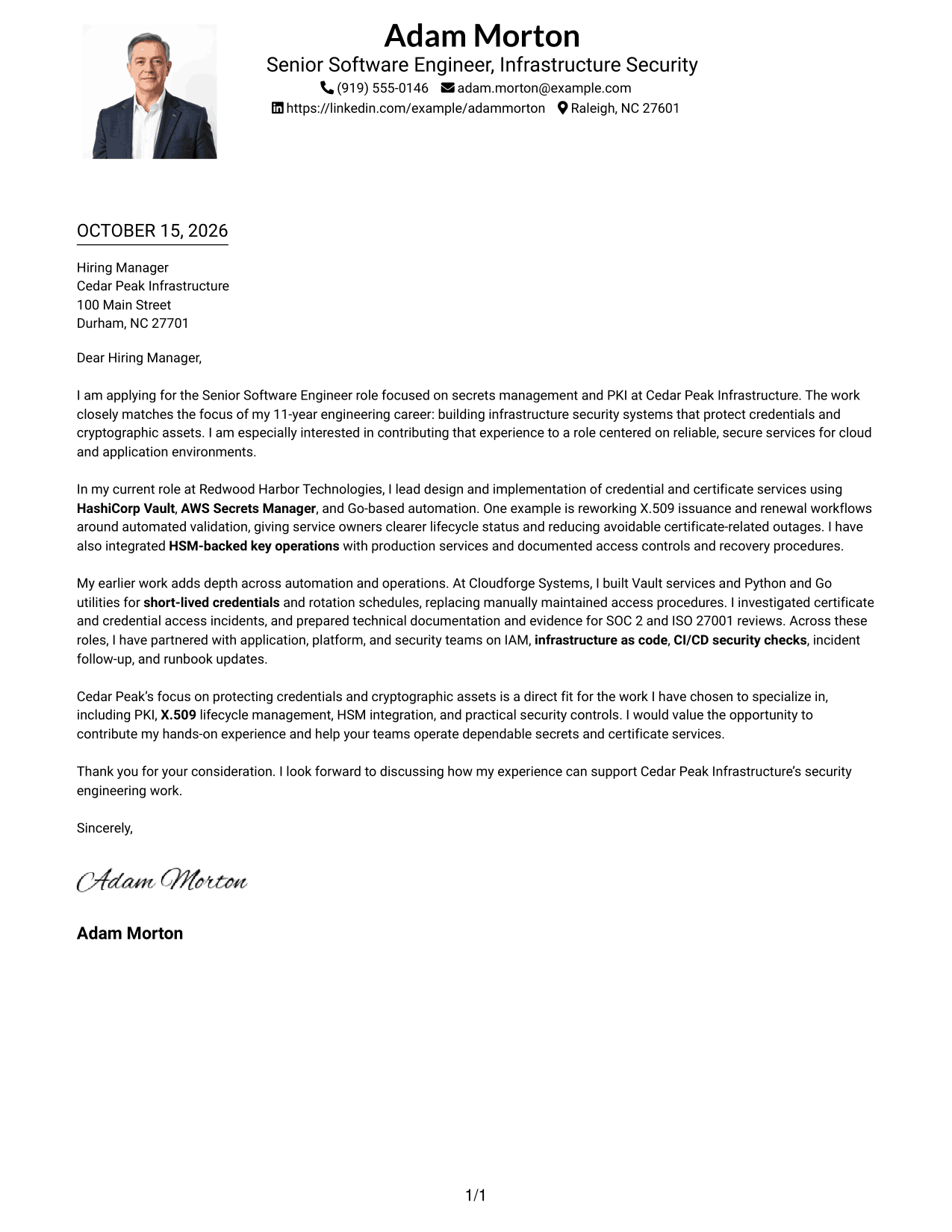
Why This Format Works
- The portrait adds a visual feature while the letter remains one column.
- Sender details stay with the header rather than beside the message.
- The body keeps motivation, evidence, and the closing in one sequence.
Best For
- Single-column page preference
- Photo-inclusive letter design
- Sender details with the message
- Continuous argument paragraphs
- No separate contact sidebar
#5 Simple Two Column Format Cover Letter Example
The Simple Two Column Format places a contact sidebar beside one continuous letter body, a practical choice when sender information should remain distinct from the message.
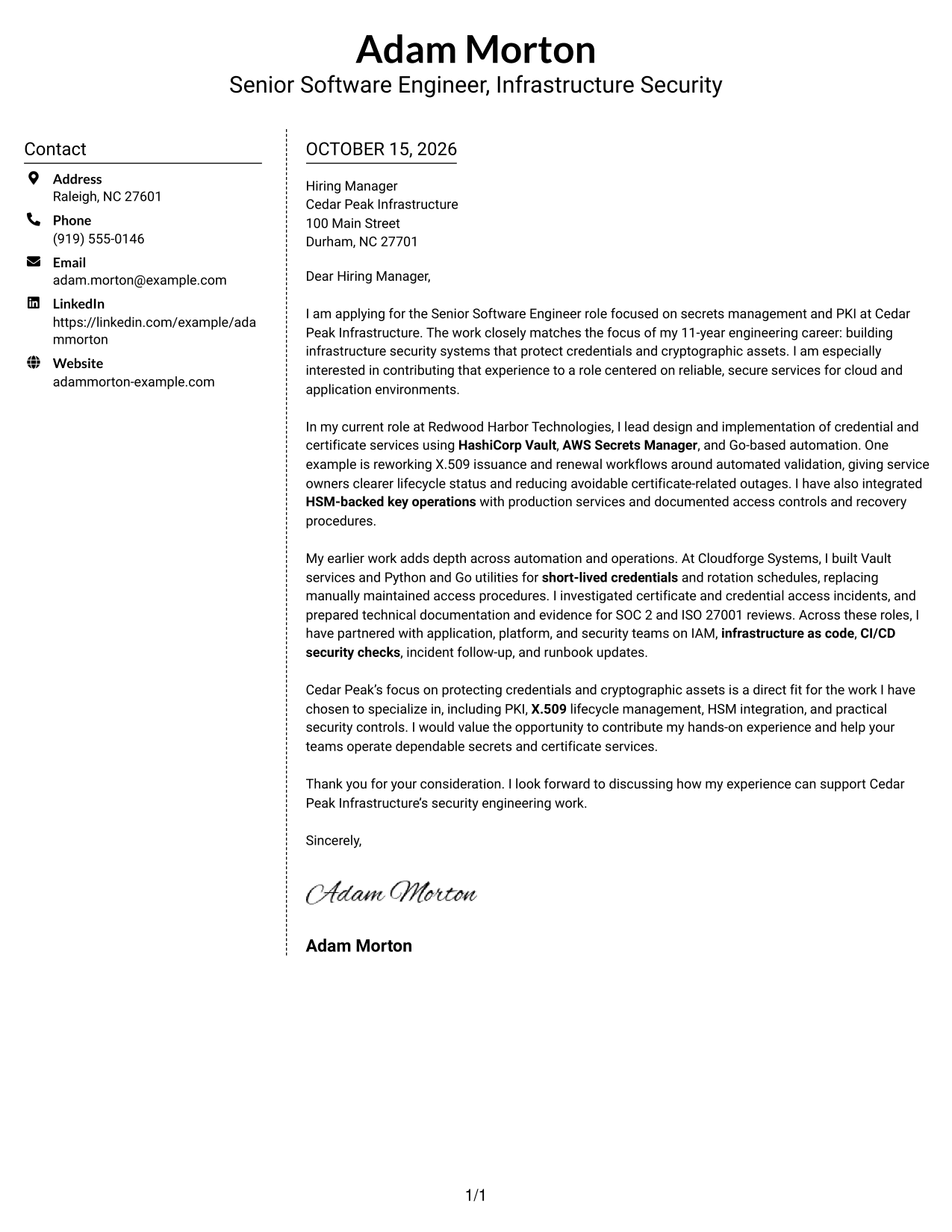
Why This Format Works
- The sidebar gives sender information a separate place beside the letter.
- The continuous body keeps the employer-facing case together.
- Readers can move between contact details and the message without split paragraphs.
Best For
- Two-column page preference
- Contact details outside the prose
- One continuous letter argument
- Quick sender information lookup
- Photo-free document preference
#6 Modern Icon Format Cover Letter Example
The Modern Icon Format uses two columns, with icons for contact details and one continuous letter body, making the contact information easy to identify without dividing the message.
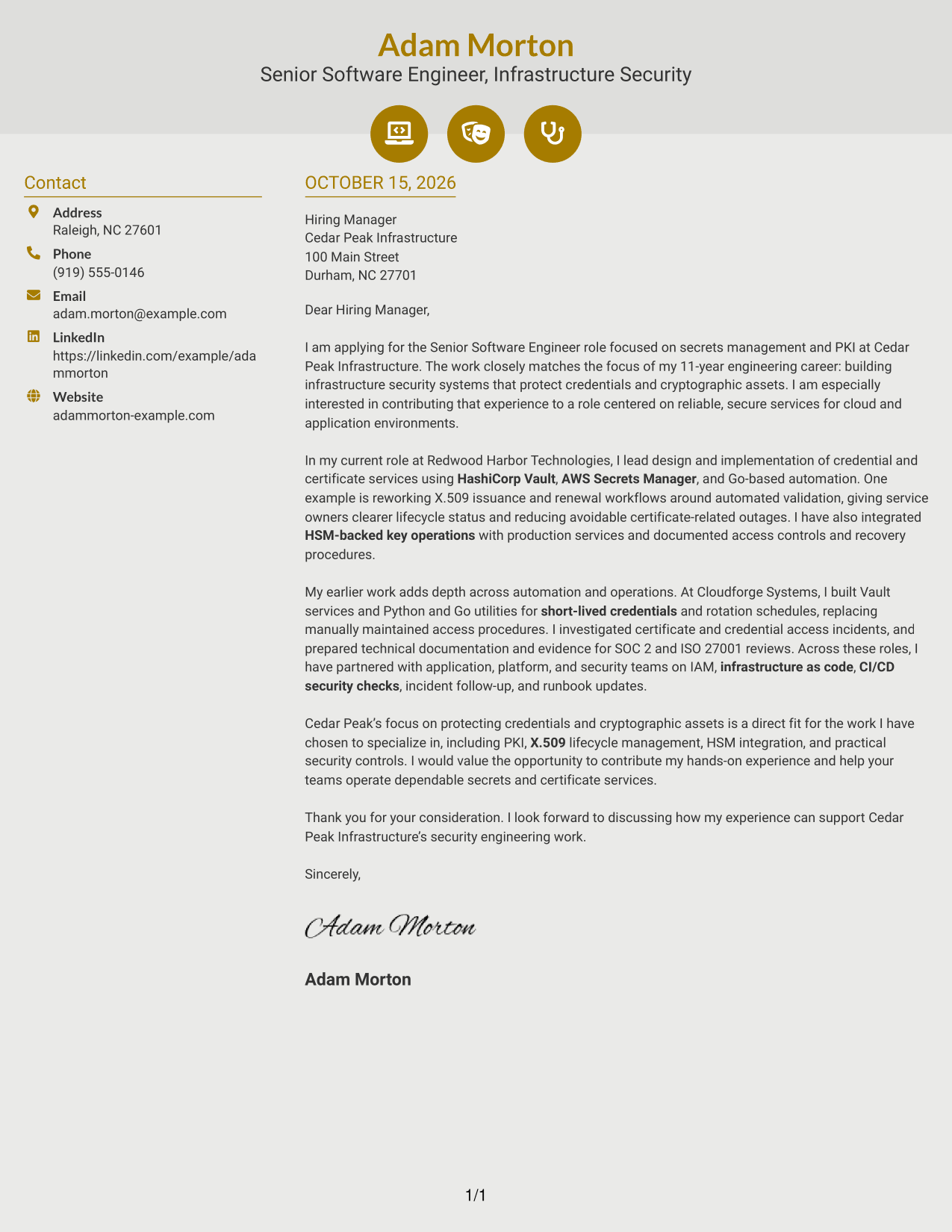
Why This Format Works
- Contact icons help readers identify practical details in the sidebar.
- The letter's opening, evidence, and close remain in one body.
- The two-column layout keeps contact information distinct from the message.
Best For
- Icon-led contact details
- Side-by-side page preference
- Continuous letter-body reading
- Clear sender information cues
- Photo-free letter design
#7 Creative Two Tone Format Cover Letter Example
The Creative Two Tone Format places a contact sidebar beside one continuous letter body, keeping sender details separate while the persuasive message reads as a whole.
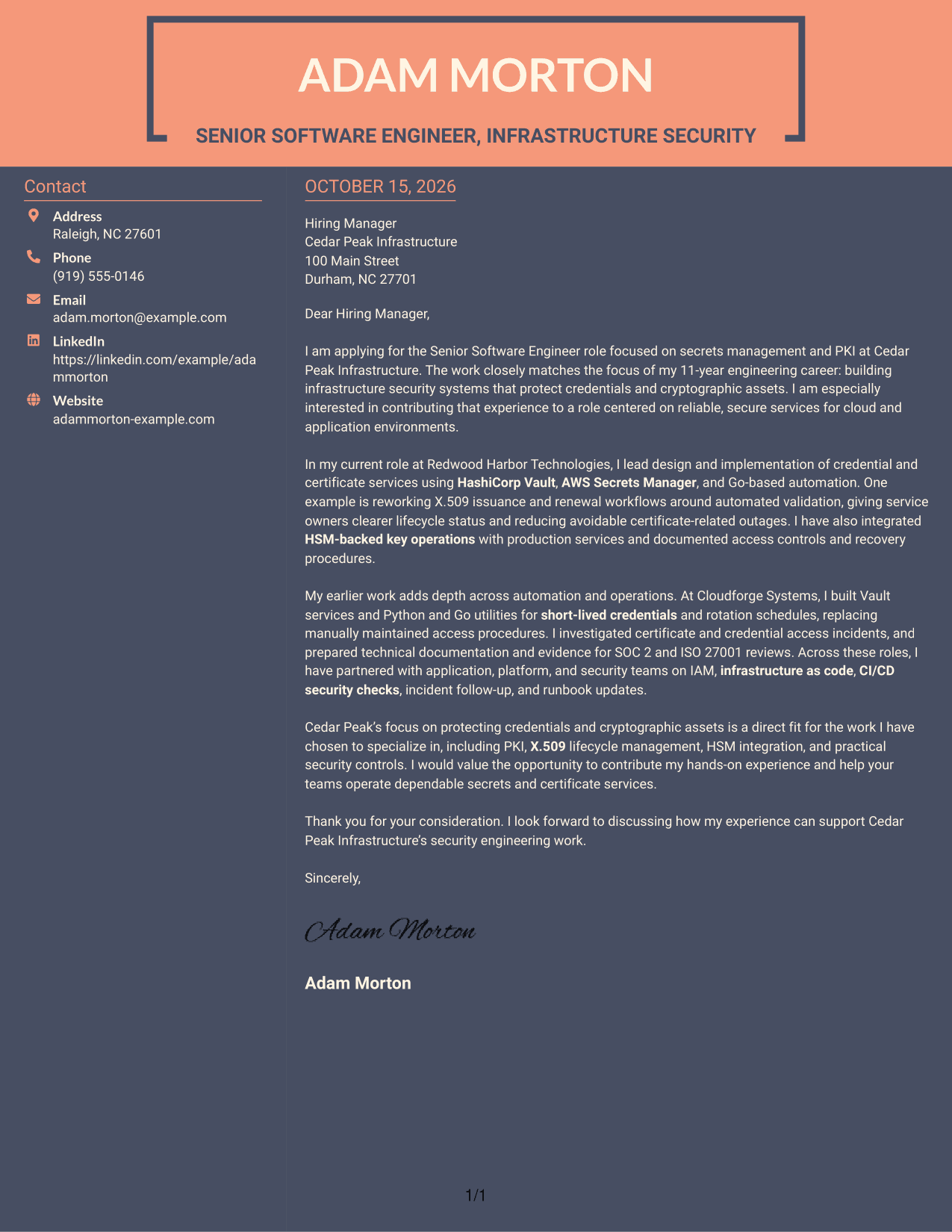
Why This Format Works
- The sidebar separates contact details from the employer-facing paragraphs.
- A single body keeps the opening, supporting evidence, and closing connected.
- Readers can find sender information without searching through the letter.
Best For
- Side-by-side page preference
- Contact details separate from prose
- One connected letter body
- Fast sender information access
- Photo-free application documents
See Also
- 7 Senior Software Engineer - Secrets Management and PKI Resume Templates with Example
- 33 AI Fullstack Software Engineer-Intern Resume Templates with Example 2026 (ATS-Optimized)
- 33 AI Fullstack Software Engineer Resume Templates with Example 2026 (ATS-Optimized)
- 33 AI Platform & Integrations Software Engineer Resume Templates with Example 2026 (ATS-Optimized)
- 33 AI Software Engineer Intern Resume Templates with Example 2026 (ATS-Optimized)
- 7 Analytics Sr Software Engineer (US Federal) Resume Templates with Example
- 33 Applied AI/ML Software Engineer Resume Templates with Example 2026 (ATS-Optimized)
- 33 Backend Software Engineer Intern Resume Templates with Example 2026 (ATS-Optimized)
- 30+ AI Fullstack Software Engineer Cover Letter Templates with Example 2026
- 30+ AI Fullstack Software Engineer-Intern Cover Letter Templates with Example 2026
Frequently Asked Questions
What should the opening paragraph say for this role?
State the exact role and give a direct reason for your interest. Then connect that interest to the work of protecting credentials and cryptographic assets.
How can I show my fit for a secrets management and PKI role?
Choose one or two relevant examples, such as improving X.509 issuance and renewal, automating credential rotation, or integrating HSM-backed key operations. Explain the result and why it matters to reliable, secure services.
How should I connect my experience to the employer?
Use needs stated in the job description to guide what you highlight. Explain how your work with tools such as HashiCorp Vault or AWS Secrets Manager relates to the role, without claiming experience you do not have.
What tone works well in a cover letter for this role?
Use a clear, professional tone. Focus on the problem you addressed, the action you took, and the value your work brought to service owners or security teams.
Can I compare the cover letter examples before editing?
Yes. Review the PNG image previews to compare the presentation, then use the editor link to open an example and customize it.




