
7 Senior Solutions Architect - Enterprise Cloud Cover Letter Templates with Example
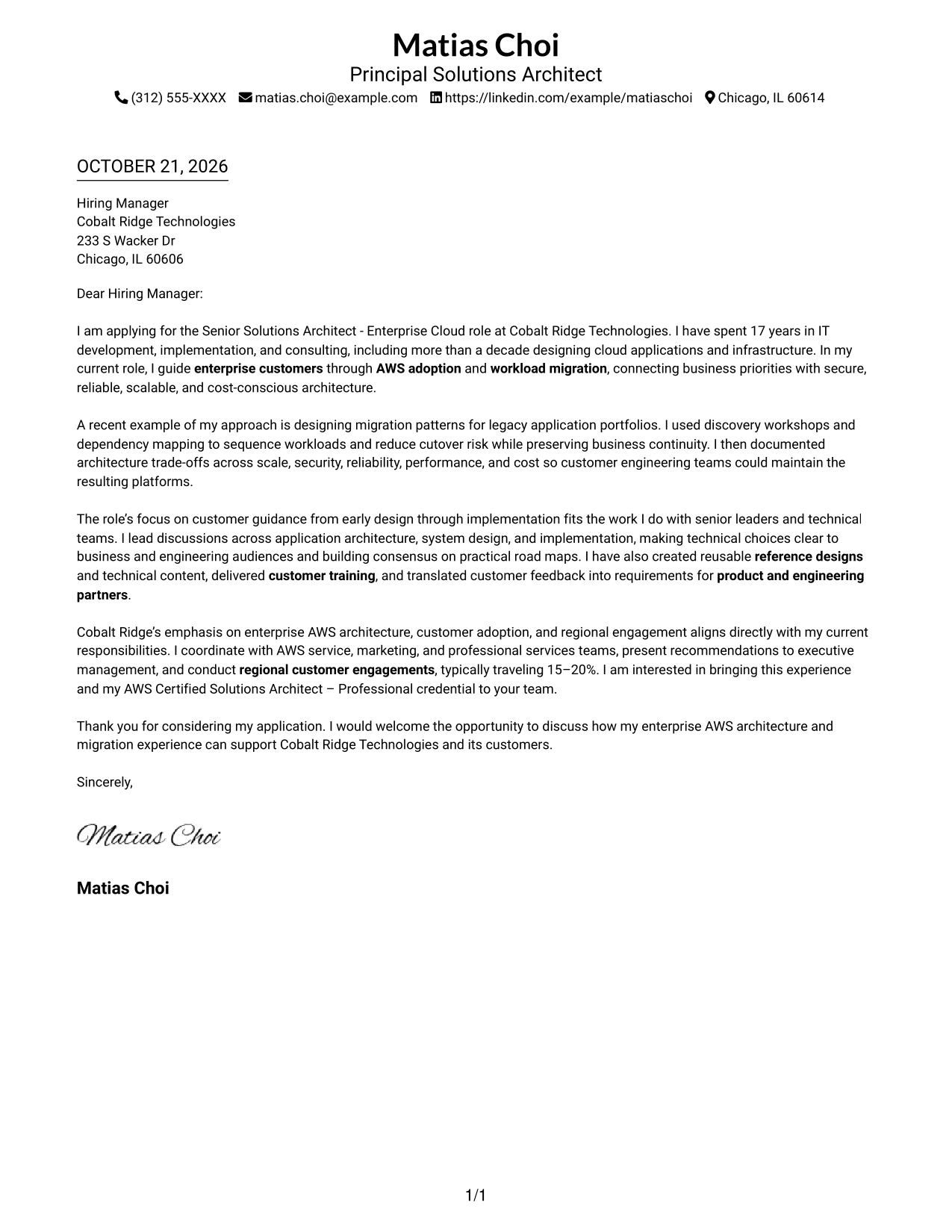
This practical guide to a Senior Solutions Architect - Enterprise Cloud cover letter presents seven layouts to help you make a clear case for enterprise AWS architecture and migration work.
What Makes a Great Senior Solutions Architect - Enterprise Cloud Cover Letter in 2026
A strong letter connects enterprise AWS architecture and workload migration experience to customer and business needs. Its opening should state your interest and establish a clear fit for the role.
Use specific evidence, such as sequencing a legacy application migration to reduce cutover risk. Connect that work to the employer’s focus on customer guidance, clear communication, and long-term outcomes.
The featured example moves from a clear opening to migration evidence, customer and role alignment, and a concise close. Adapt this progression while choosing a presentation that suits the employer and communication context.
#1 Simple One Column Format Cover Letter Example
Sender details stay in the header, while a single-column body gives the letter a direct reading path.
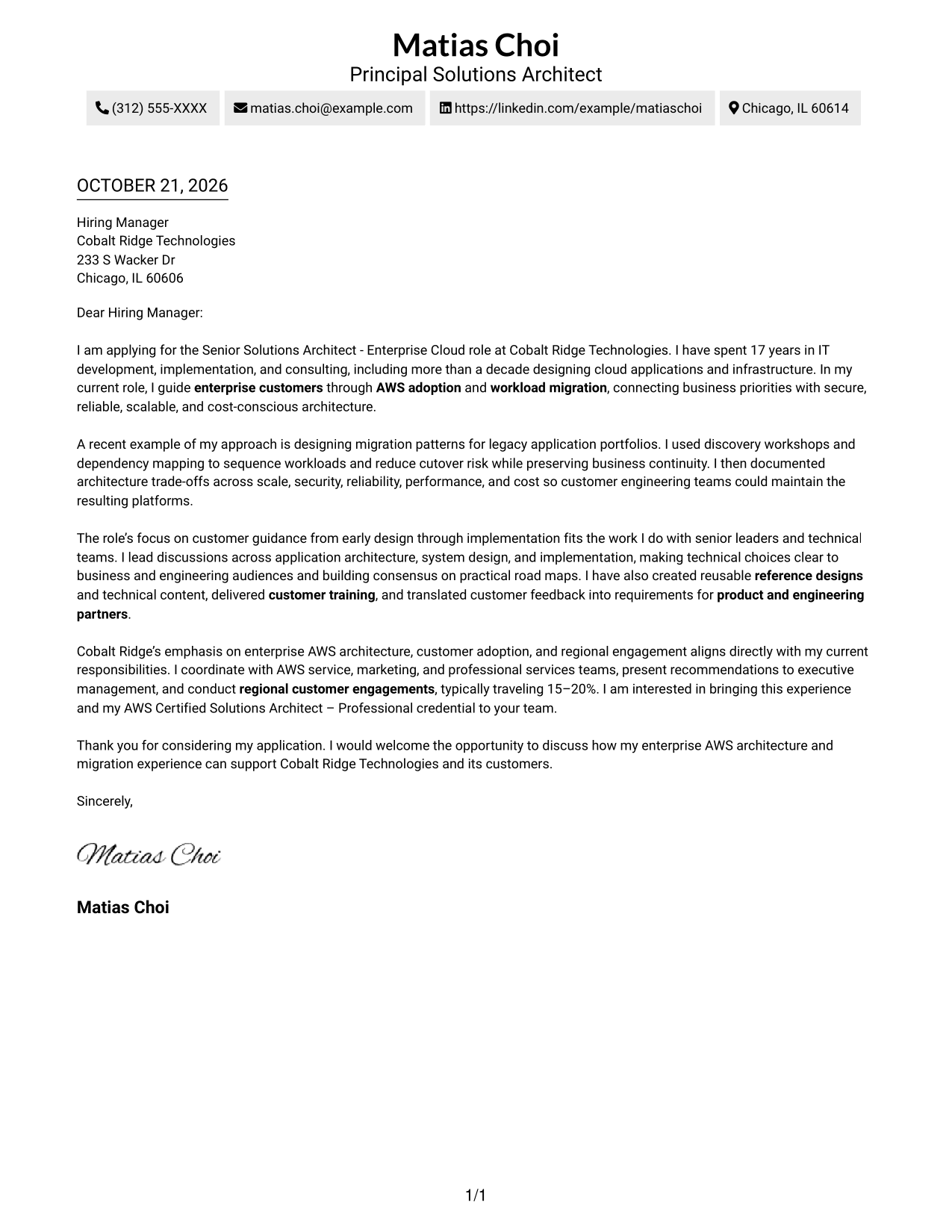
Why This Format Works
- Sender details remain in the header, apart from the employer-facing message.
- Opening, supporting example, and closing stay in one continuous body.
- A single column gives paragraph-led correspondence a familiar, direct structure.
Best For
- Header-based contact information
- Paragraph-led application letters
- Letters with a detailed example
- Employer-specific motivation
- Uninterrupted opening-to-close flow
#2 Two Column Format Cover Letter Example
The two-column layout places a contact sidebar beside one continuous letter body, keeping practical details distinct from the message.
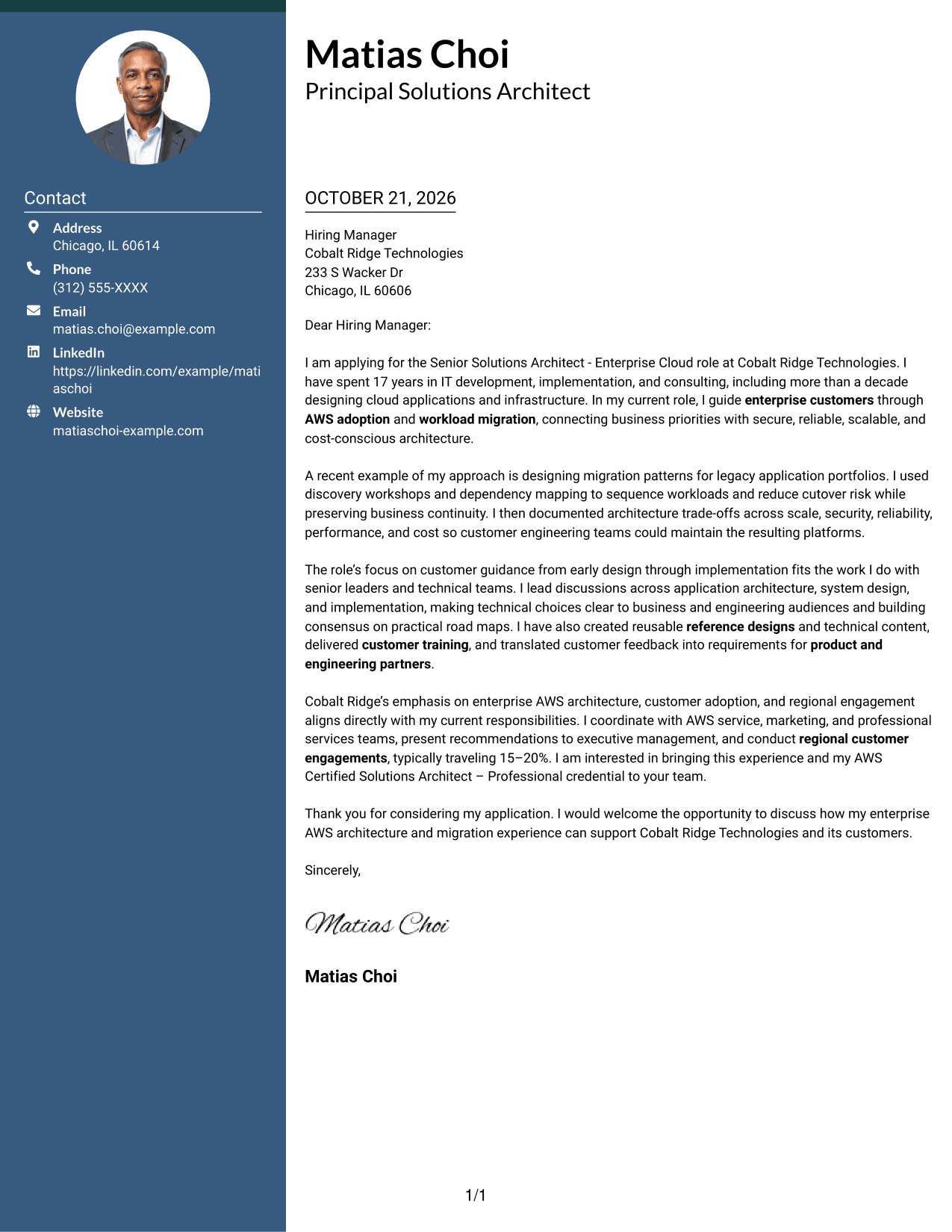
Why This Format Works
- Contact details occupy a sidebar, separate from the employer-facing paragraphs.
- The letter body keeps its opening, evidence, and close in sequence.
- A dedicated contact area makes sender information easy to revisit.
Best For
- Separate contact information
- Letters with a clear example
- Continuous persuasive paragraphs
- Employer-focused motivation
- Quick access to sender details
#3 Photo Header Two Column Format Cover Letter Example
A contact sidebar sits beside the continuous letter body, with a photo adding a personal visual element.
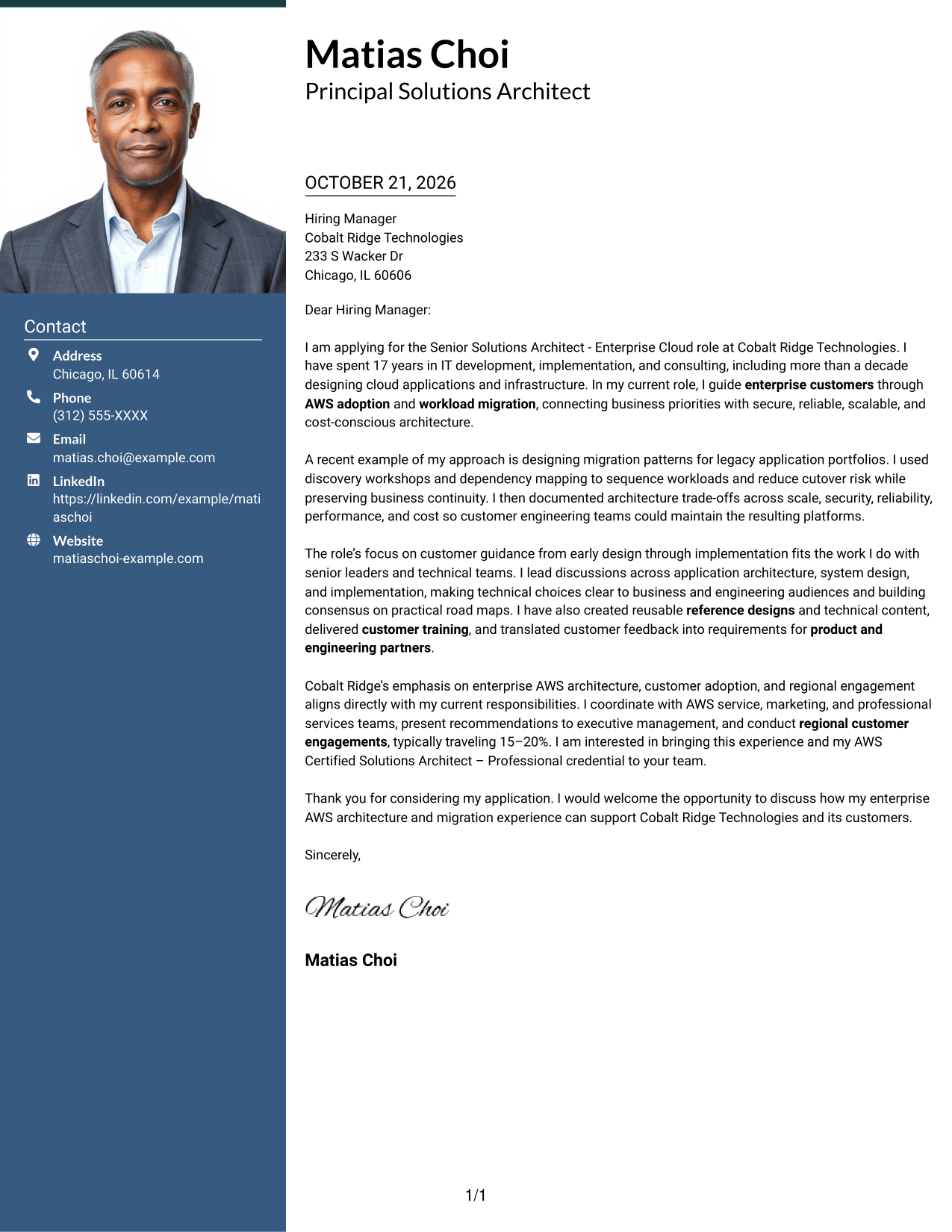
Why This Format Works
- The sidebar keeps contact information distinct while a photo adds a personal visual element.
- One continuous body carries the application message from opening through closing.
- Portrait inclusion offers a visual choice without altering the letter's argument.
Best For
- Applications where a portrait is preferred
- A separate contact area
- Letters with a migration example
- Employer-specific motivation
- Continuous paragraph-based messages
#4 One Column Format with Photo Cover Letter Example
The one-column letter keeps its message in a direct sequence, with a photo providing a personal visual touch.
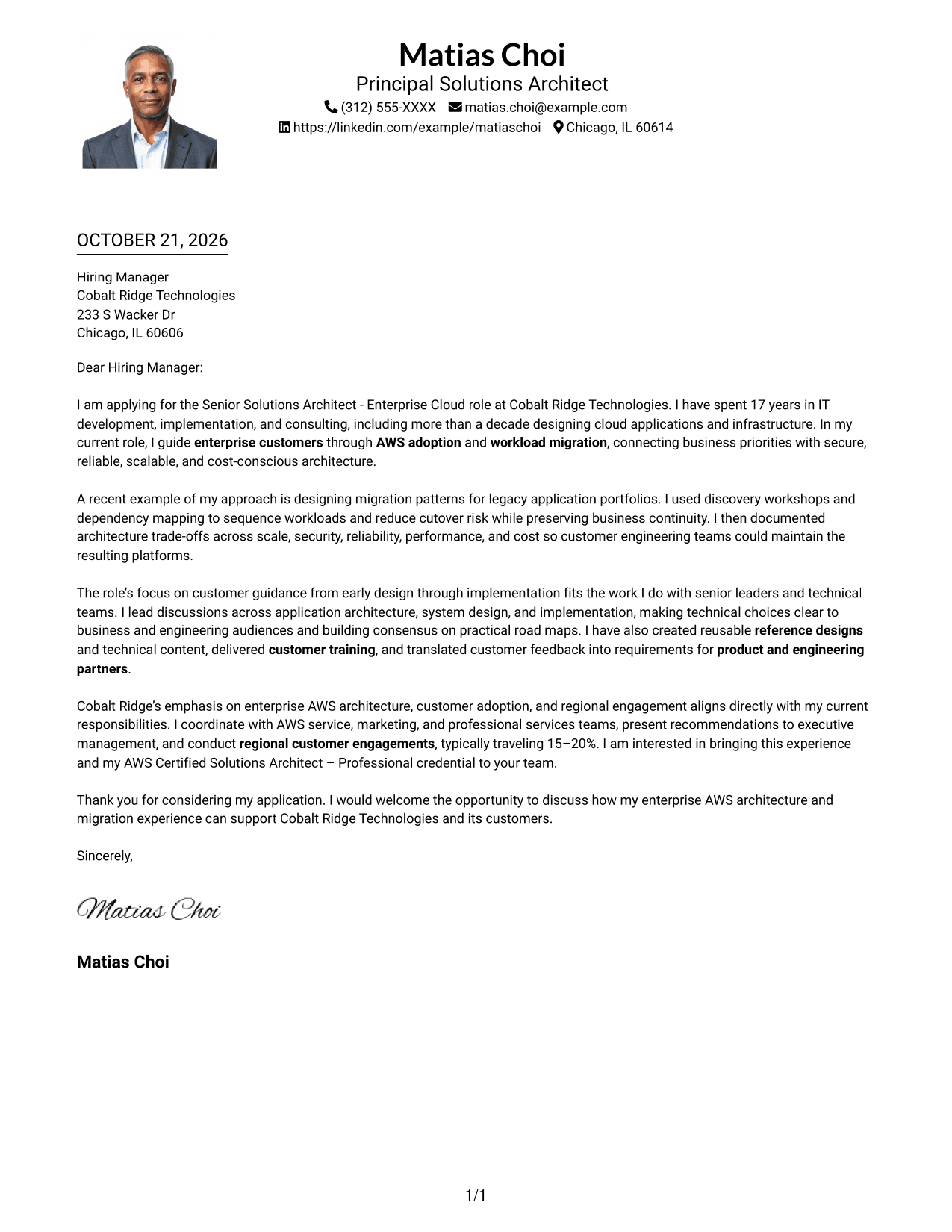
Why This Format Works
- One column keeps the message in a direct sequence from opening to close.
- Photo presence adds a personal visual element alongside the letter.
- Header-based sender details remain distinct from the continuous letter body.
Best For
- Portrait-preferred applications
- Letters with a full narrative
- Direct opening-to-close reading
- Header-based contact details
- Personal visual presentation
#5 Simple Two Column Format Cover Letter Example
A contact sidebar and a single continuous letter body give this two-column layout a clear division between sender details and correspondence.
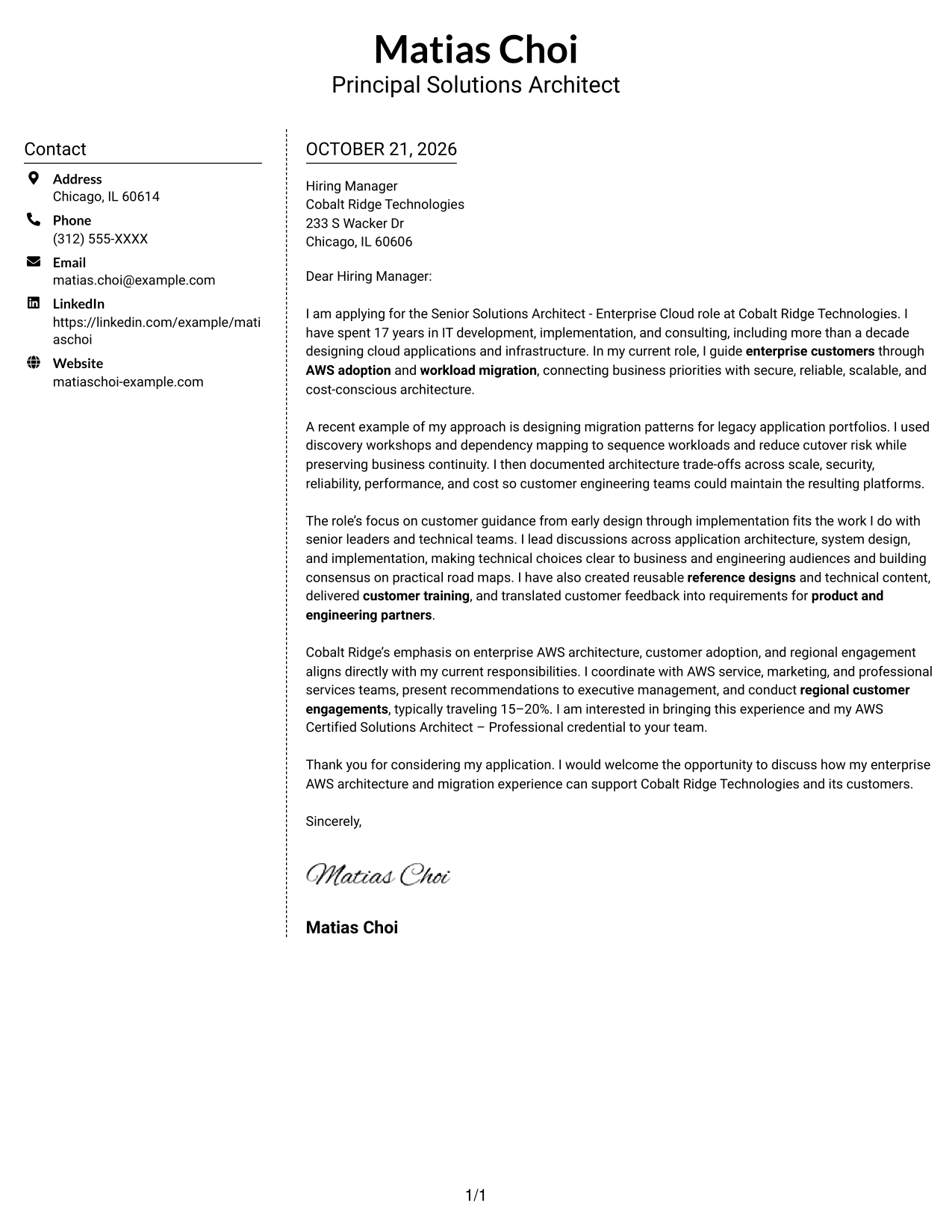
Why This Format Works
- The sidebar holds contact details apart from the letter's persuasive paragraphs.
- Readers can follow the message without moving between argument columns.
- Sender information remains easy to locate beside the continuous letter body.
Best For
- Sidebar-based contact details
- Letters with a specific example
- A single persuasive message
- Clear employer motivation
- Easy sender information lookup
#6 Modern Icon Format Cover Letter Example
The two-column layout pairs a contact sidebar with one continuous letter body, while icons cue contact details rather than argument sections.
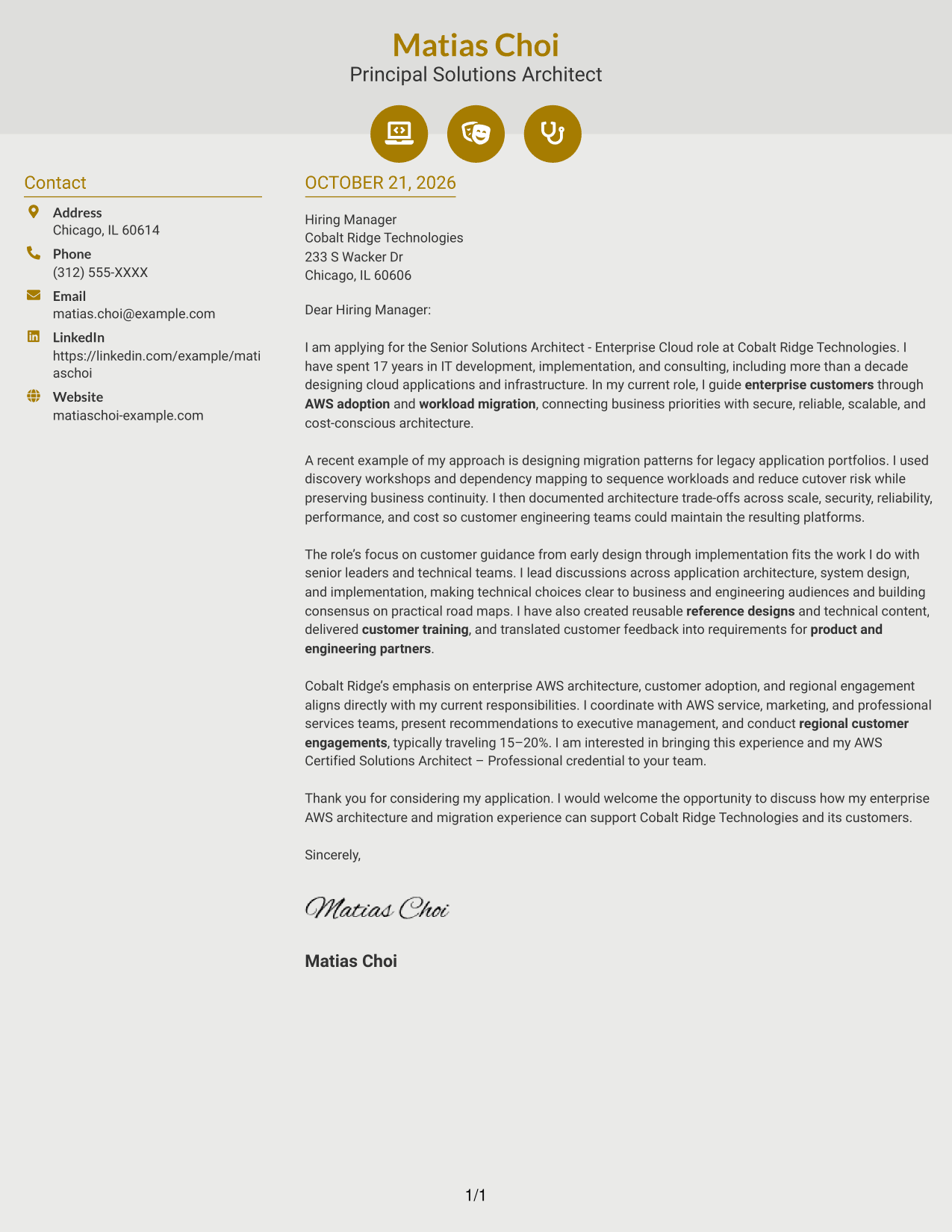
Why This Format Works
- Contact icons act as visual cues for details, not labels for letter arguments.
- The sidebar keeps sender information separate from the continuous message.
- Opening, evidence, and closing remain in one uninterrupted letter body.
Best For
- Icon-cued contact information
- One continuous letter argument
- Letters with concrete migration evidence
- Employer-specific role alignment
- Quick reference to sender details
#7 Creative Two Tone Format Cover Letter Example
Contact details sit beside a single continuous letter body, keeping the sender information distinct from the full message.
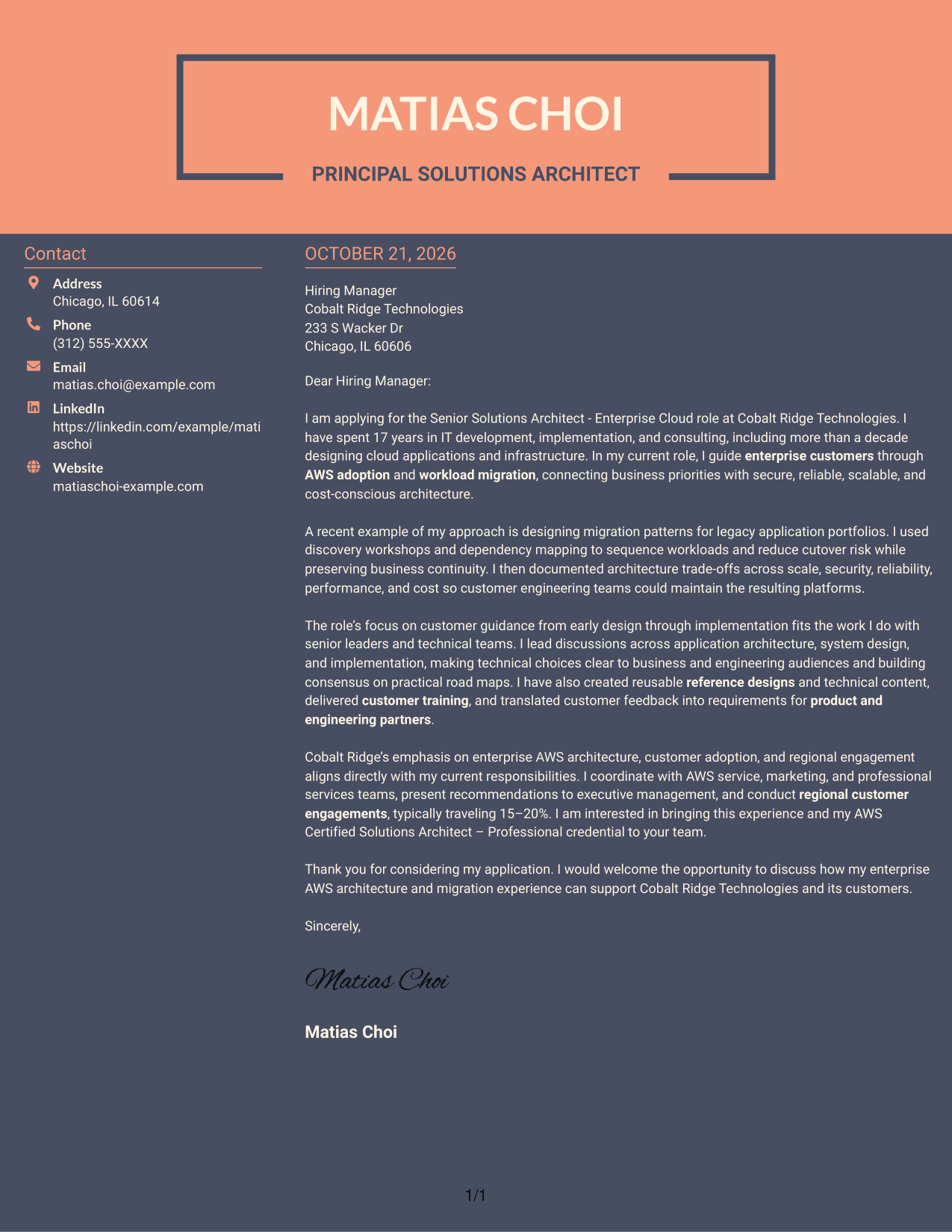
Why This Format Works
- The side panel separates sender information from the employer-facing message.
- Continuous paragraphs let the reader follow the full case in order.
- A separate contact area keeps practical details apart from the letter's appeal.
Best For
- Contact details beside the message
- Letters with a detailed example
- Uninterrupted persuasive paragraphs
- Company-specific motivation
- Easy access to sender information
See Also
- 7 Senior Solutions Architect - Enterprise Cloud Resume Templates with Example
- 7 Associate AI Solution Architect - Enterprise GenAI Resume Templates with Example
- 7 Enterprise Solution Architect - Application Modernization Resume Templates with Example
- 7 Technical Solution Architect - Enterprise Integration Resume Templates with Example
- 7 AWS Cloud Solutions Architect Resume Templates with Example
- 7 Azure Principal Solution Architect - Cloud Go-to-Market Resume Templates with Example
- 7 IFS Cloud Solution Architect - Utility Asset Management Resume Templates with Example
- 7 Agentic Solution Architect Resume Templates with Example
- 7 Associate AI Solution Architect - Enterprise GenAI Cover Letter Templates with Example
- 7 Enterprise Solution Architect - Application Modernization Cover Letter Templates with Example
Frequently Asked Questions
What should the opening of this cover letter explain?
State your interest in the Senior Solutions Architect - Enterprise Cloud role and connect your background in enterprise AWS architecture or workload migration to the position’s needs.
What experience is useful to feature in the body?
Choose a specific example that shows how you guided a customer through architecture or migration decisions. Explain your contribution and the business or technical result, such as reduced cutover risk or preserved business continuity.
How can I show strong customer communication?
Describe how you explained technical choices to both business and engineering teams, brought different stakeholders together, or turned customer feedback into useful requirements.
How should I explain my interest in the employer?
Connect the role’s stated focus on enterprise AWS architecture, customer adoption, and regional engagement to work you have done. Keep the reason specific and supported by information you can verify.
How can I compare the cover letter layouts?
Review the PNG image previews to compare each presentation, then open an example in the editor to view or customize it.




