
7 Senior Solutions Architect - RFID and AIDC Cover Letter Templates with Example
This guide shows how to write a Senior Solutions Architect - RFID and AIDC cover letter and presents it in 7 layouts to help you choose a clear, persuasive approach.
What Makes a Great Senior Solutions Architect - RFID and AIDC Cover Letter in 2026
A strong letter connects customer needs with relevant solution architecture work. Show how you explain RFID, AIDC, mobility, and printing options in practical terms.
Use evidence such as customer discovery, demo preparation, account planning, or project handoffs. Link that evidence to the employer’s needs and explain why the role interests you.
The featured example moves from role fit to customer-facing work, sales and delivery partnership, relevant background, and a direct close. Adapt this focused progression, then choose a presentation that suits the employer and the communication context.
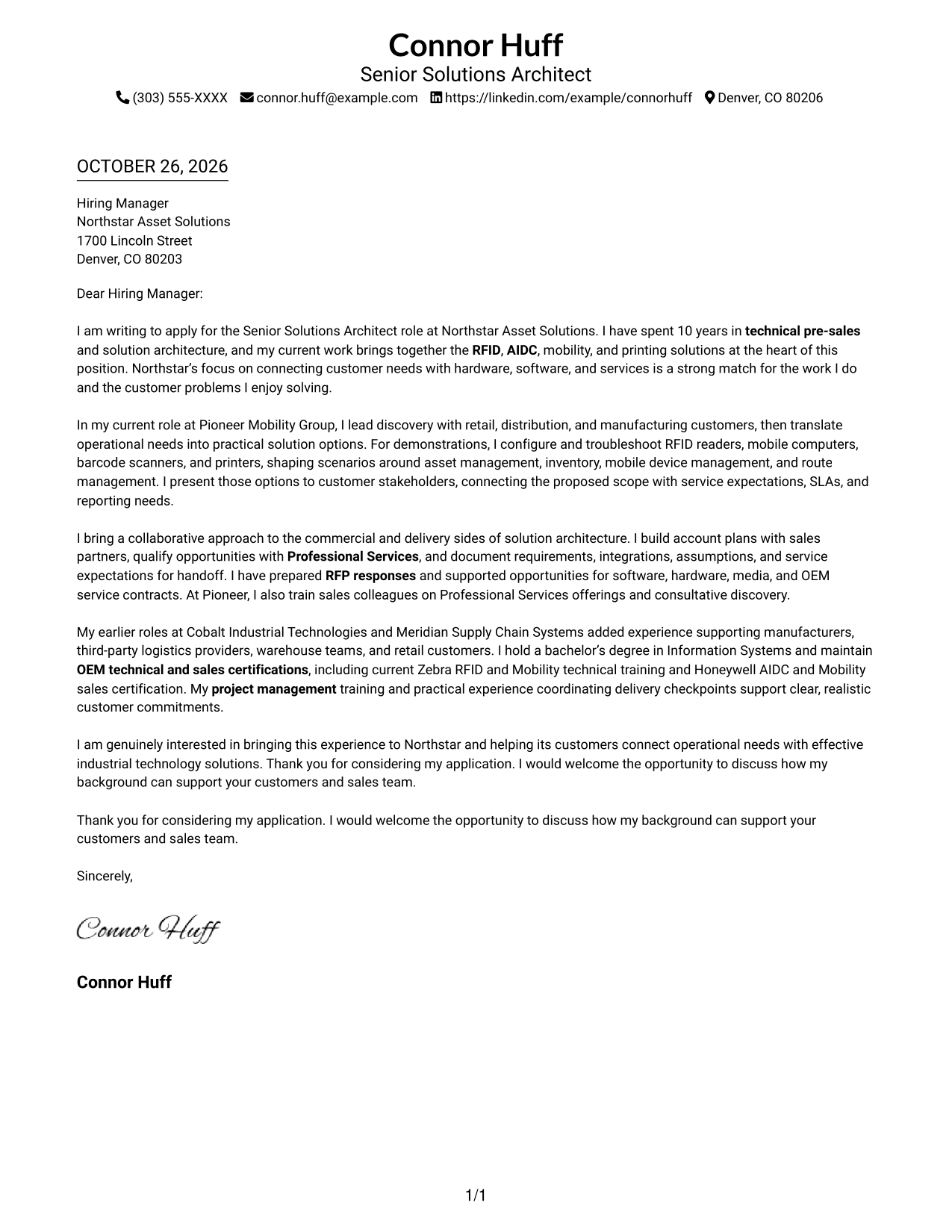
#1 Simple One Column Format Cover Letter Example
A single-column page keeps sender details in the header and the letter in one clear reading path.
Why This Format Works
- Sender details stay in the header, so reviewers can find contact information before reading.
- The single-column page gives the letter one consistent path from opening through closing.
- Paragraphs present the case directly, without labels that could divide the argument.
Best For
- Single-column reading preference
- Header-based contact details
- No-sidebar page layouts
- Unlabeled letter paragraphs
- Simple contact-to-message order
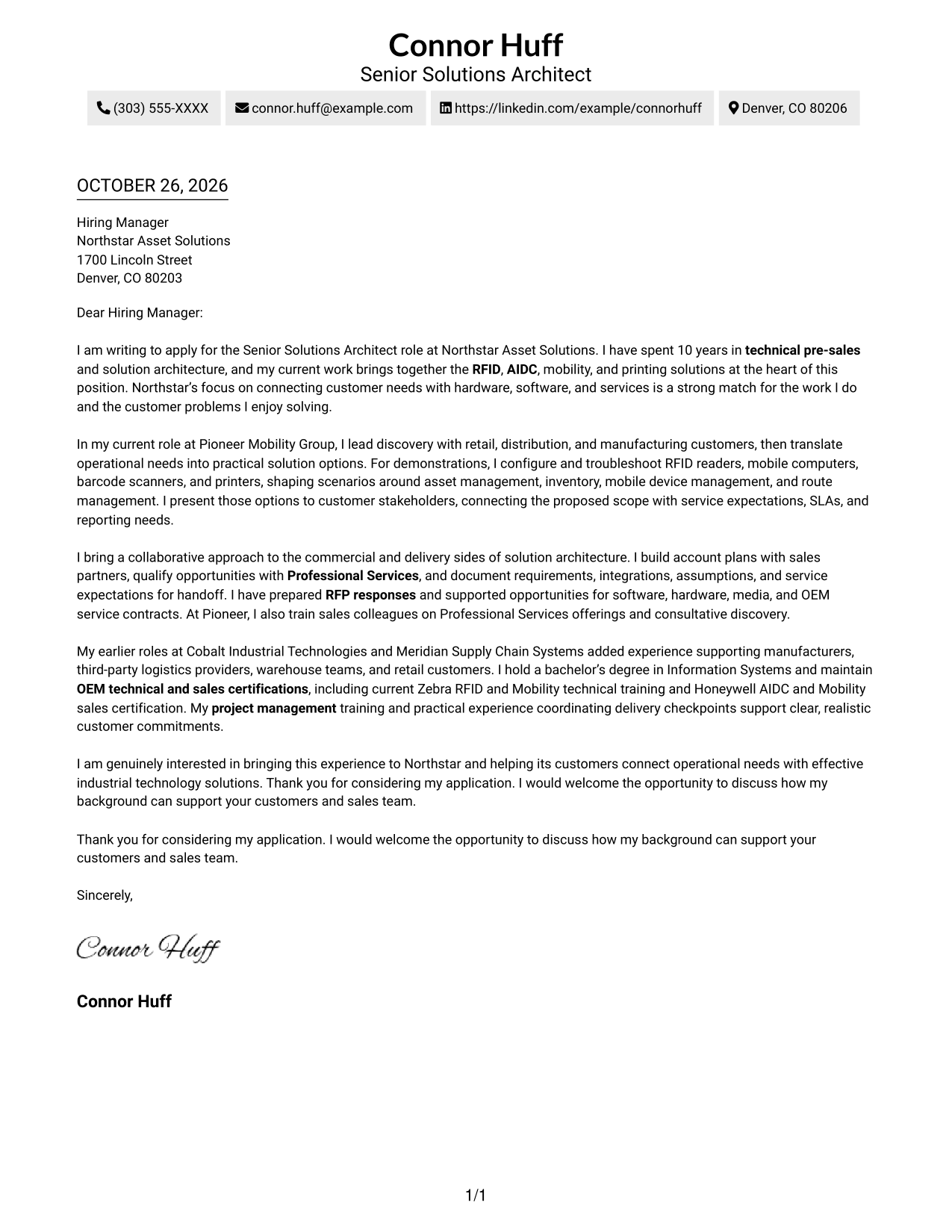
#2 Two Column Format Cover Letter Example
A contact sidebar sits beside a single-column letter body, keeping the sender information distinct from the message.
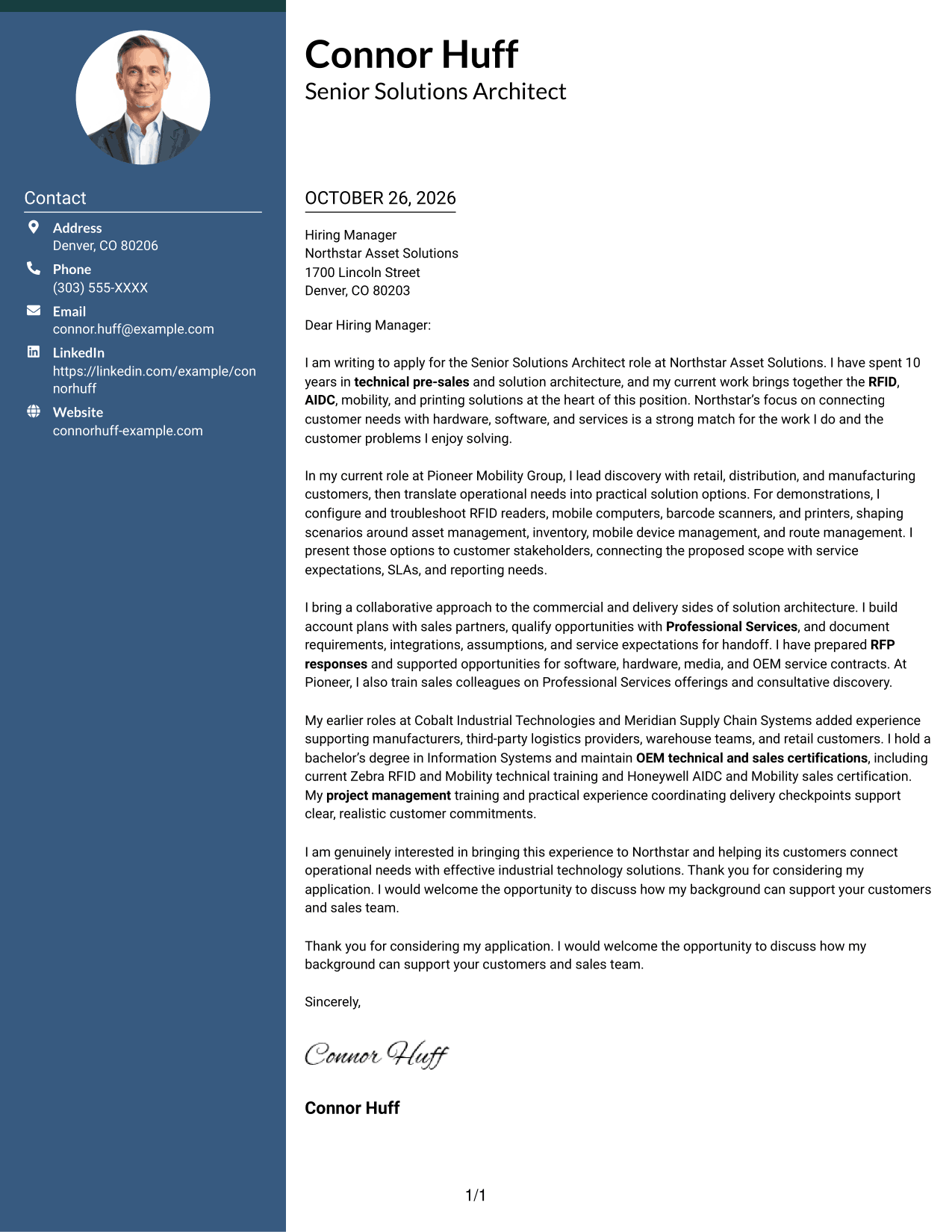
Why This Format Works
- Sender details sit apart from the main message for quick reference.
- The letter stays in one body column, so its points read in sequence.
- The side-by-side layout offers a clear visual choice for readers who favor a sidebar.
Best For
- Contact sidebar layouts
- One-column letter bodies
- Separate sender information
- Two-column page preference
- Letters with continuous prose
#3 Photo Header Two Column Format Cover Letter Example
A photo header and contact sidebar accompany a single-column letter body, giving the page a personal visual element.
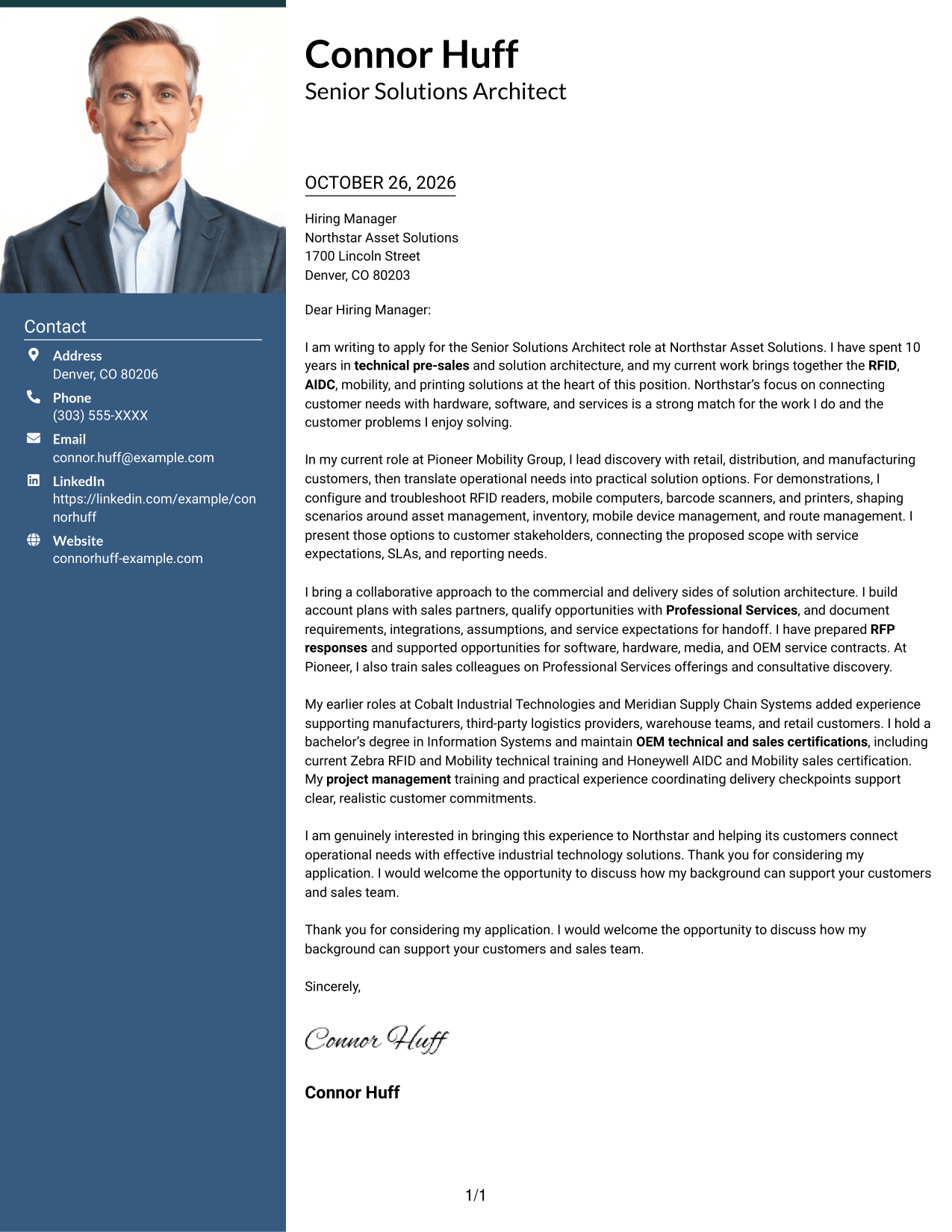
Why This Format Works
- Contact details remain separate from the letter in the sidebar.
- One continuous body keeps the opening, supporting points, and close in sequence.
- The header photo adds a personal visual element without changing the argument's structure.
Best For
- Photo in the header
- Contact sidebar layouts
- Continuous letter text
- Personal visual details
- Two-column page organization
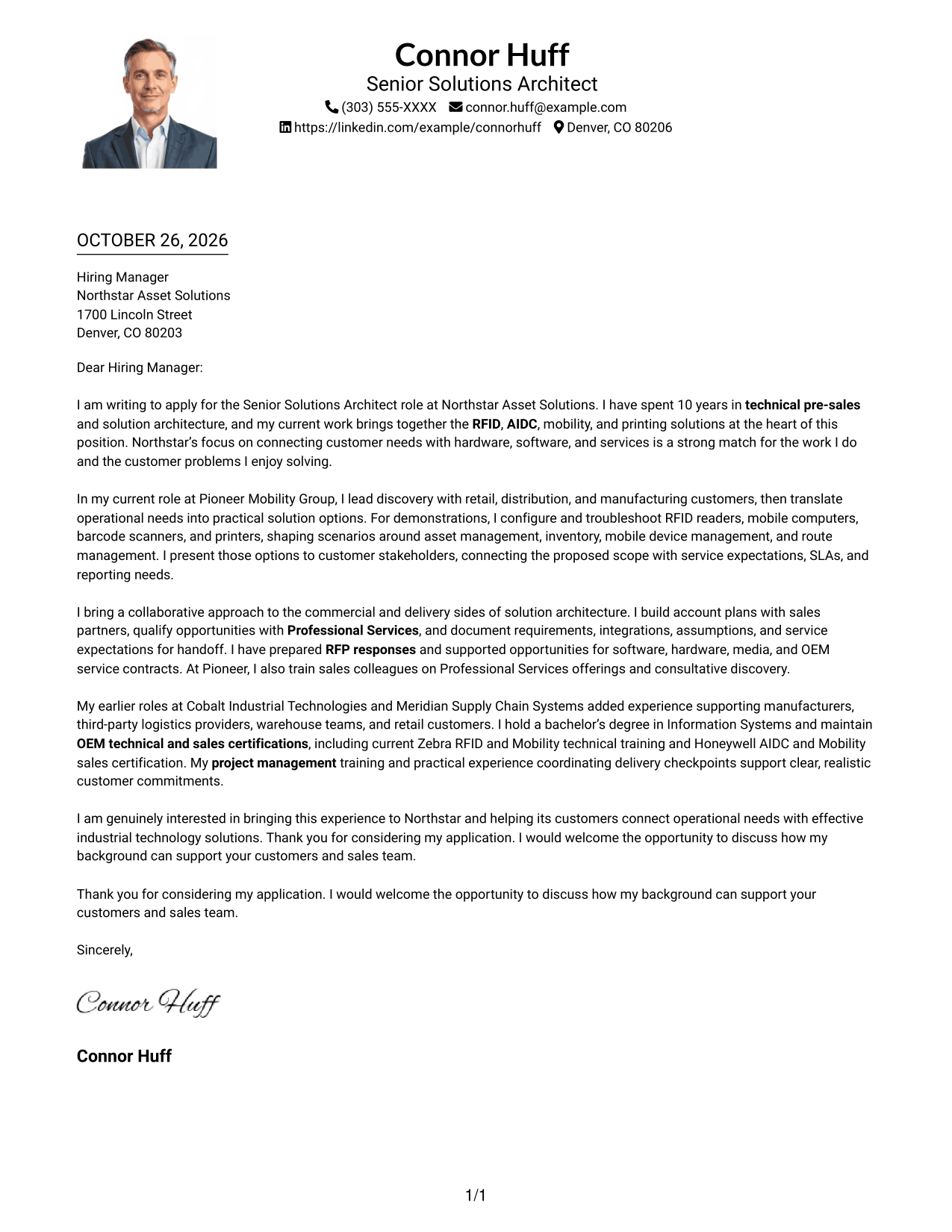
#4 One Column Format with Photo Cover Letter Example
A photo adds a personal visual point while the one-column layout keeps the letter in a direct reading flow.
Why This Format Works
- The single column keeps each paragraph in a direct top-to-bottom sequence.
- A photo adds a personal visual point without dividing the letter body.
- Header placement keeps sender details close to the message.
Best For
- One-column page preference
- Photo included with the letter
- Header-based sender details
- Direct paragraph reading
- Letters without a contact sidebar
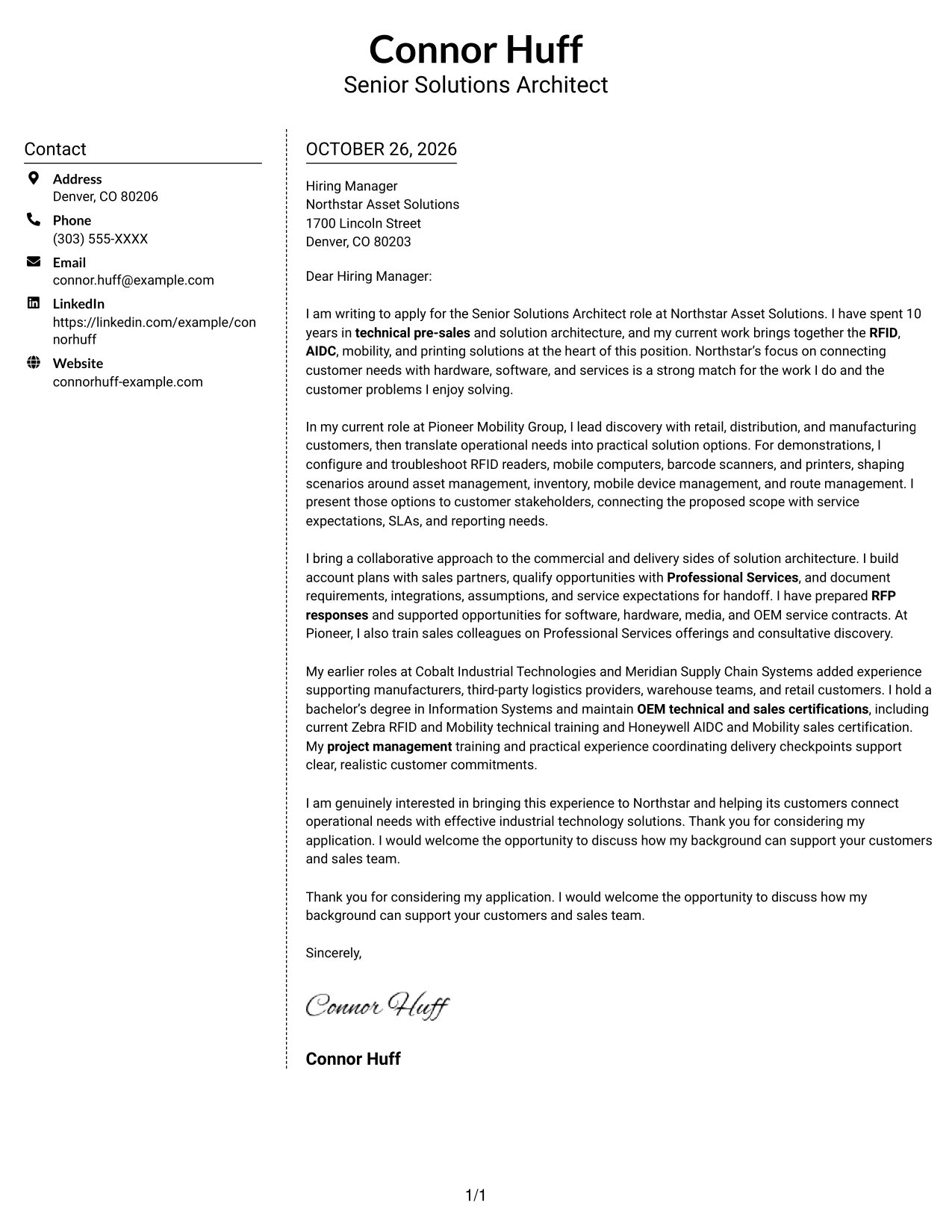
#5 Simple Two Column Format Cover Letter Example
The contact sidebar and single-column letter body provide separate areas for sender information and the message.
Why This Format Works
- A dedicated sidebar makes sender details easy to locate apart from the letter.
- The message remains a single stream of paragraphs rather than parallel text.
- Its simple two-column arrangement suits readers who prefer separated contact and message areas.
Best For
- Sidebar contact information
- Single-stream letter text
- Distinct sender and message areas
- Simple two-column layouts
- Continuous paragraph arguments
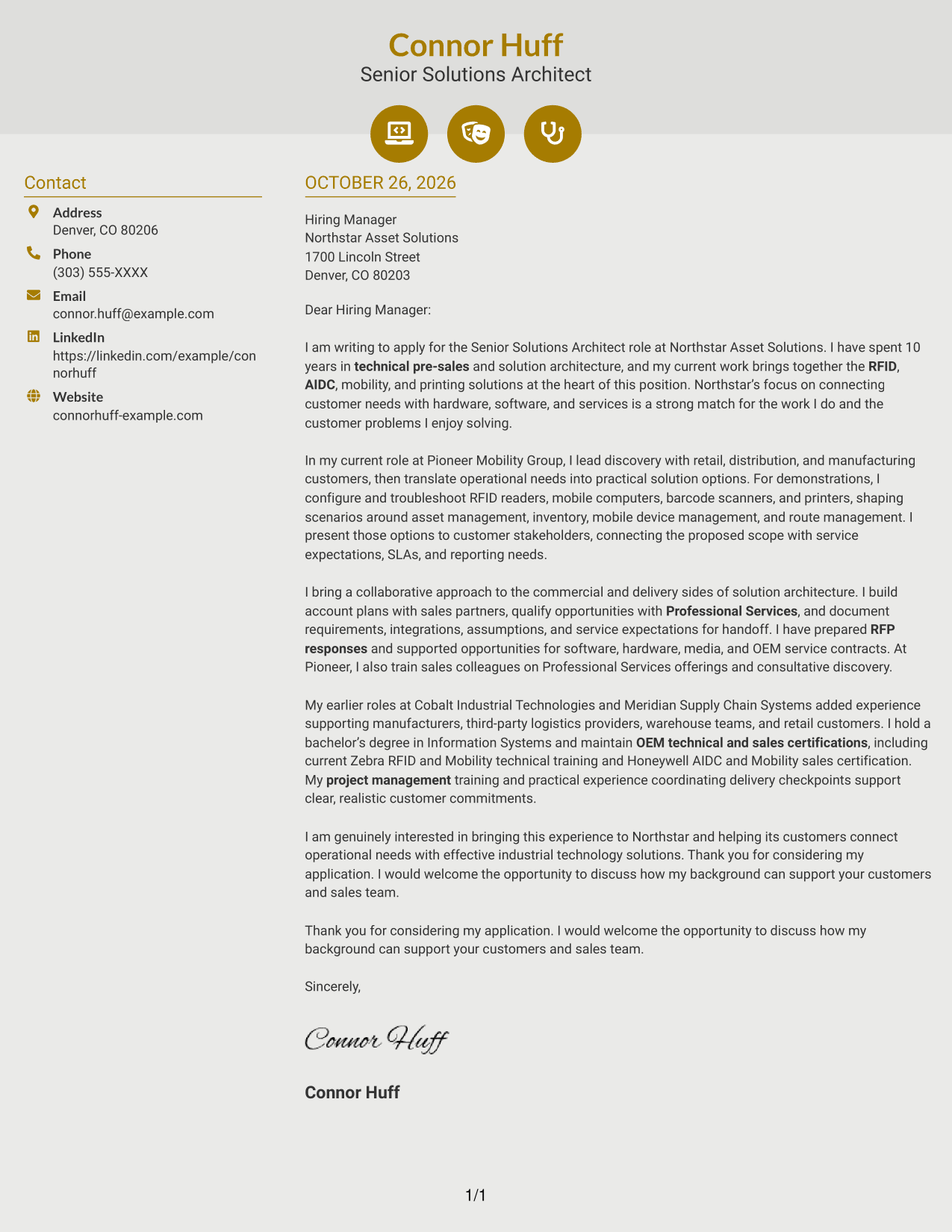
#6 Modern Icon Format Cover Letter Example
Contact cues and decorative header accents accompany a sidebar and a single-column letter body.
Why This Format Works
- Contact cues help readers identify sender details in the sidebar.
- Icons remain visual accents, not labels for the letter's argument.
- One continuous body lets the message progress without parallel text columns.
Best For
- Contact details with visual cues
- Sidebar-based sender information
- One-column letter argument
- Decorative header accents
- Continuous prose without body labels
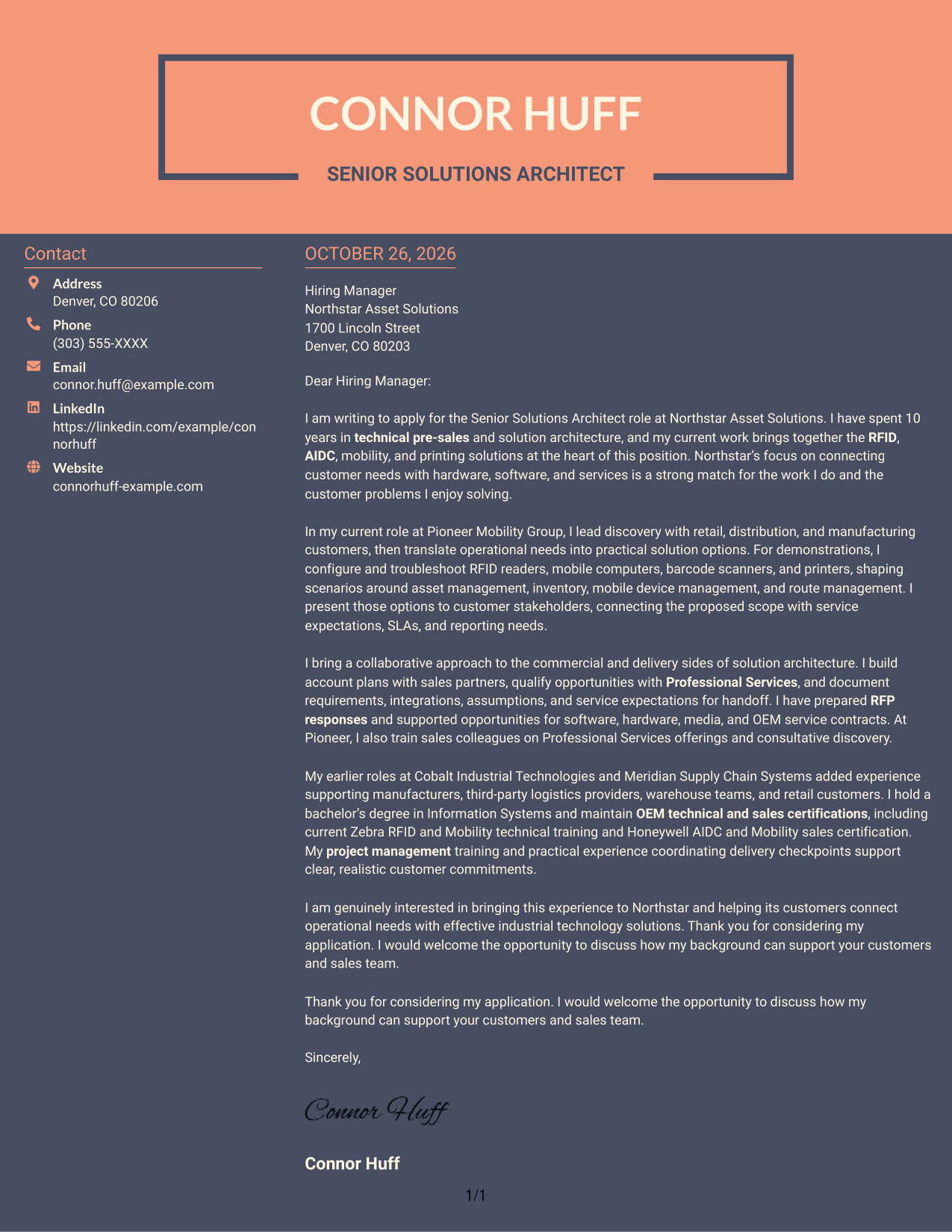
#7 Creative Two Tone Format Cover Letter Example
A contact sidebar beside one continuous letter body separates sender information from the message in a two-column layout.
Why This Format Works
- The contact sidebar keeps sender information distinct from the letter's paragraphs.
- A single letter body preserves the natural order of the message.
- Two-column placement gives contact details and the letter separate visual areas.
Best For
- Contact details beside the message
- Single-column letter text
- Separate sender information
- Two-column page organization
- Letters with a continuous argument
See Also
- 7 Senior Solutions Architect - RFID and AIDC Resume Templates with Example
- 7 Senior Solutions Architect - RFID and Vision Resume Templates with Example
- 7 Agentic Solution Architect Resume Templates with Example
- 7 AI Application Solutions Architect - Generative AI Resume Templates with Example
- 7 AI Engineering Solutions Architect Resume Templates with Example
- 33 AI/ML Solutions Architect Resume Templates with Example 2026 (ATS-Optimized)
- 33 AI Solutions Architect Resume Templates with Example 2026 (ATS-Optimized)
- 7 Associate AI Solution Architect - Enterprise GenAI Resume Templates with Example
- 7 Senior Solutions Architect - RFID and Vision Cover Letter Templates with Example
- 7 Agentic Solution Architect Cover Letter Templates with Example
Frequently Asked Questions
What should the opening paragraph say for this role?
State the exact role and give a clear reason for your interest. Connect that reason to the work, such as turning customer needs into RFID, AIDC, mobility, and printing solutions.
What evidence should I include in the body of the letter?
Choose specific examples that show how you lead discovery, prepare customer demonstrations, present solution options, or coordinate requirements with Professional Services.
How can I show alignment with an employer?
Refer to the employer’s stated customer needs and explain how your approach fits them. Keep the connection specific, and do not claim skills or results you cannot support.
How should I close a Senior Solutions Architect - RFID and AIDC cover letter?
Restate your interest briefly, thank the reader, and invite a conversation about how you could support customers and the sales team.
Can I view and compare the example layouts?
Yes. Review the PNG image previews to compare their presentation, then open an example in the editor to view or customize it.




