
7 Senior Stock Plan Services Associate - Equity Compensation Operations Cover Letter Templates with Example
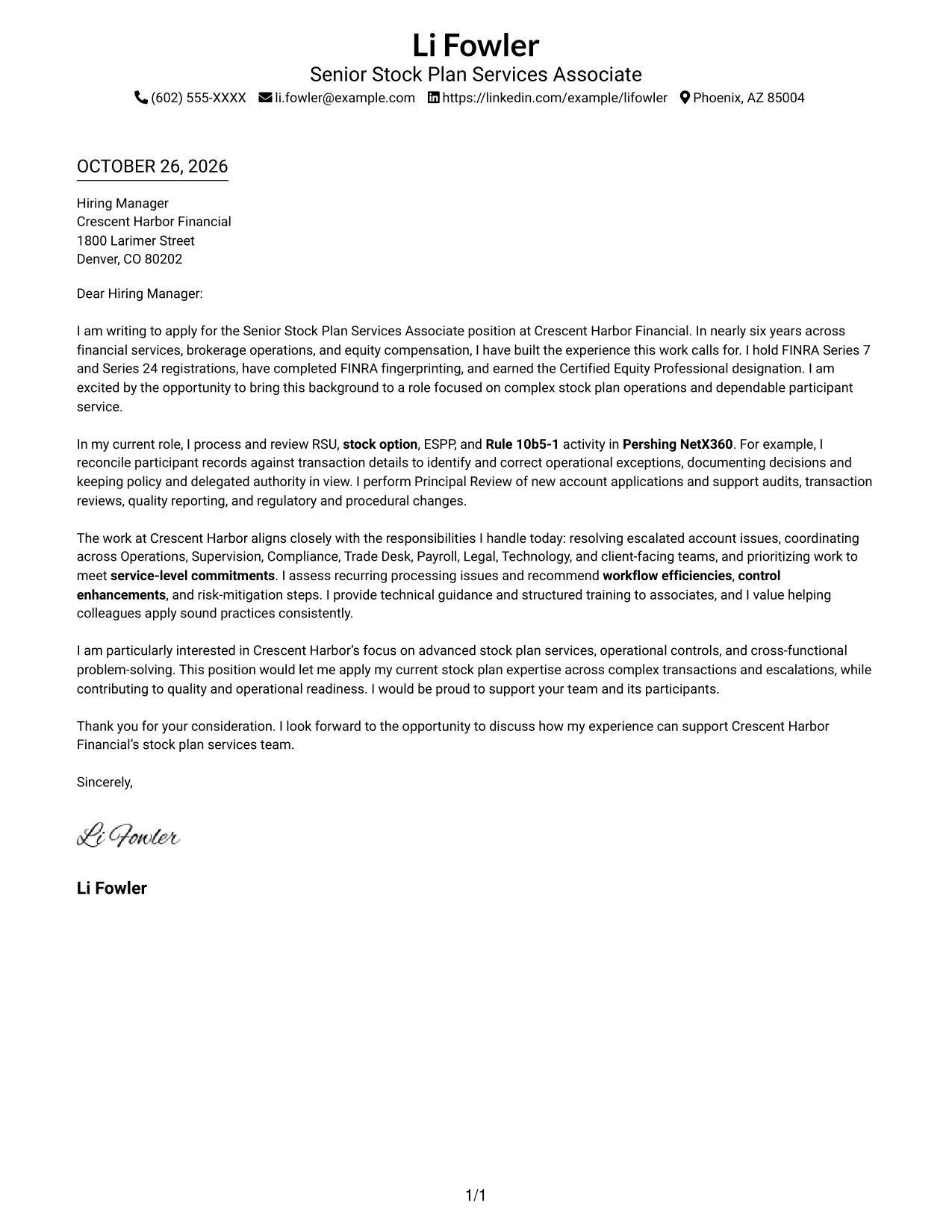
This practical guide helps you shape a persuasive Senior Stock Plan Services Associate - Equity Compensation Operations cover letter, with seven layouts to compare.
What Makes a Great Senior Stock Plan Services Associate - Equity Compensation Operations Cover Letter in 2026
A strong letter for this role links sound stock plan operations judgment to clear service, control, and escalation outcomes. The opening should state your interest, while the body shows how you handle complex transactions and support reliable participant workflows.
Choose a specific example, such as reconciling RSU, stock option, or ESPP activity or performing Principal Review, and explain your actions clearly. Connect that evidence to the employer’s needs for compliance, risk control, cross-team work, and dependable service.
The featured Senior Stock Plan Services Associate - Equity Compensation Operations letter moves from role fit to operational evidence, cross-team impact, and motivation; adapt that focused progression while choosing a presentation suited to the employer and communication context.
#1 Simple One Column Format Cover Letter Example
The Simple One Column Format keeps sender details in the header and presents the letter in one continuous column, a straightforward choice for readers who prefer a direct reading path.
Why This Format Works
- Sender details in the header remain easy to find before reading.
- A single column gives reviewers one consistent path through the message.
- Unlabeled paragraphs let the letter read as a direct personal appeal.
Best For
- Straightforward single-column letters
- Header-first contact presentation
- Opening-to-close reading flow
- Personalized company motivation
- Evidence-led application messages
#2 Two Column Format Cover Letter Example
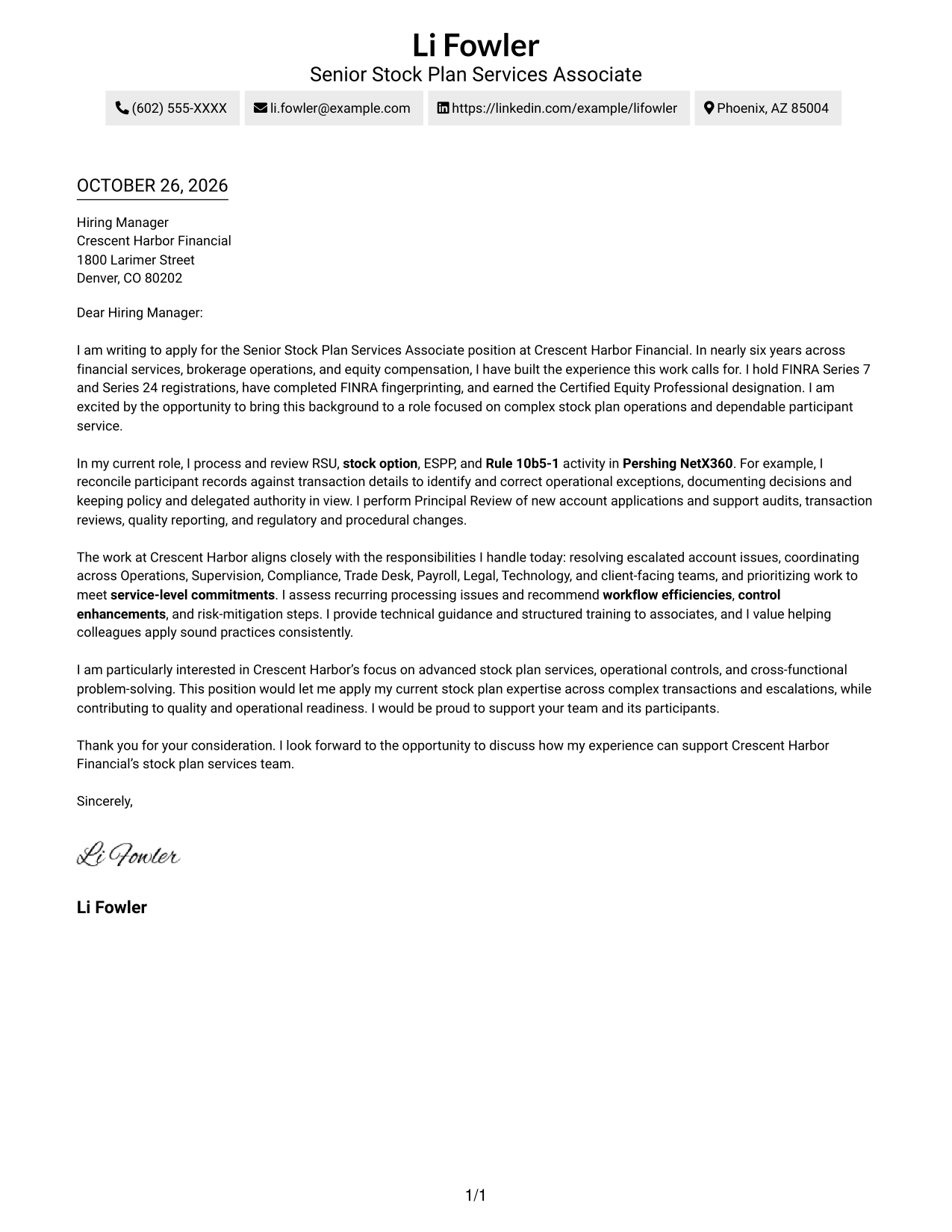
The Two Column Format places a contact sidebar beside one continuous letter body, helping readers find sender details without dividing the persuasive message into parallel sections.
Why This Format Works
- Contact details occupy the sidebar, separate from the letter paragraphs.
- The single body column lets reviewers follow each point in order.
- Without argument-section headings, the letter reads as a direct personal message.
Best For
- Sidebar contact presentation
- Continuous letter narratives
- Detailed employer-specific correspondence
- Applications with a clear personal case
- Formal business communication
#3 Photo Header Two Column Format Cover Letter Example
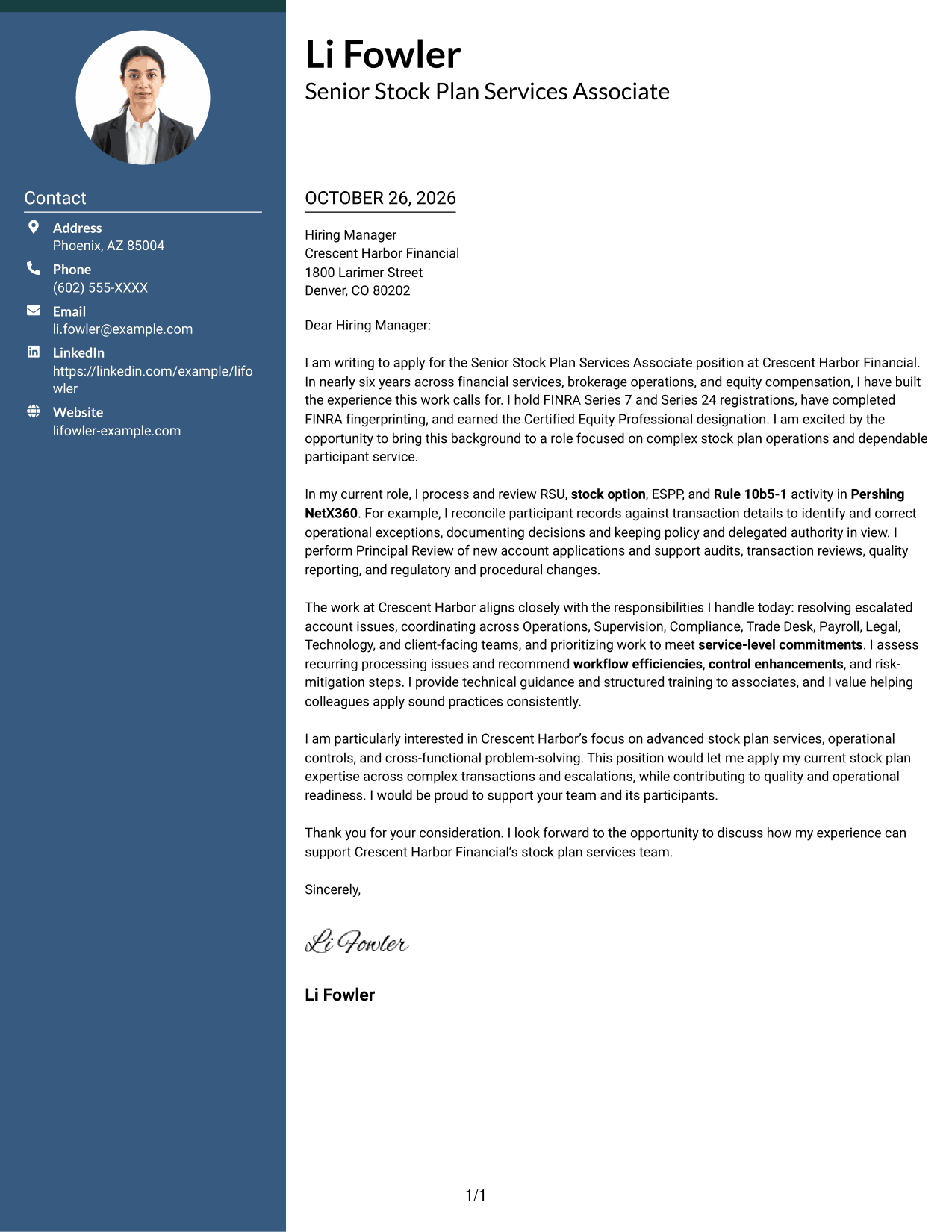
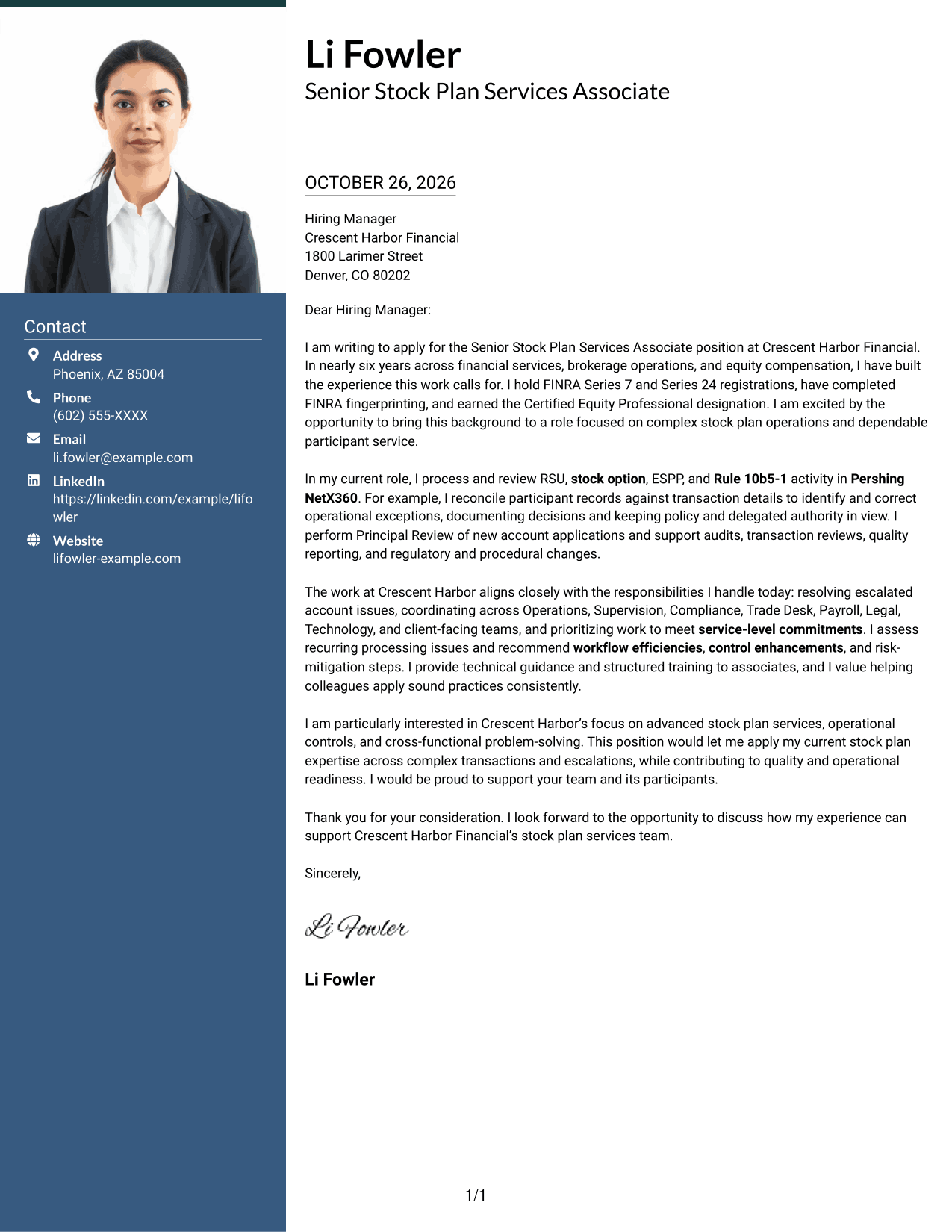
The Photo Header Two Column Format pairs a photo in the header with a contact sidebar and one continuous letter body, for readers who want a portrait alongside clear contact details.
Why This Format Works
- The header photo adds a personal visual touch without changing the letter's argument.
- The contact sidebar keeps sender details apart from the persuasive message.
- One continuous body carries the letter from its opening through its close.
Best For
- Photo-led header preference
- Separated sender contact information
- Continuous one-column letter body
- Personal introductions with a portrait
- Employer-focused multi-paragraph messages
#4 One Column Format with Photo Cover Letter Example
The One Column Format with Photo includes a photo and keeps the letter in one continuous column, a practical choice for readers who prefer a direct message with a personal visual element.
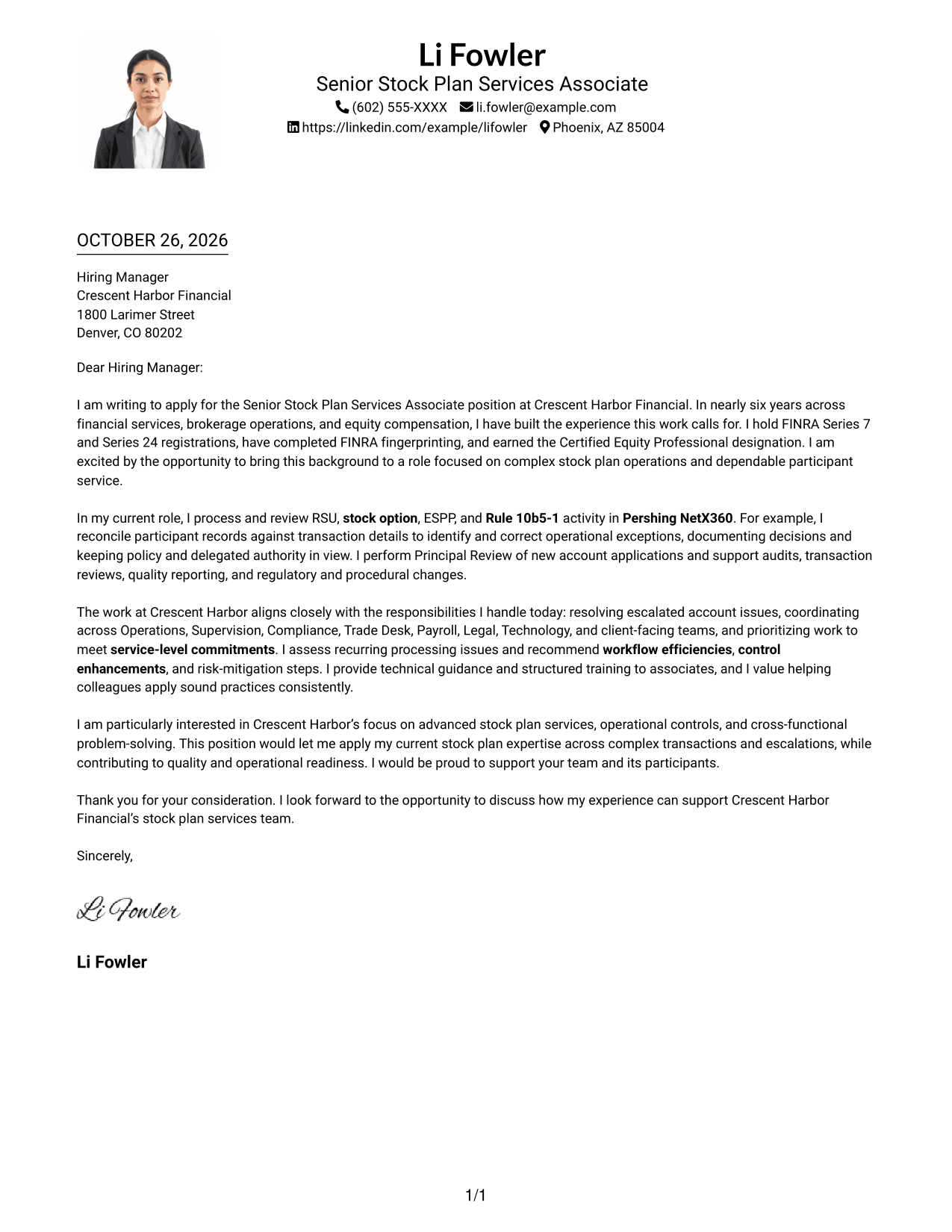
Why This Format Works
- A single column gives the reviewer one clear path through the letter.
- The photo adds a personal visual element without interrupting the message.
- Continuous paragraphs carry the appeal from its opening to its close.
Best For
- Single-column correspondence
- Visible sender details in the header
- Portrait-inclusive introductions
- Continuous persuasive letters
- Direct company-specific messages
#5 Simple Two Column Format Cover Letter Example
The Simple Two Column Format separates contact details into a sidebar while keeping the cover letter in one continuous body, making it useful when clear contact placement matters.
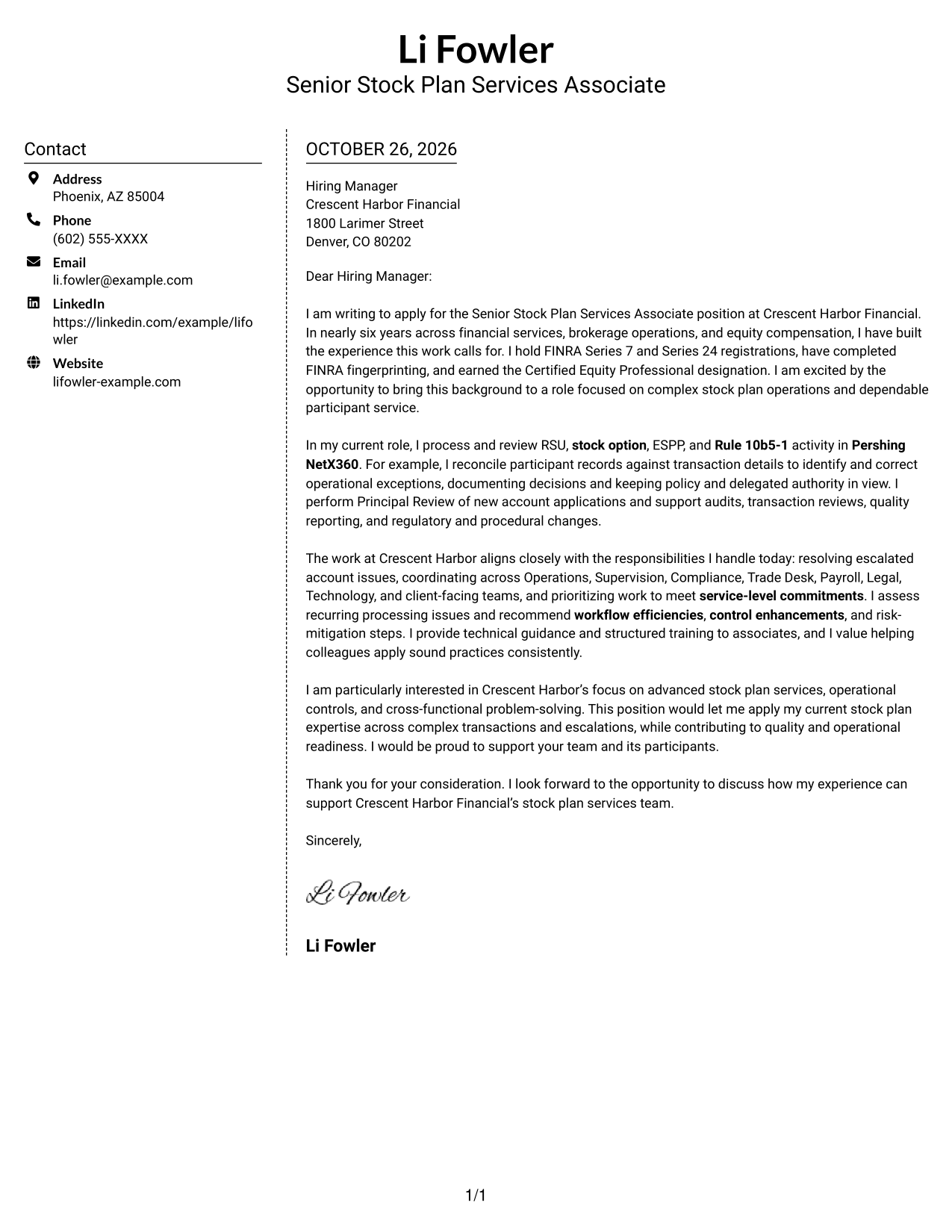
Why This Format Works
- The sidebar gives contact information a separate, easy-to-find place.
- A single letter body keeps the appeal in its intended sequence.
- The simple layout leaves the paragraphs as the focus of the message.
Best For
- Sidebar-based contact presentation
- Single-body-column letters
- Detailed employer-specific correspondence
- Applications with a clear personal case
- Formal business communication
#6 Modern Icon Format Cover Letter Example
The Modern Icon Format uses two columns, with contact cues in the sidebar and one continuous letter body, suiting readers who value visual markers for sender details.
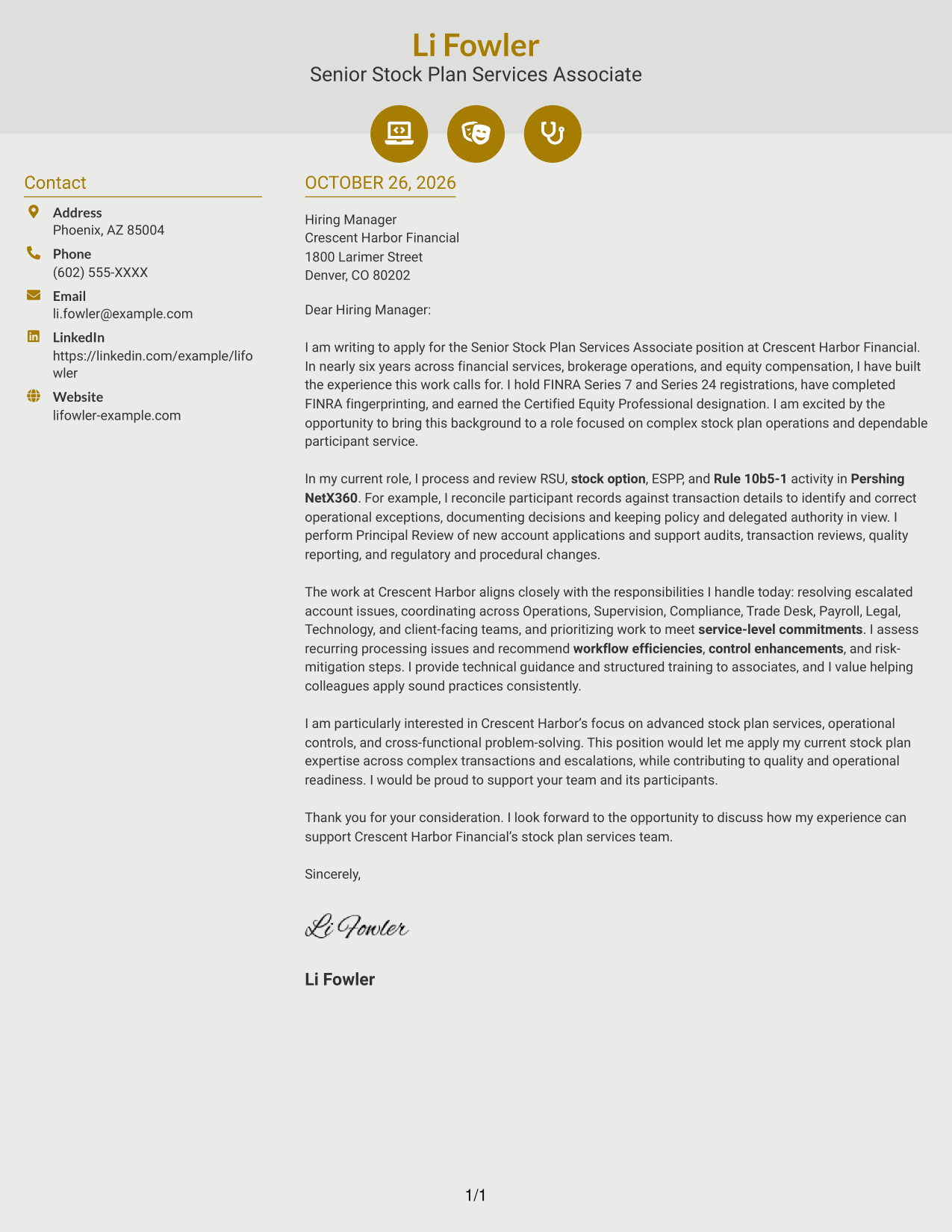
Why This Format Works
- Contact icons act as visual cues for sender details, not argument stages.
- The sidebar keeps contact information distinct from the continuous letter body.
- The message remains a single sequence from opening to closing.
Best For
- Icon-guided contact details
- Two-column contact organization
- Letters with one argument thread
- Modern header accents
- Multi-paragraph role alignment
#7 Creative Two Tone Format Cover Letter Example
The Creative Two Tone Format places a contact sidebar beside a single, continuous letter body, giving sender details a distinct location while preserving a unified message.
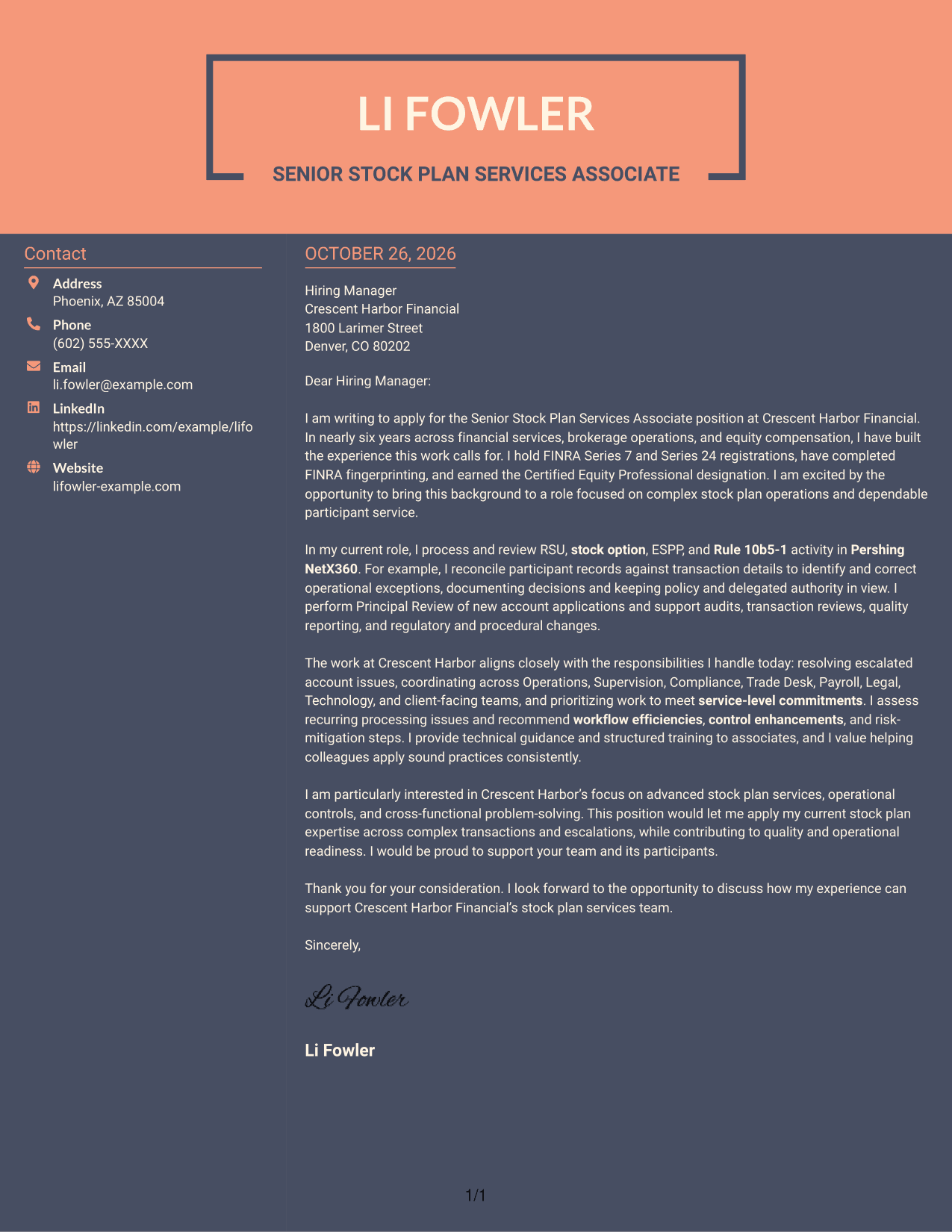
Why This Format Works
- The contact sidebar gives sender information its own place beside the letter.
- One continuous body keeps the opening, evidence, and closing in sequence.
- The two-column arrangement separates contact details from the message itself.
Best For
- Sidebar contact organization
- Uninterrupted persuasive letters
- Paragraph-based employer appeals
- Formal application correspondence
- Clear separation of contact details
See Also
- 7 Senior Stock Plan Services Associate - Equity Compensation Operations Resume Templates with Example
- 7 Senior Implementation Consultant - Stock Plan Services Resume Templates with Example
- 7 Stock Clerk 1 - Campus Moving Services Resume Templates with Example
- 33 Retail Receiving & Stock Associate Resume Templates with Example 2026 (ATS-Optimized)
- 33 Sales Associate/Stock Resume Templates with Example 2026 (ATS-Optimized)
- 33 Seasonal Stock Associate Resume Templates with Example 2026 (ATS-Optimized)
- 33 Stock Associate Resume Templates with Example 2026 (ATS-Optimized)
- 33 Warehouse Stock Associate Resume Templates with Example 2026 (ATS-Optimized)
- 7 Senior Implementation Consultant - Stock Plan Services Cover Letter Templates with Example
- 30+ Retail Receiving & Stock Associate Cover Letter Templates with Example 2026
Frequently Asked Questions
What should this cover letter emphasize?
Focus on complex stock plan transactions, participant account workflows, reconciliations, and sound handling of operational exceptions. Connect these examples to controls, compliance, and reliable service.
How can I show that my experience fits this role?
Describe a clear example, such as reviewing RSU, stock option, ESPP, or Rule 10b5-1 activity and resolving an exception. Explain your decisions and how you followed policy and delegated authority.
Should I include registrations and professional credentials?
Include relevant credentials you hold, such as FINRA Series 7 or Series 24 registration, completed FINRA fingerprinting, or the Certified Equity Professional designation. Keep the focus on how your experience supports the work.
How can I make my interest in Crescent Harbor Financial specific?
Connect your motivation to the role’s stated focus on advanced stock plan services, operational controls, and cross-functional problem-solving. Keep the reason genuine and avoid claims about the company that you cannot support.
How should I choose a cover letter presentation?
Compare the PNG previews, then choose a clear presentation that fits the employer and communication context. You can open an example in the editor to view or customize it.




