
7 Senior Strategy Manager - Behavioral Health Operations Cover Letter Templates with Example
This practical guide helps you create a persuasive Senior Strategy Manager - Behavioral Health Operations cover letter and compare seven layouts.
What Makes a Great Senior Strategy Manager - Behavioral Health Operations Cover Letter in 2026
A strong letter connects strategic priorities with practical action, showing how your approach can support better behavioral health services and organizational results.
Use clear evidence, such as improving service workflows, planning capacity, or guiding partners through change. Link that evidence to the employer’s goals and explain why the work matters to you.
The featured example moves from role interest to relevant evidence, employer alignment, and a clear closing. Adapt that focused progression, then choose a presentation that fits the employer and communication context.
#1 Simple One Column Format Cover Letter Example
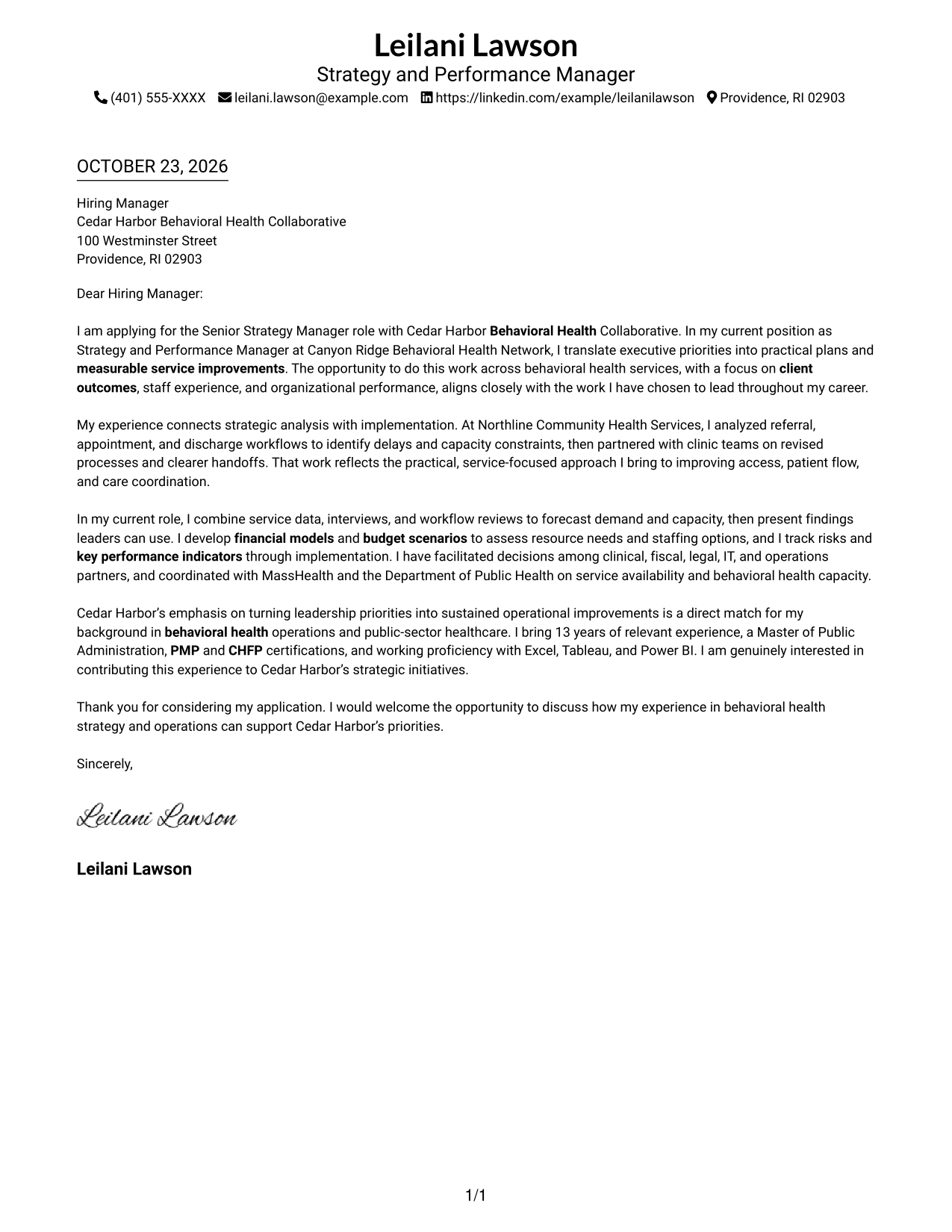
The sender details sit in the header above a single-column letter, keeping the message in a direct reading order.
Why This Format Works
- Sender details stay above the letter, keeping the one-column reading order direct.
- Continuous paragraphs let reviewers follow motivation, supporting evidence, and closing without section breaks.
- The simple text presentation keeps attention on the written message.
Best For
- Single-column letter reading
- Header-based contact details
- Multi-paragraph applications
- Text-focused correspondence
- A straightforward page layout
#2 Two Column Format Cover Letter Example
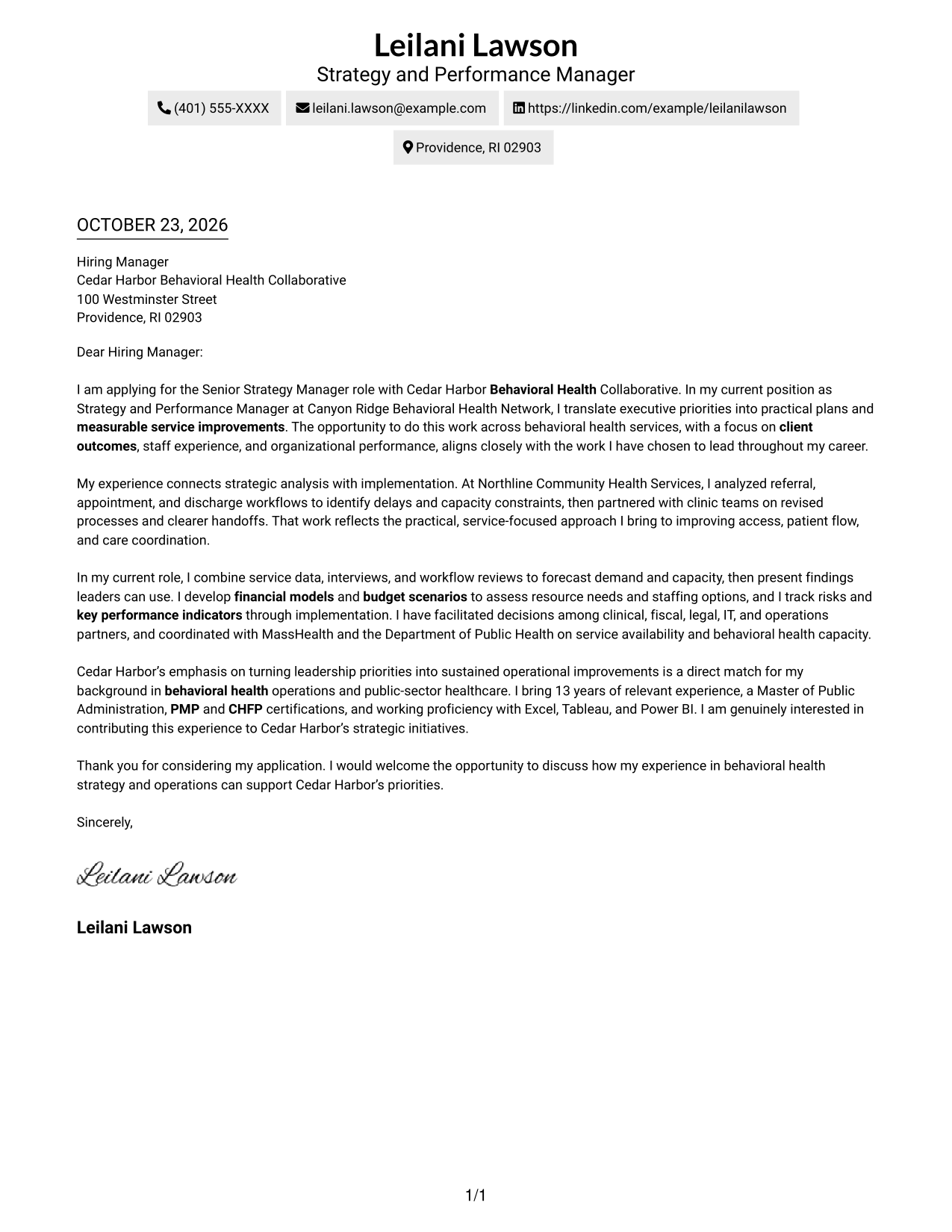
A contact sidebar sits beside the single-column letter body, giving sender details a separate place from the message.
Why This Format Works
- The sidebar separates contact details from the letter's persuasive message.
- One letter column keeps motivation, evidence, and closing together in sequence.
- A photo-free presentation suits readers who prefer written correspondence without a portrait.
Best For
- Separate contact information
- A continuous letter message
- Multi-paragraph correspondence
- Quick access to sender details
- Applications without portrait imagery
#3 Photo Header Two Column Format Cover Letter Example
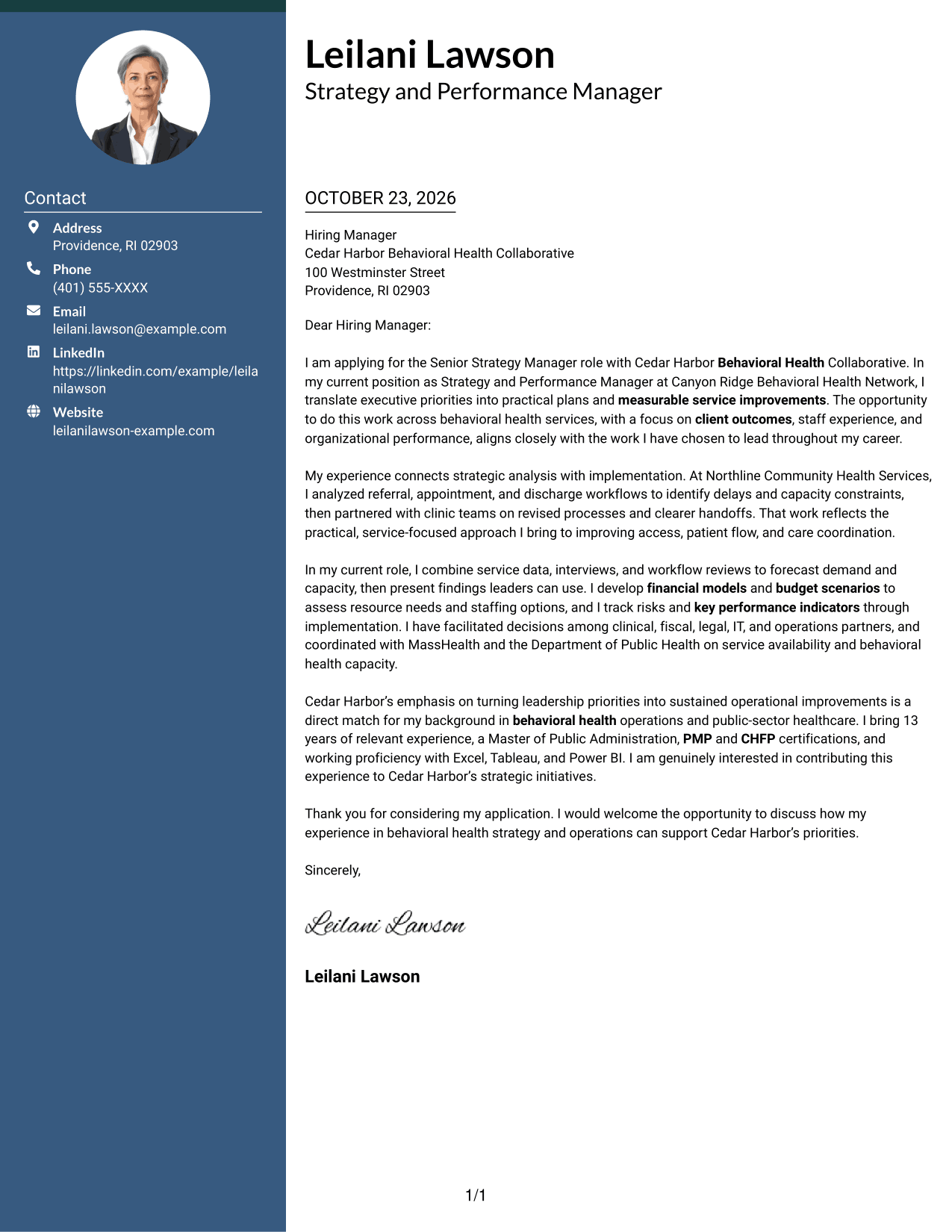
A portrait appears with the contact sidebar beside the continuous letter body, adding a personal visual element to the layout.
Why This Format Works
- The sidebar gives sender details a distinct place beside the letter's message.
- The portrait adds a personal visual element without dividing the letter body.
- A single body column keeps the opening, evidence, and closing in sequence.
Best For
- Portrait-led correspondence
- Contact details beside the message
- Continuous letter paragraphs
- A personal visual introduction
- Multi-paragraph application letters
#4 One Column Format with Photo Cover Letter Example
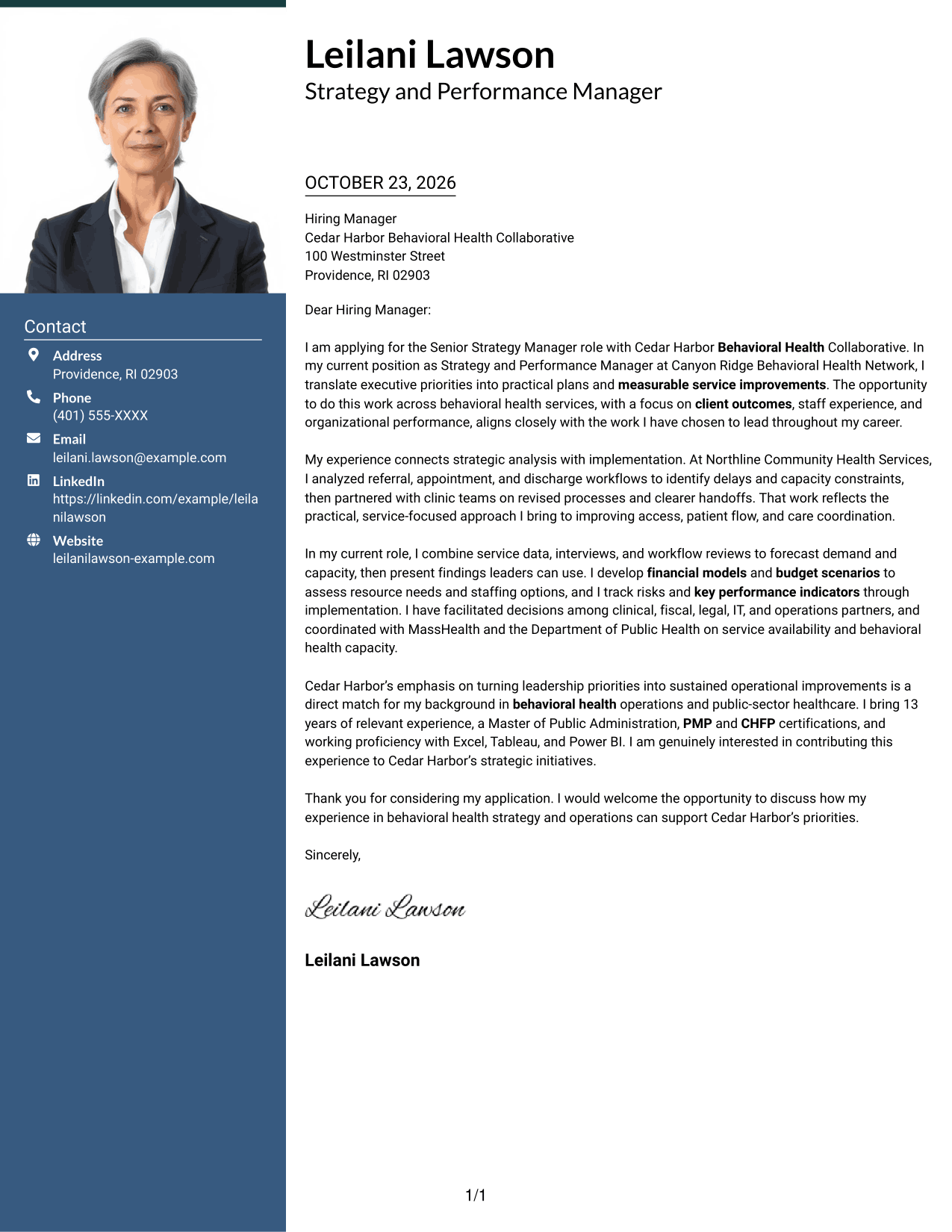
The photo joins the sender details in the header above a single-column letter, pairing a personal visual with a direct reading path.
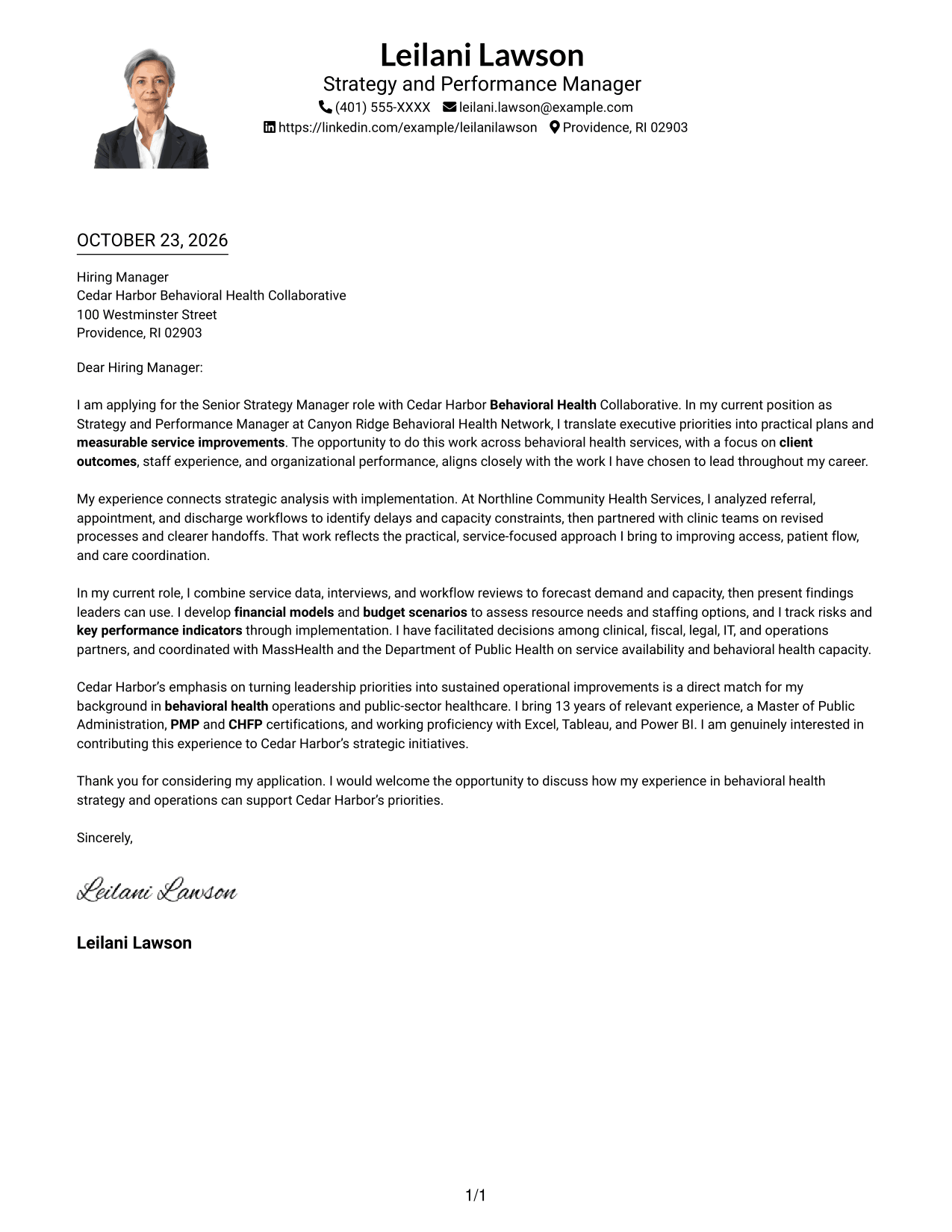
Why This Format Works
- The one-column order carries the reader from sender details into the letter.
- A portrait adds a visual introduction while the letter remains in one column.
- Continuous prose lets reviewers follow the full message without section headings.
Best For
- Single-column correspondence
- A portrait in the header
- Direct letter reading
- Personal visual introductions
- Uninterrupted persuasive prose
#5 Simple Two Column Format Cover Letter Example
A contact sidebar accompanies the single-column letter body, separating sender information from the correspondence.
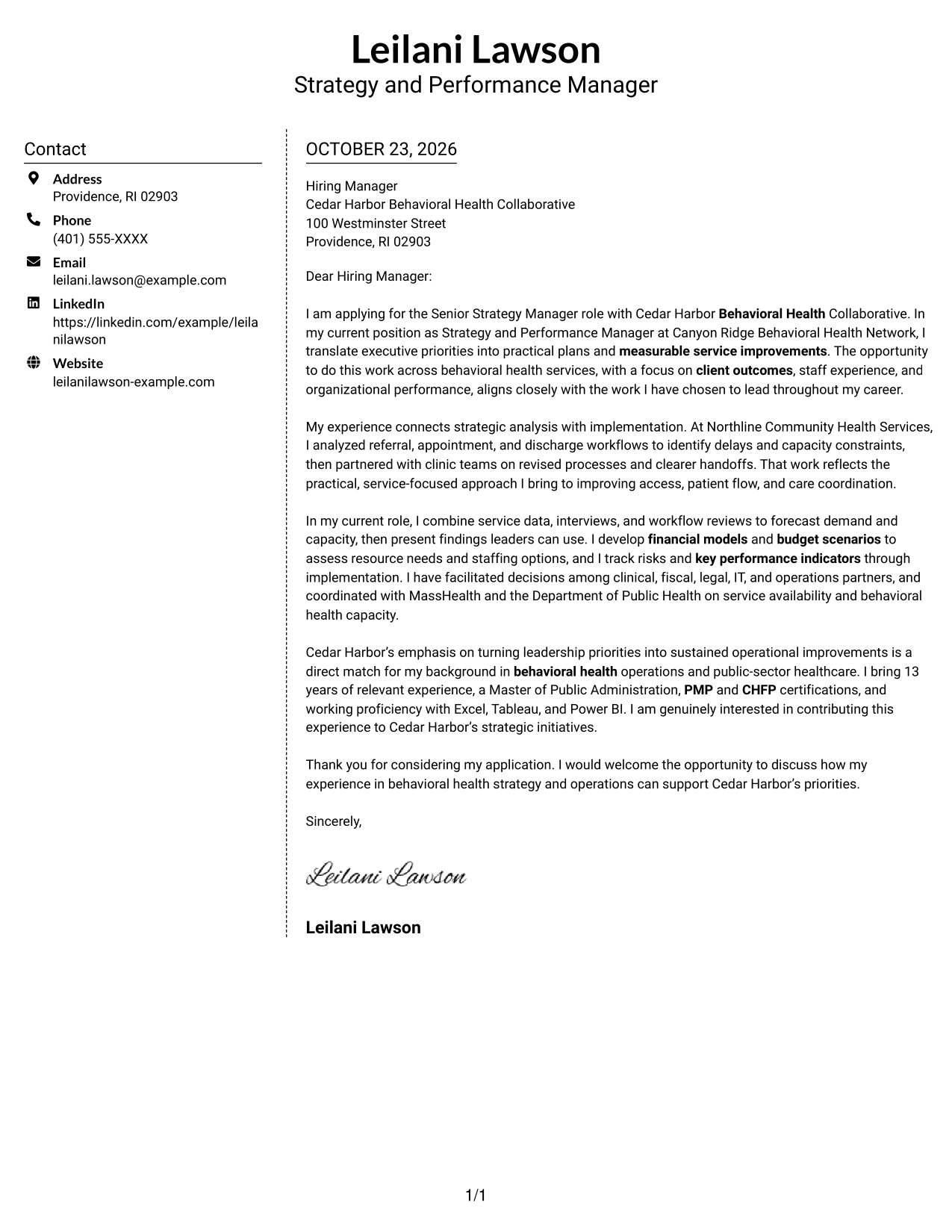
Why This Format Works
- Sender information occupies its own sidebar beside the letter body.
- The single-column message avoids splitting the argument across parallel columns.
- A layout without a portrait suits text-led correspondence.
Best For
- Separate sender details
- A single message column
- Text-led application materials
- Letters without portrait imagery
- Clear contact reference
#6 Modern Icon Format Cover Letter Example
Contact icons appear in the sidebar beside the continuous letter body, using visual cues for contact details rather than argument sections.
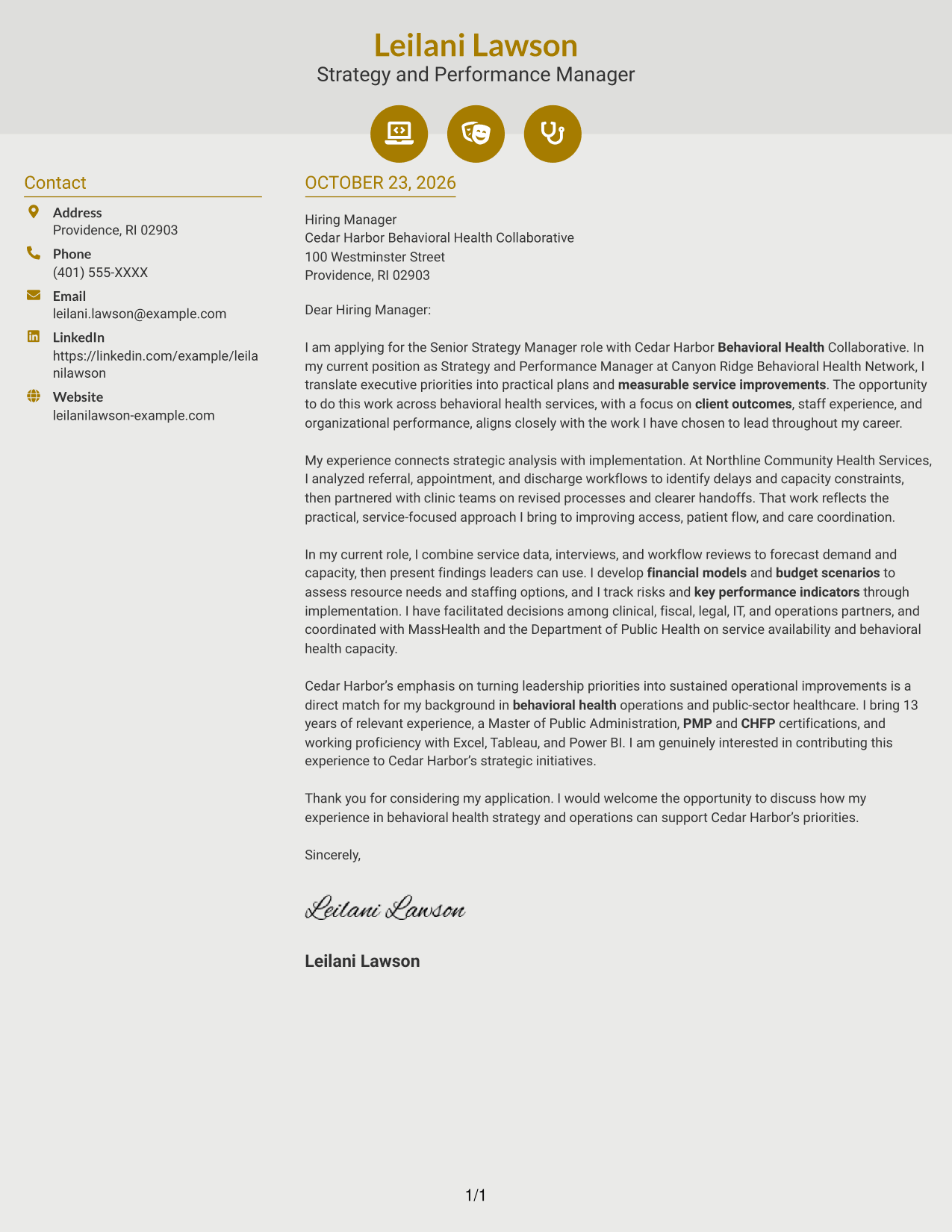
Why This Format Works
- Contact icons help distinguish sender details from the letter's paragraphs.
- The sidebar keeps contact information separate from the persuasive message.
- One continuous text column preserves the letter's opening-to-close sequence.
Best For
- Icon-led contact details
- A separate contact area
- Continuous letter paragraphs
- Visual cues for contact information
- A single-column message body
#7 Creative Two Tone Format Cover Letter Example
The contact sidebar sits beside a single-column letter body, keeping sender information distinct from the continuous message.
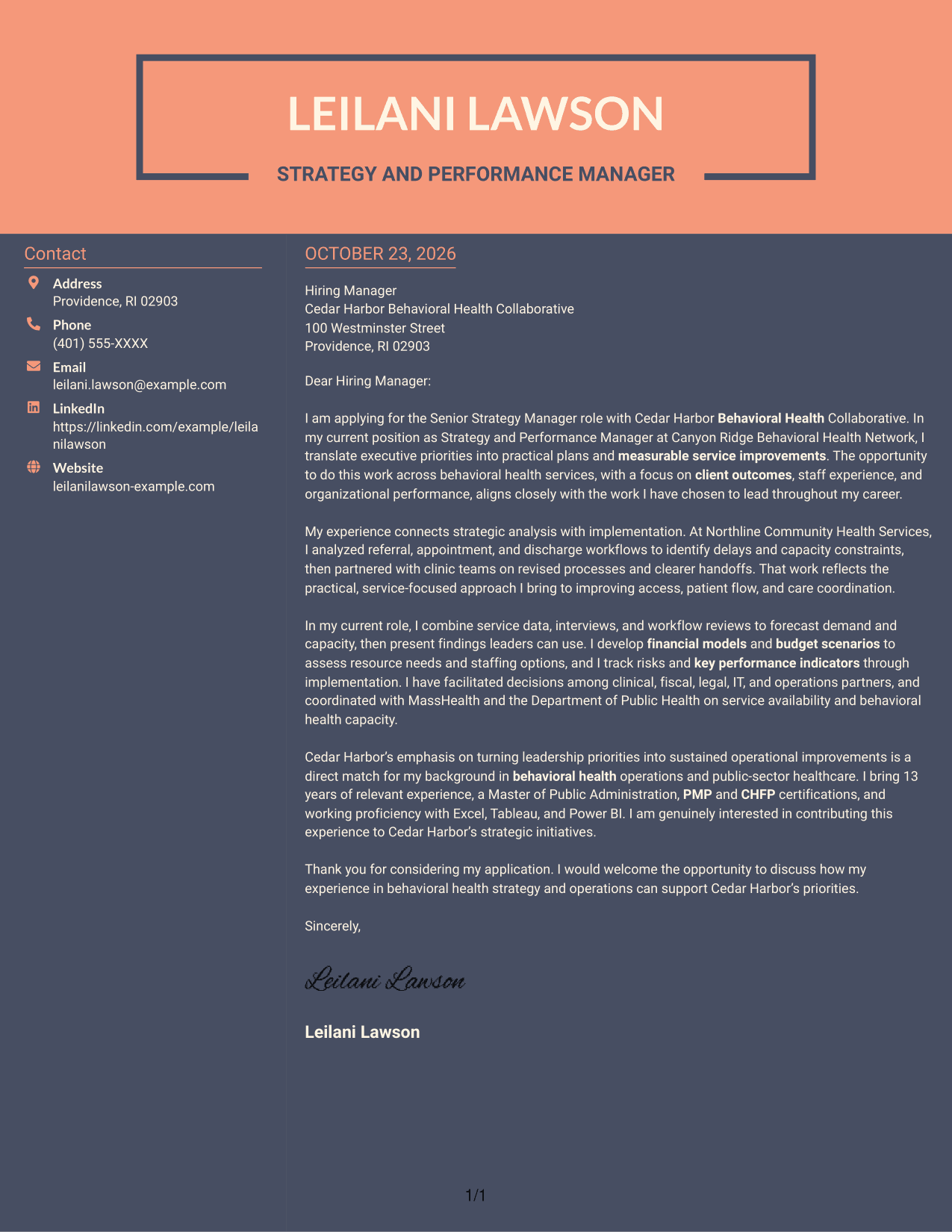
Why This Format Works
- The separate contact area makes sender information distinct from the correspondence.
- A single body column keeps the letter's argument in one reading sequence.
- The photo-free layout keeps the presentation centered on contact details and written content.
Best For
- Separate contact and letter areas
- One-column letter reading
- Text-first correspondence
- Applications without a portrait
- Multi-paragraph persuasive letters
Why Use ResumeInMinutes for a Senior Strategy Manager - Behavioral Health Operations Cover Letter
ResumeInMinutes offers a clear starting point for shaping your message around strategic work, behavioral health operations, and the needs of the organization.
- Professional cover letter presentations
- PNG image previews
- Links to view or customize examples in the editor
- Guidance for explaining role fit
- Support for a clear, focused message
- Examples grounded in behavioral health operations
Compare the image previews, select a presentation that suits your audience, and open an example in the editor to shape your own cover letter.
See Also
- 7 Senior Strategy Manager - Behavioral Health Operations Resume Templates with Example
- 7 Population Health Strategy & Operations Senior Manager Resume Templates with Example
- 33 Business Strategy Manager, Vice President - Marketing Operations Strategy Resume Templates with Example 2026 (ATS-Optimized)
- 7 Director of Sales Operations, FX Sales Strategy Resume Templates with Example
- 7 Deputy Director of Strategy - Medicaid Strategy Resume Templates with Example
- 7 Director of Prospect Strategy and Research - Alumni Advancement Resume Templates with Example
- 7 Director/Senior Director, Life Sciences Industry Strategy Resume Templates with Example
- 33 Product Manager, Visual Strategy for Customer Zero Resume Templates with Example 2026 (ATS-Optimized)
- 7 Population Health Strategy & Operations Senior Manager Cover Letter Templates with Example
- 7 Deputy Director of Strategy - Medicaid Strategy Cover Letter Templates with Example
Frequently Asked Questions
How can I show my fit for a Senior Strategy Manager - Behavioral Health Operations role?
Connect your strategic planning and implementation work to the needs of behavioral health services. Use specific examples of analysis, service improvement, financial planning, or cross-functional decisions that reflect your experience.
What should the opening paragraph say?
Name the exact role, explain your interest, and give a brief reason your background fits the work. Keep the opening focused so the reader knows why you are writing.
Which experience is useful to discuss in the body of the letter?
Choose one or two relevant examples, such as analyzing care workflows, forecasting service capacity, assessing budgets, or guiding teams through implementation. Explain your contribution and the value of the work without adding results you cannot verify.
How should I connect my letter to the employer?
Refer to priorities in the job description, such as access to care, staff experience, service capacity, or sustained improvement. Explain how your interests and supported experience relate to those goals.
How do I choose a cover letter style?
Choose a clean, readable presentation that fits the employer and the communication context. The previews can help you compare options before you open an example in the editor.




