
7 Senior Wind Turbine Technician - Troubleshooting and Repair Cover Letter Templates with Example
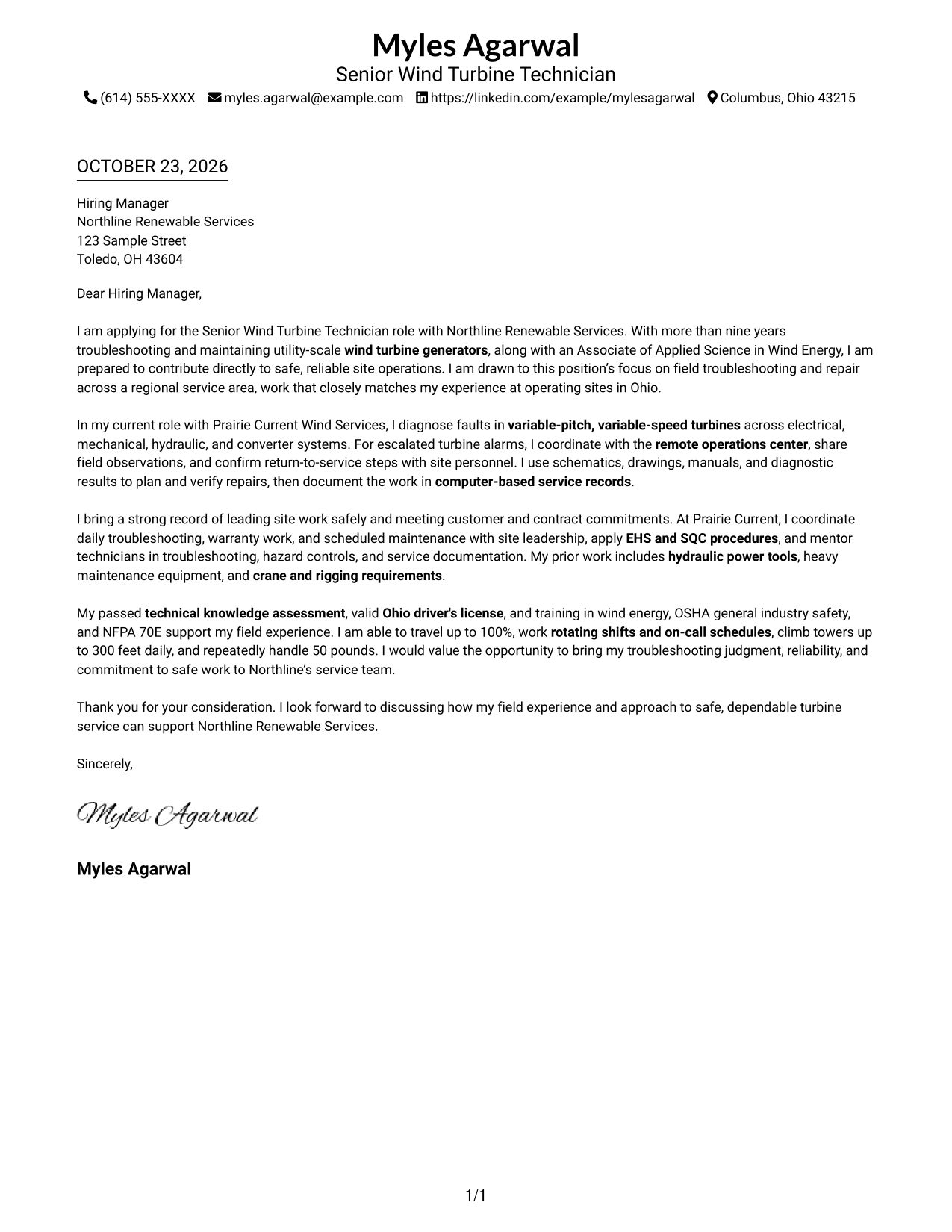
This practical guide helps you create a persuasive Senior Wind Turbine Technician - Troubleshooting and Repair cover letter, with one example shown in 7 layouts to help you present your field judgment and role fit clearly.
What Makes a Great Senior Wind Turbine Technician - Troubleshooting and Repair Cover Letter in 2026
A strong letter connects safe, timely turbine troubleshooting and repair to the needs of the role. A clear opening states your interest, while the body shows how you approach complex field work.
Use specific evidence, such as diagnosing electrical, mechanical, hydraulic, or converter faults and coordinating a safe return to service. Connect that evidence to the employer’s service needs, including customer commitments, clear reporting, and teamwork.
The featured Senior Wind Turbine Technician - Troubleshooting and Repair example moves from role interest to repair and coordination evidence, then to safety, readiness, and a clear close. Adapt this focused progression while choosing a presentation that suits the employer and the communication context.
#1 Simple One Column Format Cover Letter Example
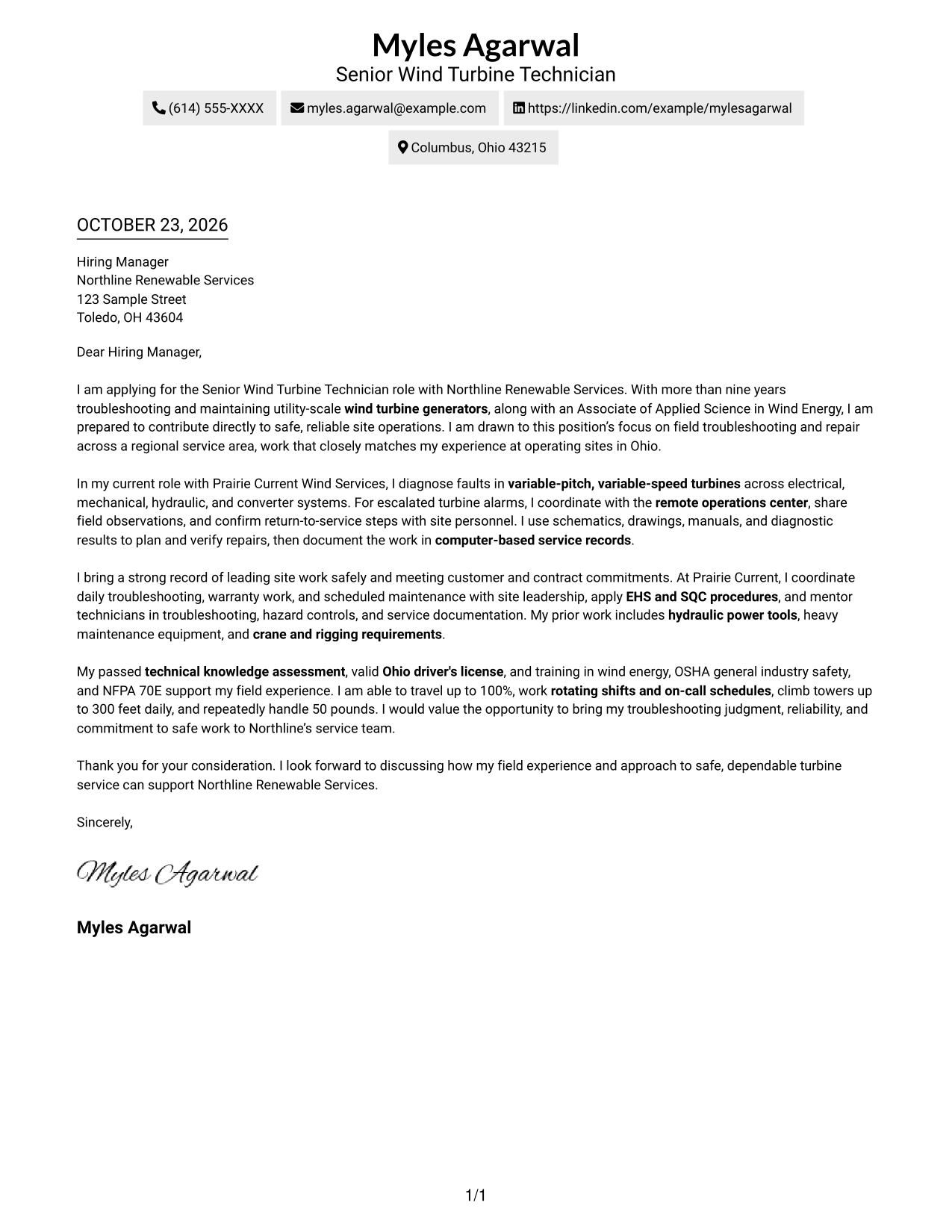
The Simple One Column Format places sender details in the header above a single continuous letter body, keeping the message in one reading path.
Why This Format Works
- Sender details stay in the header, separate from the letter's continuous message.
- The single-column reading order carries the argument from opening to close.
- Without section headings, paragraph order provides the letter's structure.
Best For
- Single-column letter layouts
- Sequential paragraph reading
- Header-based contact information
- Continuous, unheaded letter text
- Direct message presentation
#2 Two Column Format Cover Letter Example
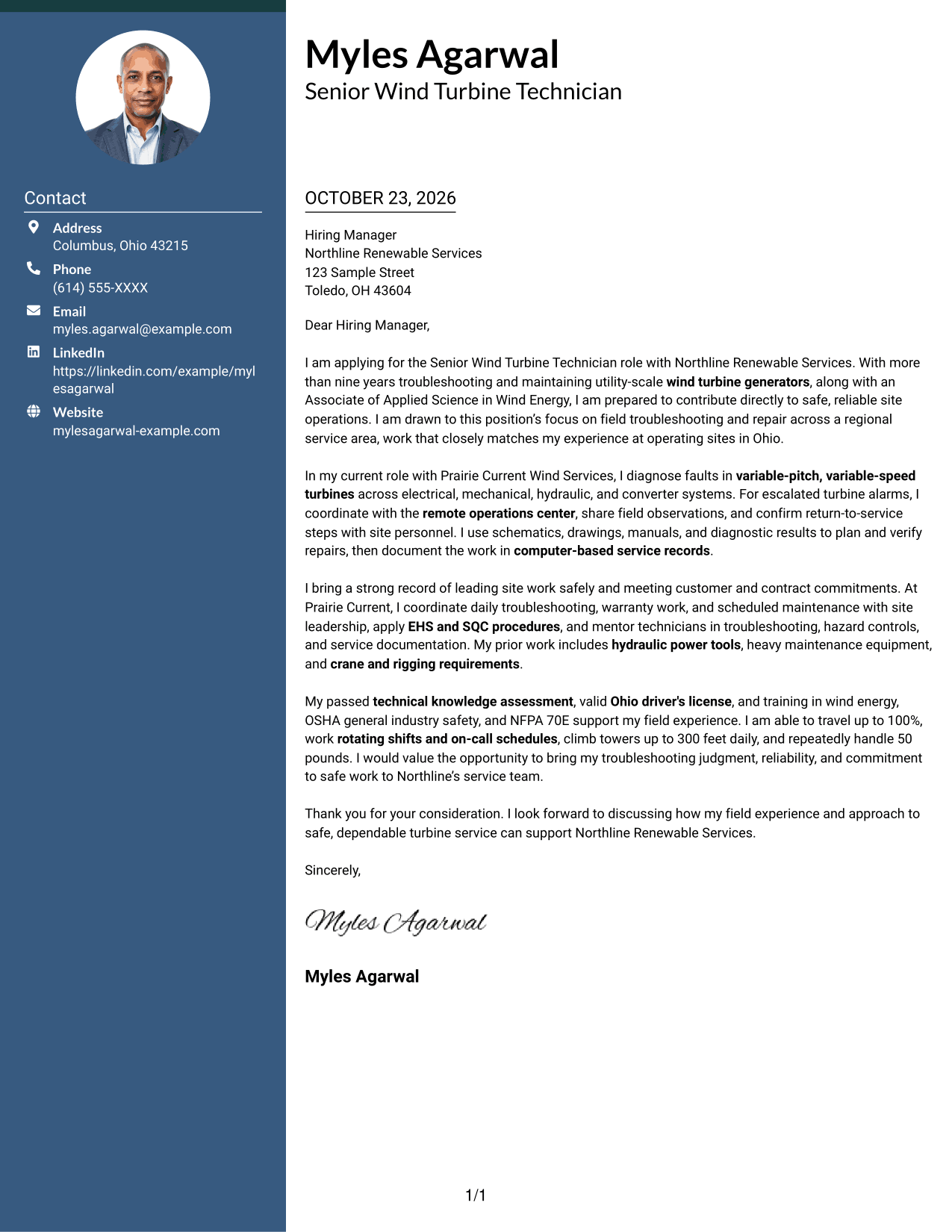
The Two Column Format places contact details in a sidebar beside one continuous letter body, separating sender information from the persuasive message.
Why This Format Works
- Contact details sit apart from the message, making sender information easy to locate.
- One uninterrupted body keeps motivation, supporting points, and closing together.
- Reading the letter after the sidebar preserves a clear sequence for the argument.
Best For
- Contact details in a separate sidebar
- Two-column page organization
- Side-by-side contact and message areas
- Uninterrupted letter paragraphs
- Unheaded cover-letter text
#3 Photo Header Two Column Format Cover Letter Example
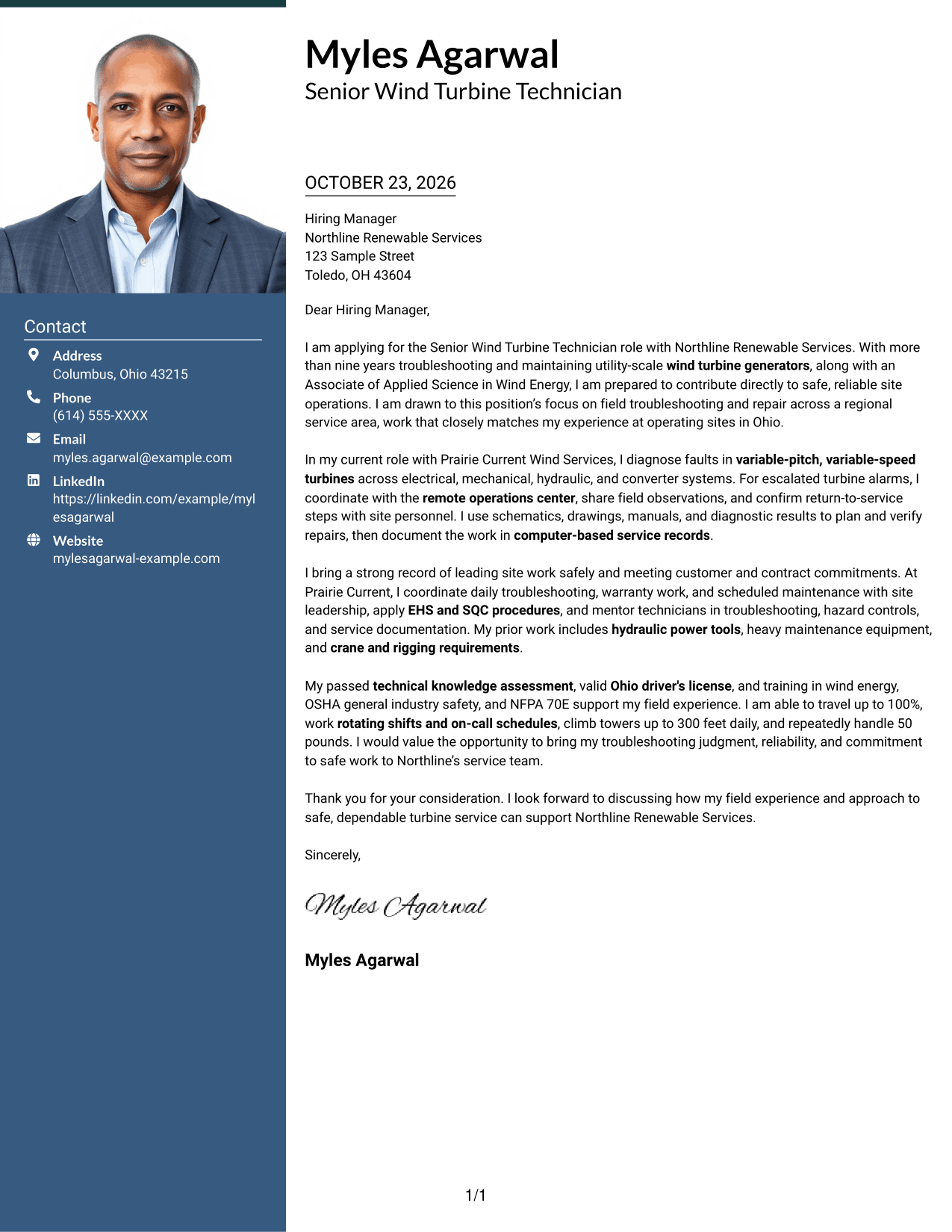
The Photo Header Two Column Format pairs a photo in the header with a contact sidebar, while the letter itself remains one continuous body.
Why This Format Works
- Photo presentation is a visual choice, while the contact sidebar keeps sender details distinct.
- One letter body carries the opening, supporting points, and close without argument headings.
- Separate contact details leave the main column for uninterrupted letter paragraphs.
Best For
- Photo-inclusive letter presentation
- Photo header with contact sidebar
- Separate contact and message areas
- Uninterrupted paragraph argument
- Two-column page organization
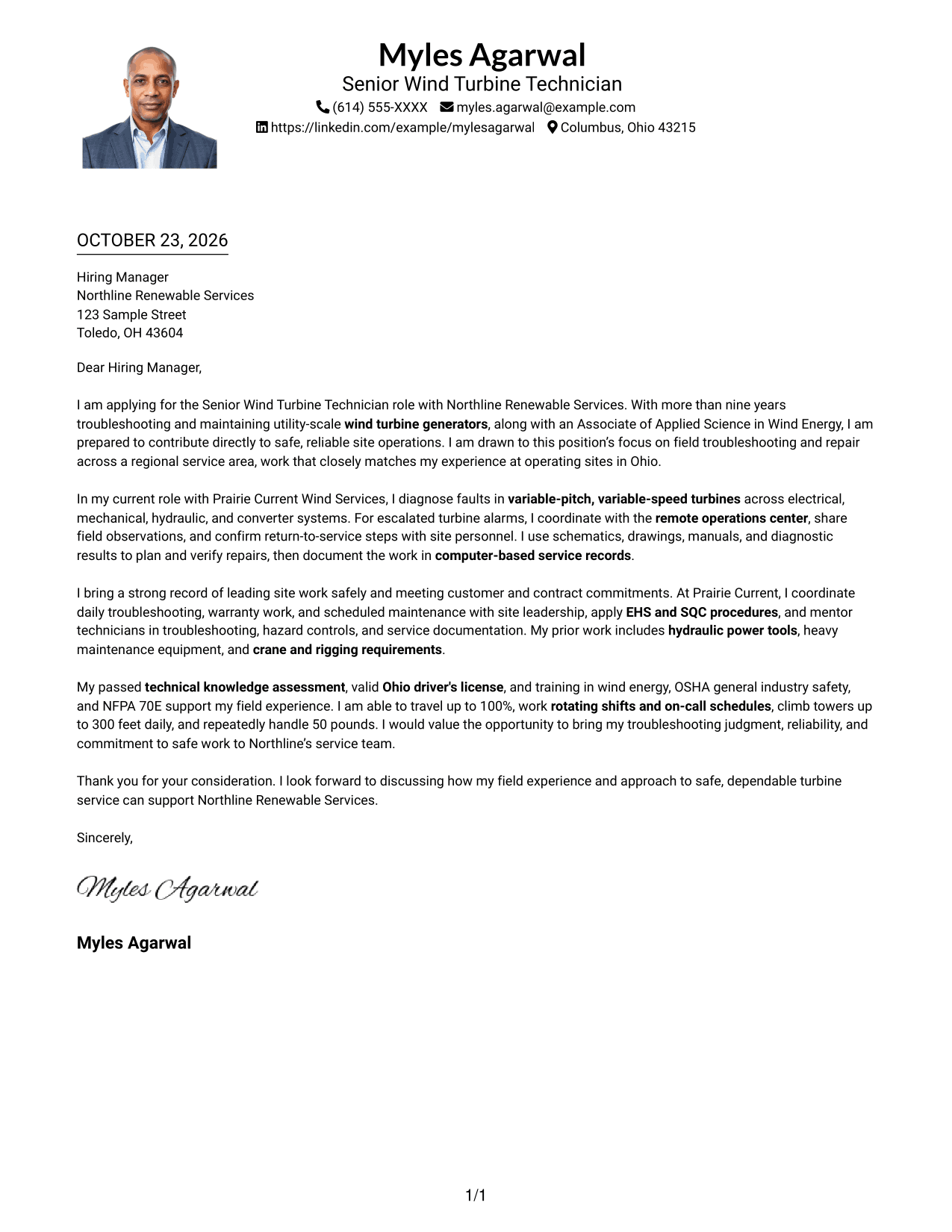
#4 One Column Format with Photo Cover Letter Example
The One Column Format with Photo keeps the letter in one continuous column and includes a photo as part of its presentation.
Why This Format Works
- One column gives the greeting, paragraphs, and closing a direct reading sequence.
- Photo presence offers a portrait option without changing the letter's continuous structure.
- Sender details in the header remain distinct from the message itself.
Best For
- One-column letter pages
- Portrait-inclusive documents
- Header contact details
- Linear reading preference
- Letters without argument headings
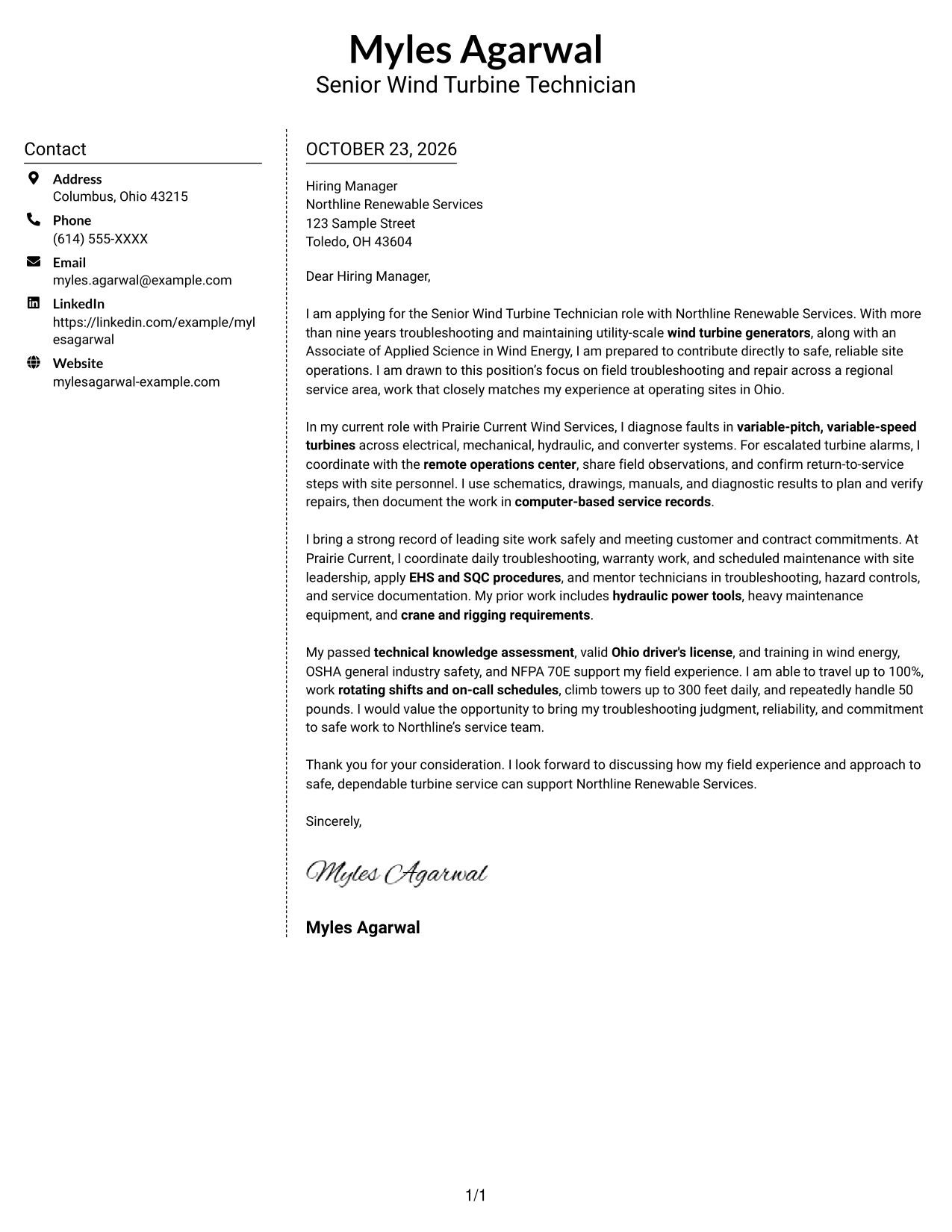
#5 Simple Two Column Format Cover Letter Example
The Simple Two Column Format sets contact information apart from the uninterrupted letter body, giving each a distinct place on the page.
Why This Format Works
- Contact details occupy a sidebar, leaving the letter body visually distinct.
- Paragraphs remain together, so the message reads as one connected argument.
- The two-column arrangement keeps sender information easy to find beside the letter.
Best For
- Sidebar contact information
- Connected letter paragraphs
- Separate sender and message areas
- Two-column reading order
- Simple cover-letter presentation
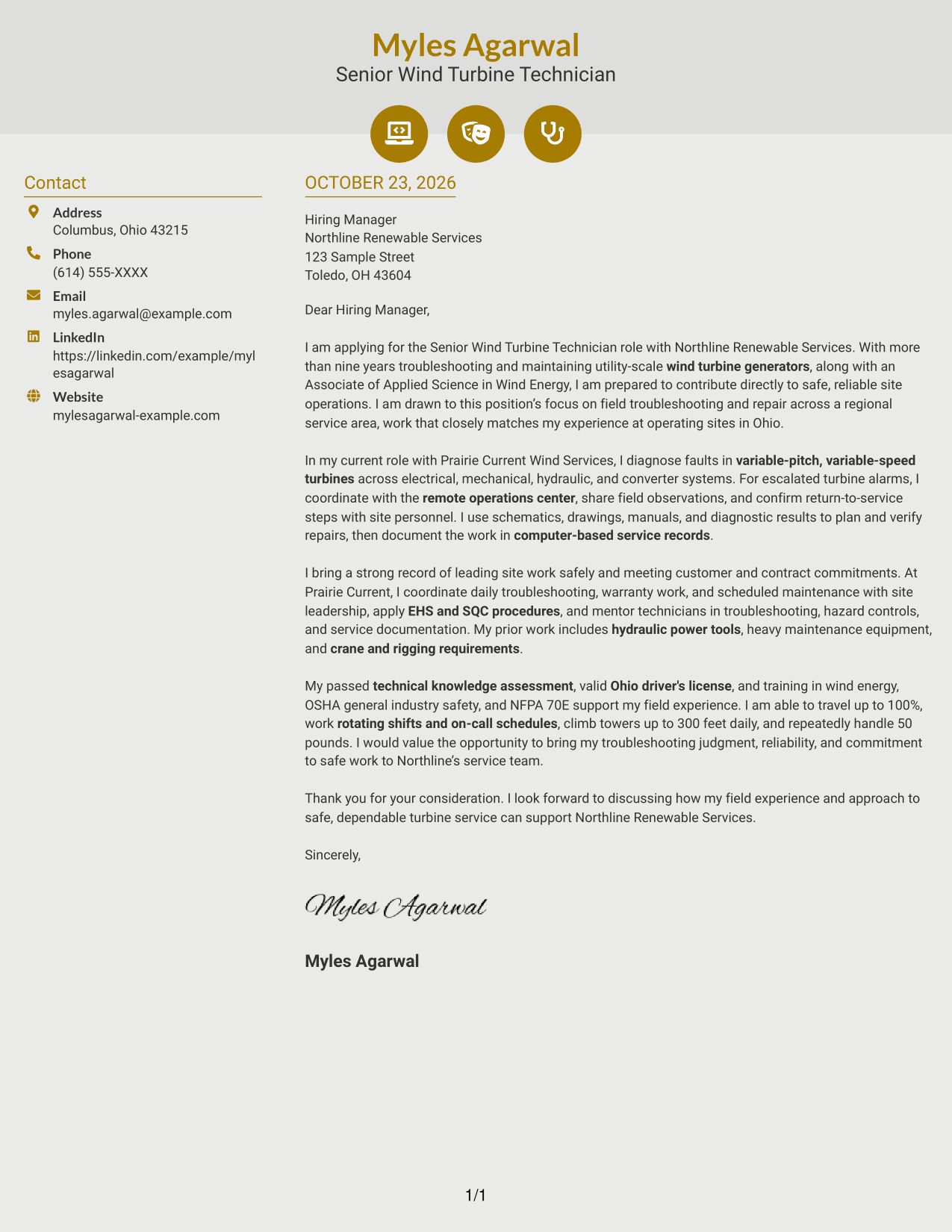
#6 Modern Icon Format Cover Letter Example
The Modern Icon Format pairs contact details in a sidebar with one continuous letter body, while icons cue contact information rather than argument stages.
Why This Format Works
- Contact icons cue sender details without labeling the letter's argument.
- Sidebar contact information stays separate from the continuous letter body.
- The paragraphs remain in sequence, carrying the message from opening to close.
Best For
- Icon-cued contact details
- Sidebar and letter-body separation
- Continuous paragraph structure
- Sequential letter reading
- Two-column contact presentation
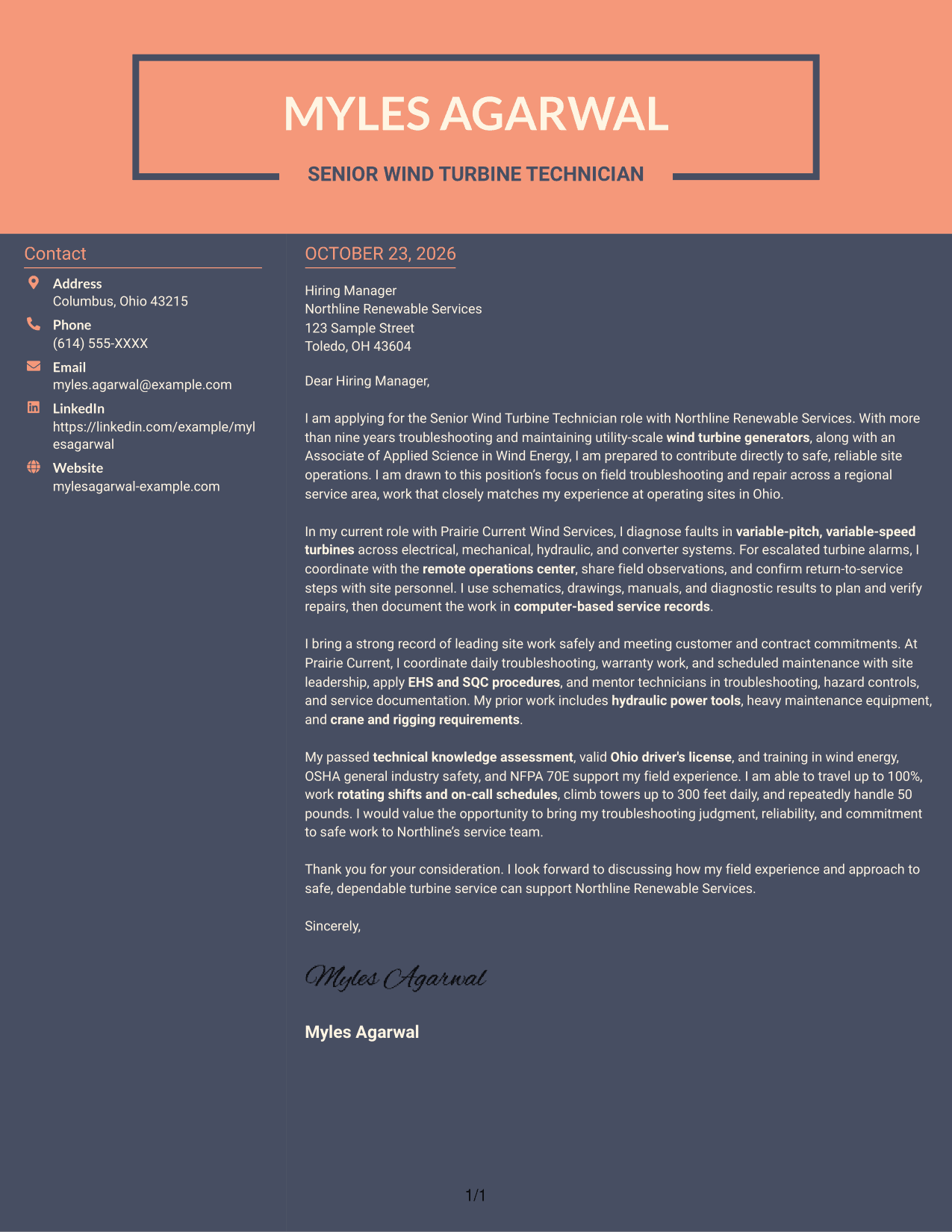
#7 Creative Two Tone Format Cover Letter Example
The Creative Two Tone Format uses a contact sidebar beside one continuous letter body, keeping sender details apart from the letter's argument.
Why This Format Works
- Contact and letter areas occupy separate columns, distinguishing sender details from the message.
- The continuous body keeps motivation, evidence, and closing within one letter.
- Two-column reading keeps contact information beside, not within, the argument.
Best For
- Contact sidebar beside the letter
- Continuous persuasive paragraphs
- Separate sender information
- Two-column page organization
- Letters with an unheaded argument
Why Use ResumeInMinutes for a Senior Wind Turbine Technician - Troubleshooting and Repair Cover Letter
Use the example to shape a direct letter that links field troubleshooting, repair judgment, safety, and communication to the role. Compare the image preview with the example in the editor, then adapt the wording and presentation to your application.
- Cover letter examples
- Clear, professional layouts
- Role-focused wording
- Opening, body, and closing guidance
- Image previews for comparison
- Examples you can open in the editor
Focus your message on the work that matters in this role: diagnosing turbine faults, planning and verifying repairs, following EHS and SQC procedures, and coordinating with site teams and remote operations.
See Also
- 7 Senior Wind Turbine Technician - Troubleshooting and Repair Resume Templates with Example
- 7 Field Services Technician - Offshore Wind Turbine Maintenance Resume Templates with Example
- 33 KC-46 Lead Repair/Modifications Technician Resume Templates with Example
- 7 Machine Tool Repair Technician Resume Templates with Example
- 7 Shop Technician - Agricultural Equipment Repair Resume Templates with Example
- 7 Adjunct Phlebotomy Technician Instructor Resume Templates with Example
- 7 AGVS Logistics Technician Resume Templates with Example
- 7 Audiovisual and Oral History Technician Resume Templates with Example
- 7 Field Services Technician - Offshore Wind Turbine Maintenance Cover Letter Templates with Example
- 7 Machine Tool Repair Technician Cover Letter Templates with Example
Frequently Asked Questions
What should a Senior Wind Turbine Technician - Troubleshooting and Repair cover letter include?
State your interest in the role, then give clear examples of troubleshooting and repair work, safe work practices, and communication with site teams. Close by connecting your strengths to reliable service and customer needs.
Are these different cover letters?
This guide presents one Senior Wind Turbine Technician - Troubleshooting and Repair cover letter example in several layouts. Compare the image previews and open an example in the editor to view or customize it.
Which cover letter style works well for this role?
Choose a clean, easy-to-read layout that supports a direct message. The best choice depends on the employer and how you will share your application.
How can I show my fit for turbine troubleshooting and repair?
Describe a relevant fault, how you used technical information to plan and verify the repair, and how you kept the work safe. Include coordination, service reporting, or mentoring when it supports your example.
Should I include a photo on my cover letter?
For U.S. applications, a photo is usually not needed. A simple layout without a photo keeps attention on your message.




