
7 Senior Workday Security Administrator - Workday Extend Cover Letter Templates with Example
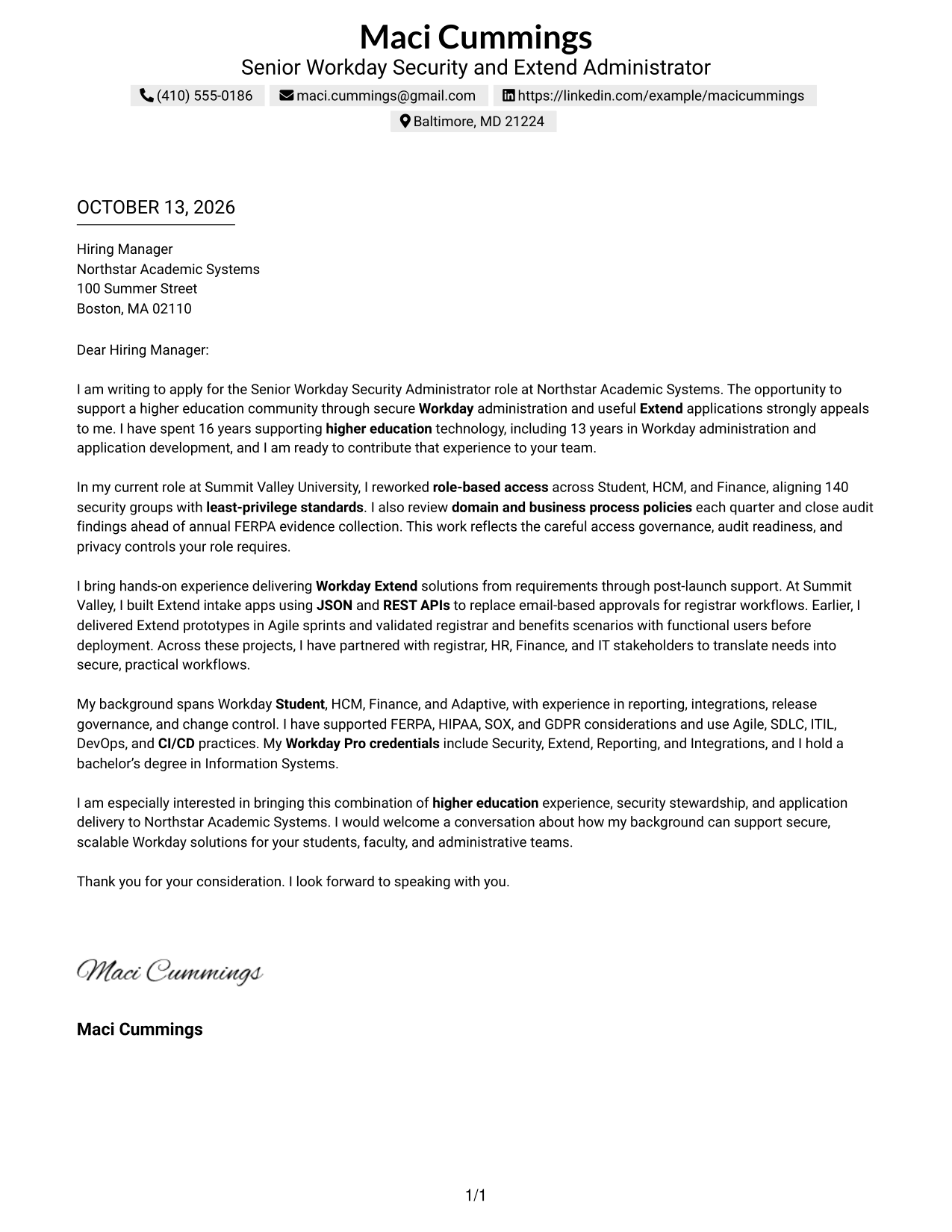
This guide helps you create a focused cover letter for a Senior Workday Security Administrator - Workday Extend role. You will learn how to connect your interest in the work with clear evidence and a confident, professional message.
An effective letter for this role explains how you protect access, support privacy and audit needs, and deliver useful Workday Extend applications. Show how you work with functional and technical teams, then link those examples to the organization’s needs.
Explore an example presented in 7 layouts, with guidance on writing a strong opening, choosing relevant evidence, explaining your motivation and employer alignment, and closing professionally. Use the format that fits the employer and the way you want to communicate.
What Makes a Great Senior Workday Security Administrator - Workday Extend Cover Letter in 2026
A strong letter connects secure Workday administration and Extend delivery to the needs of a higher education organization. Open with clear interest in the role, then show how your approach can support reliable, useful services.
Use specific evidence, such as access governance, audit readiness, or an Extend workflow, to make your fit easy to understand. Explain how your work supports privacy and helps functional teams, while showing a clear reason for your interest in the employer.
The featured example moves from role interest to security evidence, Extend delivery, relevant experience, and a clear close. Adapt that focused progression to your own strengths, and choose a presentation that fits the employer and communication context.
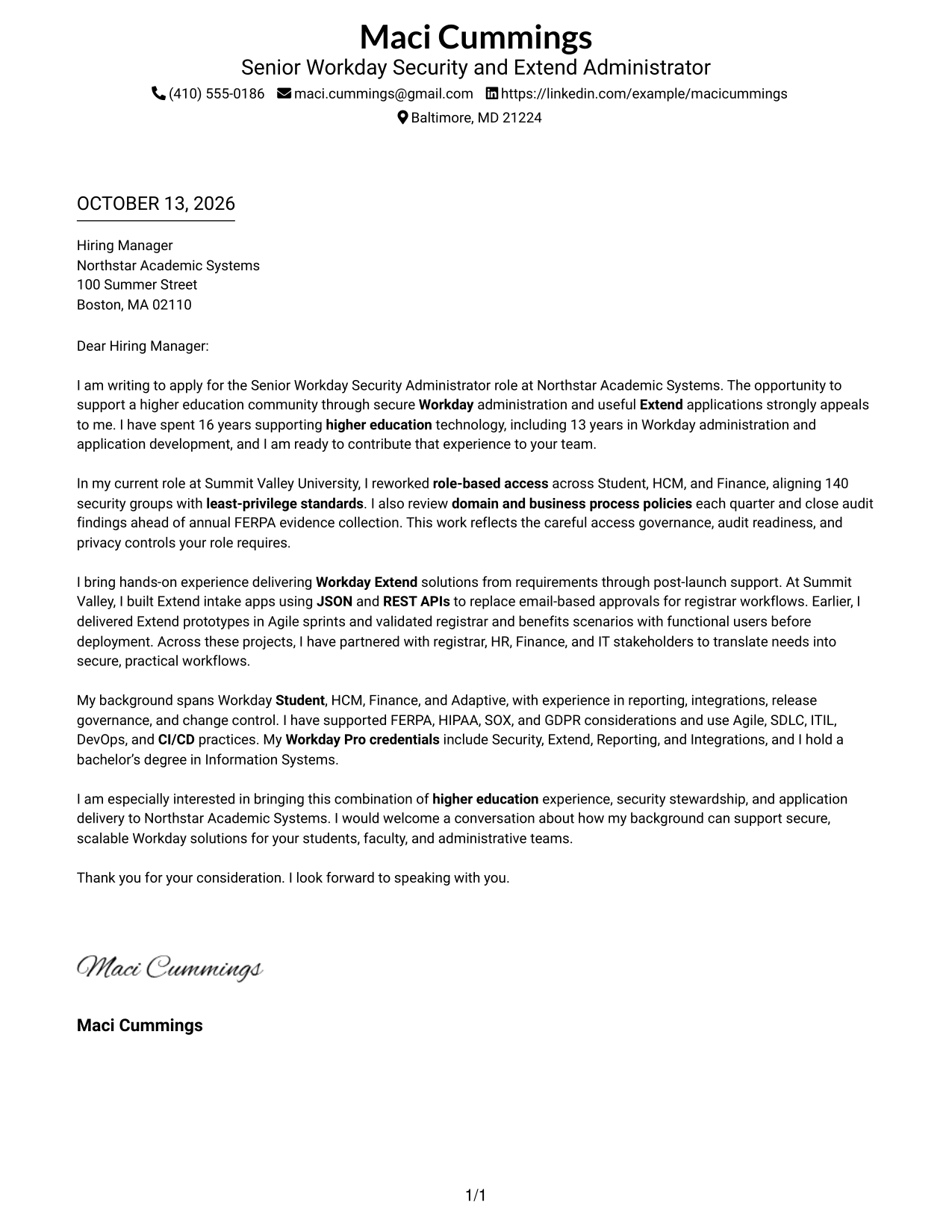
#1 Simple One Column Format Cover Letter Example
The Simple One Column Format gives recruiters a direct path through the letter's motivation, evidence, and closing request.
Why This Format Works
- One reading path carries motivation, evidence, and the closing request in order.
- Paragraph sequence lets recruiters connect the opening interest with later proof.
- Keeping the full argument together makes the final invitation easy to find.
Best For
- Letters with a direct opening-to-close argument
- Uninterrupted paragraph reading
- Several linked evidence paragraphs
- Familiar business-letter structure
- Header-based contact details
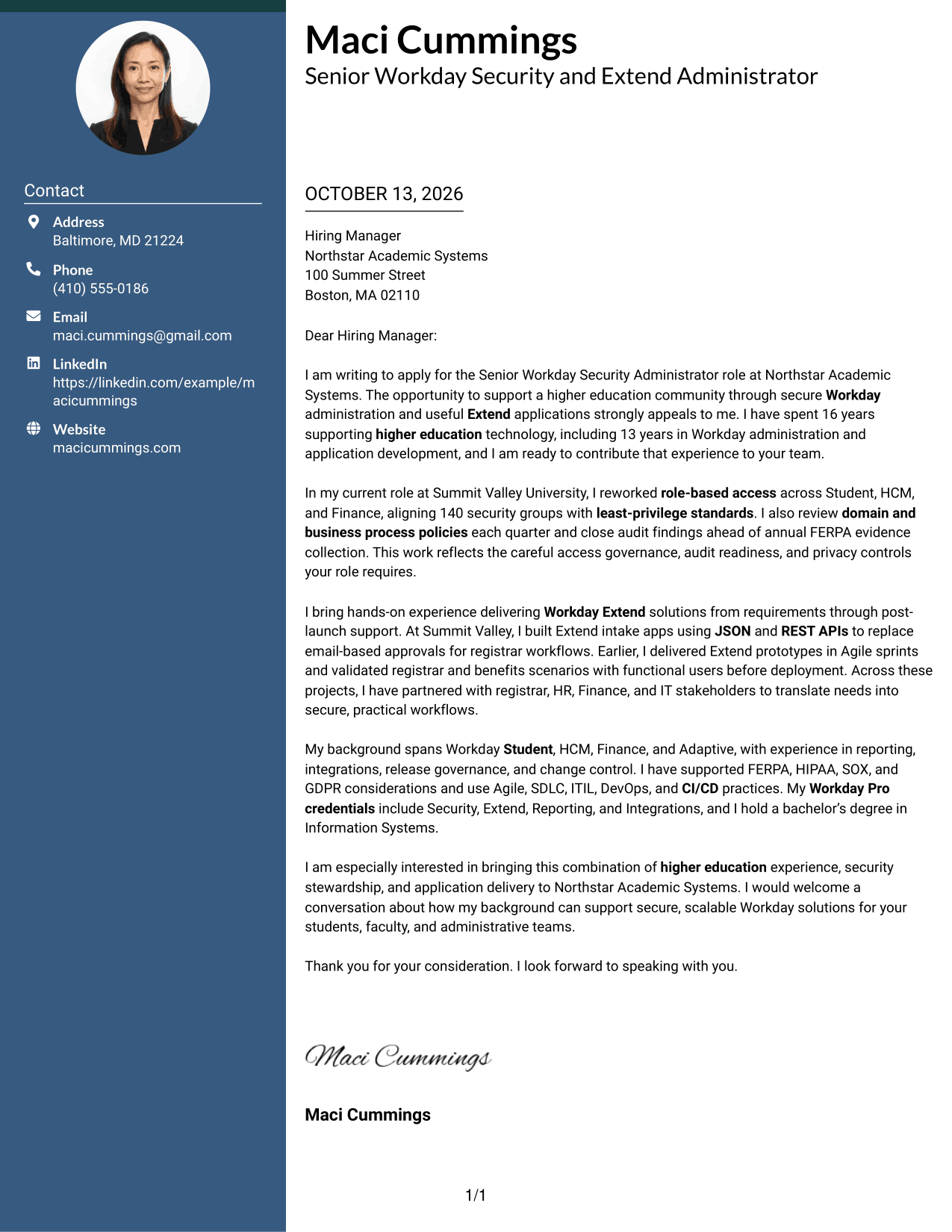
#2 Two Column Format Cover Letter Example
The Two Column Format sets contact details beside a continuous letter body, so recruiters can scan the sender information and then follow the case.
Why This Format Works
- Contact details sit apart, while the opening and evidence stay in one reading path.
- Separate contact access leaves the letter body free to build its case.
- One continuous body keeps motivation, supporting examples, and closing connected.
Best For
- Contact details separate from letter copy
- A single letter column beside contact information
- Quick access to sender information
- Applications with a sustained narrative
- Readers scanning contact and message separately
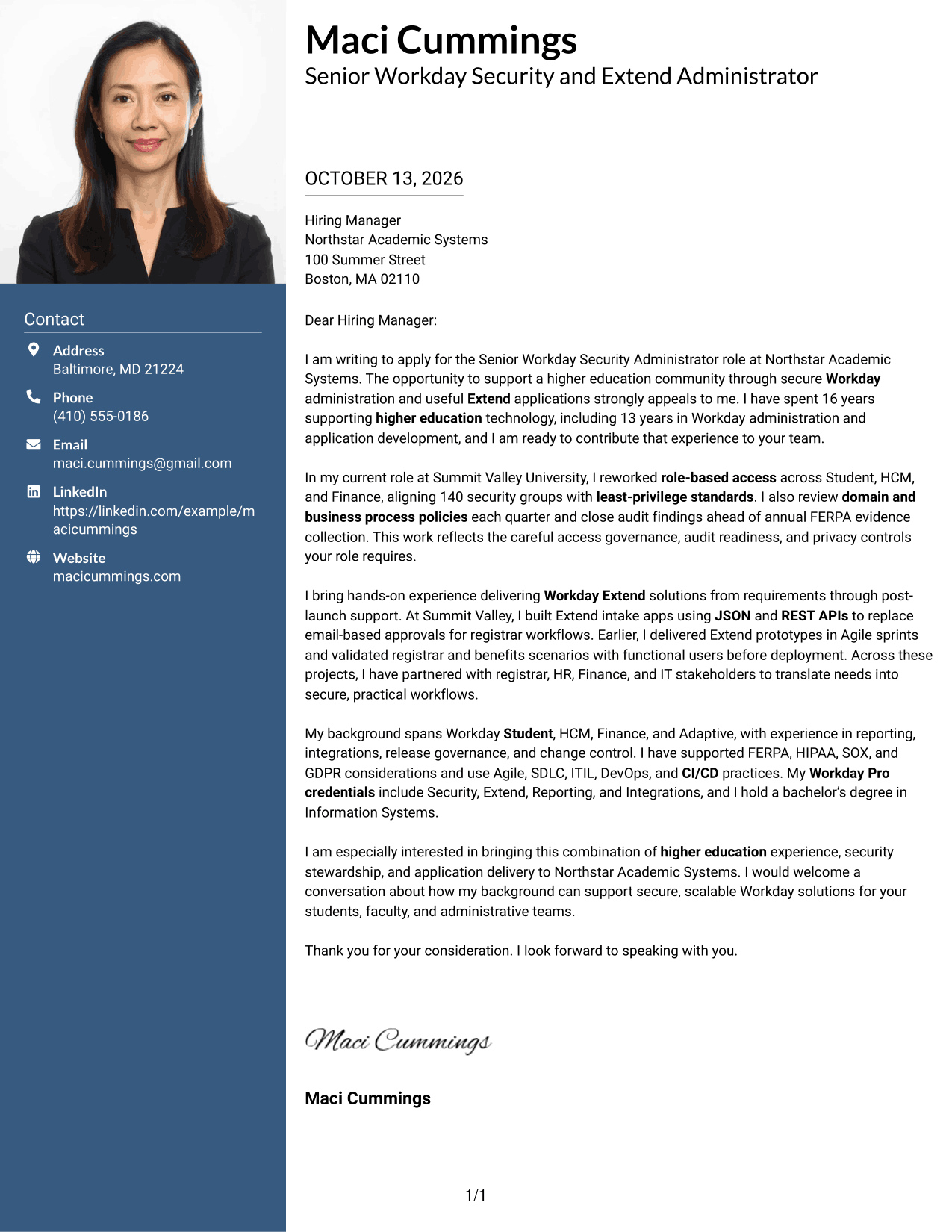
#3 Photo Header Two Column Format Cover Letter Example
The Photo Header Two Column Format pairs a photo-led header and contact sidebar with one continuous letter body, keeping personal presentation distinct from the argument.
Why This Format Works
- Contact details stay separate from the continuous body, keeping the opening easy to follow.
- One letter column carries motivation and evidence in their intended sequence.
- The photo-led header distinguishes sender presentation from the letter's argument.
Best For
- Letters where a professional photo is appropriate
- Contact details set apart from letter copy
- Personal visual identity with a clear letter flow
- Continuous persuasive body copy
- Applications with a photo-led header
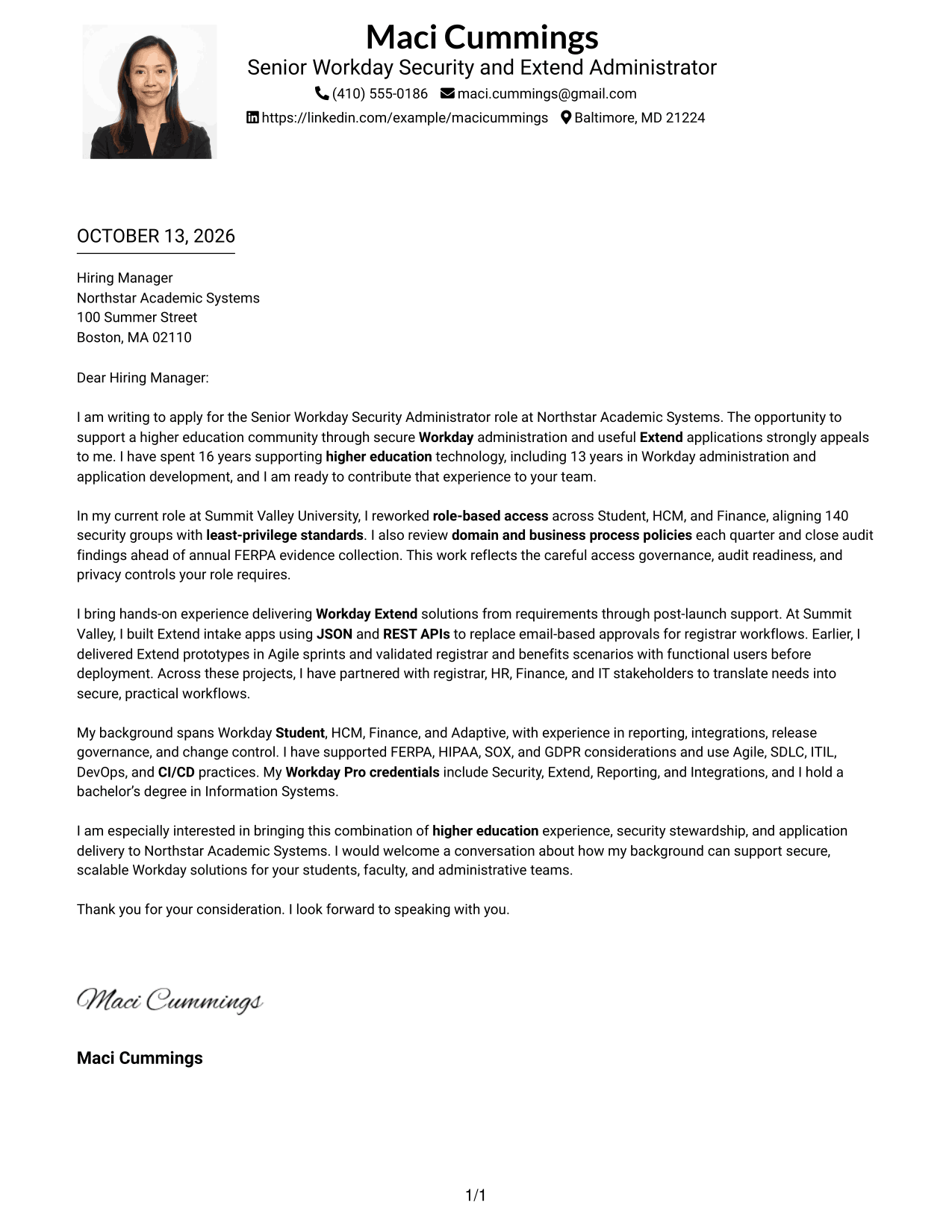
#4 One Column Format with Photo Cover Letter Example
With its photo header and single body column, the One Column Format with Photo lets recruiters move from sender details through the letter's case without a sidebar.
Why This Format Works
- One column carries the opening, evidence, and close without a sidebar split.
- The photo header adds a visual sender cue while the letter argument stays continuous.
- Recruiters can follow the motivation into the supporting examples along one path.
Best For
- One-column letters with a photo header
- Personal visual identity above the message
- Continuous reading from opening through closing
- Contact details kept in the header
- Letters balancing visual identity with a full argument
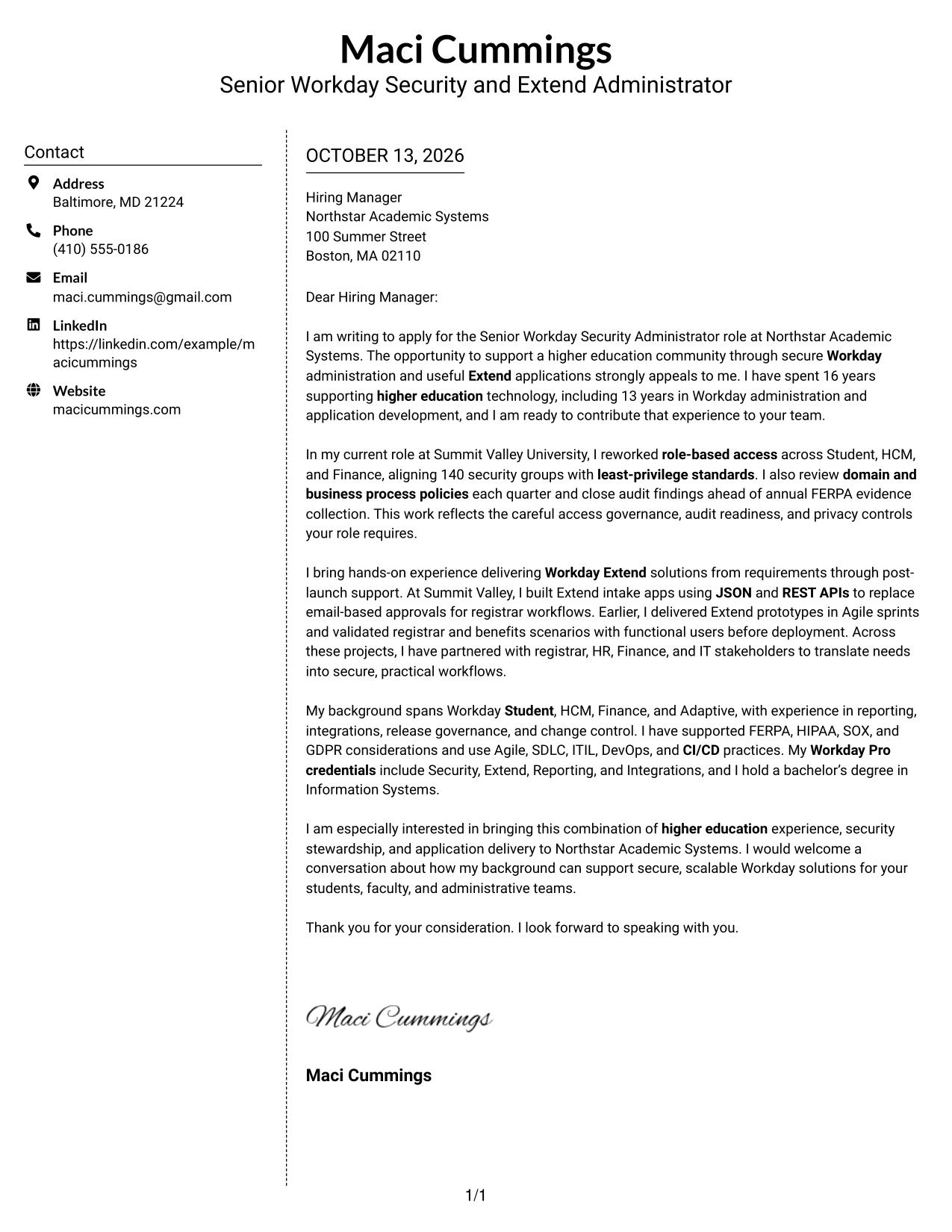
#5 Simple Two Column Format Cover Letter Example
The Simple Two Column Format places contact details apart from one uninterrupted letter body, helping recruiters shift from sender information to the full argument.
Why This Format Works
- Contact details remain distinct, so the letter body can focus on its case.
- One continuous column keeps the opening connected to evidence and motivation.
- Sidebar separation makes the closing request easy to locate within the body.
Best For
- A contact sidebar beside the full letter
- Letters with separate sender details
- Continuous paragraph-based persuasion
- Readers scanning contact details before letter copy
- A familiar letter body with sidebar navigation
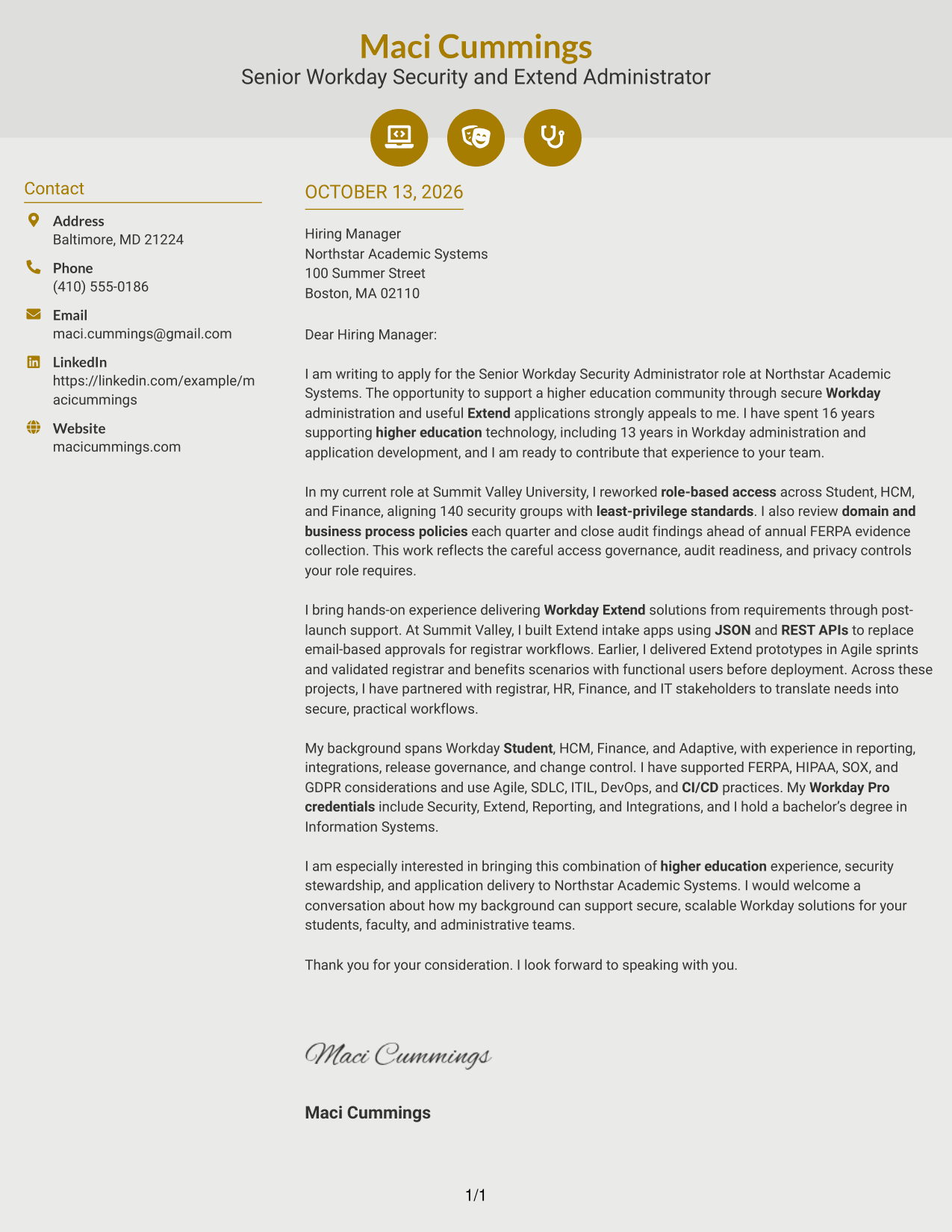
#6 Modern Icon Format Cover Letter Example
Modern Icon Format uses contact cues in a two-column layout while keeping every persuasive paragraph in one continuous body.
Why This Format Works
- Contact icons help locate sender details without interrupting the letter's argument.
- Separate contact details leave motivation and evidence together in the body column.
- One letter path carries the opening through its supporting case to the close.
Best For
- Contact details marked with visual cues
- Two-column pages with clear sender information
- Uninterrupted letter-body reading
- Letters pairing contact access with a full narrative
- Header accents without argument labels
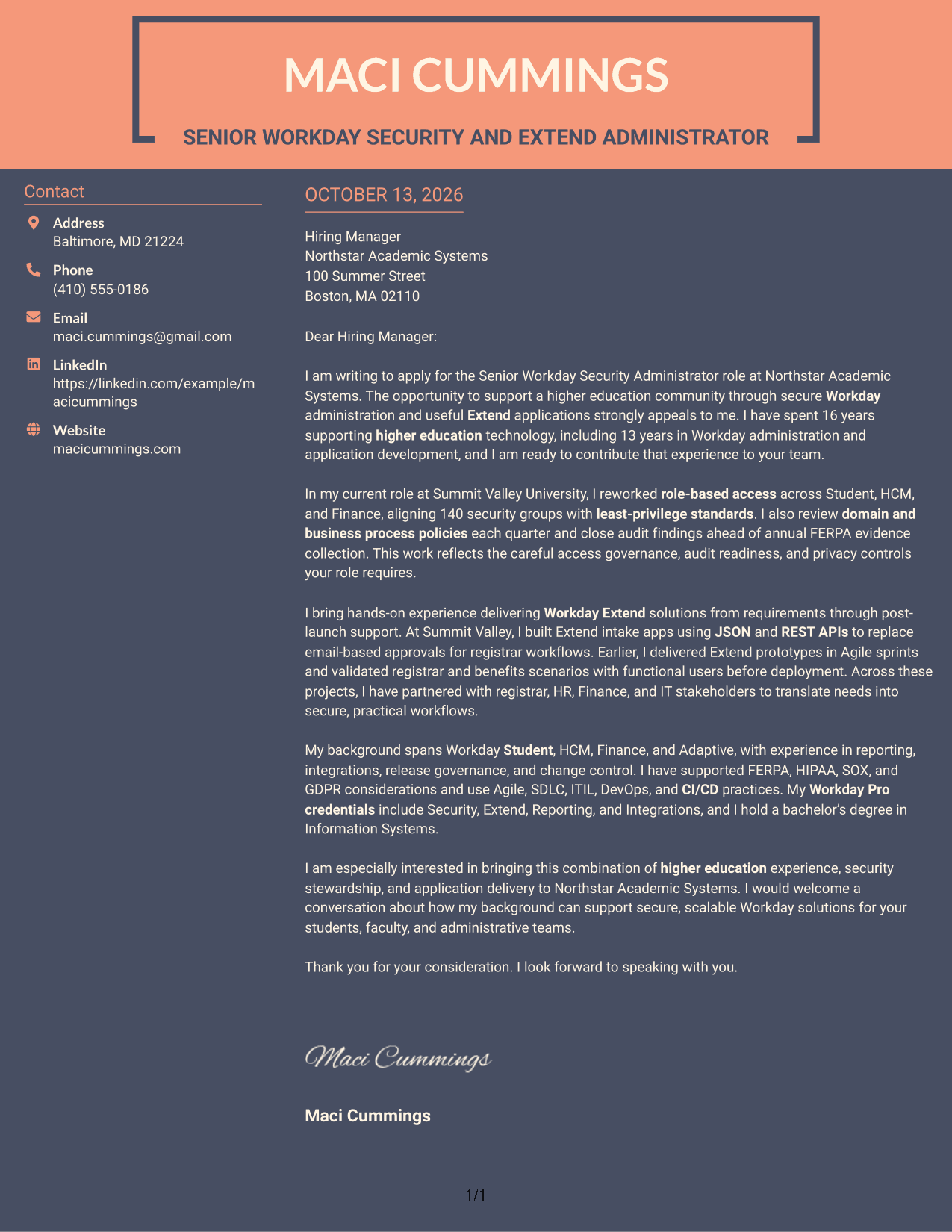
#7 Creative Two Tone Format Cover Letter Example
Creative Two Tone Format uses distinct color areas to separate contact information from a single continuous letter body.
Why This Format Works
- Two-tone contrast separates contact details from the continuous letter argument.
- Distinct color areas help recruiters move from sender information to the opening.
- Keeping evidence and closing in one body preserves the letter's persuasive sequence.
Best For
- Two-tone contrast between contact details and letter copy
- Separate contact information and message
- Continuous letter body with visual distinction
- Applications needing clear sidebar navigation
- Color-led presentation without split arguments
See Also
- 7 Senior Workday Security Administrator - Workday Extend Resume Templates with Example
- 7 Workday Security - Application Consultant Resume Templates with Example
- 7 Integration Engineer 3, Workday - Functional (HCM) Resume Templates with Example
- 7 Senior HR Systems Solutions Architect (Workday) Resume Templates with Example
- 7 Senior HRIT Lead - Workday Resume Templates with Example
- 7 Workday Compensation Application Consultant - Core and Advanced Compensation Resume Templates with Example
- 7 Workday Integration - Application Consultant Resume Templates with Example
- 7 Workday Payroll Systems Analyst Resume Templates with Example
- 7 Senior HRIT Lead - Workday Cover Letter Templates with Example
- 7 Workday Payroll Systems Analyst Cover Letter Templates with Example
Frequently Asked Questions
What should a Senior Workday Security Administrator - Workday Extend cover letter include?
Show how you approach Workday security, access reviews, privacy, and audit needs. Include a clear example of Workday Extend delivery and explain how you work with functional and technical partners.
How can I show Workday Extend experience in my letter?
Describe the need, your role in the delivery process, and what changed for users. For example, explain how an Extend application improved an approval workflow, if that reflects your own experience.
How should I explain security and audit work?
Give a specific example of how you reviewed access, maintained controls, or prepared audit evidence. Explain the care you took with sensitive information and the result of your work.
Should my letter mention Workday Student and higher education?
Yes, when those areas match your background. Explain how your Workday Student or higher education experience helps you understand the needs of students, faculty, and administrative teams.
How do I connect my experience to an employer?
Use details from the job posting to identify the employer’s priorities, then connect them to relevant examples from your work. Do not claim skills or results you cannot support.
What is a good way to close this cover letter?
Restate your interest briefly, connect your strengths to the organization’s needs, and invite a conversation. Keep the tone confident, polite, and direct.
How should I choose a cover letter format?
Choose a clean, readable format that makes your opening, evidence, and closing easy to follow. Consider the employer’s communication style and the setting for your application.




