
7 Senior Workplace Planning Consultant - Retirement Planning Cover Letter Templates with Example
This practical guide helps you create a focused Senior Workplace Planning Consultant - Retirement Planning cover letter and compare seven layouts for clear, participant-centered communication.
What Makes a Great Senior Workplace Planning Consultant - Retirement Planning Cover Letter in 2026
A strong letter connects your interest in retirement planning with the role’s focus on participant education. Show how you explain plan features, managed account solutions, and distribution choices in clear, helpful terms.
Use specific evidence of listening, thoughtful follow-up, and support for informed decisions, including tax considerations when relevant. Connect your approach to the employer’s need for trusted participant relationships and responsible asset retention.
The featured example moves from motivation to relevant participant guidance, communication strengths, and qualifications, then closes with a clear next step; adapt this focused progression and choose a presentation that fits the employer and communication context.
#1 Simple One Column Format Cover Letter Example
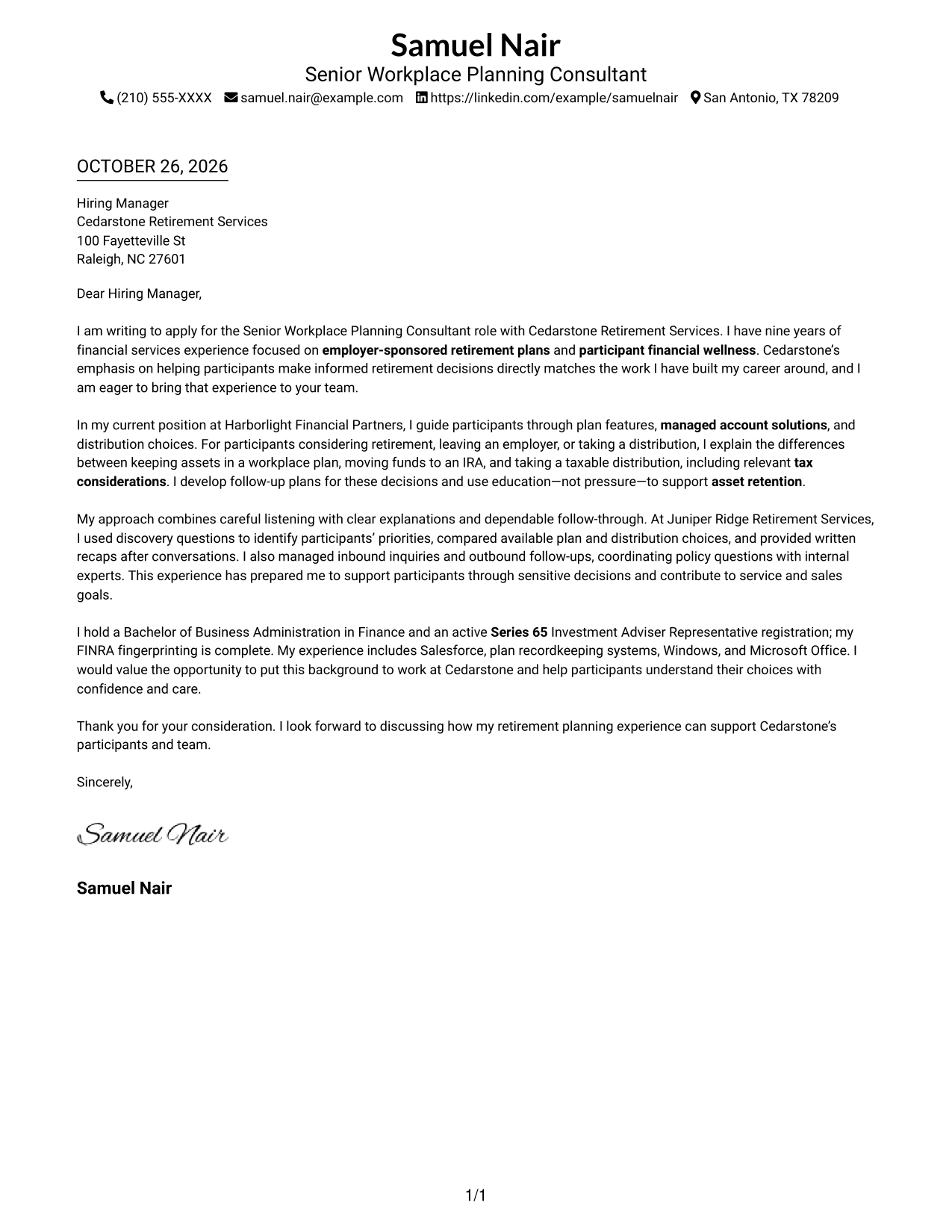
The single-column layout keeps sender details in the header and lets the letter’s retirement-planning motivation, supporting evidence, and closing read in one direct sequence.
Why This Format Works
- Sender details in the header stay distinct from the letter’s continuous body.
- The paragraph sequence carries the opening, evidence, and closing without section labels.
- One text column gives the full message a consistent direction for reading.
Best For
- Single-column reading preference
- Contact details in the header
- Photo-free correspondence
- Unheaded letter paragraphs
- Paragraph-based persuasion
#2 Two Column Format Cover Letter Example
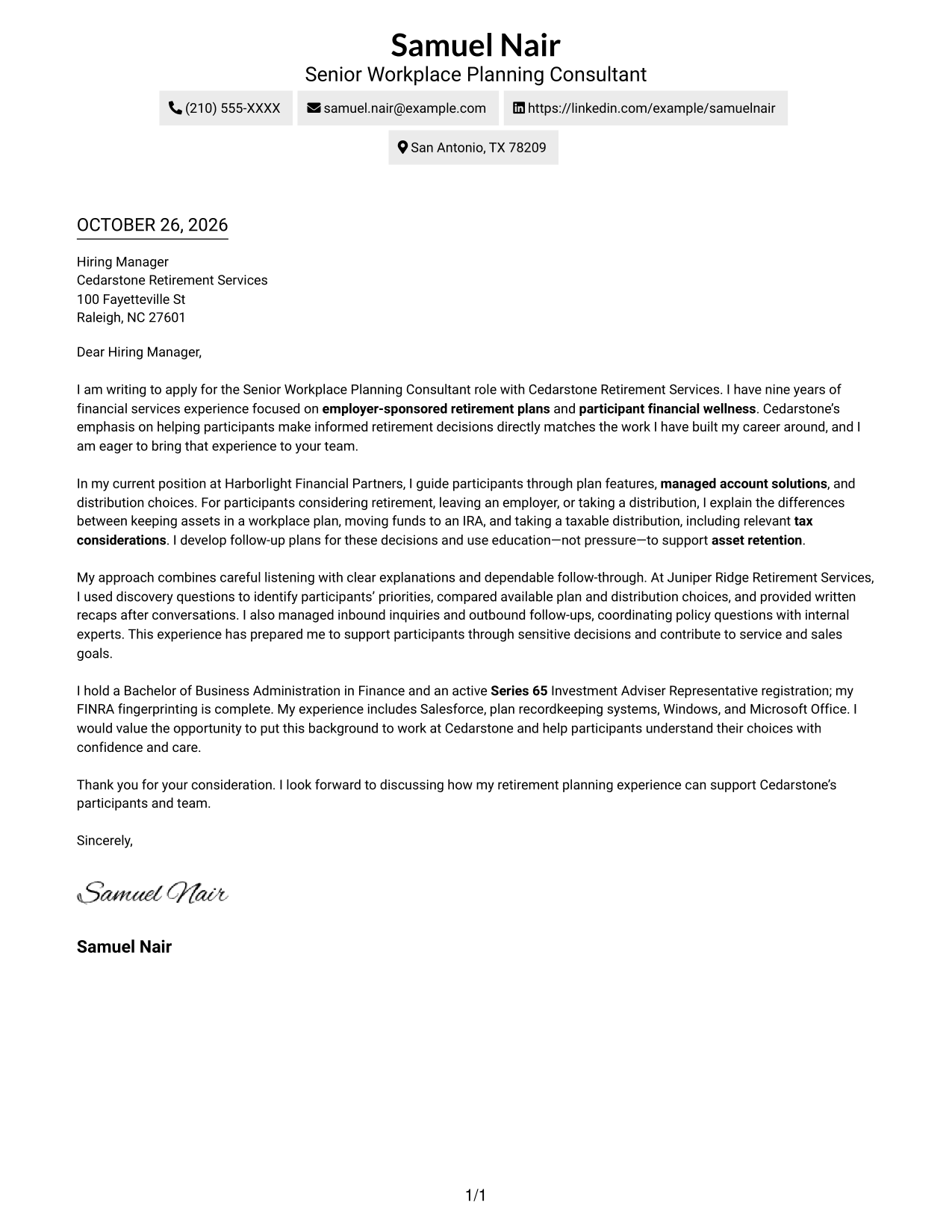
A contact sidebar sits beside one continuous letter body, keeping sender information separate while the message carries its opening, supporting case, and closing in one reading path.
Why This Format Works
- Contact details remain apart from the message, making sender information easy to find.
- One continuous body keeps the opening, supporting case, and closing in reading order.
- Unheaded paragraphs let the letter make its case without labels interrupting the voice.
Best For
- Contact details outside the message
- Continuous letter narrative
- Photo-free page preference
- Unheaded paragraph writing
- Two-column reading order
#3 Photo Header Two Column Format Cover Letter Example
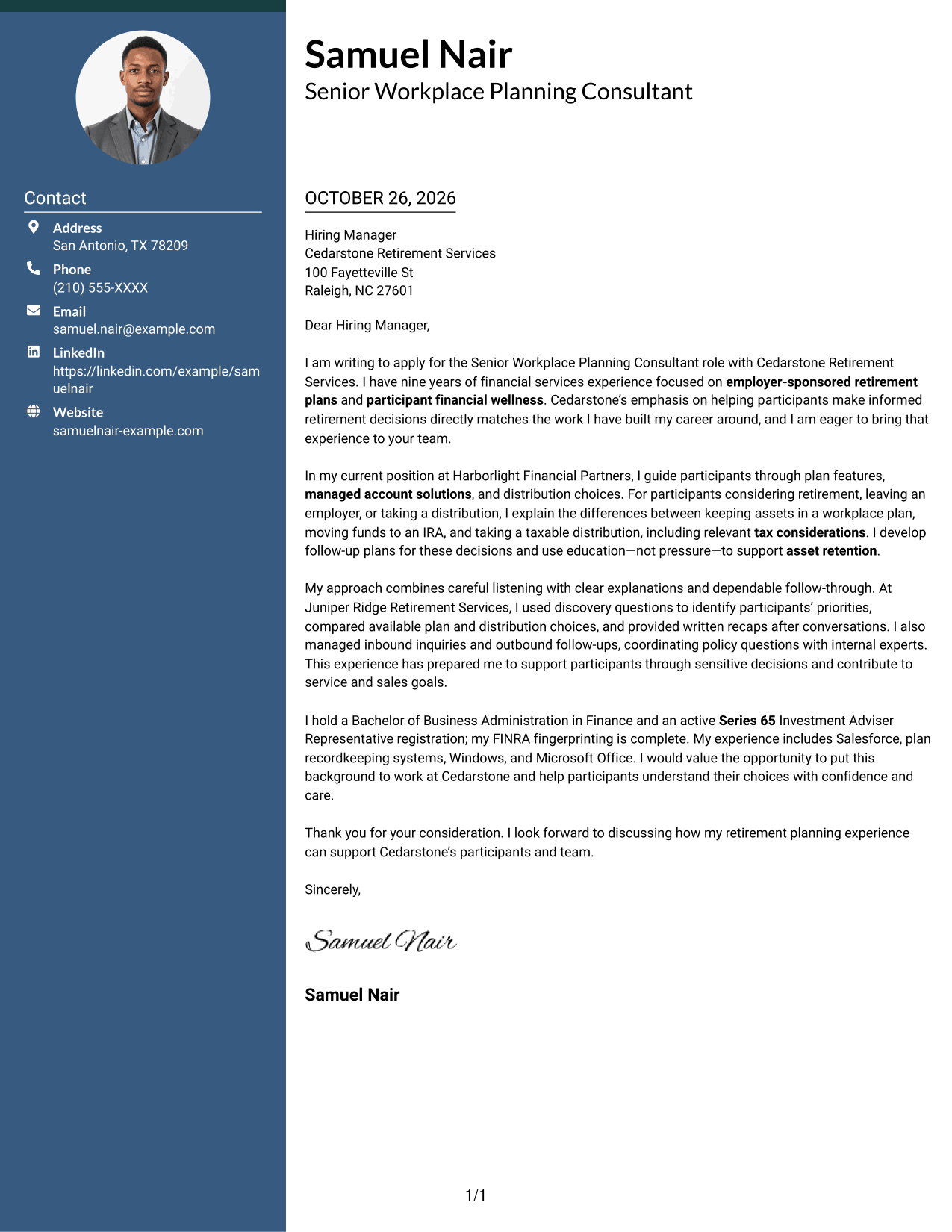
The photo header adds a portrait alongside the contact sidebar, while the letter stays in one continuous body for a clear separation between contact details and message.
Why This Format Works
- Contact details have a separate place beside the letter’s continuous body.
- A single body column keeps the opening, evidence, and closing in sequence.
- The portrait adds a visual detail without changing the letter’s argument structure.
Best For
- Portrait-inclusive correspondence
- Sidebar contact reference
- Single-column message body
- Unheaded letter paragraphs
- Continuous persuasive writing
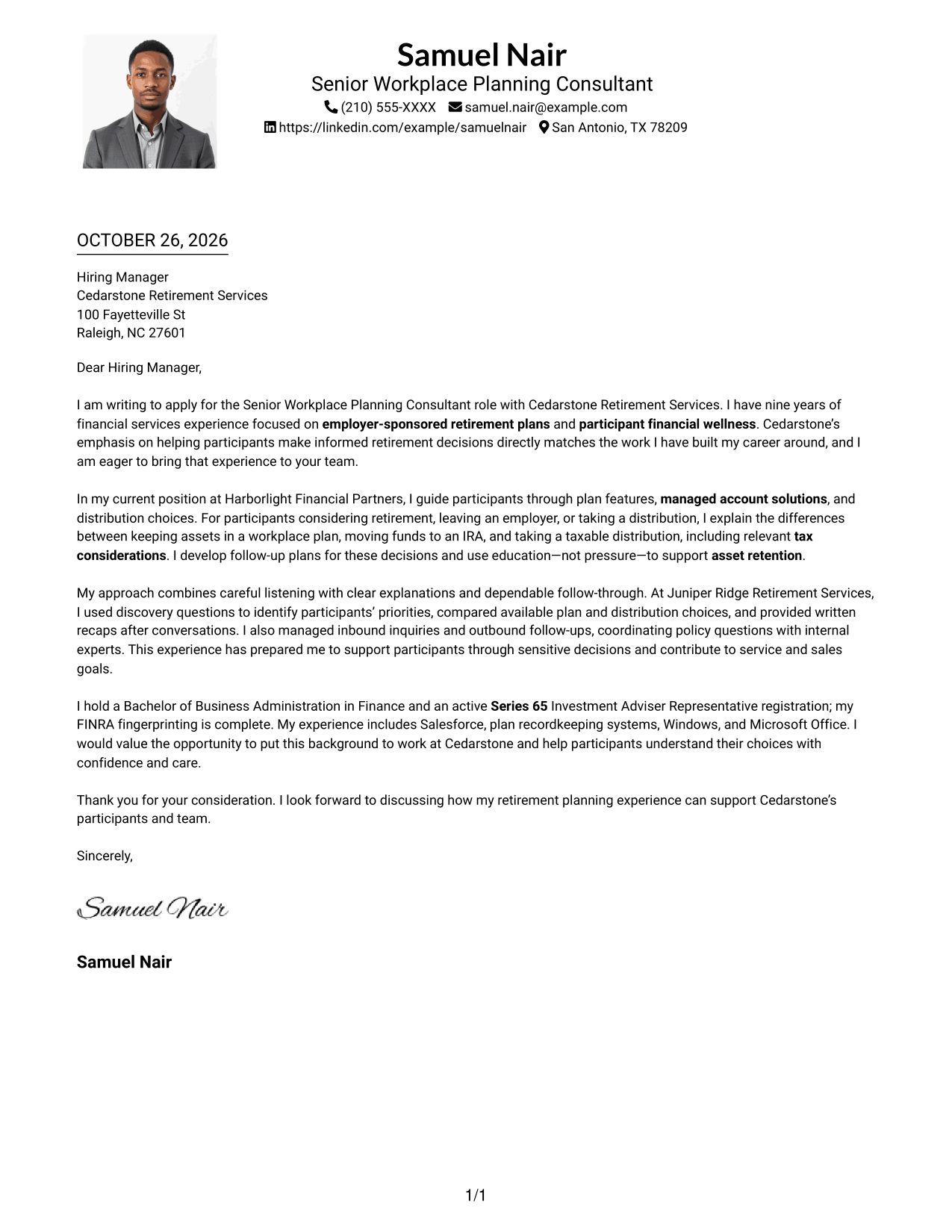
#4 One Column Format with Photo Cover Letter Example
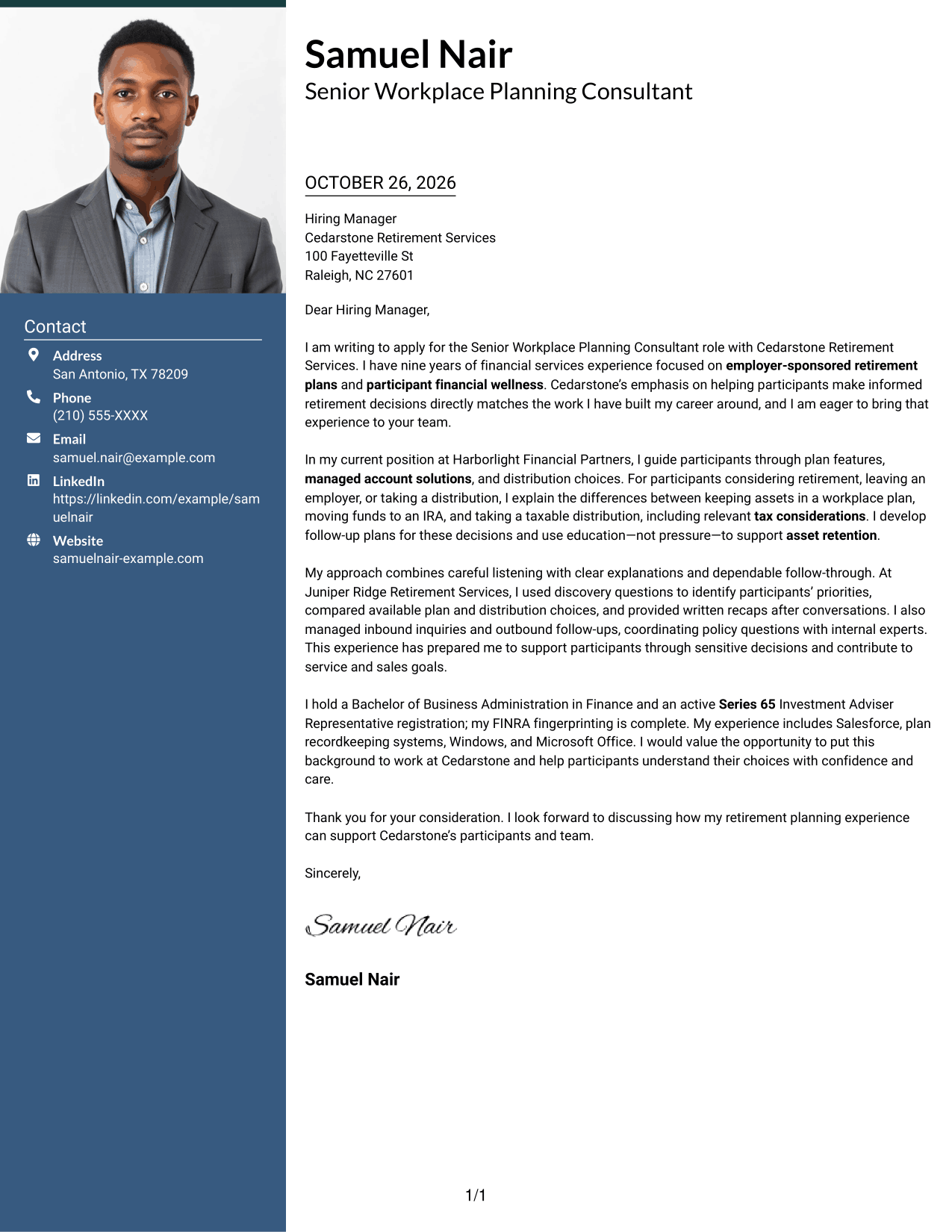
A portrait accompanies the one-column letter, offering a photo in the header while keeping the message together in a single reading path.
Why This Format Works
- The sender’s photo appears with the header rather than within the letter body.
- One text column keeps the message’s opening, evidence, and closing in order.
- The continuous body presents the letter without a parallel text area.
Best For
- Portrait in the letter header
- Single-column correspondence
- Continuous paragraph flow
- Photo-inclusive application materials
- Unheaded persuasive writing
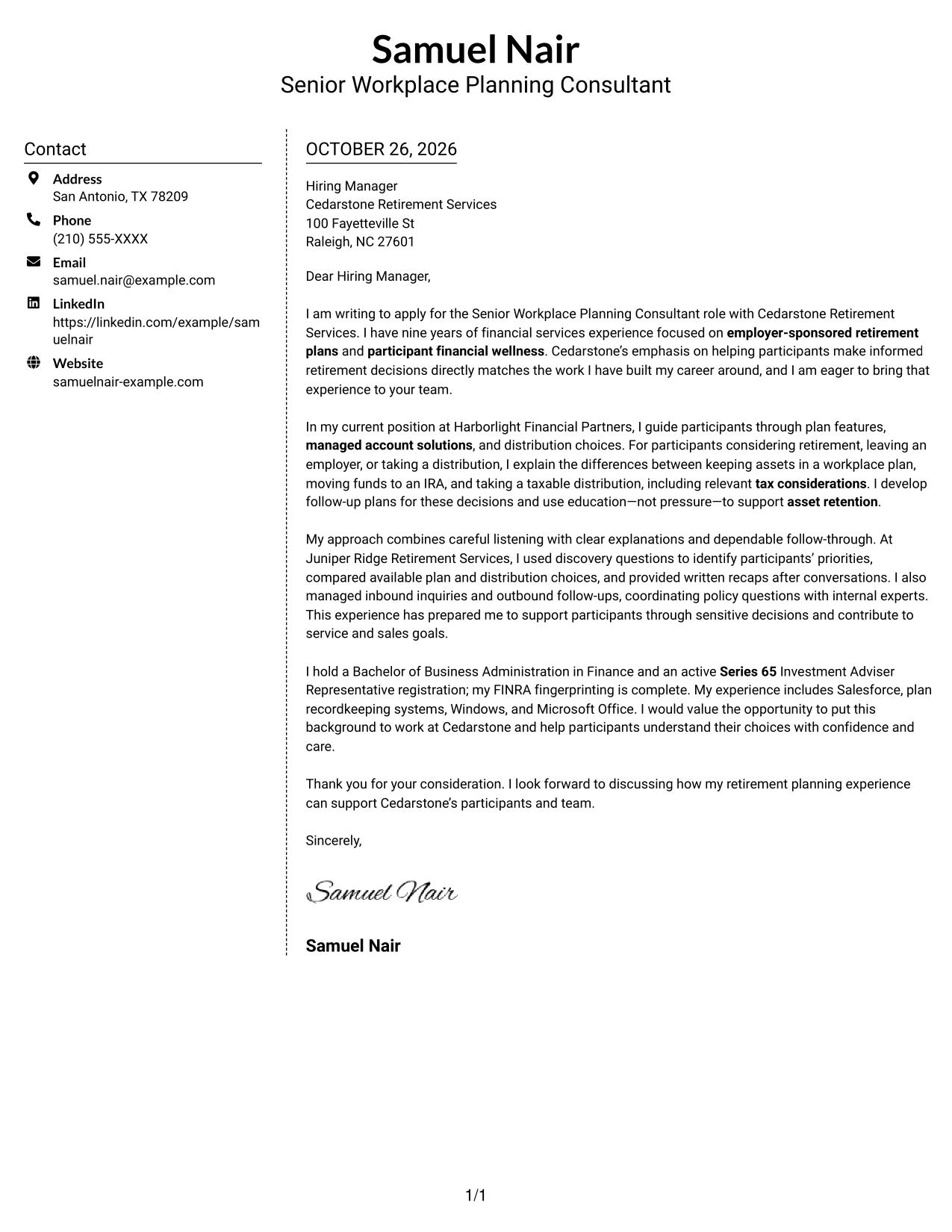
#5 Simple Two Column Format Cover Letter Example
The contact sidebar sits beside a single-column letter body, giving sender details their own area while the message remains a continuous sequence.
Why This Format Works
- The sidebar gives contact details a consistent place outside the letter.
- The message stays in one column, preserving its natural paragraph order.
- Without section headings, the letter’s own paragraphs carry its case.
Best For
- Separate contact and message areas
- One-column letter text
- Photo-free correspondence
- Paragraph-led applications
- Unheaded letter copy
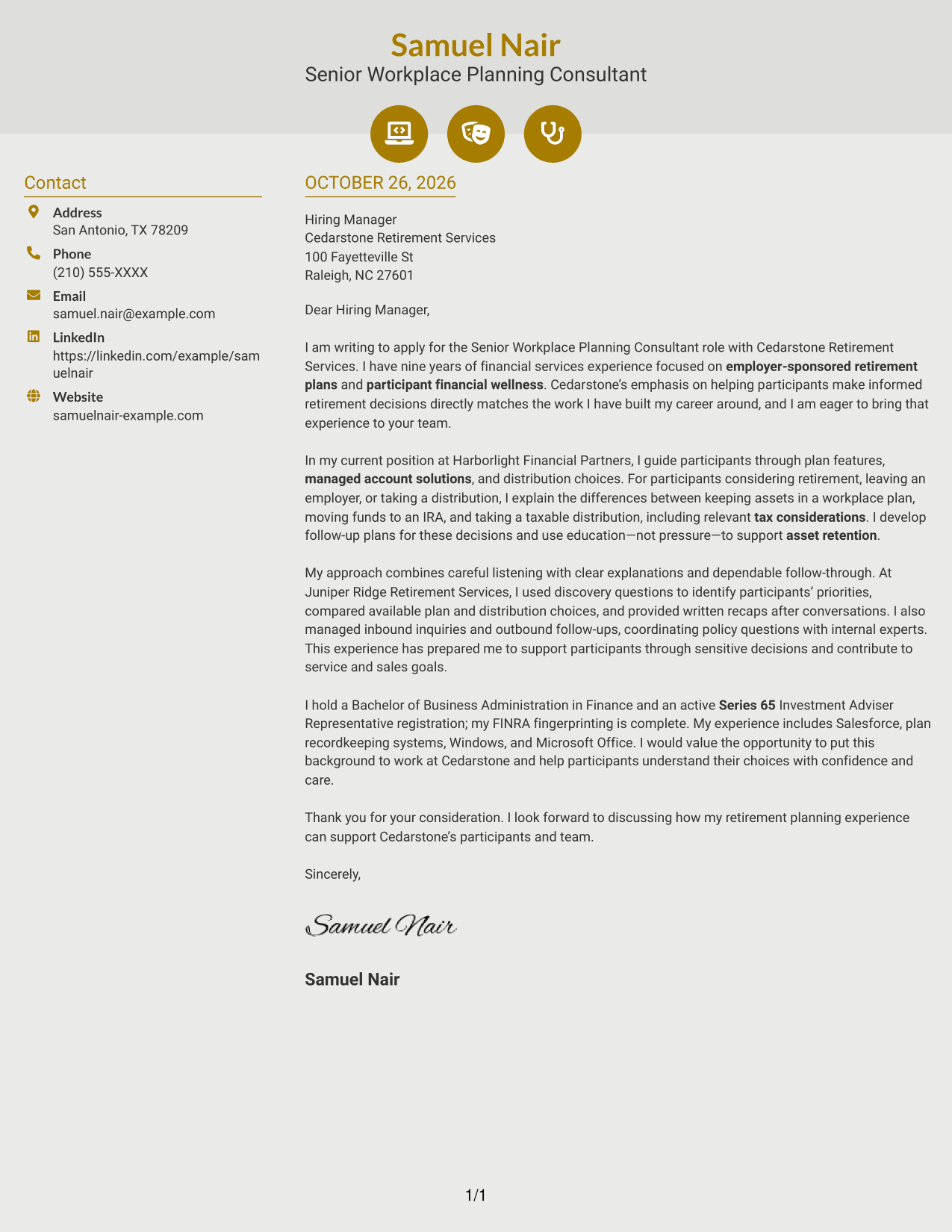
#6 Modern Icon Format Cover Letter Example
Contact icons mark key details in the sidebar, while the letter remains a single, continuous body in the adjacent column.
Why This Format Works
- Contact icons act as cues for sender details, not for letter arguments.
- The sidebar keeps contact information apart from the continuous message.
- One body column carries the opening, supporting points, and closing in order.
Best For
- Icon-guided contact details
- Sidebar contact organization
- Single-column letter body
- Photo-free correspondence
- Continuous paragraph writing
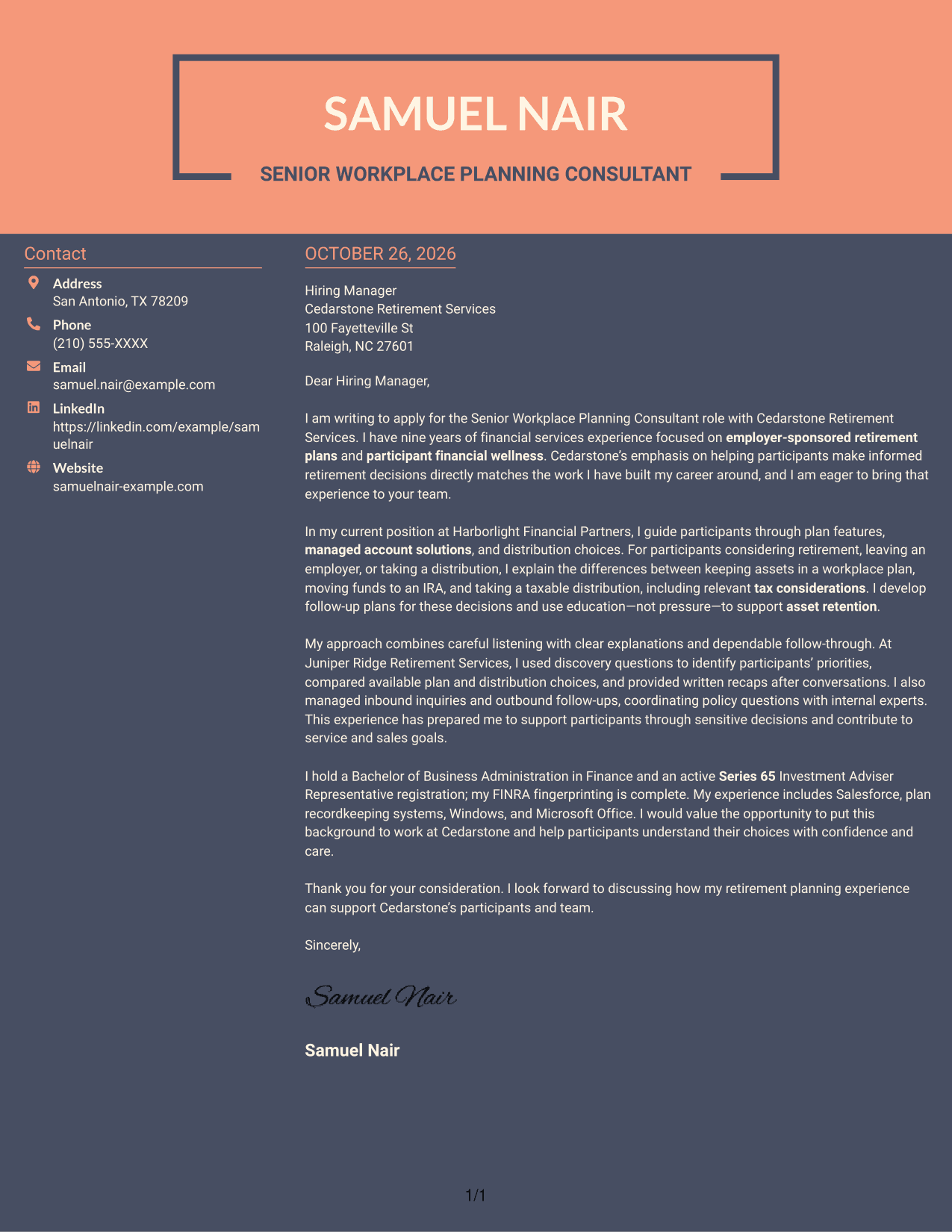
#7 Creative Two Tone Format Cover Letter Example
The two-column arrangement places contact information beside one continuous letter body, keeping the message intact and contact details easy to locate.
Why This Format Works
- Contact information stays beside, but separate from, the main letter text.
- The continuous body keeps the opening, supporting case, and closing together.
- Unheaded paragraphs preserve the letter’s natural tone from start to finish.
Best For
- Side-by-side contact and letter areas
- Continuous message body
- Photo-free letter design
- Unheaded persuasive paragraphs
- Two-column document organization
Why Use ResumeInMinutes for a Senior Workplace Planning Consultant - Retirement Planning Cover Letter
ResumeInMinutes gives you examples and layouts to help shape a clear, role-focused cover letter without starting from a blank page.
- Clear, readable layouts
- Professional cover letter formats
- Role-focused customization
- Guidance for a focused letter
- Image previews to compare
- Examples you can open in the editor
For this role, focus your letter on participant education, retirement plan choices, clear explanations, and the follow-through that supports confident decisions.
See Also
- 7 Senior Workplace Planning Consultant - Retirement Planning Resume Templates with Example
- 7 Principal AI Solutions Consultant (Presales) - Insurance & Retirement Resume Templates with Example
- 7 Retirement Sales Consultant - Taft-Hartley Resume Templates with Example
- 33 AI Engineer Consultant Resume Templates with Example 2026 (ATS-Optimized)
- 7 Business Architecture Consultant - Enterprise Information Management Resume Templates with Example
- 33 Business Processes Chief Consultant - Regulated Manufacturing Resume Templates with Example
- 7 Change Management and Adoption Consultant Resume Templates with Example
- 7 Clinical Data Audit Consultant Resume Templates with Example
- 7 Principal AI Solutions Consultant (Presales) - Insurance & Retirement Cover Letter Templates with Example
- 30+ AI Engineer Consultant Cover Letter Templates with Example 2026
Frequently Asked Questions
What should the opening paragraph say for this role?
State your interest in the Senior Workplace Planning Consultant - Retirement Planning role and connect it to participant support. Keep the focus on helping people understand plan features and make informed choices.
What experience should I highlight in the body of the letter?
Choose relevant examples of explaining employer plan features, managed account solutions, and distribution options. You can also describe how you explain tax considerations, listen for participant priorities, and follow up reliably.
How can I discuss asset retention in a participant-focused way?
Show how clear education helps participants understand their choices, including staying in a workplace plan, moving assets to an IRA, or taking a distribution. Avoid language that suggests pressure, and explain how you support an informed decision.
How can I tailor the letter to Cedarstone Retirement Services?
Connect your examples to the role’s stated focus on retirement planning, financial wellness education, clear communication, and participant relationships. Add a company-specific reason only when you can support it with verified information.
How do I choose a cover letter layout?
Choose a layout that is easy to read and gives your opening, evidence, and closing room to stand out. Compare the image previews, then open an example in the editor to view or customize it.




