
7 Service Desk Analyst - Federal Application Support Cover Letter Templates with Example
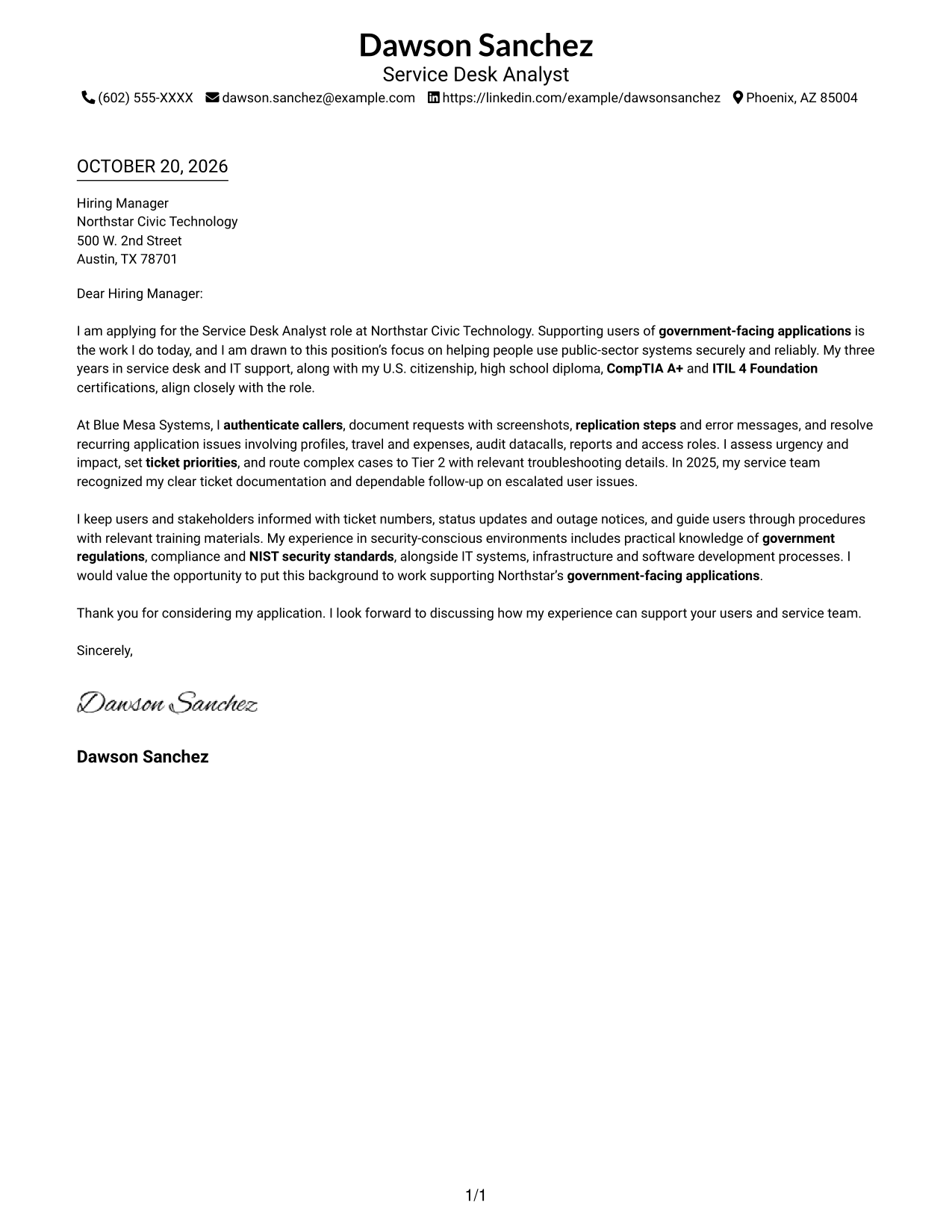
This practical guide to a Service Desk Analyst - Federal Application Support cover letter shows how seven layouts can help you present your fit clearly.
What Makes a Great Service Desk Analyst - Federal Application Support Cover Letter in 2026
A strong letter links your interest in federal application support to clear, dependable service for users. Its opening should name the role and explain why this work matters to you.
Use specific examples of caller authentication, clear ticket notes, prioritization, or Tier 2 handoffs when they reflect your experience. Connect that evidence to the employer’s need for secure, helpful support, and describe your knowledge of compliance or NIST standards accurately.
The featured example moves from interest in government-facing application support to relevant service desk evidence, then closes with a clear next step. Adapt that focused progression while choosing a presentation that fits the employer and the communication context.
#1 Simple One Column Format Cover Letter Example
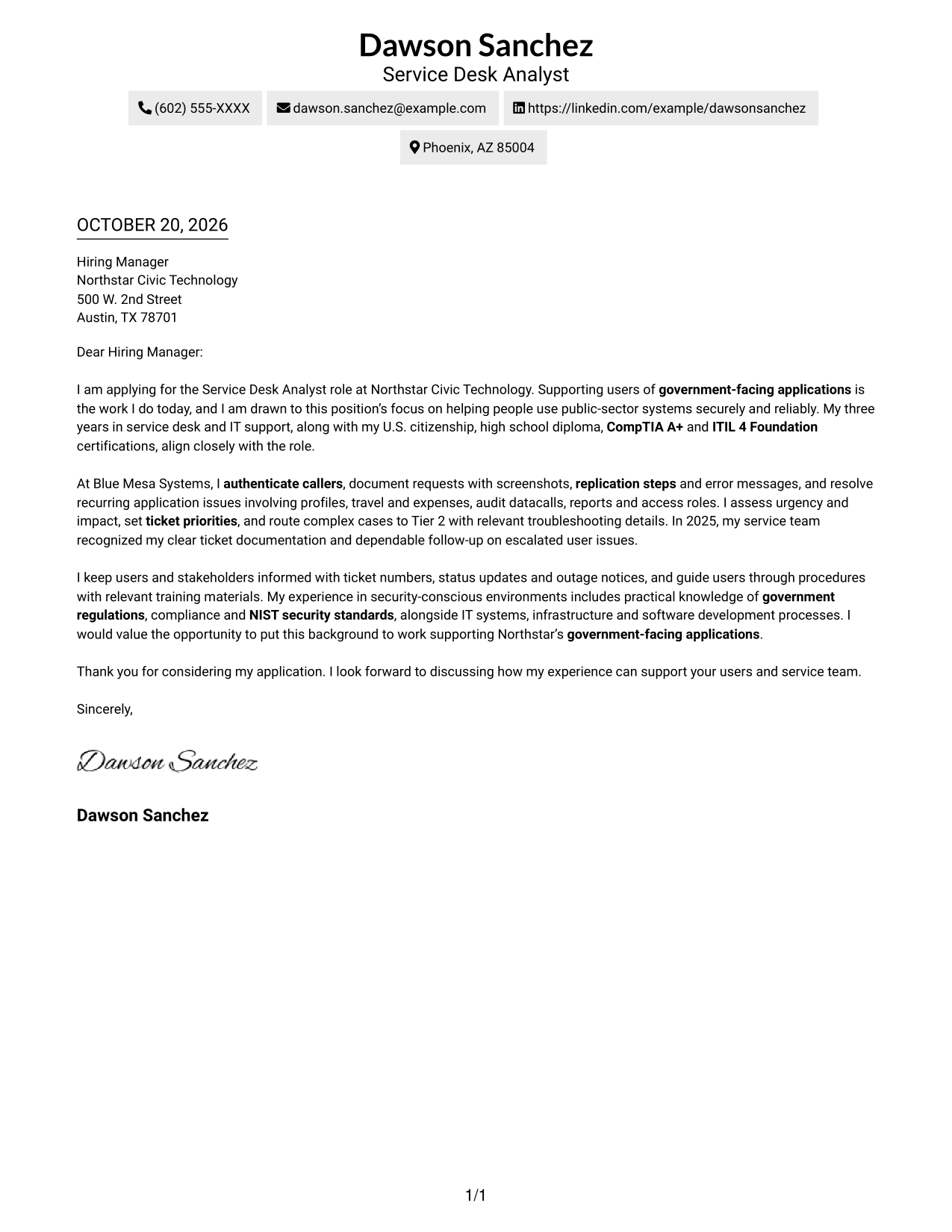
With one column and no photo, this layout keeps sender details and the full letter in a straightforward reading path.
Why This Format Works
- Sender details remain in the header, separate from the one-column letter body.
- Reviewers can follow motivation, supporting evidence, and closing in paragraph order.
- The photo-free presentation suits readers who prefer correspondence without a portrait.
Best For
- Single-column reading preference
- Sender details in the header
- Photo-free correspondence
- Continuous paragraph-based letters
- Concise application letters
#2 Two Column Format Cover Letter Example
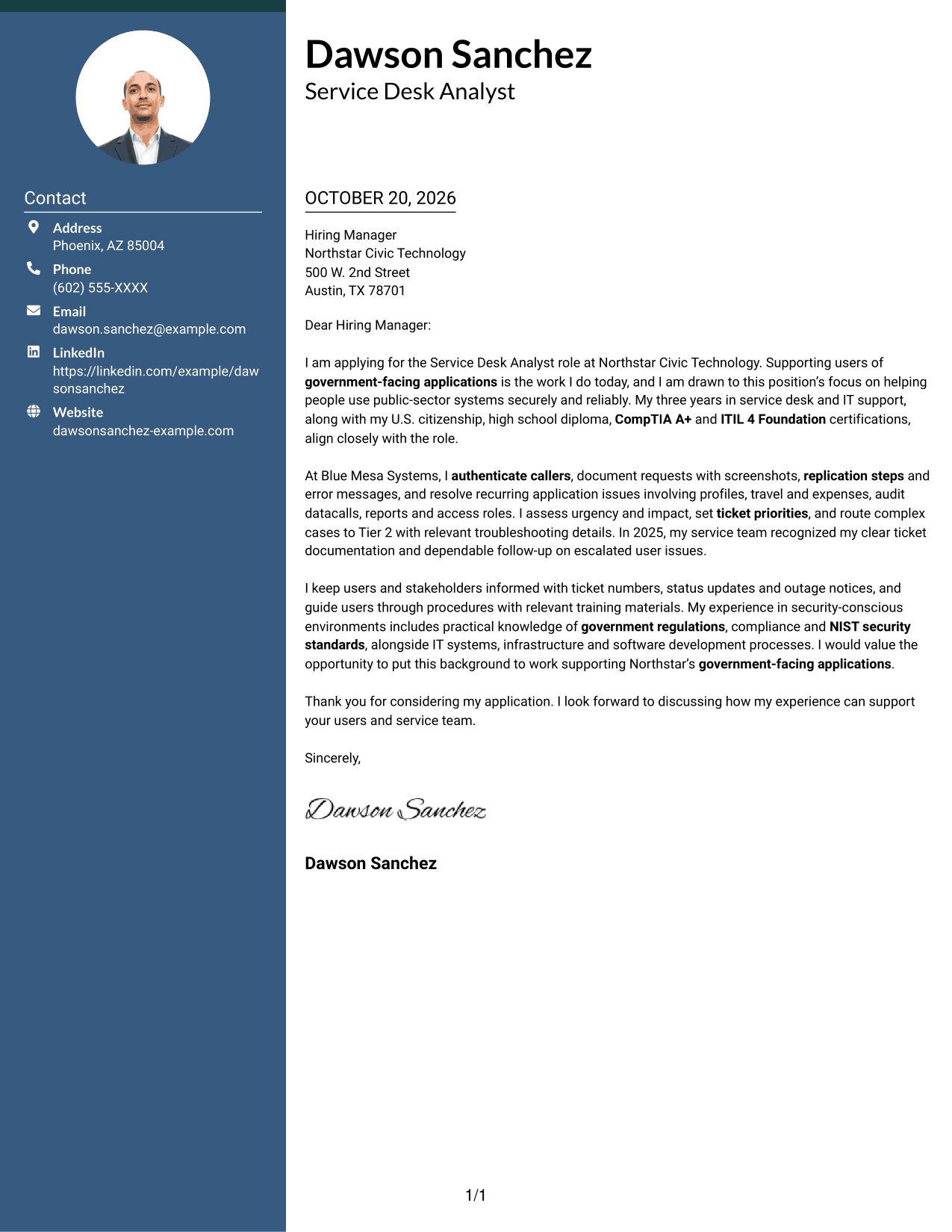
A contact sidebar sits beside one continuous letter body, keeping sender information distinct while the message follows a single reading path.
Why This Format Works
- The sidebar separates contact details from the letter's central message.
- One body column keeps motivation, evidence, and closing together in sequence.
- The photo-free page suits readers who want written communication to take visual focus.
Best For
- Contact details beside the letter
- Single-column letter body
- Photo-free correspondence
- Detailed sender contact information
- Continuous paragraph reading
#3 Photo Header Two Column Format Cover Letter Example
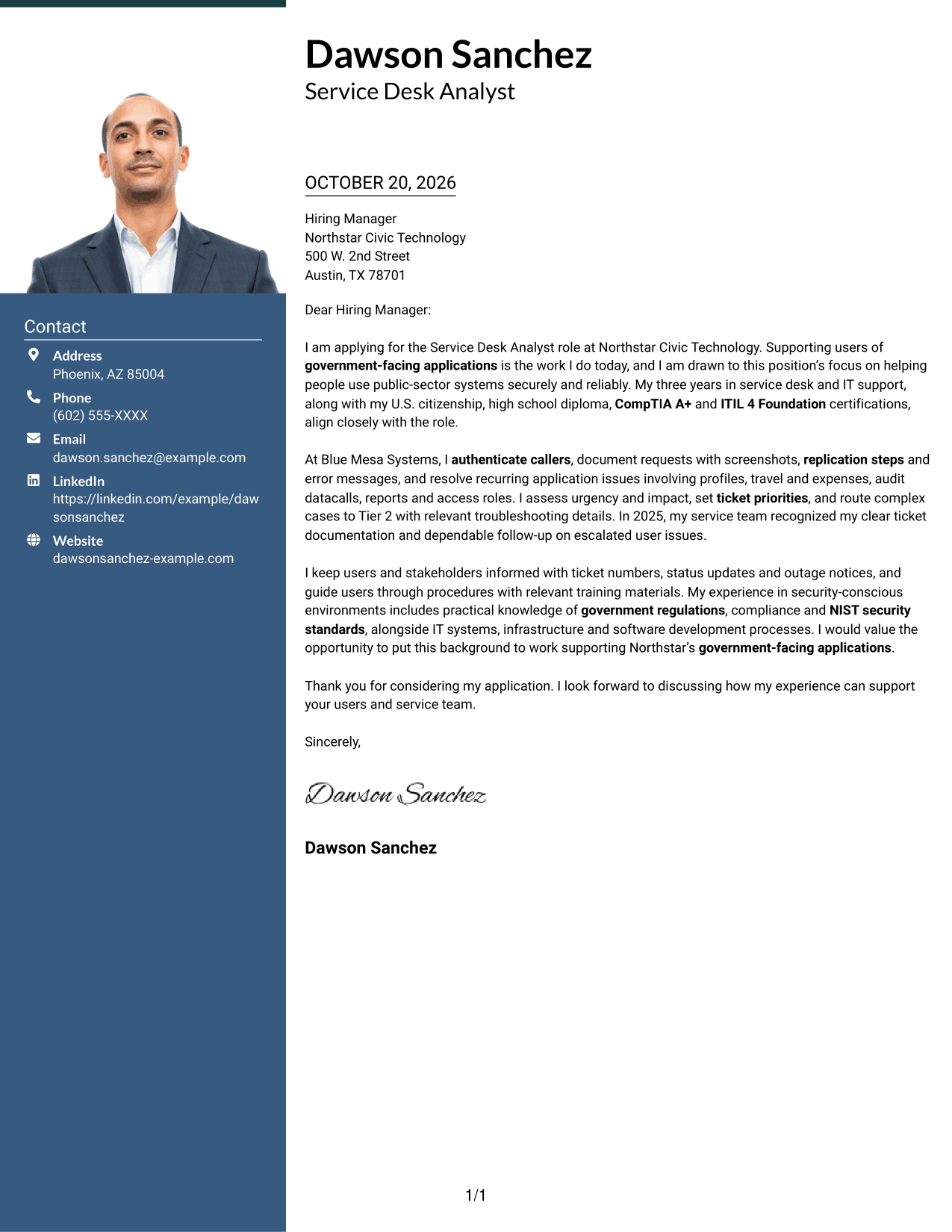
This two-column layout includes a portrait and a separate contact sidebar, offering a photo-inclusive presentation while keeping the letter body in one column.
Why This Format Works
- The contact sidebar keeps sender details apart from the continuous letter body.
- A single body column lets reviewers follow the argument from opening through closing.
- The portrait offers a visual choice for readers who want a photo included.
Best For
- Portrait-inclusive correspondence
- Contact details outside body text
- One-column letter bodies
- Continuous paragraph arguments
- Applications with multiple contact channels
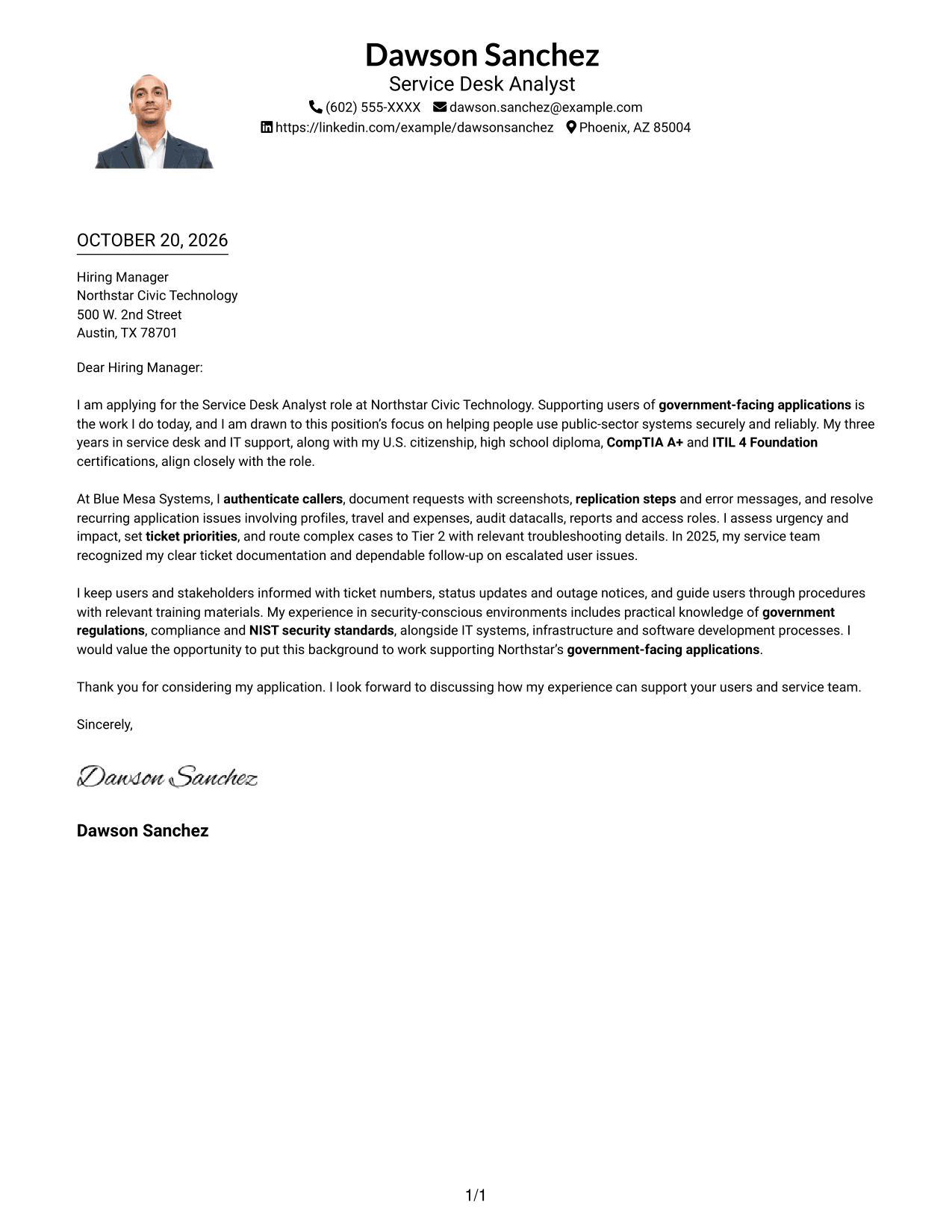
#4 One Column Format with Photo Cover Letter Example
A portrait accompanies the single-column letter, a practical option for readers who prefer a photo-inclusive page without a contact sidebar.
Why This Format Works
- Sender details and the letter share one column, keeping the page structure straightforward.
- The continuous body lets readers follow motivation, evidence, and closing in order.
- Including a portrait supports a photo preference without adding a contact sidebar.
Best For
- Single-column reading
- Portrait-inclusive letters
- Header-based contact details
- Continuous paragraph bodies
- Applications with multiple contact channels
#5 Simple Two Column Format Cover Letter Example
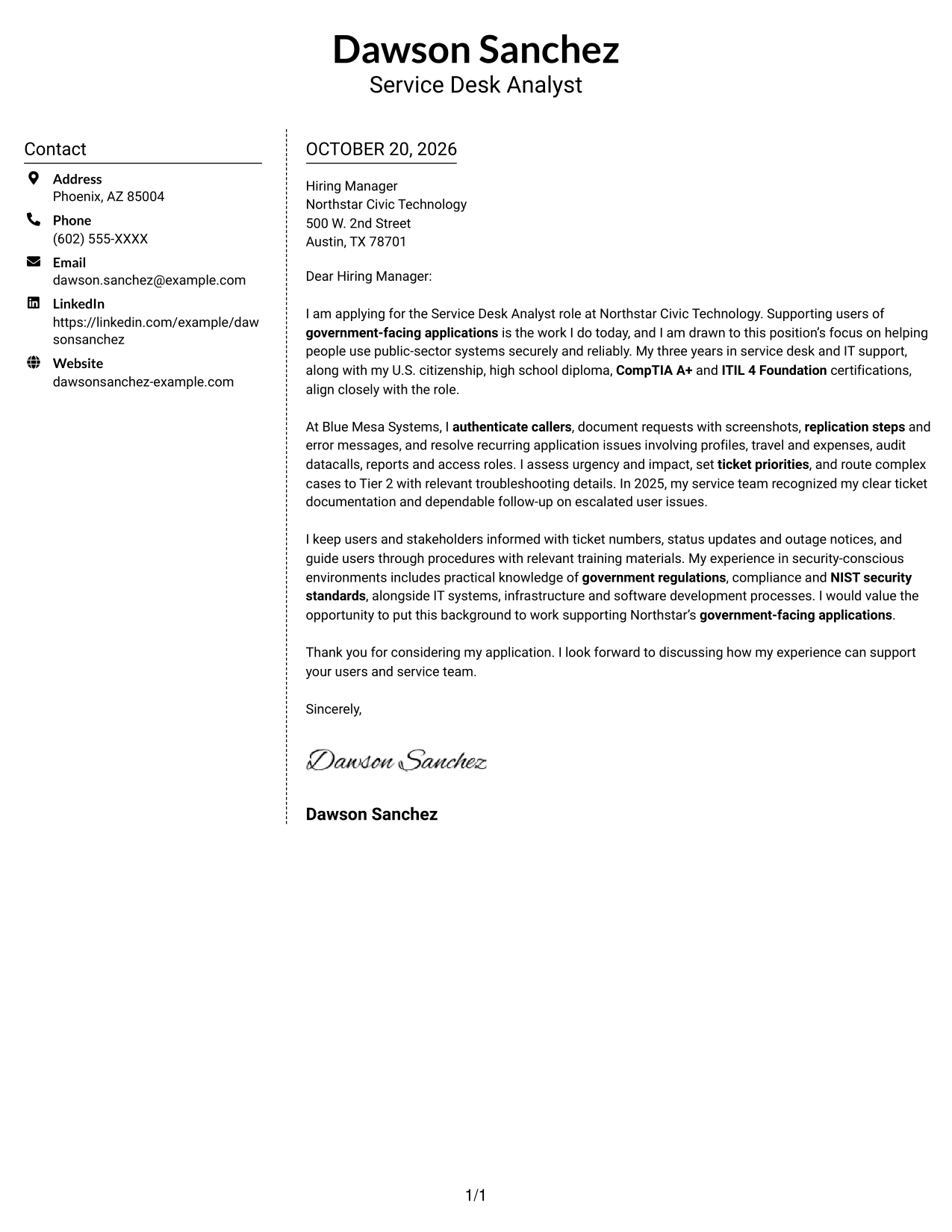
The contact sidebar sits alongside a single continuous letter body, keeping sender information separate from the message without adding a photo.
Why This Format Works
- Contact information stays apart from the letter, making the page structure easy to follow.
- The body remains in one column, preserving the natural order of the argument.
- Its photo-free presentation keeps the visual focus on the written message.
Best For
- Separate contact sidebar
- One-column letter body
- Photo-free application materials
- Detailed sender information
- Paragraph-led persuasion
#6 Modern Icon Format Cover Letter Example
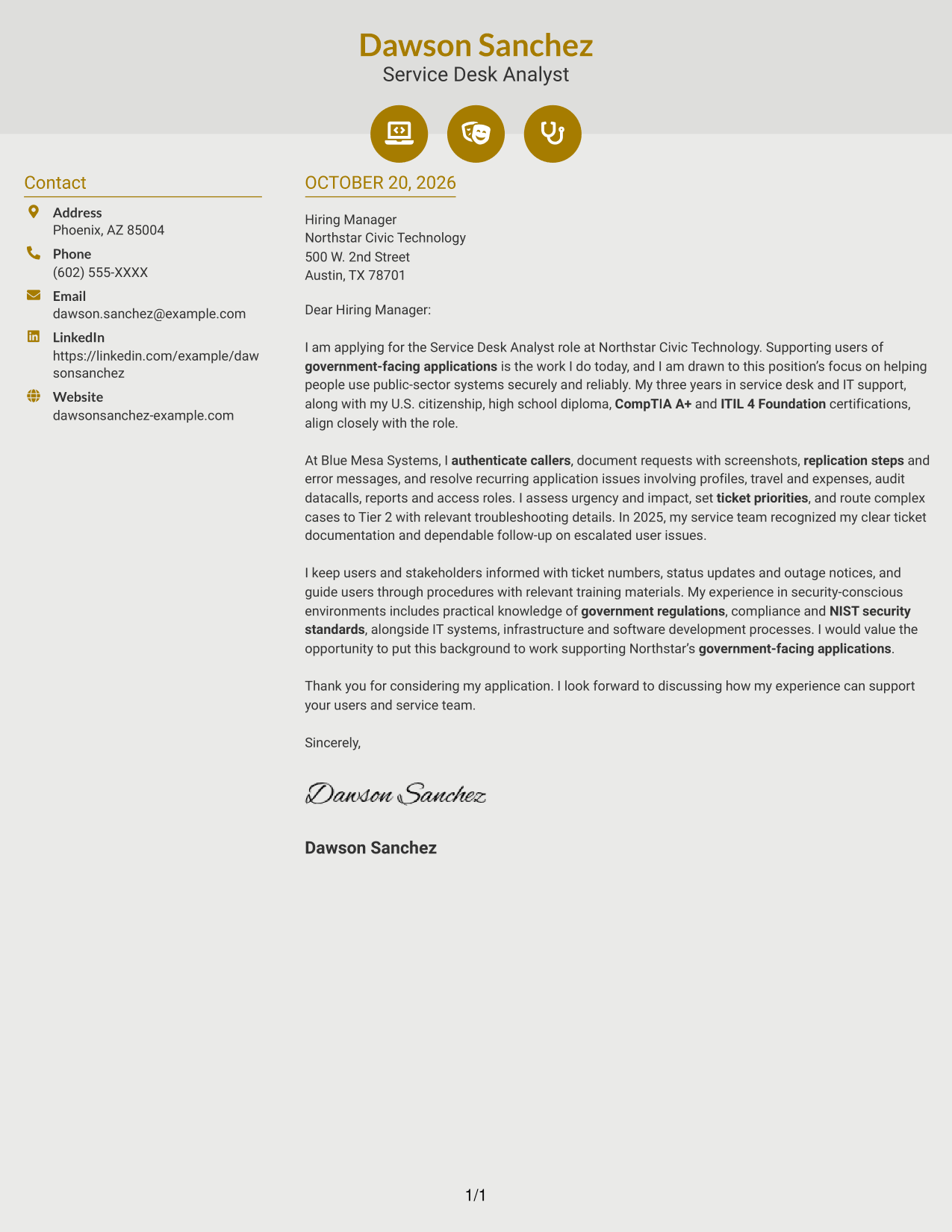
Contact-detail icons provide visual cues beside the continuous letter body, while two columns keep sender information apart from the message.
Why This Format Works
- Contact cues help distinguish sender details from the letter's main text.
- A single body column keeps the argument in natural paragraph order.
- Decorative header accents add visual detail without labeling letter content.
Best For
- Icon-cued contact details
- Separate sender information
- Single-column letter reading
- Photo-free correspondence
- Continuous paragraph arguments
#7 Creative Two Tone Format Cover Letter Example
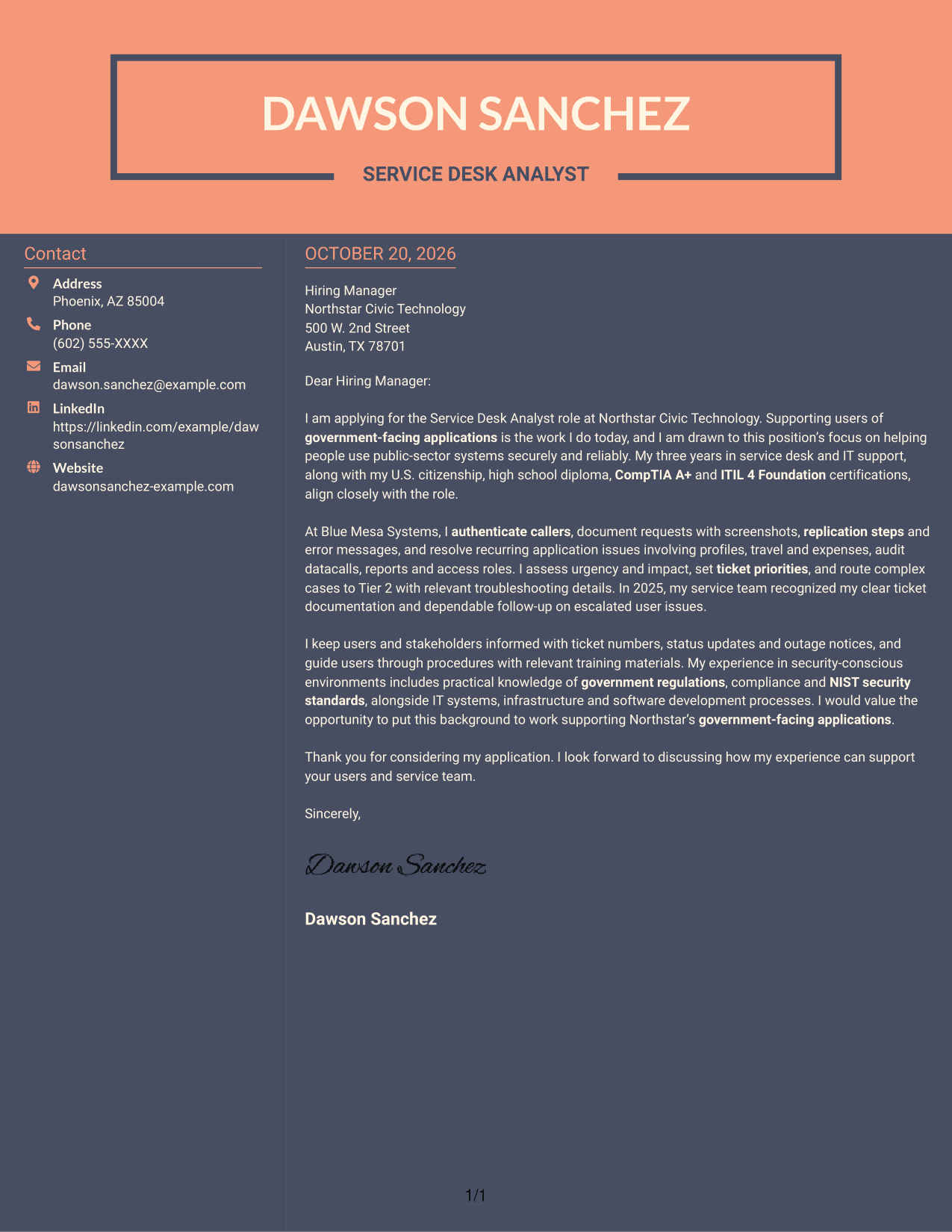
Two columns place contact details apart from the continuous letter body, a useful choice for readers who prefer a distinct contact area.
Why This Format Works
- The sidebar keeps sender details separate from the letter's persuasive message.
- A continuous body lets readers follow the opening, supporting points, and closing in order.
- The photo-free layout suits readers who prefer correspondence centered on written content.
Best For
- Contact sidebar preference
- One-column letter body
- Photo-free correspondence
- Continuous opening-to-close reading
- Sender details kept separate
Why Use ResumeInMinutes for a Service Desk Analyst - Federal Application Support Cover Letter
Compare image previews to see how different letter styles present your message, then open an example in the editor to customize it for the role.
- Multiple letter styles
- Clear, readable layouts
- Role-focused writing
- Cover letter examples
- Editor customization
- Image previews
Keep your message focused on the way you support users, document issues, communicate service updates, and connect your experience to federal application support.
See Also
- 7 Service Desk Analyst - Federal Application Support Resume Templates with Example
- 7 Senior Business Analyst - Application Support Governance Resume Templates with Example
- 33 Clinical Practice Data Analyst - Perioperative Services Resume Templates with Example 2026 (ATS-Optimized)
- 33 Customer Service Quality Assurance Analyst Resume Templates with Example 2026 (ATS-Optimized)
- 7 Oracle Functional Analyst - Federal Financials Resume Templates with Example
- 7 Application Analyst Specialist Resume Templates with Example
- 7 Senior Application Analyst - Epic Environments Resume Templates with Example
- 7 IT Analyst - Technology Support Resume Templates with Example
- 7 Senior Business Analyst - Application Support Governance Cover Letter Templates with Example
- 30+ Customer Service Quality Assurance Analyst Cover Letter Templates with Example 2026
Frequently Asked Questions
What should the opening paragraph say for this cover letter?
Name the Service Desk Analyst - Federal Application Support role, then give a brief reason for your interest. Link that motivation to helping users access government-facing applications securely and reliably.
Do the examples show different letters or different styles?
They show the same role-focused cover letter example in different visual styles. Compare the image previews, then open an example in the editor if you want to customize its presentation.
What experience should I highlight in the body paragraphs?
Choose evidence that matches the role, such as caller authentication, useful ticket details, routine application troubleshooting, priority decisions, Tier 2 escalation, or clear outage updates. Include only details that reflect your own experience.
How can I show that I understand federal application support?
Explain how you protect access, follow documented procedures, and communicate carefully with users and stakeholders. Mention government regulations, compliance, or NIST standards only in a way that matches your actual knowledge.
What is a suitable closing for this application?
Thank the reader for considering your application and express interest in discussing how your service desk experience could support users and the service team.




