
7 Service Manager - Medical Equipment Field Service Cover Letter Templates with Example
This practical guide to a Service Manager - Medical Equipment Field Service cover letter presents 7 layouts and shows how to connect service planning experience with customer-focused role fit.
What Makes a Great Service Manager - Medical Equipment Field Service Cover Letter in 2026
A strong letter links regional service planning to dependable medical equipment support. Its opening should show clear interest in the work, while the body explains how the applicant can address customer concerns and coordinate service activity.
Use relevant evidence, such as analyzing recurring equipment issues, coordinating maintenance and repair, or guiding technicians. Connect that evidence to the employer's needs and explain why the role is a good fit.
The featured example moves from interest in regional medical equipment service to a specific customer-resolution approach, relevant qualifications, and a courteous close. Adapt this focused progression while choosing a presentation that suits the employer and the communication context.
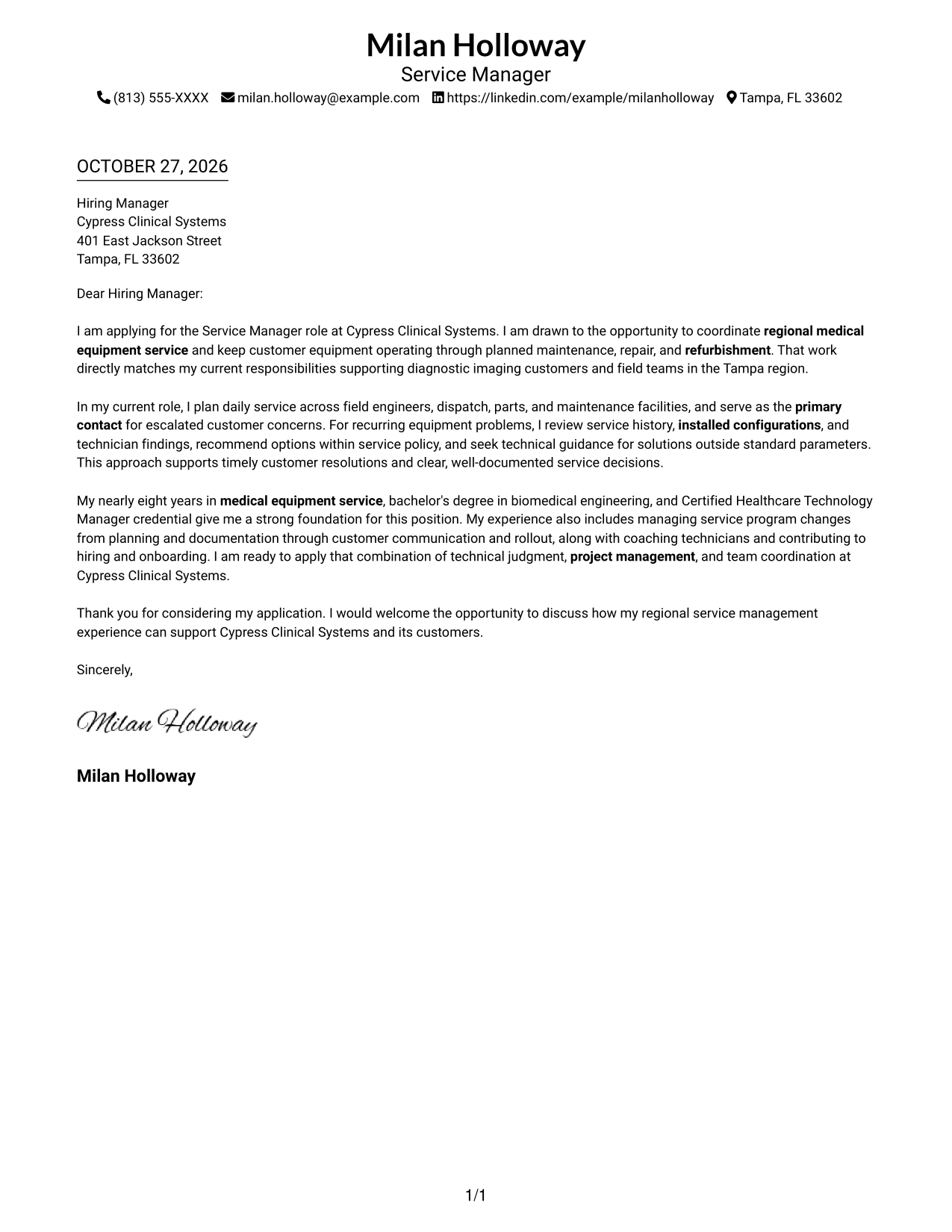
#1 Simple One Column Format Cover Letter Example
Simple One Column Format places sender details in the header above one continuous letter column, giving the message a direct reading path.
Why This Format Works
- Header contact details remain apart from the greeting and body for quick reference.
- A single column keeps motivation, evidence, and closing in their intended order.
- Continuous prose lets the letter's case develop without inserted section labels.
Best For
- Single-column letter layouts
- Header-based contact details
- Letters with a clear opening and close
- Text-first application materials
- Photo-free cover letters
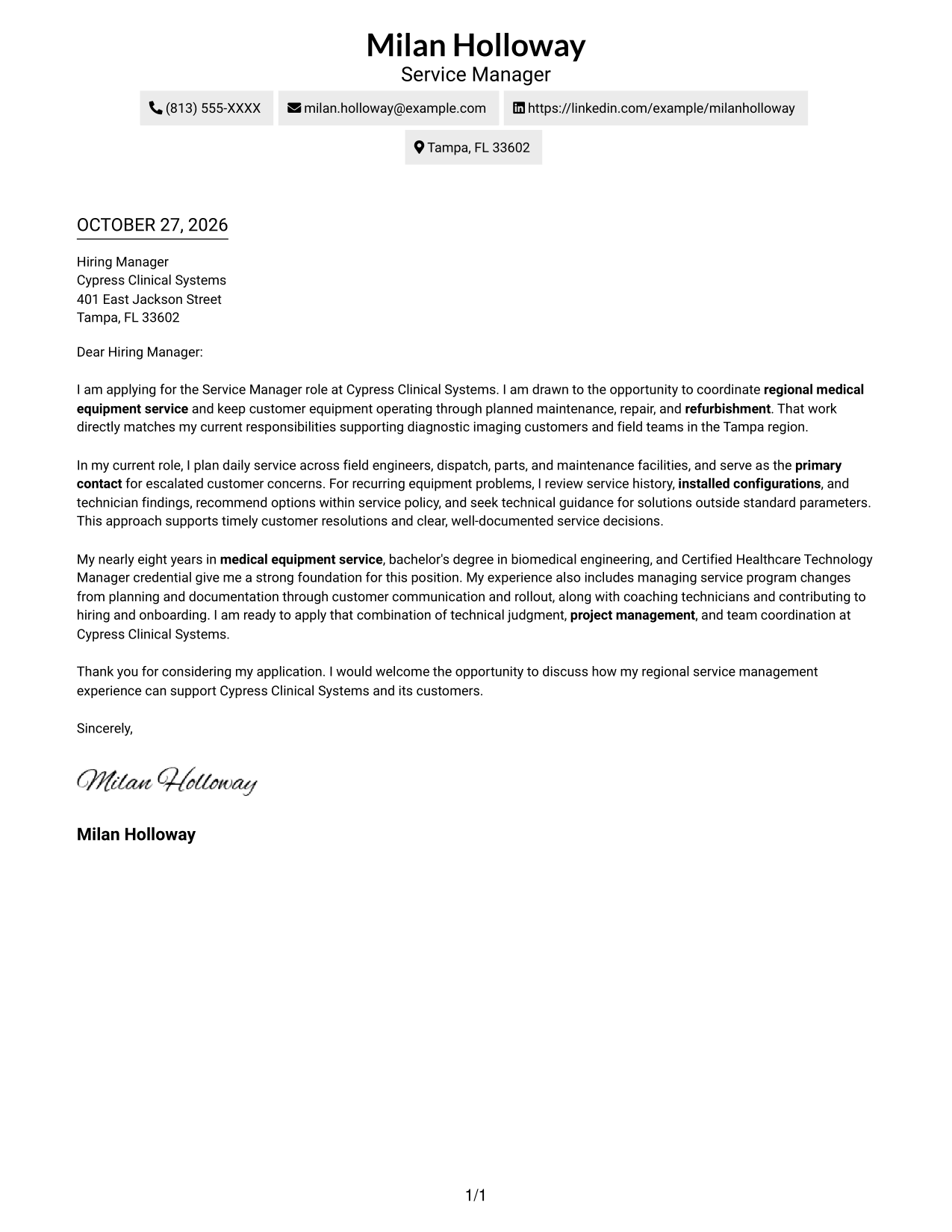
#2 Two Column Format Cover Letter Example
Two Column Format sets a contact sidebar beside one continuous letter body, keeping sender details distinct from the persuasive message.
Why This Format Works
- A contact sidebar gives sender details a clear place apart from the letter's greeting.
- The body column keeps motivation, evidence, and closing paragraphs together.
- A single body column gives every paragraph the same reading direction.
Best For
- Contact details beside the message
- Single-column body text
- Two-area page organization
- Letters with several body paragraphs
- Text-focused applications
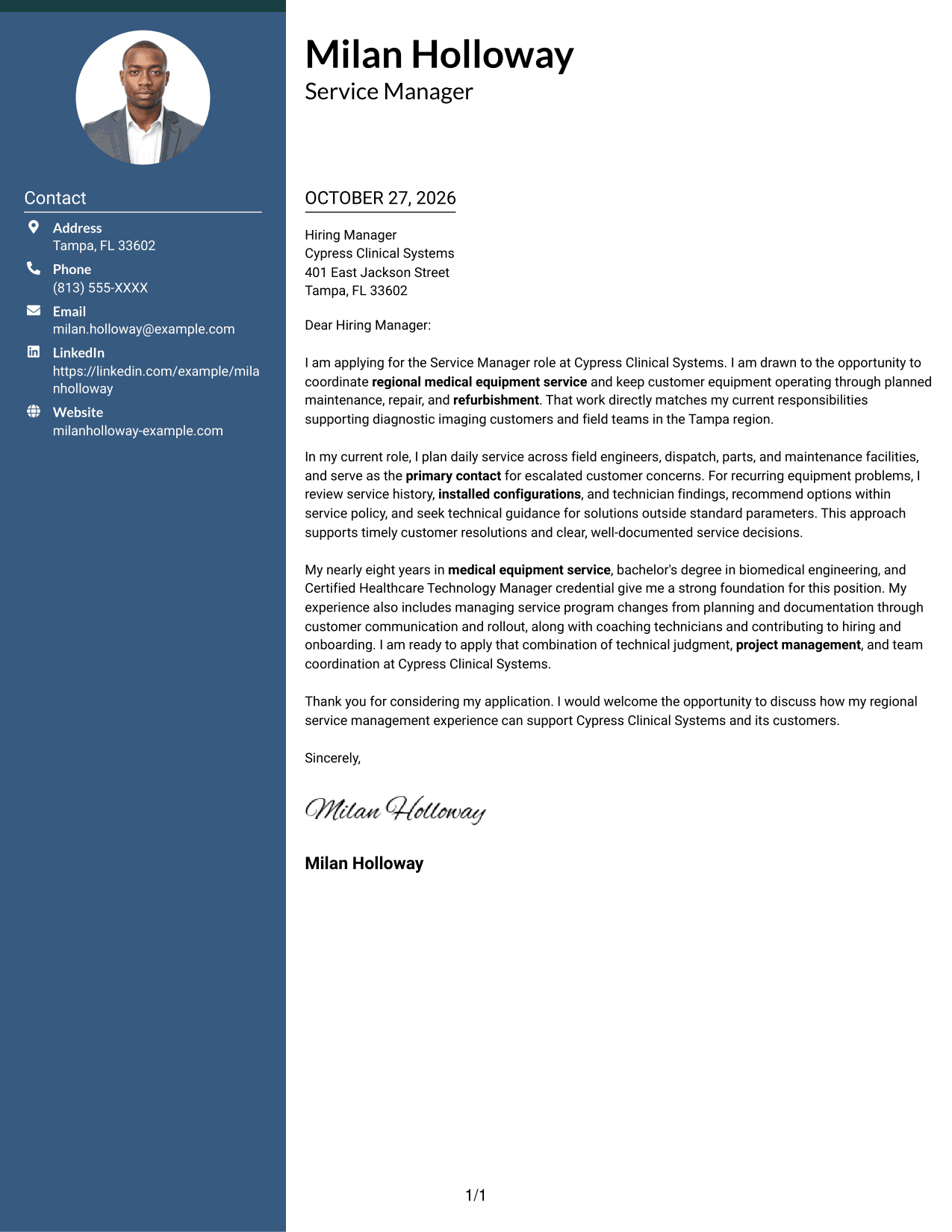
#3 Photo Header Two Column Format Cover Letter Example
Photo Header Two Column Format pairs a header photo and contact sidebar with one continuous letter column, offering a visible personal element while keeping the message intact.
Why This Format Works
- A header photo offers a visual point of recognition without changing the letter's structure.
- The contact sidebar separates sender details from the greeting and body.
- One letter column keeps the opening, supporting paragraphs, and close in sequence.
Best For
- Header-photo preference
- Contact sidebar layouts
- One-column letter prose
- Letters with a clear opening and close
- Regional service management applications
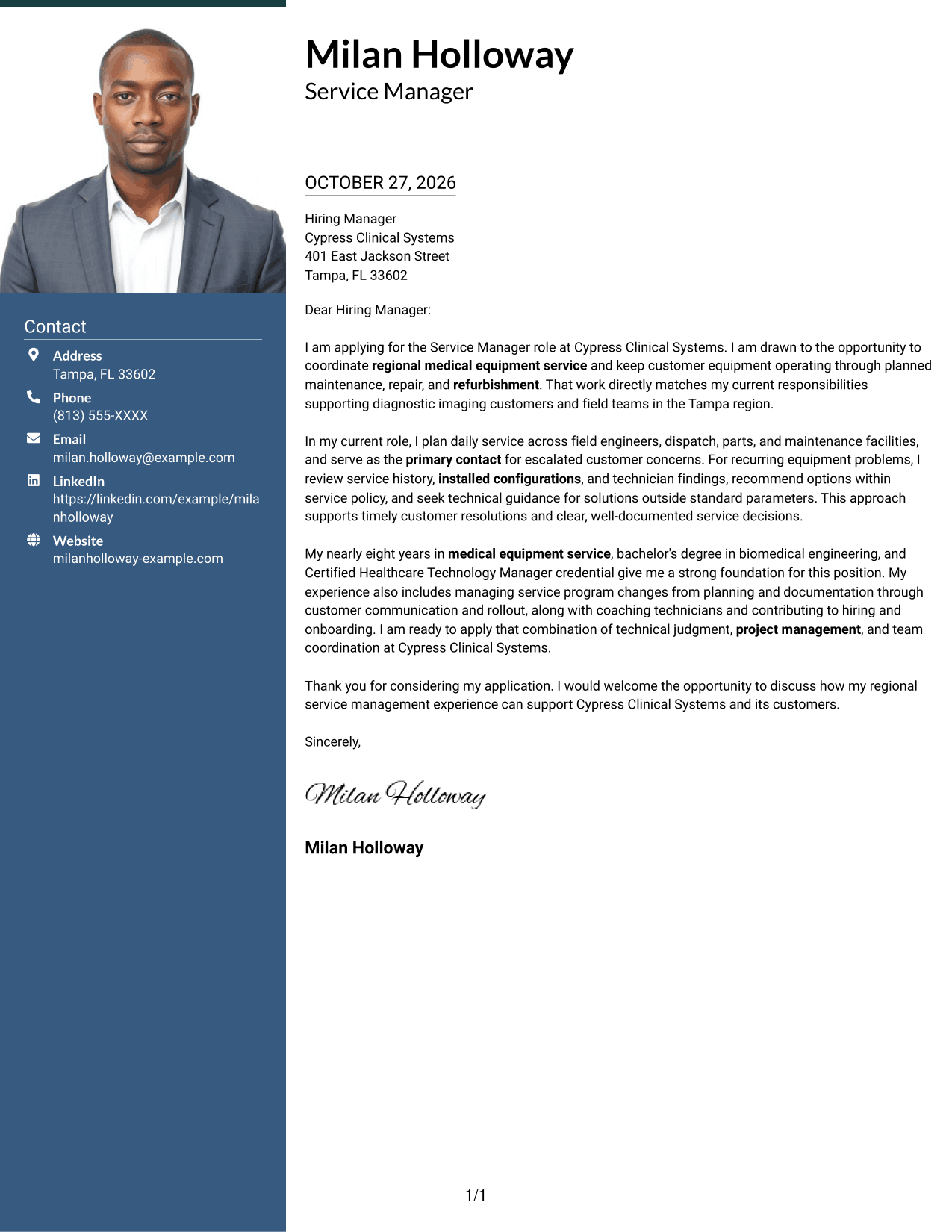
#4 One Column Format with Photo Cover Letter Example
One Column Format with Photo pairs a visible photo with one continuous letter column, keeping the letter's argument on a single reading path.
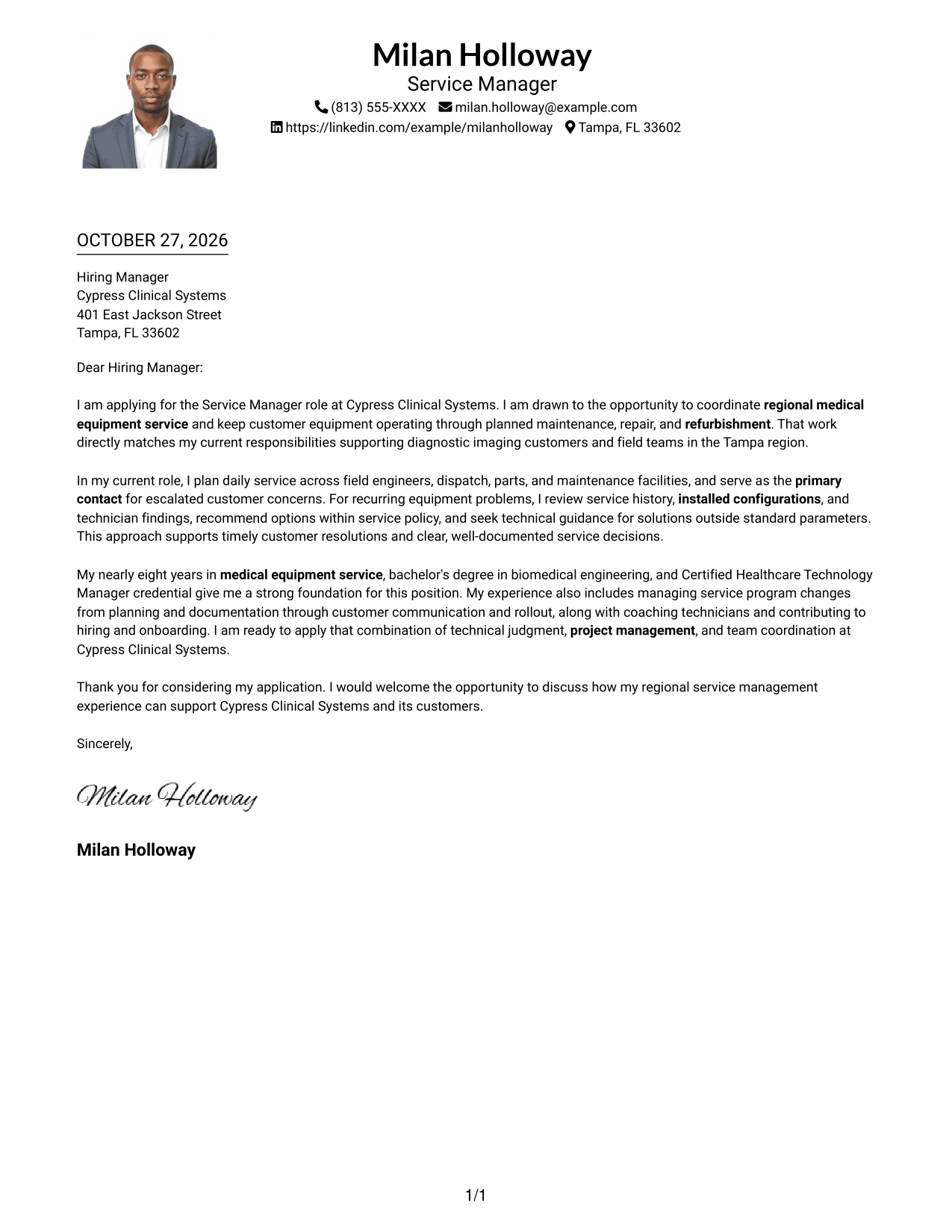
Why This Format Works
- A photo adds a personal visual element while the letter stays in one column.
- Header contact details remain apart from the salutation and message.
- Each paragraph follows the previous one in a single reading direction.
Best For
- One-column letter layouts
- Photo-inclusive cover letters
- Header contact details
- Formal application materials
- Letters with distinct body paragraphs
#5 Simple Two Column Format Cover Letter Example
Simple Two Column Format places a contact sidebar beside a continuous letter body, giving sender details and the application message separate areas.
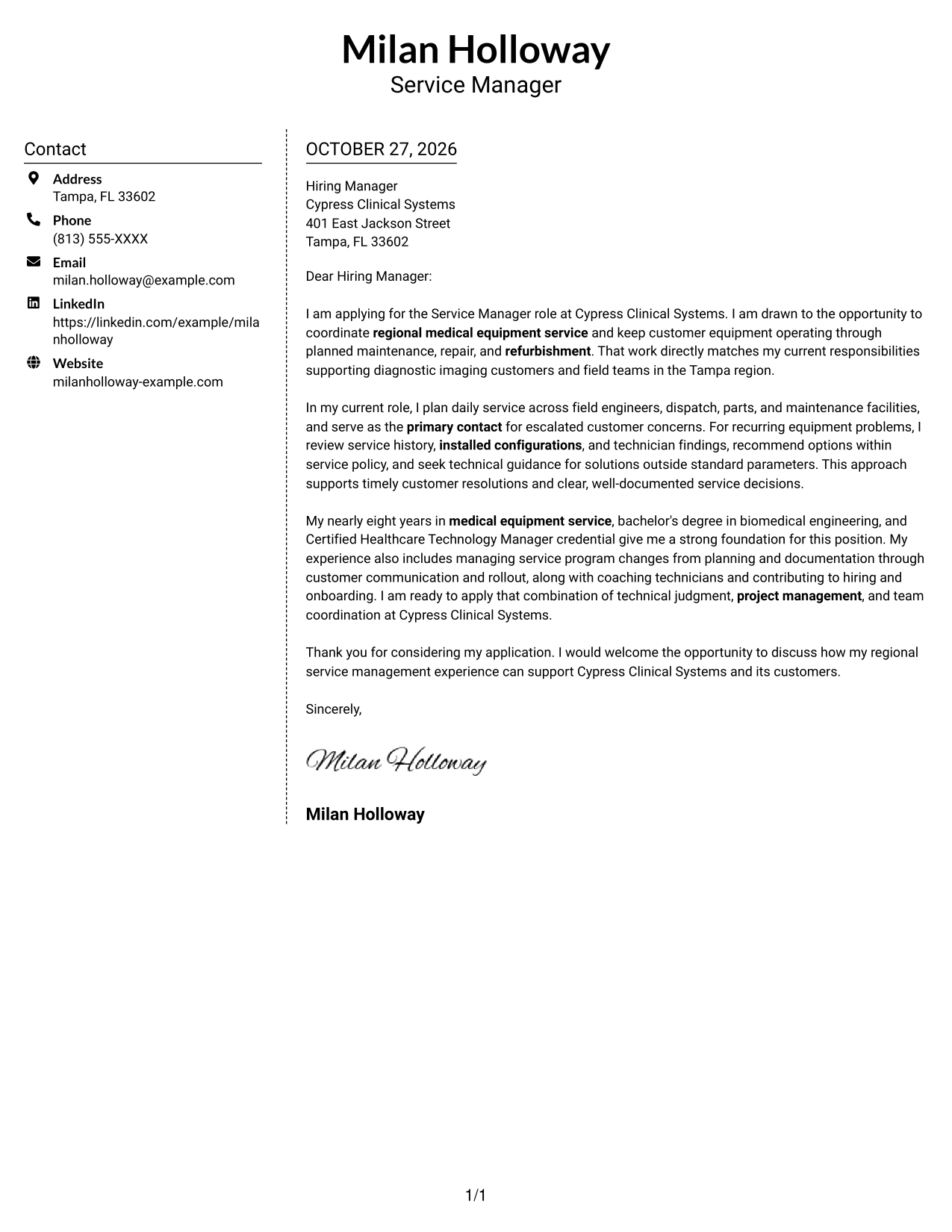
Why This Format Works
- The sidebar gives sender details a defined place outside the greeting and paragraphs.
- One body column keeps the letter's opening, evidence, and closing together.
- The separate areas make contact details easy to find without splitting the letter text.
Best For
- Contact-sidebar layouts
- Continuous letter prose
- Text-centered applications
- Multi-paragraph cover letters
- Separate contact and message areas
#6 Modern Icon Format Cover Letter Example
Modern Icon Format pairs contact cues and decorative header accents with a contact sidebar beside one continuous letter body, making contact details distinct without labeling the argument.
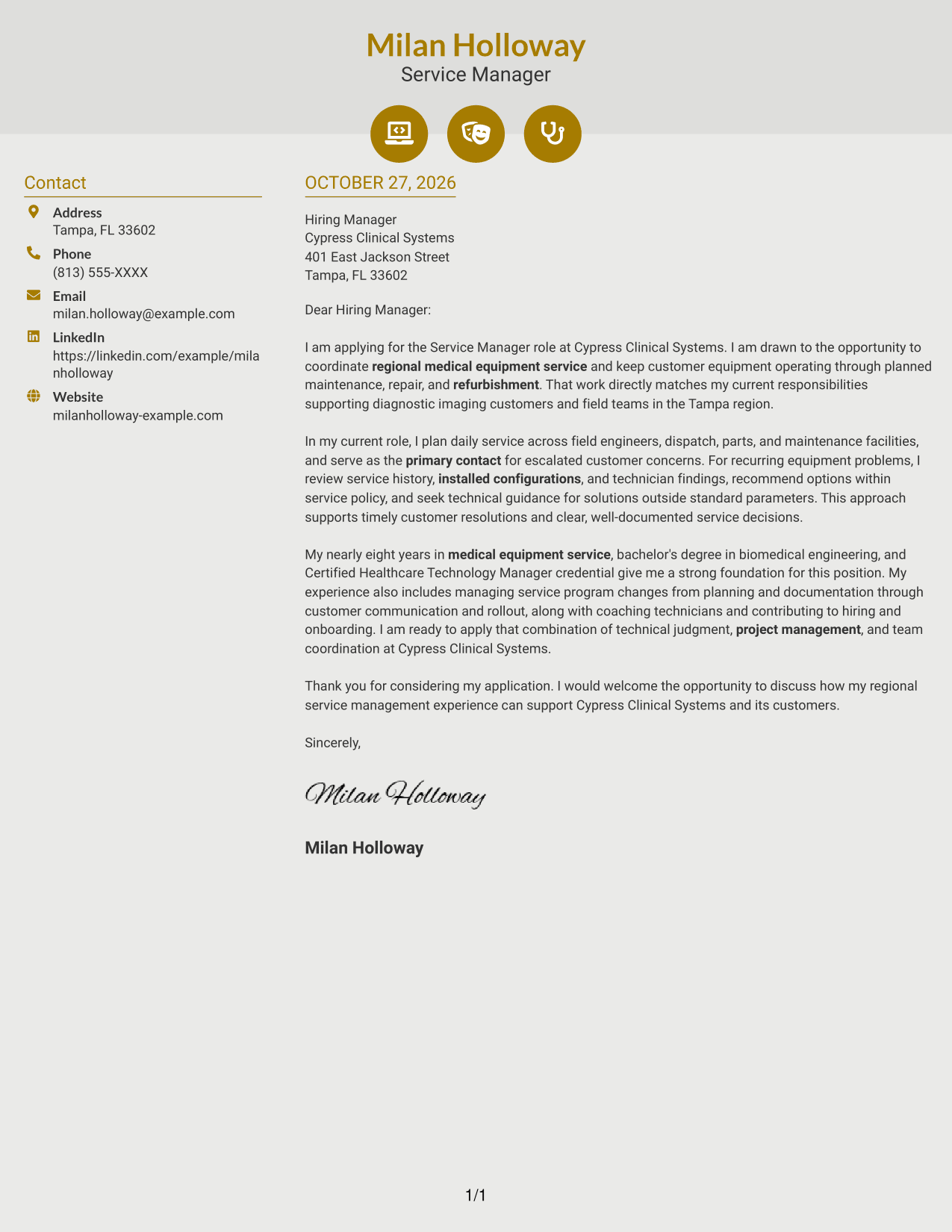
Why This Format Works
- Contact icons help distinguish sender details from the body text.
- All persuasive paragraphs stay together in one column beside the sidebar.
- Decorative header accents add visual interest without labeling argument stages.
Best For
- Icon cues for contact details
- Two-area page organization
- One-column letter text
- Decorative header details
- Letters with distinct body paragraphs
#7 Creative Two Tone Format Cover Letter Example
Creative Two Tone Format places a contact sidebar beside one continuous letter body, keeping sender details distinct while the application message stays in one reading column.
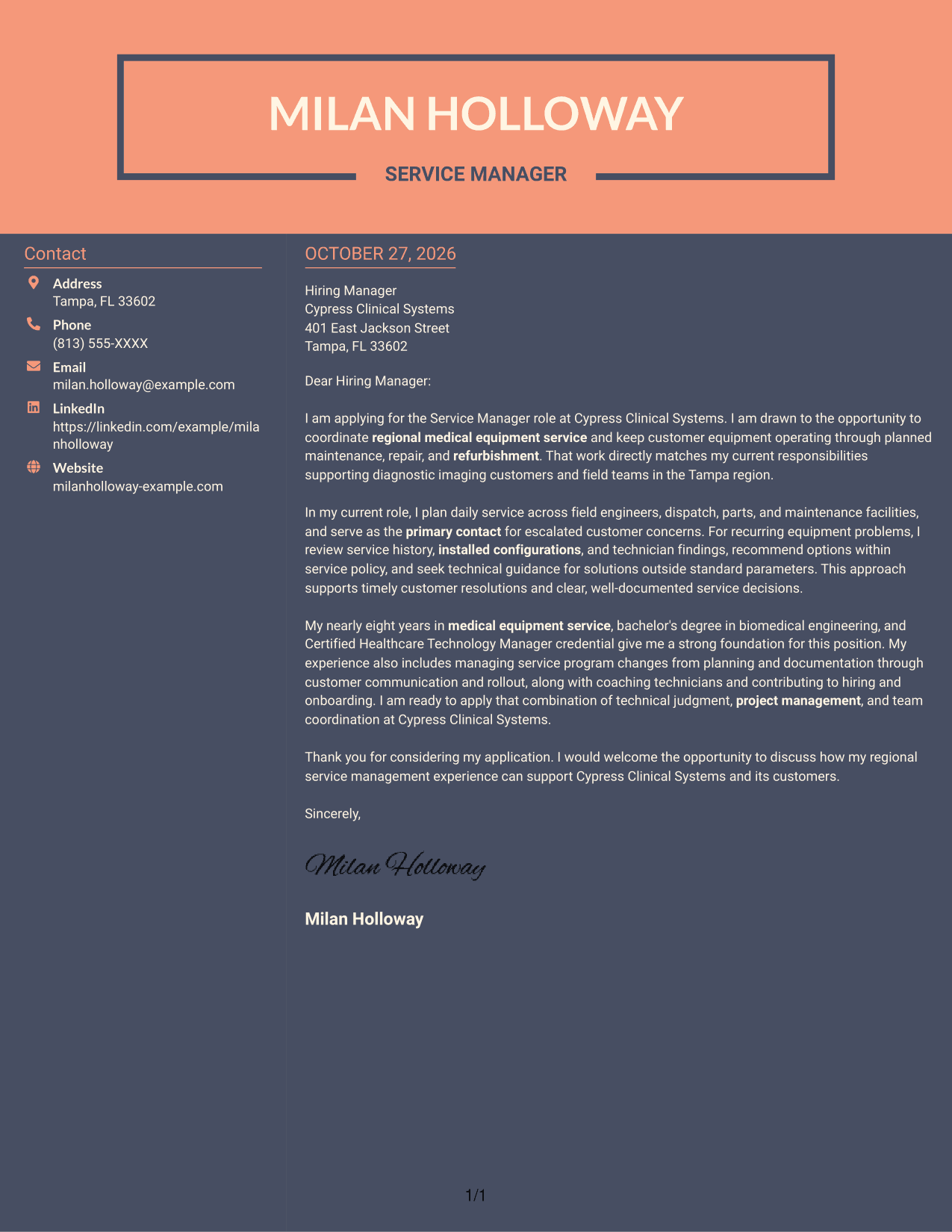
Why This Format Works
- Contact information sits in a sidebar, apart from the continuous letter body.
- One body column preserves the order from opening through evidence to close.
- Readers can check contact details while keeping the letter's argument in one column.
Best For
- Two-column contact layouts
- Single-column letter body
- Photo-free cover letters
- Text-forward application materials
- Formal application letters
See Also
- 7 Field Service Technician I - Medical Equipment Resume Templates with Example
- 7 Service Manager - Medical Equipment Field Service Resume Templates with Example
- 7 Automation Technical Service Representative - Packaging Equipment Resume Templates with Example
- 7 Customer Service Specialist - Fitness Equipment Support Resume Templates with Example
- 7 Service Technician - Fleet Equipment Maintenance Resume Templates with Example
- 7 Copier Field Service Technician Resume Templates with Example
- 7 Field Customer Service Representative - Animal Services Resume Templates with Example
- 33 Field Service Engineer - Data Center Resume Templates with Example 2026 (ATS-Optimized)
- 7 Automation Technical Service Representative - Packaging Equipment Cover Letter Templates with Example
- 7 Customer Service Specialist - Fitness Equipment Support Cover Letter Templates with Example
Frequently Asked Questions
What should a Service Manager - Medical Equipment Field Service cover letter emphasize?
Show how you plan field service work, support customers, and help maintain equipment through preventive maintenance, repair, or refurbishment. Give a clear example of how you analyze a concern and coordinate the right people or resources.
How should I structure this cover letter?
Use the opening to state your interest and connect it to the service work. In the body, give a specific example of your judgment and coordination. Close by restating your interest and inviting a conversation.
What evidence can make my letter more persuasive?
Describe relevant work such as reviewing equipment history and installed configurations, coordinating field engineers and parts, resolving customer concerns, or managing a service program change. Include only details that reflect your own experience.
How can I show interest in a particular employer?
Connect your interest to the service responsibilities and customer needs described in the job posting. For a role at Cypress Clinical Systems, explain how your approach to regional planning and customer support fits the position, and add a genuine reason for your interest when you have one.
Which cover letter presentation should I choose?
Choose a clear layout that makes the opening, evidence, and closing easy to follow. Compare the PNG previews, then open an example in the editor to view or customize its presentation.
Should I include a photo on my cover letter?
For U.S. applications, a photo is usually not needed. A simple, professional presentation keeps attention on your role fit and the evidence in your letter.




