
7 Services Specialist Assistant - Family Team Support Cover Letter Templates with Example
This guide helps you write a focused Services Specialist Assistant - Family Team Support cover letter, with seven layouts that show how to present your motivation and role fit.
What Makes a Great Services Specialist Assistant - Family Team Support Cover Letter in 2026
A strong letter connects your interest in family support to the role’s work with visits, case-plan support, and permanency planning. Keep the opening direct and explain why this work matters to you.
Use specific examples of visit supervision, clear observations, or family engagement to show how you can support the specialist and the family. Close by linking your approach to the employer’s child-focused services.
The featured example moves from role interest to relevant duties, supporting evidence, and a clear close. Adapt that focused progression, choosing a presentation that suits the employer and the communication context.
#1 Simple One Column Format Cover Letter Example
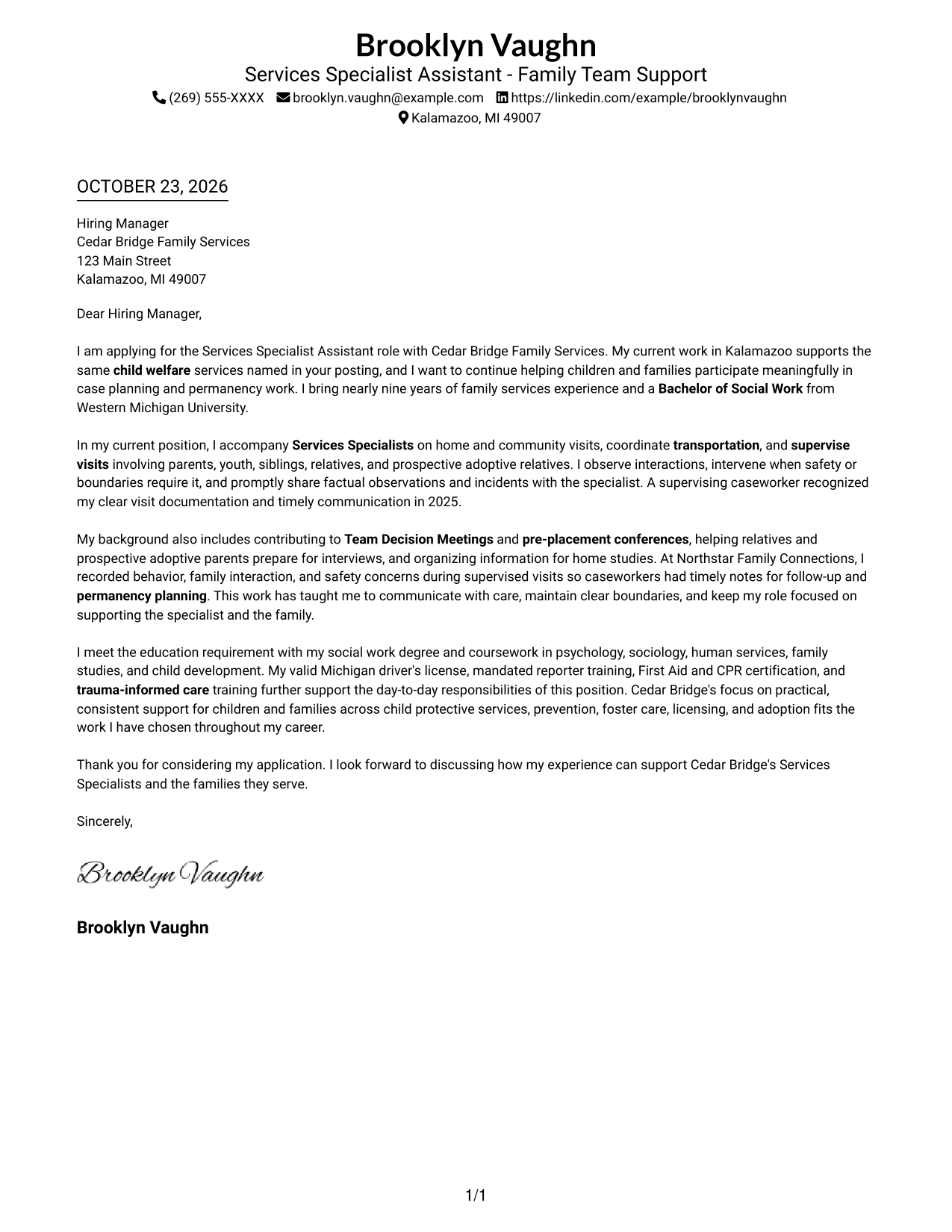
A single-column page keeps sender details and the letter body in one direct reading path.
Why This Format Works
- Sender details stay close to the message without a separate contact sidebar.
- Continuous paragraphs let the opening, supporting points, and closing unfold in order.
- The photo-free presentation suits readers who prefer the written message to lead.
Best For
- Single-column letter pages
- Contact details near the message
- Continuous persuasive paragraphs
- Applications without a portrait
- Familiar letter reading order
#2 Two Column Format Cover Letter Example
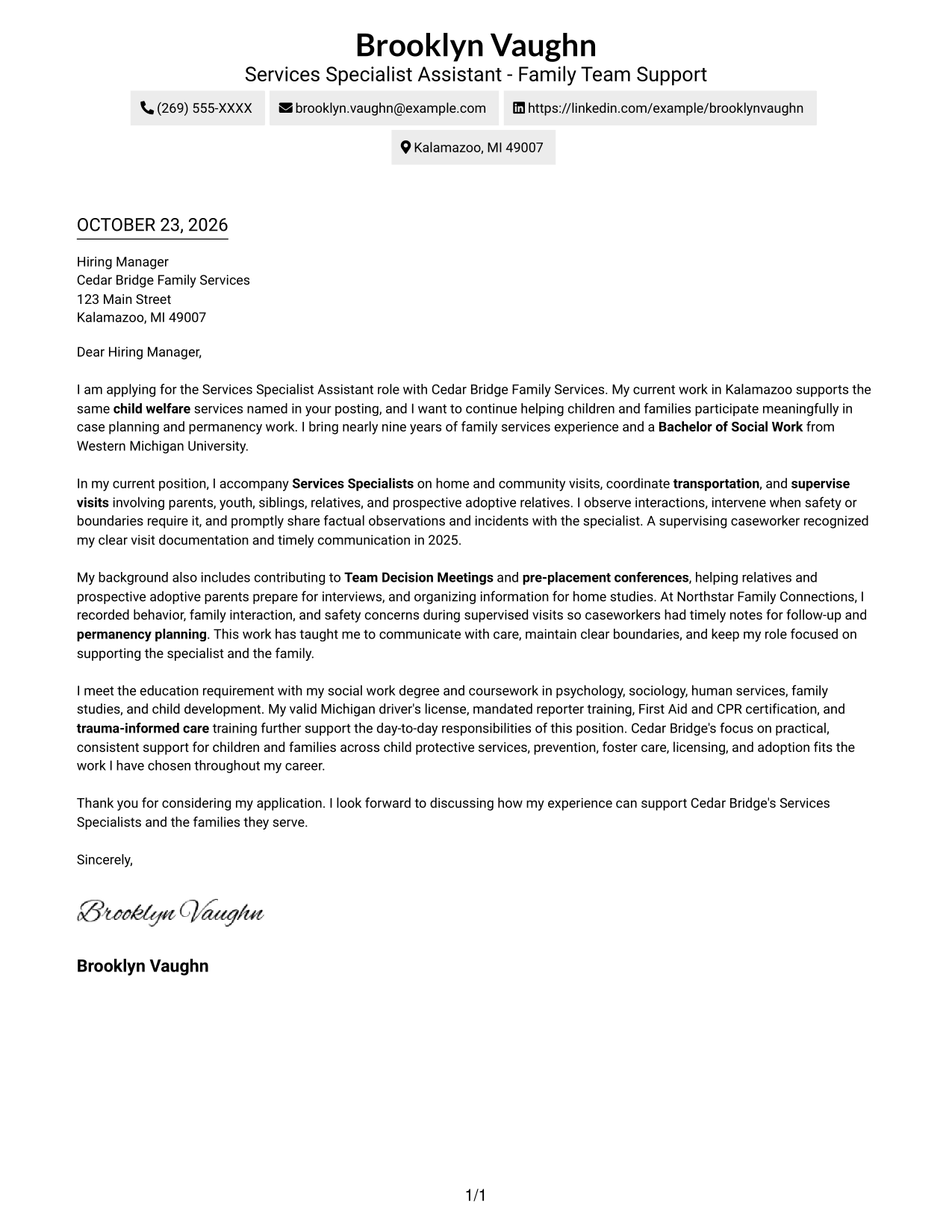
A contact sidebar sits beside one uninterrupted letter body, separating details from the message.
Why This Format Works
- Contact information remains easy to locate without interrupting the main letter.
- One continuous body preserves the sequence from opening interest through the closing.
- The photo-free page suits readers who prefer text without portrait display.
Best For
- Sidebar-based contact details
- Uninterrupted letter paragraphs
- Two-column page preference
- Applications without a portrait
- Distinct contact placement
#3 Photo Header Two Column Format Cover Letter Example
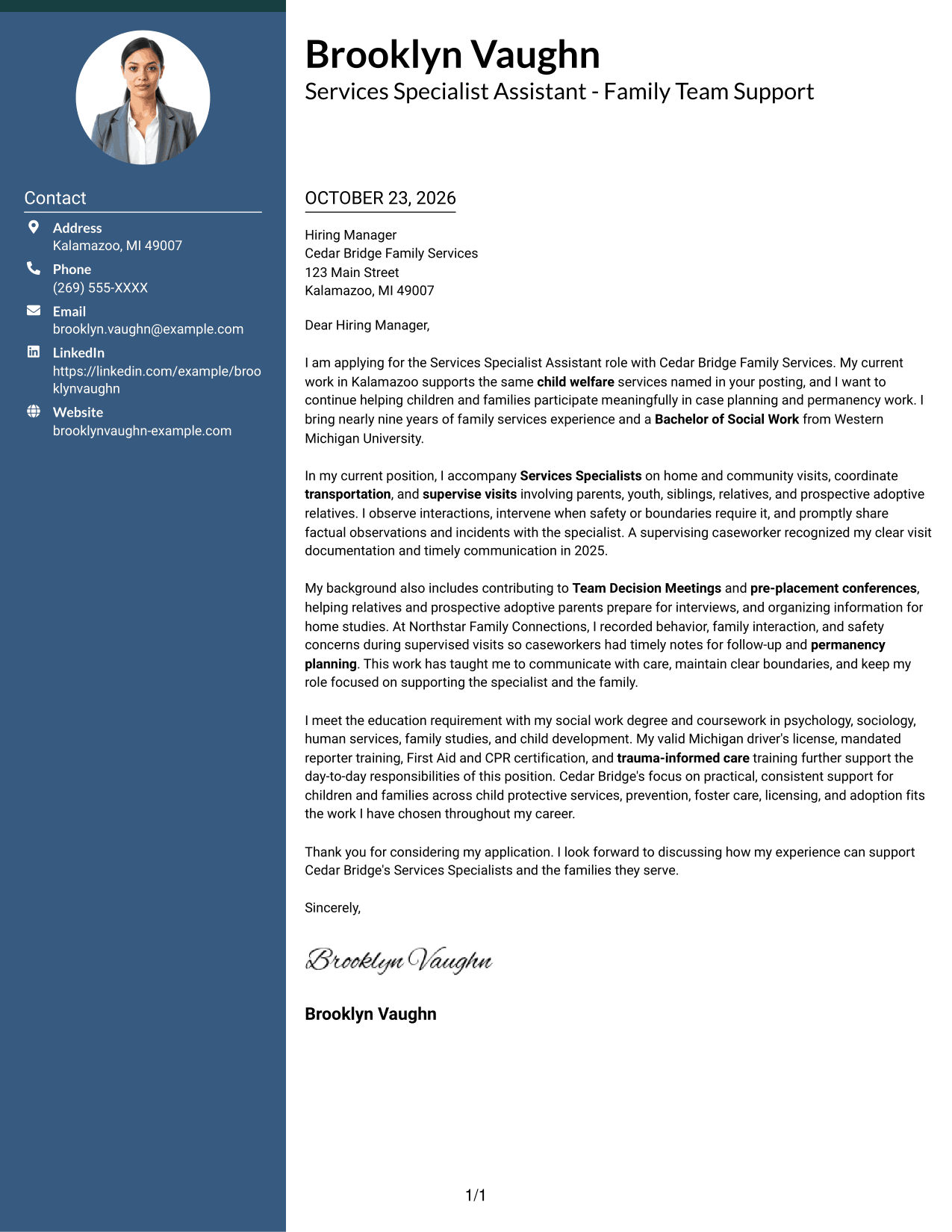
A photo accompanies the two-column layout, adding a personal visual element while the letter stays in one continuous body.
Why This Format Works
- Contact details stay in a sidebar, apart from the letter's persuasive paragraphs.
- One continuous body carries the message from initial interest to the final request.
- The included photo adds a personal visual element for applicants who want one.
Best For
- Portrait-inclusive letter layouts
- Sidebar contact presentation
- Continuous argument paragraphs
- Two-column page preference
- Applications seeking a personal visual element
#4 One Column Format with Photo Cover Letter Example
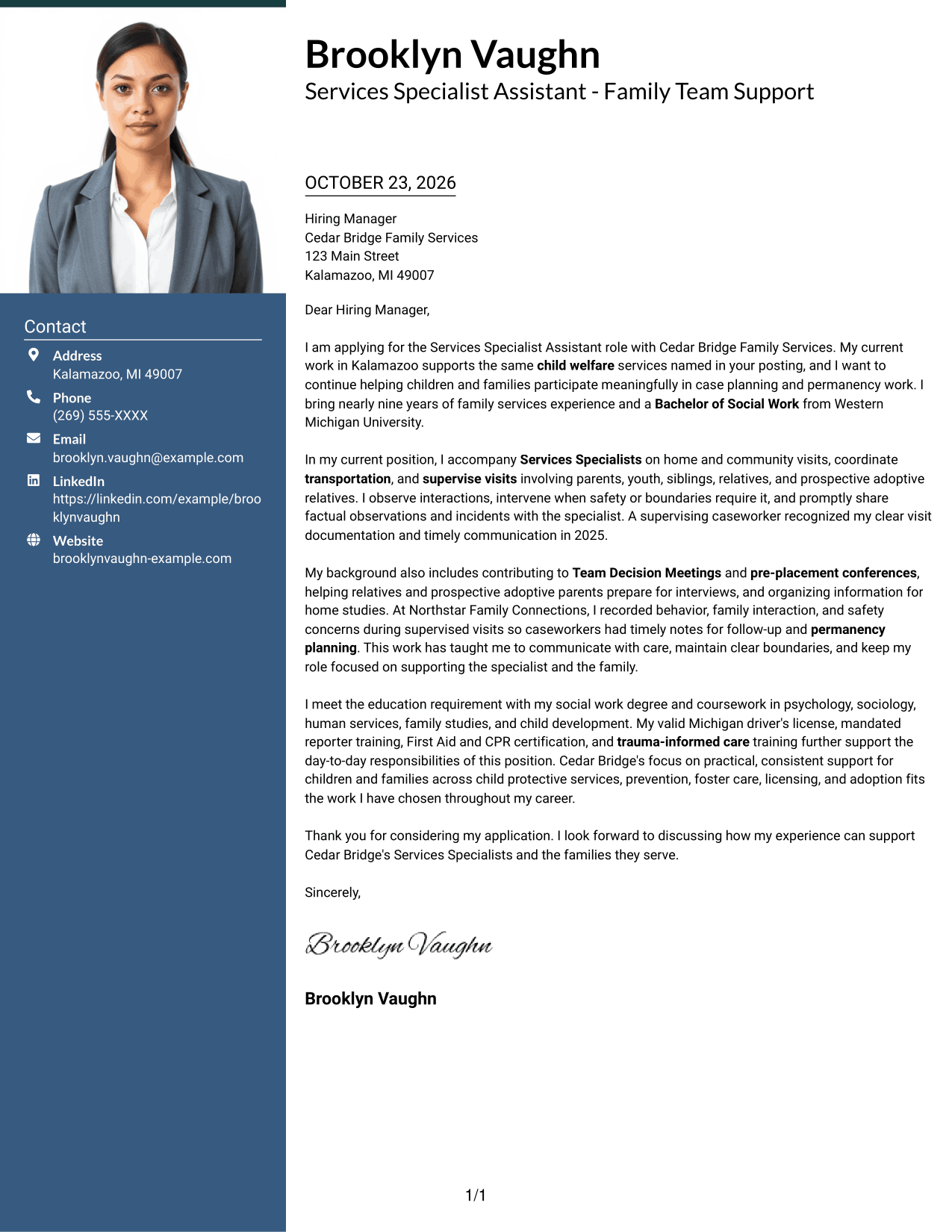
The sender details and letter remain in one column alongside a photo, keeping the page in a single reading path.
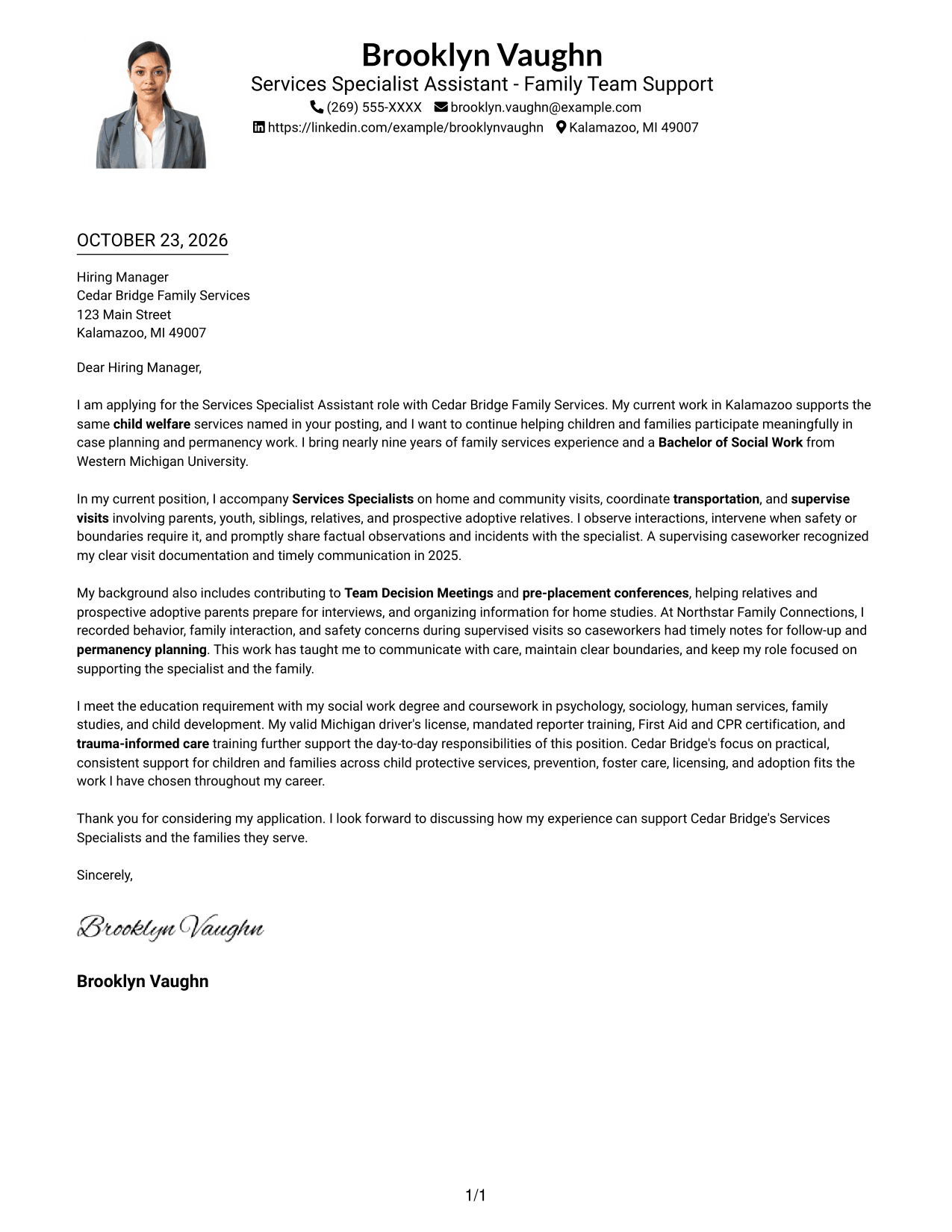
Why This Format Works
- One reading column keeps contact information and the message in the same overall path.
- Continuous paragraphs let reviewers follow the case for fit without body headings.
- An included photo suits applications where a personal image is part of the preferred look.
Best For
- Single-column letter pages
- Photo-inclusive applications
- Contact details with the letter
- Continuous persuasive text
- Readers who prefer one reading path
#5 Simple Two Column Format Cover Letter Example
A contact sidebar and continuous letter body form two clear columns, keeping the message together while setting contact details apart.
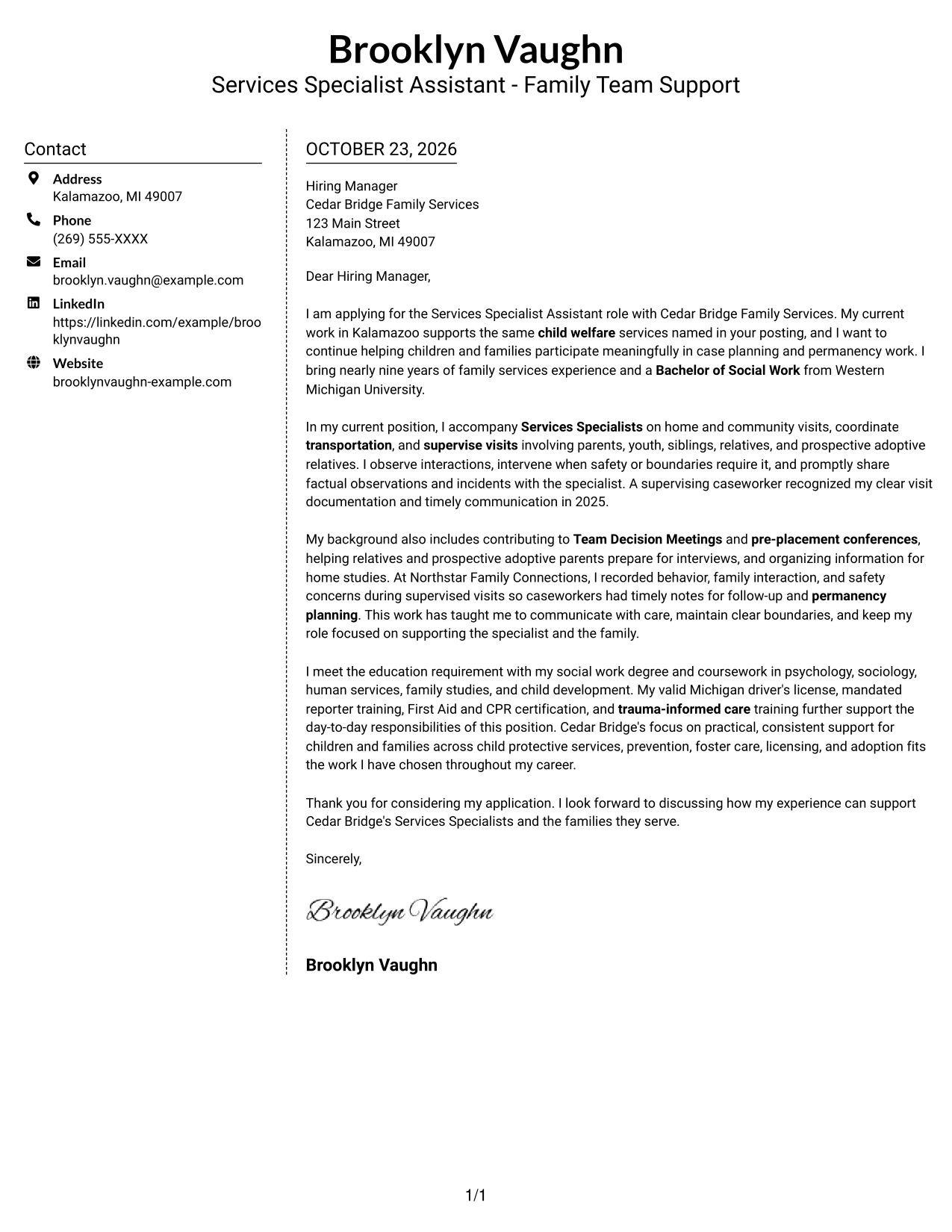
Why This Format Works
- The sidebar gives contact details a separate place beside the letter.
- Opening, supporting points, and closing remain together in continuous paragraphs.
- A photo-free layout keeps the page focused on written communication.
Best For
- Contact details in a sidebar
- Continuous letter paragraphs
- Two-column page preference
- Applications without a portrait
- Written-message-first presentation
#6 Modern Icon Format Cover Letter Example
The two-column layout uses icons as contact cues, leaving the letter body continuous and free of argument labels.
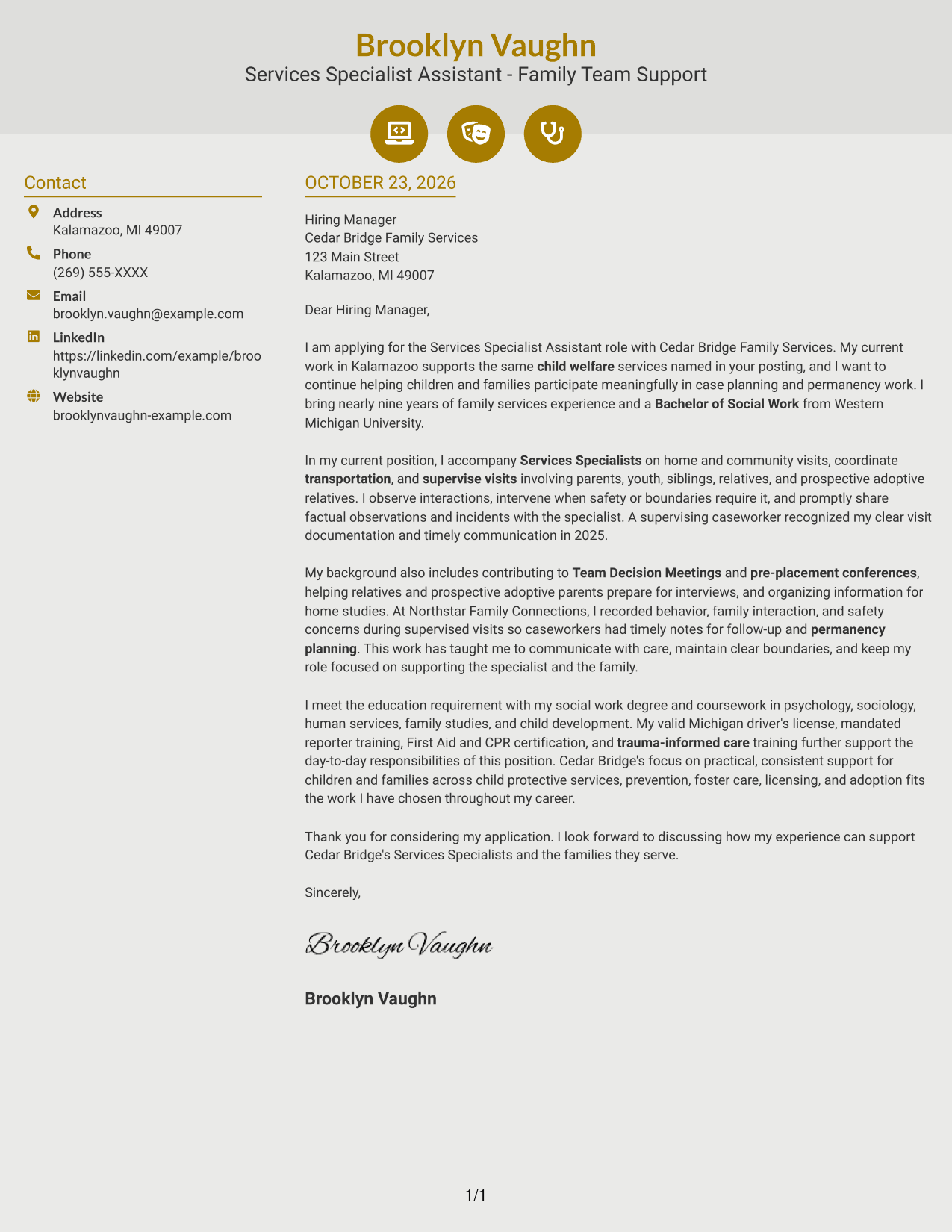
Why This Format Works
- Icons help distinguish contact details from the main letter text.
- The separate sidebar keeps contact information outside the continuous message.
- Opening, supporting points, and closing remain in one connected body.
Best For
- Icon-marked contact details
- Two-column page preference
- Continuous letter arguments
- Contact information apart from prose
- Readers who prefer visual contact cues
#7 Creative Two Tone Format Cover Letter Example
Two columns place contact details beside one continuous letter, keeping the message together while giving contact information its own area.
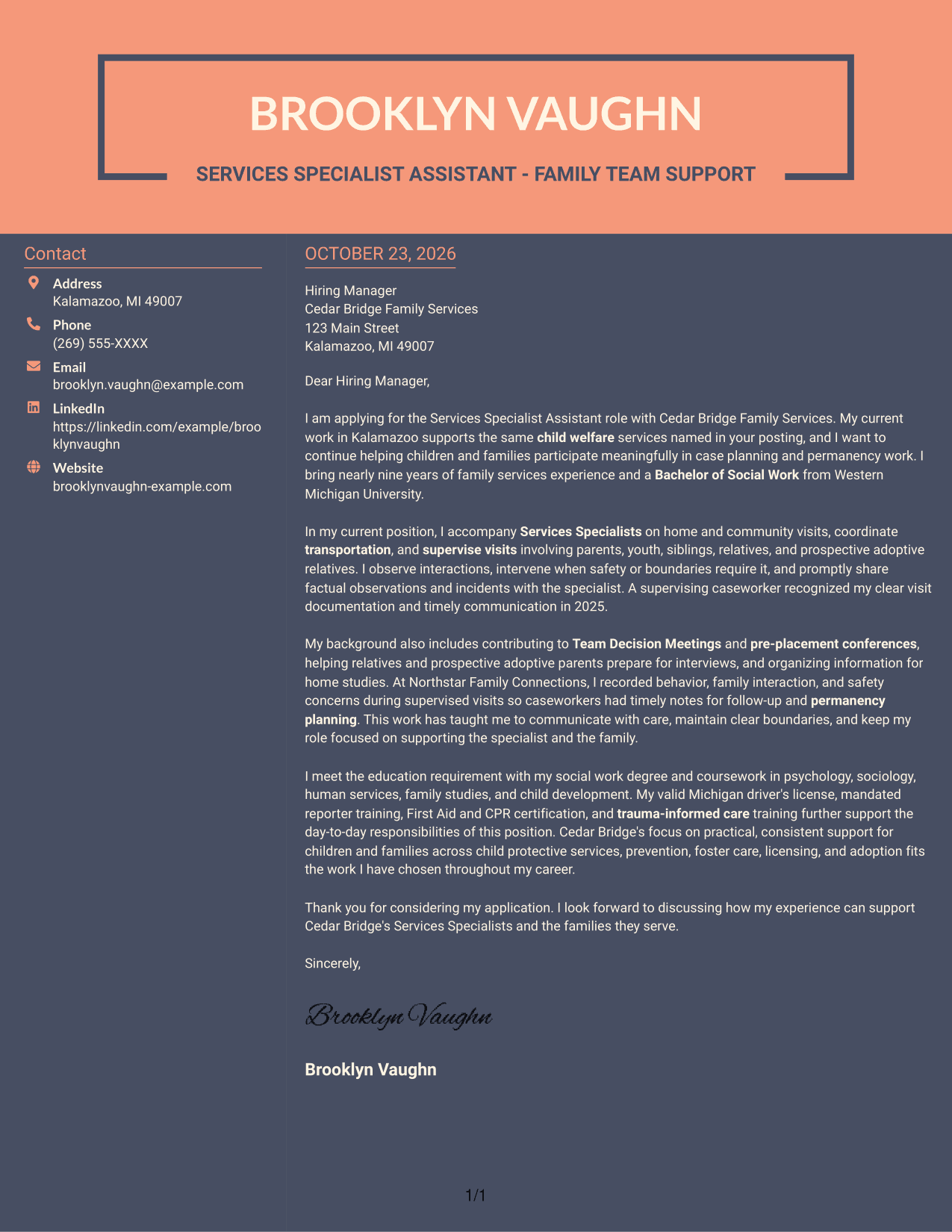
Why This Format Works
- A separate contact area helps reviewers find sender details without searching the letter.
- The body keeps the opening, supporting points, and closing in a single sequence.
- The two-column arrangement suits readers who want contact details apart from the message.
Best For
- Contact information in a separate area
- One continuous letter body
- Two-column reading preference
- Applications without a portrait
- Clear separation of contact and message
Why Use ResumeInMinutes for a Services Specialist Assistant - Family Team Support Cover Letter
Review a cover letter example, compare its image preview, and open the example in the editor to customize your letter for the role.
- Cover letter examples
- Clear, readable layouts
- Role-focused guidance
- Editor-based customization
- Professional presentation options
- Support for a focused application
Use the example to explain how you support family involvement, communicate visit observations, and contribute to case-plan and permanency work. Keep each point tied to your own relevant experience and the position’s needs.
See Also
- 7 Services Specialist Assistant - Family Team Support Resume Templates with Example
- 7 Administrative Assistant II - Math, Science, and Health Services Resume Templates with Example
- 7 Administrative Assistant, Senior - Intercultural/International Studies & Enrollment Services Resume Templates with Example
- 7 Assistant Service Advisor Resume Templates with Example
- 33 Customer Service Representative - Executive Assistant Resume Templates with Example 2026 (ATS-Optimized)
- 7 Food Service Assistant Resume Templates with Example
- 7 Library Technical Assistant I - Technical Services Resume Templates with Example
- 33 Physician Assistant - Surgical Services Resume Templates with Example 2026 (ATS-Optimized)
- 30+ Customer Service Representative - Executive Assistant Cover Letter Templates with Example 2026
- 7 Library Technical Assistant I - Technical Services Cover Letter Templates with Example
Frequently Asked Questions
What should a Services Specialist Assistant - Family Team Support cover letter include?
Explain your interest in child welfare support and connect relevant experience to visits, transportation, family engagement, and case-plan support. Use clear examples and close with your interest in discussing the role.
How can I describe supervised visit experience?
Briefly explain the types of visits you supported, how you observed interactions, and how you shared factual notes or safety concerns with the specialist. Keep the focus on your role and follow-up.
How do I show that I can support permanency planning?
Describe relevant work with family participation, Team Decision Meetings, pre-placement conferences, relative engagement, or home studies. Choose examples that match your own background.
Which cover letter style works well for this position?
Choose a simple, readable format that makes your opening, supporting examples, and closing easy to follow. Consider the employer’s communication style and the setting where the letter will be reviewed.
How can I tailor the letter to a family services employer?
Refer to the employer’s stated services and explain how your approach supports children, families, and the specialist team. Use only details that are accurate for your own experience.




