
7 Small Business Advocate - Community Development Cover Letter Templates with Example
This guide helps you create a focused Small Business Advocate - Community Development cover letter and compare seven layouts for presenting your role fit clearly.
What Makes a Great Small Business Advocate - Community Development Cover Letter in 2026
A strong letter links your interest in community development to outcomes such as connecting small businesses with capital, guidance, and fair access to credit. It also makes clear how your approach supports the role’s CRA goals.
Use specific evidence, such as building partner relationships, leading practical workshops, or tracking community engagement. Connect that evidence to the employer’s needs without claiming skills or results you cannot support.
The featured Small Business Advocate - Community Development example follows a focused progression from role interest to relevant evidence and a clear close. Adapt that flow while choosing a presentation that suits the employer and the communication context.
#1 Simple One Column Format Cover Letter Example
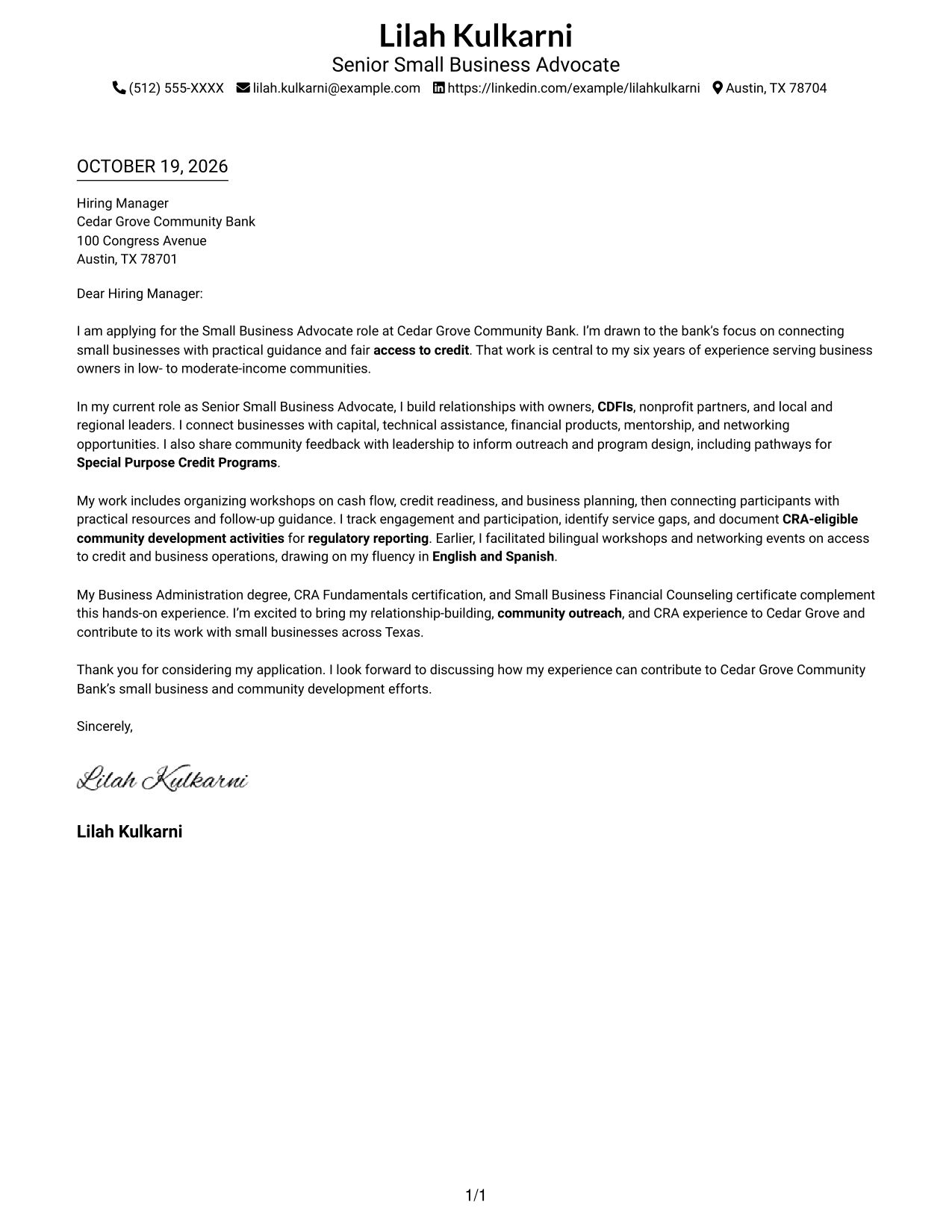
A simple one-column page keeps sender details in the header and gives the letter body a familiar, direct reading path.
Why This Format Works
- Header contact details stay distinct from the letter's message and persuasion.
- One body column lets reviewers follow motivation, evidence, and closing in sequence.
- Paragraph-based prose keeps the letter personal without argument-stage labels.
Best For
- Single-column letter pages
- Familiar reading order
- Header-based contact details
- Continuous persuasive prose
- Photo-free presentation
#2 Two Column Format Cover Letter Example
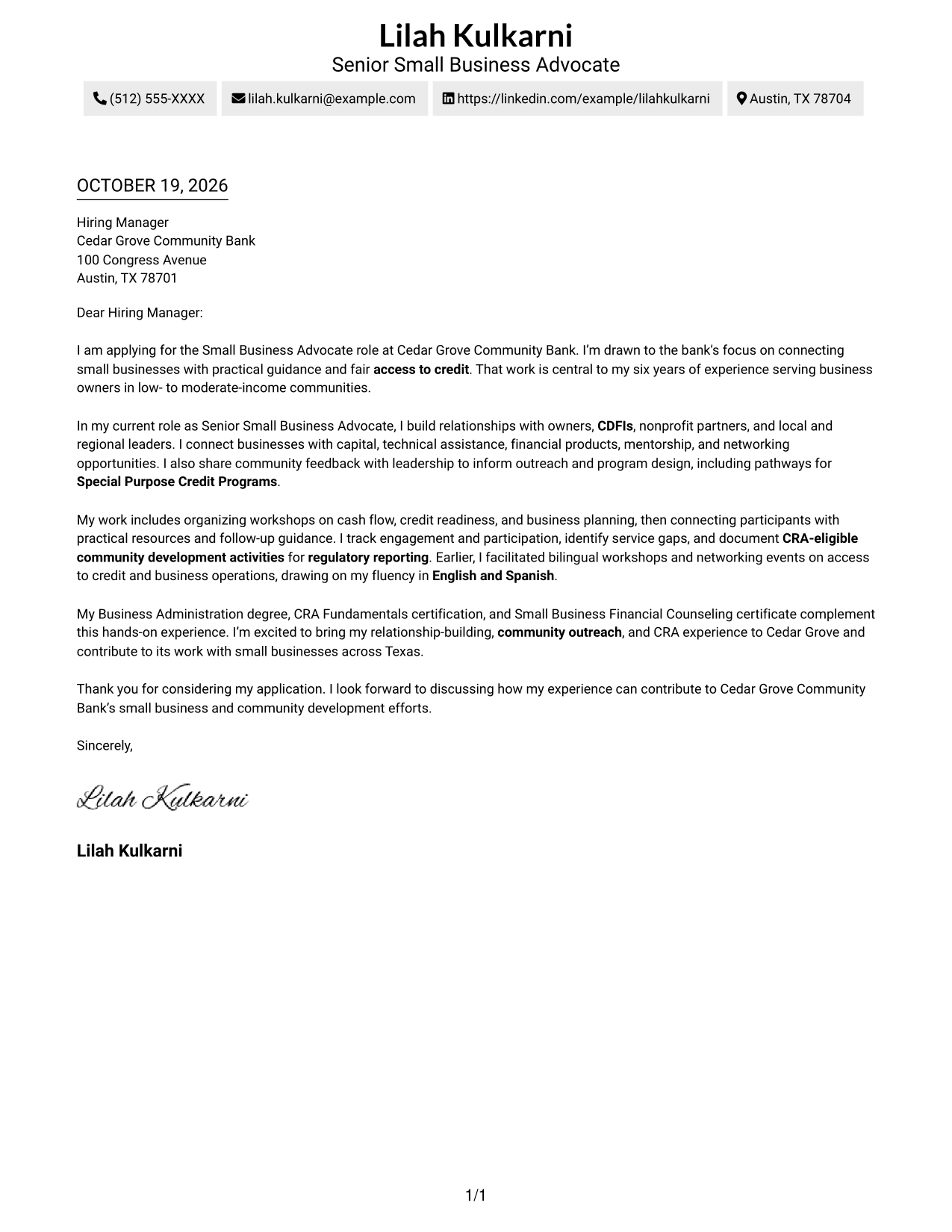
A two-column page places contact details beside one uninterrupted letter body, making sender information easy to locate without splitting the message.
Why This Format Works
- Contact information sits apart from the continuous letter, so details are easy to locate.
- One body column preserves a clear path through motivation, evidence, and closing.
- Side-by-side areas distinguish sender details from the employer-focused message.
Best For
- Sidebar contact reference
- Single-column letter body
- Sender-message separation
- Continuous paragraph argument
- Photo-free presentation
#3 Photo Header Two Column Format Cover Letter Example
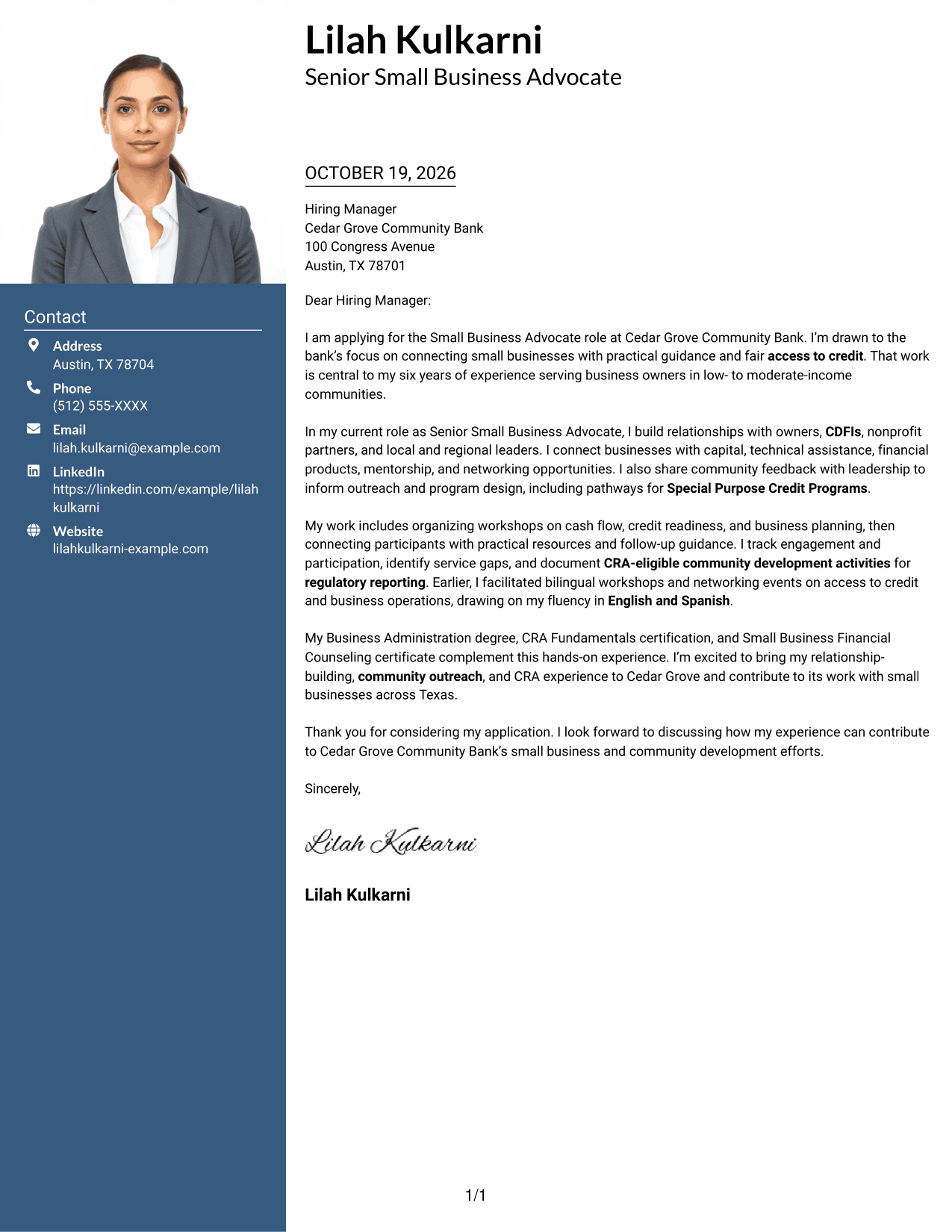
The photo header adds a portrait to a two-column layout, while contact details sit beside one continuous letter body.
Why This Format Works
- Contact details remain separate from the letter body for quick reference.
- The continuous body keeps motivation, supporting points, and closing in a single sequence.
- A header portrait provides a distinct visual choice without changing the letter's message.
Best For
- Two-column contact layouts
- Portrait-led visual style
- Employer-specific openings
- Continuous supporting paragraphs
- Single-column letter bodies
#4 One Column Format with Photo Cover Letter Example
A one-column letter pairs the continuous body with a prominent photo, giving the page a personal visual point while preserving a familiar reading path.
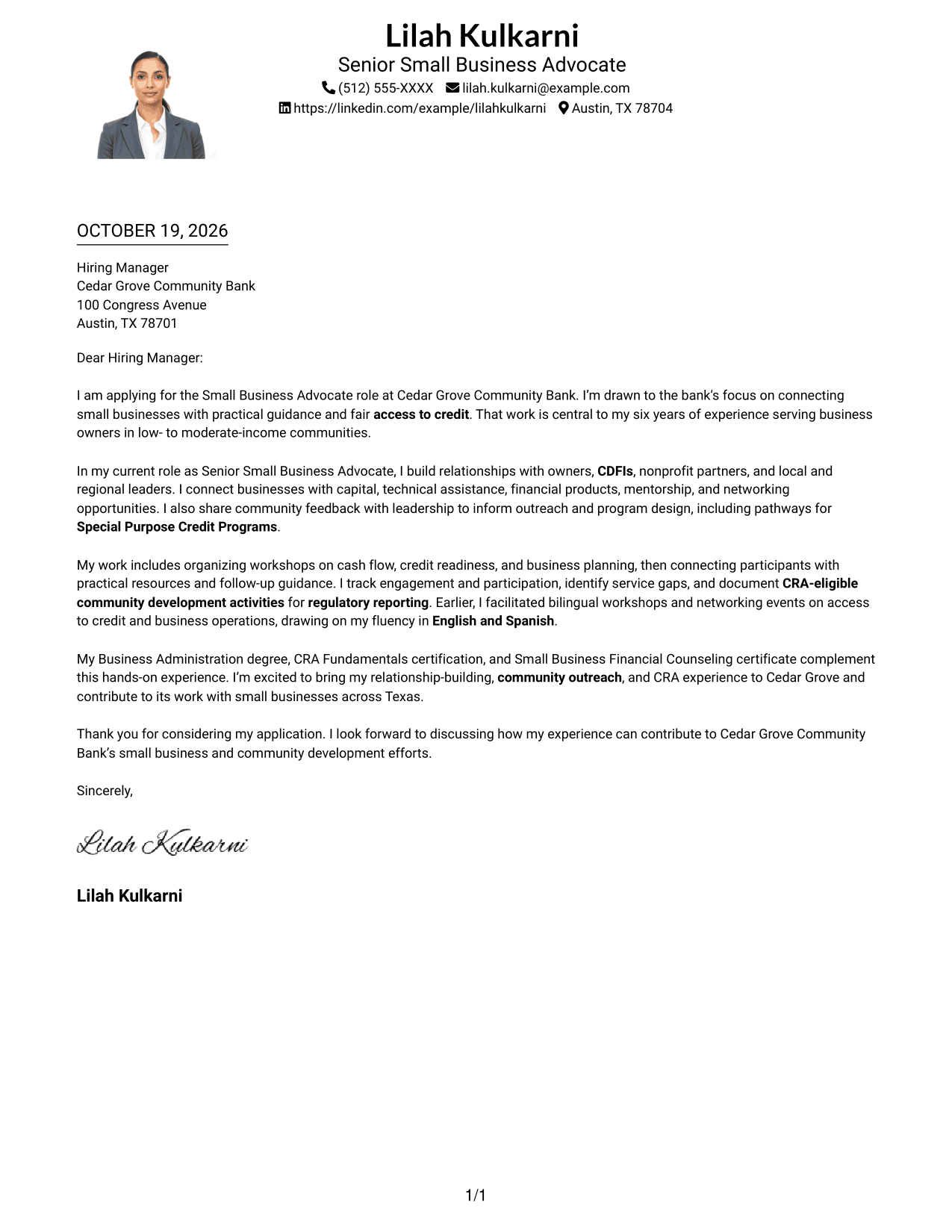
Why This Format Works
- Header contact details remain easy to find beside the continuous prose.
- One reading column carries the opening, supporting points, and close in order.
- A large photo offers a more personal visual presentation.
Best For
- One-column letter pages
- Header portrait preference
- Familiar reading order
- Employer-focused message
- Continuous body paragraphs
#5 Simple Two Column Format Cover Letter Example
A simple two-column layout keeps contact details in a sidebar and the full letter in one body column, separating reference information from the message.
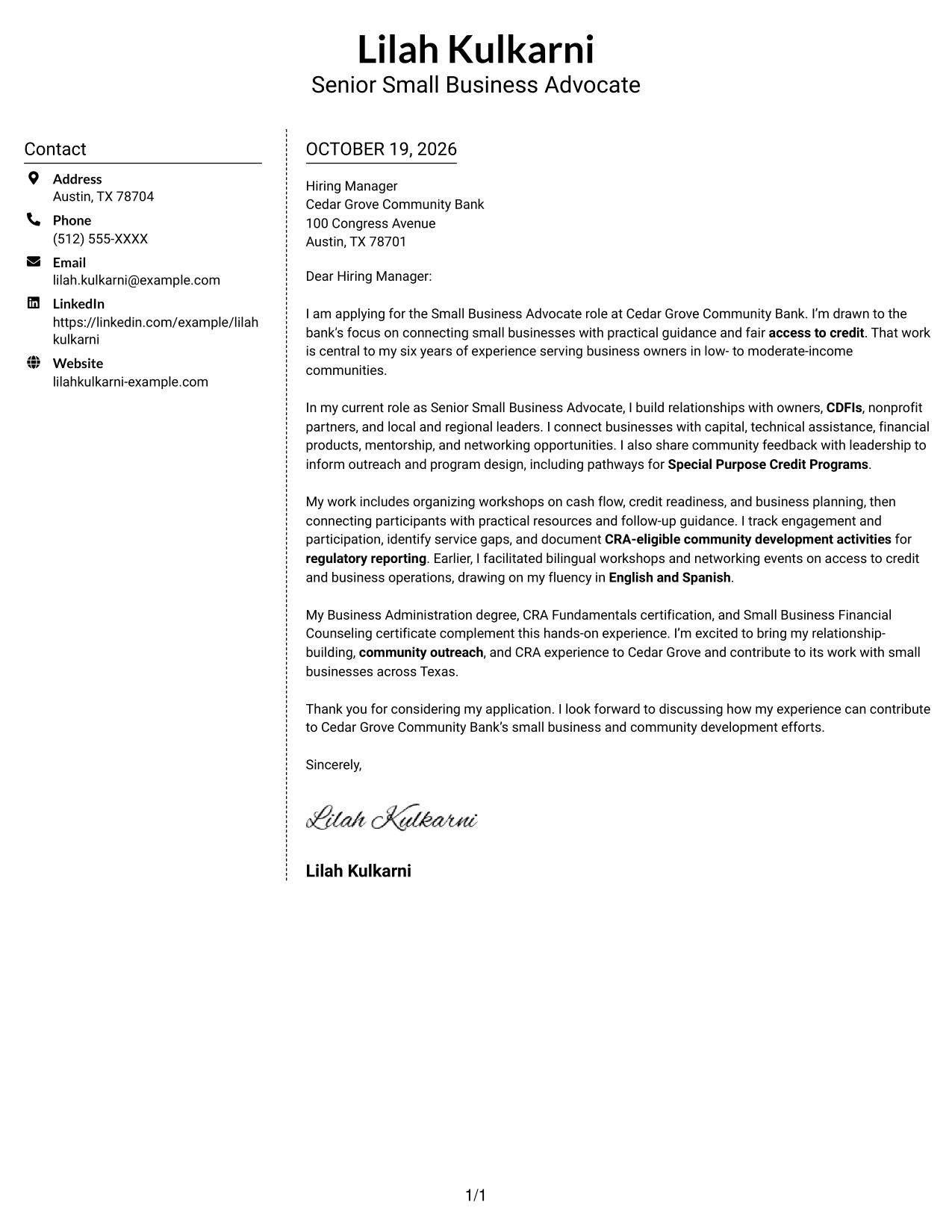
Why This Format Works
- Sidebar contact details stay accessible without breaking the letter's paragraph sequence.
- The body column carries motivation and supporting evidence together through the close.
- Simple styling suits readers who prefer clear separation without a portrait.
Best For
- Sidebar contact reference
- Uninterrupted letter prose
- Clear sender-message separation
- Two-column page structure
- Photo-free visual preference
#6 Modern Icon Format Cover Letter Example
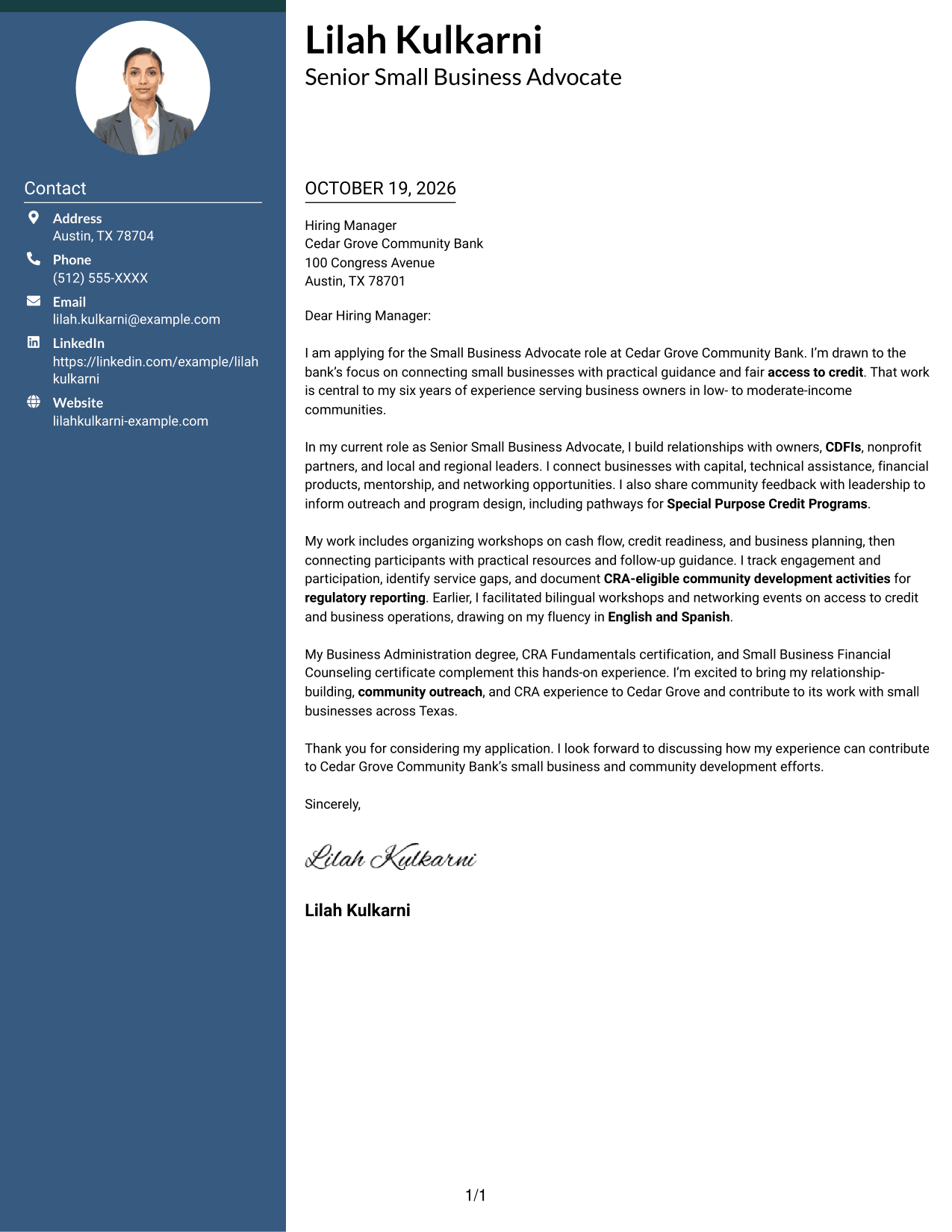
The Modern Icon Format uses contact-detail icons in a two-column layout, keeping visual cues with sender information and the letter body continuous.
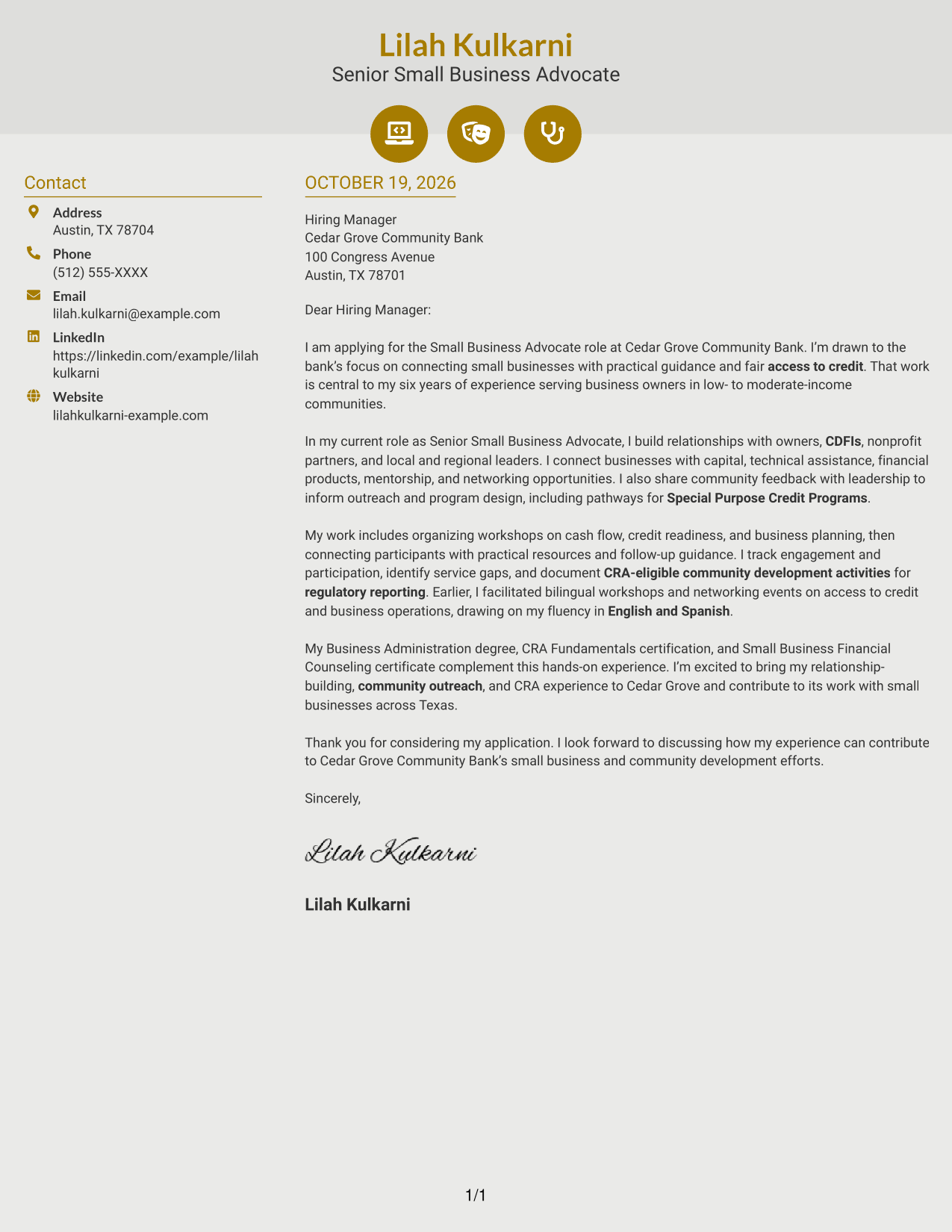
Why This Format Works
- Contact icons make sender details easier to distinguish from the letter text.
- The single body column preserves the path from interest through evidence to closing.
- Decorative header cues add visual character without labeling argument sections.
Best For
- Contact icons in the sidebar
- Two-column letter pages
- Continuous body paragraphs
- Header-led visual accents
- Photo-free styling
#7 Creative Two Tone Format Cover Letter Example
The Creative Two Tone Format pairs two visual tones with a contact sidebar and one continuous letter body, separating reference details from the message.
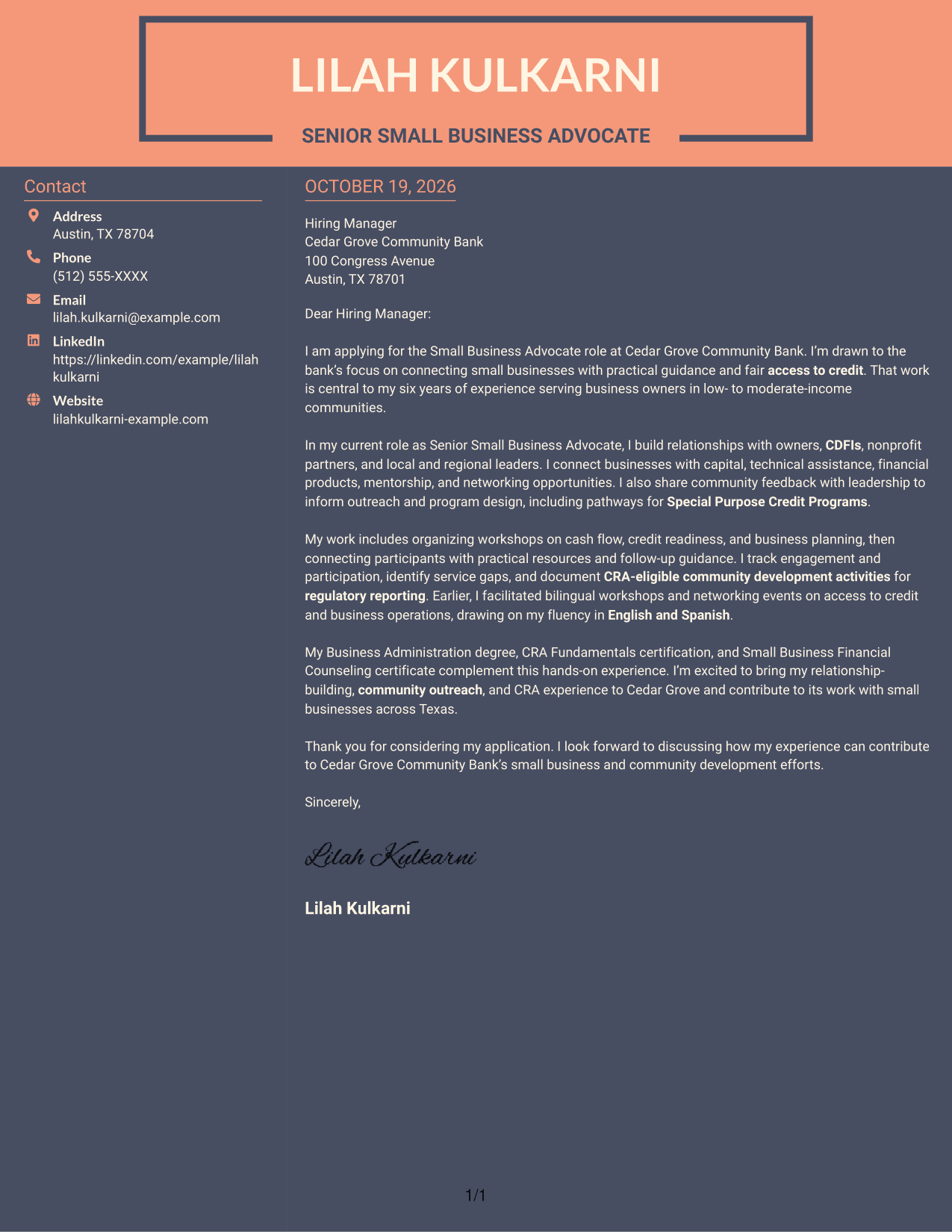
Why This Format Works
- Sidebar contact details sit apart from the message, making sender information easy to find.
- One letter column keeps motivation, evidence, and closing in their natural order.
- Two-tone styling offers a more expressive visual choice for the page.
Best For
- Two-tone page style
- Contact details beside the message
- Single-column letter body
- Continuous persuasive prose
- Employer-focused letter copy
Explore Small Business Advocate - Community Development Cover Letter Examples
Compare the PNG previews to see how a clear opening, focused body, and direct closing can appear in different visual styles. Open an example in the editor to review and customize its presentation.
See Also
- 7 Small Business Advocate - Community Development Resume Templates with Example
- 7 Coordinator - Small Business Development Center Resume Templates with Example
- 7 Coach, Small Business Center Resume Templates with Example
- 33 Small Business Customer Service Representative Resume Templates with Example 2026 (ATS-Optimized)
- 33 Vice President, Marketing Analytics Manager - Small Business Analytics Resume Templates with Example
- 7 Vice President, Paid Media & Measurement Strategy - Small Business Card Resume Templates with Example
- 7 Healthcare Advocate - Risk Adjustment and Quality Resume Templates with Example
- 7 National Provider Relations Advocate - Network Management Resume Templates with Example
- 30+ Small Business Customer Service Representative Cover Letter Templates with Example 2026
- 7 National Provider Relations Advocate - Network Management Cover Letter Templates with Example
Frequently Asked Questions
What should the opening paragraph say for this role?
State your interest in the Small Business Advocate - Community Development role and name the work that draws you to it. Then connect that motivation to a relevant outcome, such as helping business owners reach financial resources or practical guidance.
How can I show that I fit a community development role?
Use relevant examples of relationship building, outreach, financial education, or support for CRA community development. Explain what you did and how it helped owners or community partners.
How do I connect my experience to an employer’s goals?
Refer to the employer’s focus on small business support and equitable access to credit. Show how your own experience with owners, CDFIs, workshops, or community feedback could support those goals.
Should I mention CRA work in my cover letter?
If you have relevant experience, describe your part in community development activities, documentation, or reporting. Be specific about your contribution and avoid overstating your role.
How can I compare the cover letter examples?
Review the PNG previews to compare their visual presentation. Then open an example in the editor to view and customize it for the employer and role.




