
7 Social Studies Teacher I - Secure Youth Education Cover Letter Templates with Example
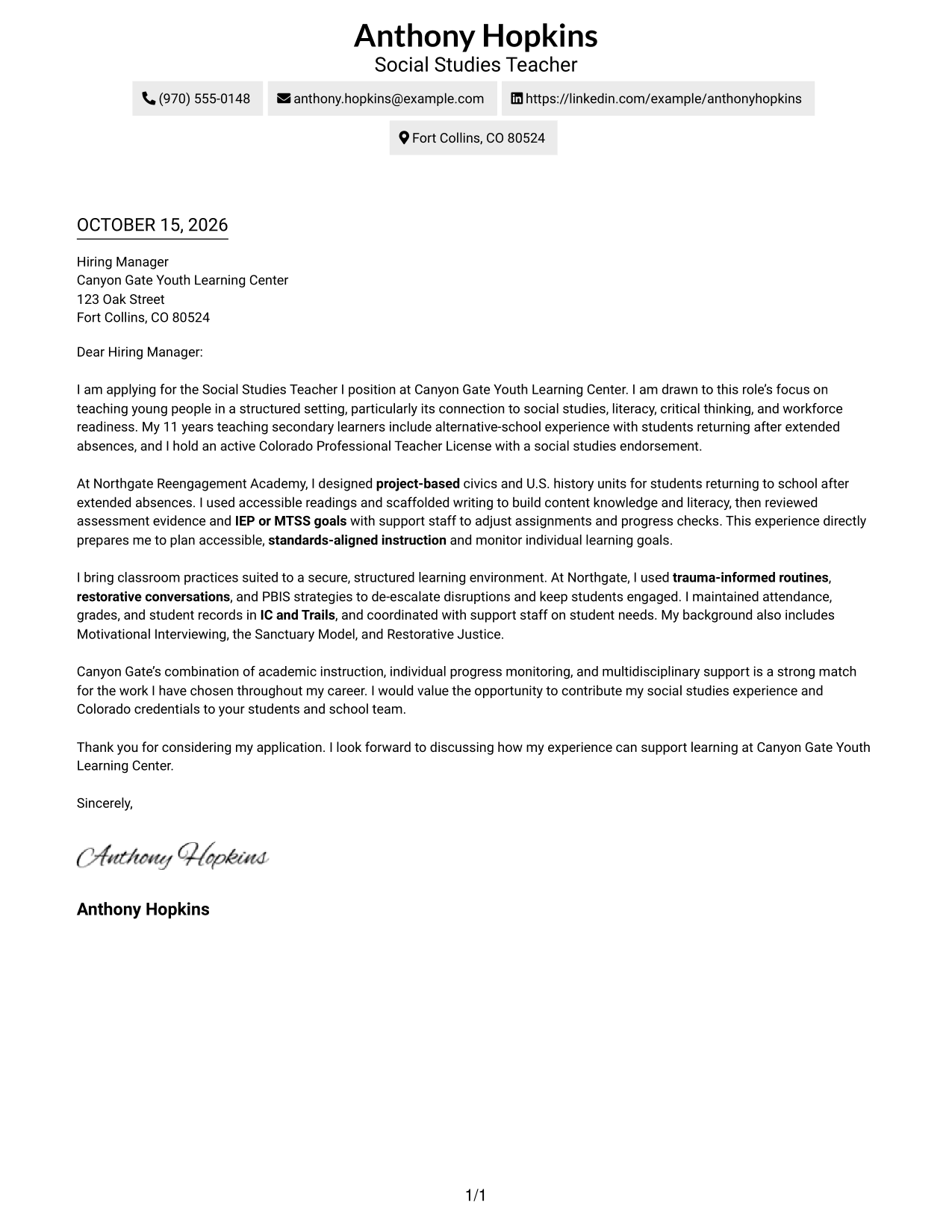
This guide helps you create a focused Social Studies Teacher I - Secure Youth Education cover letter, with seven layouts to compare and adapt.
What Makes a Great Social Studies Teacher I - Secure Youth Education Cover Letter in 2026
A strong letter connects your interest in teaching youth in a structured setting with the role’s focus on social studies, literacy, and workforce readiness. A clear opening, focused body, and direct closing help the reader follow your message.
Use specific evidence, such as planning accessible civics or history lessons and adjusting instruction based on student progress. Explain how your approach fits the employer’s learning goals and support for individual students.
The featured example moves from interest in the role to teaching evidence, classroom approach, and a clear close, giving you a focused progression to adapt while choosing a presentation that suits the employer and communication context.
#1 Simple One Column Format Cover Letter Example
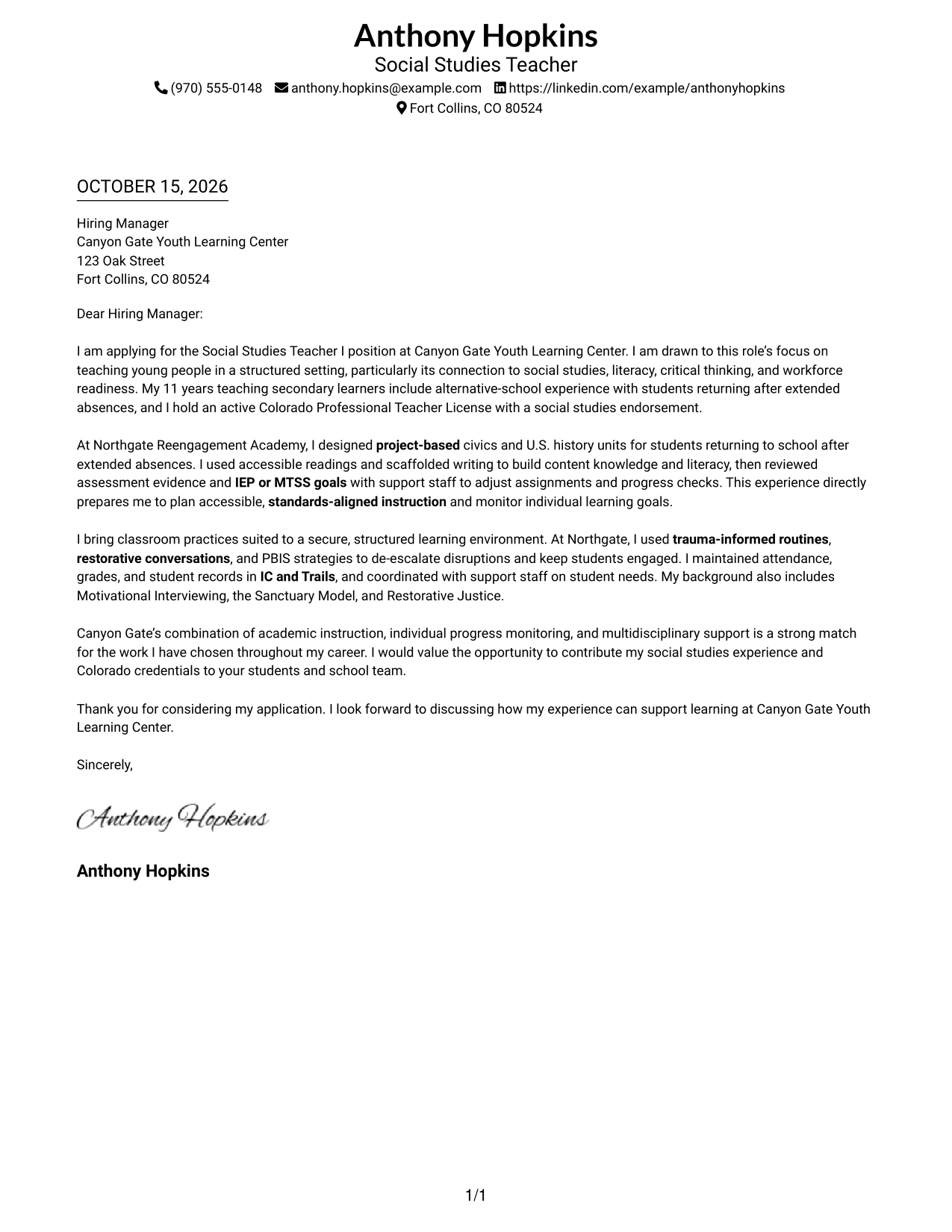
The Simple One Column Format keeps sender details in the header and the letter in one reading path, a good choice for direct, text-led correspondence.
Why This Format Works
- The header keeps sender details easy to locate before the reader begins the letter.
- One continuous body lets the opening, evidence, and closing read as a connected message.
- With no body headings, the letter presents its case as personal correspondence.
Best For
- Single-column correspondence
- Header contact information
- Paragraph-led persuasion
- Photo-free applications
- Direct employer communication
#2 Two Column Format Cover Letter Example
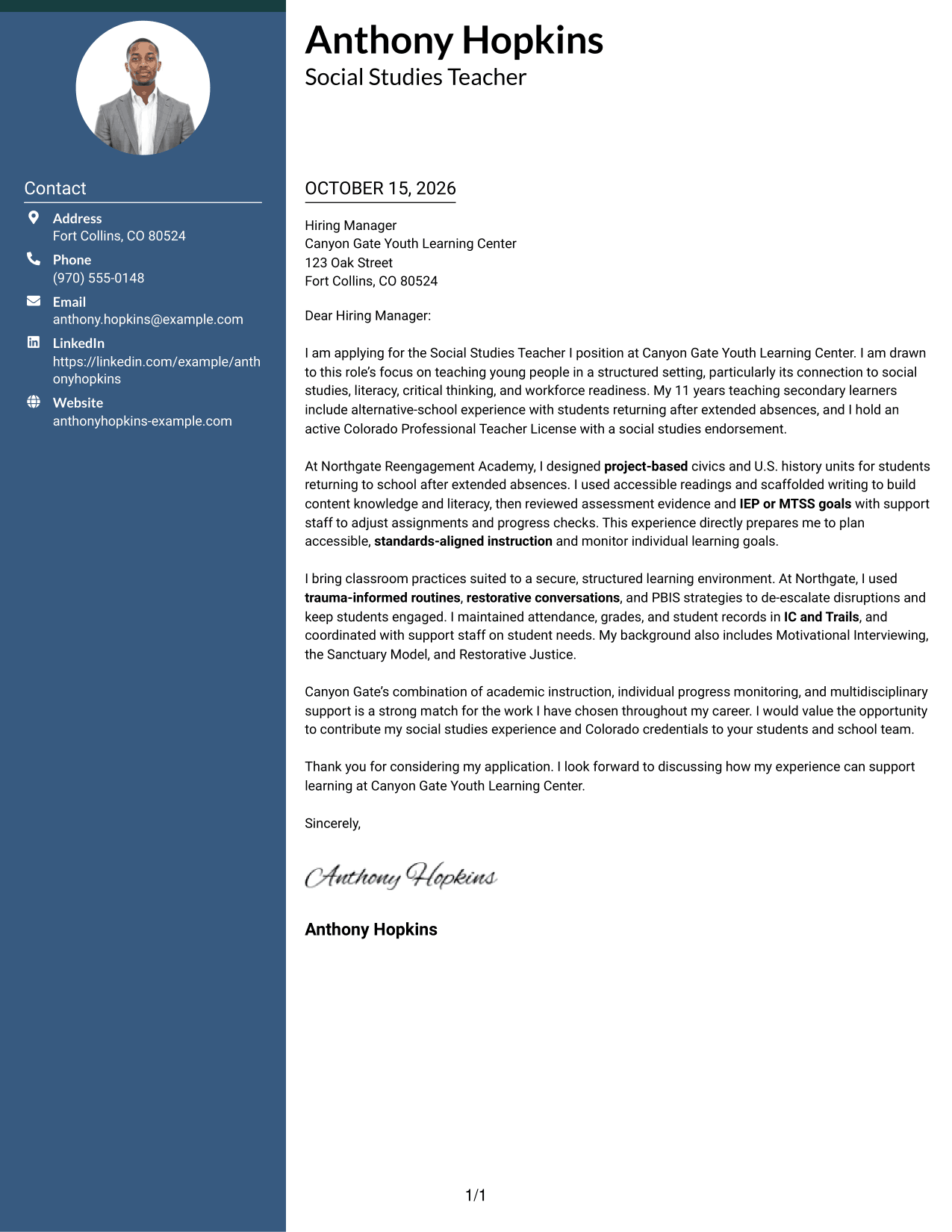
The Two Column Format places a contact sidebar beside one continuous letter body, creating a clear side-by-side distinction between contact details and correspondence.
Why This Format Works
- Contact details sit apart from the message, so practical information is easy to find.
- One letter-body column keeps the opening, evidence, and closing in a single sequence.
- The side-by-side page suits readers who prefer contact information beside the correspondence.
Best For
- Contact details in a sidebar
- One-body-column letters
- Side-by-side page organization
- Photo-free applications
- Separate contact and message areas
#3 Photo Header Two Column Format Cover Letter Example
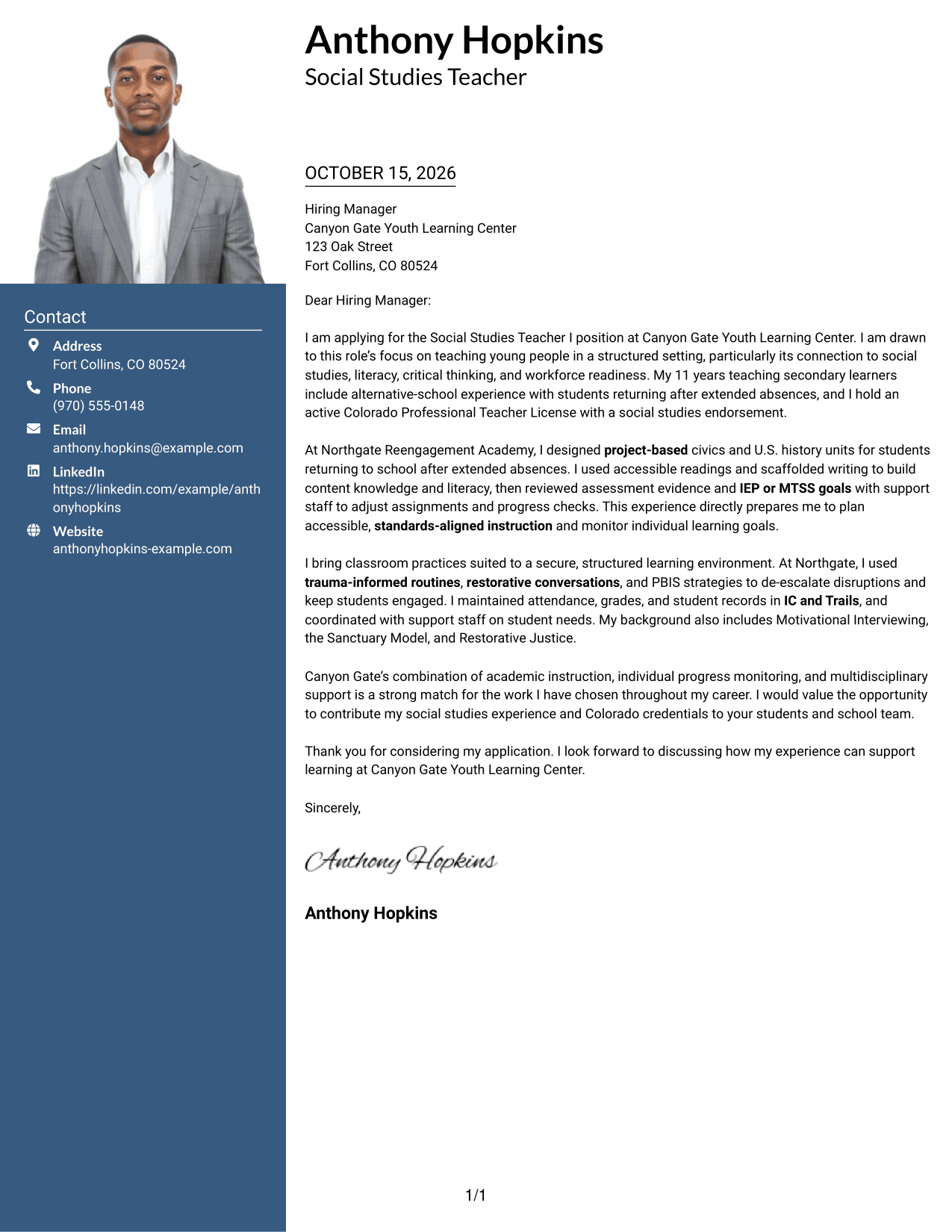
The Photo Header Two Column Format pairs a photo and contact sidebar with one continuous letter body, adding a personal visual element while keeping the message intact.
Why This Format Works
- The sidebar keeps contact details distinct from the letter's continuous argument.
- A single body column prevents the opening and evidence from appearing as parallel messages.
- The photo offers a personal visual choice without changing the letter's content.
Best For
- Photo-inclusive applications
- Sidebar contact details
- Continuous letter messages
- Two-column page preference
- Personal visual presentation
#4 One Column Format with Photo Cover Letter Example
The One Column Format with Photo keeps the letter in one column and includes a photo, suiting readers who want a direct message with a personal visual element.
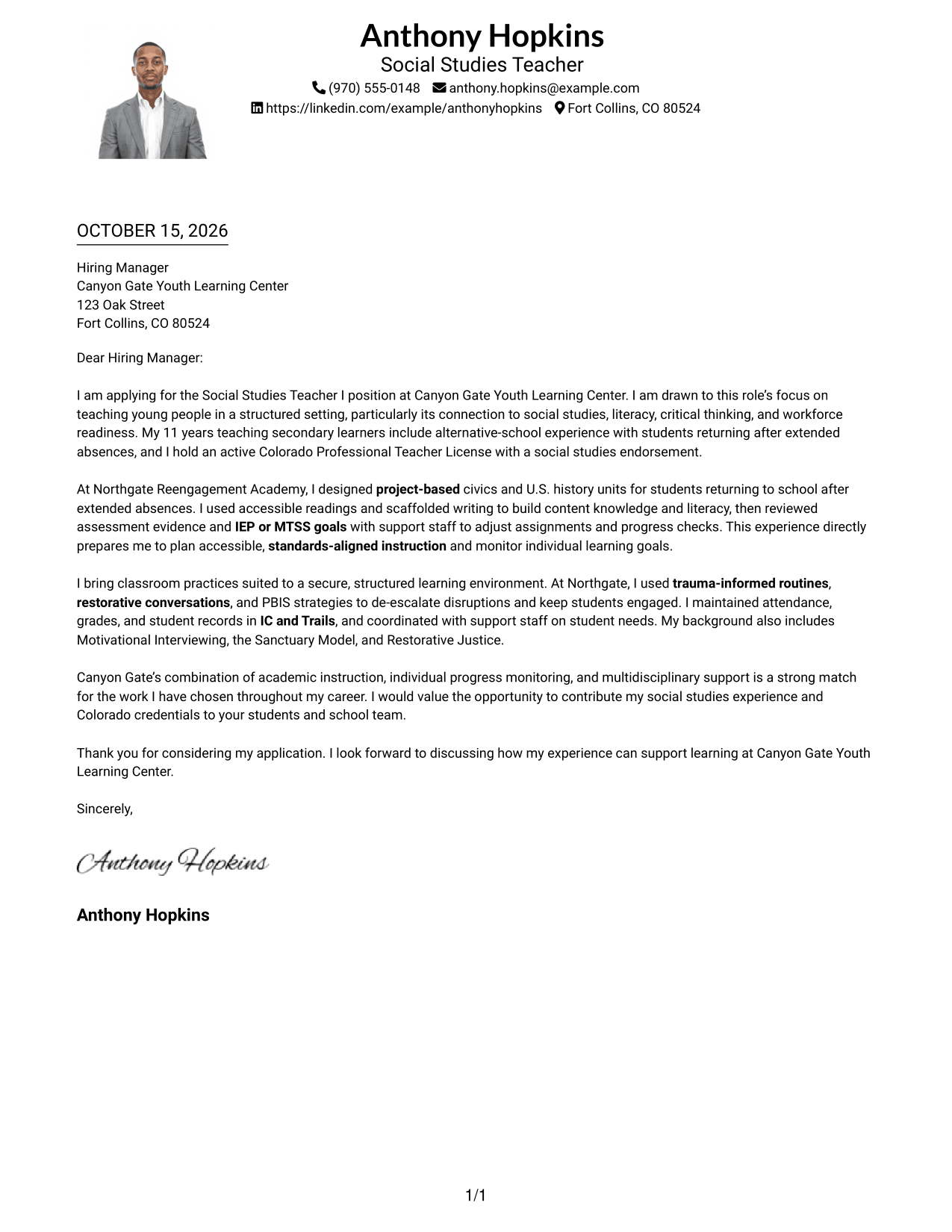
Why This Format Works
- Sender details in the header stay easy to check before the letter begins.
- One column gives the paragraphs a direct top-to-bottom reading order.
- The photo adds a personal visual element without dividing the letter body.
Best For
- Single-column letter layouts
- Portrait-inclusive applications
- Header-led sender information
- Paragraph-driven persuasion
- Direct application messages
#5 Simple Two Column Format Cover Letter Example
The Simple Two Column Format sets a contact sidebar beside one continuous letter body, a practical choice for readers who want a clear division on the page.
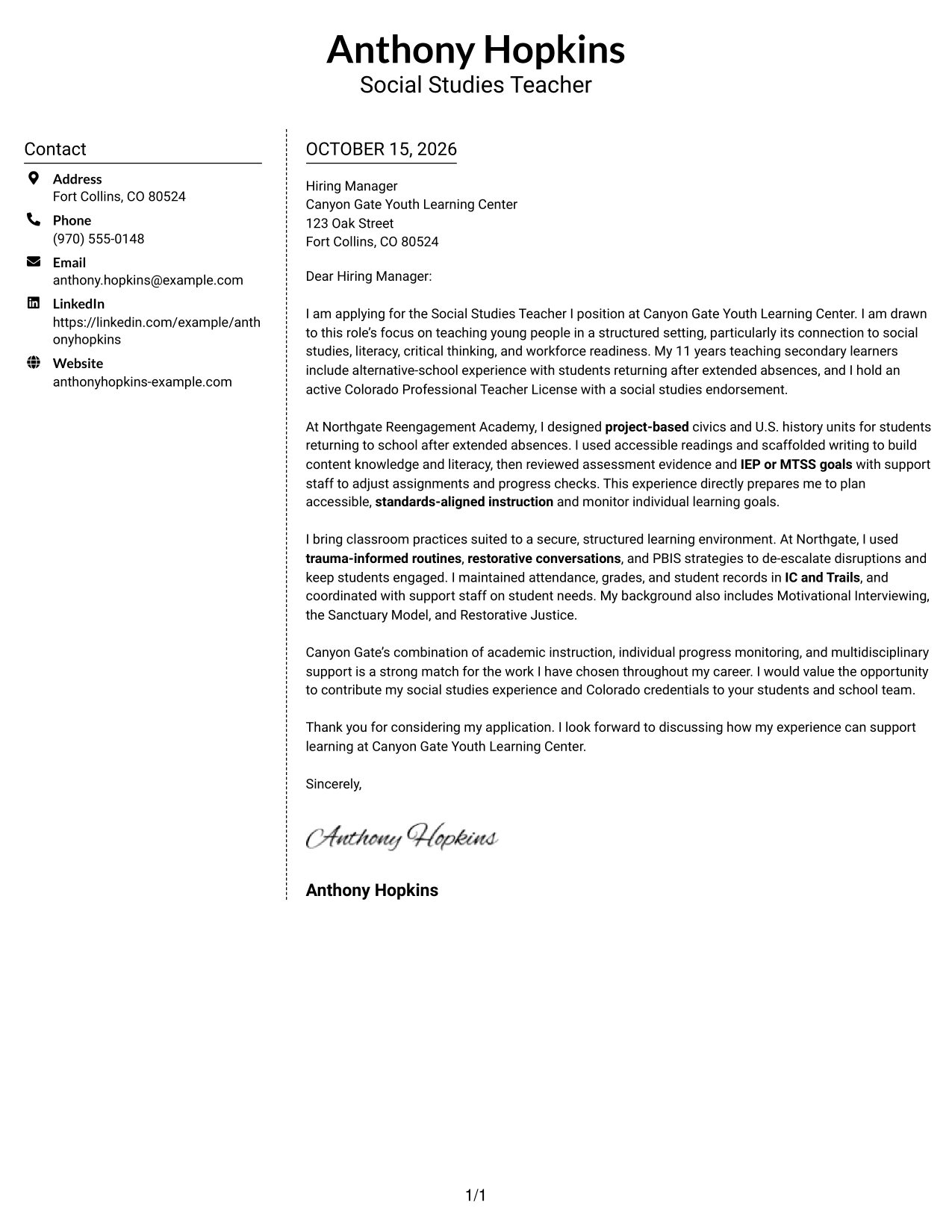
Why This Format Works
- A separate contact area makes sender details easy to distinguish from the letter.
- The body keeps motivation, evidence, and closing together in one reading sequence.
- The two-column structure offers a side-by-side alternative to a full-width letter.
Best For
- Sidebar contact information
- Continuous letter arguments
- Side-by-side page layouts
- Photo-free correspondence
- Applications with several contact details
#6 Modern Icon Format Cover Letter Example
The Modern Icon Format uses two columns, with contact cues and decorative icons beside one continuous letter body, helping contact details stand apart from the message.
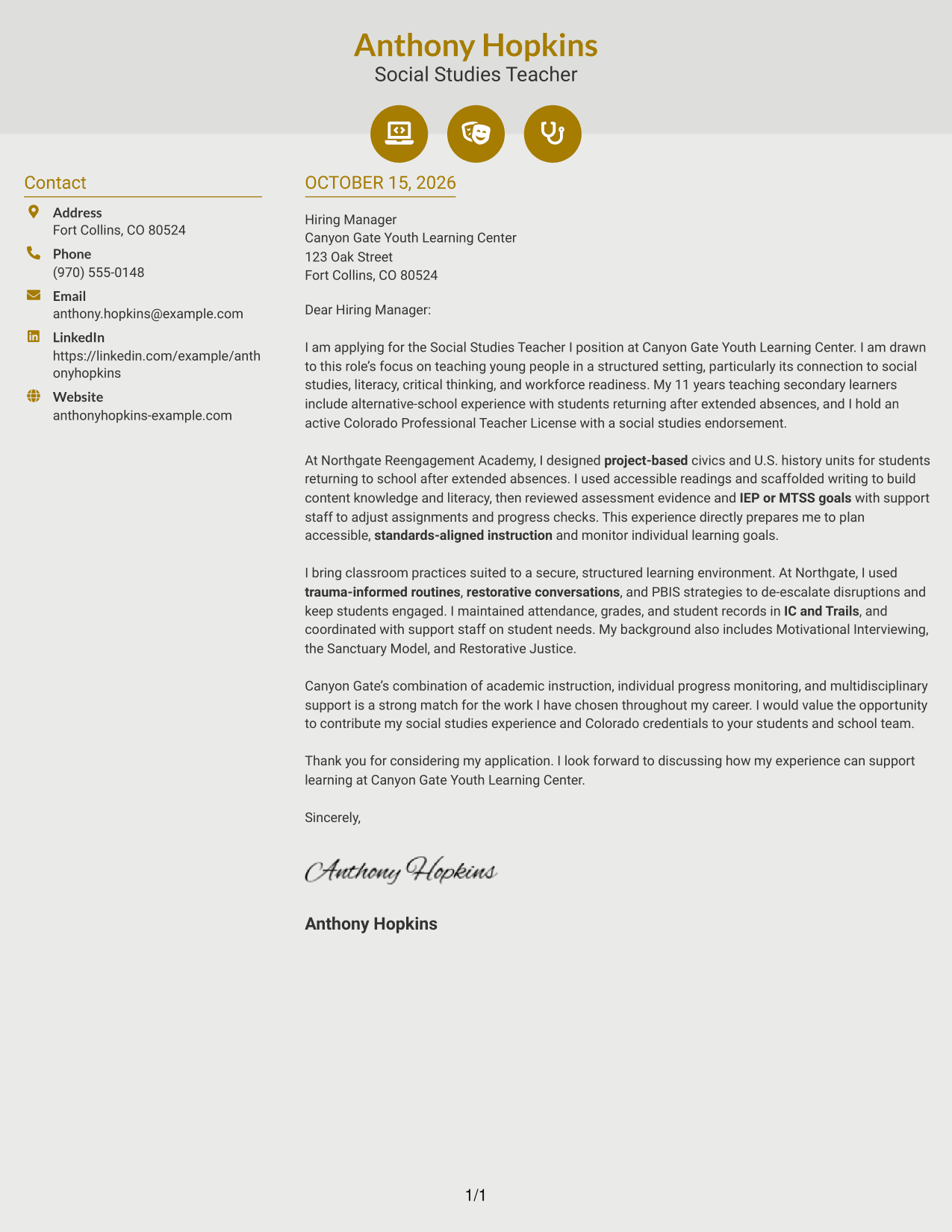
Why This Format Works
- Icons identify contact details or add header accents, not labels for letter arguments.
- A single body column keeps the opening, evidence, and closing in order.
- The sidebar separates contact information from the continuous correspondence.
Best For
- Icon-marked contact details
- Sidebar contact information
- One-column letter arguments
- Decorative header accents
- Photo-free applications
#7 Creative Two Tone Format Cover Letter Example
The Creative Two Tone Format places a contact sidebar beside one continuous letter body, giving readers a side-by-side layout for sender details and correspondence.
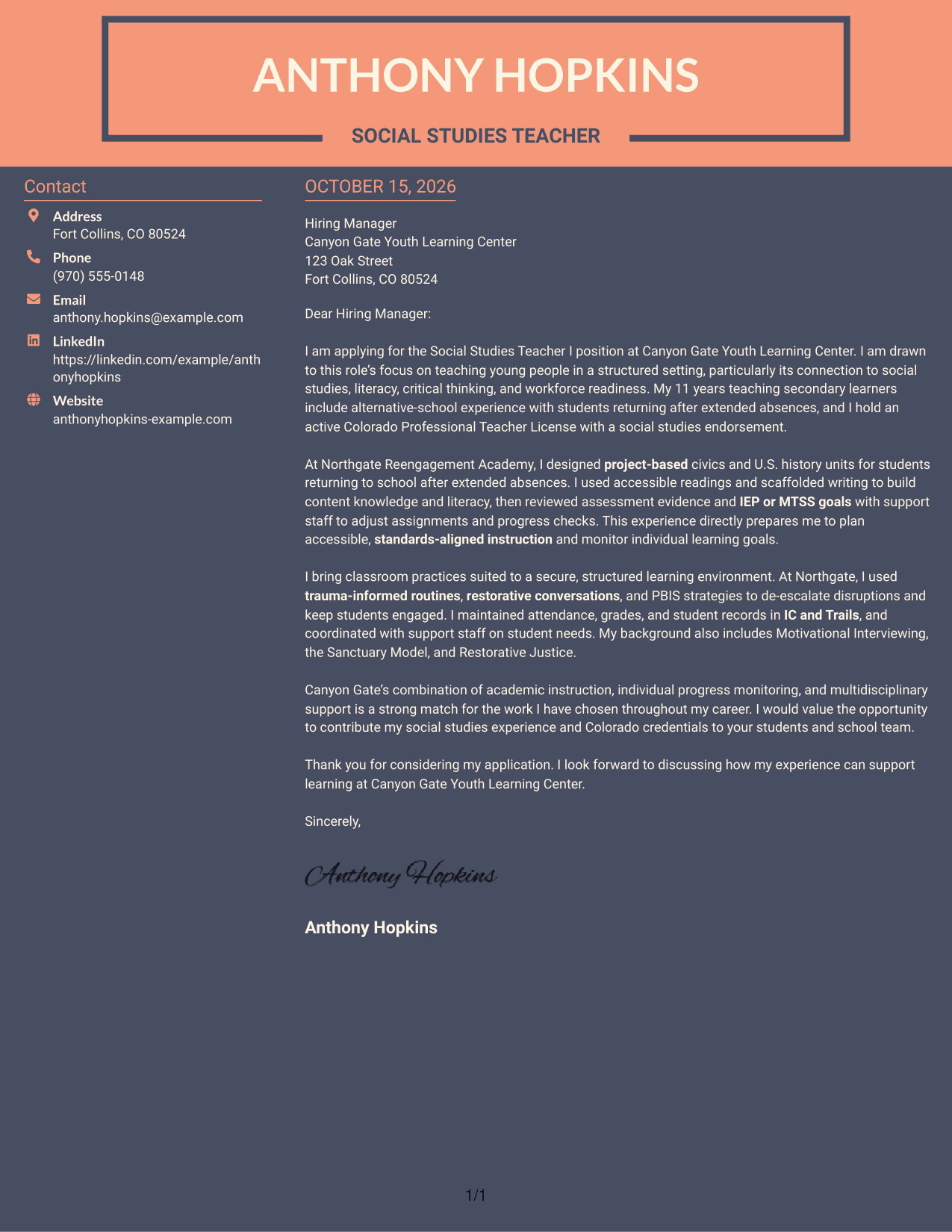
Why This Format Works
- The sidebar gives sender details their own area beside the letter's message.
- One continuous body lets the reader follow the application message from opening to closing.
- A side-by-side arrangement suits readers who prefer contact details separate from the letter text.
Best For
- Contact details beside correspondence
- Single-column letter bodies
- Side-by-side reading preference
- Photo-free application documents
- Separated sender and message areas
See Also
- 7 Social Studies Teacher I - Secure Youth Education Resume Templates with Example
- 7 Social Studies Teacher Resume Templates with Example
- 7 Early Childhood Special Education Teacher Resume Templates with Example
- 7 Grade K-5 Special Education Medically Fragile Teacher Resume Templates with Example
- 7 Multilingual Learner Teacher - Secondary Education Resume Templates with Example
- 7 Special Education Teacher - Grade K-6 Resume Templates with Example
- 7 Special Education Teacher Resume Templates with Example
- 7 Assistant Teacher, Floater Resume Templates with Example
- 7 Associate Teacher - Head Start & Early Head Start Resume Templates with Example
- 7 Associate Teacher Resume Templates with Example
Frequently Asked Questions
What should a Social Studies Teacher I - Secure Youth Education cover letter emphasize?
Connect your teaching approach to the role’s structured setting and focus on social studies, literacy, critical thinking, and workforce readiness. Give clear evidence of how you plan instruction and support student progress.
How can I show that my teaching approach fits a secure youth setting?
Describe relevant classroom practices you have used, such as trauma-informed routines, restorative language, or clear learning expectations. Include only approaches you can support with real examples.
What example can make the body of my letter more persuasive?
Share a specific teaching example, such as designing project-based civics or history lessons, making reading and writing accessible, or changing instruction after reviewing student progress.
How should I explain my interest in this position?
State what draws you to teaching in a structured youth education setting, then connect that interest to the role’s academic goals and support for individual learning needs.
How can I compare the cover letter examples?
Review the PNG image previews to compare each presentation, then open an example in the editor to view or customize it.




