
7 Social Work Specialist - Disability Benefits Case Management Cover Letter Templates with Example
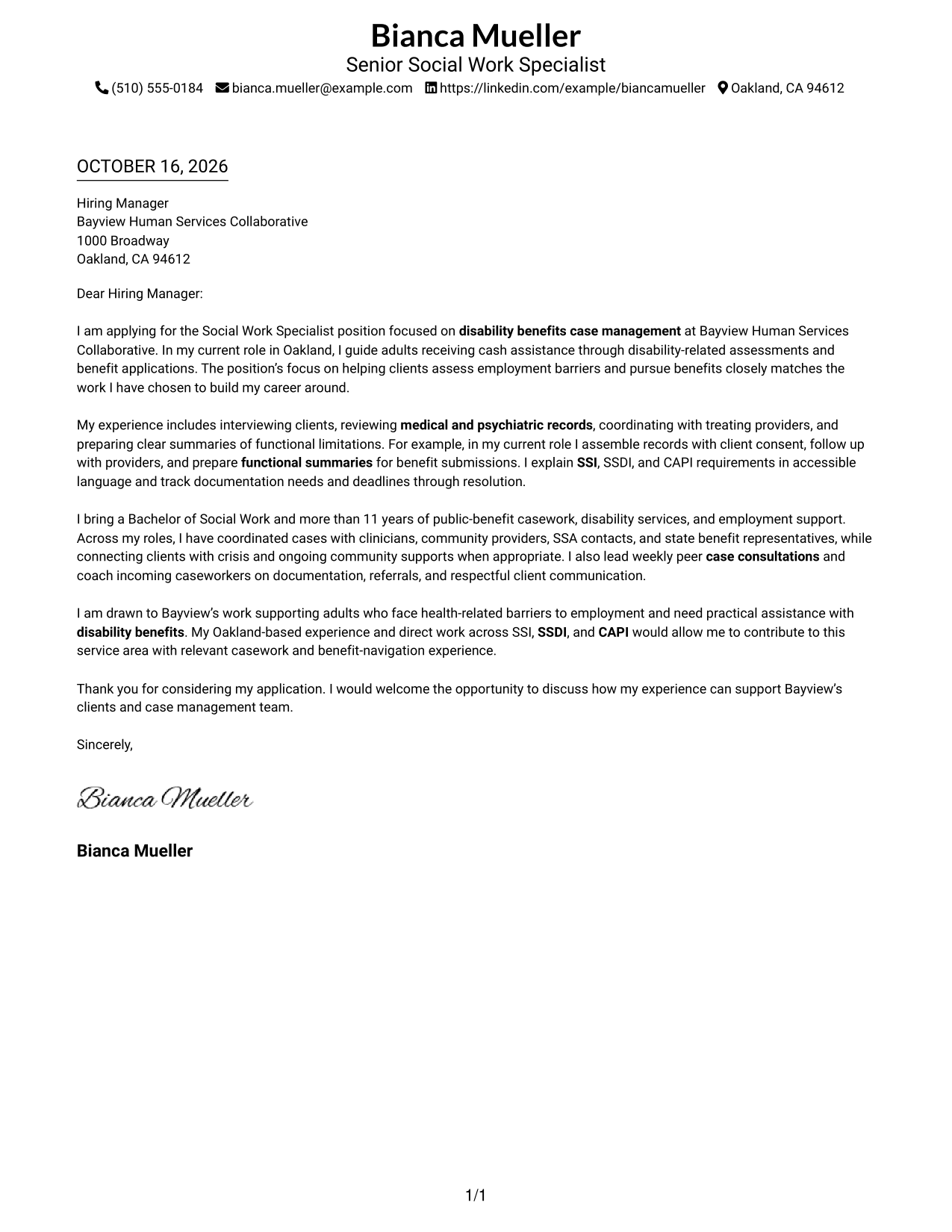
This guide helps you write a focused Social Work Specialist - Disability Benefits Case Management cover letter through seven layouts that show how to connect role fit with clear evidence.
What Makes a Great Social Work Specialist - Disability Benefits Case Management Cover Letter in 2026
A strong letter connects client-centered casework to the needs of disability benefits case management. Show how your communication and follow-through can help clients move through assessments and benefit applications.
Use a clear example of gathering records, coordinating with providers, or explaining SSI, SSDI, or CAPI steps. Link that evidence to the employer’s work and explain why this role matters to you.
The featured example moves from role fit to relevant casework evidence, then to employer interest and a clear closing; adapt that progression and choose a presentation that suits the employer and communication context.
#1 Simple One Column Format Cover Letter Example
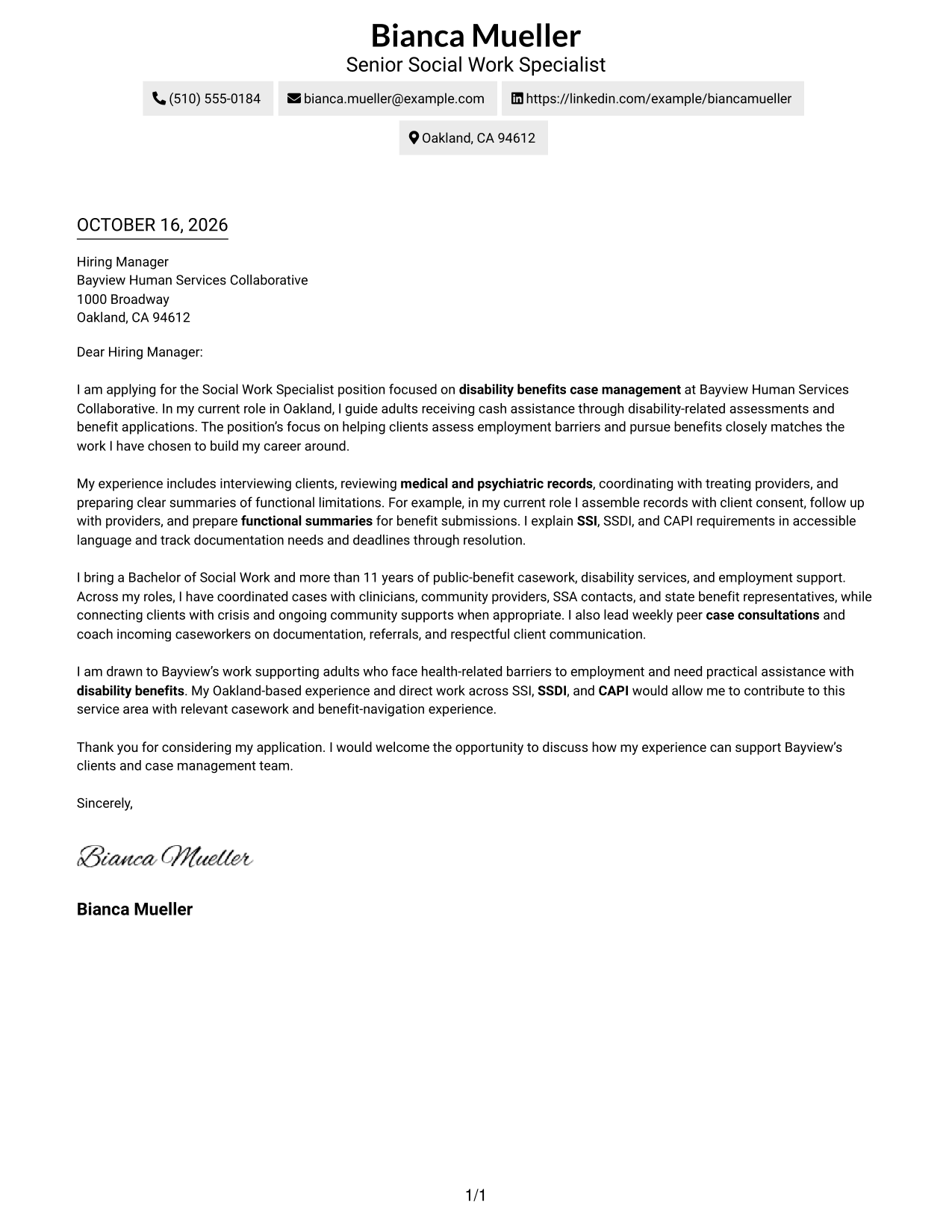
Simple One Column Format keeps sender details in the header and the letter in one continuous column, a practical choice for readers who prefer a direct reading path.
Why This Format Works
- Sender details stay in the header, apart from the letter's argument.
- A single column gives the reader one clear route through the message.
- The continuous body carries the opening, evidence, and closing without argument headings.
Best For
- Single-column letter pages
- Header-based contact details
- Photo-free correspondence
- Letters without argument headings
- Direct top-to-bottom review
#2 Two Column Format Cover Letter Example
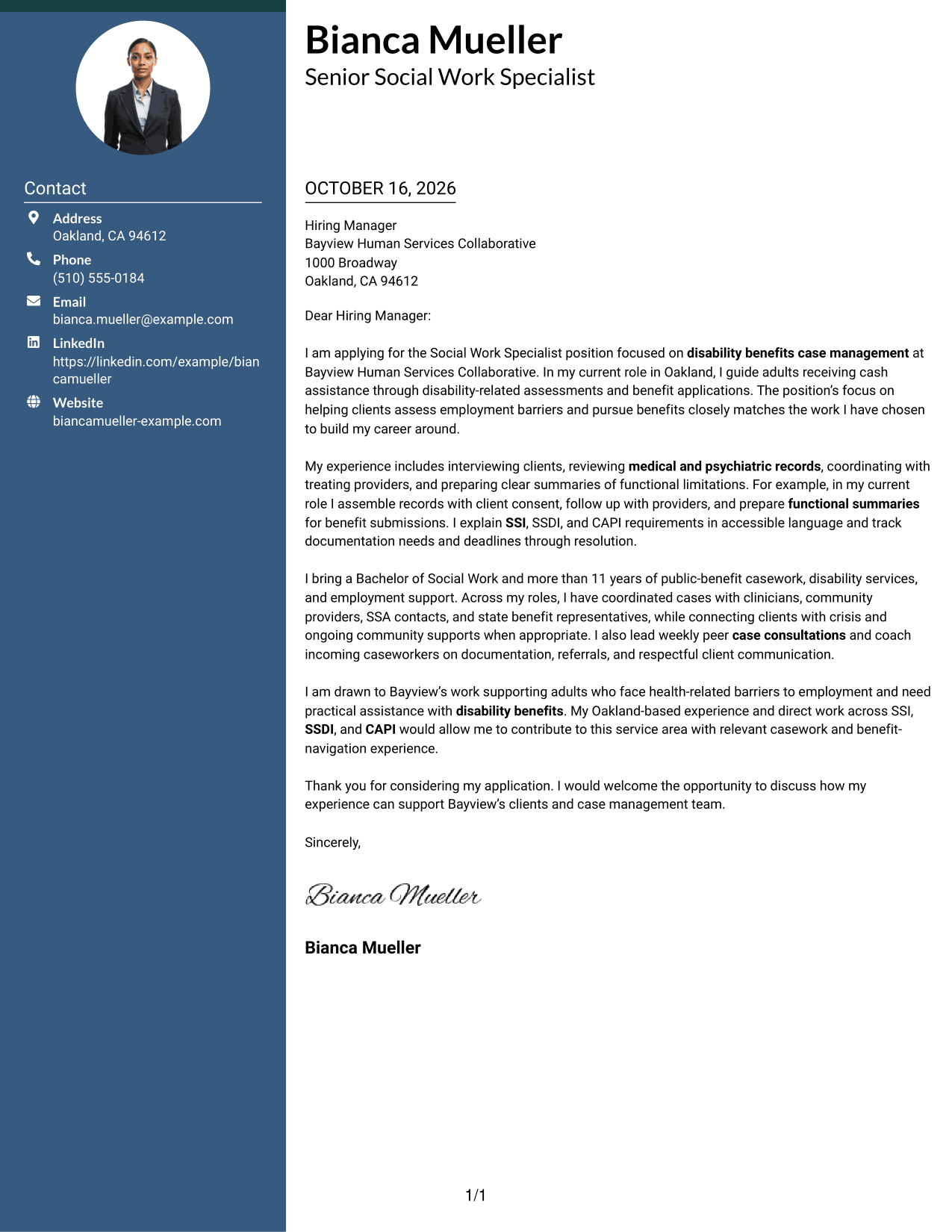
Two Column Format places a contact sidebar beside one continuous letter body, helping readers refer to sender details without separating the message into parallel arguments.
Why This Format Works
- Contact details sit in a sidebar, separate from the employer-directed letter.
- The single body column keeps motivation, evidence, and closing in sequence.
- Contact details and the letter remain visible together for quick reference.
Best For
- Sidebar contact information
- Single-column letter arguments
- Quick sender-detail reference
- Photo-free application letters
- Letters without argument headings
#3 Photo Header Two Column Format Cover Letter Example
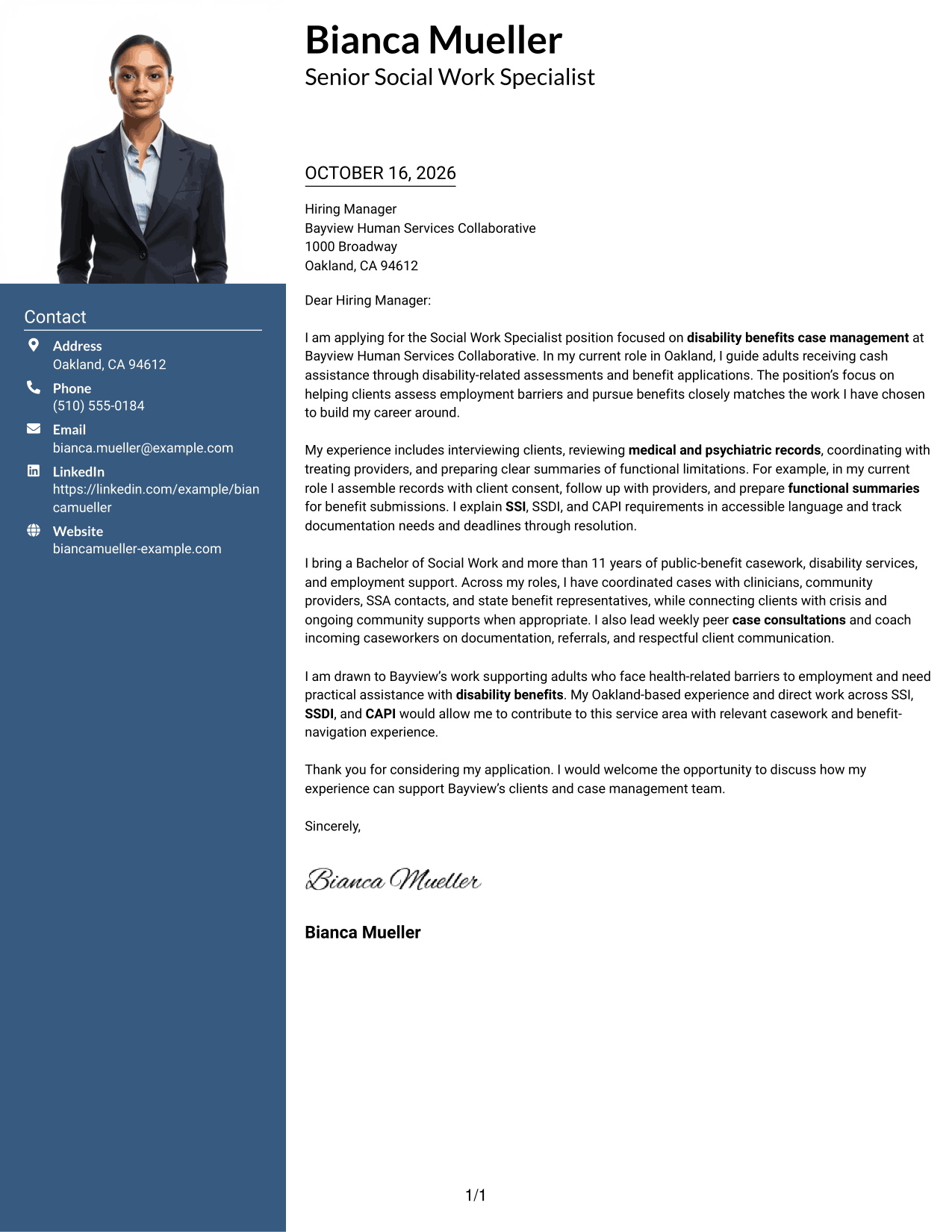
Photo Header Two Column Format combines a photo and contact sidebar with one continuous letter body, suiting readers who want a portrait included while keeping the message in one column.
Why This Format Works
- The contact sidebar keeps sender details distinct from the letter's message.
- One letter column lets the opening, evidence, and close form a connected case.
- An included photo suits applications where a portrait is part of the chosen presentation.
Best For
- Photo-inclusive correspondence
- Contact details apart from the message
- One-column argument flow
- Letters without argument headings
- Portrait-inclusive application documents
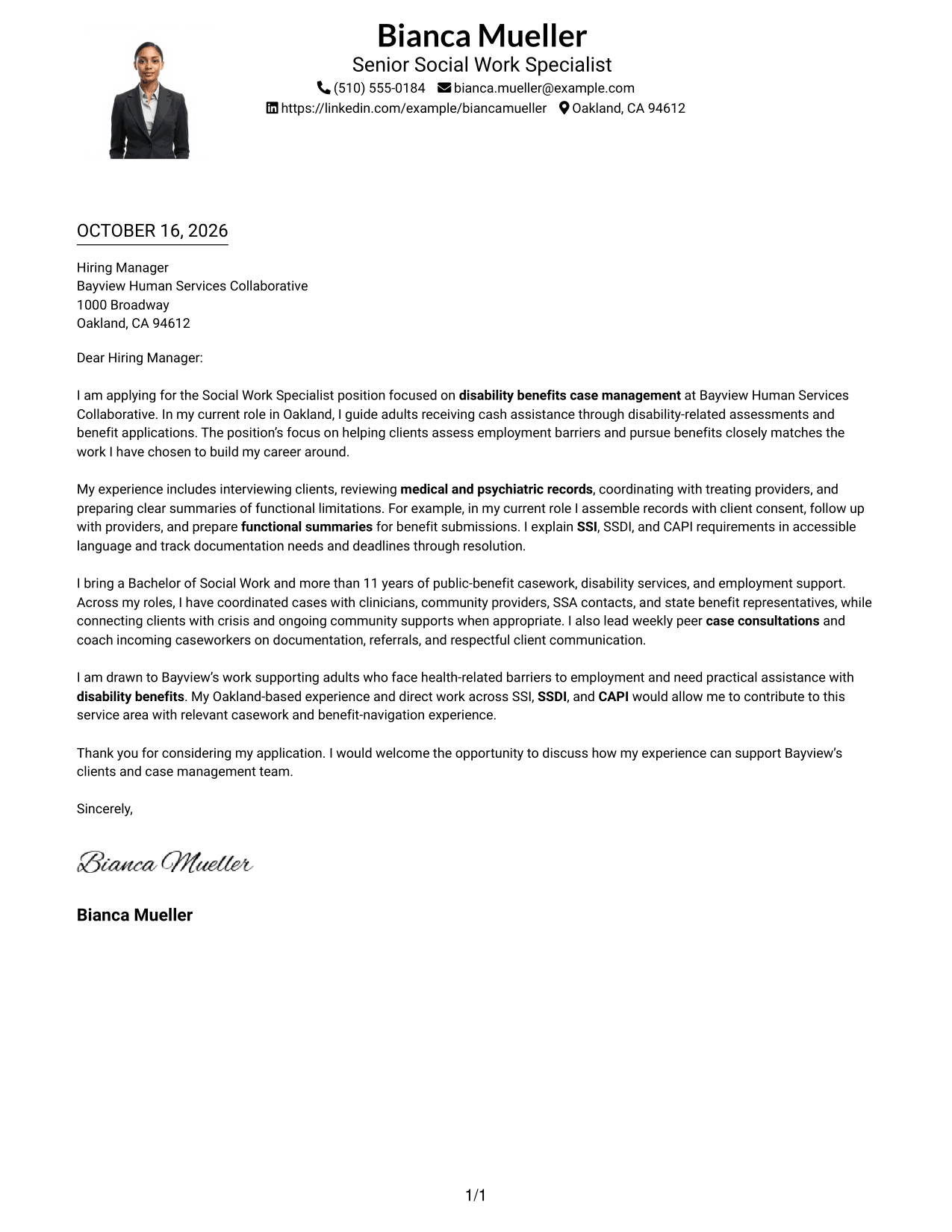
#4 One Column Format with Photo Cover Letter Example
One Column Format with Photo keeps the letter in a single continuous column and includes a photo, a useful choice for readers who want a direct reading path with a portrait.
Why This Format Works
- A single column keeps the letter's opening, supporting points, and close in order.
- Sender details remain in the header rather than interrupting the message.
- The photo offers a portrait-based visual choice without changing the letter's flow.
Best For
- Photo-inclusive letter pages
- Direct top-to-bottom reading
- Header-based sender details
- Letters without argument headings
- Single-column correspondence
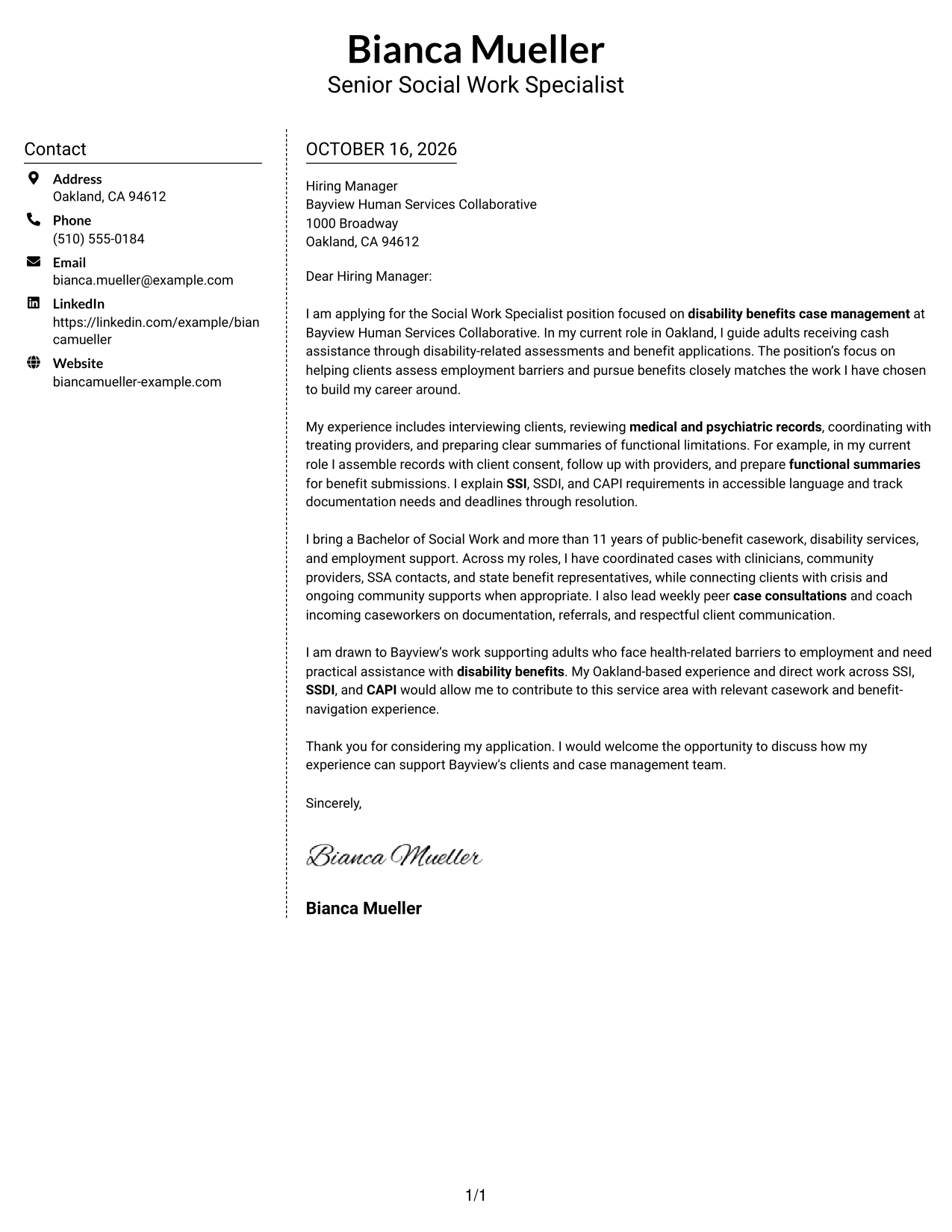
#5 Simple Two Column Format Cover Letter Example
Simple Two Column Format sets a contact sidebar beside one continuous letter body, a straightforward option for readers who prefer contact information apart from the application message.
Why This Format Works
- The sidebar gives sender details a separate place from the letter's argument.
- A single body column keeps the message from becoming parallel content streams.
- Readers can follow the letter from its opening through the closing in order.
Best For
- Separate contact and message areas
- One-column letter arguments
- Sidebar-based contact reference
- Photo-free correspondence
- Letters without argument headings
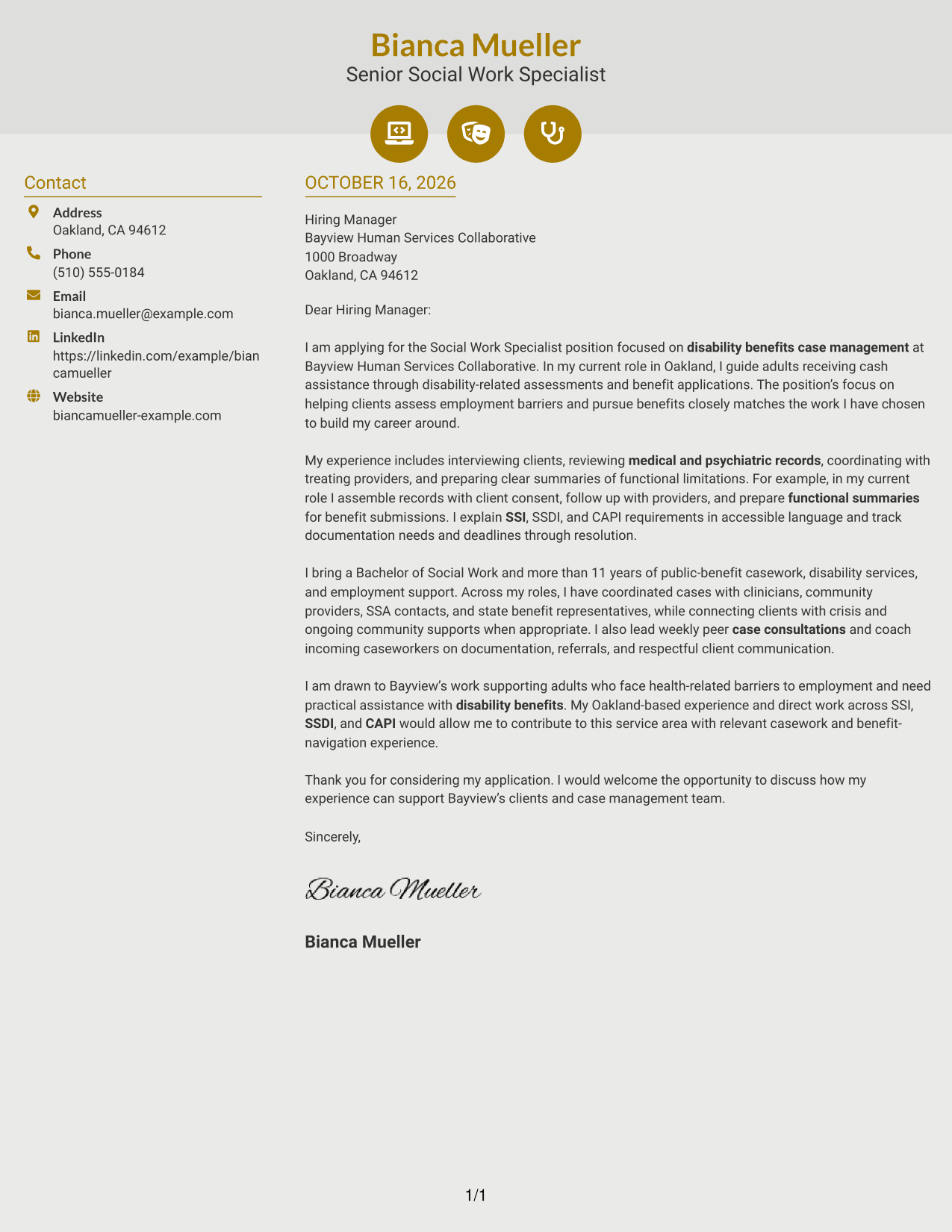
#6 Modern Icon Format Cover Letter Example
Modern Icon Format pairs contact details marked with icons in a sidebar with one continuous letter body, a fit for readers who want contact cues kept out of the argument.
Why This Format Works
- Contact icons help identify sender details without labeling the letter's paragraphs.
- The sidebar separates contact information from the employer-focused message.
- One body column keeps motivation and supporting evidence within a single letter.
Best For
- Icon-marked contact details
- One-column letter arguments
- Distinct contact and message areas
- Letters without argument headings
- Photo-free application letters
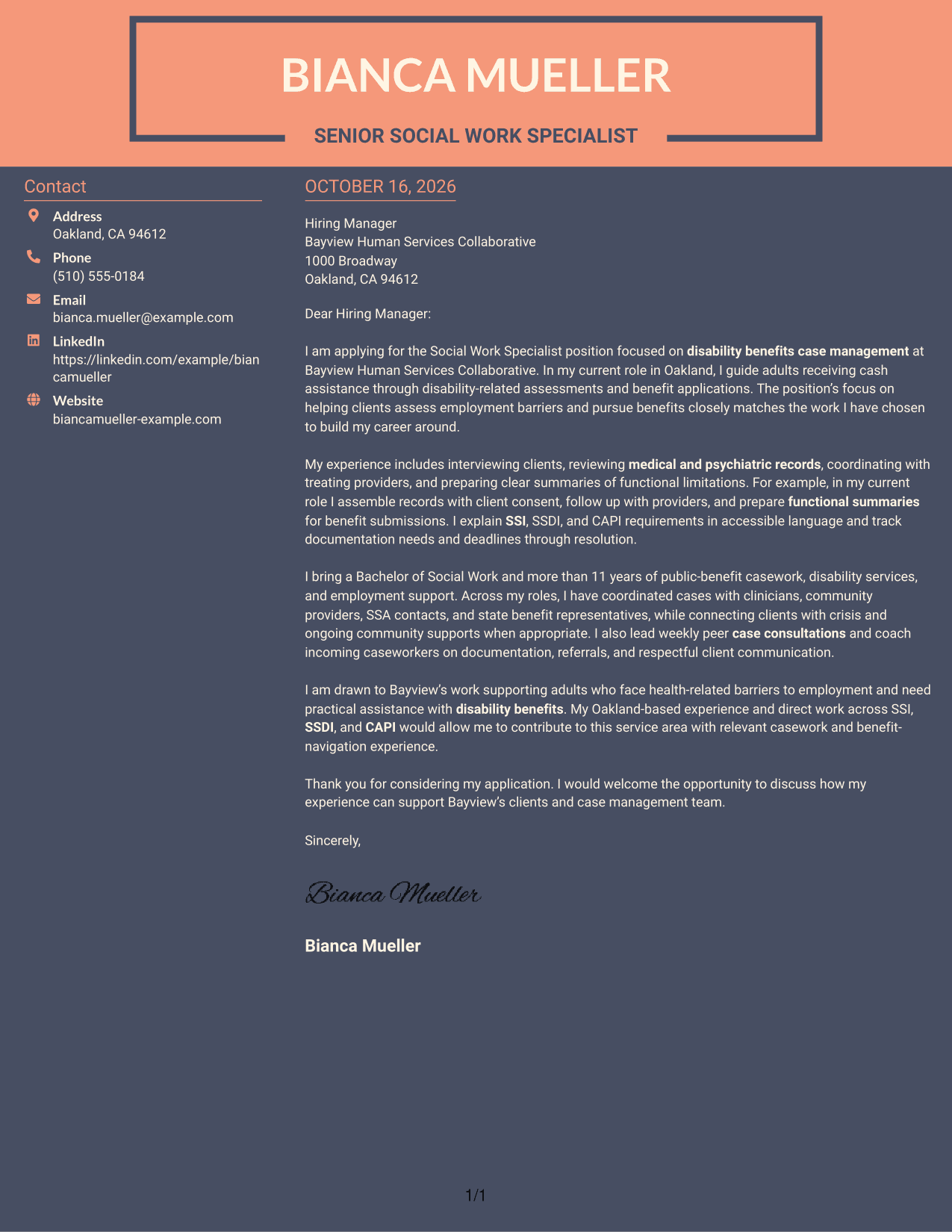
#7 Creative Two Tone Format Cover Letter Example
Creative Two Tone Format places sender details in a contact sidebar beside one continuous letter body, useful when readers want reference information separate from the application message.
Why This Format Works
- The contact sidebar gives sender information a distinct place beside the letter.
- A single body column lets the message unfold in a clear sequence.
- The uninterrupted paragraphs keep the opening, evidence, and closing together.
Best For
- Contact details beside the message
- Single-column letter arguments
- Side-by-side page organization
- Letters without argument headings
- Continuous employer-directed correspondence
See Also
- 7 Social Work Specialist - Disability Benefits Case Management Resume Templates with Example
- 7 Social Work/Counselor IV - Clinical Supervision Resume Templates with Example
- 7 Assistant Director, Public Works Agency Resume Templates with Example
- 33 Construction Equipment Worker Trainee - Public Works Maintenance Resume Templates with Example 2026 (ATS-Optimized)
- 7 Heavy Equipment Operator - Public Works Resume Templates with Example
- 7 Management Intern - Public Works Resume Templates with Example
- 7 Public Works Crew Person Resume Templates with Example
- 7 Public Works Maintenance Associate II Resume Templates with Example
- 7 Workforce Development Administrative Manager - Welfare-to-Work Programs Cover Letter Templates with Example
- 7 Clinical Social Worker - Inpatient Psychiatric Services Cover Letter Templates with Example
Frequently Asked Questions
What should a Social Work Specialist - Disability Benefits Case Management cover letter include?
Connect your case management approach to the role’s work with adults receiving cash assistance. Explain how you assess needs, support benefit applications, coordinate information, and communicate with care.
How can I show experience with disability benefits in my letter?
Give a specific example of helping with SSI, SSDI, or CAPI steps. You might describe gathering records, following up with providers, explaining deadlines, or preparing a clear summary of functional needs.
How can I show that I can support clients during difficult conversations?
Briefly describe how you build rapport, listen carefully, and respond calmly when a client is distressed. Share only details that protect client privacy and are appropriate to discuss.
How should I explain my interest in this position?
Make the connection between the employer’s services and the work you want to do. For this role, you can explain your interest in helping adults address employment barriers and navigate disability benefits.
What cover letter style should I choose?
Choose a clear, readable presentation that fits the employer and the way you want to communicate. Keep the opening direct, the body focused on relevant evidence, and the closing courteous.




